
Backend
Node.js
Runs the server side of apps: fast, scalable back ends that power your app, website and integrations.
Used for
- App back ends
- Live order tracking
- Chat and notifications
- Payment processing
Business systems · Workflows · Integrations
When off-the-shelf tools force workarounds, we build systems around your processes, from approvals and inventory to billing and reports.

At a glance
What it is
Software shaped around how your business runs, from approvals and inventory to billing and reports, replacing spreadsheets and disconnected tools.
How to start
Tell us what you need in your own words. You talk to the developers who would build it and get a written, line-item estimate.
Get a project estimateBuying software is often the right answer, and we will say so: accounting, payroll and email are solved problems. Custom software development makes sense when your advantage lives in a process no product handles well, such as dealer-specific pricing slabs, a production line with quality checkpoints, or service work tied to technician schedules.
We replace the resulting patchwork of half-fitting tools with one system that holds the data, enforces the rules and connects to the software you keep, built in modules so the first release tackles the costliest problem.
Comparison
| Off-the-shelf SaaS | Customised platform | Custom-built | |
|---|---|---|---|
| Time to start | Days | Weeks | Months, in phases |
| Fit with your process | You adapt to the tool | Partial, within the platform’s limits | Built around your process |
| Running cost | Per-user subscription | Licence plus customisation upkeep | Hosting and maintenance, no per-user fees |
| Sensible for | Payroll, email, standard accounting | Mostly standard needs with a few unique steps | Core processes that set you apart |
Orders, stock and approvals in one database, not scattered across spreadsheets.
Credit limits, discount caps and approval chains checked every time.
Add staff, branches or dealers without subscription costs rising with headcount.
Live stock, dues and output instead of totals compiled at month-end.
Use cases
Purchase, production, stock and dispatch for manufacturers and distributors.
Orders, schemes, credit limits, outstanding tracking and a dealer ordering portal.
Job allocation, location-stamped check-ins, photo proofs and offline forms.
Complex pricing, GST invoices, e-invoice IRNs via an authorised provider, and reconciliation.
Ageing desktop or PHP systems rebuilt for the web without halting daily work.
LLM-based invoice extraction and email triage, with human review before anything is posted.
Solutions
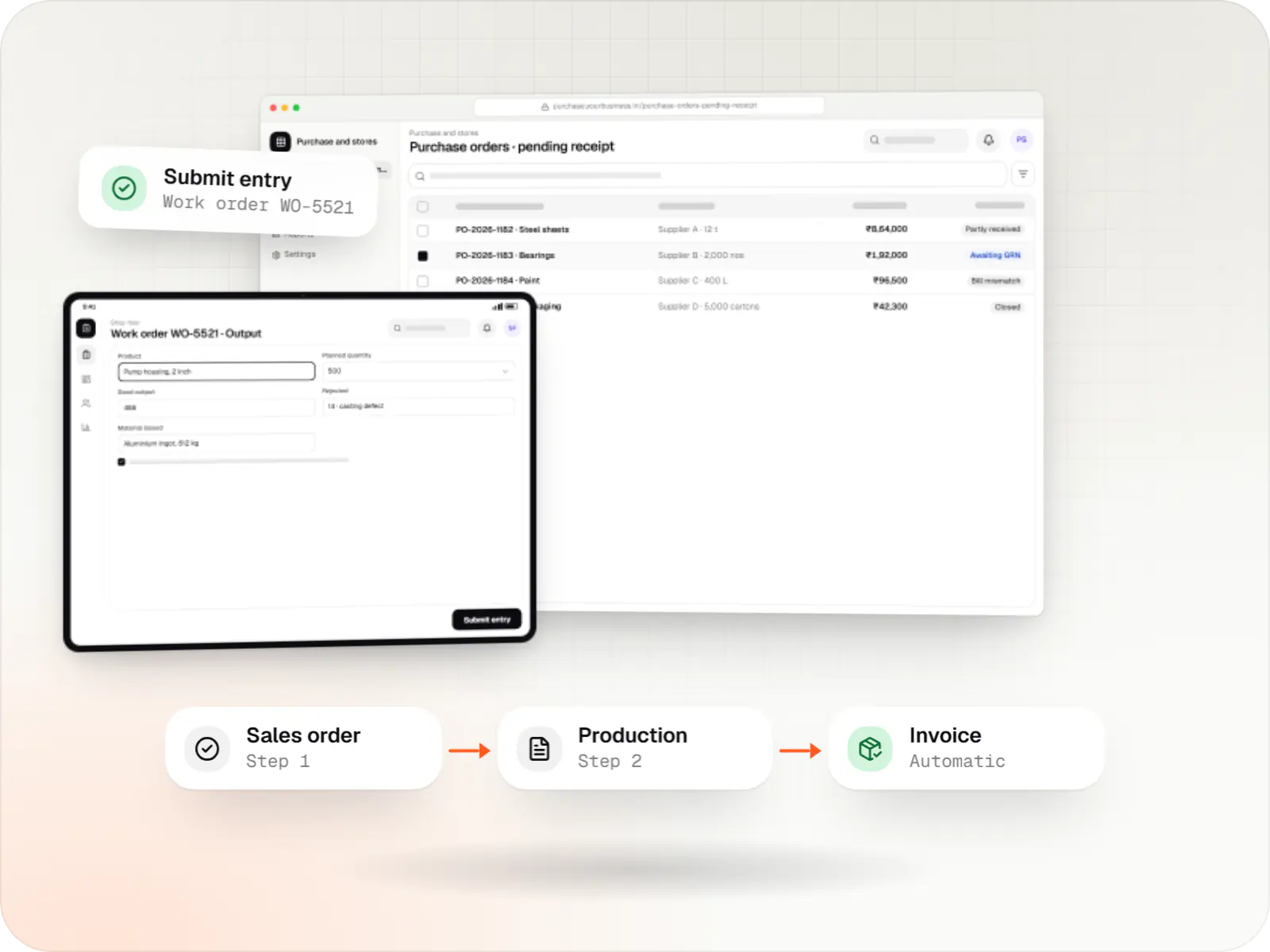
Custom ERP software connecting purchase, inventory, production, sales and GST compliance, alongside your existing accounting system.

Custom CRM software that captures leads from every channel, keeps follow-ups on schedule and shows managers a live pipeline.
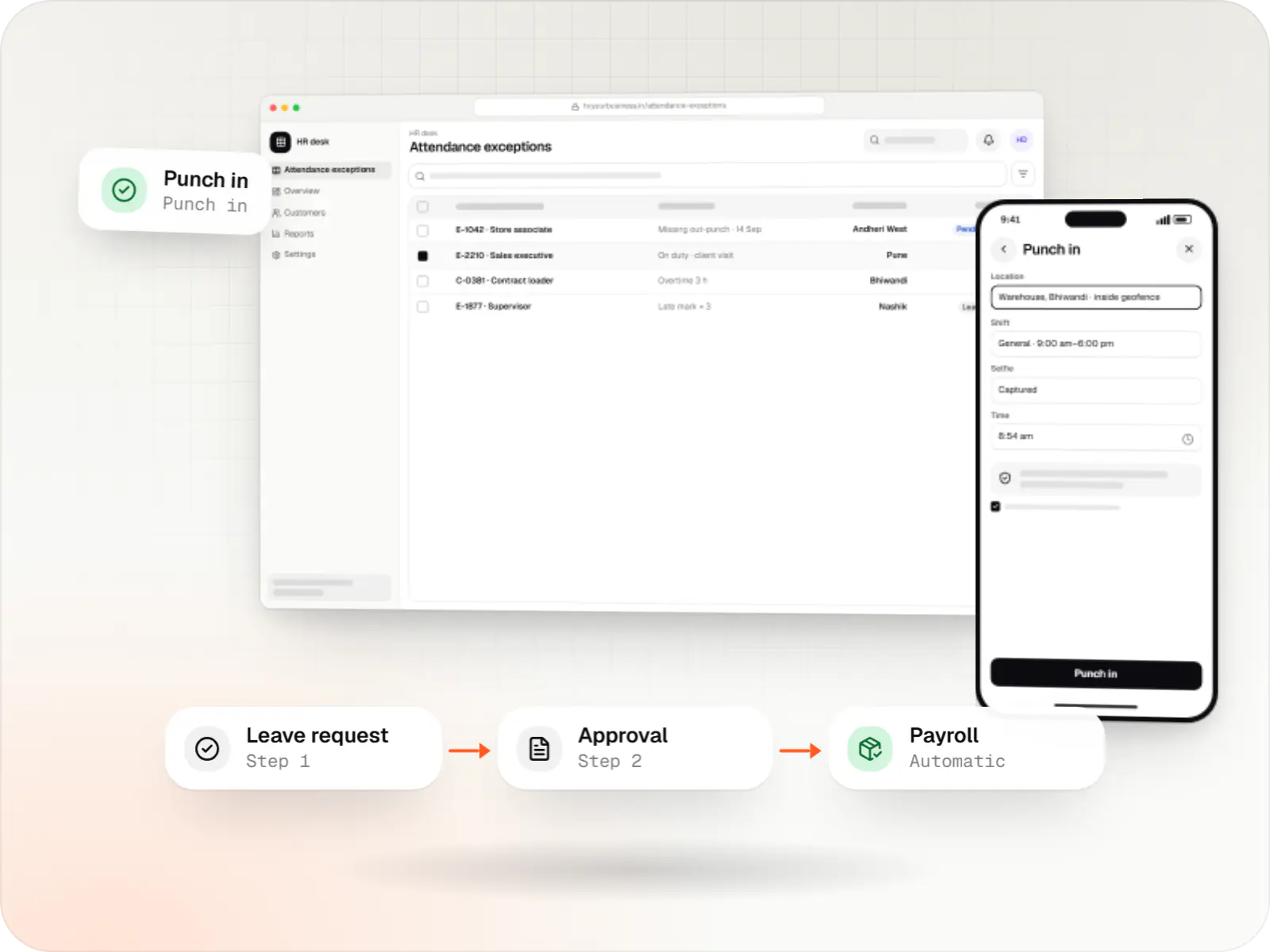
Custom HRMS covering attendance, leave, payroll with Indian statutory deductions, onboarding and an employee self-service app.
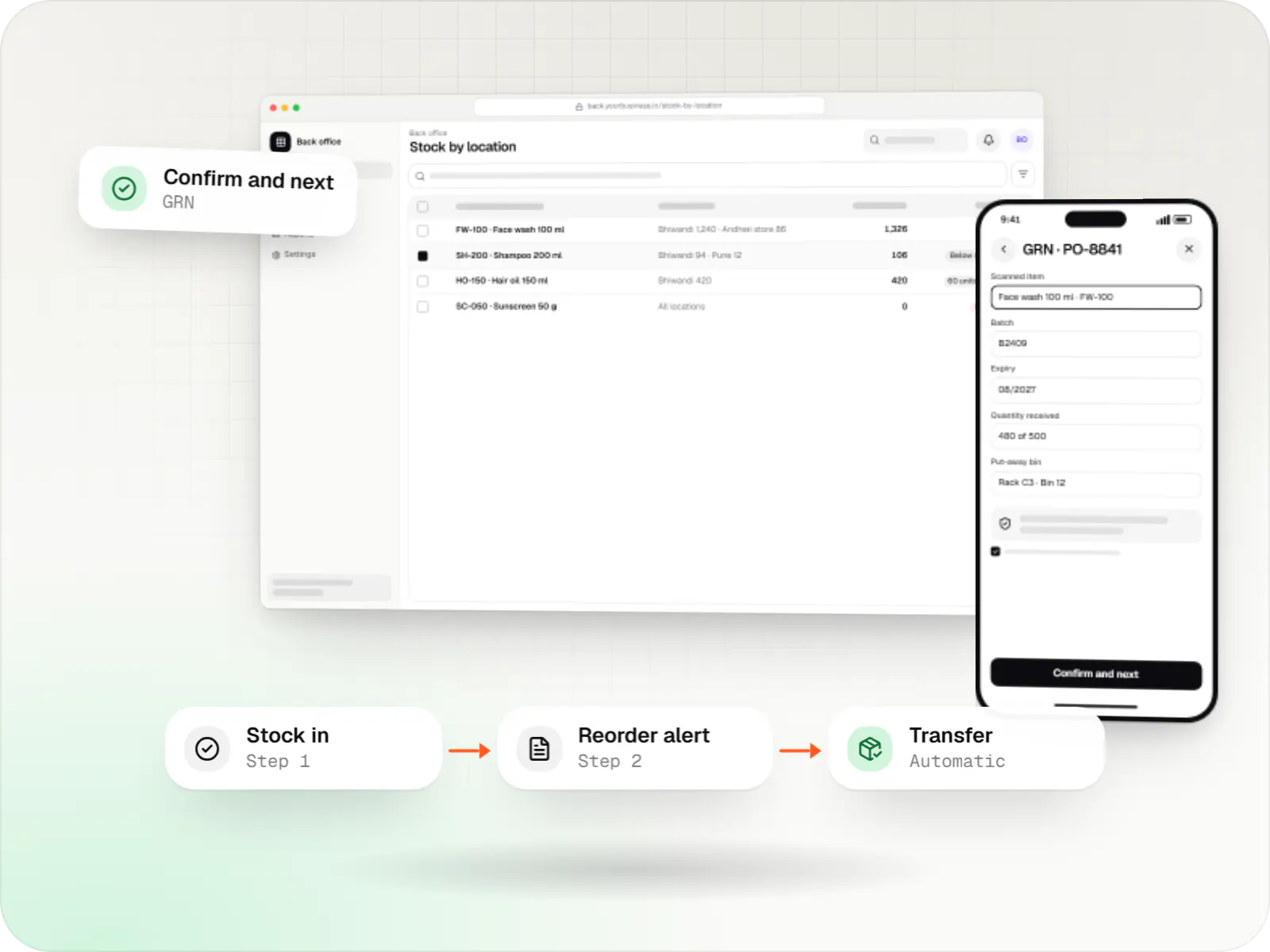
Custom inventory software for multi-location stock, batch and expiry tracking, barcode scanning and marketplace stock sync.
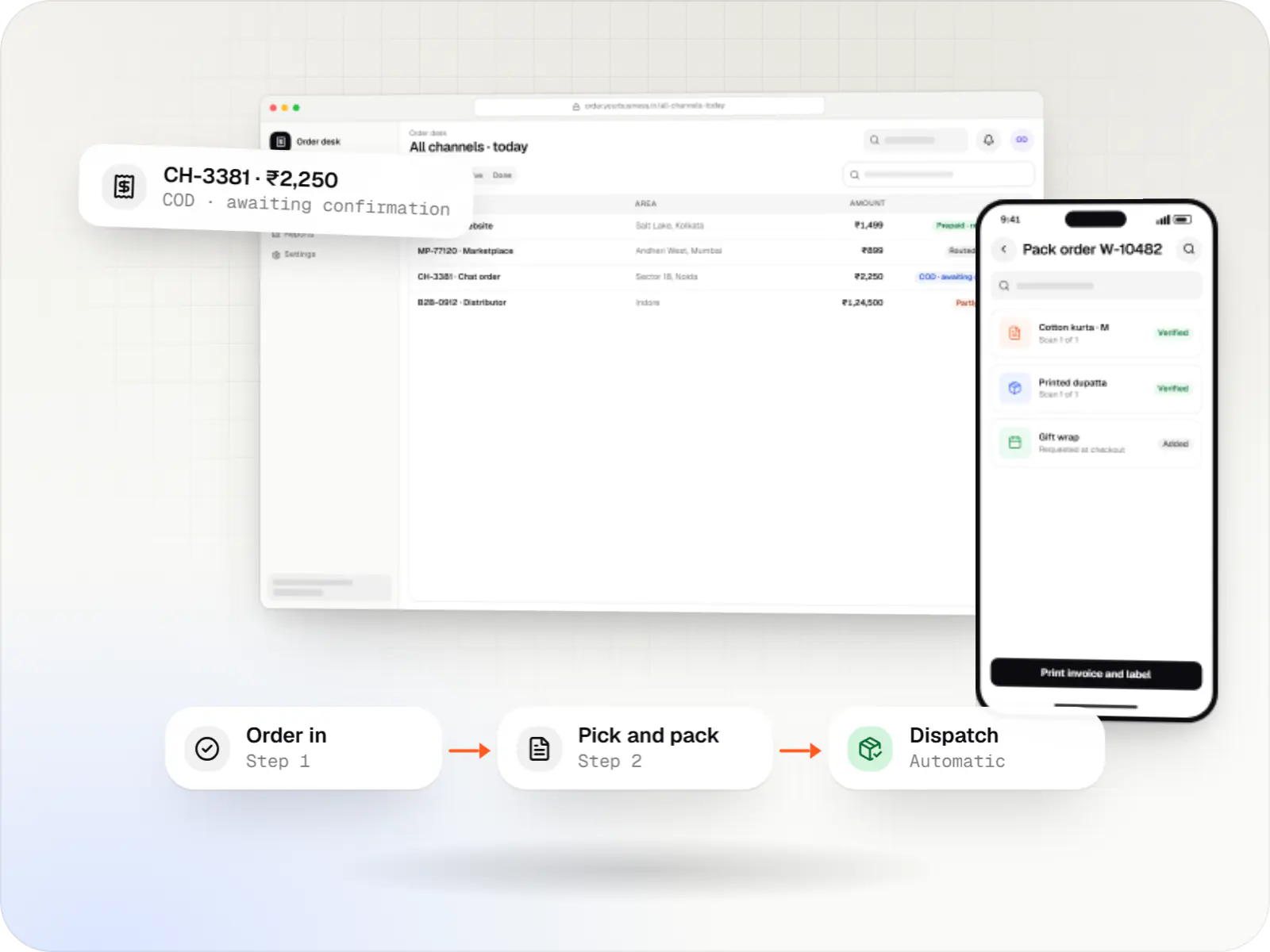
A central order management system that collects orders from every channel, routes them to the right location and tracks them to delivery and payment.
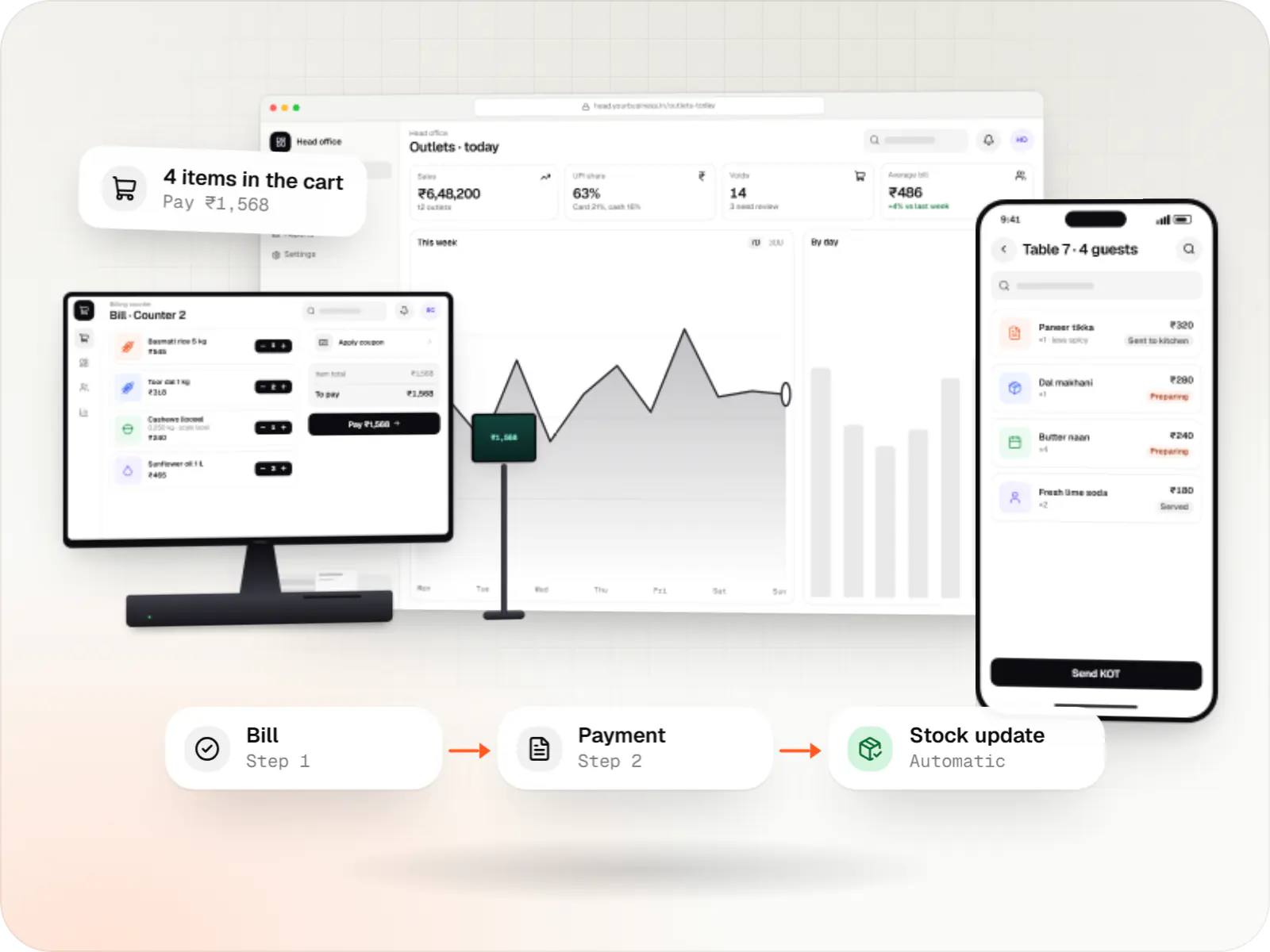
Custom point-of-sale software with offline billing, UPI QR payments, GST invoices, hardware integration and central control for multiple outlets.
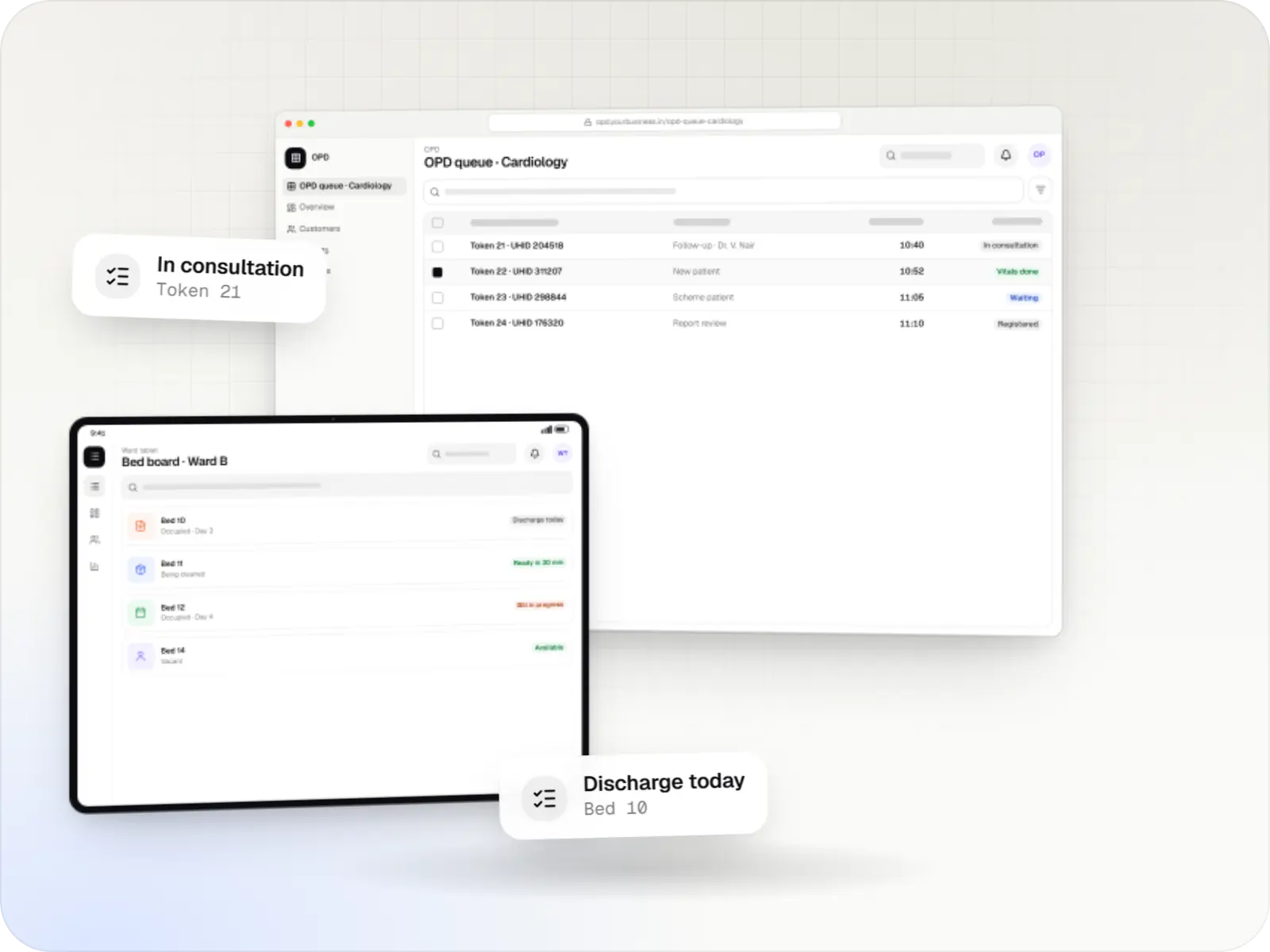
Hospital management software covering registration, OPD, IPD, billing, pharmacy, lab and insurance workflows, with ABDM options and role-based access.
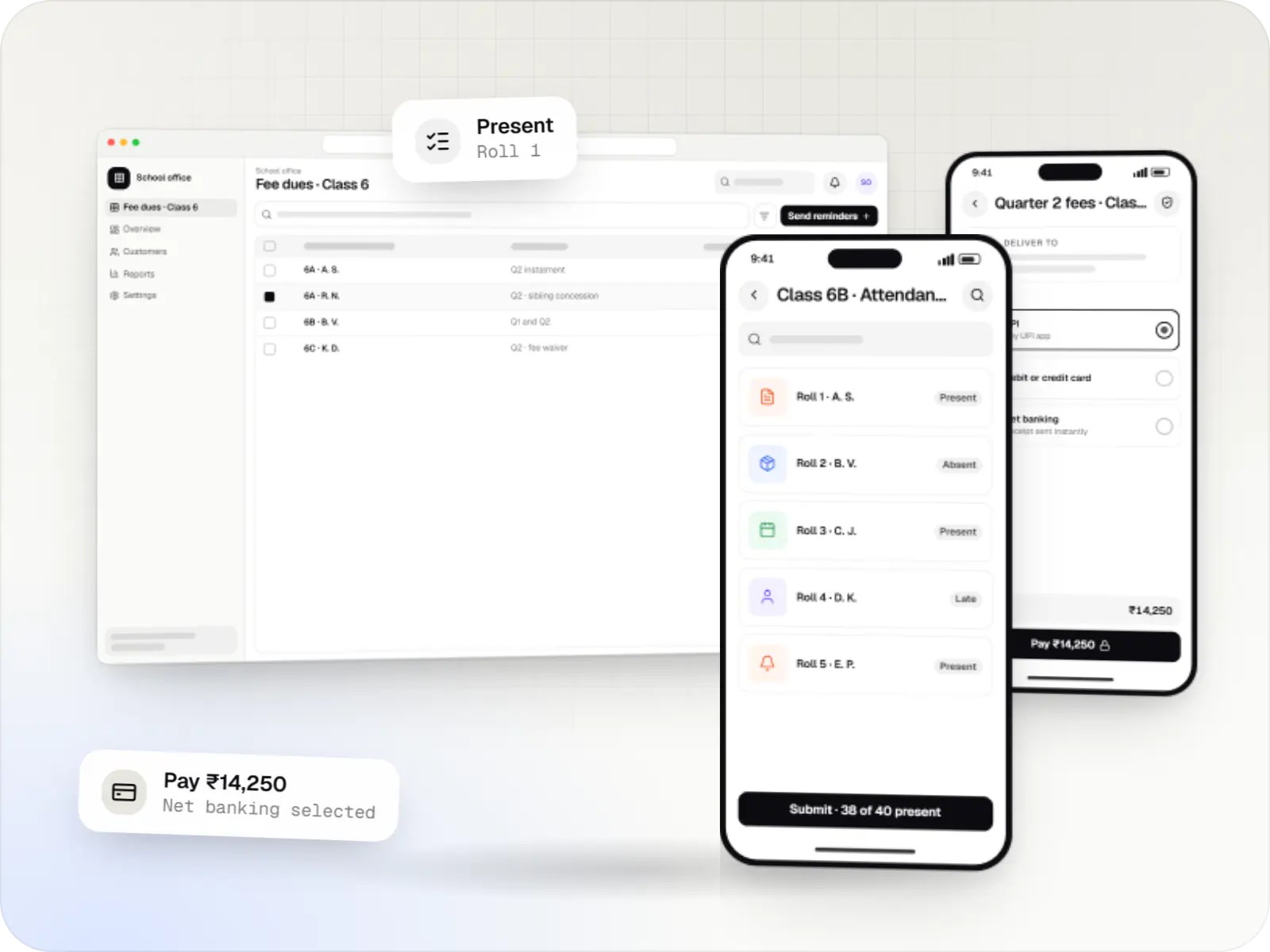
School ERP and parent apps for admissions, fees, attendance, timetables, homework, exams, transport and communication between teachers, parents and admin.
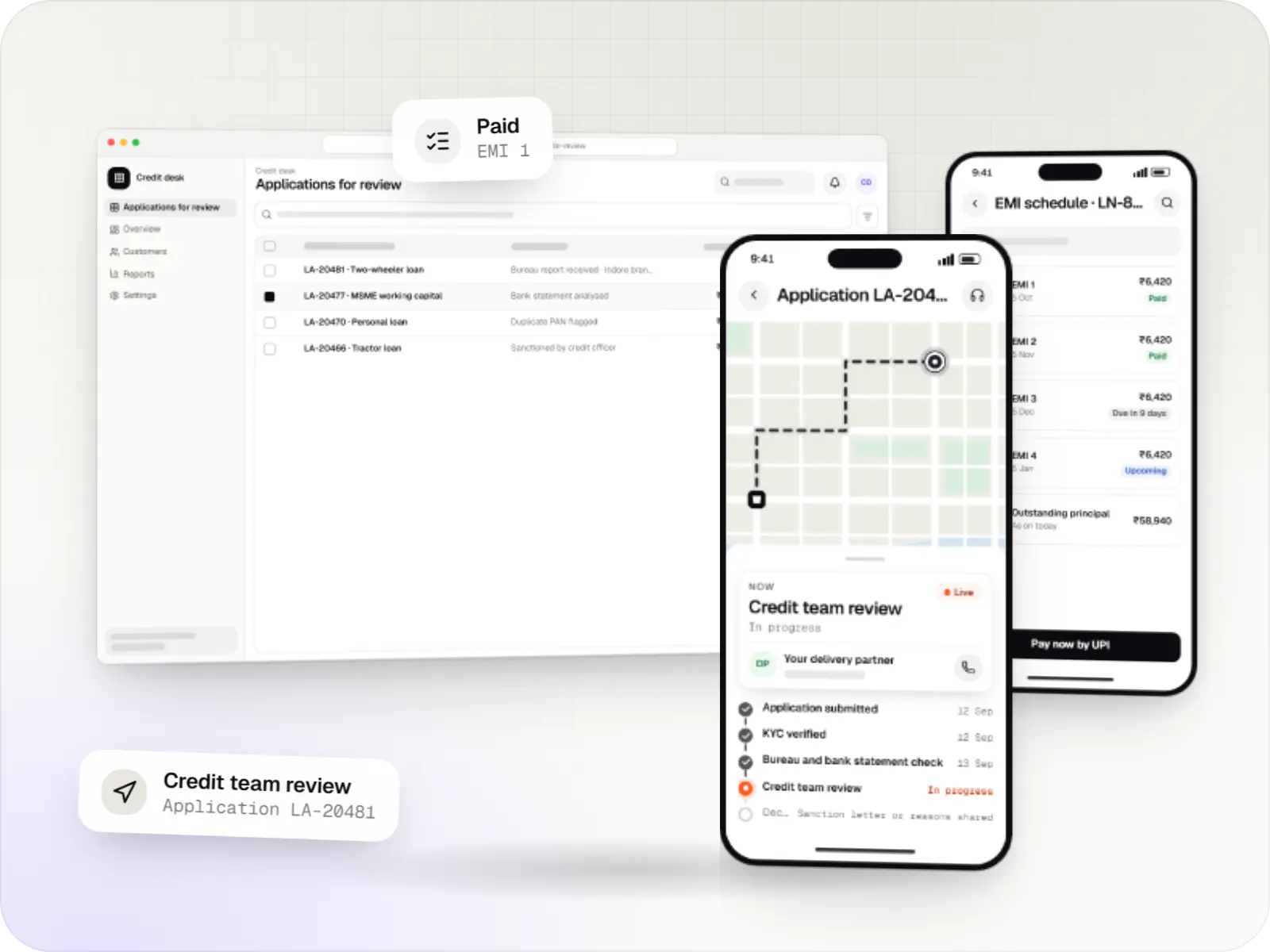
Custom loan origination and loan management software covering applications, underwriting, disbursal, EMIs, collections and reporting.
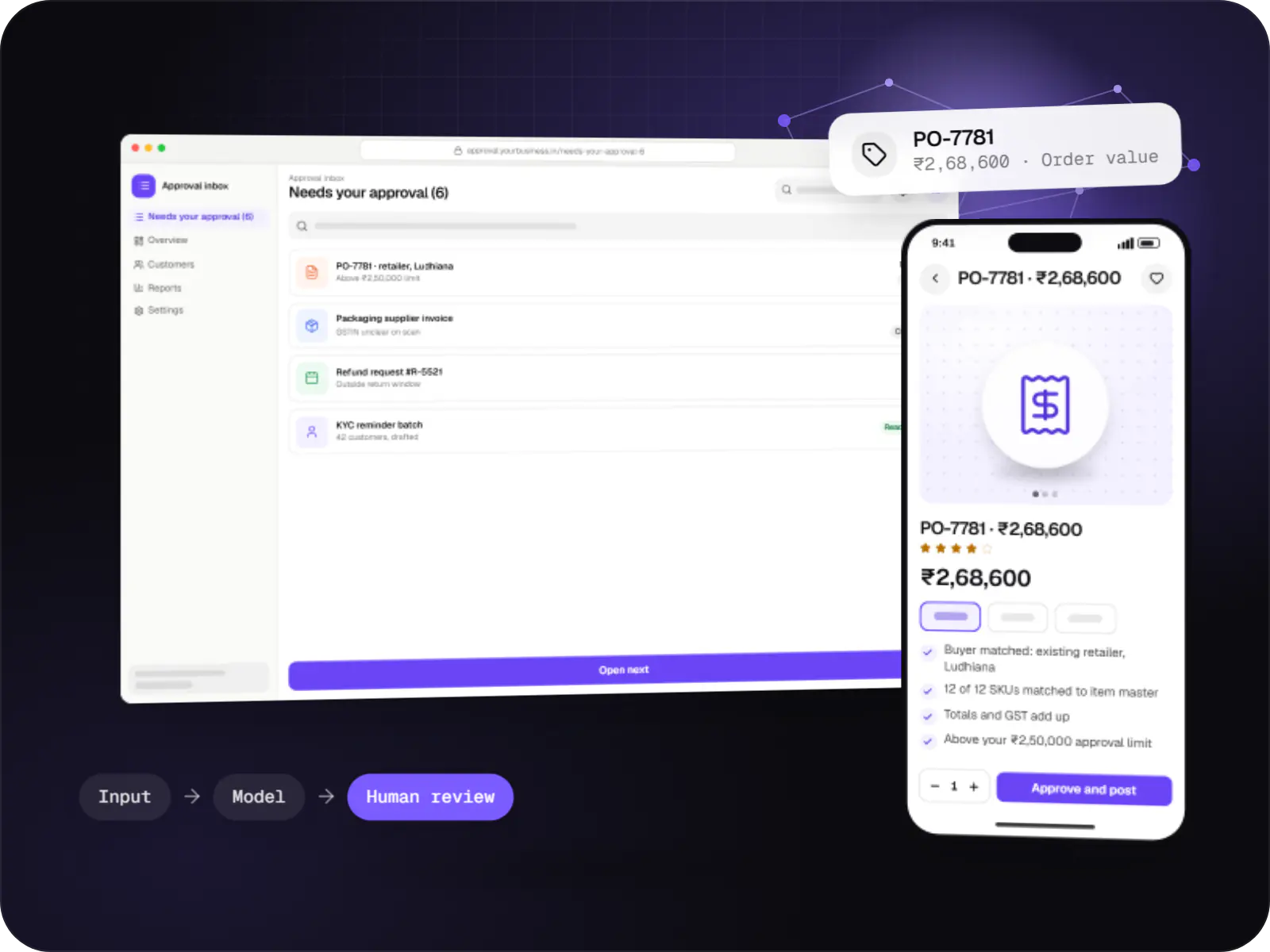
Automations for repetitive back-office work, with AI steps that read, classify and draft, and approvals where decisions matter.
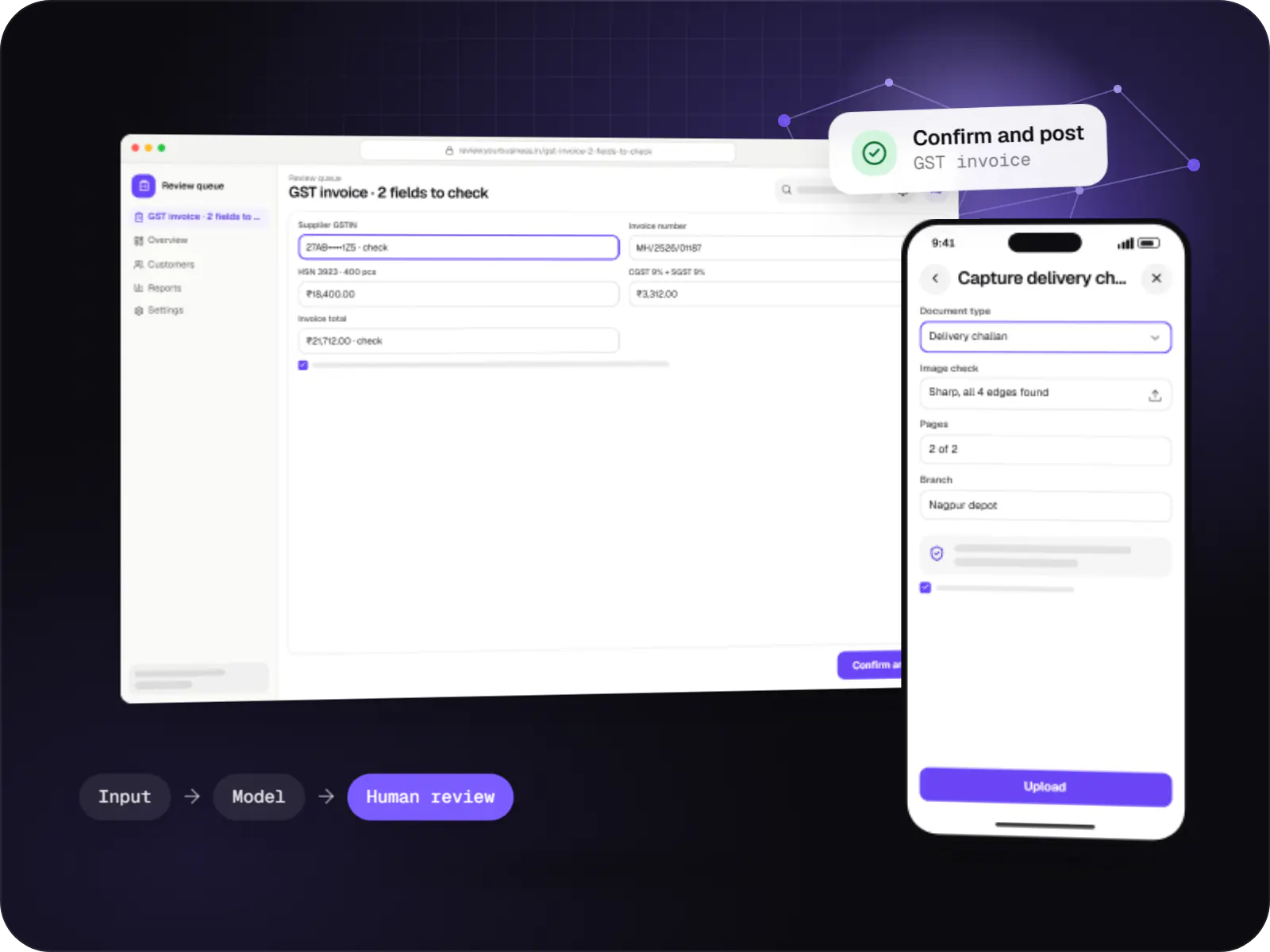
Data extraction from invoices, KYC documents, statements and forms into your systems, with validation rules and human review for uncertain fields.
How it works
An example from a pipe manufacturer that sells through dealers: one system replaces the registers, spreadsheets and WhatsApp groups at every step.
Orders are booked at the dealer’s counter with that dealer’s price list and scheme, even without signal, and sync to head office when the phone reconnects.
The dealer’s outstanding balance, credit limit and available stock are checked automatically; exceptions go to the sales manager instead of slipping through.
The order appears on the right unit’s production or picking list with quantities and deadlines, replacing the paper register.
Staff record quality results and dispatch details with photos, and the dealer is told the vehicle number and expected delivery date.
A GST invoice with its e-invoice IRN is generated through an authorised provider and posted to Tally, so nobody re-types sales into the accounts.
Dashboards show today’s orders, production, dispatches and outstanding payments by dealer, without waiting for month-end totals.
Platforms
A browser-based system for the office, a management dashboard, an app for Android for field and shop-floor staff, and a desktop app where a counter needs one.
Browser-based applications with logins, roles and workflows, such as customer portals, SaaS products and internal tools.
Back-office panels for operations, support and finance teams: orders, users, content, reports and permissions.
Apps for Android phones and tablets, tested on budget and mid-range devices and published on Google Play or privately.
Windows and macOS apps for billing counters, kiosks and offline-heavy work, where a browser isn't enough.
Technology
Proven, widely used tools, so your system is easy to host, extend and hand over: Node.js and Python for business rules, PostgreSQL for records, React for screens, Docker with hosting built on AWS, and LLM integrations for reading documents.
Backend
Runs the server side of apps: fast, scalable back ends that power your app, website and integrations.
Used for
Backend
A structured way to build back ends on Node.js, so large business systems stay organised, testable and easy to hand over.
Used for
Backend
A programming language for AI features, data processing and automation: the engine behind document reading, reports and smart search.
Used for
Data
A reliable database for the records your business runs on: orders, payments, bookings and stock, kept accurate and easy to report on.
Used for
Data
Keeps frequently used data in fast memory, so apps stay quick on busy days and live features like order tracking feel instant.
Used for
Web
Builds interactive screens in the browser, such as dashboards, admin panels and portals, that respond instantly as your team works.
Used for
Cloud & DevOps
Packages your software so it runs the same way on every laptop and server, which makes releases predictable and moving hosts easier.
Used for
Cloud & DevOps
Cloud hosting for your app, website and data, with data centres in India and room to grow when traffic rises.
Used for
Connects your product to AI language models from several providers, so each task uses a suitable model and you can switch later.
Used for
Plain-English glossary
Product preview
Illustrative screens from a manufacturer’s order-to-dispatch system, used in the office, on the shop floor and in the field.
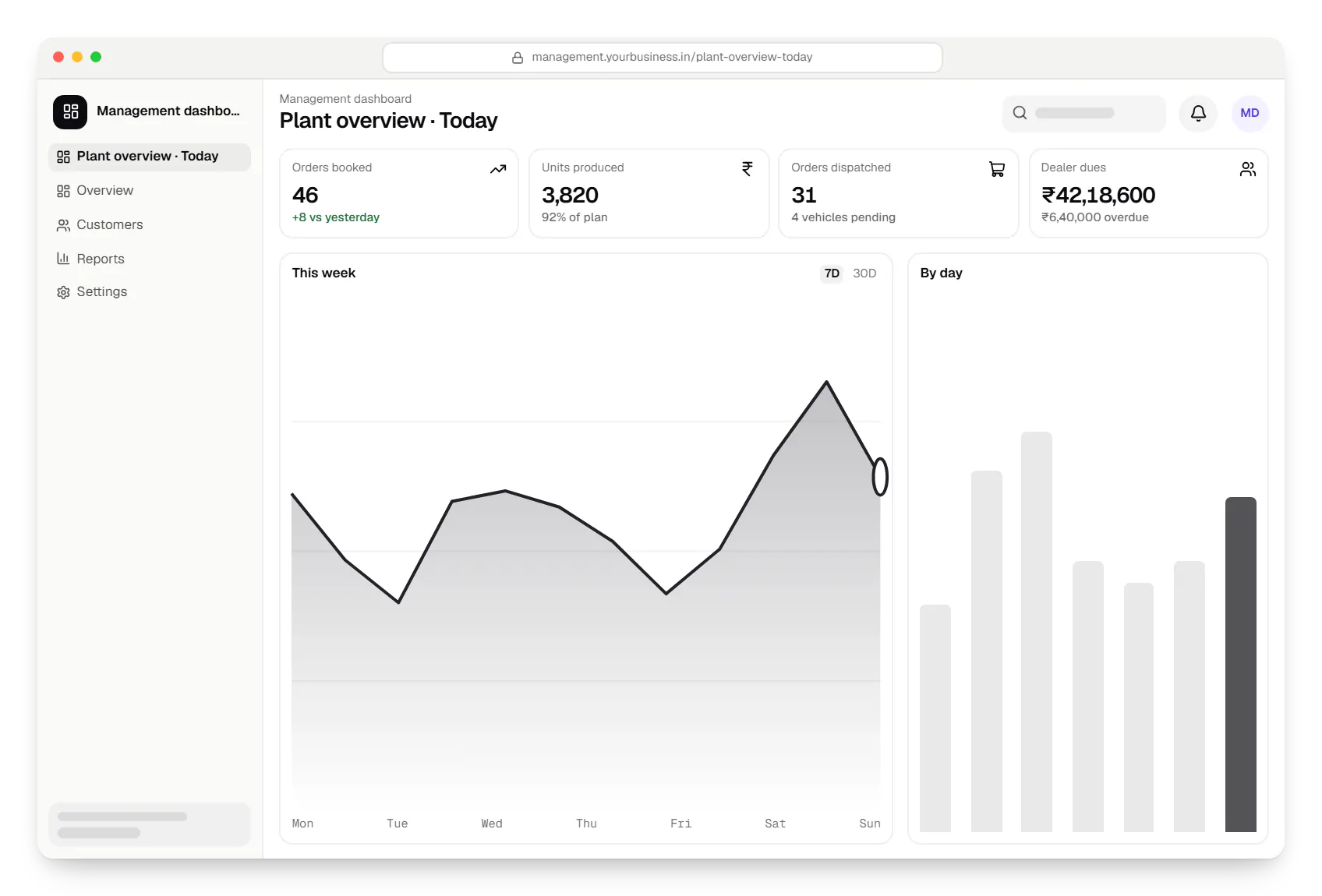
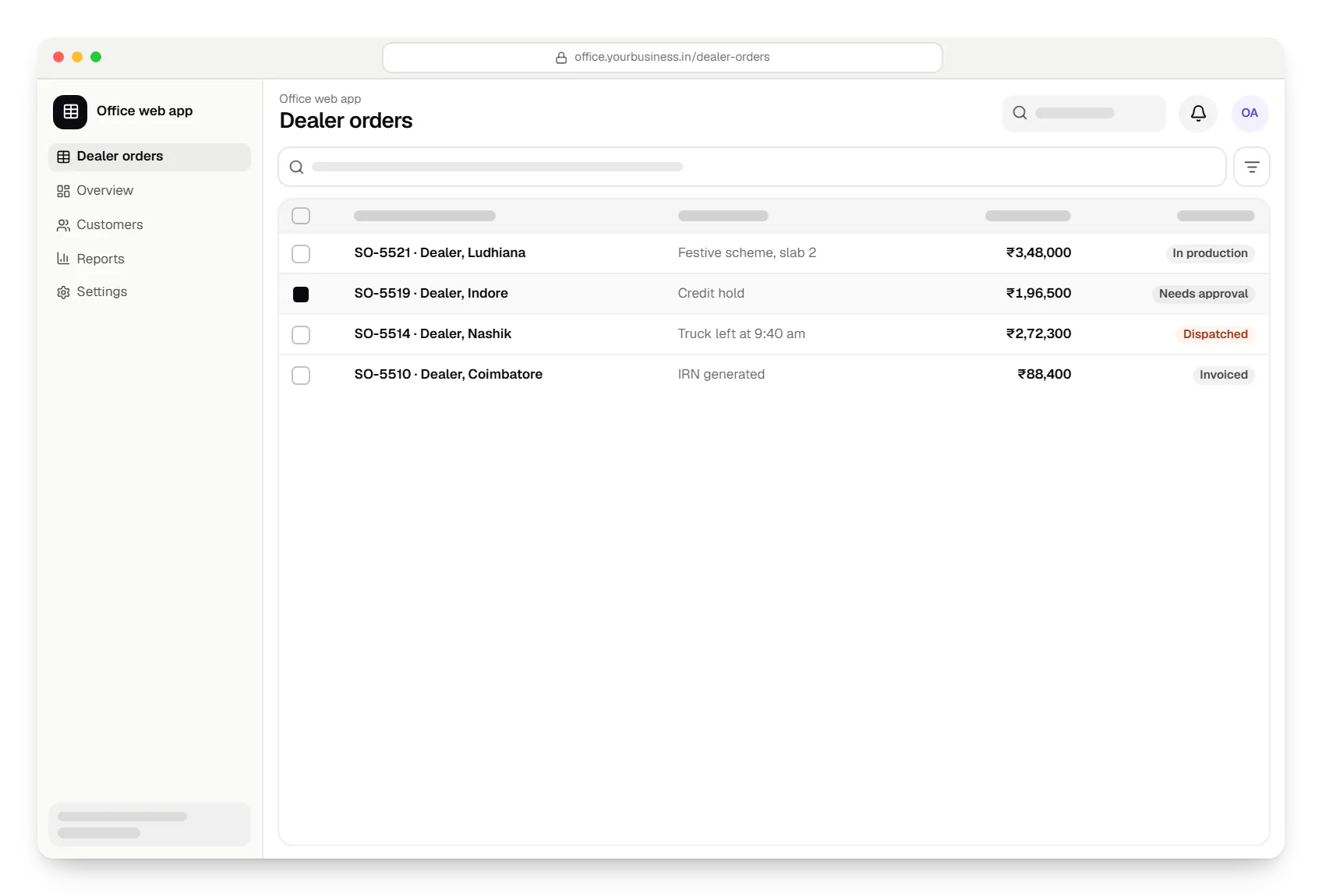
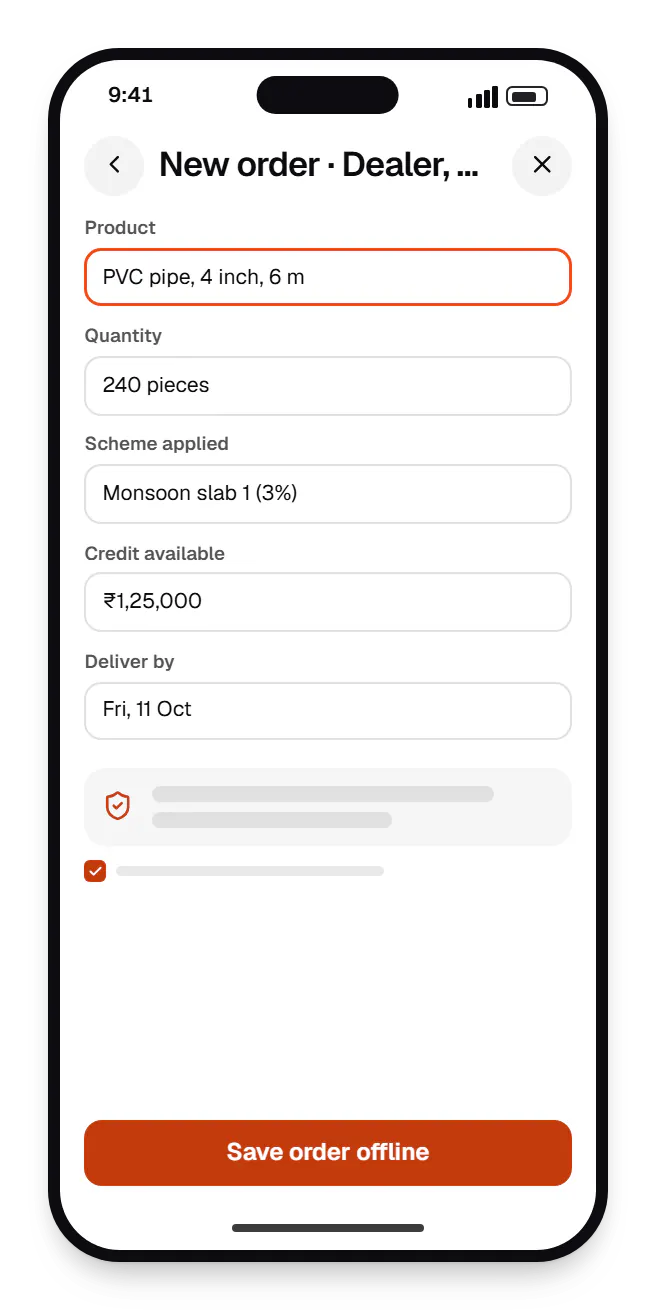
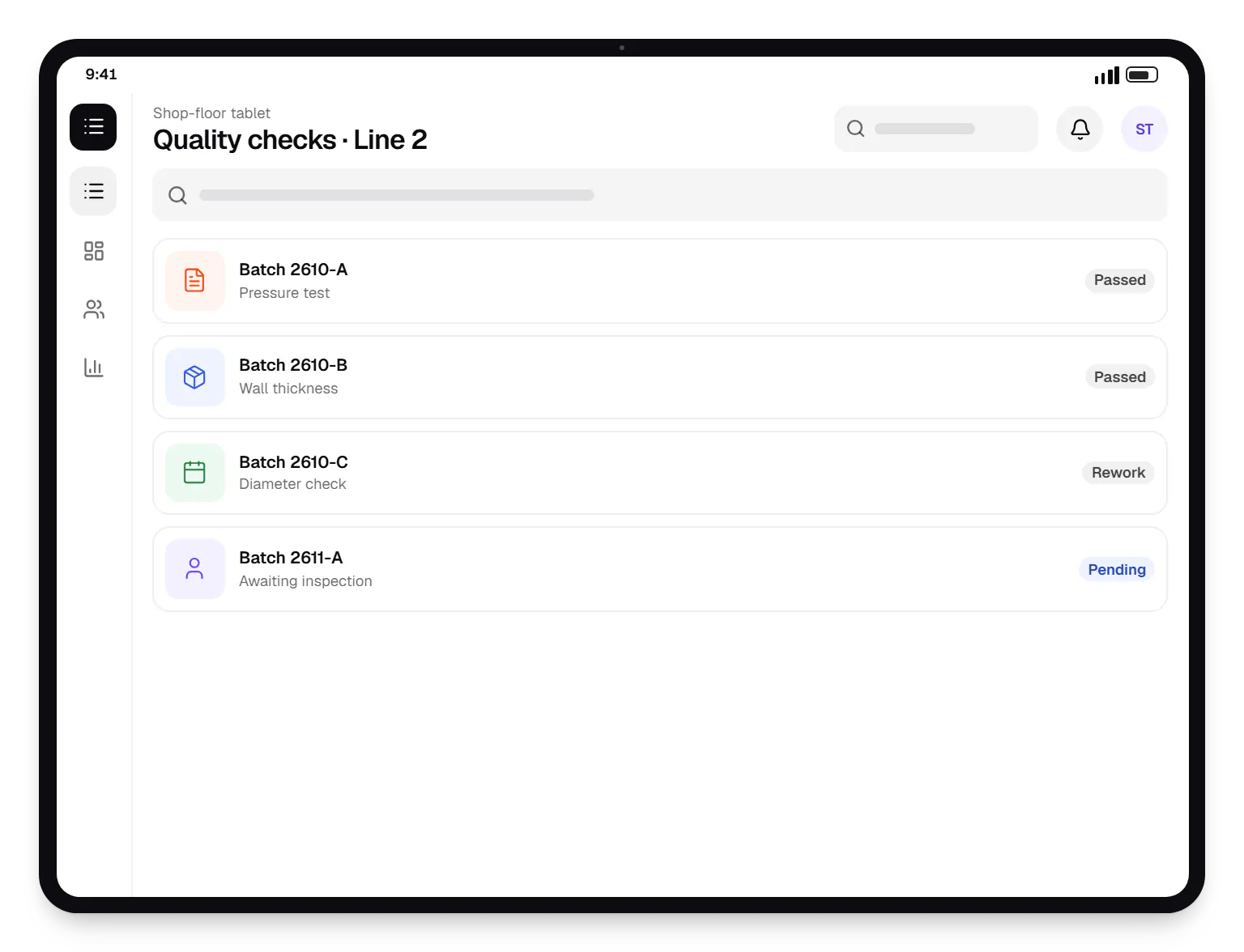
Sample screens: names, prices and figures are examples, not client data.
Work
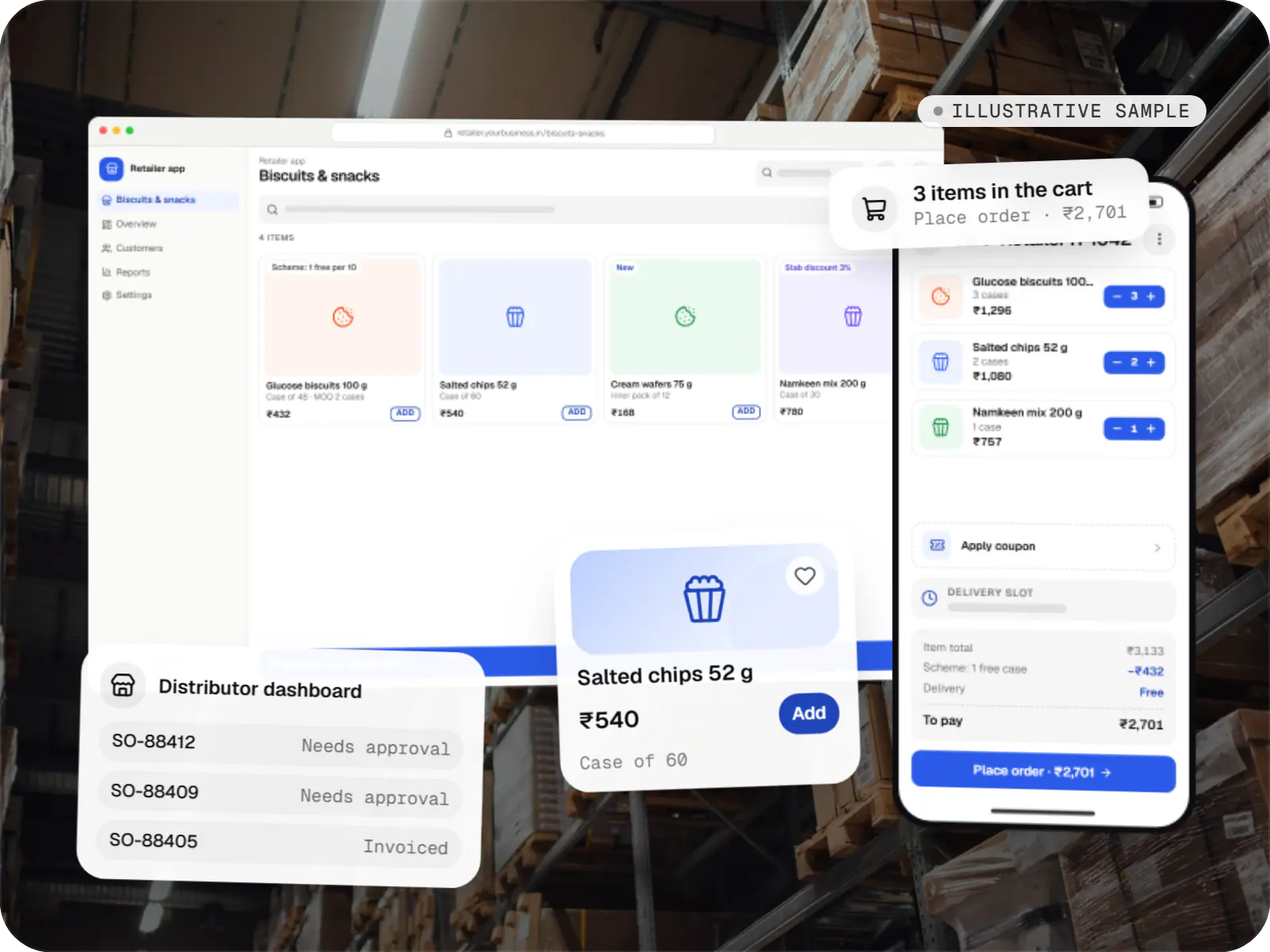
A sample project, not client work, showing how we would plan dealer pricing, credit limits, GST invoicing and accounting sync.
E-commerce & marketplaces
An illustrative ordering app for a distributor's retailers and sales team, with tier pricing, credit limits, trade schemes and GST invoicing.
Runs on
Built with
Industries
Cost drivers
Each module and each role with its own screens adds design, build and test time.
Pricing slabs, schemes and exceptions are where most of the logic and testing lives.
Accounting software, e-invoicing, gateways, barcode printers or weighing scales each need their own work.
Duplicated masters and free-text codes need mapping and cleaning before migration.
On-premise or hybrid hosting, offline field apps and formal audits add infrastructure work.
Estimates are written from your scope, with the effort and assumptions behind each line item.
How pricing worksProcess
Interviews, walk-throughs of current tools and a written list of rules and exceptions.
You getRequirements and process maps
First release chosen by business value; acceptance criteria agreed.
You getPhased roadmap
Schema, integrations, hosting (cloud, on-premise or hybrid) and security model.
You getArchitecture document
Modules reach staging every sprint for your team to try with realistic data.
You getSprint demos
Data imported, users trained, and old and new processes run side by side where risk warrants it.
You getMigration report
Monitoring, fixes and the next module, planned from real usage.
You getUpdated roadmap
FAQ
You do. Our standard terms assign the intellectual property in code written for your project to you once the related invoices are paid, and repositories, cloud accounts and domains are created in your organisation’s name from the start. Open-source libraries keep their own licences, which we list at handover with deployment documentation.
We do not expect a specification. Many businesses run on knowledge held by a few experienced people, so we interview them, observe a working day where possible and collect sample invoices, delivery challans and job cards. We then write the process back in plain language and flowcharts for you to correct, and that document drives the estimate and, later, acceptance testing.
They usually do, and the process allows for it. Scope is fixed per phase rather than for the whole system, so a change found mid-phase can move into the next phase or replace work of similar size. Larger changes get a written estimate before anyone starts on them. For products that keep evolving, a monthly dedicated-team arrangement often suits better than fixed scope.
Yes. Some manufacturers and hospitals prefer on-premise servers because of site connectivity or internal policy. We package applications in Docker containers so they behave the same locally as in the cloud, and plan backups, updates and remote support with your IT team. A hybrid set-up can keep the core on-premise, with a cloud API for mobile apps or dealer portals.
Next step
Describe the process, the tools involved and what goes wrong. We will suggest whether to buy, customise or build, and what a first phase would include.