




Web
React
Builds interactive screens in the browser, such as dashboards, admin panels and portals, that respond instantly as your team works.
Used for
- Web apps
- Admin panels
- Dashboards
- Customer portals
Inventory software
Know what you have, where it is and when it expires, across every godown, store and sales channel.
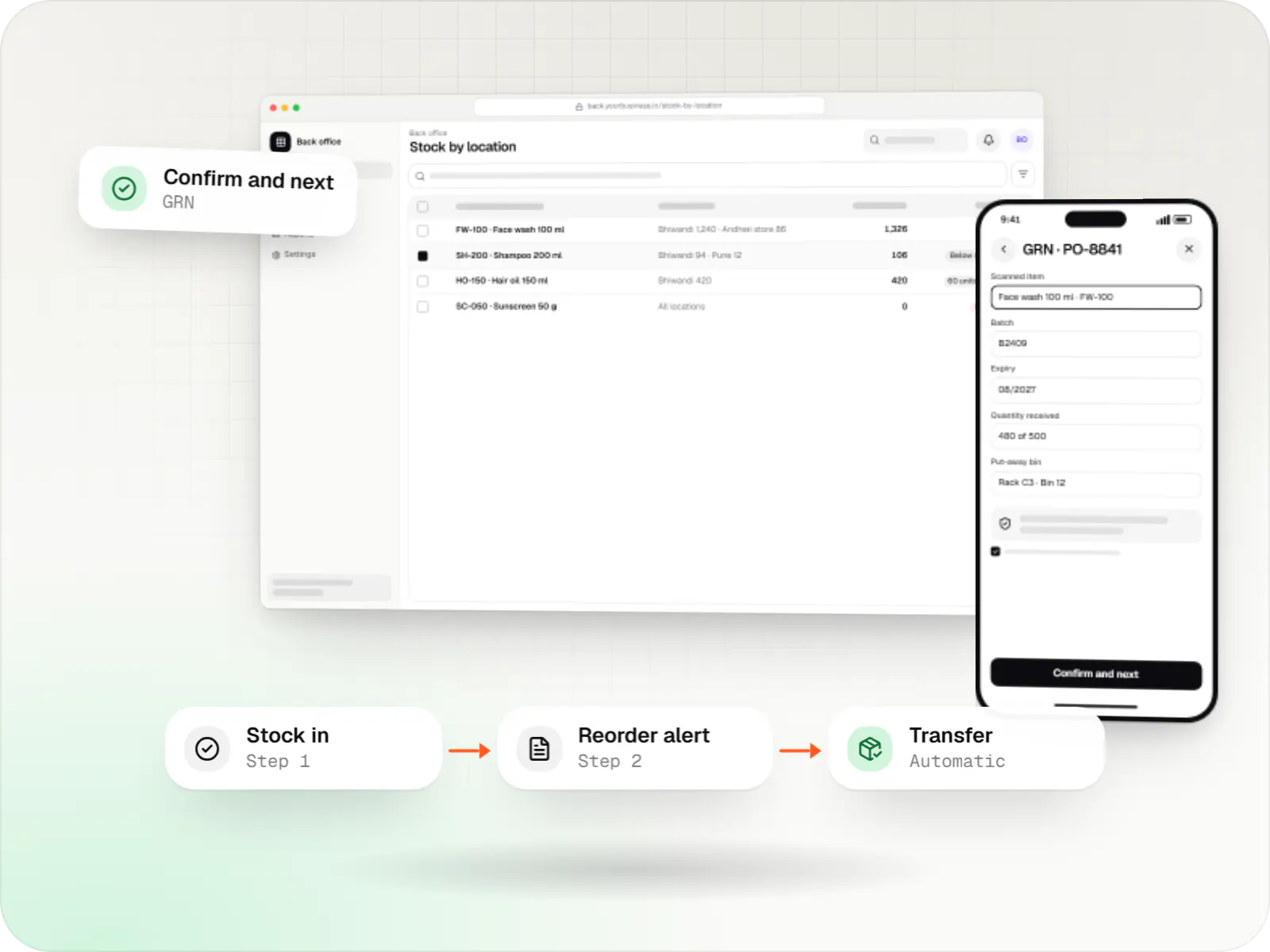
At a glance
What it is
Custom inventory software for multi-location stock, batch and expiry tracking, barcode scanning and marketplace stock sync.
Flutter and the related logo are trademarks of Google LLC. We are not endorsed by or affiliated with Google LLC.
How to start
Tell us what you need in your own words. You talk to the developers who would build it and get a written, line-item estimate.
Get a project estimateInventory problems rarely come from one big mistake. They come from a transfer entered twice, a return put back on the wrong rack, or an online order sold against stock that left the warehouse yesterday.
We design inventory systems around the physical movement of goods: receiving, put-away, picking, transfers, returns and counts, each confirmed by a scan rather than typed from memory. Stock updates across locations and channels as it moves, and valuation feeds your accounts so books and shelves stay aligned.
Challenges
Manual entries and delayed updates mean the system shows stock the warehouse cannot find.
The same unit sold on a marketplace and your website leads to cancellations and seller penalties.
Without batch and expiry tracking, older stock sits behind newer stock until it has to be discarded.
Full stock-takes shut the warehouse for days because there is no way to count by zone or cycle.
What is included
Platform: Android handheld app
Platform: Web app
Platform: Web app
Platform: Admin dashboard
How it works
Every movement is confirmed by a scan, so the system matches the shelves.
Staff scan items against the purchase order, recording batch, expiry or serial numbers as they unload.
The app suggests a bin or rack, and a scan confirms where each item was placed.
Available quantities are pushed to your website and marketplaces, keeping a small buffer for fast movers.
Pick lists follow first-expiry-first-out, and each item is scanned before packing so wrong items do not ship.
Inter-store transfers carry challans, and returns are inspected, then restocked or written off with a reason.
Cycle counts check a few bins each day, and reorder and near-expiry alerts reach buyers on WhatsApp or email.
Then it starts again at step 1: Goods received
Platforms
Warehouse staff scan on Android handhelds or phones; the back office and management use a web app and dashboard.
Apps for Android phones and tablets, tested on budget and mid-range devices and published on Google Play or privately.
Browser-based applications with logins, roles and workflows, such as customer portals, SaaS products and internal tools.
Back-office panels for operations, support and finance teams: orders, users, content, reports and permissions.
Technology
Chosen for quick barcode scanning, offline use in warehouse dead zones and stock figures that stay consistent across channels.
Web
Builds interactive screens in the browser, such as dashboards, admin panels and portals, that respond instantly as your team works.
Used for
Backend
A structured way to build back ends on Node.js, so large business systems stay organised, testable and easy to hand over.
Used for
Data
A reliable database for the records your business runs on: orders, payments, bookings and stock, kept accurate and easy to report on.
Used for
Data
Keeps frequently used data in fast memory, so apps stay quick on busy days and live features like order tracking feel instant.
Used for
Mobile
Apps built specifically for Android, with full access to the phone's hardware, background location and company-managed devices.
Used for
Mobile
Build Android and iOS apps from one shared codebase, so you launch on both platforms faster with a consistent experience.
Used for
Cloud & DevOps
Cloud hosting for your app, website and data, with data centres in India and room to grow when traffic rises.
Used for
Flutter and the related logo are trademarks of Google LLC. We are not endorsed by or affiliated with Google LLC.
Integrations
Stock pushed and orders pulled to prevent overselling.
Inventory and order sync for Flipkart sellers.
Stock updates for your own website as items move.
Inventory shared with the ONDC seller-side platform you use.
Purchases, sales and stock journals synced for valuation and GST returns.
Barcode and shelf labels printed from the system.
Plain-English glossary
Product preview
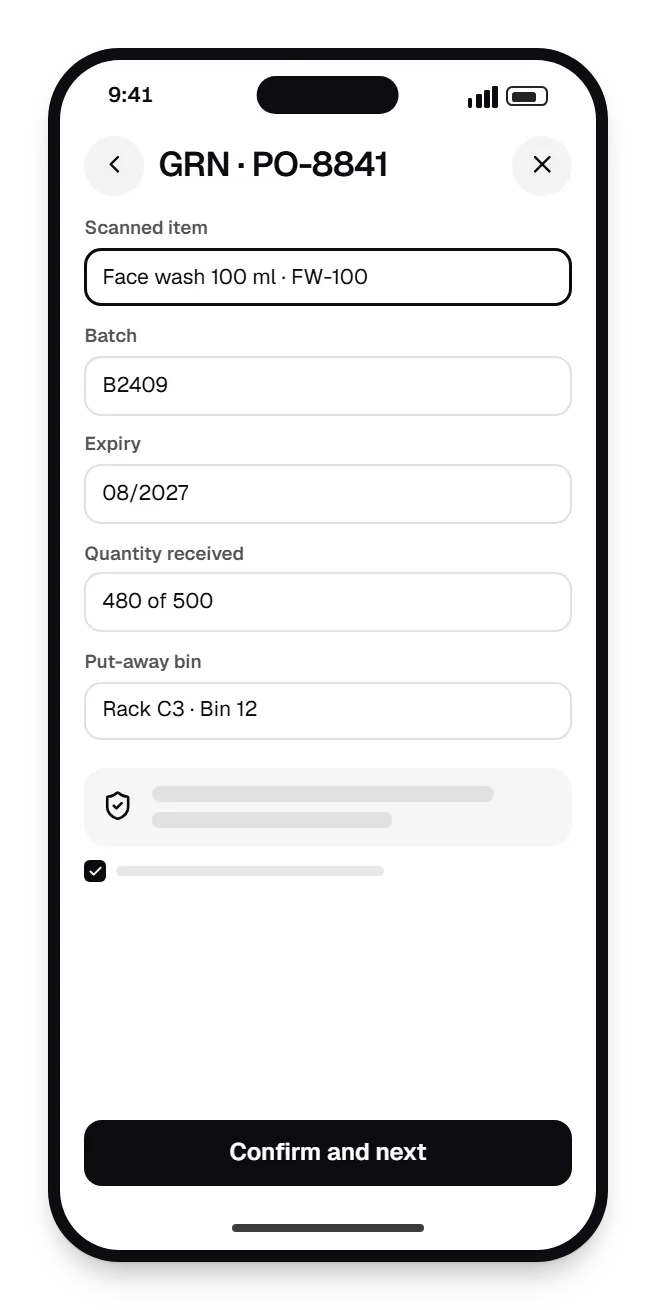
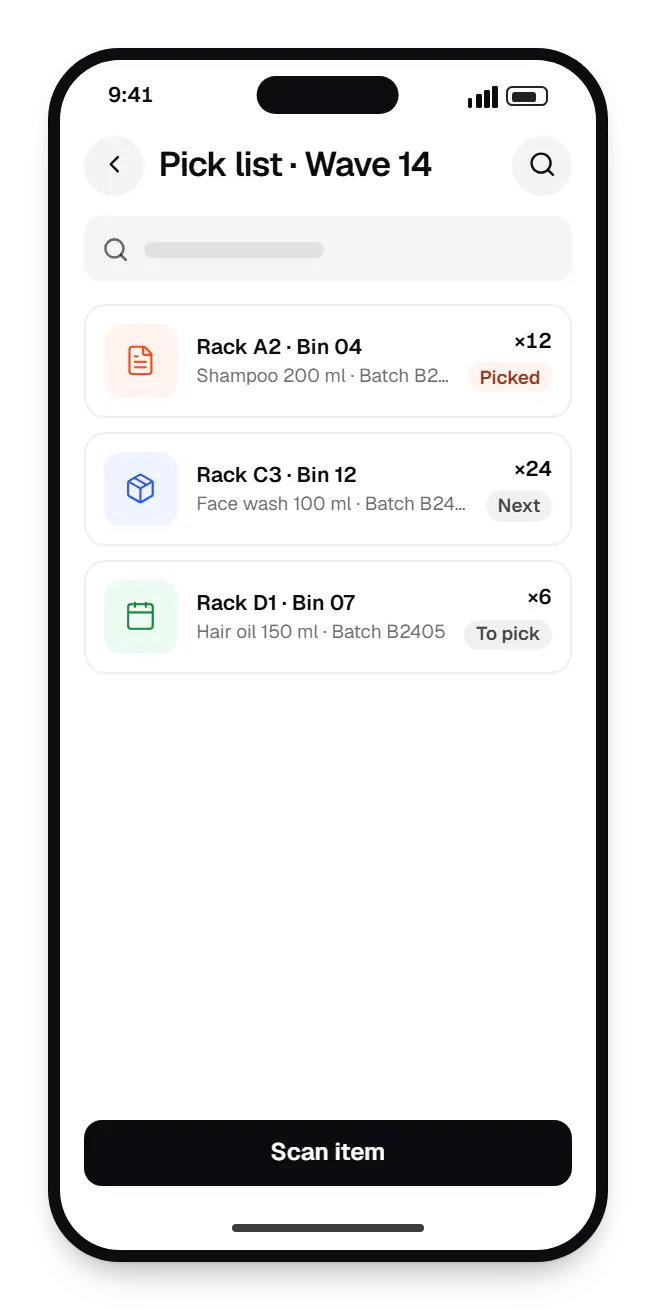
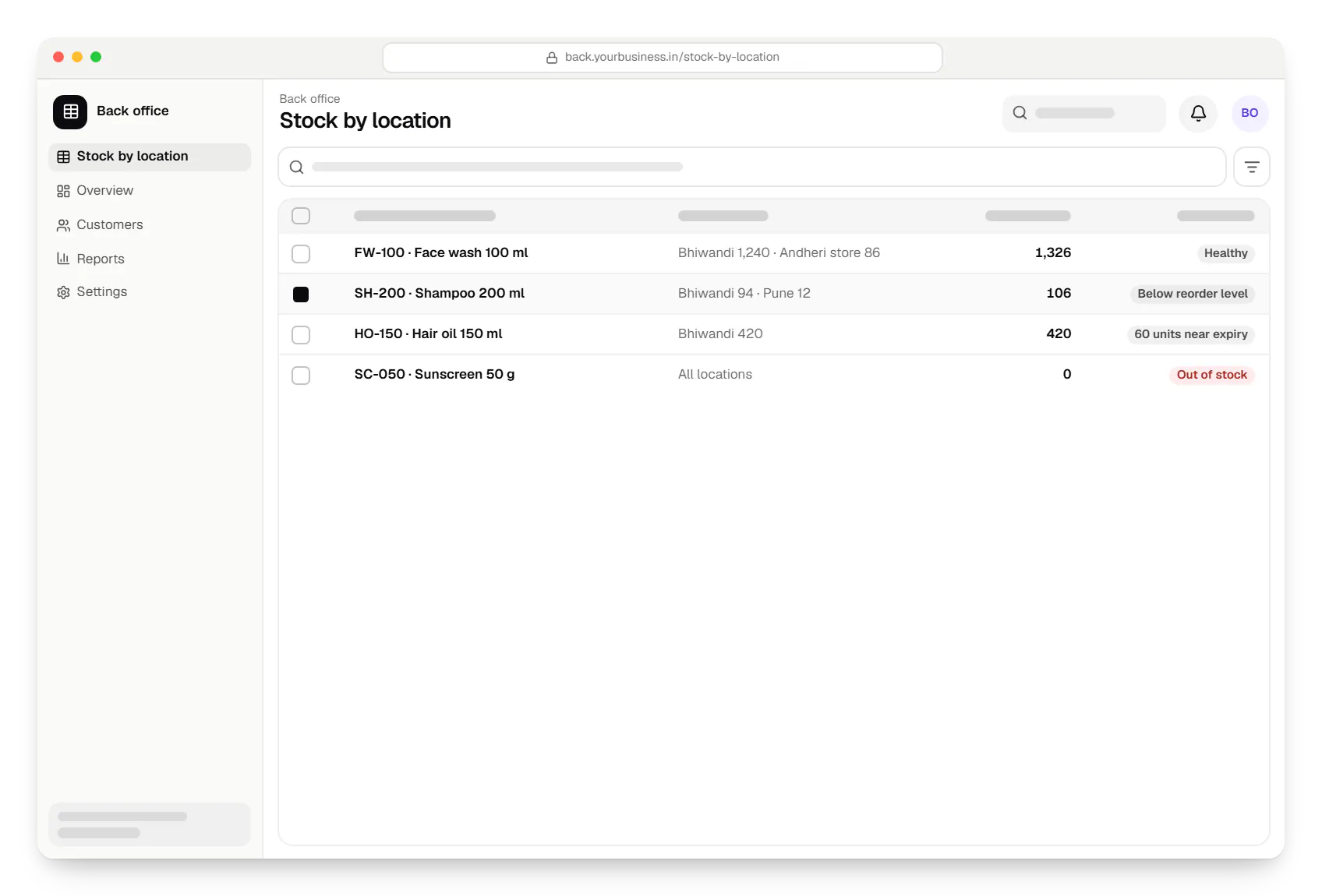
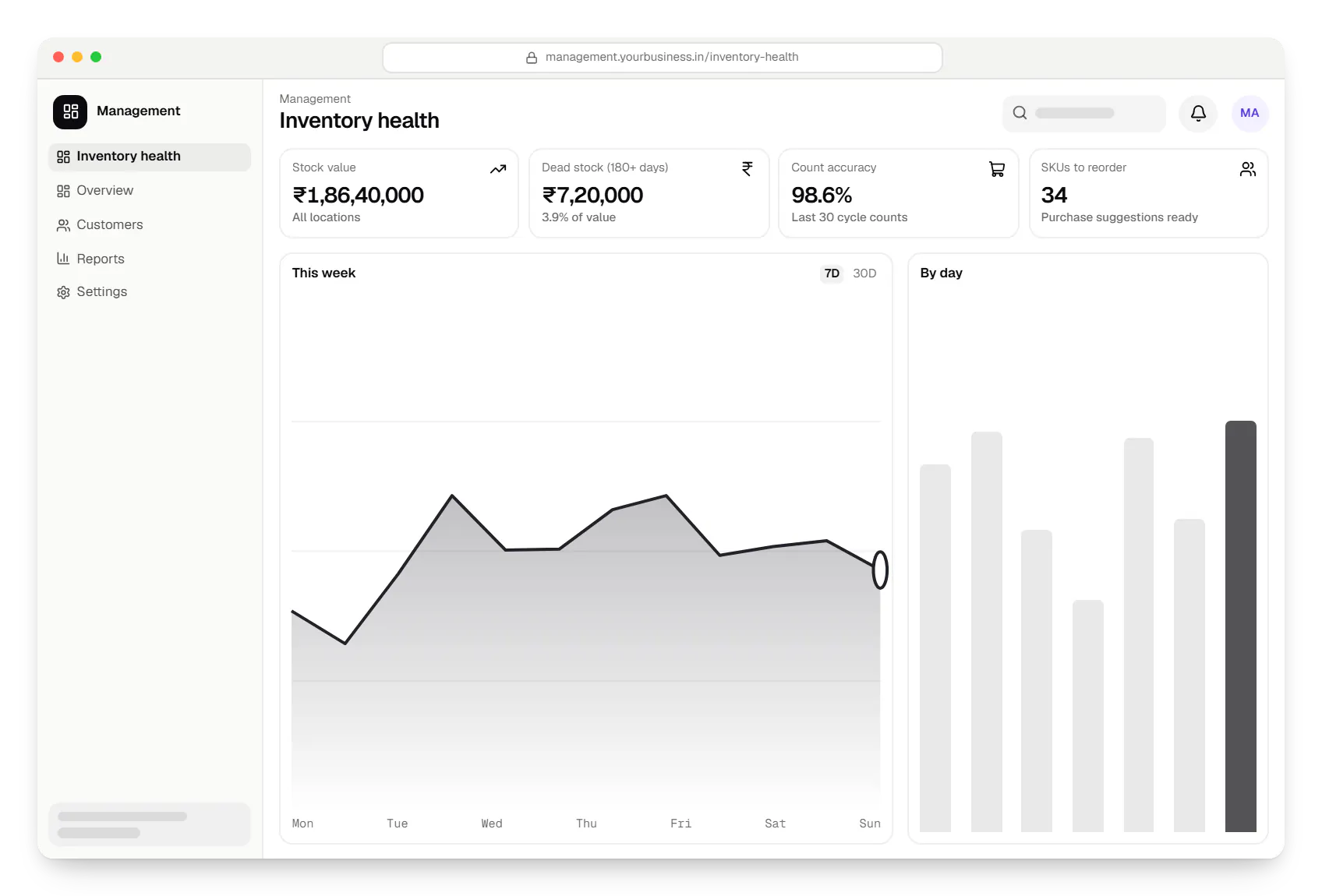
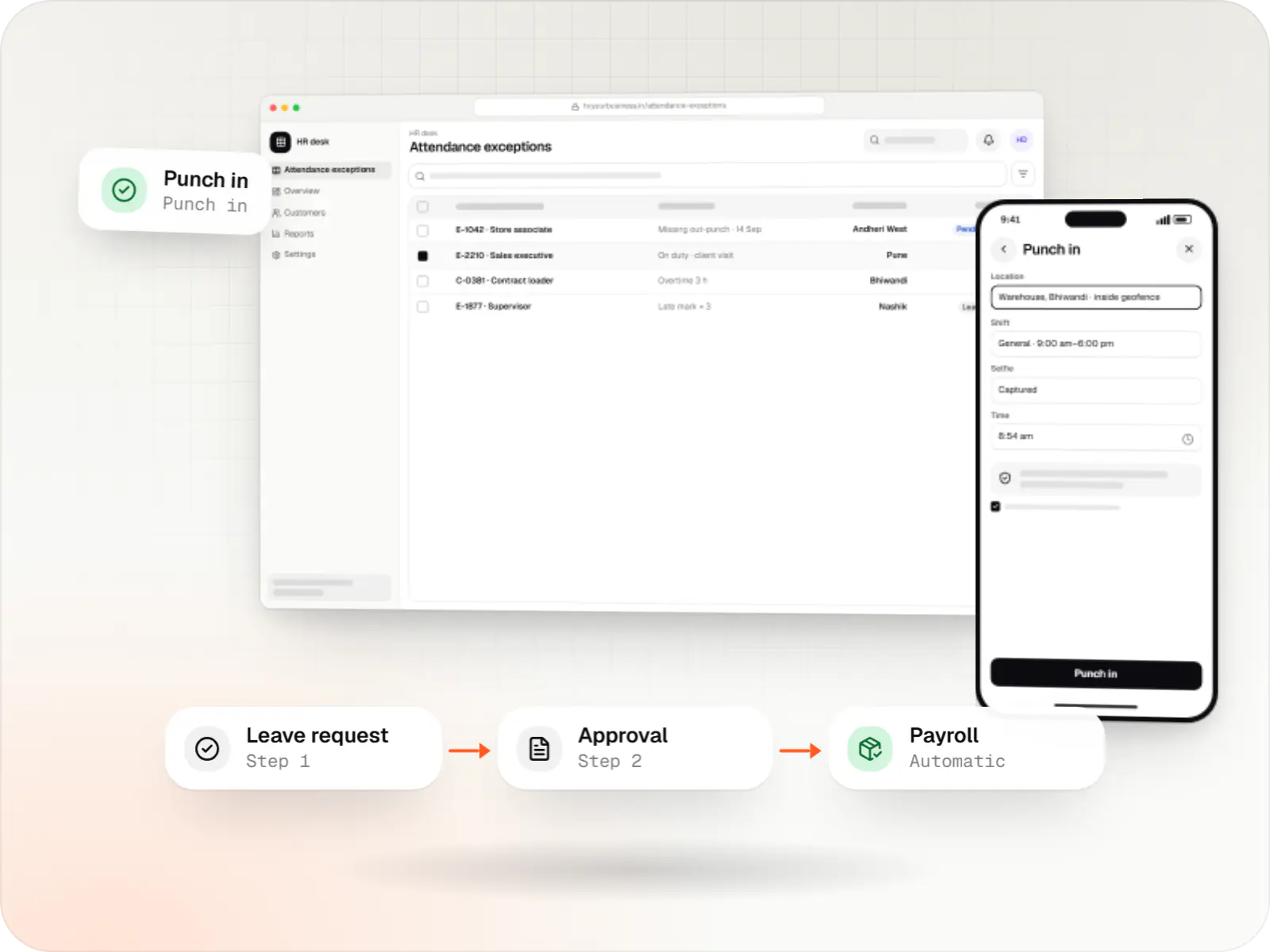
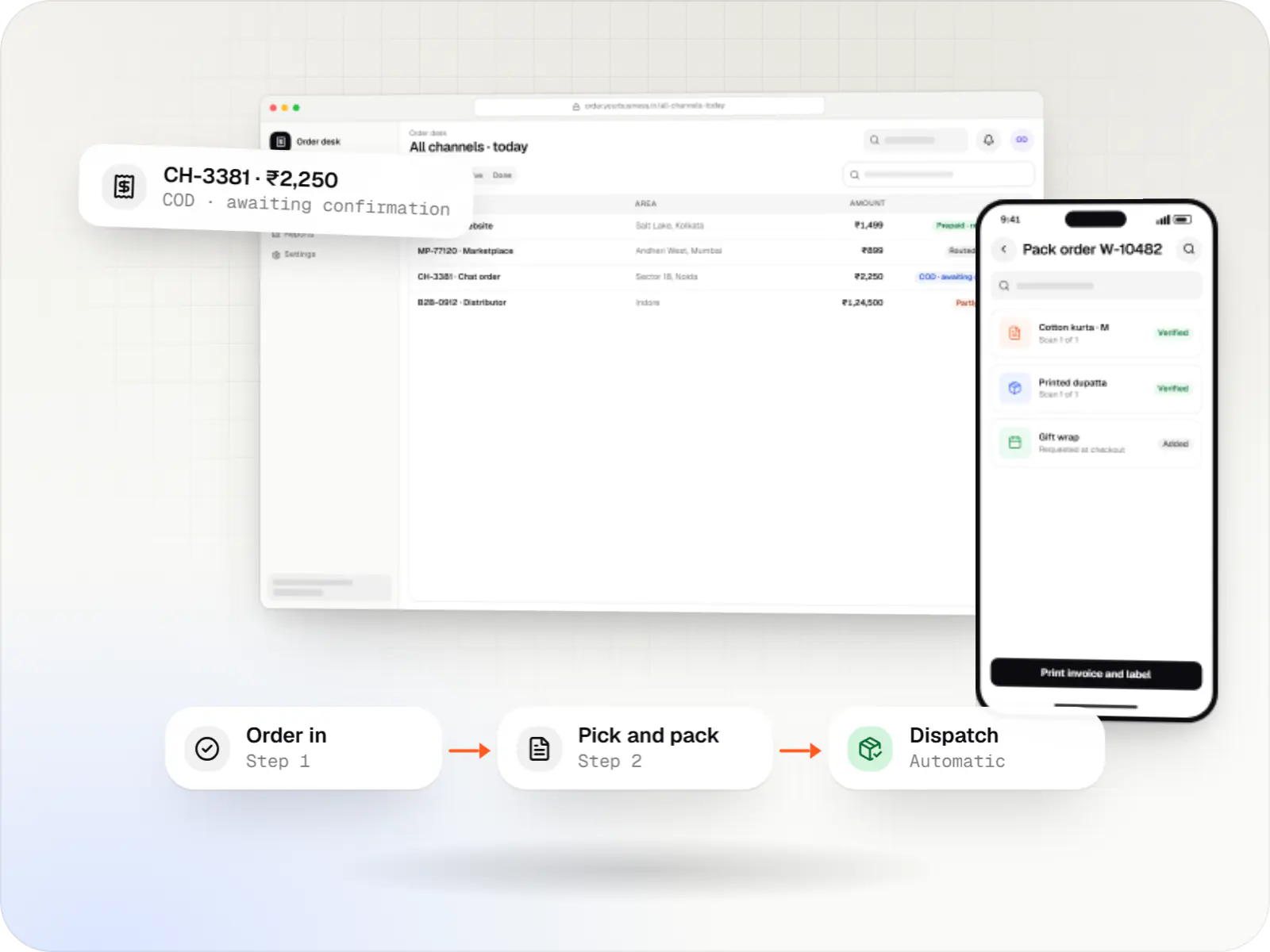
Sample screens: names, prices and figures are examples, not client data.
Services

Software shaped around how your business runs, from approvals and inventory to billing and reports, replacing spreadsheets and disconnected tools.
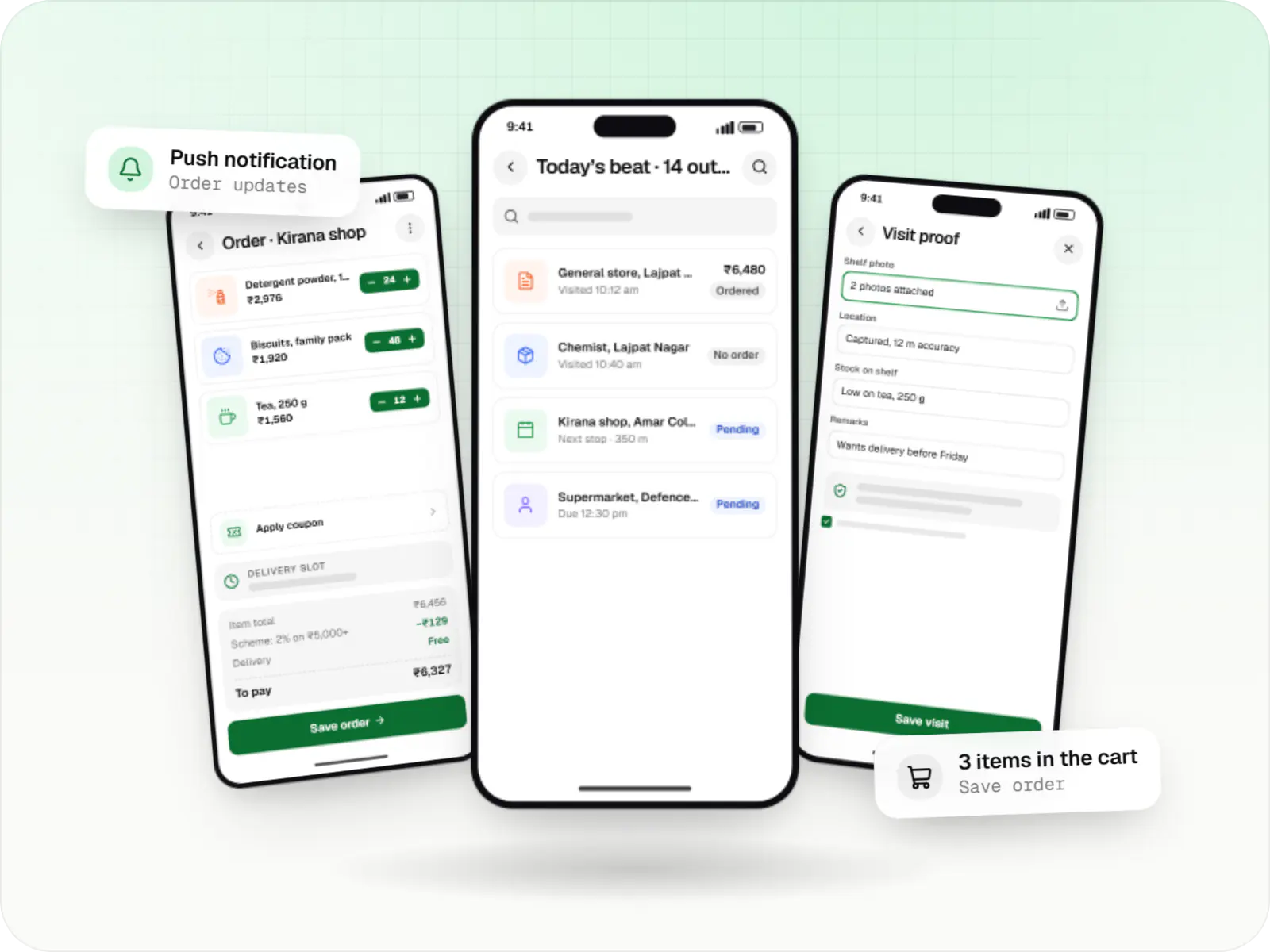
Native Android apps in Kotlin and Jetpack Compose, designed for entry-level phones, patchy networks and the background limits of popular Android brands.

Secure, documented REST and GraphQL APIs, plus integrations that connect your apps to payment, logistics, GST, messaging and business systems.

Back-office dashboards built around your team's daily tasks: order queues, approvals, catalogue management, payouts, reports and audit logs.
Industries
Cost drivers
Batch, expiry, serial or IMEI tracking and unit conversions add logic to every transaction.
Bin-level put-away across several warehouses is more work than location-level stock.
A scanning app built for warehouse dead zones needs local storage and conflict handling.
Each marketplace or store has its own API limits and testing.
Clean item masters and a verified opening count are essential before go-live.
Estimates are written from your scope, with the effort and assumptions behind each line item.
How pricing worksWork
Illustrative projects that show how we plan and build this kind of product. They are samples, not client work.
E-commerce & marketplaces
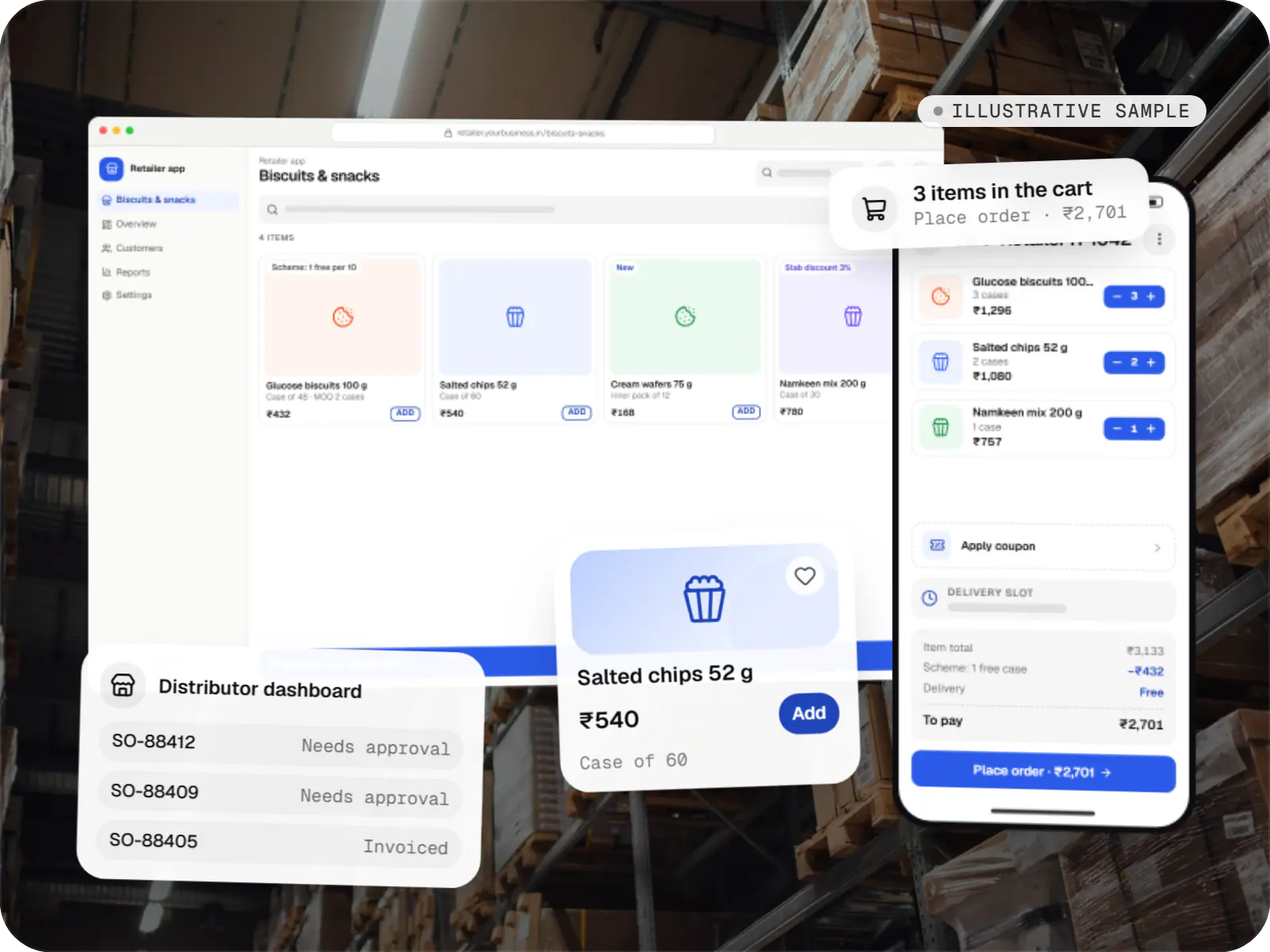
An illustrative ordering app for a distributor's retailers and sales team, with tier pricing, credit limits, trade schemes and GST invoicing.
Runs on
Built with
More specific pages
Inventory management software for
FAQ
Yes. Each channel connects through its seller or store API. When stock changes in the warehouse, updated quantities are pushed to each channel, and new orders reserve stock straight away. We usually keep a small buffer per channel for fast movers, because marketplaces apply updates with short delays. API access needs approvals on your seller accounts, and some marketplaces limit how often stock can be updated, which we design around.
Not necessarily. Smaller teams can start with Android phones using the camera or a Bluetooth scanner. Busy warehouses usually benefit from rugged Android handhelds with built-in scanners, which read faster and survive drops. For labels, a thermal barcode printer from a common brand such as Zebra or TSC works well. We help you choose based on volume and budget, and the app works across these devices.
Each receipt records the batch number and manufacturing and expiry dates, and every later movement carries that batch. Picking follows first-expiry-first-out by default, so the app directs staff to the batch that should leave first. Near-expiry stock appears in alerts with enough notice to run offers or return it to the supplier. Expired or recalled batches can be blocked from sale in one step.
Inventory software focuses on stock: receiving, storage, movement, counting and valuation. An ERP adds purchase approvals, production planning, sales orders, finance and HR around that core. Many businesses start with inventory because it fixes the most visible problem, then add purchase or sales modules later. We design the inventory data model so it can become the base of a wider ERP without re-entering items and locations.
Related

Next step
Tell us how many locations, SKUs and channels you manage. We will recommend a scanning setup and send a line-item estimate.