Mobile
Flutter
Build Android and iOS apps from one shared codebase, so you launch on both platforms faster with a consistent experience.
Used for
- Mobile apps
- Delivery apps
- E-commerce apps
- Booking apps
Android · iOS · Cross-platform
We design, build and release Android and iOS apps along with the backend and admin panel behind them. You talk directly to the developers.

At a glance
What it is
Native and cross-platform Android and iOS apps, from first release through regular store updates, built by our in-house designers and engineers.
Flutter and the related logo are trademarks of Google LLC. We are not endorsed by or affiliated with Google LLC.
How to start
Tell us what you need in your own words. You talk to the developers who would build it and get a written, line-item estimate.
Get a project estimateAn app that looks finished in a demo can still fail in the field. Orders vanish when the network drops, notifications never arrive on phones with aggressive battery savers, and a payment succeeds at the bank but not in your database. Much of the real work in mobile app development is handling these cases well.
So we treat an app as a system: one team designs the screens, builds the API, wires up notifications and handles store releases, and stays accountable when something breaks.
Low-RAM phones are in our test matrix; we track app size, startup time and memory use.
Cached screens, queued actions and safe retries, so a dropped connection loses nothing.
FCM and APNs set up properly, with SMS or WhatsApp fallbacks for critical alerts.
Play Console and App Store Connect set-up, data safety forms and privacy labels.
Source code, signing keys, store accounts and cloud projects belong to your company.
Phone OTP using DLT-registered SMS templates, plus Google and Apple sign-in.
UPI intent flows, cards, netbanking, COD and UPI AutoPay for subscriptions.
Address pinning, serviceable-area checks and battery-aware location updates.
Externalised strings, Indic fonts and layouts that fit longer Tamil or Malayalam labels.
On-device storage with conflict rules for field staff in low-coverage areas.
Solutions
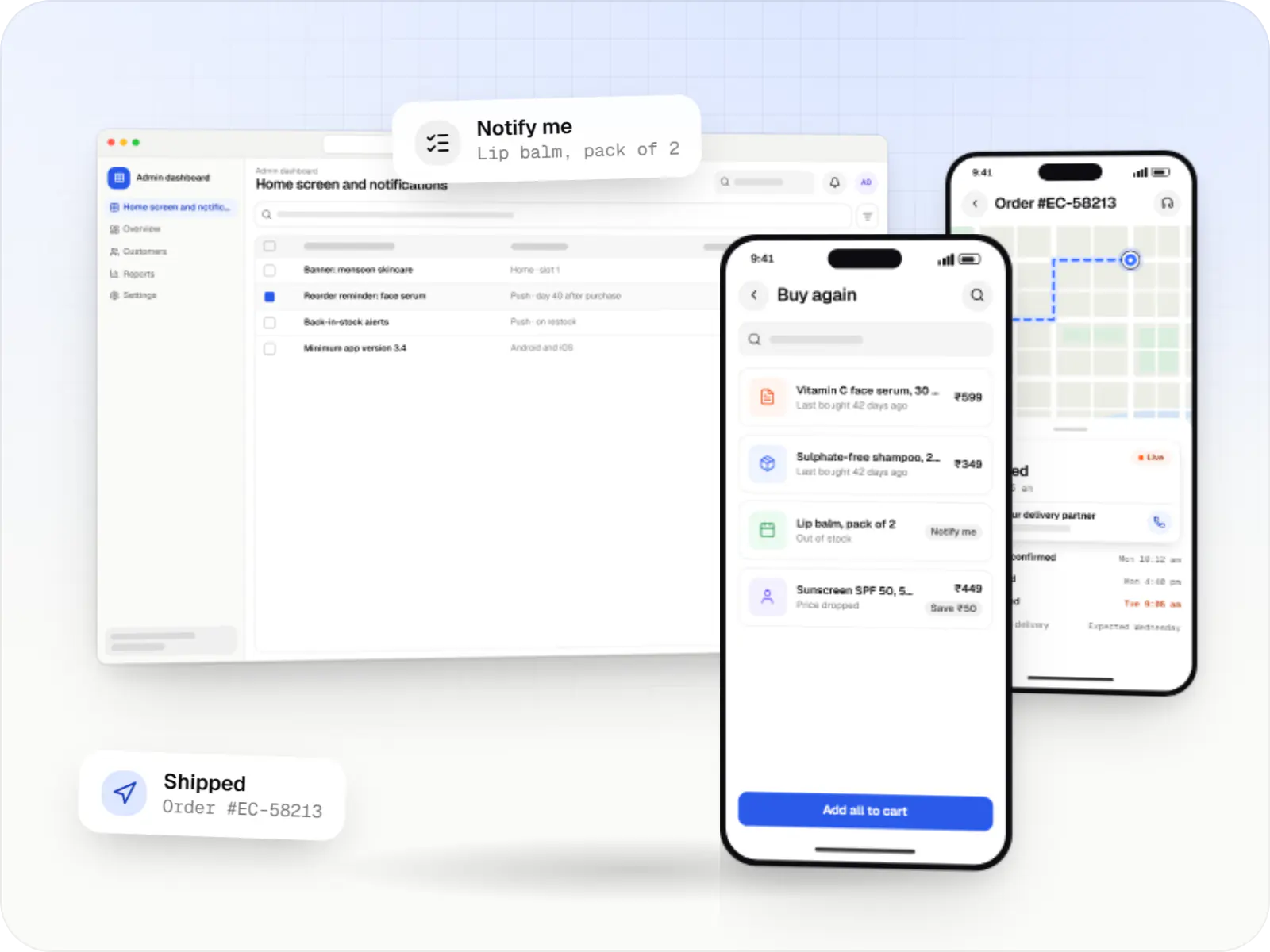
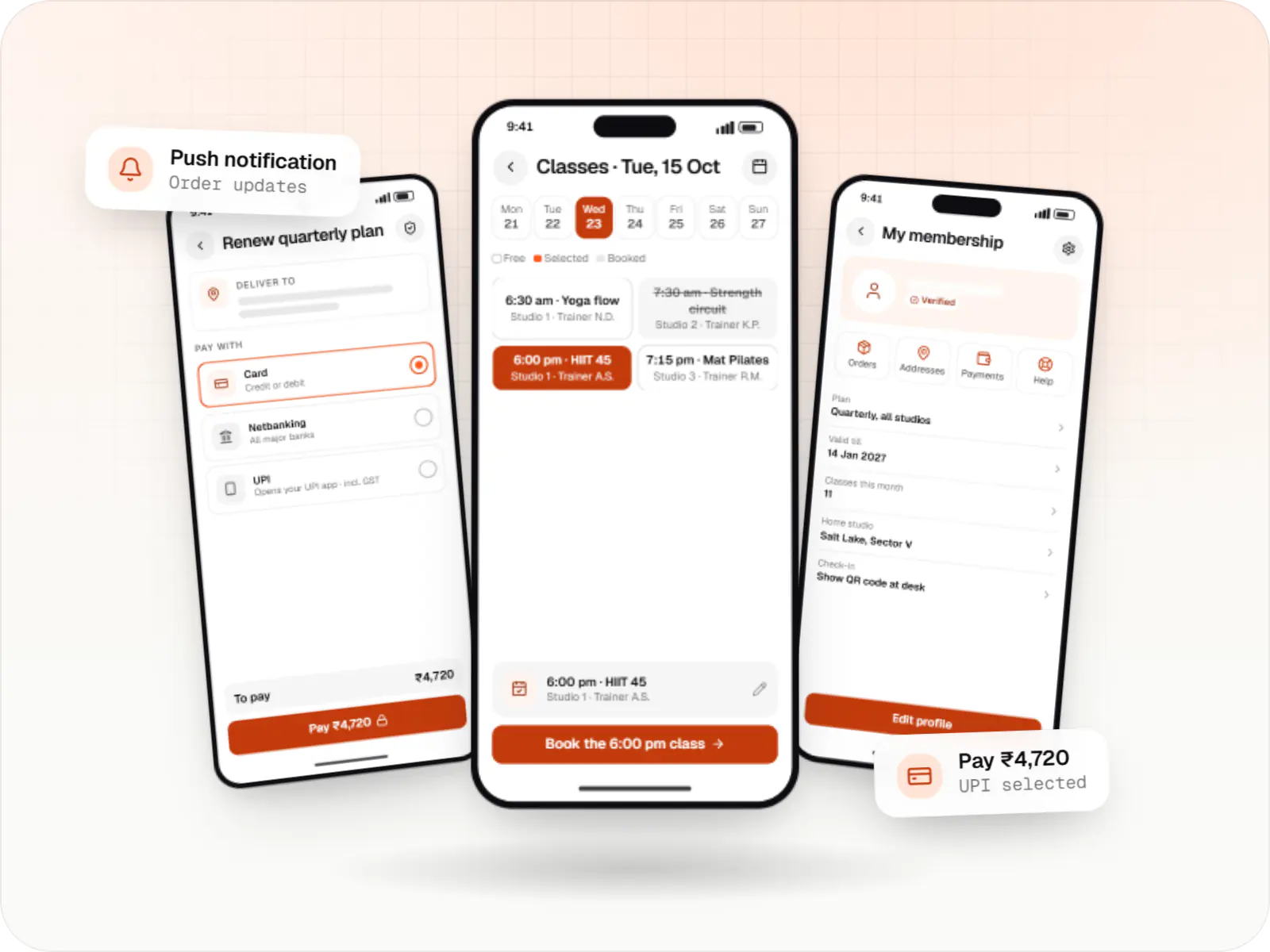
Android and iOS shopping apps with quick browsing, UPI checkout and push notifications, sharing one backend with your website.
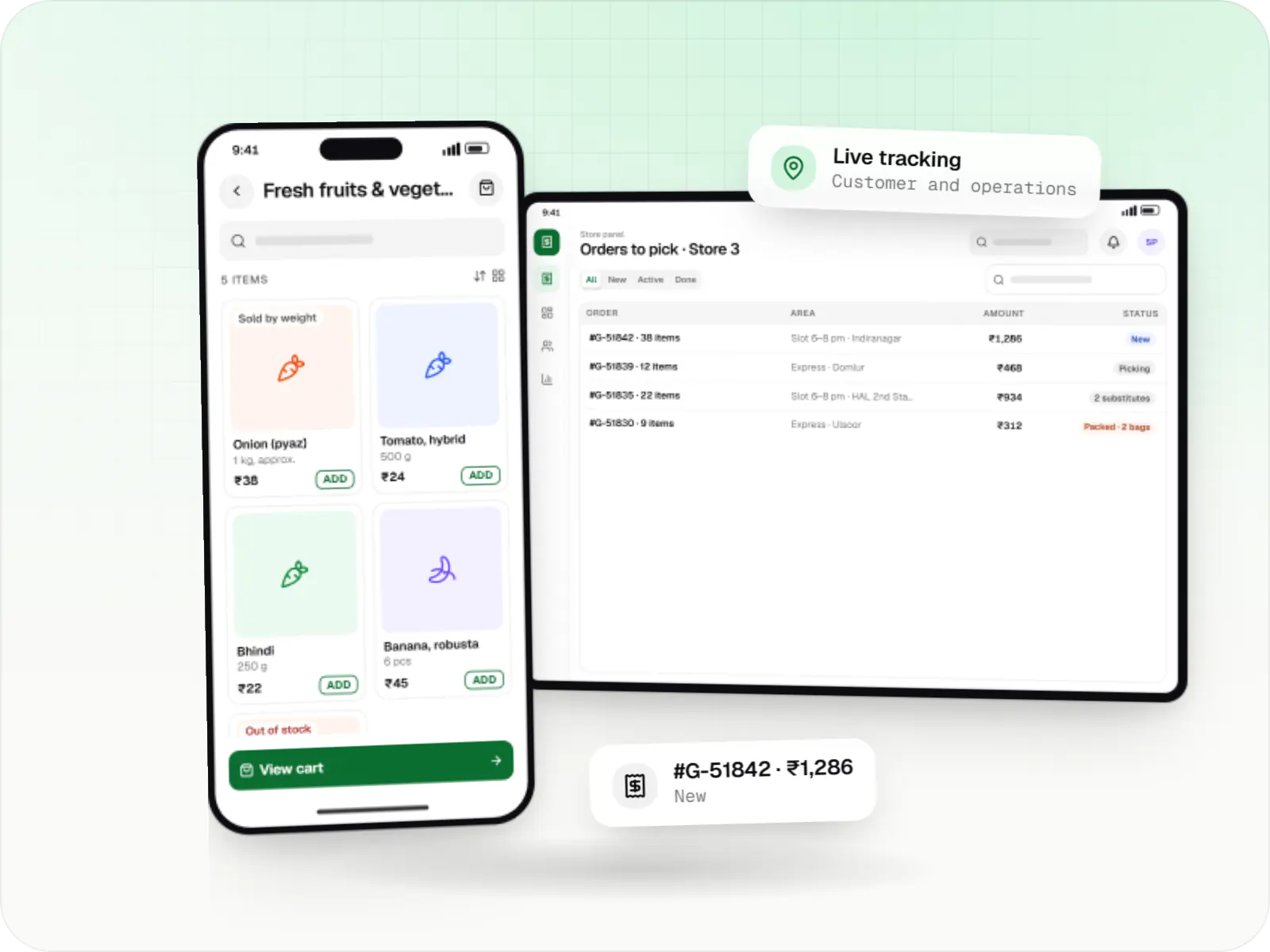
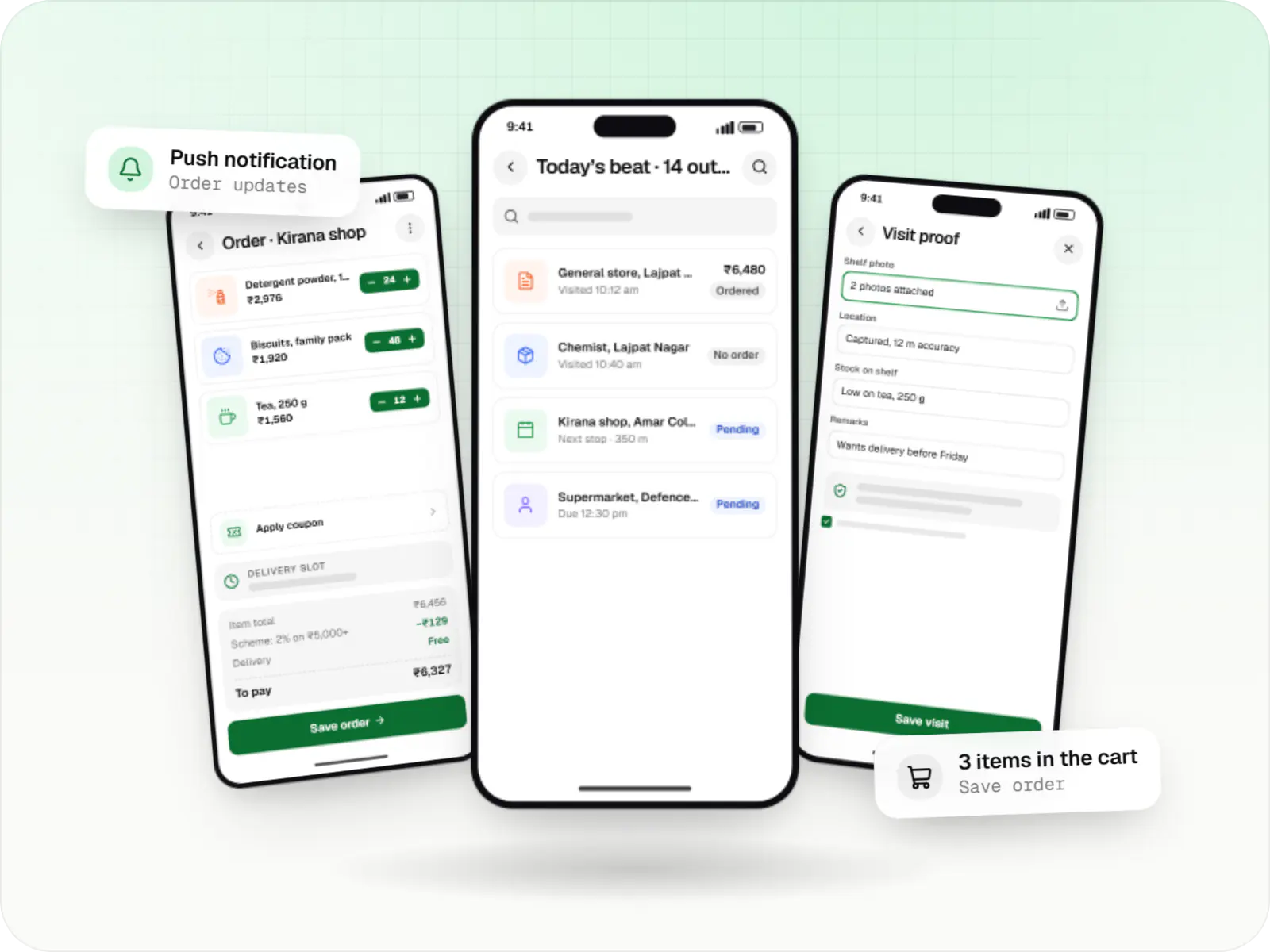
Grocery delivery apps for supermarkets, kirana chains and dark stores, with slots or express delivery, substitutions, picking and live tracking.
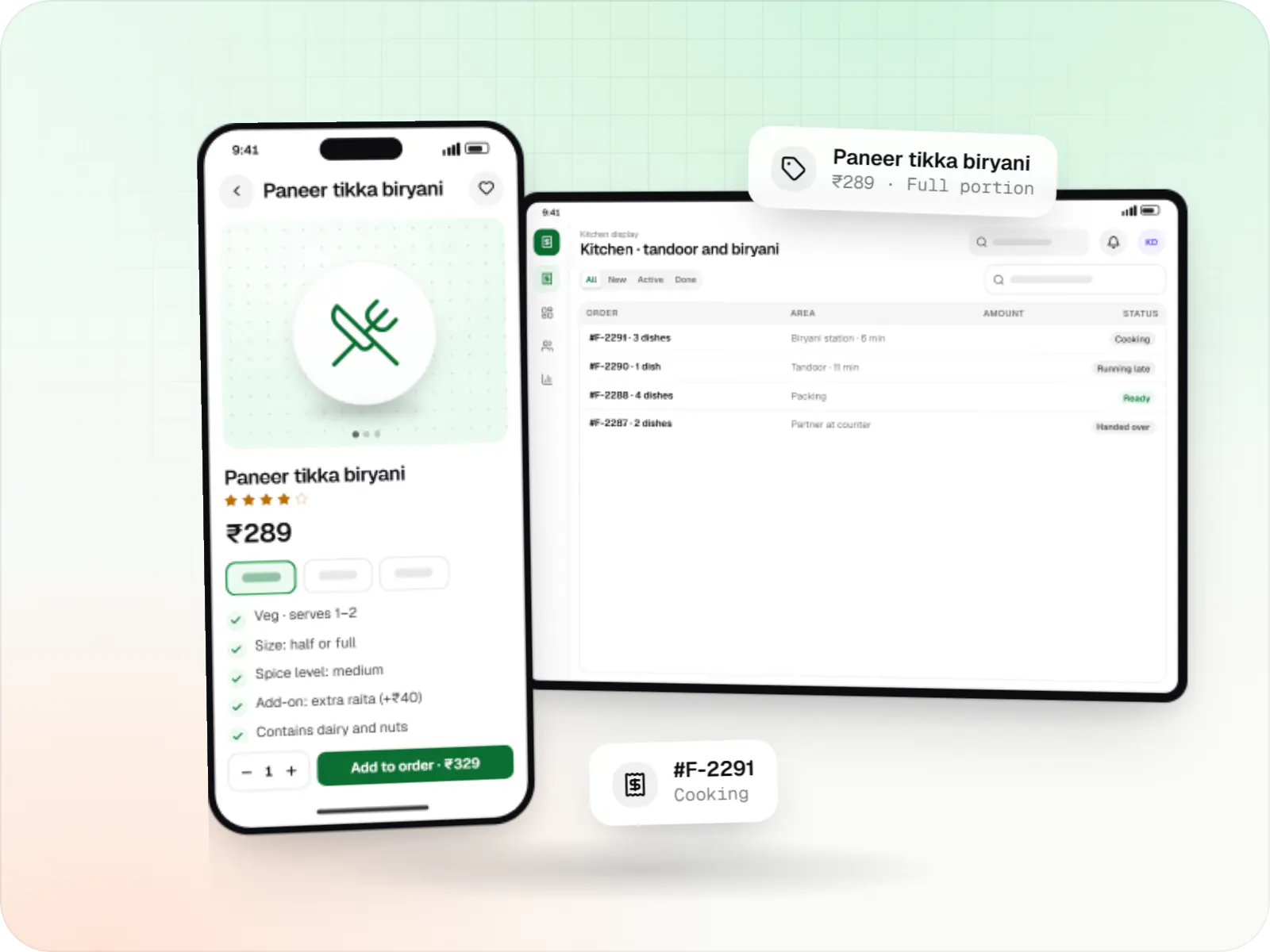
Food ordering and delivery apps for restaurants, chains and cloud kitchens, with menus and add-ons, kitchen displays, prep-time ETAs and delivery tracking.
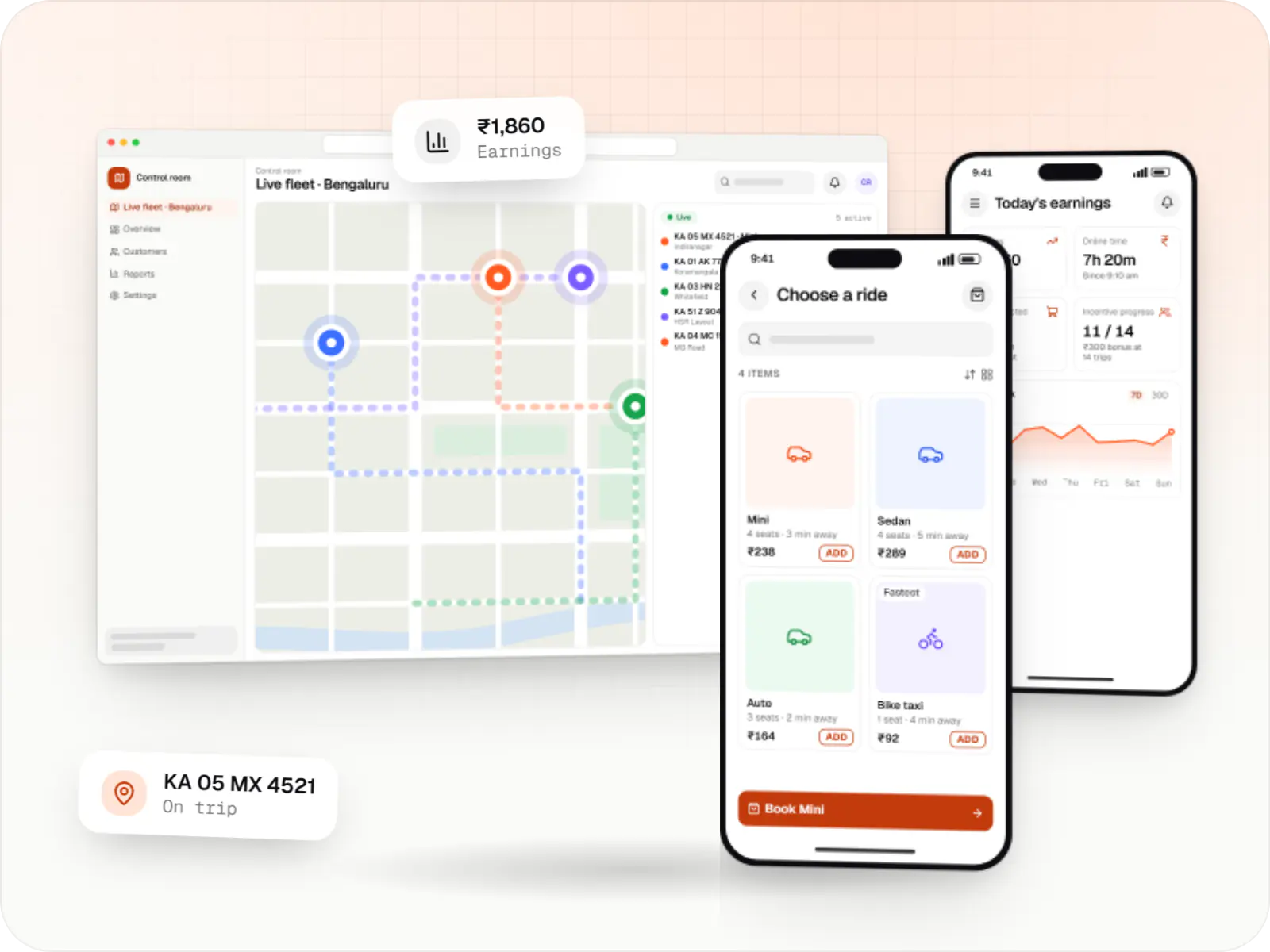
Rider app, driver app, dispatch engine and admin console for cab, auto, bike taxi, rental and outstation services, with UPI, cash and live tracking.
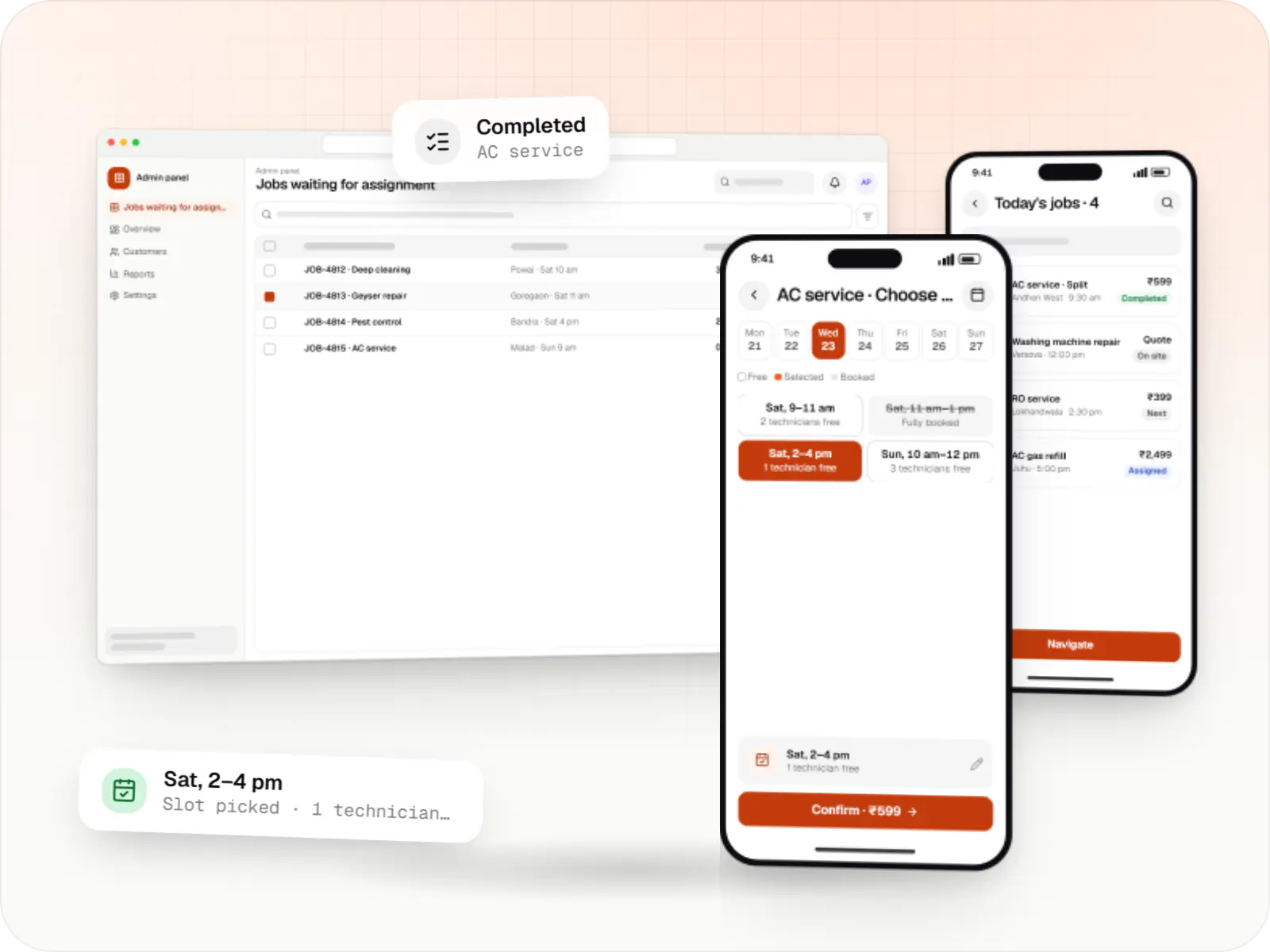
Customer app, professional app and admin panel for repairs, cleaning, appliance servicing and beauty at home, with slot booking, on-site quotes and payouts.
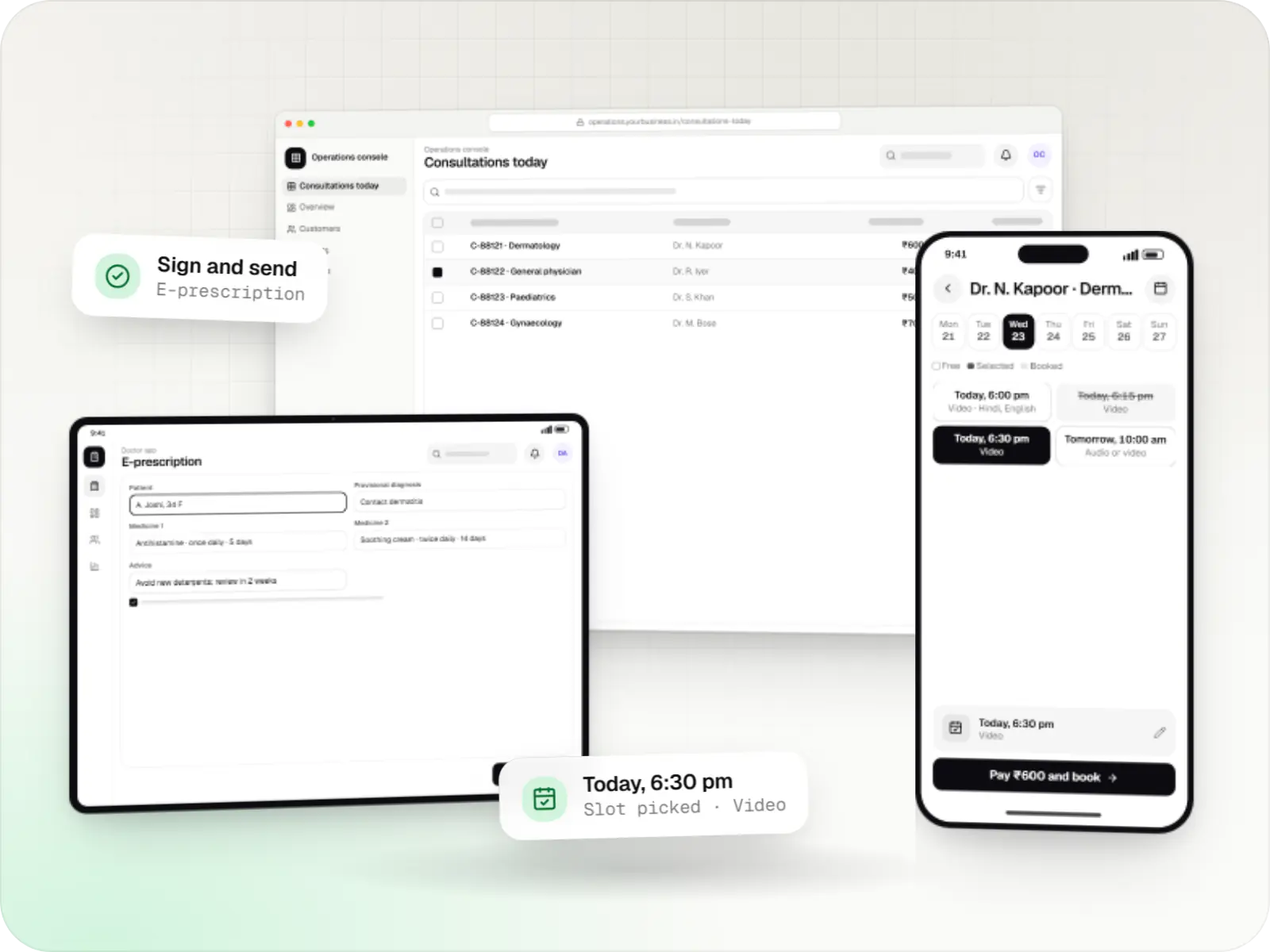
Video, audio and chat consultation platforms with scheduling, e-prescriptions, payments and records, designed around the Telemedicine Practice Guidelines.
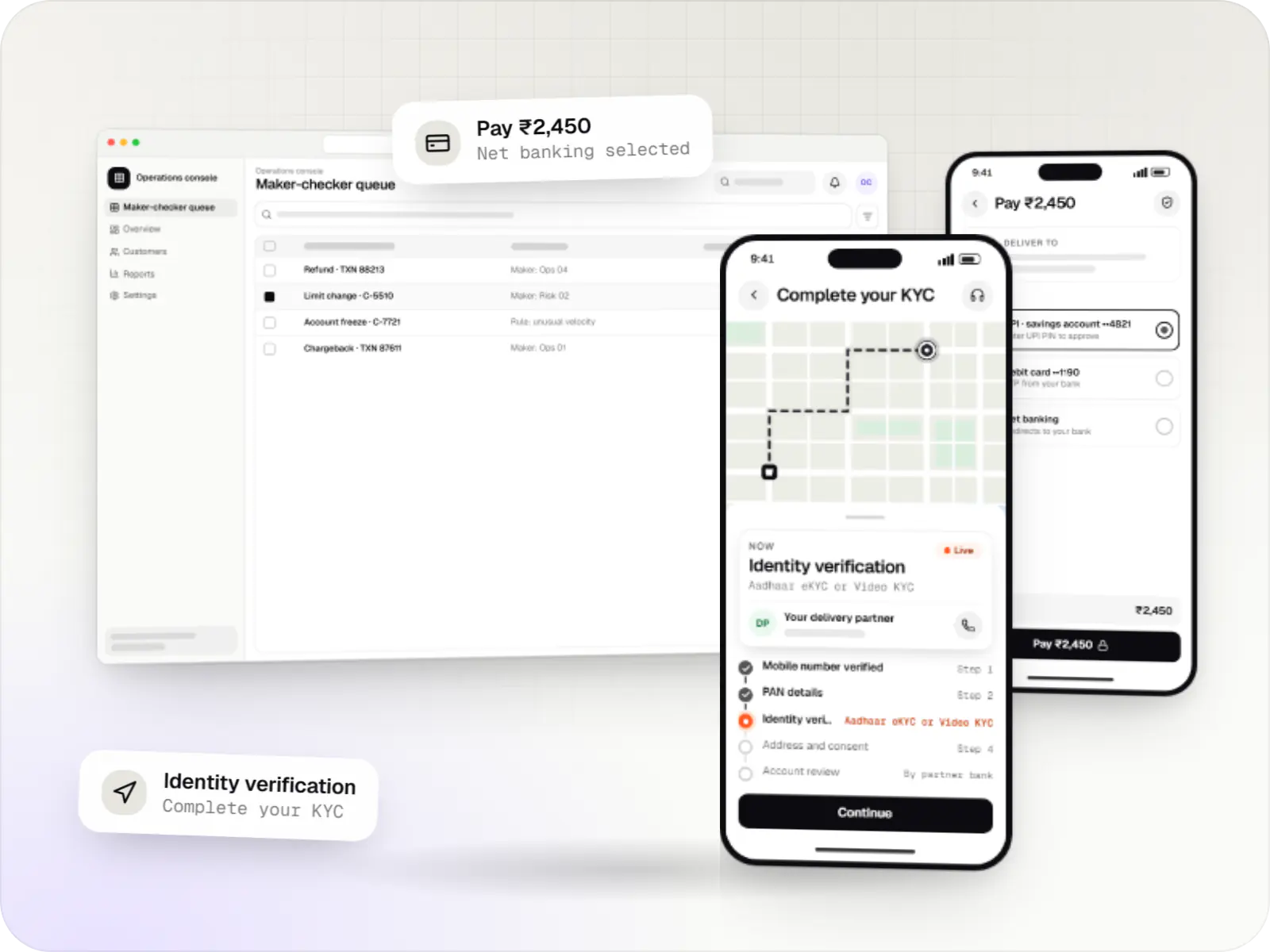
Secure fintech apps and back offices for payments, lending, investments and insurance, integrated with licensed banking, KYC and data partners.
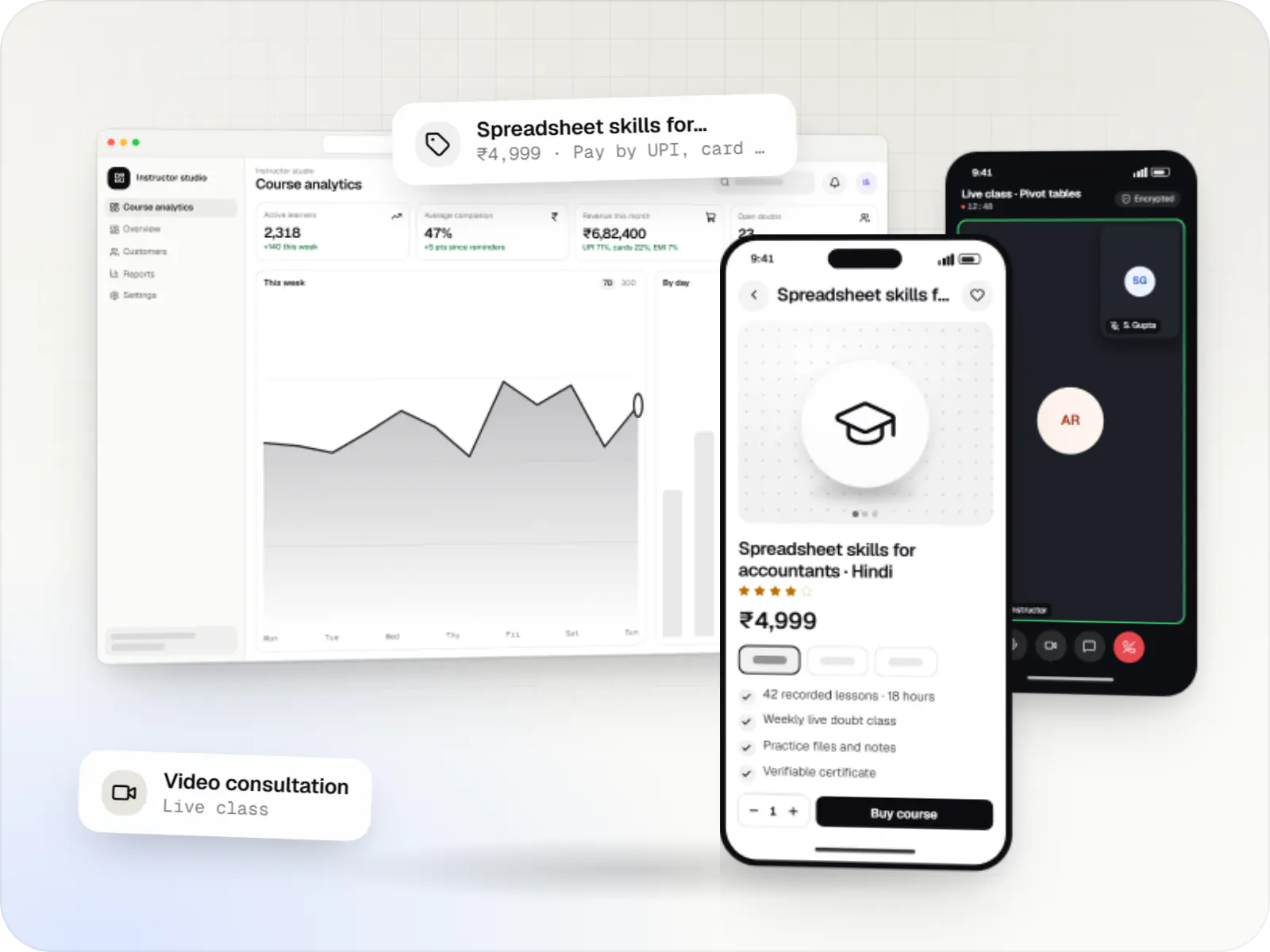
Course platforms with protected video, live classes, assessments, certificates and payments, designed for multilingual content and learners on low bandwidth.
How it works
Take a typical ordering app for a bakery or pharmacy: each step below is a screen or an automatic action we build and test.
Products or services load quickly even on an entry-level phone, with photos, prices and delivery or pickup options, in English or the customer’s own language.
The app checks stock and slot availability as the customer goes, so nobody orders an item that has run out or books a slot that is already full.
The payment gateway confirms each payment directly to our server, so an order is marked paid only when the money has actually been received.
A push notification, with SMS or WhatsApp as a backup, confirms the order and announces each stage, so customers do not need to call the shop to ask.
New orders appear in the admin panel, where staff accept them, update the status, change items or issue refunds from one screen.
A dashboard shows daily sales, popular items and returning customers, so decisions about stock, offers and staffing rest on real numbers.
Platforms
On Android phones and iPhones, often from one shared codebase, with a browser-based admin panel for your staff.
Apps for Android phones and tablets, tested on budget and mid-range devices and published on Google Play or privately.
Apps for iPhone and iPad, built to Apple's guidelines and released through TestFlight and the App Store.
One Flutter or React Native codebase for Android and iOS, with native modules where a feature needs them.
Back-office panels for operations, support and finance teams: orders, users, content, reports and permissions.
Technology
Flutter or React Native lets one team build for Android and iPhone together; Firebase sends notifications; Node.js and PostgreSQL keep orders safe; Razorpay takes UPI payments; Google Maps finds addresses.
Mobile
Build Android and iOS apps from one shared codebase, so you launch on both platforms faster with a consistent experience.
Used for
Mobile
Build Android and iOS apps in the same language as a React website, so one team can share code and skills across web and mobile.
Used for
Mobile
Apps built specifically for Android, with full access to the phone's hardware, background location and company-managed devices.
Used for
Mobile
Apps built specifically for iPhone and iPad, for when your product needs Apple features or a polished experience for iPhone users.
Used for
Cloud & DevOps
Ready-made building blocks for mobile apps, such as push notifications, phone OTP login and crash reports, so you launch sooner.
Used for
Backend
Runs the server side of apps: fast, scalable back ends that power your app, website and integrations.
Used for
Data
A reliable database for the records your business runs on: orders, payments, bookings and stock, kept accurate and easy to report on.
Used for
Payments & maps
Lets customers in India pay by UPI, cards, netbanking or wallets, and handles subscriptions, refunds and payouts to sellers or partners.
Used for
Payments & maps
Adds maps, address search, live tracking and travel-time estimates to delivery, ride and field apps, so orders reach the right door.
Used for
Flutter and the related logo are trademarks of Google LLC. We are not endorsed by or affiliated with Google LLC.
Comparison
| Flutter | React Native | Native (Kotlin / Swift) | |
|---|---|---|---|
| Codebase | One Dart codebase | One TypeScript codebase | Two native codebases |
| Good fit for | Custom-designed apps and MVPs | Teams already working in React | Heavy hardware use and background work |
| Main trade-off | Larger minimum app size | Some SDKs need native bridging | Higher build and upkeep effort |
Plain-English glossary
Product preview
Illustrative screens from a bakery ordering app for Android and iPhone, and the admin panel behind it.
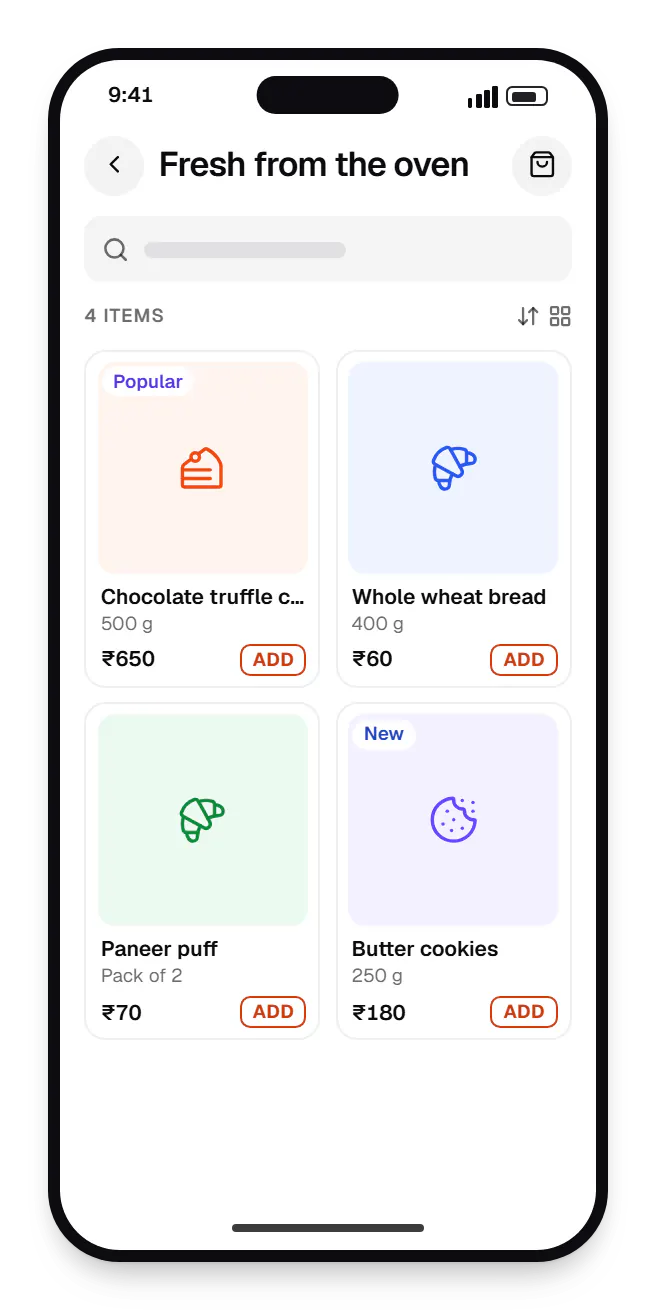
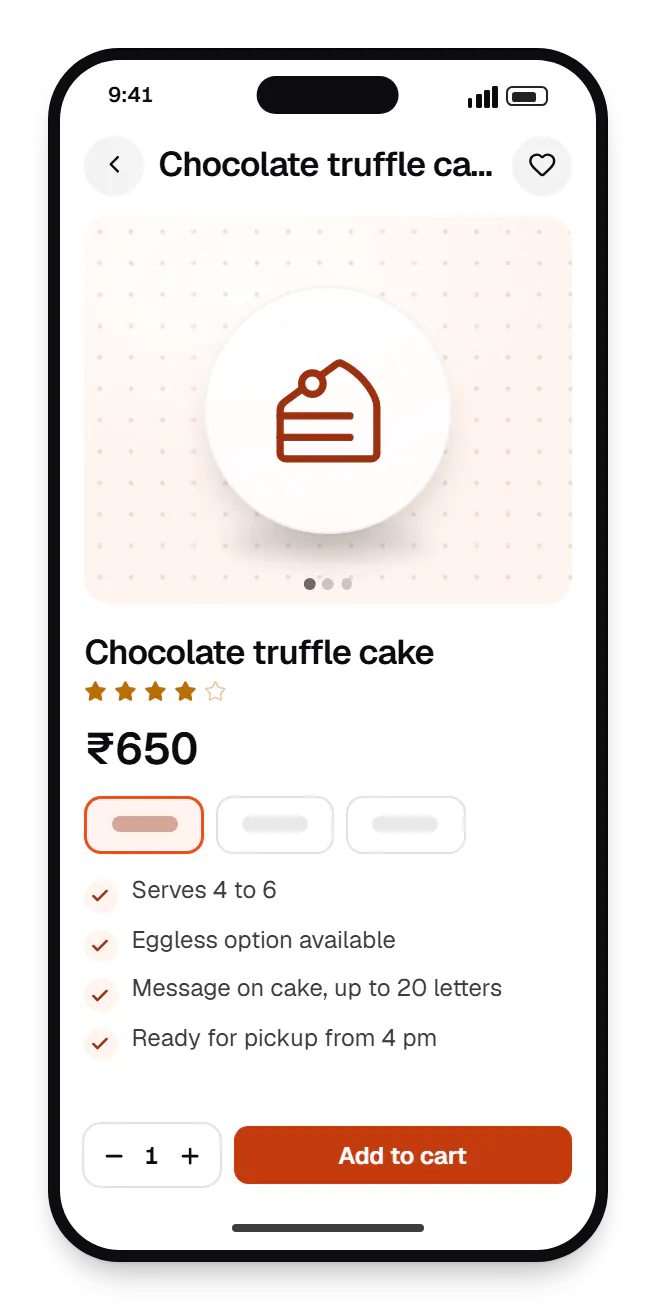
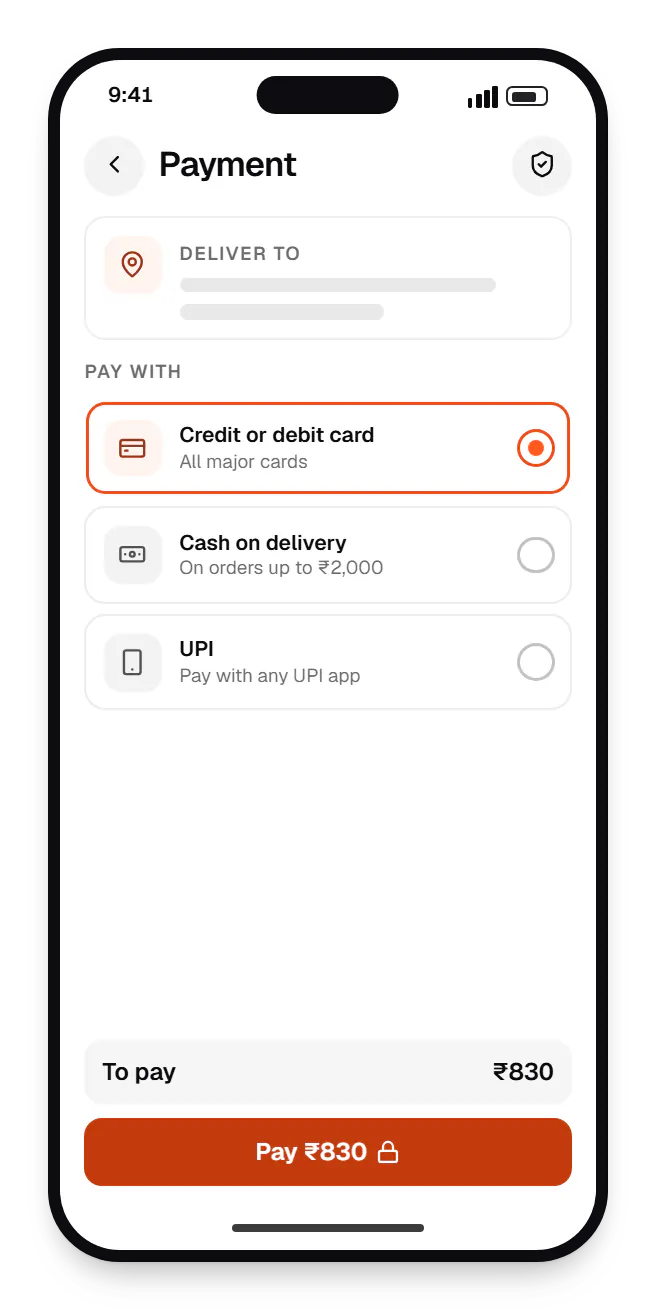
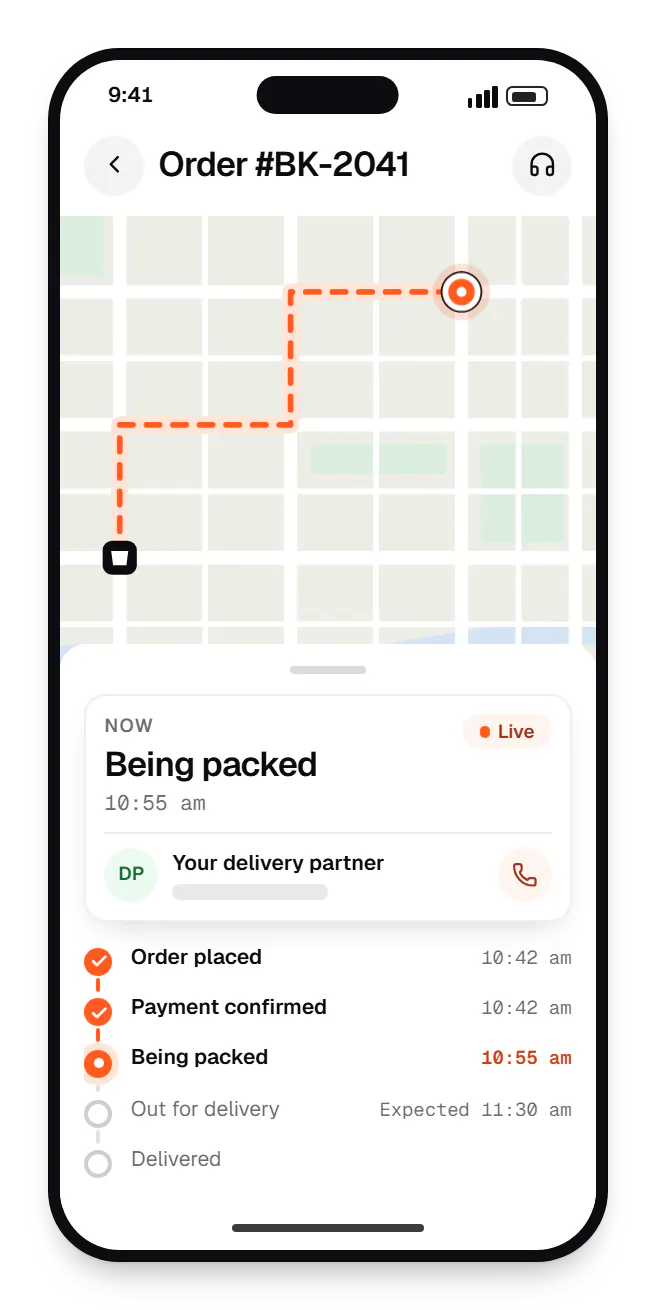
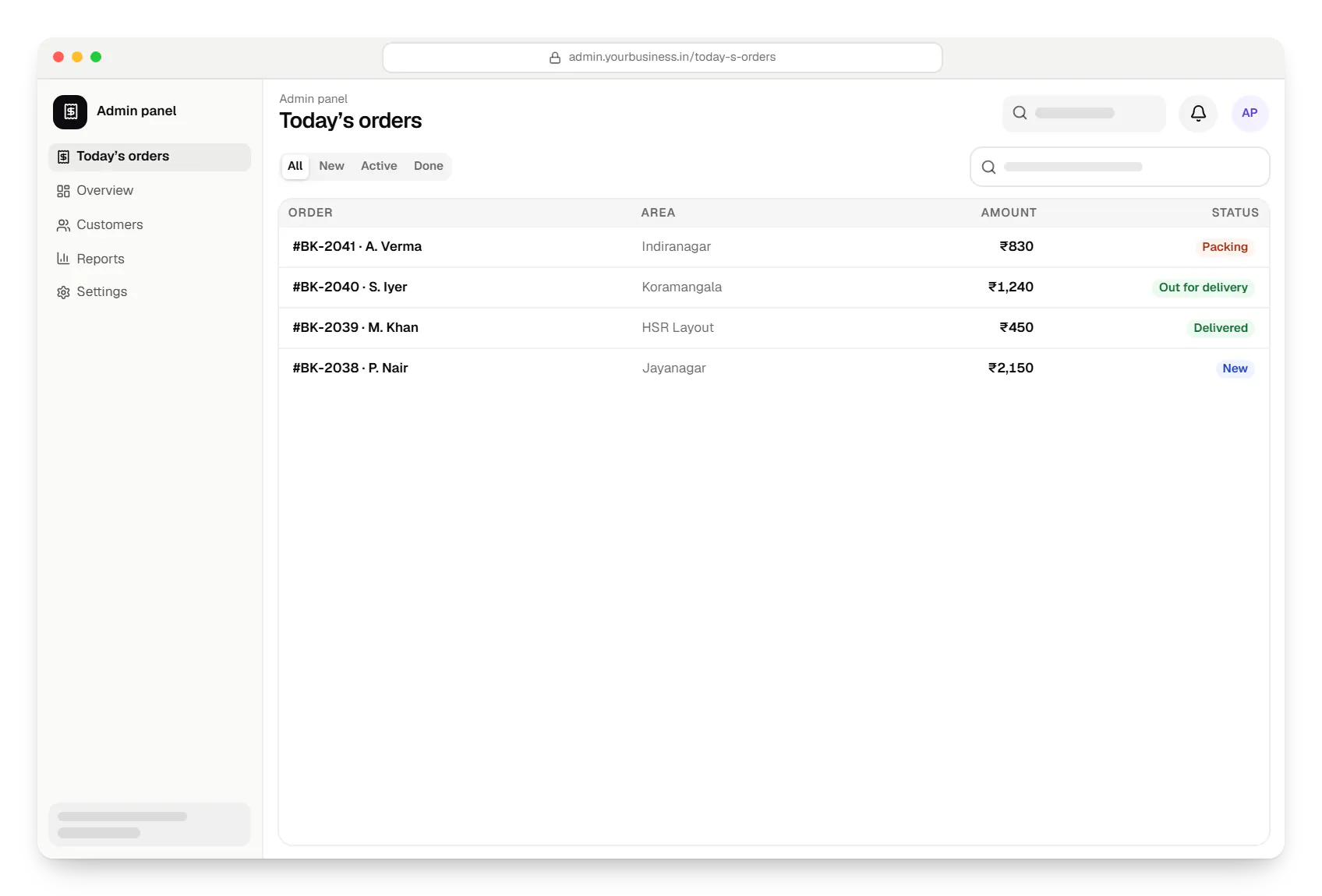
Sample screens: names, prices and figures are examples, not client data.
Work
Sample projects, not client work, showing how we would plan the apps, the admin panel and the flows between them.
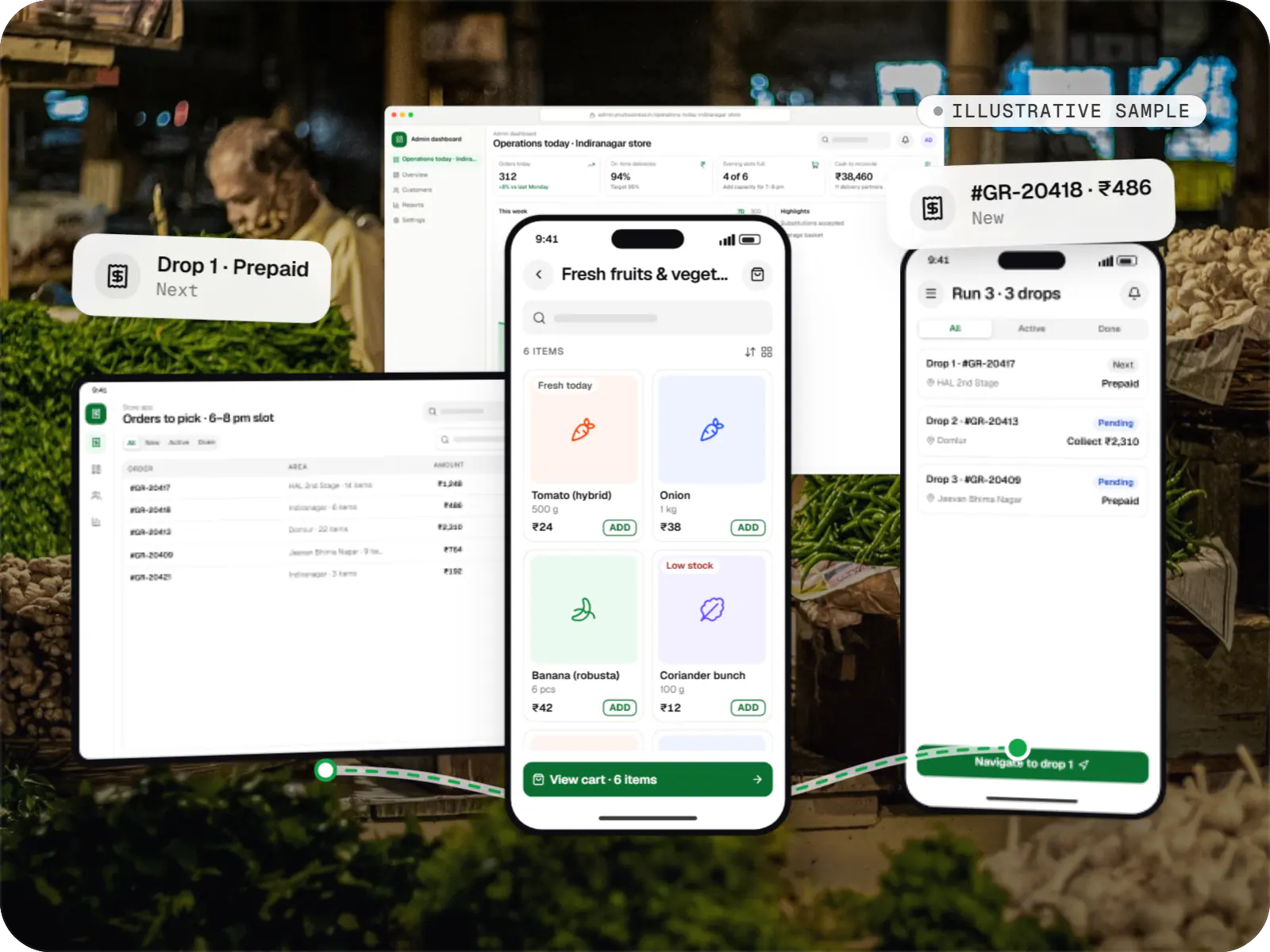
Delivery app development
An illustrative platform for neighbourhood grocery stores: slot or express delivery, store picking, batched delivery runs, and payment by UPI or cash on delivery.
Runs on
Built with
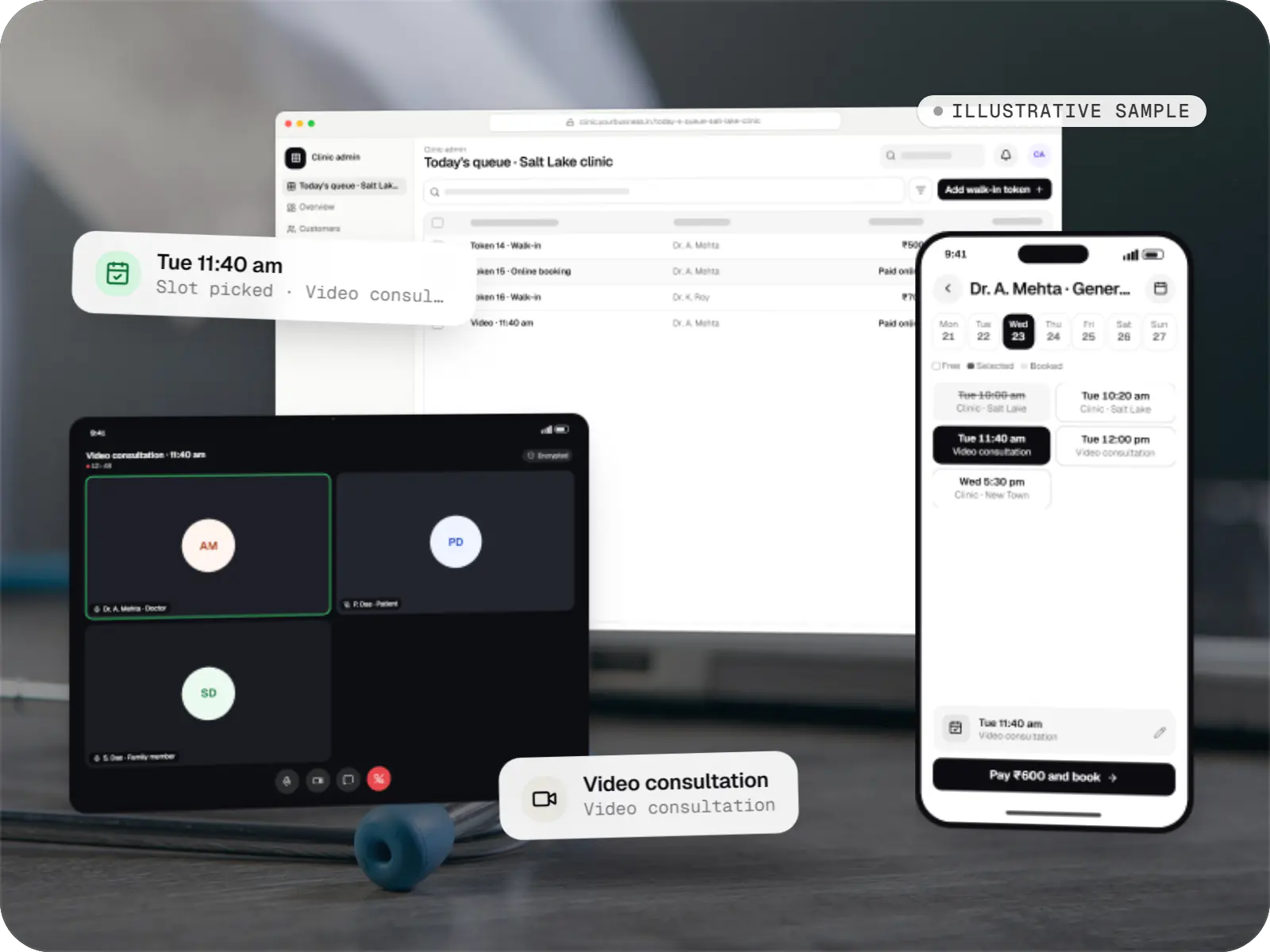
Healthcare software
An illustrative patient app, doctor app and clinic admin for in-person and video consultations, with digital prescriptions and consent-based record access.
Runs on
Built with
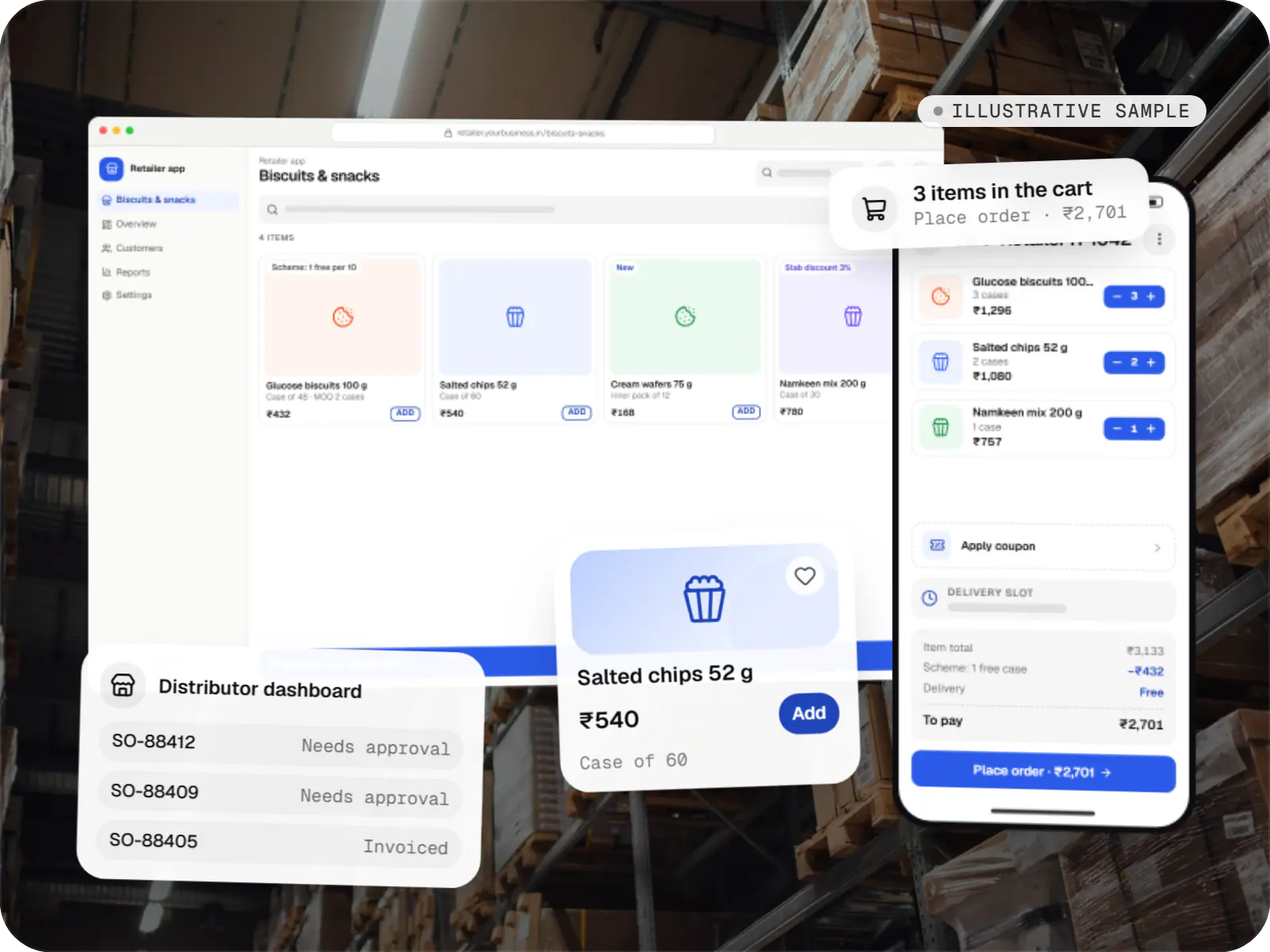
E-commerce & marketplaces
An illustrative ordering app for a distributor's retailers and sales team, with tier pricing, credit limits, trade schemes and GST invoicing.
Runs on
Built with
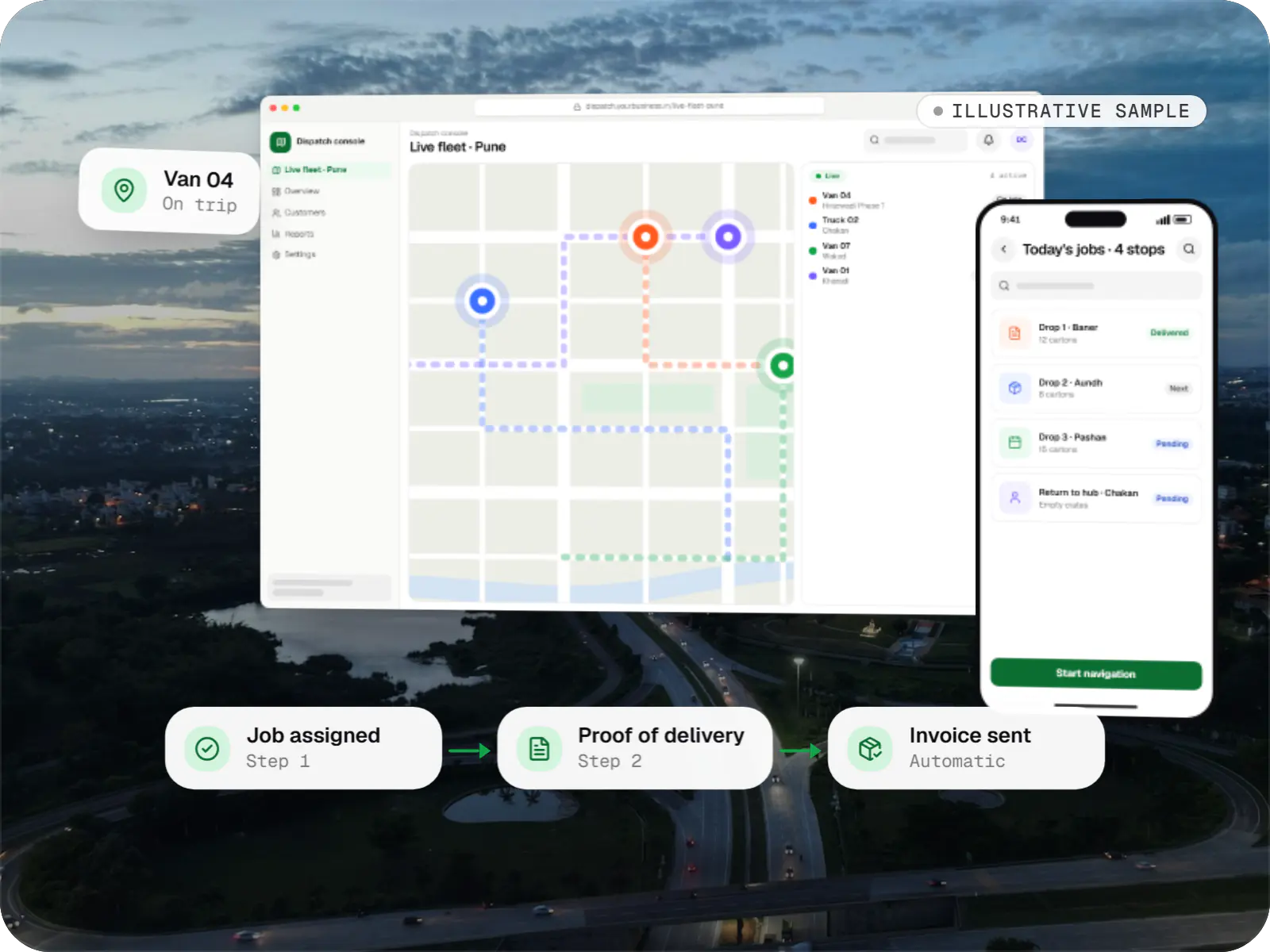
Business software
An illustrative SaaS for businesses running their own vehicles: live dispatch on a map, driver proof of delivery and per-trip billing for each customer.
Runs on
Built with
Industries
Cost drivers
One customer app is a different project from customer, partner, vendor and admin apps together.
One shared codebase usually needs less effort than two native apps.
Each gateway, courier, CRM or KYC provider adds integration work and failure handling.
Live tracking, chat and offline sync need extra infrastructure and testing.
Estimates are written from your scope, with the effort and assumptions behind each line item.
How pricing worksProcess
Roles, screens and integrations listed; build approach and first release agreed.
You getFeature list and estimate
Figma screens for the main journeys, checked on small displays and large font settings.
You getClickable prototype
The backend contract is agreed early so app and server work run in parallel.
You getAPI specification
Builds via Play internal testing or TestFlight, installed on your own phone.
You getTest build every sprint
Regression tests across Android versions, screen sizes and throttled networks.
You getTest report
Store listings, staged rollout, crash monitoring and quick fixes after launch.
You getLive apps and release runbook
More specific pages
Mobile app development in
Mobile app development for
FAQ
Android carries most of India’s smartphone users, so an Android-first launch is reasonable on a tight budget. With Flutter or React Native, adding iOS at the same time usually means modest extra effort: device testing, Apple review and a few platform fixes. Field staff and tier-2 or tier-3 audiences lean towards Android, and we keep the codebase iOS-ready either way.
A focused MVP with one app, a basic admin panel and a few integrations typically takes three to four months from signed-off scope to store release. Apps with several roles, live tracking or complex payments take longer and are planned in phases. Store reviews and approvals such as gateway KYC or WhatsApp templates sit outside our control, so we start them early.
Firebase Authentication, Firestore, Cloud Functions and Cloud Messaging can carry an MVP a long way for content, chat or simple bookings. It gets limiting with relational queries over large datasets, detailed reporting or heavy business logic such as pricing and settlements. Then we build a Node.js API on PostgreSQL and keep Firebase for notifications, or plan that migration from the start.
Even without new features, apps need upkeep. Google Play raises its target API level requirement every year, new iOS versions change permission behaviour, and payment or maps SDKs retire old versions. Our monthly maintenance covers these updates, crash monitoring, dependency upgrades and small fixes. If you later build an in-house team, we hand over documented build and release steps.
Next step
Share your idea, even as a rough list of screens. We will reply with a platform recommendation and a line-item estimate.