Web
Next.js
A modern web technology for fast, search-friendly websites, online stores and web applications that load quickly on mobile.
Used for
- Business websites
- Online stores
- Web apps
- Customer portals
Education · E-learning
Recorded courses, live classes and assessments, with protected video that plays on patchy mobile networks and payments learners trust.
At a glance
What it is
Course platforms with protected video, live classes, assessments, certificates and payments, designed for multilingual content and learners on low bandwidth.
Flutter and the related logo are trademarks of Google LLC. We are not endorsed by or affiliated with Google LLC.
How to start
Tell us what you need in your own words. You talk to the developers who would build it and get a written, line-item estimate.
Get a project estimateSelling courses online in India comes with specific constraints. Many learners watch on a mid-range phone and mobile data, often in short bursts during a commute. Piracy is a real risk for paid courses. Learners expect to pay by UPI or in instalments, and many course teams teach in Hindi, Tamil or other languages alongside English.
Our e-learning platform development answers with adaptive streaming, encrypted in-app downloads, DRM and watermarking for premium content, and a checkout with UPI, cards and EMI. Course teams get authoring, cohorts, live classes, assessments and certificates they can run alone.
Where a hosted course tool or Moodle meets your needs, we will tell you.
Challenges
Multiple renditions, audio-only mode and downloads keep learners on weak 4G watching.
DRM, signed URLs and watermarks make copying harder, though no method stops it entirely.
Drip schedules, reminders, streaks and cohorts keep self-paced learners going.
Per-learner fees, revenue shares and limits on branding or data access start to bite as you grow.
What is included
Platform: Web, Android and iOS
Platform: Web
Platform: Web
How it works
Course teams run every step themselves once the platform is set up.
They preview lessons, pay by UPI, card or EMI, and get instant access with a GST invoice.
Recorded lessons stream at a quality that suits their network, or download encrypted for offline viewing.
Scheduled live sessions include chat and polls, and recordings appear in the course soon after.
Learners submit quizzes and assignments; instructors grade them, answer doubts and see who is falling behind.
Reminders and streaks bring self-paced learners back when they drift, which helps more of them finish.
On completion, the learner receives a certificate that employers can verify online.
Platforms
Learners use the website and phone apps; instructors and admins manage courses from a web studio.
Marketing and content websites: fast, search-friendly pages with a CMS your team can update without a developer.
Browser-based applications with logins, roles and workflows, such as customer portals, SaaS products and internal tools.
Apps for Android phones and tablets, tested on budget and mid-range devices and published on Google Play or privately.
Apps for iPhone and iPad, built to Apple's guidelines and released through TestFlight and the App Store.
One Flutter or React Native codebase for Android and iOS, with native modules where a feature needs them.
Back-office panels for operations, support and finance teams: orders, users, content, reports and permissions.
Technology
Chosen for video that plays on patchy networks, a checkout learners trust and AI help that instructors oversee.
Web
A modern web technology for fast, search-friendly websites, online stores and web applications that load quickly on mobile.
Used for
Web
Builds interactive screens in the browser, such as dashboards, admin panels and portals, that respond instantly as your team works.
Used for
Mobile
Build Android and iOS apps from one shared codebase, so you launch on both platforms faster with a consistent experience.
Used for
Backend
Runs the server side of apps: fast, scalable back ends that power your app, website and integrations.
Used for
Backend
A structured way to build back ends on Node.js, so large business systems stay organised, testable and easy to hand over.
Used for
Data
A reliable database for the records your business runs on: orders, payments, bookings and stock, kept accurate and easy to report on.
Used for
Data
Keeps frequently used data in fast memory, so apps stay quick on busy days and live features like order tracking feel instant.
Used for
Cloud & DevOps
Cloud hosting for your app, website and data, with data centres in India and room to grow when traffic rises.
Used for
Adds AI features such as chat assistants, document summaries and smart search to your product, built on OpenAI models with human review.
Used for
Flutter and the related logo are trademarks of Google LLC. We are not endorsed by or affiliated with Google LLC.
Integrations
Encrypted adaptive streaming, with DRM where supported.
Interactive classes with recording and raise-hand.
UPI, cards, EMI and subscriptions with GST invoices.
Packaged corporate courses and university learning systems.
Doubt-solving assistants grounded in your material, with instructor oversight.
Privacy & security
Under-18 sign-ups collect verifiable parental consent as the DPDP Act 2023 requires, with no targeted ads aimed at children.
Widevine and FairPlay DRM through a video provider, plus learner-specific watermarks.
Instructors see their own learners' progress; support staff cannot see assessment answers.
Shuffling, time limits and focus checks rather than invasive proctoring.
Plain-English glossary
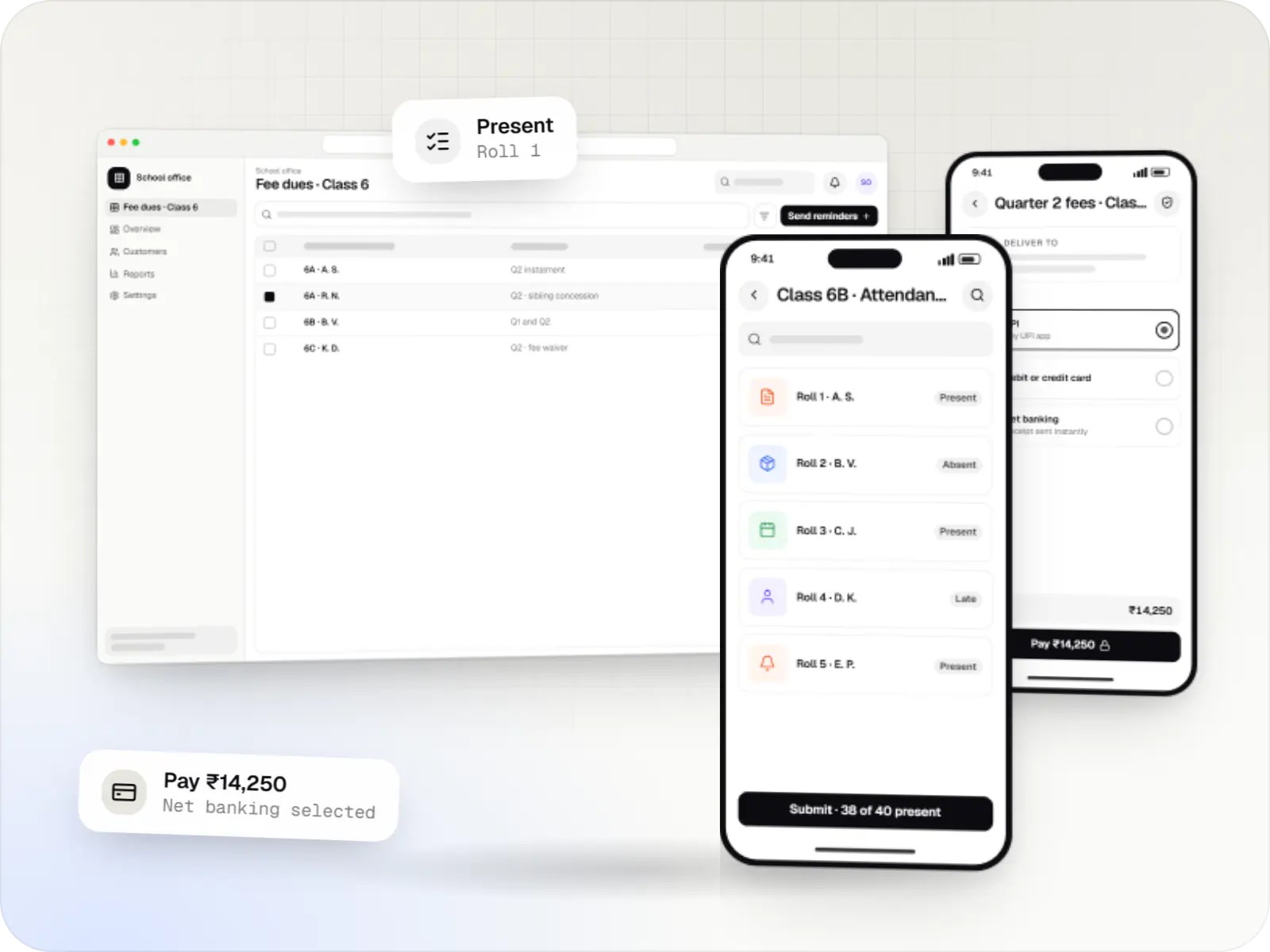
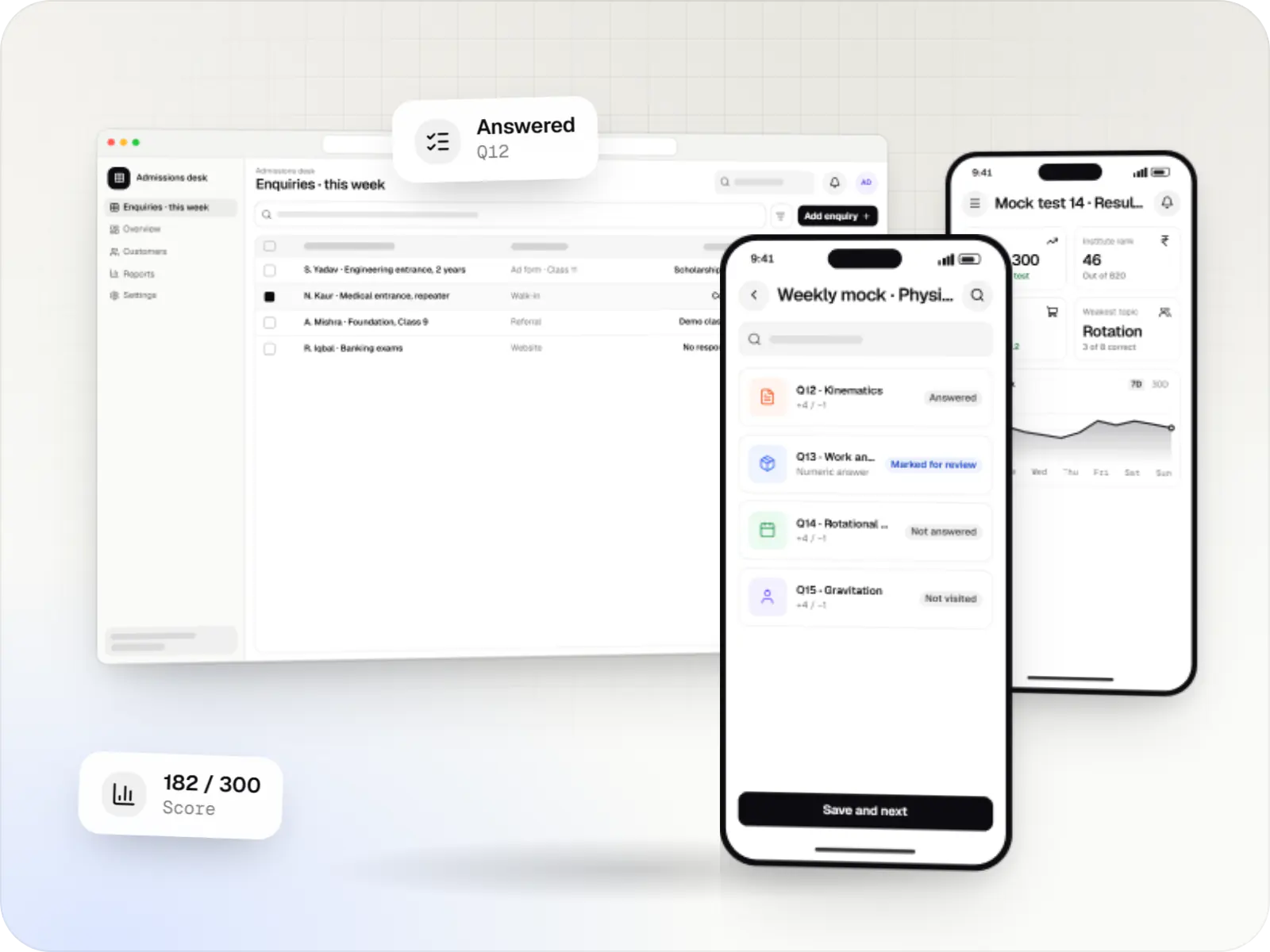
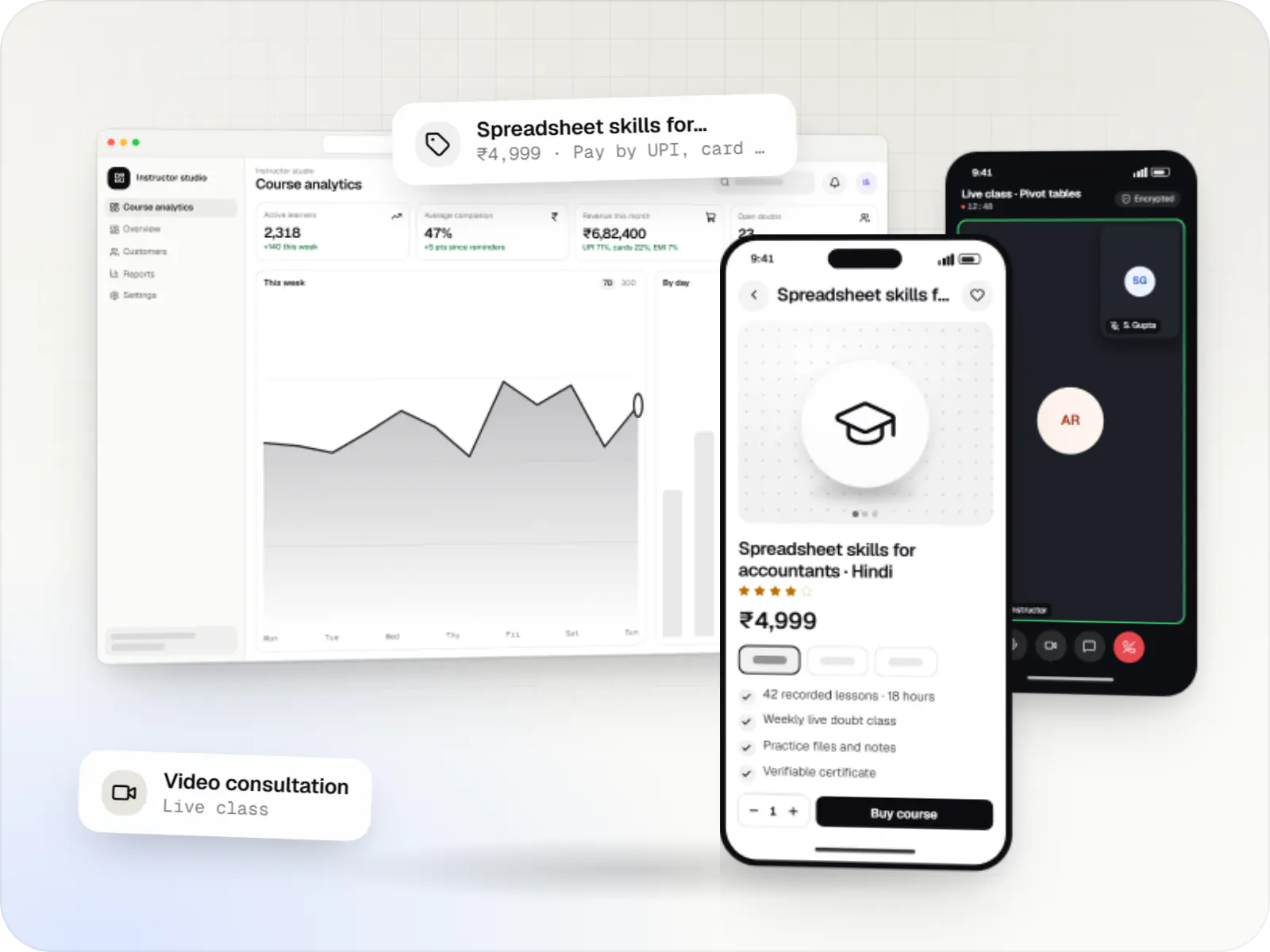
Product preview
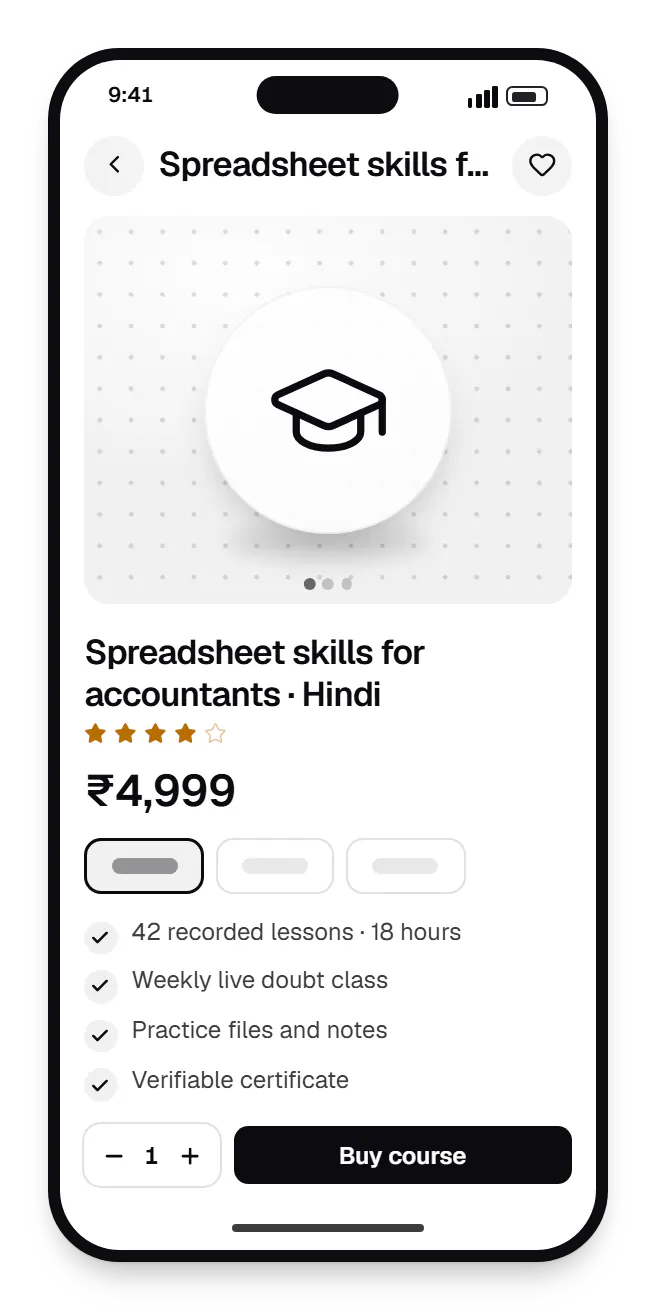
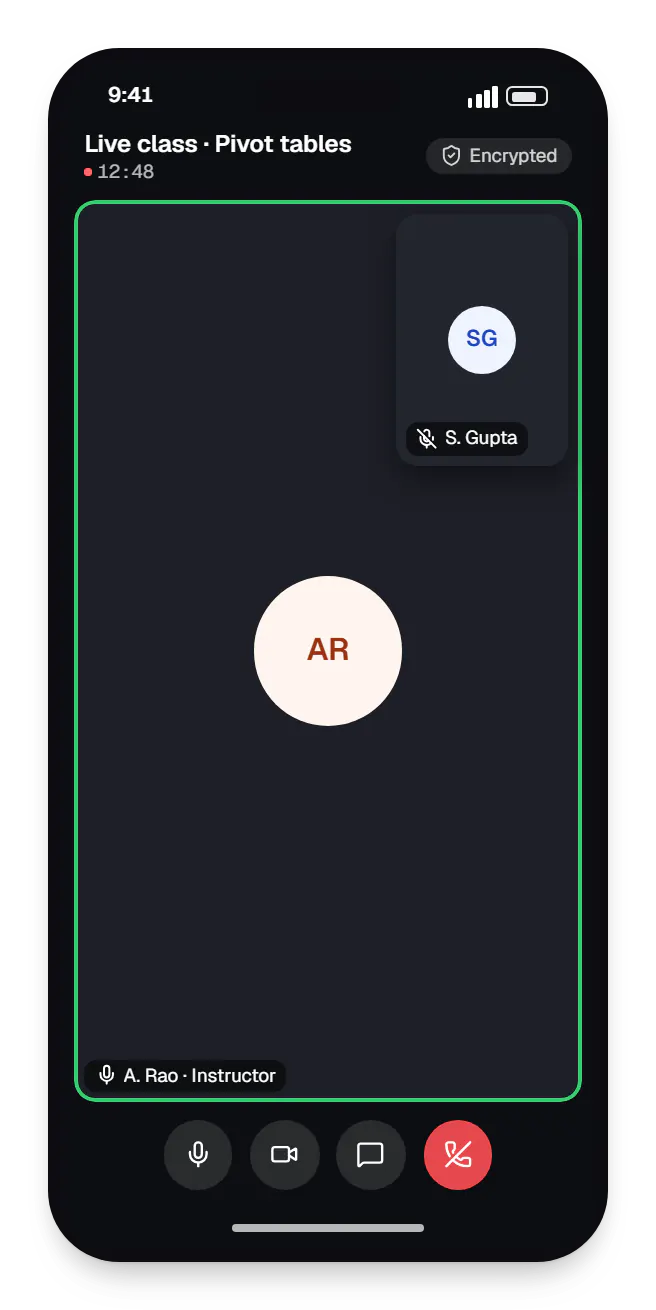
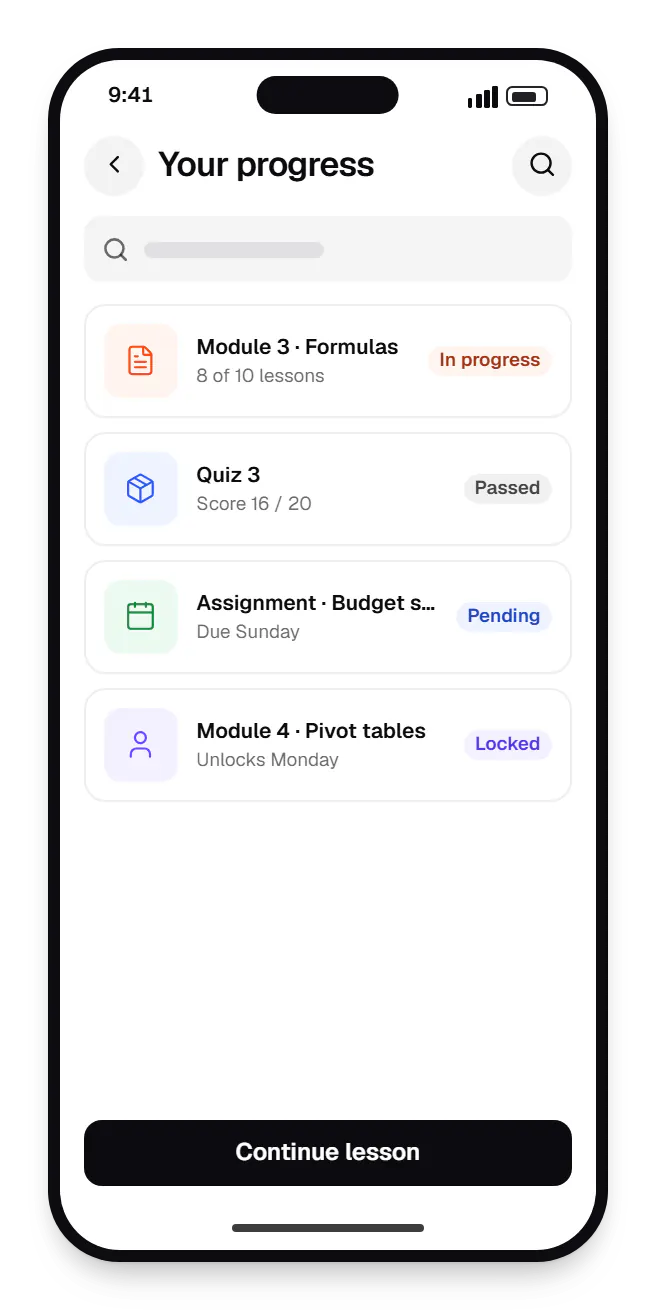
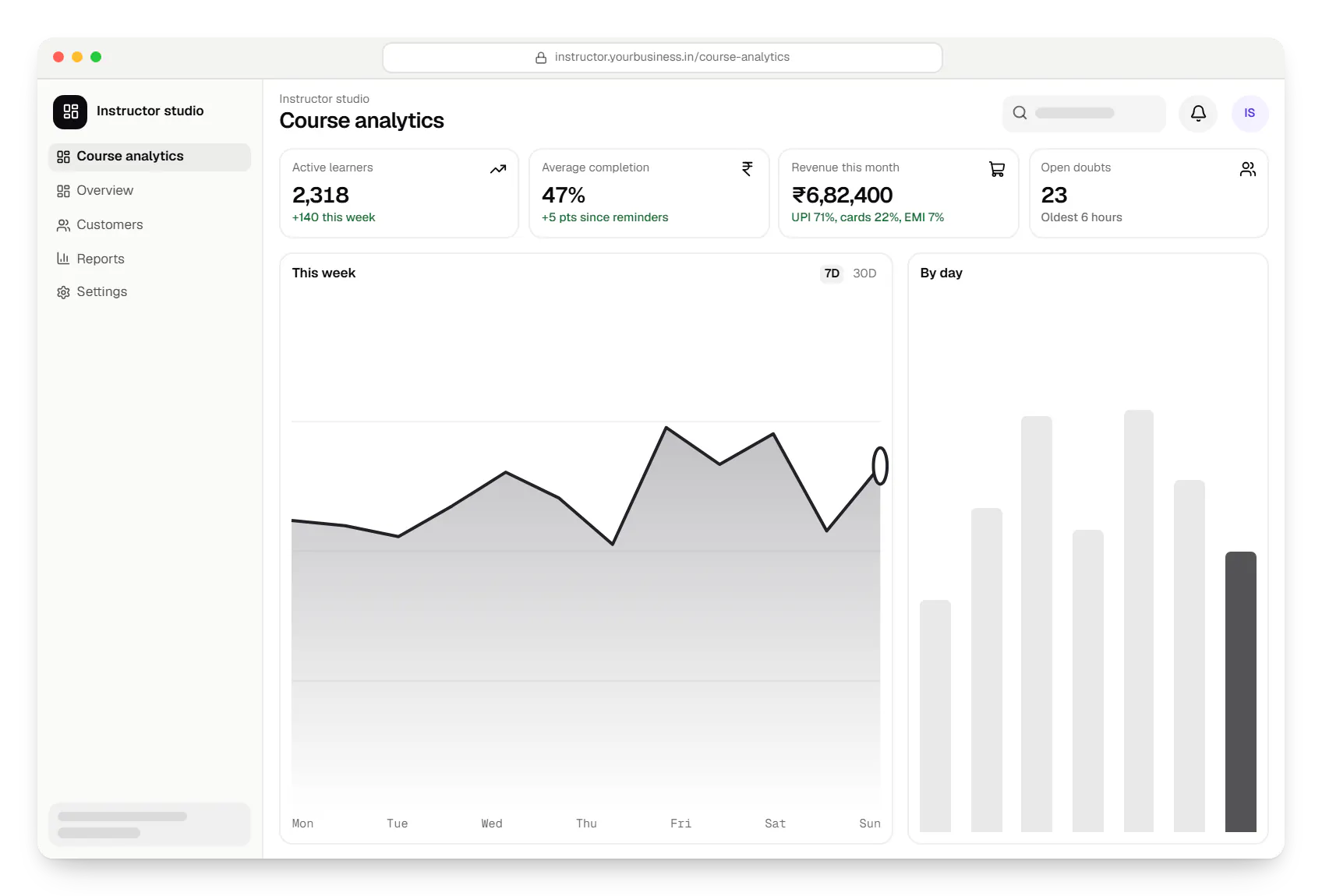
Sample screens: names, prices and figures are examples, not client data.
Services

Browser-based products, customer portals, dashboards and internal tools, built on clean data models with secure roles and integrations.

Native and cross-platform Android and iOS apps, from first release through regular store updates, built by our in-house designers and engineers.
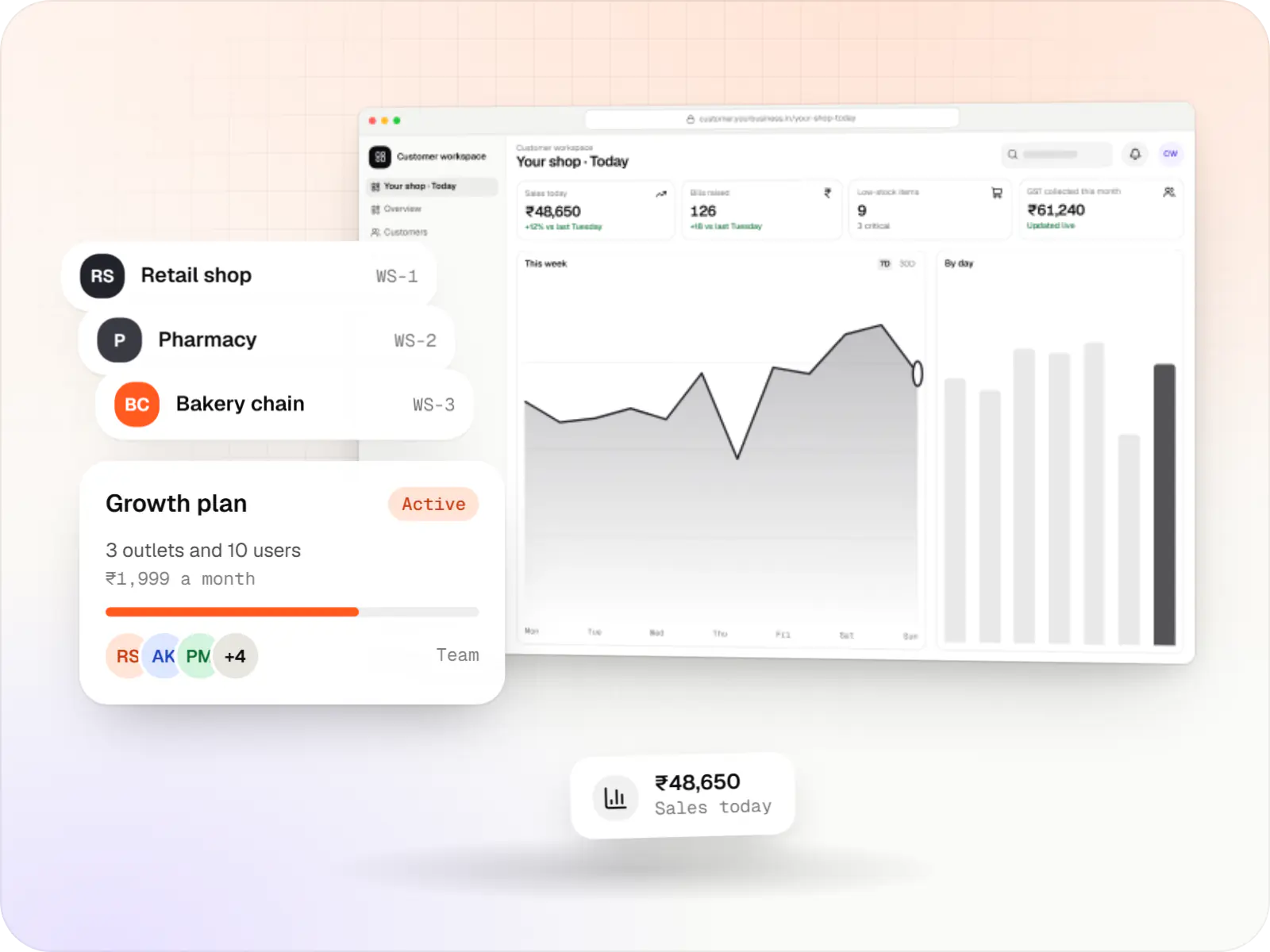
Multi-tenant SaaS products with subscription billing, team roles, onboarding and usage analytics, from first MVP to paying customers.
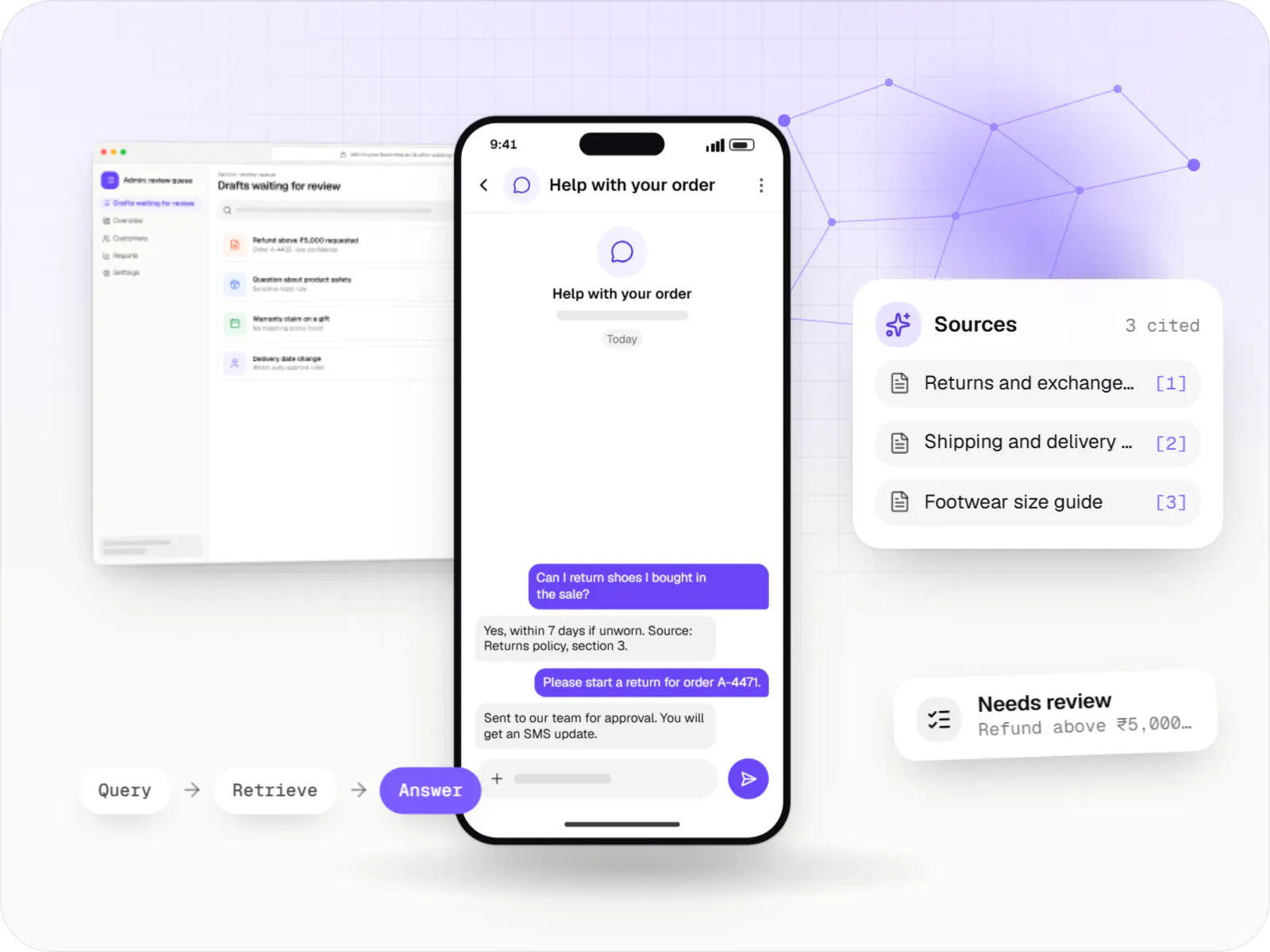
AI features and AI-first apps built on model APIs, retrieval over your own data, workflow automation or custom ML, with evaluation and human review.

Product design for web and mobile apps: research, user flows, wireframes, prototypes and design systems that engineers can build from.
Industries
Cost drivers
Managed video is quick to integrate but charges for storage and streaming; DRM and downloads add work.
A video SDK brings per-minute costs, and large interactive classes need load testing.
Timed tests with sections, negative marking and analytics are a significant module.
Mobile apps with encrypted downloads, or offering the platform to other institutes, widen the scope.
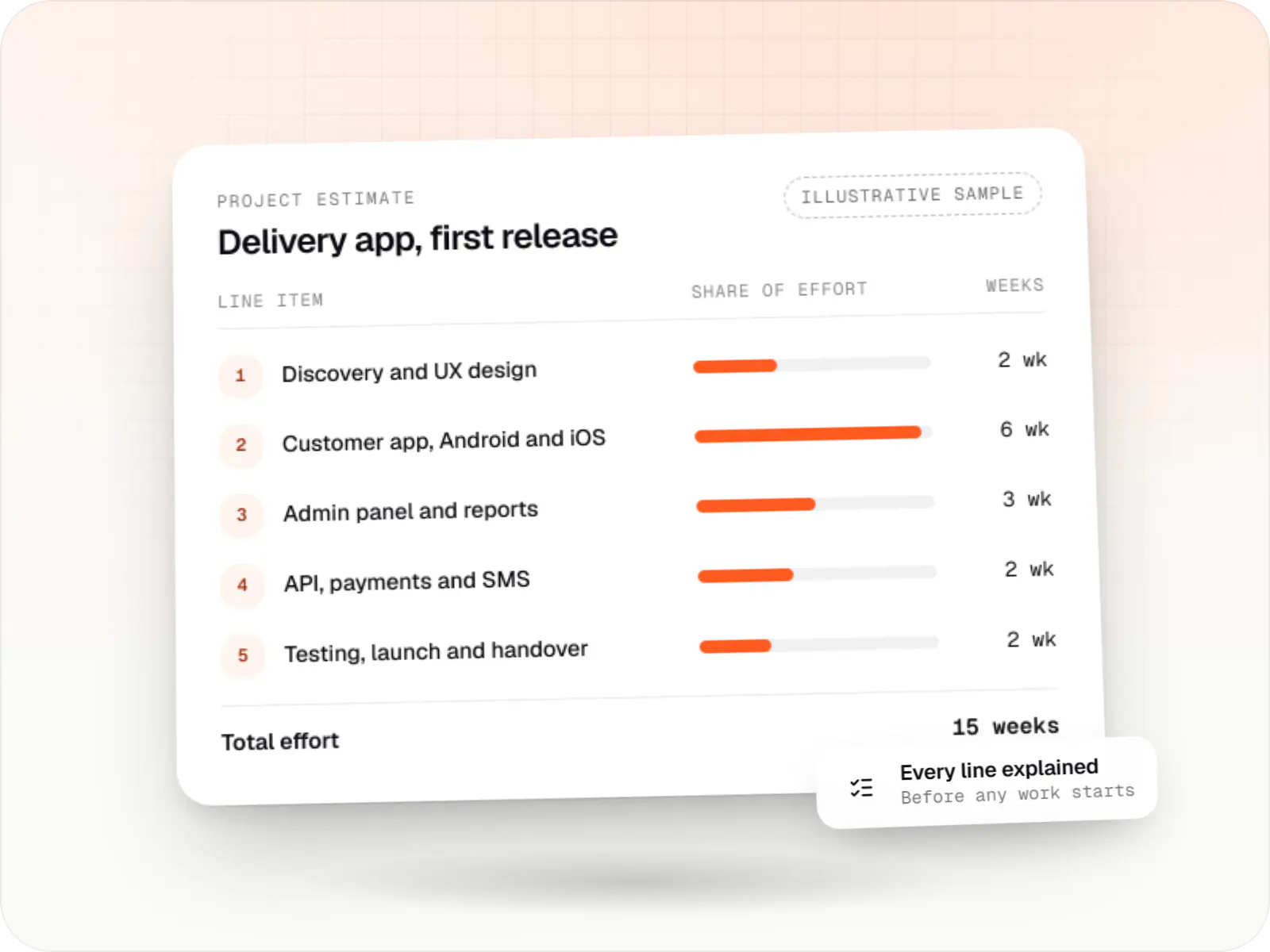
Estimates are written from your scope, with the effort and assumptions behind each line item.
How pricing worksFAQ
Start by listing what existing tools cannot do for you. Moodle is capable and free to license, but customising its interface and mobile experience takes effort. Hosted course tools launch in days but limit branding, pricing and data access, with fees that grow alongside your learner base. Custom development makes sense when the learning experience is your product.
No method stops someone filming a screen, so we make copying hard and traceable. Videos stream through DRM, so files cannot simply be downloaded. On Android the app blocks screen recording, downloads stay encrypted in the app, and URLs expire. Accounts are limited to a set number of devices, and a moving watermark with the learner's details discourages recording.
Videos are encoded at several quality levels, from low resolutions for weak networks up to full HD, and the player switches as conditions change, starting low for a quick start. Learners can pick audio-only mode or download lessons over Wi-Fi for later. We test on low-cost Android phones and throttled networks before release.
Yes, in two ways. Gateways such as Razorpay offer card EMI and, with some partners, cardless EMI, where you receive the full amount and the learner repays the lender. Alternatively, the platform runs its own instalment plan, unlocking modules as payments arrive via UPI AutoPay. If you partner with a lender for course financing, that flow falls under the RBI digital lending guidelines.
Yes. The interface can be translated, each course carries a language tag, and learners can filter by language. Videos can carry subtitle tracks in several languages, and Indic scripts render correctly on web and apps. AI tools can draft subtitles or translations, but we recommend human review before publishing, especially for exam-related content.
Next step
Share your course formats, audience and revenue model. We will recommend hosted, open-source or custom, with a line-item estimate.