Web
React
Builds interactive screens in the browser, such as dashboards, admin panels and portals, that respond instantly as your team works.
Used for
- Web apps
- Admin panels
- Dashboards
- Customer portals
Back office · Operations · Control
Admin panels that let your team manage orders, users, catalogues, payouts and exceptions quickly, with the right people seeing the right controls.

At a glance
What it is
Back-office dashboards built around your team's daily tasks: order queues, approvals, catalogue management, payouts, reports and audit logs.
How to start
Tell us what you need in your own words. You talk to the developers who would build it and get a written, line-item estimate.
Get a project estimateMany admin panels are generated straight from the database: a list page and an edit form for every table. That suits a developer, but an executive handling a delayed order needs the order, the customer, the delivery partner's location, the payment status and a refund button on one screen.
Our admin panel development starts with the tasks your team repeats and the exceptions that eat their time. We design queues, filters and actions around them, apply role-based permissions so a support agent and a finance manager see different controls, and log every change.
Orders, tickets or applications by status, with timers, assignment and escalation.
Products, prices, stock, banners and CMS pages, with bulk CSV upload.
Onboarding, KYC document review, approvals and suspensions.
Gateway refunds, commission calculation, vendor payouts and settlement matching.
Field- and action-level permissions, with two-person approval for sensitive actions.
Daily summaries, GST-ready sales reports and scheduled exports.
Who changed what and when, with before-and-after values.
Actions available from list views, and keyboard shortcuts for high-volume teams.
Confirmations, approval rules and limits on refunds, credits and price changes.
Clear layouts and inline guidance help new staff learn the panel sooner.
Managers can approve requests or check the day’s numbers away from a desk.
Solutions
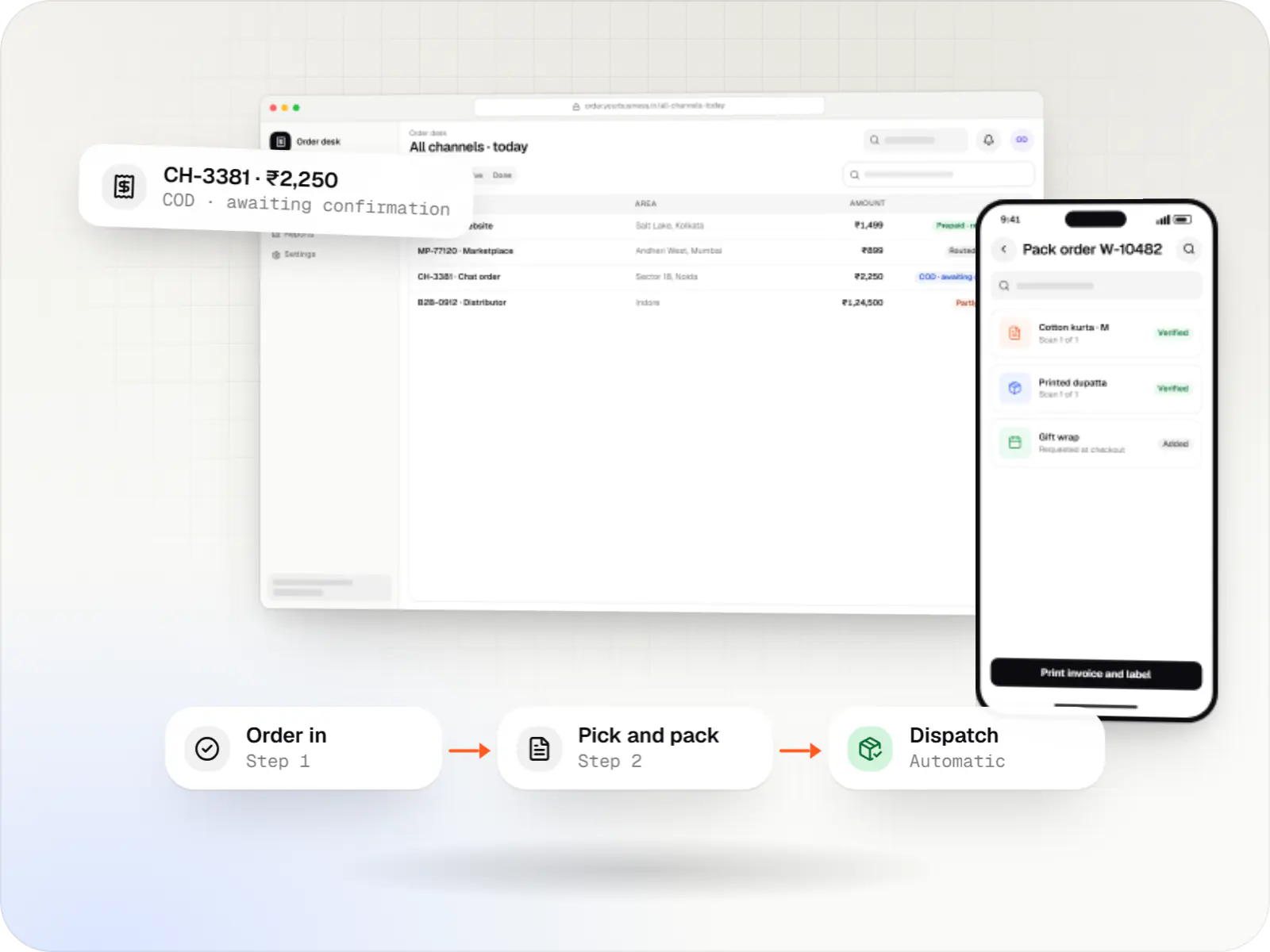
A central order management system that collects orders from every channel, routes them to the right location and tracks them to delivery and payment.
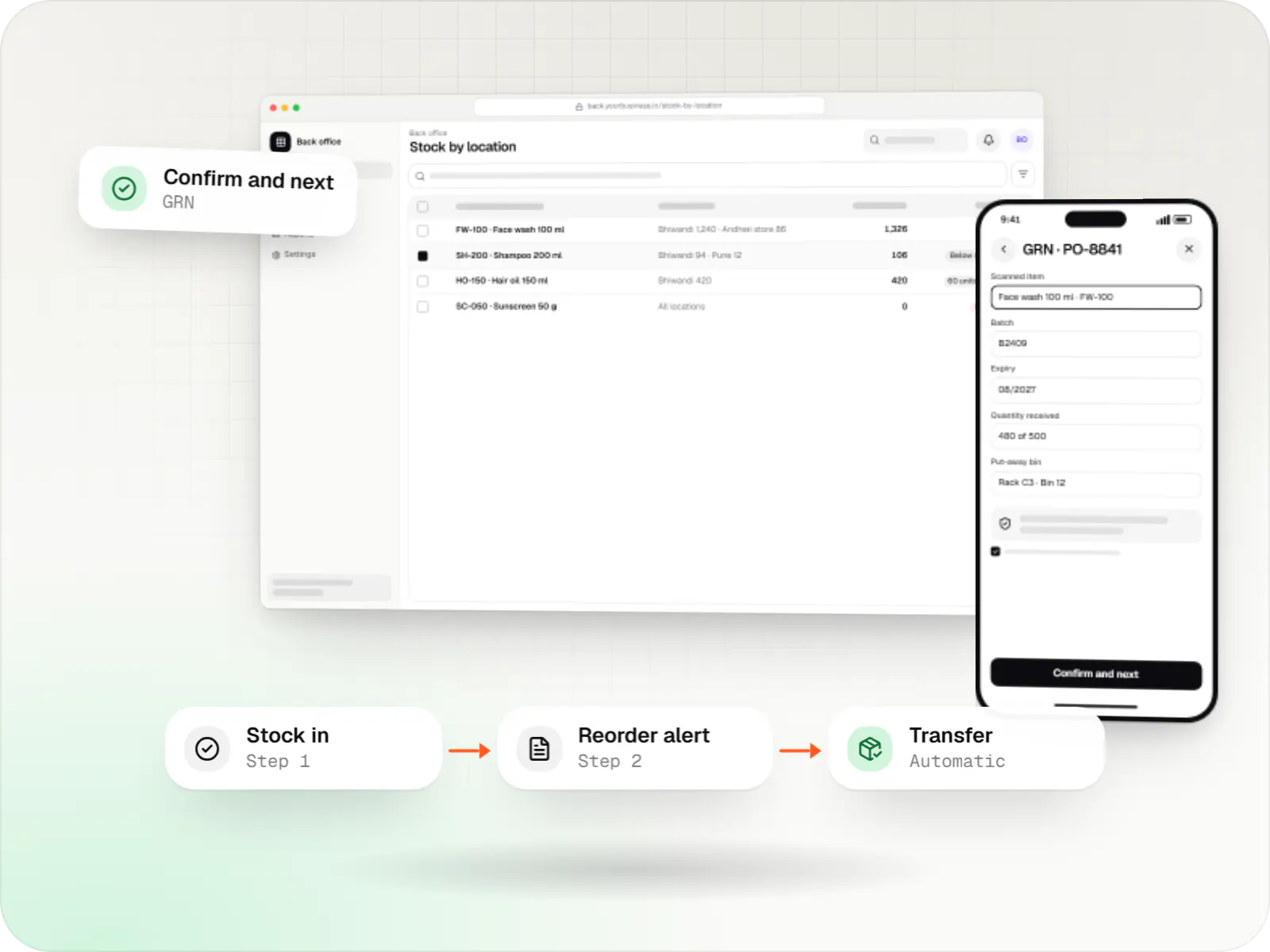
Custom inventory software for multi-location stock, batch and expiry tracking, barcode scanning and marketplace stock sync.
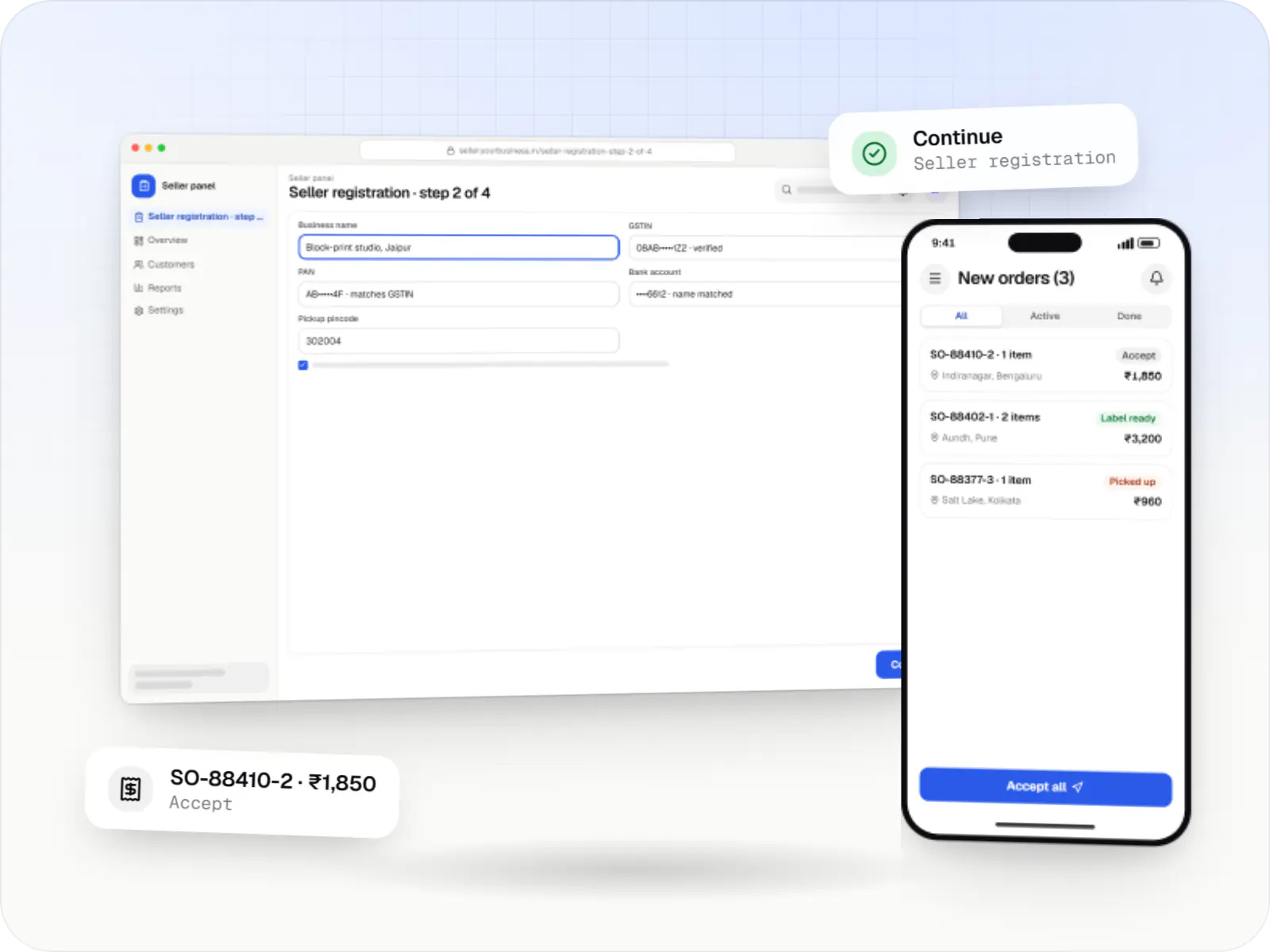
Multi-vendor marketplaces with seller onboarding, commission rules, split payouts, per-seller invoicing and catalogue moderation.
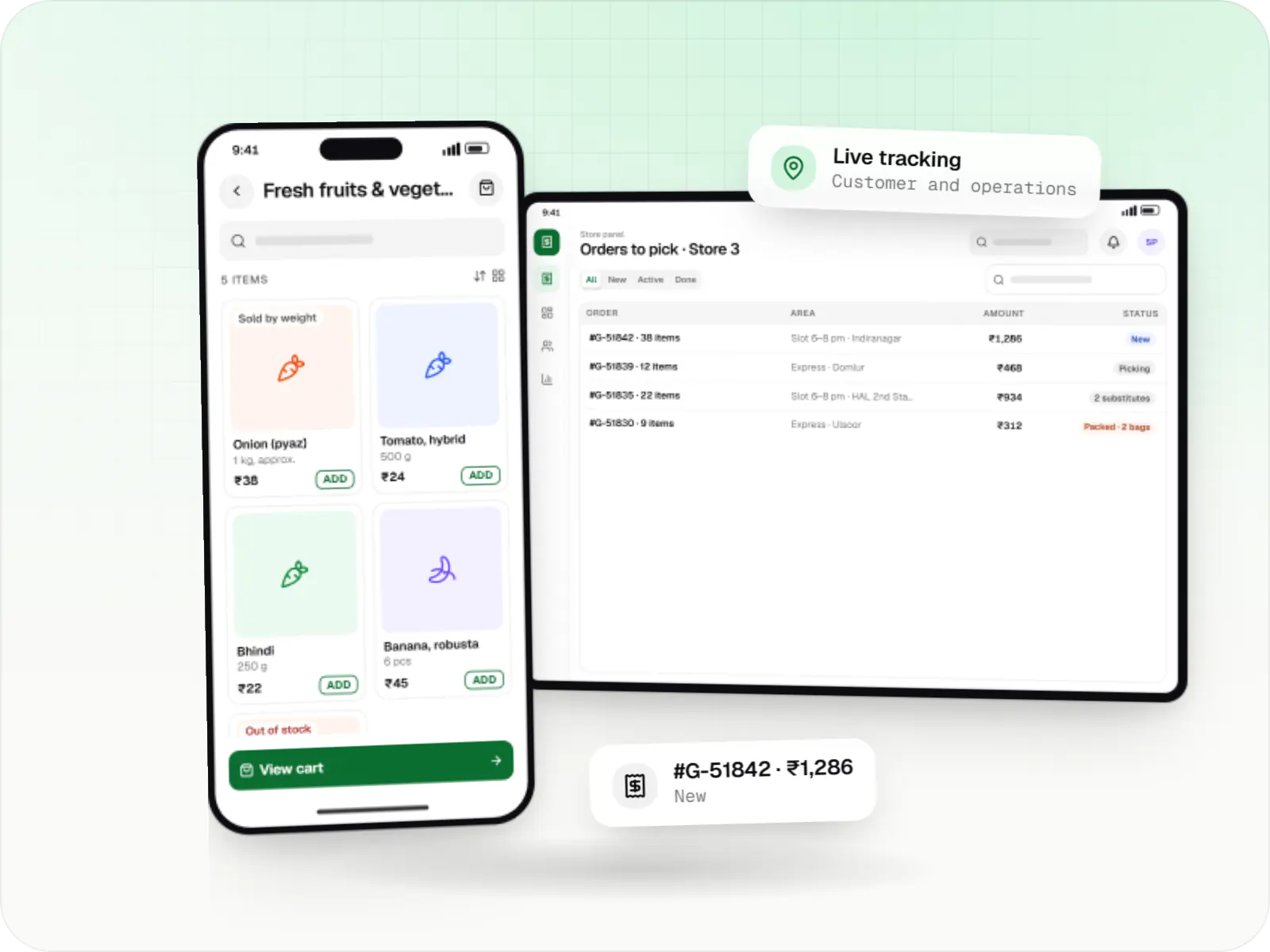
Grocery delivery apps for supermarkets, kirana chains and dark stores, with slots or express delivery, substitutions, picking and live tracking.
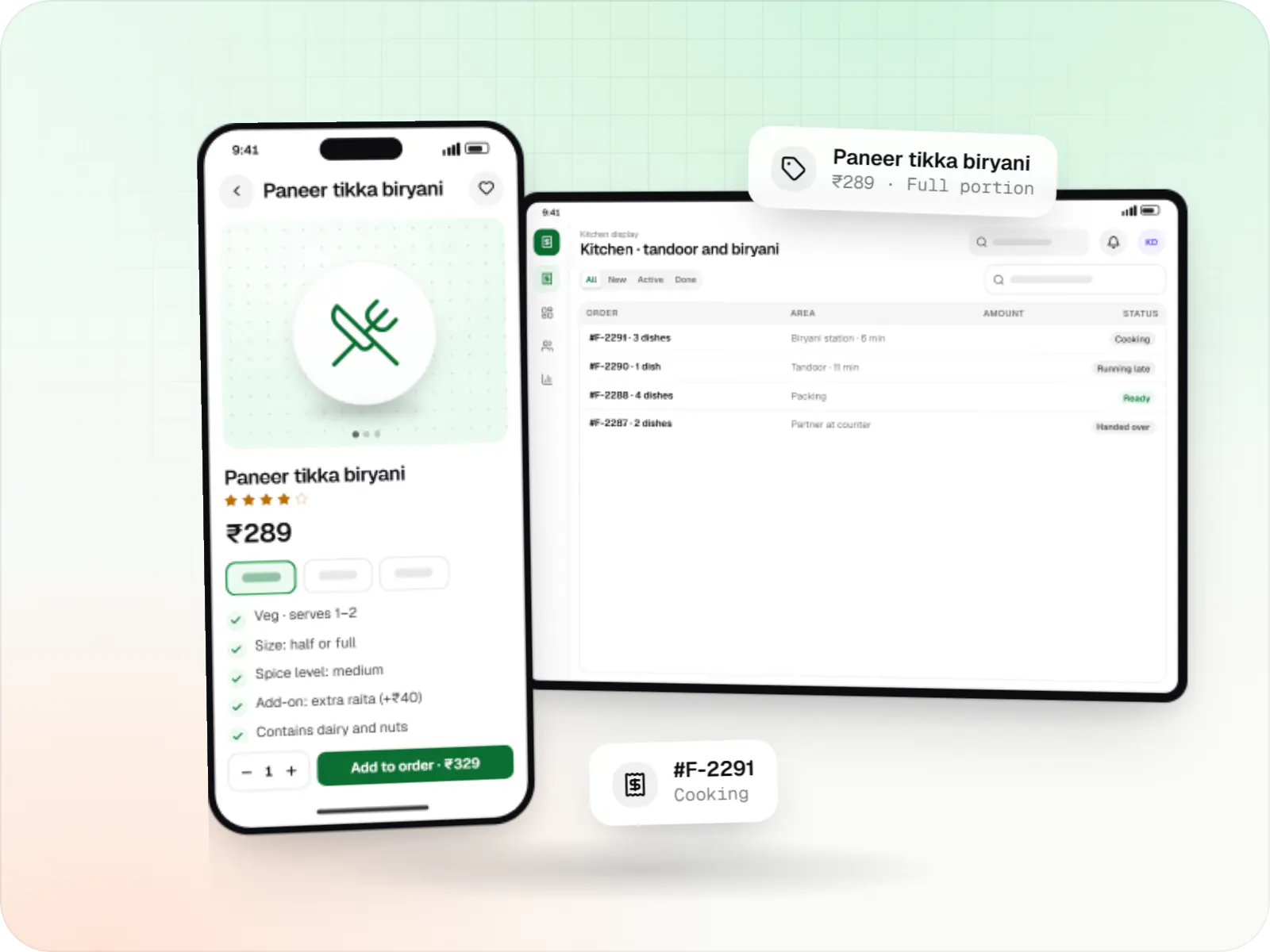
Food ordering and delivery apps for restaurants, chains and cloud kitchens, with menus and add-ons, kitchen displays, prep-time ETAs and delivery tracking.
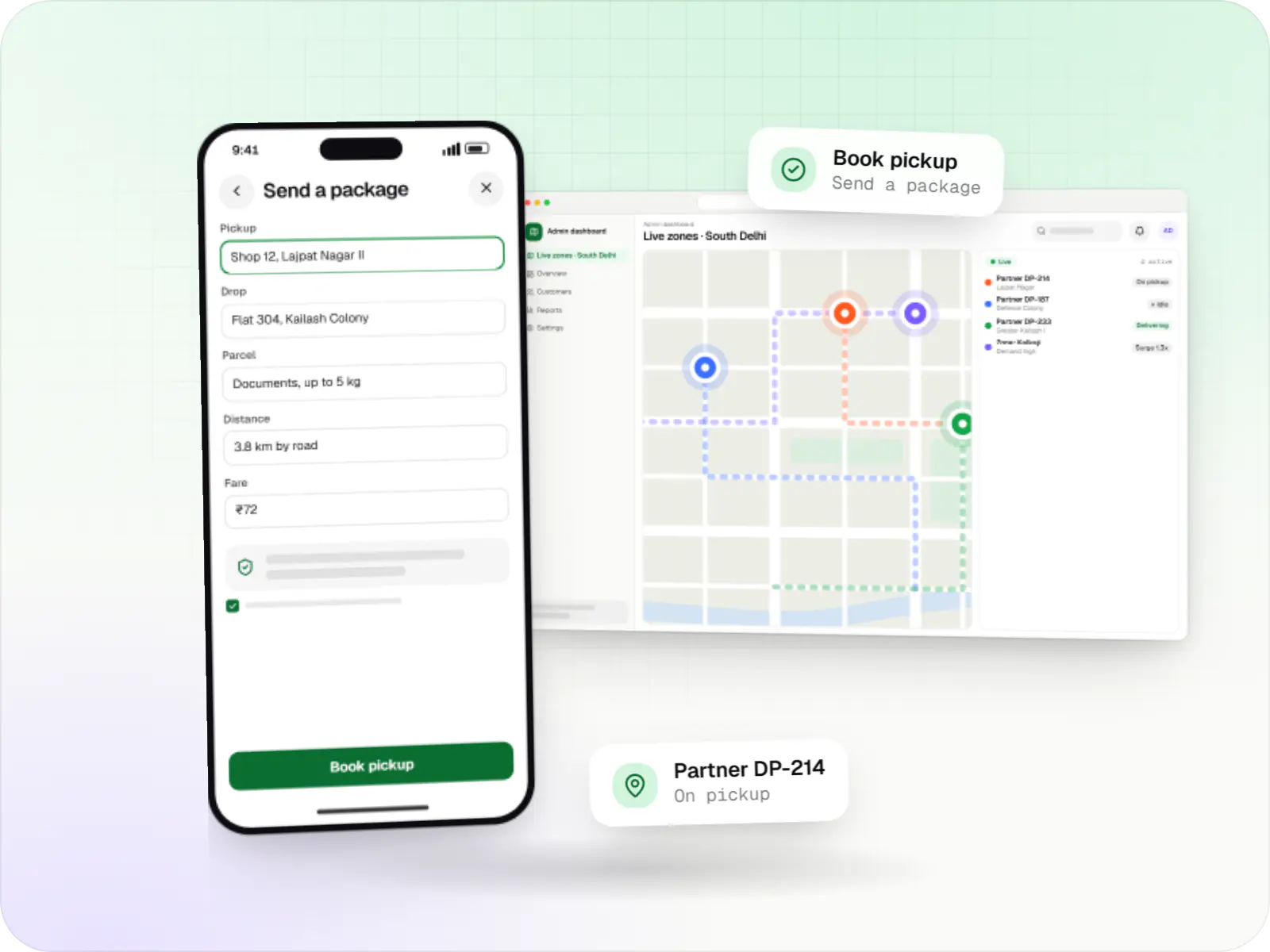
Hyperlocal delivery apps linking neighbourhood stores, pick-up-and-drop requests and delivery partners within a city, with zone-based dispatch and pricing.
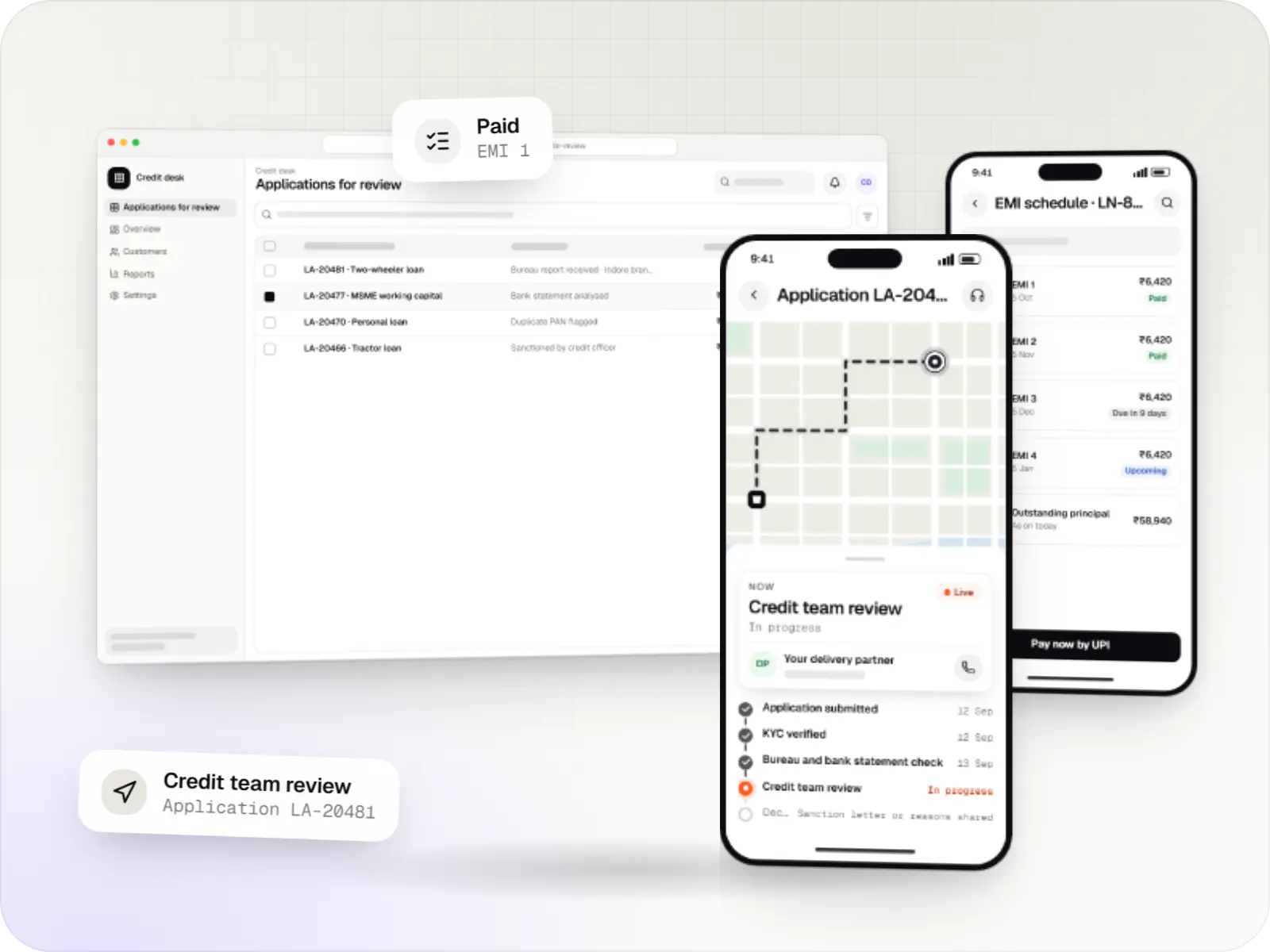
Custom loan origination and loan management software covering applications, underwriting, disbursal, EMIs, collections and reporting.

Custom CRM software that captures leads from every channel, keeps follow-ups on schedule and shows managers a live pipeline.
How it works
An example from a delivery platform’s back office, following one exception from alert to resolution.
Orders that pass their promised time move to the top of the queue with a timer, so nobody has to spot them by scrolling.
One screen shows the customer, items, payment, the delivery partner’s location and past messages, so the agent does not hunt across tools.
They choose a reason and an amount; small refunds within their role’s limit go through at once, larger ones need approval.
The manager sees the request, the order history and the reason, and approves or rejects it without needing to be at a desk.
The panel triggers the refund through the payment gateway and sends the customer a message with the amount and when to expect it.
The action is saved with the agent, approver, time and amount, and appears in the daily refunds report that finance matches against the gateway.
Platforms
On office desktops and laptops in any browser, with a phone-friendly layout that managers can open on the move.
Back-office panels for operations, support and finance teams: orders, users, content, reports and permissions.
Browser-based applications with logins, roles and workflows, such as customer portals, SaaS products and internal tools.
Installable web apps with offline support and notifications, useful when an app-store listing isn't essential or phones have little storage.
Technology
React and Next.js for quick, keyboard-friendly screens; NestJS and Node.js to check permissions on every action; PostgreSQL for records and reports; Redis for fast queues and counters.
Web
Builds interactive screens in the browser, such as dashboards, admin panels and portals, that respond instantly as your team works.
Used for
Web
A modern web technology for fast, search-friendly websites, online stores and web applications that load quickly on mobile.
Used for
Backend
A structured way to build back ends on Node.js, so large business systems stay organised, testable and easy to hand over.
Used for
Backend
Runs the server side of apps: fast, scalable back ends that power your app, website and integrations.
Used for
Data
A reliable database for the records your business runs on: orders, payments, bookings and stock, kept accurate and easy to report on.
Used for
Data
Keeps frequently used data in fast memory, so apps stay quick on busy days and live features like order tracking feel instant.
Used for
Comparison
| Low-code tool builder | Admin framework on your API | Fully custom panel | |
|---|---|---|---|
| Speed to first version | Fastest | Fast | Slower |
| Task-specific screens | Limited by the builder | Good for standard screens | Complete control |
| Cost as users grow | Per-user licences | Hosting only | Hosting only |
| Typical fit | Small internal teams | Most product back offices | High-volume and partner-facing panels |
Plain-English glossary
Product preview
Illustrative screens from the admin panel of a food and grocery delivery platform.
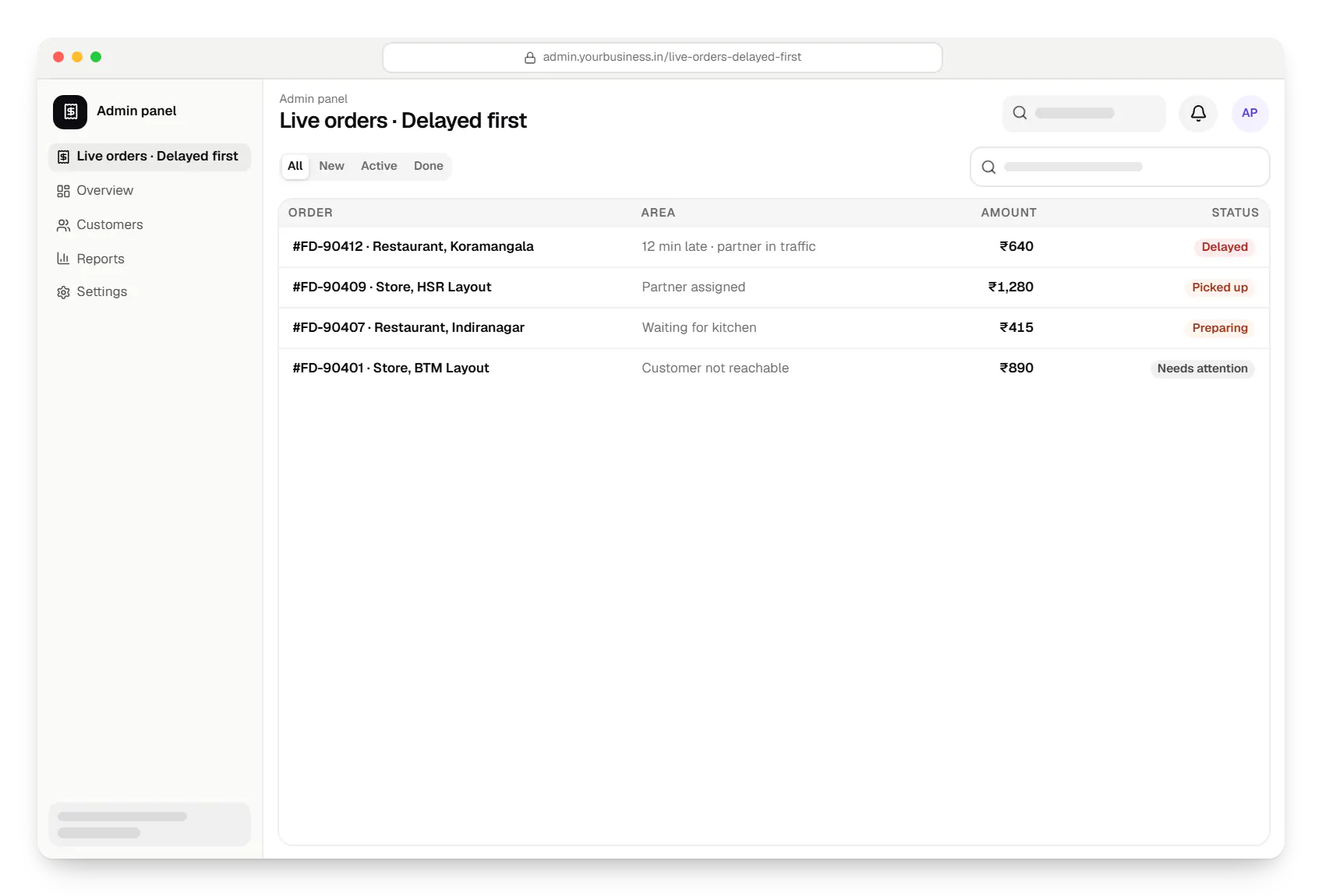
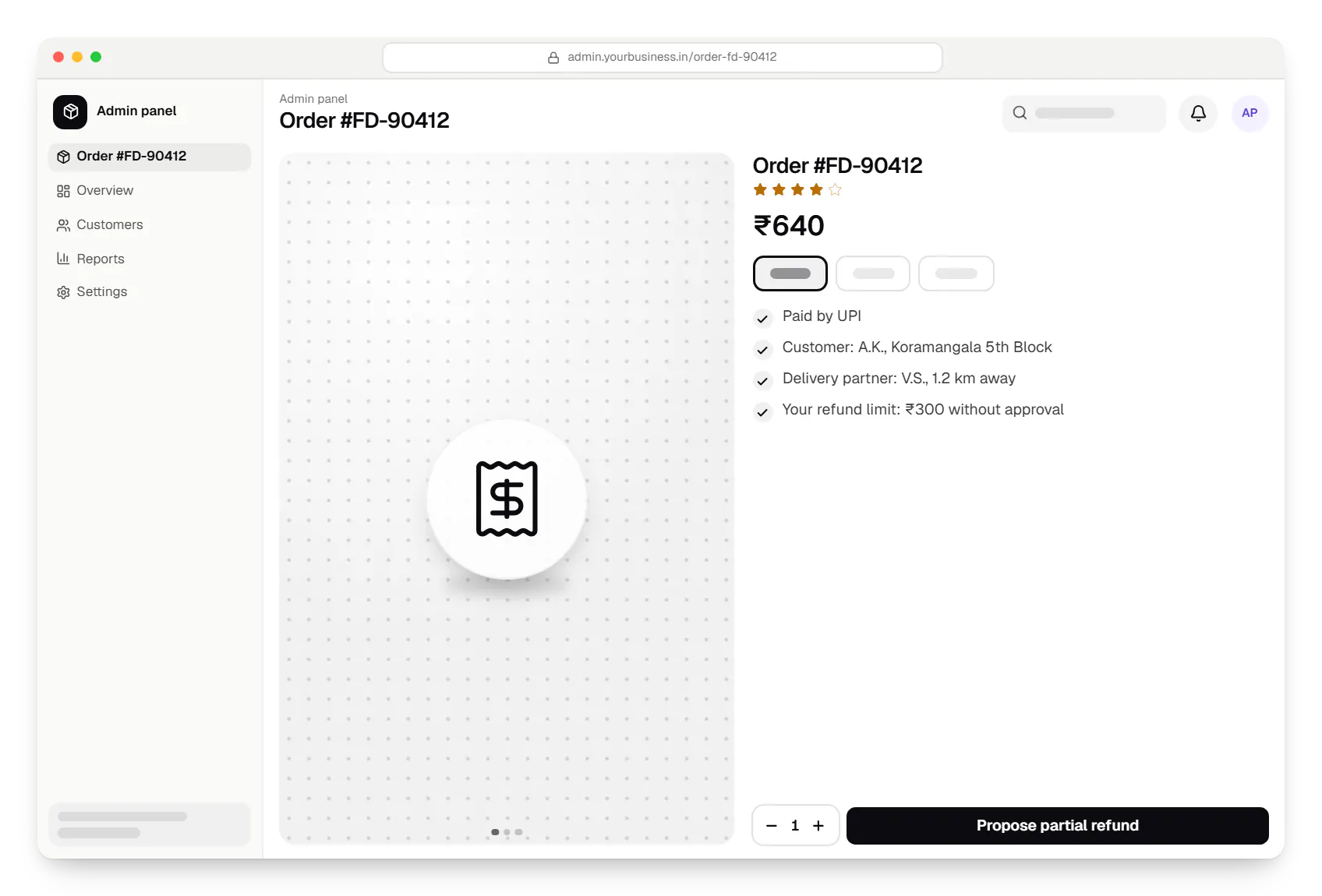
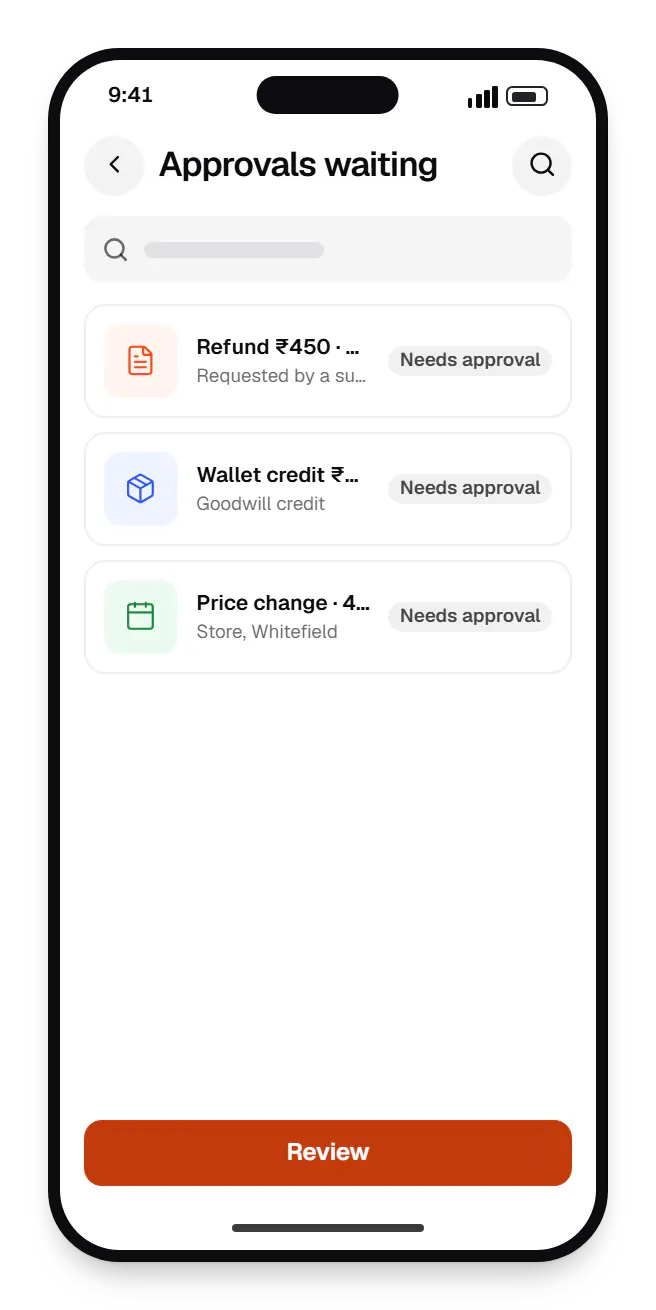
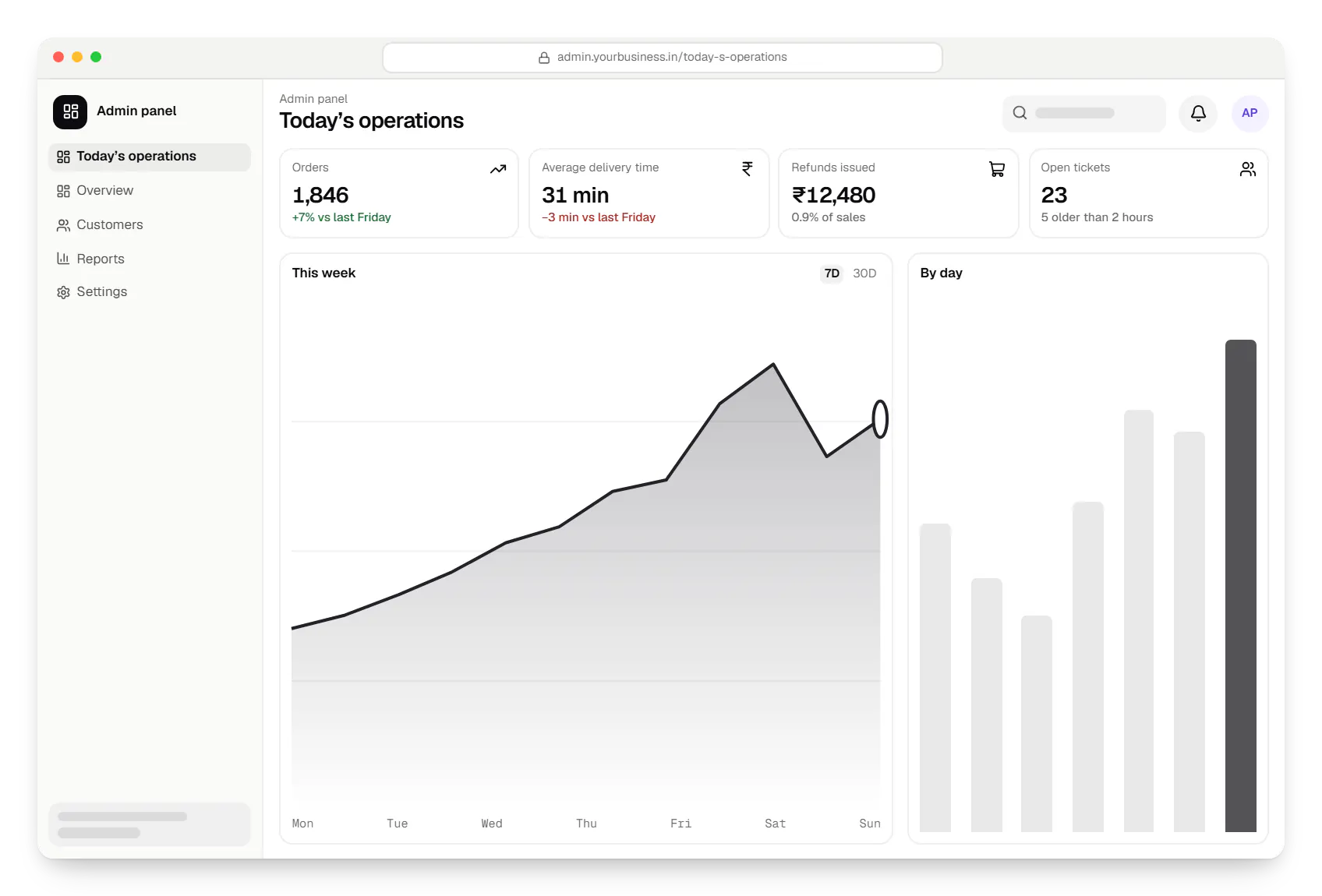
Sample screens: names, prices and figures are examples, not client data.
Work
Sample projects, not client work, each with an admin panel planned around the team’s daily tasks.
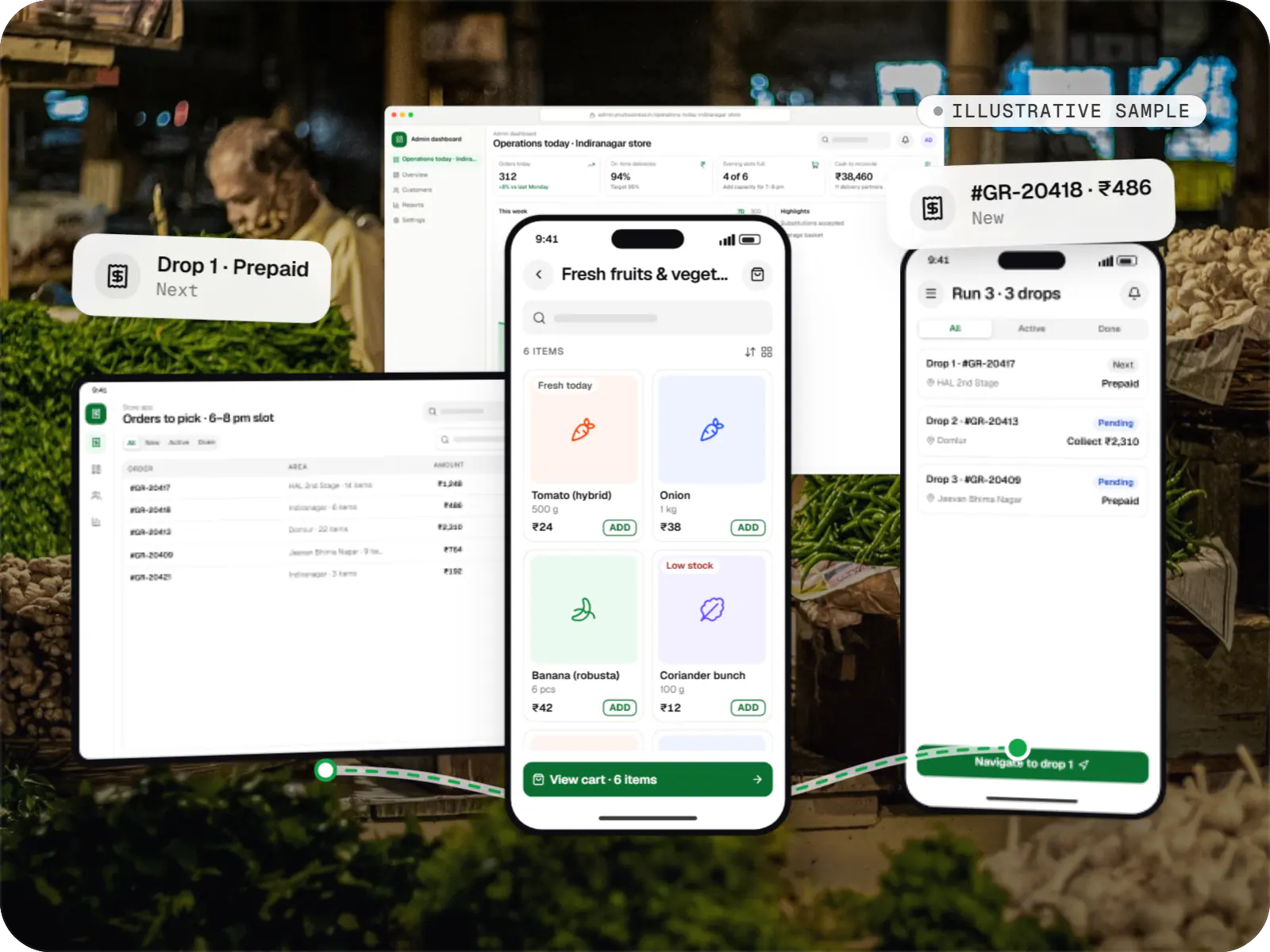
Delivery app development
An illustrative platform for neighbourhood grocery stores: slot or express delivery, store picking, batched delivery runs, and payment by UPI or cash on delivery.
Runs on
Built with
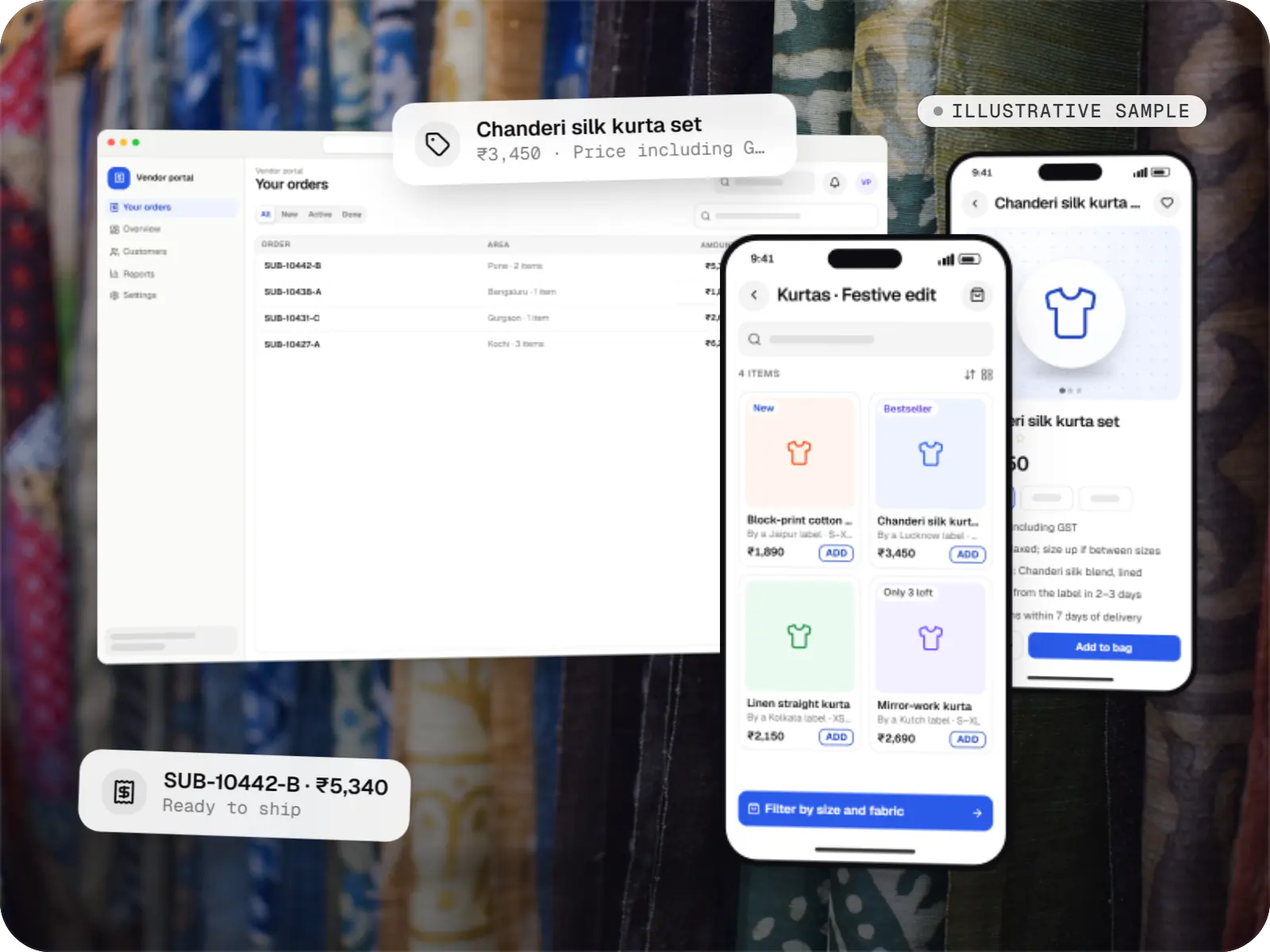
E-commerce & marketplaces
An illustrative marketplace where independent fashion labels sell through one storefront, with vendor onboarding, commission rules, multi-pickup shipping, returns and scheduled payouts.
Runs on
Built with
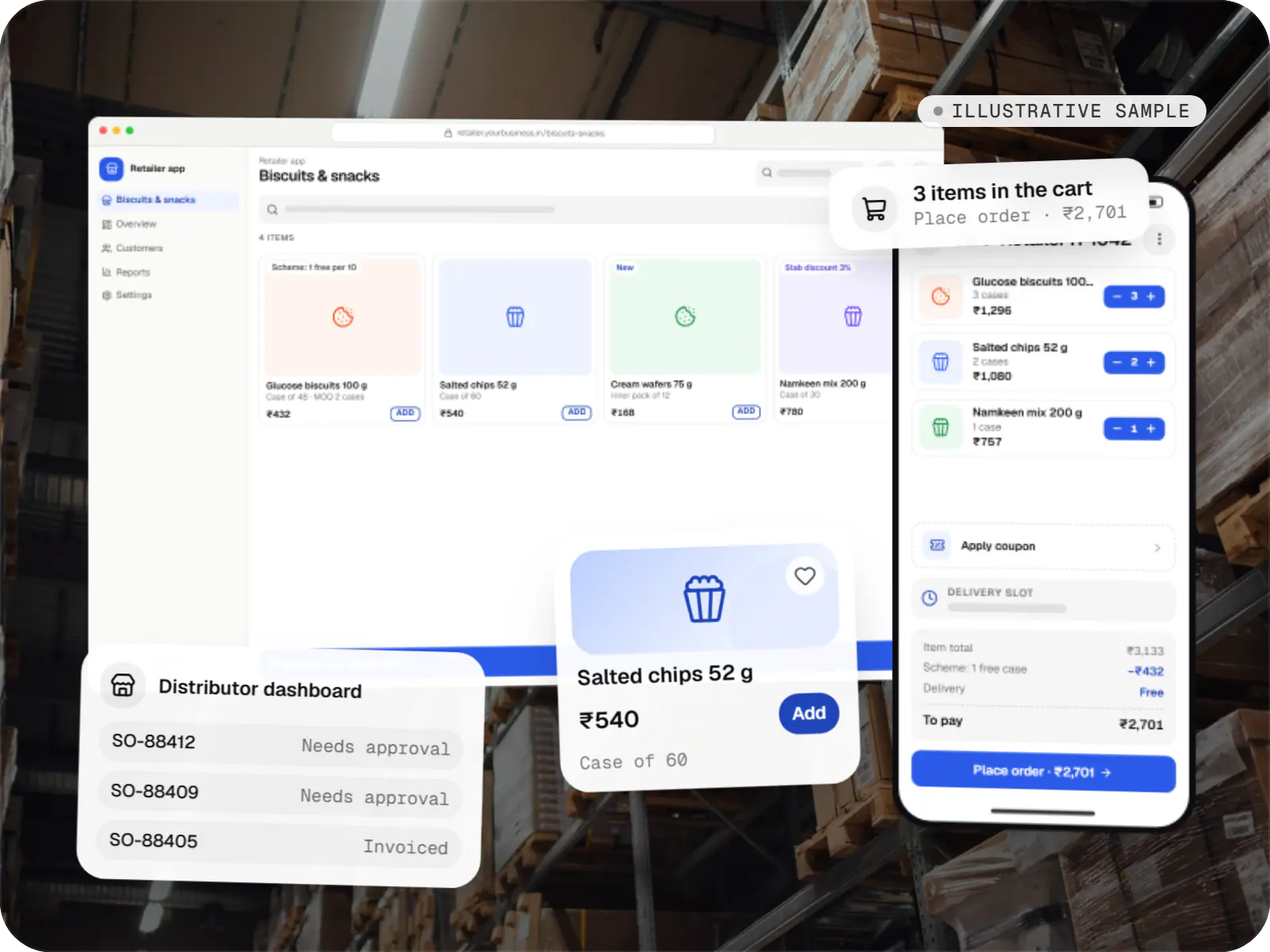
E-commerce & marketplaces
An illustrative ordering app for a distributor's retailers and sales team, with tier pricing, credit limits, trade schemes and GST invoicing.
Runs on
Built with
Healthcare software
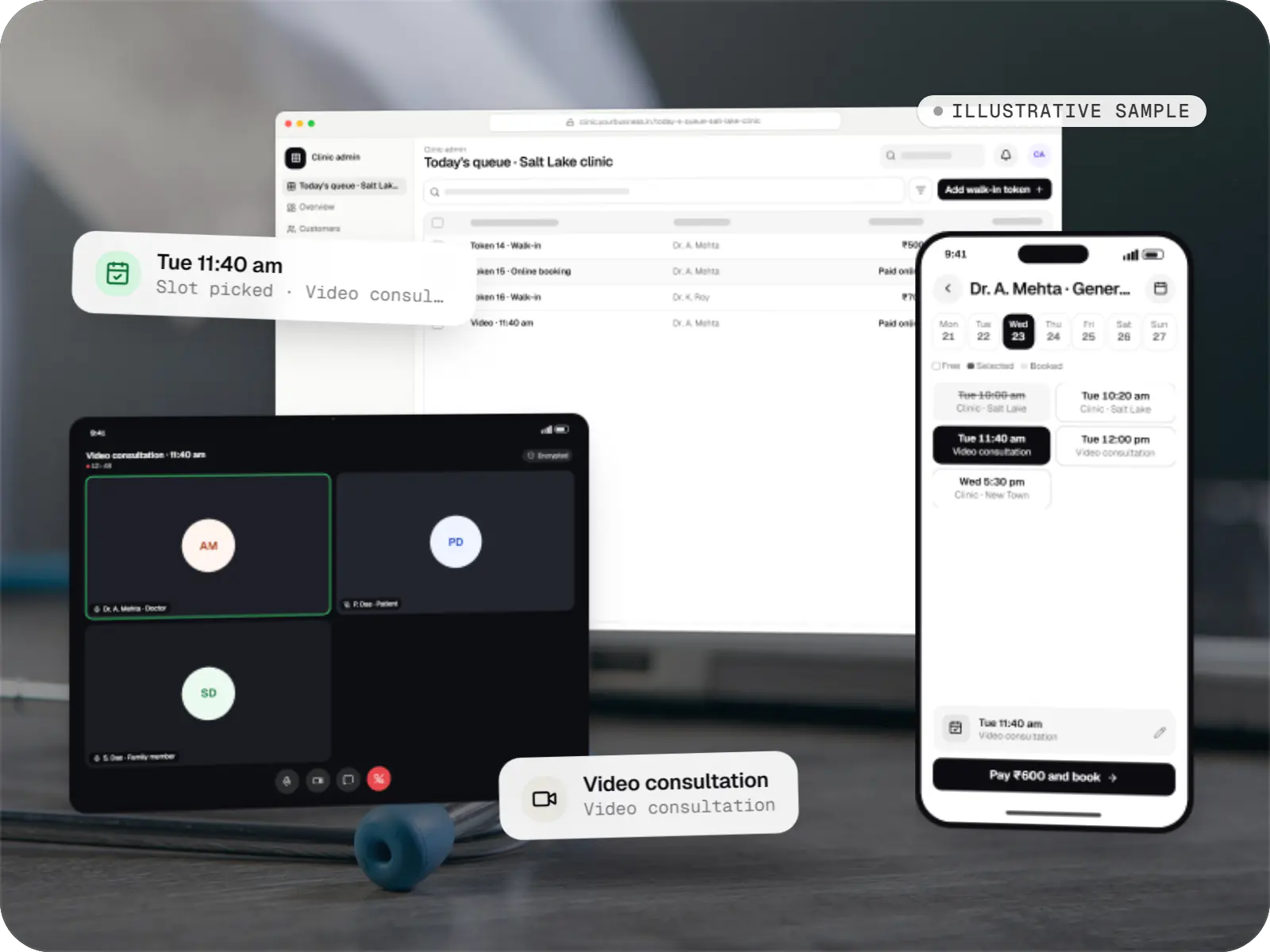
An illustrative patient app, doctor app and clinic admin for in-person and video consultations, with digital prescriptions and consent-based record access.
Runs on
Built with
Industries
Cost drivers
Each module and each role with distinct permissions adds screens, rules and test cases.
A documented API speeds things up; missing endpoints or data changes add backend work.
Large imports and bulk edits need background processing, validation and error reports.
Standard summaries are quick; custom reports, drill-downs and scheduled exports take longer.
Refunds, shipment creation or WhatsApp broadcasts triggered from the panel each involve a provider integration.
Estimates are written from your scope, with the effort and assumptions behind each line item.
How pricing worksProcess
We watch how your team handles orders, tickets or approvals and note the slowest, most error-prone steps.
You getRanked task list
Every role mapped to the screens, fields and actions it may use.
You getRole and permission matrix
Queues, detail views and bulk actions reviewed with the people who will use them.
You getApproved screen designs
Built on your API or a new one, with permission checks enforced on the server.
You getStaging panel
Released team by team, with short training sessions and quick fixes from early feedback.
You getLive panel and SOP notes
FAQ
Yes, provided we can access the app’s backend. If a documented API exists, we build on it and add missing endpoints with the owner’s agreement; if not, we extend the backend or add a small service that reads and writes the database safely. We review the data model first, so bulk actions and reports do not slow down the live app.
Usually, yes. We deploy it as its own web application on a separate subdomain, sharing the backend API. That keeps admin code out of the customer app, allows access to be restricted by IP address or single sign-on, and lets the panel change without an app store release. Settings that customers manage themselves, such as SaaS workspace settings, stay inside the product.
Each role gets only the screens and actions it needs, down to hiding fields such as full phone numbers. High-risk actions, such as refunds above a limit, wallet credits or bulk price changes, can require a second person’s approval. Every action lands in an audit log that cannot be edited from the panel, backed by login alerts, session timeouts and two-factor authentication.
Yes. Large imports run as background jobs, so a file with thousands of product rows does not time out in the browser. Every row is validated first, errors are listed with line numbers, and changes apply only after that. Bulk edits preview the affected records before you confirm, and recurring files can arrive automatically over SFTP or an API.
Next step
Show us the tasks your operations team repeats every day. We will propose the screens, roles and actions that would save them the most time.