



Mobile
Flutter
Build Android and iOS apps from one shared codebase, so you launch on both platforms faster with a consistent experience.
Used for
- Mobile apps
- Delivery apps
- E-commerce apps
- Booking apps
Hyperlocal delivery
City-level delivery platforms for neighbourhood stores and pick-up-and-drop, with dispatch, zone pricing and partner payouts under your control.
At a glance
What it is
Hyperlocal delivery apps linking neighbourhood stores, pick-up-and-drop requests and delivery partners within a city, with zone-based dispatch and pricing.
Flutter and the related logo are trademarks of Google LLC. We are not endorsed by or affiliated with Google LLC.
How to start
Tell us what you need in your own words. You talk to the developers who would build it and get a written, line-item estimate.
Get a project estimateOn a hyperlocal platform, margins depend on how well orders and delivery partners are matched: who is offered which job, how long they have to accept, whether two pickups on one street can share a trip, and how fees change when it rains.
Our hyperlocal delivery app development treats that dispatch engine as the product and the apps as its interfaces. Assignment, batching, surge and incentive rules are configurable per zone from the dashboard, so your team can tune them weekly without a release.
Challenges
Every empty kilometre and idle minute eats into a small delivery fee.
Lunch hours, evenings and rainy days bring demand spikes the fleet cannot always meet.
Many neighbourhood stores have no POS or catalogue, so onboarding must work from a phone.
Landmark-based addresses and unnamed lanes need map pins and saved notes.
What is included
Platform: Android and iOS
Platform: Android
Platform: Android
Platform: Web
How it works
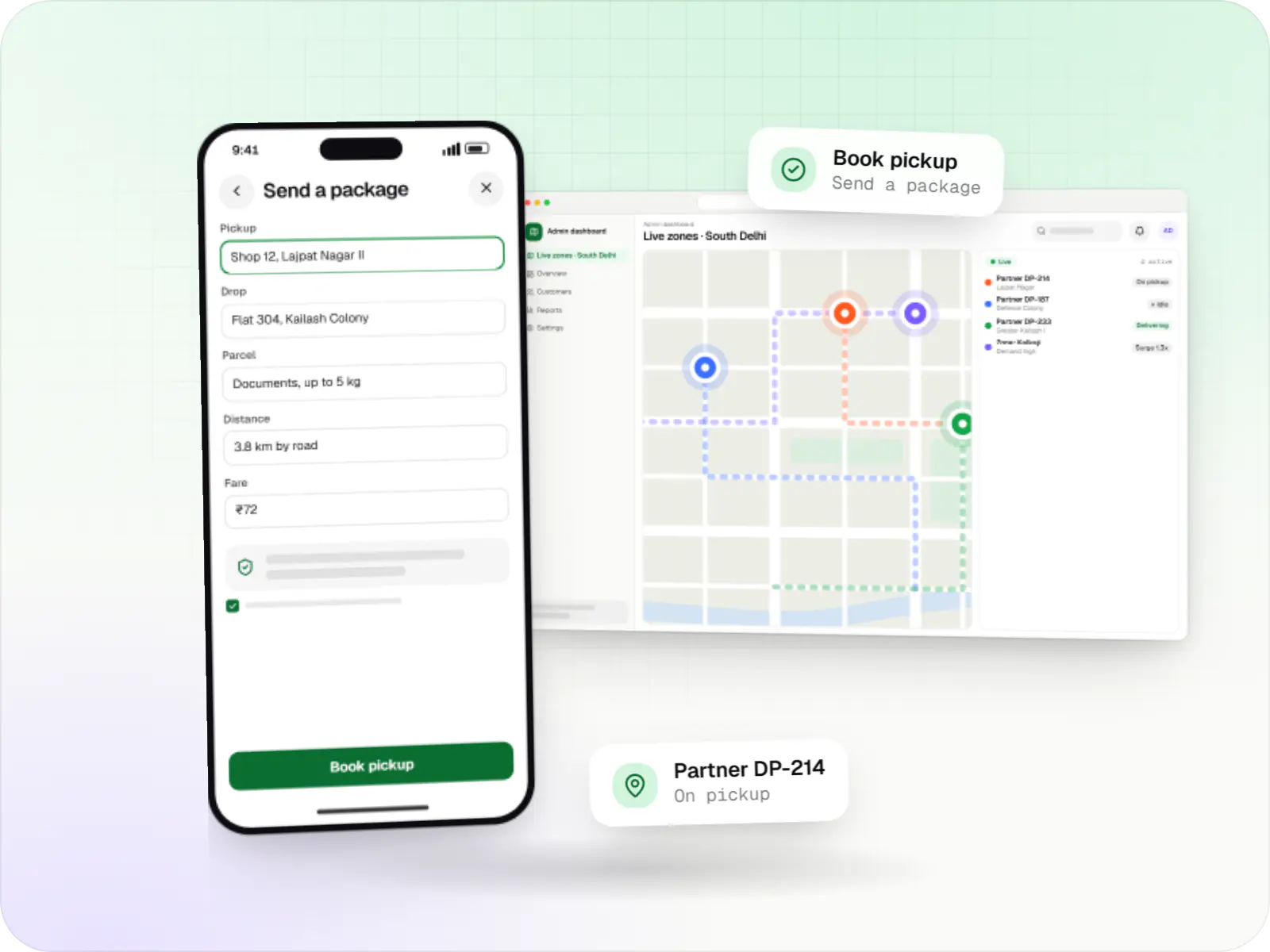
Store orders and custom shopping lists run through the same dispatch engine; only the first step changes.
They set pickup and drop points on a map, choose a parcel size and see the fare upfront, based on road distance and weight.
Online partners within a radius are scored on distance, current load and acceptance history.
The highest-scoring partner gets the offer with a short countdown; if they decline or let it lapse, the next partner is offered automatically.
The partner confirms pickup with a photo or OTP, and another pickup on the same street can join the trip.
The recipient shares the delivery OTP, while the customer has followed the partner on a live map throughout.
Partner earnings, incentives, cash in hand and merchant payouts are recorded, ready for the next payout cycle.
Then it starts again at step 1: Customer books a pickup
Integrations
Geocoding, road distances and routing; Mappls adds India-focused address data.
Consent-based identity checks at onboarding.
Driving licence and vehicle documents fetched with consent.
Scheduled or instant partner and merchant payouts.
Customers and partners talk without sharing numbers.
Address and record checks for partners.
Platforms
Customer apps for Android and iOS, shop and delivery partner apps for Android, and a web dashboard for zones, fares and payouts.
Apps for Android phones and tablets, tested on budget and mid-range devices and published on Google Play or privately.
Apps for iPhone and iPad, built to Apple's guidelines and released through TestFlight and the App Store.
One Flutter or React Native codebase for Android and iOS, with native modules where a feature needs them.
Back-office panels for operations, support and finance teams: orders, users, content, reports and permissions.
Technology
Flutter for all three phone apps, NestJS with Redis for split-second dispatch, PostgreSQL for orders and payouts, Google Maps Platform for road distances, and Firebase for job alerts.
Mobile
Build Android and iOS apps from one shared codebase, so you launch on both platforms faster with a consistent experience.
Used for
Backend
Runs the server side of apps: fast, scalable back ends that power your app, website and integrations.
Used for
Backend
A structured way to build back ends on Node.js, so large business systems stay organised, testable and easy to hand over.
Used for
Data
A reliable database for the records your business runs on: orders, payments, bookings and stock, kept accurate and easy to report on.
Used for
Data
Keeps frequently used data in fast memory, so apps stay quick on busy days and live features like order tracking feel instant.
Used for
Payments & maps
Adds maps, address search, live tracking and travel-time estimates to delivery, ride and field apps, so orders reach the right door.
Used for
Cloud & DevOps
Ready-made building blocks for mobile apps, such as push notifications, phone OTP login and crash reports, so you launch sooner.
Used for
Cloud & DevOps
Cloud hosting for your app, website and data, with data centres in India and room to grow when traffic rises.
Used for
Flutter and the related logo are trademarks of Google LLC. We are not endorsed by or affiliated with Google LLC.
Plain-English glossary
Product preview
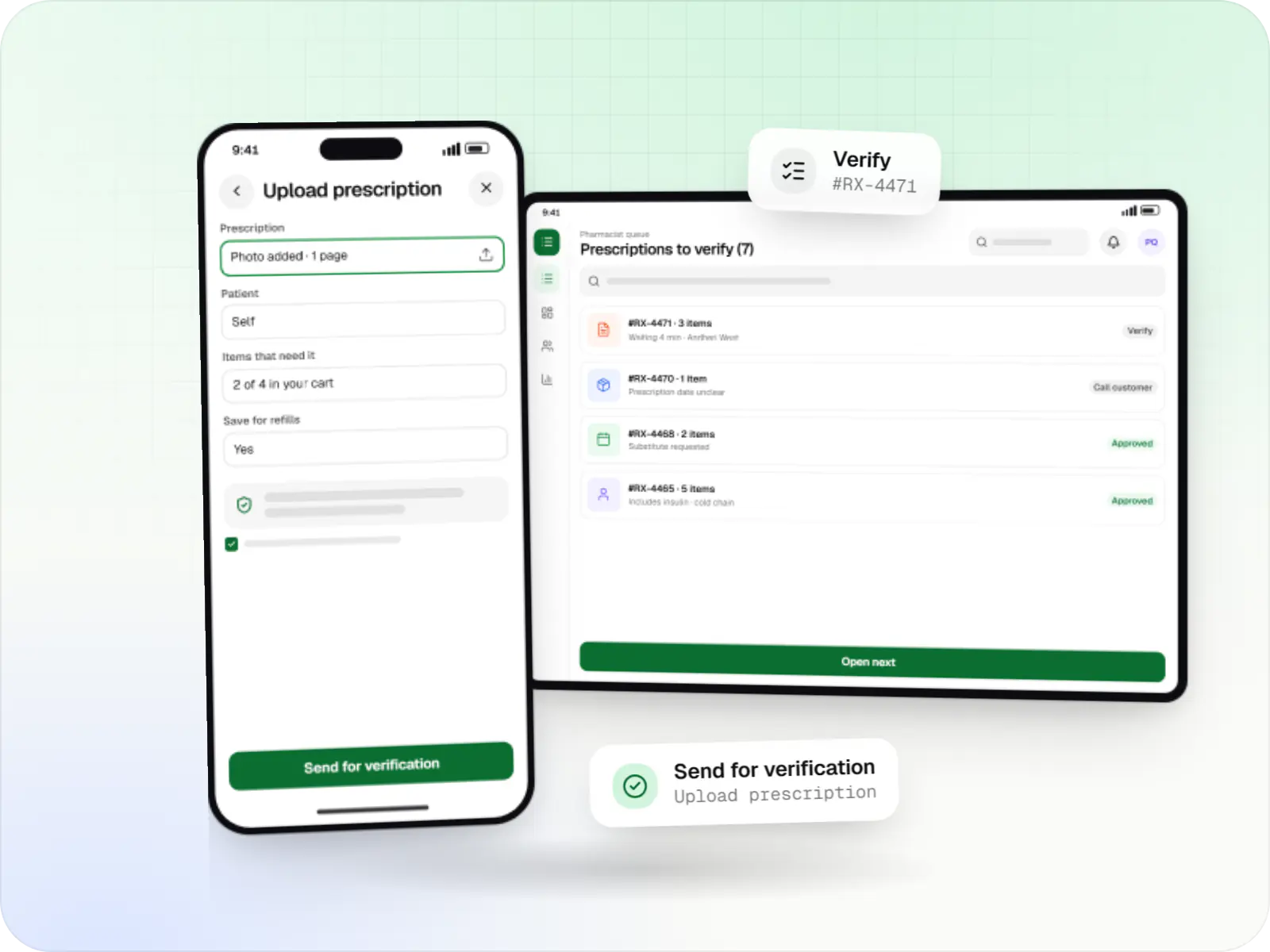
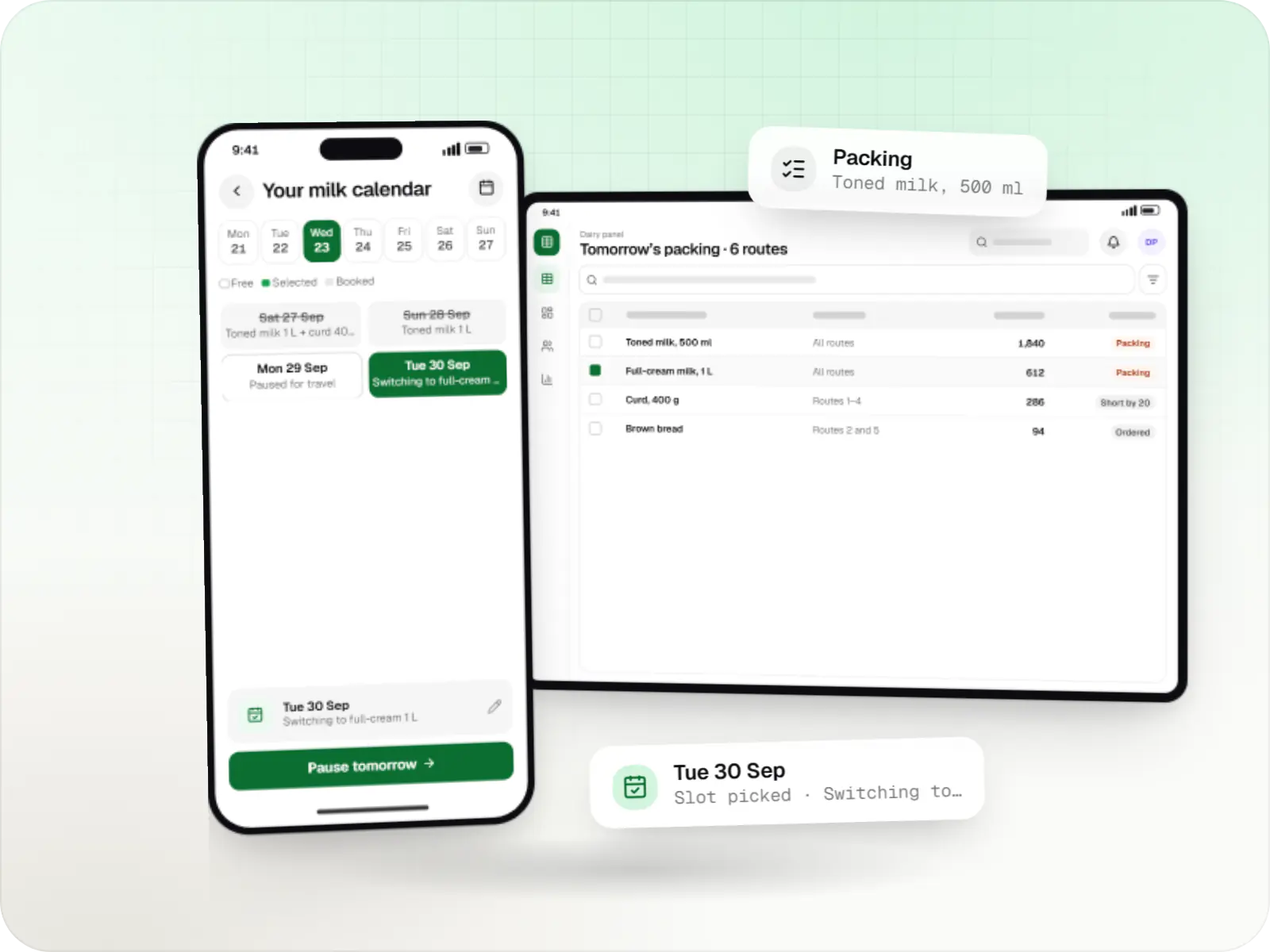
Illustrative screens, using a pick-up-and-drop and local shop delivery service in South Delhi as the example.
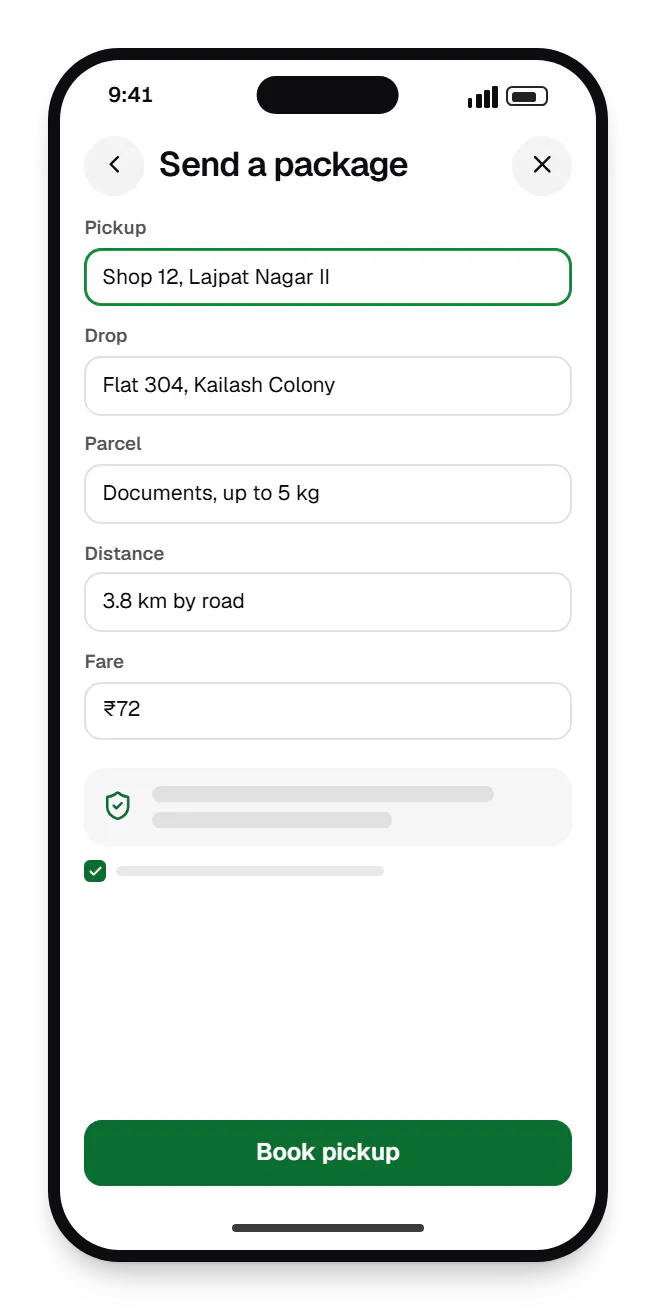
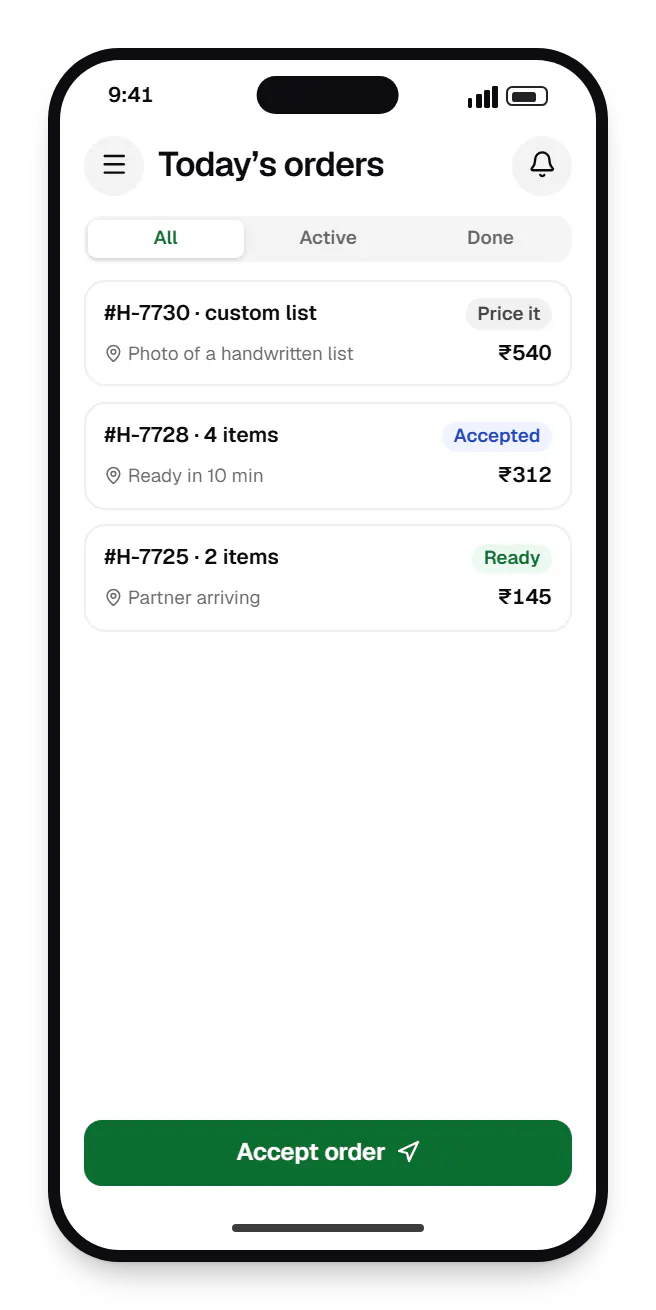
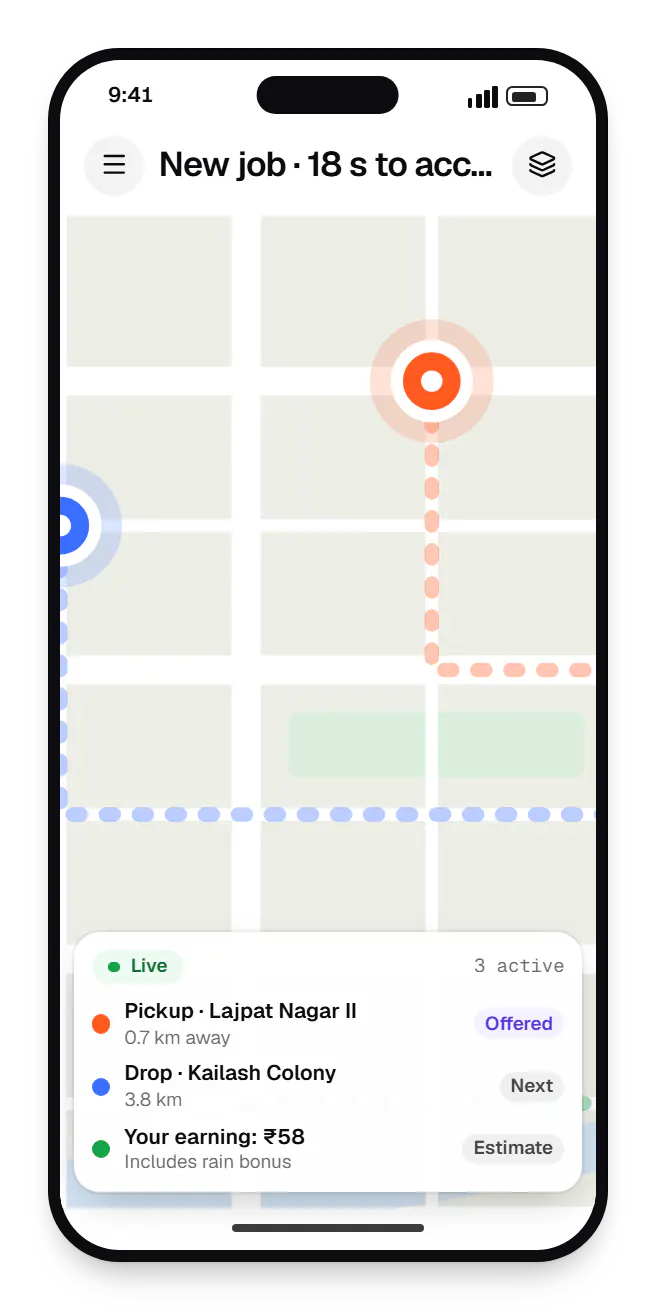
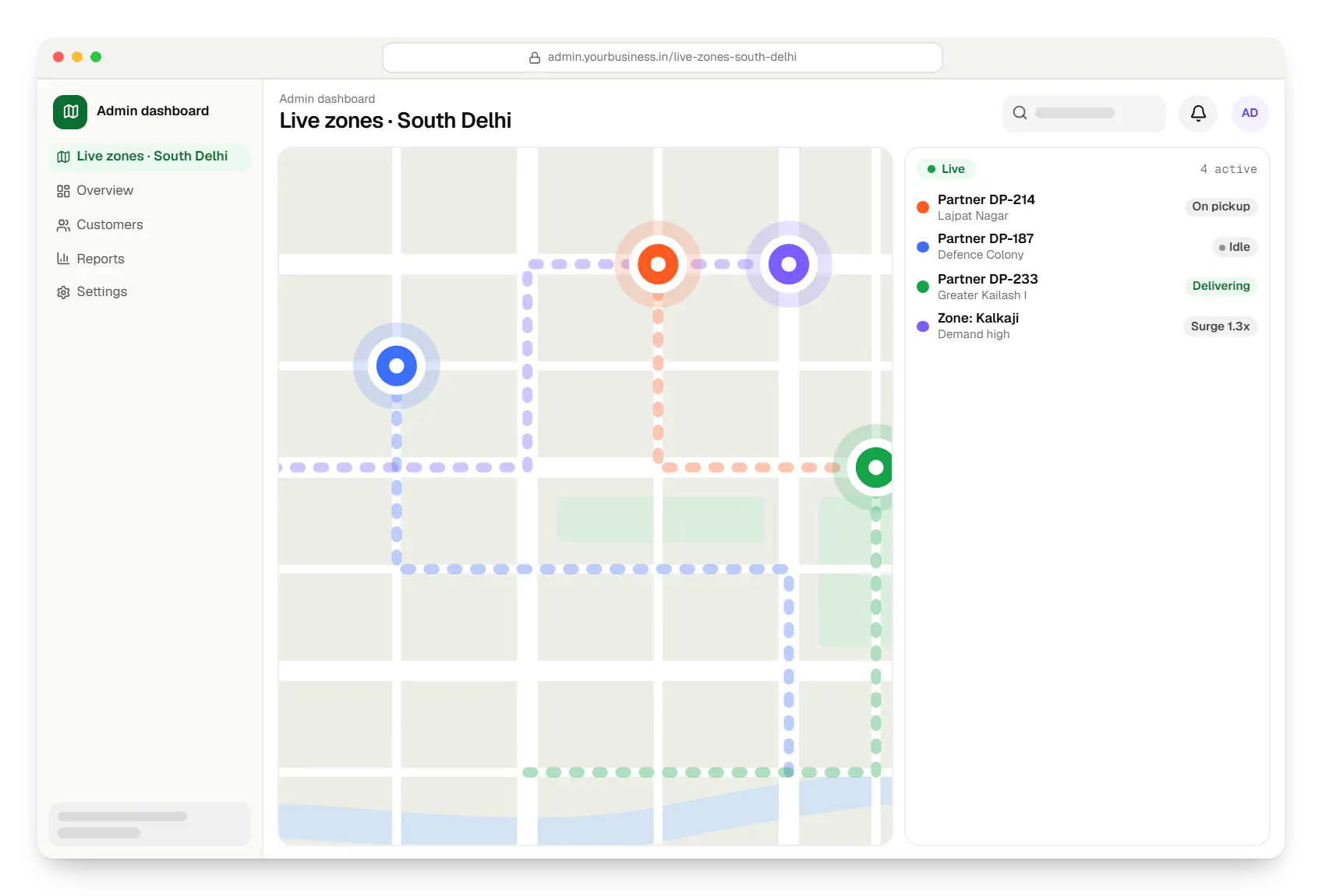
Sample screens: names, prices and figures are examples, not client data.
Industries
Services

Native and cross-platform Android and iOS apps, from first release through regular store updates, built by our in-house designers and engineers.

Android and iOS apps from one Dart codebase, built by engineers who know when Flutter is the right call and when native code is needed.

Browser-based products, customer portals, dashboards and internal tools, built on clean data models with secure roles and integrations.

Secure, documented REST and GraphQL APIs, plus integrations that connect your apps to payment, logistics, GST, messaging and business systems.

Back-office dashboards built around your team's daily tasks: order queues, approvals, catalogue management, payouts, reports and audit logs.
Cost drivers
Nearest-partner assignment is simple; batching, multi-drop routing and surge take more work.
Store orders, pick-up-and-drop and custom lists each need their own flows and pricing.
eKYC, document checks, incentives and payout automation add integrations.
Multi-city operations need zone hierarchies, local pricing and regional roles.
Estimates are written from your scope, with the effort and assumptions behind each line item.
How pricing worksWork
Illustrative projects that show how we plan and build this kind of product. They are samples, not client work.
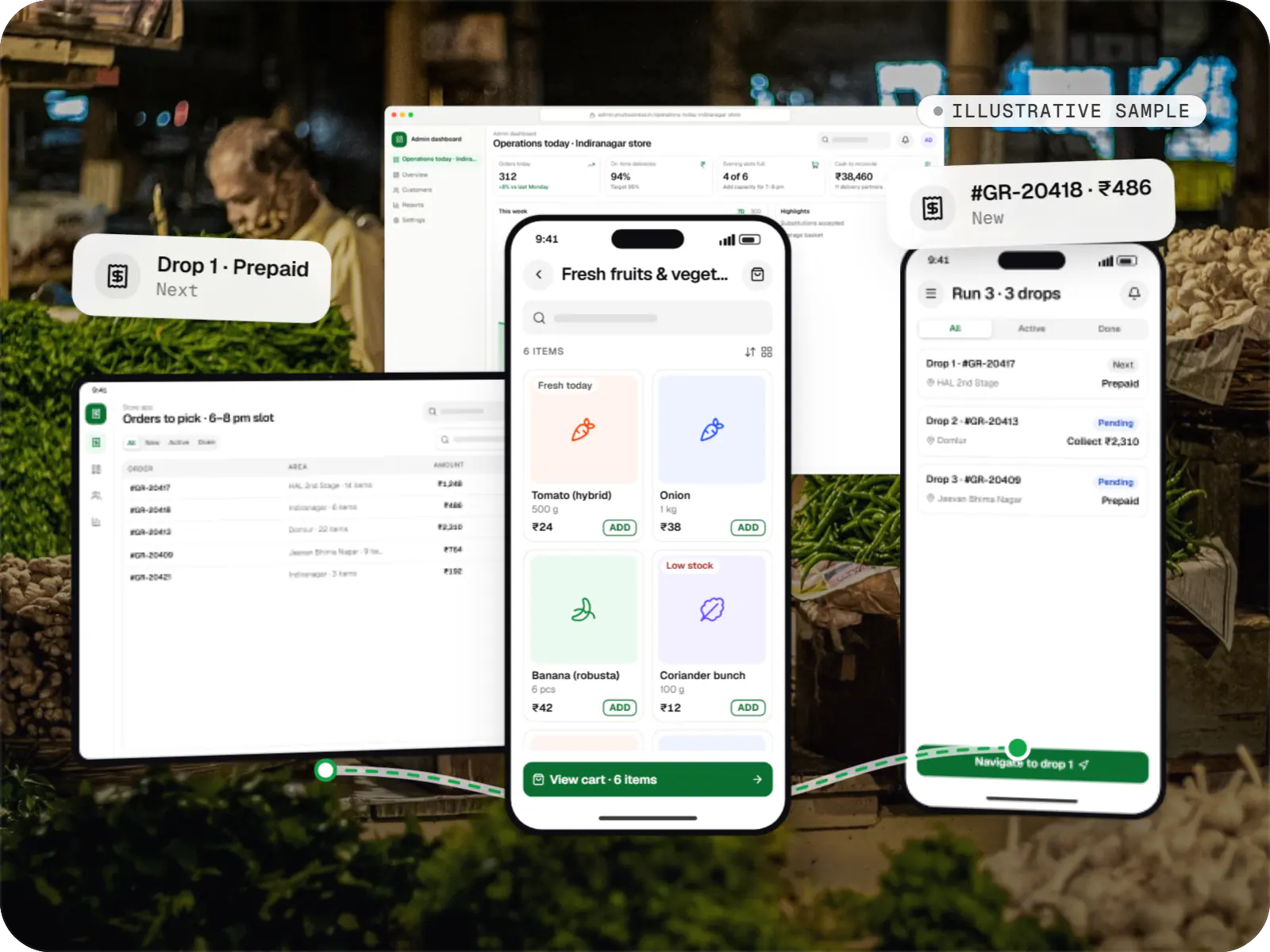
Delivery app development
An illustrative platform for neighbourhood grocery stores: slot or express delivery, store picking, batched delivery runs, and payment by UPI or cash on delivery.
Runs on
Built with
FAQ
When an order is ready for dispatch, the engine shortlists online partners within a radius, scores them on distance, current load and acceptance history, and offers the job to the top candidate with a short timer. If they decline or time out, it moves to the next. Operations staff see every offer on the live map and can assign manually. Thresholds are configurable per zone.
Most hyperlocal platforms use a base fare plus distance slabs, extra charges for weight, waiting time or late-night orders, and a surge multiplier when demand outstrips partner supply. We calculate road distance through a maps API rather than straight-line distance, and show the fare before the customer confirms. Your team edits slabs and surge rules per zone from the dashboard.
Yes. The merchant app lets a shopkeeper create a basic catalogue from phone photos, set prices and accept orders with an estimated ready time. Shops that prefer not to manage a catalogue can receive customers' custom lists, price them and confirm. Settlement statements show each day's orders, commission and payout, so the shop can reconcile without accounting software.
Typical onboarding combines Aadhaar-based eKYC through a licensed provider, or other accepted identity documents; driving licence and vehicle papers fetched from DigiLocker with the partner's consent; a bank account check for payouts; and an optional background check by a third-party agency. Rules on platform workers are evolving at state and central level, so we keep partner records exportable.
Related
Next step
Tell us which order types you plan and how you will find delivery partners. We will propose a one-zone launch scope and a path to more.