Web
Next.js
A modern web technology for fast, search-friendly websites, online stores and web applications that load quickly on mobile.
Used for
- Business websites
- Online stores
- Web apps
- Customer portals
Industries · Restaurants
Reduce aggregator dependence and front-of-house friction with ordering and kitchen systems built around how your restaurant runs.
At a glance
What it is
Restaurant software for dine-in and delivery: QR ordering, kitchen display, direct online ordering, reservations, loyalty and outlet reporting.
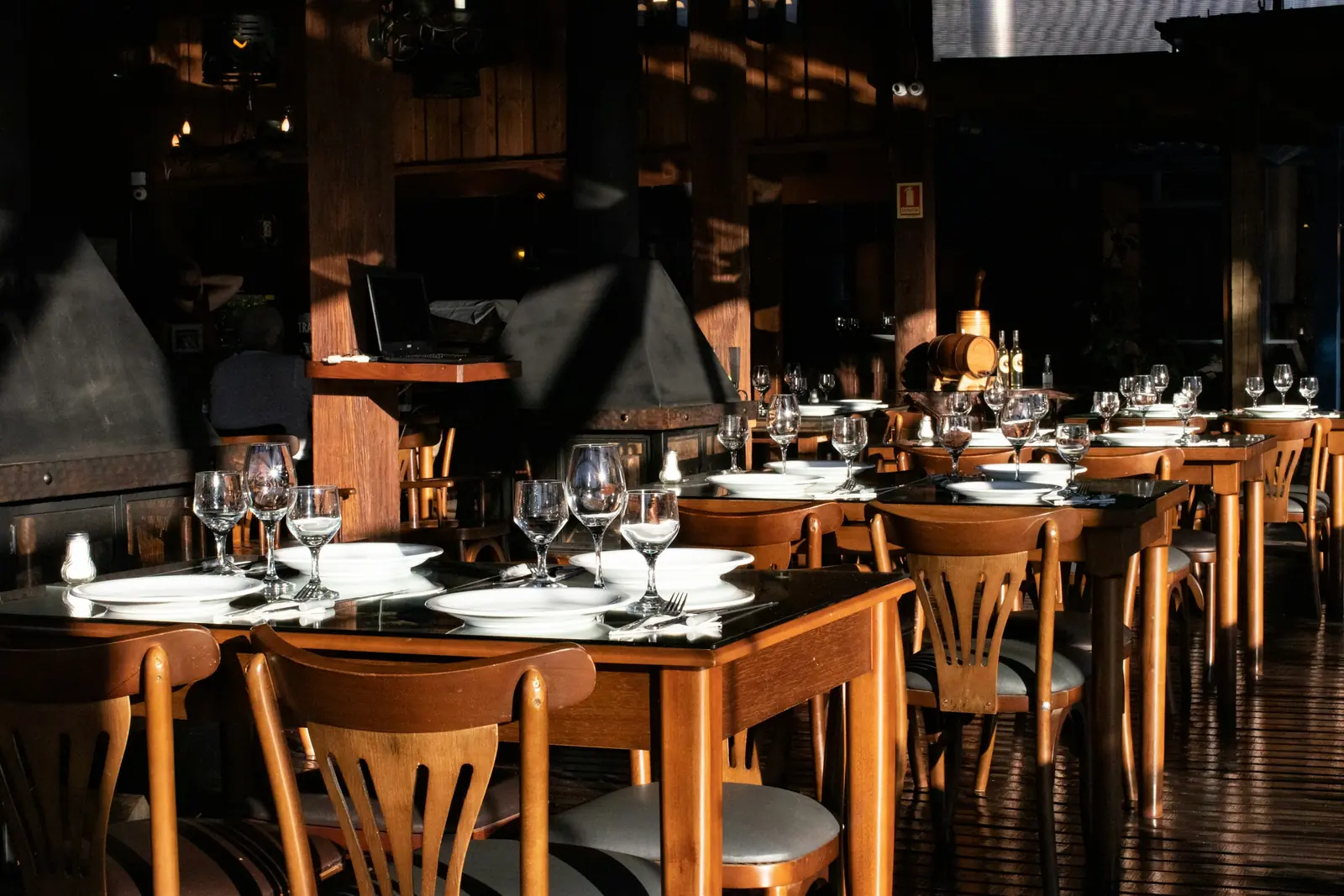
For single restaurants, multi-outlet chains and franchise brands that want more control over ordering, guest data and kitchen flow.
How to start
Tell us what you need in your own words. You talk to the developers who would build it and get a written, line-item estimate.
Get a project estimateA busy restaurant juggles dine-in tables, takeaway, aggregator orders and its own deliveries at the same time, with one kitchen serving all of them. Every order must reach the right station quickly, menus change with seasons and stock, and owners want to know which dishes actually make money.
Most restaurants already use a billing POS and one or two aggregators. We build what sits around them: QR table ordering, a direct ordering website or app that keeps guest relationships in-house, kitchen display screens, reservation and waitlist tools, and dashboards across outlets. How deeply we integrate with your POS depends on the access your vendor provides, so we check that first.
Challenges
Commissions and limited access to guest data make repeat customers expensive to reach.
Dine-in, takeaway and delivery tickets collide in the kitchen without prioritisation.
Prices and availability updated separately on the POS, website and each aggregator.
Feedback, reservations and order history live in different tools, if anywhere.
Solutions
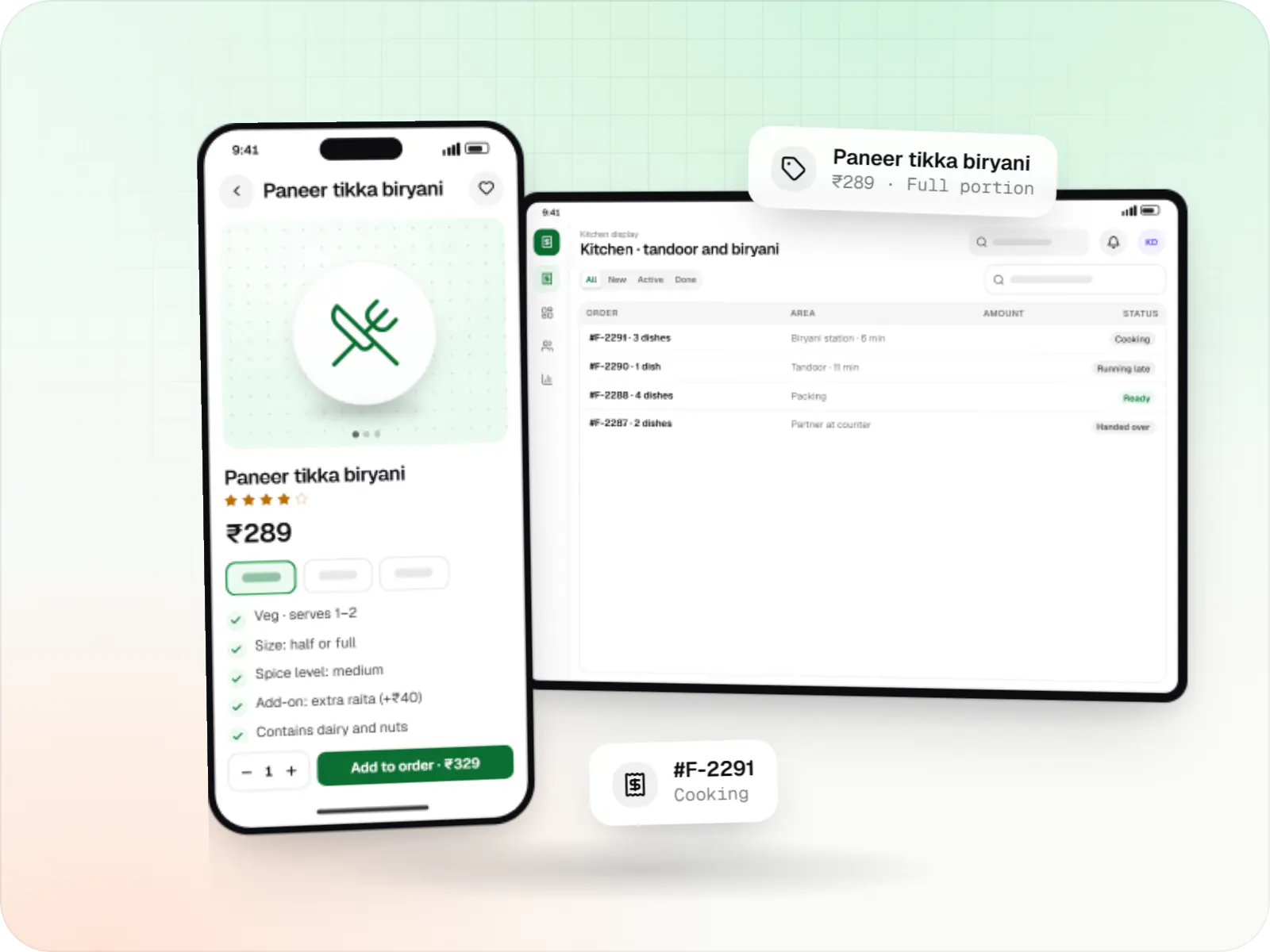
Food ordering and delivery apps for restaurants, chains and cloud kitchens, with menus and add-ons, kitchen displays, prep-time ETAs and delivery tracking.
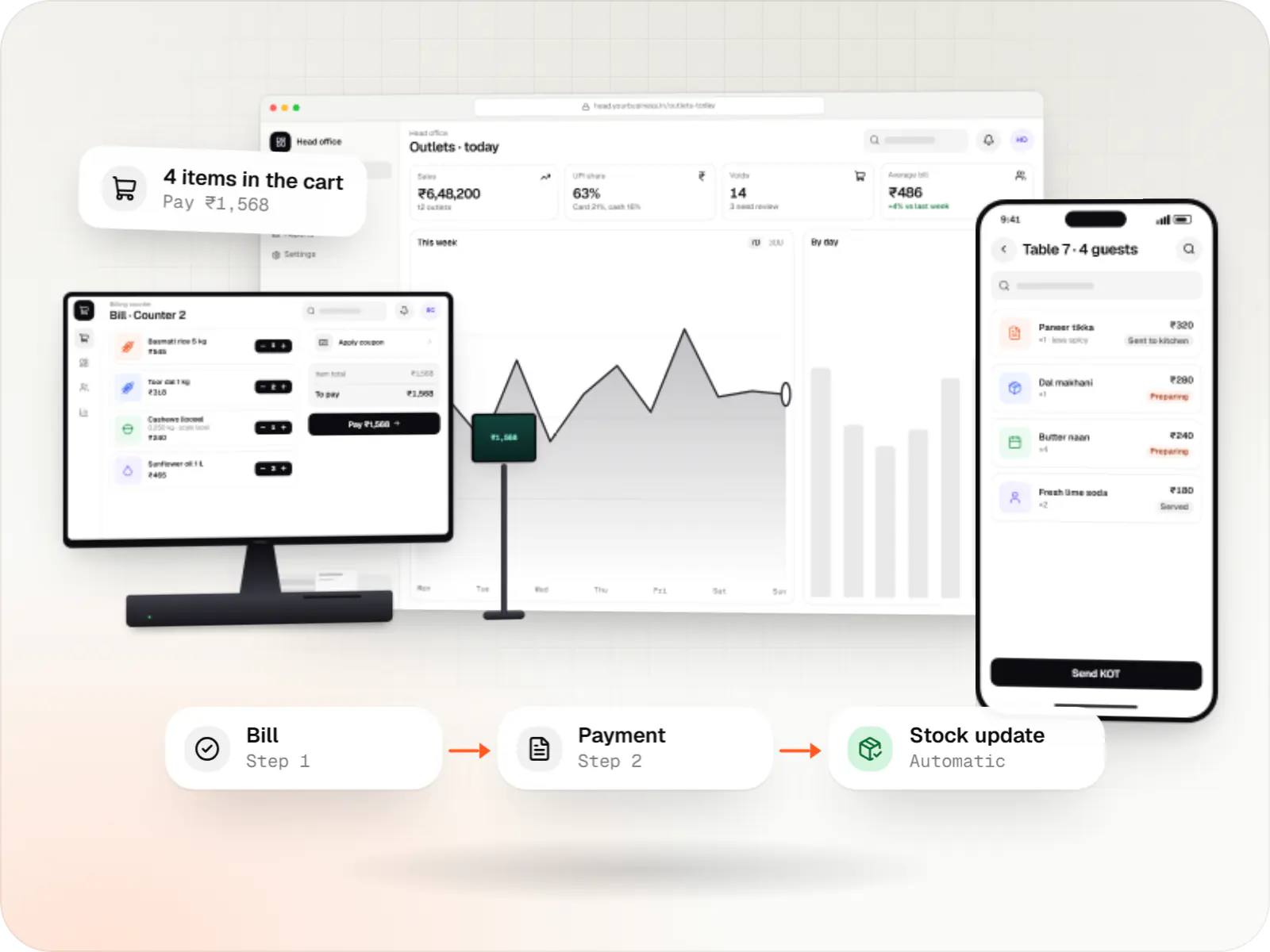
Custom point-of-sale software with offline billing, UPI QR payments, GST invoices, hardware integration and central control for multiple outlets.
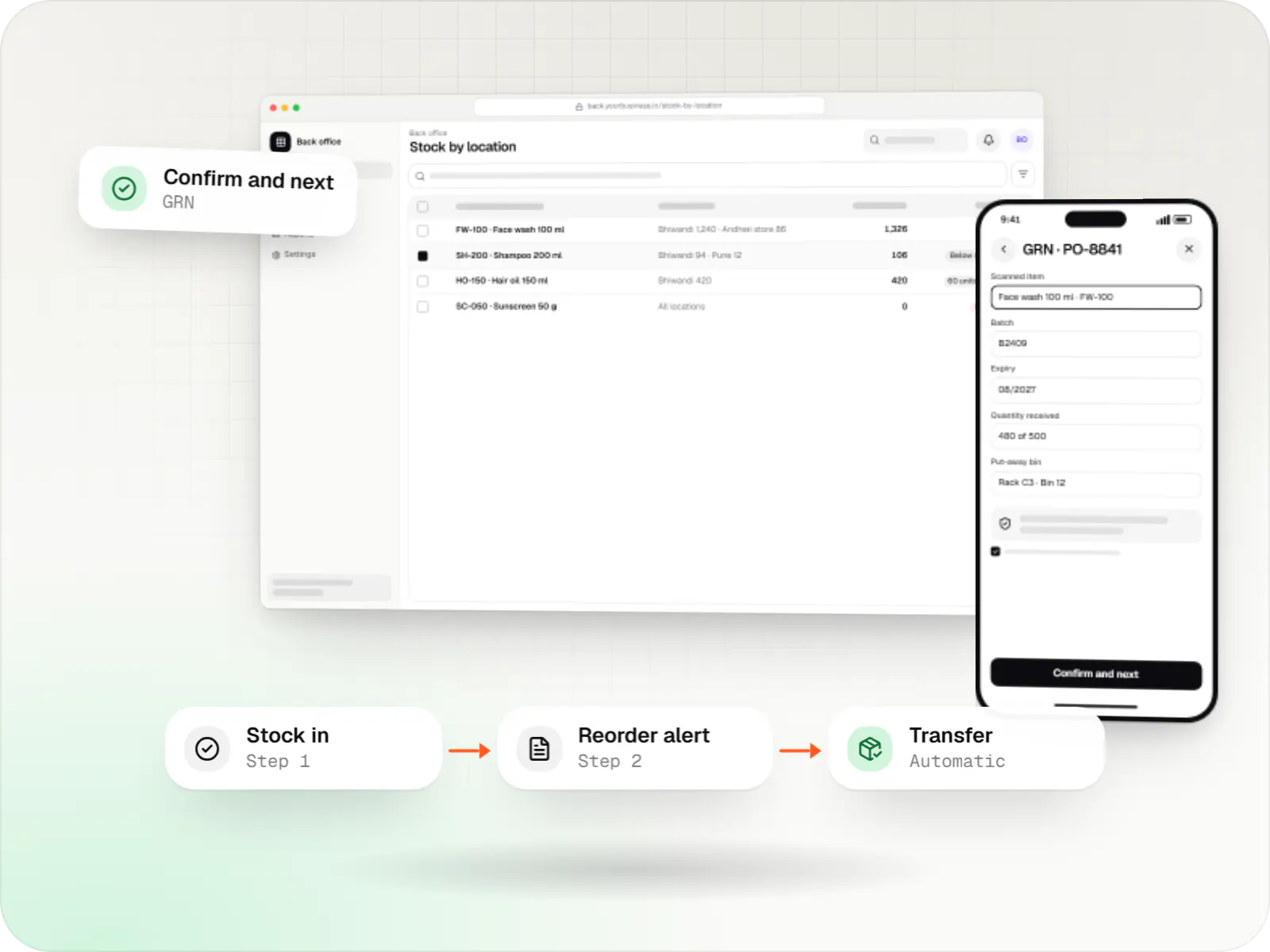
Custom inventory software for multi-location stock, batch and expiry tracking, barcode scanning and marketplace stock sync.

Custom CRM software that captures leads from every channel, keeps follow-ups on schedule and shows managers a live pipeline.
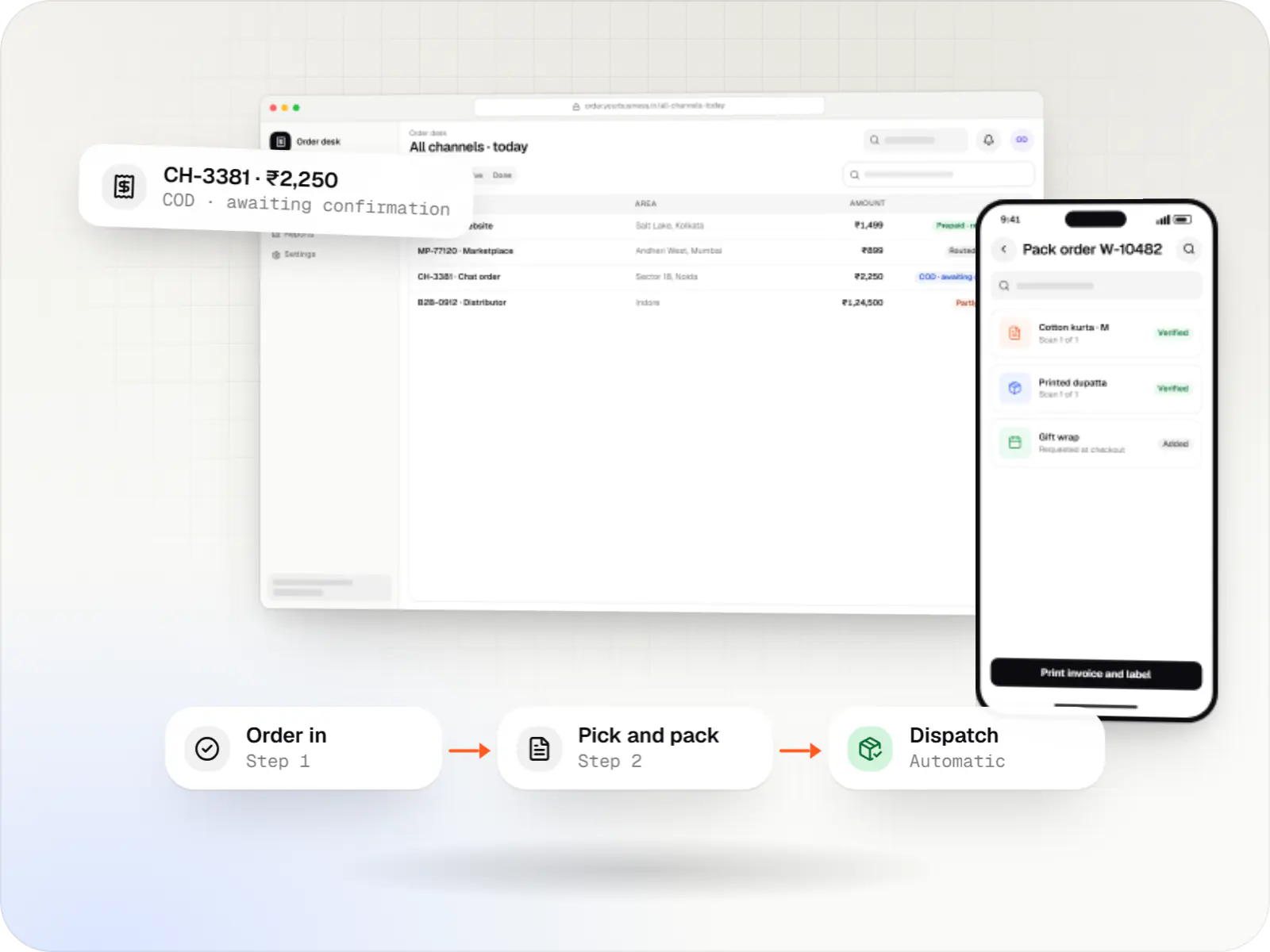
A central order management system that collects orders from every channel, routes them to the right location and tracks them to delivery and payment.
Guests scan, browse a photo menu, order and pay at the table; orders go straight to the kitchen.
Station-wise tickets with prep timers and bump screens instead of paper KOTs.
Branded website and app for delivery and takeaway, using your own riders or a delivery partner.
Table booking, deposits for large groups and WhatsApp queue updates.
Points, visit rewards and post-meal feedback linked to the guest's mobile number.
One menu source pushed to outlets, QR menus and your own ordering channels.
How it works
QR orders, waiter orders and direct online orders all land on the same kitchen screens and the same bill.
A photo menu opens in the phone's browser with today's availability, with no app download needed.
Items are split by station, such as grill, tandoor or bar, with prep timers instead of paper KOTs.
Staff take extra orders on a handheld, and QR and waiter orders join the same kitchen ticket and table bill.
UPI or card from the phone, or a split bill, without waiting for the bill folder to come back.
Points and a short feedback form are linked to the guest's mobile number, not a paper form.
A reward for ordering from your own website or app brings delivery orders back from aggregators.
Then it starts again at step 1: Guest scans the table QR code
Platforms
Marketing and content websites: fast, search-friendly pages with a CMS your team can update without a developer.
Installable web apps with offline support and notifications, useful when an app-store listing isn't essential or phones have little storage.
Apps for Android phones and tablets, tested on budget and mid-range devices and published on Google Play or privately.
Apps for iPhone and iPad, built to Apple's guidelines and released through TestFlight and the App Store.
Back-office panels for operations, support and finance teams: orders, users, content, reports and permissions.
Technology
Web
A modern web technology for fast, search-friendly websites, online stores and web applications that load quickly on mobile.
Used for
Web
Builds interactive screens in the browser, such as dashboards, admin panels and portals, that respond instantly as your team works.
Used for
Backend
Runs the server side of apps: fast, scalable back ends that power your app, website and integrations.
Used for
Data
A reliable database for the records your business runs on: orders, payments, bookings and stock, kept accurate and easy to report on.
Used for
Data
Keeps frequently used data in fast memory, so apps stay quick on busy days and live features like order tracking feel instant.
Used for
Cloud & DevOps
Ready-made building blocks for mobile apps, such as push notifications, phone OTP login and crash reports, so you launch sooner.
Used for
Payments & maps
Lets customers in India pay by UPI, cards, netbanking or wallets, and handles subscriptions, refunds and payouts to sellers or partners.
Used for
Plain-English glossary
Product preview
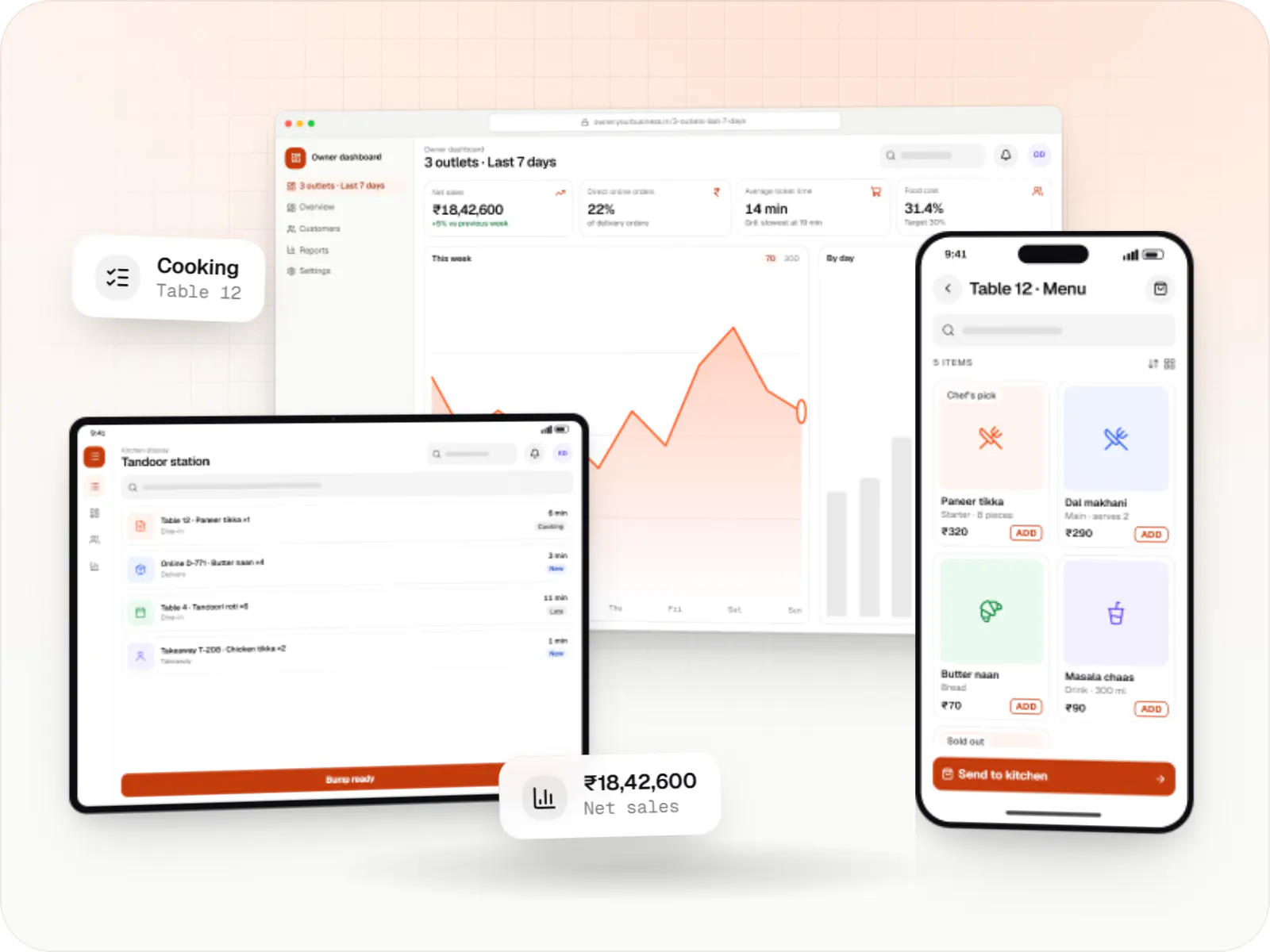
Sample screens; menus, stations and reports follow how your restaurant actually runs.
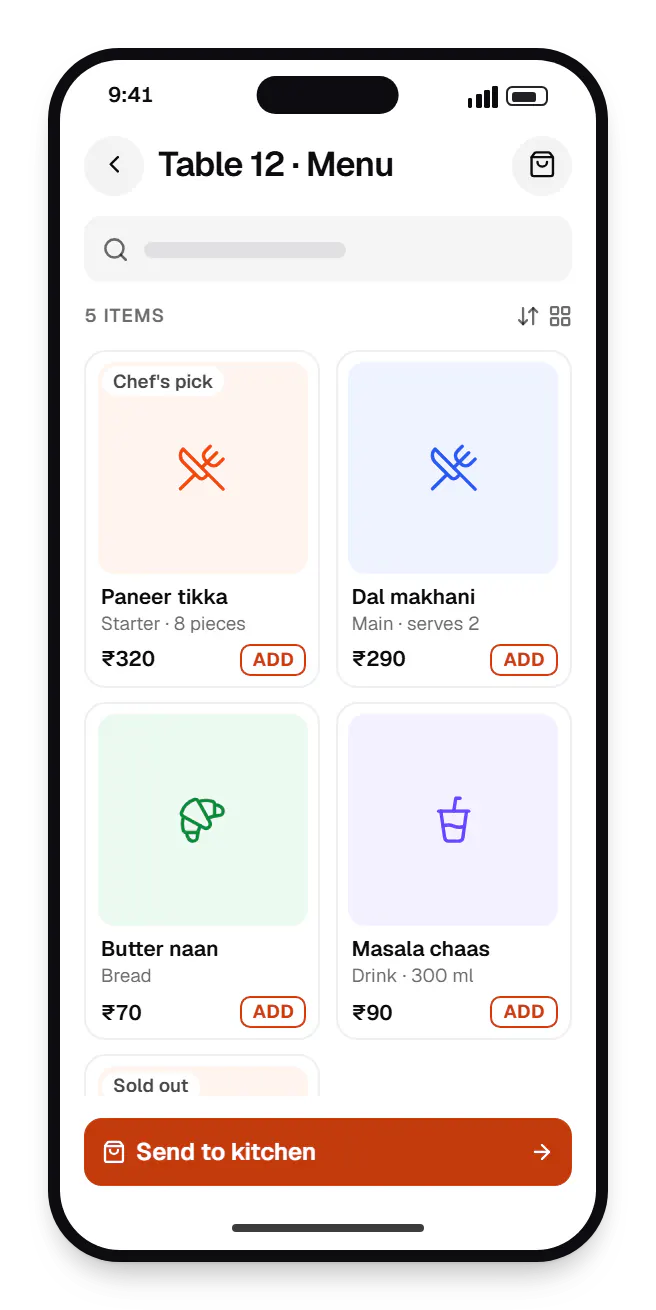
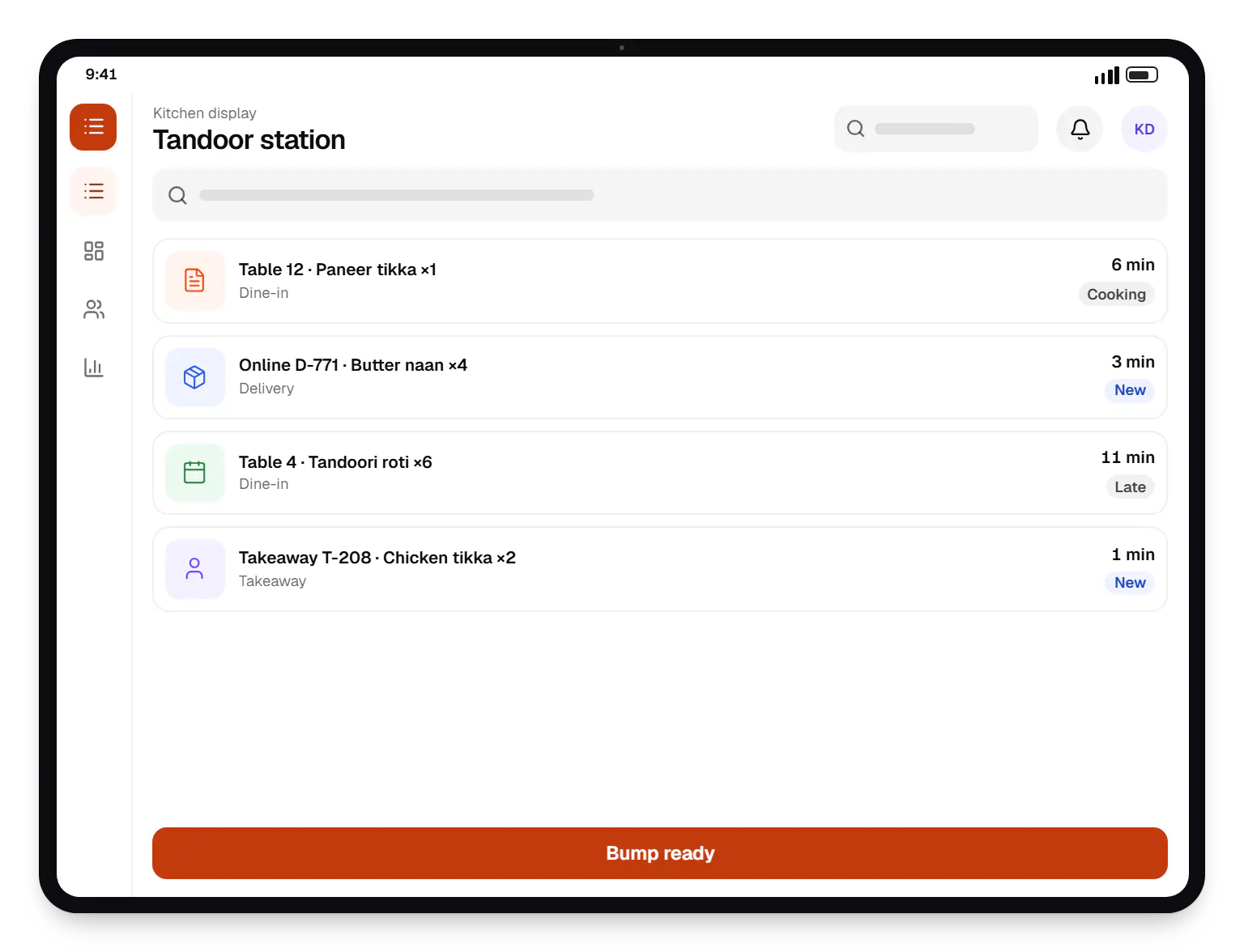
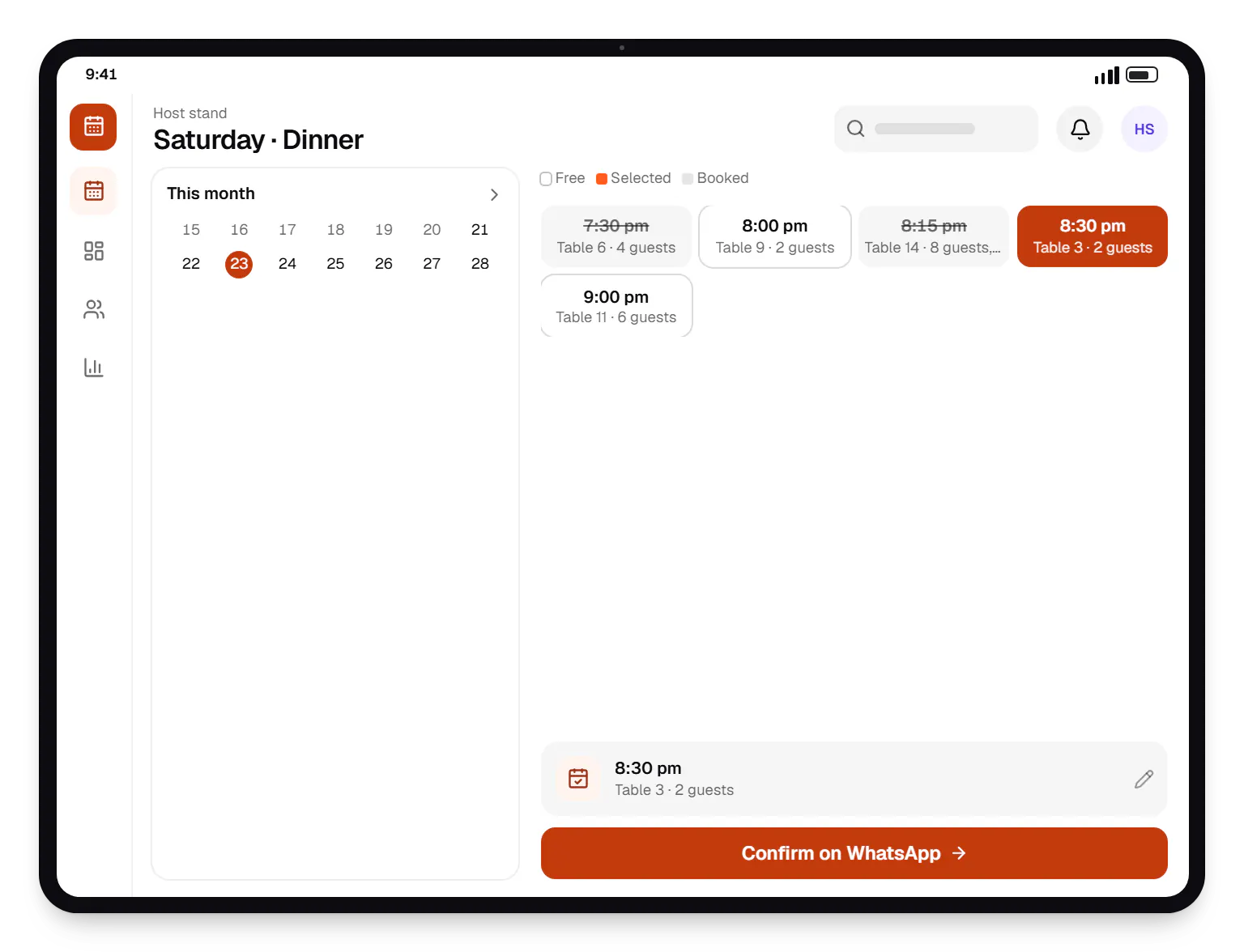
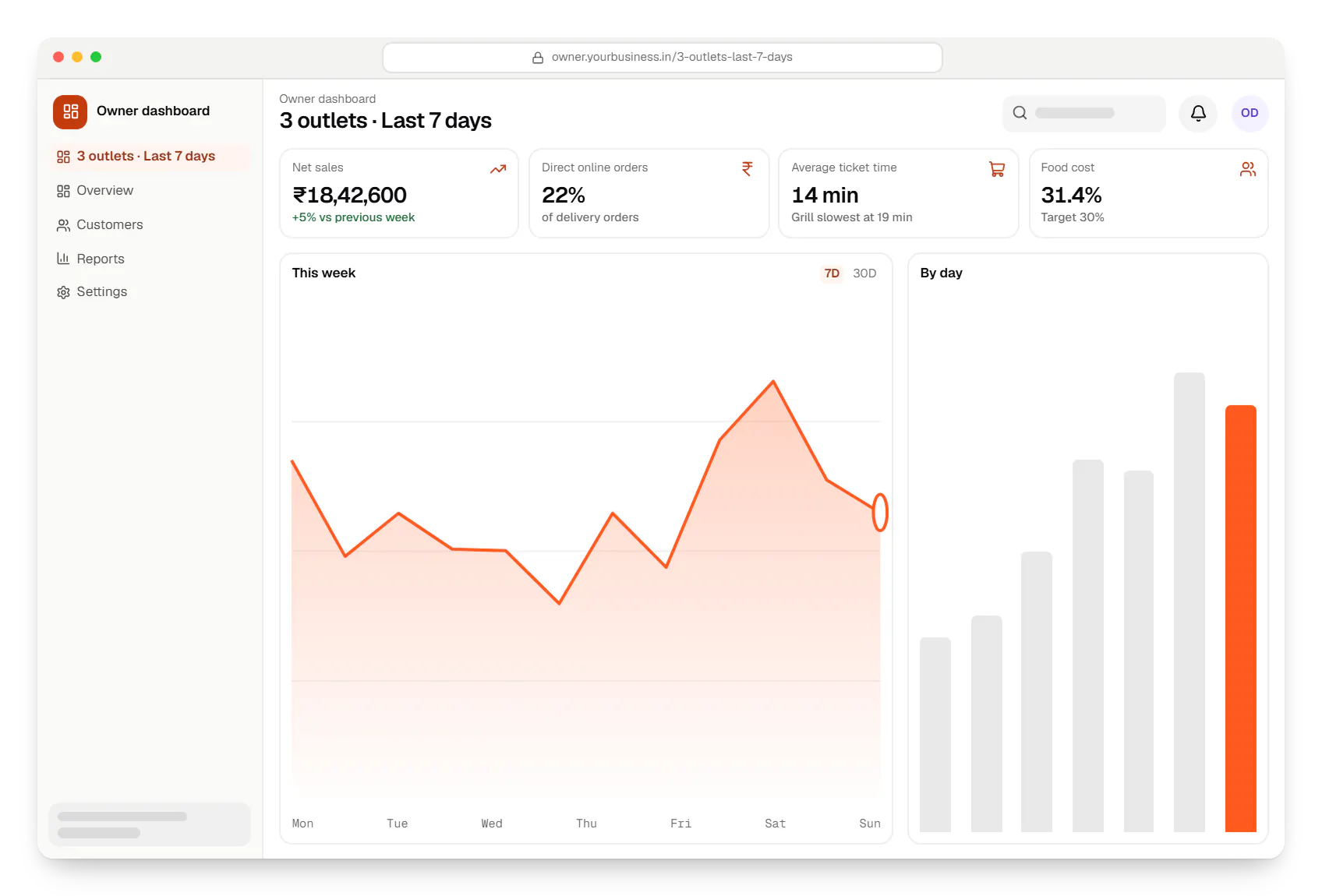
Sample screens: names, prices and figures are examples, not client data.
Cost drivers
Two-way menu and order sync depends on your POS vendor's API and can add significant scope.
Multi-outlet menus, pricing and reporting require central management tools.
Rider apps, dispatch and tracking cost more than handing orders to a delivery partner.
Kitchen screens, printers and handhelds need device setup and on-site testing.
Estimates are written from your scope, with the effort and assumptions behind each line item.
How pricing worksServices
The design and engineering services our in-house team combines on projects in this sector.

Native and cross-platform Android and iOS apps, from first release through regular store updates, built by our in-house designers and engineers.
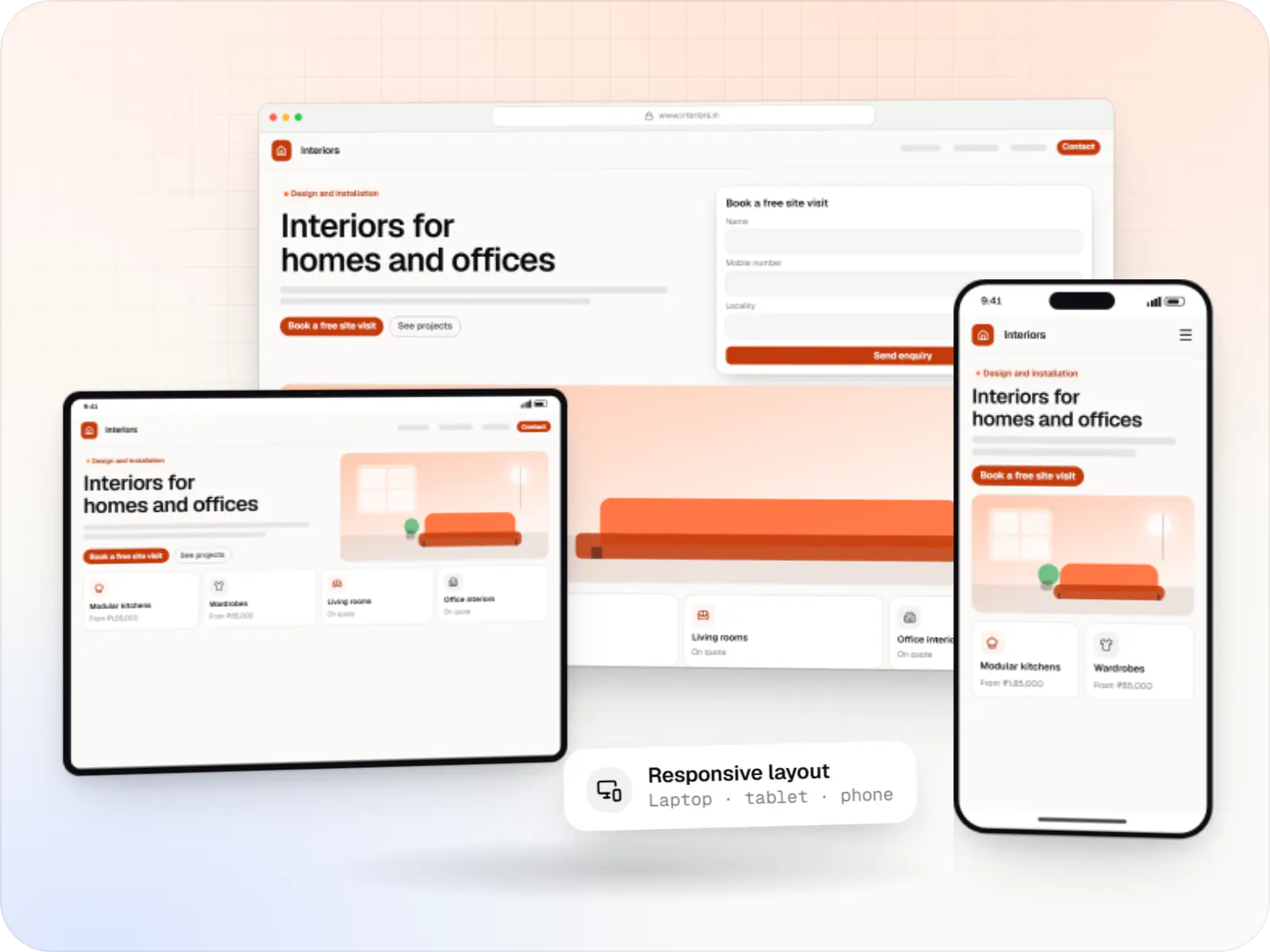
Fast, SEO-ready company and marketing websites with a CMS your team can edit, designed and built by our in-house team.

Software shaped around how your business runs, from approvals and inventory to billing and reports, replacing spreadsheets and disconnected tools.

Browser-based products, customer portals, dashboards and internal tools, built on clean data models with secure roles and integrations.

Product design for web and mobile apps: research, user flows, wireframes, prototypes and design systems that engineers can build from.
FAQ
Usually through your POS rather than directly. Aggregators share orders with restaurant POS systems through their integration partner programmes, and most restaurants receive them that way. If your POS exposes those orders through an API, we can show them alongside dine-in and direct orders on kitchen screens and dashboards. We'll confirm what your POS vendor permits before promising a unified view.
Only if guests have a reason to use it. Restaurants that do well with direct ordering usually give regulars a clear benefit, such as loyalty points, better prices than on aggregators or exclusive items, and promote it on packaging, tables and bills. We keep the first version simple: a fast menu, UPI checkout, reorder and order tracking. A website or PWA is often enough before investing in native apps.
No, and it should not be designed to. QR ordering works well for repeat rounds, add-ons and settling the bill without waiting, while staff focus on service, recommendations and table turns. Most setups we design are hybrid: guests can order by QR, staff can take orders on a handheld, and both reach the same kitchen ticket and the same bill.
Yes, once recipes are defined. We map each menu item to its ingredients and quantities, so every sale deducts stock in theory. Comparing that with actual stock counts shows wastage and variance by outlet. Purchase orders, supplier prices and daily closing stock complete the picture. It needs discipline from kitchen staff, so we keep data entry quick and mobile-friendly.
Next step
Tell us your outlets, POS and order channels. We'll suggest what to build first and what to integrate.