Mobile
Android (Kotlin)
Apps built specifically for Android, with full access to the phone's hardware, background location and company-managed devices.
Used for
- Apps for Android
- Delivery partner apps
- Billing and POS apps
- Field staff apps
POS devices · Restaurants
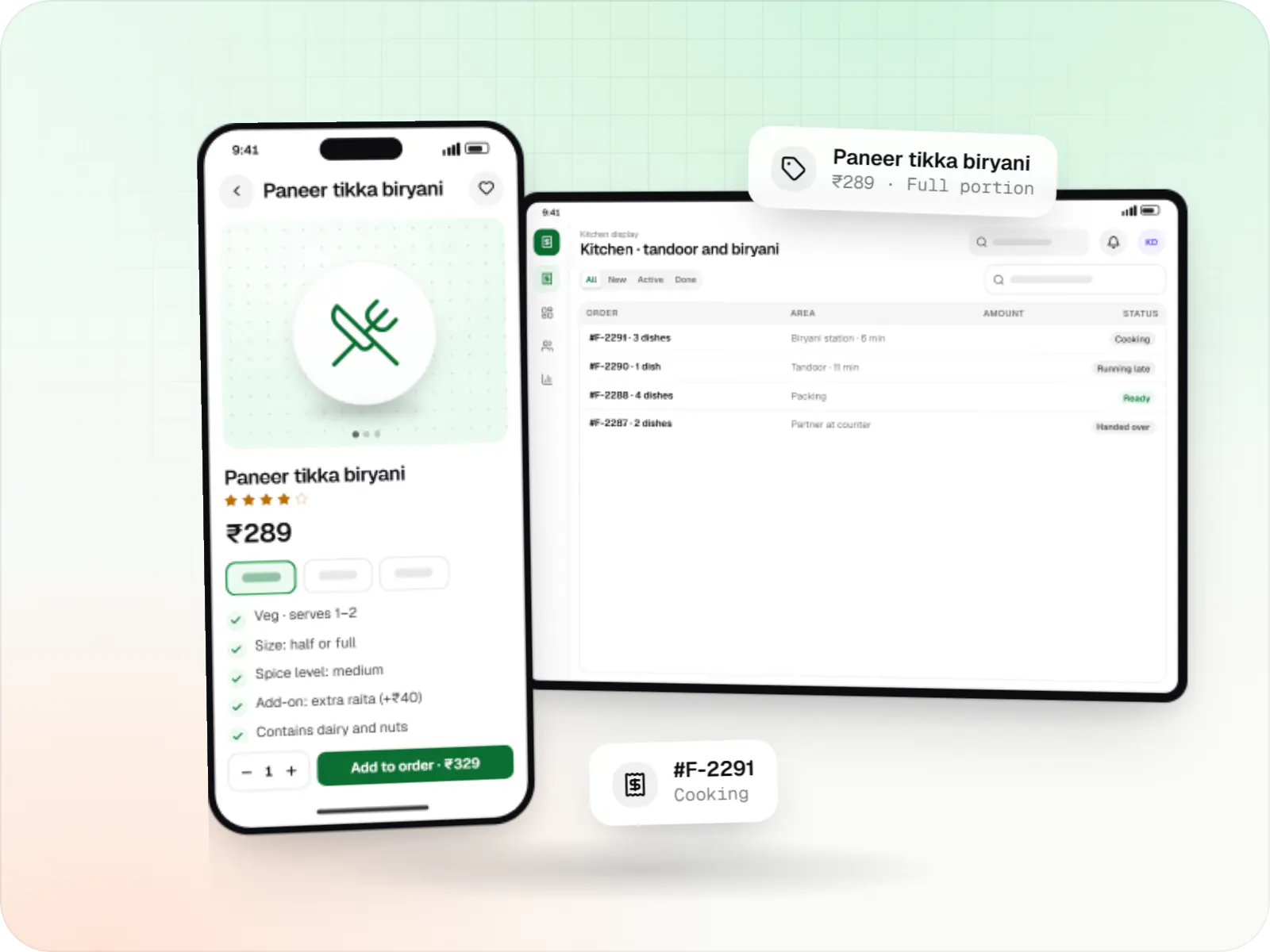
Billing terminals, captain handhelds and kitchen displays that stay on the right apps, update only after closing and tell you when an outlet goes offline.
This page brings together
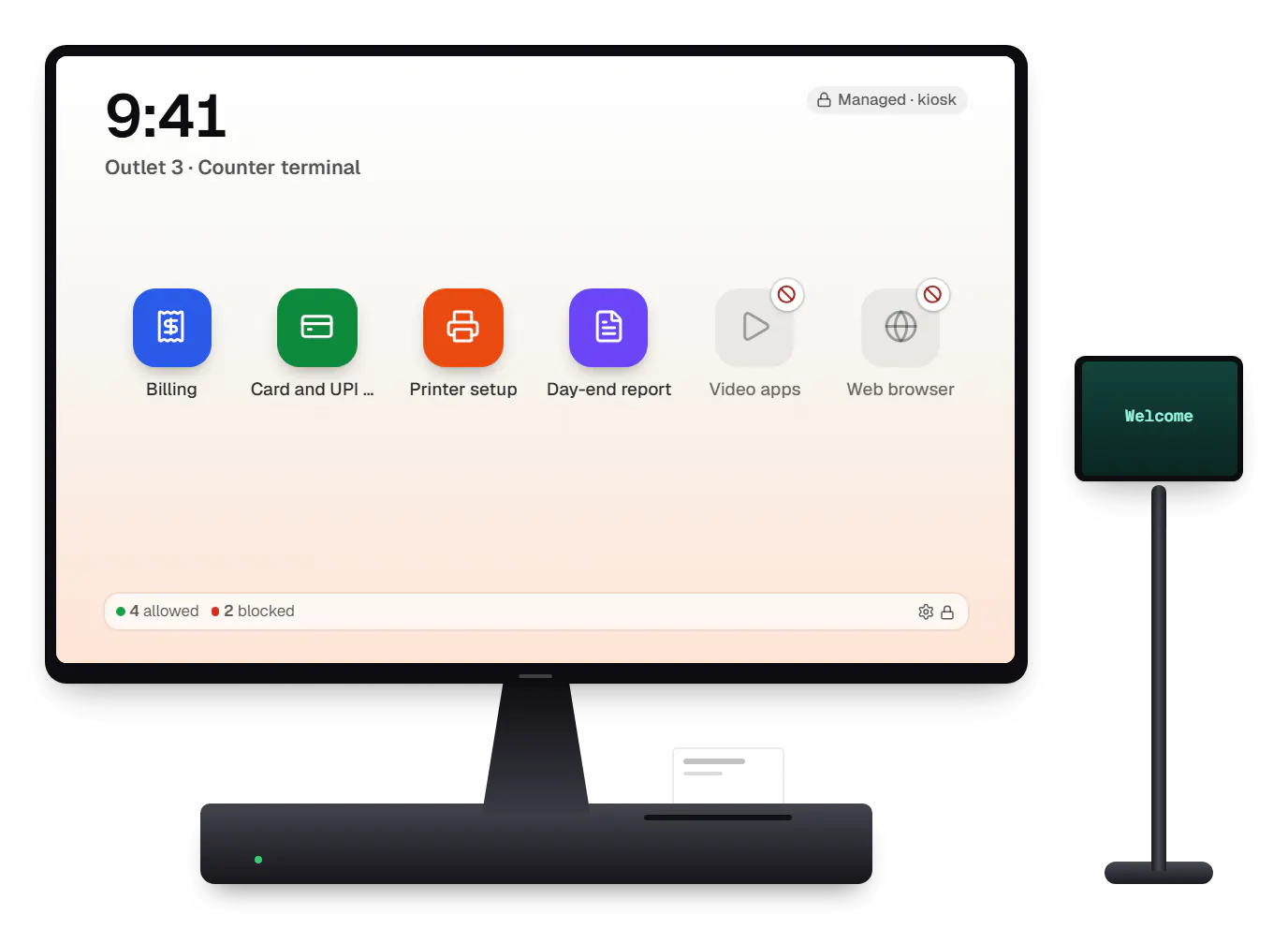
A busy restaurant runs on more devices than it realises: the billing terminal at the counter, captain handhelds that send orders to the kitchen, a kitchen display or KOT printer at each station, and often a self-order tablet or a menu screen. When one of them misbehaves during dinner service, the damage shows up as wrong orders, slow bills and guests who leave.
POS device management keeps that hardware predictable across outlets. Terminals run only the billing, payment and printer apps they need, updates wait until after closing, menus and tax settings reach every outlet together, and the owner or IT partner sees which device went offline before the shift manager calls. We build this around the terminals you already have, and we are honest about limits: many Android™ POS terminals supplied by banks and payment providers are controlled by their supplier, so on those we manage our own apps and settings, and use full device control only where the terminal maker allows it.
Challenges
A billing app update or restart at 8:30 pm stops bills at the busiest hour.
Staff watch videos on the billing terminal, and settings get changed by accident.
A price or GST change applied at one outlet and missed at another means wrong bills.
Terminals from payment providers often allow only approved apps and the supplier's own management.
An offline kitchen display is noticed only when orders stop reaching the line.
What is included
Platform: Android POS terminal
Platform: Android phones and tablets
Platform: Admin dashboard
Platform: Integration
How it works
A new terminal, handheld or display is registered to the outlet in the console with its role: billing, captain or kitchen.
Where the maker allows device control, it runs only its role's apps; on supplier-managed terminals, our app enforces its own settings.
The outlet's menu, GST settings and printer mapping are pushed to every device in that outlet.
Orders go from handhelds to kitchen displays and printers; bills are settled at the terminal, even offline.
Offline devices and failed syncs raise alerts during service hours only.
The day-end sync is checked, and app updates install in the night window, one outlet first.
Then it starts again at step 1: Device arrives at the outlet
Product preview
Illustrative screens. Outlets, dishes and amounts are invented.
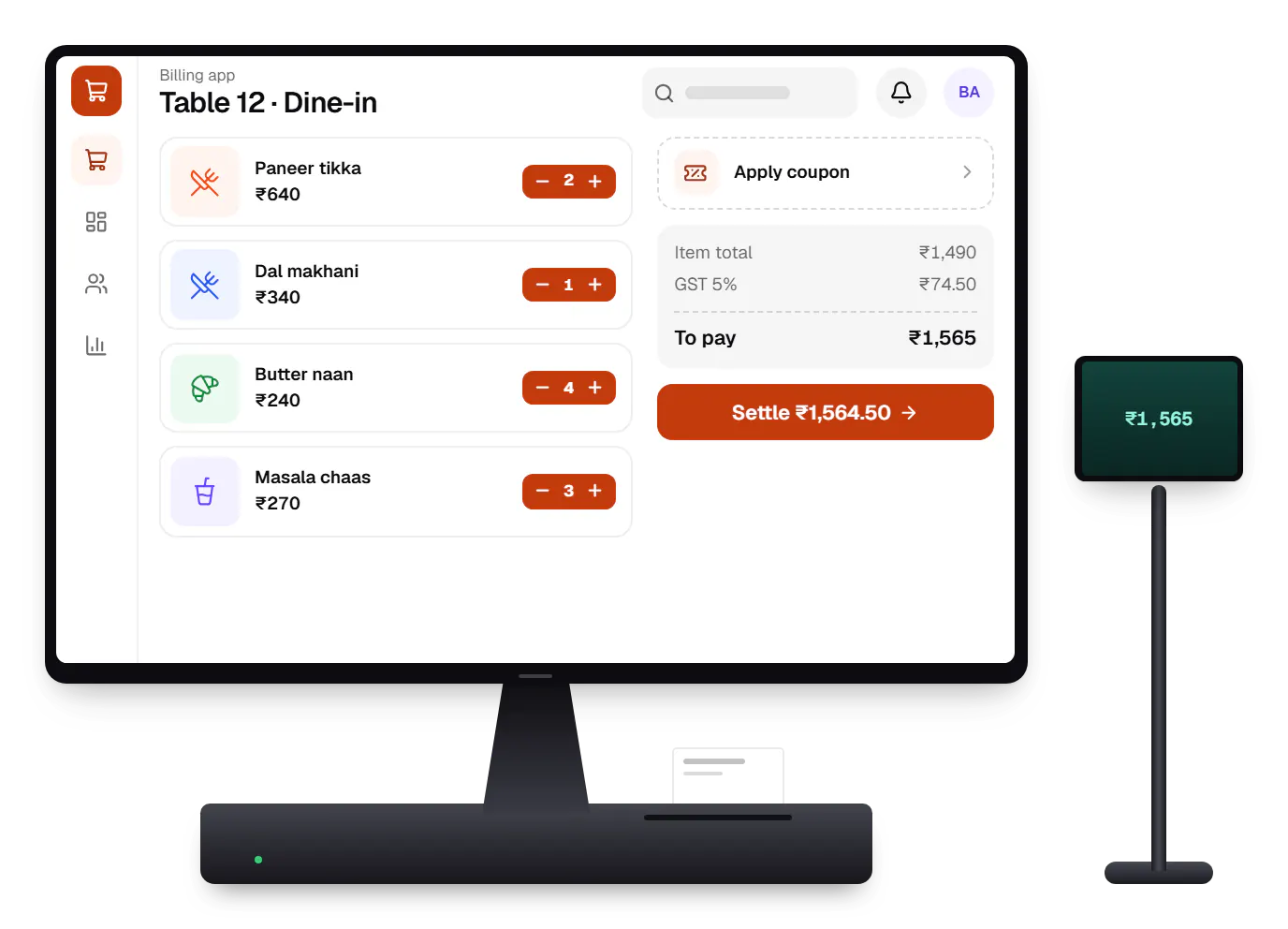
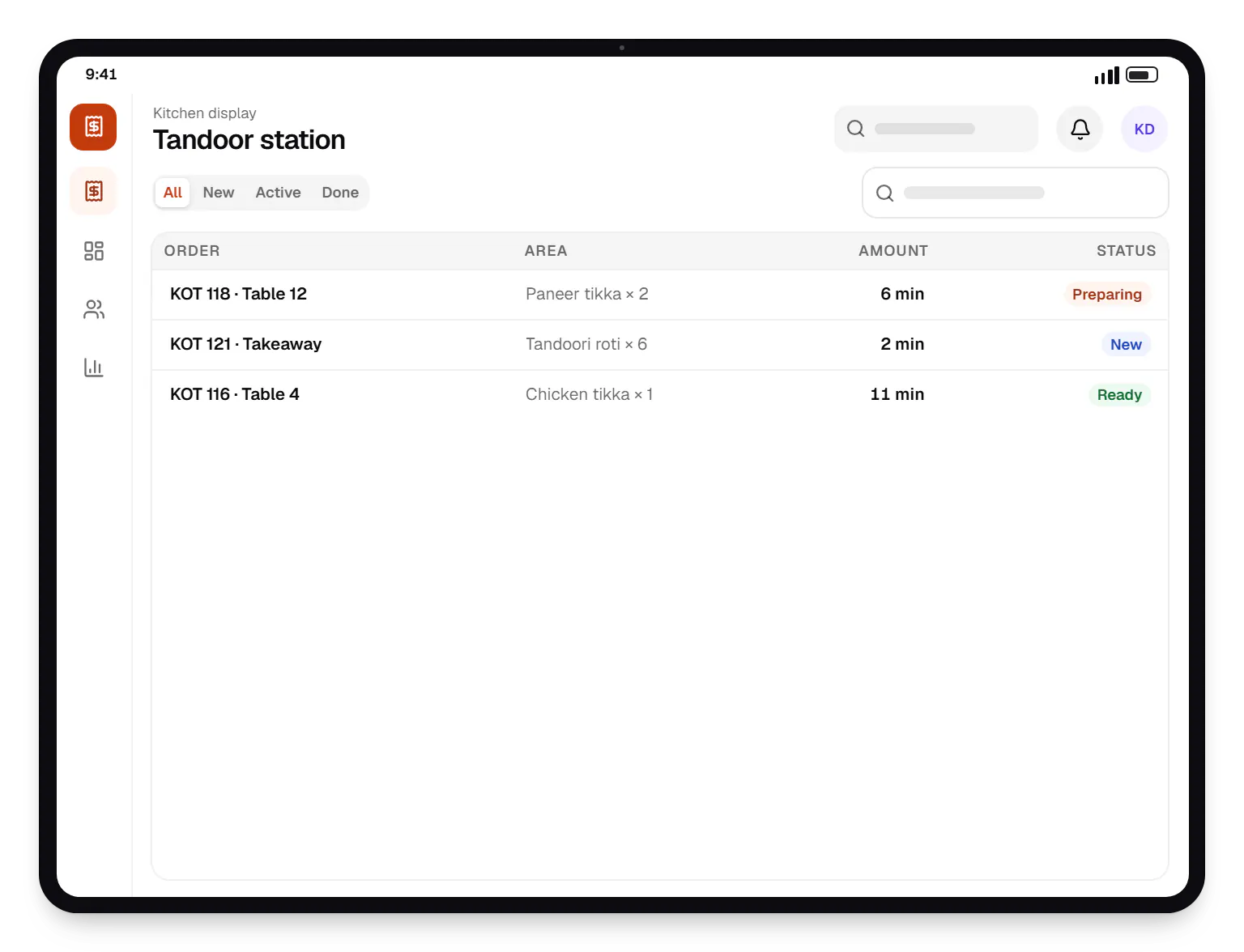
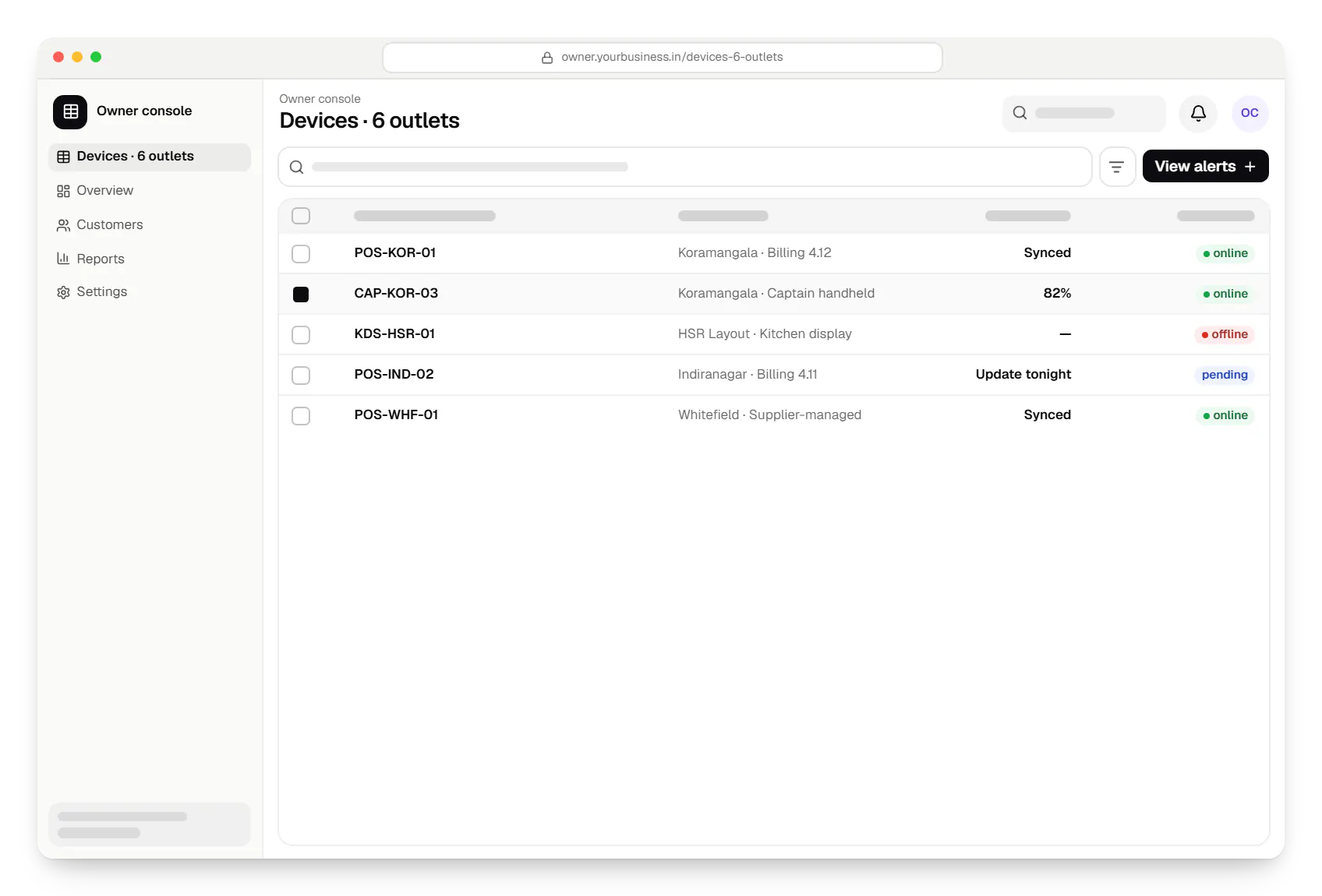
Sample screens: names, prices and figures are examples, not client data.
Comparison
We confirm control per model and per supplier before a rollout, because the same brand of terminal can behave differently depending on who supplied it.
| Terminals the restaurant owns | Terminals from a bank or payment provider | Tablets and phones with Google Play services | |
|---|---|---|---|
| Lock to approved apps | Yes, where the maker allows a device owner or offers an SDK | Usually through the supplier's own controls | Yes, through Android Enterprise or a device-owner app |
| Install and update our apps | Silently, from our update server | Through the supplier's app store and review | Through managed Google Play or our update server |
| Firmware and payment app updates | The maker's tools | The supplier only | The Android system update policy |
| Remote lock and restart | Where the maker exposes it | The supplier's console | Yes, depending on the management mode |
| What we promise | Confirmed per model before purchase | Only what the supplier's programme allows | Documented Android Enterprise features |
Platforms
POS terminals running Android, captain handhelds, kitchen display tablets and the owner console.
Countertop and handheld billing terminals running Android-based software, locked to approved billing and payment apps where the terminal maker or supplier allows device-owner or SDK control.
Android phones, tablets and rugged handhelds with Google Play services, managed through Android Enterprise: company-owned devices as fully managed, dedicated (kiosk) or work-profile devices, and personal phones through a work profile only.
Back-office panels for operations, support and finance teams: orders, users, content, reports and permissions.
Technology
Kotlin billing and kitchen apps, device-owner controls where terminals allow them, and a NestJS back end that pushes menus and watches every outlet.
Mobile
Apps built specifically for Android, with full access to the phone's hardware, background location and company-managed devices.
Used for
Device management
Built-in Android APIs that let one trusted app control a company device: kiosk lock, silent app updates and restrictions, even without Google Play.
Used for
Device management
A Google cloud API for device-management products: your console sets the rules, and a Google app on each Android device applies them.
Used for
Backend
A structured way to build back ends on Node.js, so large business systems stay organised, testable and easy to hand over.
Used for
Data
A reliable database for the records your business runs on: orders, payments, bookings and stock, kept accurate and easy to report on.
Used for
Data
Keeps frequently used data in fast memory, so apps stay quick on busy days and live features like order tracking feel instant.
Used for
Cost drivers
Each POS model needs testing; supplier-managed terminals add the supplier's app review.
Managing an existing billing app is smaller than building billing, KOT and kitchen apps.
More outlets mean more rollout days for your team and more alert rules.
KOT printers, cash drawers and customer displays each need testing on the terminals.
Aggregator orders, inventory and accounting sync add integration work.
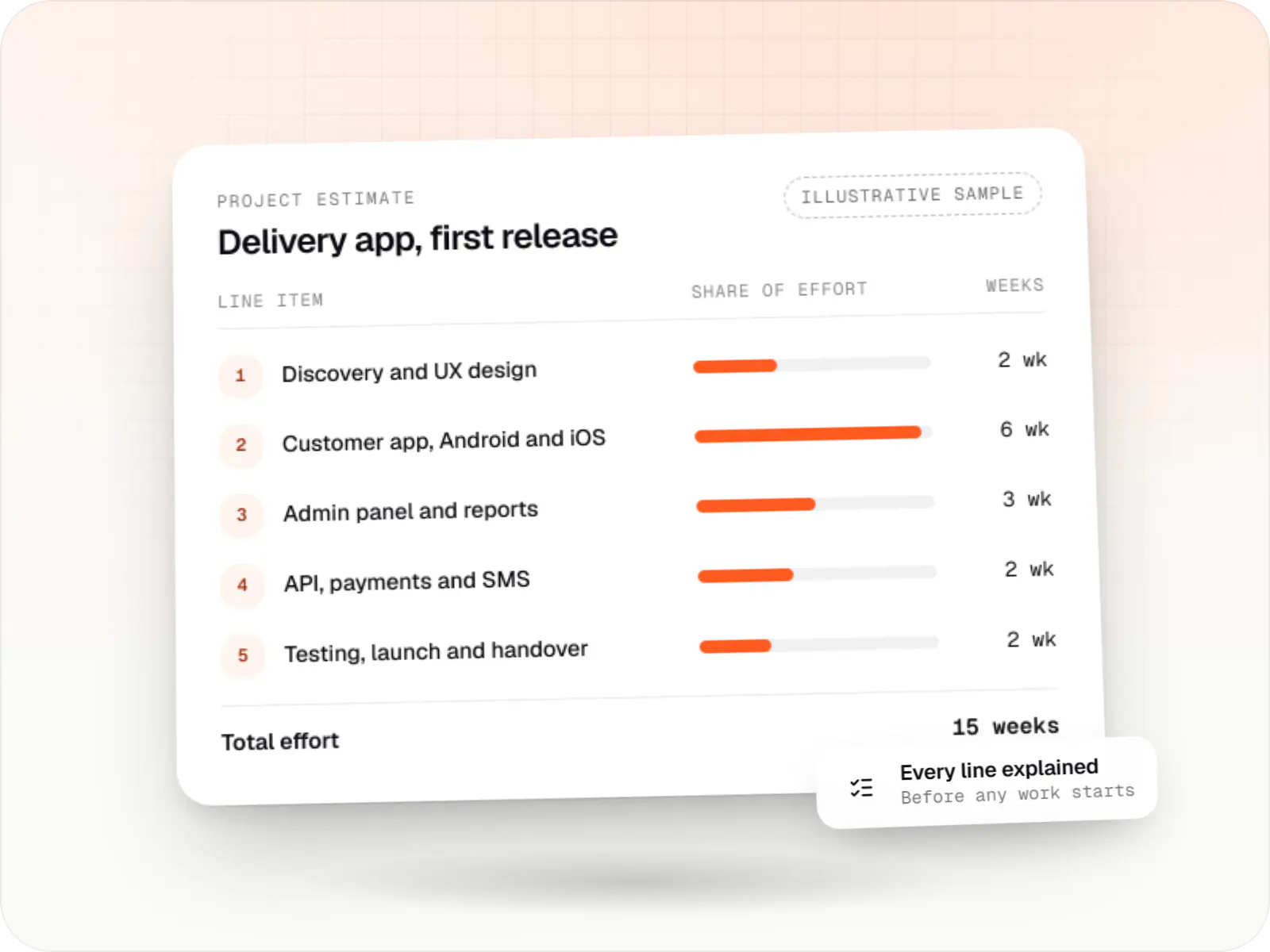
Estimates are written from your scope, with the effort and assumptions behind each line item.
How pricing worksProcess
We list every terminal, handheld, display and printer, and who controls each one.
You getDevice inventory and control map
Your billing flow is tested on each terminal model, including power cuts and offline billing.
You getTested device list
One outlet runs managed devices for a full week, including a weekend rush.
You getPilot report
Outlets move over on quiet days, with the after-closing update window set from day one.
You getRollout plan
Work

Device management & kiosk solutions
An illustrative kiosk product for retail chains: locked Android tablets for catalogues and price checks, a staff launcher, and a console to enrol, update and monitor every device.
Runs on
Built with
Solutions
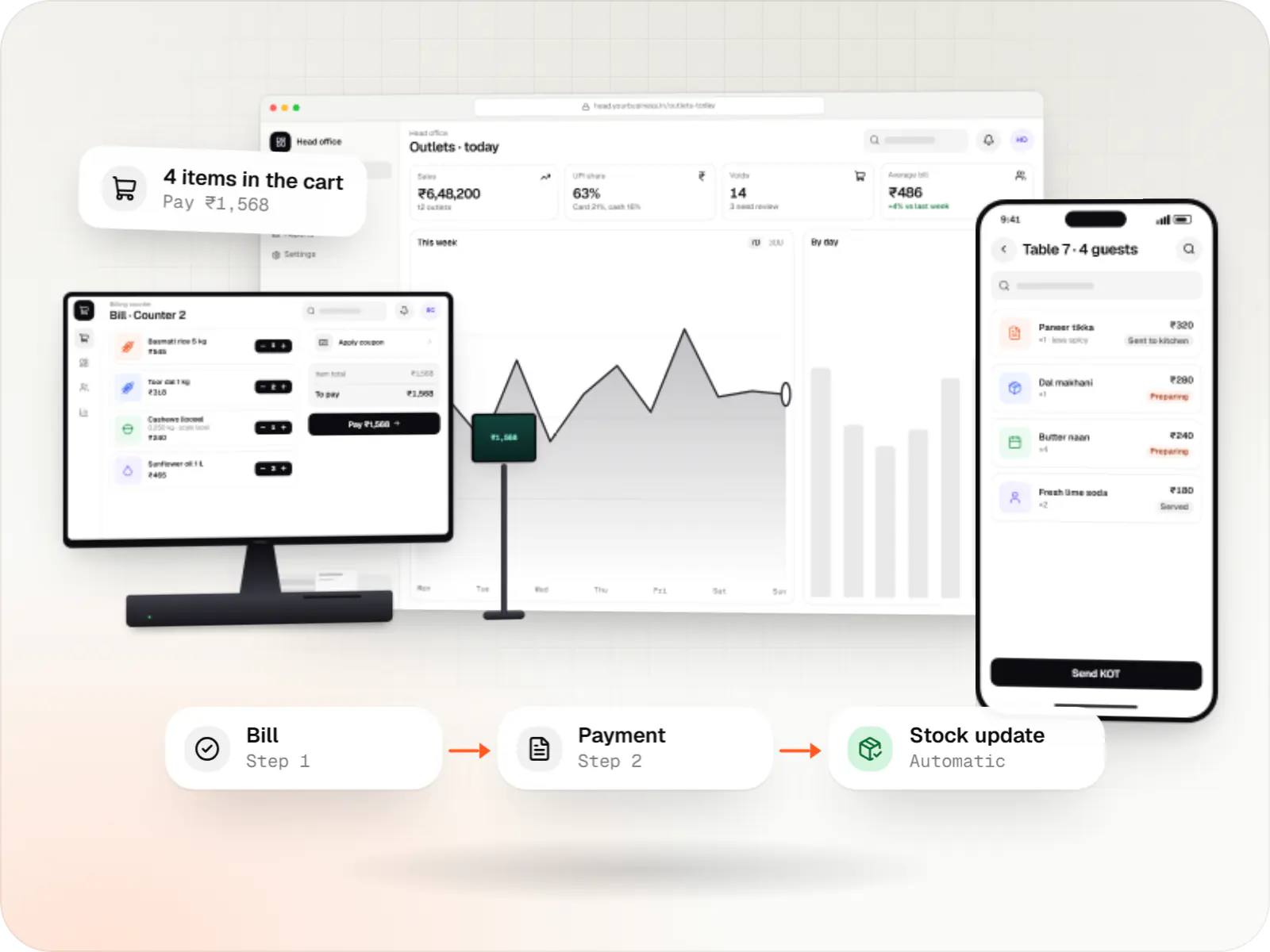
Custom point-of-sale software with offline billing, UPI QR payments, GST invoices, hardware integration and central control for multiple outlets.
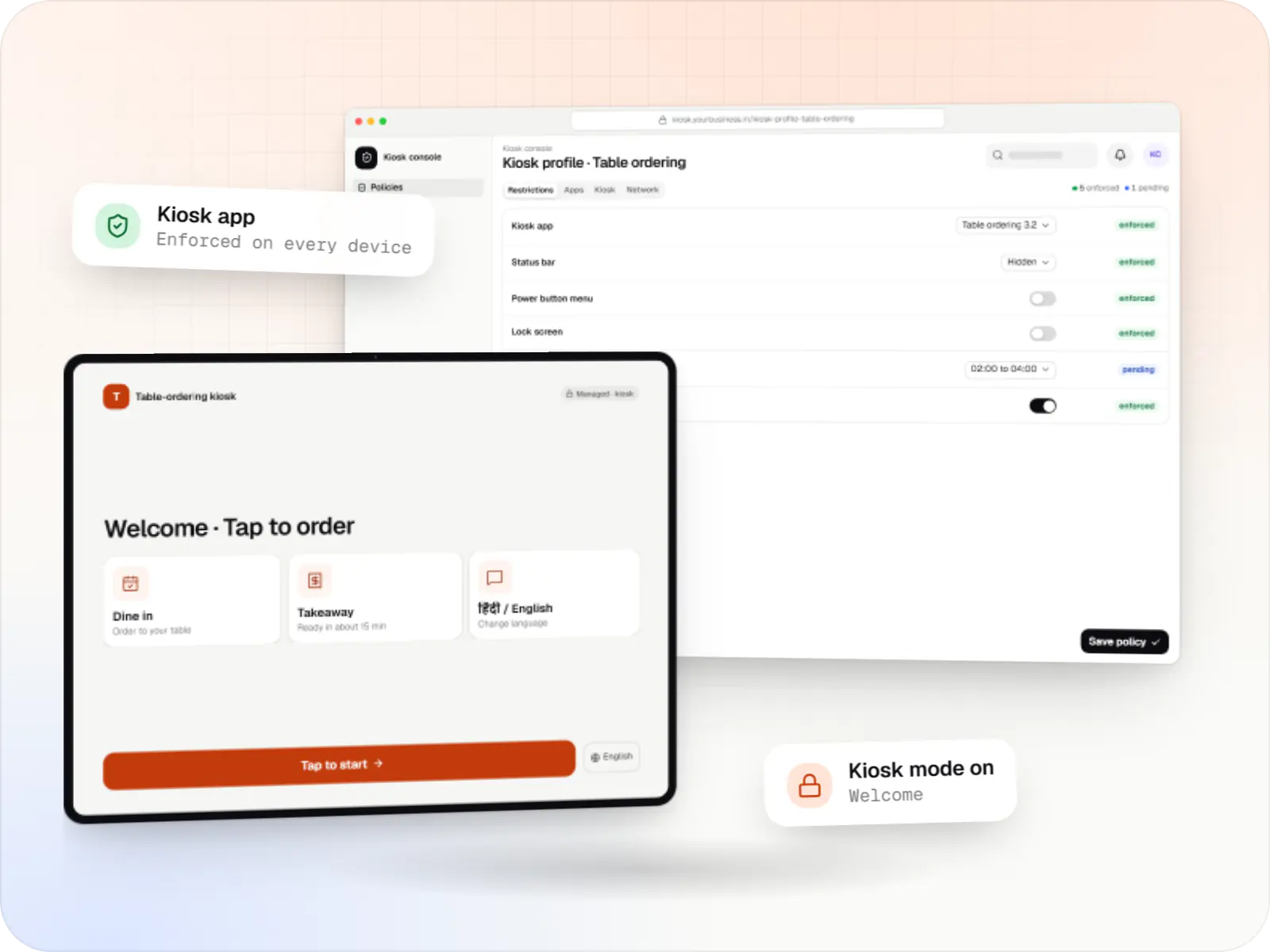
Single-app and multi-app kiosks for Android tablets, phones and terminals: locked ordering, check-in and catalogue apps that customers cannot escape.
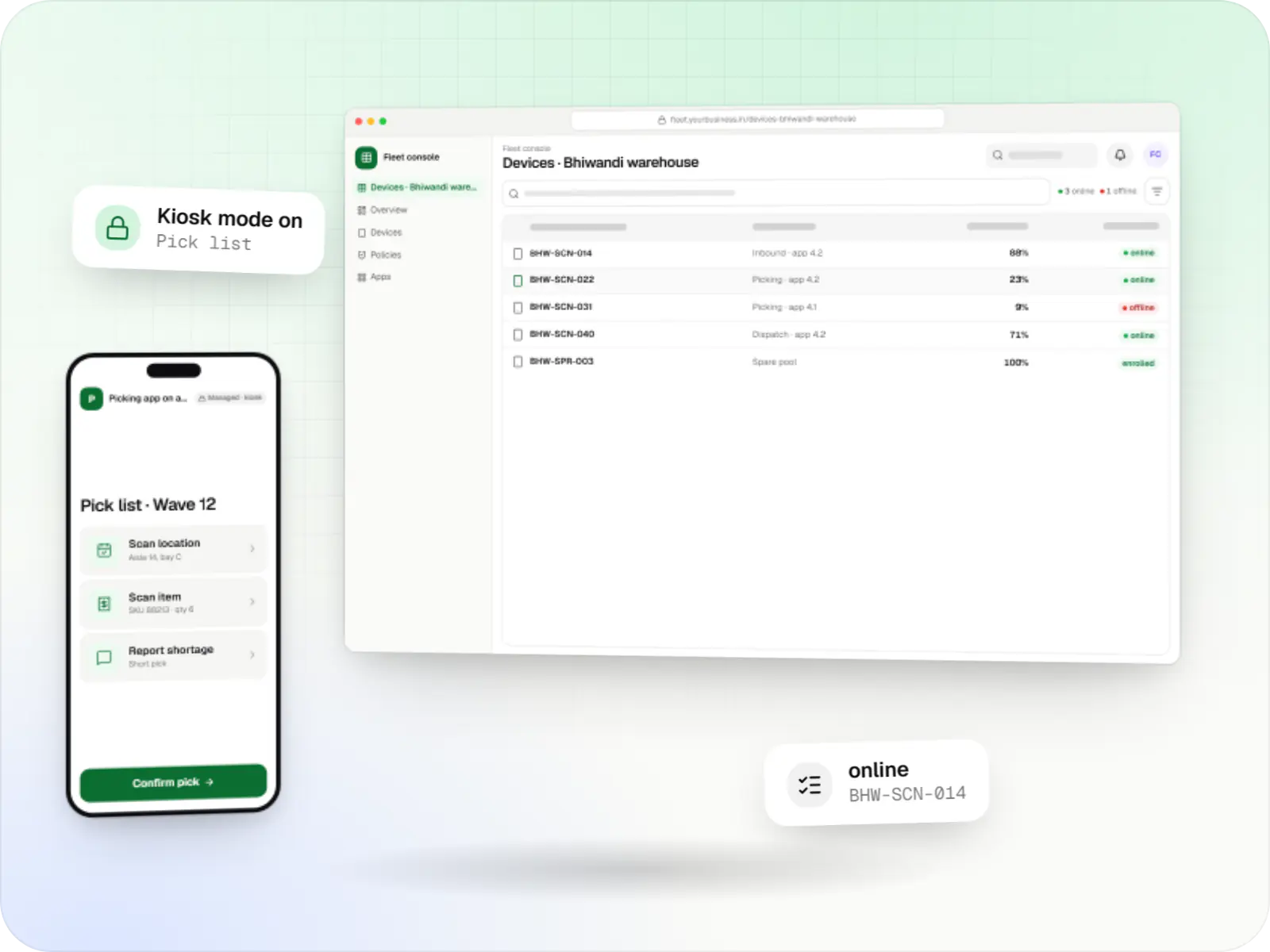
Fleet management for single-purpose Android devices: rugged scanners, delivery handhelds and shift tablets, kept charged, updated and healthy across sites.
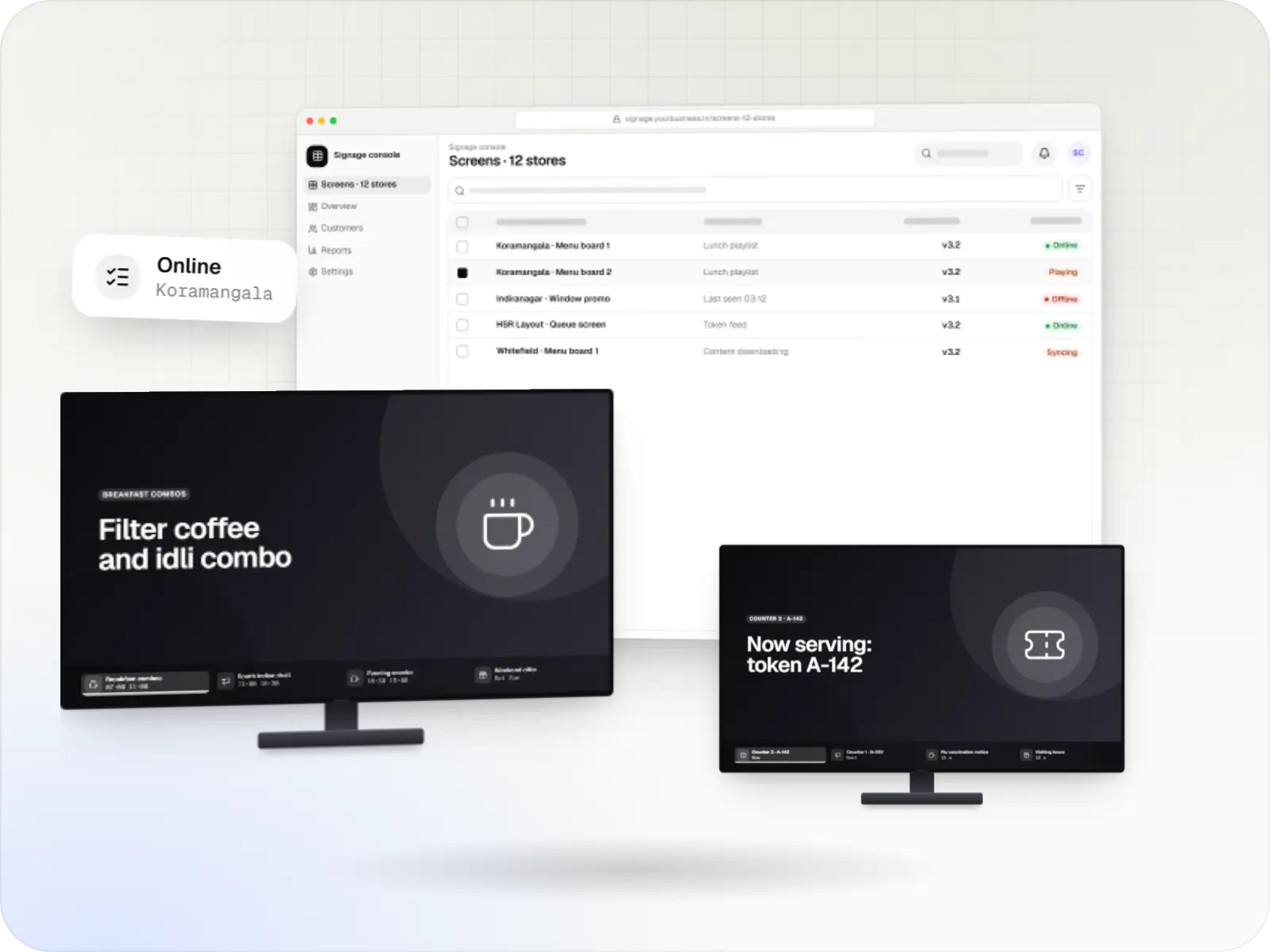
Player apps, a scheduling console and device management for menu boards, promotions and queue screens on signage players and devices running Android TV.
More pages
More pages for POS device management and restaurants.
FAQ
Partly. Terminals supplied by banks and payment providers are usually controlled by the supplier, who approves which apps can be installed and manages firmware and payment software. On those we manage our own apps and their settings, publish through the supplier's app store where required, and leave device control to the supplier. We confirm what each supplier allows before promising anything.
They shouldn't. App updates install only in an after-closing window you set, and reach one outlet before the rest. If an outlet runs late, its window moves. Firmware updates on supplier-managed terminals follow the supplier's schedule, so we ask suppliers to avoid service hours and track the version on each terminal.
Yes, if the billing app is built for it. Bills are stored on the terminal and synced when the connection returns, with numbering that avoids duplicates across terminals. UPI and card payments need a connection, so cash and later settlement are the fallback. The console's day-end check confirms that every terminal has synced its bills.
Yes. Devices are grouped by outlet and role, and each role has its own app set and rules. Tablets and phones with Google Play services use Android Enterprise; terminals use the maker's device-owner support or SDK where available. Menu screens on TV devices depend on the model, and we check them one by one.
We can. Our POS software development work covers billing, KOT and kitchen display apps, GST invoicing and integrations. If you already use a billing product, we manage it as it is and focus on the devices, updates and monitoring around it.
Next step
Send us your terminal models, billing software and outlet count, and we will map what can be managed and how.