

Skip to content
Softcoderz

Technology · Mobile

Android™ app development with Kotlin

Apps built specifically for Android, with full access to the phone's hardware, background location and company-managed devices.

How we use it

We build native Android apps in Kotlin with Jetpack Compose when an app depends on Android-specific capabilities, such as background location, external hardware, kiosk mode or Android POS terminals.

Official site: developer.android.com (opens in new tab)

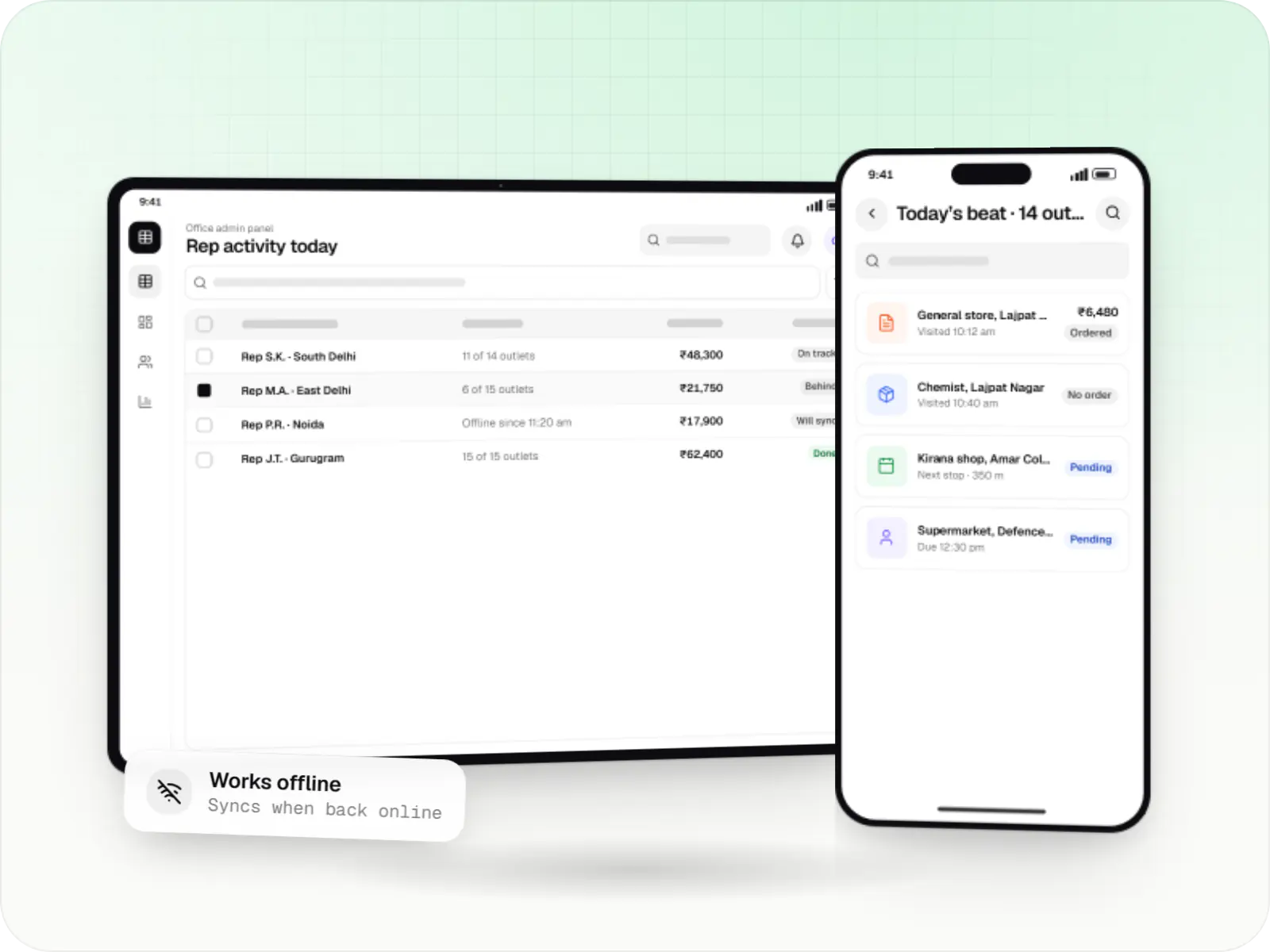
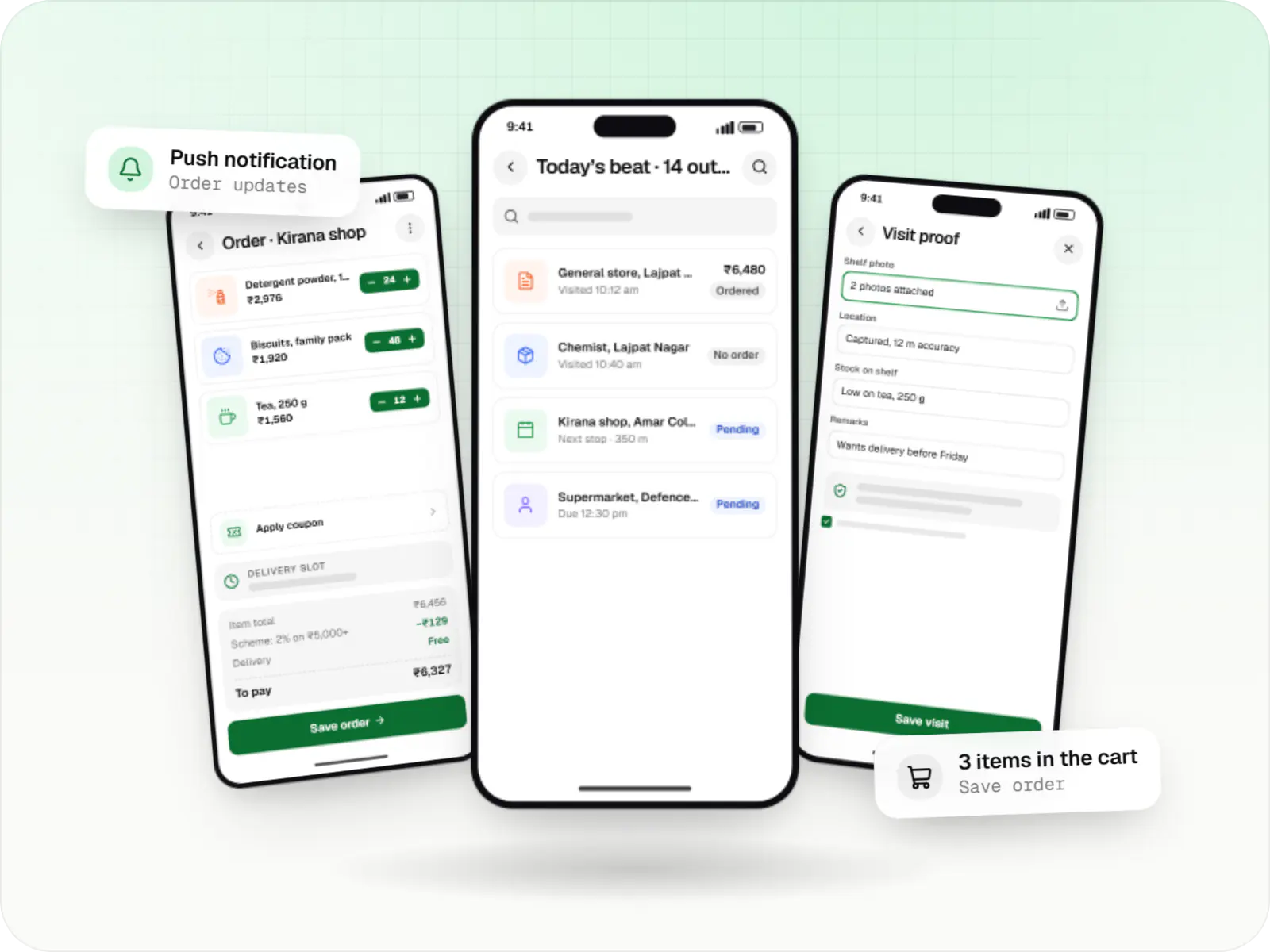
Android field sales app on a phone, with the office activity table on a tablet
Illustrative previewA field app on a phone and the office's view of the same work on a larger screen.

What native Android development is, and when it is worth it

A native app for Android is written in Kotlin, Google's recommended language, and built only for Android phones, tablets and terminals. It can use every part of the device directly, from background location to Bluetooth printers. For you, that matters when the app is a working tool your staff rely on all day, not only a shop window.

Most smartphone users in India are on Android, and many business apps run only on company-issued Android devices. For these, a native app gives full control over background work, battery behaviour and hardware, which delivery partner tracking or inspection apps with external sensors need.

Use cases

What we build natively for Android

  • Delivery partner and field apps

    Shift-long tracking with foreground services and battery-aware updates.

  • POS and billing on Android terminals

    Card readers, receipt printers and scanners.

  • Kiosk and managed-device apps

    Locked-down apps deployed through device management.

  • Hardware companion apps

    Bluetooth Low Energy links to meters, sensors and wearables.

  • Offline-first operational apps

    Local databases with reliable background sync.

Why native Android matters for your operations

  • Full access to the device

    Every Android feature is available as soon as it ships, with no waiting for third-party plugins.

  • Tracking that keeps running

    Background work respects Doze and manufacturer battery limits, so location updates keep flowing through a shift.

  • Small, light apps

    Lean builds suit devices with limited storage.

  • Modern, maintainable code

    Kotlin coroutines, Jetpack libraries and Compose UI keep the code current and easier to hand over.

When we would not recommend native Android

  • Customer apps that must launch on iPhone too: iOS would become a separate project, so we usually suggest Flutter or React Native instead.
  • Simple content or ordering apps: if the app needs no special device access, a cross-platform app or a progressive web app costs less.
  • A small team maintaining two apps: two native codebases double the testing and release work for every change.

Plain-English glossary

Android terms, in plain English

Native app
An app built with the platform's own tools and language, here Kotlin for Android. It gets the deepest access to the device, at the cost of a separate codebase for iPhone.
Foreground service
A task that keeps running while the app is in the background, with a visible notification so the user knows. It is how a delivery partner app keeps sharing location during a shift.
Kiosk mode
A setting that locks a company phone or tablet to one app, so it can only be used for billing, attendance or check-in. It reduces misuse and support calls.
Mobile device management (MDM)
Software your IT team uses to install, update and lock down apps on company devices remotely, without collecting each phone.

Solutions

Solutions that benefit from native Android

  • Fleet management software

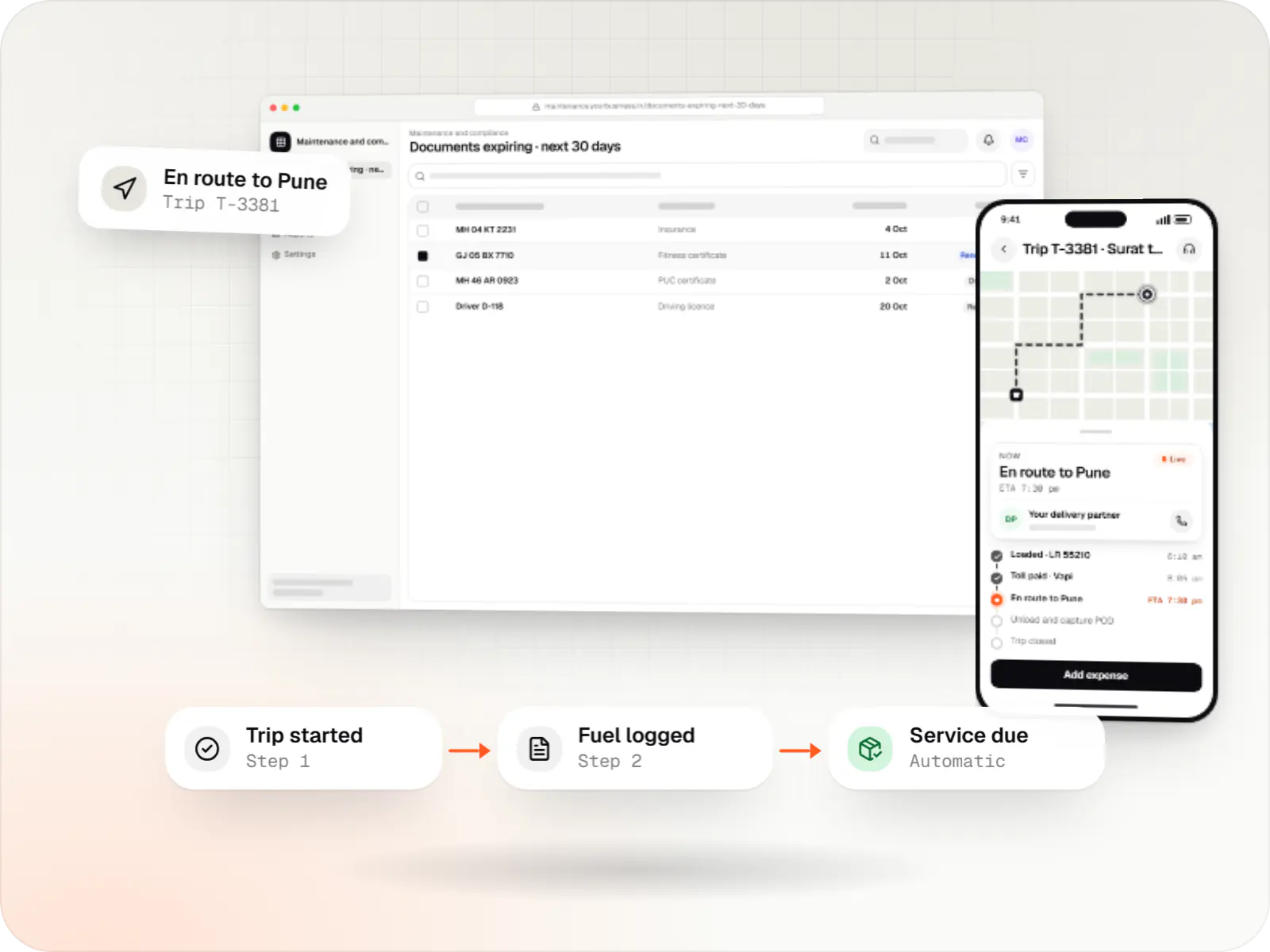
    Custom fleet management software for GPS tracking, trips, driver apps, compliance reminders, maintenance and freight billing.

  • POS software development

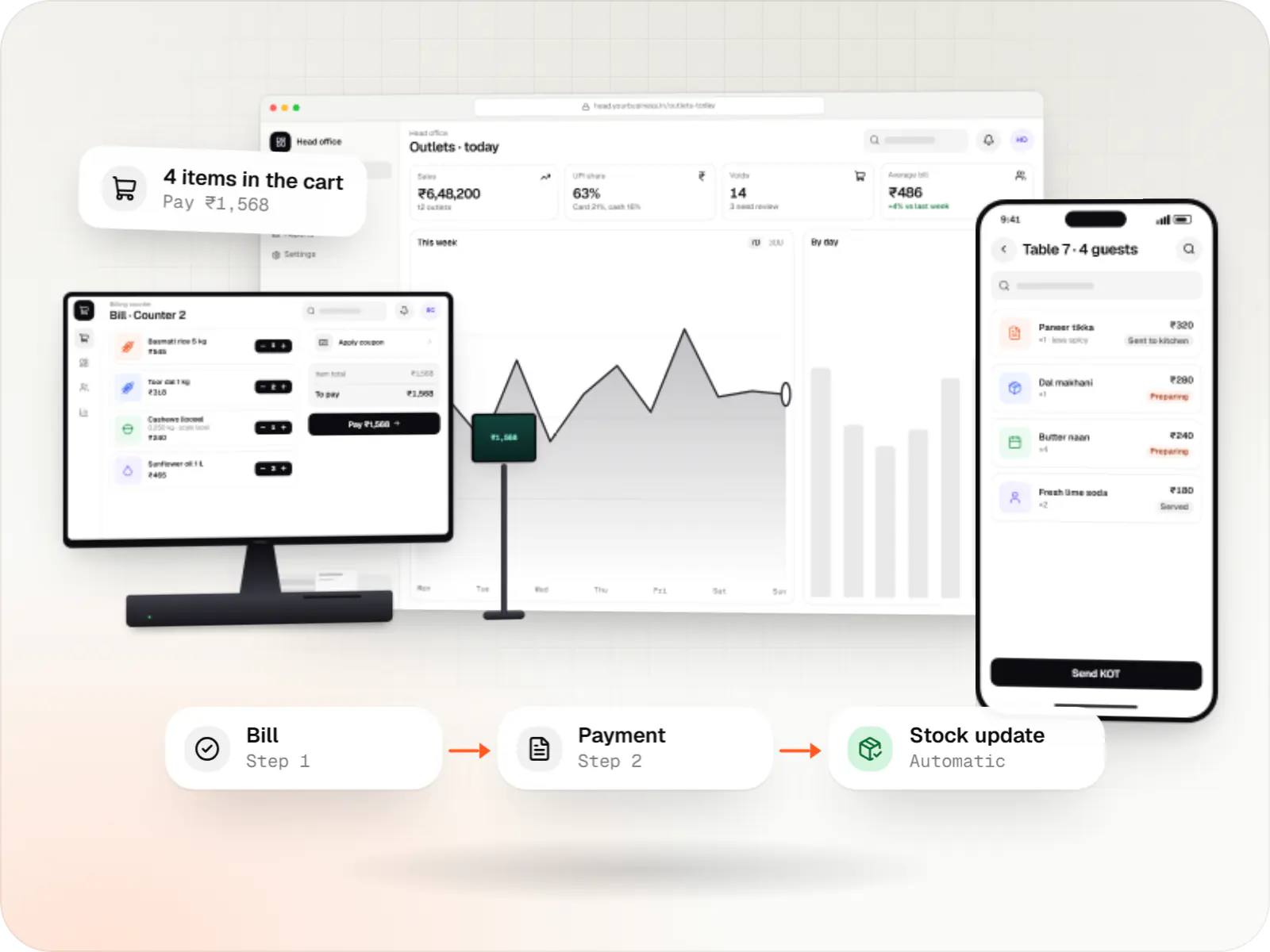
    Custom point-of-sale software with offline billing, UPI QR payments, GST invoices, hardware integration and central control for multiple outlets.

  • Hyperlocal delivery app development

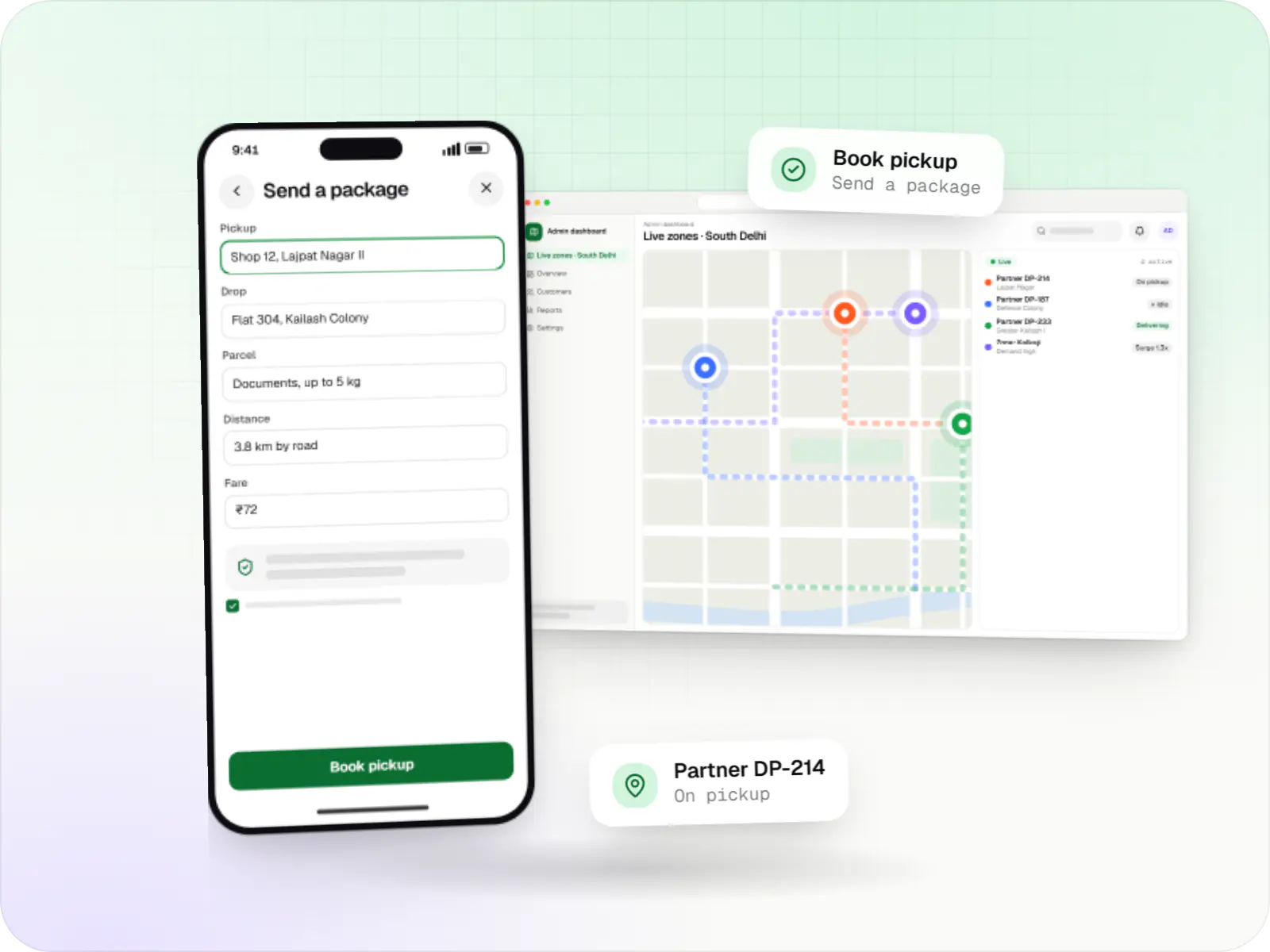
    Hyperlocal delivery apps linking neighbourhood stores, pick-up-and-drop requests and delivery partners within a city, with zone-based dispatch and pricing.

  • Taxi booking app development

    Rider app, driver app, dispatch engine and admin console for cab, auto, bike taxi, rental and outstation services, with UPI, cash and live tracking.

Work

Sample projects

Illustrative projects that show how we plan and build products that use Android (Kotlin). They are samples, not client work.

  • Device management & kiosk solutions

    Illustrative sample

    Android kiosk and device management platform for retail stores

    An illustrative kiosk product for retail chains: locked Android tablets for catalogues and price checks, a staff launcher, and a console to enrol, update and monitor every device.

    • Retail
    • Device management platform

    Runs on

    • Android Enterprise
    • Admin
    • Web app

    Built with

    • Next.js
    • React
    • Android (Kotlin)
    • NestJS
    • PostgreSQL
    • +1 more

Industries

Where it shows up by industry

Industries whose typical builds with us include Android (Kotlin).

FAQ

Frequently asked questions

Why does background location tracking stop on some Android phones?

Many manufacturers add aggressive battery optimisation on top of standard Android, which can stop background services. For shift-long tracking we use a foreground service with a visible notification, explain each location permission clearly, adjust update frequency to movement and guide users to exempt the app from battery optimisation on affected brands. We test across several manufacturers.

Can our Android app be distributed privately to employees only?

Yes. Options include managed Google Play private apps distributed through your mobile device management system, internal testing tracks for small groups, or direct APK installation for devices outside Google Play. For company-owned devices, dedicated-device (kiosk) mode can restrict the phone to your app. We recommend an approach based on how many devices you have and who manages them.

Should a new Android app be written in Kotlin or Java?

Kotlin. It is Google's recommended language for Android, and modern libraries such as Jetpack Compose are designed around it. It is more concise and helps prevent common null-pointer crashes. Existing Java apps don't need a rewrite: Kotlin works alongside Java in the same project, so we add new features in Kotlin and convert older code gradually where it's worthwhile.

Next step

Need a native Android app?

Tell us which devices and hardware the app must support, and we'll plan the build around them.