Solutions
Custom business software for operations, sales and finance teams
CRM, ERP, HRMS, inventory, order management, POS, fleet and property software shaped around the way your teams already work.

Software for the work behind the counter
Most growing businesses reach a point where the owner's memory and a shared Excel file stop being enough: orders get missed, stock figures disagree and follow-ups slip.
A custom system is worth considering when your workflow is part of how you compete, such as distributor pricing, order routing, job work or rent collection. We build with Indian operating realities in mind: GST, Tally-centred accounting, WhatsApp as the default channel and field staff on mid-range Android phones.
Solutions
Business systems we build

Custom CRM software that captures leads from every channel, keeps follow-ups on schedule and shows managers a live pipeline.
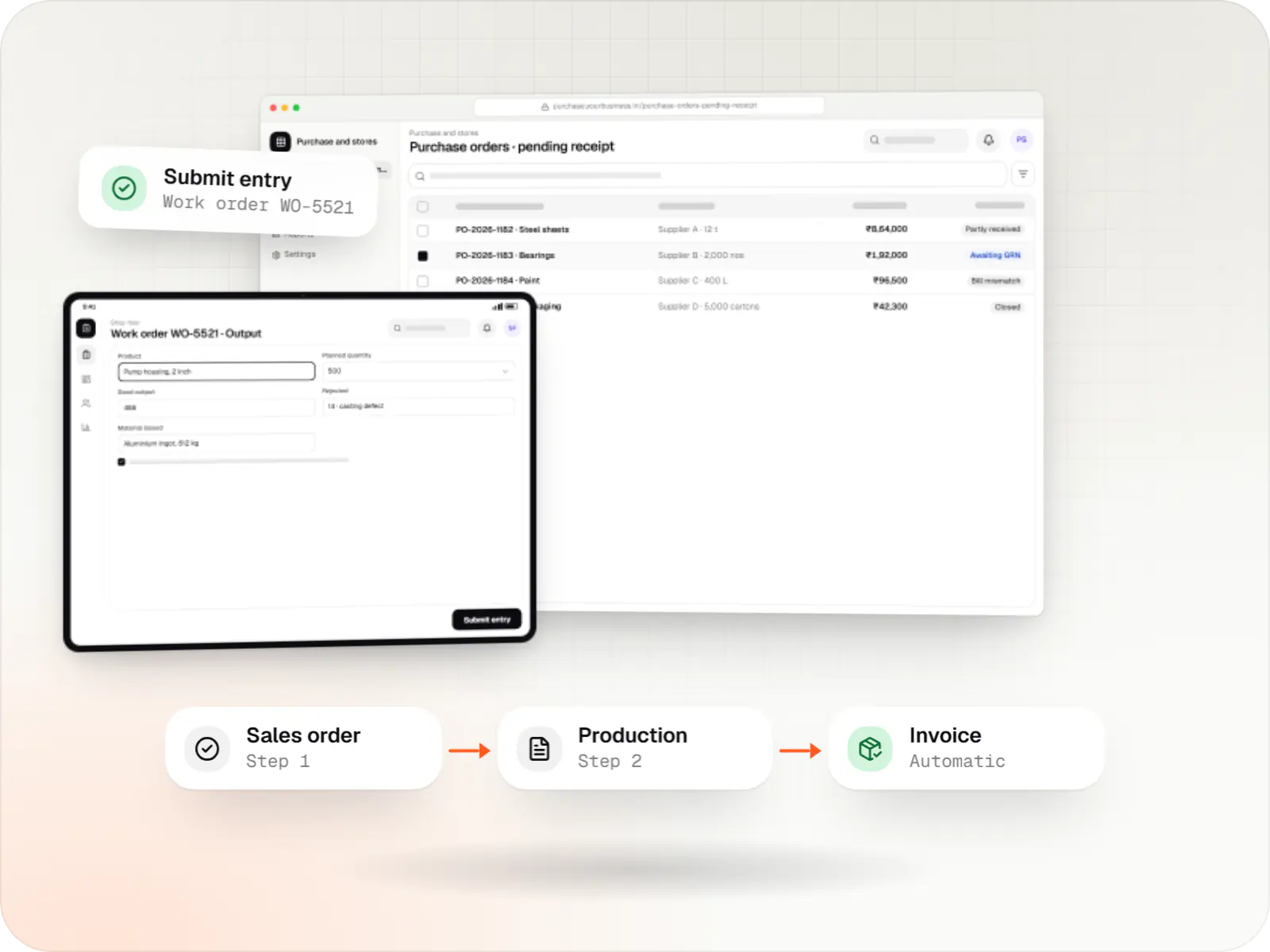
Custom ERP software connecting purchase, inventory, production, sales and GST compliance, alongside your existing accounting system.
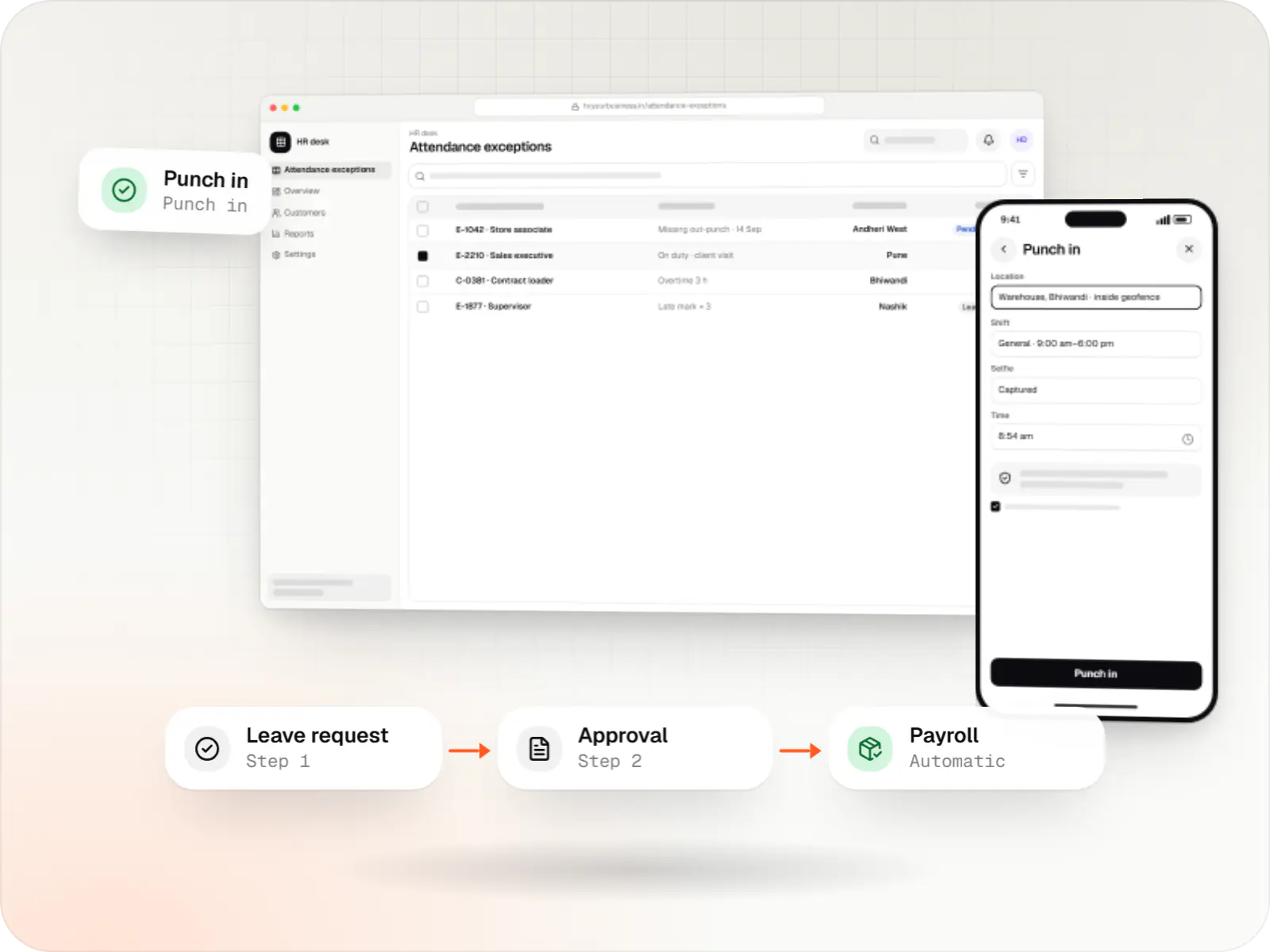
Custom HRMS covering attendance, leave, payroll with Indian statutory deductions, onboarding and an employee self-service app.
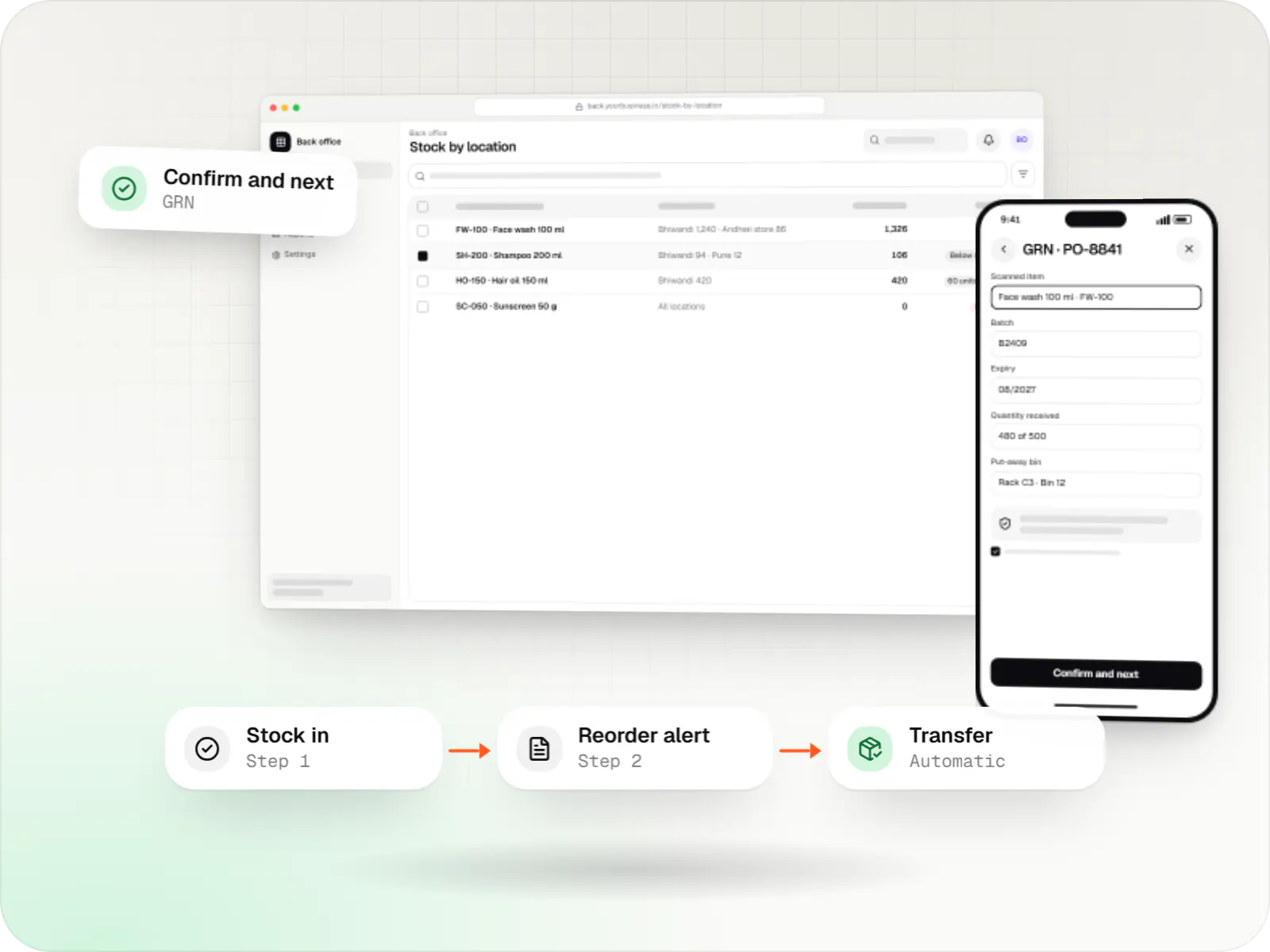
Custom inventory software for multi-location stock, batch and expiry tracking, barcode scanning and marketplace stock sync.
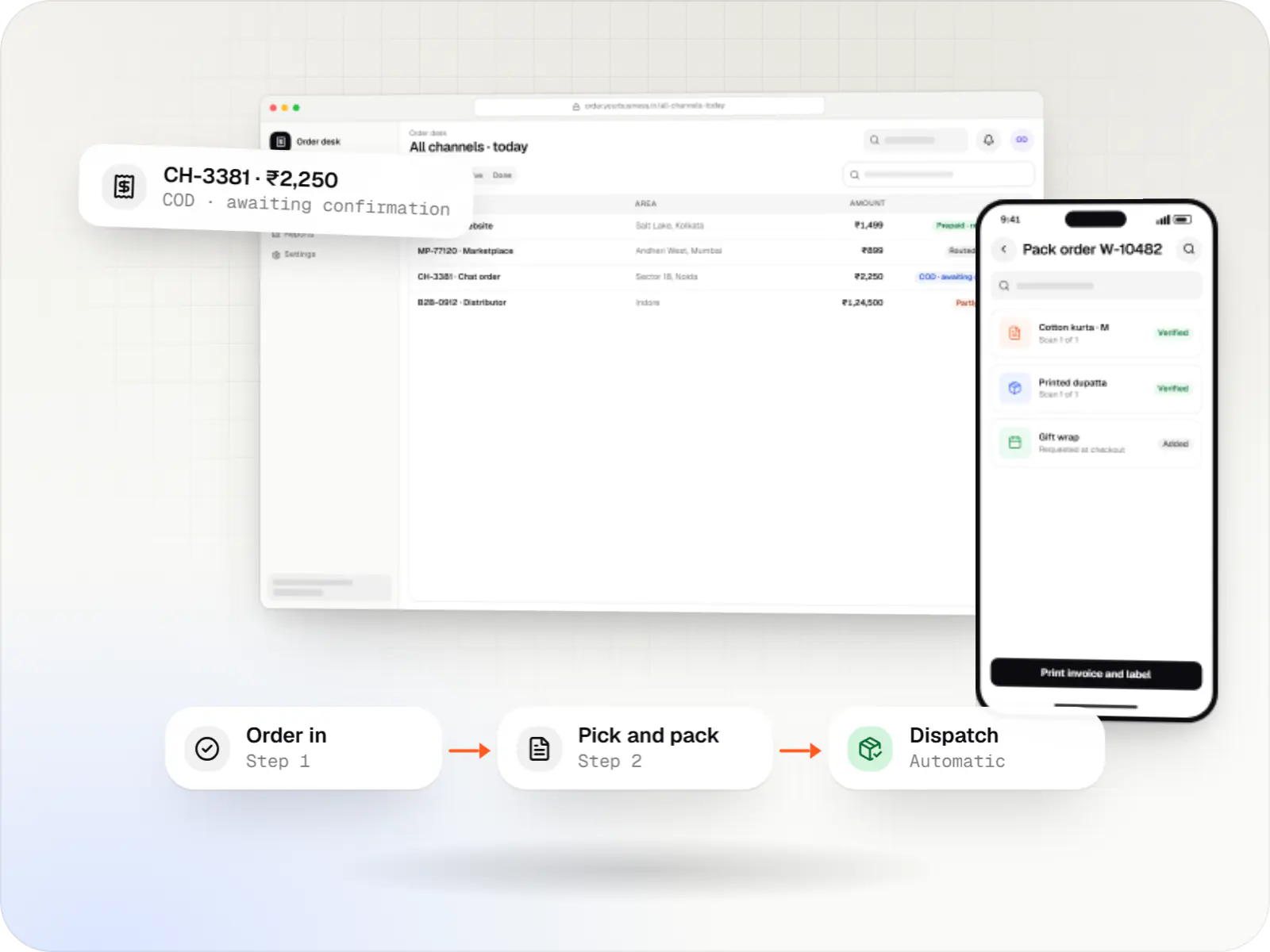
A central order management system that collects orders from every channel, routes them to the right location and tracks them to delivery and payment.
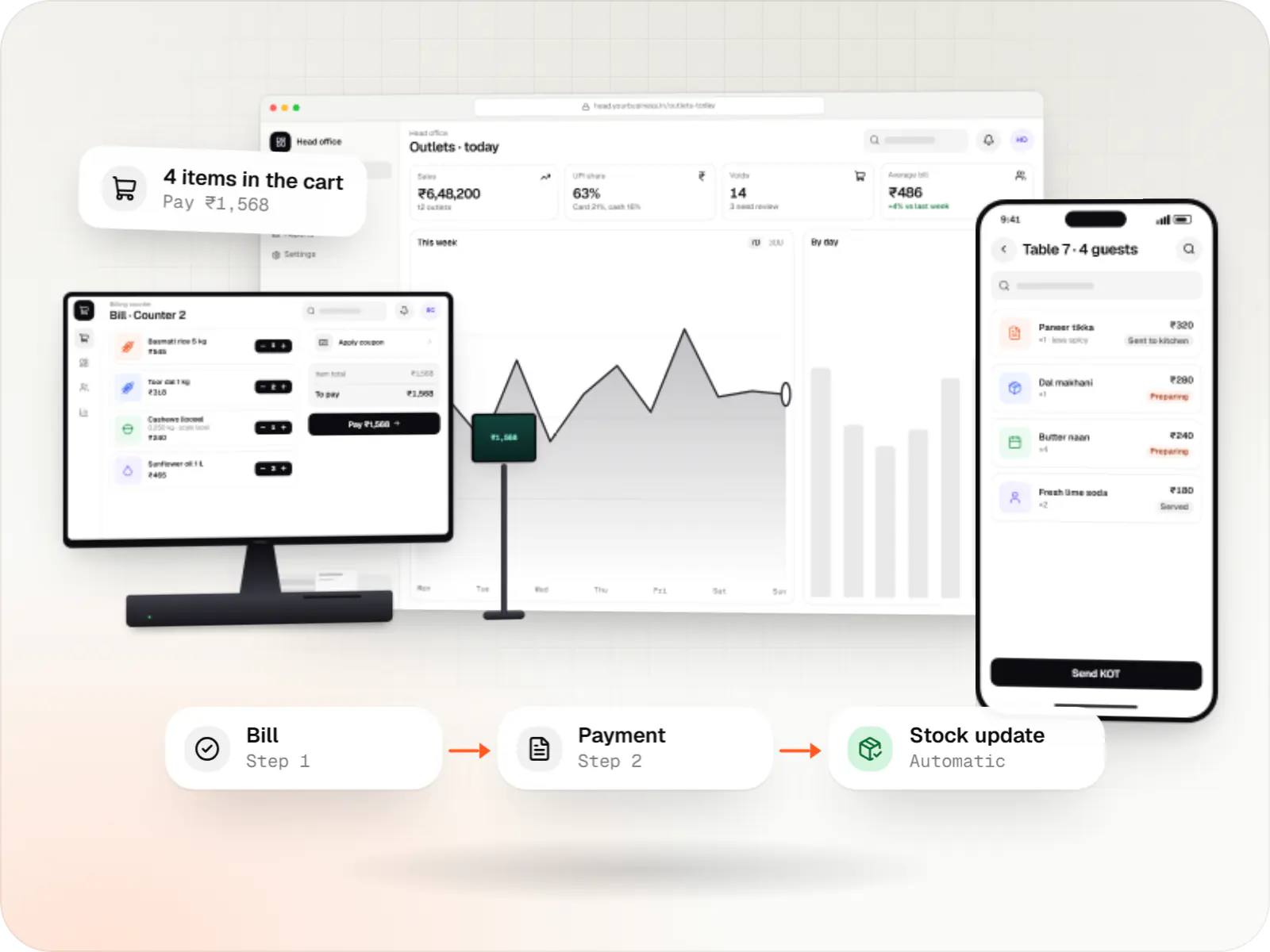
Custom point-of-sale software with offline billing, UPI QR payments, GST invoices, hardware integration and central control for multiple outlets.
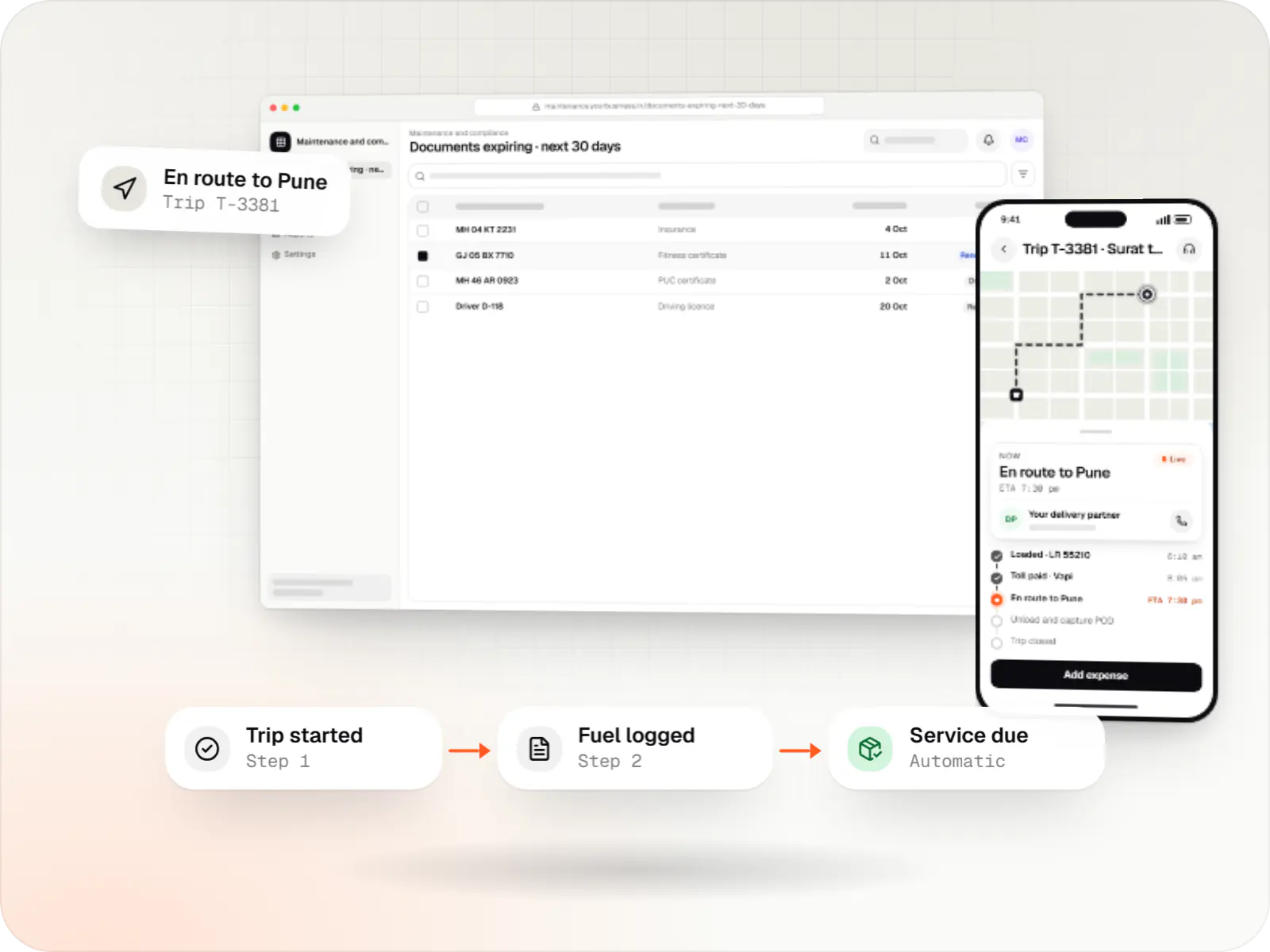
Custom fleet management software for GPS tracking, trips, driver apps, compliance reminders, maintenance and freight billing.
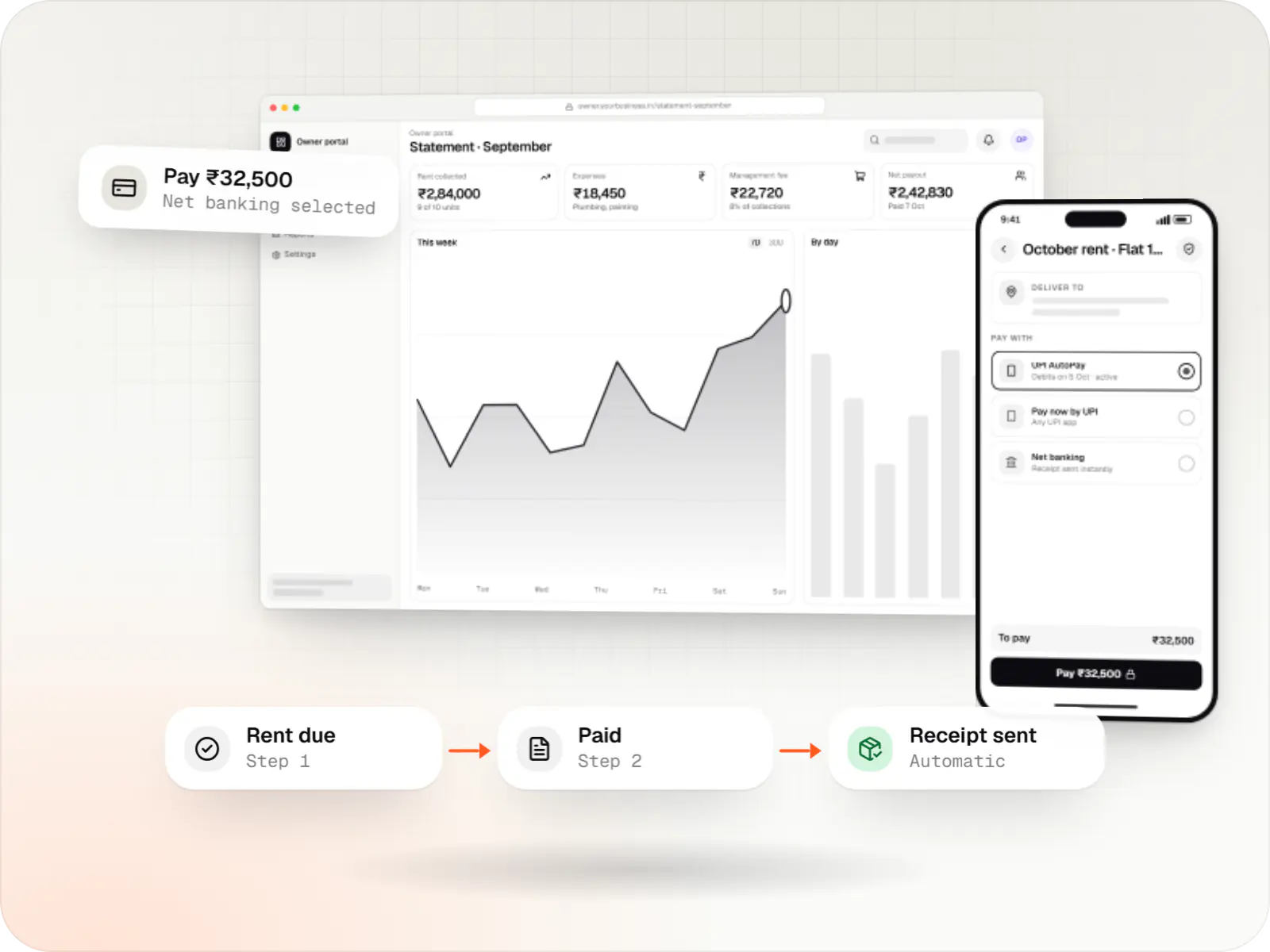
Custom property management software for leases, rent collection with UPI AutoPay, maintenance requests, owner statements and society operations.
Principles we apply to every business system
Workflow first, screens second
We trace how a document moves, who approves it and where it stalls, before designing a form.
Accounting stays where it works
TallyPrime, Busy, Zoho Books or SAP Business One can stay your books; we sync rather than force a switch.
GST inside the transaction
E-invoice IRNs and e-way bills are generated where the sale or dispatch happens.
Access by role
Permissions, approval limits and audit logs for each role, from store manager to director.
Offline-capable apps, WhatsApp alerts
Field, warehouse and counter apps work through network drops, and approvals and reminders reach people on WhatsApp.
Comparison
Buy, configure or build?
| Ready-made SaaS | Configurable platform (Odoo, ERPNext) | Custom-built | |
|---|---|---|---|
| Time to first use | Days to weeks | Weeks to a few months | A few months for a first release |
| Fit with unusual workflows | Limited to vendor settings | Good, within the platform's model | Designed around your process |
| Cost pattern | Per-user fees that grow with headcount | Hosting or licence plus partner customisation | Build cost plus maintenance, no per-seat fees |
| Code and data ownership | Vendor-hosted; exports vary | Open-source core or vendor licence | You own the code and database |
| Suits | Standard processes, small teams | Teams close to a standard ERP flow | Distinctive processes or large user counts |
How it works
How connected business software follows one order
Each system on this page covers part of this chain; built on shared customer, product and employee records, they pass work to each other instead of to spreadsheets.
- CRM
Step 1: Enquiry captured
A lead from your website, a marketplace or WhatsApp is assigned to a rep, followed up and turned into a quotation.
- Order management
Step 2: Order confirmed
The confirmed order is checked against credit limits and stock, then routed to the right warehouse or store.
- Inventory and ERP
Step 3: Stock and production
Stock is reserved, purchase or production is triggered if needed, and every movement is scanned.
- ERP or POS
Step 4: Billing and dispatch
The GST invoice, e-invoice IRN and e-way bill are generated, and goods leave on a tracked vehicle.
- HRMS
Step 5: People and payroll
Attendance of the staff who handled the work feeds payroll, incentives and statutory returns.
- Accounting sync and dashboards
Step 6: Accounts and reports
Vouchers flow to your accounting software, and owners see sales, stock and receivables in one dashboard.
Platforms
Where business software runs
Office teams use web apps and dashboards; field, warehouse and counter staff use Android phones, handhelds or POS terminals.
- Web
Web application
Browser-based applications with logins, roles and workflows, such as customer portals, SaaS products and internal tools.
- Back office
Admin dashboard
Back-office panels for operations, support and finance teams: orders, users, content, reports and permissions.
- Mobile
Android app
Apps for Android phones and tablets, tested on budget and mid-range devices and published on Google Play or privately.
- Web
Progressive web app
Installable web apps with offline support and notifications, useful when an app-store listing isn't essential or phones have little storage.
- Desktop
Desktop app
Windows and macOS apps for billing counters, kiosks and offline-heavy work, where a browser isn't enough.
Plain-English glossary
Business software terms, in plain English
- Master data
- The core lists every module shares: customers, products, suppliers, employees and locations. Keeping one clean copy is what stops your systems disagreeing with each other.
- Role-based permissions
- Rules that decide what each person can see and approve, from store staff to directors. They protect sensitive data and leave a clear record of who did what.
- API integration
- A direct connection between two systems, such as your ERP and your accounting software, so data moves automatically instead of being exported and re-typed.
- E-way bill
- The GST document needed to move goods above a set value. Generating it from the invoice or trip record avoids typing mistakes and delays on the road.
- Per-seat licensing
- Software pricing that charges for every user, every month. It is one reason custom software can cost less over time for large teams.
Product preview
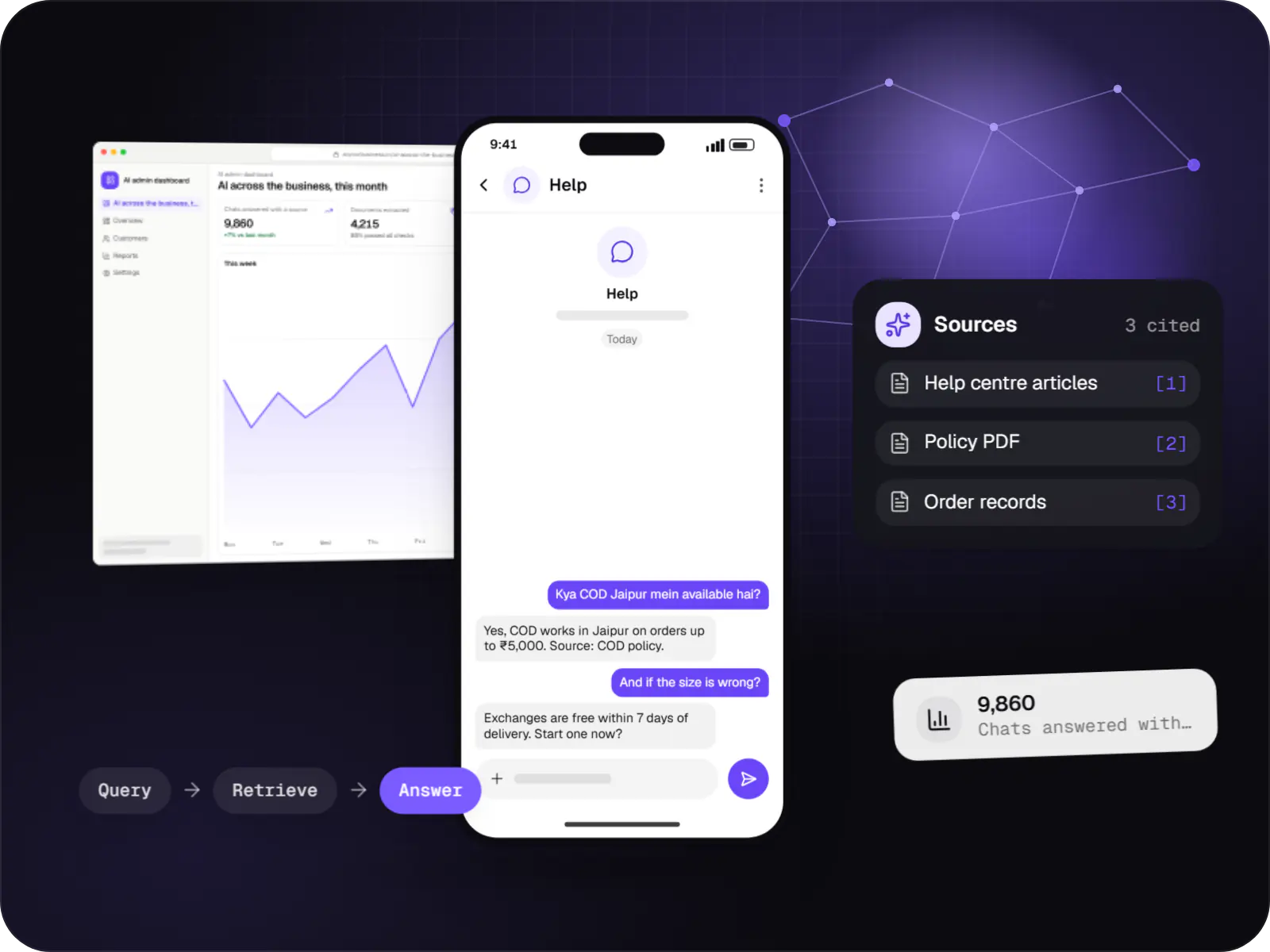
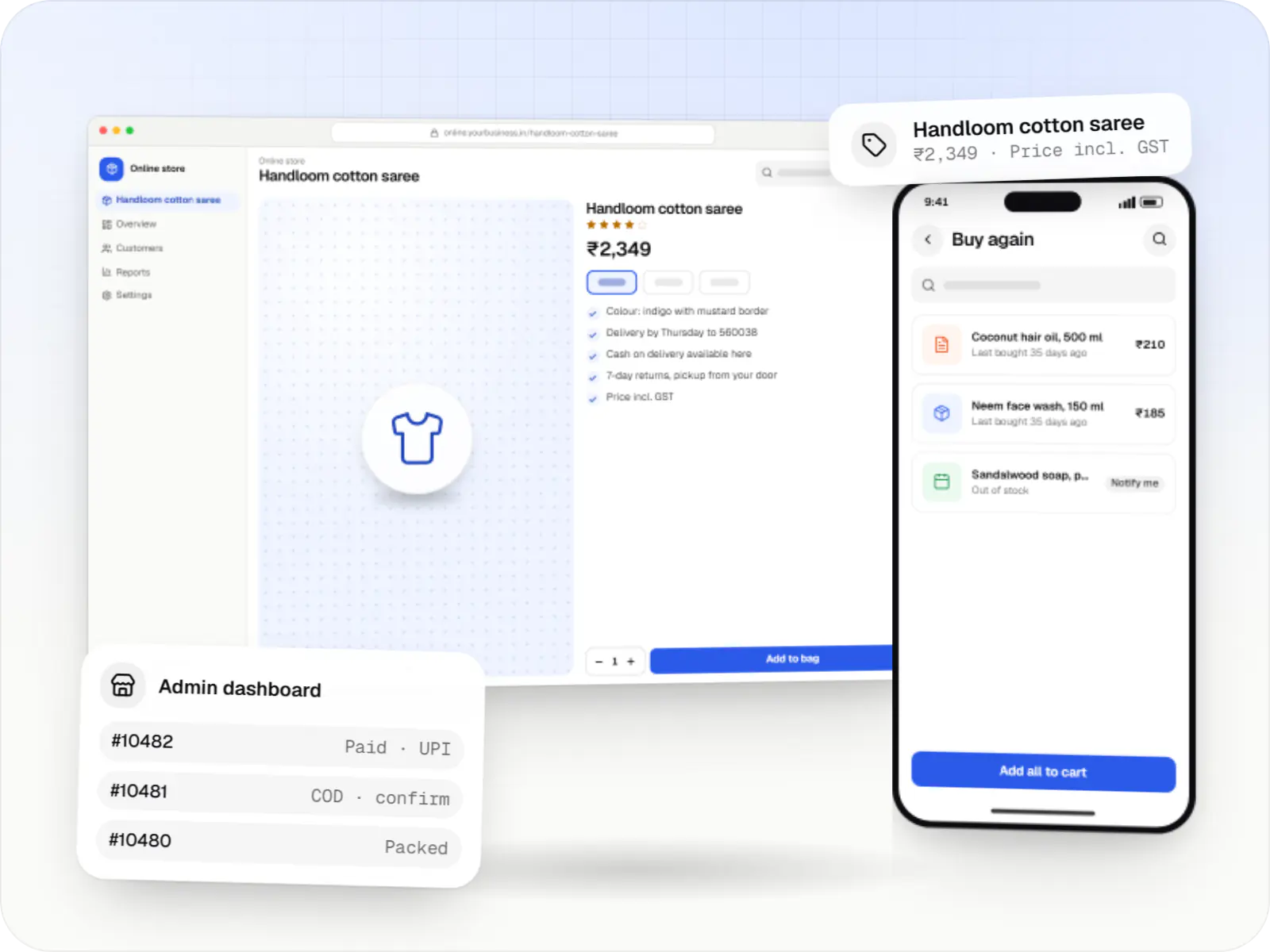
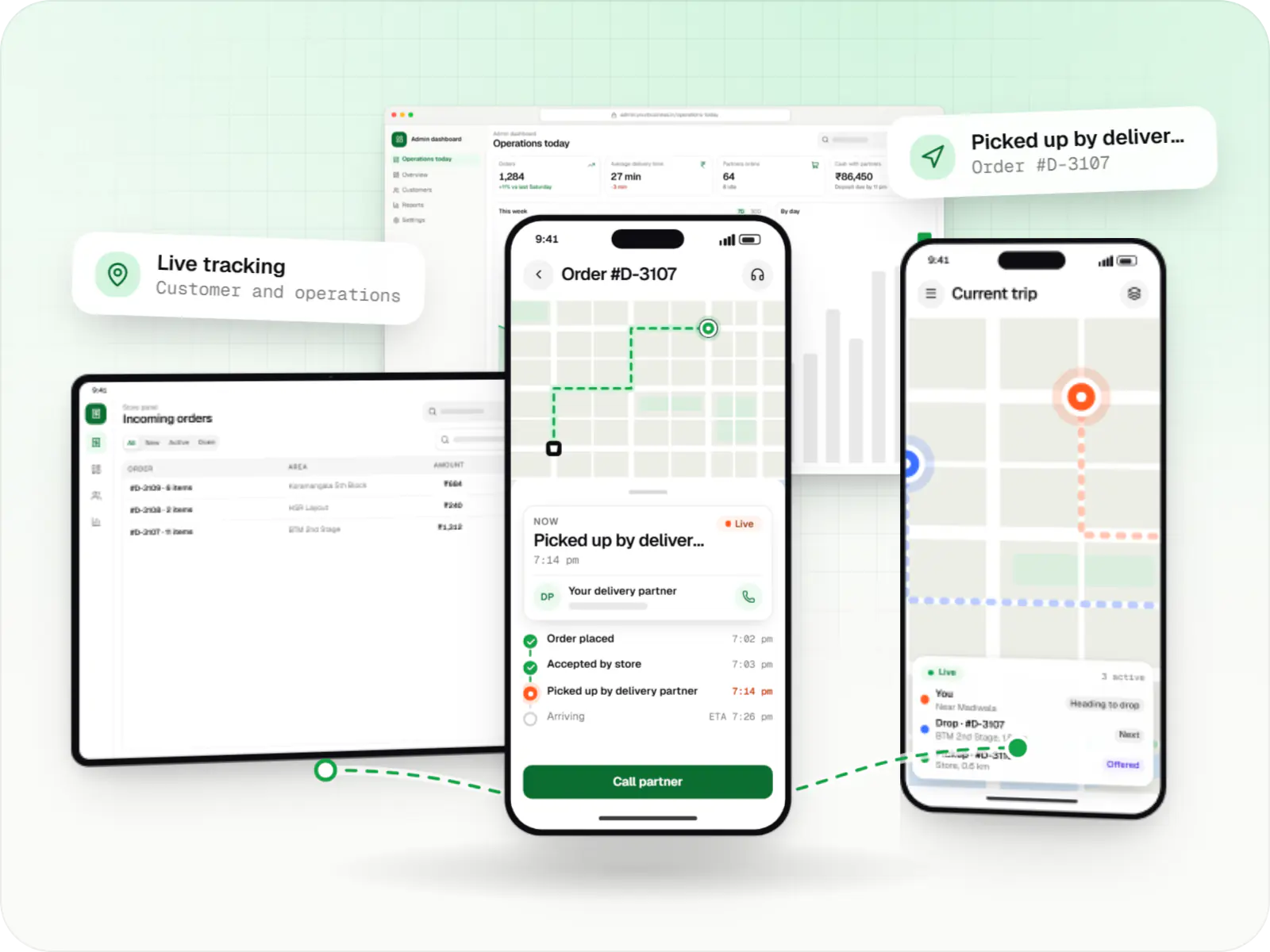
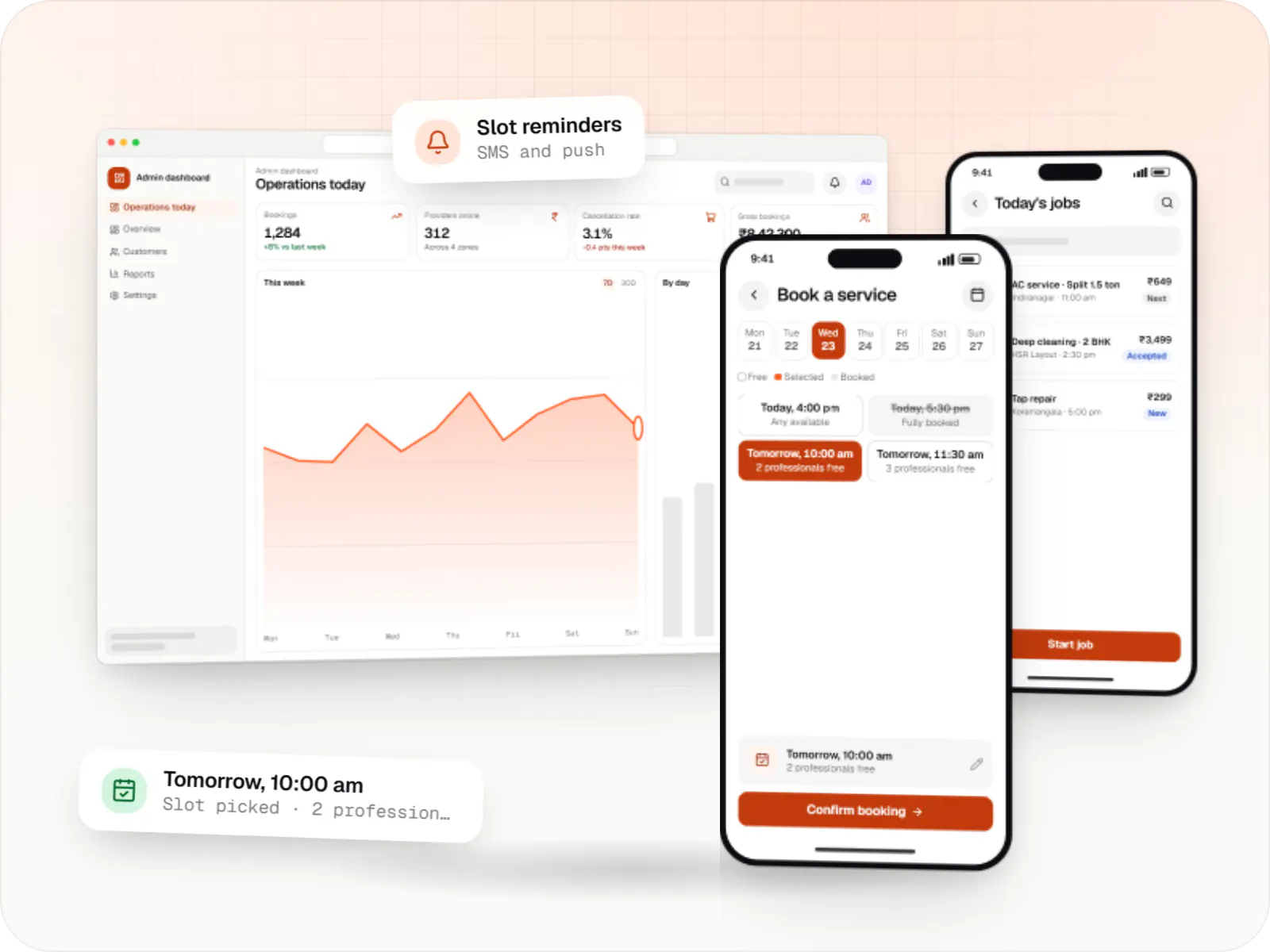
Desk screens for the office, a phone screen for the field
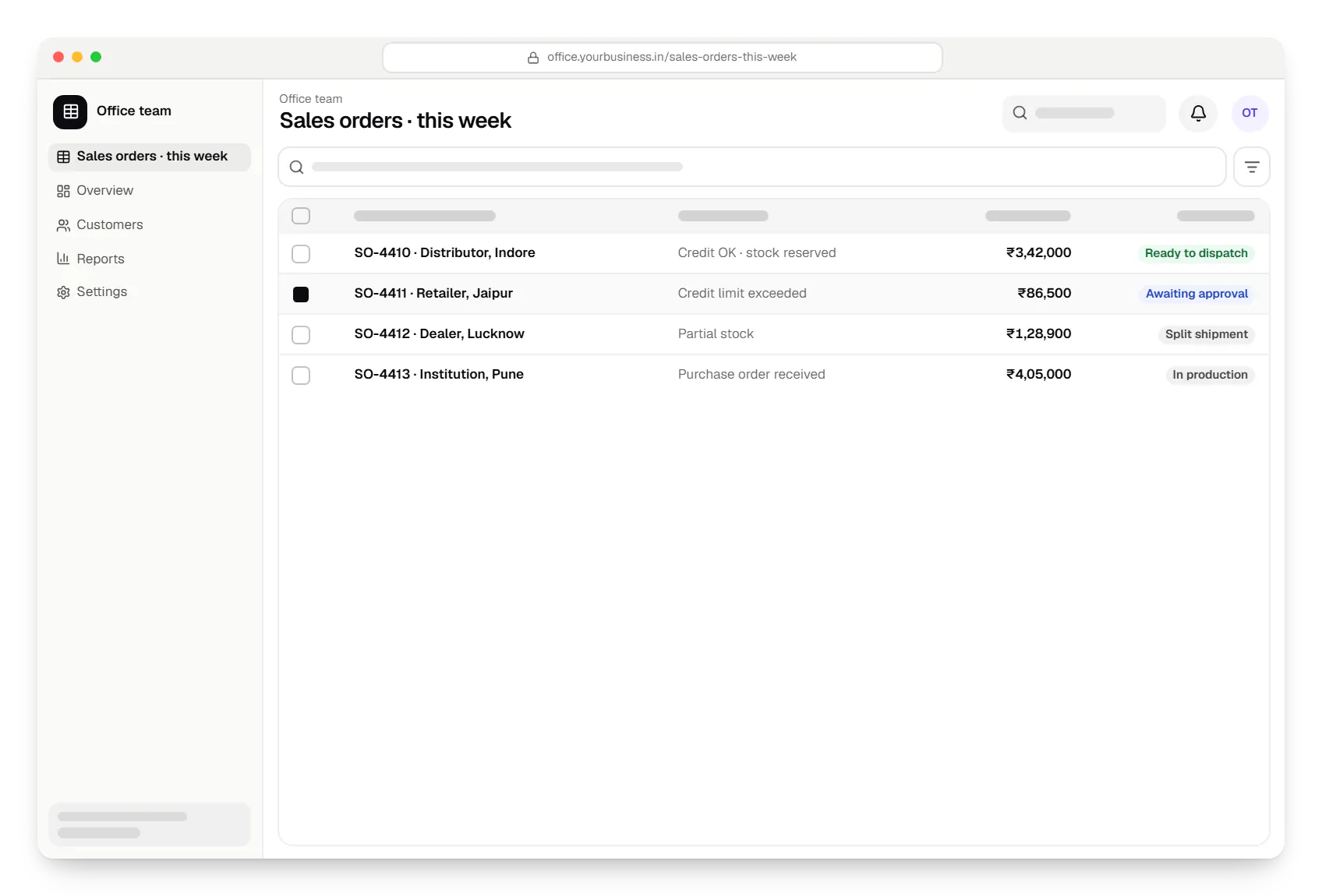
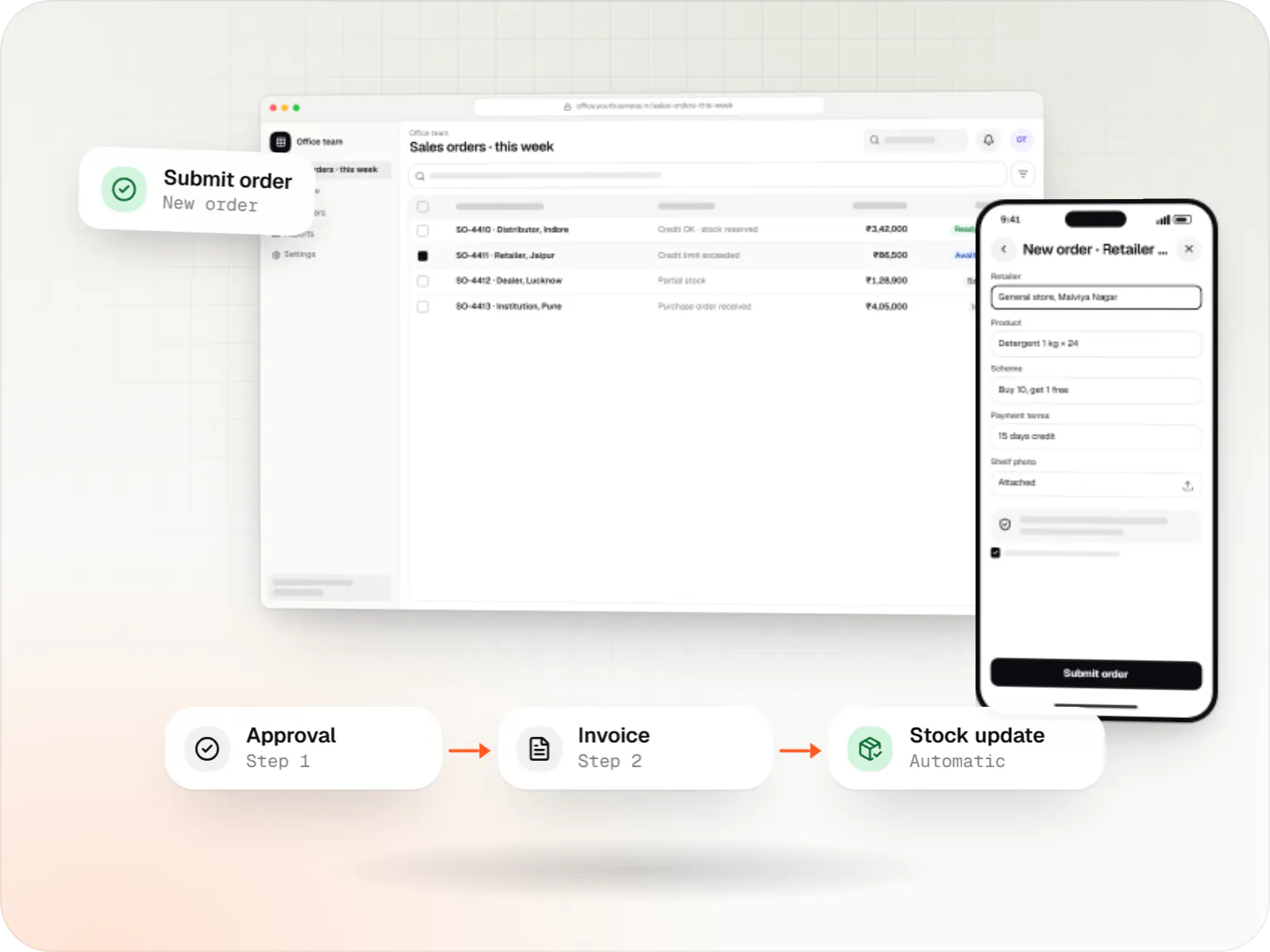
Office team. Office teams work from shared tables of orders, stock and invoices, with approvals built in, so nothing is chased on WhatsApp. 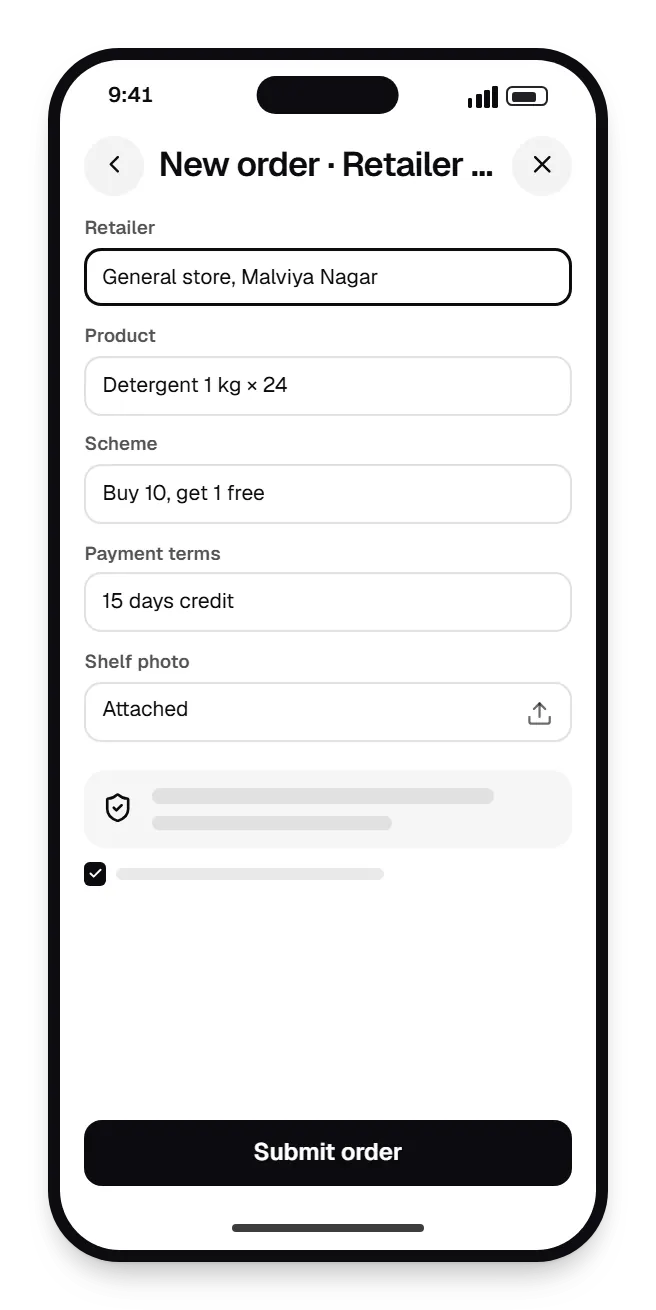
Field staff app. Field staff take orders, record visits and upload photos from a phone, even offline, and the office sees them within minutes. 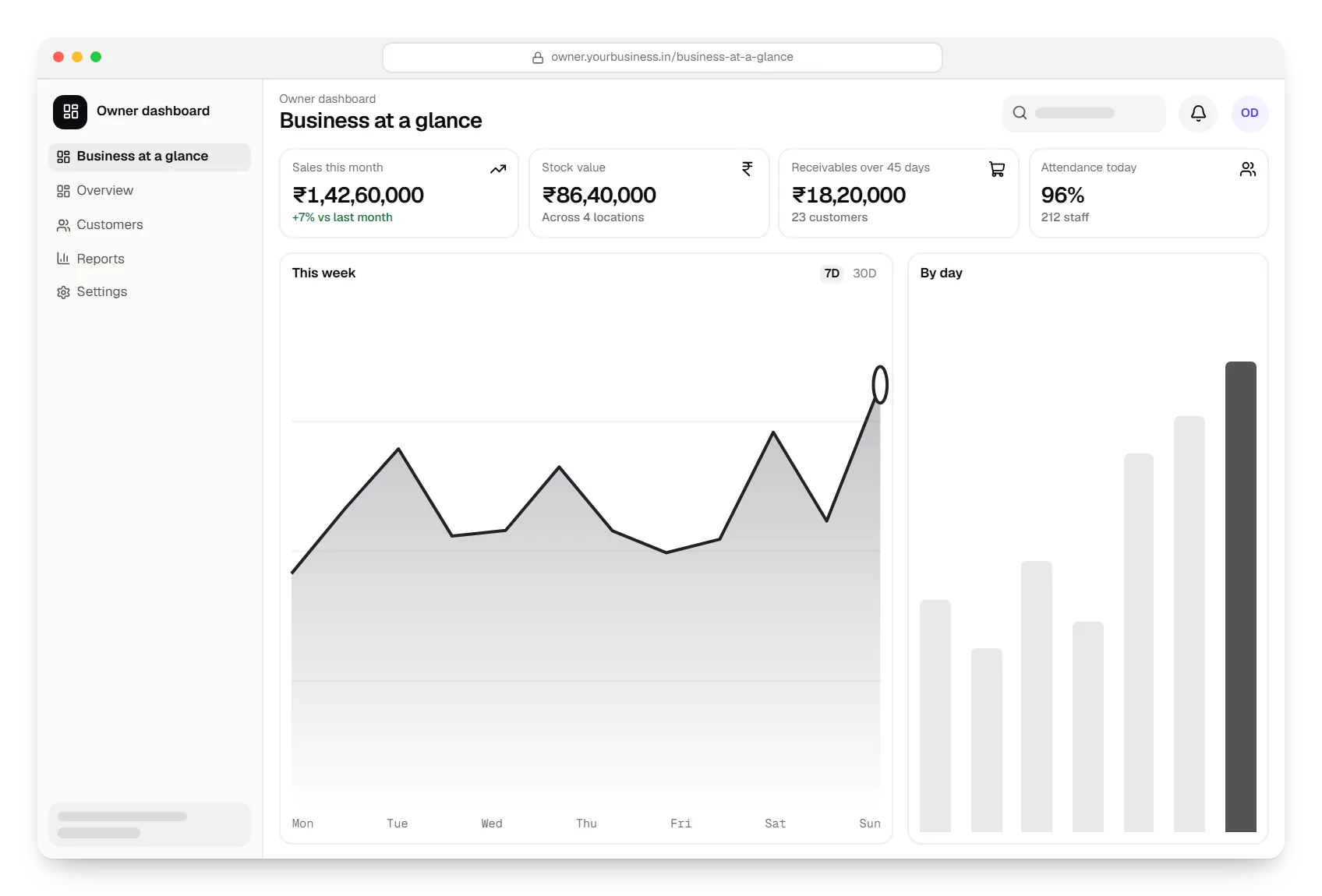
Owner dashboard. Owners see sales, stock, receivables and attendance in one dashboard drawn from every connected module.
Sample screens: names, prices and figures are examples, not client data.
Industries
Sectors that run on these systems
FAQ
Frequently asked questions
Which business system should we build first?
Start where errors cost you most today. For a trading or distribution business that is usually inventory and orders; for a sales-led B2B company it is often the CRM; for a business with many hourly or field staff, attendance and payroll. A short discovery that follows one enquiry through to a paid invoice usually makes the first module obvious.
Can separate systems such as CRM, inventory and HRMS share data?
Yes. We build them on shared masters (customers, products, employees and locations), with one login and a common permissions model, even when each module is released separately. Where a tool you already use works well, such as Zoho CRM or TallyPrime, we integrate through its API instead of replacing it. A customer or item is created once and every module sees the same record.
Who maintains the software after it goes live?
Our team can, on a monthly support arrangement covering bug fixes, security updates, statutory changes such as new GST fields, and small enhancements. You own the source code, database and cloud accounts, and we hand over documentation and deployment scripts, so another team or your own developers can take over later.
Next step
Tell us which process hurts most
Share how the work happens today, even as a voice note or spreadsheet screenshots, and we will suggest where software helps first.