
Backend
Python
A programming language for AI features, data processing and automation: the engine behind document reading, reports and smart search.
Used for
- AI features
- Document reading
- Reports and analytics
- Task automation
AI engineering
Practical AI features, built by the engineers who also ship the app around them.
At a glance
What it is
AI features and AI-first apps built on model APIs, retrieval over your own data, workflow automation or custom ML, with evaluation and human review.
How to start
Tell us what you need in your own words. You talk to the developers who would build it and get a written, line-item estimate.
Get a project estimateA sound AI project starts with a narrow, checkable task: answer order-status questions, pull line items from supplier invoices, suggest what a repeat customer will reorder. We write it down with examples of good and bad output before picking a model.
That decides the architecture: a hosted model API, retrieval over your documents, or a small model trained on your data, which can be cheaper and more predictable. The same examples become the test set we measure quality against, before launch and after every change.
Use cases
Order, policy and account answers on web chat or WhatsApp, with hand-over to an agent.
Invoices, purchase orders or KYC forms read into fields; uncertain values go to a person.
Answers from SOPs, contracts and past tickets, filtered by each employee's access rights.
First drafts of replies, product descriptions or reports that staff edit and approve.
Demand forecasts, lead scores and risk flags trained in Python on your history.
Speech and text in Hindi and other Indian languages, tested on real recordings since quality varies.
Real examples with expected answers, scored automatically and by reviewers.
Review queues and escalation for anything touching money, health, legal standing or a customer's account.
Token budgets per user and feature, caching, smaller models for routine steps and usage alerts.
Personal data redacted before prompts and excluded from training under provider terms; retention mapped to the DPDP Act, 2023.
Prompt-injection checks, validated outputs, out-of-scope refusals and a non-AI path when a model fails.
Solutions
Support and sales chatbots for web, app and WhatsApp that answer from your own content and hand off to your team.
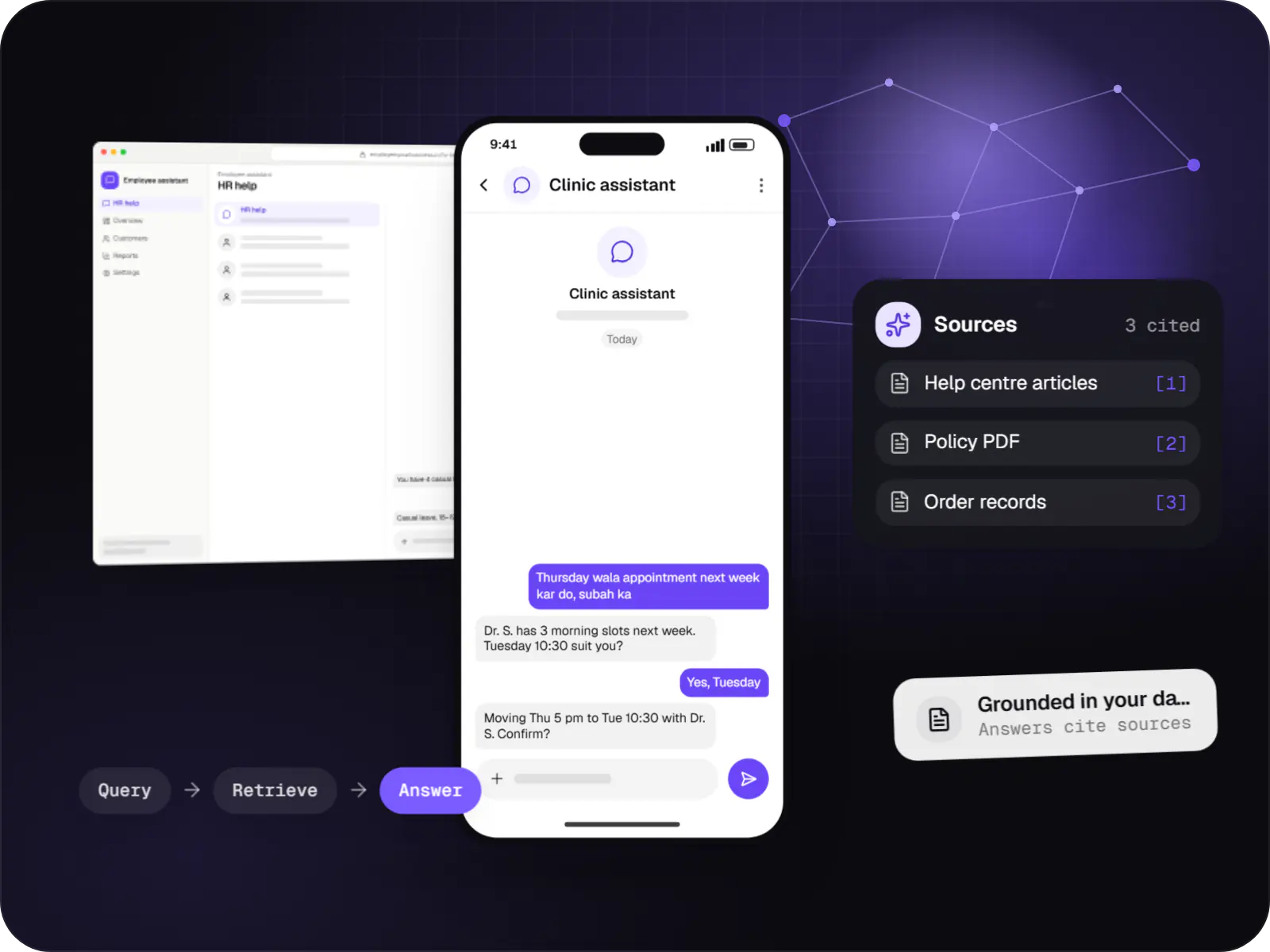
Assistants that book, schedule, look up records and raise requests by voice or text, with confirmation before every action.
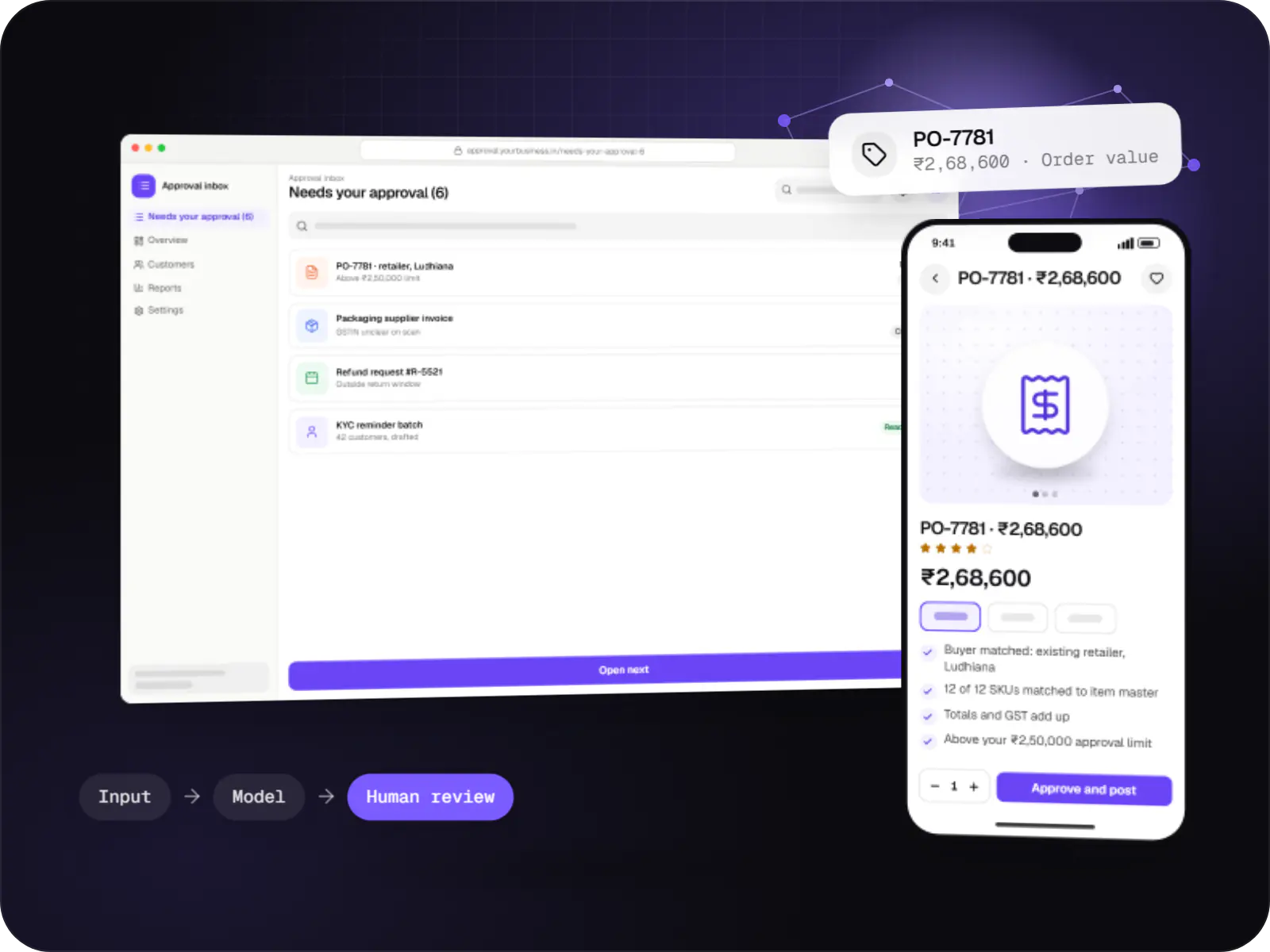
Automations for repetitive back-office work, with AI steps that read, classify and draft, and approvals where decisions matter.
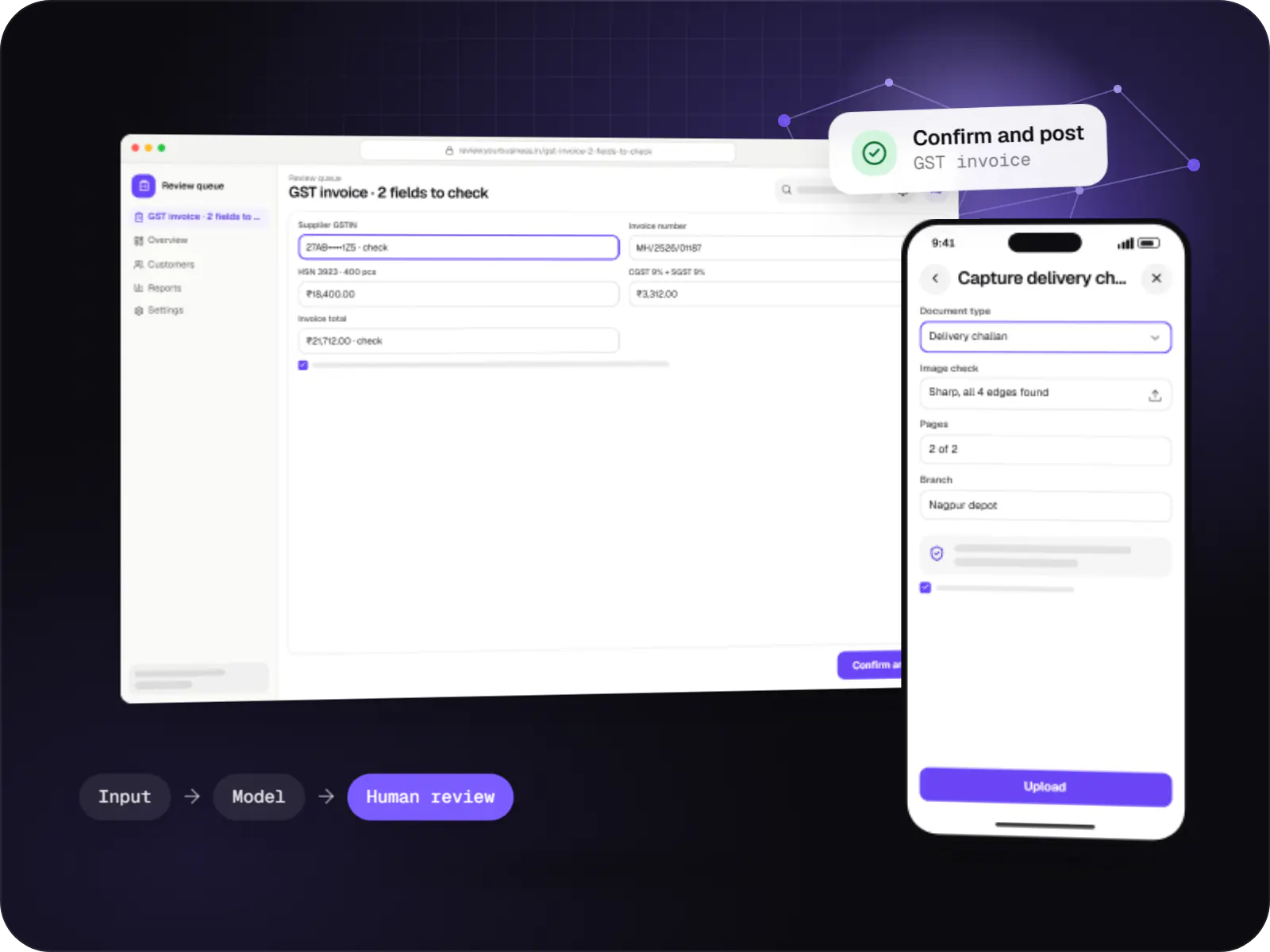
Data extraction from invoices, KYC documents, statements and forms into your systems, with validation rules and human review for uncertain fields.
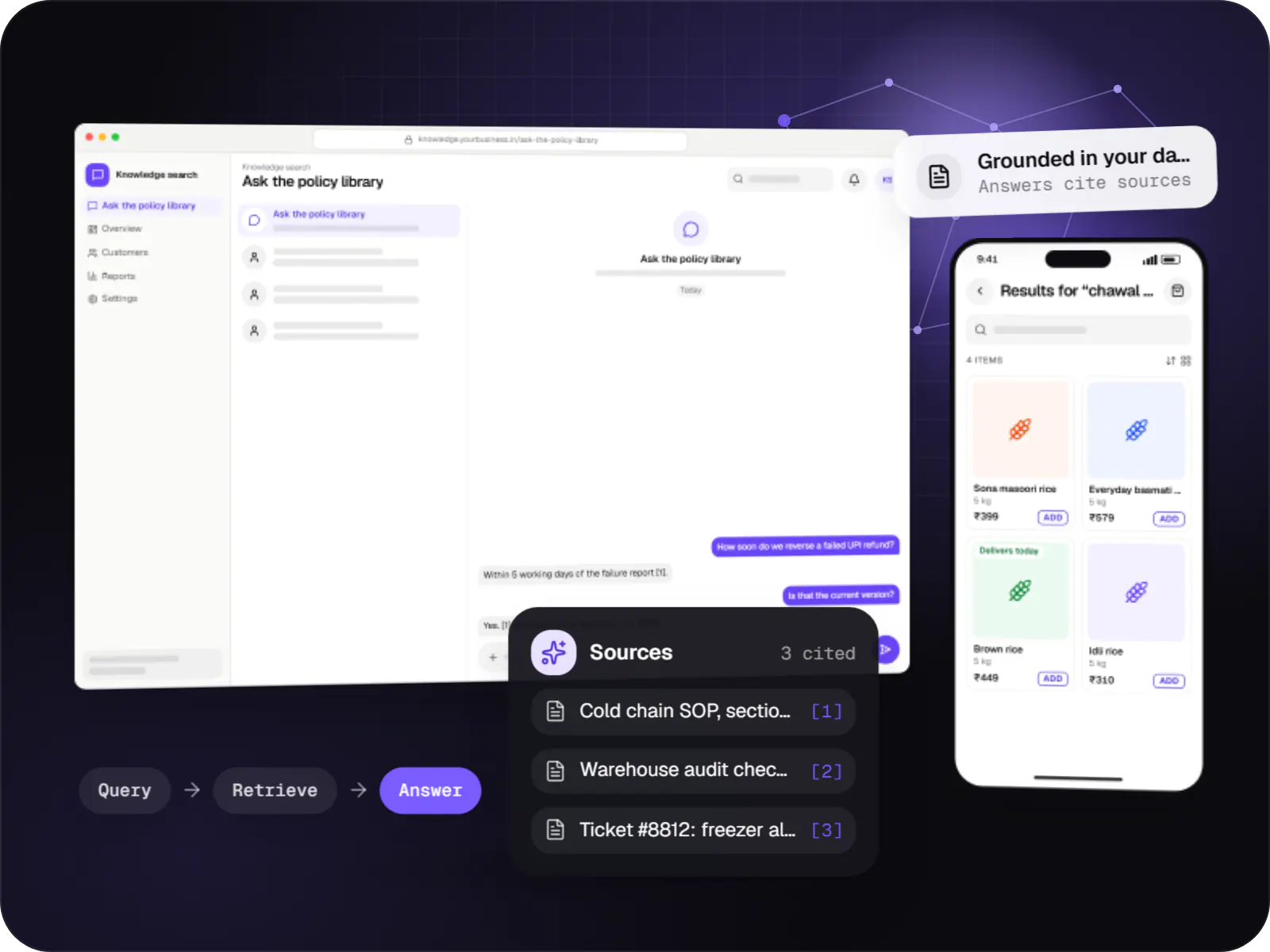
Search and question-answering over your documents, tickets and product data, with hybrid retrieval, citations and permission-aware results.
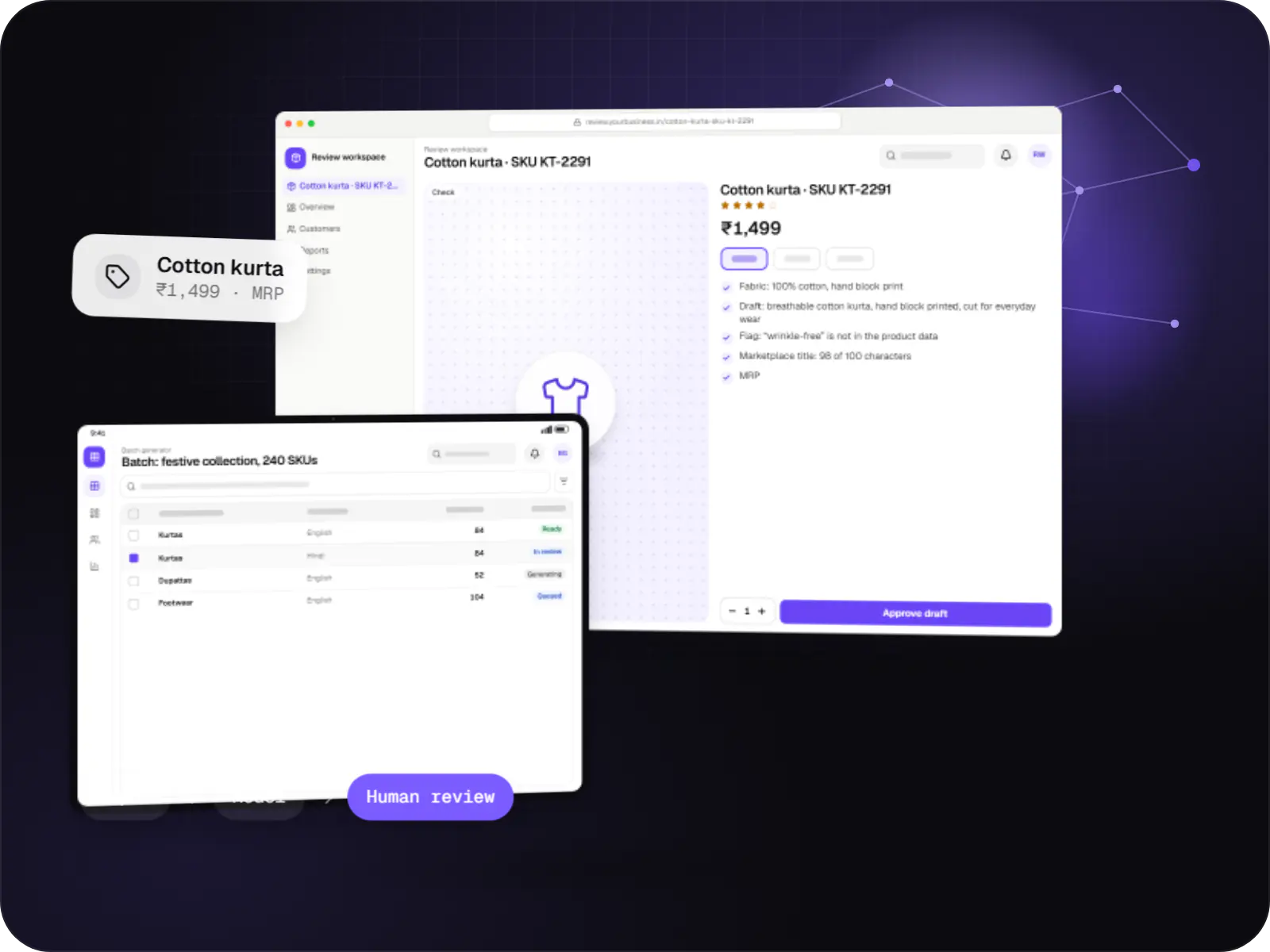
Features that generate catalogue copy, reports, summaries, translations and images, with brand controls and a review step before anything is published.
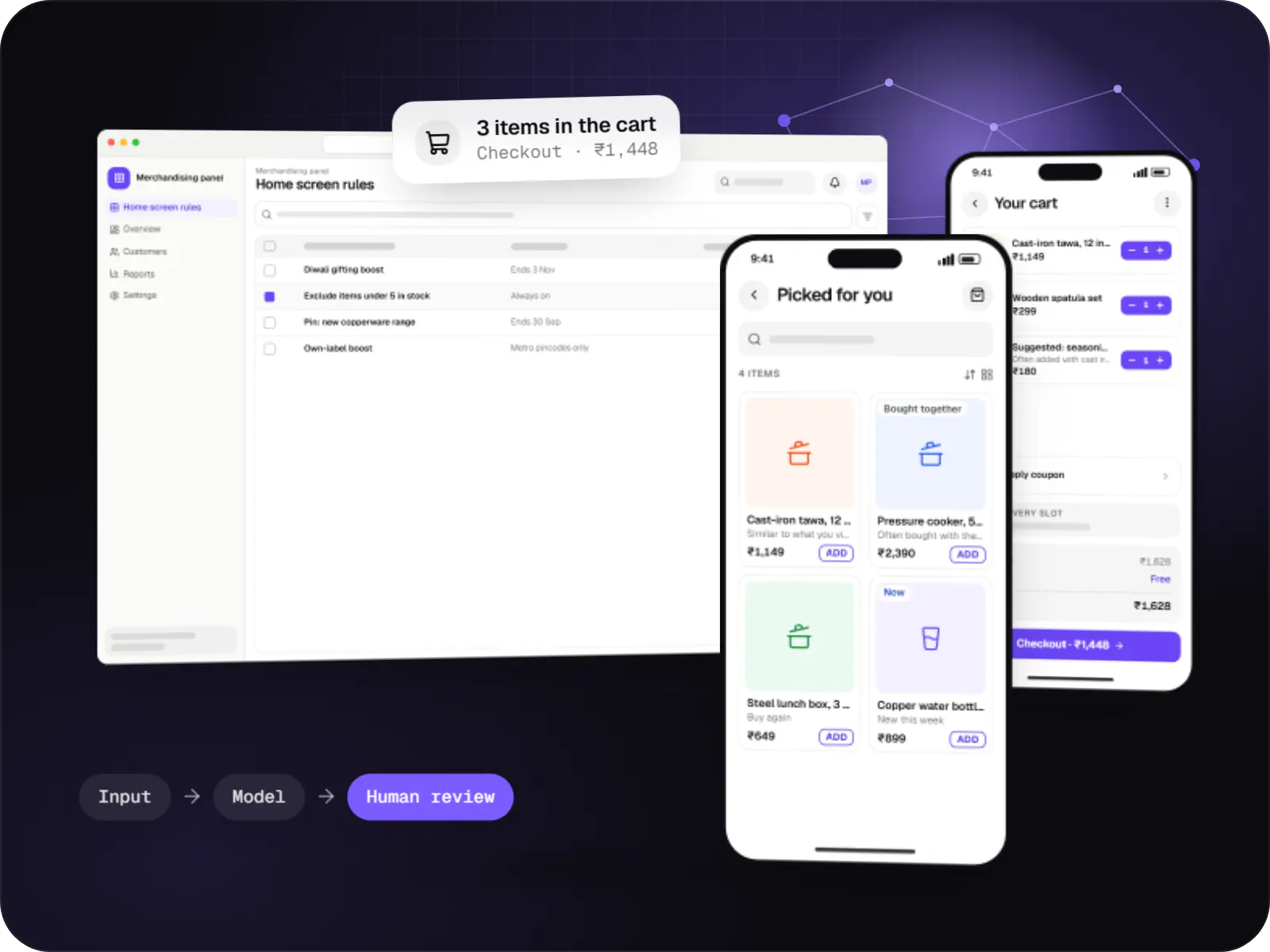
Product, content and offer recommendations built from your behavioural data, with business rules, cold-start handling and A/B testing.
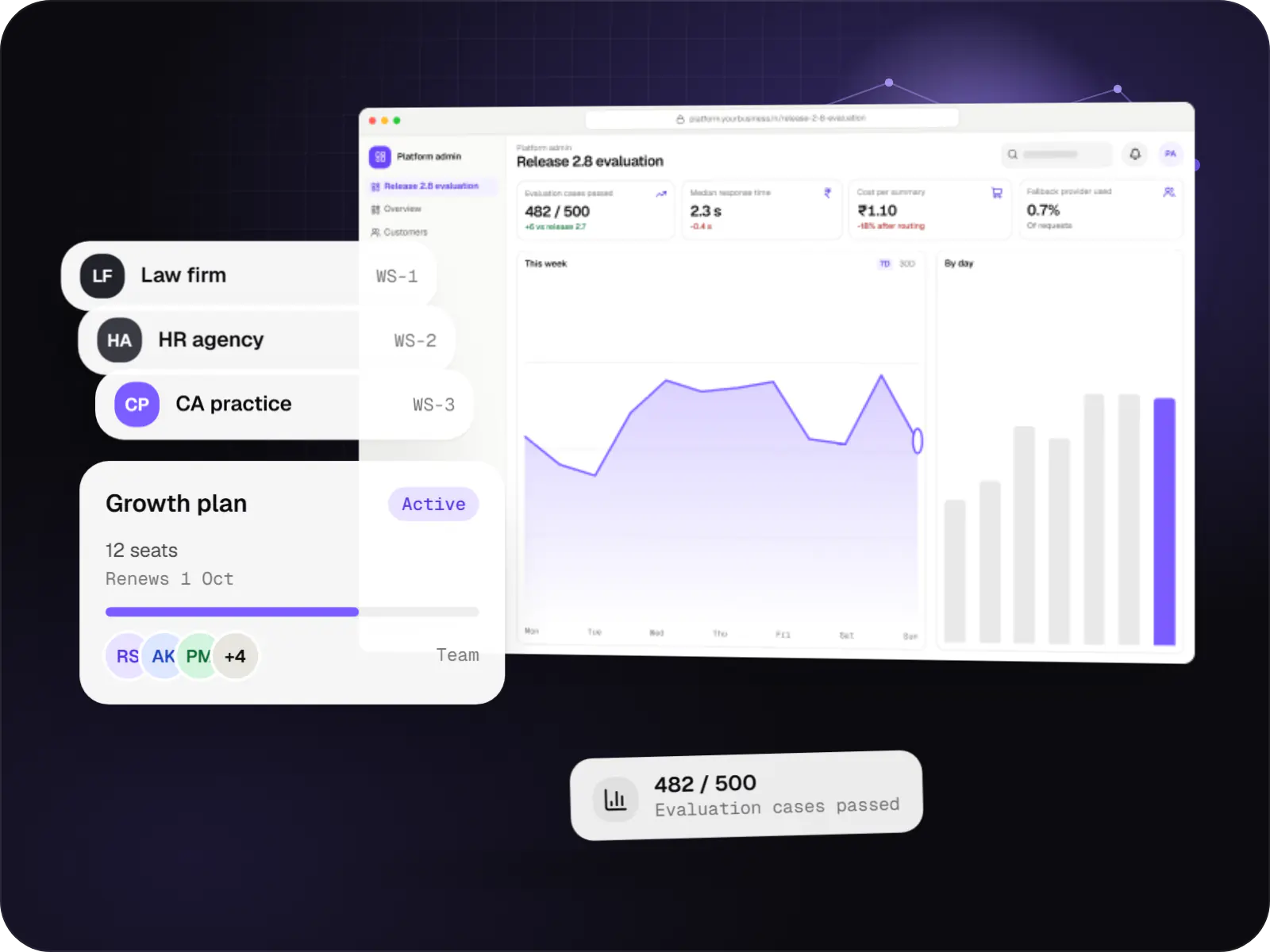
Multi-tenant SaaS products with AI at their core, built with tenant isolation, usage metering, model routing, evaluation and subscription billing.
How it works
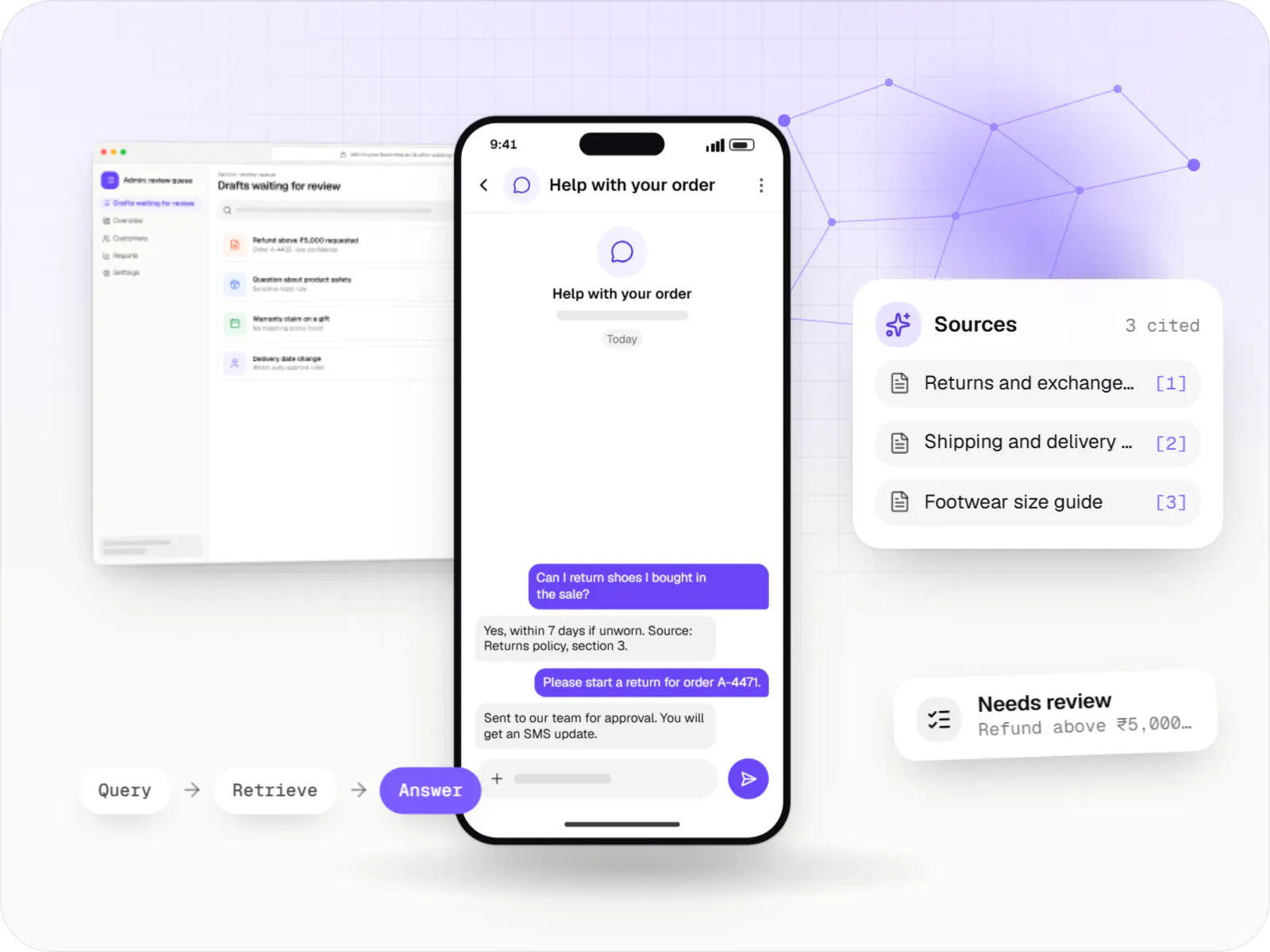
The model never answers from memory alone: it searches your approved content first, and a person steps in wherever a mistake would be costly.
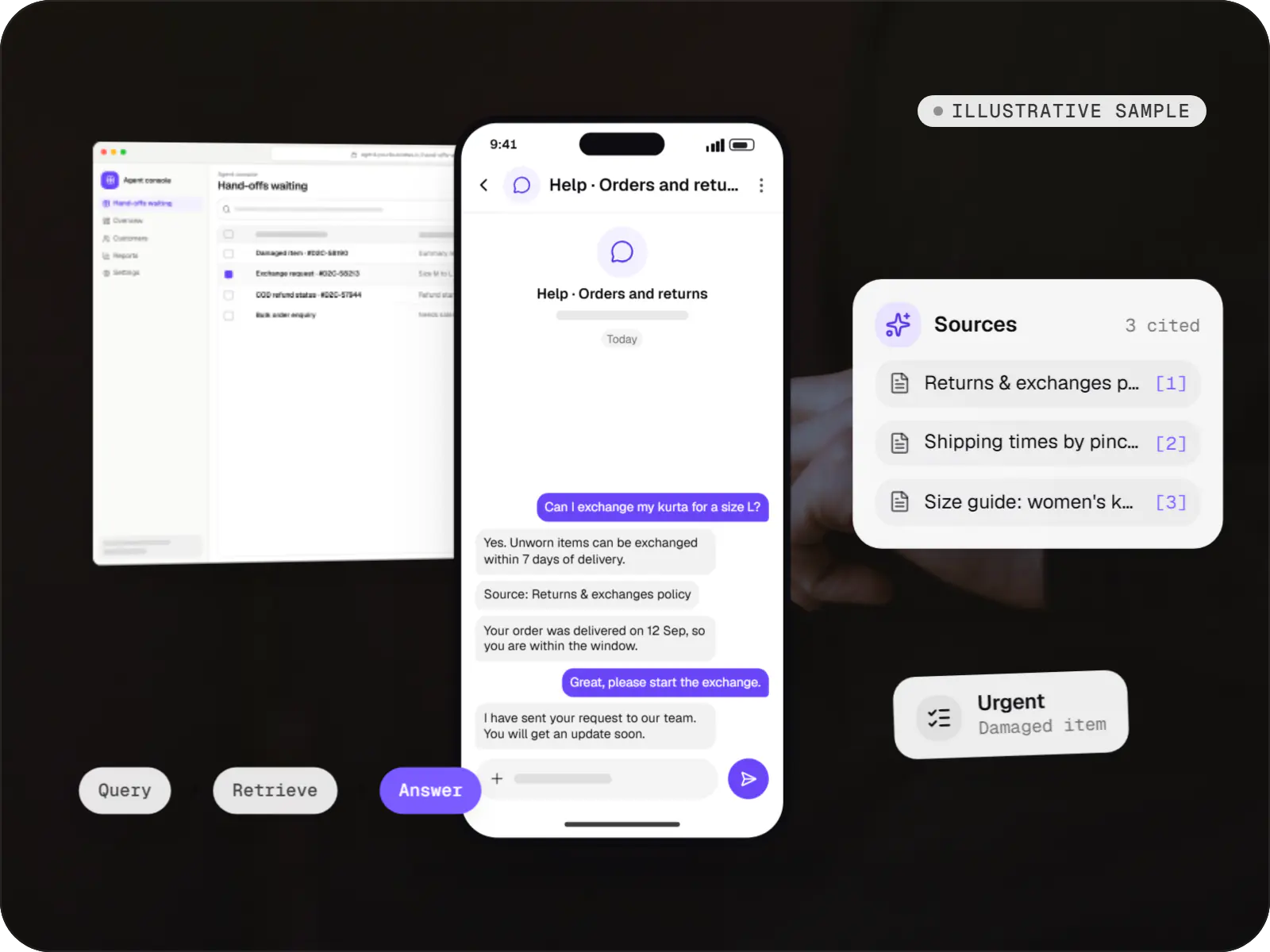
They type in plain words on web chat, WhatsApp or an internal tool, for example “Can I return a product bought in the sale?”, in English or Hinglish.
It finds the policy sections, product pages or order details the person is allowed to see, instead of relying on what the model happens to remember.
A language model writes a short reply using only what was found and notes the source; if nothing relevant turns up, it says so rather than guessing.
Rules flag drafts about refunds, money, health or anything low-confidence, and send them for review instead of straight to the user.
A team member approves, edits or rewrites the flagged draft; simple, well-sourced answers go out without waiting.
The reply, its sources and any edits are logged, so your team can track accuracy and cost and fill gaps in the knowledge base.
Platforms
Inside your web application or your apps for Android and iPhone, with an admin dashboard where your team manages documents, reviews answers and watches costs.
Browser-based applications with logins, roles and workflows, such as customer portals, SaaS products and internal tools.
Back-office panels for operations, support and finance teams: orders, users, content, reports and permissions.
Apps for Android phones and tablets, tested on budget and mid-range devices and published on Google Play or privately.
Apps for iPhone and iPad, built to Apple's guidelines and released through TestFlight and the App Store.
One Flutter or React Native codebase for Android and iOS, with native modules where a feature needs them.
Technology
Model APIs, including OpenAI’s, draft and summarise text; Python handles data preparation and evaluation; PostgreSQL stores your content and its search index; Node.js, NestJS and Next.js run the application around the model; Redis caches repeat answers; hosting is built on AWS.
Backend
A programming language for AI features, data processing and automation: the engine behind document reading, reports and smart search.
Used for
Adds AI features such as chat assistants, document summaries and smart search to your product, built on OpenAI models with human review.
Used for
Connects your product to AI language models from several providers, so each task uses a suitable model and you can switch later.
Used for
Backend
Runs the server side of apps: fast, scalable back ends that power your app, website and integrations.
Used for
Backend
A structured way to build back ends on Node.js, so large business systems stay organised, testable and easy to hand over.
Used for
Web
A modern web technology for fast, search-friendly websites, online stores and web applications that load quickly on mobile.
Used for
Data
A reliable database for the records your business runs on: orders, payments, bookings and stock, kept accurate and easy to report on.
Used for
Data
Keeps frequently used data in fast memory, so apps stay quick on busy days and live features like order tracking feel instant.
Used for
Cloud & DevOps
Cloud hosting for your app, website and data, with data centres in India and room to grow when traffic rises.
Used for
Cloud & DevOps
Packages your software so it runs the same way on every laptop and server, which makes releases predictable and moving hosts easier.
Used for
Plain-English glossary
Product preview
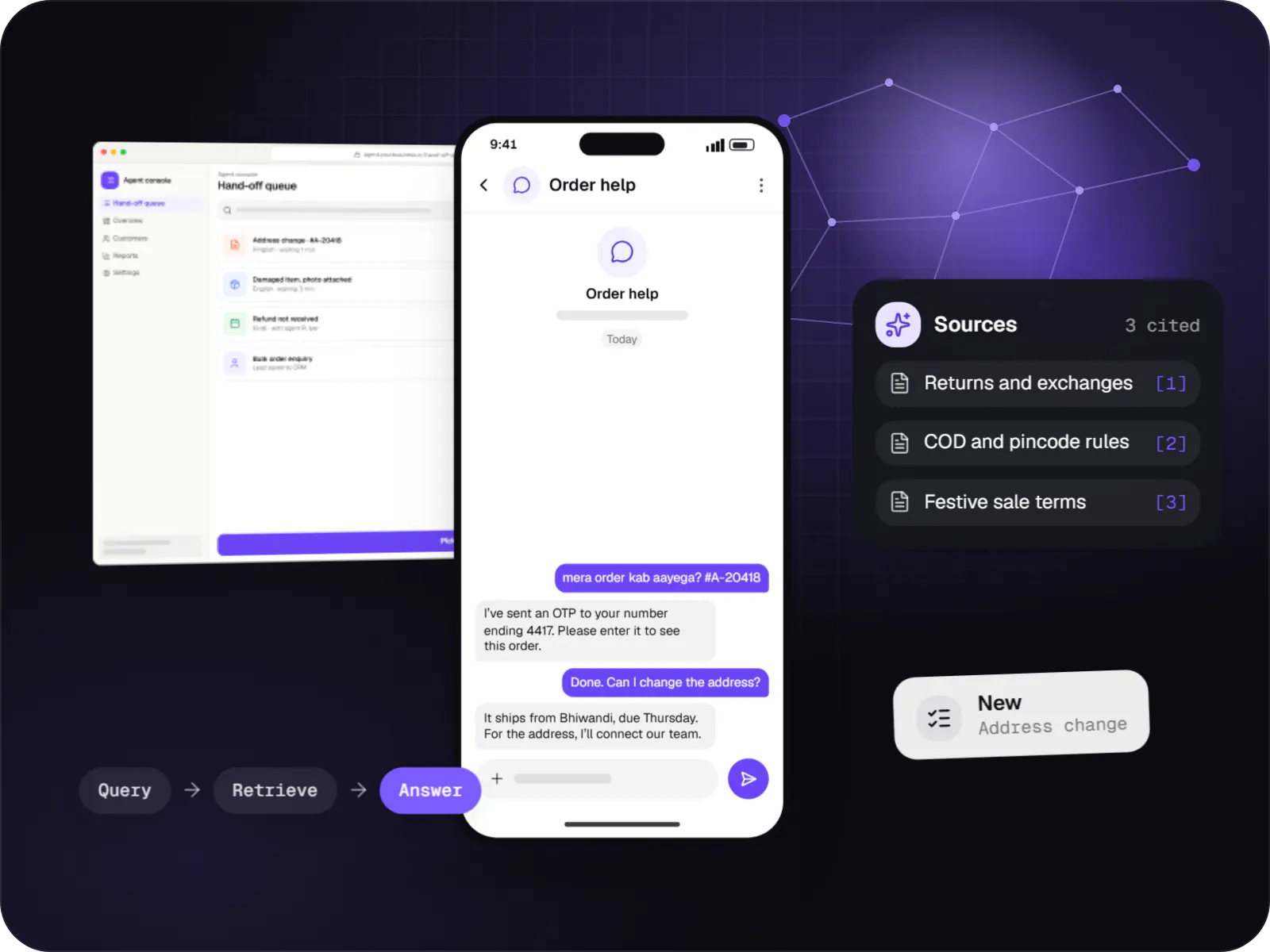
Illustrative screens from a support assistant that answers from a retailer’s own policies, with the admin screens behind it.
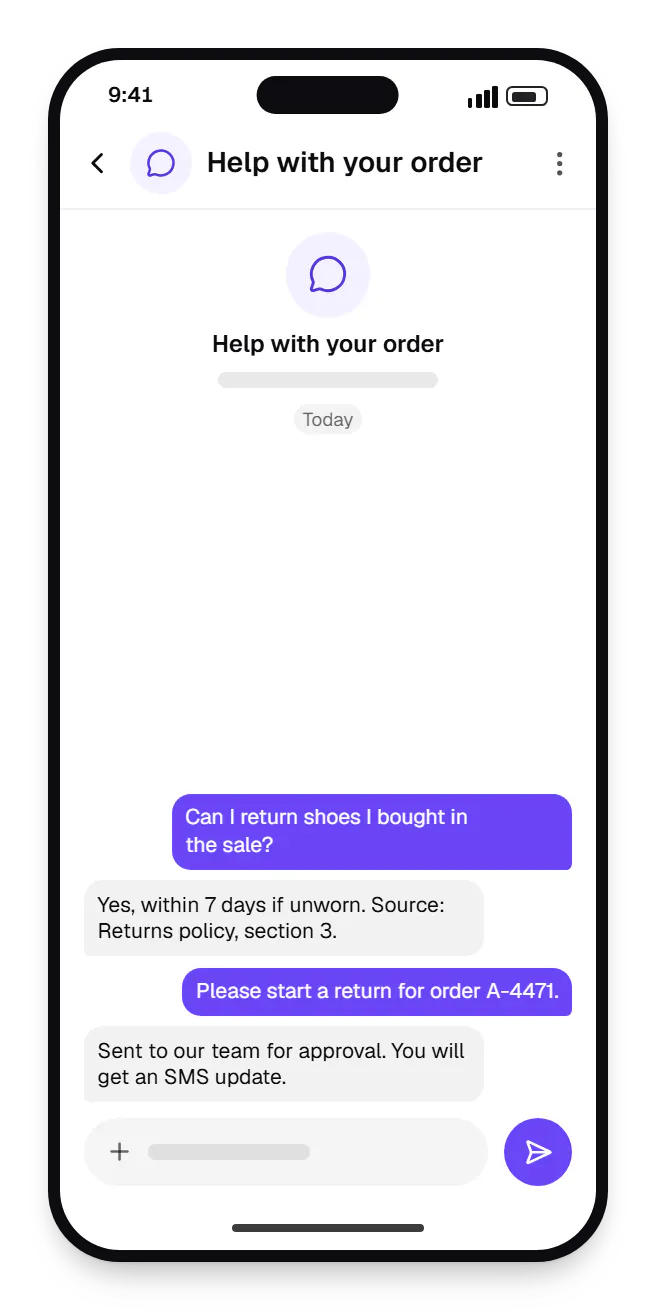
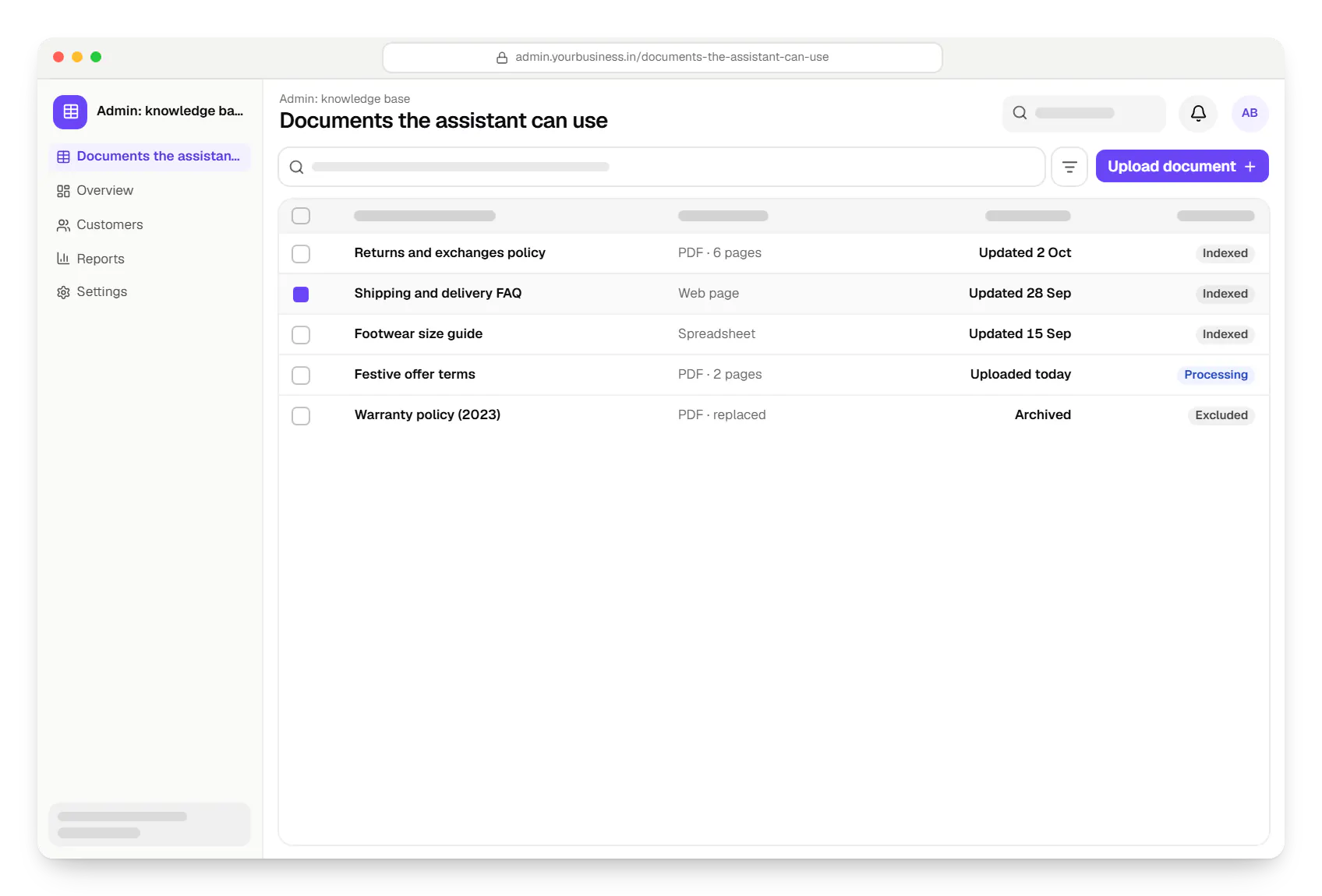
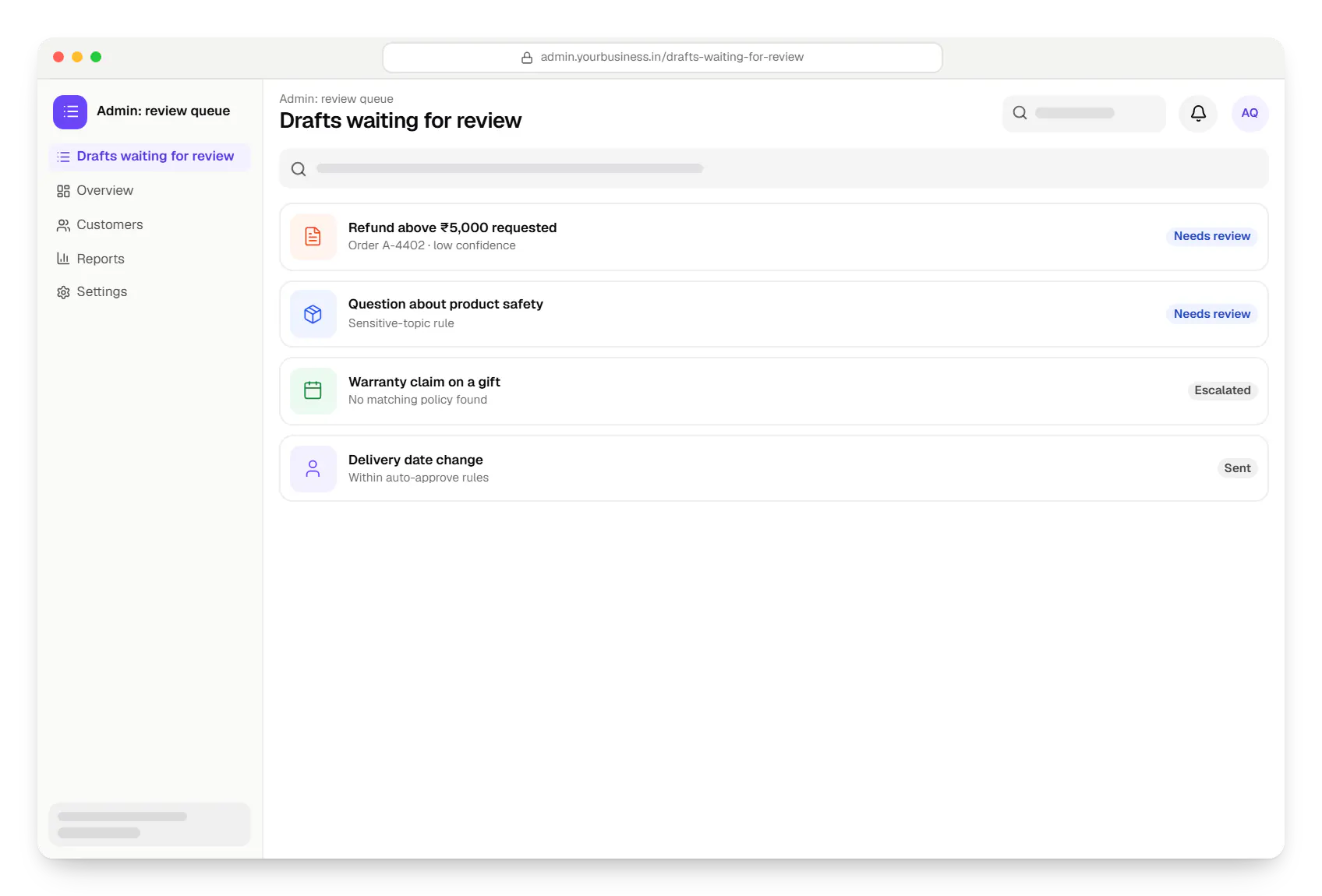
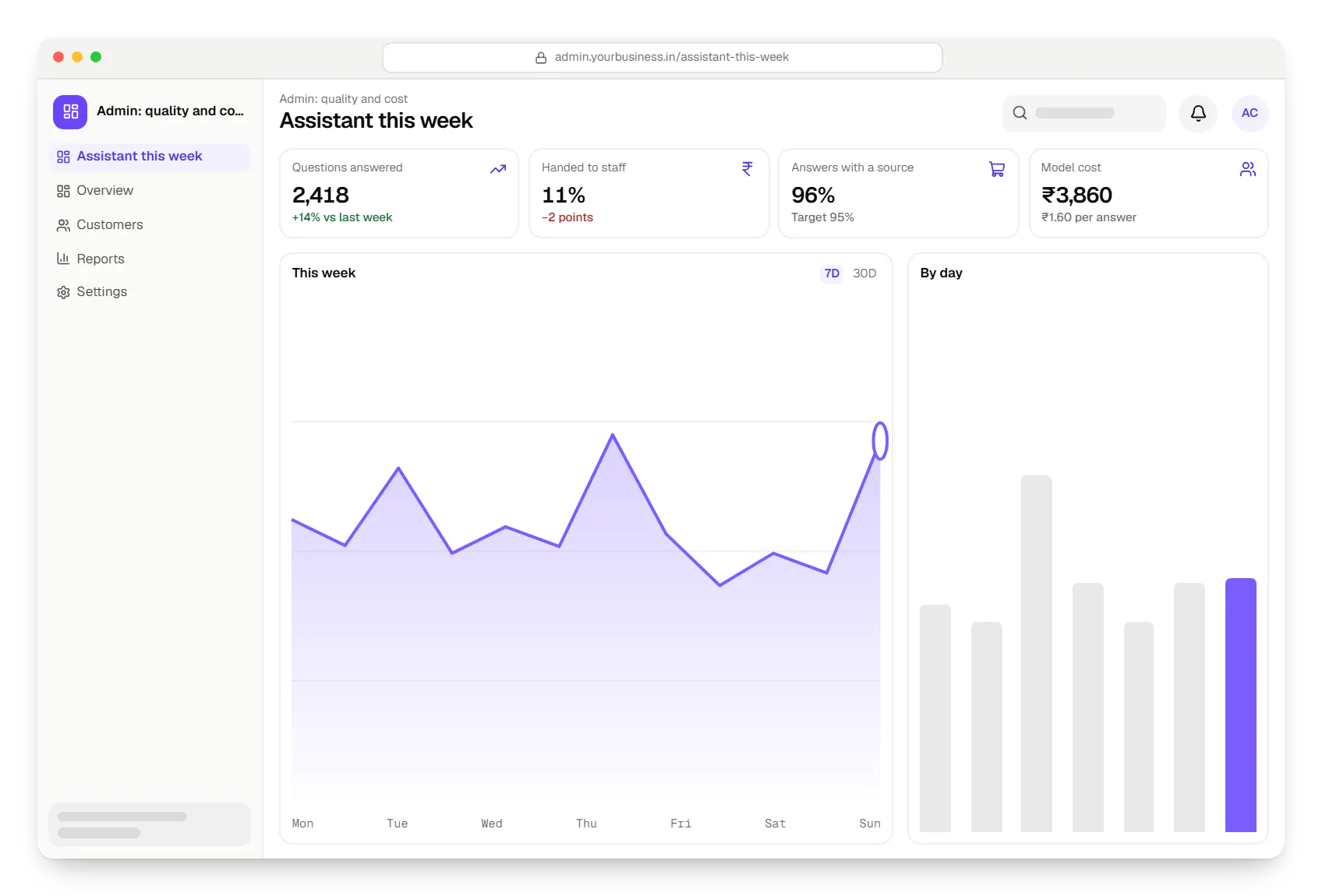
Sample screens: names, prices and figures are examples, not client data.
Work
AI solutions
An illustrative AI assistant that answers order, return and product questions from a D2C brand's own policies and order data, with sources and a human hand-off.
Runs on
Built with
Industries
Cost drivers
API integrations are usually smallest; RAG adds ingestion and search; custom ML adds training and hosting.
Scanned PDFs, mixed languages or unlabelled history need cleaning first.
Financial, medical or legal stakes call for larger evaluation sets, review queues and audit trails.
Connecting your CRM, ERP, helpdesk or WhatsApp Business Platform often outweighs the AI step.
Hosted models bill per token; self-hosting an open-weight model means GPU infrastructure instead.
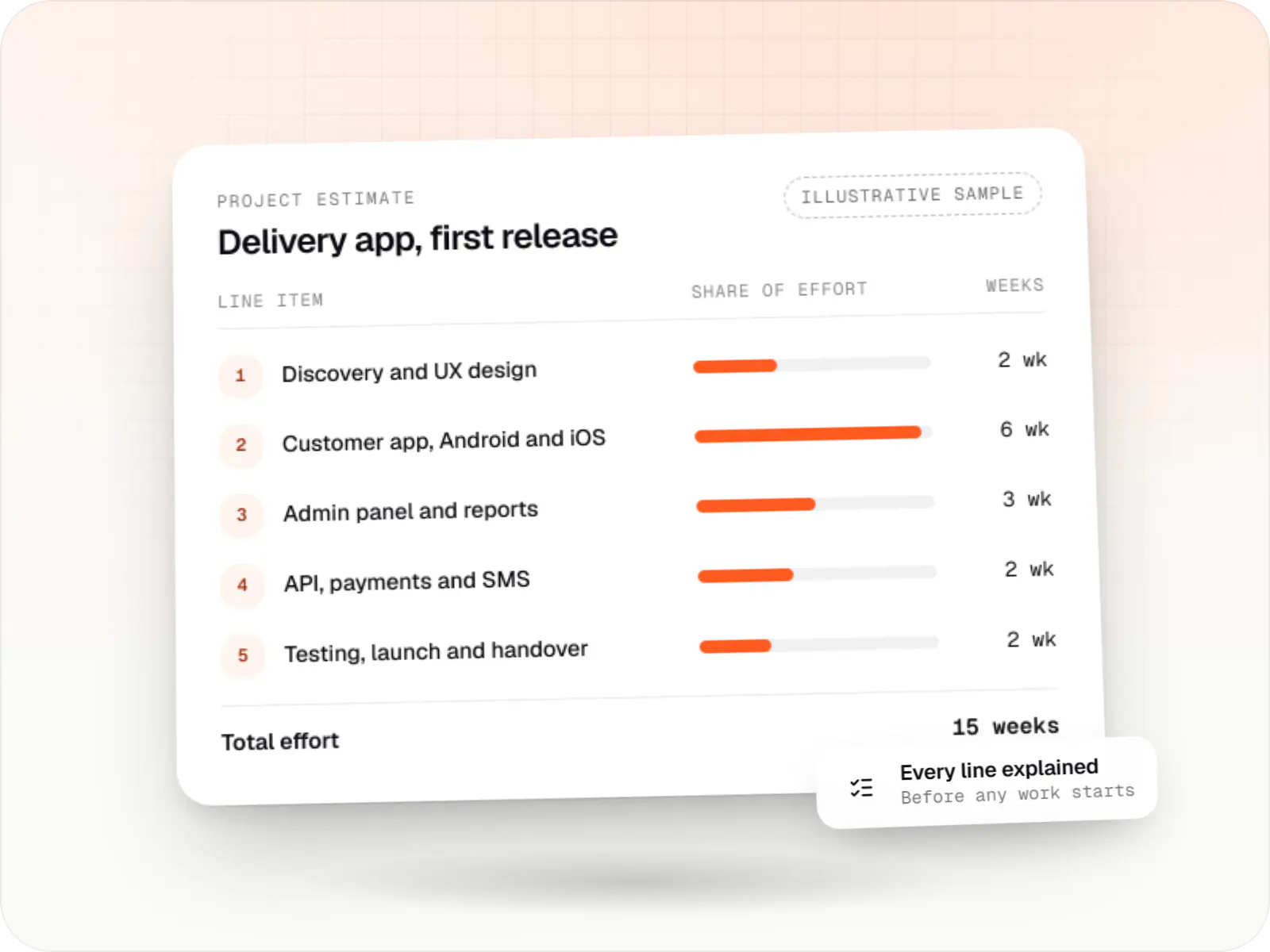
Estimates are written from your scope, with the effort and assumptions behind each line item.
How pricing worksProcess
Task, users, data sources and the cost of a wrong answer, and whether plain rules would do.
You getScoped use case
Real examples and expected outputs agreed with your team; candidate approaches scored against them.
You getBaseline scores
A few staff use it while we measure quality, response time and cost per request.
You getCost estimate
Backend, retrieval or model service, admin screens, review queues, audit logs and fallbacks.
You getStaging application
A limited rollout with outputs reviewed; each failure joins the evaluation set.
You getError analysis
Quality, cost and latency dashboards; evaluations re-run before any prompt or model change.
You getMonitoring dashboard
More specific pages
AI app development in
FAQ
For most text tasks a hosted model API is quicker and cheaper to start with, and good prompts plus retrieval usually give sufficient quality. Training your own model suits a narrow, repetitive decision with plenty of labelled history, such as demand forecasting, or data that cannot leave your infrastructure. Fine-tuning sits in between. We compare the options on your evaluation set before recommending one.
No one can remove that risk completely, so we reduce and contain it. Answers are grounded in retrieved documents with cited sources, the assistant says so when it finds nothing relevant, structured outputs are validated, and high-risk replies go to a review queue. We measure the error rate before launch and keep tracking it on live traffic.
It depends on the provider, the plan and the integration. We use API terms that exclude your data from model training, redact personal details the model does not need, prefer Indian cloud regions where offered, and can self-host an open-weight model for highly sensitive data. We map these choices to the DPDP Act, 2023; your legal adviser confirms the final position.
A focused API integration typically takes a few weeks, including evaluation. A RAG assistant with an admin panel and access control typically takes one to three months, depending on data quality and integrations. Custom ML depends heavily on the data, which sometimes needs weeks of preparation first. We commit to a timeline after the use-case review, not before.
We measure cost per request during the prototype and design around it: shorter prompts, caching repeated answers, cheaper models for routine steps, batch processing for non-urgent jobs and per-user limits. A dashboard shows spend by feature, with alerts at thresholds you set. Provider prices change often, so we keep the model layer swappable.
Next step
Send the workflow and a few real examples. We will suggest an approach, estimate it, and say so if AI is the wrong tool.