
Backend
Python
A programming language for AI features, data processing and automation: the engine behind document reading, reports and smart search.
Used for
- AI features
- Document reading
- Reports and analytics
- Task automation
AI document processing
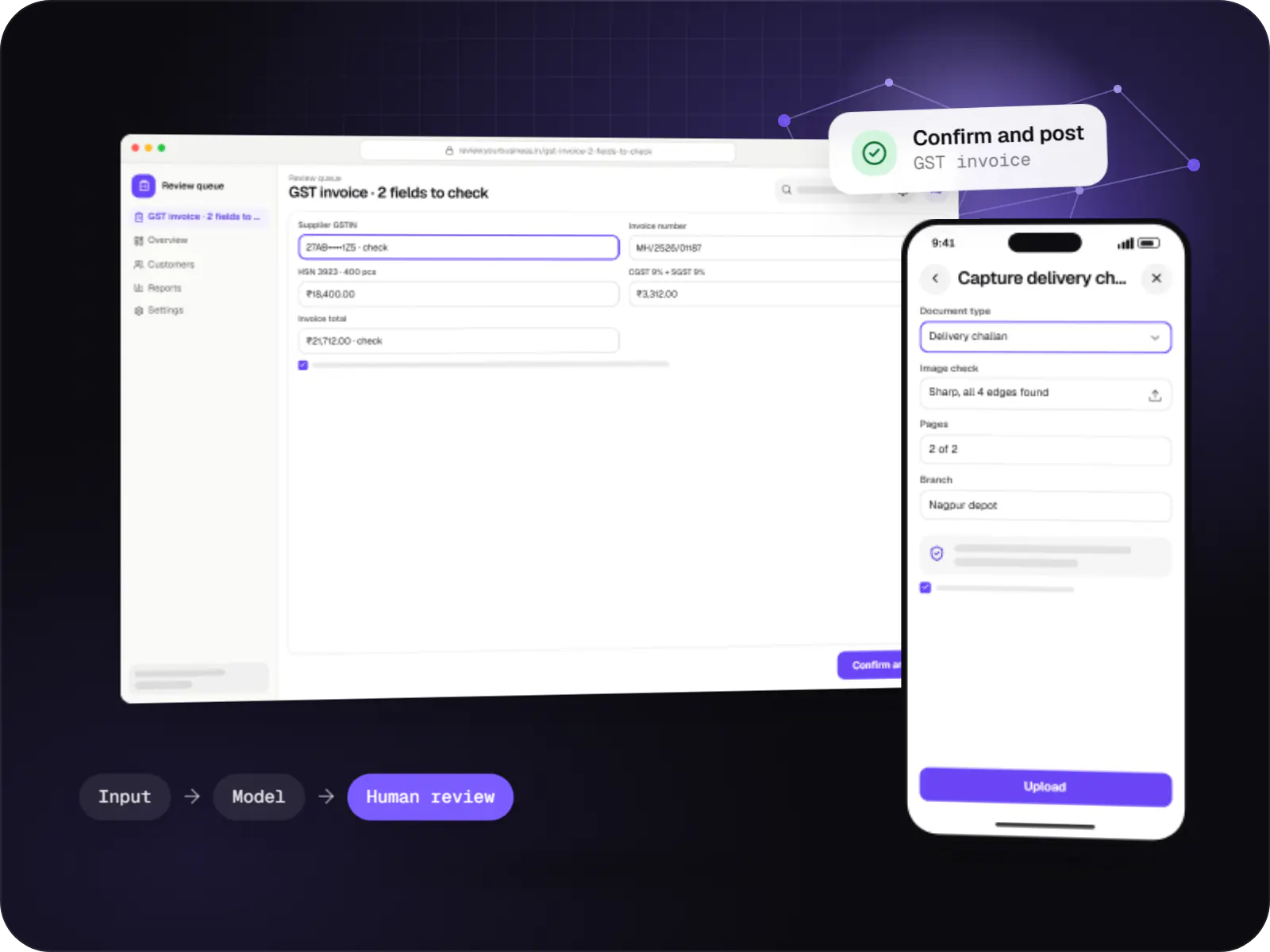
Data extraction from invoices, KYC documents, statements and forms into your systems, with validation rules and human review for uncertain fields.
At a glance
How to start
Tell us what you need in your own words. You talk to the developers who would build it and get a written, line-item estimate.
Get a project estimateReading text off a page is largely solved. The hard part is being sure the numbers are right before they reach your ledger or loan system; a misread GSTIN digit costs more than the manual entry it replaced.
So every field gets checked. Totals must equal line items plus tax, GSTIN check digits and PAN formats must validate, and the vendor must exist in your master data. Fields that fail, or that the model is unsure about, appear beside the highlighted source for review, and each correction becomes test data.
Challenges
Supplier invoices keyed into Tally or an ERP against GST filing deadlines.
Suppliers, banks and labs each differ, often arriving as skewed phone photos.
Loan and vendor onboarding stall while staff verify PAN cards and statements.
Tax mismatches and duplicate invoices appear weeks later at reconciliation.
What is included
Platform: Web, mobile, email
Platform: Processing service
Platform: Rules engine
Platform: Web app
How it works
KYC documents, bank statements and lab reports go through the same capture, extract, check and review stages.
Suppliers email PDFs, staff upload scans or a field team photographs a challan; the app straightens and sharpens the image.
The system tells a GST invoice from a purchase order, bank statement or ID card, and sends it to the right extractor.
Supplier, GSTIN, dates, HSN codes, rates and tax splits are read into a fixed structure, each with a confidence score.
Line items must add up to the total, GSTIN and PAN formats must validate, and duplicate invoices are caught before posting.
Only uncertain or failed fields are shown, highlighted on the scan. Each correction is saved as test data for the next release.
Approved invoices become purchase vouchers with ledgers mapped, each linked back to its source document for audit.
Integrations
Self-hosted inside your infrastructure.
Compared on your samples.
Hosted or open models, outputs forced into a schema.
Purchase vouchers from approved invoices.
Consented bank data instead of parsed PDFs.
Fetched with consent instead of uploaded scans.
Taxpayer status via a GST Suvidha Provider.
Privacy & security
Only the last four digits are kept, per UIDAI requirements; eKYC runs through licensed providers.
Encrypted in transit and at rest; originals purged after extraction on your schedule.
OCR and open-source models can run entirely in your cloud or on-premises.
Role-restricted queues with logs of who viewed and corrected each field.
Platforms
A field capture app for Android, a web app for reviewers, and an admin dashboard for accuracy, volumes and exports.
Browser-based applications with logins, roles and workflows, such as customer portals, SaaS products and internal tools.
Back-office panels for operations, support and finance teams: orders, users, content, reports and permissions.
Apps for Android phones and tablets, tested on budget and mid-range devices and published on Google Play or privately.
Technology
Python runs OCR and extraction models, NestJS and Node.js services manage queues and posting, Redis spreads heavy batches across workers, and PostgreSQL keeps every value with its audit trail.
Backend
A programming language for AI features, data processing and automation: the engine behind document reading, reports and smart search.
Used for
Adds AI features such as chat assistants, document summaries and smart search to your product, built on OpenAI models with human review.
Used for
Connects your product to AI language models from several providers, so each task uses a suitable model and you can switch later.
Used for
Backend
Runs the server side of apps: fast, scalable back ends that power your app, website and integrations.
Used for
Backend
A structured way to build back ends on Node.js, so large business systems stay organised, testable and easy to hand over.
Used for
Data
A reliable database for the records your business runs on: orders, payments, bookings and stock, kept accurate and easy to report on.
Used for
Data
Keeps frequently used data in fast memory, so apps stay quick on busy days and live features like order tracking feel instant.
Used for
Cloud & DevOps
Cloud hosting for your app, website and data, with data centres in India and room to grow when traffic rises.
Used for
Cloud & DevOps
Packages your software so it runs the same way on every laptop and server, which makes releases predictable and moving hosts easier.
Used for
Plain-English glossary
Product preview
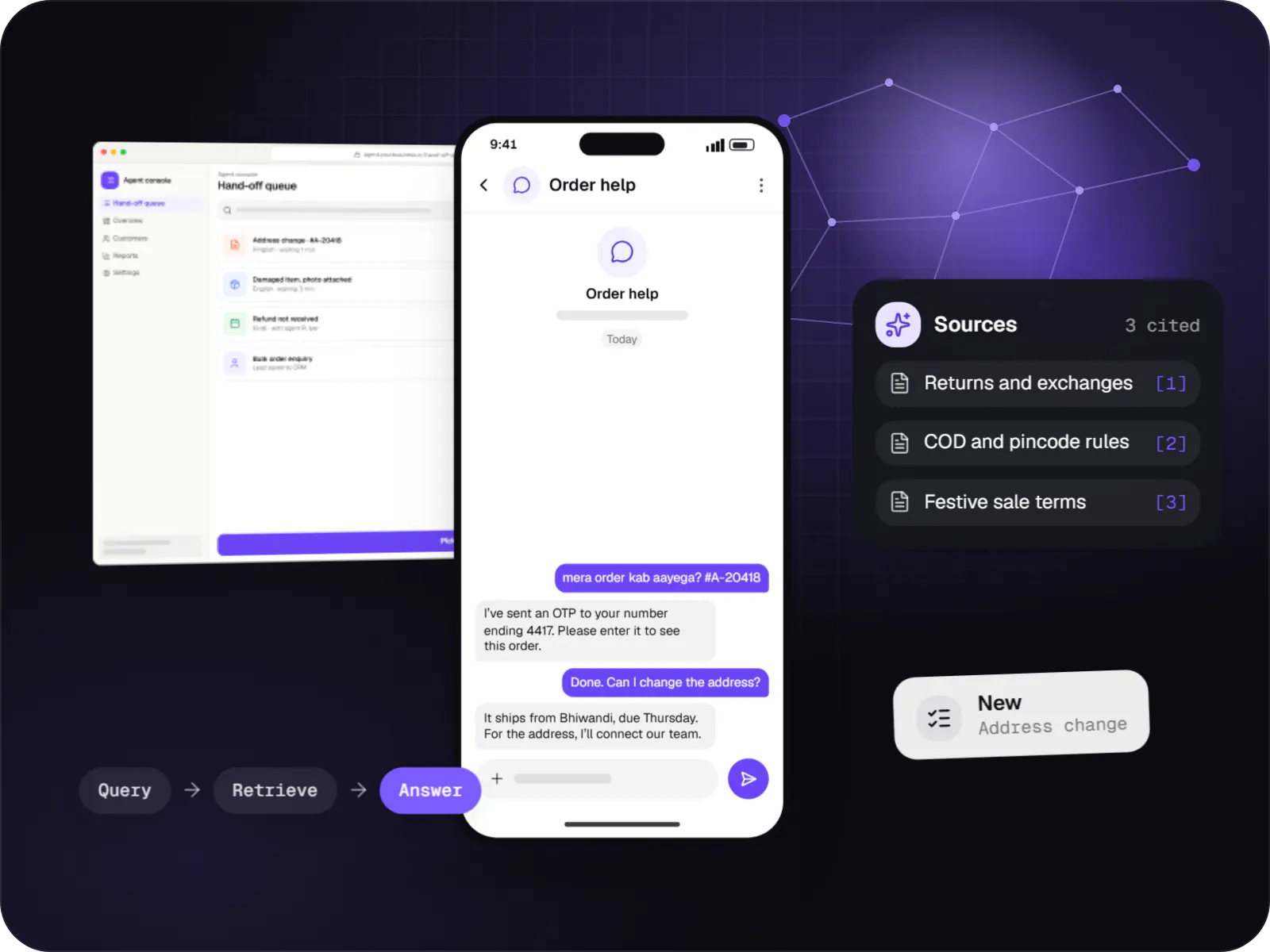
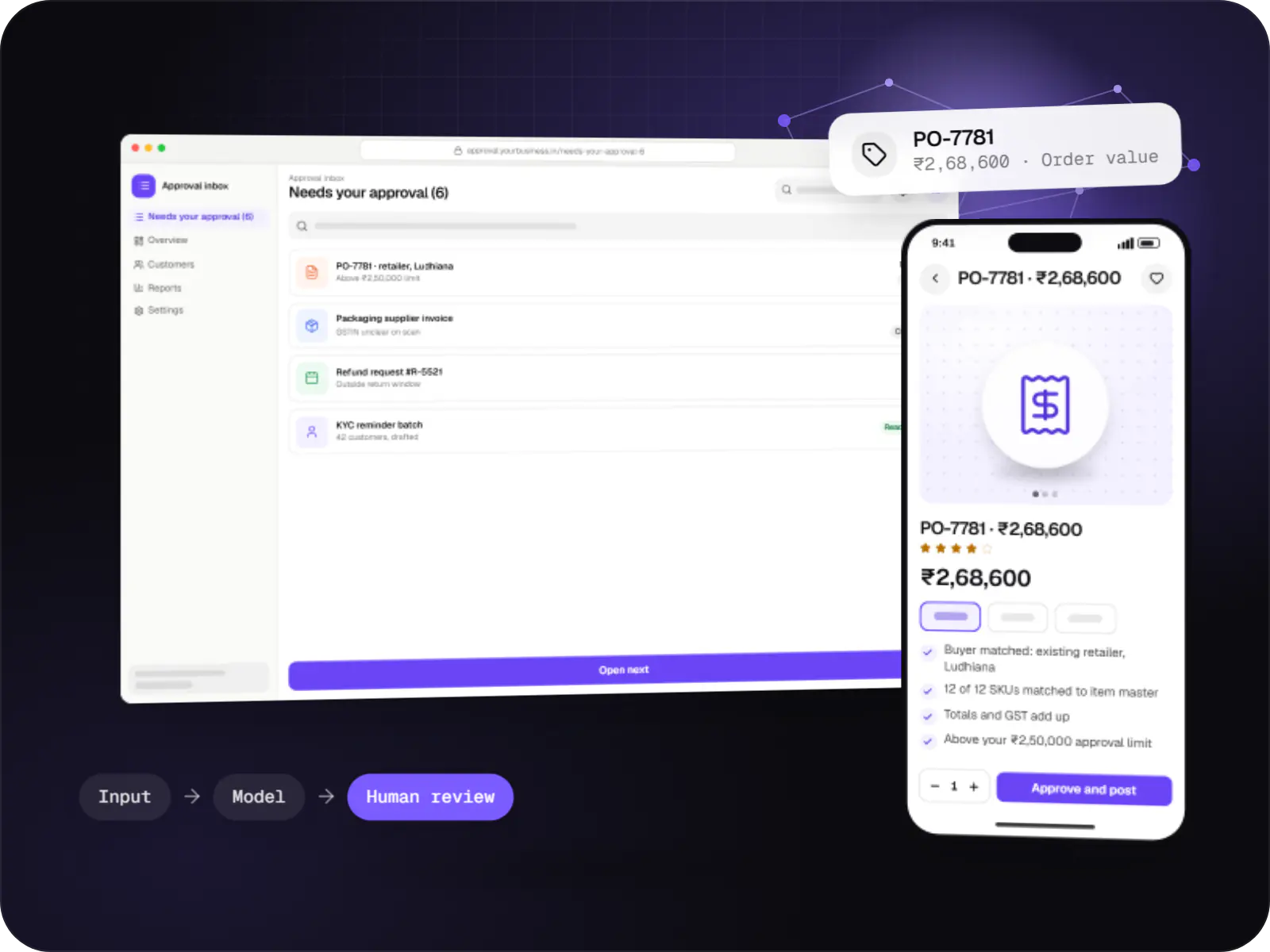
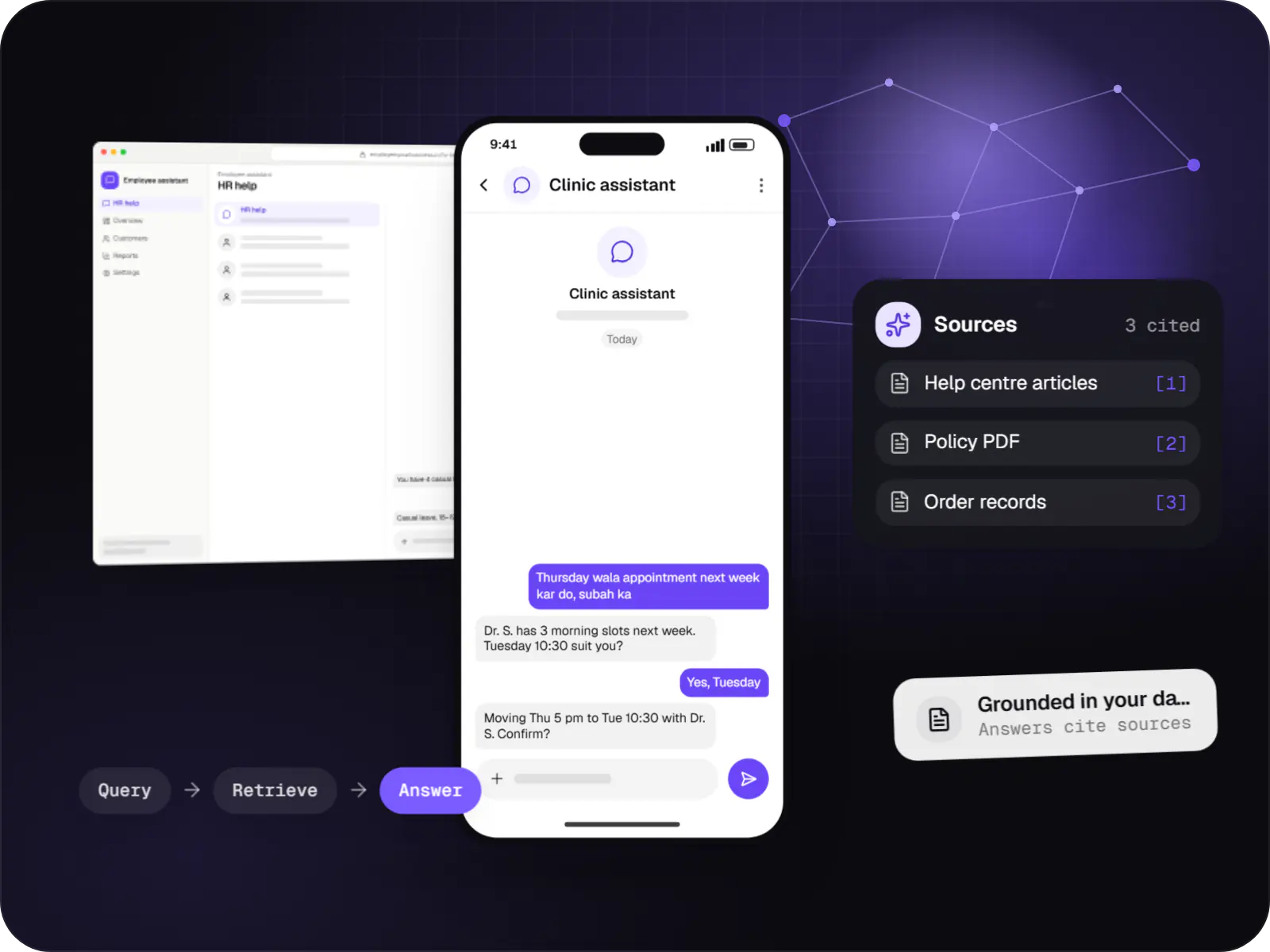
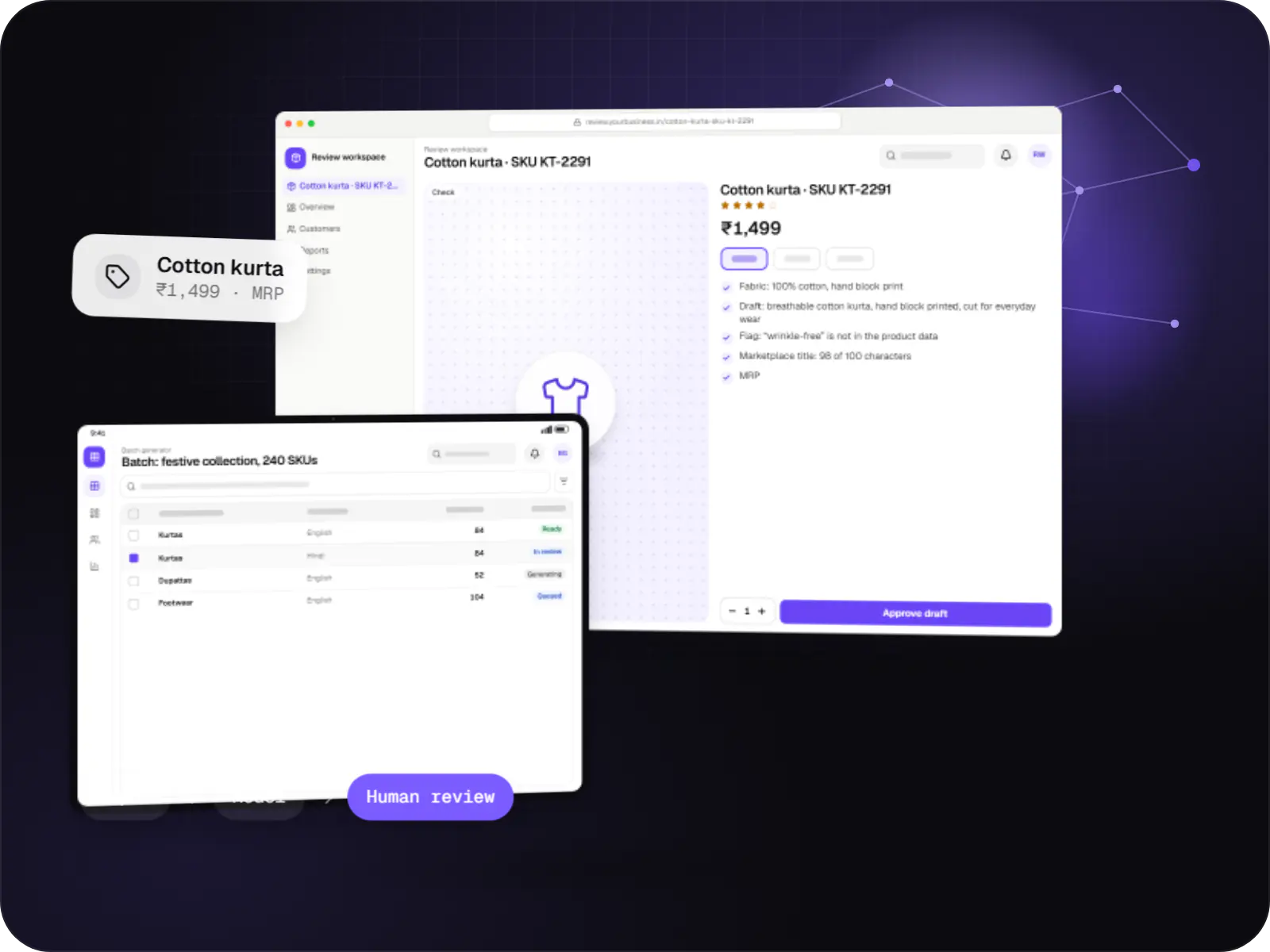
Illustrative screens, using an invoice and KYC processing system for a distributor with a lending arm as the example.
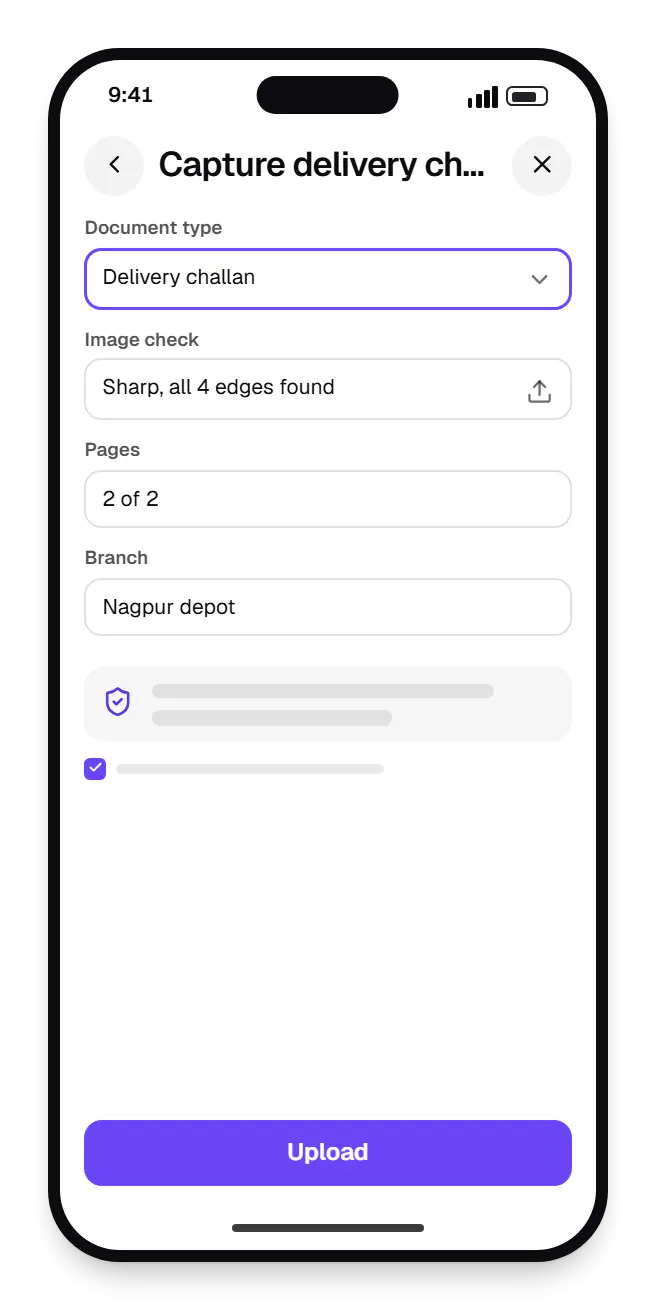
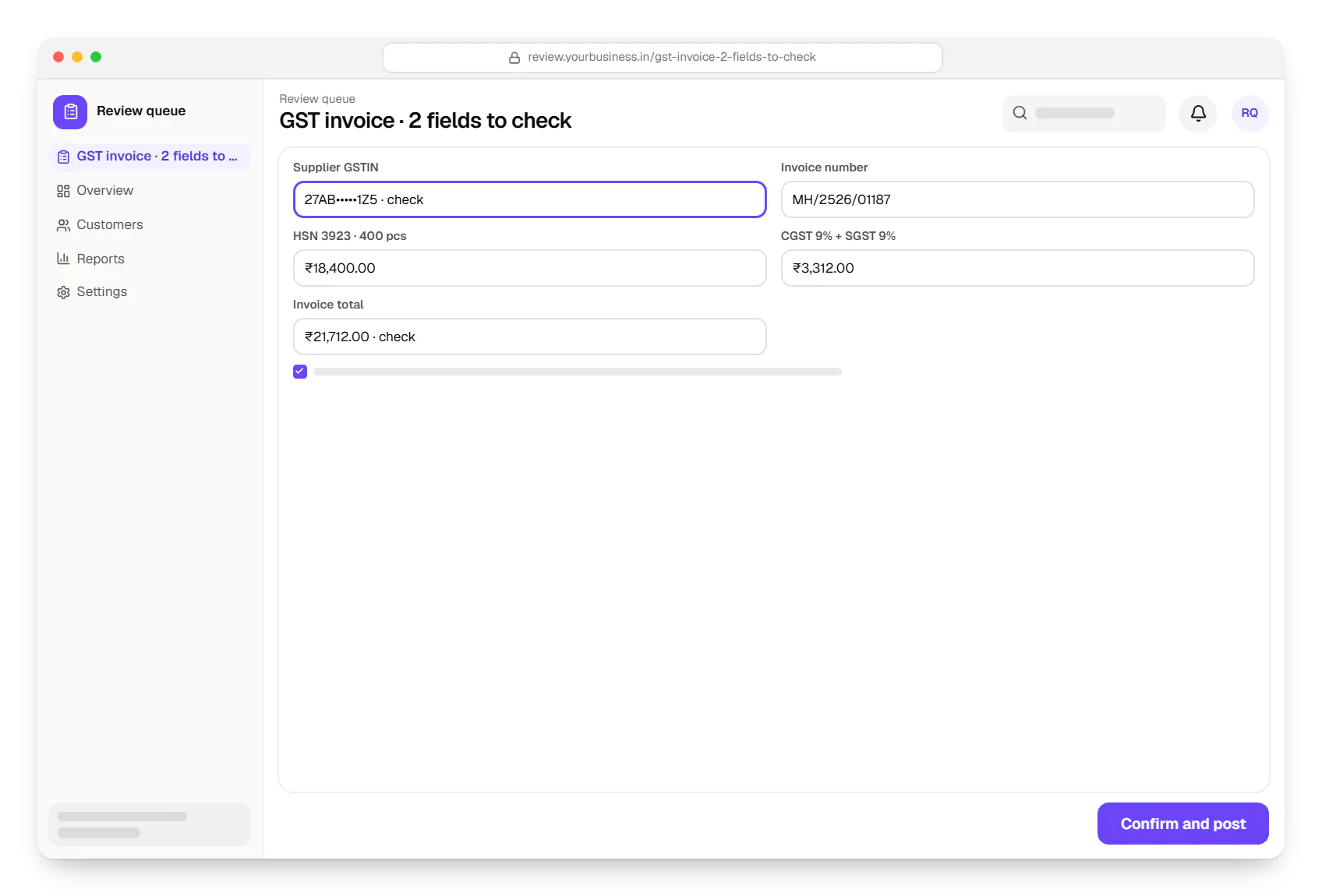
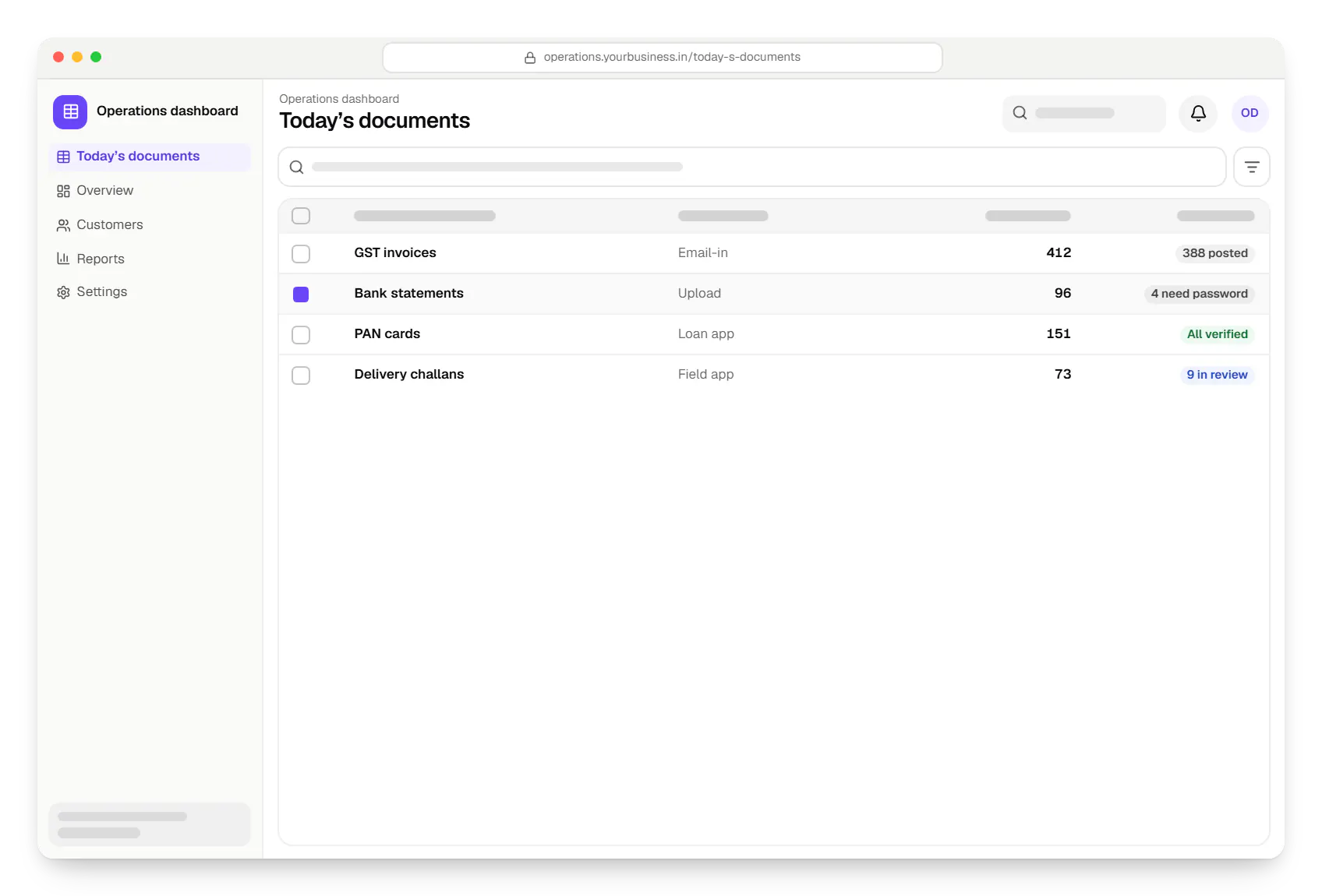
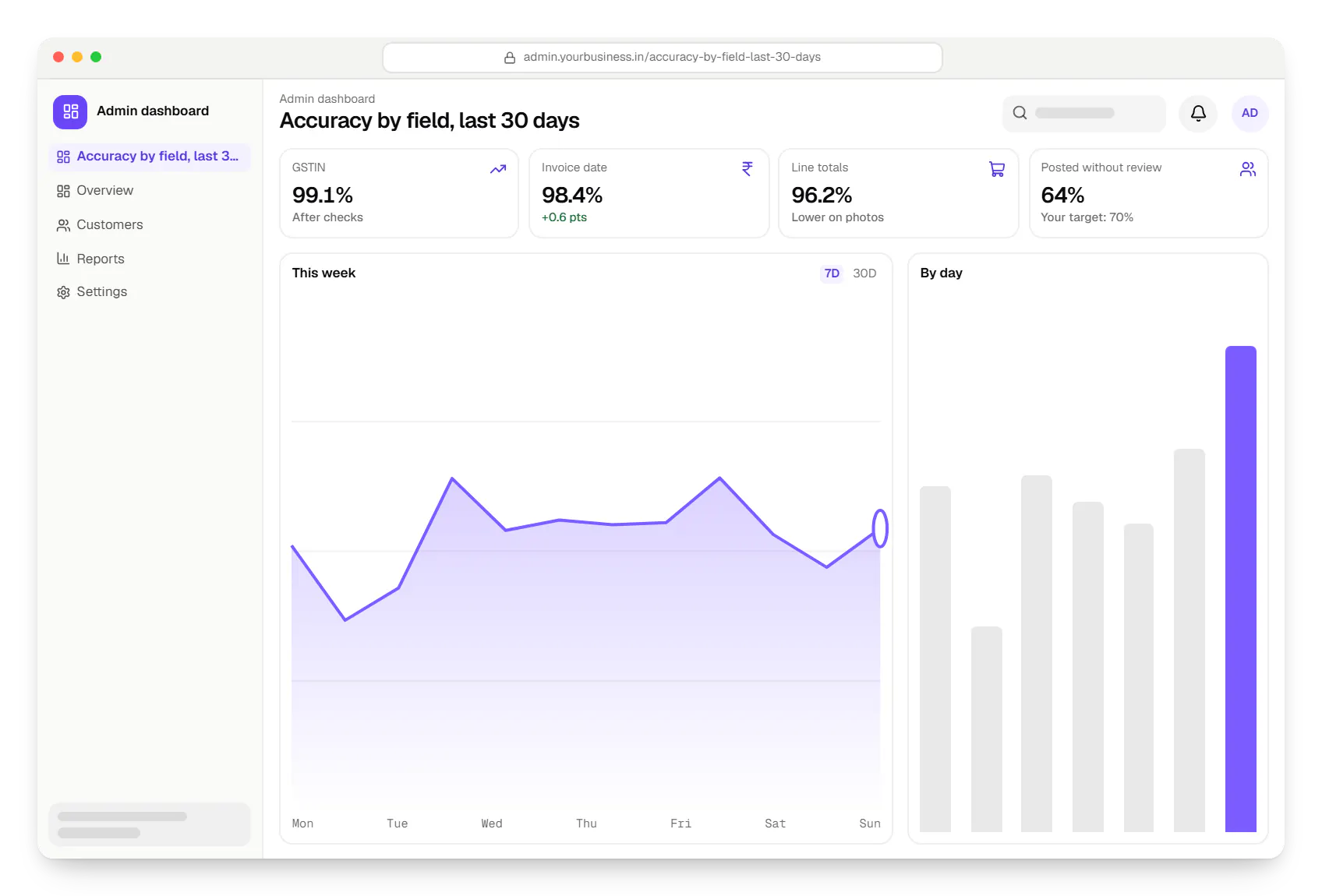
Sample screens: names, prices and figures are examples, not client data.
Industries
Services
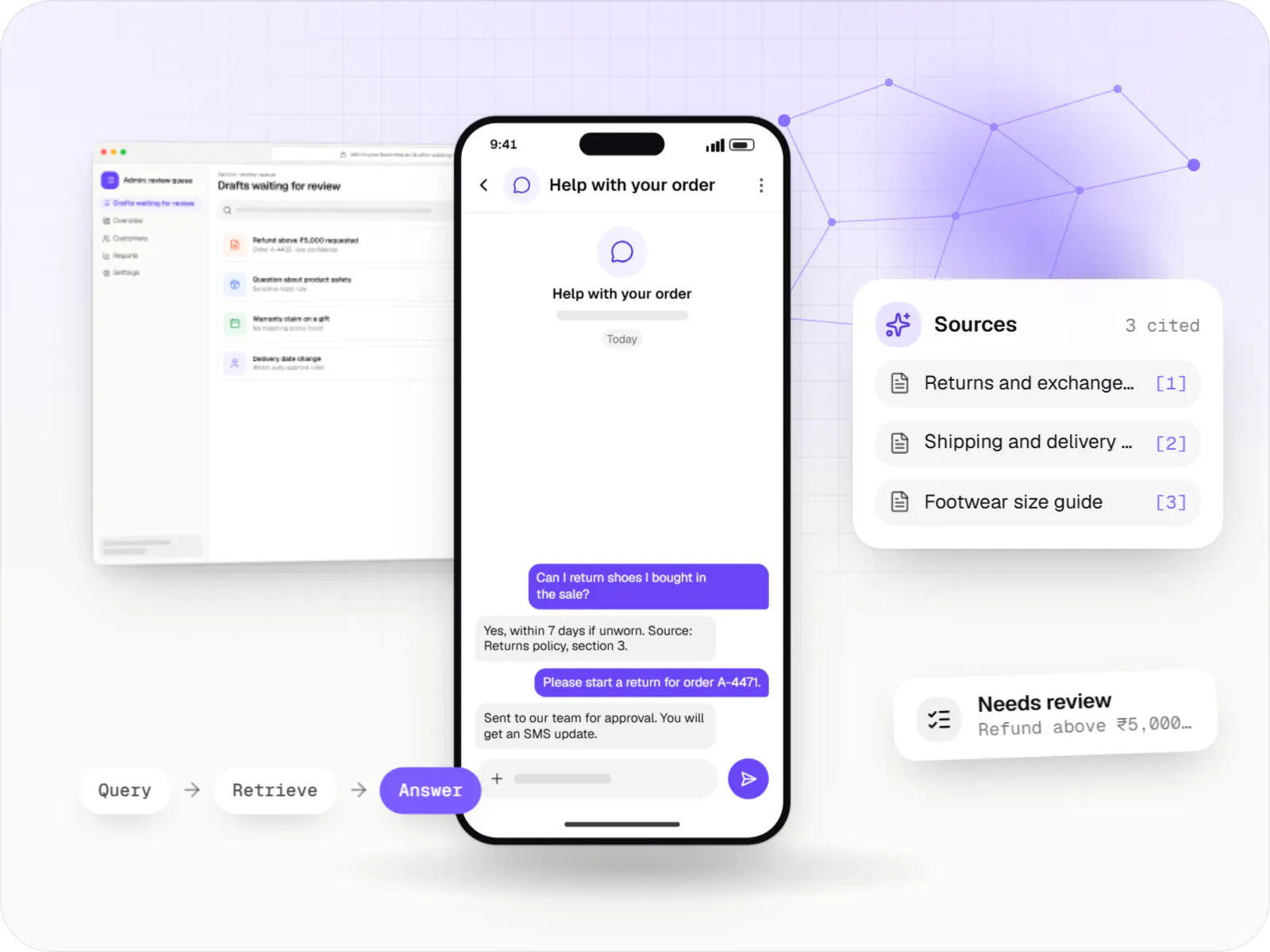
AI features and AI-first apps built on model APIs, retrieval over your own data, workflow automation or custom ML, with evaluation and human review.

Software shaped around how your business runs, from approvals and inventory to billing and reports, replacing spreadsheets and disconnected tools.

Secure, documented REST and GraphQL APIs, plus integrations that connect your apps to payment, logistics, GST, messaging and business systems.

Browser-based products, customer portals, dashboards and internal tools, built on clean data models with secure roles and integrations.

Back-office dashboards built around your team's daily tasks: order queues, approvals, catalogue management, payouts, reports and audit logs.
Cost drivers
Many formats and handwriting need more samples and testing.
Posting most documents unreviewed needs stronger validation.
Poorly lit phone photos need pre-processing and retake prompts.
Tally, ERP or loan-system posting adds integration and reconciliation logic.
Self-hosted models need capacity planning; cloud OCR is billed per page.
Estimates are written from your scope, with the effort and assumptions behind each line item.
How pricing worksFAQ
It depends on document type, layout variety and image quality, so we measure it on your documents rather than quote a figure. The pilot reports accuracy per field, such as GSTIN, invoice date or line total, because averages hide the fields that matter. Clean digital PDFs extract far more reliably than crumpled phone photos. Validation rules and the review queue exist to catch what remains.
Partly. Printed Hindi and several other Indian scripts can be read by current OCR and vision models, with quality varying by script and font. Neat block capitals in form boxes often work; cursive notes and mixed-language scribbles on delivery challans usually need human review. We test your samples per language and design the review workflow around the results.
If you are a regulated lender or partner with one, the Account Aggregator framework gives consented, structured data directly from the bank, avoiding parsing errors and tampered PDFs. Statement parsing is still needed for banks or customers outside the AA network, older periods, or where consent flows are impractical. Many lending products use both, with AA first and upload as the fallback.
Where you decide. Usually processing runs in your own cloud account in an Indian region, with files encrypted and purged after a retention period. If a hosted OCR or model API is used, only the necessary pages are sent, under terms that exclude training. For stricter needs, open-source OCR and models run entirely within your infrastructure, trading some accuracy for full control.
Yes. Approved invoices can create purchase vouchers with ledgers, GST rates and HSN codes mapped, through Tally’s XML integration or a connector you already use. A mapping screen lets the accounts team control vendor ledgers and cost centres. Duplicate checks run before posting, and every voucher links back to its source document for audit.
Next step
Include the difficult ones. We will report field-level accuracy from a prototype before quoting.