
Adds AI features such as chat assistants, document summaries and smart search to your product, built on OpenAI models with human review.
Used for
- AI chatbots
- Document summaries
- Smart search
- Drafting replies
AI virtual assistant development
Assistants that book, schedule, look up records and raise requests by voice or text, with confirmation before every action.
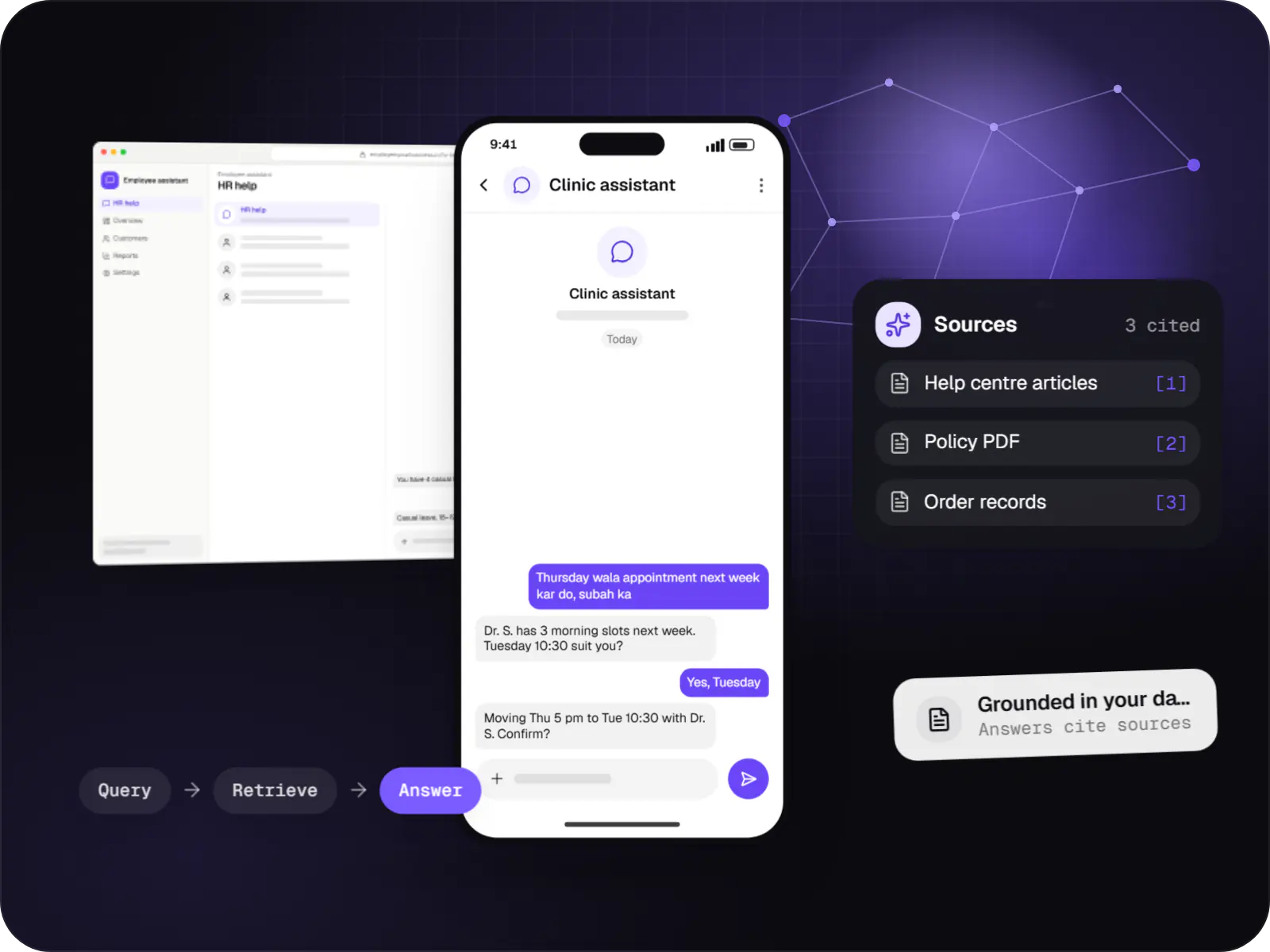
At a glance
How to start
Tell us what you need in your own words. You talk to the developers who would build it and get a written, line-item estimate.
Get a project estimateThe difference between a chatbot and a virtual assistant is what it may do. An assistant works out which system a request needs and performs the step, such as creating a booking, after the user confirms.
That power needs structure. The assistant gets a short list of well-described tools, each backed by an API with its own validation, so the model chooses actions but never writes to your database directly. Anything irreversible, financial or ambiguous waits for an explicit yes, or goes to a person.
Challenges
CRM, ERP and spreadsheets, just to answer one customer query.
Reschedules, balance checks and callbacks tie up reception and call-centre staff.
HR and IT answer the same leave and password questions every week.
Reps need hands-free, voice-first access on patchy networks.
What is included
Platform: Android, iOS, web
Platform: Telephony
Platform: Teams, Slack or web
Platform: Admin dashboard
How it works
Example: a patient moving a clinic appointment by voice. The same pattern applies to leave requests, callbacks and account look-ups.
“Move my Thursday appointment to next week, mornings only.” Speech is turned into text, and key details are read back.
From a short list of allowed actions, such as “find slots” or “reschedule”, it chooses one and fills in the details it heard.
The action runs with the signed-in user’s own access, never a shared admin account, so nobody can do more through the assistant than in the app.
A card shows exactly what will change, for example Tuesday 10:30 instead of Thursday 5 pm. Nothing is written until the user says yes.
Your existing software makes the change with its own validation, and a confirmation goes out by notification or WhatsApp.
Who asked, which tool ran and what changed are recorded for disputes, audits and DPDP Act access requests.
Integrations
Slot look-ups and bookings with delegated access.
Calls routed to the assistant and on to agents.
Whisper, hosted APIs or Indic options such as Bhashini and AI4Bharat models, tested on your audio.
Leave and policy data where the API exposes it.
Account look-ups and activity logging.
Clinic, service-centre or site-visit slots.
Reschedules and template reminders.
Privacy & security
Changes are summarised for approval; the model never initiates payments.
Tool calls run with the signed-in user’s scope, never a shared superuser account.
Callers are told when AI handles or records a call; audio retention is set separately.
Requests, tool calls and results are logged for disputes and DPDP Act access requests.
Platforms
Inside your apps for Android and iOS, often built from one cross-platform codebase, in a web app for staff, and in an admin dashboard for permissions and logs.
Apps for Android phones and tablets, tested on budget and mid-range devices and published on Google Play or privately.
Apps for iPhone and iPad, built to Apple's guidelines and released through TestFlight and the App Store.
One Flutter or React Native codebase for Android and iOS, with native modules where a feature needs them.
Browser-based applications with logins, roles and workflows, such as customer portals, SaaS products and internal tools.
Back-office panels for operations, support and finance teams: orders, users, content, reports and permissions.
Technology
Models interpret the request, NestJS and Node.js services carry out only approved actions, Redis keeps each conversation’s context, and Flutter brings voice and text to both phone platforms.
Adds AI features such as chat assistants, document summaries and smart search to your product, built on OpenAI models with human review.
Used for
Connects your product to AI language models from several providers, so each task uses a suitable model and you can switch later.
Used for
Backend
A programming language for AI features, data processing and automation: the engine behind document reading, reports and smart search.
Used for
Backend
Runs the server side of apps: fast, scalable back ends that power your app, website and integrations.
Used for
Backend
A structured way to build back ends on Node.js, so large business systems stay organised, testable and easy to hand over.
Used for
Data
A reliable database for the records your business runs on: orders, payments, bookings and stock, kept accurate and easy to report on.
Used for
Data
Keeps frequently used data in fast memory, so apps stay quick on busy days and live features like order tracking feel instant.
Used for
Mobile
Build Android and iOS apps from one shared codebase, so you launch on both platforms faster with a consistent experience.
Used for
Cloud & DevOps
Cloud hosting for your app, website and data, with data centres in India and room to grow when traffic rises.
Used for
Flutter and the related logo are trademarks of Google LLC. We are not endorsed by or affiliated with Google LLC.
Plain-English glossary
Product preview
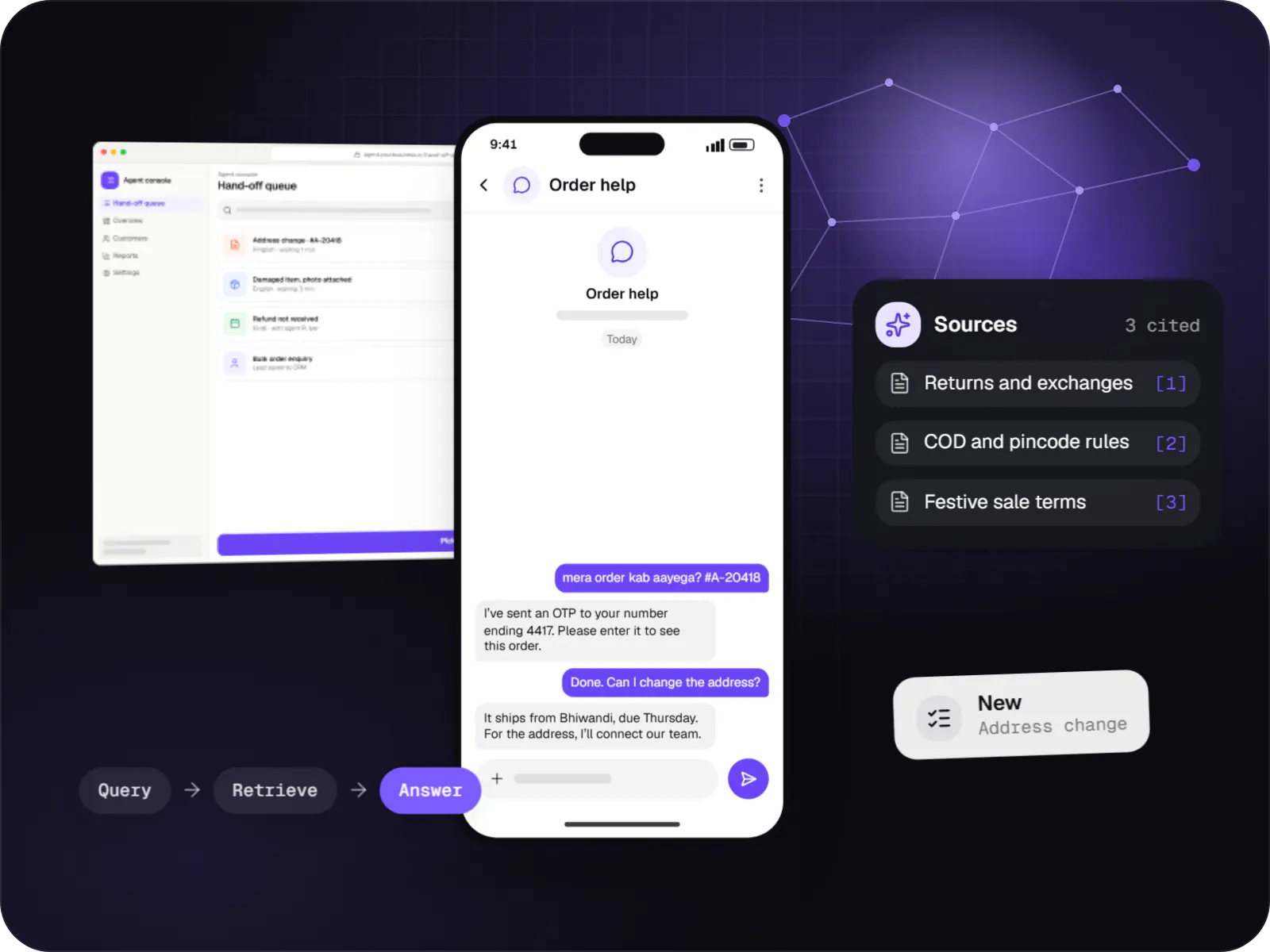
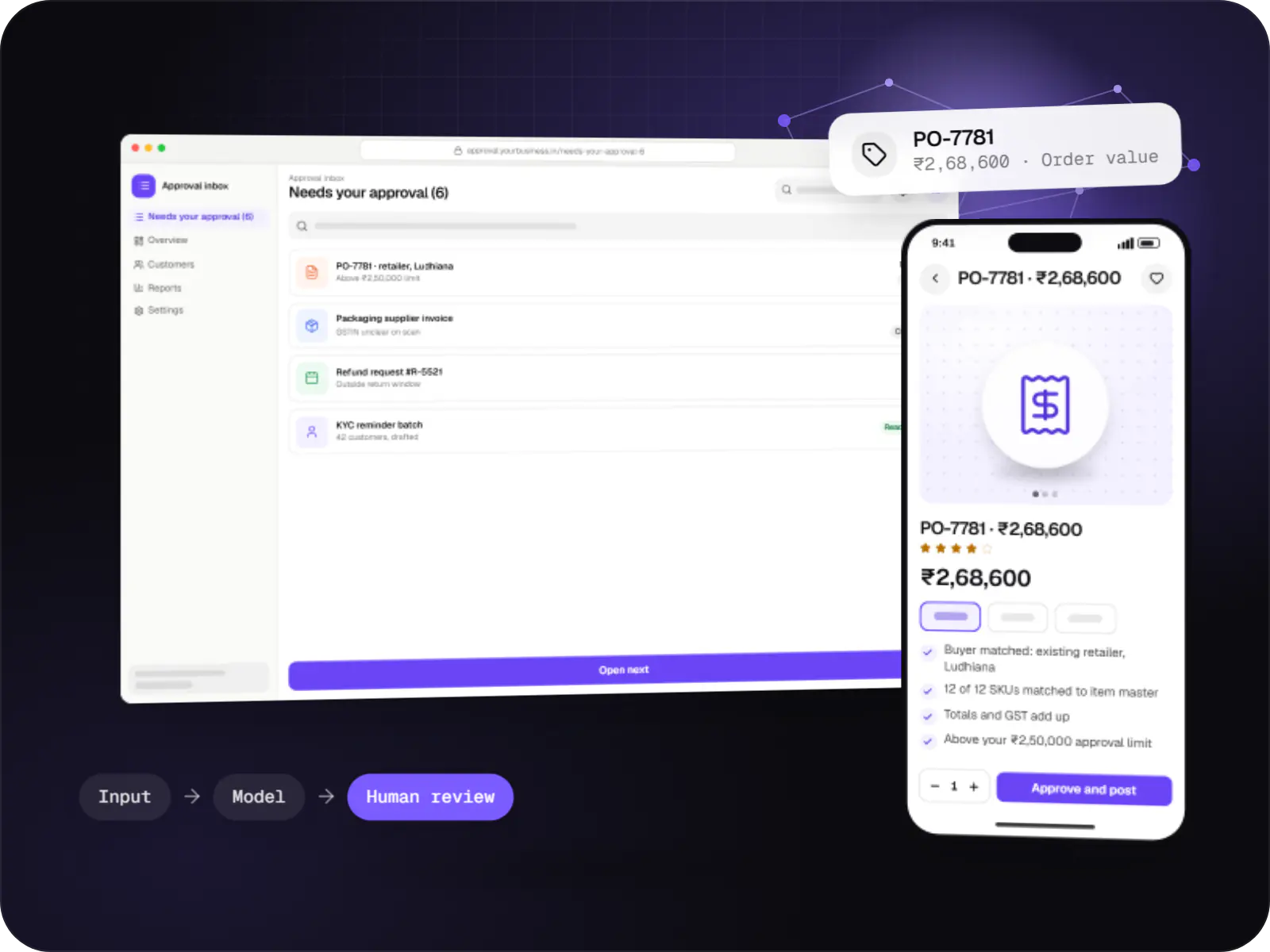
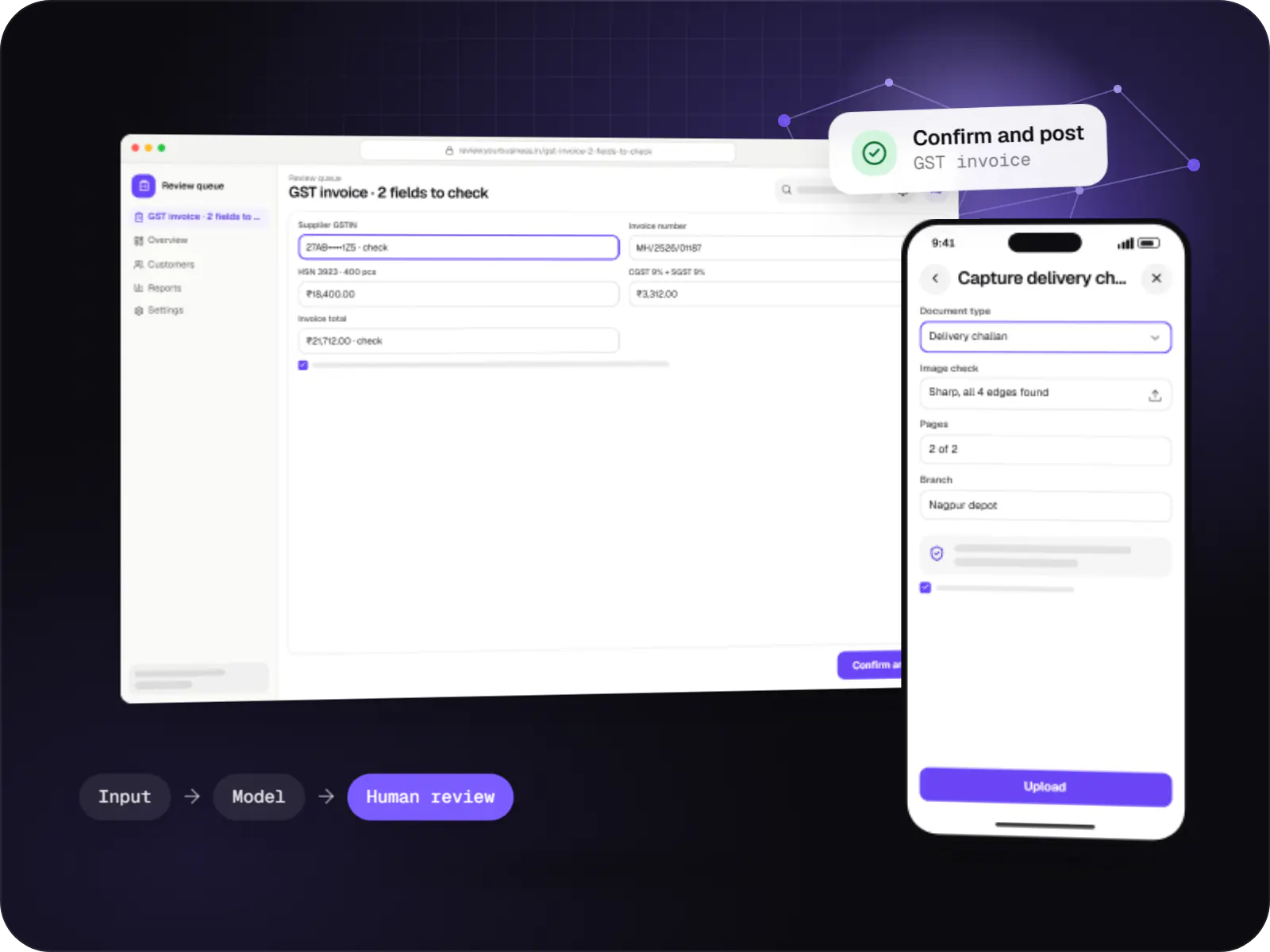
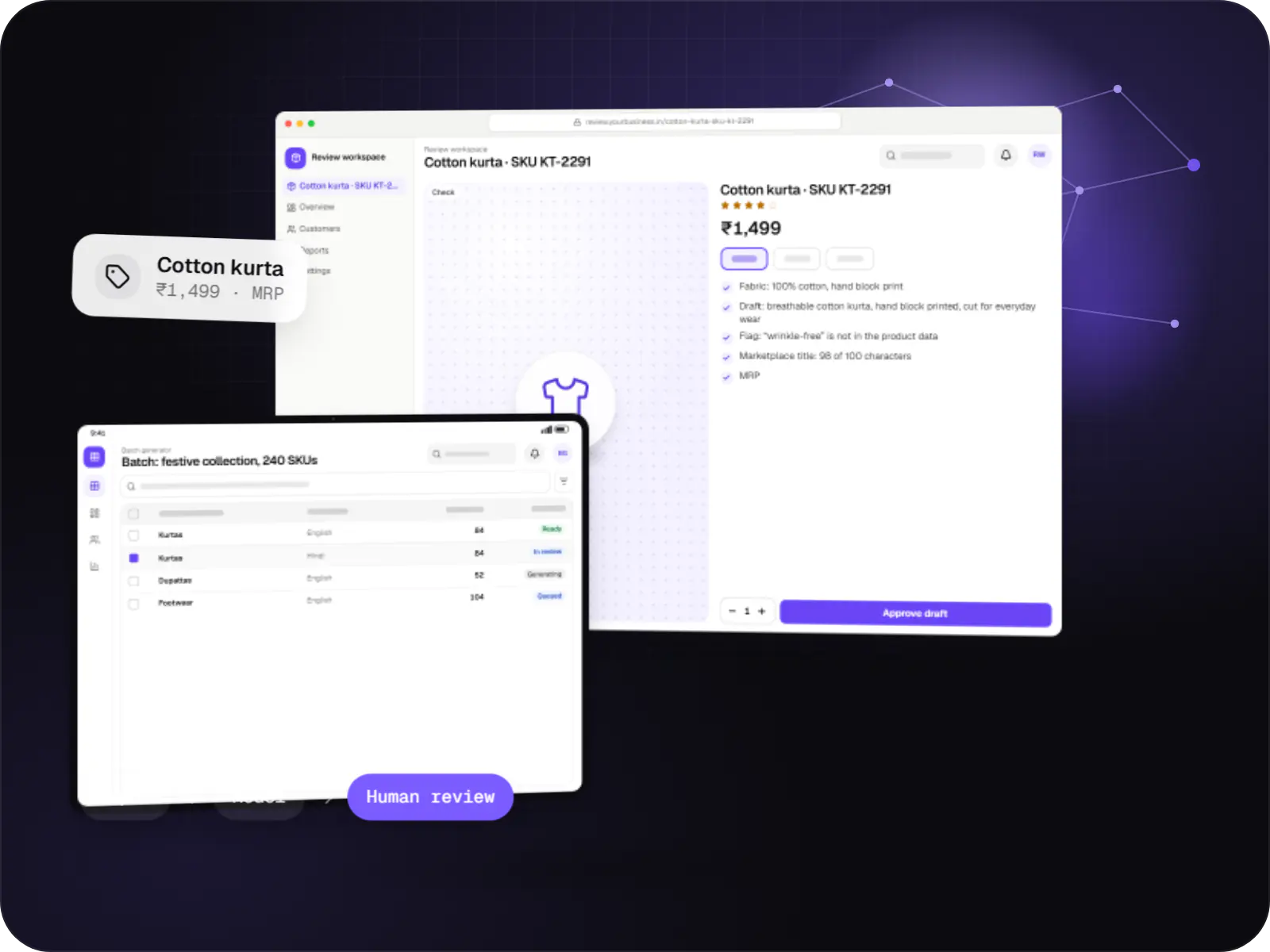
Illustrative screens, using an assistant for a multi-doctor clinic and its staff as the example.
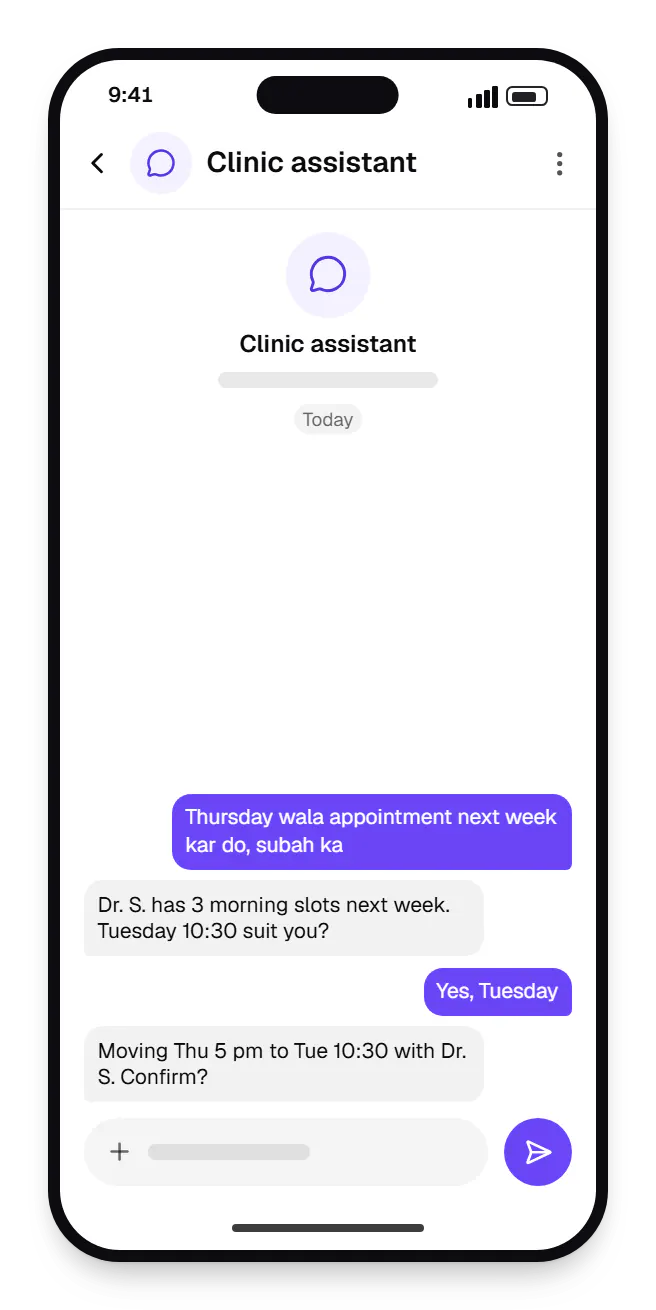
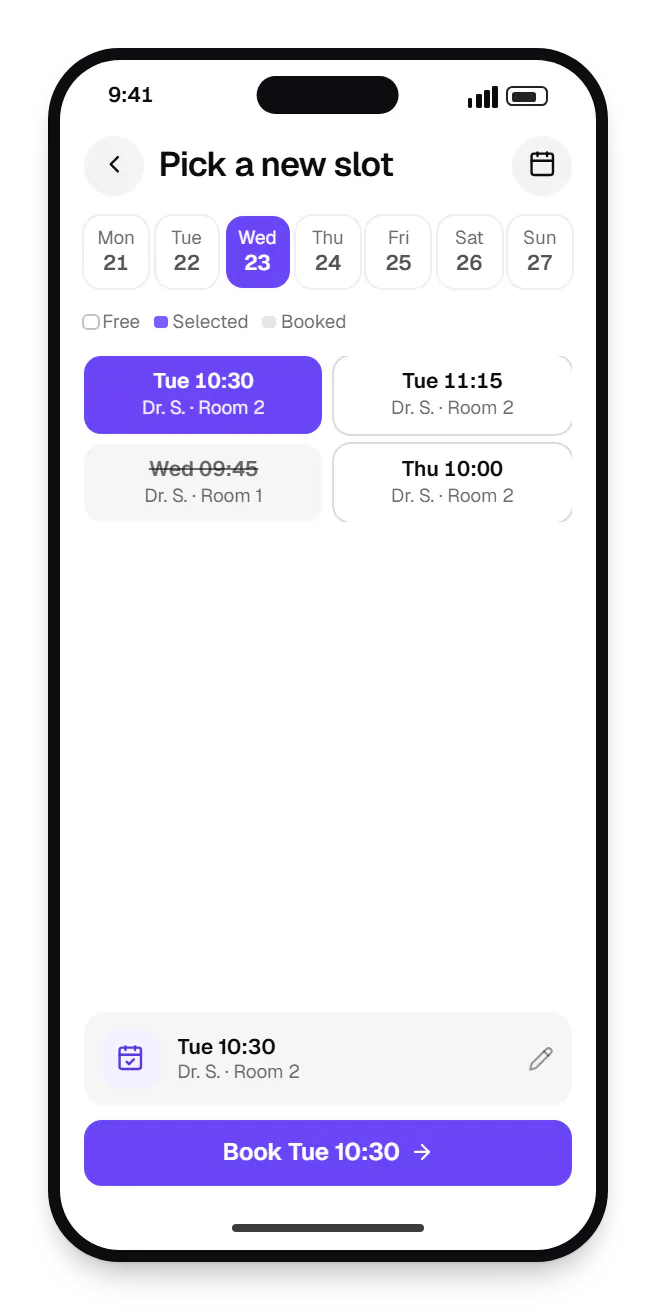
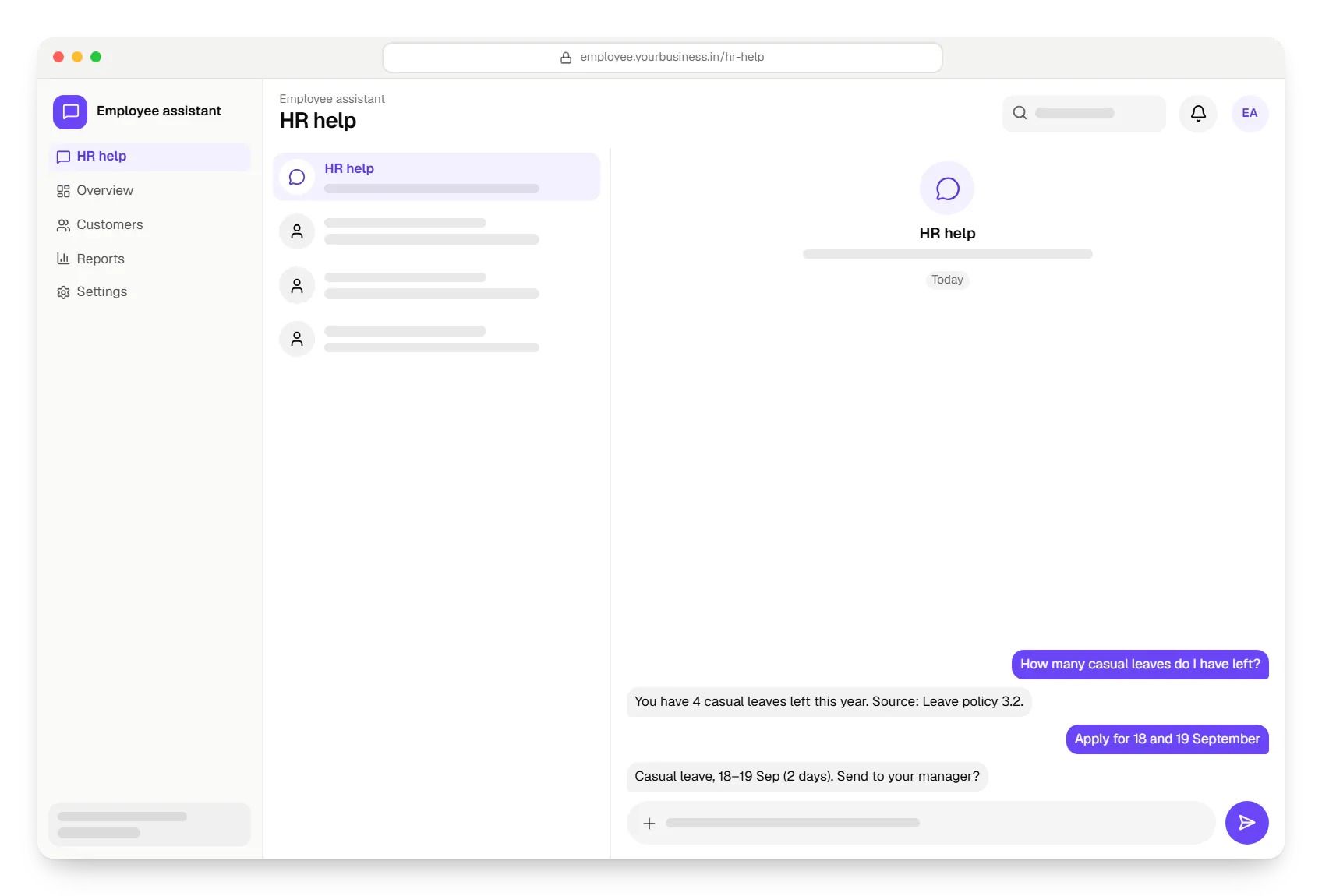
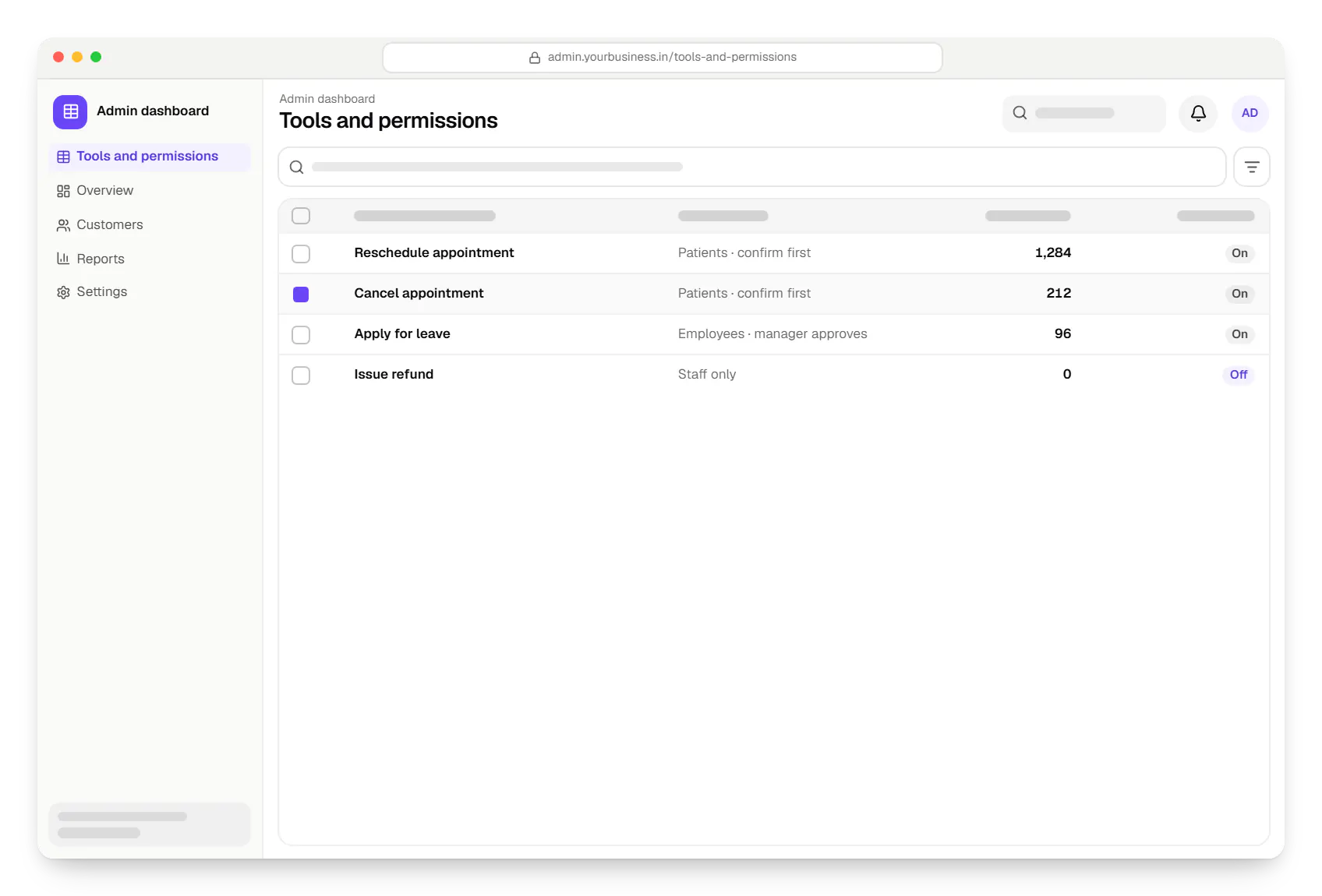
Sample screens: names, prices and figures are examples, not client data.
Industries
Services
AI features and AI-first apps built on model APIs, retrieval over your own data, workflow automation or custom ML, with evaluation and human review.

Native and cross-platform Android and iOS apps, from first release through regular store updates, built by our in-house designers and engineers.

Browser-based products, customer portals, dashboards and internal tools, built on clean data models with secure roles and integrations.

Secure, documented REST and GraphQL APIs, plus integrations that connect your apps to payment, logistics, GST, messaging and business systems.

Android and iOS apps from one Dart codebase, built by engineers who know when Flutter is the right call and when native code is needed.
Cost drivers
Each action needs an API, validation, confirmation UI and failure handling; writes cost more than reads.
Telephony, speech recognition, latency tuning and accent testing add work.
Each language needs its own test recordings and phrasing review.
Systems without usable APIs need a middleware or sync layer first.
Estimates are written from your scope, with the effort and assumptions behind each line item.
How pricing worksWork
Illustrative projects that show how we plan and build this kind of product. They are samples, not client work.
AI solutions
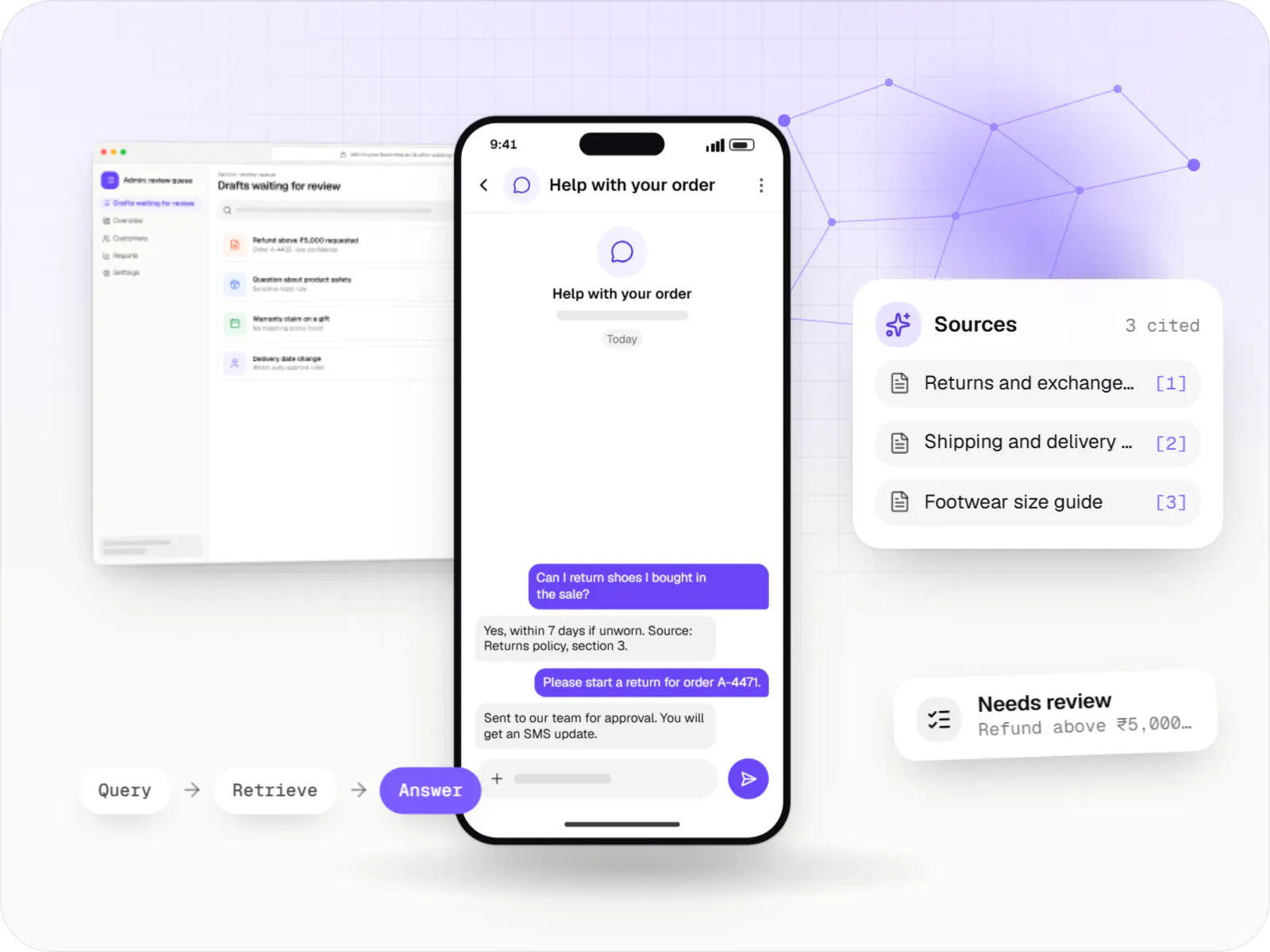
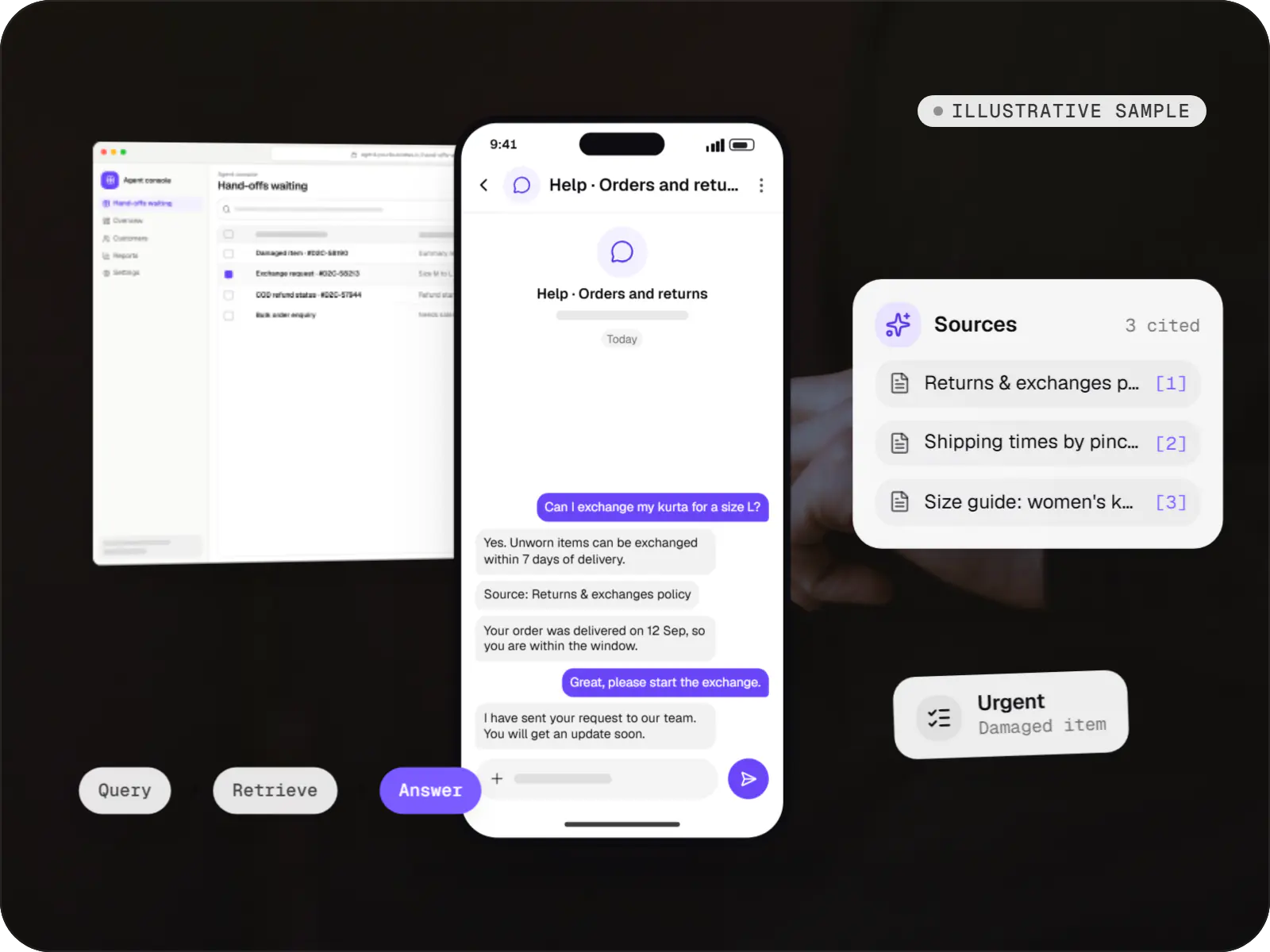
An illustrative AI assistant that answers order, return and product questions from a D2C brand's own policies and order data, with sources and a human hand-off.
Runs on
Built with
FAQ
A chatbot mainly answers questions; an assistant also acts in your systems for the user. That needs well-defined tools backed by APIs, authentication, per-action permissions, confirmation steps and an audit log. It keeps context across steps: find a slot, check the doctor’s availability, book, send a reminder. Many products start as a chatbot and add actions once the answers are reliable.
Hindi and Indian English work reasonably well with current speech models; other Indian languages vary with accent, audio quality and background noise. We collect sample audio from your real users, measure error rates and compare providers and open models before choosing. In noisy places such as shop floors, the assistant reads key details back, so a misheard word does not become a wrong booking.
Not on its own. The assistant can prepare the action, such as filling a reimbursement claim or requesting a payment link from your backend, and the user or an approver confirms it through a normal authenticated step. The busywork is automated, while the financial decision and controls such as maker-checker rules stay with people.
APIs, mostly. Each action needs a way to read or write the relevant record with proper authentication. Many CRMs, HRMS tools, calendars and helpdesks already offer this; older or in-house systems may need a small API layer, which we can build. We also need a clear list of who may do what, because the assistant inherits those permissions rather than having broad access of its own.
Next step
Tell us the ten requests people make most often. We will map which can be automated safely.