Web
React
Builds interactive screens in the browser, such as dashboards, admin panels and portals, that respond instantly as your team works.
Used for
- Web apps
- Admin panels
- Dashboards
- Customer portals
Industries · Clinics
Spend less time on appointments, paperwork and follow-up calls, and more time with patients.
At a glance
What it is
Software for clinics: online appointments, token queues, specialty-specific EMR, e-prescriptions, billing, reminders and optional teleconsultation.
For single-doctor practices, polyclinics and multi-speciality clinic chains, including dental, dermatology, physiotherapy, IVF, eye care and paediatric clinics.
How to start
Tell us what you need in your own words. You talk to the developers who would build it and get a written, line-item estimate.
Get a project estimateA clinic's day is shaped by the appointment book. Patients call or message on WhatsApp to book, walk-ins join the queue, and the front desk balances both while collecting payments and answering questions. In the consultation room, the doctor wants history at a glance and a prescription that doesn't take five minutes to type.
We build clinic software around that flow: online booking with a live token queue, an EMR with templates designed for each specialty, e-prescriptions shared on WhatsApp, simple billing and automated reminders for follow-ups and repeat visits. Multi-branch clinics get a shared patient record and central reporting, and teleconsultation can be added for follow-ups where it suits the specialty.
Challenges
Front desks spend hours on calls, and no-shows leave gaps in the schedule.
Patients cannot see where they stand in the queue, so everyone arrives early.
Hospital-style records slow down a dentist or dermatologist who needs specialty fields.
Patients due for review or the next session are not reminded systematically.
Multi-location clinics can't see a patient's history across branches.
Solutions
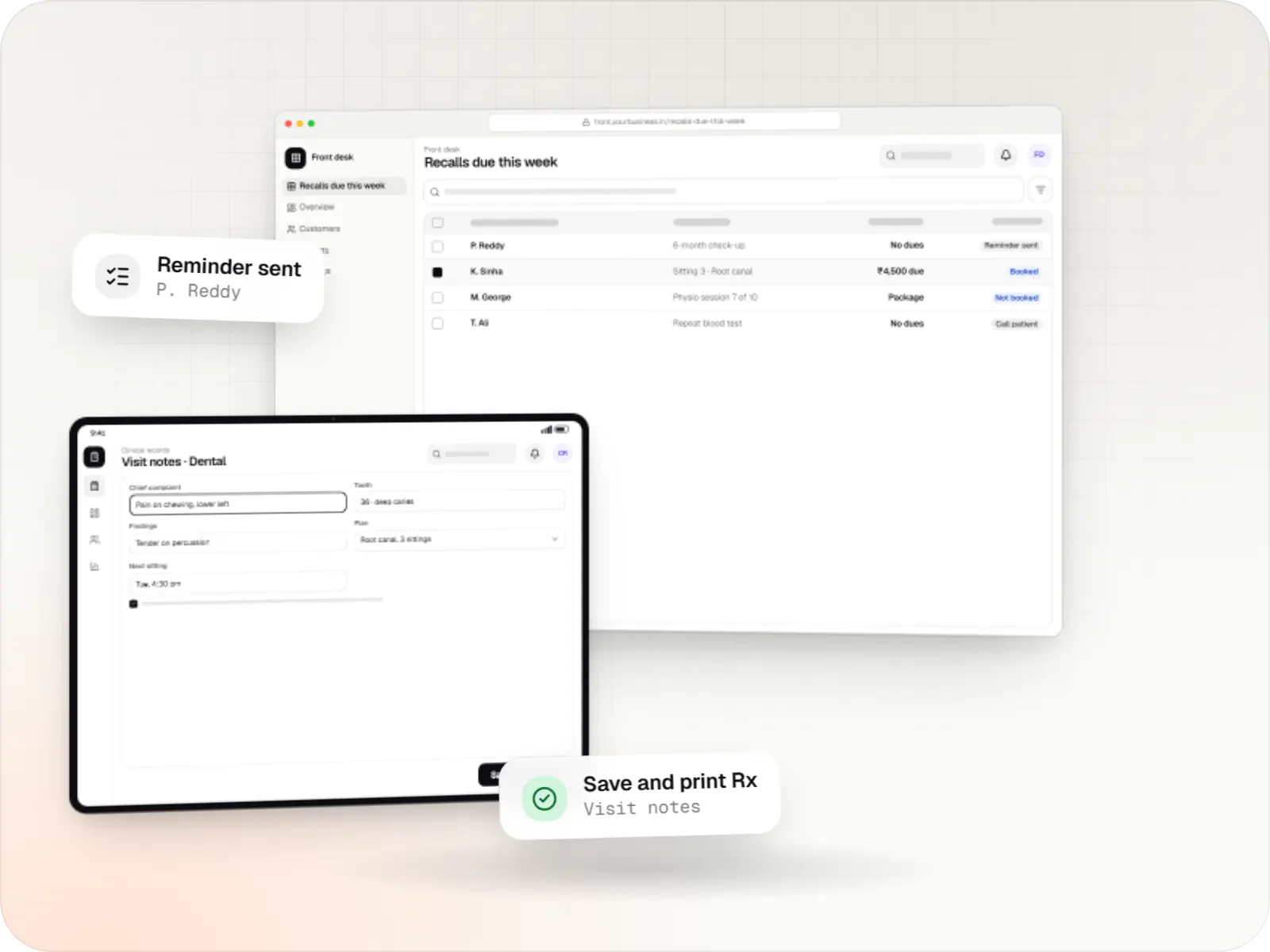
Patient records, visit notes, treatment plans, billing and recalls for clinics, dental and physiotherapy practices, diagnostic centres and speciality care.
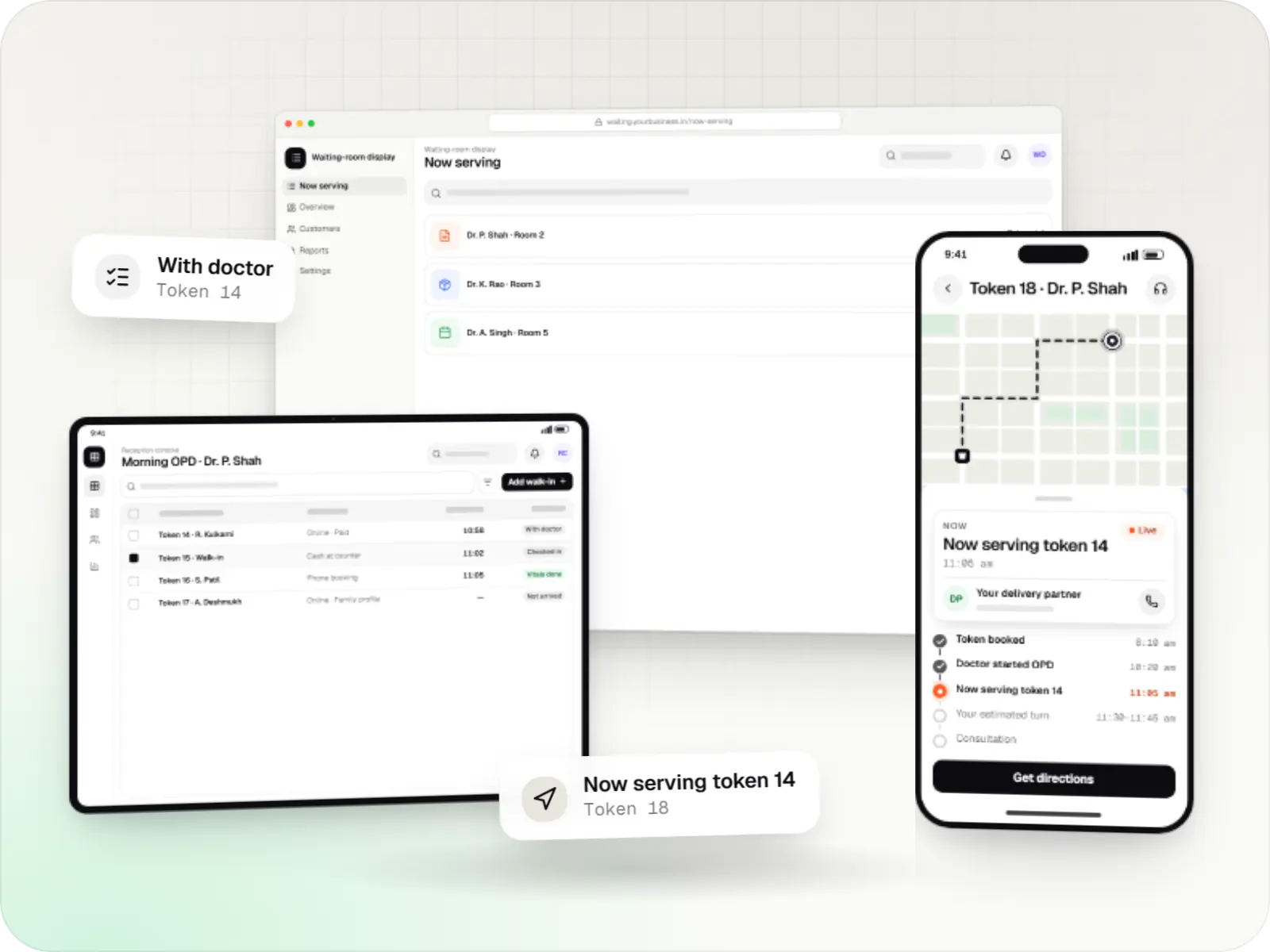
Appointment apps for clinics, polyclinics and hospital OPDs with slot and token booking, live queue status, reminders, prepayment and a reception console.
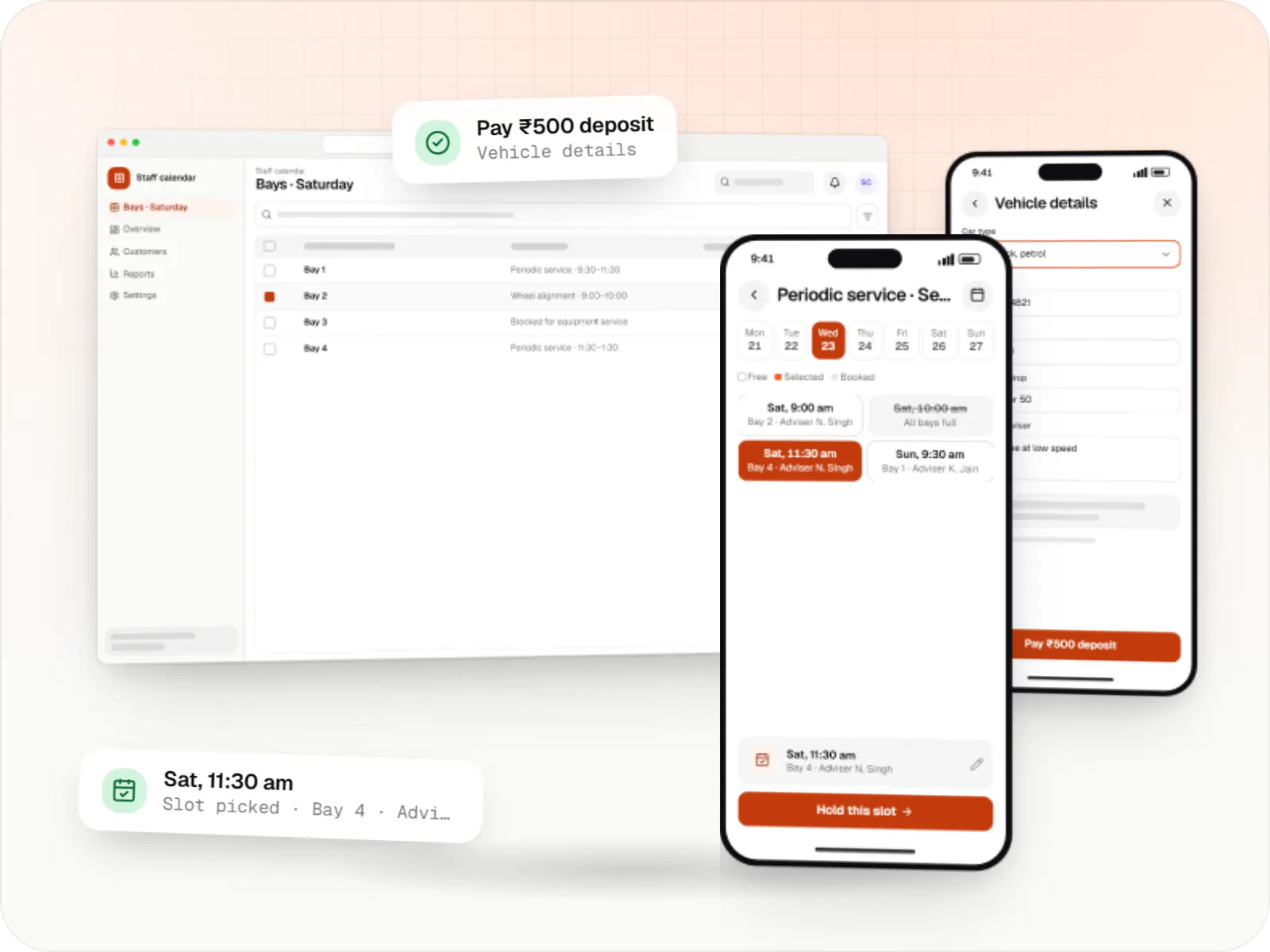
Custom scheduling software for consultants, service centres, labs and multi-location businesses: availability rules, reminders, payments and calendar sync.
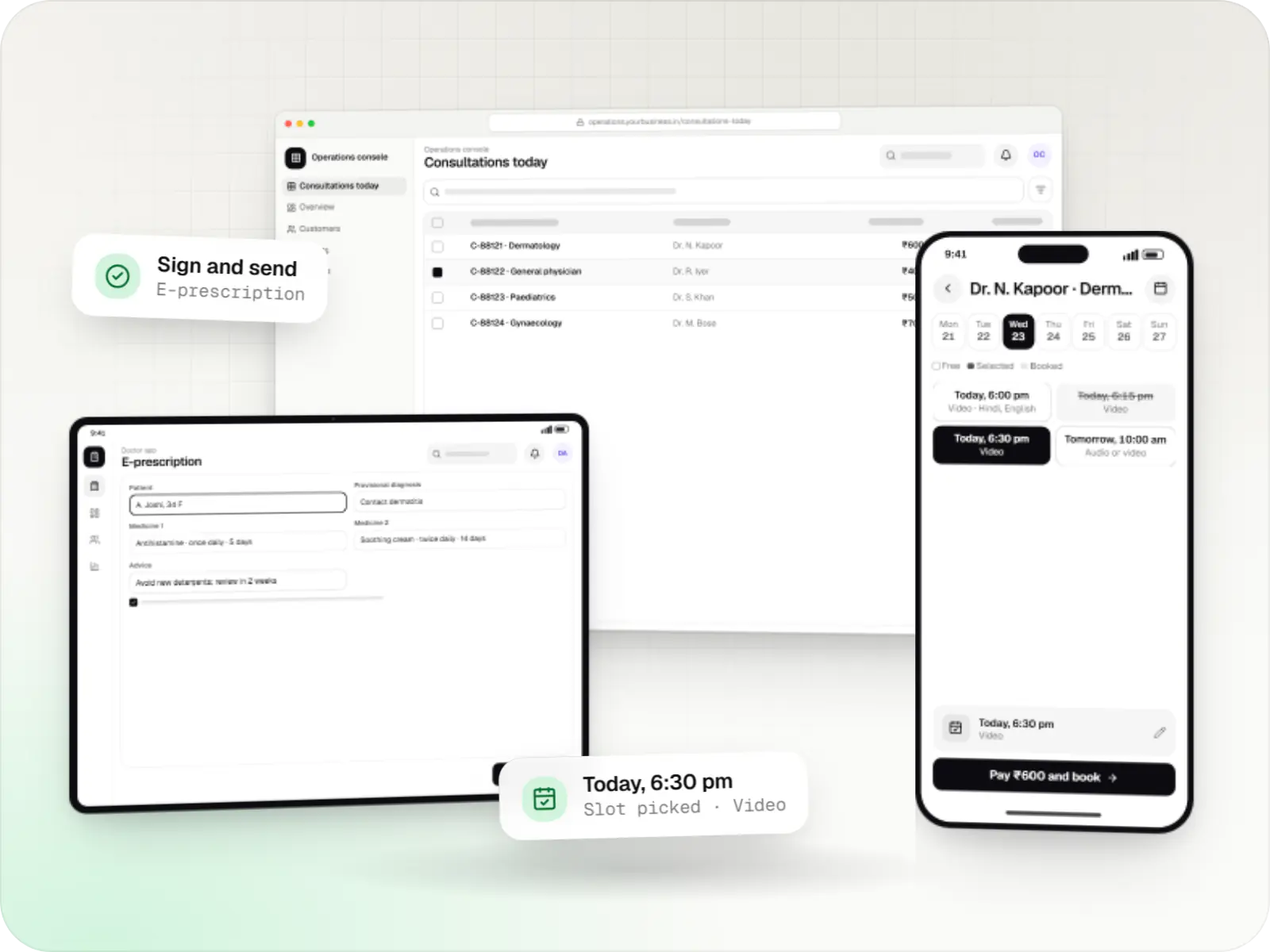
Video, audio and chat consultation platforms with scheduling, e-prescriptions, payments and records, designed around the Telemedicine Practice Guidelines.
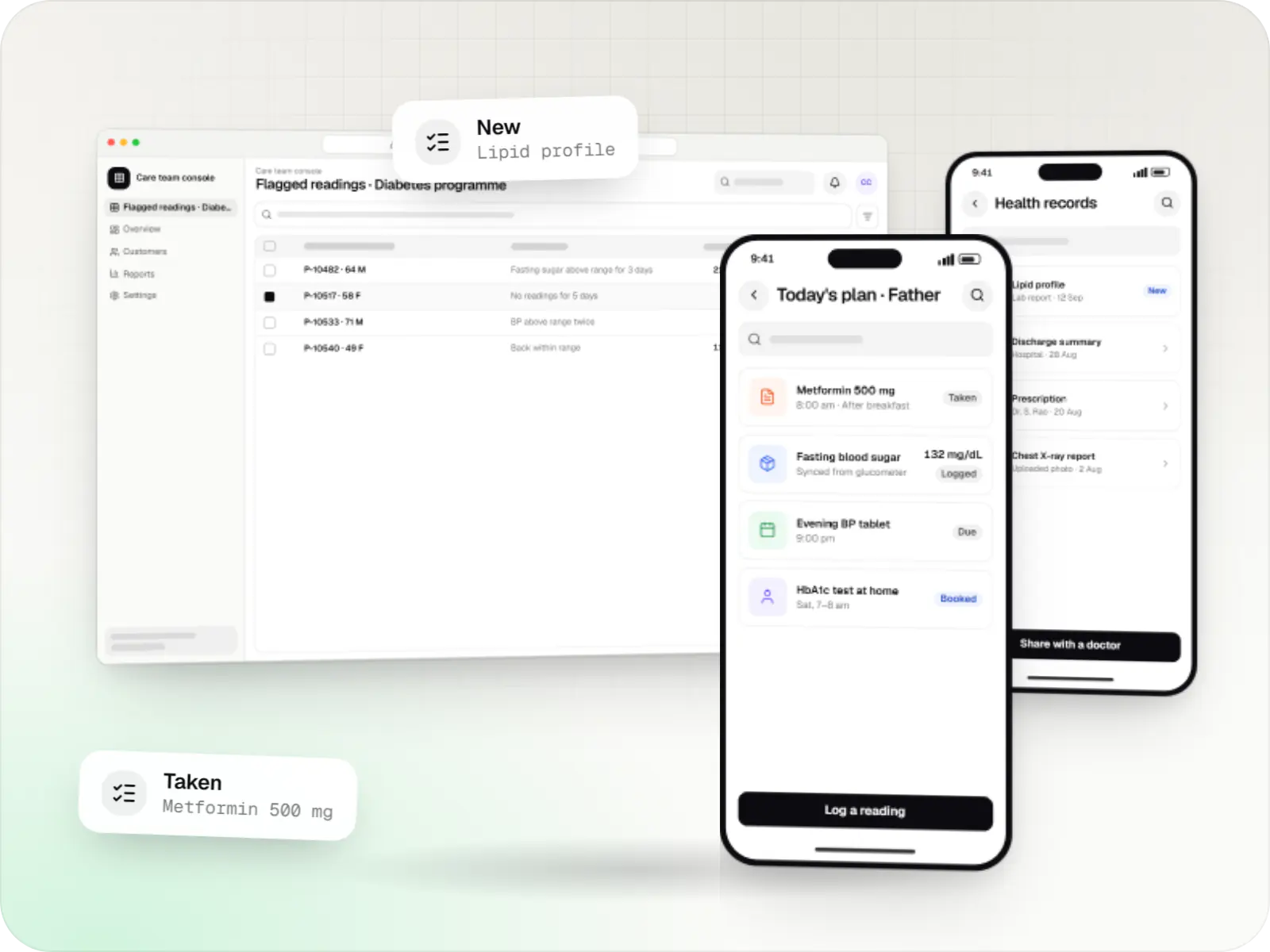
Patient and care-team apps for health records, chronic care programmes, lab bookings, wellness and follow-ups, designed with consent and privacy first.
Slot booking on web or WhatsApp, walk-in tokens and live queue status sent by SMS or WhatsApp.
Dental charts, skin photo logs, physiotherapy session notes or refraction records, depending on your practice.
Structured prescriptions with dosage templates, printed or shared digitally.
Automated reminders for appointments, follow-ups, vaccinations or treatment sessions.
Consultation, procedure and package billing with UPI and card payments.
Video or audio follow-ups for suitable cases, in line with telemedicine guidelines.
How it works
The appointment book, the EMR and reminders share one patient record.
On the website, the app or a WhatsApp chat, while walk-ins are given a token at the front desk.
Confirmation and live token status go out by SMS or WhatsApp, so patients arrive closer to their turn.
The specialty EMR template shows previous visits, charts and photos on one screen.
Dosage templates speed up the prescription, which is printed or sent to the patient's phone.
Consultation, procedure or package billing, paid by UPI, card or cash.
Follow-ups, vaccinations or the next treatment session are reminded automatically, so reviews are not missed.
Then it starts again at step 1: Patient books a slot
Platforms
Browser-based applications with logins, roles and workflows, such as customer portals, SaaS products and internal tools.
Apps for Android phones and tablets, tested on budget and mid-range devices and published on Google Play or privately.
Apps for iPhone and iPad, built to Apple's guidelines and released through TestFlight and the App Store.
Installable web apps with offline support and notifications, useful when an app-store listing isn't essential or phones have little storage.
Back-office panels for operations, support and finance teams: orders, users, content, reports and permissions.
Technology
Web
Builds interactive screens in the browser, such as dashboards, admin panels and portals, that respond instantly as your team works.
Used for
Web
A modern web technology for fast, search-friendly websites, online stores and web applications that load quickly on mobile.
Used for
Backend
A structured way to build back ends on Node.js, so large business systems stay organised, testable and easy to hand over.
Used for
Data
A reliable database for the records your business runs on: orders, payments, bookings and stock, kept accurate and easy to report on.
Used for
Cloud & DevOps
Ready-made building blocks for mobile apps, such as push notifications, phone OTP login and crash reports, so you launch sooner.
Used for
Payments & maps
Lets customers in India pay by UPI, cards, netbanking or wallets, and handles subscriptions, refunds and payouts to sellers or partners.
Used for
Plain-English glossary
Product preview
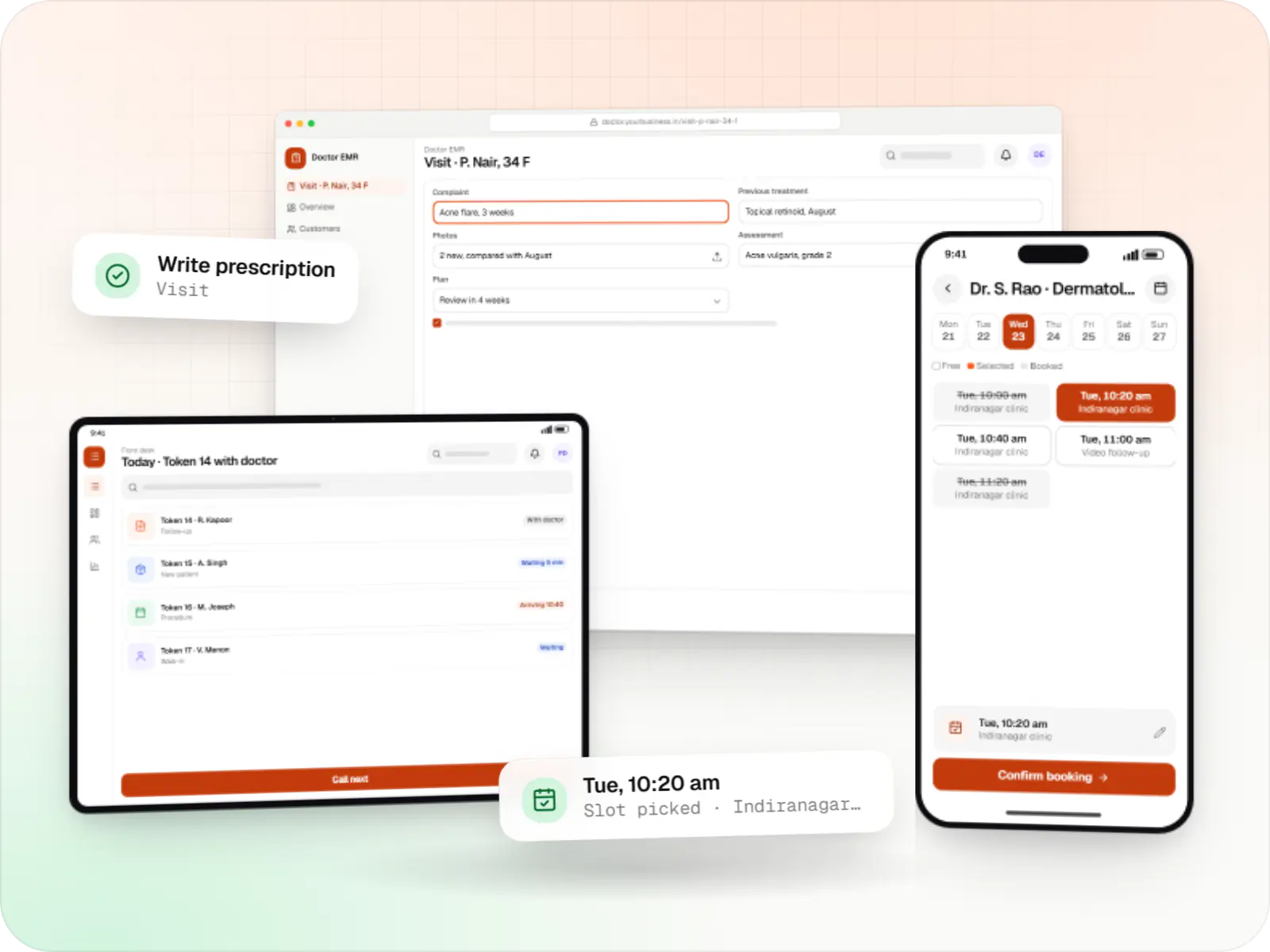
Sample screens for a dermatology clinic; templates change with your specialty.
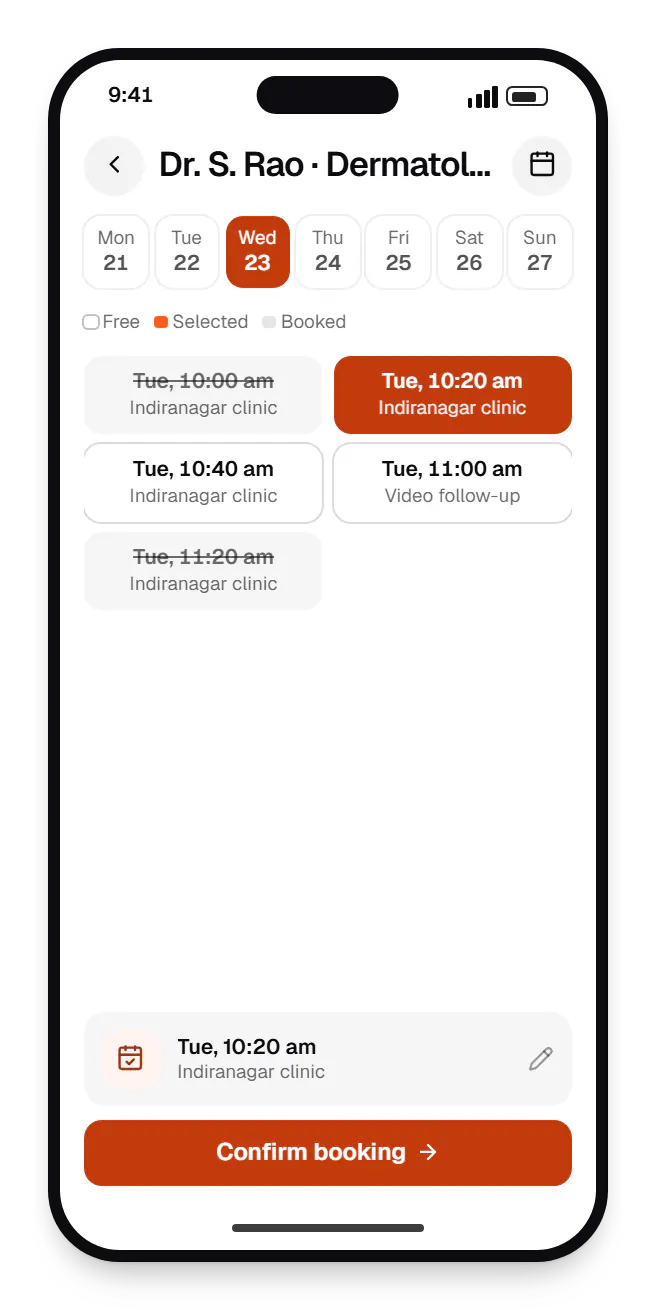
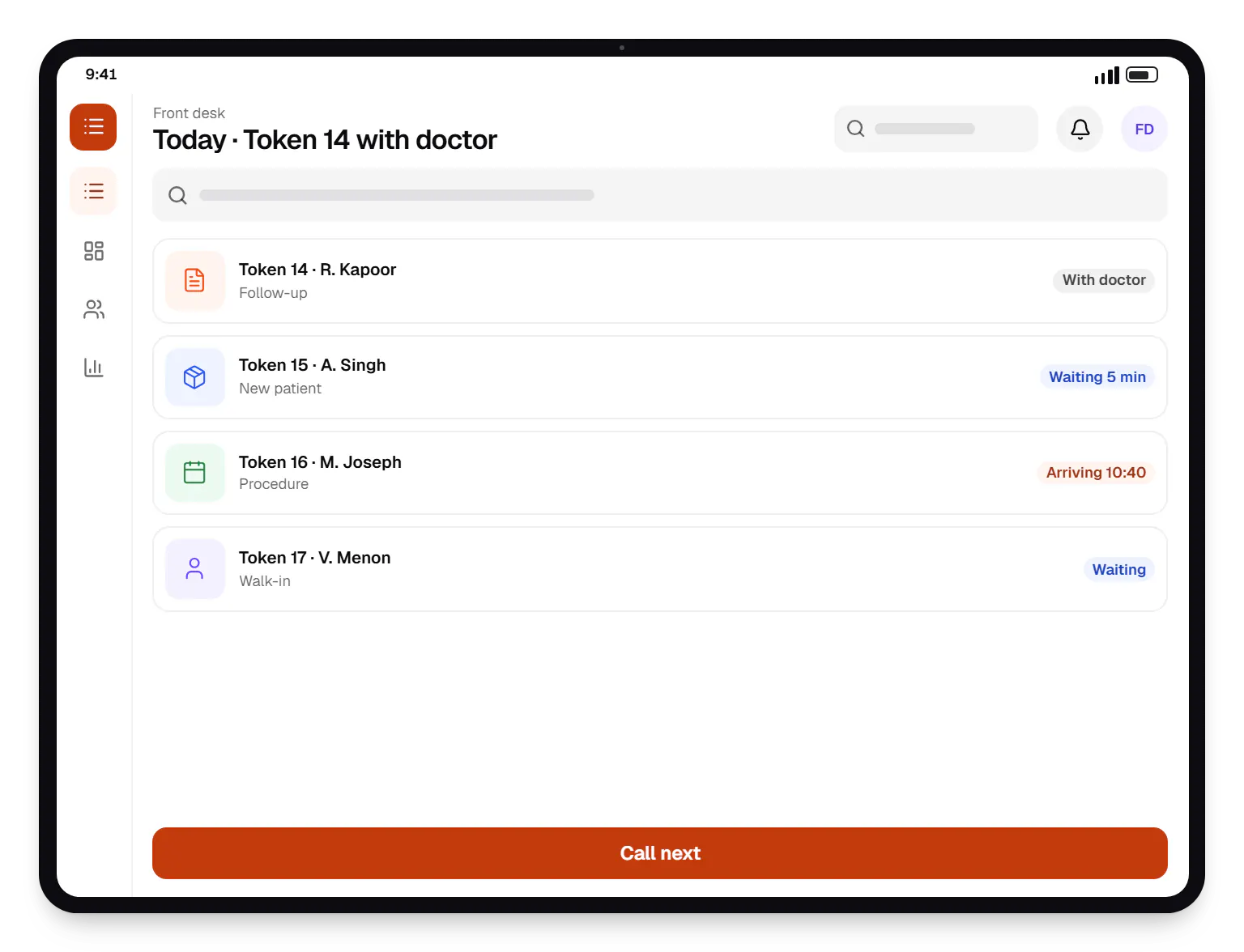
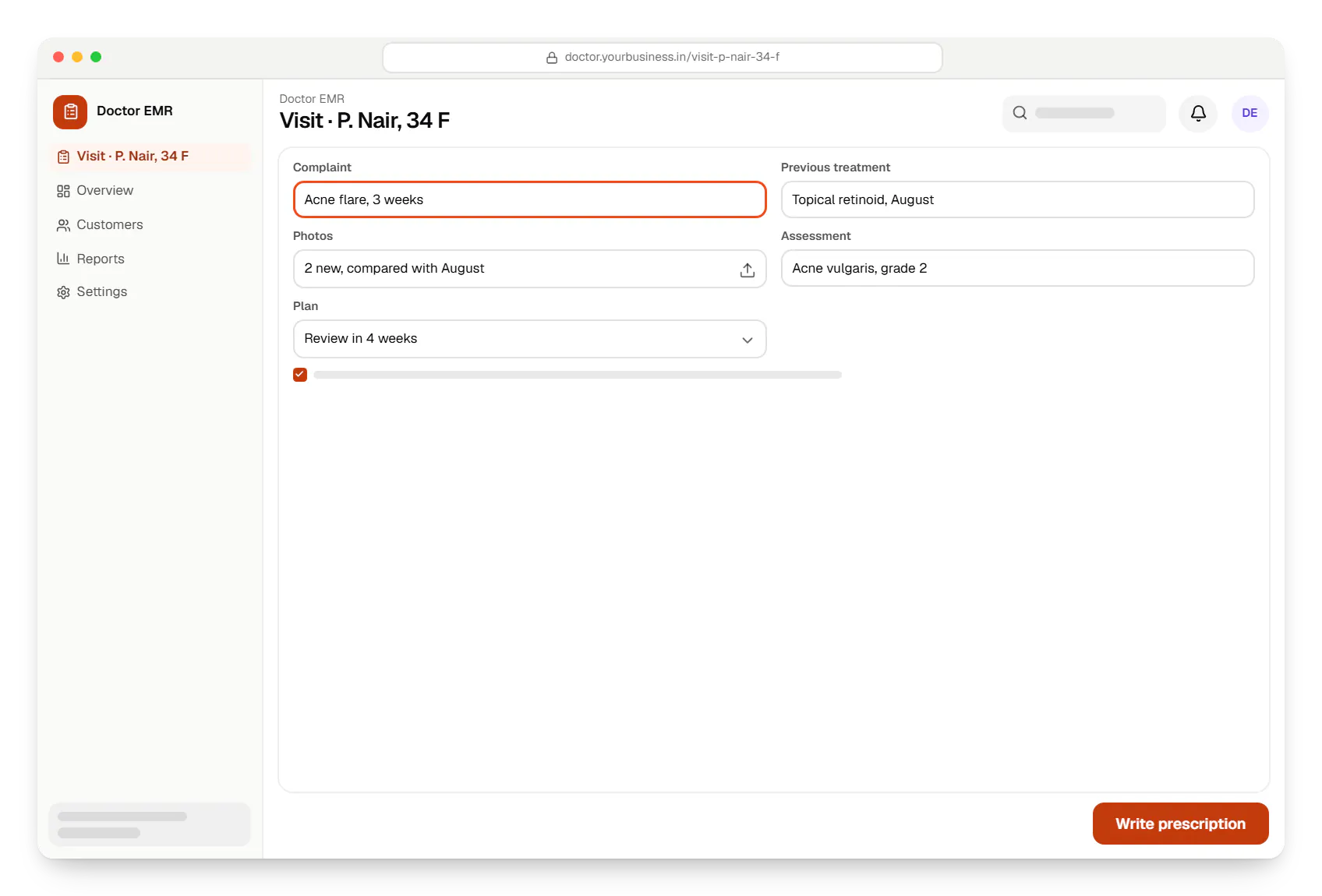
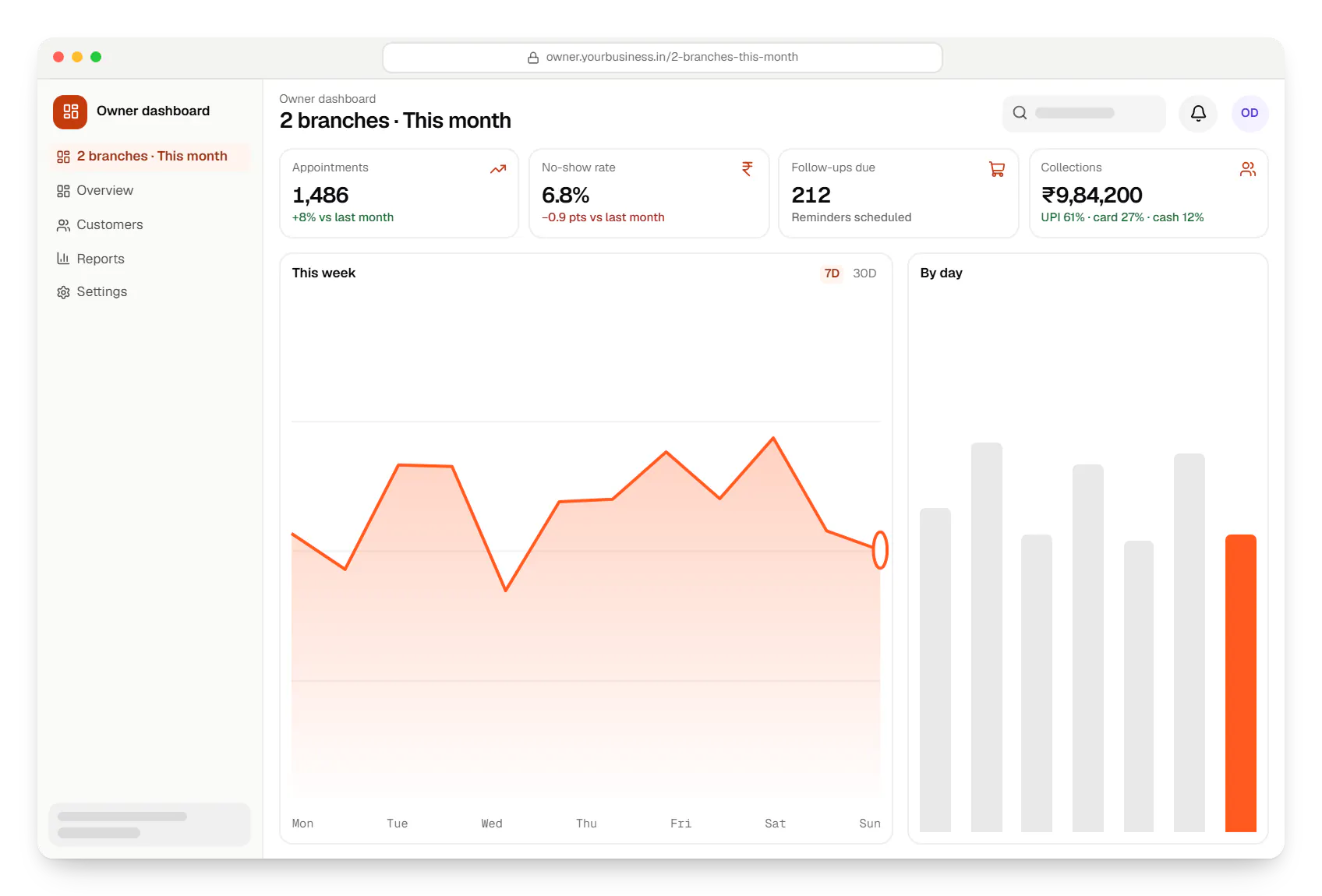
Sample screens: names, prices and figures are examples, not client data.
Work
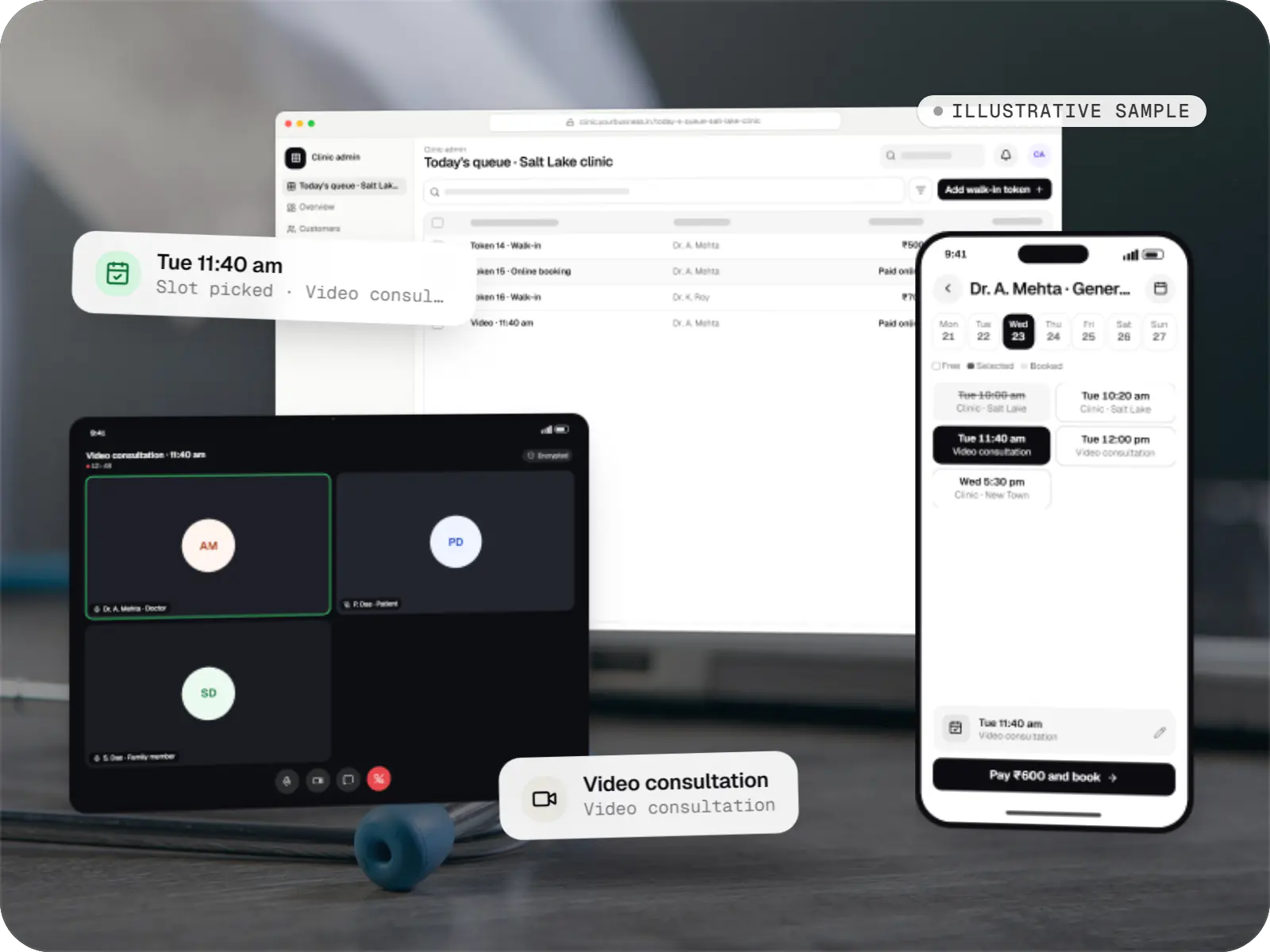
Healthcare software
An illustrative patient app, doctor app and clinic admin for in-person and video consultations, with digital prescriptions and consent-based record access.
Runs on
Built with
Cost drivers
Detailed charts and imaging for dental or dermatology take more design than general notes.
Multi-branch scheduling, shared records and permissions add scope.
WhatsApp messaging, payment gateways, lab partners and ABDM each add work.
A branded patient app costs more than web booking and WhatsApp flows.
Estimates are written from your scope, with the effort and assumptions behind each line item.
How pricing worksServices
The design and engineering services our in-house team combines on projects in this sector.

Browser-based products, customer portals, dashboards and internal tools, built on clean data models with secure roles and integrations.

Native and cross-platform Android and iOS apps, from first release through regular store updates, built by our in-house designers and engineers.

Software shaped around how your business runs, from approvals and inventory to billing and reports, replacing spreadsheets and disconnected tools.
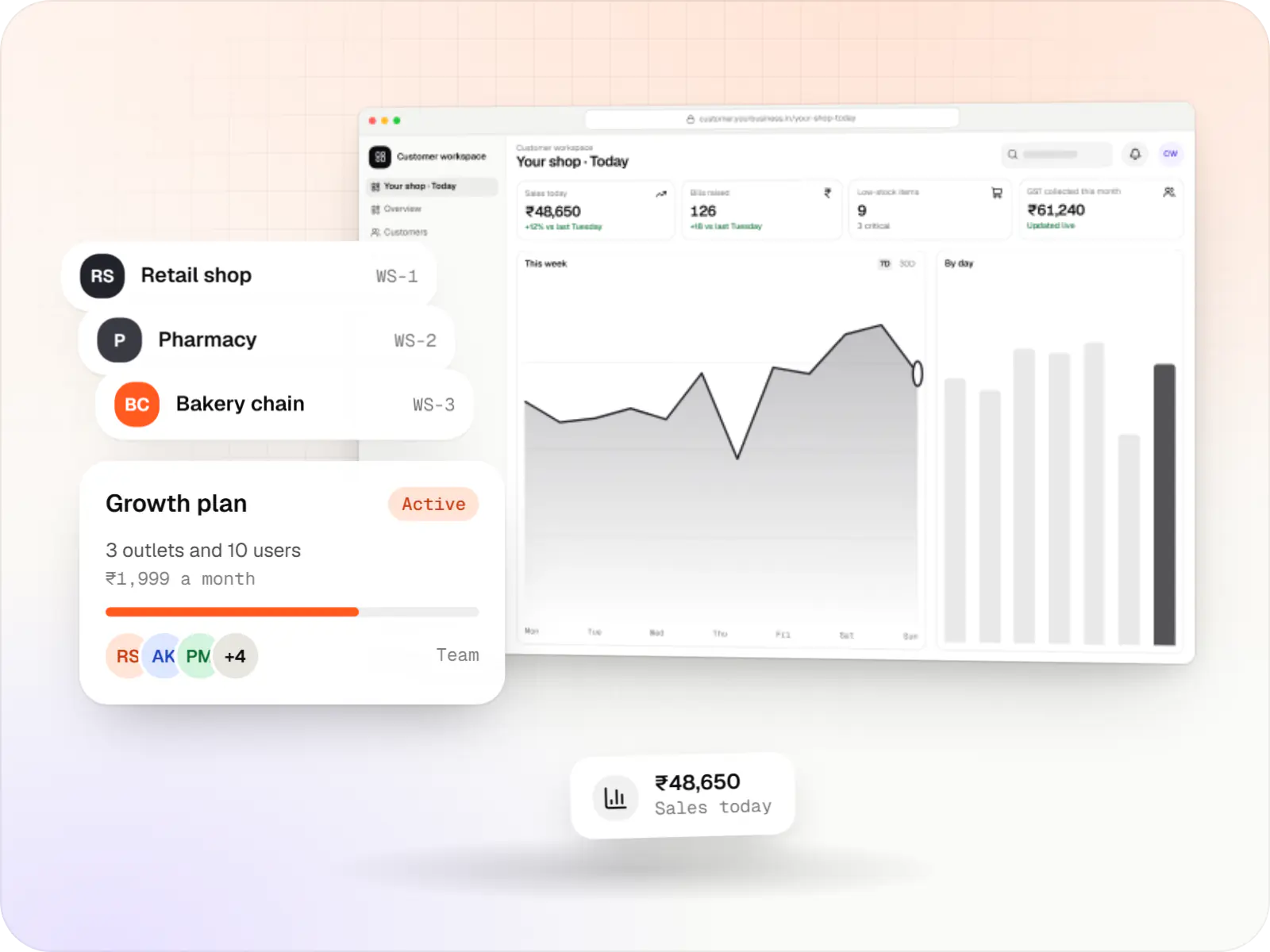
Multi-tenant SaaS products with subscription billing, team roles, onboarding and usage analytics, from first MVP to paying customers.

Product design for web and mobile apps: research, user flows, wireframes, prototypes and design systems that engineers can build from.
FAQ
Yes. Using the WhatsApp Business Platform through an approved provider, patients can check open slots, book, reschedule and receive reminders in a guided chat connected to your clinic's calendar. It suits patients who won't install an app. Message templates need Meta's approval and template messages are billed under Meta's pricing, so we design flows that are useful without being chatty.
It can be, with the right controls. We encrypt data in transit and at rest, host in Indian cloud regions where required, restrict access by role so reception staff don't see clinical notes, and keep audit logs of who viewed or changed records. Backups are automated and restore-tested. We design with the Digital Personal Data Protection Act 2023 in mind, including consent and requests from patients about their data.
Yes. Each doctor has their own schedule, fees and templates, and each branch has its own front desk and billing, while patients keep one record across branches. Owners see revenue, appointments and no-show rates by branch and doctor. Permissions control whether a doctor at one branch can read notes written at another, which some clinics prefer to restrict.
A focused first version covering booking, queue, EMR for one specialty, prescriptions and billing typically takes a few months, including testing with your staff. Patient apps, teleconsultation and ABDM integration can follow in later phases. We recommend piloting with one doctor or branch, refining templates from real use, then rolling out, because clinical workflows vary more than people expect.
Next step
Tell us your specialty, branches and current tools. We'll suggest a practical first version.