Mobile
Flutter
Build Android and iOS apps from one shared codebase, so you launch on both platforms faster with a consistent experience.
Used for
- Mobile apps
- Delivery apps
- E-commerce apps
- Booking apps
Industries · Telemedicine
Consultations that hold up on weak networks, with the identity, consent and prescription steps the guidelines expect.
At a glance
What it is
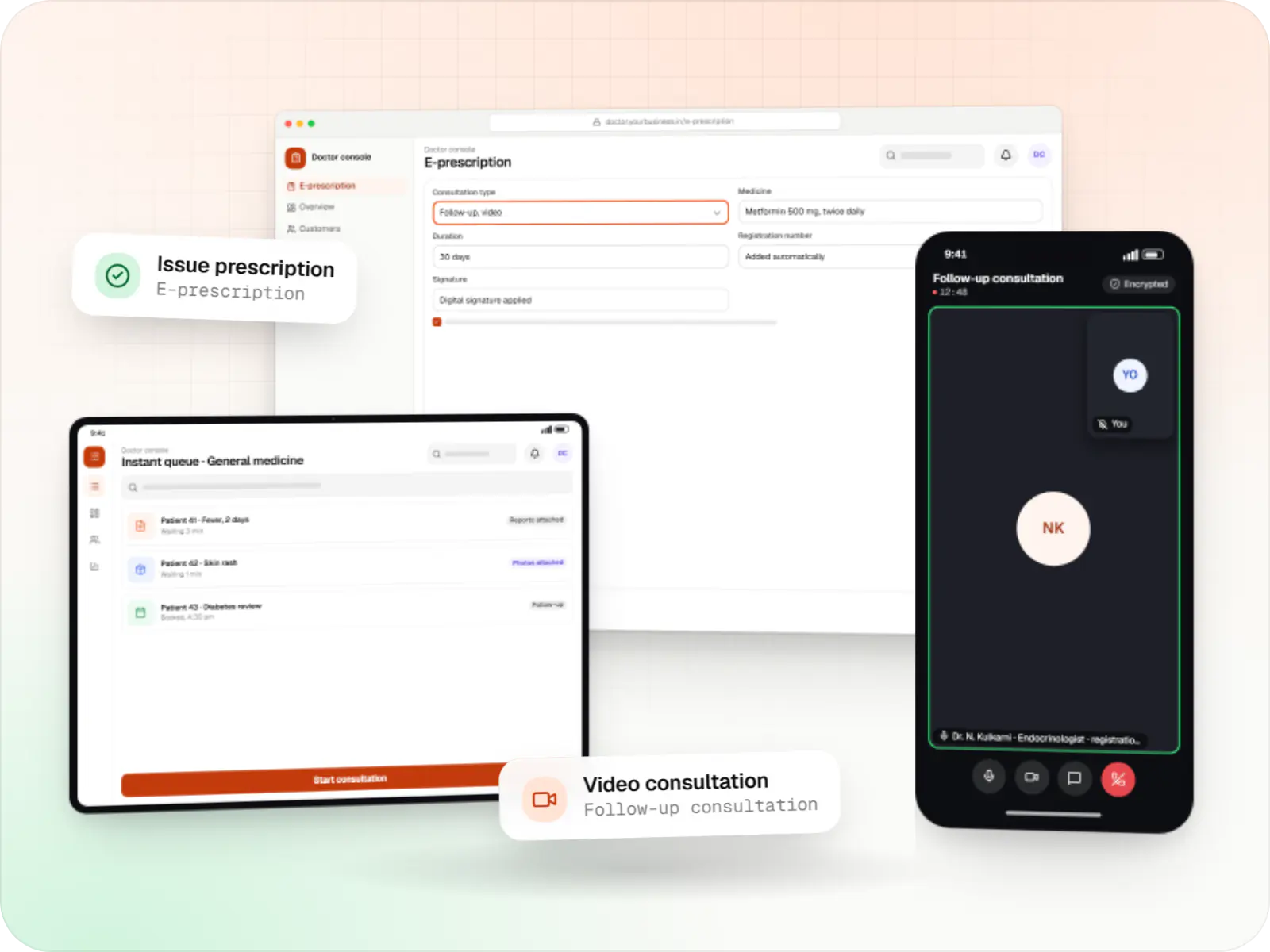
Teleconsultation platforms for providers and healthtech teams: video and audio consults, e-prescriptions, doctor verification and guideline-aware flows.

For hospitals and clinics adding remote care, telemedicine startups, employer health programmes and specialists offering online follow-ups.
Flutter and the related logo are trademarks of Google LLC. We are not endorsed by or affiliated with Google LLC.
How to start
Tell us what you need in your own words. You talk to the developers who would build it and get a written, line-item estimate.
Get a project estimateTelemedicine in India operates within the Telemedicine Practice Guidelines issued in 2020, which set expectations around who can consult, patient identification, consent, record keeping and which medicines can be prescribed remotely. A good platform makes those steps part of the flow rather than extra paperwork.
It also has to work in practice: video that falls back to audio on a weak connection, chat for follow-ups, reports shared before the call and prescriptions a pharmacy can trust. We build telemedicine products with those details engineered in.
Challenges
Calls drop or freeze for patients on patchy mobile data.
Patients and platforms need to confirm a doctor's registration before consulting.
What can be prescribed depends on the consultation type and patient history.
Matching on-demand requests to scheduled doctor time is hard.
Solutions
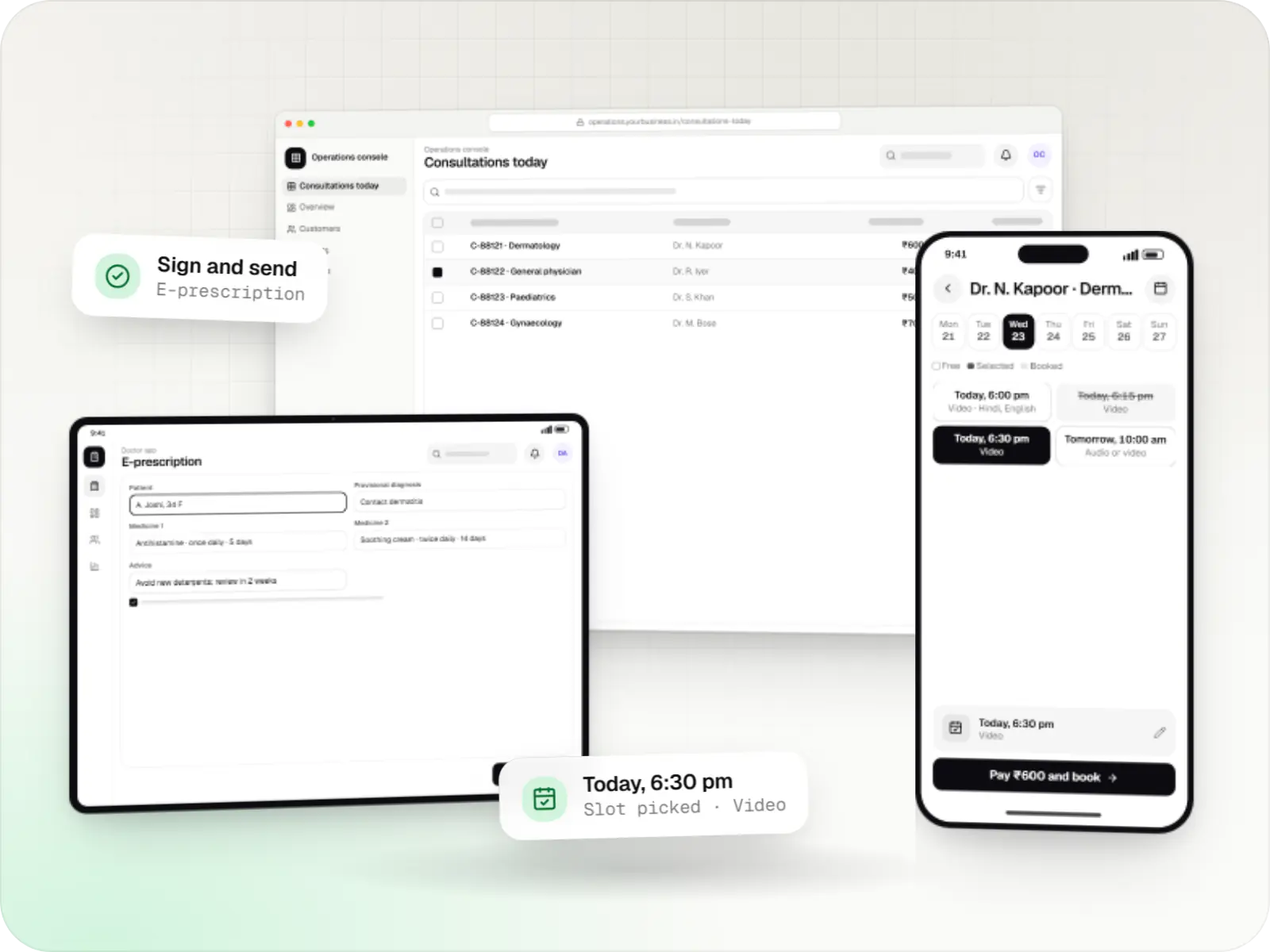
Video, audio and chat consultation platforms with scheduling, e-prescriptions, payments and records, designed around the Telemedicine Practice Guidelines.
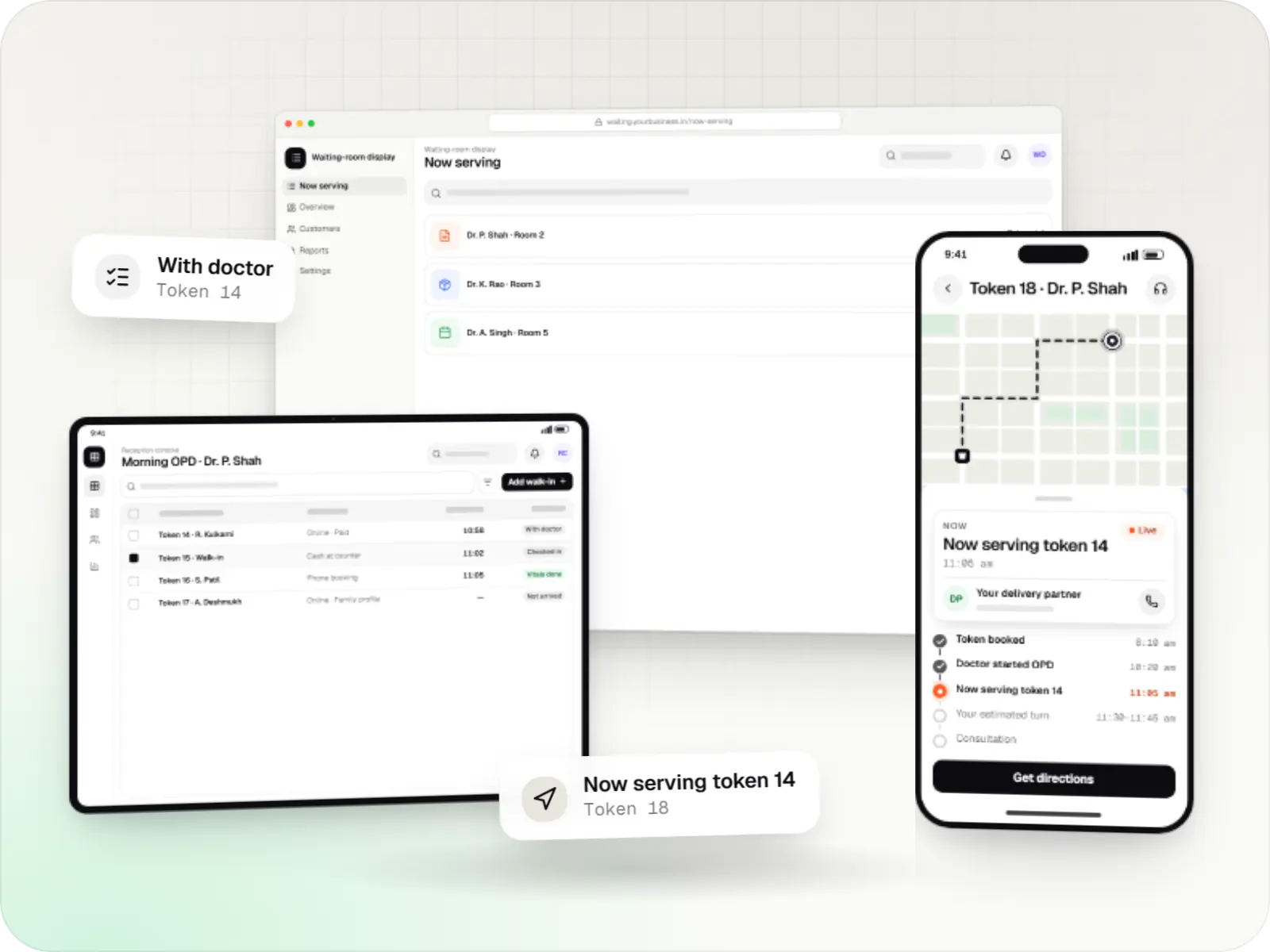
Appointment apps for clinics, polyclinics and hospital OPDs with slot and token booking, live queue status, reminders, prepayment and a reception console.
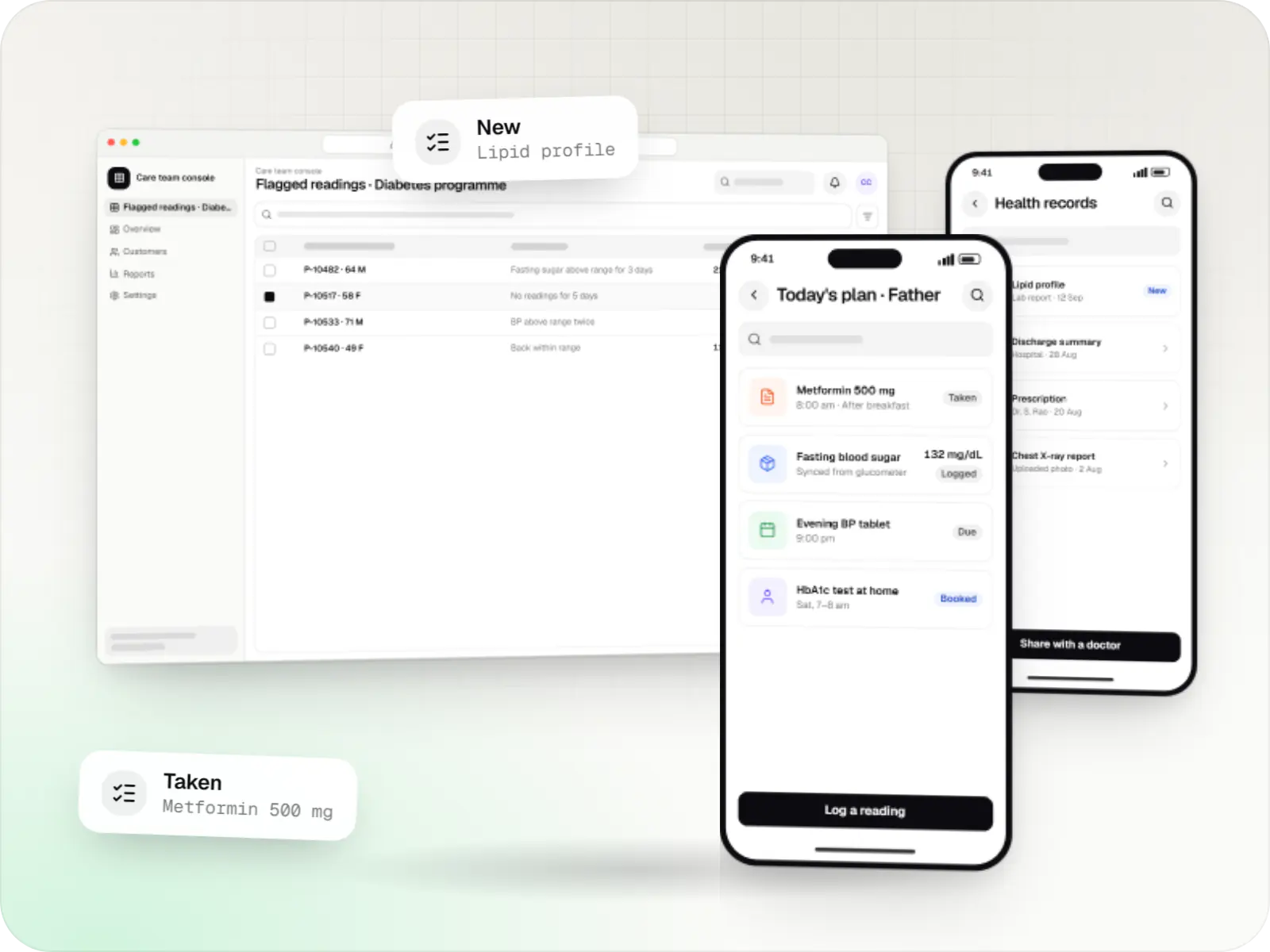
Patient and care-team apps for health records, chronic care programmes, lab bookings, wellness and follow-ups, designed with consent and privacy first.
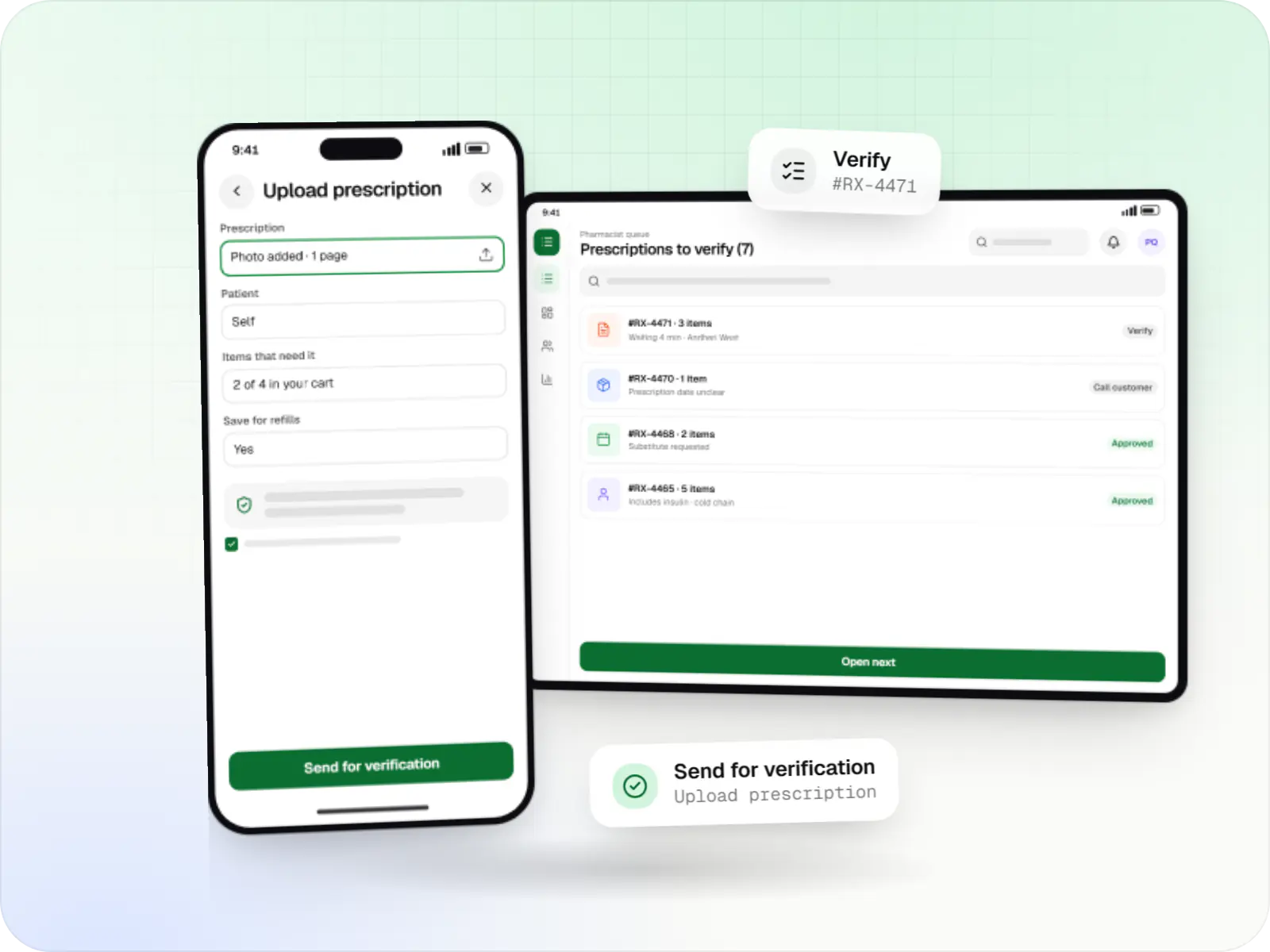
Medicine delivery apps with prescription upload, pharmacist verification, salt-based search, refill reminders and protected health data.
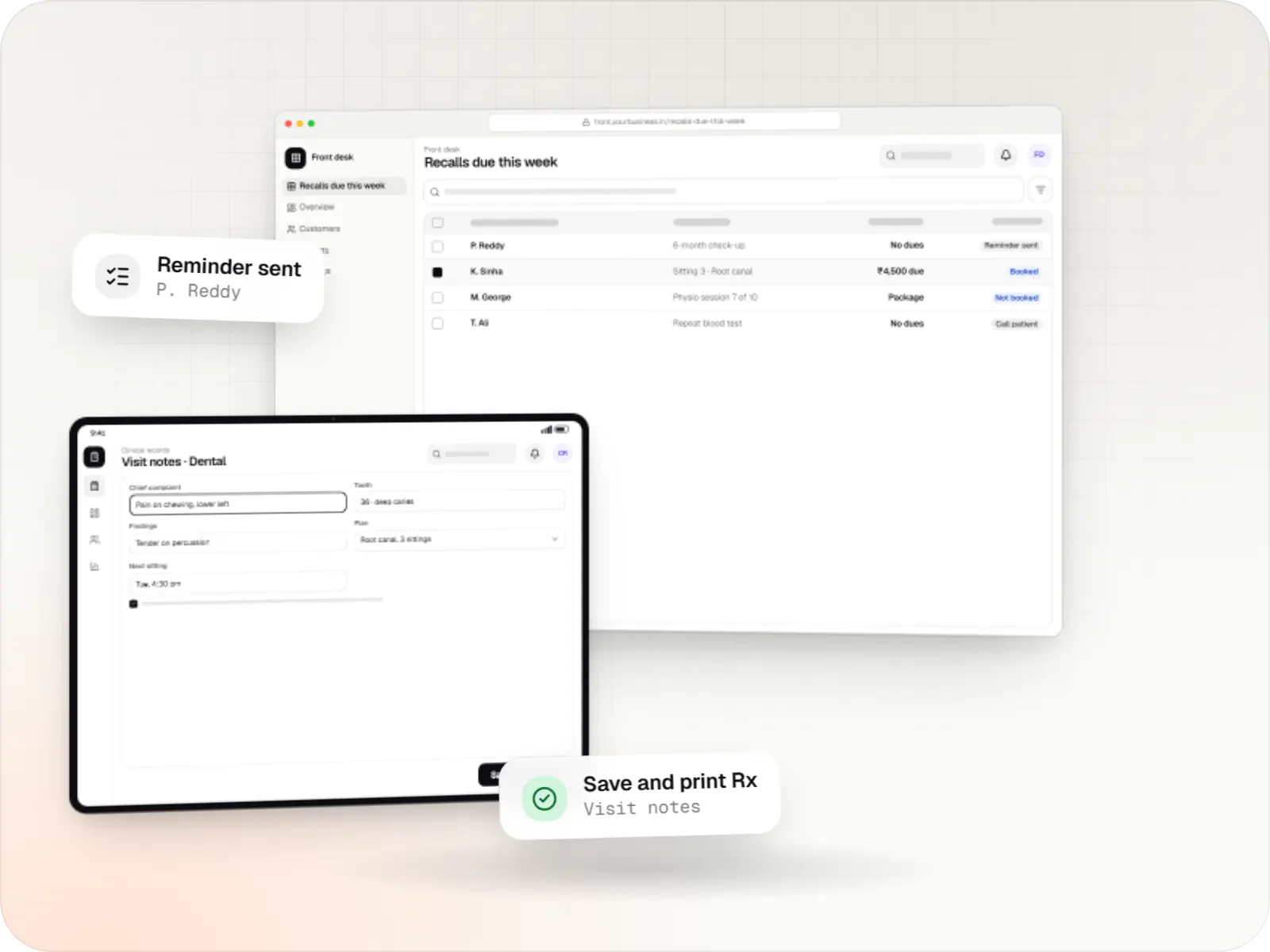
Patient records, visit notes, treatment plans, billing and recalls for clinics, dental and physiotherapy practices, diagnostic centres and speciality care.
WebRTC calls through an SDK such as Agora or a self-hosted stack such as LiveKit, with audio fallback.
Registration details captured and verified before doctors go live.
Templates carrying the doctor's details, registration number and digital signature.
Text, images and reports shared for follow-ups.
Instant consult queues and booked slots with doctor availability rules.
How it works
Identity, consent and prescription rules are steps in the flow, not paperwork afterwards.
From the instant queue or a booked slot, with symptoms, photos and reports shared before the call.
The patient is identified and consents to a remote consultation, as the guidelines expect.
Only doctors whose registration was checked during onboarding can take consultations.
The call adapts to bandwidth, drops to audio when needed and reconnects both people to the same session.
Templates carry the doctor's registration and signature, and limit medicines by consultation type.
The patient sends the prescription to a pharmacy of their choice and follows up by chat with reports.
Platforms
Apps for Android phones and tablets, tested on budget and mid-range devices and published on Google Play or privately.
Apps for iPhone and iPad, built to Apple's guidelines and released through TestFlight and the App Store.
Browser-based applications with logins, roles and workflows, such as customer portals, SaaS products and internal tools.
Back-office panels for operations, support and finance teams: orders, users, content, reports and permissions.
Technology
Mobile
Build Android and iOS apps from one shared codebase, so you launch on both platforms faster with a consistent experience.
Used for
Web
Builds interactive screens in the browser, such as dashboards, admin panels and portals, that respond instantly as your team works.
Used for
Backend
Runs the server side of apps: fast, scalable back ends that power your app, website and integrations.
Used for
Data
A reliable database for the records your business runs on: orders, payments, bookings and stock, kept accurate and easy to report on.
Used for
Data
Keeps frequently used data in fast memory, so apps stay quick on busy days and live features like order tracking feel instant.
Used for
Cloud & DevOps
Cloud hosting for your app, website and data, with data centres in India and room to grow when traffic rises.
Used for
Flutter and the related logo are trademarks of Google LLC. We are not endorsed by or affiliated with Google LLC.
Plain-English glossary
Product preview
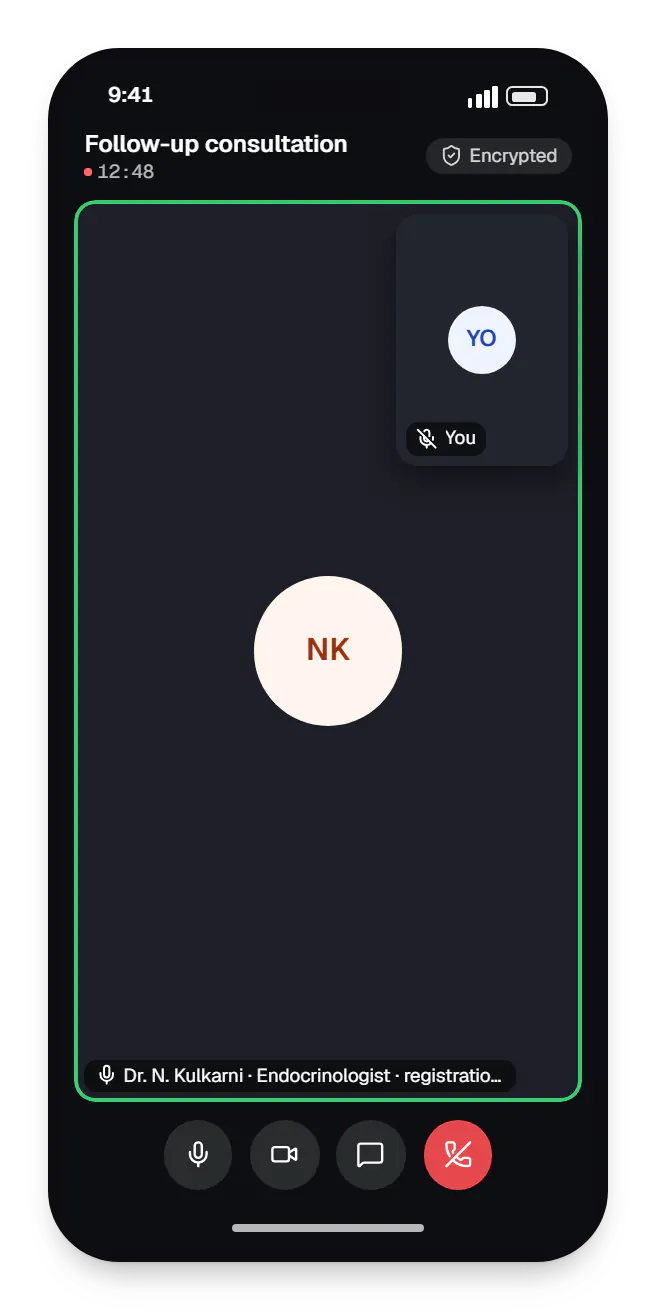
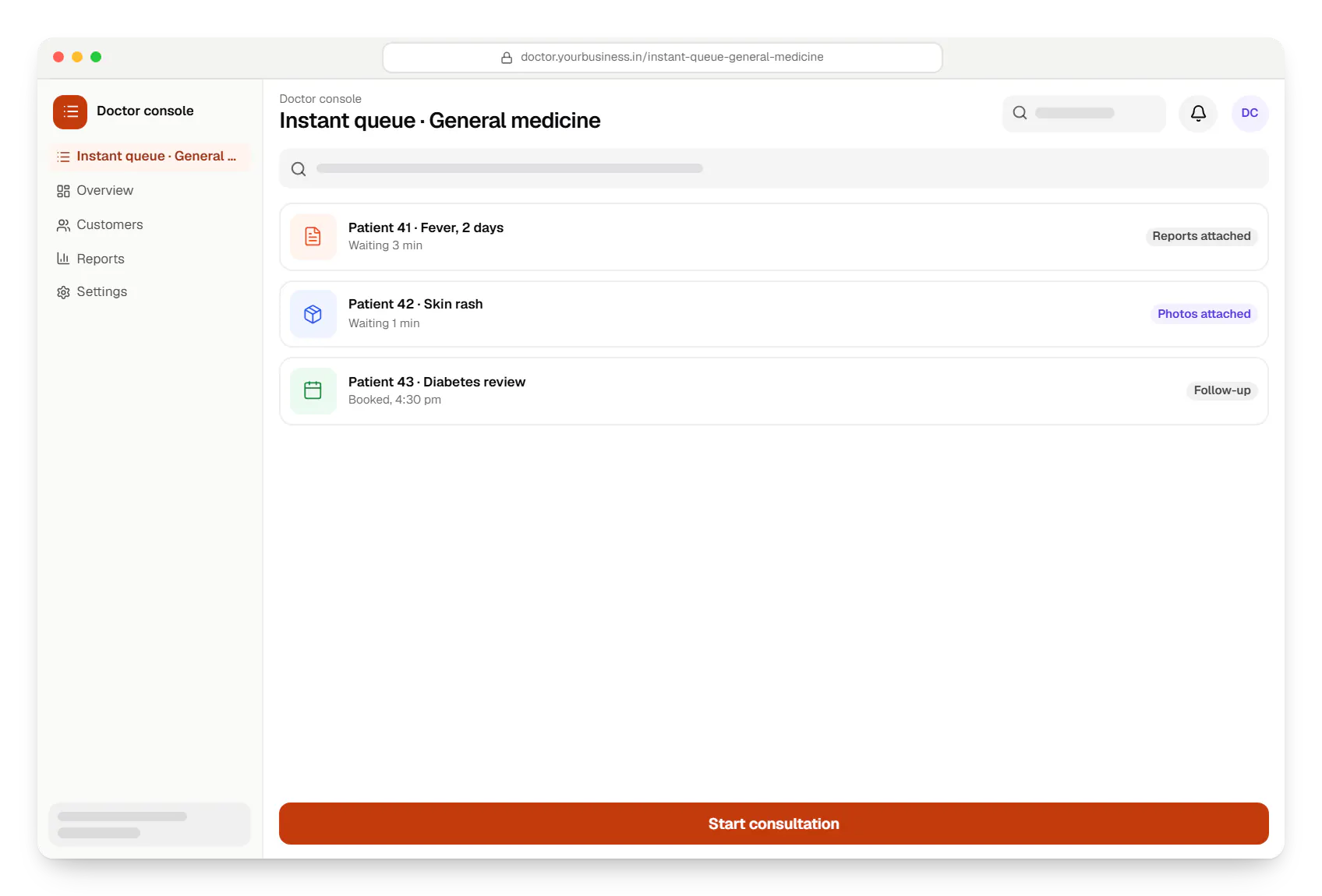
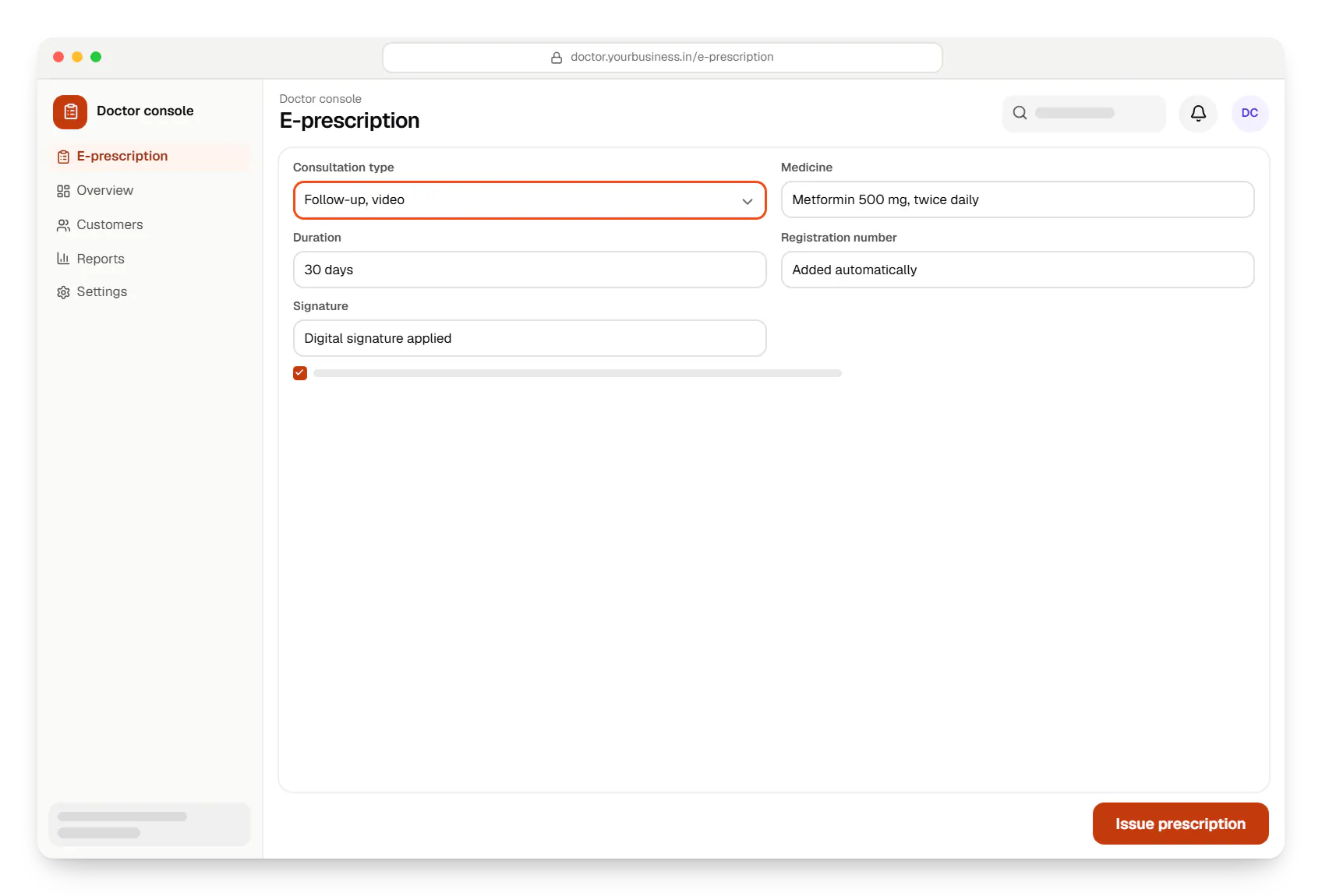
Sample screens: names, prices and figures are examples, not client data.
Work
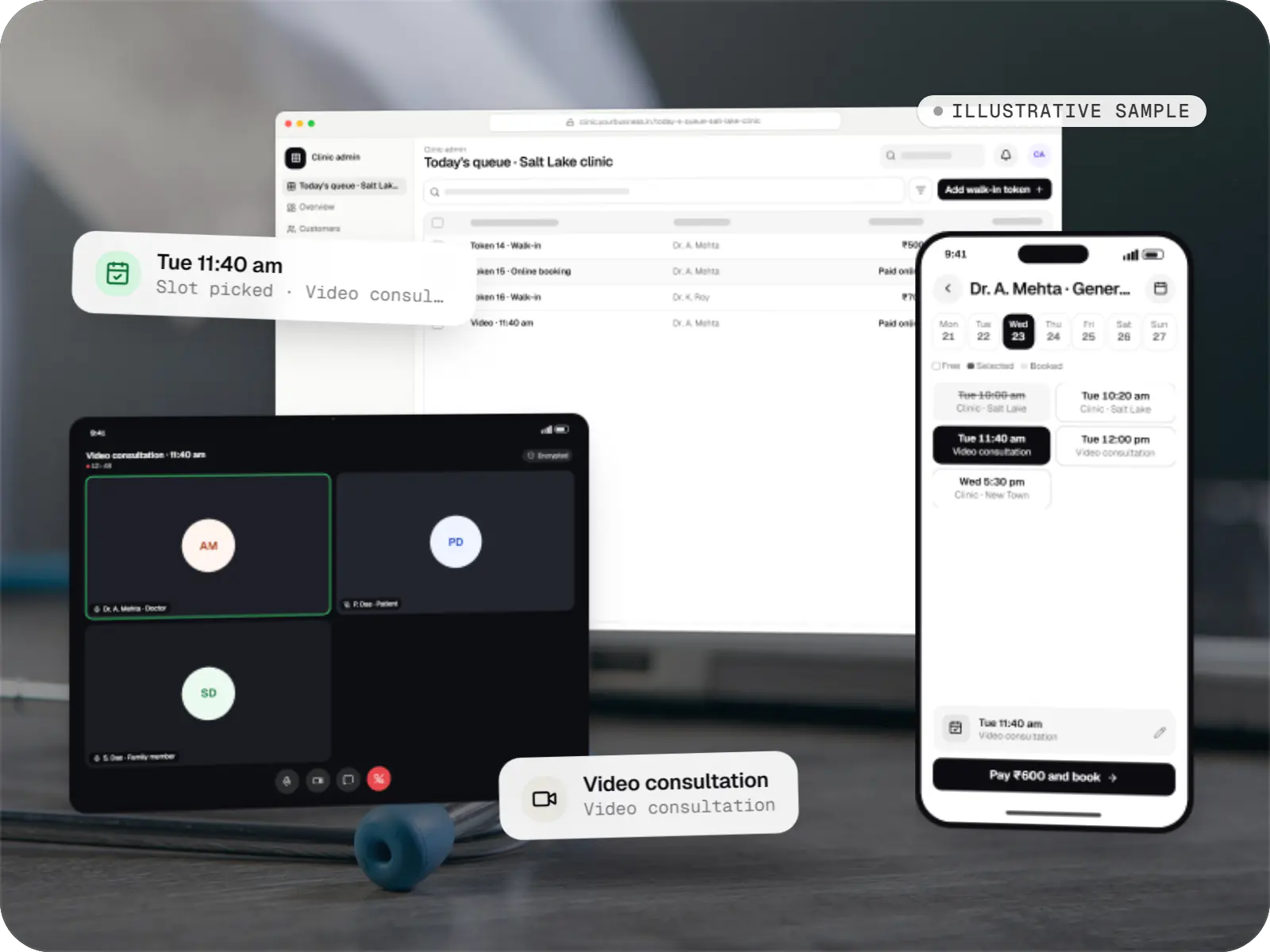
Healthcare software
An illustrative patient app, doctor app and clinic admin for in-person and video consultations, with digital prescriptions and consent-based record access.
Runs on
Built with
Cost drivers
Third-party video SDKs charge by usage; self-hosted WebRTC shifts cost to servers and maintenance.
Instant, scheduled and chat consults each add distinct flows.
Connecting prescriptions and test orders to fulfilment partners adds integration work.
Estimates are written from your scope, with the effort and assumptions behind each line item.
How pricing worksServices
The design and engineering services our in-house team combines on projects in this sector.

Native and cross-platform Android and iOS apps, from first release through regular store updates, built by our in-house designers and engineers.

Browser-based products, customer portals, dashboards and internal tools, built on clean data models with secure roles and integrations.

Android and iOS apps from one Dart codebase, built by engineers who know when Flutter is the right call and when native code is needed.

Secure, documented REST and GraphQL APIs, plus integrations that connect your apps to payment, logistics, GST, messaging and business systems.
FAQ
In practical terms, the app should confirm that consulting doctors are registered medical practitioners, identify patients appropriately, record consent, keep consultation records and restrict prescriptions according to the guideline categories for remote consults. We build these as product features: onboarding checks, consent steps, structured records and prescription templates. Your medical and legal advisers should confirm the final interpretation for your service.
We use WebRTC-based video that adapts resolution to available bandwidth, and let either side switch to audio-only when video struggles. Reports and images can be shared in chat before or during the call, so they don't depend on the video stream. If a call drops, reconnecting returns both people to the same session. We test on low-end Android phones and throttled networks before release.
Yes. Once a doctor issues a prescription, the patient can send it to a partner pharmacy through an integration or order through your own pharmacy module. The pharmacist reviews the prescription before dispensing, as with a paper one. We keep the patient's choice of pharmacy explicit rather than defaulting to one, which matters for trust and for compliance considerations.
Next step
Tell us who consults whom and how prescriptions are fulfilled. We'll scope a guideline-aware platform.