Web
React
Builds interactive screens in the browser, such as dashboards, admin panels and portals, that respond instantly as your team works.
Used for
- Web apps
- Admin panels
- Dashboards
- Customer portals
Industries · Hospitals
Connect departments, billing and patient communication without disrupting clinical work.
At a glance
What it is
Software for hospitals: OPD and IPD workflows, bed management, billing with TPA claims, lab and pharmacy modules, patient apps and ABDM integration.
For multi-speciality and single-speciality hospitals, nursing homes and hospital groups modernising or extending their systems.
How to start
Tell us what you need in your own words. You talk to the developers who would build it and get a written, line-item estimate.
Get a project estimateA hospital runs outpatient clinics, inpatient wards, operating theatres, a lab, a pharmacy and a billing office that deals with cash patients, insurers, TPAs and government schemes. Each department often has its own system, and data moves between them on paper.
We build hospital software in modules that can replace or integrate with what you have: registration and OPD, admission and bed management, billing and claims, lab and pharmacy, and patient-facing apps. ABDM integration lets records link to a patient's ABHA, with consent.
Challenges
Lab, pharmacy and billing systems do not share patient context.
Final bills, summaries and insurer approvals hold up bed turnover.
TPA pre-authorisations and claim documents are prepared manually.
Appointments, reports and bills reach patients only by phone or in person.
Solutions
Across 2 areas
Hospital management software covering registration, OPD, IPD, billing, pharmacy, lab and insurance workflows, with ABDM options and role-based access.
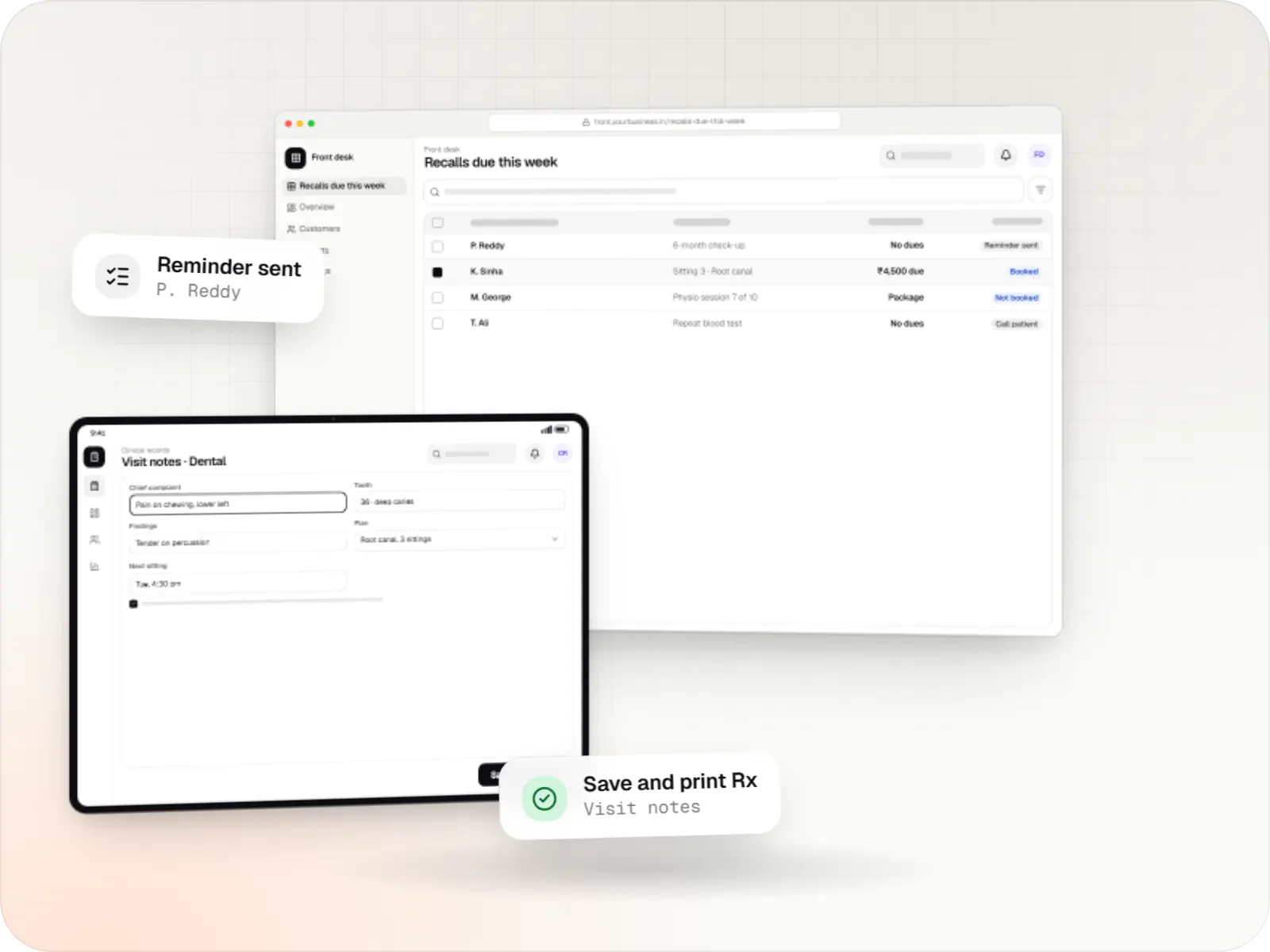
Patient records, visit notes, treatment plans, billing and recalls for clinics, dental and physiotherapy practices, diagnostic centres and speciality care.
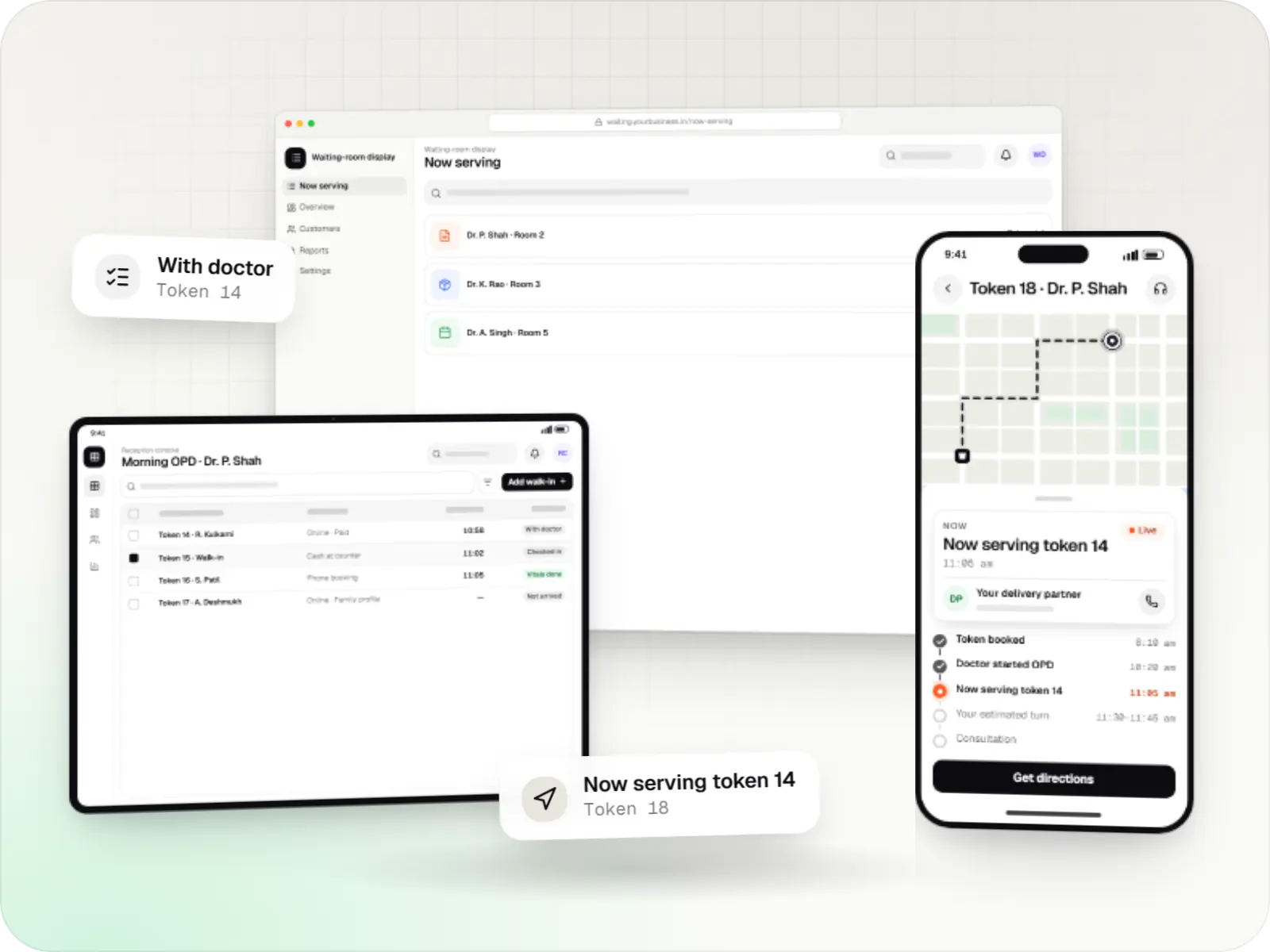
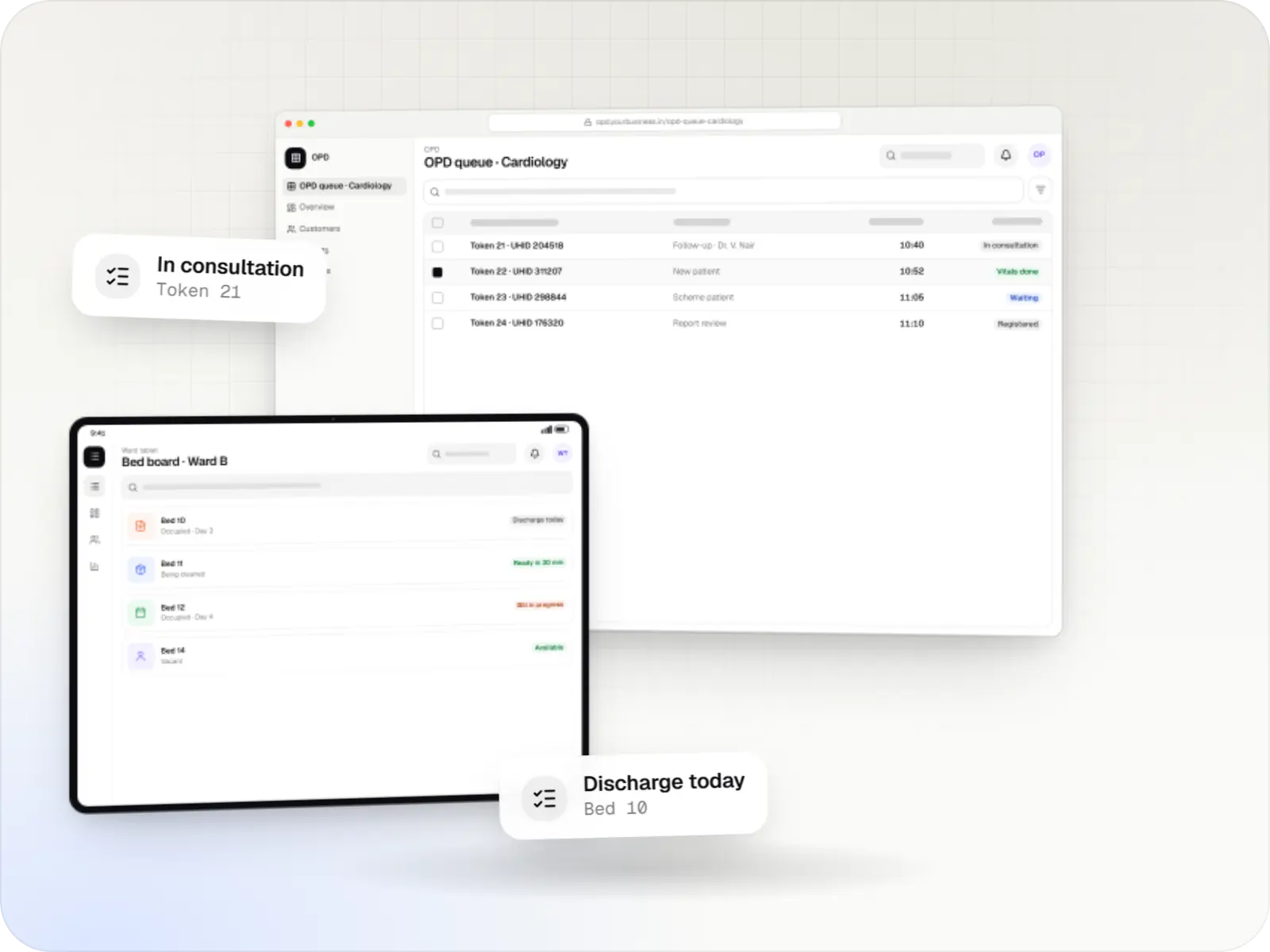
Appointment apps for clinics, polyclinics and hospital OPDs with slot and token booking, live queue status, reminders, prepayment and a reception console.
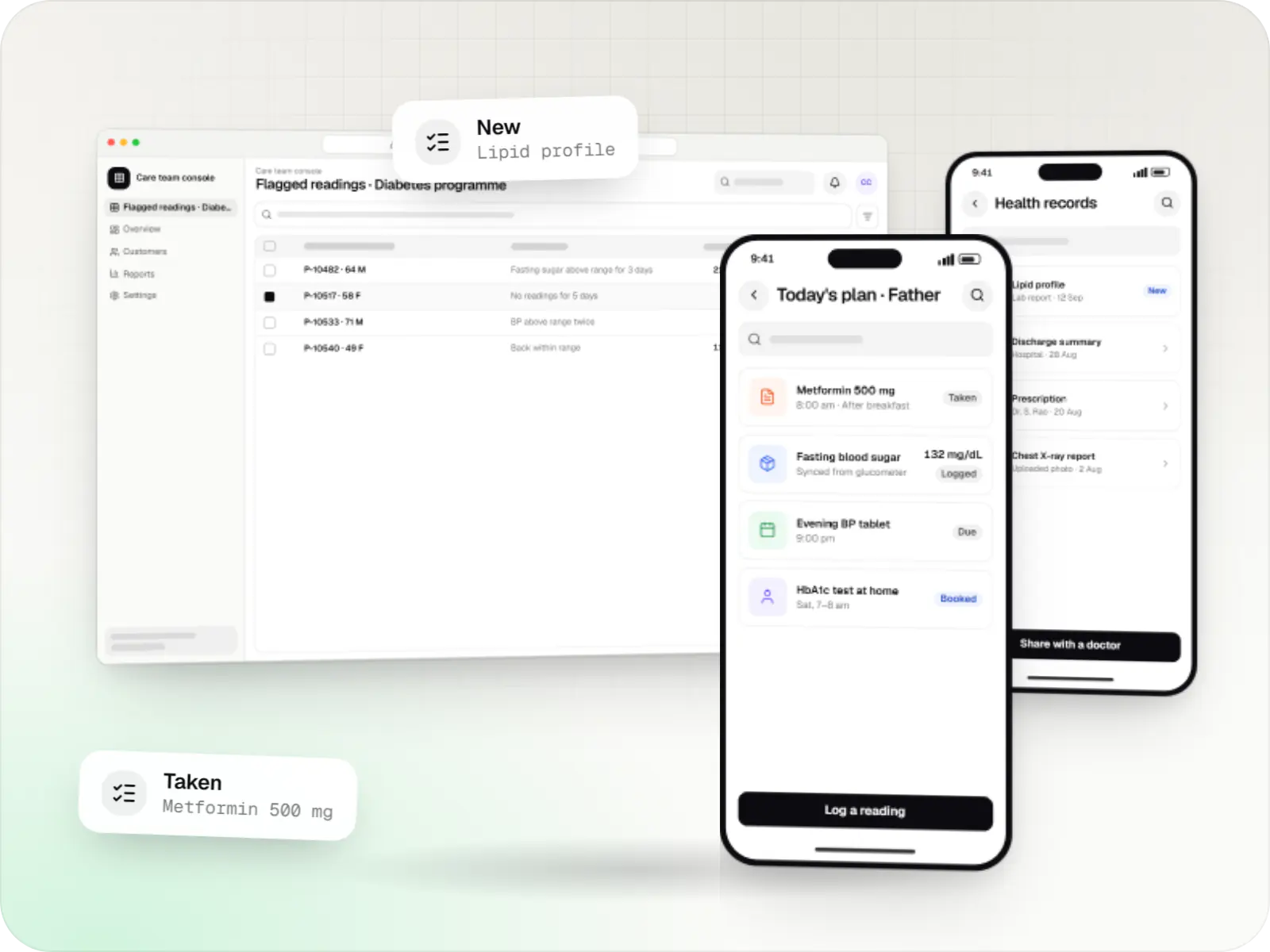
Patient and care-team apps for health records, chronic care programmes, lab bookings, wellness and follow-ups, designed with consent and privacy first.
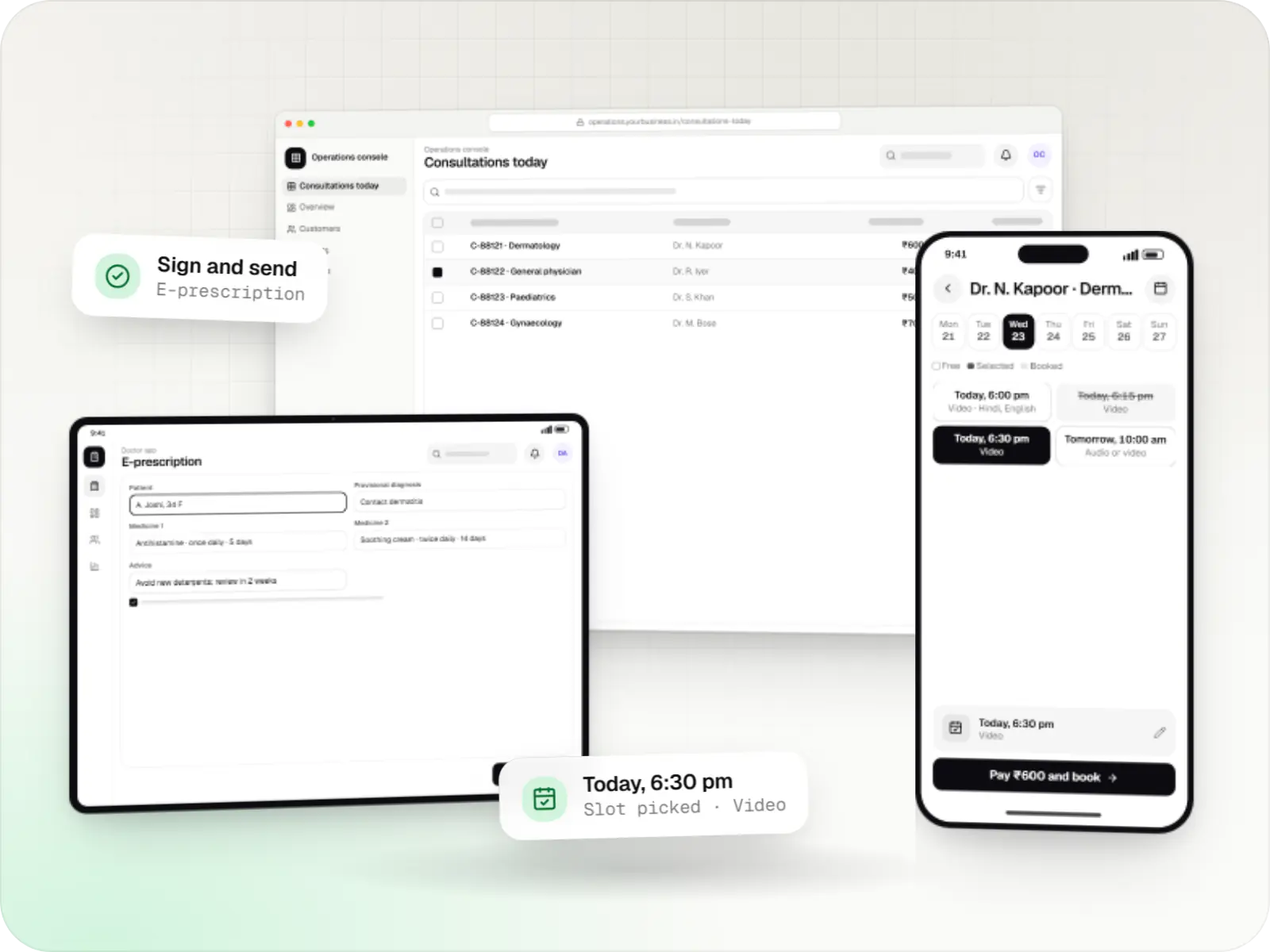
Video, audio and chat consultation platforms with scheduling, e-prescriptions, payments and records, designed around the Telemedicine Practice Guidelines.
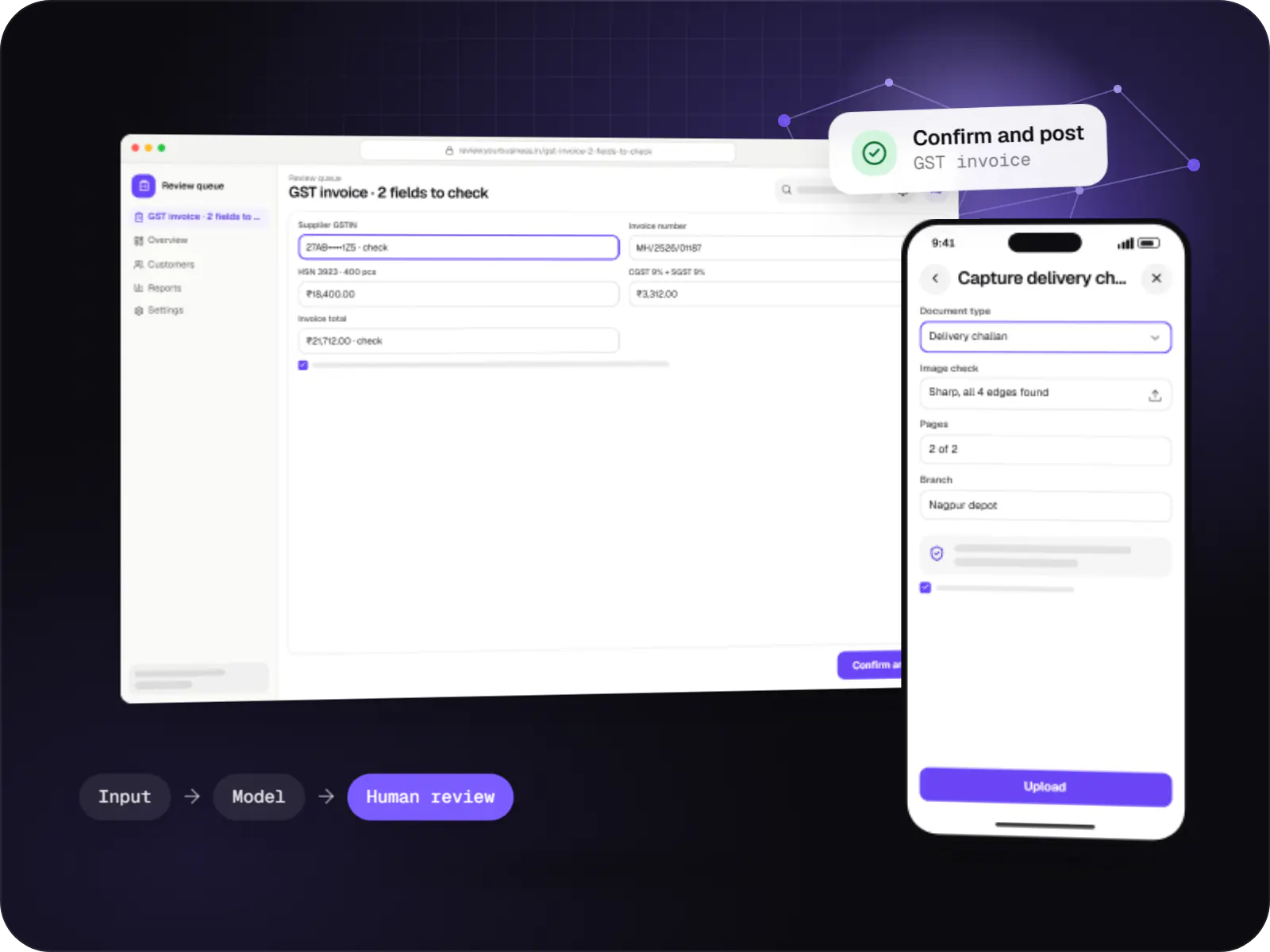
Data extraction from invoices, KYC documents, statements and forms into your systems, with validation rules and human review for uncertain fields.
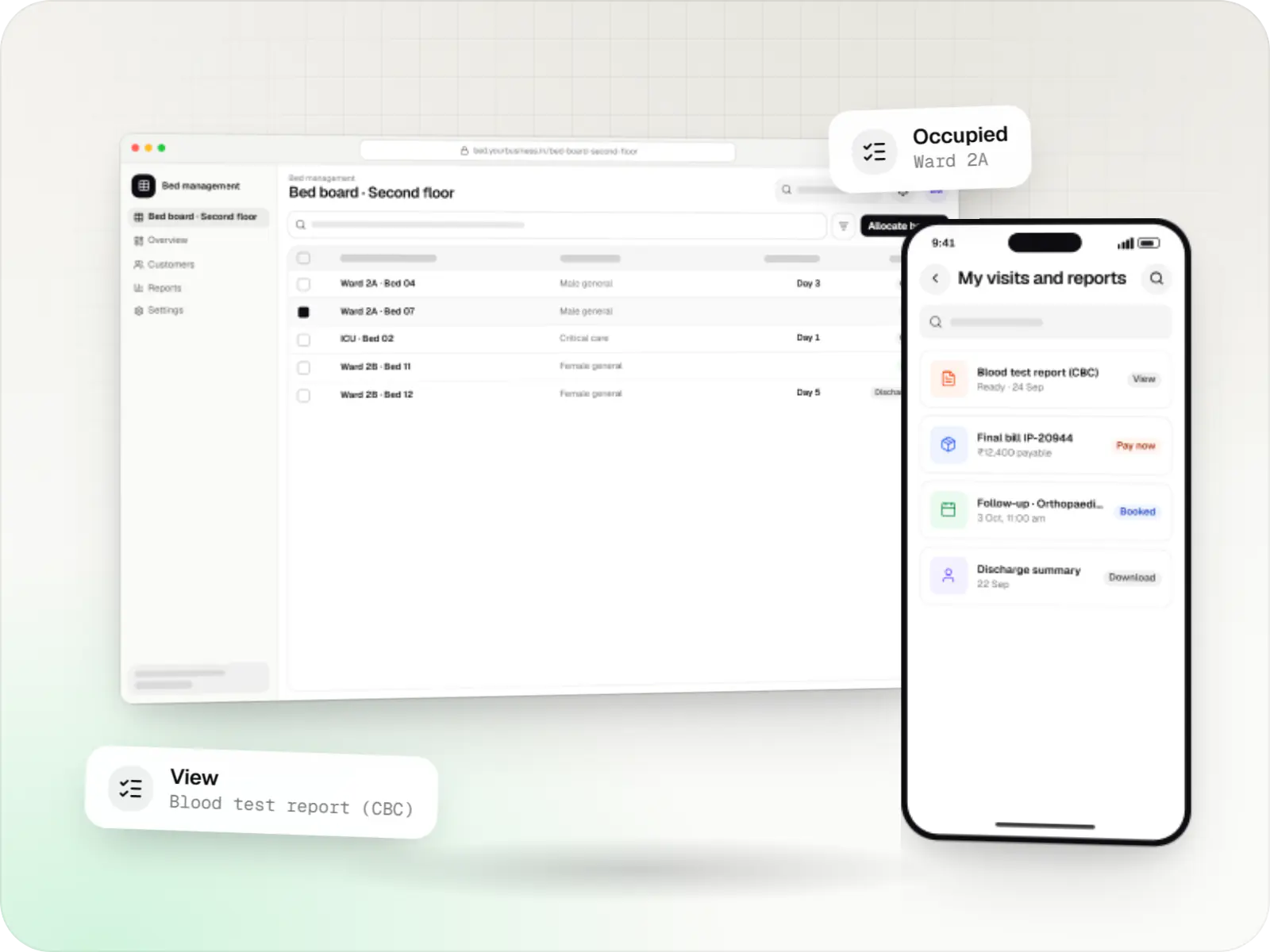
Live bed status by ward, transfers and discharge planning.
Package and itemised billing, pre-authorisation tracking and claim documents.
Orders and results linked to the LIS, analysers and PACS viewers.
Ward indents, batch and expiry tracking, and billing to the patient account.
Appointments, reports, bills and payments on the patient's phone.
ABHA linking and consent-based record sharing within ABDM.
How it works
Each department works in its own module, while the patient's record and bill follow them through the hospital.
The patient is registered once, optionally linked to their ABHA, and given a place in the OPD queue.
Lab and radiology orders go straight to the LIS and imaging, and results come back to the same record.
Live bed status by ward shows where the patient can go, and TPA pre-authorisation starts in parallel.
Ward indents, medicines and consumables are charged to the patient's account as they are used, not reconstructed at discharge.
The discharge summary and the package or itemised bill are prepared together, and the claim goes to the insurer with its documents.
Reports, bills and the follow-up appointment reach the patient without another trip to the counter.
Platforms
Browser-based applications with logins, roles and workflows, such as customer portals, SaaS products and internal tools.
Back-office panels for operations, support and finance teams: orders, users, content, reports and permissions.
Windows and macOS apps for billing counters, kiosks and offline-heavy work, where a browser isn't enough.
Apps for Android phones and tablets, tested on budget and mid-range devices and published on Google Play or privately.
Apps for iPhone and iPad, built to Apple's guidelines and released through TestFlight and the App Store.
Technology
Web
Builds interactive screens in the browser, such as dashboards, admin panels and portals, that respond instantly as your team works.
Used for
Backend
A structured way to build back ends on Node.js, so large business systems stay organised, testable and easy to hand over.
Used for
Data
A reliable database for the records your business runs on: orders, payments, bookings and stock, kept accurate and easy to report on.
Used for
Data
Keeps frequently used data in fast memory, so apps stay quick on busy days and live features like order tracking feel instant.
Used for
Backend
A programming language for AI features, data processing and automation: the engine behind document reading, reports and smart search.
Used for
Cloud & DevOps
Cloud hosting for your app, website and data, with data centres in India and room to grow when traffic rises.
Used for
Cloud & DevOps
Packages your software so it runs the same way on every laptop and server, which makes releases predictable and moving hosts easier.
Used for
Plain-English glossary
Product preview
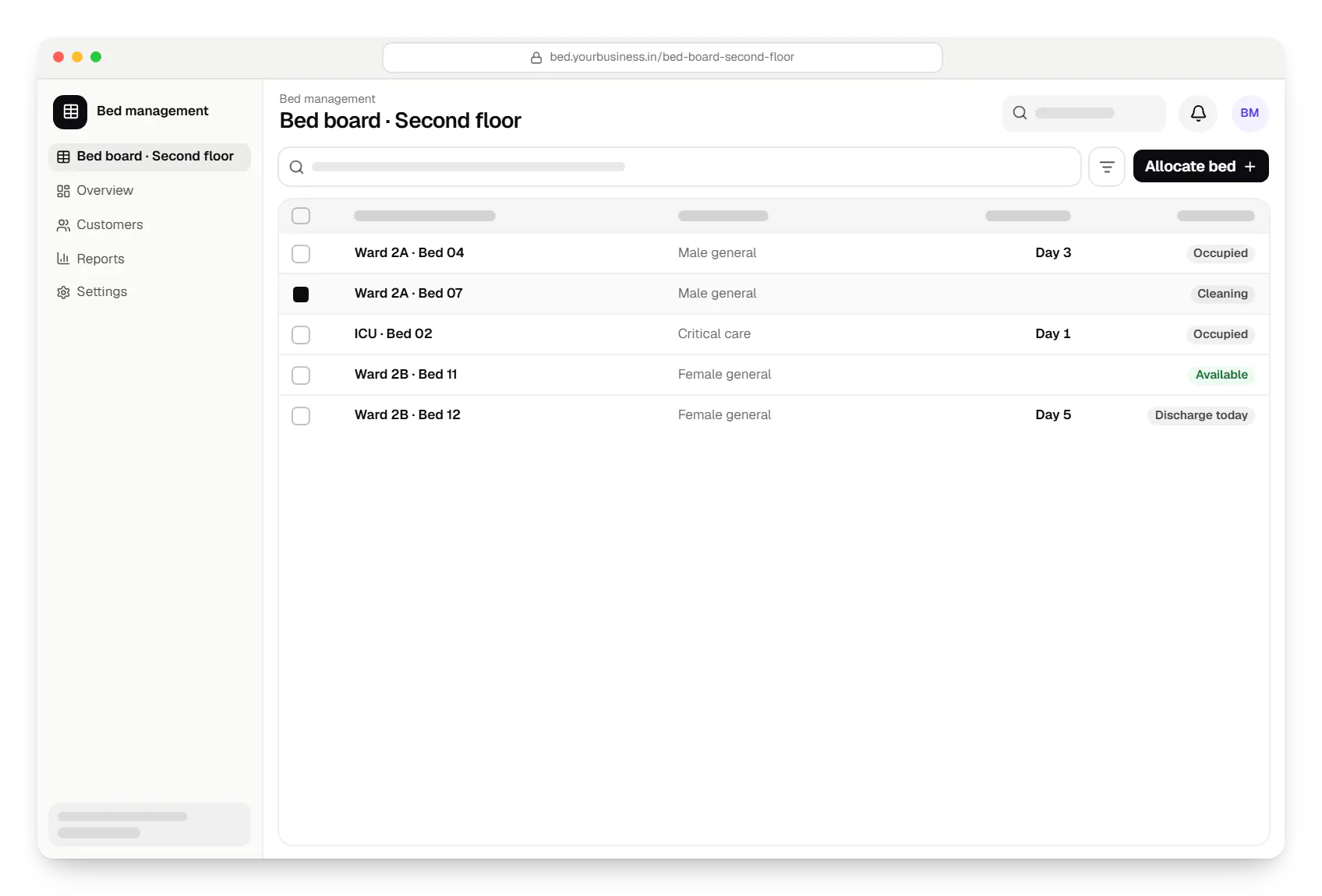
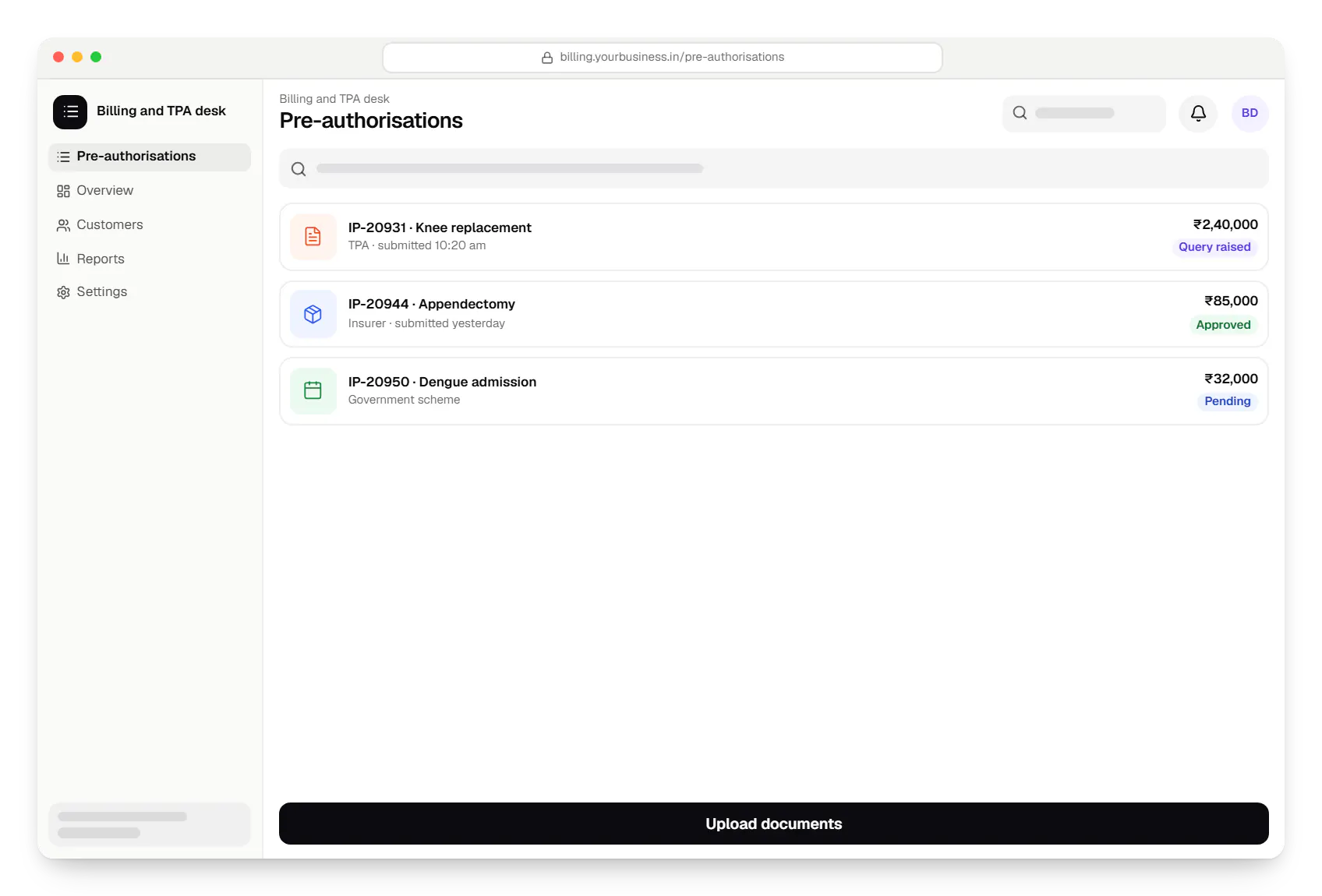
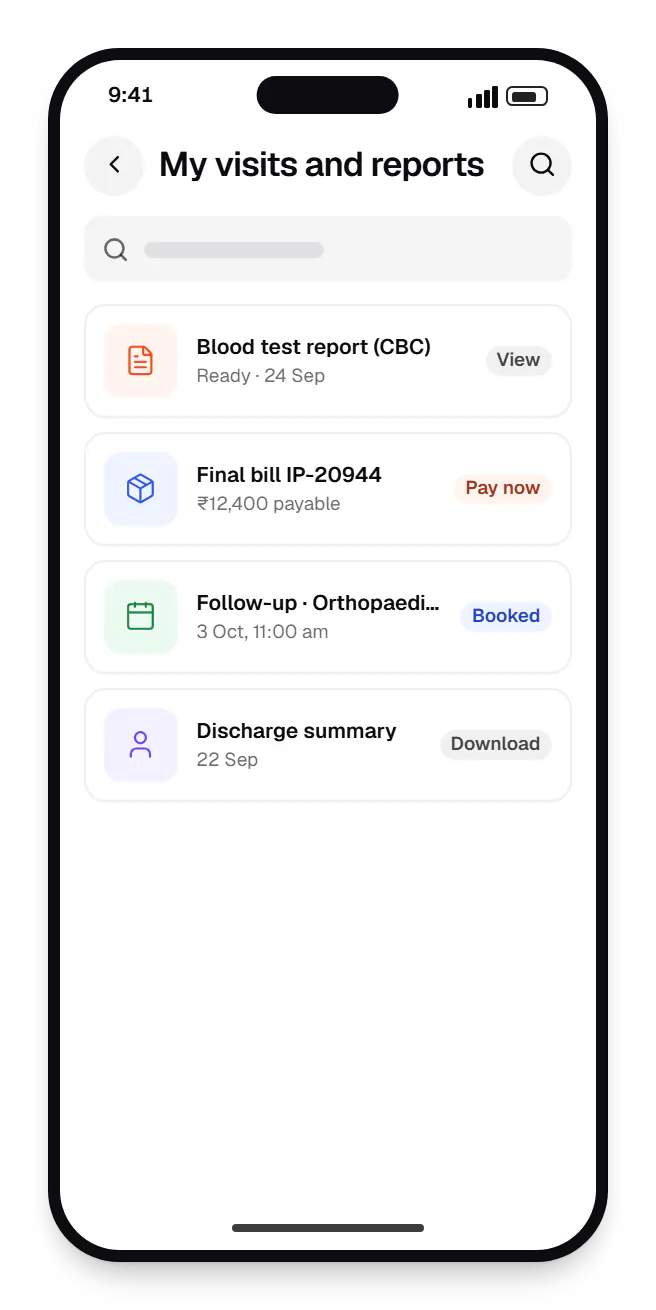
Sample screens: names, prices and figures are examples, not client data.
Cost drivers
Each department module adds workflows, roles and staff training.
Migrating records and connecting analysers or PACS adds significant effort.
On-premise servers, cloud hosting or hybrid setups change infrastructure and support needs.
Estimates are written from your scope, with the effort and assumptions behind each line item.
How pricing worksServices
The design and engineering services our in-house team combines on projects in this sector.

Software shaped around how your business runs, from approvals and inventory to billing and reports, replacing spreadsheets and disconnected tools.

Browser-based products, customer portals, dashboards and internal tools, built on clean data models with secure roles and integrations.

Native and cross-platform Android and iOS apps, from first release through regular store updates, built by our in-house designers and engineers.

Secure, documented REST and GraphQL APIs, plus integrations that connect your apps to payment, logistics, GST, messaging and business systems.
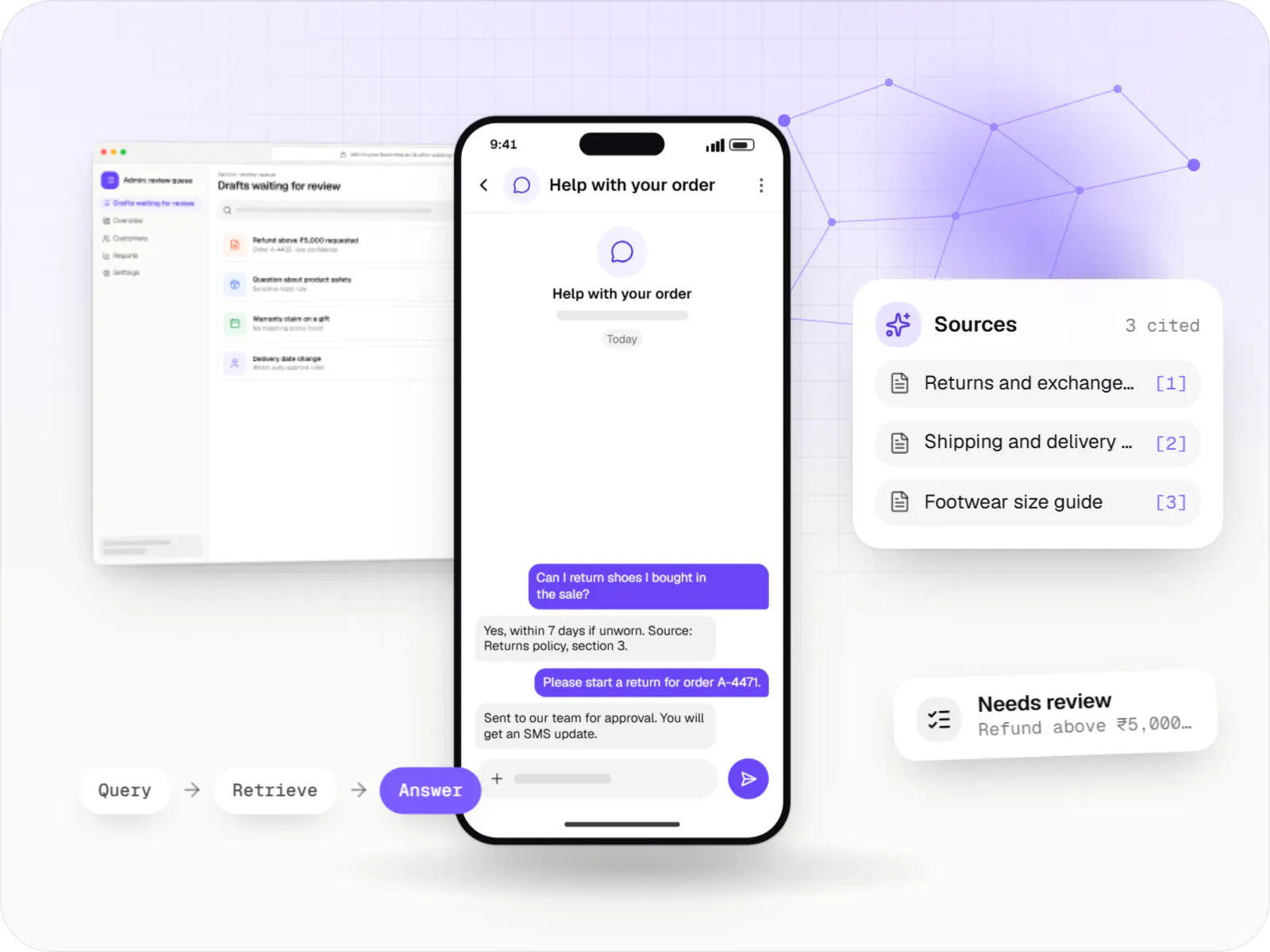
AI features and AI-first apps built on model APIs, retrieval over your own data, workflow automation or custom ML, with evaluation and human review.
Locations
Cities where this sector is a significant part of the local economy. We work remotely with teams across India and meet in person where practical.

Telangana

Tamil Nadu

Uttar Pradesh

Chandigarh Tricity

Kerala

Tamil Nadu
FAQ
No, and we usually advise against it. Hospitals can modernise module by module: for example, a patient app and online appointments first, then billing and claims, then inpatient workflows, while the existing HMS keeps running. Integration layers keep data consistent during the transition. A phased plan reduces risk to clinical operations and spreads cost over time.
It lets your hospital act as a health information provider, and if needed a user, so patient records can be linked to their ABHA and shared with consent. Technically it involves registering the facility, implementing ABDM's APIs and FHIR-based record formats, testing in the ABDM sandbox and completing the required approval before going live. Timelines depend on your existing systems and data quality.
Yes. Some hospitals prefer servers on their own premises for control or connectivity reasons, while others choose cloud hosting in Indian regions with managed backups. We containerise the application so it can run either way. On-premise setups need a plan for backups, updates, power and hardware failures, which we document and can support under a maintenance agreement.
Next step
Tell us which departments matter first and what runs today. We'll propose a phased, low-disruption plan.