


Web
React
Builds interactive screens in the browser, such as dashboards, admin panels and portals, that respond instantly as your team works.
Used for
- Web apps
- Admin panels
- Dashboards
- Customer portals
Healthcare · Hospital systems
Registration, OPD, IPD, billing, pharmacy, lab and insurance in one system, rolled out department by department.
At a glance
What it is
Hospital management software covering registration, OPD, IPD, billing, pharmacy, lab and insurance workflows, with ABDM options and role-based access.
How to start
Tell us what you need in your own words. You talk to the developers who would build it and get a written, line-item estimate.
Get a project estimatePackaged hospital software suits many hospitals, and we will say so when it fits. Custom hospital management software makes sense when your workflows are unusual or a genuine advantage: a multi-speciality group with shared doctors and revenue sharing, a large insurance and scheme patient mix, or an HMS that must feed your own patient app and analytics.
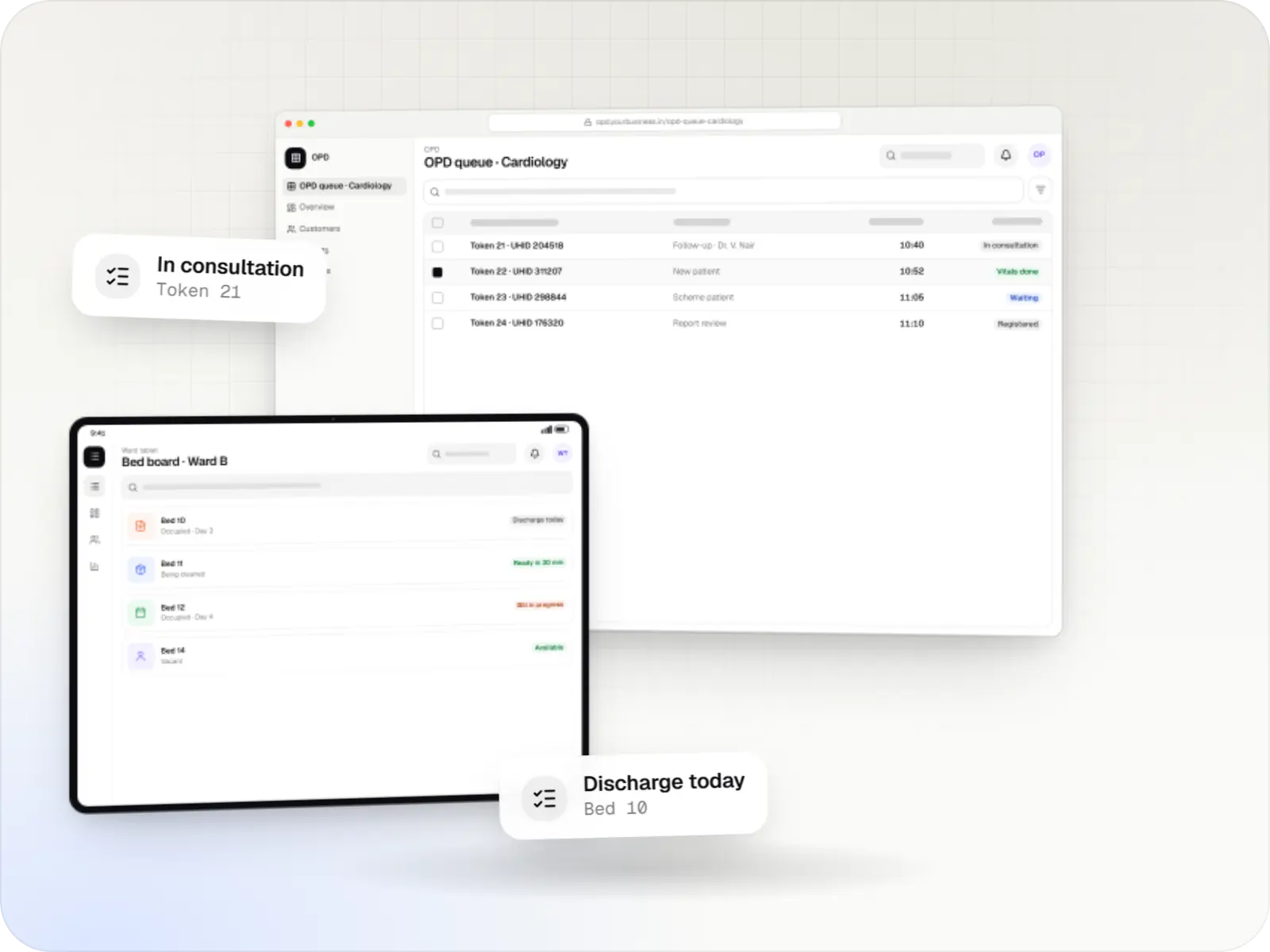
We design around the patient's path: registration and a unique hospital ID, OPD, admission, nursing, procedures, discharge and the final bill. Each step writes to one patient record, so billing, pharmacy and the lab work from the same data.
Challenges
Charge capture at the point of care catches missed consumables and bedside charges.
Pre-authorisations and approvals tracked per admission, with documents ready.
A bed board lets admissions, housekeeping and billing share one picture.
Separate lab and pharmacy systems mean duplicate registrations and lost results.
What is included
How it works
Every department writes to the same patient record, so nothing is re-typed from paper.
The patient gets a unique hospital ID (UHID), with ABHA linked if they share it; returning patients are found by mobile number.
Tokens move through the OPD queue, and the doctor records notes, orders tests and writes prescriptions in the EMR.
If the patient is admitted, a deposit is taken, a bed is allocated on the live bed board and insurance pre-authorisation starts.
Nursing notes, medicines issued and lab results post to the same record, and every chargeable item is captured as it happens.
The discharge summary is prepared and the bill is split into insurer and patient shares.
Daily revenue, occupancy and pending claims reach management, and the follow-up visit is booked for the patient.
Platforms
Most departments work in a web application on desktops; ward staff can use tablets, and management reviews dashboards.
Browser-based applications with logins, roles and workflows, such as customer portals, SaaS products and internal tools.
Back-office panels for operations, support and finance teams: orders, users, content, reports and permissions.
Windows and macOS apps for billing counters, kiosks and offline-heavy work, where a browser isn't enough.
Apps for Android phones and tablets, tested on budget and mid-range devices and published on Google Play or privately.
Installable web apps with offline support and notifications, useful when an app-store listing isn't essential or phones have little storage.
Technology
Chosen for reliable records, quick screens at busy counters and deployment in the cloud or on the hospital's own servers.
Web
Builds interactive screens in the browser, such as dashboards, admin panels and portals, that respond instantly as your team works.
Used for
Web
A modern web technology for fast, search-friendly websites, online stores and web applications that load quickly on mobile.
Used for
Backend
A structured way to build back ends on Node.js, so large business systems stay organised, testable and easy to hand over.
Used for
Data
A reliable database for the records your business runs on: orders, payments, bookings and stock, kept accurate and easy to report on.
Used for
Data
Keeps frequently used data in fast memory, so apps stay quick on busy days and live features like order tracking feel instant.
Used for
Cloud & DevOps
Packages your software so it runs the same way on every laptop and server, which makes releases predictable and moving hosts easier.
Used for
Cloud & DevOps
Cloud hosting for your app, website and data, with data centres in India and room to grow when traffic rises.
Used for
Integrations
HL7 or ASTM interfaces through middleware, with results verified by lab staff.
Reports and images linked to the patient record.
Facility registry, ABHA linking and consented record exchange.
Claim documents, and the National Health Claims Exchange where insurers use it.
Daily revenue, collections and purchases posted to accounts.
Privacy & security
Nurses, billing, lab and clinical staff see only what their role requires.
Every access, edit, print and export is logged, including emergency overrides.
Procedure, data-sharing and ABDM consents are stored against the patient.
Indian cloud, on-premise or hybrid, with encrypted backups and restore drills.
Plain-English glossary
Product preview
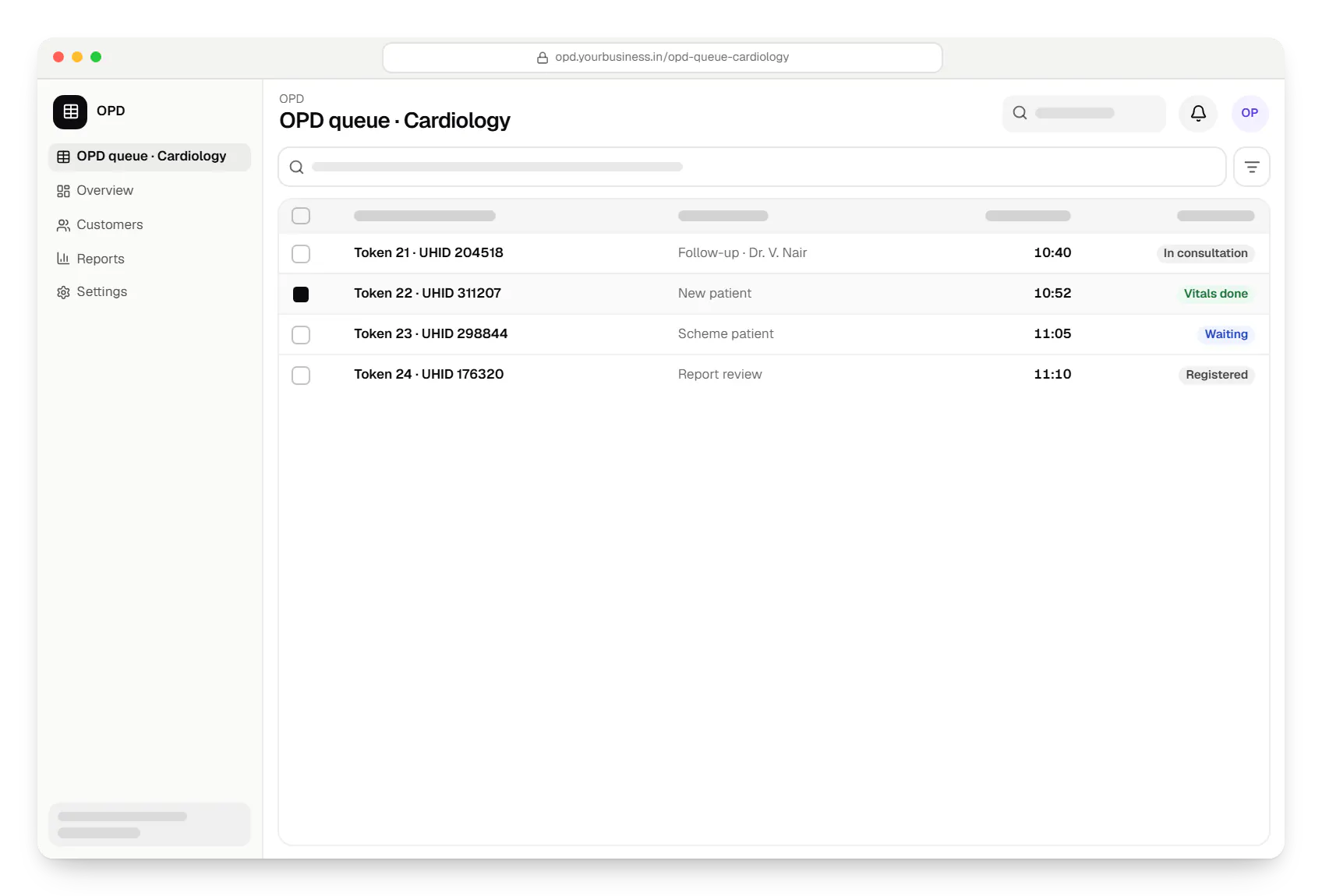
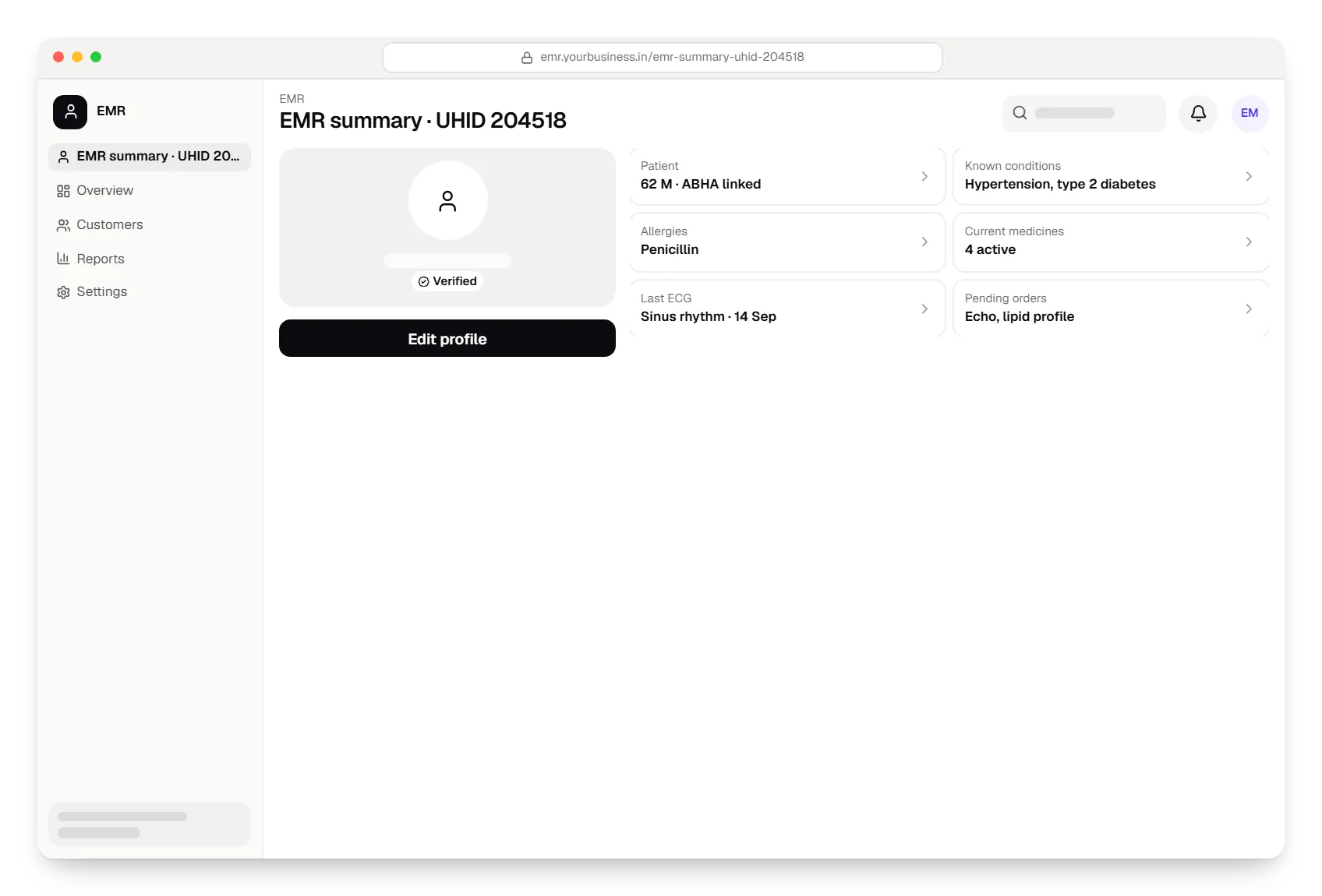
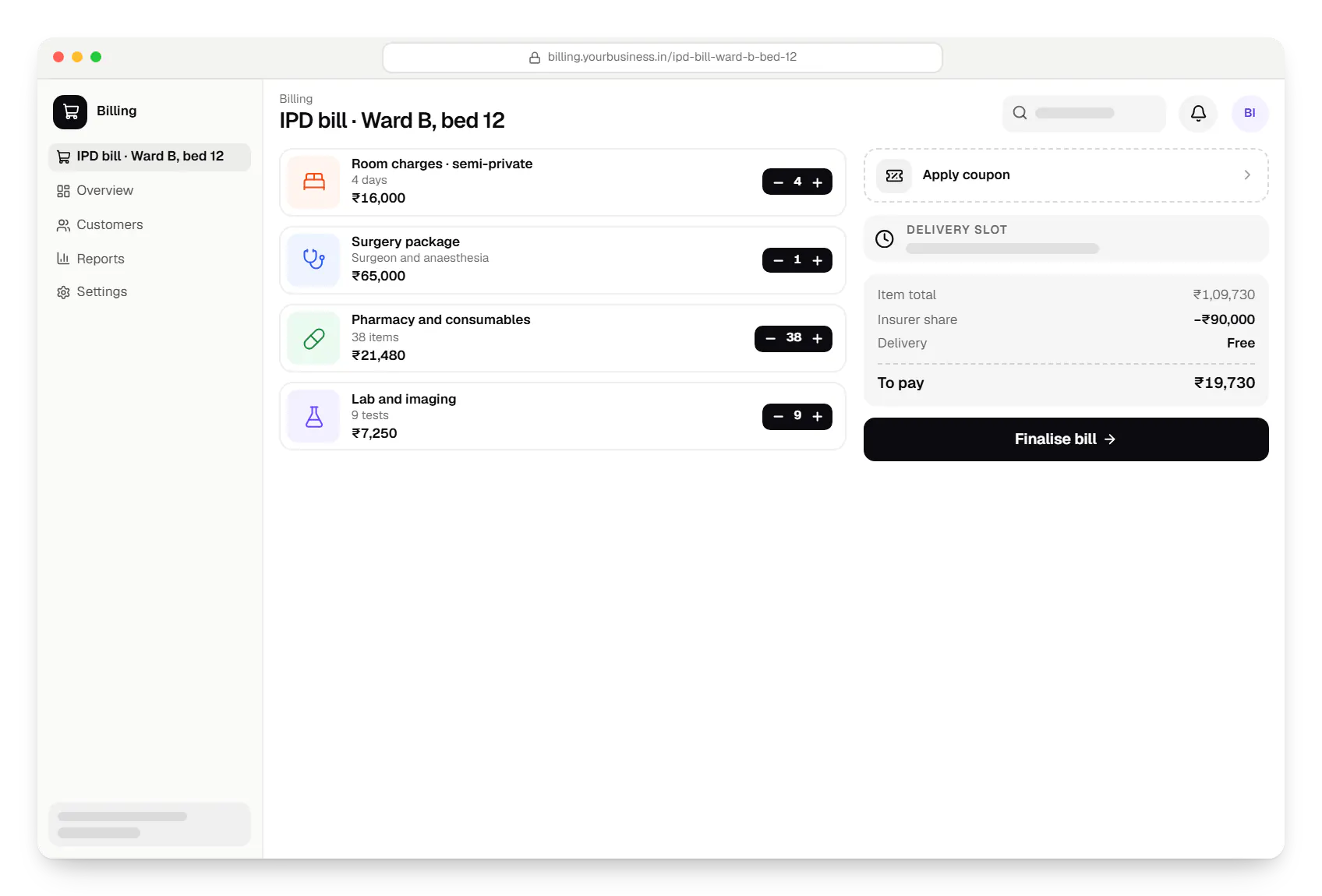
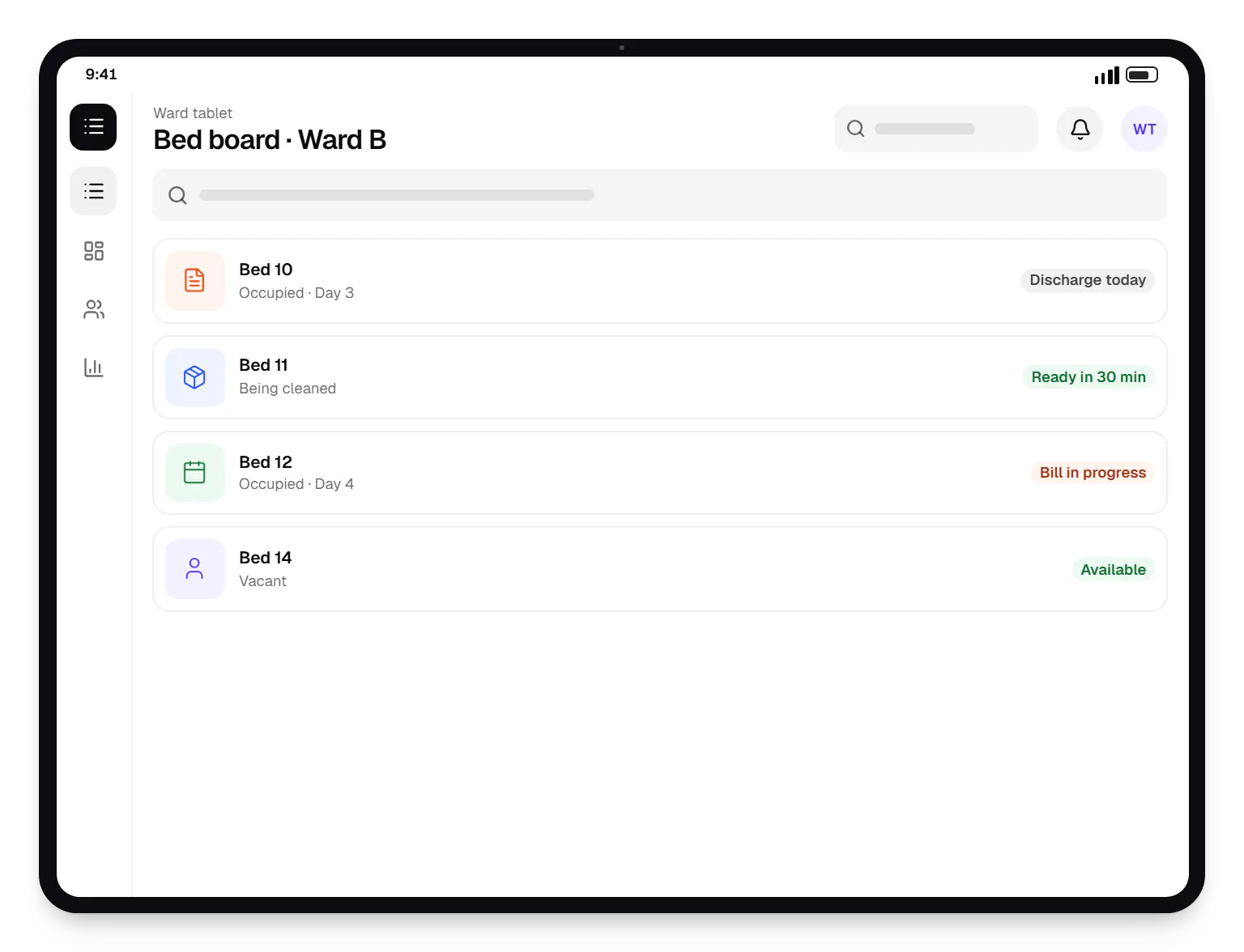
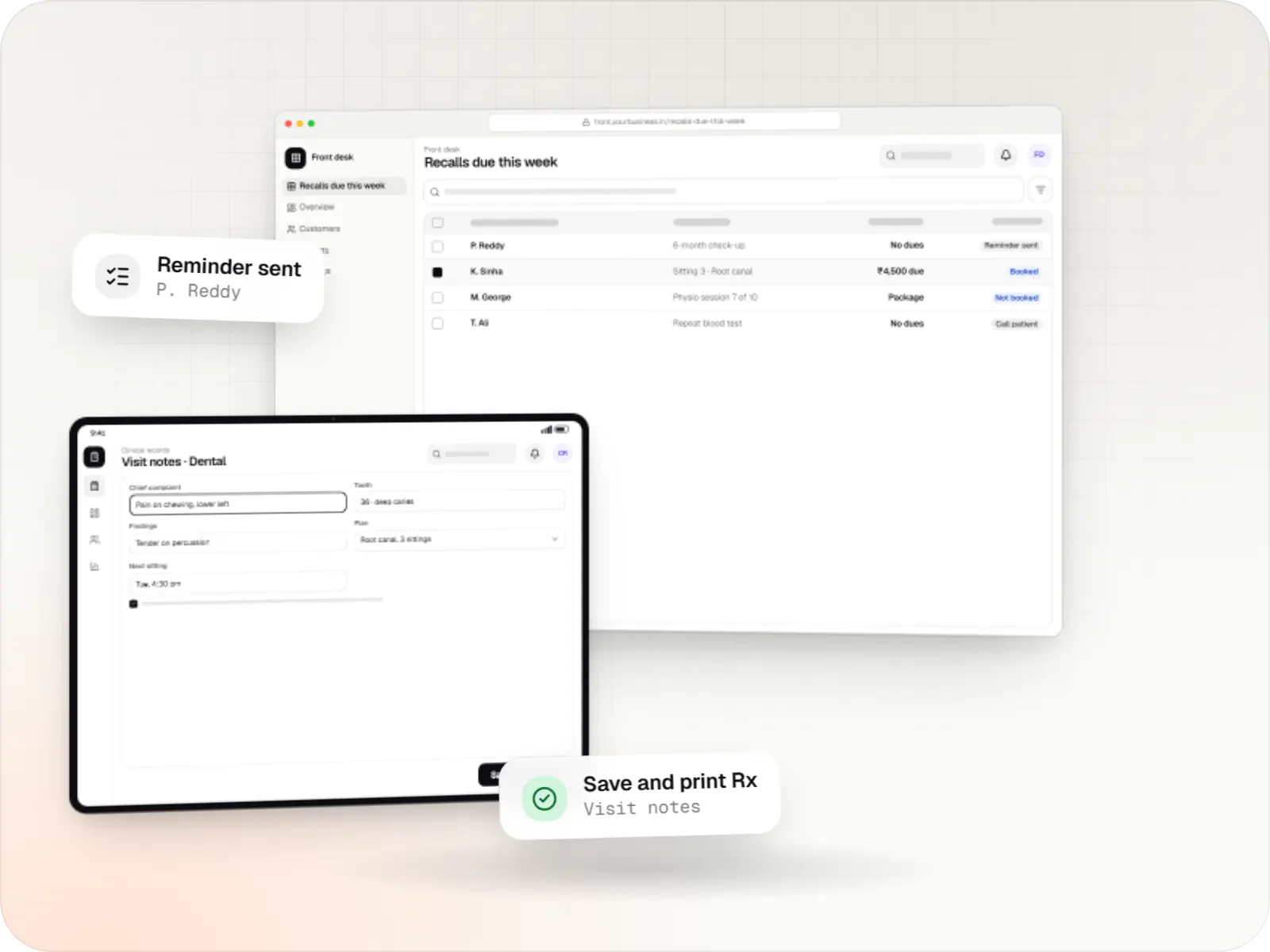
Sample screens: names, prices and figures are examples, not client data.
Services

Software shaped around how your business runs, from approvals and inventory to billing and reports, replacing spreadsheets and disconnected tools.

Browser-based products, customer portals, dashboards and internal tools, built on clean data models with secure roles and integrations.

Secure, documented REST and GraphQL APIs, plus integrations that connect your apps to payment, logistics, GST, messaging and business systems.

Back-office dashboards built around your team's daily tasks: order queues, approvals, catalogue management, payouts, reports and audit logs.

Product design for web and mobile apps: research, user flows, wireframes, prototypes and design systems that engineers can build from.
Cost drivers
Front office and billing alone is far smaller than adding IPD, OT, pharmacy, lab and stores.
Legacy patients, bills and stock need cleaning, mapping and verification.
Each analyser, PACS or insurer interface is a small project of its own.
On-premise setups and multi-hospital groups add installation, failover and consolidated reporting.
Estimates are written from your scope, with the effort and assumptions behind each line item.
How pricing worksProcess
Time in registration, wards, billing and pharmacy.
You getProcess maps per department
Modules ordered by impact; legacy data sampled for quality.
You getRoadmap and migration plan
Usually registration, OPD and billing; with testing and training this typically takes four to six months.
You getModules on a test server
Both systems run while we close gaps and train each shift.
You getGo-live checklist
IPD, pharmacy, lab and stores follow, so a full rollout usually spans a year or more.
You getRelease and support plan
Industries
Industries where this kind of product fits well.
More specific pages
Hospital management software for
FAQ
That depends on the deployment. A hospital with unreliable connectivity can run the system on local servers, syncing to the cloud for backups and group reporting. A cloud deployment can keep registration and billing usable through short outages with local caching, but full offline operation is limited. Two internet links from different providers are a sensible baseline.
Usually, if we can get a database export or reports from it. Patient masters, visit history, outstanding bills, deposits and pharmacy stock come first. Legacy data often has duplicates and inconsistent formats, so we run trial migrations and have your staff verify samples. Rarely used history can sit in a read-only archive instead of being fully migrated.
Admissions are flagged as cashless at registration. The system assembles pre-authorisation documents, tracks approvals and enhancements, and records the approved amount against the admission. At discharge the final bill splits into the payer's and the patient's share, including deductions, and the claim file is prepared. Where insurers use the National Health Claims Exchange, claims can be exchanged electronically.
That depends on the schemes you take part in and any directions in your state, so confirm with your administrators. Many hospitals integrate so patients can link visits to their ABHA and share records between providers. We support facility registration, ABHA capture at registration, Scan and Share for faster OPD check-in, and consented record exchange, each tested in the ABDM sandbox first.
Related
Next step
Share your departments, approximate bed count and current systems. We will propose a phased rollout and a line-item estimate.