Skip to content
Softcoderz

Technology · Web

React development

Builds interactive screens in the browser, such as dashboards, admin panels and portals, that respond instantly as your team works.

How we use it

React is our default for browser interfaces with lots of state, such as admin dashboards, internal tools, booking flows and SaaS apps, paired with TypeScript and a tested component library.

Official site: react.dev (opens in new tab)

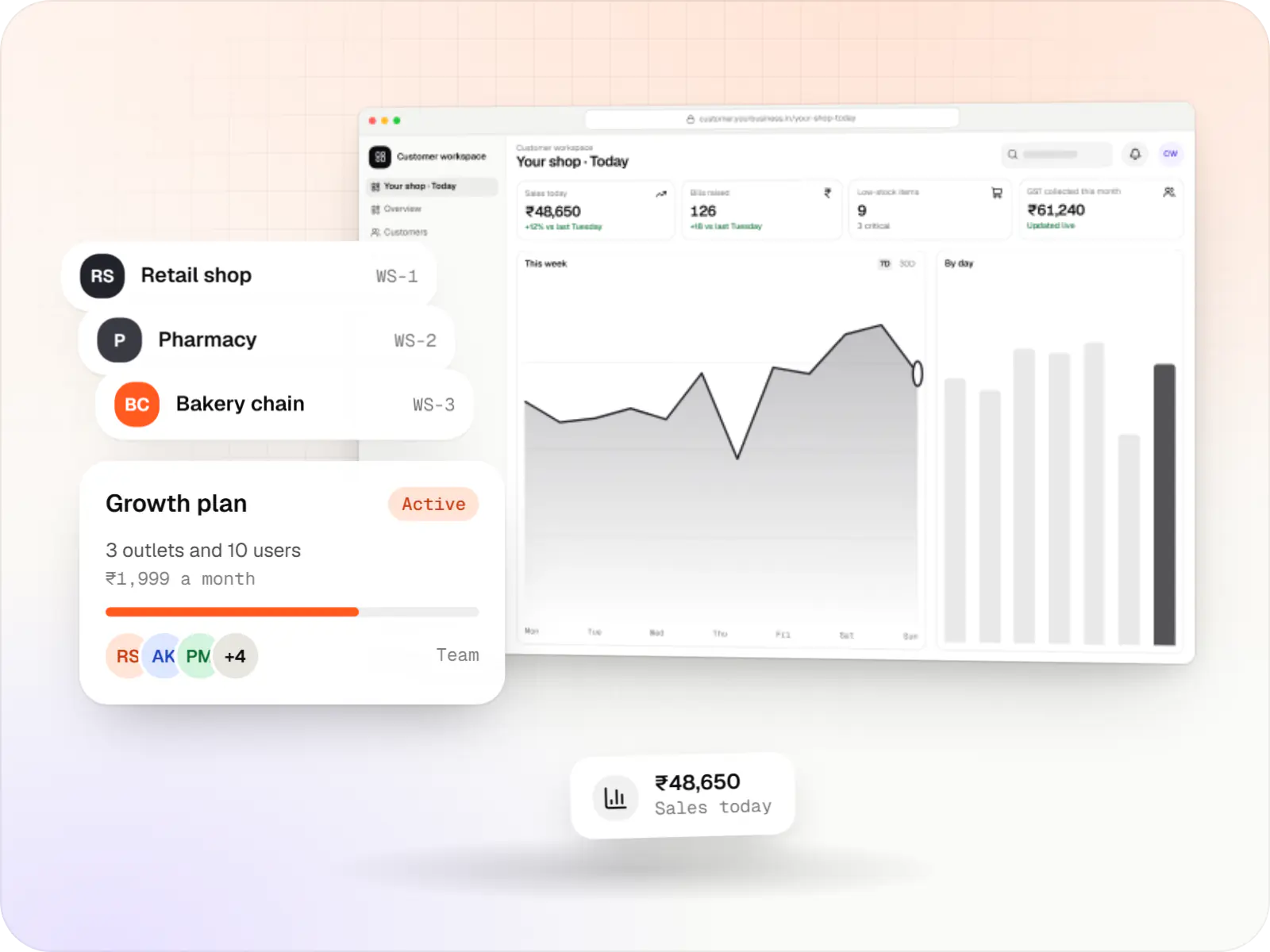
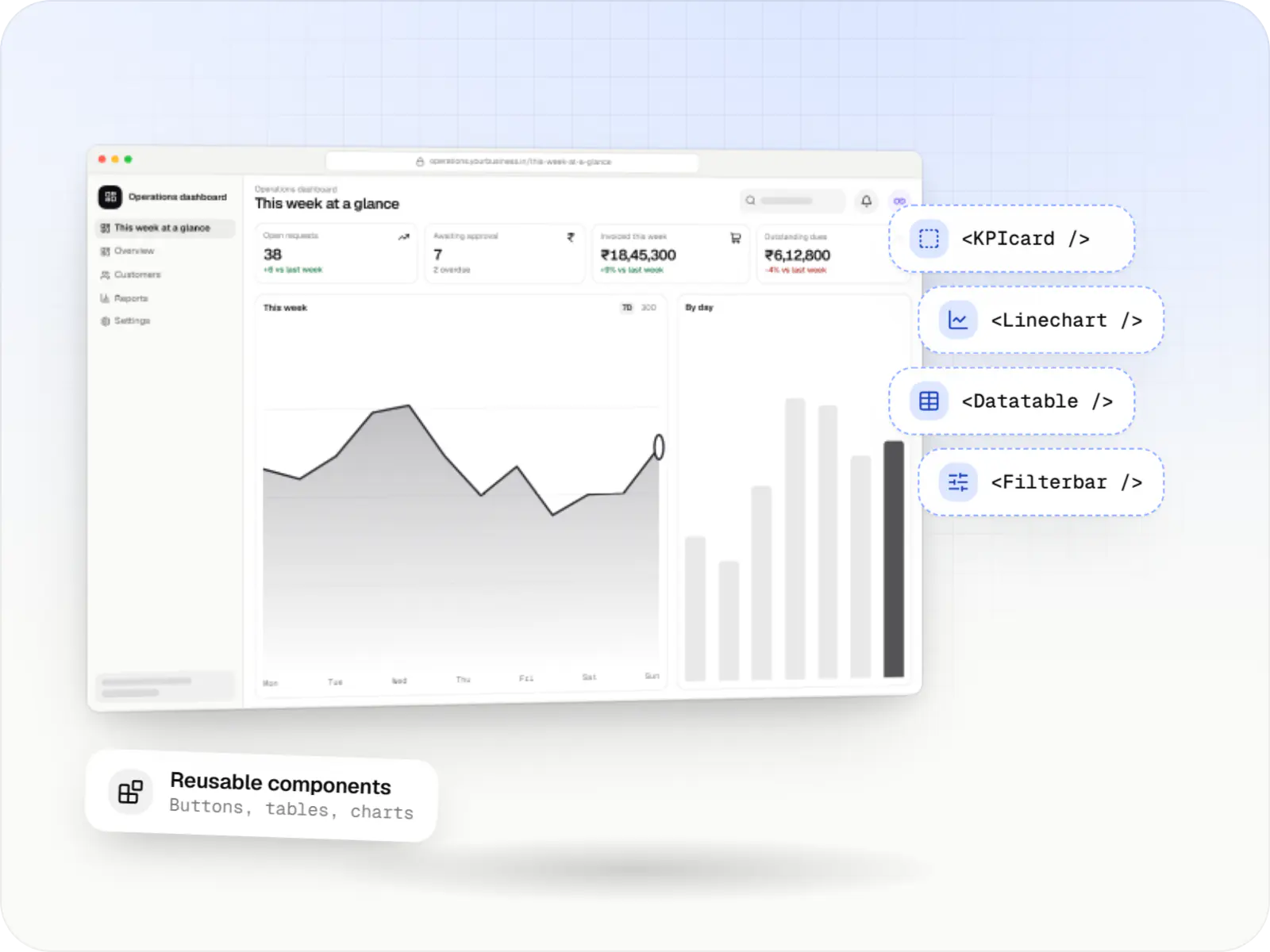
Operations dashboard built with React in a browser, with its reusable components labelled
Illustrative previewAn interactive dashboard assembled from reusable interface components.

What React is, and why we use it for interactive screens

React is a widely used technology for building the screens people click, type and drag in a web browser. It breaks a busy screen into small reusable parts, so an order table, a filter bar or a booking calendar behaves the same everywhere it appears. For your team, that means software that feels quick to use and costs less to extend later.

React's component model keeps complex screens manageable: an order table with filters, a drag-and-drop scheduler or a multi-step onboarding form becomes a set of small, testable parts. React is a library rather than a full framework, so routing, data fetching and forms are choices we make per project. Behind a login we often use React with Vite; for public pages we use Next.js.

Use cases

What we build with React

  • Admin panels

    Order, user and content management with roles and audit logs.

  • Operations dashboards

    Live views of orders, deliveries or tickets with charts and alerts.

  • SaaS applications

    Workflows, settings, billing screens and team management.

  • Scheduling interfaces

    Calendars, slot pickers and resource planners.

  • Embeddable widgets

    Chat, checkout or booking widgets that run inside other websites.

Why React matters for your product

  • Consistent screens everywhere

    Reusable components give every page the same buttons, tables and forms, so staff learn the system once.

  • Proven building blocks

    Mature libraries for tables, forms, charts and accessibility mean less custom code to pay for.

  • Easy hiring and handover

    A large pool of React developers in India makes long-term maintenance easier.

  • Shared skills with mobile

    Developers can move between the web app and a React Native mobile app.

When we would not recommend React on its own

  • Public pages that must rank in search: a plain React app sends mostly empty HTML, so for marketing pages and online stores we use Next.js, which is built on React.
  • A simple content website: a few pages of text and images do not need an interactive app framework; a CMS-driven site is quicker to build and edit.
  • A page that needs only a little interactivity: a contact form or a price calculator on an otherwise static page is simpler to maintain with lighter tools.

Plain-English glossary

React terms, in plain English

Component
A reusable piece of a screen, such as a search bar or an order row. Building from components keeps the look consistent, and a fix in one place improves every screen that uses it.
TypeScript
JavaScript with labels that describe what kind of data each part expects. It catches many mistakes before the software reaches your users and makes the code easier for a new team to understand.
CDN
A network of servers that keep copies of your app's files close to users. Screens load faster and the main server has less work, which keeps hosting costs down.

Services

Where React appears in our services

  • Web application development

    Browser-based products, customer portals, dashboards and internal tools, built on clean data models with secure roles and integrations.

  • Admin panel development

    Back-office dashboards built around your team's daily tasks: order queues, approvals, catalogue management, payouts, reports and audit logs.

  • SaaS development

    Multi-tenant SaaS products with subscription billing, team roles, onboarding and usage analytics, from first MVP to paying customers.

  • Website development

    Fast, SEO-ready company and marketing websites with a CMS your team can edit, designed and built by our in-house team.

Solutions

Solutions with React interfaces

  • CRM development

    Custom CRM software that captures leads from every channel, keeps follow-ups on schedule and shows managers a live pipeline.

  • ERP development

    Custom ERP software connecting purchase, inventory, production, sales and GST compliance, alongside your existing accounting system.

  • Order management system development

    A central order management system that collects orders from every channel, routes them to the right location and tracks them to delivery and payment.

  • Appointment booking software

    Custom scheduling software for consultants, service centres, labs and multi-location businesses: availability rules, reminders, payments and calendar sync.

Work

Sample projects

Illustrative projects that show how we plan and build products that use React. They are samples, not client work.

  • Business software

    Illustrative sample

    Fleet & dispatch management SaaS

    An illustrative SaaS for businesses running their own vehicles: live dispatch on a map, driver proof of delivery and per-trip billing for each customer.

    • Transportation
    • SaaS

    Runs on

    • Web app
    • Android
    • iOS
    • Cross-platform

    Built with

    • React
    • React Native
    • Node.js
    • PostgreSQL
    • Redis
    • +1 more
  • Device management & kiosk solutions

    Illustrative sample

    Android kiosk and device management platform for retail stores

    An illustrative kiosk product for retail chains: locked Android tablets for catalogues and price checks, a staff launcher, and a console to enrol, update and monitor every device.

    • Retail
    • Device management platform

    Runs on

    • Android Enterprise
    • Admin
    • Web app

    Built with

    • Next.js
    • React
    • Android (Kotlin)
    • NestJS
    • PostgreSQL
    • +1 more

Industries

Where it shows up by industry

Industries whose typical builds with us include React.

FAQ

Frequently asked questions

Should our internal dashboard use React or Next.js?

If it sits behind a login and doesn't need search visibility, React with a build tool such as Vite is often simpler: static files on a CDN, an API behind them and no server rendering to manage. Next.js adds value when you also need public pages, server-side data access or one codebase for marketing and app screens.

How do you keep a large React codebase maintainable?

We use TypeScript throughout, keep components small with clear props, separate data fetching from presentation and document shared components in a component library. Server data goes through a caching layer such as TanStack Query rather than global state. Linting, formatting and automated tests run on every pull request. These habits matter more for long-term cost than any single library.

Can you take over an existing React project from another team?

Yes. We start with a code review covering dependencies, build setup, test coverage, security issues and architecture, and share a written report with risks ranked by impact. Before adding features we usually fix the build pipeline and upgrade outdated or vulnerable packages. Where parts of the code are hard to change safely, we suggest gradual refactoring rather than a rewrite.

Next step

Need a React app or dashboard?

Describe the screens and the people who will use them, and we will scope the build with you.