Web
React
Builds interactive screens in the browser, such as dashboards, admin panels and portals, that respond instantly as your team works.
Used for
- Web apps
- Admin panels
- Dashboards
- Customer portals
Industries · B2B commerce
Let business customers order, reorder and track shipments themselves, at their negotiated prices and terms.
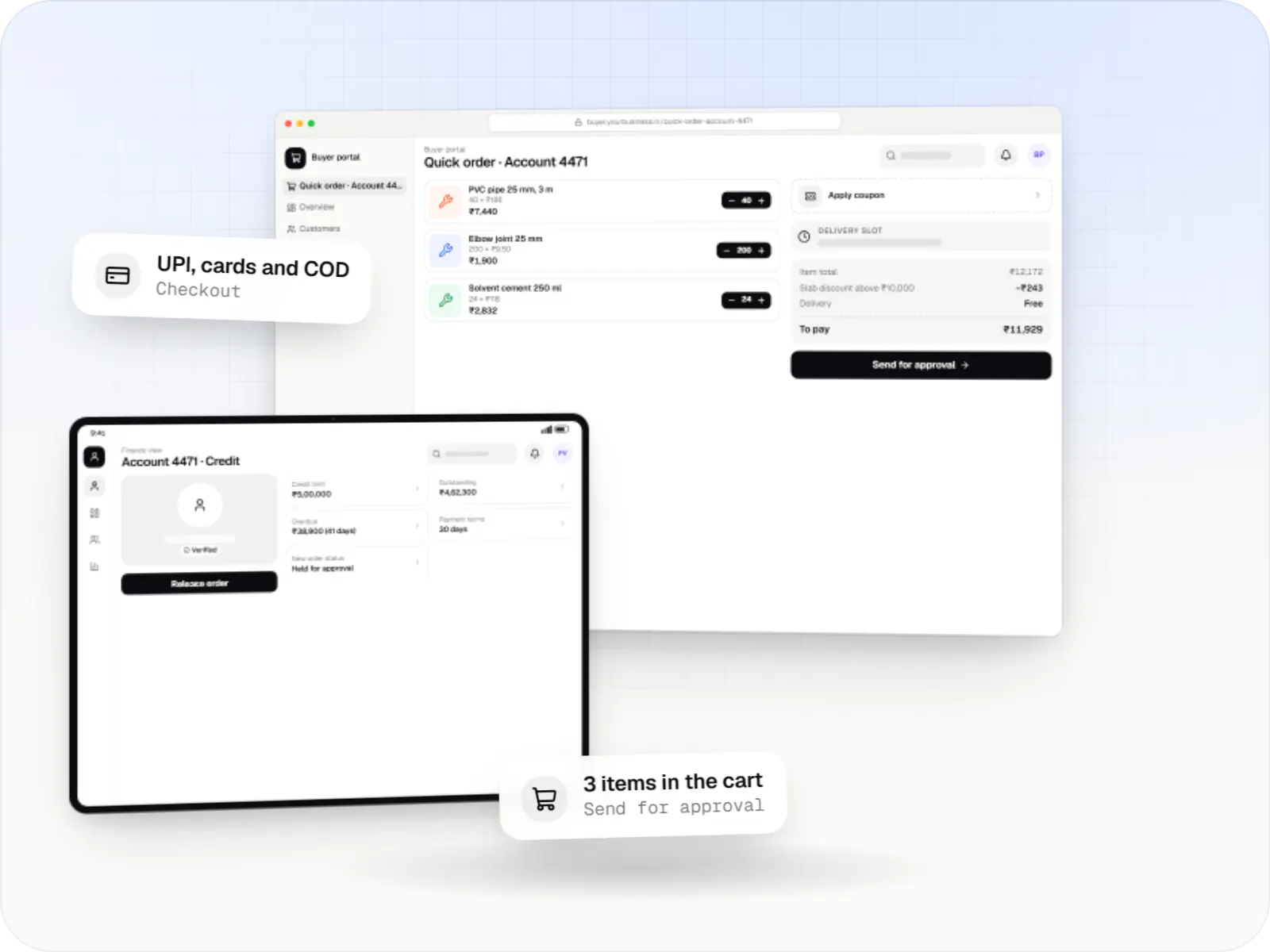
At a glance
What it is
Ordering portals and apps for business buyers: account pricing, credit terms, bulk ordering, quotes and ERP-connected GST invoicing.

For manufacturers, brands and distributors that sell to other businesses and want buyers to order online instead of over calls, email and WhatsApp.
How to start
Tell us what you need in your own words. You talk to the developers who would build it and get a written, line-item estimate.
Get a project estimateBusiness buyers expect prices negotiated for their account, credit terms, minimum order quantities and invoices that carry their GSTIN. Orders are often large, repeated monthly and approved by someone other than the person placing them.
We build B2B commerce portals and apps that encode these rules: customer-specific catalogues and price lists, quote requests for non-standard orders, credit checks at checkout and a clean handoff to your ERP for invoicing and dispatch.
Challenges
Emails, PDFs, calls and WhatsApp messages retyped by the sales team, with errors.
Contract prices, slabs and schemes that differ by customer, region and quantity.
Orders shipped to accounts already past their credit limit or overdue.
Web orders re-entered by hand into SAP Business One, TallyPrime or a custom ERP.
Solutions
Across 3 areas
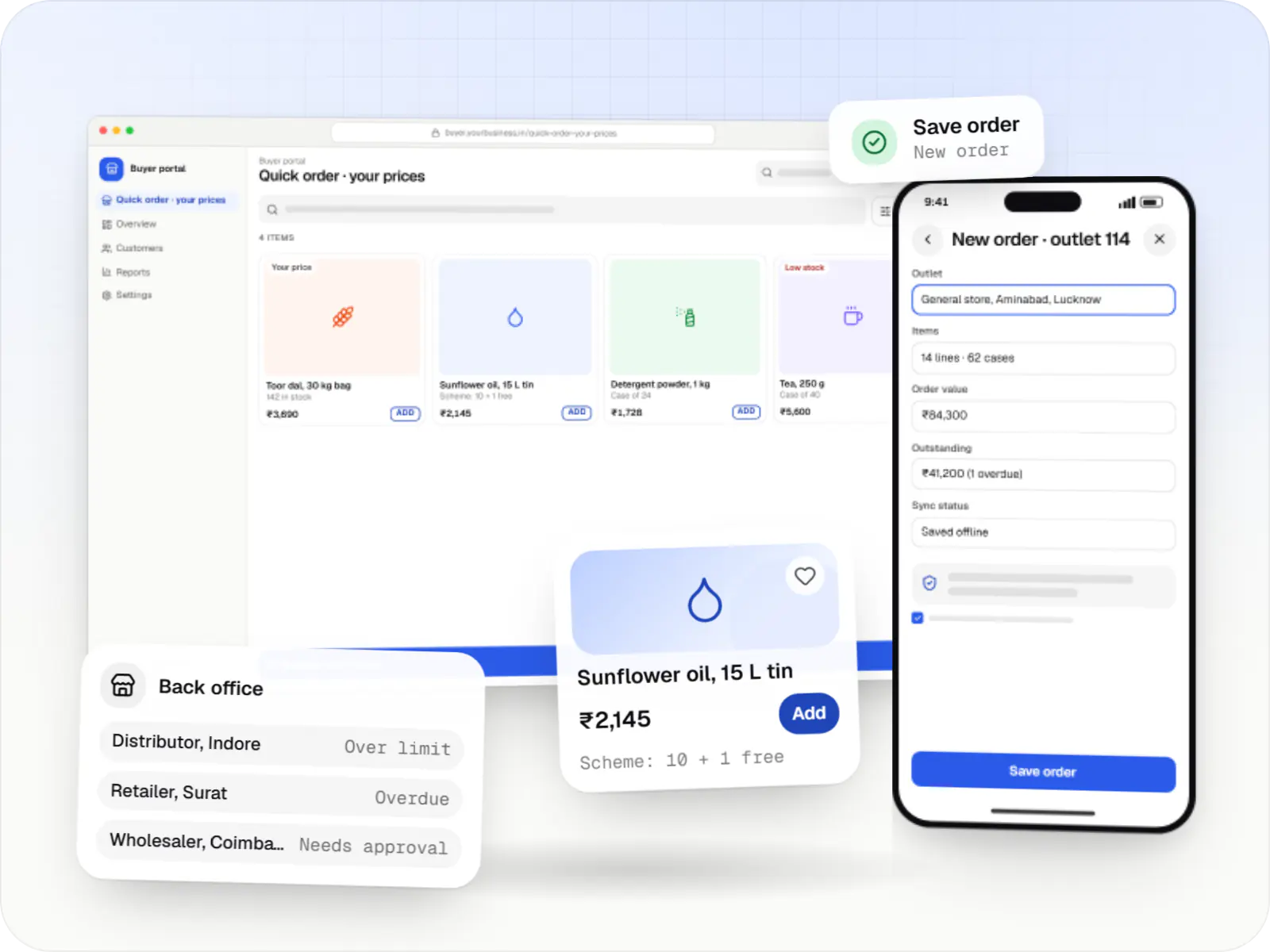
Ordering portals and apps for manufacturers, distributors and wholesalers, with buyer-specific pricing, credit limits, bulk ordering and ERP sync.
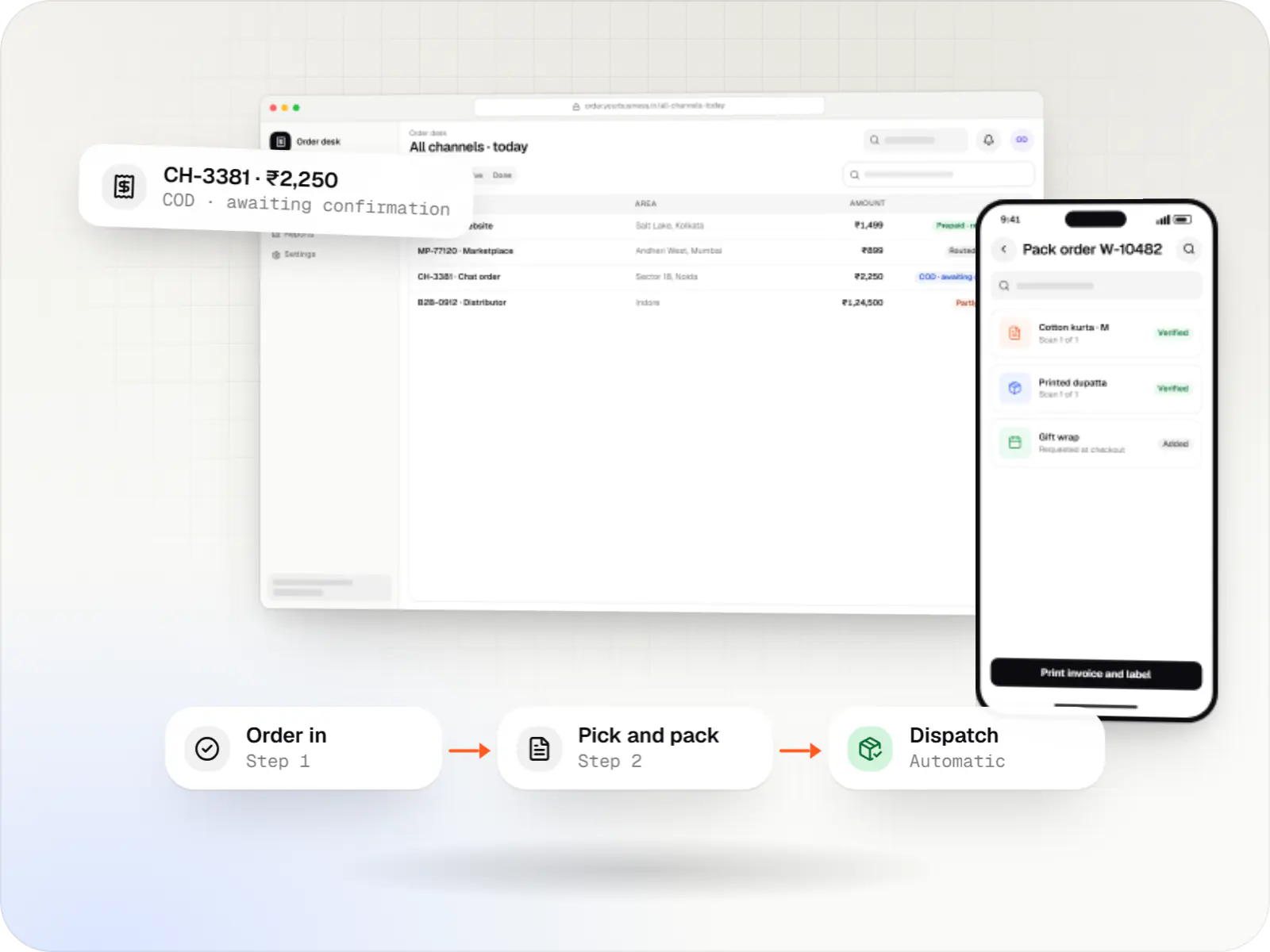
A central order management system that collects orders from every channel, routes them to the right location and tracks them to delivery and payment.
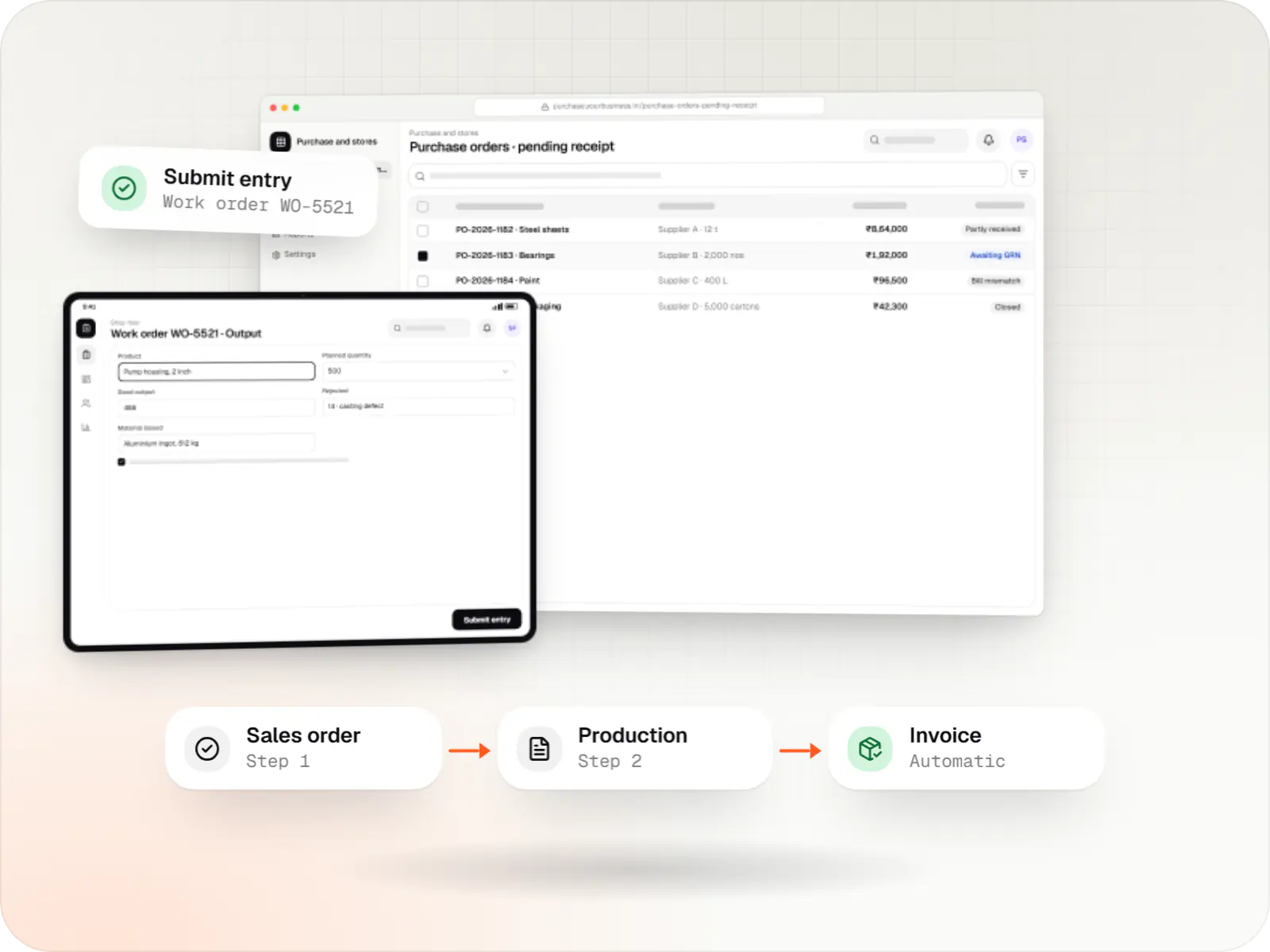
Custom ERP software connecting purchase, inventory, production, sales and GST compliance, alongside your existing accounting system.

Custom CRM software that captures leads from every channel, keeps follow-ups on schedule and shows managers a live pipeline.
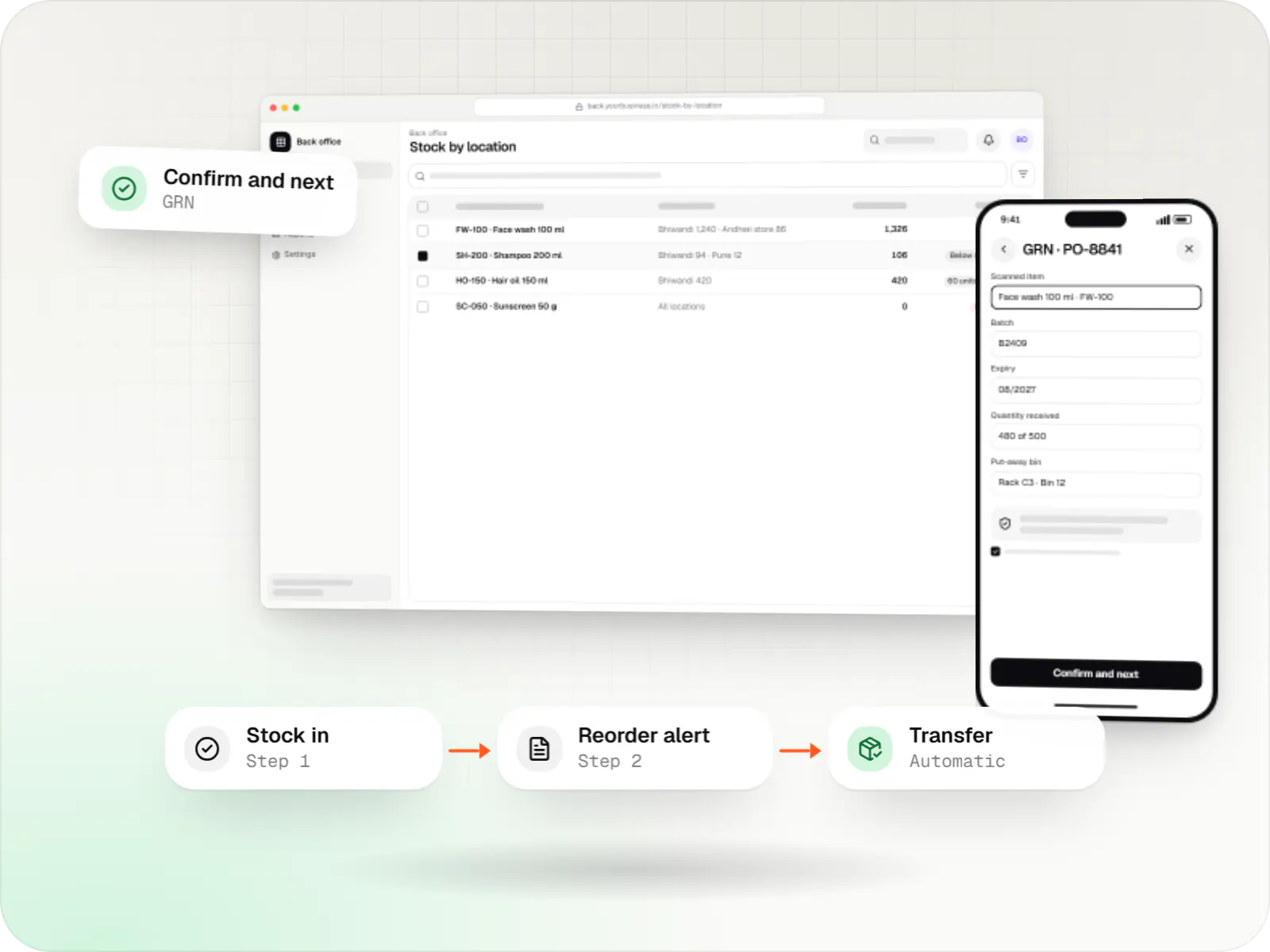
Custom inventory software for multi-location stock, batch and expiry tracking, barcode scanning and marketplace stock sync.
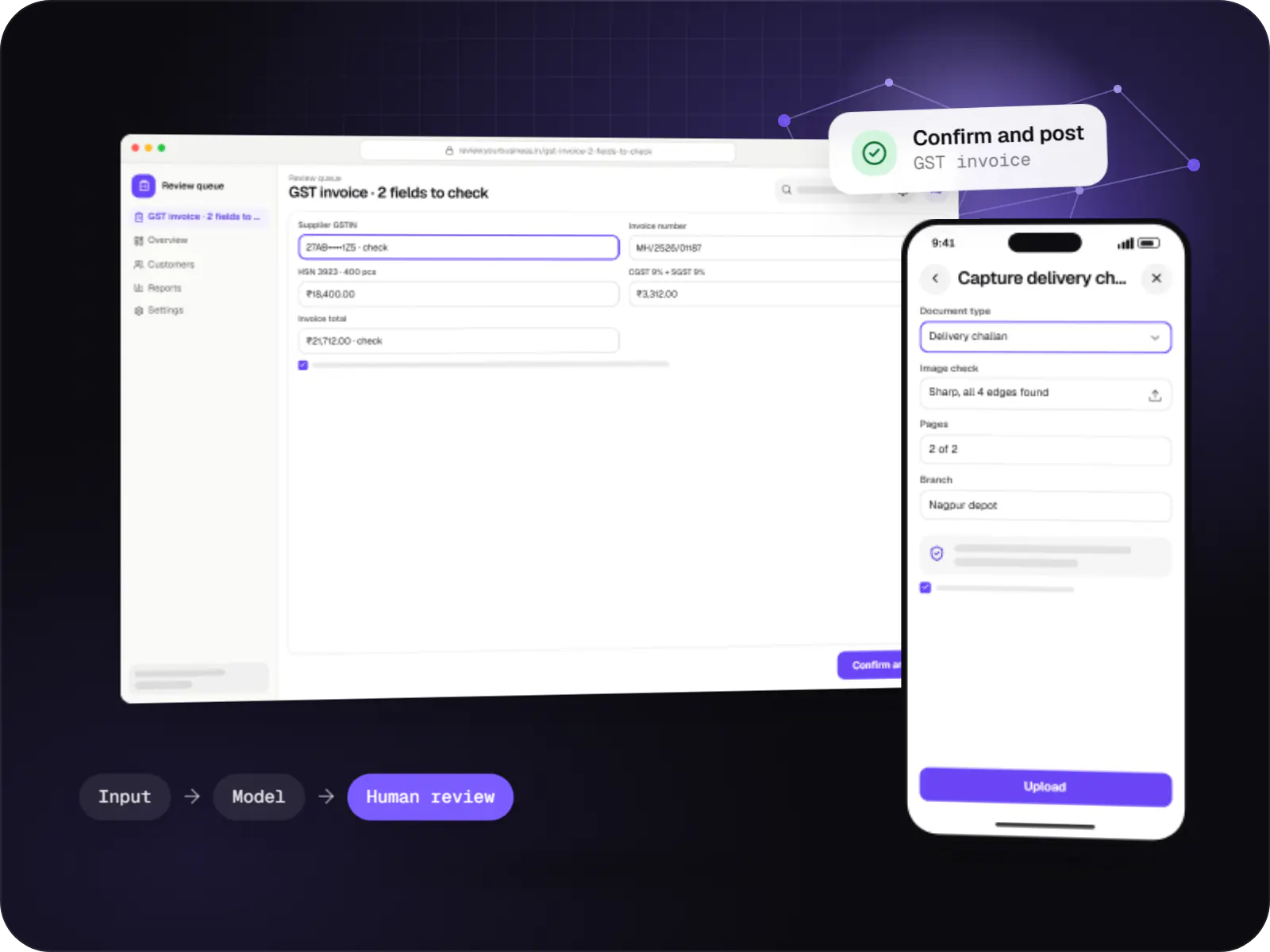
Data extraction from invoices, KYC documents, statements and forms into your systems, with validation rules and human review for uncertain fields.
Contract prices, quantity slabs and schemes applied automatically per buyer.
CSV upload, quick order by SKU, saved lists and one-click reorder of past orders.
Buyers request quotes; your sales team negotiates and converts them to orders.
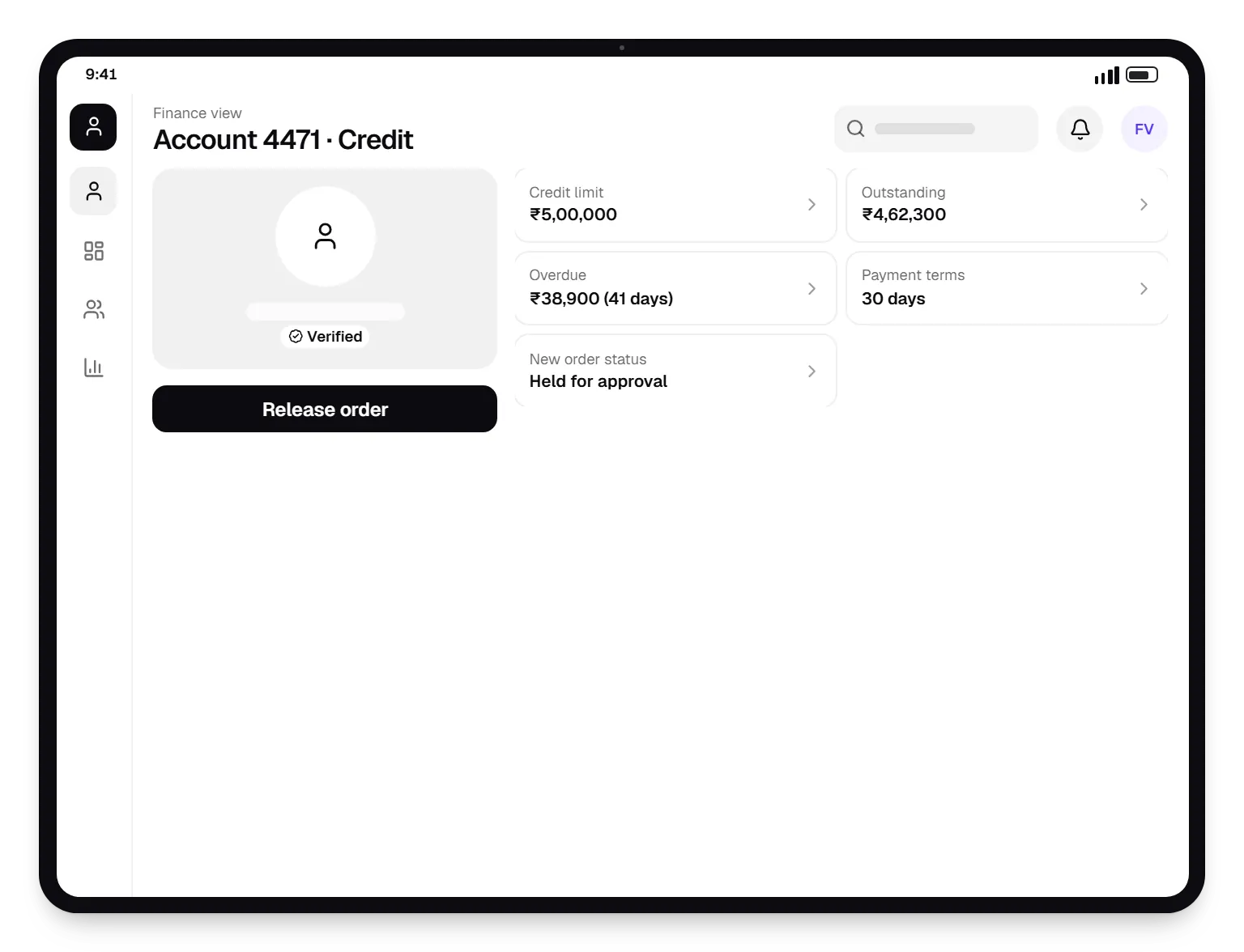
Checkout checks outstanding balance and terms; overdue accounts are held for approval.
Requester and approver roles with order approval workflows.
Invoices with buyer GSTIN, IRN generation via your ERP or GSP, and e-way bill data.
How it works
The portal applies each account's terms, so your sales team handles exceptions instead of retyping orders.
Contract prices, quantity slabs and schemes for that account appear automatically; other customers' prices stay hidden.
Quick order by SKU, a CSV upload or a repeat of last month's list fills the cart in minutes.
Multi-user accounts route large orders to a manager at the buying company before they are placed.
Outstanding balance and payment terms are checked, and orders from overdue accounts are held for your finance team.
The confirmed order reaches your ERP for invoicing with the buyer's GSTIN, IRN generation and e-way bill data.
Buyers see dispatch status and download invoices under their account, ready for the next reorder.
Platforms
Browser-based applications with logins, roles and workflows, such as customer portals, SaaS products and internal tools.
Apps for Android phones and tablets, tested on budget and mid-range devices and published on Google Play or privately.
Installable web apps with offline support and notifications, useful when an app-store listing isn't essential or phones have little storage.
Back-office panels for operations, support and finance teams: orders, users, content, reports and permissions.
Technology
Web
Builds interactive screens in the browser, such as dashboards, admin panels and portals, that respond instantly as your team works.
Used for
Web
A modern web technology for fast, search-friendly websites, online stores and web applications that load quickly on mobile.
Used for
Backend
A structured way to build back ends on Node.js, so large business systems stay organised, testable and easy to hand over.
Used for
Data
A reliable database for the records your business runs on: orders, payments, bookings and stock, kept accurate and easy to report on.
Used for
Data
Keeps frequently used data in fast memory, so apps stay quick on busy days and live features like order tracking feel instant.
Used for
Cloud & DevOps
Cloud hosting for your app, website and data, with data centres in India and room to grow when traffic rises.
Used for
Plain-English glossary
Product preview
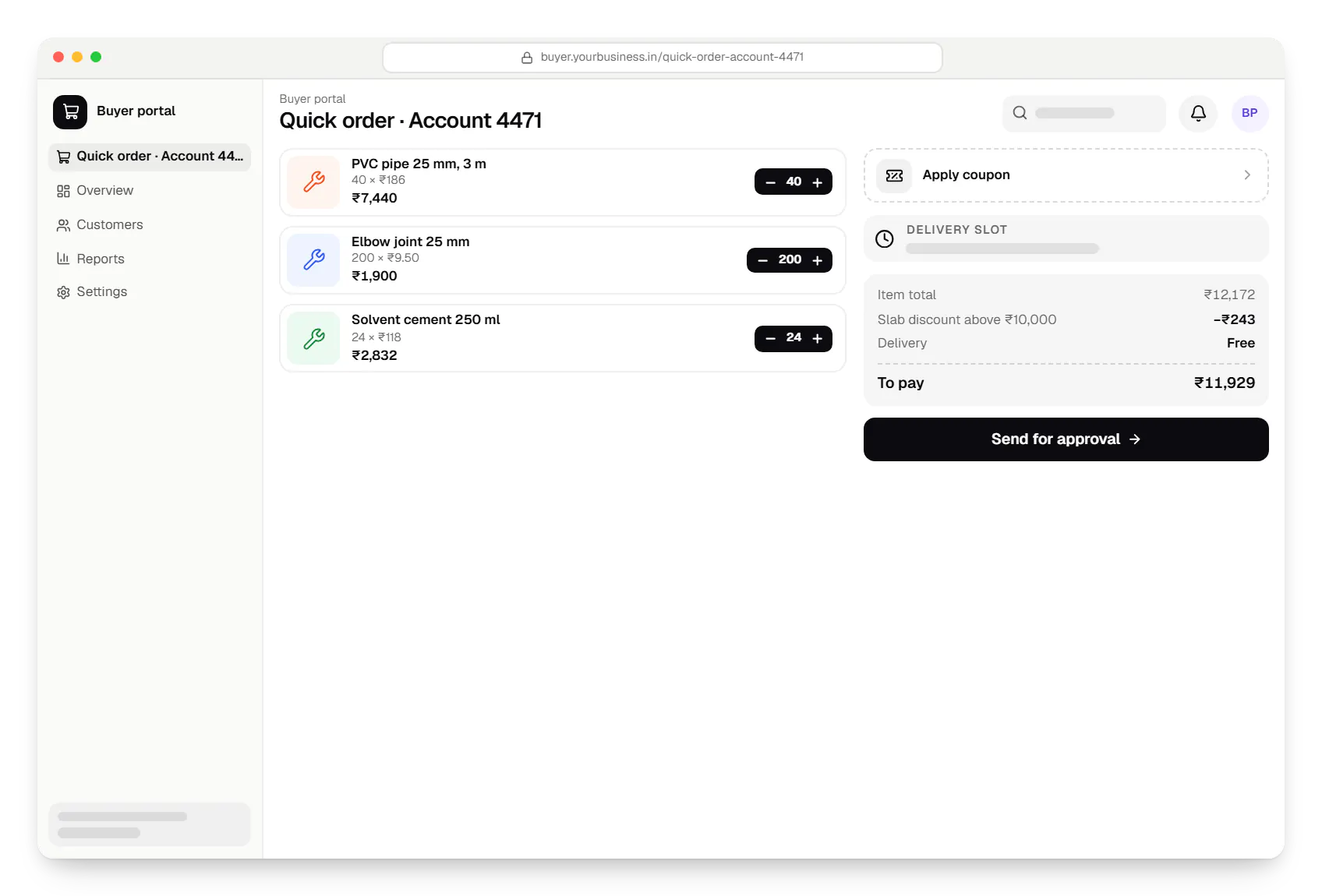
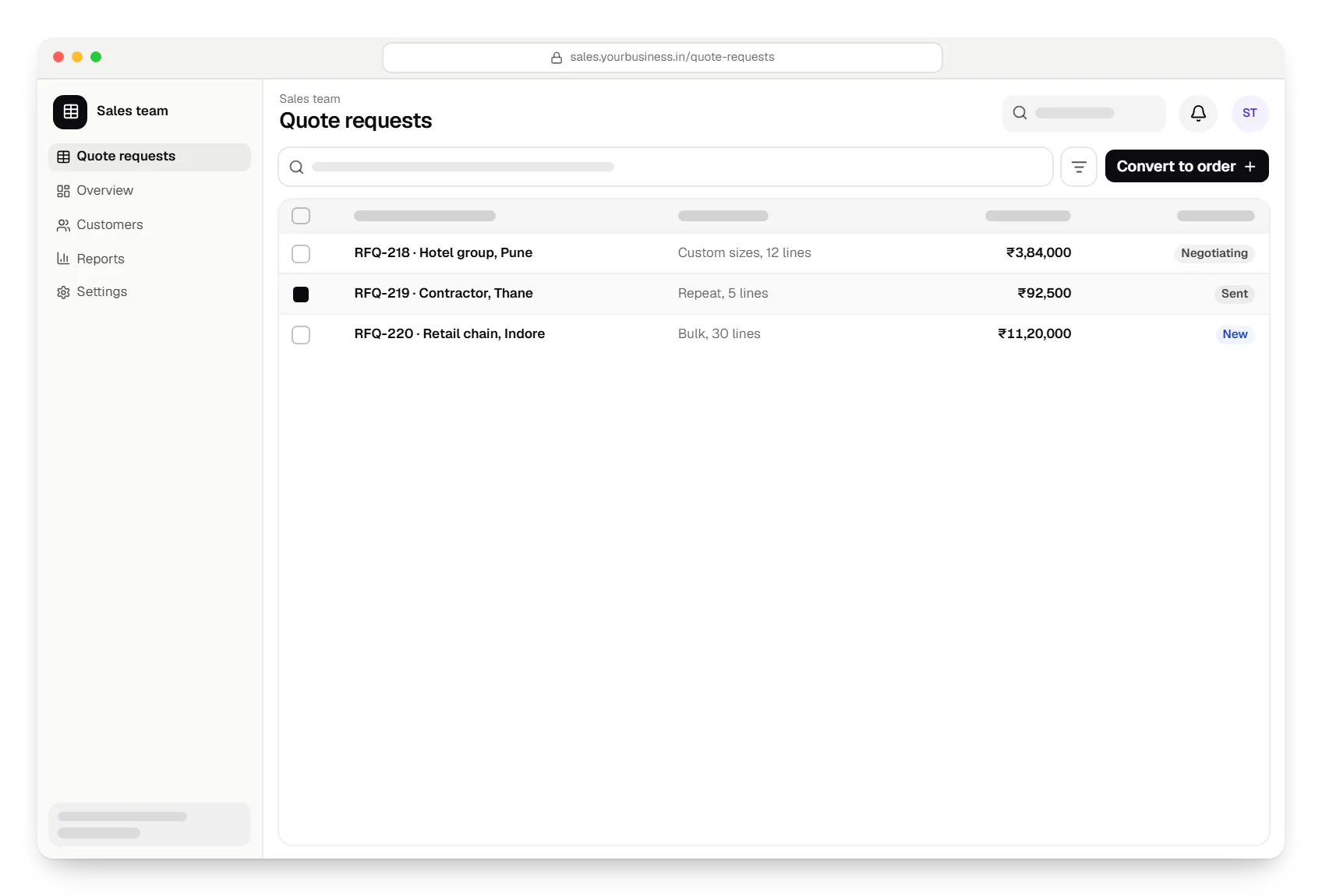
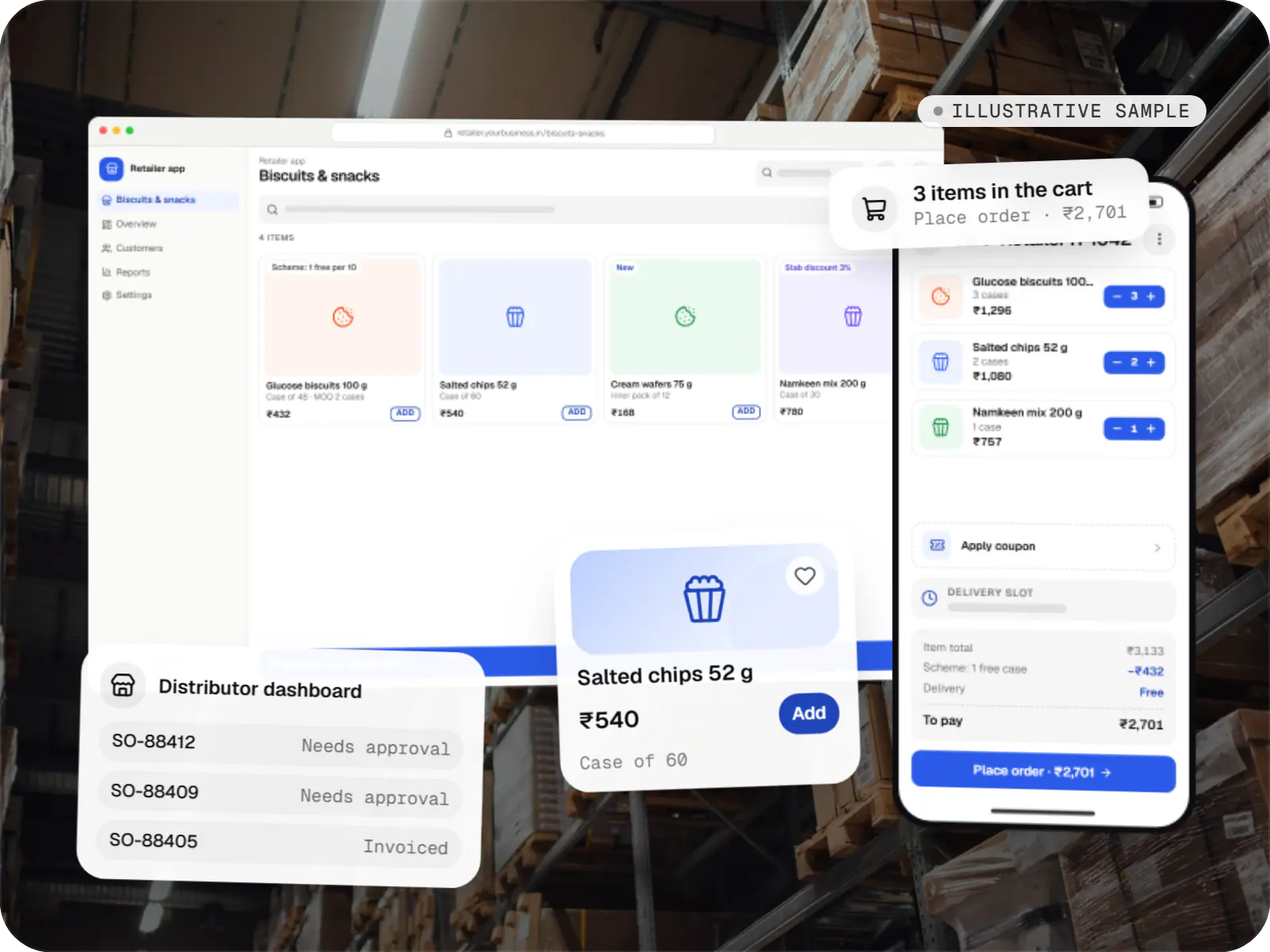
Sample screens: names, prices and figures are examples, not client data.
Work
E-commerce & marketplaces
An illustrative ordering app for a distributor's retailers and sales team, with tier pricing, credit limits, trade schemes and GST invoicing.
Runs on
Built with
Cost drivers
Contract prices and schemes must be modelled and tested against real invoices.
One-way order export is simpler than two-way sync of stock, prices, credit and invoices.
Multi-branch buyers with approval chains need more roles and workflow screens.
Estimates are written from your scope, with the effort and assumptions behind each line item.
How pricing worksServices
The design and engineering services our in-house team combines on projects in this sector.
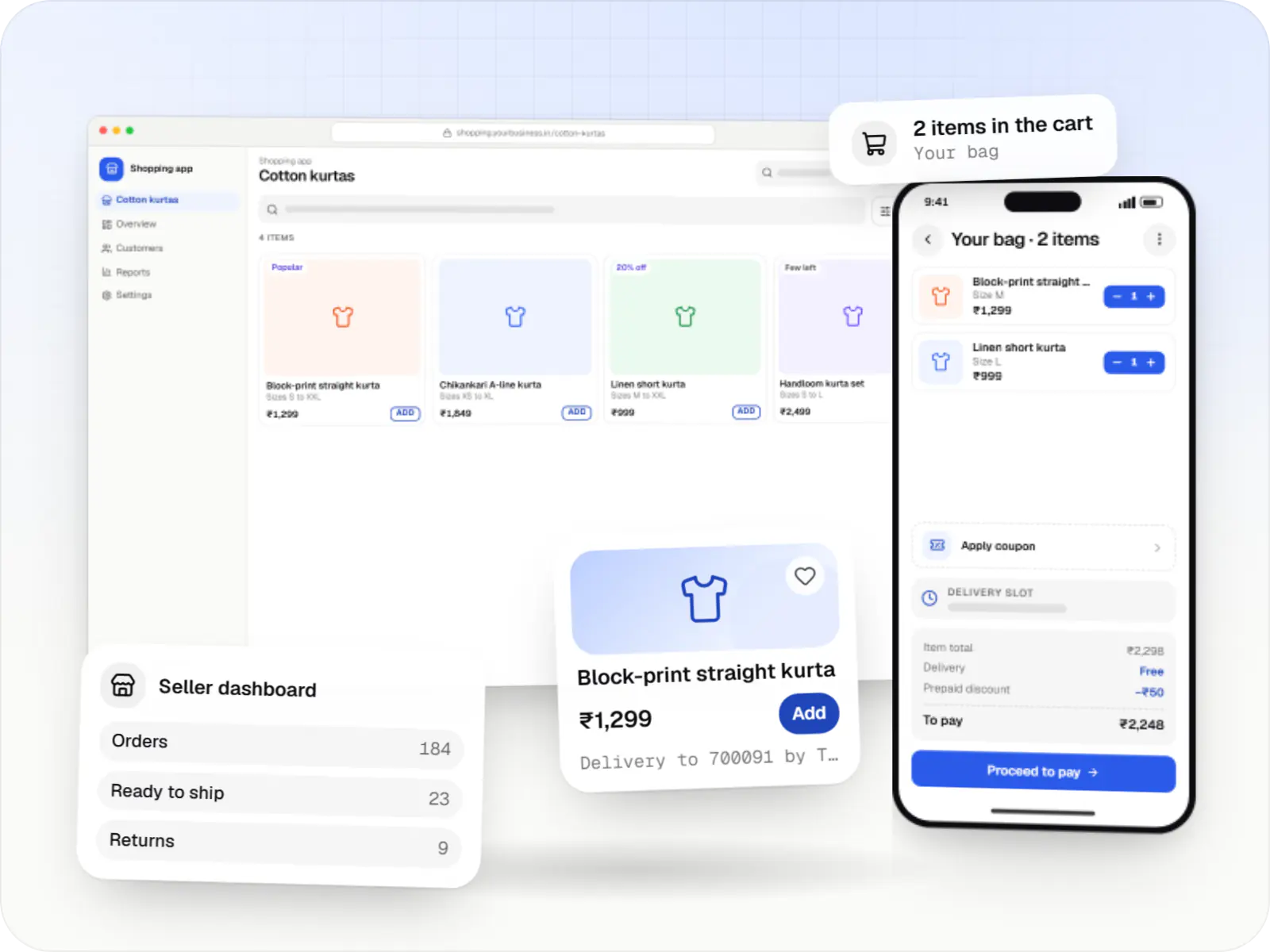
Online stores, shopping apps and B2B ordering portals on Shopify, WooCommerce or custom stacks, wired to Indian payments, couriers and GST invoicing.

Browser-based products, customer portals, dashboards and internal tools, built on clean data models with secure roles and integrations.

Secure, documented REST and GraphQL APIs, plus integrations that connect your apps to payment, logistics, GST, messaging and business systems.

Software shaped around how your business runs, from approvals and inventory to billing and reports, replacing spreadsheets and disconnected tools.

Native and cross-platform Android and iOS apps, from first release through regular store updates, built by our in-house designers and engineers.
FAQ
Yes. We model price lists at the level you need: per customer, customer group, region or contract, with quantity slabs and time-bound schemes layered on top. Buyers see only their own prices after login. Rules are managed from an admin screen, and before launch we test them against a sample of your real invoices so the portal's totals match what your finance team expects.
We build against the integration styles common in Indian businesses: REST or SOAP APIs, database connectors, scheduled file exchange and TallyPrime's XML interface. SAP Business One, Microsoft Dynamics and Zoho Books all offer APIs; older or heavily customised ERPs may need a middleware layer. Scope depends on direction and frequency, so we first agree which system owns stock, prices, credit and invoices.
Many buyers prefer it, so we often keep WhatsApp as a channel rather than fighting it. Through the WhatsApp Business Platform, buyers can receive catalogues, reorder links and order status, and messages can create draft orders for your sales team to confirm. For free-text or PDF purchase orders, AI document processing can extract line items for human review before they become orders.
Next step
Send us a few real orders and your price rules. We'll show how a portal would handle them.