Solutions
On-demand & booking apps
Taxi, home services, salon and appointment booking platforms with customer, provider and admin apps, built around real-time matching and scheduling.
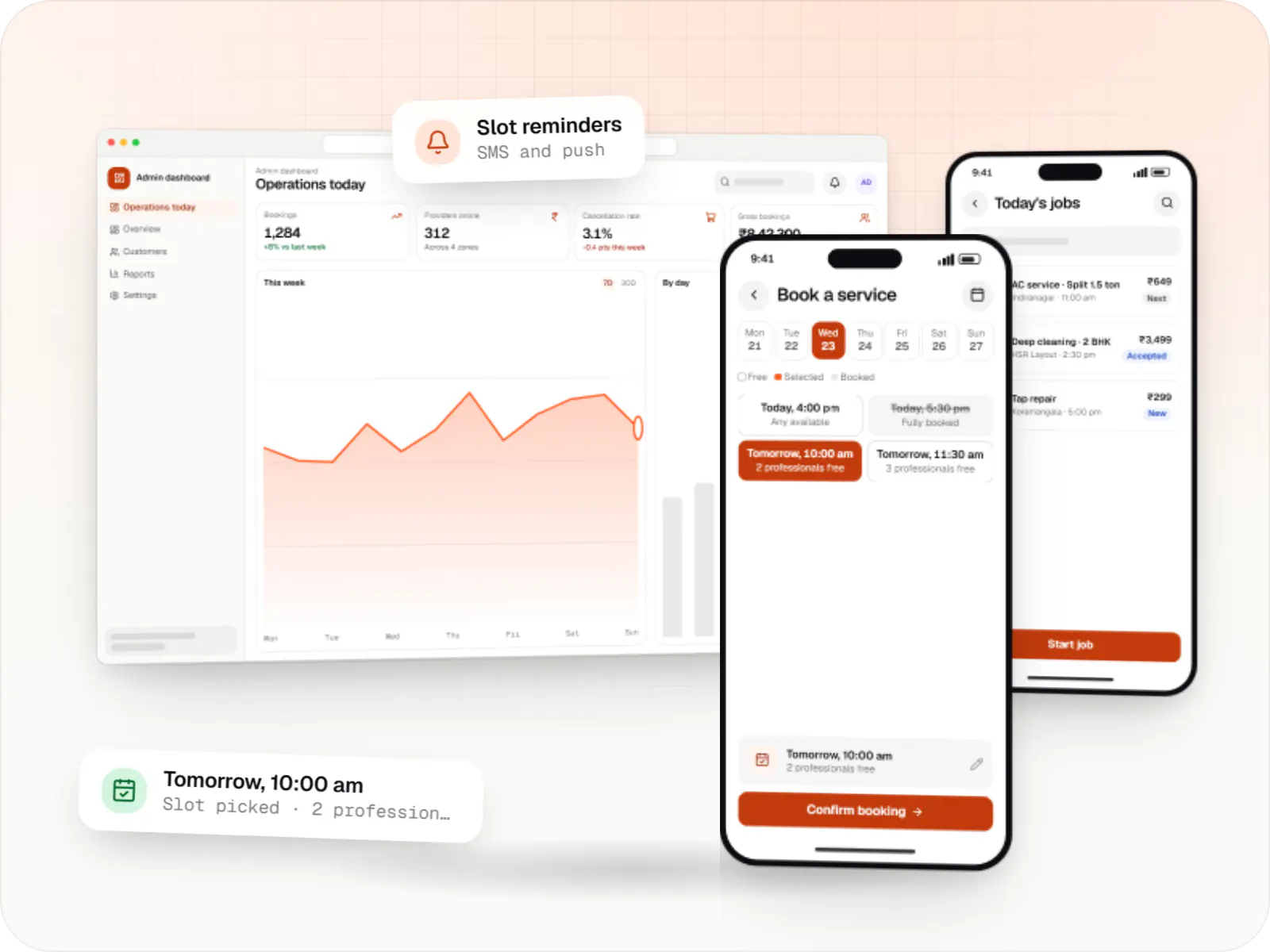

Two-sided products that live or die on operations
Every on-demand business has two sets of customers. The person booking wants a fast, predictable answer. The driver, technician or stylist wants steady work, fair assignment and quick payouts. Software that serves only one side struggles within the first month of real operations.
So we start with the supply side: how providers sign up, get verified, receive jobs and get paid. Then we design the booking flow, the matching or scheduling rules, and an admin console a small team can run city by city.
The products below share a core of accounts, payments, notifications, ratings and support, but differ sharply in how a request becomes a confirmed job.

Solutions
Booking and dispatch products we build
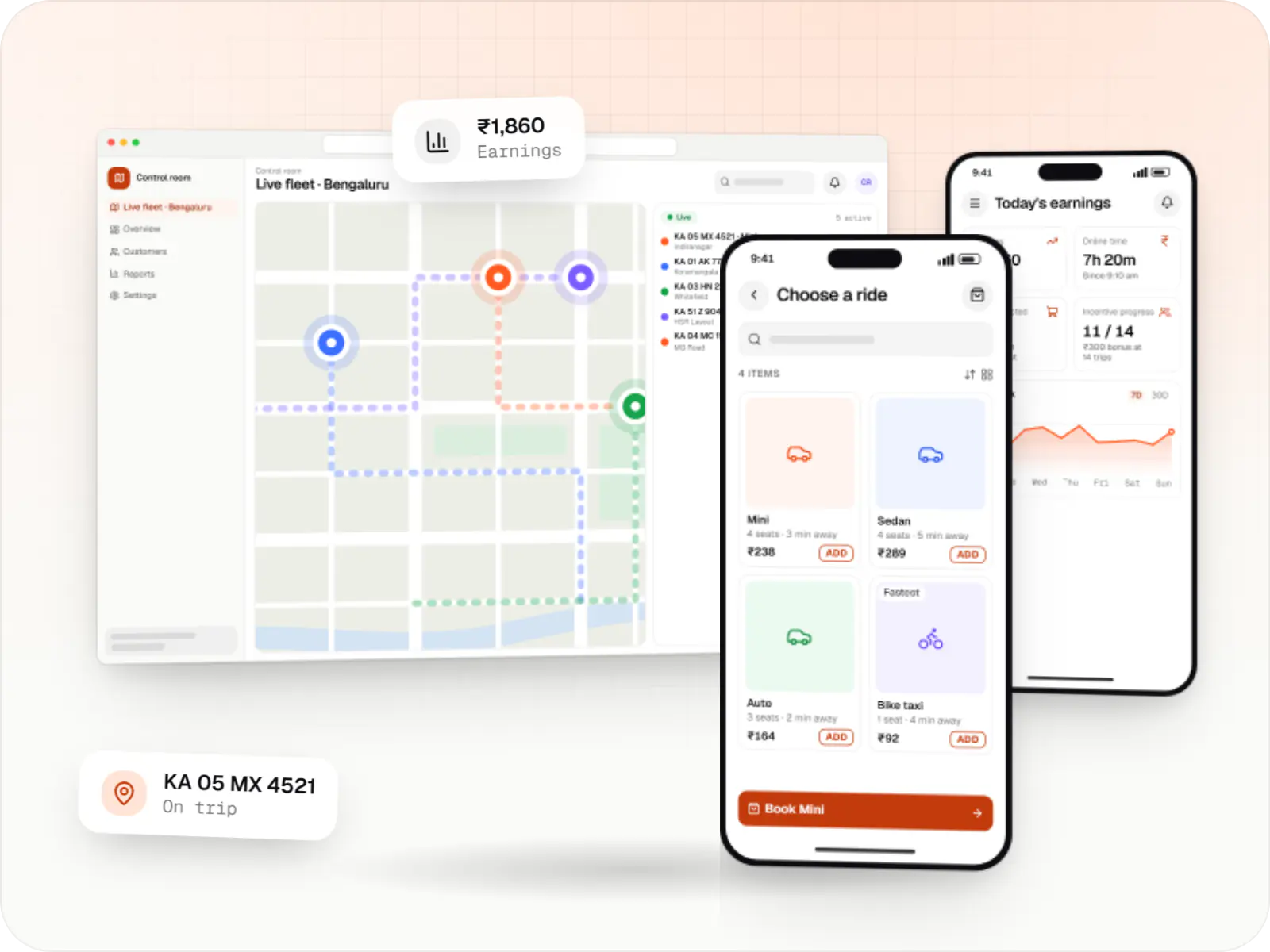
Rider app, driver app, dispatch engine and admin console for cab, auto, bike taxi, rental and outstation services, with UPI, cash and live tracking.
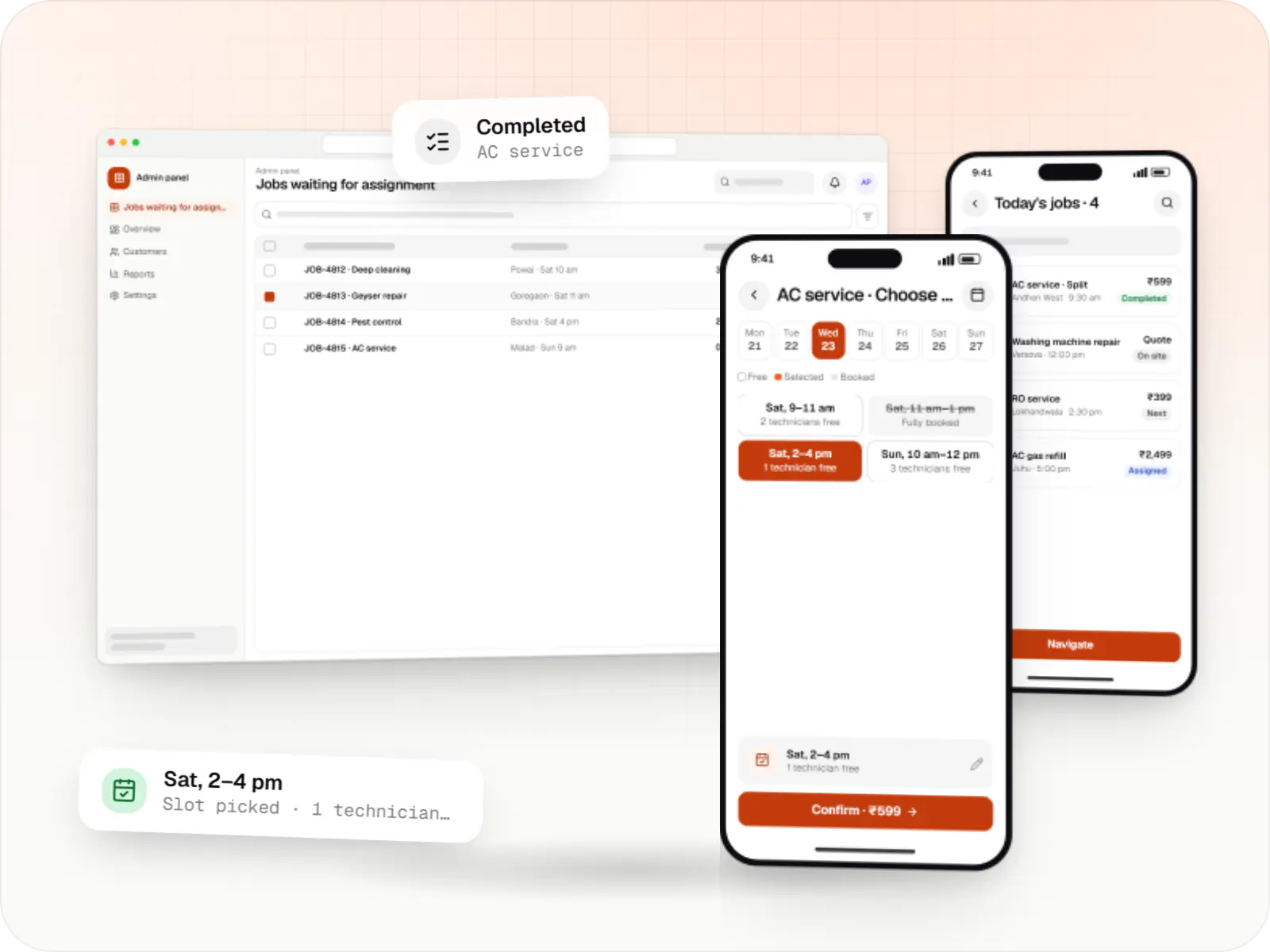
Customer app, professional app and admin panel for repairs, cleaning, appliance servicing and beauty at home, with slot booking, on-site quotes and payouts.
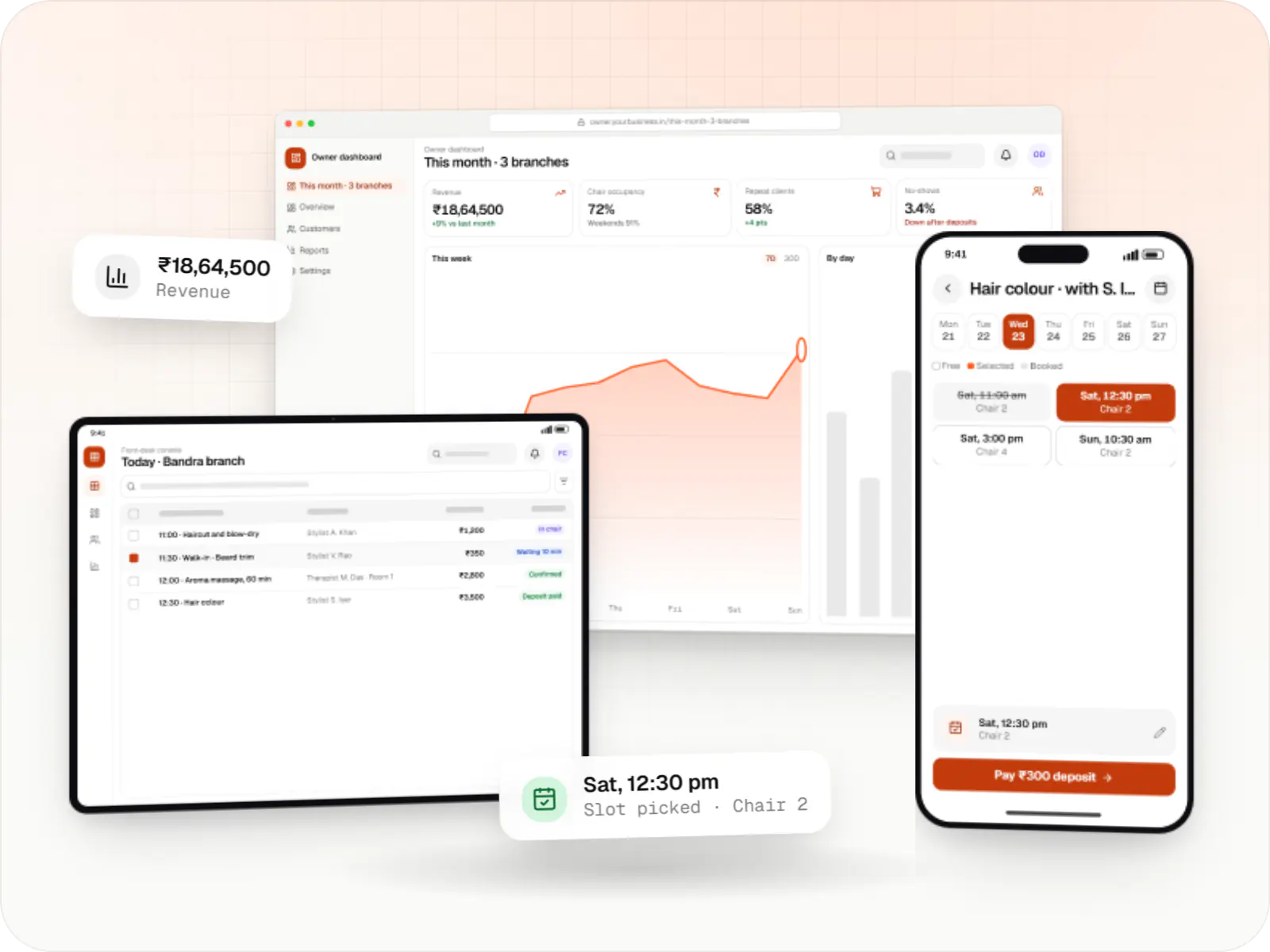
Booking apps and front-desk software for salons, spas and beauty chains: stylist calendars, packages, memberships, product billing and reminders.
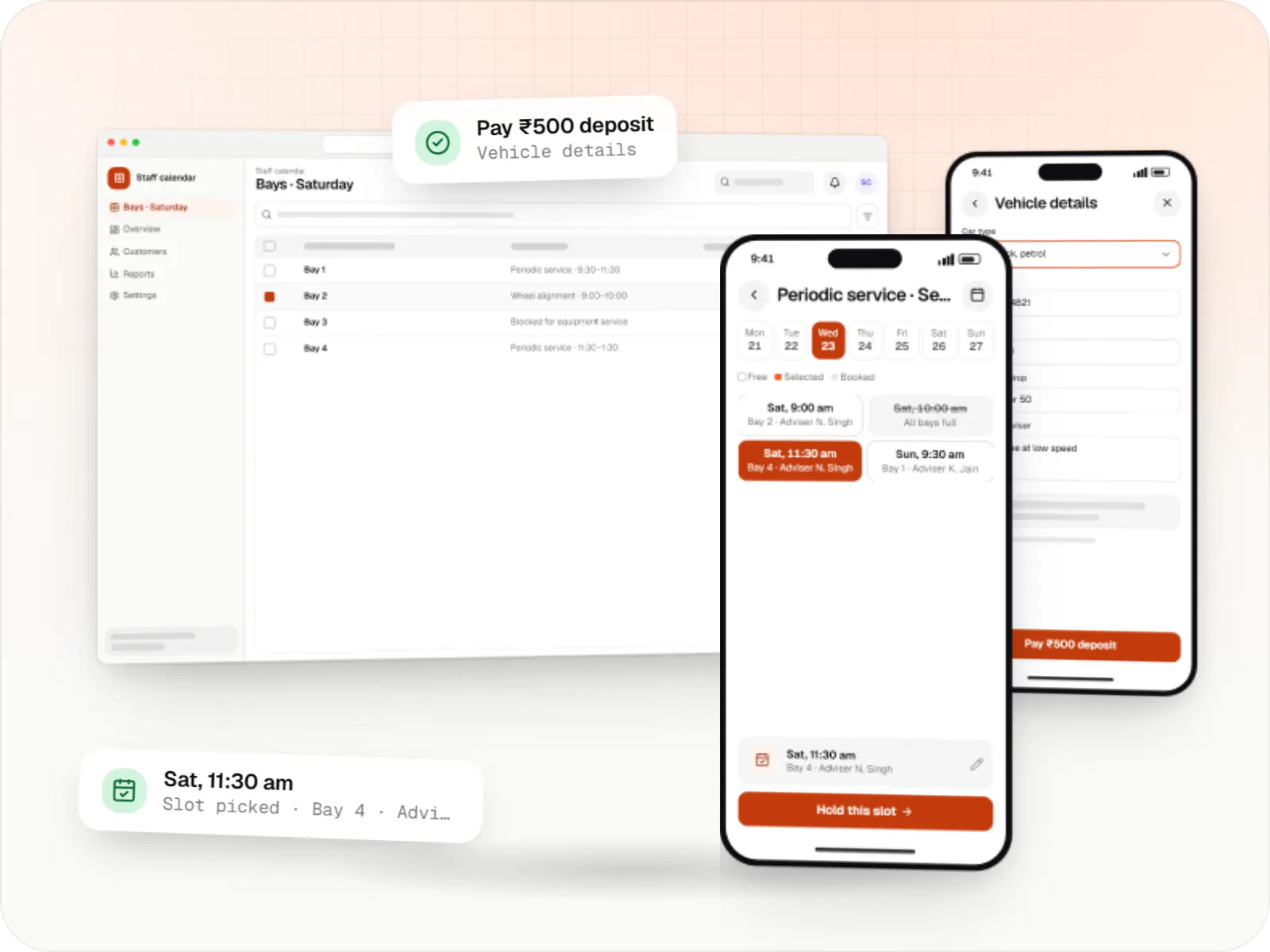
Custom scheduling software for consultants, service centres, labs and multi-location businesses: availability rules, reminders, payments and calendar sync.
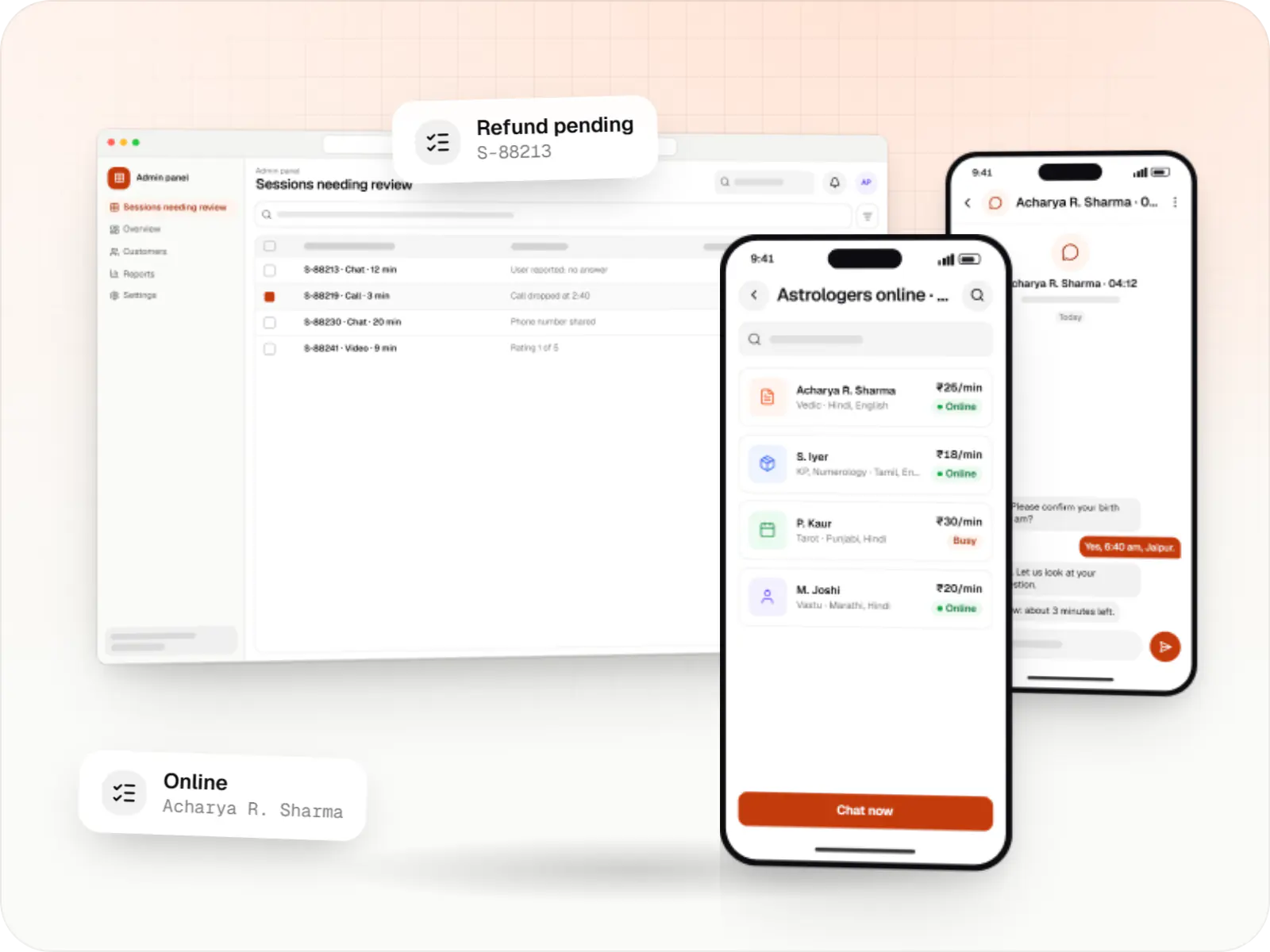
Consultation marketplaces for astrology: live chat and call with astrologers billed per minute from a wallet, kundli and horoscope features, astrologer onboarding and payouts.
Comparison
Instant dispatch, scheduled visits or fixed slots?
The matching model decides most of the engineering effort.
| Instant dispatch | Scheduled service visits | Slot-based appointments | |
|---|---|---|---|
| Typical product | Cab, auto and bike taxi booking | Repairs, cleaning, pest control | Salons, consultants, service centres |
| How a request is matched | Nearest free driver, re-offered if declined | Professional chosen by skill, area and capacity | Customer picks a person or resource and a slot |
| Hardest engineering problem | Live location at scale | Travel time between jobs and rework visits | Calendar rules and double-booking |
What we settle before writing code
Commission, subscription or both
The revenue model shapes wallet, payout and invoicing logic.
Cash reconciliation
When customers pay providers in cash, the platform's share is recovered from wallets or settled weekly.
Cancellation and no-show rules
Who pays when a customer cancels late or a provider does not arrive.
Service areas
Geofenced zones let you launch in a few pin codes and expand without code changes.
Provider verification
Documents, background checks through a vendor and admin approval before the first job.
How it works
How a booking becomes a completed, paid job
The same loop runs whether the job is a cab ride, an AC repair or a haircut; only the matching step changes.
- Customer app
Step 1: Customer requests a service
They choose a ride, a repair or a stylist, see the price or estimate, and pick "now" or a time slot.
- Dispatch or scheduling engine
Step 2: Platform finds a match
The nearest free driver, a technician with the right skill or an open slot is found using location, ratings and each provider's availability.
- Provider app
Step 3: Provider accepts
The driver, technician or stylist sees the job details and accepts; if they decline or do not respond, the job moves to the next match.
- Provider app
Step 4: Service is delivered
Status updates such as arrived, started and completed reach the customer, with OTP checks where the job needs them.
- Payments
Step 5: Payment and payout
The customer pays by UPI, card or cash; the platform keeps its commission and the provider's share is paid out on schedule.
- Customer app and admin
Step 6: Rating and support
Ratings shape future matching, and your team handles complaints, refunds and repeat bookings from the admin console.
Then it starts again at step 1: Customer requests a service
Platforms
Apps a two-sided booking platform needs
Customers and providers use phone apps; your operations team works from a web dashboard.
- Mobile
Cross-platform mobile app
One Flutter or React Native codebase for Android and iOS, with native modules where a feature needs them.
- Mobile
Android app
Apps for Android phones and tablets, tested on budget and mid-range devices and published on Google Play or privately.
- Mobile
iOS app
Apps for iPhone and iPad, built to Apple's guidelines and released through TestFlight and the App Store.
- Web
Progressive web app
Installable web apps with offline support and notifications, useful when an app-store listing isn't essential or phones have little storage.
- Back office
Admin dashboard
Back-office panels for operations, support and finance teams: orders, users, content, reports and permissions.
Plain-English glossary
Booking-platform terms, in plain English
- Two-sided marketplace
- A platform that serves two groups at once: people who book and people who do the work. It only grows when both sides stay happy, which is why provider onboarding and payouts matter as much as the customer app.
- Dispatch
- The logic that decides which driver or professional gets a job. Good dispatch shortens waiting times and spreads work fairly, so providers keep the app switched on.
- Geofenced service area
- A zone drawn on a map, such as a few pin codes in one city, where bookings are accepted. You can open, pause or re-price an area from the admin panel without releasing a new app.
- Provider payout
- The money the platform transfers to a driver or professional after keeping its commission and adjusting any cash they already collected. Clear, regular payouts help you keep good providers.
- Progressive web app (PWA)
- A website that behaves like an app: customers book from the browser and can add it to their home screen without a store download. It is a lighter way to launch the customer side.
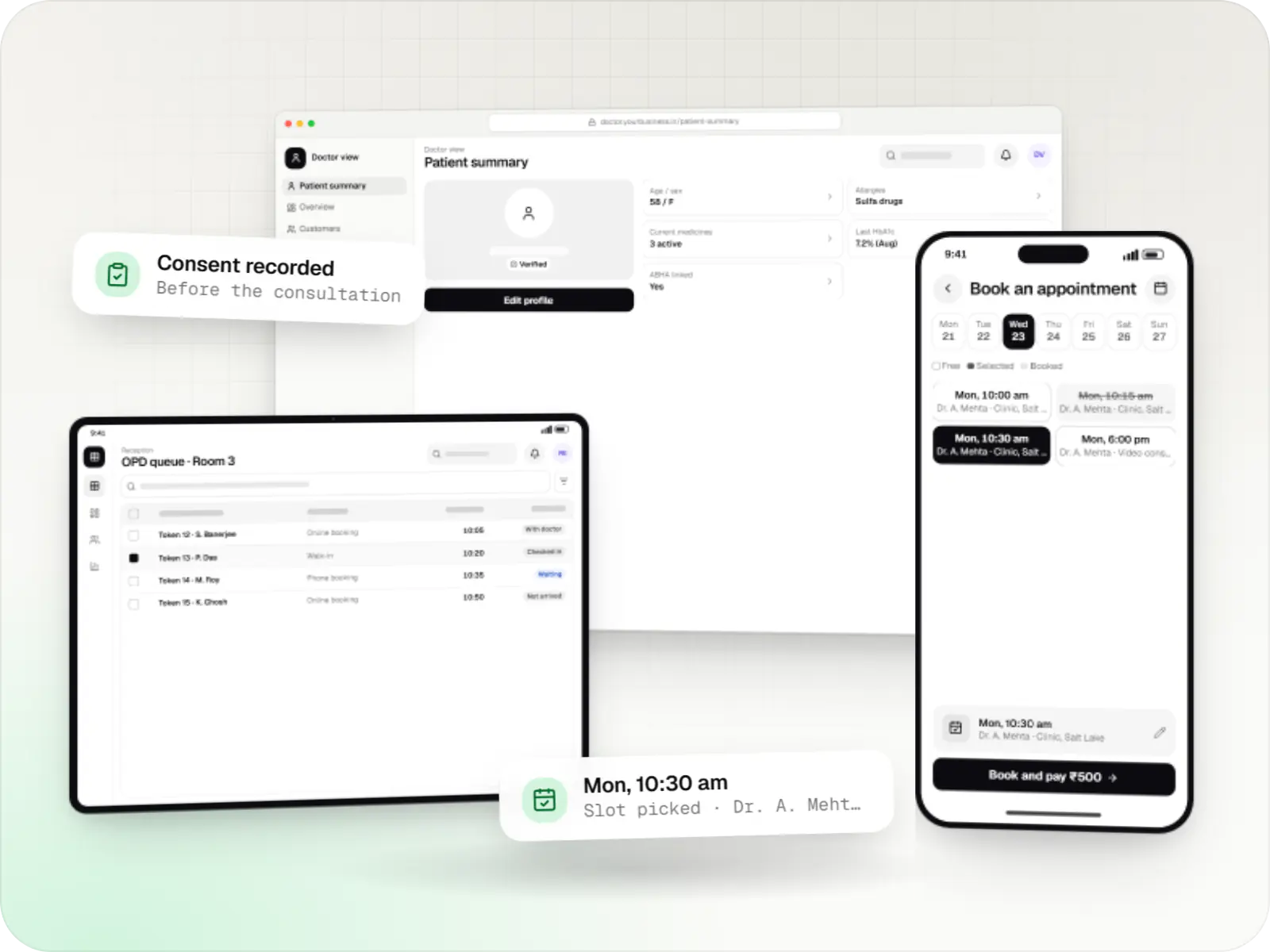
Product preview
The three apps behind every booking platform
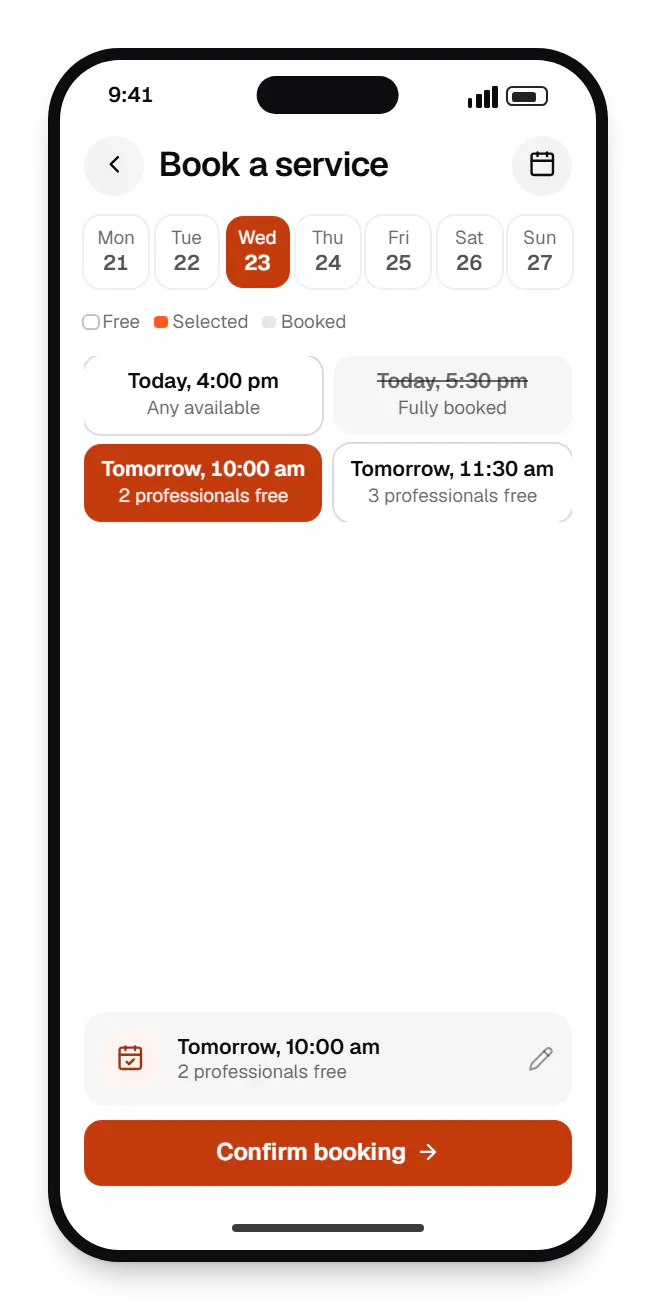
Customer app. Customers pick a service, see open times and confirm in a few taps, so bookings arrive without phone calls or back-and-forth on WhatsApp. 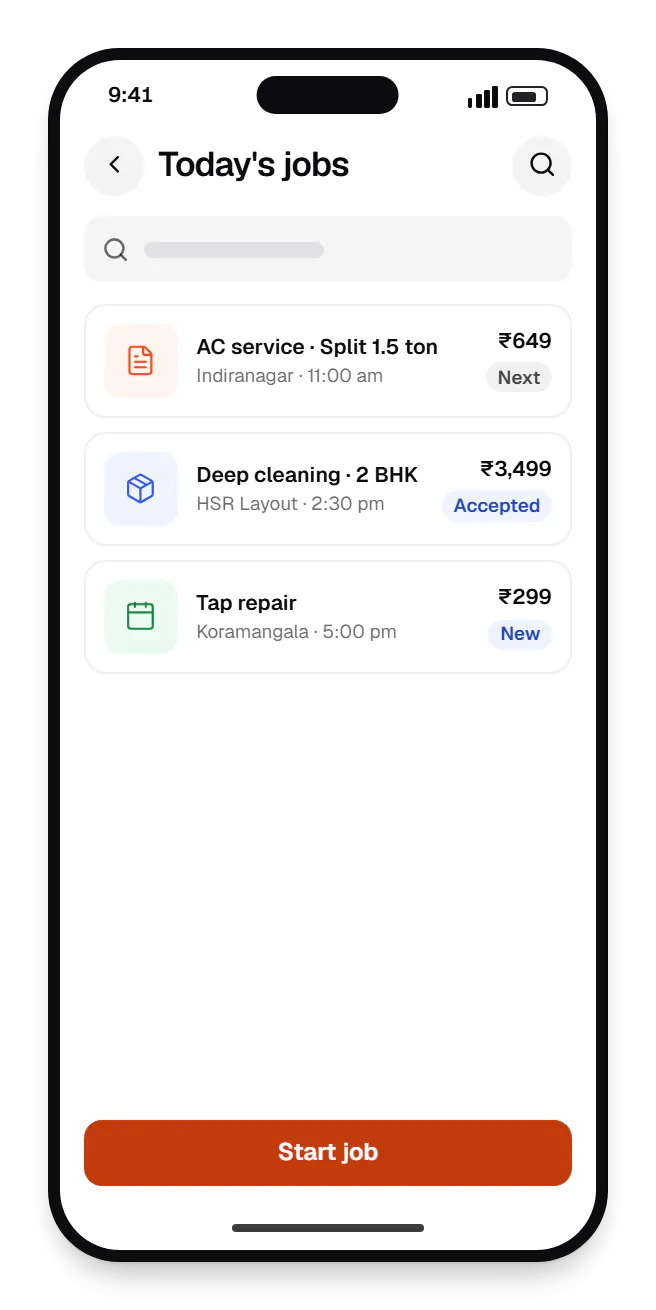
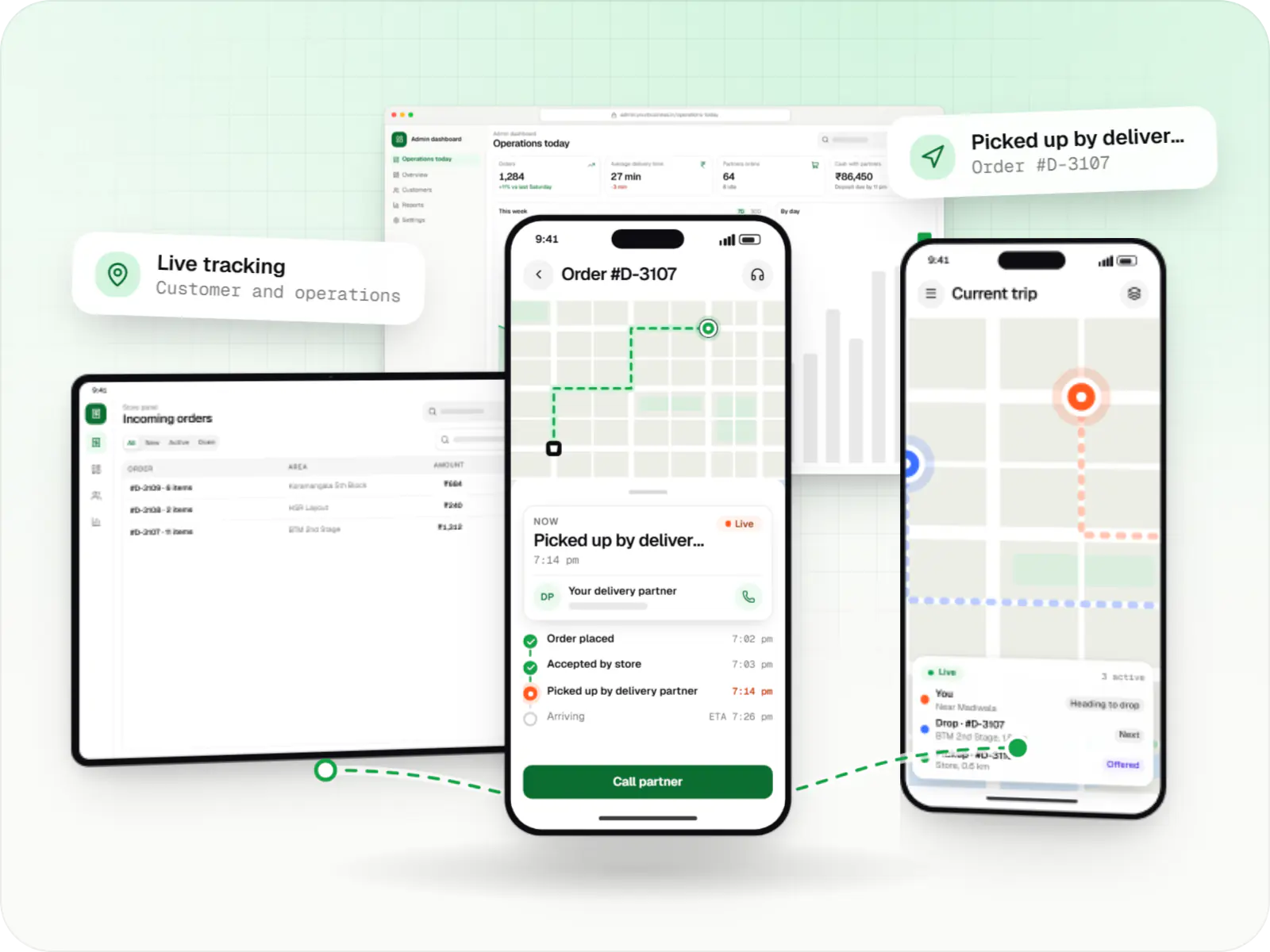
Provider app. Providers see each job with its address, time and payout, and update the status from the doorstep, which keeps customers informed without calls. 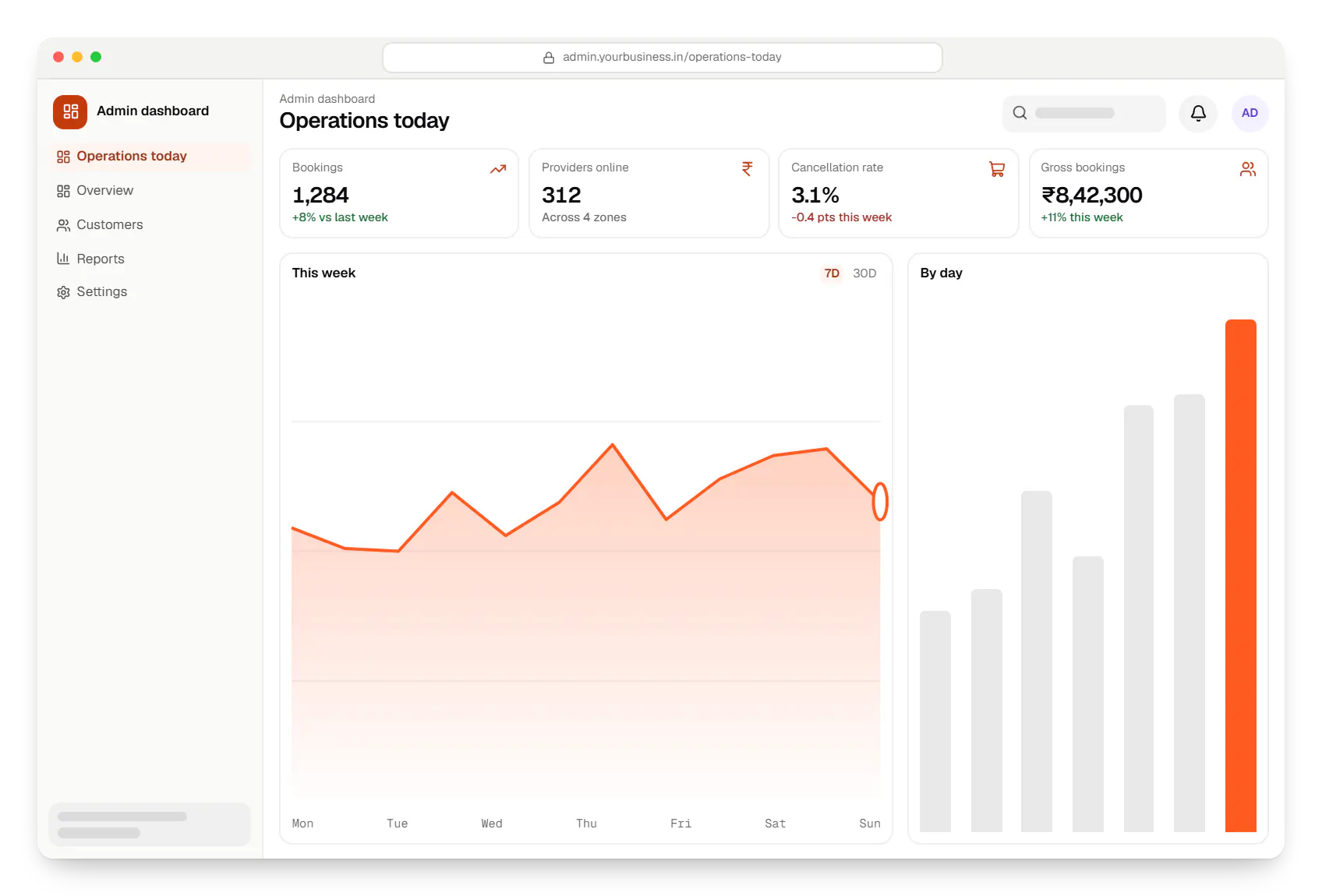
Admin dashboard. Your team sees bookings, active providers, cancellations and revenue by city in one view, and can step in before a delay becomes a complaint.
Sample screens: names, prices and figures are examples, not client data.
Industries
Businesses these platforms serve
FAQ
Frequently asked questions
Does an on-demand MVP need both a customer app and a provider app at launch?
Providers almost always need a mobile app from day one, because live location, job alerts and navigation depend on it. The customer side is more flexible: some businesses start with a progressive web app plus WhatsApp confirmations, and add native apps once repeat usage justifies them. One cross-platform codebase in Flutter or React Native keeps the first release affordable.
Can one platform combine different service types, such as rides and parcel delivery?
Yes, but each service type needs its own flow even when accounts, wallet and admin are shared. A parcel booking needs receiver details, proof of delivery and weight-based pricing; a ride needs a passenger OTP. We model service types as modules on a common core, so you can launch one and add another later. Launching several at once is risky, because each needs its own supply of providers.
Should we build our own platform or start with a ready-made booking tool?
For a single location with your own staff, a hosted booking tool may be enough, and we will say so. Custom software makes sense when you run a marketplace of independent providers, need your own dispatch or pricing rules, want to own customer data and branding, or will scale across cities where per-booking fees add up.
Next step
Planning a booking or dispatch product?
Describe how your service works today. We will reply with a scoped MVP and a line-item estimate.