Web
Next.js
A modern web technology for fast, search-friendly websites, online stores and web applications that load quickly on mobile.
Used for
- Business websites
- Online stores
- Web apps
- Customer portals
Local & on-demand services
Scheduling, reminders and client management for businesses that sell time: consultants, tutors, studios, counsellors and service professionals.
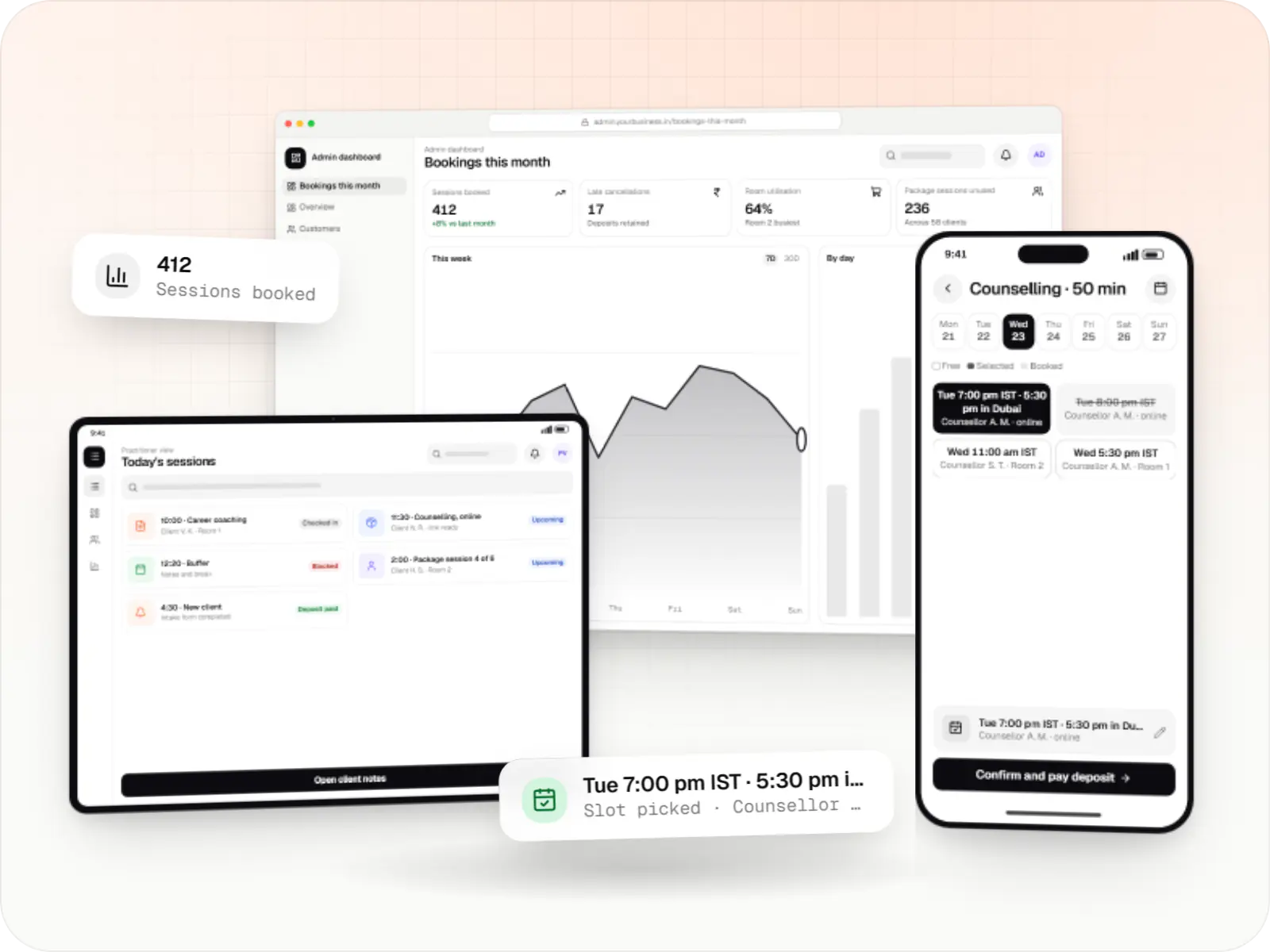
At a glance

If revenue depends on booked hours, the scheduling engine is the product. We build booking software for consultancies, tutors, photographers, counsellors, pet groomers and similar businesses.
How to start
Tell us what you need in your own words. You talk to the developers who would build it and get a written, line-item estimate.
Get a project estimateOff-the-shelf booking tools handle one person with one calendar well. They struggle when staff offer different services, a room or device must be free too, or clients prepay for packages and book from other time zones.
Custom scheduling fits when those rules are specific to you, or when booking sits inside a wider product.
Challenges
A session may need a person, room and device free together.
Deposits and policies enforced at booking protect revenue.
Personal Google or Outlook calendars must block slots.
Indian SMS needs DLT-registered templates; WhatsApp needs approved ones.
Solutions
Across 3 areas
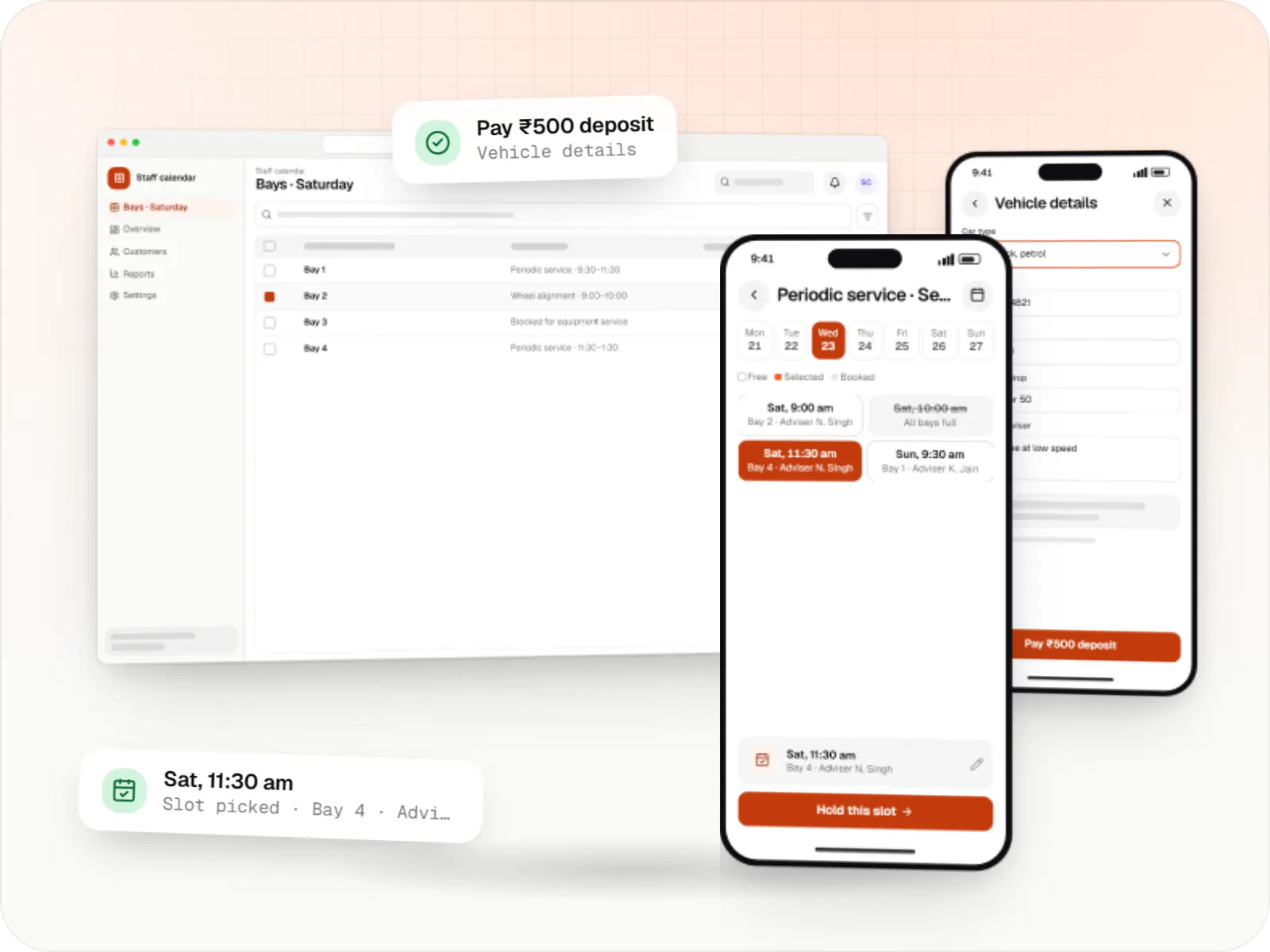
Custom scheduling software for consultants, service centres, labs and multi-location businesses: availability rules, reminders, payments and calendar sync.

Custom CRM software that captures leads from every channel, keeps follow-ups on schedule and shows managers a live pipeline.
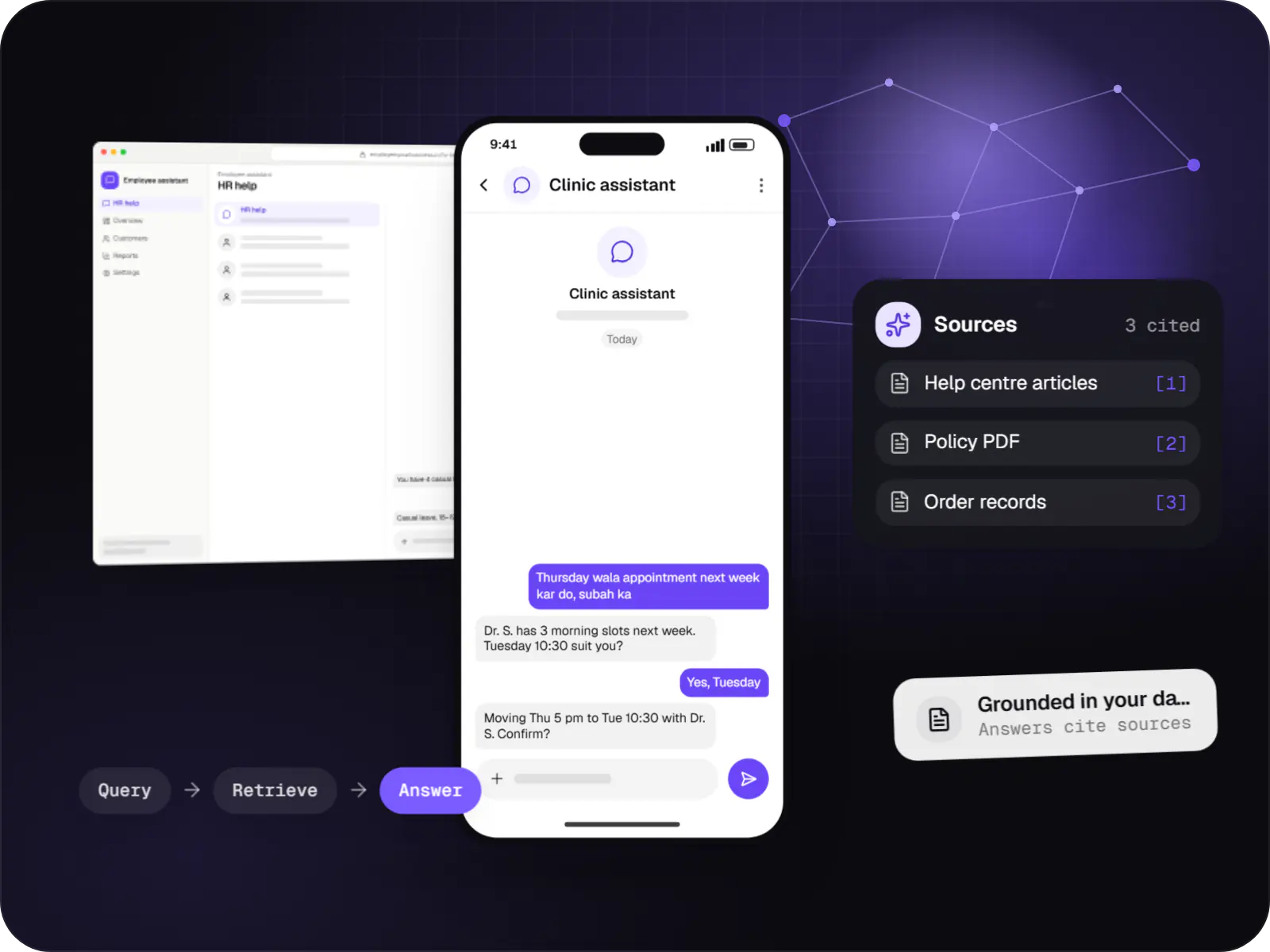
Assistants that book, schedule, look up records and raise requests by voice or text, with confirmation before every action.
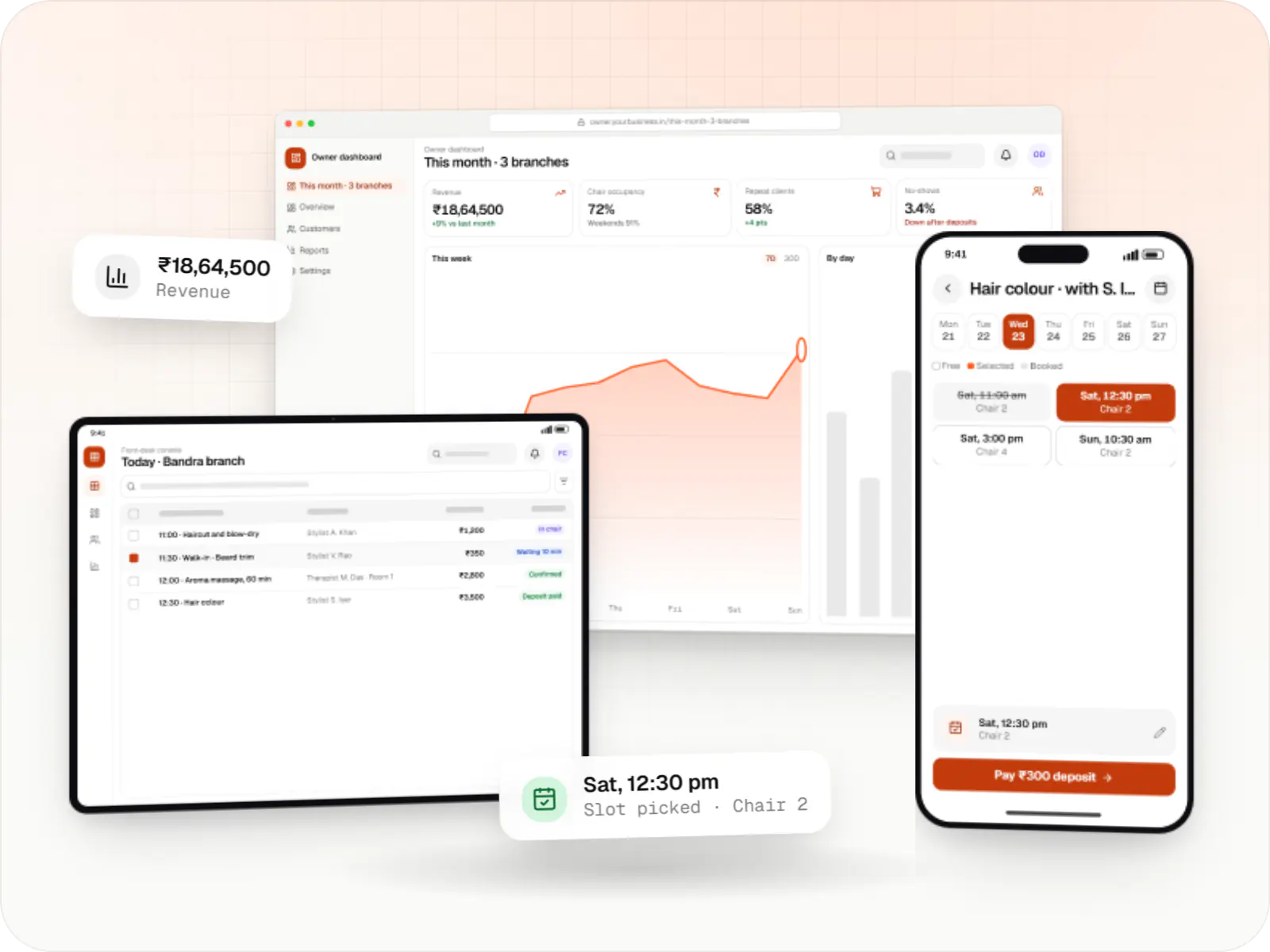
Booking apps and front-desk software for salons, spas and beauty chains: stylist calendars, packages, memberships, product billing and reminders.
Hours, breaks, buffers and resources combined into slots.
Google and Microsoft 365 events block slots.
Google Meet or Zoom links created automatically.
Session bundles with expiry dates.
Answers saved to the client record before the first visit.
How it works
The availability engine sits in the middle, checking every rule before a slot is offered.
On your website, a client chooses, say, a 50-minute counselling session. They see only slots where the right person and room are free, shown in their own time zone.
They pay a deposit or use a prepaid package, then fill in an intake form whose answers go straight to their client record.
The booking blocks the slot in the practitioner's Google or Outlook calendar and, for online sessions, creates the video link automatically.
Approved WhatsApp templates and DLT-registered SMS remind the client a day and an hour before, showing both time zones when they differ.
Before the session, the practitioner reads the intake answers and past notes, whether the client is in the room or on a video call.
Notes are saved, the package balance updates and the client is offered their next slot, keeping regular clients on a steady rhythm.
Then it starts again at step 1: Client picks a service and time
Platforms
Marketing and content websites: fast, search-friendly pages with a CMS your team can update without a developer.
Browser-based applications with logins, roles and workflows, such as customer portals, SaaS products and internal tools.
One Flutter or React Native codebase for Android and iOS, with native modules where a feature needs them.
Back-office panels for operations, support and finance teams: orders, users, content, reports and permissions.
Technology
Next.js and React run the booking pages and dashboard, Redis stops two people grabbing the same slot at the same moment, and Razorpay collects deposits and package payments.
Web
A modern web technology for fast, search-friendly websites, online stores and web applications that load quickly on mobile.
Used for
Web
Builds interactive screens in the browser, such as dashboards, admin panels and portals, that respond instantly as your team works.
Used for
Backend
A structured way to build back ends on Node.js, so large business systems stay organised, testable and easy to hand over.
Used for
Data
A reliable database for the records your business runs on: orders, payments, bookings and stock, kept accurate and easy to report on.
Used for
Data
Keeps frequently used data in fast memory, so apps stay quick on busy days and live features like order tracking feel instant.
Used for
Payments & maps
Lets customers in India pay by UPI, cards, netbanking or wallets, and handles subscriptions, refunds and payouts to sellers or partners.
Used for
Plain-English glossary
Product preview
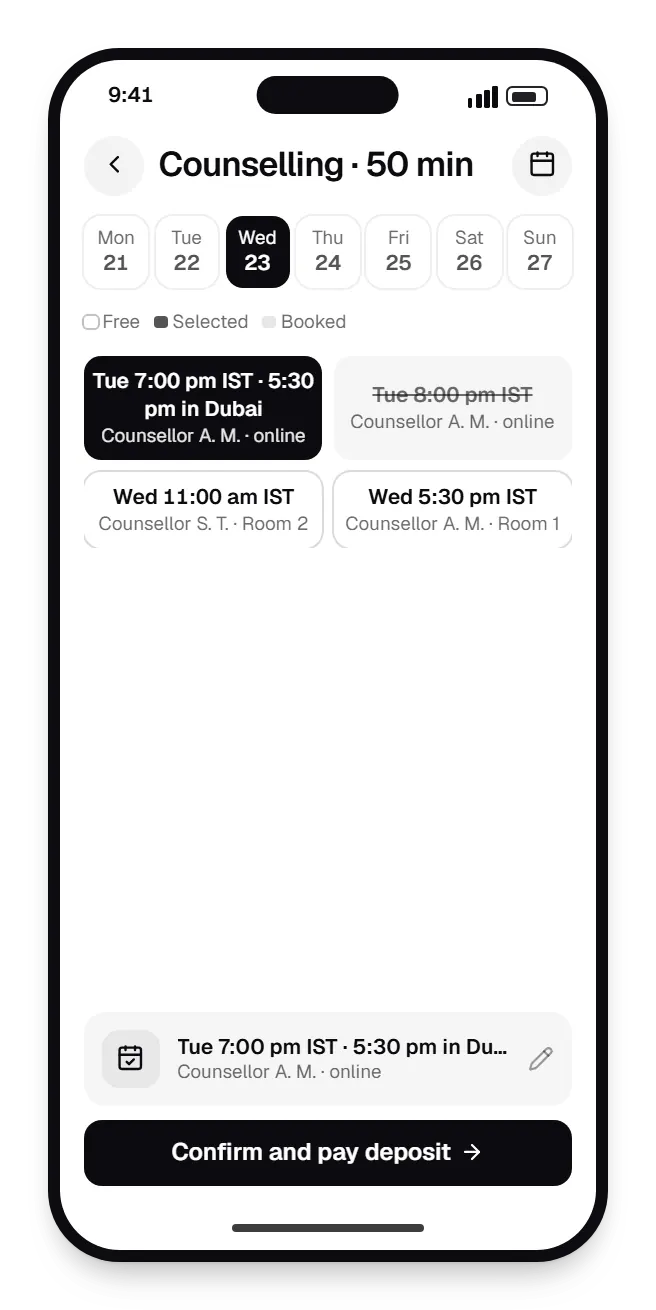
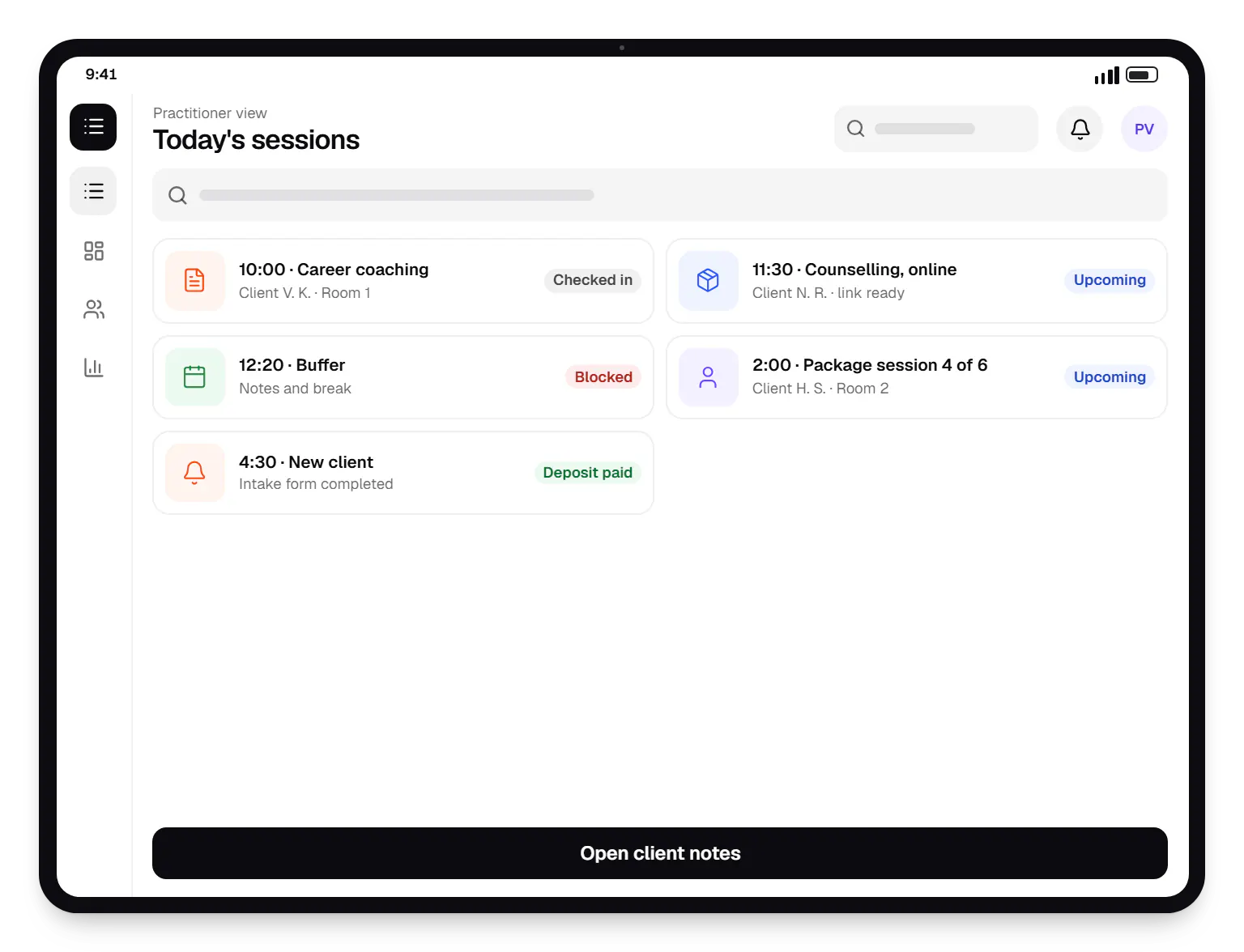
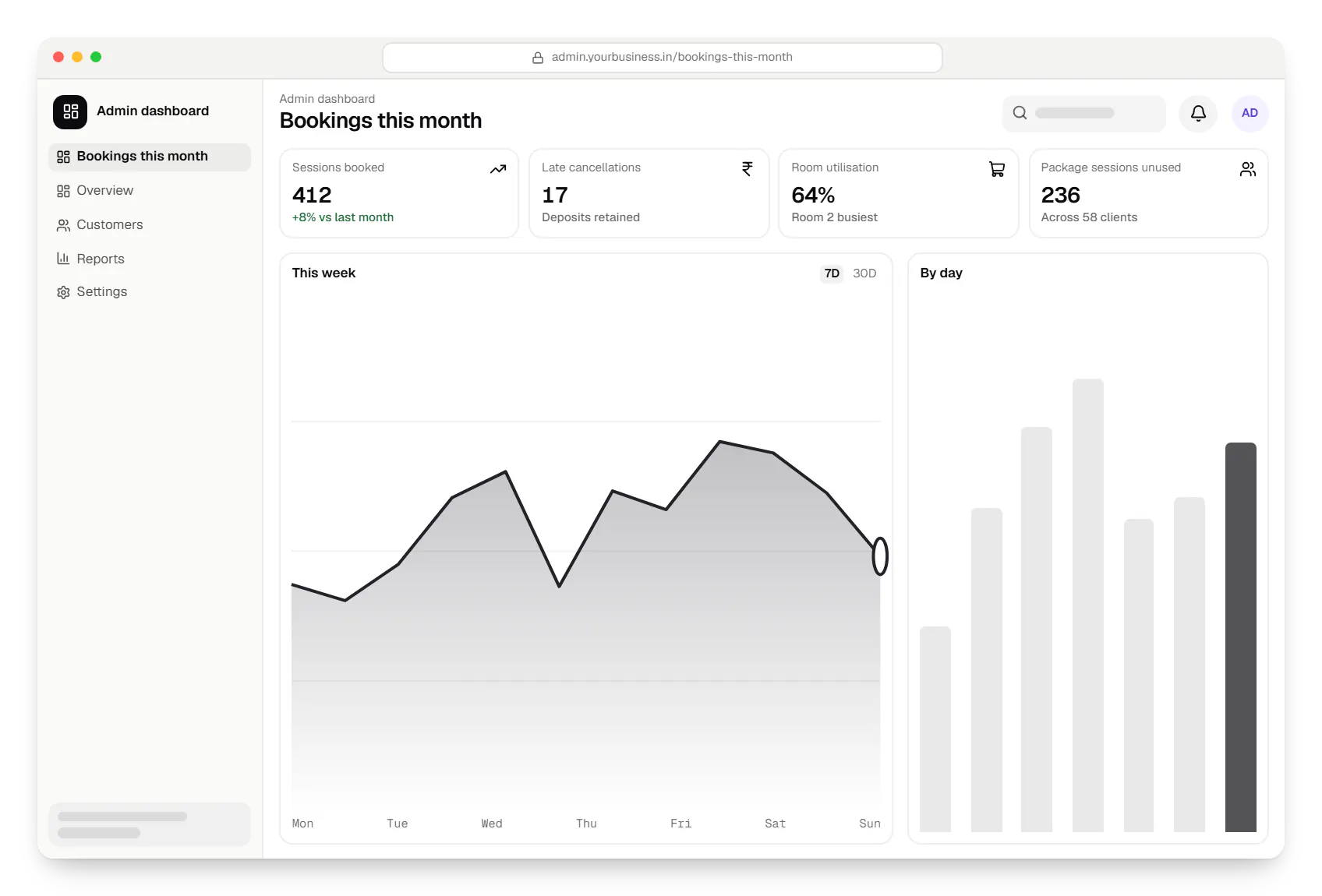
Sample screens: names, prices and figures are examples, not client data.
Cost drivers
Multi-resource and group sessions take more logic and testing.
Calendar sync, video tools, payments and CRM each add work.
A booking widget for your website is lighter than a full client app.
Estimates are written from your scope, with the effort and assumptions behind each line item.
How pricing worksServices
The design and engineering services our in-house team combines on projects in this sector.

Browser-based products, customer portals, dashboards and internal tools, built on clean data models with secure roles and integrations.
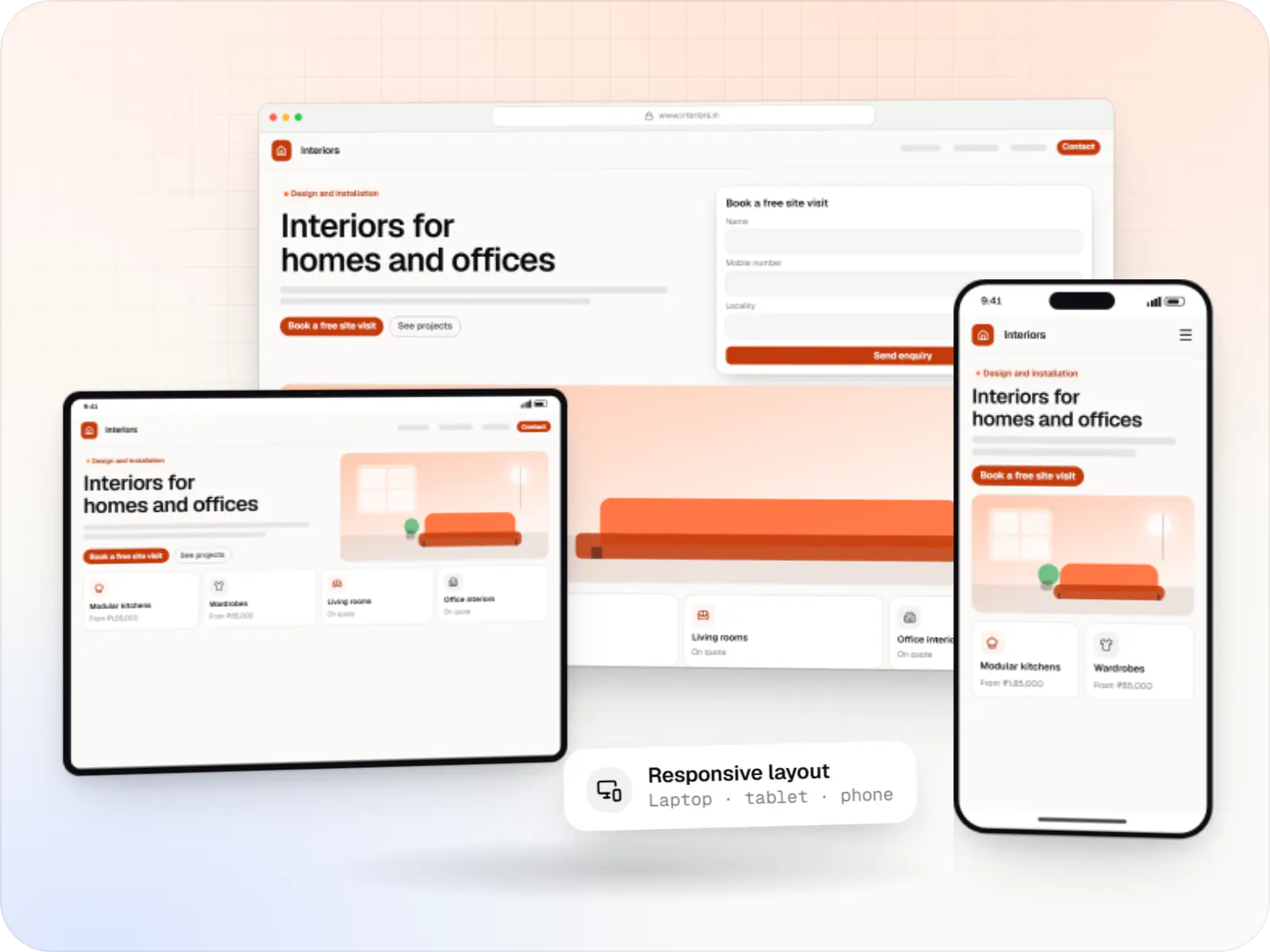
Fast, SEO-ready company and marketing websites with a CMS your team can edit, designed and built by our in-house team.

Native and cross-platform Android and iOS apps, from first release through regular store updates, built by our in-house designers and engineers.

Secure, documented REST and GraphQL APIs, plus integrations that connect your apps to payment, logistics, GST, messaging and business systems.

Software shaped around how your business runs, from approvals and inventory to billing and reports, replacing spreadsheets and disconnected tools.
FAQ
Yes. Appointments are stored in UTC and shown in the client’s local time zone, detected from the browser and editable in settings. Reminders show both times when they differ, which matters for Indian consultants, tutors and counsellors with NRI clients, where a wrong time in a reminder means a missed session.
TRAI rules require businesses sending commercial SMS to register as a principal entity on a telecom operator’s DLT platform, along with sender IDs and message templates; unregistered messages are blocked. We help prepare templates for confirmations, reminders and OTPs and integrate an SMS provider. Many businesses pair SMS with WhatsApp Business Platform templates.
Yes, for routine requests. An assistant on WhatsApp or your website can answer common questions, offer free slots from your live calendar and book once the client confirms. Complaints, payment disputes and sensitive matters are handed over to staff. It can only read availability and create bookings, so it cannot change prices or policies.
Next step
Send us how you schedule today, even a messy spreadsheet, and we will plan the build.