Web
React
Builds interactive screens in the browser, such as dashboards, admin panels and portals, that respond instantly as your team works.
Used for
- Web apps
- Admin panels
- Dashboards
- Customer portals
Portals · Dashboards · Internal tools
Customer portals, partner dashboards, booking systems and operations tools: software where people sign in, work with live data and finish tasks.

At a glance
What it is
Browser-based products, customer portals, dashboards and internal tools, built on clean data models with secure roles and integrations.
How to start
Tell us what you need in your own words. You talk to the developers who would build it and get a written, line-item estimate.
Get a project estimateA website informs. A web application has accounts, permissions, data that changes by the minute and workflows with rules: a distributor ordering against a credit limit, a clinic allocating rooms, an operations lead approving refunds.
Our web application development focuses on what makes those systems dependable: a data model that mirrors your business, access rules enforced in the API rather than just hidden in the interface, validation on server and browser, and a record of who changed what. The result is a tool your team can trust with real work, not a prototype that needs rescuing six months later.
TypeScript across the stack, with shared validation so each rule is defined once.
Automated tests on business rules, permissions and money calculations.
Server rendering for fast views, client-side interaction for heavy editing screens.
CI pipelines, preview environments and versioned database migrations.
Structured logs, error tracking and uptime alerts, so issues surface before users report them.
Access by role, branch or customer account, checked on every API request.
Server-side pagination, filters, saved views, bulk actions and CSV export.
States, approvers, deadlines and email, SMS or WhatsApp notifications.
WebSocket updates for dispatch boards, support queues and shared views.
Quotations and GST invoices as PDFs, with cloud file storage and previews.
Single sign-on with Google Workspace or Microsoft Entra ID for internal tools.
Every change stored with the user, the time and the previous values.
Solutions

Custom CRM software that captures leads from every channel, keeps follow-ups on schedule and shows managers a live pipeline.
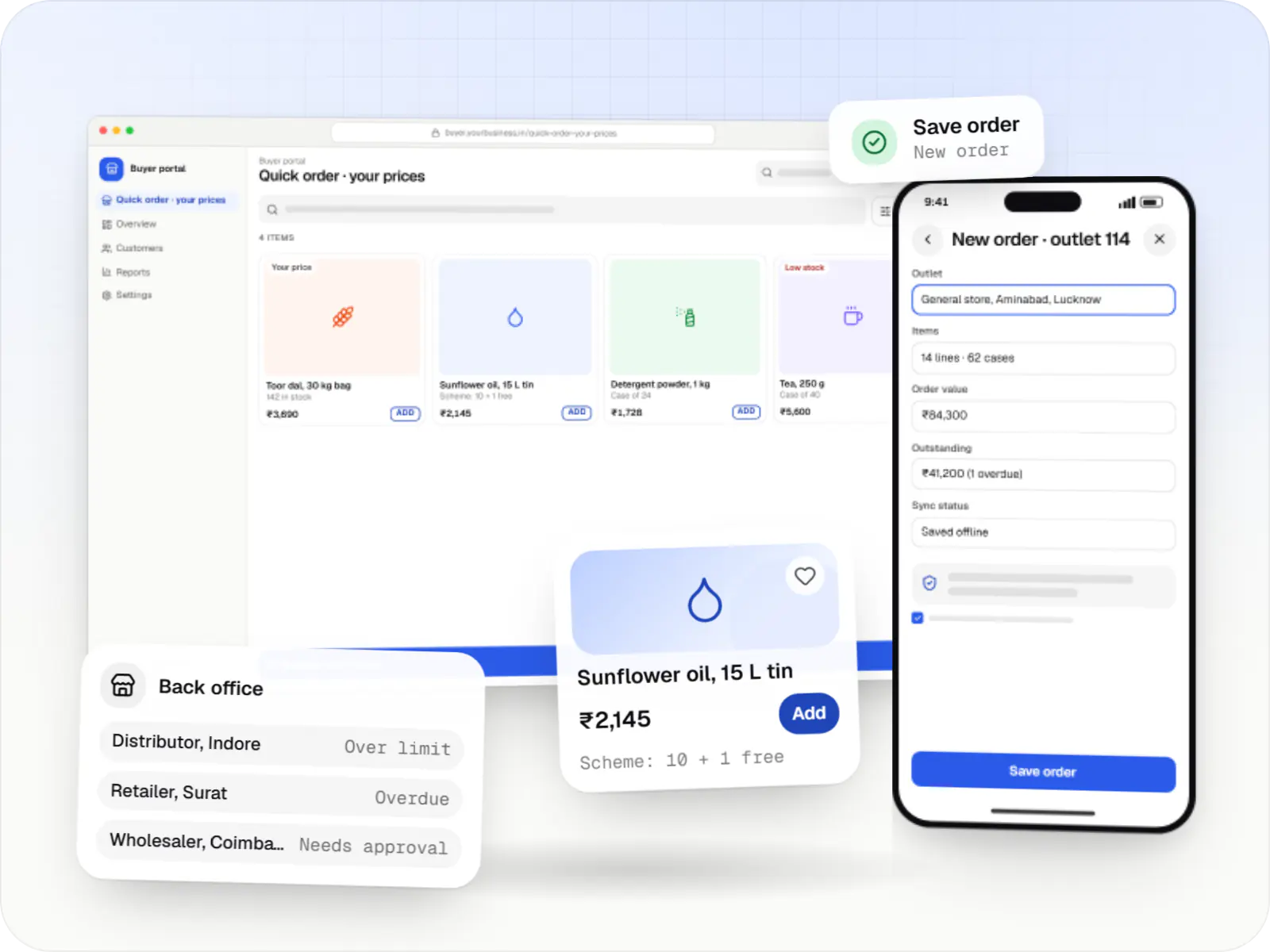
Ordering portals and apps for manufacturers, distributors and wholesalers, with buyer-specific pricing, credit limits, bulk ordering and ERP sync.
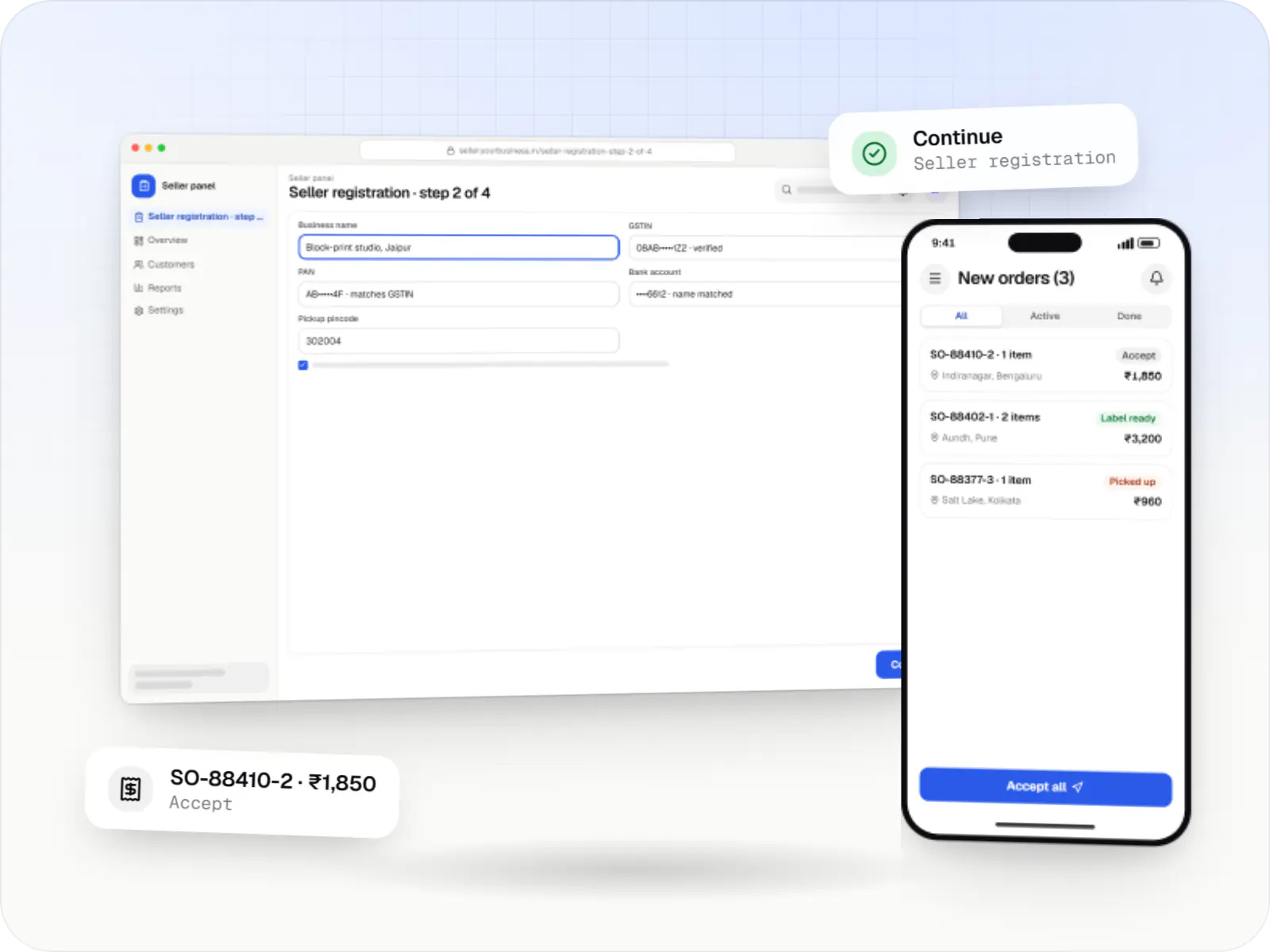
Multi-vendor marketplaces with seller onboarding, commission rules, split payouts, per-seller invoicing and catalogue moderation.
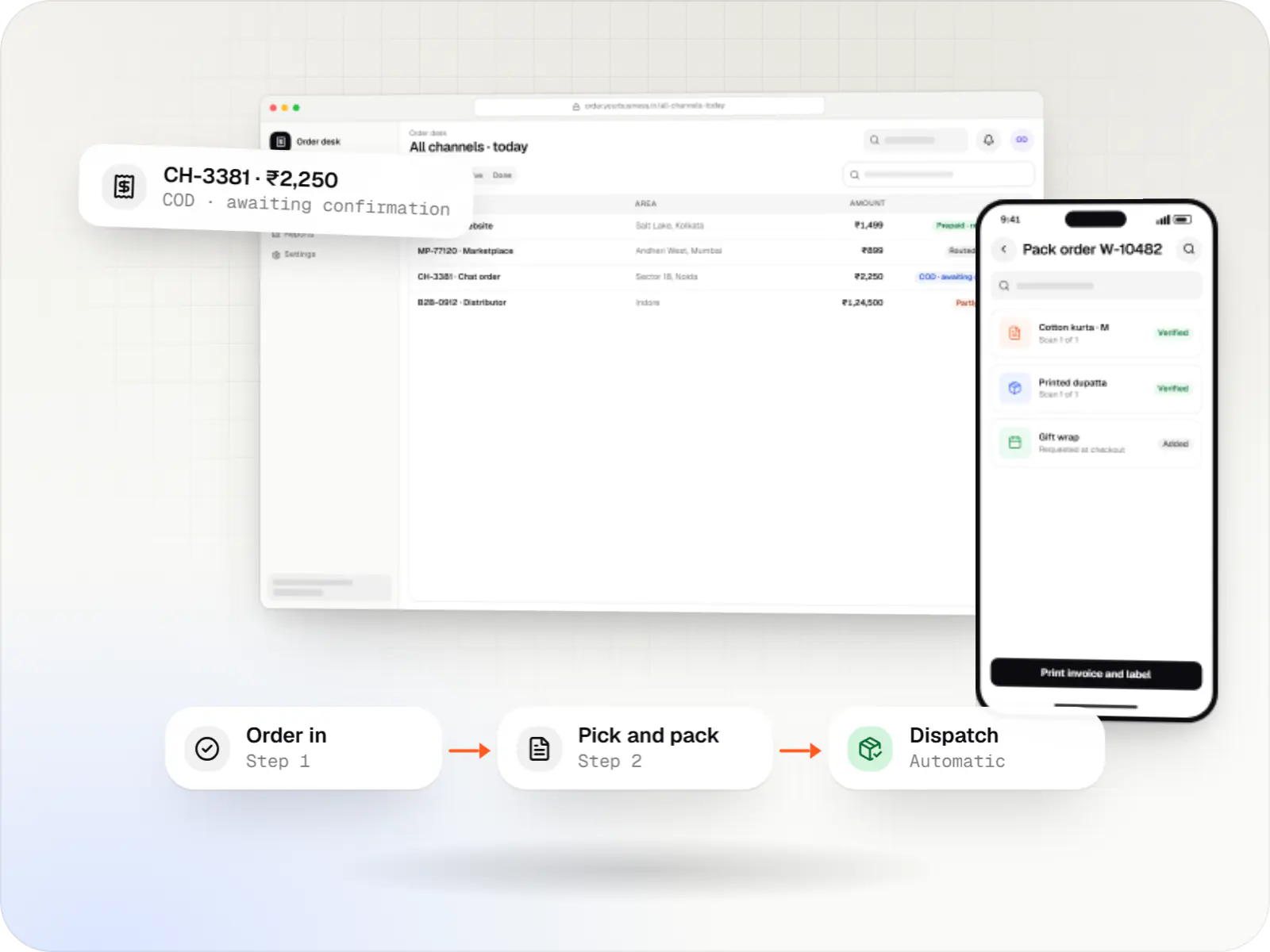
A central order management system that collects orders from every channel, routes them to the right location and tracks them to delivery and payment.
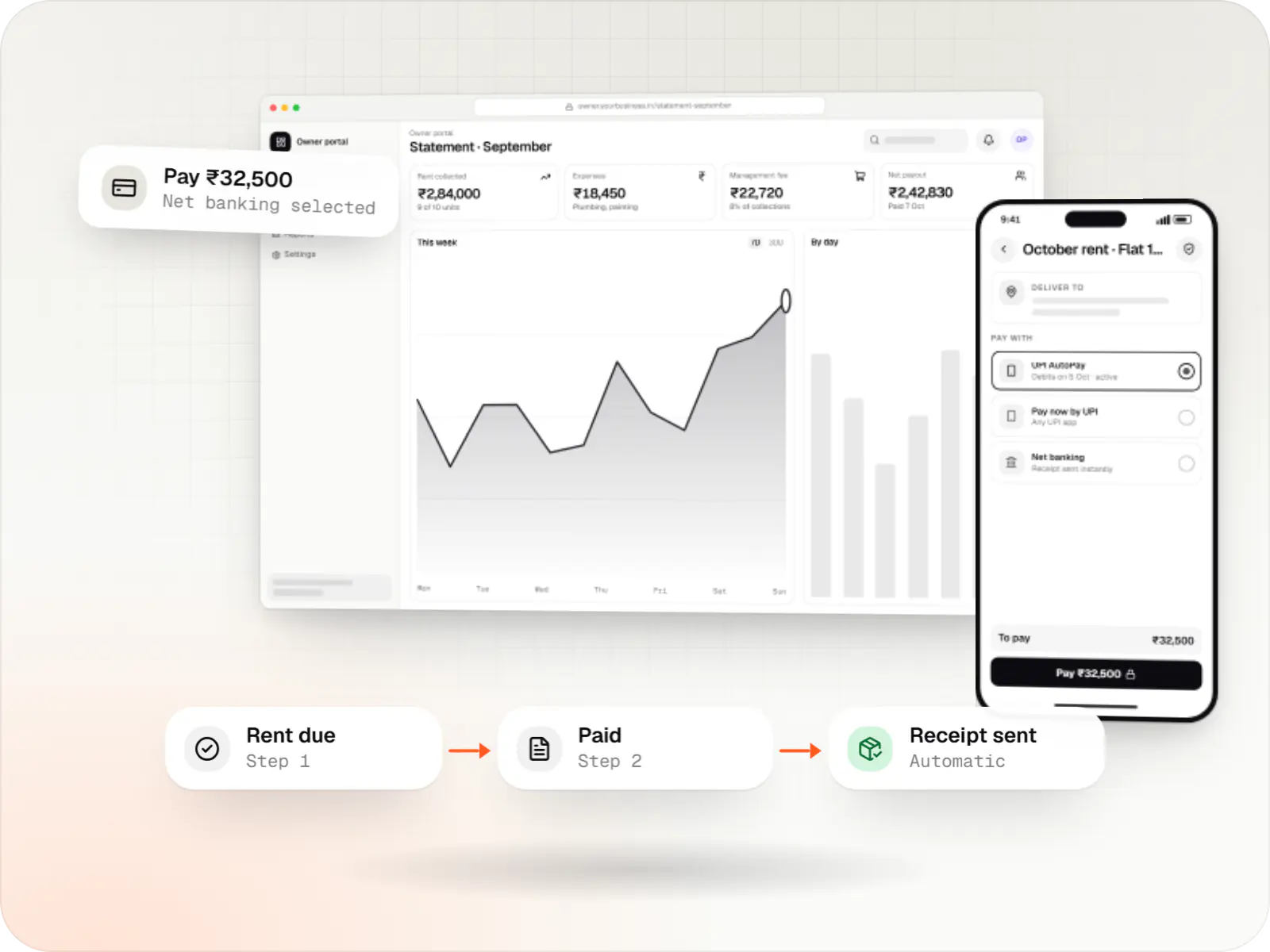
Custom property management software for leases, rent collection with UPI AutoPay, maintenance requests, owner statements and society operations.
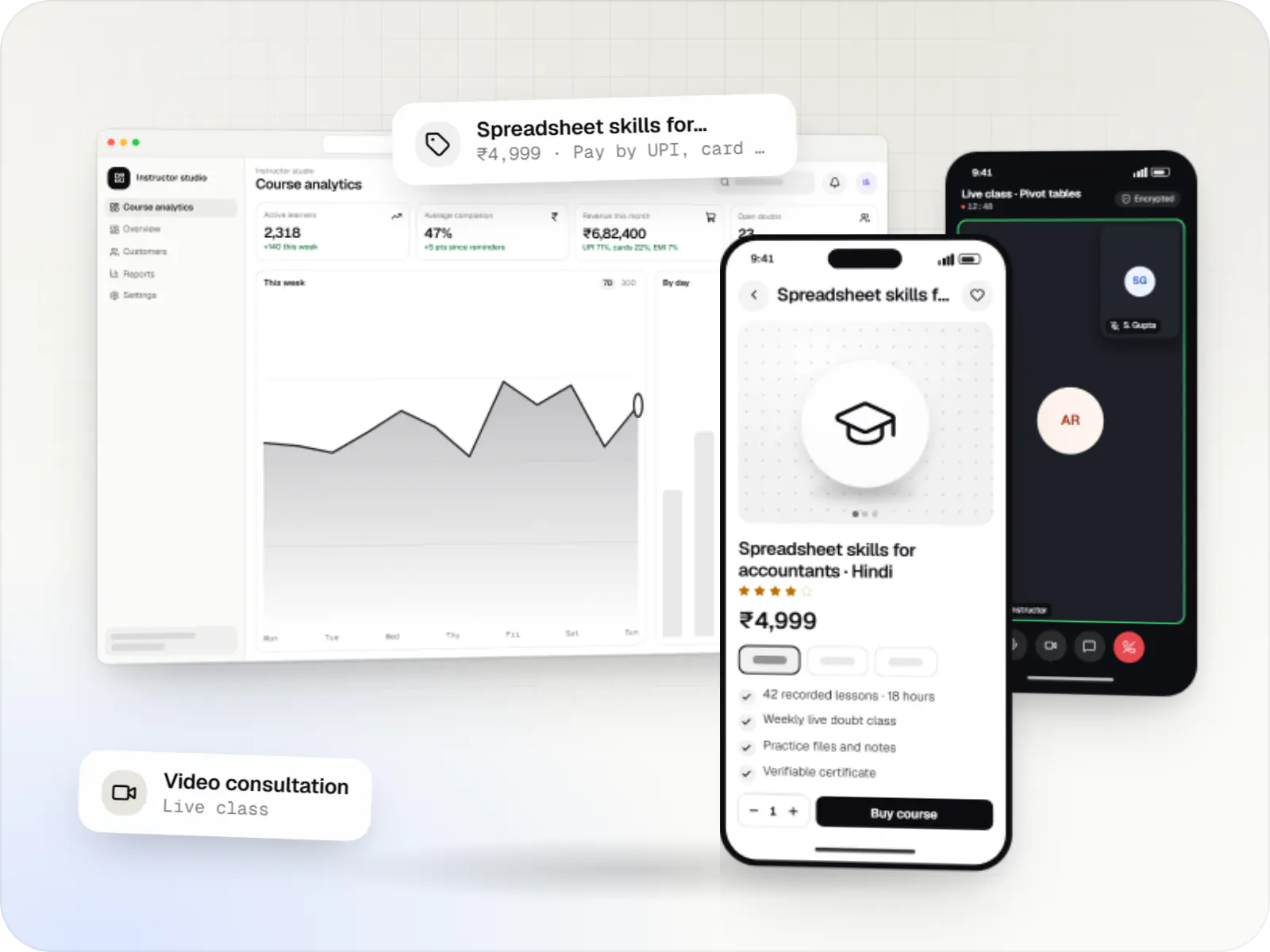
Course platforms with protected video, live classes, assessments, certificates and payments, designed for multilingual content and learners on low bandwidth.
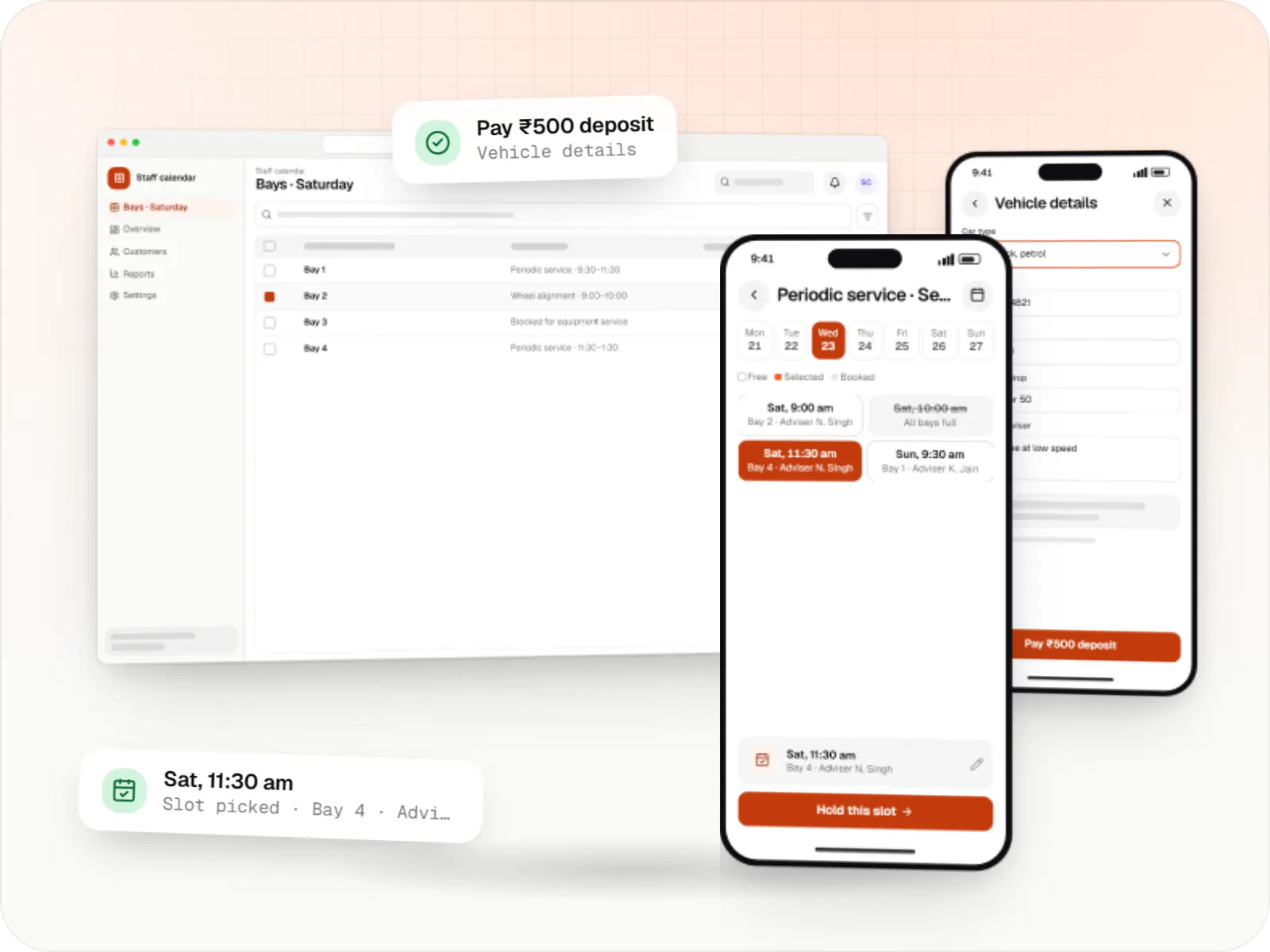
Custom scheduling software for consultants, service centres, labs and multi-location businesses: availability rules, reminders, payments and calendar sync.
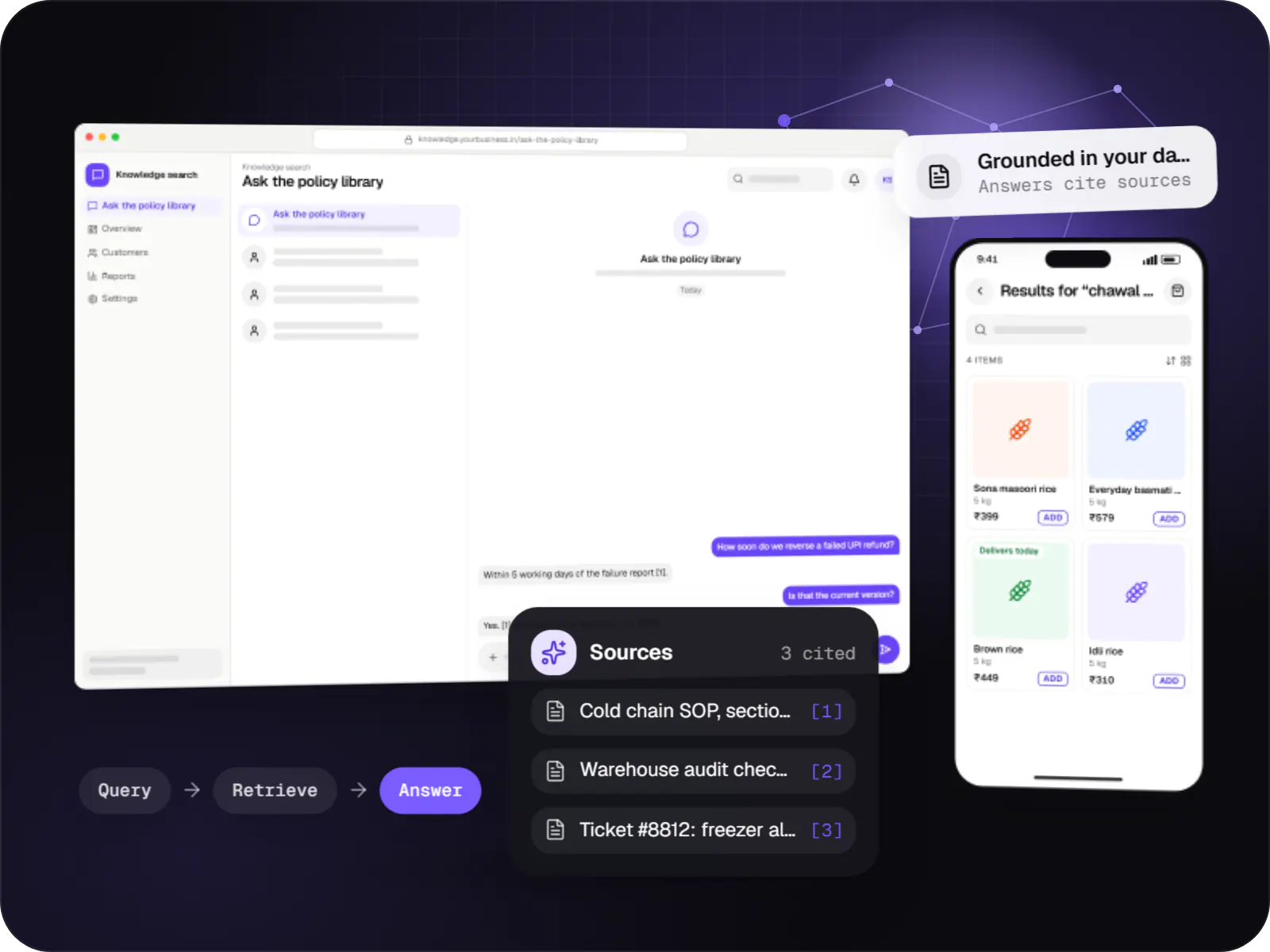
Search and question-answering over your documents, tickets and product data, with hybrid retrieval, citations and permission-aware results.
How it works
An example from a B2B customer portal: every step is a screen or a rule in the application, not an email or a spreadsheet.
Each business customer has its own login and sees only its own orders, prices and invoices, because access is checked on the server for every request.
A guided form checks quantities, dates and required details as the customer types, so incomplete requests never reach your team.
The system checks credit limits, stock and discount caps automatically, and routes anything outside the rules to the right approver.
Approvers see the request, the customer’s history and why it needs approval, then approve or reject with a note, from a desk or a phone.
A GST invoice is generated as a PDF and the customer receives an email or WhatsApp update, without anyone copying details between tools.
Each change is saved with who made it and when, and dashboards show volumes, pending approvals and dues as they happen.
Platforms
In any modern browser on a desktop, laptop or tablet, as an installable web app on phones, and through an admin dashboard for your managers.
Browser-based applications with logins, roles and workflows, such as customer portals, SaaS products and internal tools.
Installable web apps with offline support and notifications, useful when an app-store listing isn't essential or phones have little storage.
Back-office panels for operations, support and finance teams: orders, users, content, reports and permissions.
Technology
React and Next.js give quick, responsive screens; Node.js and NestJS apply your business rules; PostgreSQL keeps records consistent; Redis speeds up busy screens; Docker with hosting built on AWS makes releases repeatable.
Web
Builds interactive screens in the browser, such as dashboards, admin panels and portals, that respond instantly as your team works.
Used for
Web
A modern web technology for fast, search-friendly websites, online stores and web applications that load quickly on mobile.
Used for
Backend
Runs the server side of apps: fast, scalable back ends that power your app, website and integrations.
Used for
Backend
A structured way to build back ends on Node.js, so large business systems stay organised, testable and easy to hand over.
Used for
Data
A reliable database for the records your business runs on: orders, payments, bookings and stock, kept accurate and easy to report on.
Used for
Data
Keeps frequently used data in fast memory, so apps stay quick on busy days and live features like order tracking feel instant.
Used for
Cloud & DevOps
Packages your software so it runs the same way on every laptop and server, which makes releases predictable and moving hosts easier.
Used for
Cloud & DevOps
Cloud hosting for your app, website and data, with data centres in India and room to grow when traffic rises.
Used for
Plain-English glossary
Product preview
Illustrative screens from a B2B customer portal for a steel distributor, and the operations dashboard behind it.
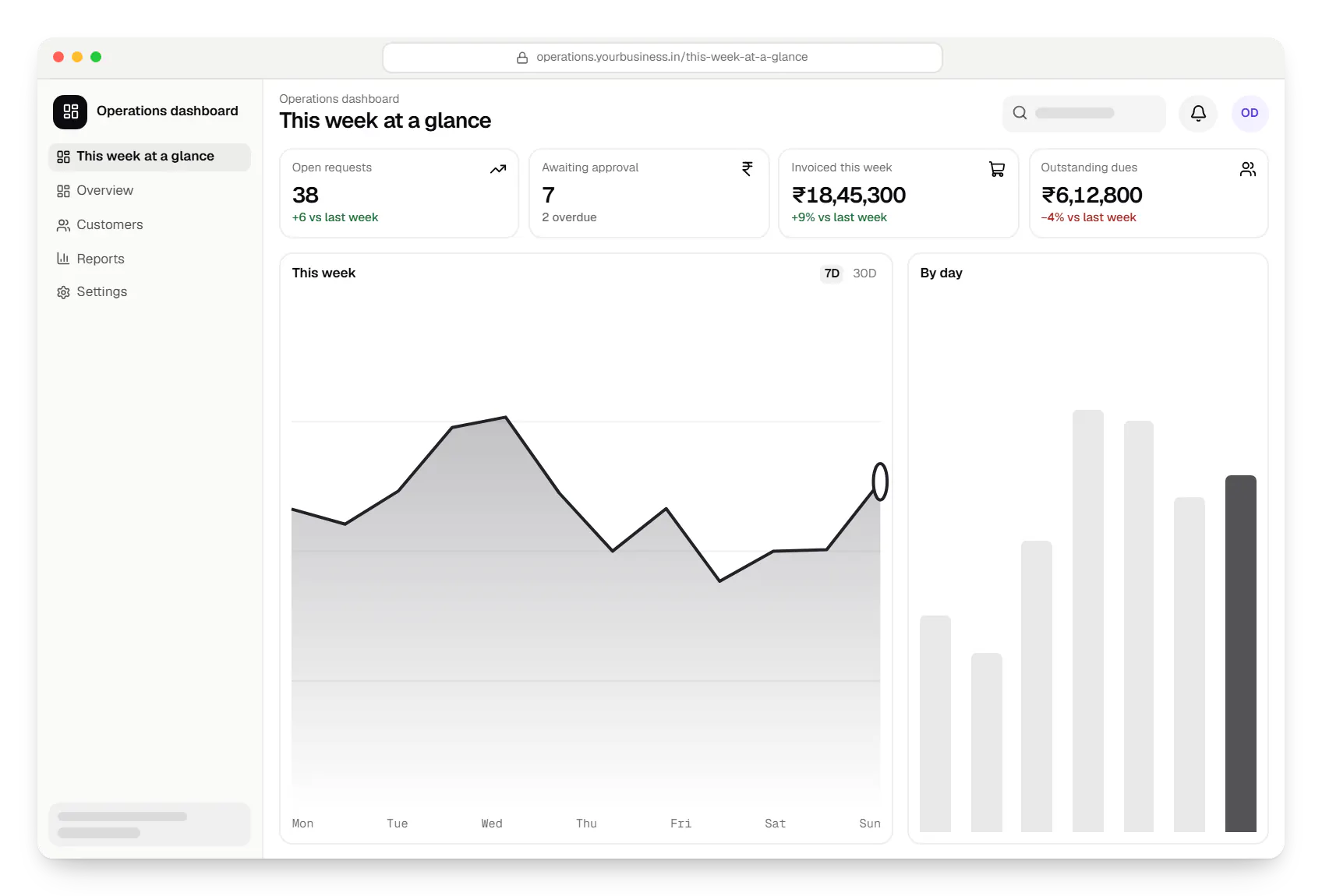
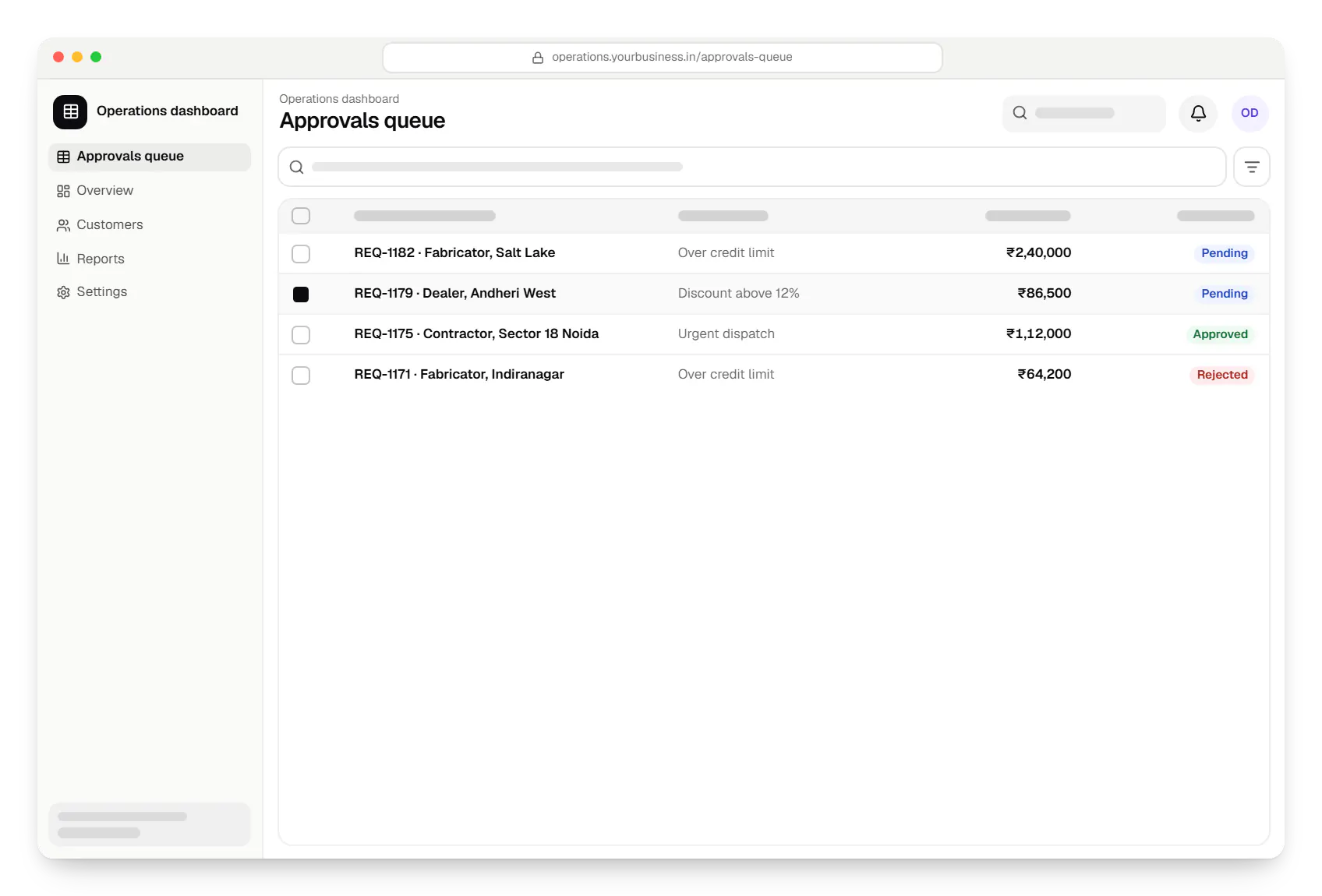
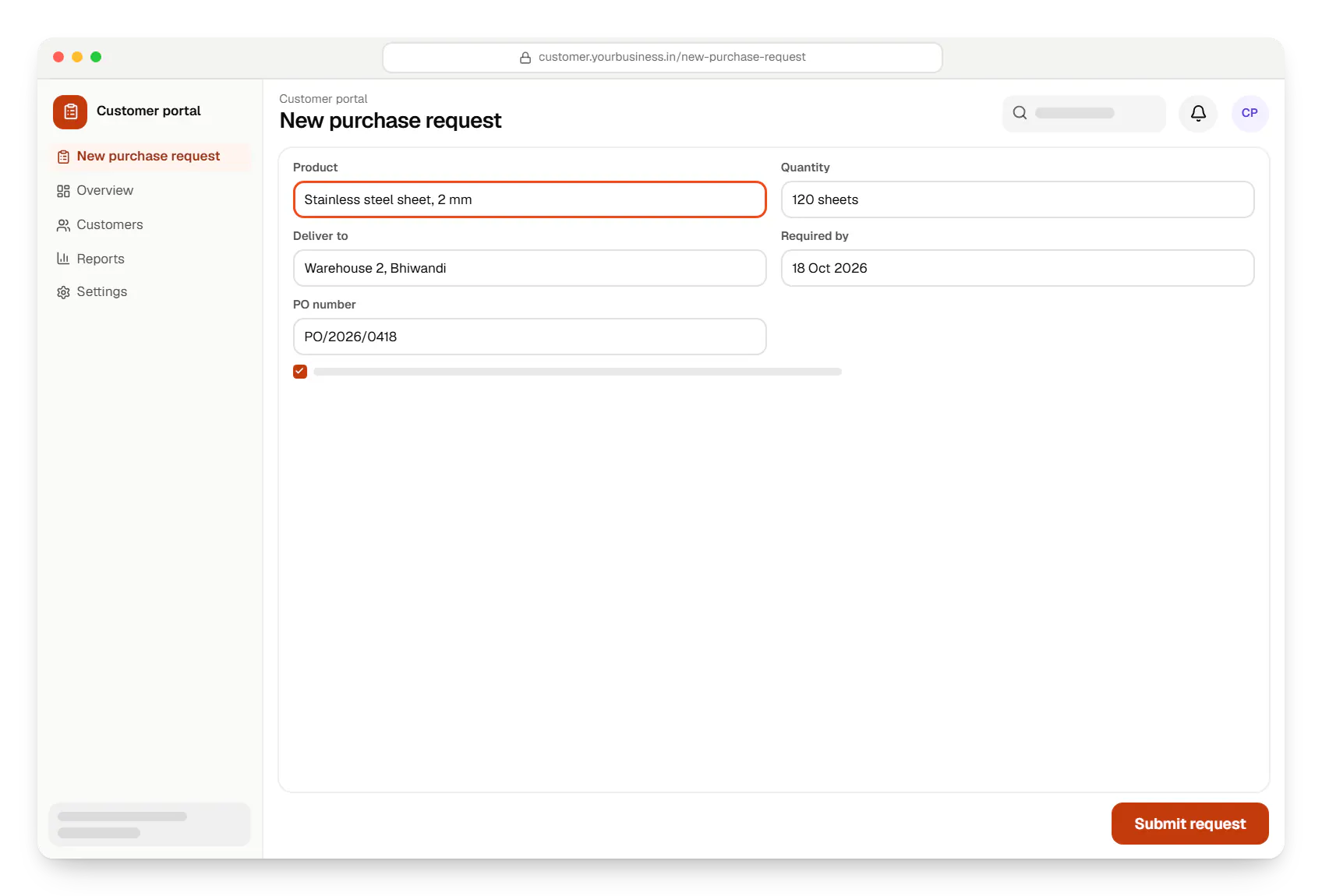
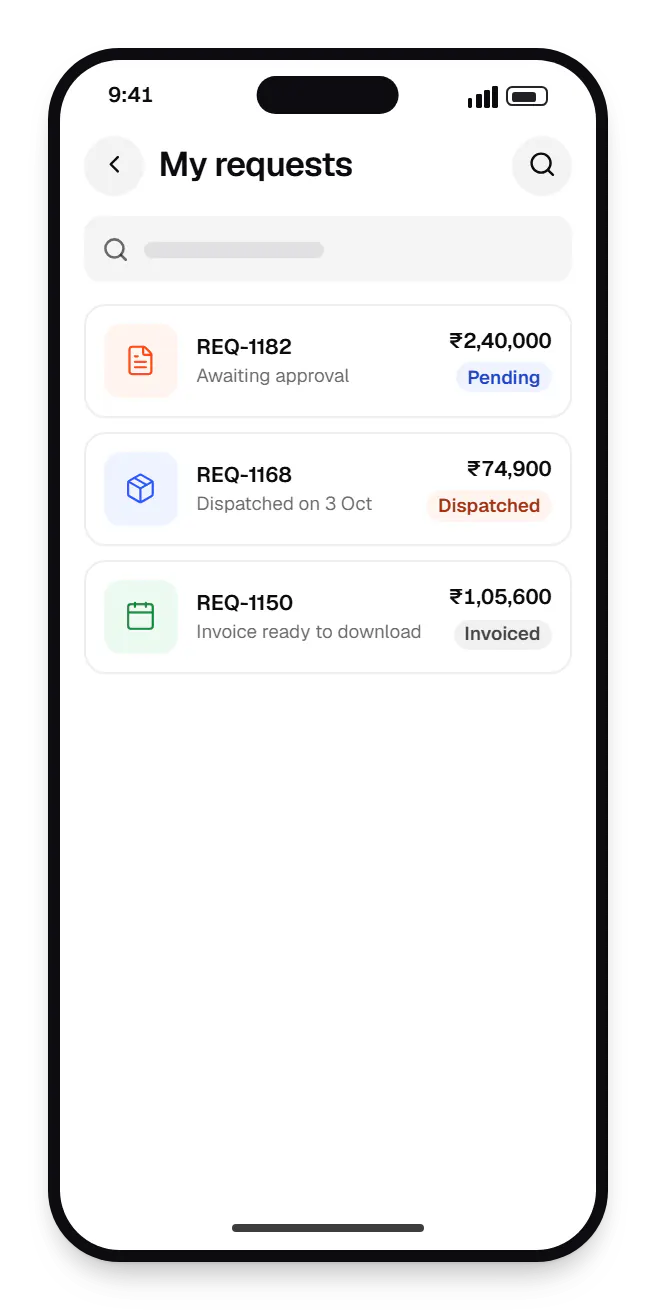
Sample screens: names, prices and figures are examples, not client data.
Work
Sample projects, not client work, showing how we would structure portals, dashboards and back offices.
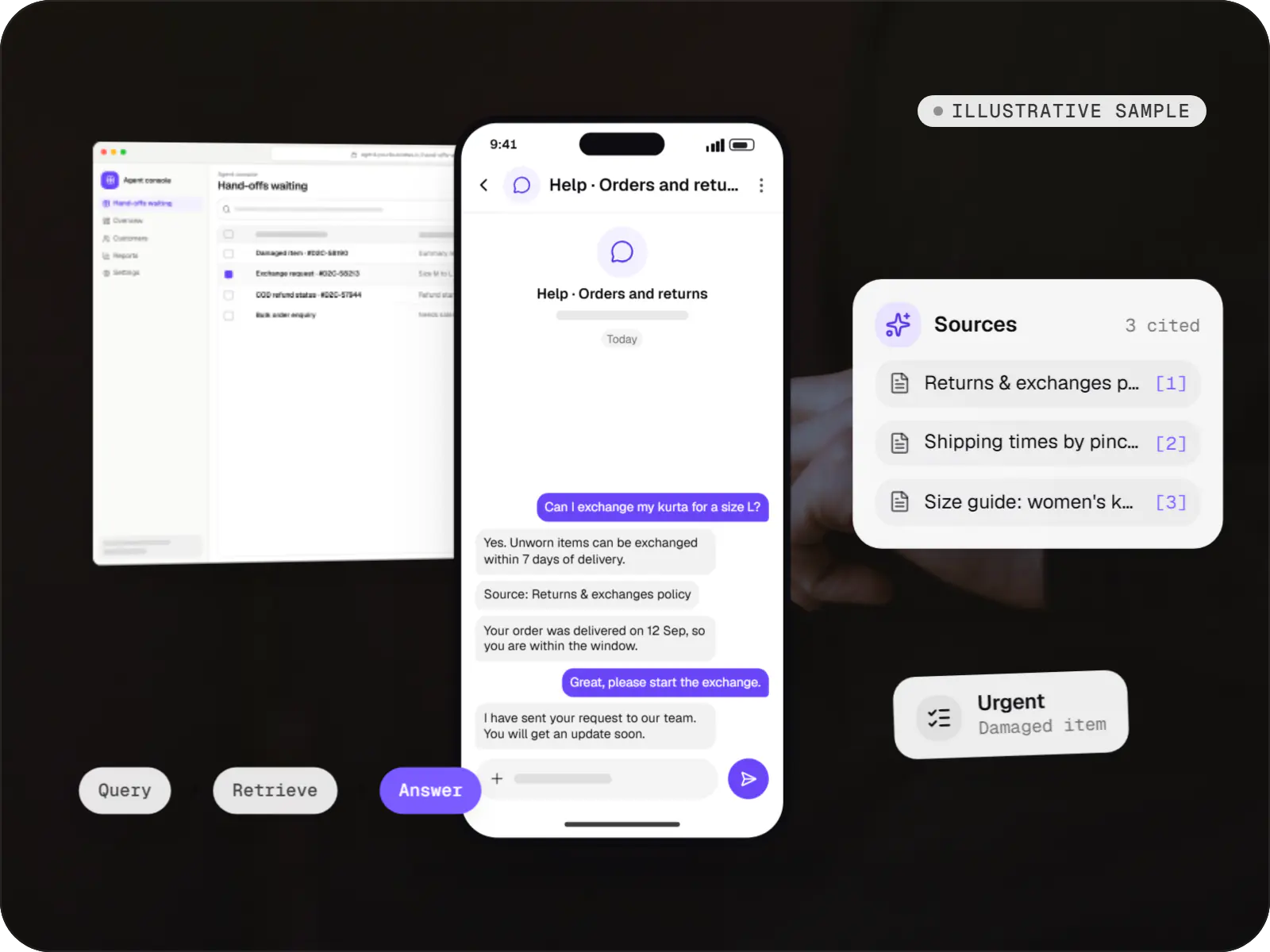
AI solutions
An illustrative AI assistant that answers order, return and product questions from a D2C brand's own policies and order data, with sources and a human hand-off.
Runs on
Built with
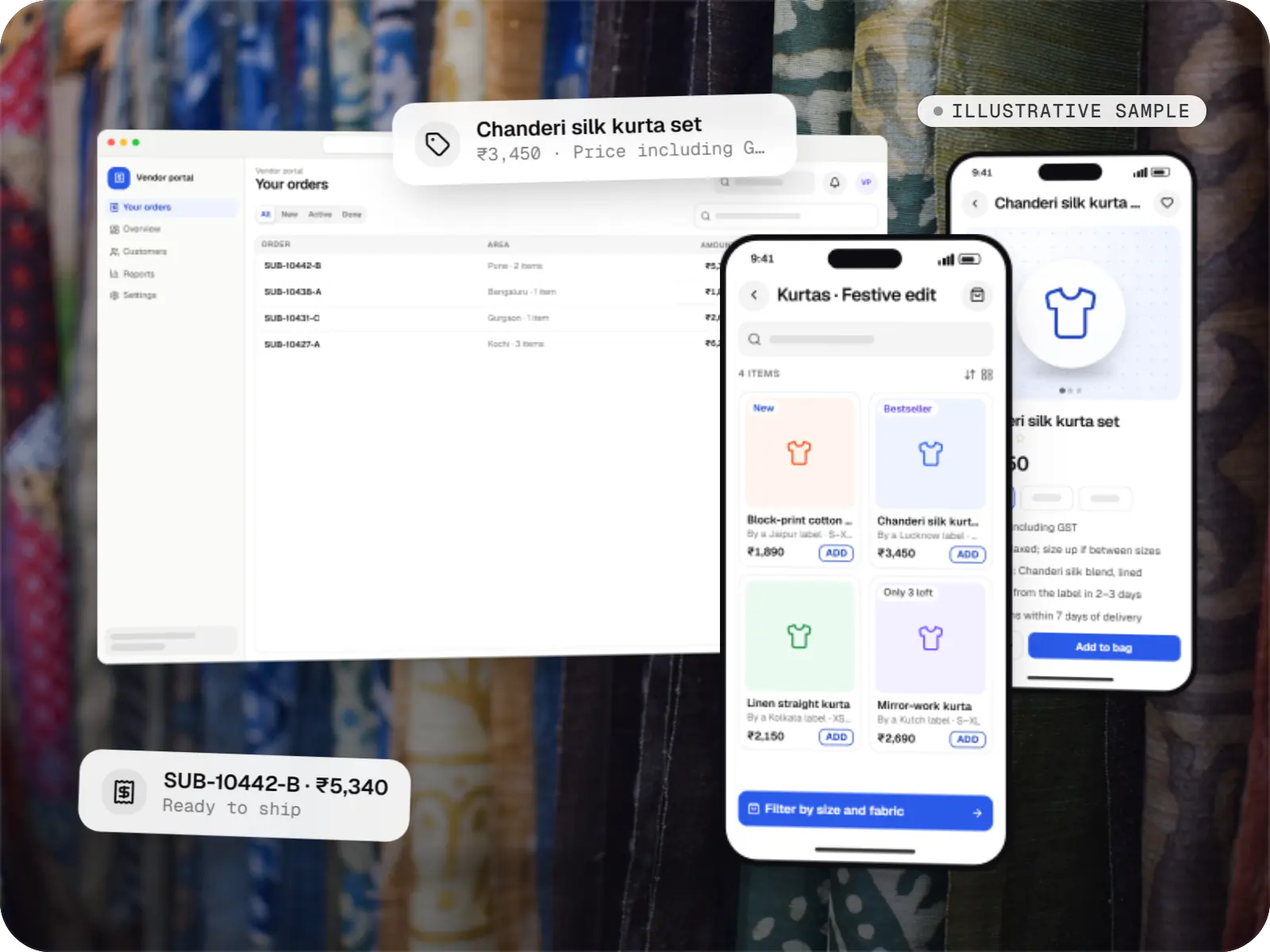
E-commerce & marketplaces
An illustrative marketplace where independent fashion labels sell through one storefront, with vendor onboarding, commission rules, multi-pickup shipping, returns and scheduled payouts.
Runs on
Built with
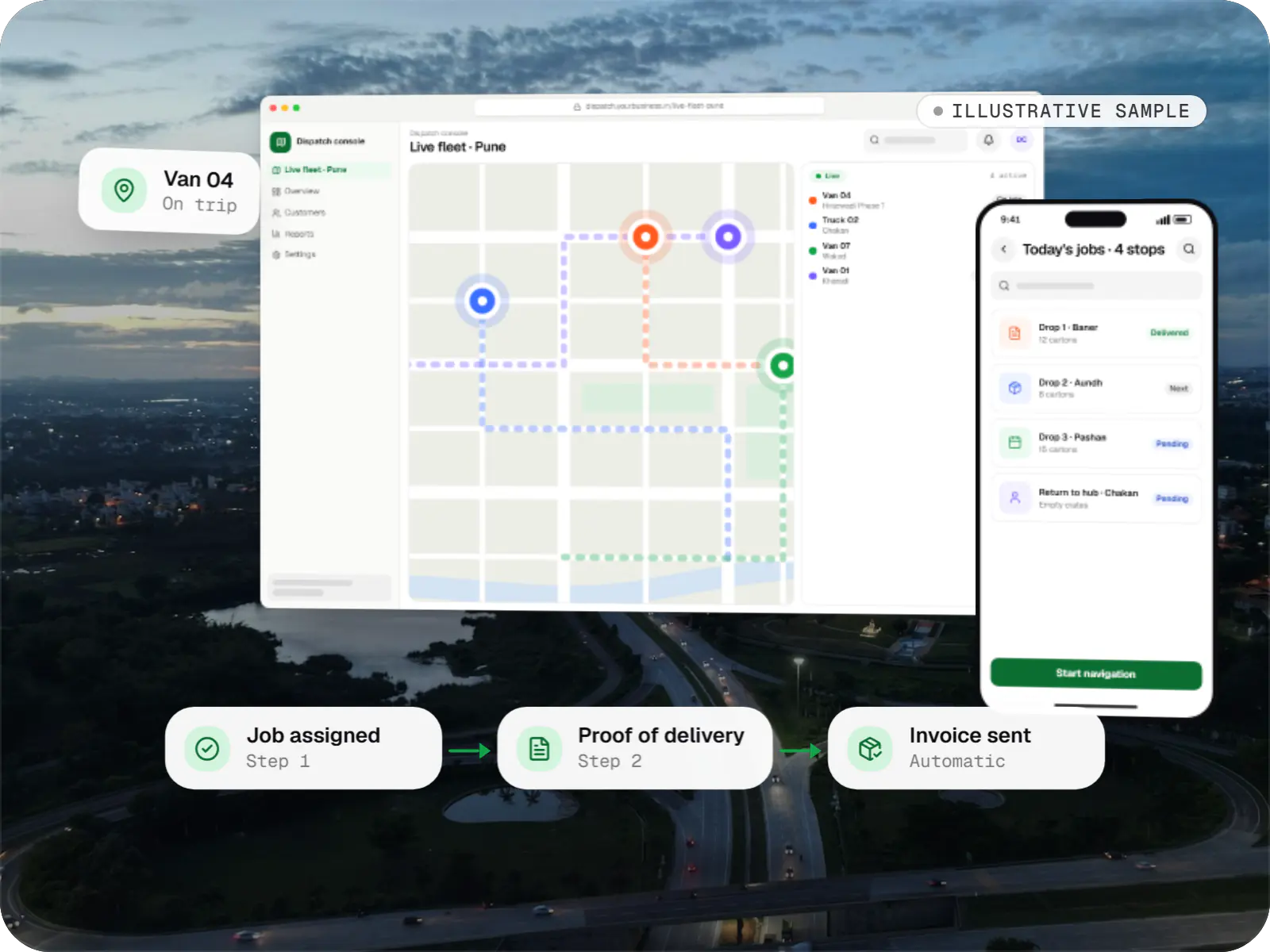
Business software
An illustrative SaaS for businesses running their own vehicles: live dispatch on a map, driver proof of delivery and per-trip billing for each customer.
Runs on
Built with
Industries
Cost drivers
Branch-level visibility and field-level restrictions take careful design and testing.
Every state, approval and exception path is logic to build, test and explain on screen.
Accounting, ERP, CRM or payment gateway connections add integration and error handling.
Years of spreadsheets or a legacy database need cleaning, mapping and a rehearsed import.
Custom reports, high concurrency or strict uptime targets change the infrastructure and testing required.
Estimates are written from your scope, with the effort and assumptions behind each line item.
How pricing worksProcess
We trace the current process across spreadsheets, email and WhatsApp groups and mark where it breaks.
You getProcess map and requirements
Entities, roles, integrations and hosting are designed up front.
You getSchema and architecture note
Key screens are reviewed as a clickable prototype before build starts.
You getValidated prototype
Modules land on staging every sprint, with a demo each time.
You getWorking staging application
Records are cleaned and imported, then your team tests real scenarios.
You getUAT sign-off
Rollout by team or branch, with training and a support window.
You getProduction release and runbook
FAQ
Web apps suit desk work such as data entry, reporting, administration and B2B ordering, and they update without app store review. Mobile apps suit frequent use on the move, camera or GPS features and push notifications. A progressive web app covers some middle ground, though iOS still limits certain PWA capabilities. Many products pair a web app for office users with a mobile app for the high-frequency role.
Yes, and it is a frequent starting point. We first document what the spreadsheets really do: formulas that encode pricing, colour codes that signal status, tabs that different teams share. These become validated fields, workflow states and permissions. Historical data is cleaned and imported, an Excel export usually remains for analysis, and we suggest moving one team or process at a time.
Not if the data model and queries are designed for growth. We index the columns that filters and joins rely on, paginate on the server, move slow reports into background jobs and cache frequent reads in Redis. Before launch we load-test the heaviest screens with realistic data volumes, and in production we monitor slow queries and fix them before users notice.
Permissions are enforced on the server, input is validated, queries are parameterised, passwords are hashed with a modern algorithm and data is encrypted in transit and at rest. Sessions use secure cookies with CSRF protection, and sensitive actions are logged. For personal data we design with the Digital Personal Data Protection Act 2023 in mind: minimal collection, recorded consent and support for deletion requests.
Next step
Walk us through how it works today. We will suggest what the first version of the application should cover and what it would take to build.