

Web
Next.js
A modern web technology for fast, search-friendly websites, online stores and web applications that load quickly on mobile.
Used for
- Business websites
- Online stores
- Web apps
- Customer portals
On-demand · Scheduling
A scheduling engine shaped around your staff, locations, resources and capacity, with payments, reminders and calendar sync around it.
At a glance
What it is
Custom scheduling software for consultants, service centres, labs and multi-location businesses: availability rules, reminders, payments and calendar sync.
How to start
Tell us what you need in your own words. You talk to the developers who would build it and get a written, line-item estimate.
Get a project estimateHosted scheduling tools work well for one person sharing a calendar link. They become awkward when a booking depends on several constraints at once: a consultant who is free only if a meeting room is also free, a workshop with a fixed number of service bays, a lab whose home collection slots depend on the phlebotomist's area, or a help centre running walk-in tokens alongside timed appointments.
Custom appointment booking software earns its cost when scheduling is central to your operations or product. We build the availability engine, web and mobile booking flows, staff and admin views, and an API so your CRM, website or partner apps can check slots and create bookings.
Challenges
Phone, walk-in, website and partner bookings write to one calendar, with slots held during checkout.
Lead times, buffers, daily caps and blackout dates become configuration.
Reminders, easy rescheduling and optional deposits reduce empty slots.
Booked versus available hours by staff, location and service show unused capacity.
What is included
Platform: Website, app or embed
Platform: Backend
Platform: Web
How it works
Every channel, from your website to a partner app, goes through the same availability rules.
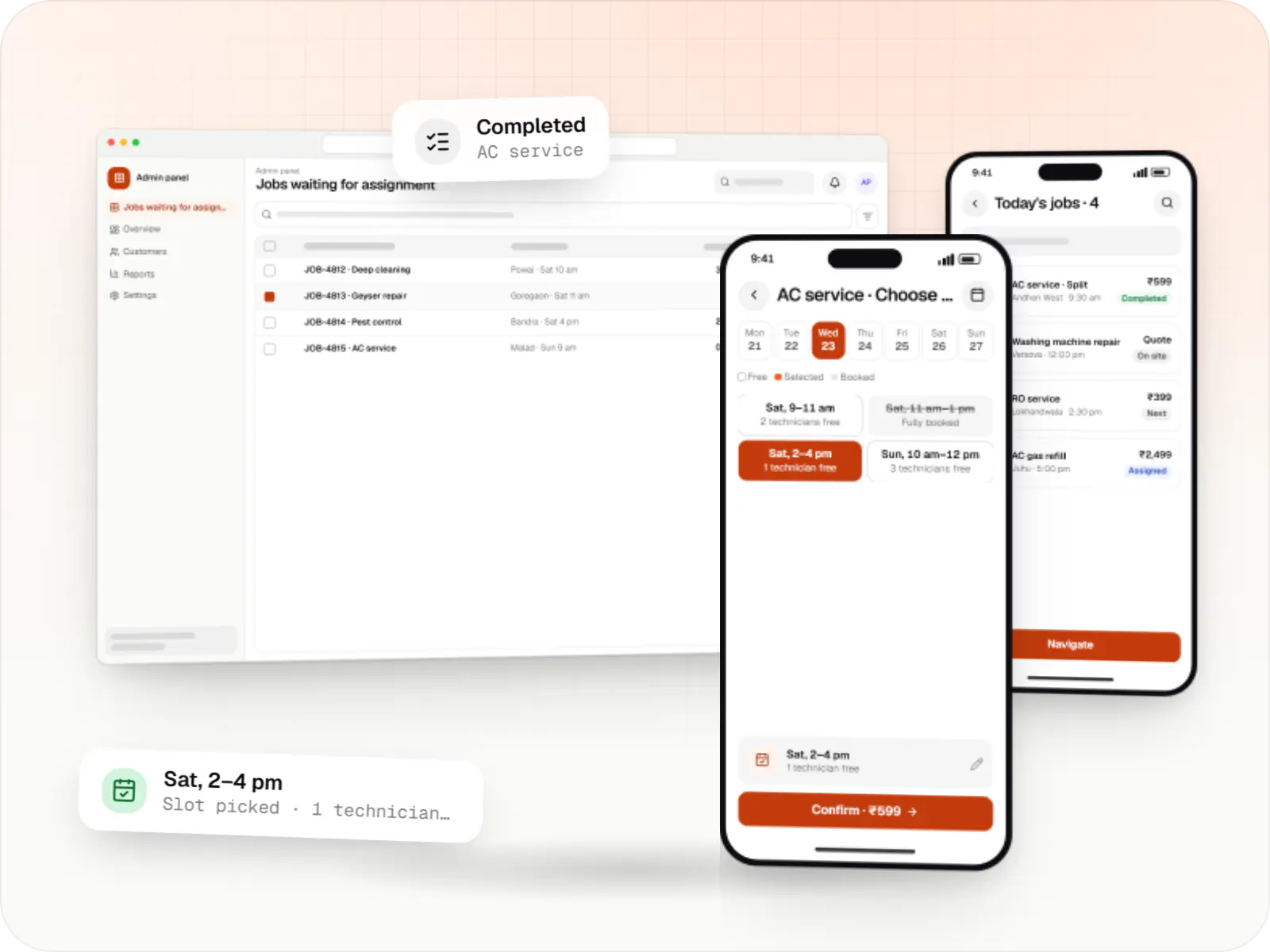
They pick a service, a location and, if they like, a person; only genuinely free times are shown.
The engine checks working hours, leave, buffers, room or bay capacity and daily caps before offering a slot.
The chosen slot is held for a few minutes while the customer fills the intake form and pays a deposit if you require one.
Confirmation goes out on WhatsApp or email, the booking appears in staff calendars, and online meetings get a video link.
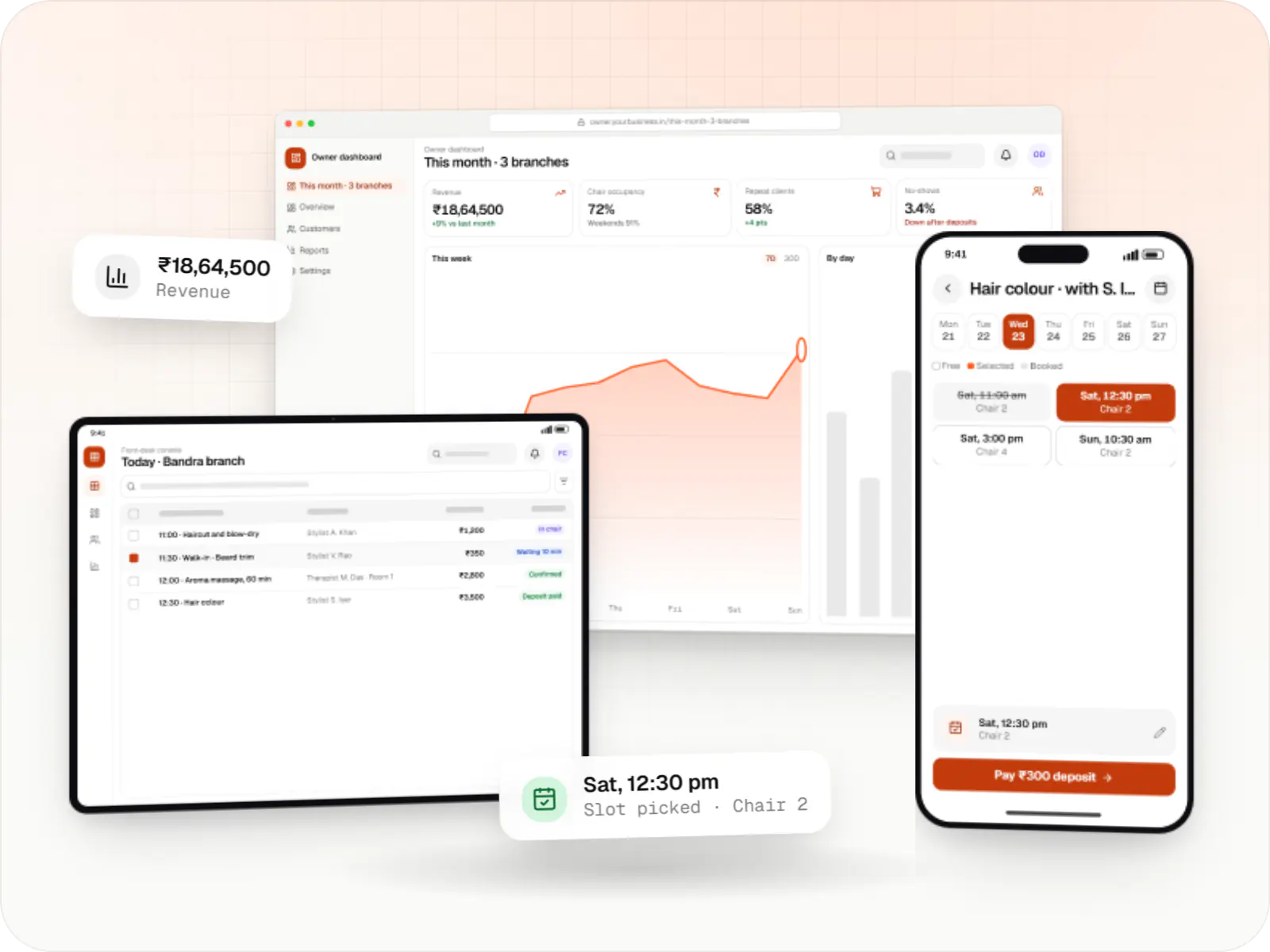
Staff see the day by person, room or location, check people in and mark no-shows.
Utilisation, no-show and revenue reports show where capacity is wasted, and follow-up bookings are offered automatically.
Platforms
Customers book on your website, an embedded widget, a PWA or an app; staff and admins use a web dashboard.
Marketing and content websites: fast, search-friendly pages with a CMS your team can update without a developer.
Browser-based applications with logins, roles and workflows, such as customer portals, SaaS products and internal tools.
Installable web apps with offline support and notifications, useful when an app-store listing isn't essential or phones have little storage.
One Flutter or React Native codebase for Android and iOS, with native modules where a feature needs them.
Back-office panels for operations, support and finance teams: orders, users, content, reports and permissions.
Technology
Chosen so the same slot cannot be booked twice, even when two people try at once, and so bookings stay quick at busy times.
Web
A modern web technology for fast, search-friendly websites, online stores and web applications that load quickly on mobile.
Used for
Web
Builds interactive screens in the browser, such as dashboards, admin panels and portals, that respond instantly as your team works.
Used for
Backend
Runs the server side of apps: fast, scalable back ends that power your app, website and integrations.
Used for
Backend
A structured way to build back ends on Node.js, so large business systems stay organised, testable and easy to hand over.
Used for
Data
A reliable database for the records your business runs on: orders, payments, bookings and stock, kept accurate and easy to report on.
Used for
Data
Keeps frequently used data in fast memory, so apps stay quick on busy days and live features like order tracking feel instant.
Used for
Payments & maps
Lets customers in India pay by UPI, cards, netbanking or wallets, and handles subscriptions, refunds and payouts to sellers or partners.
Used for
Payments & maps
Accepts card payments and subscriptions from customers outside India, in many currencies, with automatic invoices and renewals.
Used for
Integrations
Two-way sync so personal commitments block slots.
Meeting links created for online appointments.
UPI and cards in India, international cards for overseas clients.
Confirmations, reminders and reschedule links.
Bookings recorded against leads and customers.
Partner apps can read slots and create bookings.
Plain-English glossary
Product preview
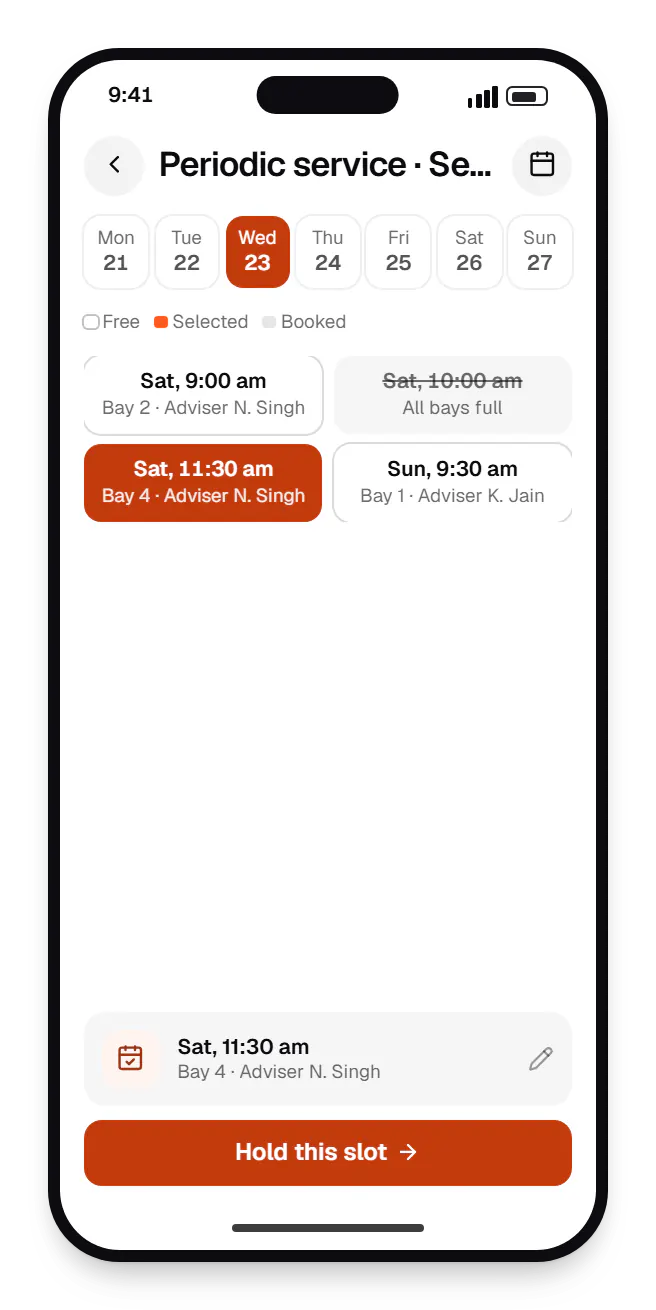
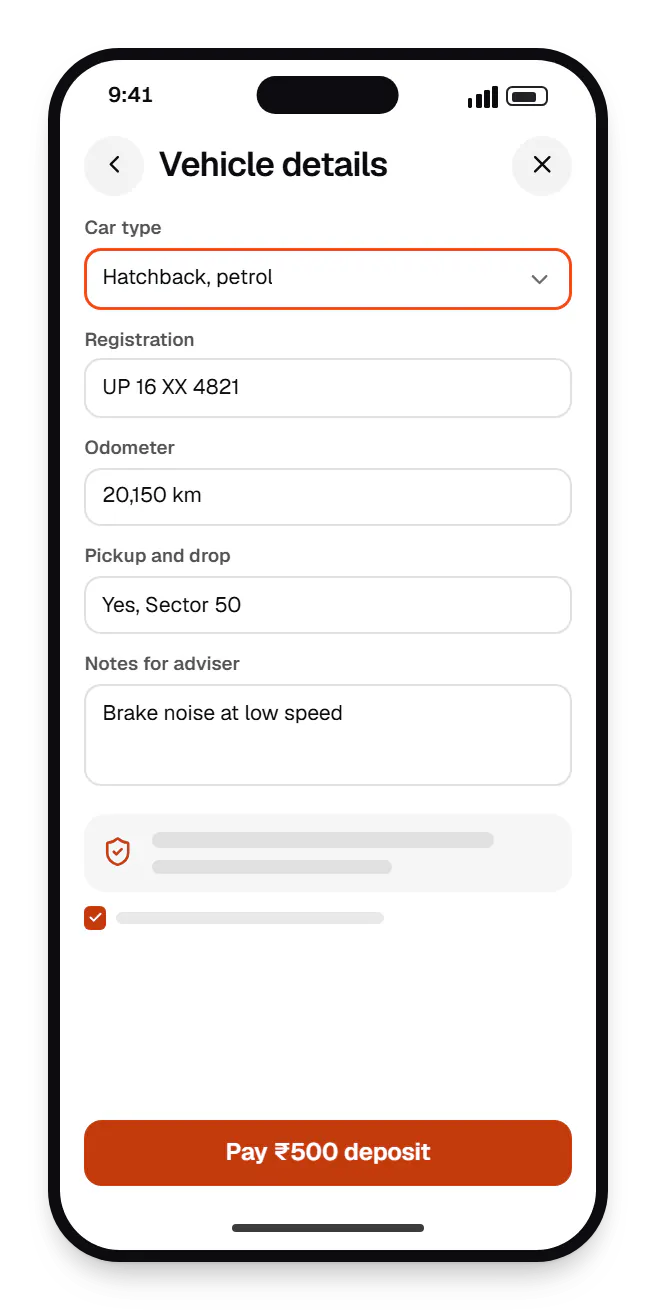
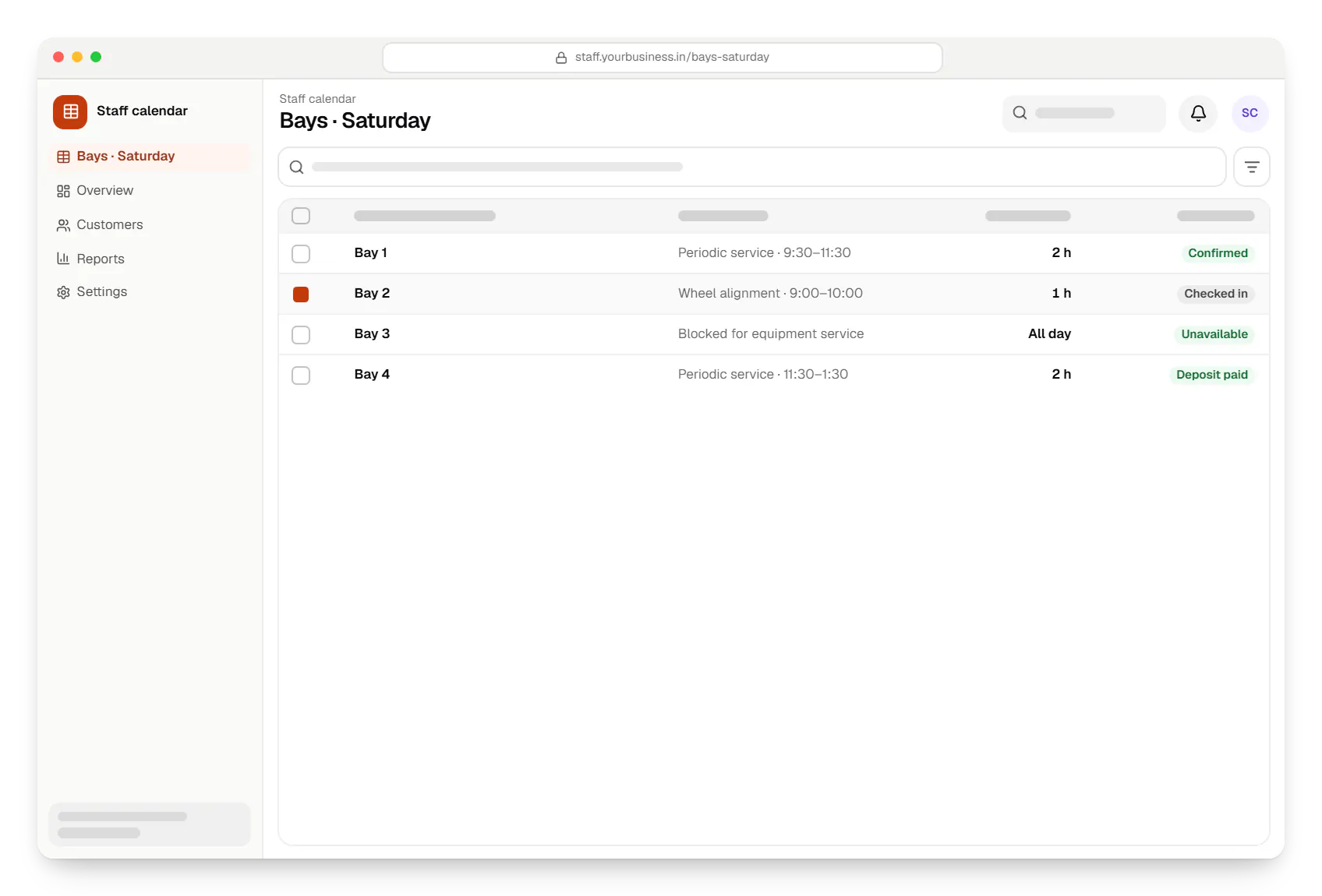
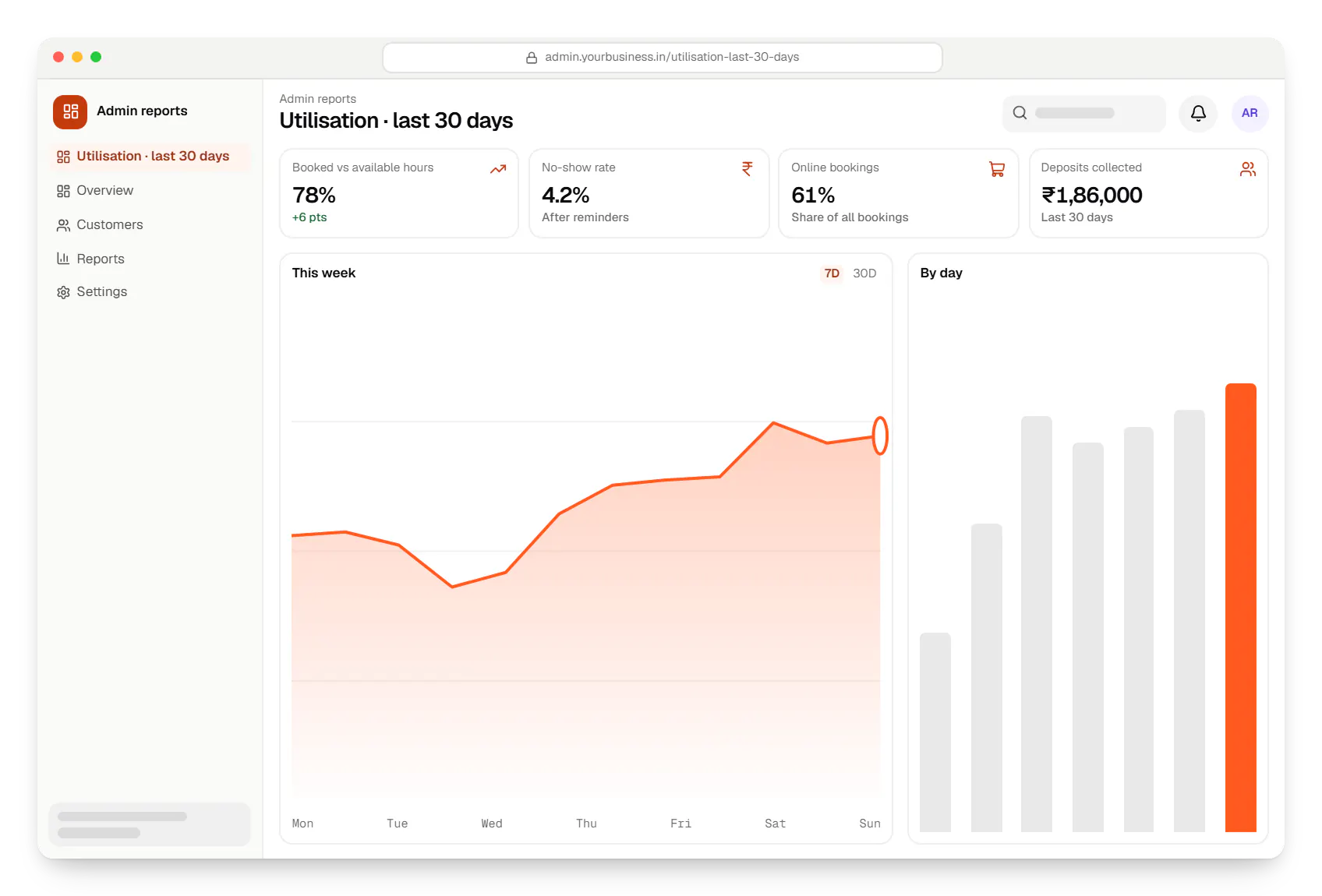
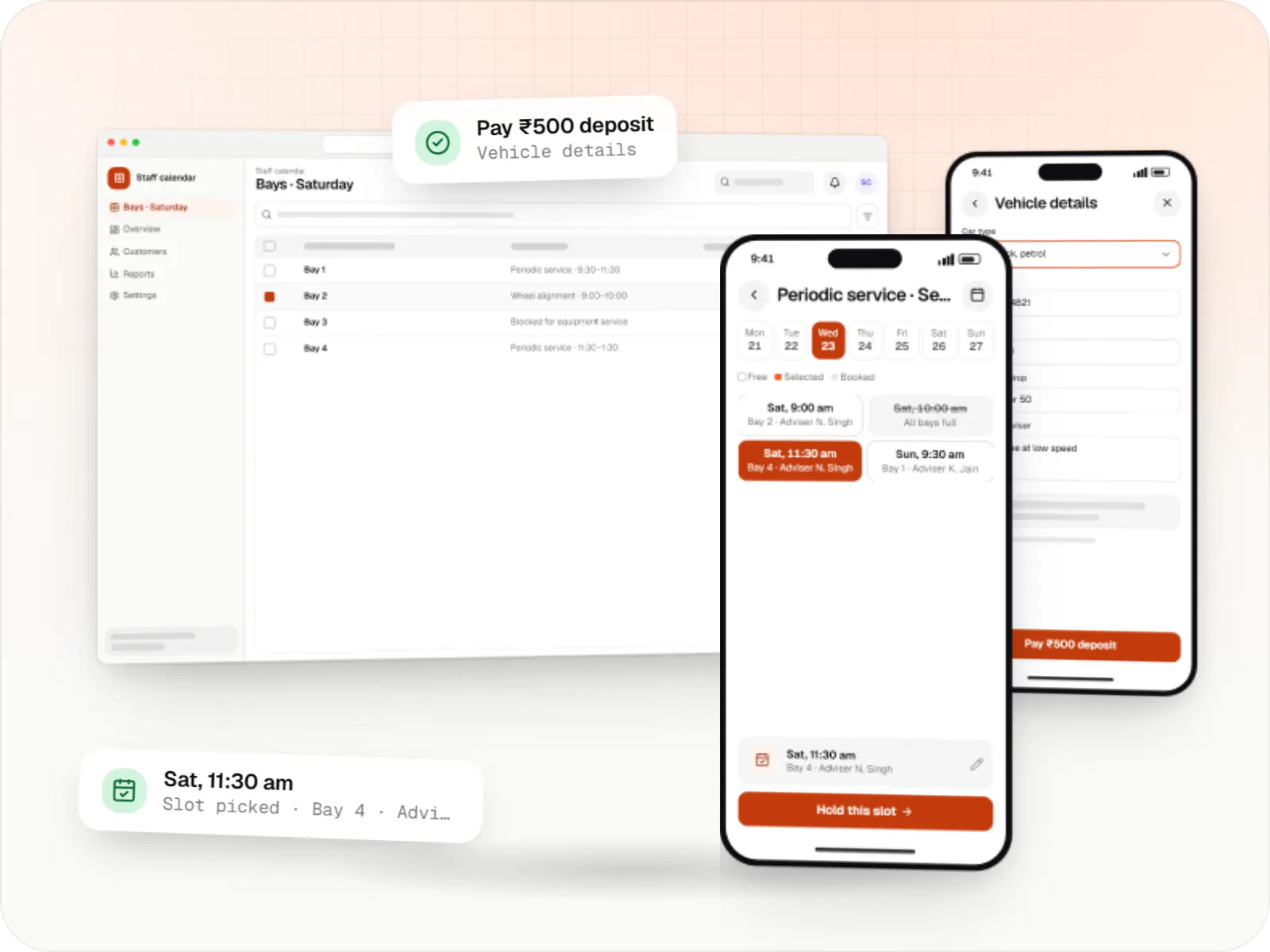
Sample screens: names, prices and figures are examples, not client data.
Services

Browser-based products, customer portals, dashboards and internal tools, built on clean data models with secure roles and integrations.
Multi-tenant SaaS products with subscription billing, team roles, onboarding and usage analytics, from first MVP to paying customers.

Secure, documented REST and GraphQL APIs, plus integrations that connect your apps to payment, logistics, GST, messaging and business systems.

Product design for web and mobile apps: research, user flows, wireframes, prototypes and design systems that engineers can build from.
Industries
Cost drivers
Staff-only calendars are straightforward; combined staff, resource and capacity constraints need careful modelling.
A website widget alone is lighter than adding mobile apps and a public API.
Two-way sync brings edge cases, such as one booking edited on both sides.
Deposits, refunds, cancellation fees and prepaid bundles each add rules and admin screens.
Estimates are written from your scope, with the effort and assumptions behind each line item.
How pricing worksFAQ
If a hosted tool covers your needs, keep using it; that is usually cheaper. Custom software makes sense when scheduling is part of the product you sell, when bookings depend on staff, rooms and equipment together, when per-seat fees grow large across branches, or when bookings must link tightly to your own CRM, billing or customer app with full ownership of the data.
A selected slot is held for a few minutes while the customer completes the form or payment, then released if abandoned. The final booking is protected in the database, for example with PostgreSQL exclusion constraints on time ranges, so two simultaneous requests cannot both succeed. The booking API is idempotent, so a retry after a network drop does not create a duplicate. We test these cases under concurrent load.
Yes. Times are stored in UTC and shown in each viewer's local time, while staff keep seeing their schedule in IST. This matters for consultants, tutors and advisers serving non-resident Indians or overseas businesses. Reminders go out in the recipient's time zone, and daylight-saving changes abroad are handled so recurring bookings do not drift by an hour.
It can be designed that way. A multi-tenant version gives each business its own workspace, branding, staff and customers, with data kept separate, plus self-service onboarding, subscription billing and plan limits. If SaaS is a later ambition, we keep the data model tenant-ready so the move does not need a rebuild.
Related
Next step
Tell us who gets booked, which resources are involved and where things go wrong. We will propose a scope and line-item estimate.