Adds AI features such as chat assistants, document summaries and smart search to your product, built on OpenAI models with human review.
Used for
- AI chatbots
- Document summaries
- Smart search
- Drafting replies
AI solutions
Chatbots, assistants, workflow automation, search and document processing, built with evaluation sets, human review and careful data handling.
Language models are good at reading messy text, drafting, classifying and answering questions over documents. They are unreliable at arithmetic, at facts they were never given, and at any hard yes-or-no that lacks a source. We scope around that.
Most engagements start with one narrow, measurable job, such as triaging tickets or extracting fields from GST invoices, plus real examples to test against. Then we pick the lightest approach that works.
Solutions
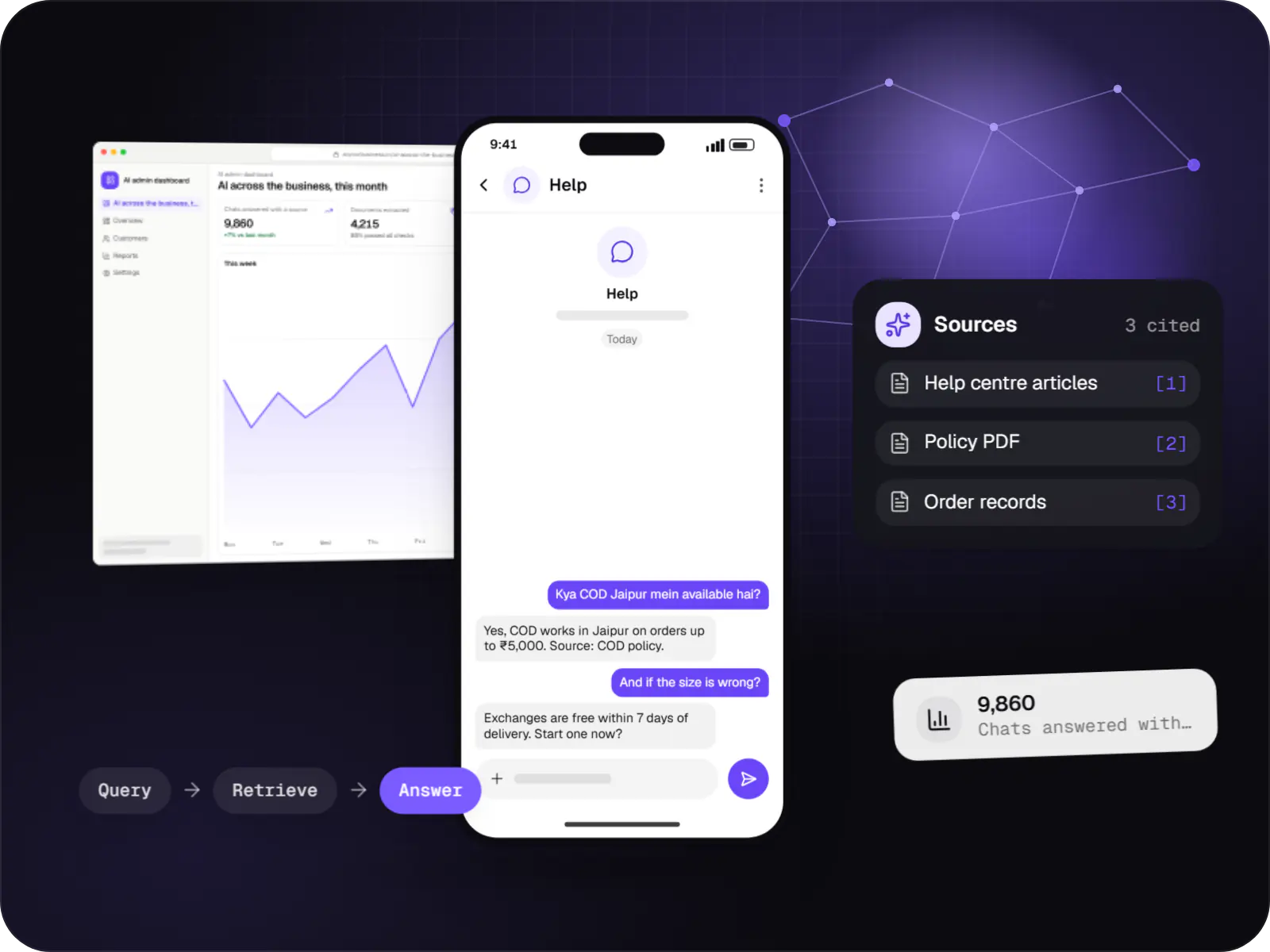
Support and sales chatbots for web, app and WhatsApp that answer from your own content and hand off to your team.
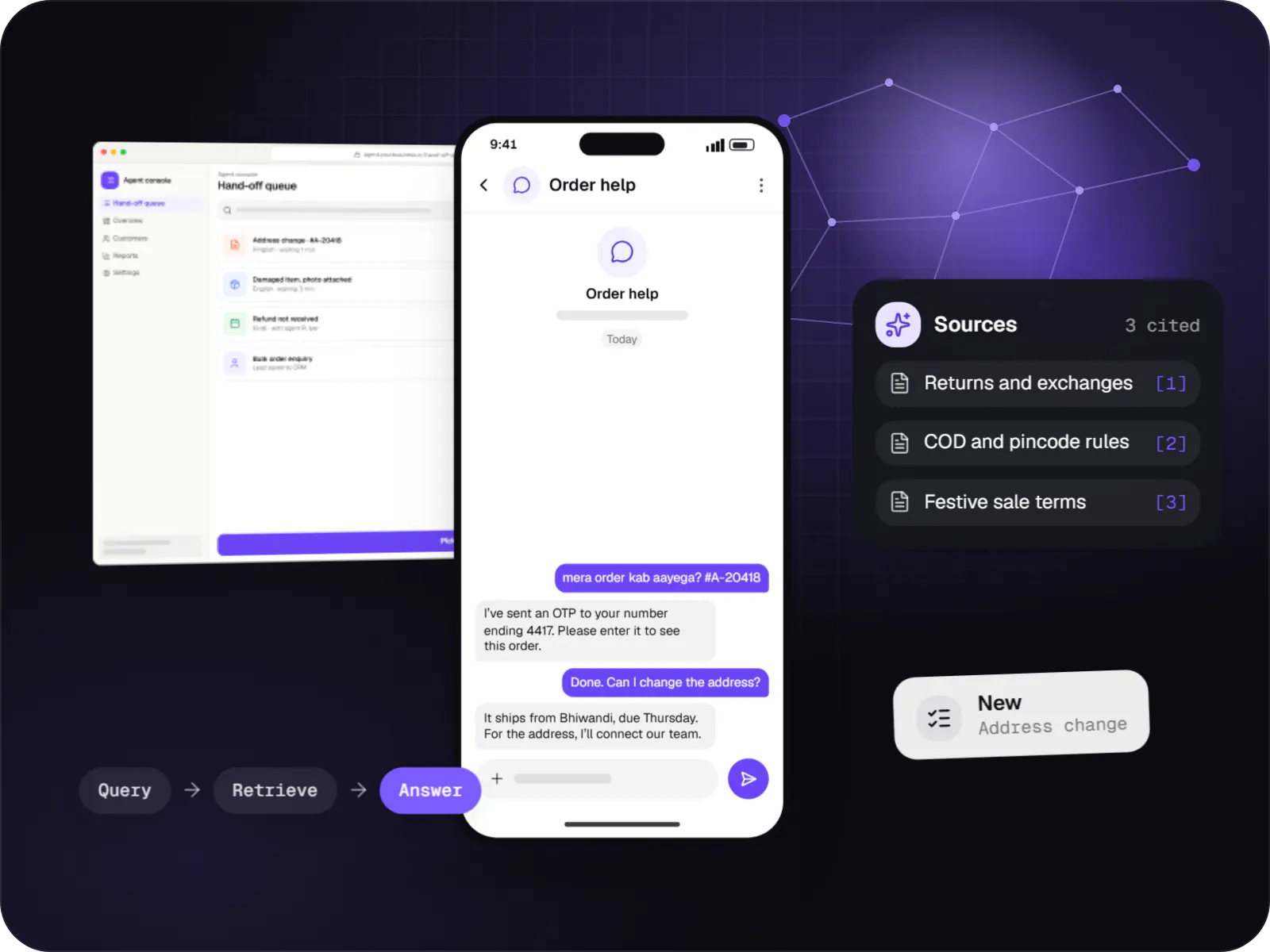
Assistants that book, schedule, look up records and raise requests by voice or text, with confirmation before every action.
Automations for repetitive back-office work, with AI steps that read, classify and draft, and approvals where decisions matter.
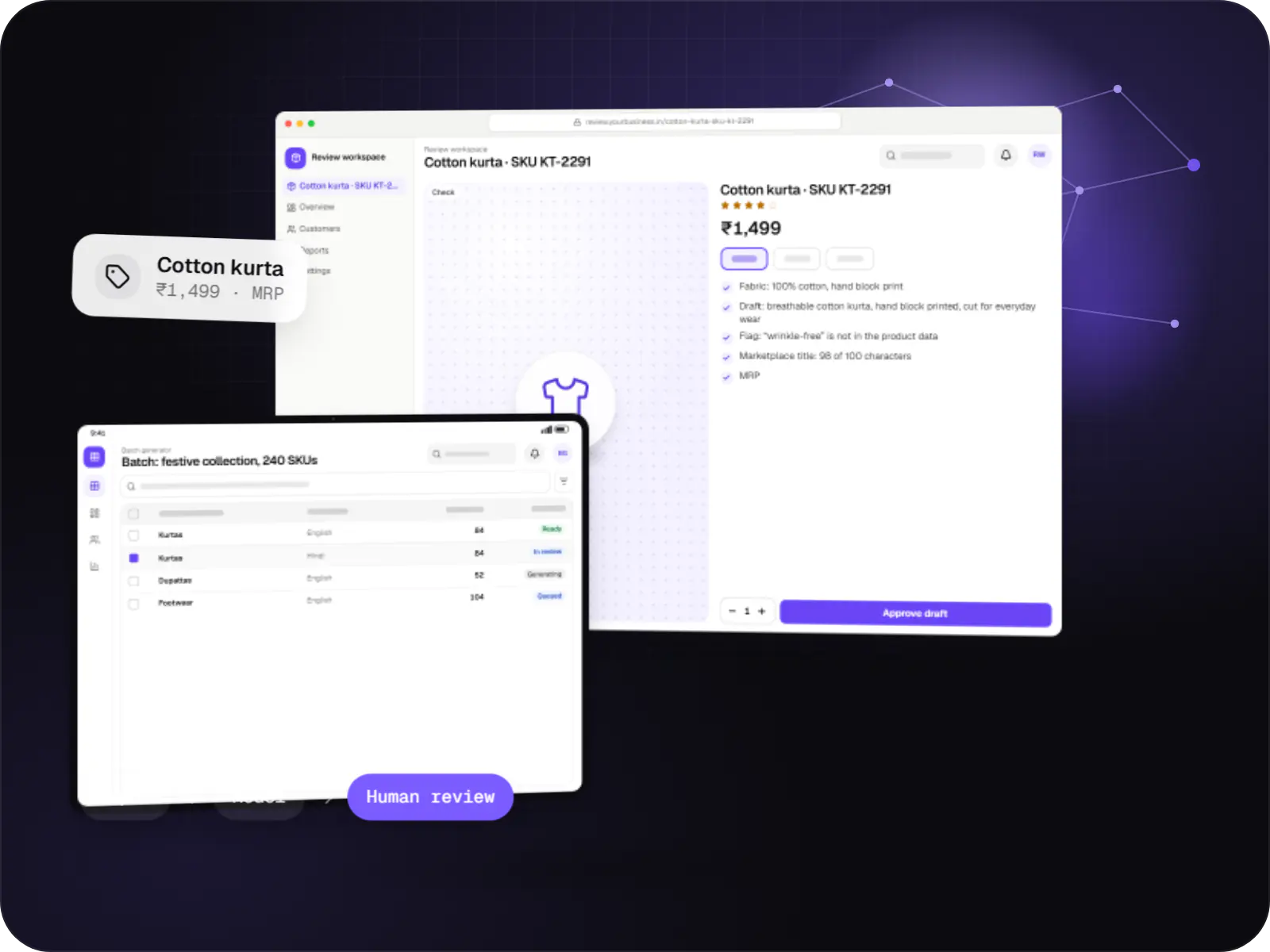
Features that generate catalogue copy, reports, summaries, translations and images, with brand controls and a review step before anything is published.
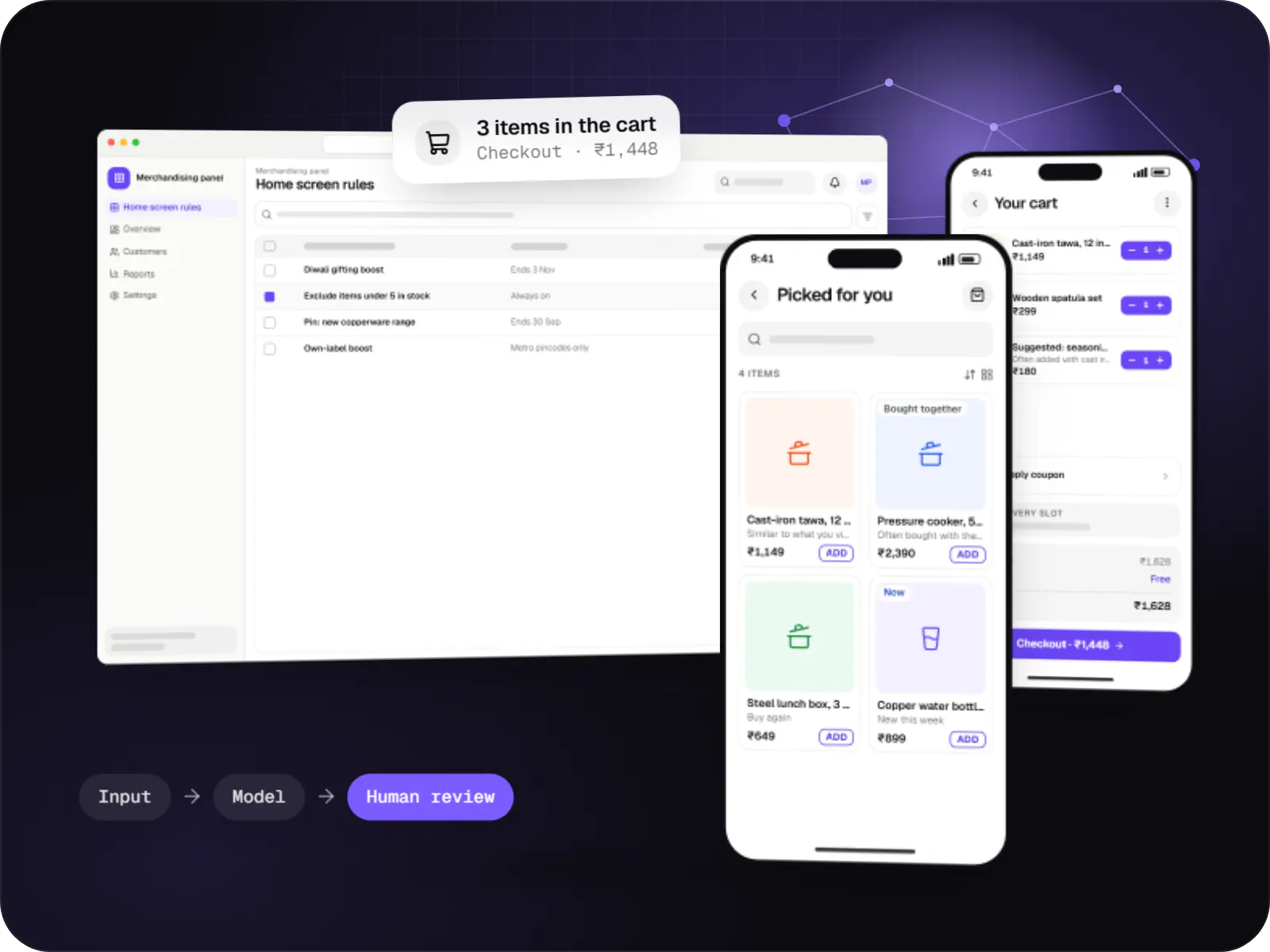
Product, content and offer recommendations built from your behavioural data, with business rules, cold-start handling and A/B testing.
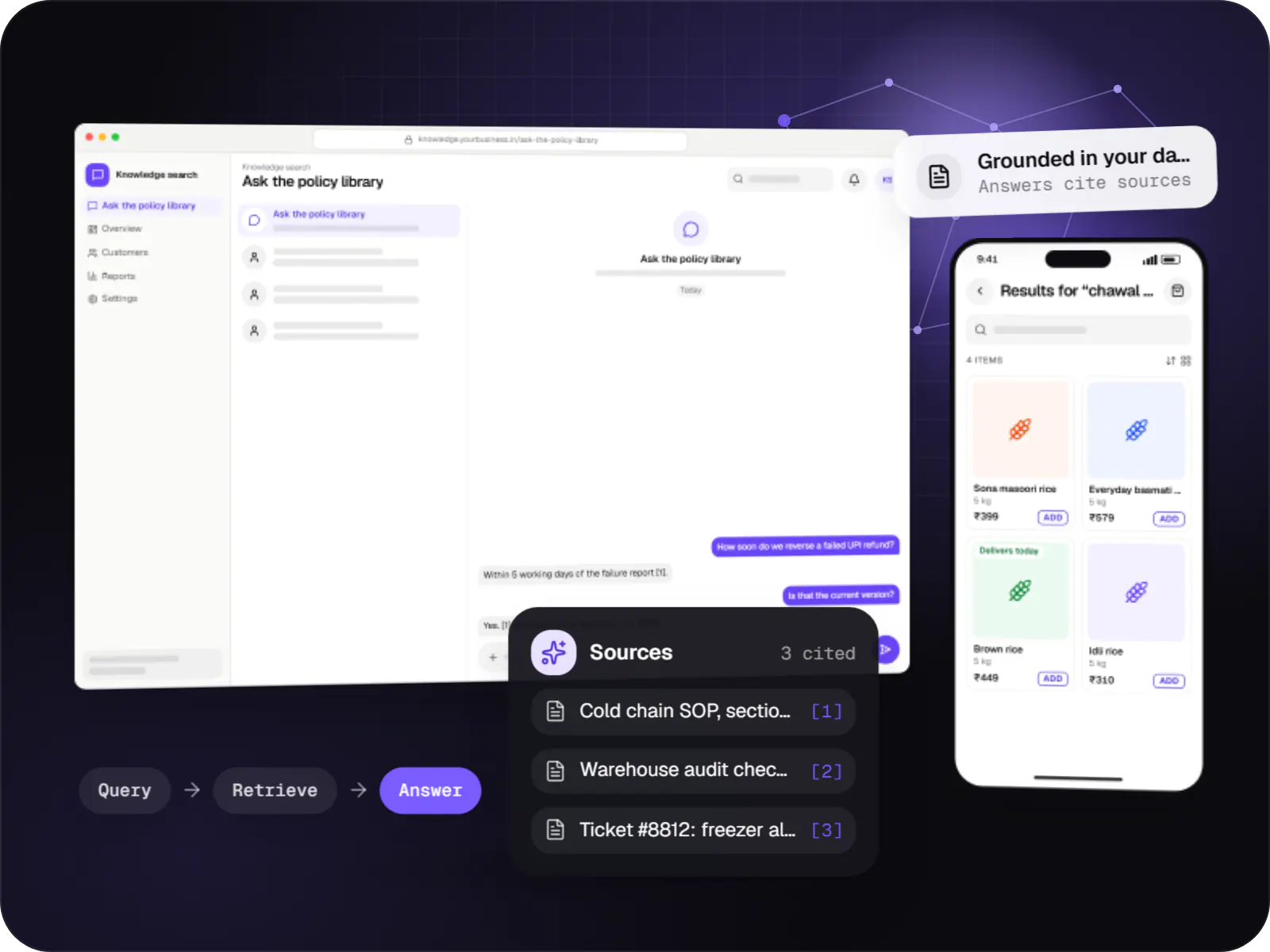
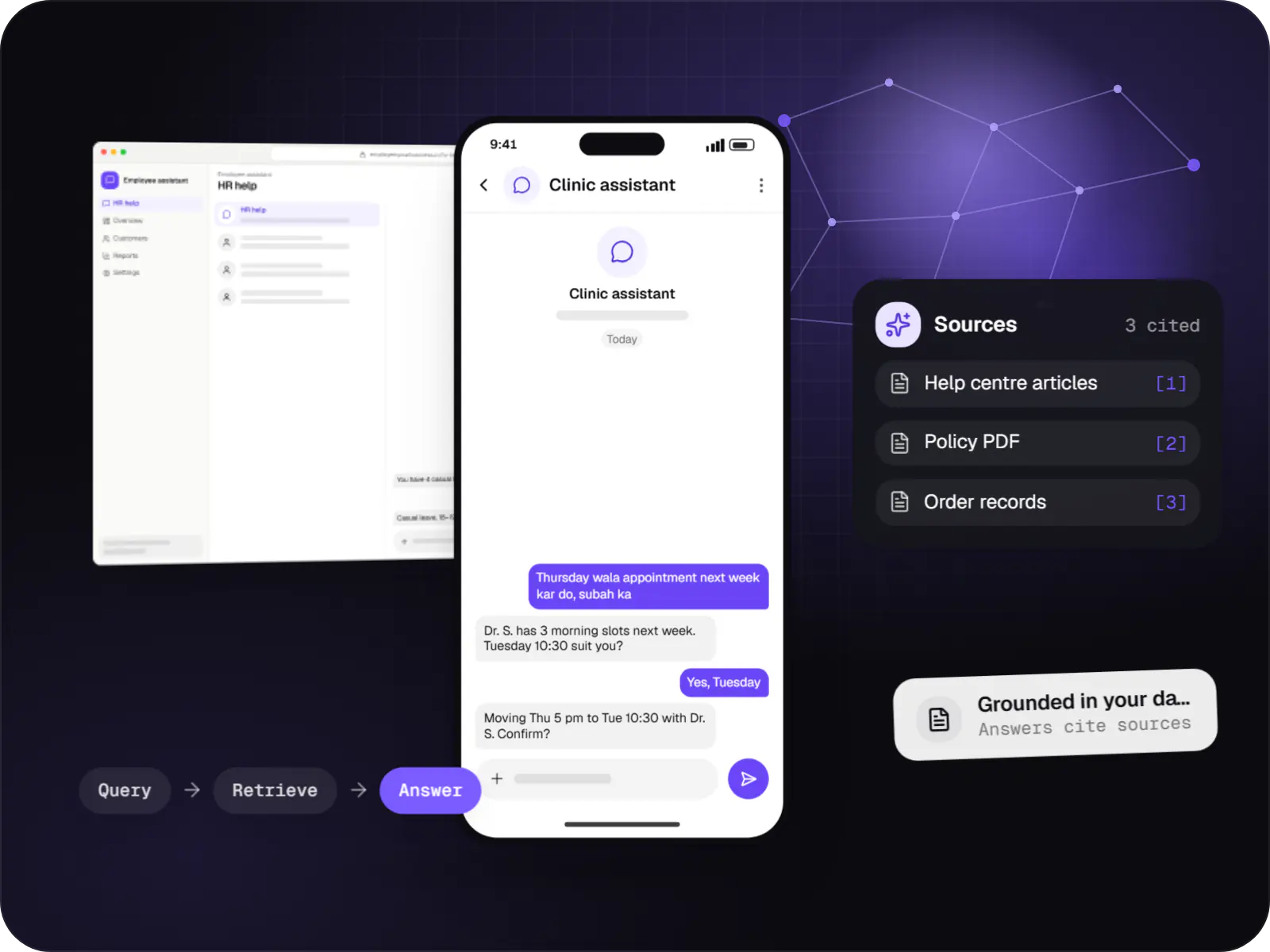
Search and question-answering over your documents, tickets and product data, with hybrid retrieval, citations and permission-aware results.
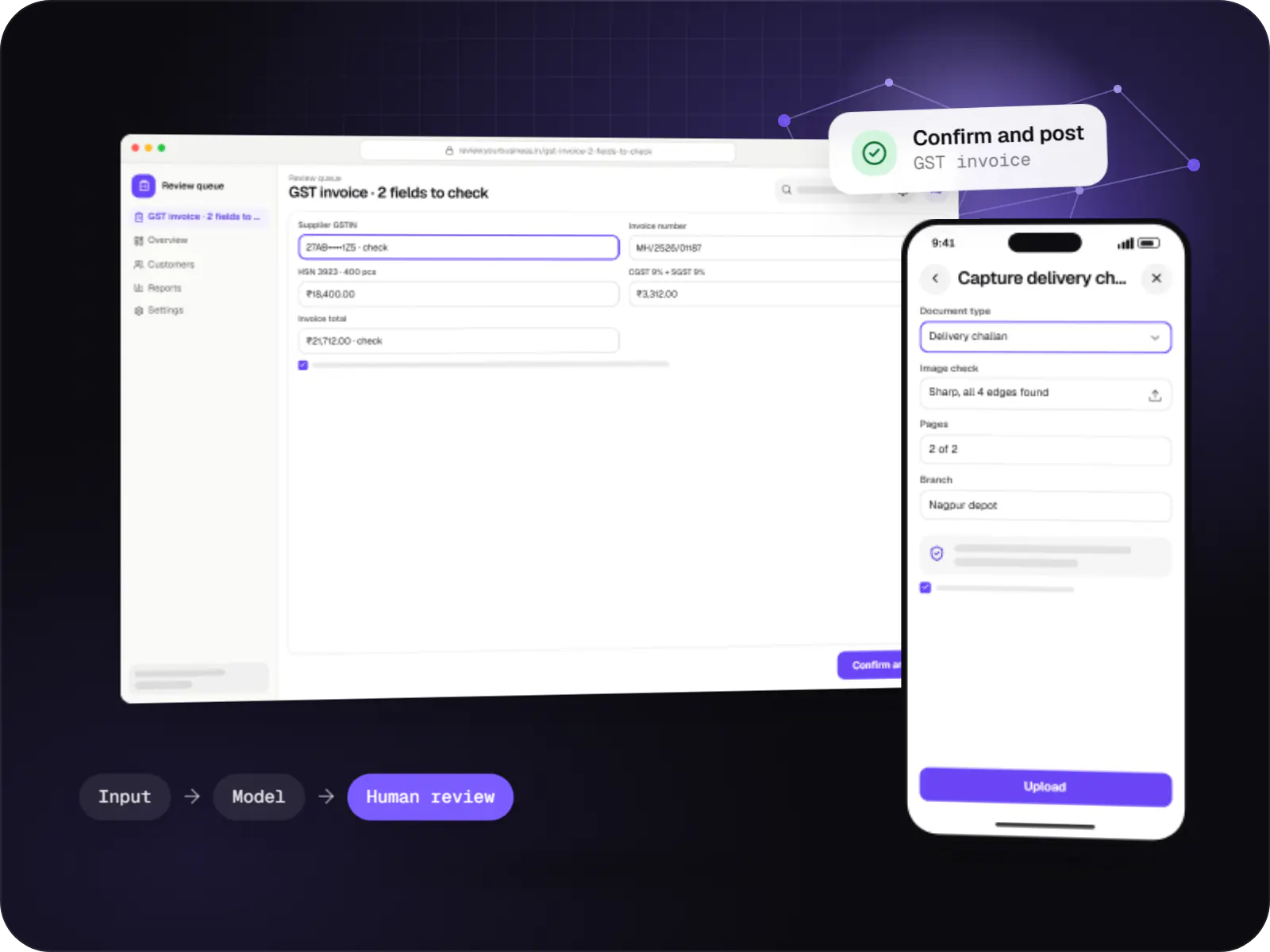
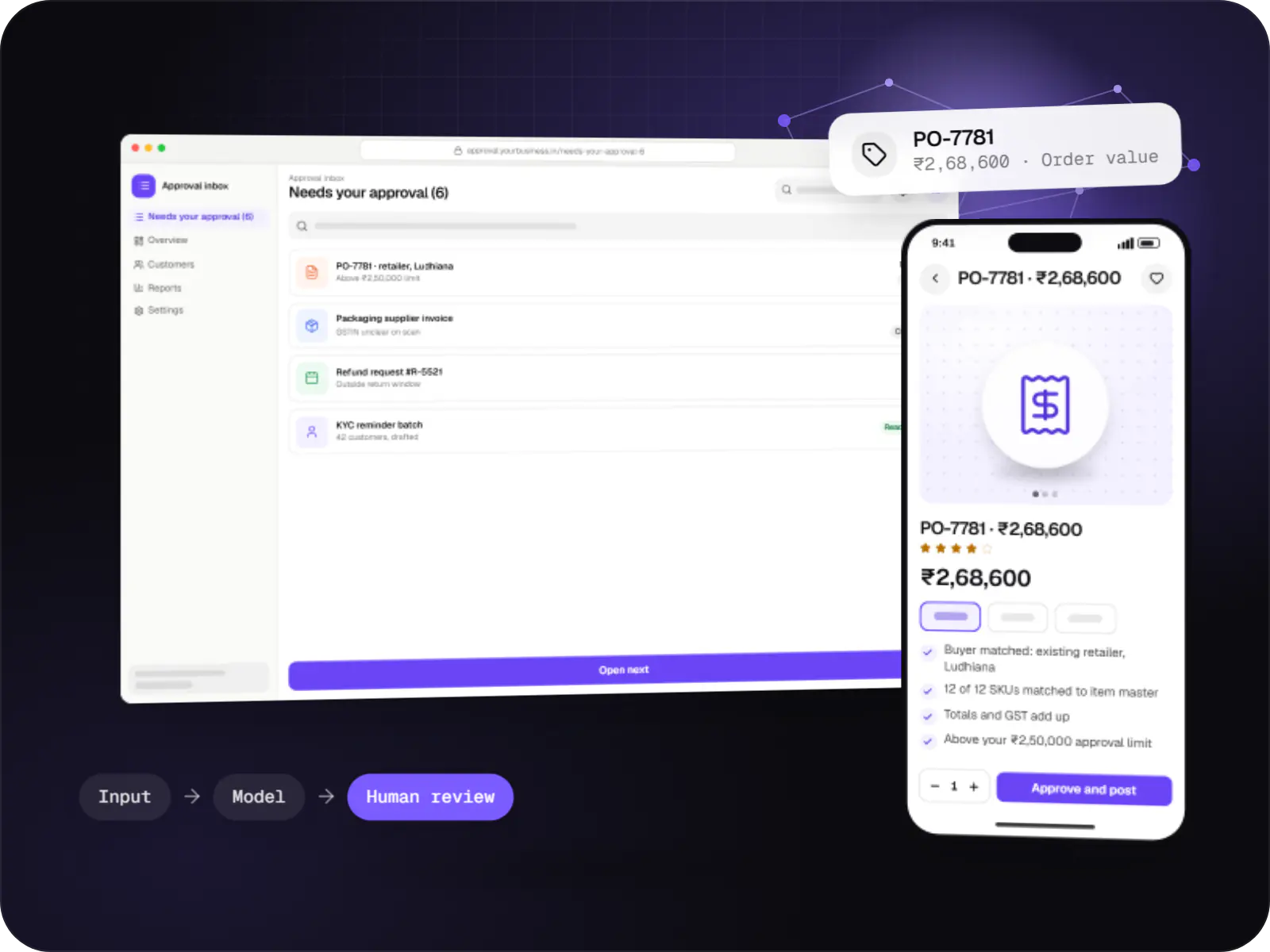
Data extraction from invoices, KYC documents, statements and forms into your systems, with validation rules and human review for uncertain fields.
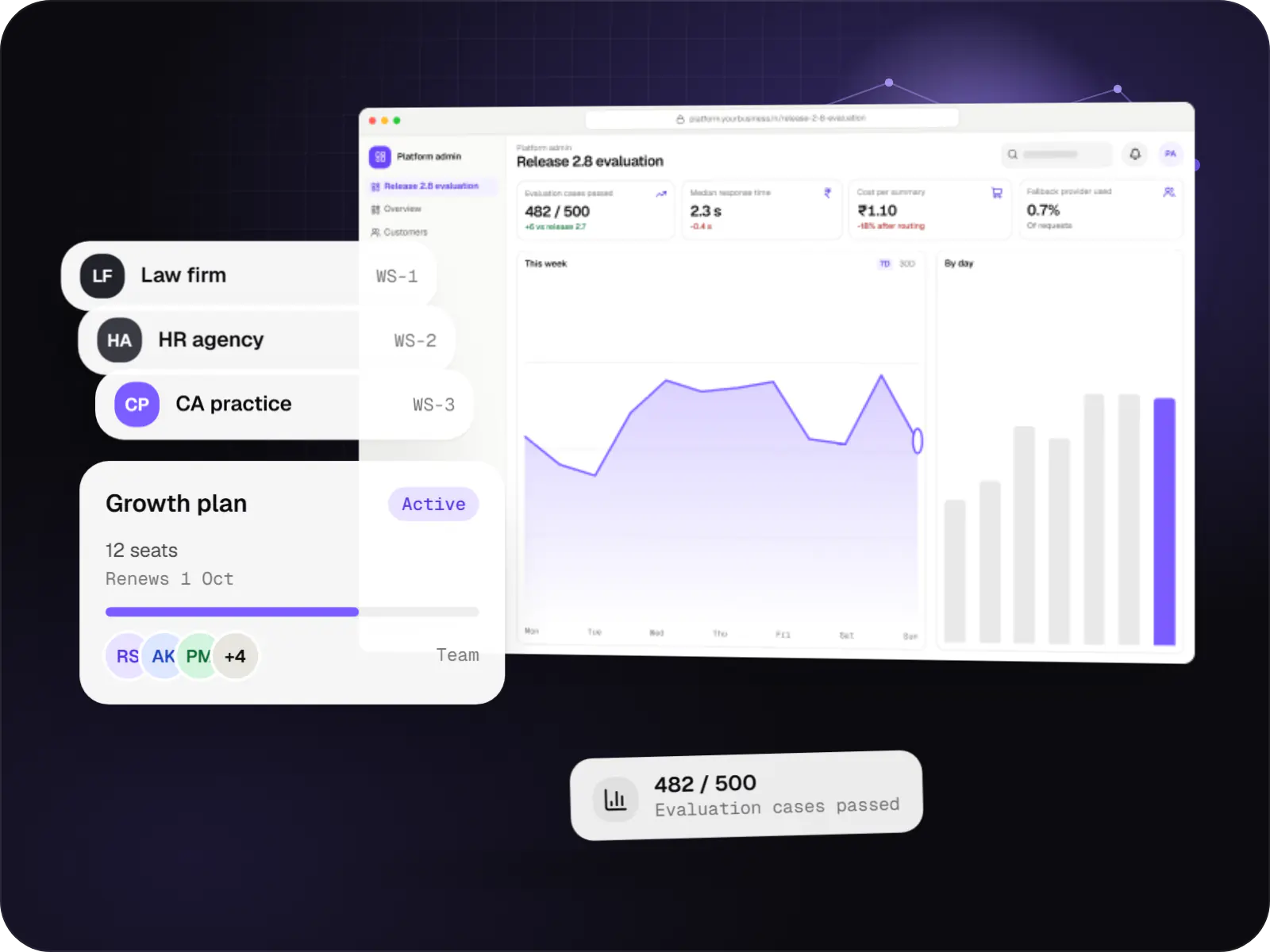
Multi-tenant SaaS products with AI at their core, built with tenant isolation, usage metering, model routing, evaluation and subscription billing.
Comparison
Most products combine two of these. Here is what each needs from you.
| Suited to | Data needed | Main considerations | |
|---|---|---|---|
| LLM API integration | Drafting, summarising, classifying and translating inside an existing product | A few dozen real examples to test prompts against | Cost per call, provider data terms, checks on every output |
| Retrieval-augmented generation (RAG) | Cited answers from policies, manuals, catalogues or past tickets | Current, reasonably clean documents with clear owners | Retrieval quality, permissions, index freshness |
| Workflow automation | Repetitive multi-step work across email, WhatsApp, CRM and ERP | System access and a written version of today’s process | Approval gates, retries, audit logs, failure handling |
| Custom machine learning | Recommendations, forecasting and scoring at volume | Months of behavioural or labelled history | Data quality, retraining, bias checks, drift monitoring |
How it works
Chatbot, invoice reader or report writer: most AI systems we build follow the same careful path from input to result.
A question in a chat window, an invoice in a shared inbox or a button press in your admin panel starts the run.
Phone, PAN, Aadhaar and account numbers are hidden before text goes to a model, so less personal data leaves your systems.
The system looks up your documents, product data or order records, because the model should work from your facts, not its memory.
It writes the answer, fills the form fields or classifies the message, following instructions and examples you have approved.
Totals, formats, banned claims and missing sources are checked automatically. Anything that fails is blocked or flagged.
Low-confidence or high-value results wait in a review queue. Approvals and corrections are logged and become new test cases.
Accuracy, hand-offs, cost per request and unanswered questions are tracked, so you can see whether the AI is earning its place.
Then it starts again at step 1: A request or document arrives
Real cases with agreed correct outputs, re-run on every prompt or model change.
Factual answers come only from retrieved sources shown to the user.
Low-confidence outputs go to an agent, approver or review queue.
Hosted or self-hosted open-source models behind a switchable layer.
Privacy & security
Phone, PAN, Aadhaar and account numbers are masked before text leaves your systems.
Notice, consent, retention and erasure built in; your counsel confirms the final position.
Retention and training terms checked per provider; self-hosting when data must stay put.
Technology
Hosted or open-source models do the reading and writing; Python and Node.js services, PostgreSQL and cloud hosting handle everything that must be exact.
Adds AI features such as chat assistants, document summaries and smart search to your product, built on OpenAI models with human review.
Used for
Connects your product to AI language models from several providers, so each task uses a suitable model and you can switch later.
Used for
Backend
A programming language for AI features, data processing and automation: the engine behind document reading, reports and smart search.
Used for
Backend
Runs the server side of apps: fast, scalable back ends that power your app, website and integrations.
Used for
Data
A reliable database for the records your business runs on: orders, payments, bookings and stock, kept accurate and easy to report on.
Used for
Data
Keeps frequently used data in fast memory, so apps stay quick on busy days and live features like order tracking feel instant.
Used for
Cloud & DevOps
Cloud hosting for your app, website and data, with data centres in India and room to grow when traffic rises.
Used for
Cloud & DevOps
Packages your software so it runs the same way on every laptop and server, which makes releases predictable and moving hosts easier.
Used for
Plain-English glossary
Product preview
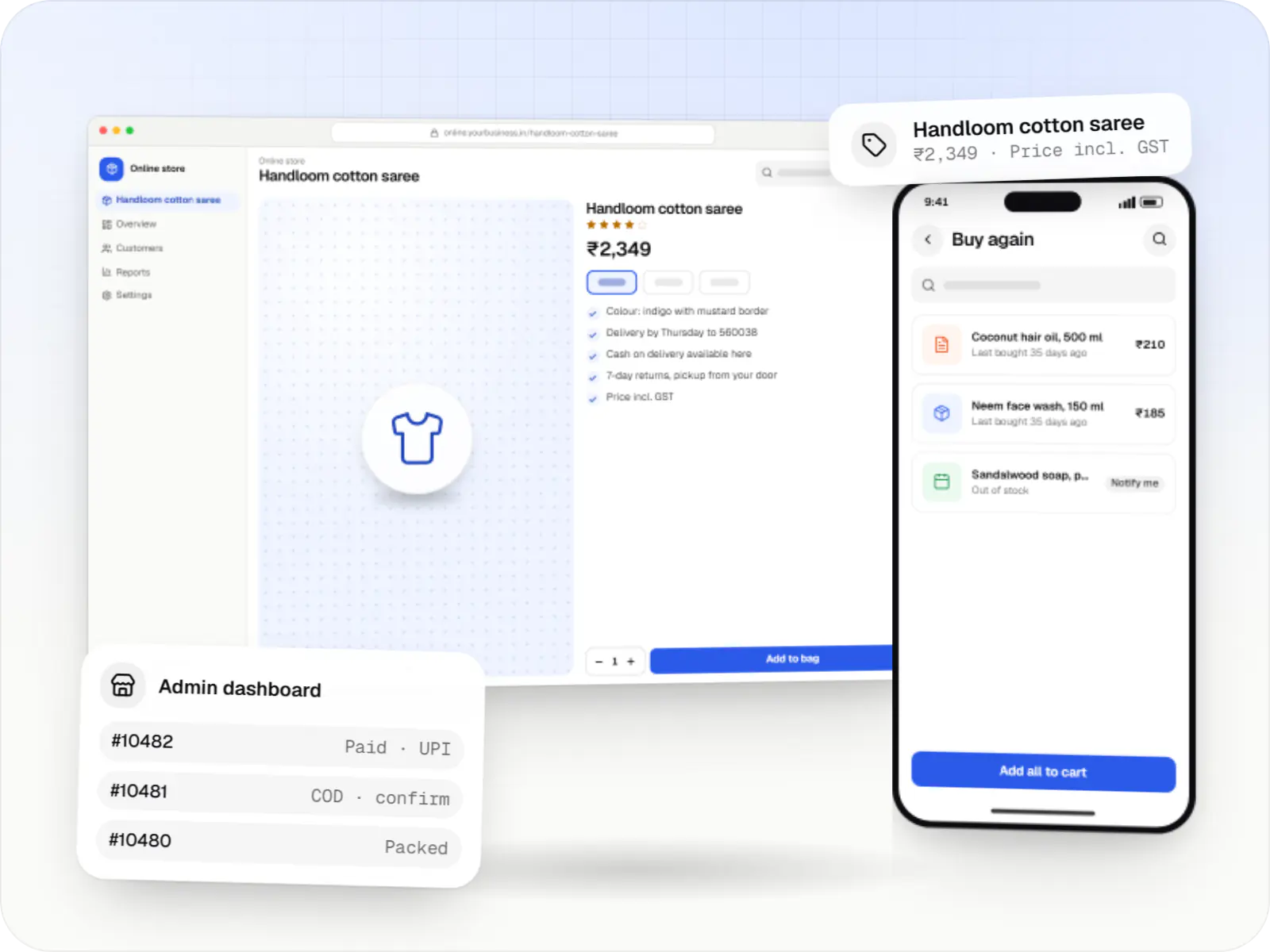
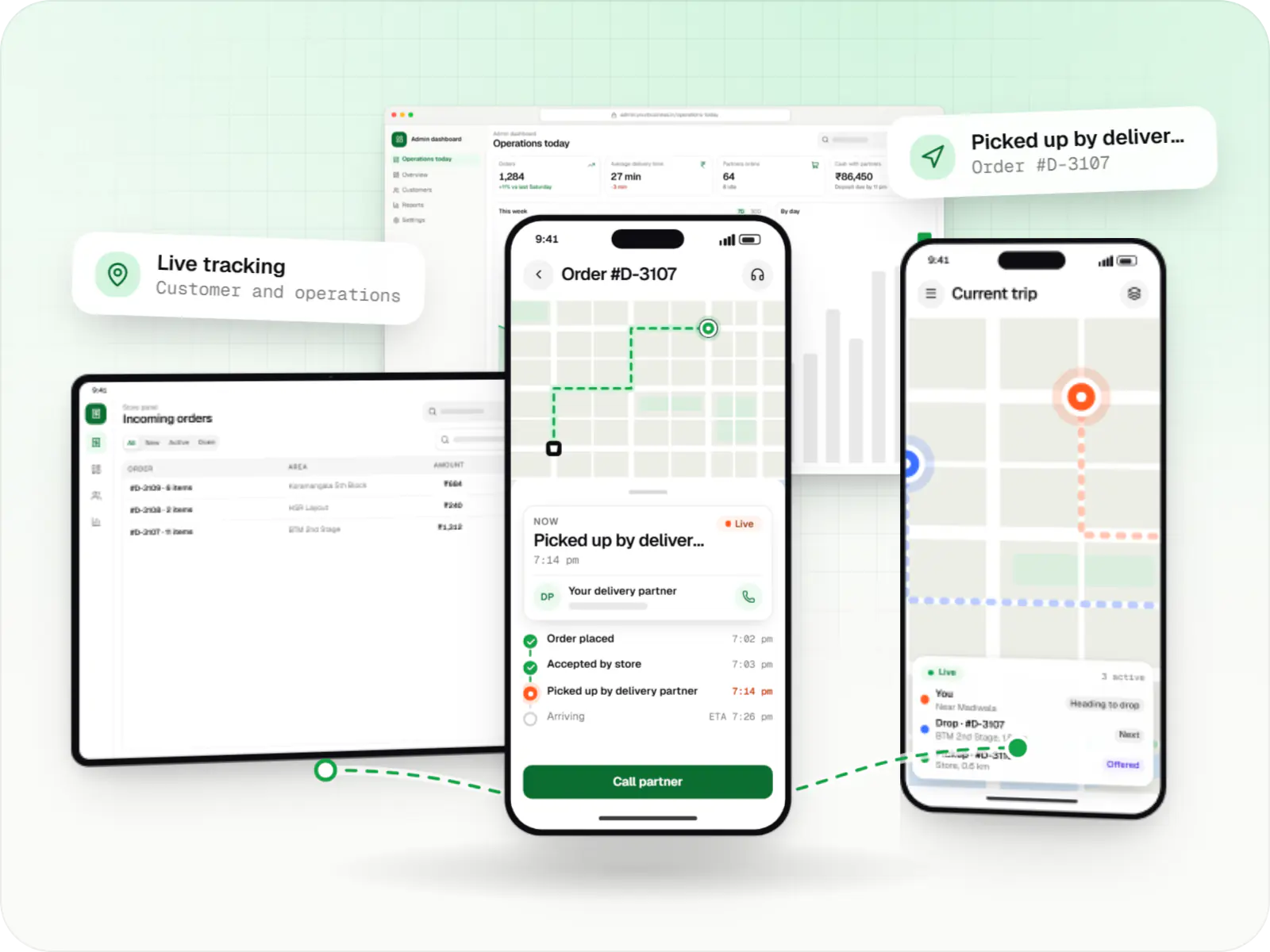
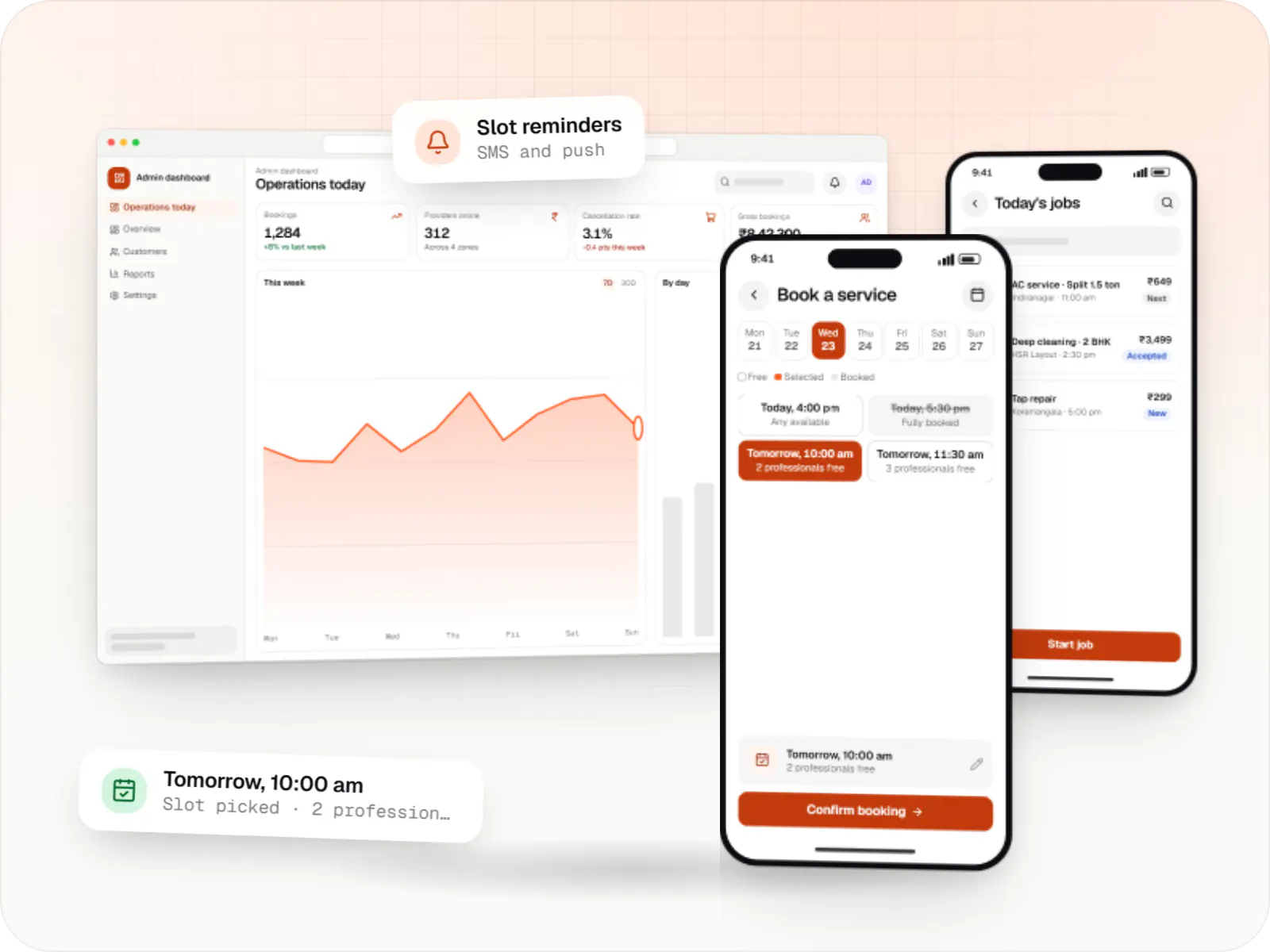
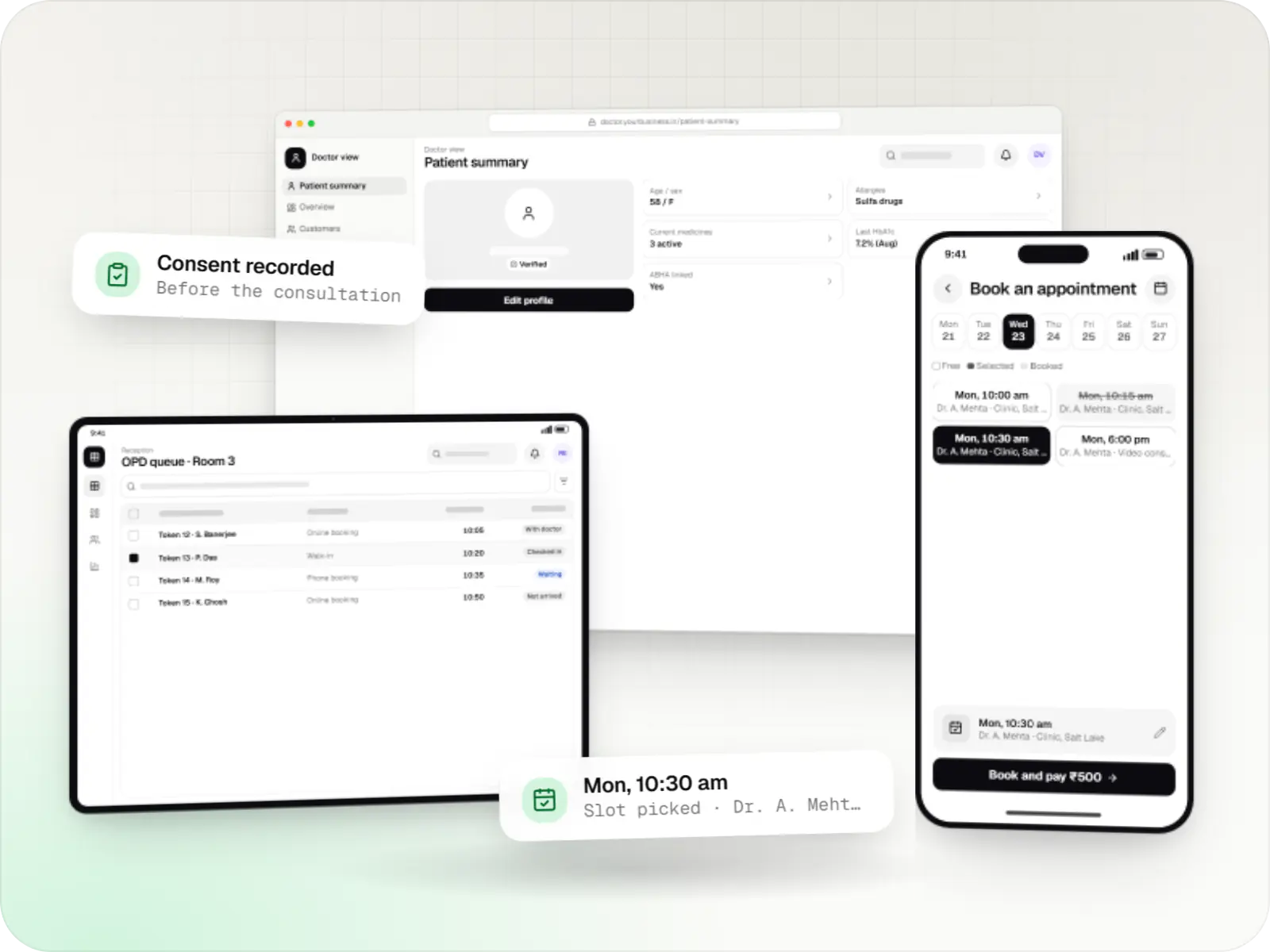
Three screens most of our AI builds include. The data shown is illustrative.
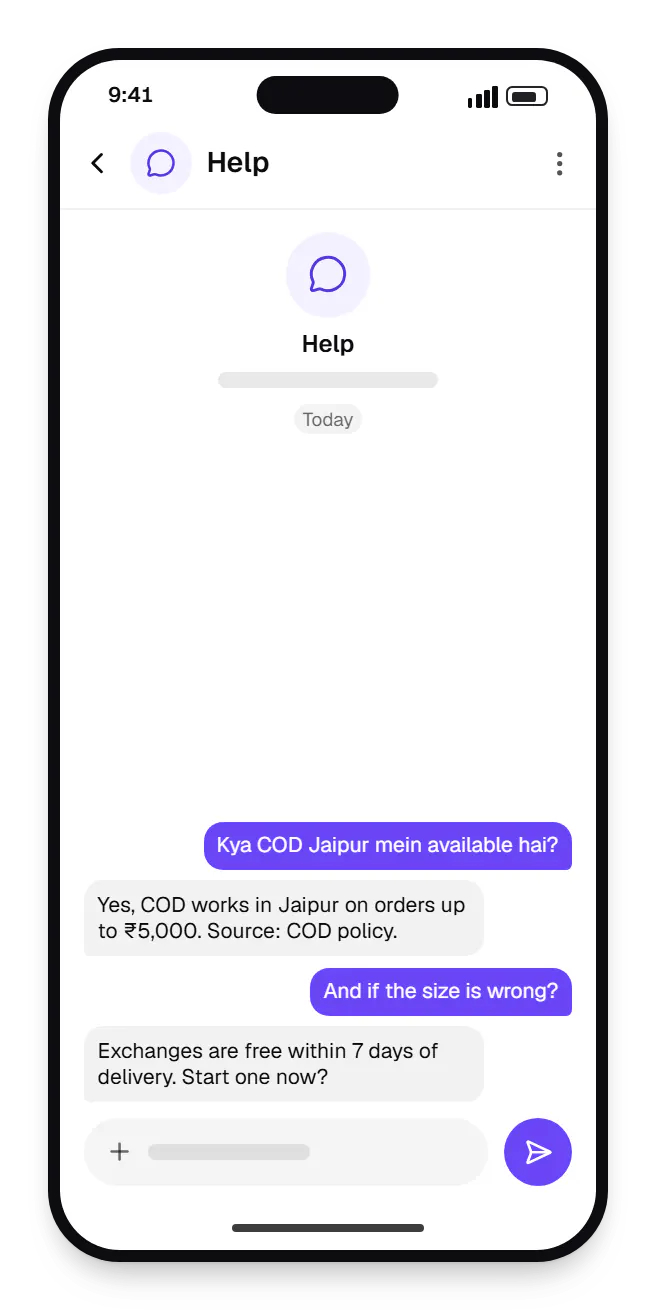
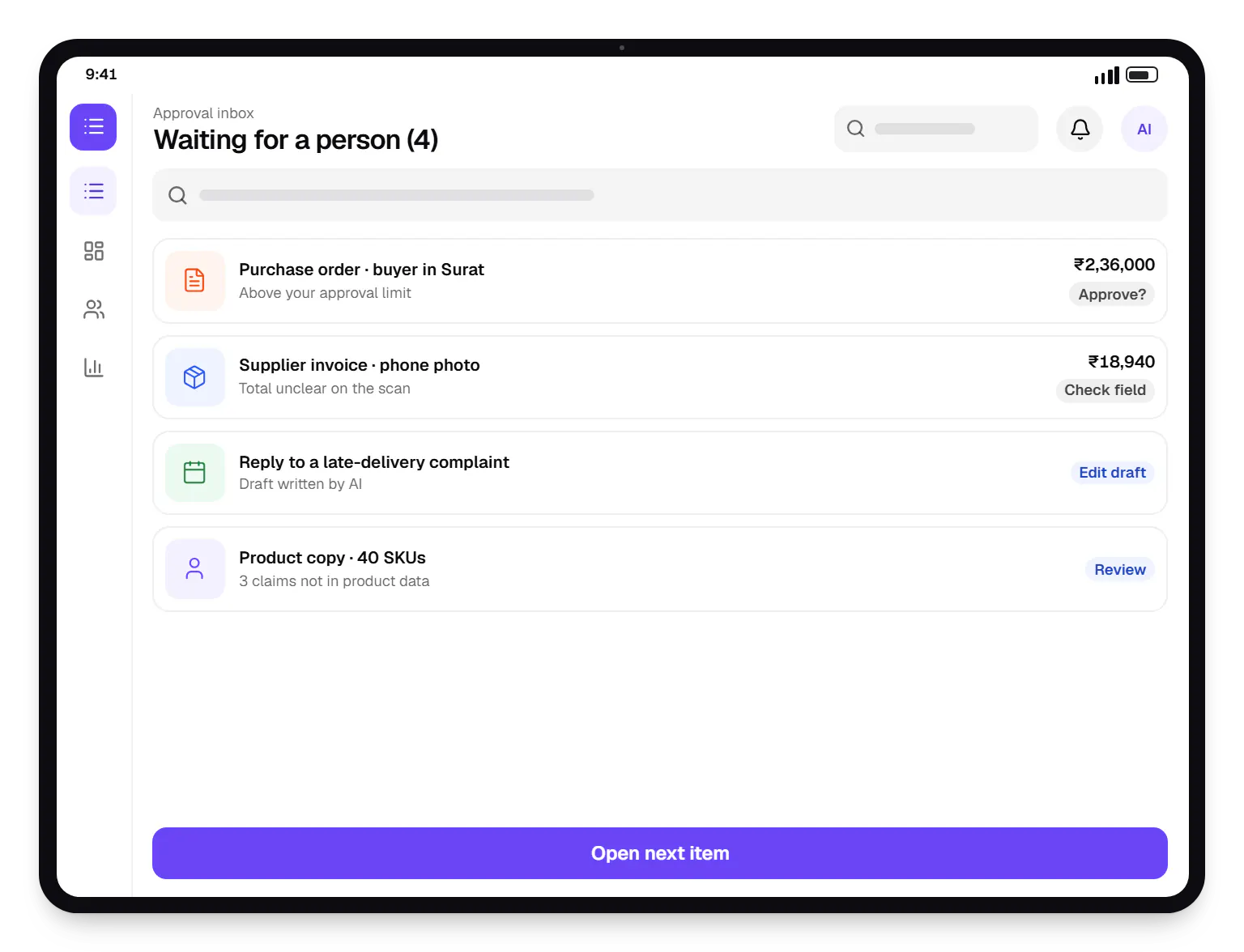
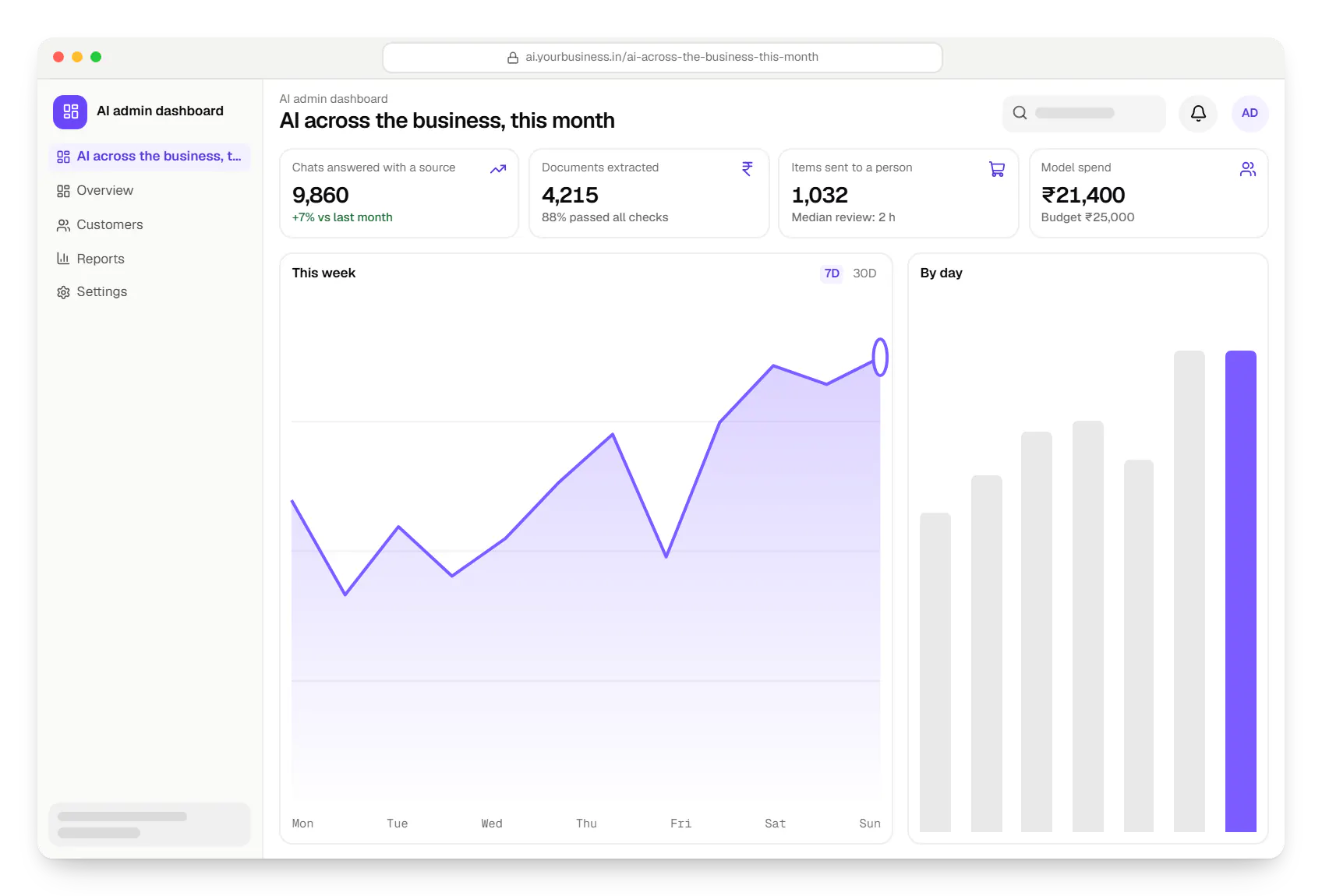
Sample screens: names, prices and figures are examples, not client data.
Industries
FAQ
Not always. Drafting, summarising or classifying with a hosted model can start with a few dozen real examples. Retrieval-based assistants need your documents, and are only as good as those documents are current. Custom machine learning, such as recommendations or risk scoring, needs months of history with outcomes. In discovery we tell you which kind of AI your data supports today.
Hosted models through their APIs, including OpenAI’s, and open-source families such as Llama, Mistral and Qwen that can run in your own cloud account. We choose on task fit, support for Hindi and other Indian languages, latency, cost per request and where data may go. Model calls sit behind a small internal layer, so switching later is not a rewrite.
We reduce the risk rather than pretend it disappears. Factual answers are generated only from retrieved sources, with citations; if nothing relevant is found, the system declines or hands off. Structured outputs are validated against schemas and business rules. An evaluation set runs before launch and after every change, and low-confidence results go to a person.
Next step
Send the task, sample inputs and the systems involved, and we will say which approach fits.