
Adds AI features such as chat assistants, document summaries and smart search to your product, built on OpenAI models with human review.
Used for
- AI chatbots
- Document summaries
- Smart search
- Drafting replies
AI chatbot development
Support and sales chatbots for web, app and WhatsApp that answer from your own content and hand off to your team.
At a glance
How to start
Tell us what you need in your own words. You talk to the developers who would build it and get a written, line-item estimate.
Get a project estimateMost chatbot frustration comes from two failures: bots that invent answers, and bots that trap people in loops.
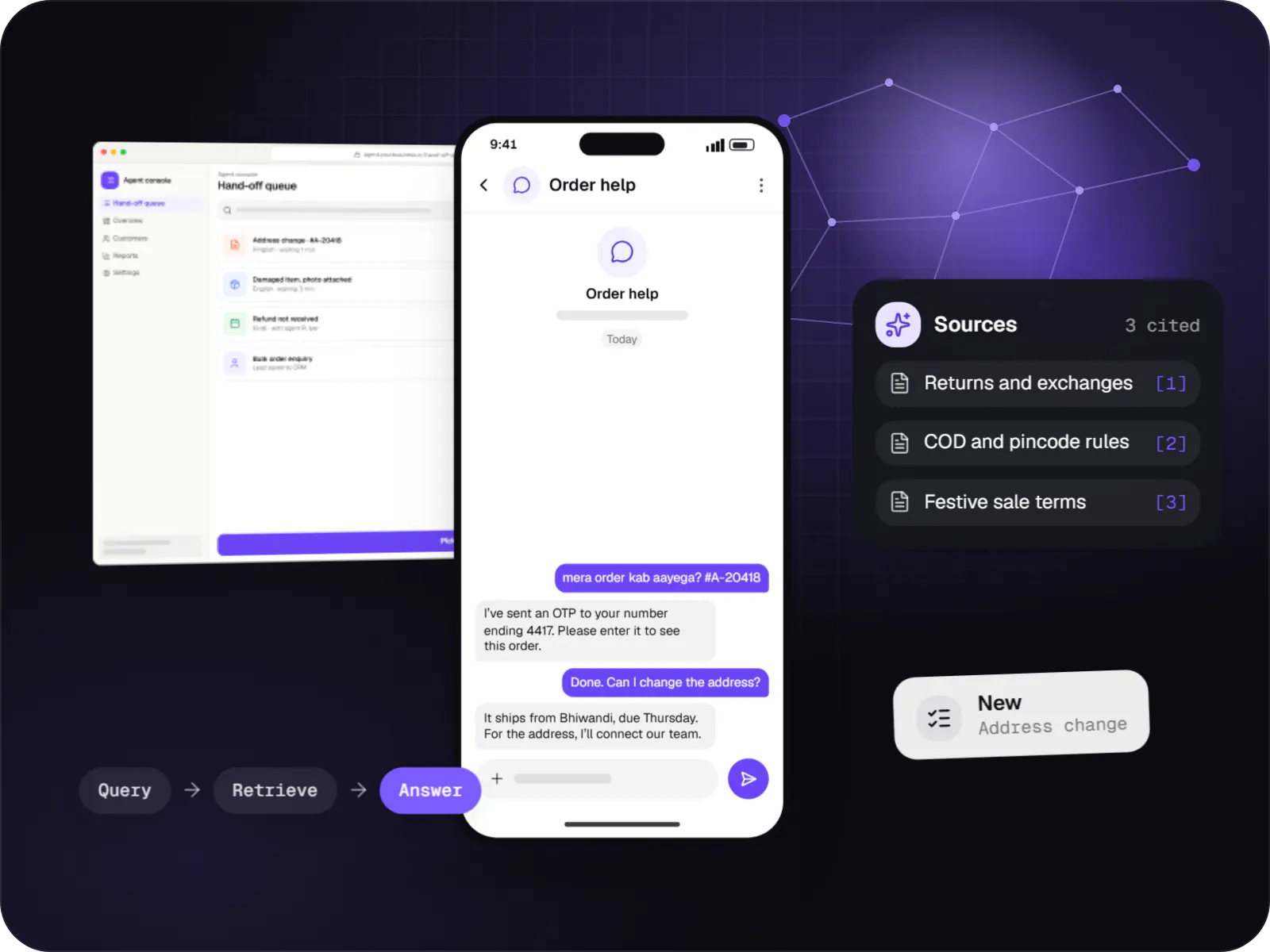
Every answer is retrieved from content you control or fetched live from your order, booking or CRM system. Payments, refunds and cancellations follow fixed flows the model cannot improvise. When confidence is low, the topic is sensitive or the customer asks for a human, the bot hands over with the conversation so far.
Challenges
Order status, returns and pincode questions whose answers already exist.
Response times stretch at night and in festive sales.
Mixed Hindi and English in Roman script, with spellings keyword bots miss.
Enquiries wait unqualified until someone logs them in the CRM.
What is included
Platform: Web widget, app, WhatsApp
Platform: Web app
Platform: Admin dashboard
How it works
The bot answers what your content and systems can support, and passes everything else to your team with the conversation attached.
Questions arrive in English, Hindi or Hinglish, typos included. The bot works out what is being asked before it looks anything up.
For order or account questions it asks for an OTP or a login first, so personal details only reach the right person.
Policy questions are answered from your help pages; order, refund and delivery status come live from your own systems.
The customer gets a short answer and a link to the policy or order it came from. Refunds and cancellations follow fixed flows.
Low confidence, a sensitive topic or a request for a human moves the chat to your agents with the full transcript.
Unanswered questions show which help articles are missing, and every fix is re-tested before the bot starts using it.
Then it starts again at step 1: Customer asks in their own words
Integrations
Service replies, approved templates and opt-in handling.
Order lookup after OTP verification.
Live tracking status.
Hand-off inside your agents’ existing tool.
Qualified leads and chat summaries.
Created by your backend, never by the model.
Chosen per language and cost.
Privacy & security
Order and account details appear only after OTP or login.
Phone numbers, emails and addresses are masked in logs and, where possible, before model calls.
User text and retrieved content are treated as data; tools are limited to an allow-list.
Configurable retention; DPDP Act 2023 erasure requests handled from the admin panel.
Platforms
A widget on your website, a chat screen inside your apps for Android and iOS, and a web console and admin panel for your team.
Marketing and content websites: fast, search-friendly pages with a CMS your team can update without a developer.
Browser-based applications with logins, roles and workflows, such as customer portals, SaaS products and internal tools.
Apps for Android phones and tablets, tested on budget and mid-range devices and published on Google Play or privately.
Apps for iPhone and iPad, built to Apple's guidelines and released through TestFlight and the App Store.
Back-office panels for operations, support and finance teams: orders, users, content, reports and permissions.
Technology
Language models understand questions and phrase replies; Python and Node.js services fetch facts from your systems; PostgreSQL and Redis store conversations and keep replies quick.
Adds AI features such as chat assistants, document summaries and smart search to your product, built on OpenAI models with human review.
Used for
Connects your product to AI language models from several providers, so each task uses a suitable model and you can switch later.
Used for
Backend
A programming language for AI features, data processing and automation: the engine behind document reading, reports and smart search.
Used for
Backend
Runs the server side of apps: fast, scalable back ends that power your app, website and integrations.
Used for
Data
A reliable database for the records your business runs on: orders, payments, bookings and stock, kept accurate and easy to report on.
Used for
Data
Keeps frequently used data in fast memory, so apps stay quick on busy days and live features like order tracking feel instant.
Used for
Web
A modern web technology for fast, search-friendly websites, online stores and web applications that load quickly on mobile.
Used for
Cloud & DevOps
Cloud hosting for your app, website and data, with data centres in India and room to grow when traffic rises.
Used for
Plain-English glossary
Product preview
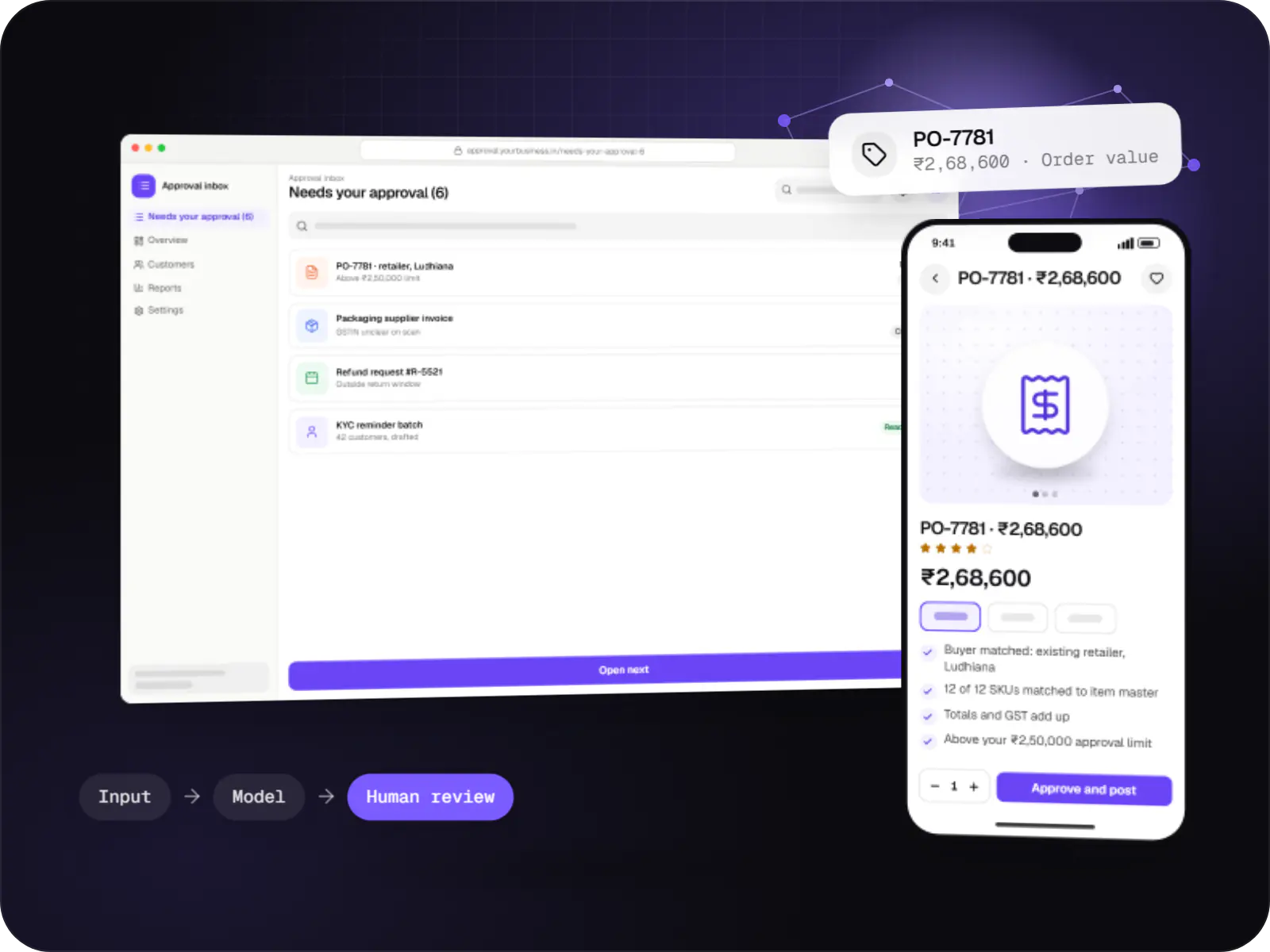
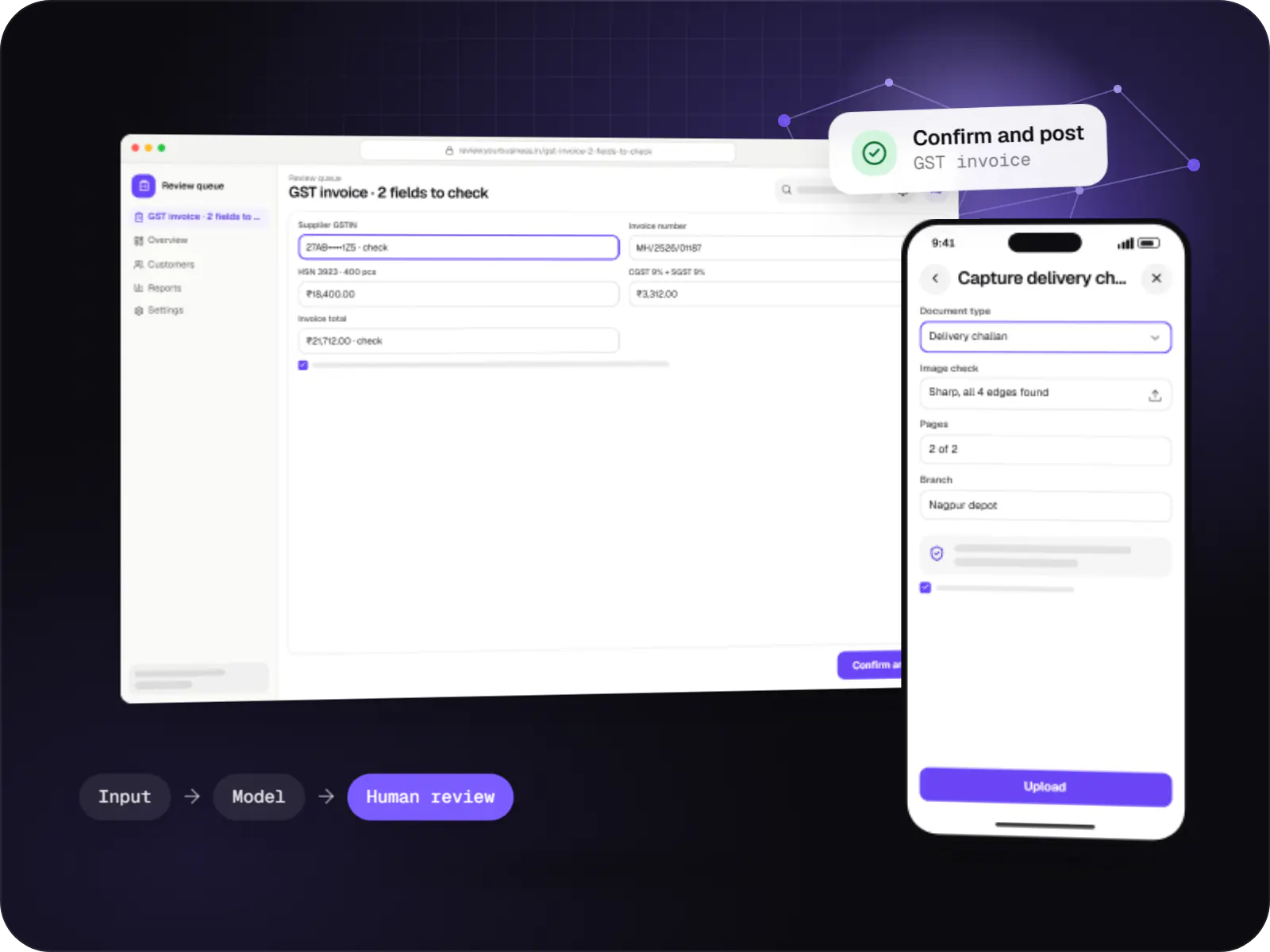
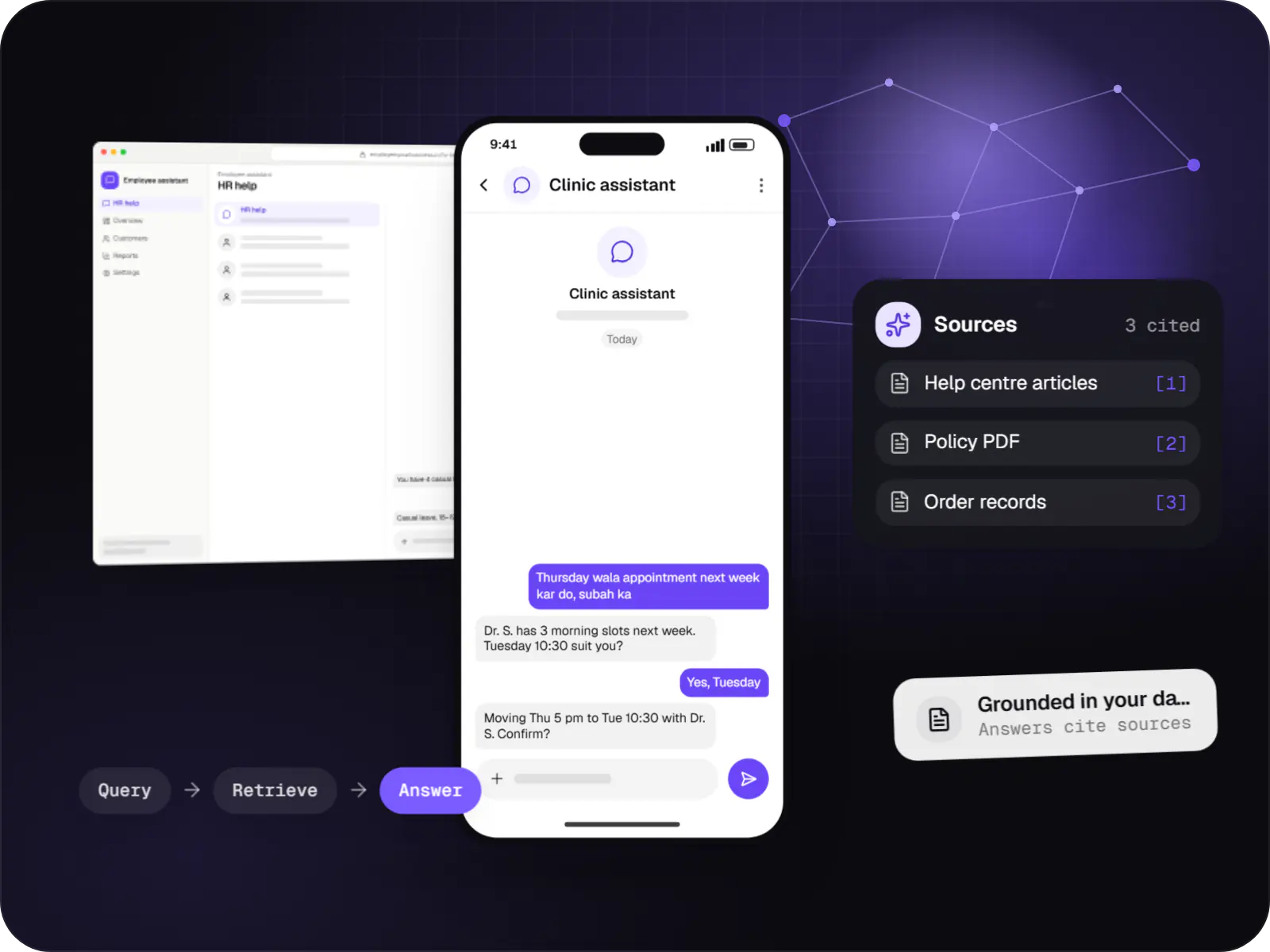
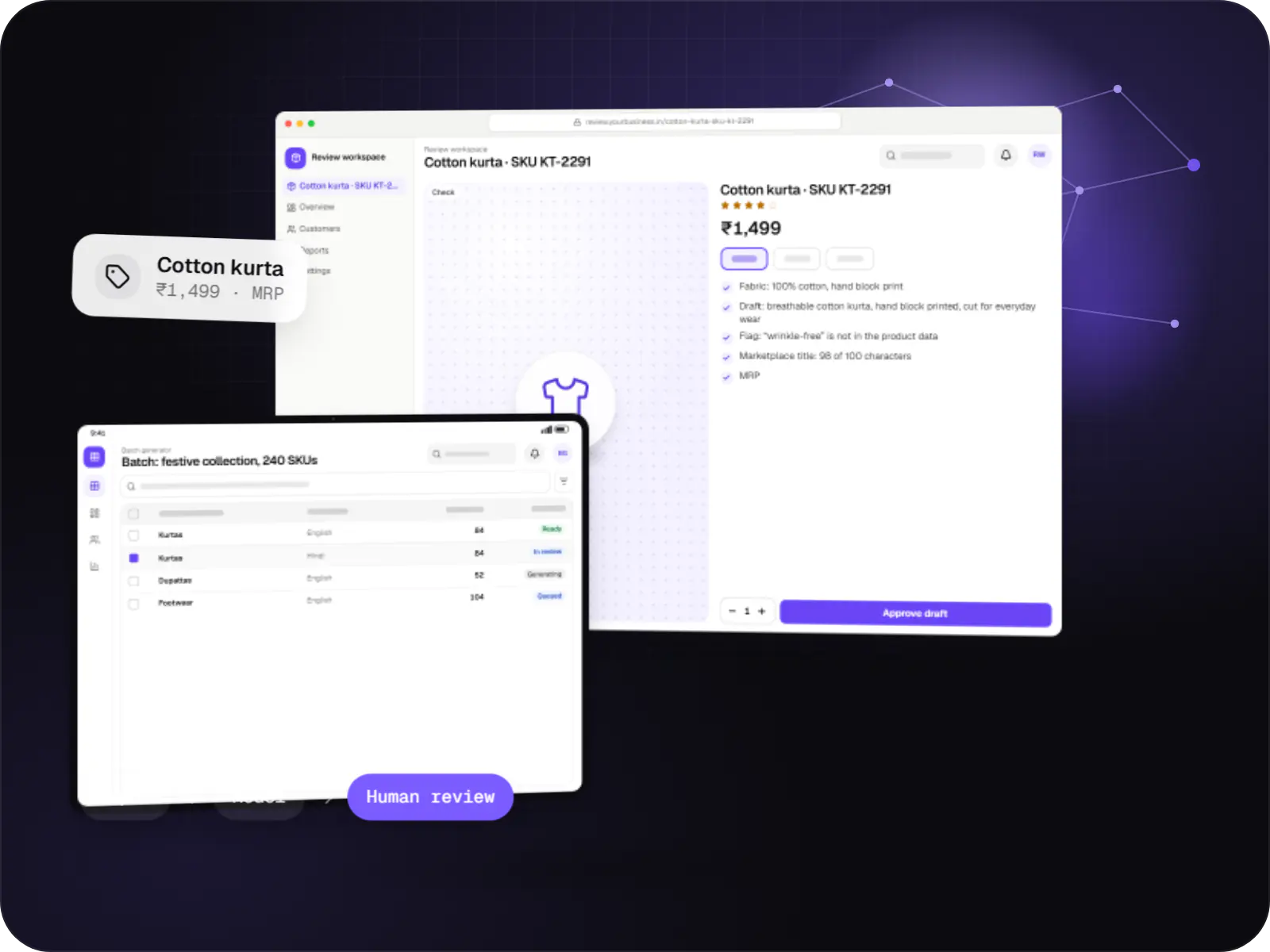
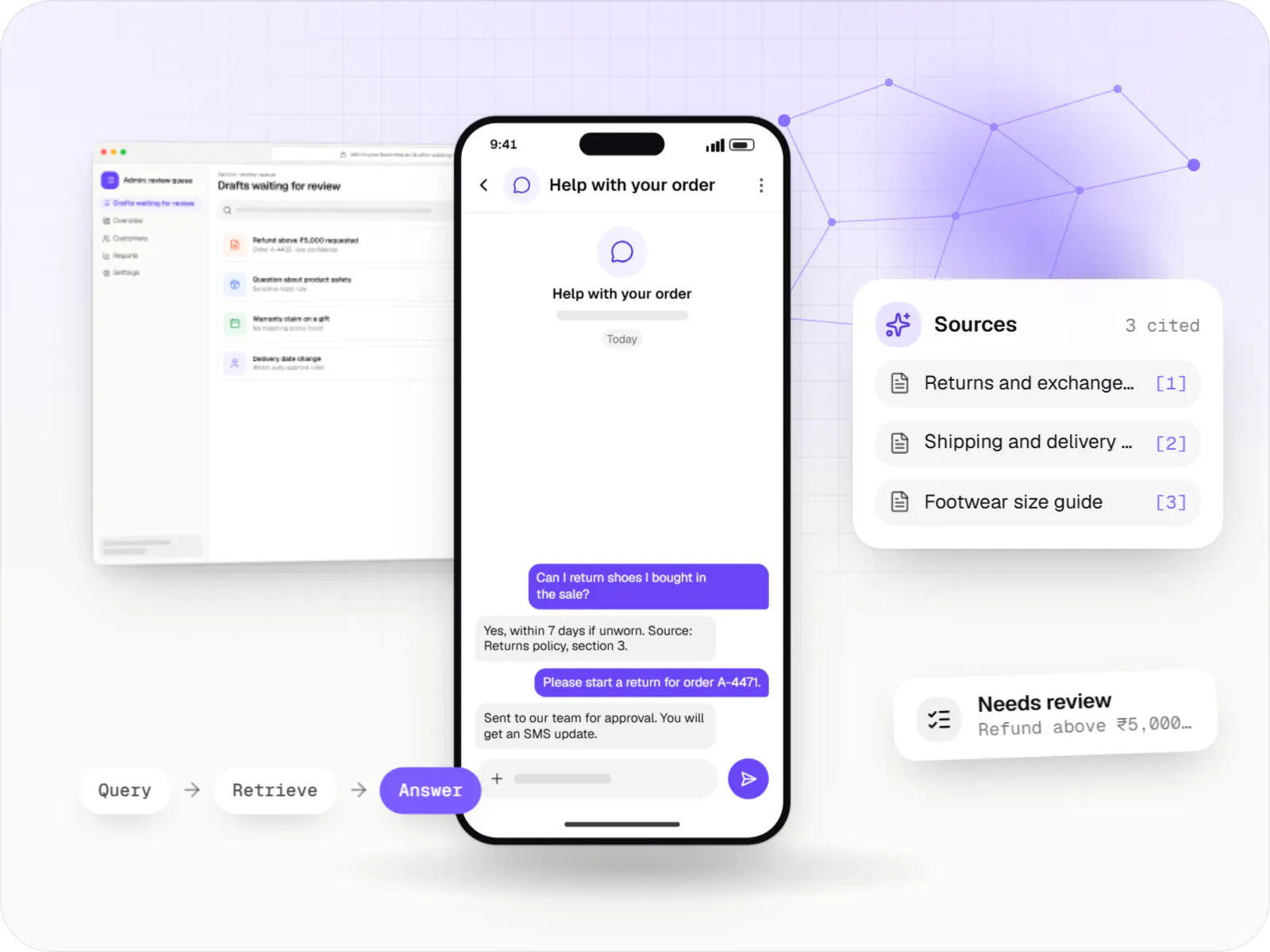
Illustrative screens, using a support chatbot for an online store as the example.
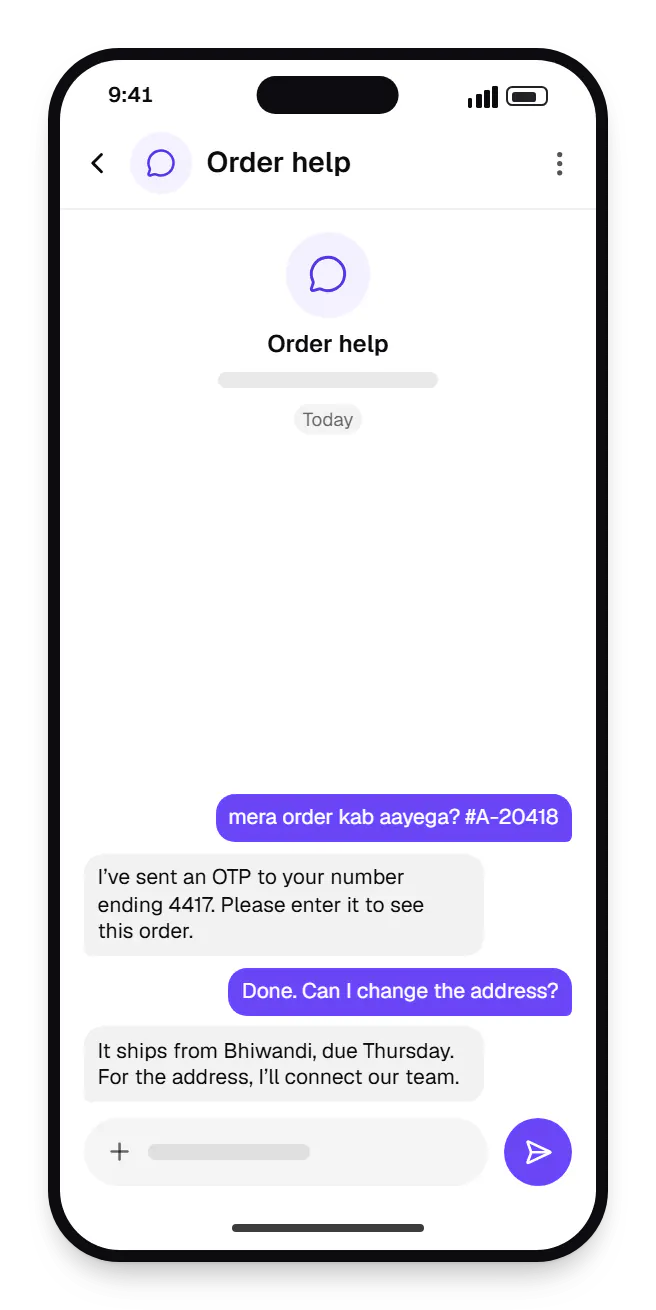
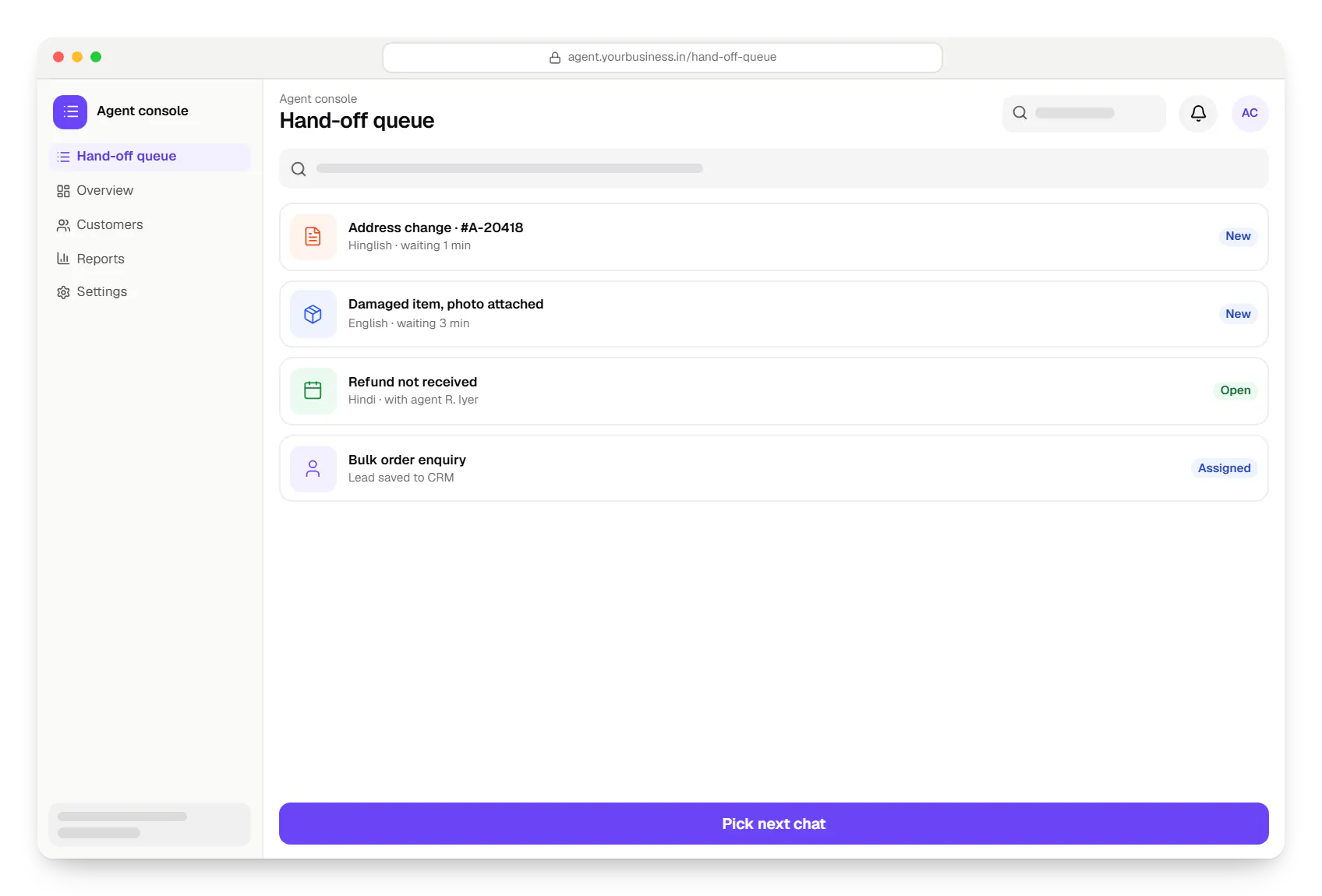
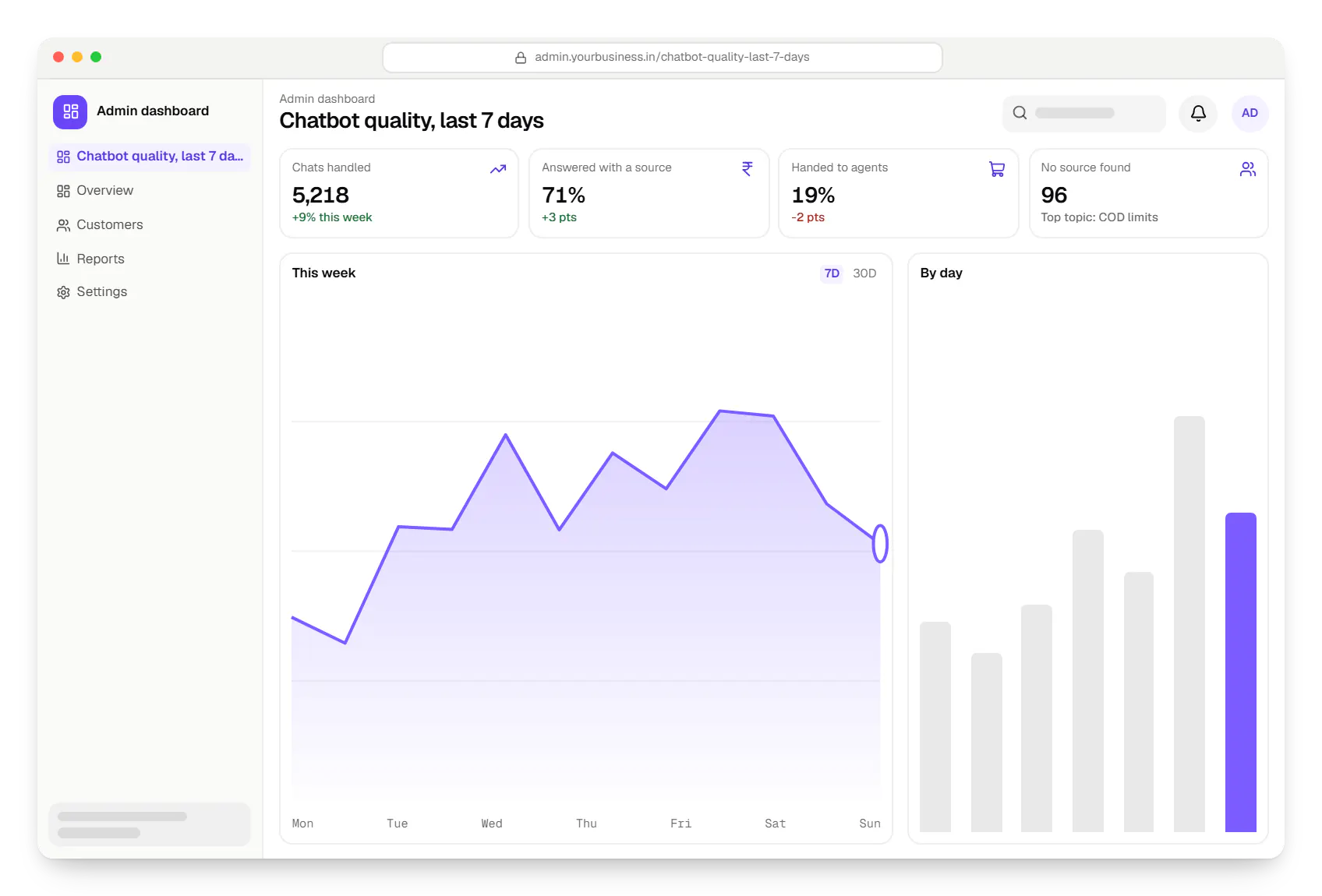
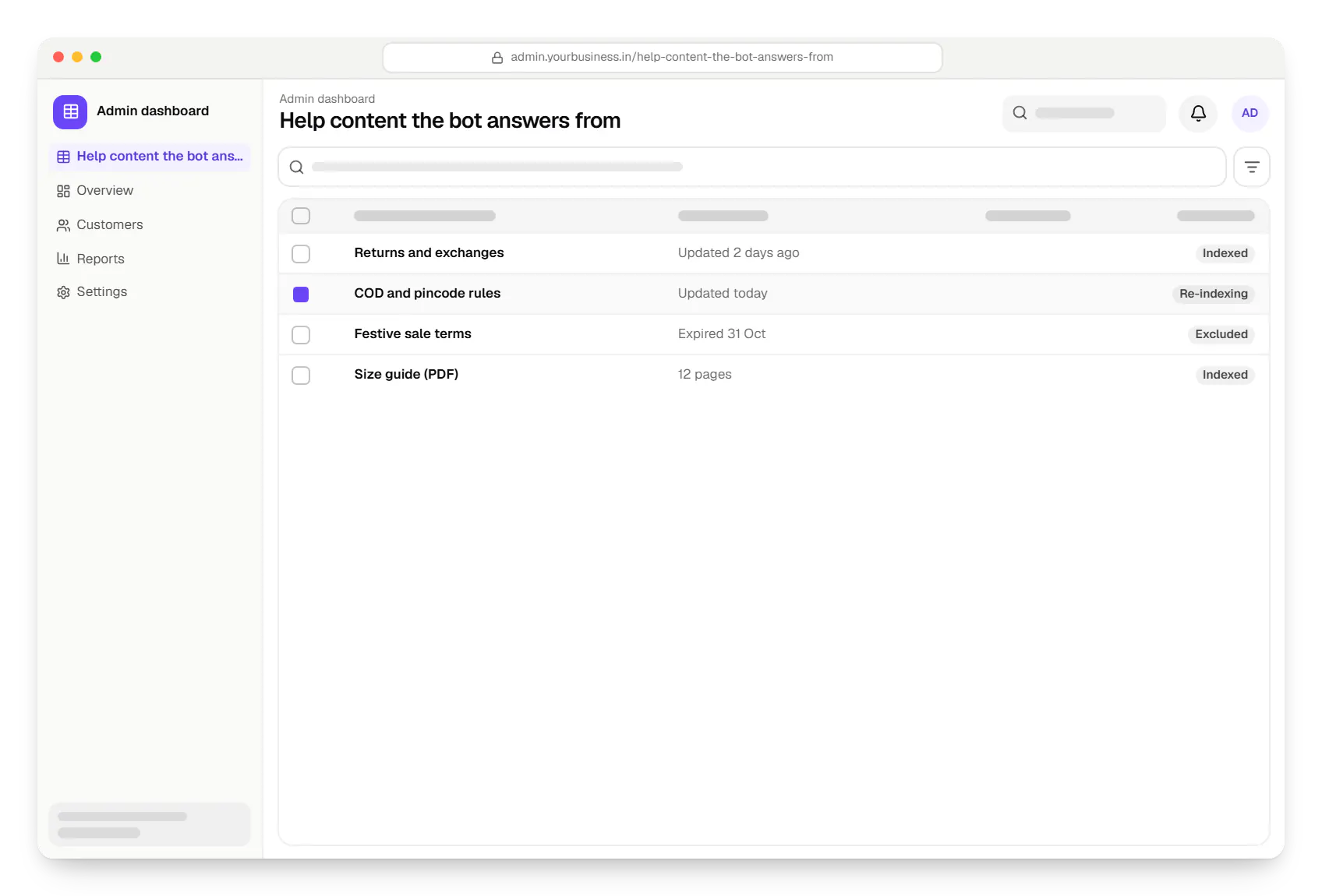
Sample screens: names, prices and figures are examples, not client data.
Industries
Services
AI features and AI-first apps built on model APIs, retrieval over your own data, workflow automation or custom ML, with evaluation and human review.

Browser-based products, customer portals, dashboards and internal tools, built on clean data models with secure roles and integrations.

Secure, documented REST and GraphQL APIs, plus integrations that connect your apps to payment, logistics, GST, messaging and business systems.

Back-office dashboards built around your team's daily tasks: order queues, approvals, catalogue management, payouts, reports and audit logs.

Native and cross-platform Android and iOS apps, from first release through regular store updates, built by our in-house designers and engineers.
Work
AI solutions
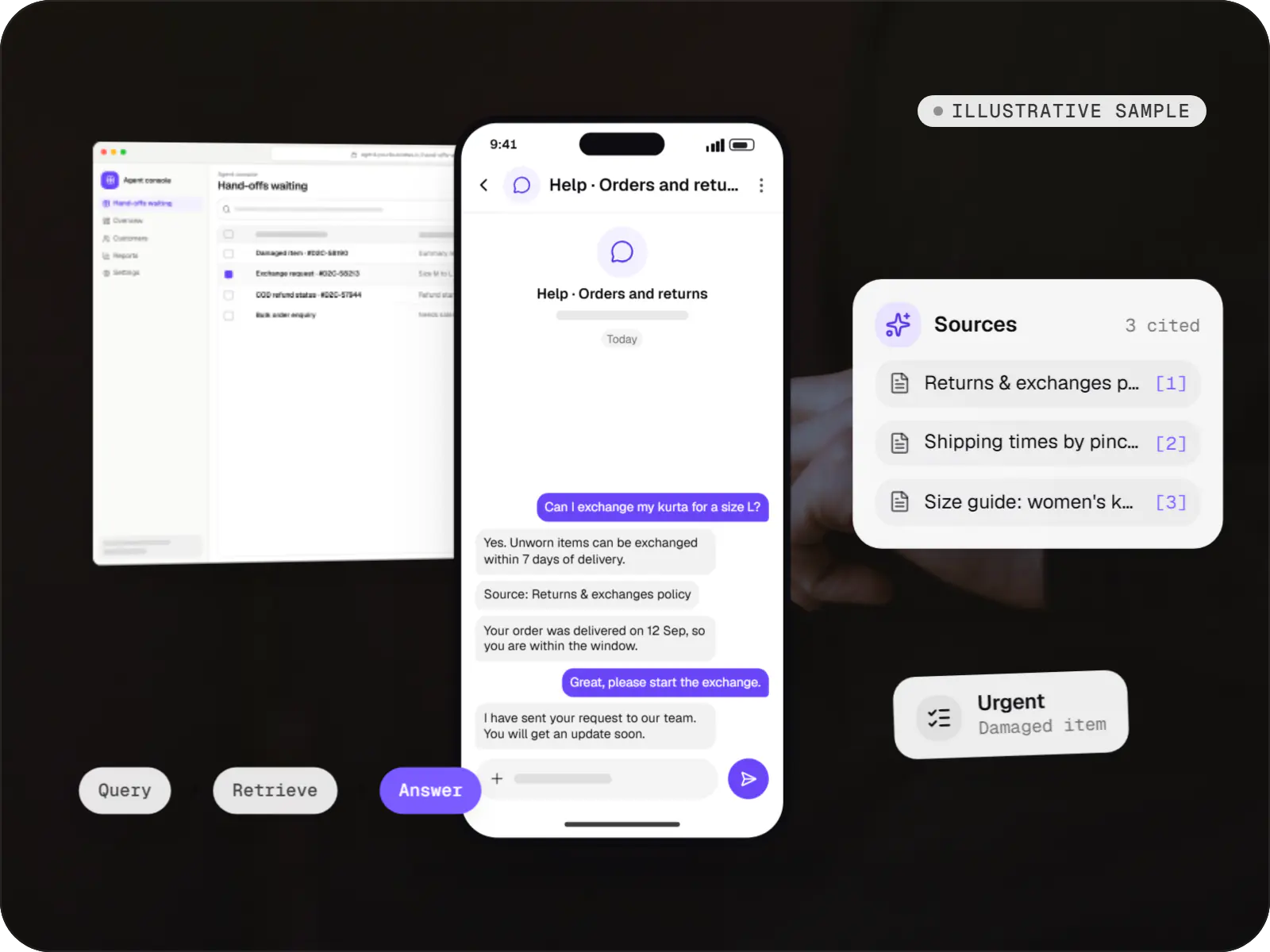
An illustrative AI assistant that answers order, return and product questions from a D2C brand's own policies and order data, with sources and a human hand-off.
Runs on
Built with
Cost drivers
Web, app and WhatsApp each have their own formats, limits and tests.
Each system the bot reads adds API work, verification and tests.
Each language needs its own evaluation questions and a fluent reviewer.
Your existing helpdesk is lighter than a custom console.
Model usage is a running cost, reduced with caching and smaller models.
Estimates are written from your scope, with the effort and assumptions behind each line item.
How pricing worksFAQ
Usually both. Fixed flows suit steps where wording and outcome must be exact: payments, cancellations, address changes, consent. A language model handles the open-ended part, such as understanding a Hinglish question, finding the right policy paragraph or summarising a complaint for an agent. We decide flow by flow, so the model never improvises a refund rule or a delivery promise.
Yes, through the WhatsApp Business Platform, using Meta’s Cloud API directly or a business solution provider you already use. Within the customer service window the bot can reply freely; messages you initiate outside it need pre-approved templates and the user’s opt-in. WhatsApp supports short text, buttons and lists, so we design those flows separately from the web widget.
A support bot on one channel, answering from existing help content with one live-data integration such as order status, typically takes six to ten weeks including evaluation. WhatsApp, a custom agent console, extra languages or several backend systems extend that. Content is often the slowest part: contradictory or outdated policies need fixing before any bot can answer from them.
It says so and offers a next step instead of guessing. If retrieval finds no relevant source, confidence is low or the customer asks for a person, the chat moves to an agent queue with the transcript attached. Outside support hours it raises a ticket instead. Each case lands in the unanswered log, which often points to a missing help article.
Not unless you decide so. With hosted model APIs we use settings and agreements under which your data is not used for provider training, and check each provider’s retention terms. Transcripts stay in your database with masking and a retention period you set. Fine-tuning on past chats later would be a separate, consented step with personal details removed first.
Next step
Send an export of recent chats or tickets. We will show which a bot can answer from your content.