Solutions
Education software
E-learning platforms, school management software and coaching institute systems with fee collection, attendance, live classes and parent communication.
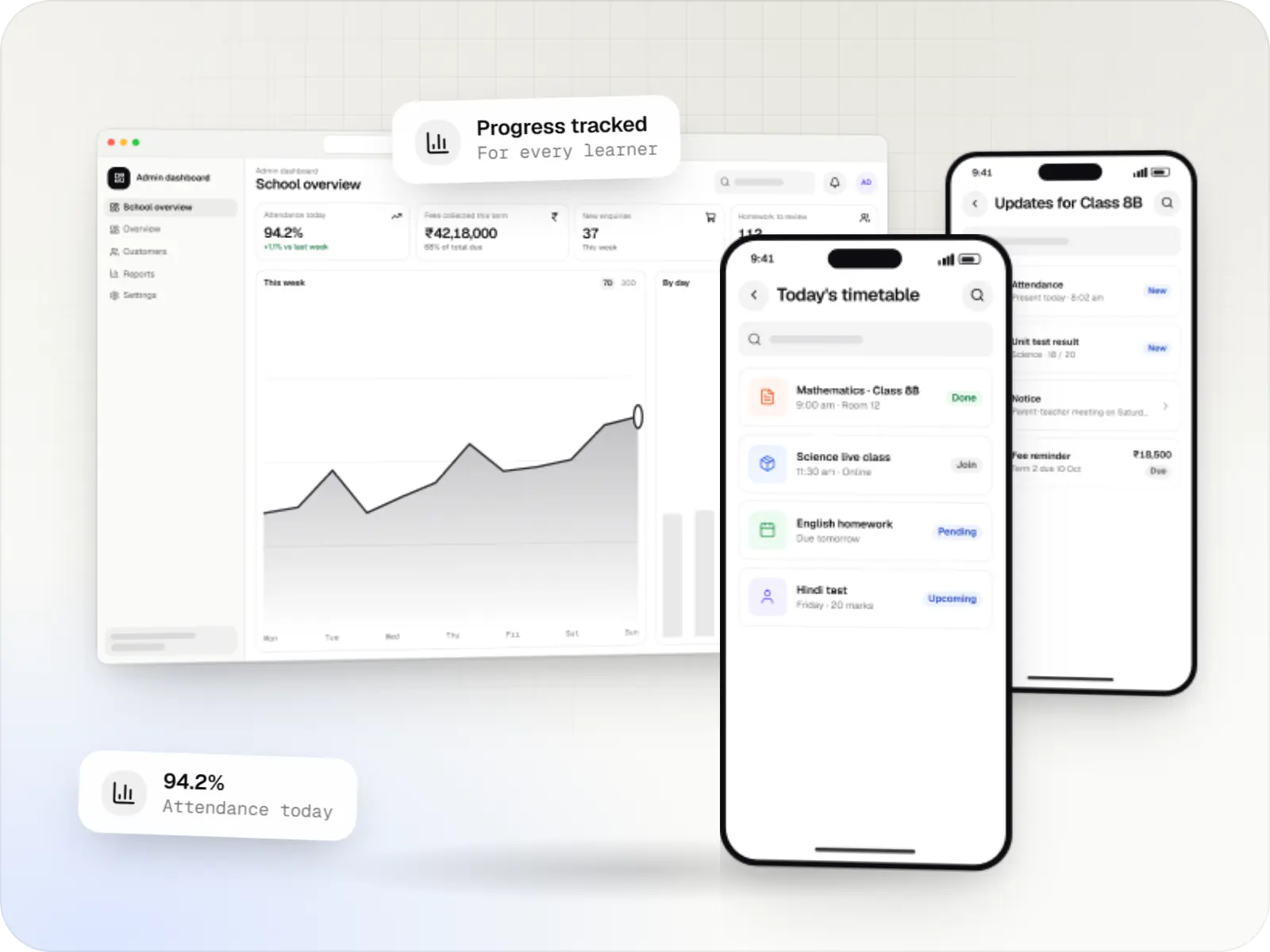

Built for classrooms, batches and self-paced learners
Schools run on fee registers, class diaries and WhatsApp groups. Coaching institutes run on batches, instalments and test series. Online course businesses run on video, checkout pages and completion rates. Each needs software shaped around its own rhythm.
Across all three, our education software is designed for the same Indian realities: students on low-cost Android phones and 4G that comes and goes, parents who may prefer Hindi or a regional language, and fees that move to UPI the moment it is offered. We keep apps light, video adaptive and roles clear, so administrators, teachers, parents and students each see what matters to them.

Solutions
Education platforms we build
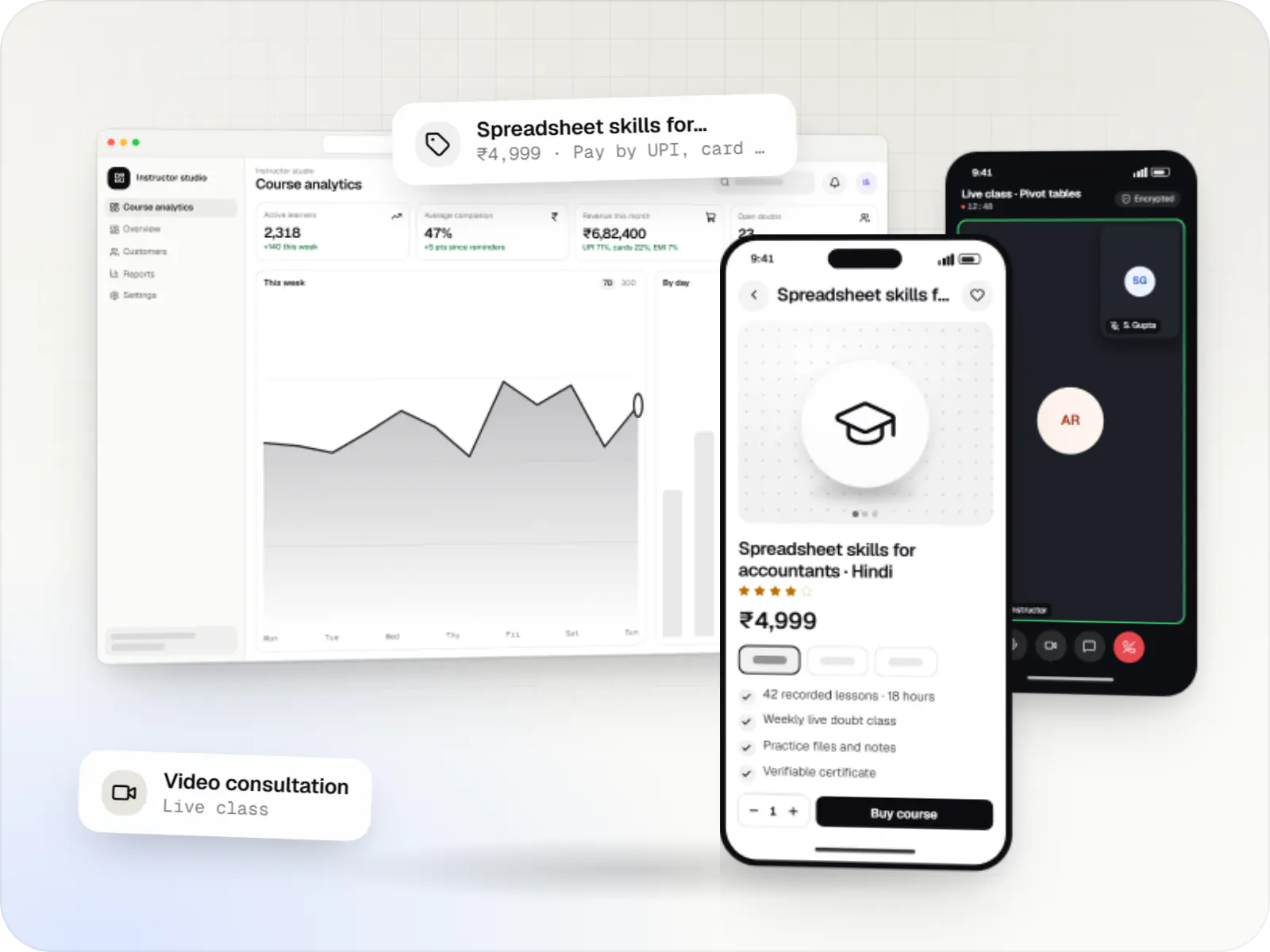
Course platforms with protected video, live classes, assessments, certificates and payments, designed for multilingual content and learners on low bandwidth.
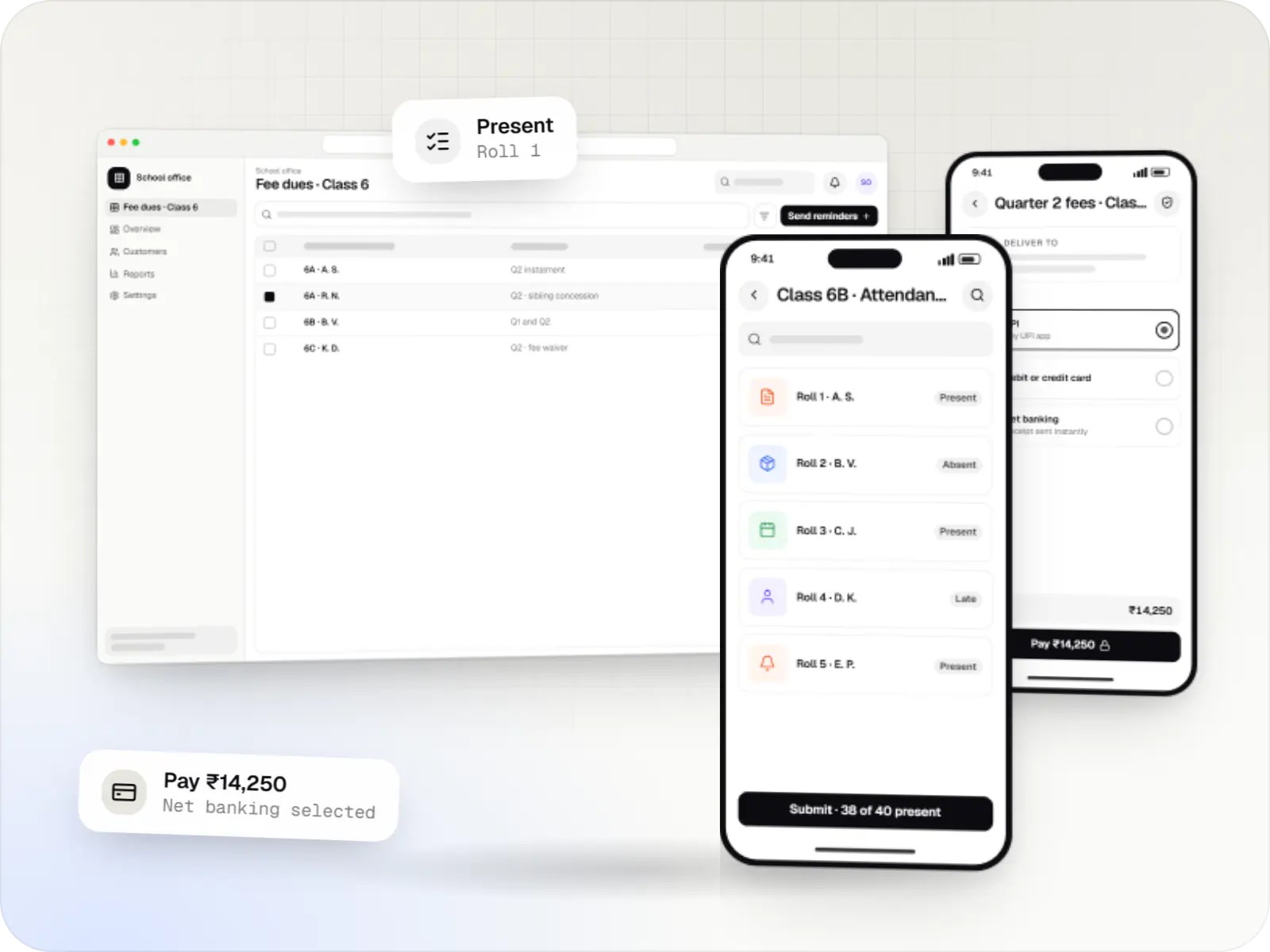
School ERP and parent apps for admissions, fees, attendance, timetables, homework, exams, transport and communication between teachers, parents and admin.
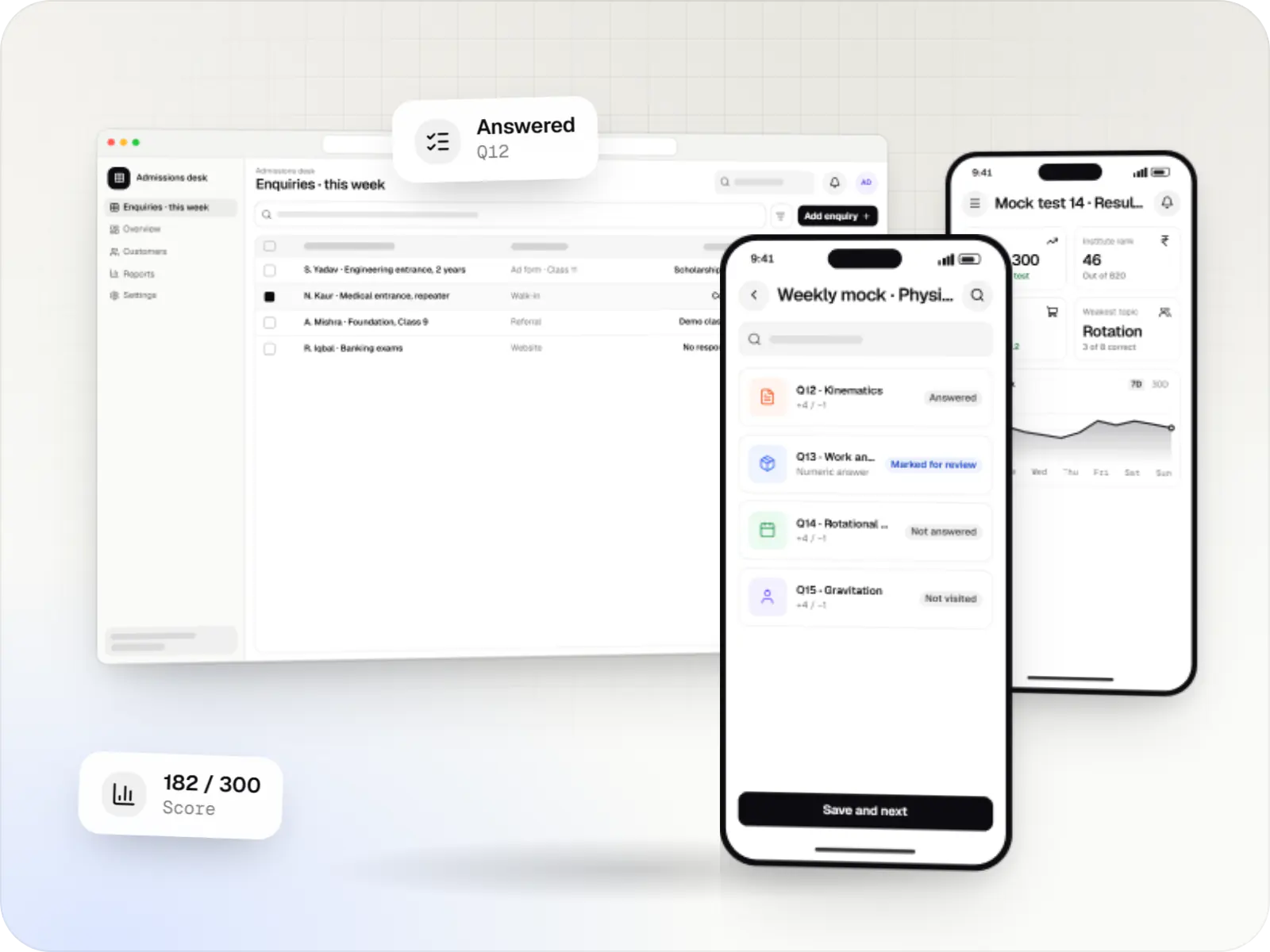
Software for coaching institutes and tuition centres: enquiries, batches, fee instalments, attendance, test series, performance analytics and hybrid classes.
Comparison
School, coaching or online: what changes
| School management | Coaching institute | E-learning platform | |
|---|---|---|---|
| Primary users | Office staff, teachers, parents | Counsellors, faculty, students, parents | Learners, instructors, course team |
| Academic unit | Class and section | Batch, often with mid-course joins | Course, cohort or subscription |
| How money comes in | Term or monthly instalments | Course fees in instalments | Purchases, subscriptions, EMI |
| Feature that matters most | Attendance and parent updates | Test series and rank analytics | Video delivery and content protection |
Design choices that matter in Indian education
Light apps for basic phones
Small installs, tested on low-RAM Android devices that families often share.
Video that adapts to the network
Several quality levels, audio-only mode and downloads for weak 4G.
Parents in the loop
Attendance, results and fee alerts through the app or WhatsApp.
More than one language
Interfaces and notifications in Hindi and regional languages alongside English.
Care with children's data
Verifiable parental consent and no behavioural advertising, reflecting the DPDP Act 2023.
How it works
How a student's week runs on education software
Schools, coaching institutes and course businesses use different products, but the same cycle of enrol, teach, assess and inform sits underneath.
- Office or course website
Step 1: Admission or sign-up
A family completes admission, or a learner buys a course; the system creates the student record, fee plan and logins in one step.
- Teacher app
Step 2: Timetable and attendance
Classes, batches or lessons are scheduled, and attendance is marked on a phone in a few taps.
- Student app
Step 3: Learning
Students join live classes, watch recorded lessons and download notes, even on patchy mobile data.
- Student app
Step 4: Tests and assignments
Homework, quizzes and timed tests are submitted in the app and marked automatically where possible.
- Parent app and WhatsApp
Step 5: Parents informed
Attendance, results and notices reach parents the same day, in their preferred language.
- Payments
Step 6: Fees collected
Instalments are paid by UPI or card, receipts go out automatically and the office sees dues as they change.
Then it starts again at step 1: Admission or sign-up
Platforms
Apps for students, parents, teachers and office staff
Families and students use phone apps and the web; administrators and teachers get a web dashboard.
- Mobile
Android app
Apps for Android phones and tablets, tested on budget and mid-range devices and published on Google Play or privately.
- Mobile
iOS app
Apps for iPhone and iPad, built to Apple's guidelines and released through TestFlight and the App Store.
- Web
Website
Marketing and content websites: fast, search-friendly pages with a CMS your team can update without a developer.
- Web
Web application
Browser-based applications with logins, roles and workflows, such as customer portals, SaaS products and internal tools.
- Back office
Admin dashboard
Back-office panels for operations, support and finance teams: orders, users, content, reports and permissions.
Plain-English glossary
Education software terms, in plain English
- LMS (learning management system)
- The software that holds courses, lessons, tests and each learner's progress. Teachers publish content and track completion without developer help.
- School ERP
- A single system for the school office: admissions, fees, attendance, timetables and report cards. Everyone works from the same student record instead of separate registers.
- Adaptive streaming
- Video that switches quality automatically to match the viewer's connection, so a lesson keeps playing on weak 4G instead of buffering.
- Verifiable parental consent
- India's Digital Personal Data Protection Act 2023 requires consent from a parent before a child's personal data is processed. We build that step into admission or sign-up.
- Question bank
- A searchable store of questions tagged by subject, topic and difficulty, from which teachers assemble tests in minutes rather than retyping papers.
Product preview
What students, parents and staff see
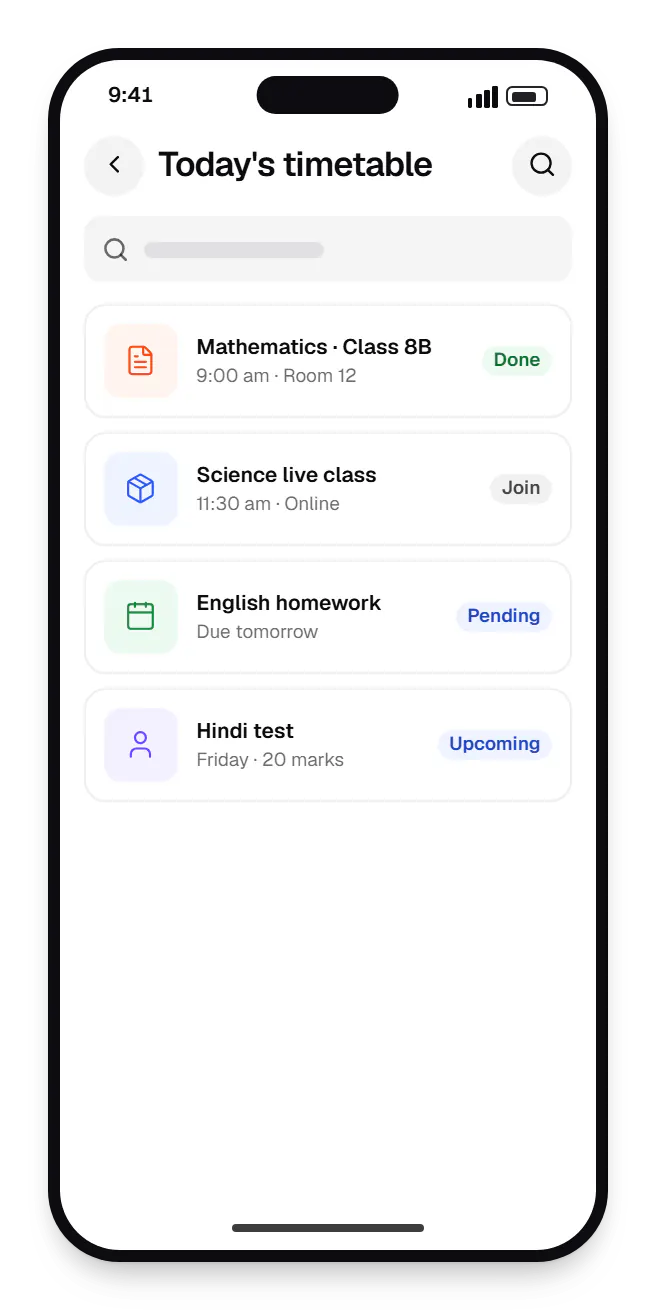
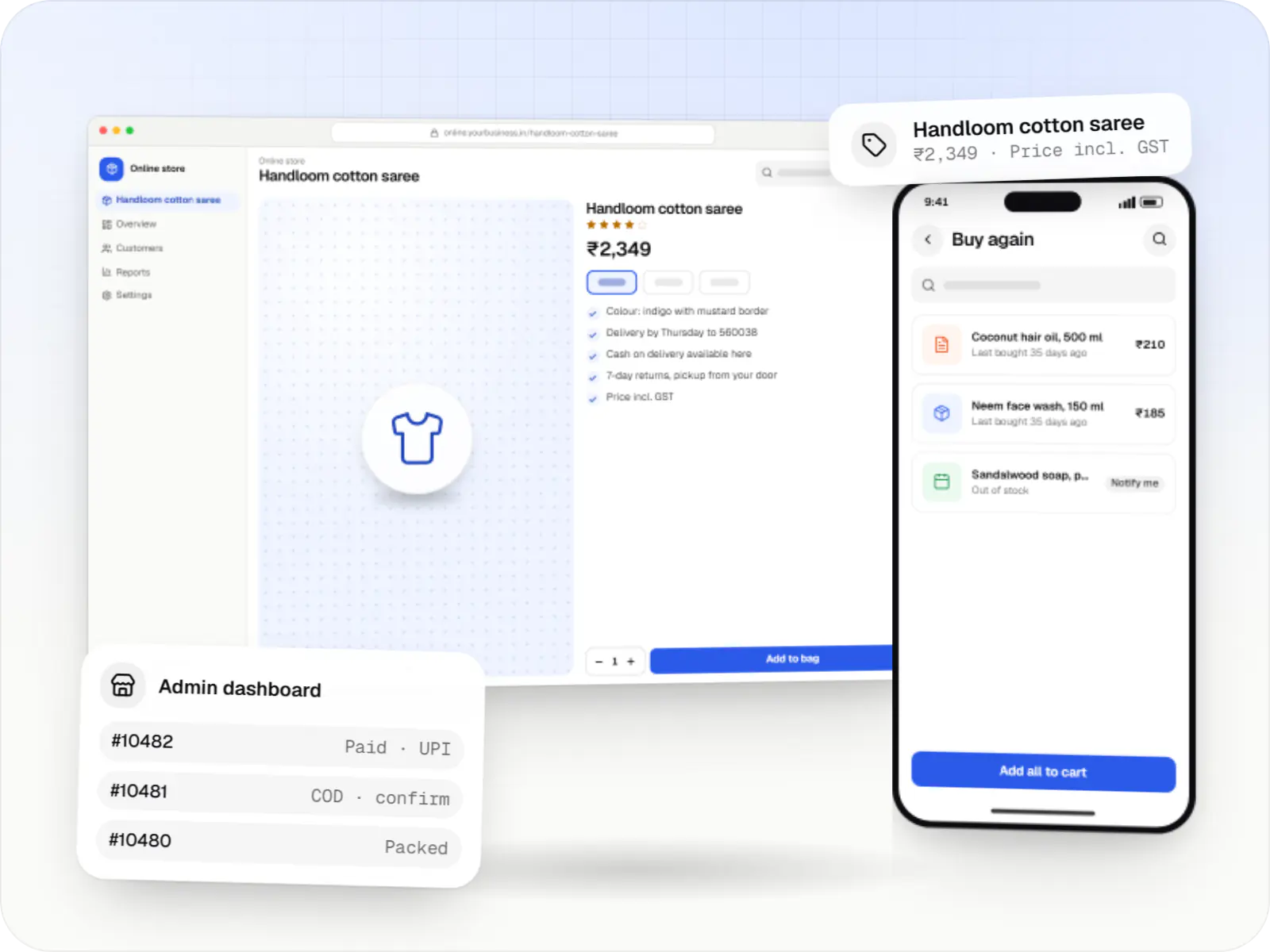
Student app. Students see today's classes, live sessions and pending homework in one list, so nothing depends on a class WhatsApp group. 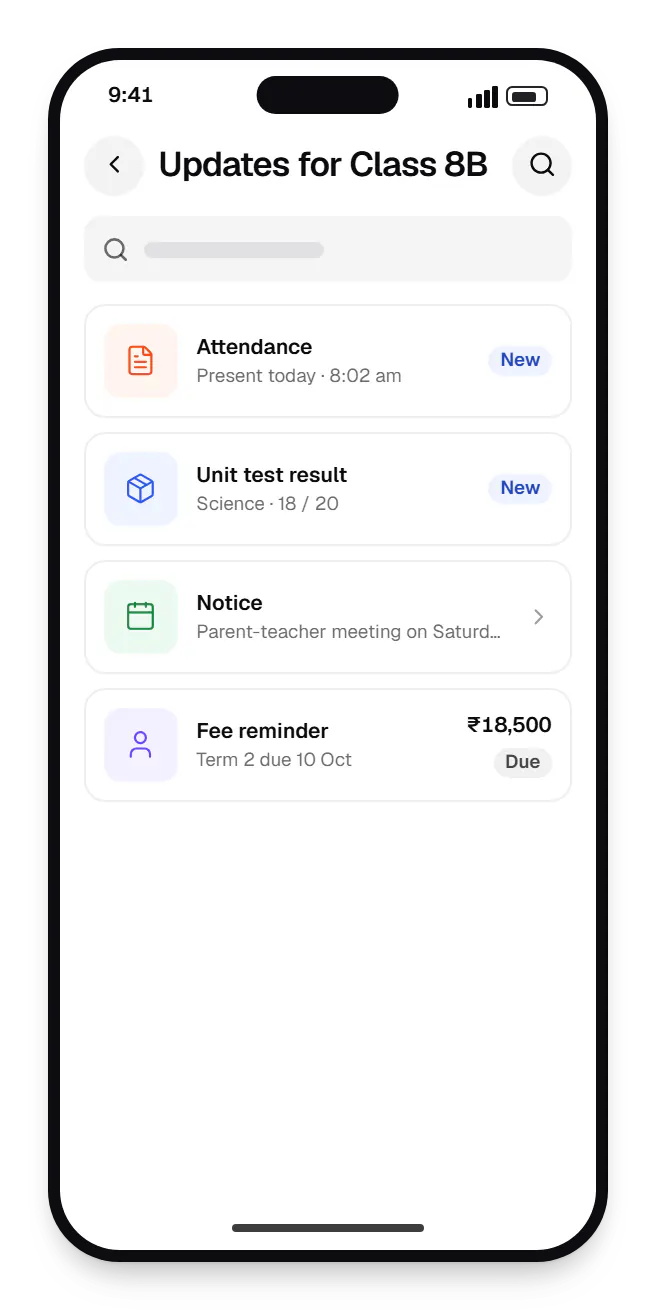
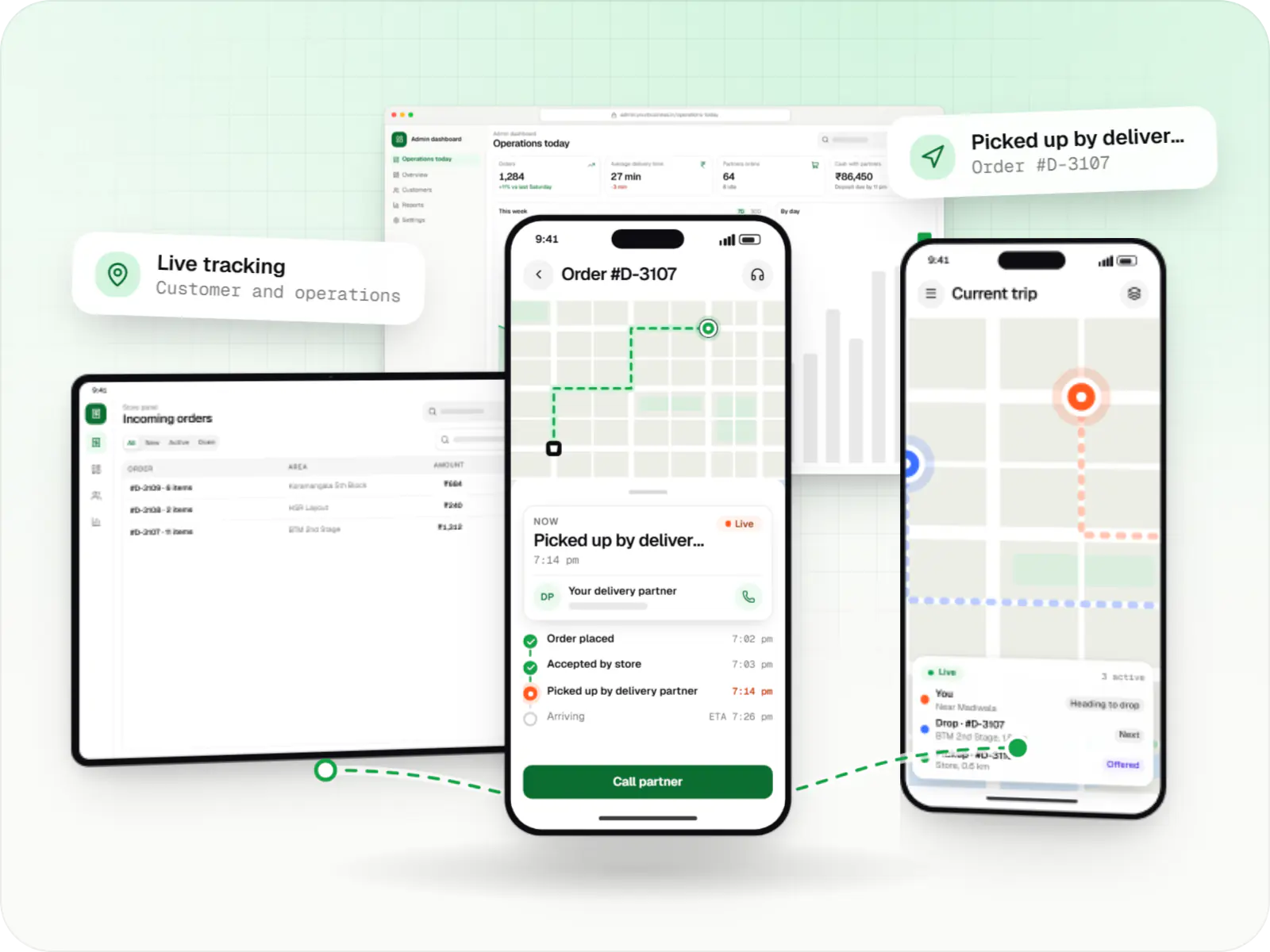
Parent app. Parents get attendance, results, notices and fee reminders in one feed, whichever school, batch or course their child attends. 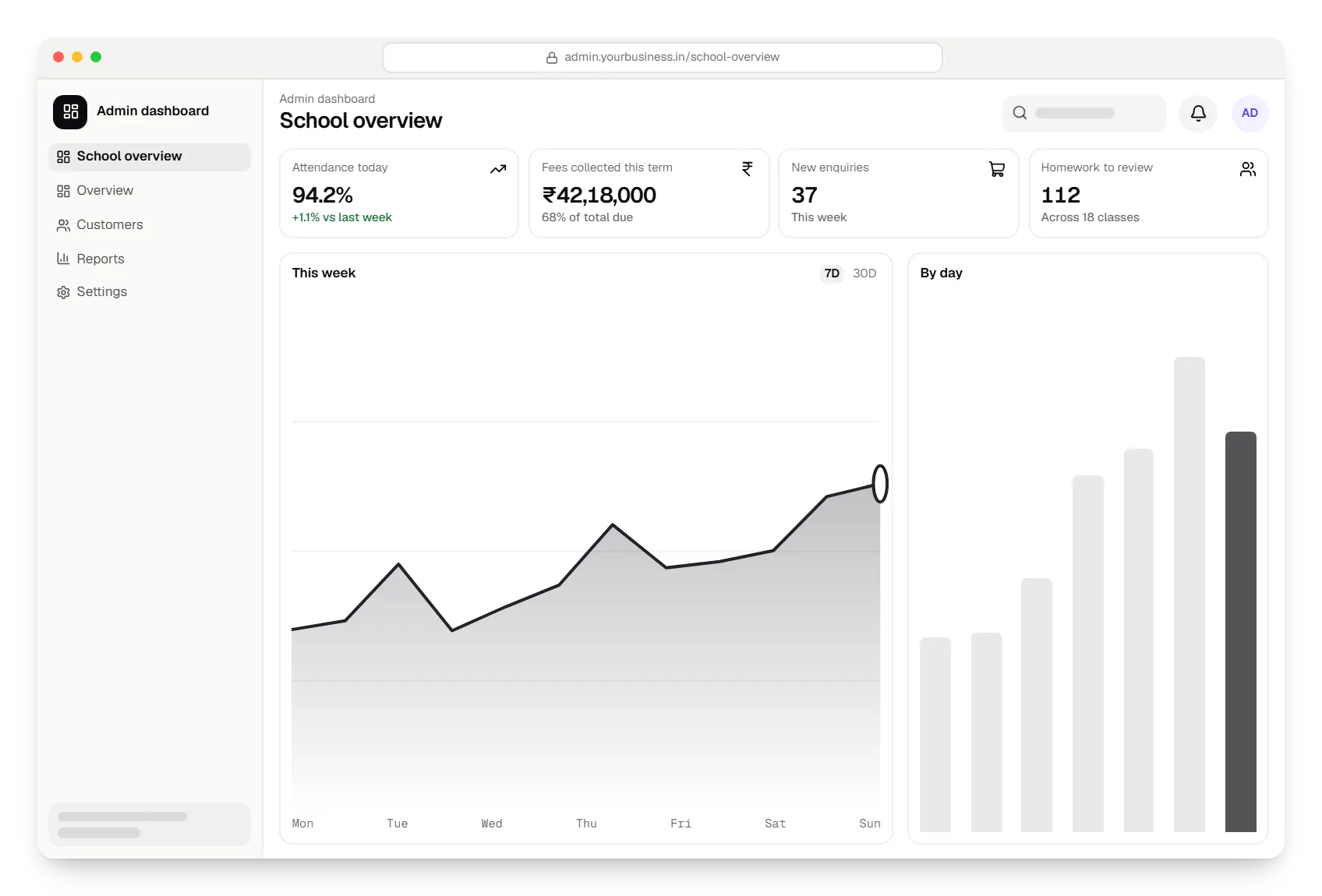
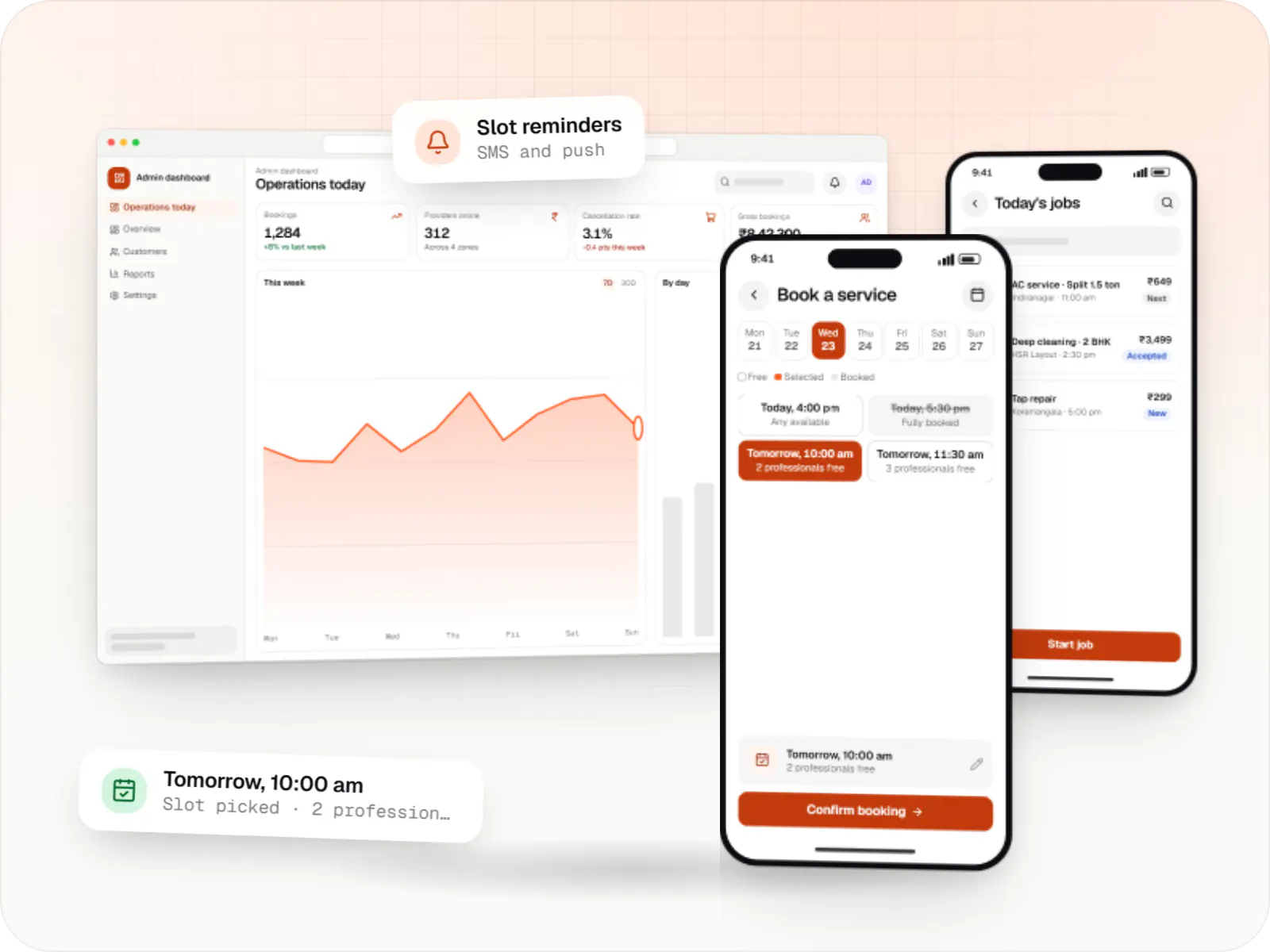
Admin dashboard. Principals and office staff track attendance, fee collection and new enquiries every day instead of waiting for month-end reports.
Sample screens: names, prices and figures are examples, not client data.
Industries
Education sectors we support
FAQ
Frequently asked questions
Can we start with one module, such as fee collection, and add others later?
Yes, and we often recommend it. Fees, attendance and parent communication make a practical first phase for schools; enquiry management and tests suit coaching institutes. We design the data model for the full picture from the start, so later modules such as exams, transport or live classes plug into the same student records. Phasing also lets staff adopt the system gradually rather than changing every process in one term.
How do you handle students' personal data?
Many students are minors, and the Digital Personal Data Protection Act 2023 requires verifiable parental consent before processing a child's personal data and rules out tracking, behavioural monitoring and targeted advertising aimed at children. We build consent into admission or sign-up, collect only what the institution needs, restrict access by role and log sensitive changes. Your legal adviser should confirm the obligations for your organisation.
Do your education apps work in Hindi and regional languages?
Yes. The interface can be translated into the languages you need, including Indic scripts with proper font rendering, and each user picks their language. Notifications and WhatsApp templates can be localised too. Course content, notices and question banks are written by your team, but we can build tools that make bilingual content easier, such as side-by-side editing or AI-drafted subtitles that a person reviews before publishing.
Next step
Building for students, parents or learners?
Tell us about your institution or course business and the problem to solve first. We will suggest a phased scope with a line-item estimate.