Web
Next.js
A modern web technology for fast, search-friendly websites, online stores and web applications that load quickly on mobile.
Used for
- Business websites
- Online stores
- Web apps
- Customer portals
Education
Course platforms for educators, training companies and institutions teaching online: self-paced and cohort courses, live sessions, certificates and payments.
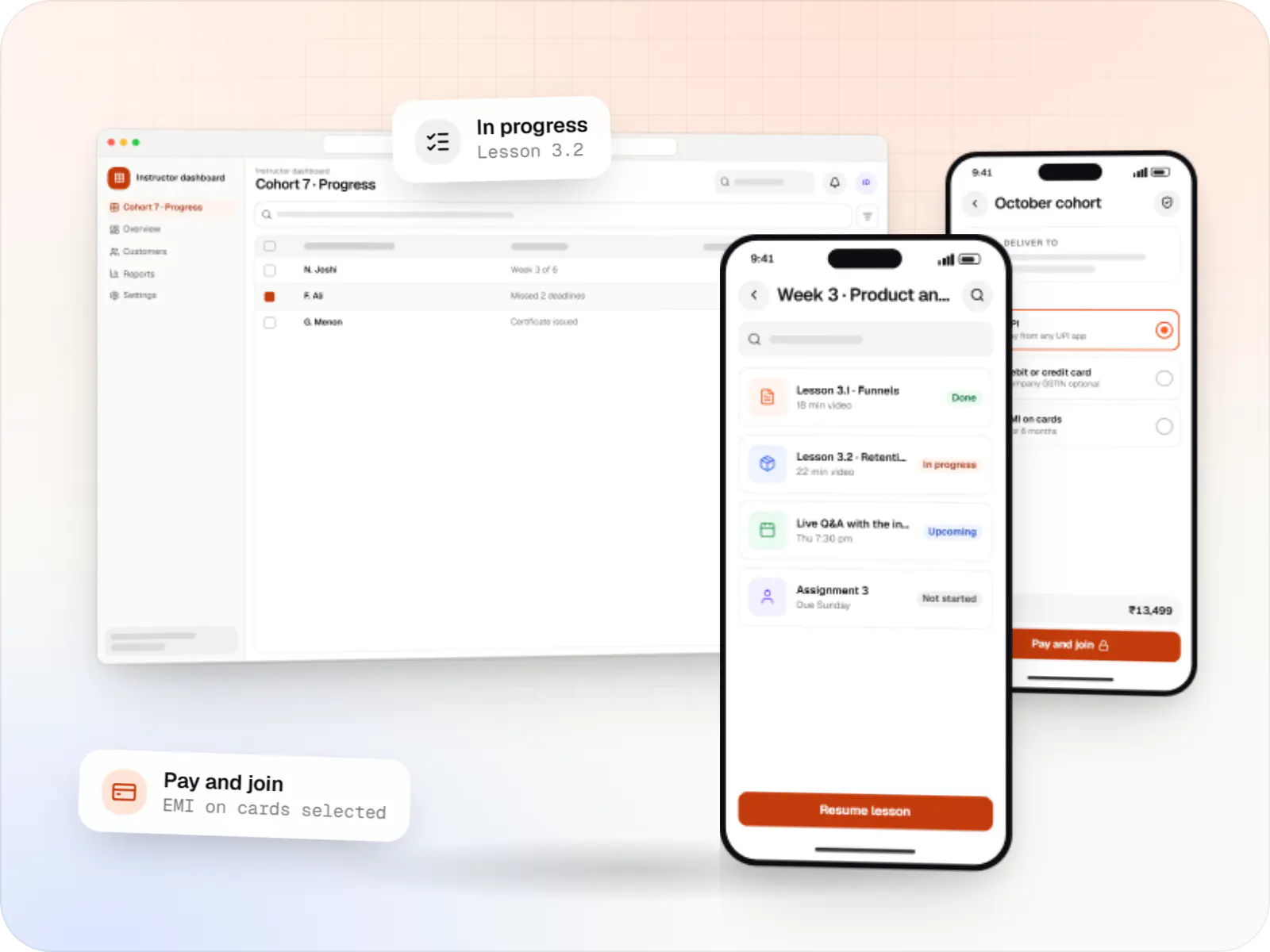
At a glance

We build branded online learning platforms for educators and organisations moving teaching online: course builders, cohort scheduling, live-session integration, assessments, verifiable certificates, and checkout with UPI and GST invoices. It is an alternative to renting a generic course marketplace when you need control over pricing, data and the learner experience.
How to start
Tell us what you need in your own words. You talk to the developers who would build it and get a written, line-item estimate.
Get a project estimateMany educators start on a course marketplace or a patchwork of Zoom, Google Forms, payment links and WhatsApp groups. It works until the course grows: learners lose links, certificates are made by hand, and platform fees or rules limit how you price and bundle courses.
We build online learning platforms you own. The core is a course and cohort engine; around it sit live sessions, assessments, certificates, community and payments. Colleges and universities offering online programmes need the same foundations plus proctored exams and links to student records.
Challenges
Payment, access, sessions and materials sit in different tools, so support queries multiply.
Instructors check assignments and issue certificates by hand as cohorts grow.
Pricing, learner data and branding are constrained by someone else's rules.
Self-paced learners stall without reminders, deadlines or peer interaction.
Solutions
Across 4 areas
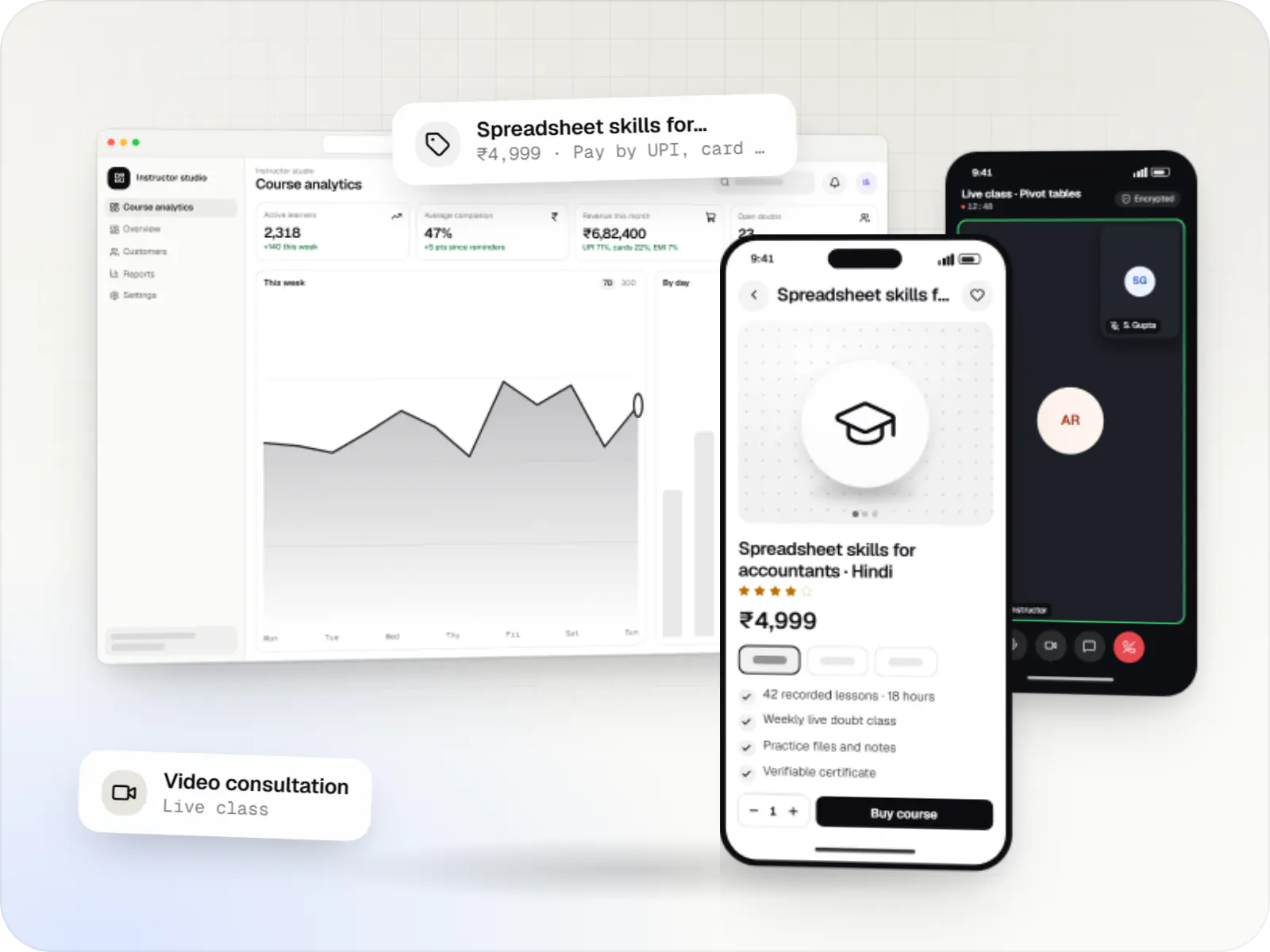
Course platforms with protected video, live classes, assessments, certificates and payments, designed for multilingual content and learners on low bandwidth.
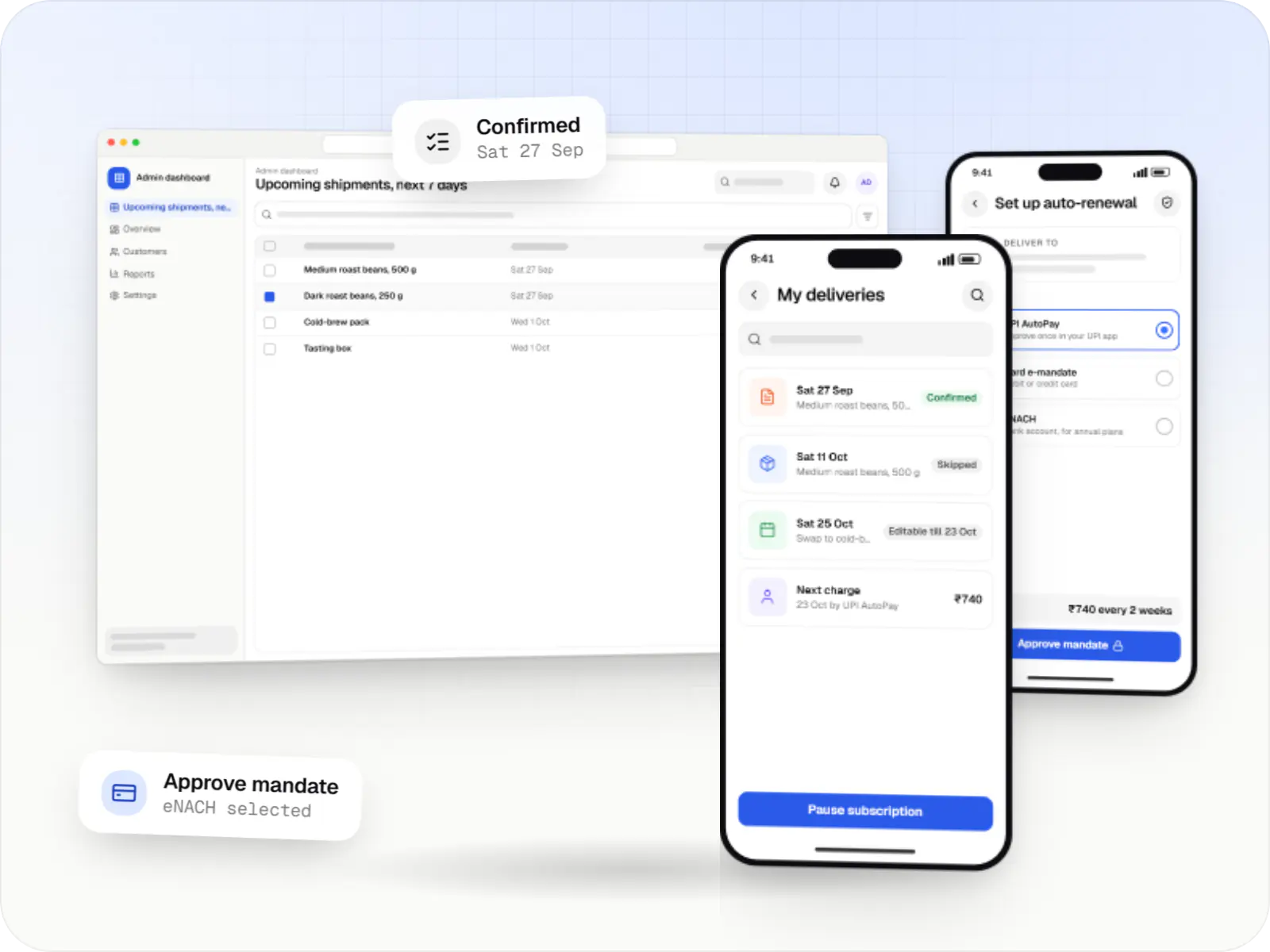
Subscription stores and memberships on UPI AutoPay, card mandates and eNACH, with pause, skip and swap controls and fulfilment planning.

Custom CRM software that captures leads from every channel, keeps follow-ups on schedule and shows managers a live pipeline.
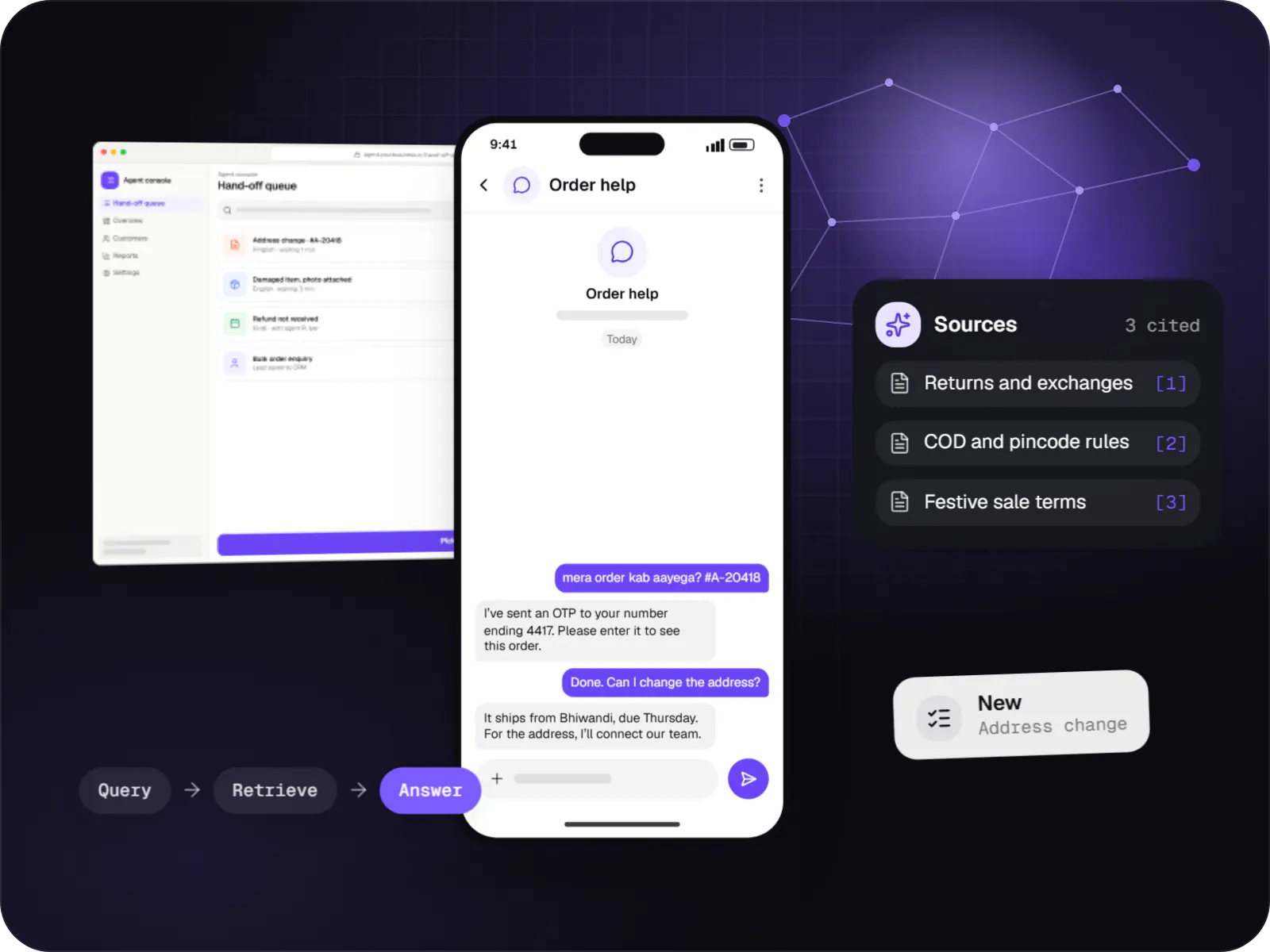
Support and sales chatbots for web, app and WhatsApp that answer from your own content and hand off to your team.
Modules, drip schedules, cohort start dates and prerequisites without developer help.
Zoom or Google Meet sessions created through their APIs, attendance captured and recordings posted.
Graded quizzes, file submissions, rubrics and peer review.
Auto-issued certificates with a unique verification link and QR code.
UPI and card payments, coupons, bundles and GST invoices, with access granted instantly.
Import existing authored content packages and report learner progress.
How it works
Payment by UPI or card issues a GST invoice and unlocks access immediately, with no manual enrolment by your team.
The learner lands in the right cohort, sees when each module opens and receives calendar invites for live sessions.
Sessions are created on Zoom or Google Meet through their APIs, attendance is recorded and the recording is posted afterwards.
Quizzes grade themselves; files are marked against a rubric or by peer review, which spreads the load as cohorts grow.
Learners who miss a deadline or stop watching get an email or WhatsApp reminder, which lifts completion.
Learners who finish get a certificate with a unique link and QR code that an employer can check in seconds.
Platforms
Marketing and content websites: fast, search-friendly pages with a CMS your team can update without a developer.
Browser-based applications with logins, roles and workflows, such as customer portals, SaaS products and internal tools.
Installable web apps with offline support and notifications, useful when an app-store listing isn't essential or phones have little storage.
Apps for Android phones and tablets, tested on budget and mid-range devices and published on Google Play or privately.
Back-office panels for operations, support and finance teams: orders, users, content, reports and permissions.
Technology
Next.js serves course pages that load fast and can be found in search, lesson storage and streaming are built on AWS, and Razorpay handles UPI and card checkout with instant access.
Web
A modern web technology for fast, search-friendly websites, online stores and web applications that load quickly on mobile.
Used for
Web
Builds interactive screens in the browser, such as dashboards, admin panels and portals, that respond instantly as your team works.
Used for
Backend
A structured way to build back ends on Node.js, so large business systems stay organised, testable and easy to hand over.
Used for
Data
A reliable database for the records your business runs on: orders, payments, bookings and stock, kept accurate and easy to report on.
Used for
Cloud & DevOps
Cloud hosting for your app, website and data, with data centres in India and room to grow when traffic rises.
Used for
Payments & maps
Lets customers in India pay by UPI, cards, netbanking or wallets, and handles subscriptions, refunds and payouts to sellers or partners.
Used for
Plain-English glossary
Product preview
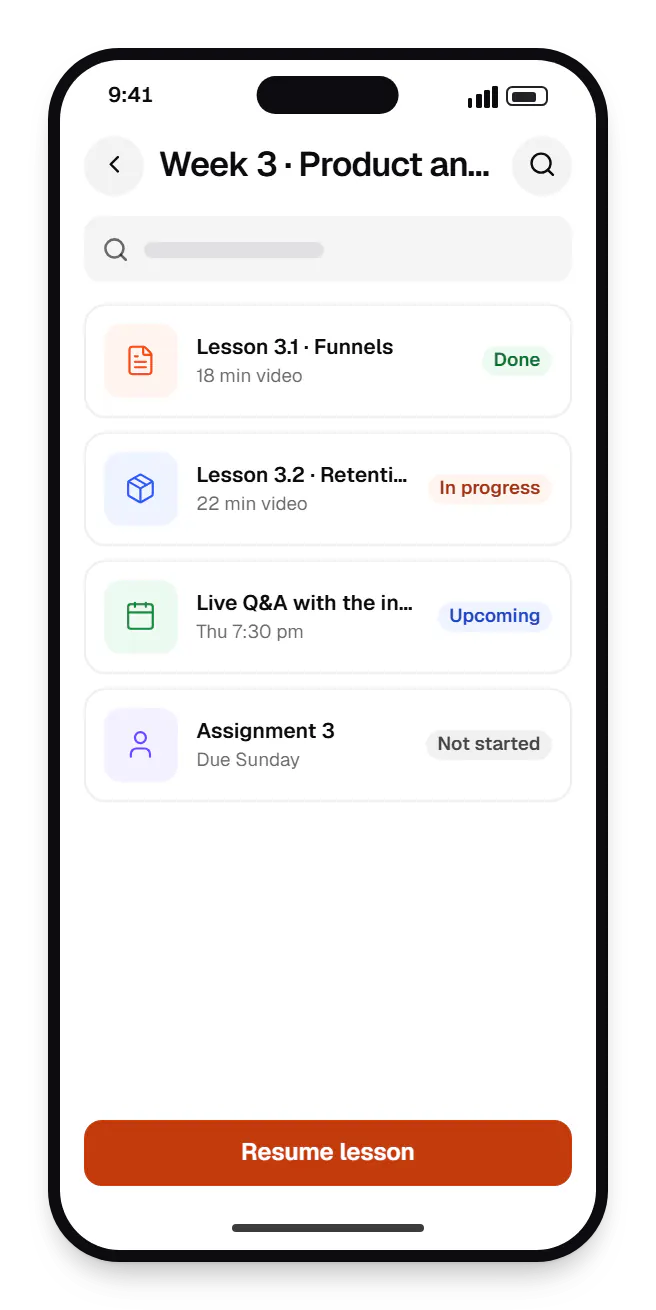
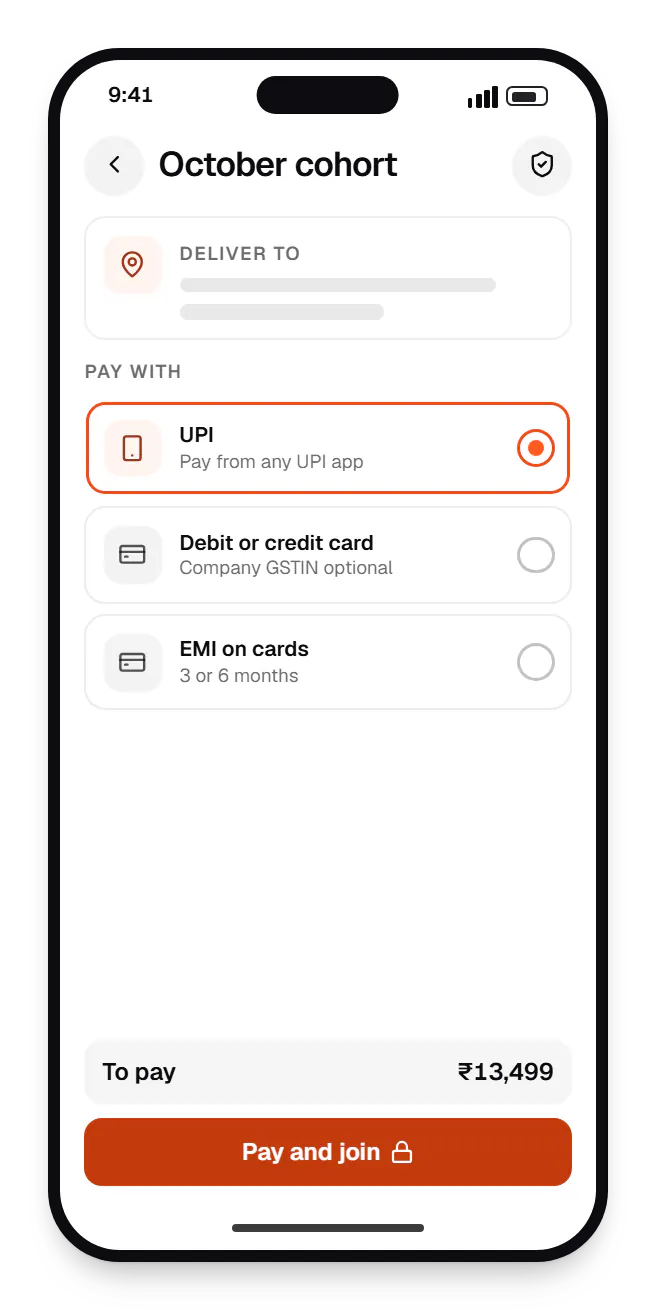
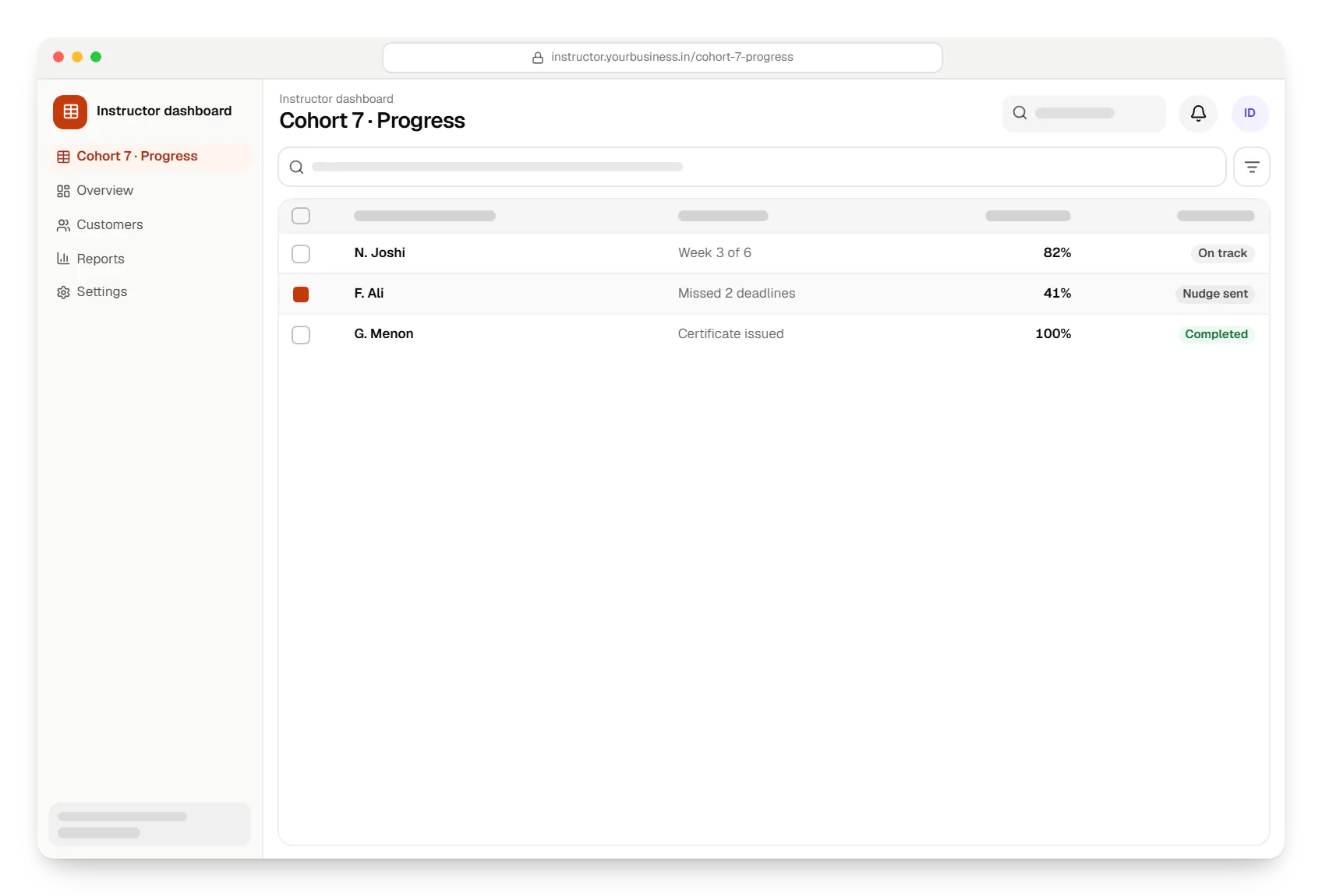
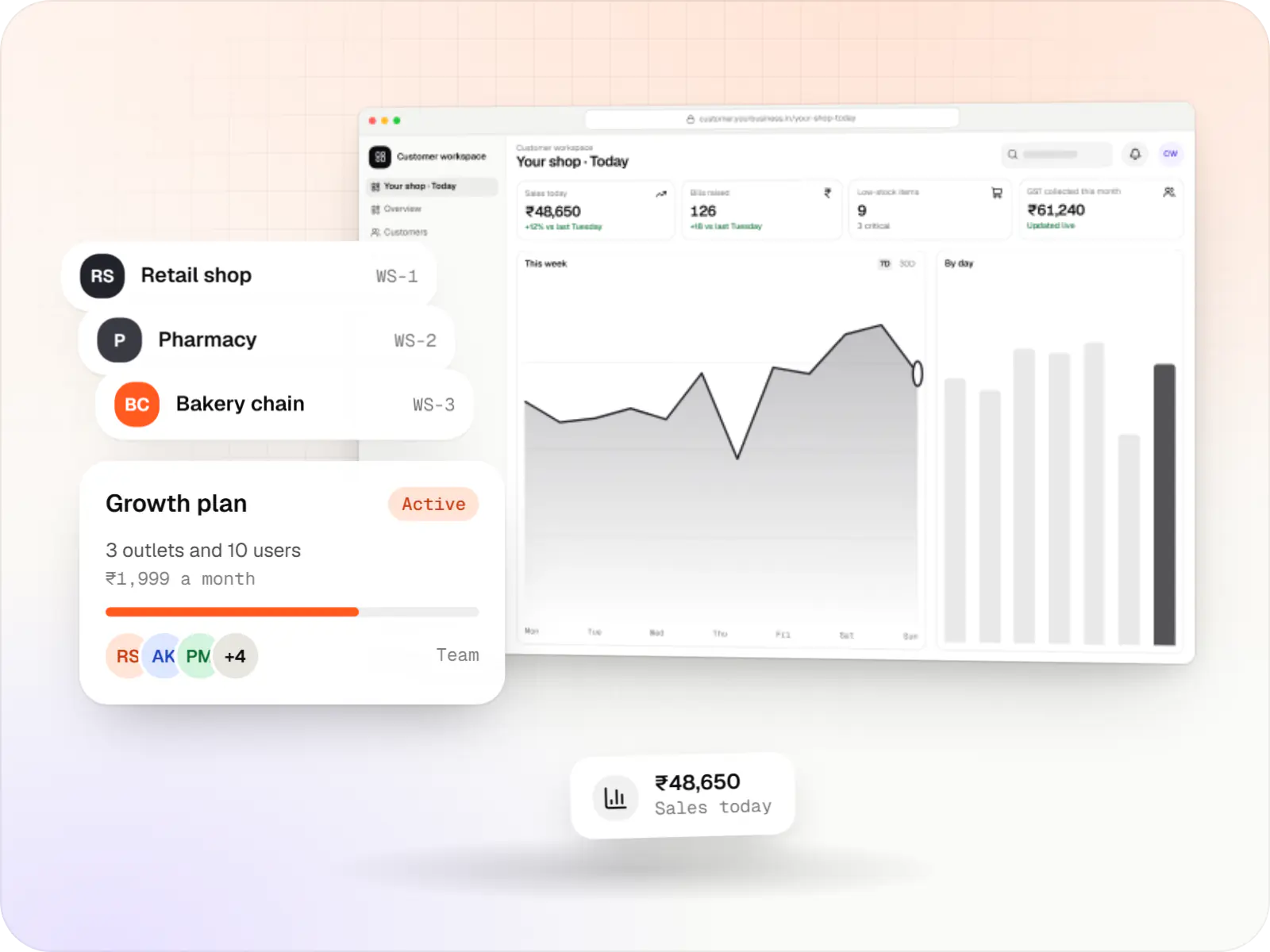
Sample screens: names, prices and figures are examples, not client data.
Cost drivers
Self-paced video is lighter than cohorts with live sessions, assignments and peer review.
A responsive web platform or PWA can launch first; native apps with offline downloads add a separate build.
Proctoring, student-record integration and accreditation reports add scope for universities.
Estimates are written from your scope, with the effort and assumptions behind each line item.
How pricing worksServices
The design and engineering services our in-house team combines on projects in this sector.

Browser-based products, customer portals, dashboards and internal tools, built on clean data models with secure roles and integrations.
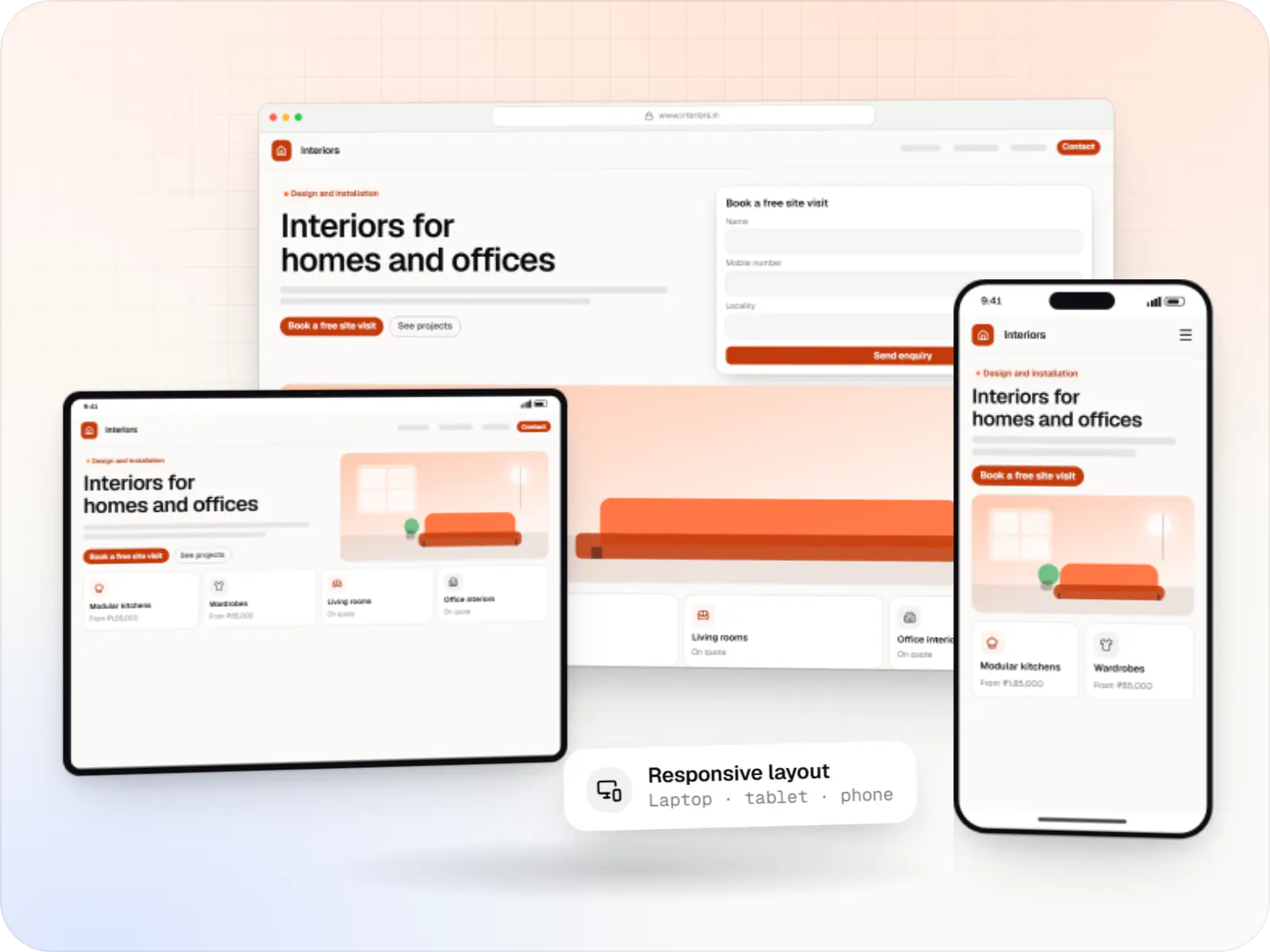
Fast, SEO-ready company and marketing websites with a CMS your team can edit, designed and built by our in-house team.

Native and cross-platform Android and iOS apps, from first release through regular store updates, built by our in-house designers and engineers.
Multi-tenant SaaS products with subscription billing, team roles, onboarding and usage analytics, from first MVP to paying customers.

Product design for web and mobile apps: research, user flows, wireframes, prototypes and design systems that engineers can build from.

Back-office dashboards built around your team's daily tasks: order queues, approvals, catalogue management, payouts, reports and audit logs.
FAQ
Not always. If you are validating one or two courses, a hosted tool is cheaper and faster. A custom platform starts to make sense when platform fees become significant, you need control of learner data and pricing, you run cohorts with complex schedules, or you want corporate batches, institutional reporting or your own mobile app. We will say so if a hosted tool suits your stage better.
Yes, at different levels. Light proctoring uses randomised questions, time limits and browser checks. Stronger setups add webcam snapshots, face match at login and flags for events such as a second face in frame, which a human invigilator reviews. No automated proctoring is foolproof, and heavy monitoring raises privacy concerns, so we record consent, keep captures only as long as needed, and leave the final call to your examiners.
In our mobile apps, yes: lessons download in encrypted form, play only inside the app and expire with course access. Browser-based offline viewing is limited, so if many learners have unreliable connections we suggest a PWA or native app. We also offer lower-resolution streams and audio-only modes for lectures where visuals matter less, which helps learners on small data plans.
Next step
Tell us how you teach today, how many learners you serve and what is holding you back. We will tell you honestly whether a custom platform makes sense yet.