Mobile
Flutter
Build Android and iOS apps from one shared codebase, so you launch on both platforms faster with a consistent experience.
Used for
- Mobile apps
- Delivery apps
- E-commerce apps
- Booking apps
Education
School software and parent apps for CBSE, ICSE and state-board schools: admissions, fees, attendance, report cards, bus tracking and parent communication.
At a glance

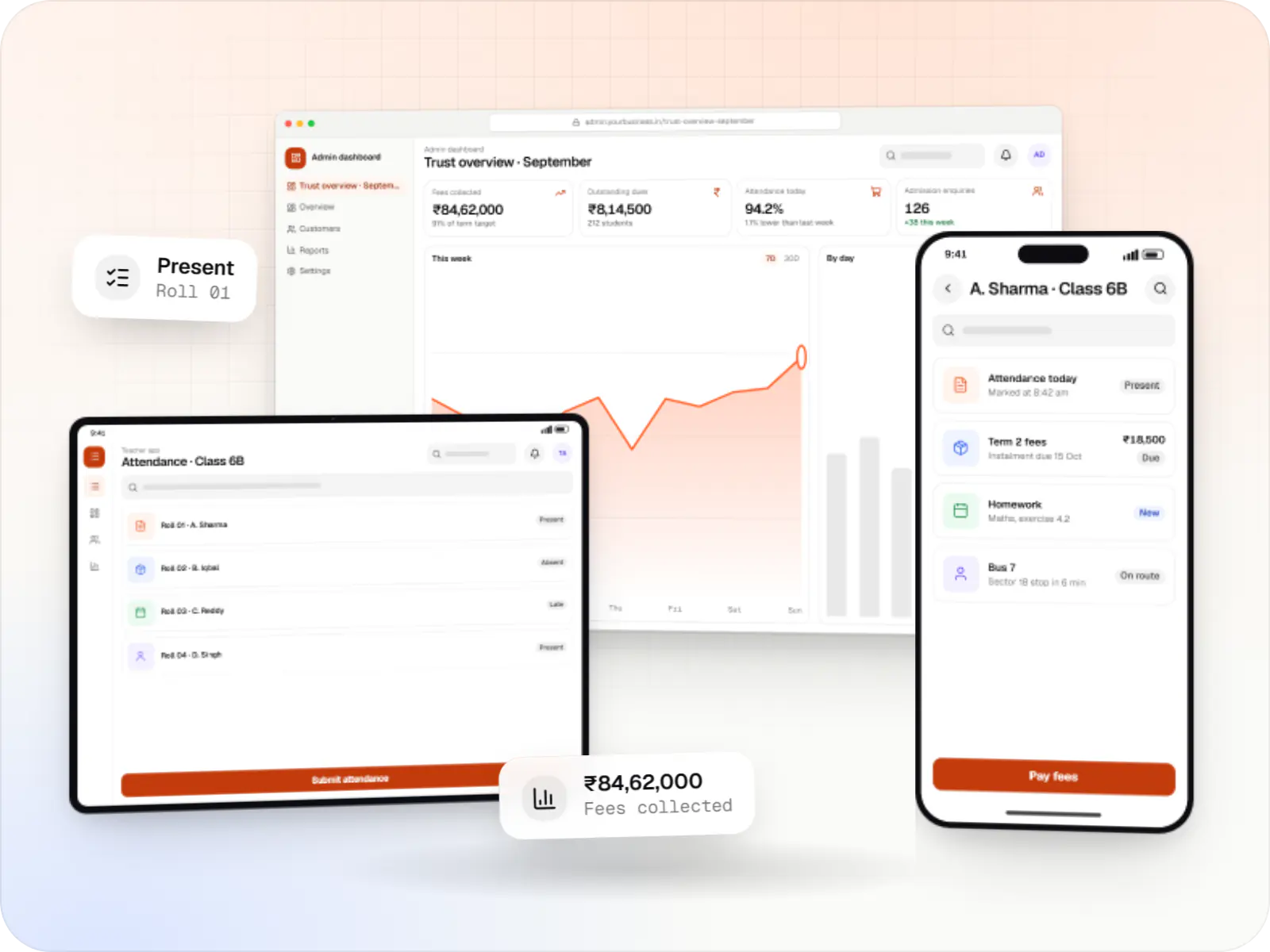
We build school software that office staff, teachers and parents can use without a training manual: online admissions, fee collection with UPI and instalments, attendance, homework, exams and report cards, bus tracking, and a parent app in the languages your families read. It can serve one school or a group of branches run by one trust.
Flutter and the related logo are trademarks of Google LLC. We are not endorsed by or affiliated with Google LLC.
How to start
Tell us what you need in your own words. You talk to the developers who would build it and get a written, line-item estimate.
Get a project estimateMany Indian schools run on a mix of fee registers, WhatsApp groups, printed circulars and an ageing desktop program in the accounts office. Each term brings the same load: admission enquiries, fee reminders, exam timetables, report cards in the board's format, and parents calling to ask where the bus is.
We build school software that joins these pieces. Office staff get one system for admissions, fees and student records. Teachers mark attendance and post homework from their phones in a minute. Parents get a simple app, or WhatsApp messages if they prefer, with fees, results and notices in one place.
Because many families use entry-level Android phones shared between siblings, we design for small screens, low data use, several children under one login, and Hindi or regional-language interfaces.
Challenges
Instalments, concessions, late fees and sibling discounts are tracked by hand, and reminders depend on staff time.
Circulars, homework and urgent notices are spread across WhatsApp groups, diaries and SMS.
Marks entry, grading schemes and board-specific formats take teachers days every term.
Parents want to know when the bus is near, and the school needs boarding records, not just classroom attendance.
Student records are children's personal data, which the DPDP Act treats with specific care, including verifiable parental consent.
Solutions
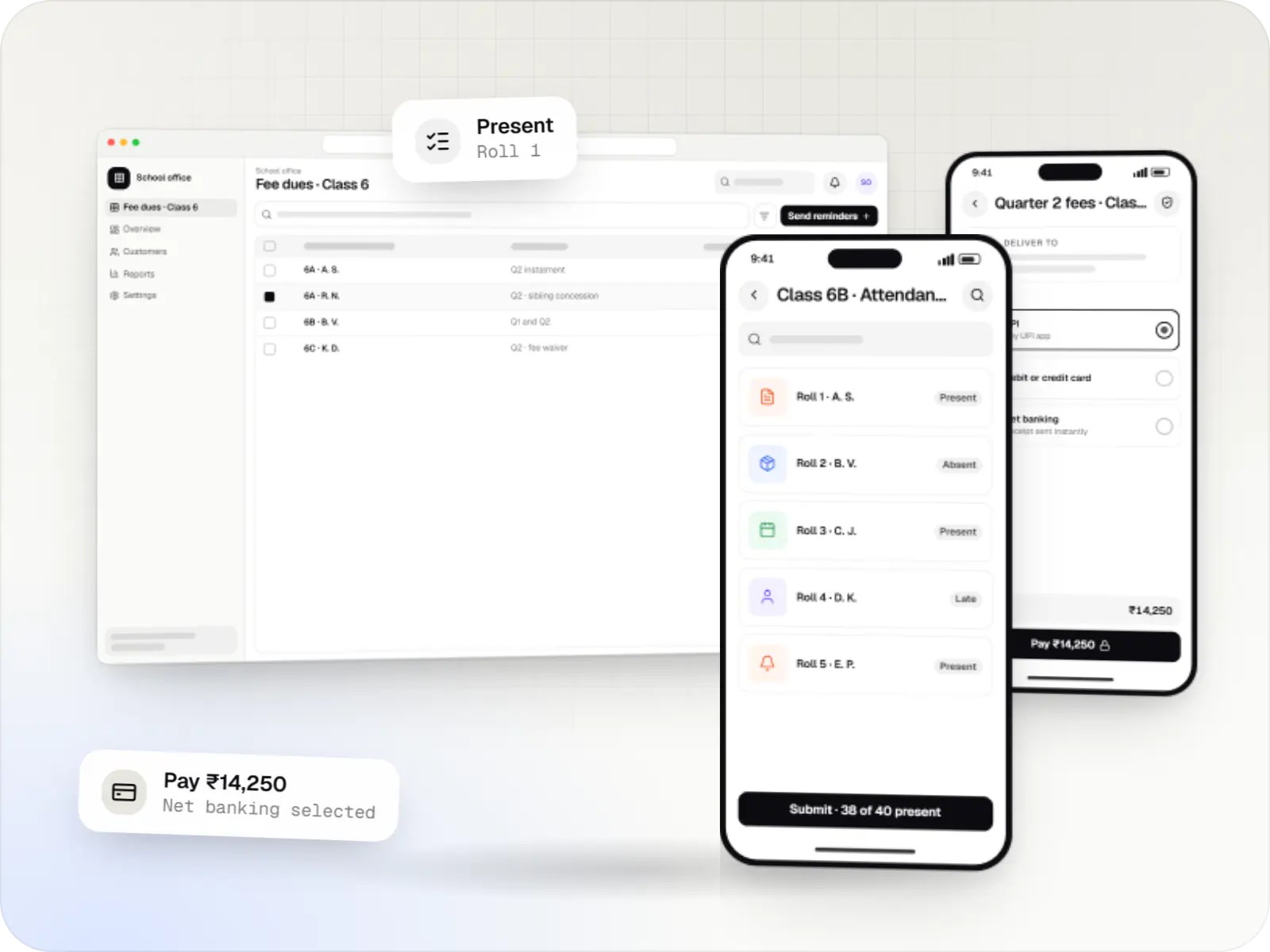
School ERP and parent apps for admissions, fees, attendance, timetables, homework, exams, transport and communication between teachers, parents and admin.
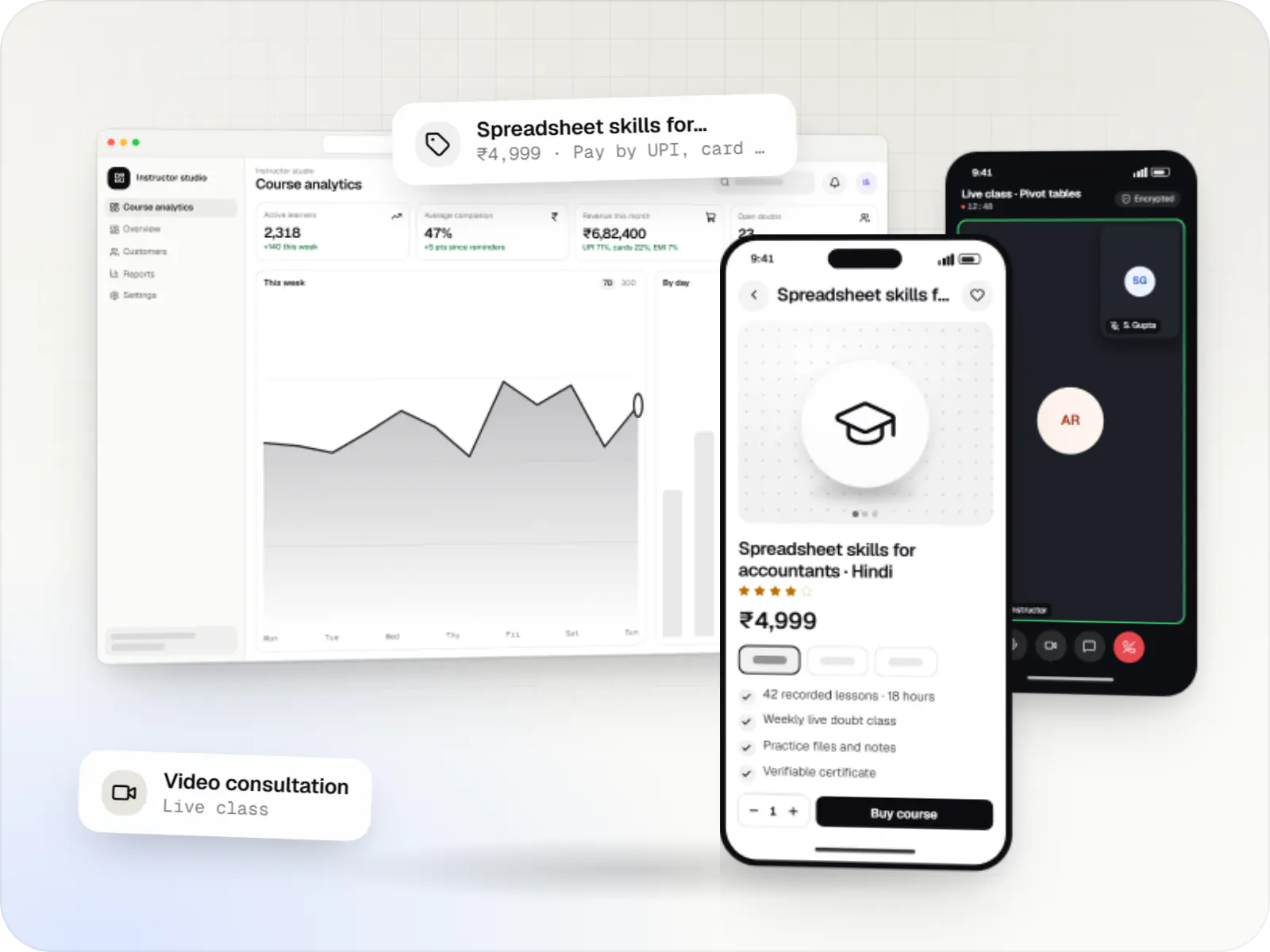
Course platforms with protected video, live classes, assessments, certificates and payments, designed for multilingual content and learners on low bandwidth.
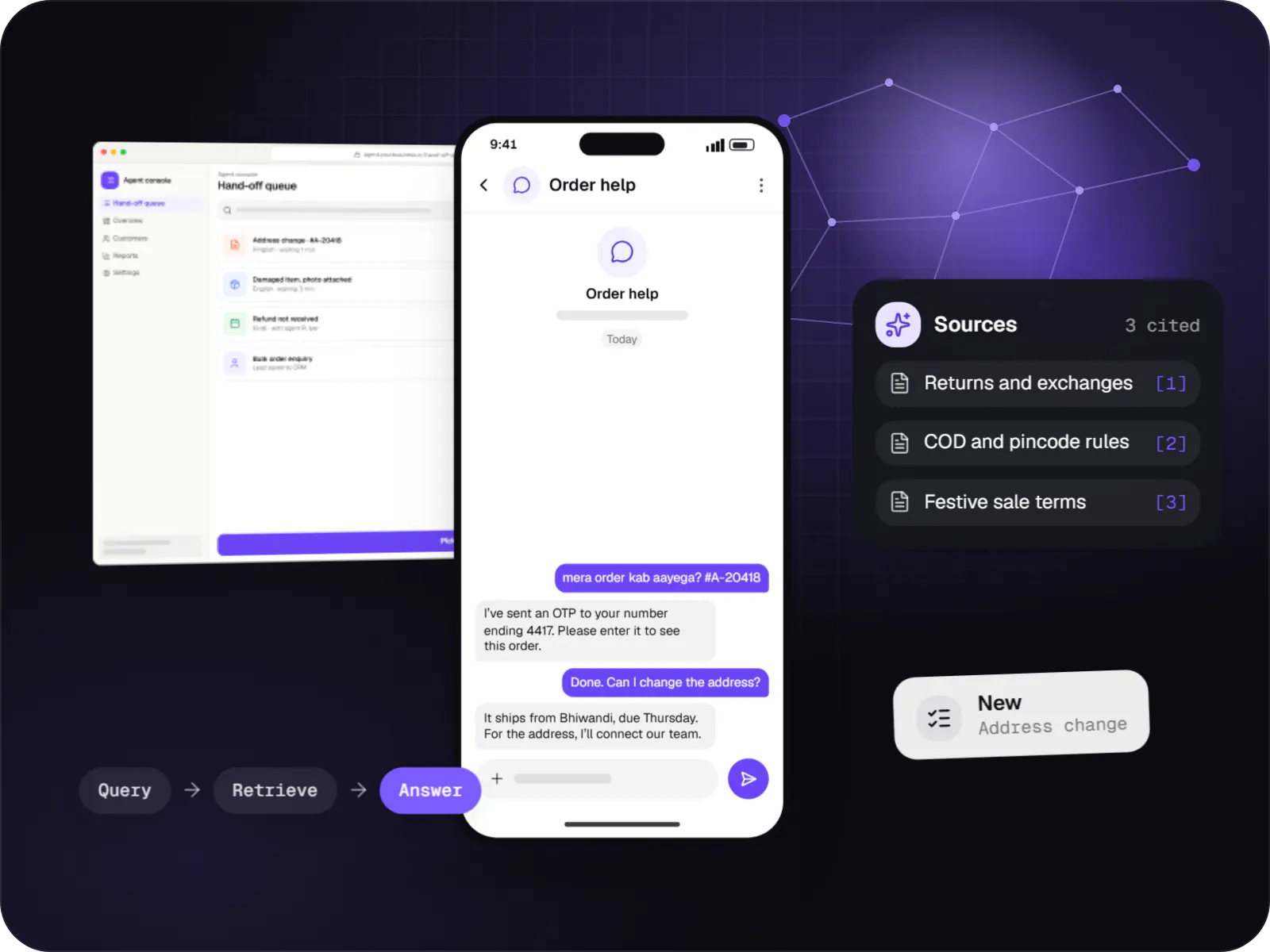
Support and sales chatbots for web, app and WhatsApp that answer from your own content and hand off to your team.
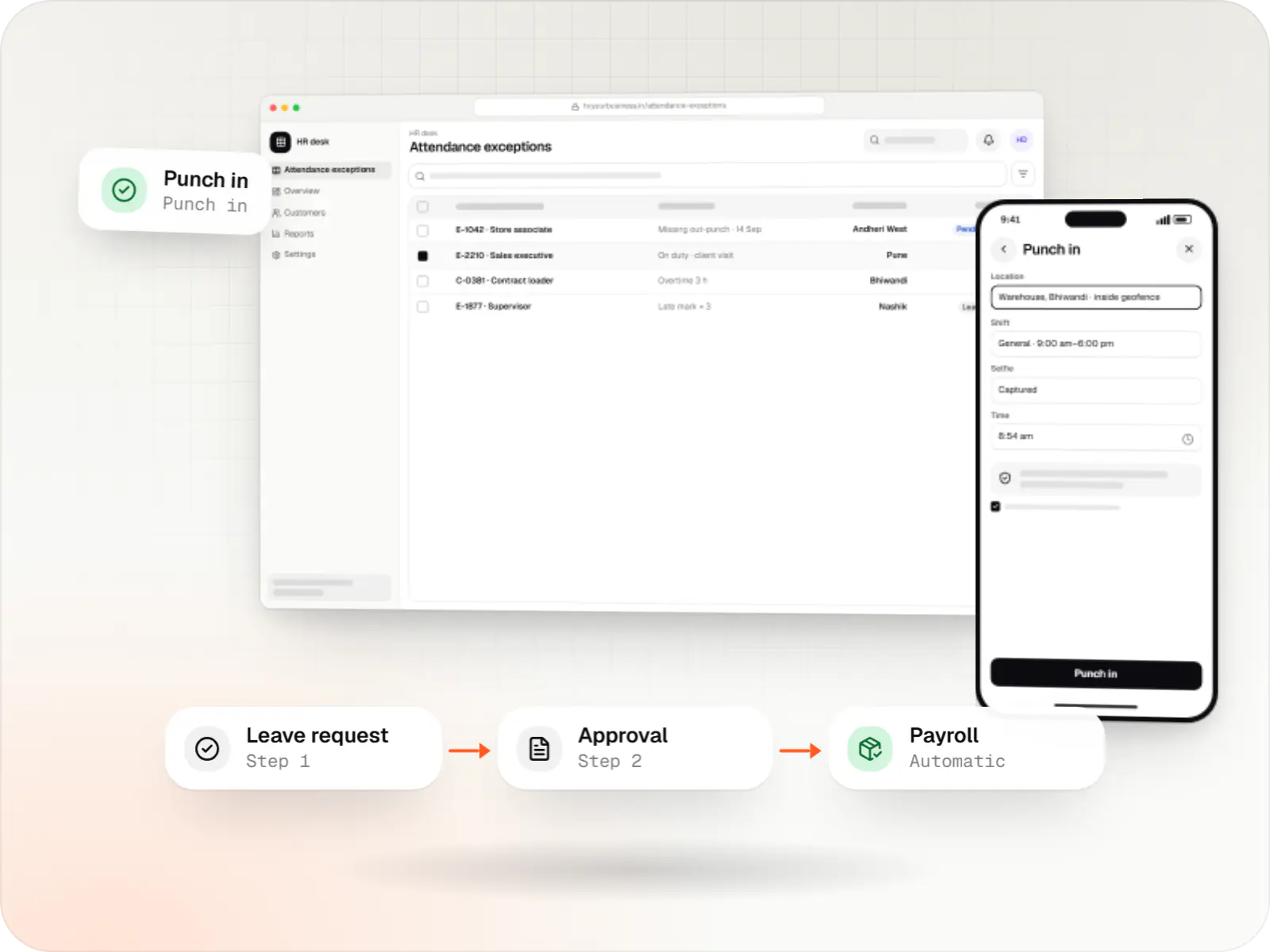
Custom HRMS covering attendance, leave, payroll with Indian statutory deductions, onboarding and an employee self-service app.
Dedicated pages
Online forms, document upload, interaction scheduling, class-wise seat tracking and status updates to parents.
Class-wise fee structures, instalments, concessions, UPI and card payments, automatic receipts and dues reports.
Attendance in a few taps, absence alerts to parents and substitution planning.
Marks entry, grading scales, co-scholastic areas and printable report cards in your board's format.
Live location from a driver app or GPS device, stop-wise arrival estimates and boarding confirmation.
Several children under one login, with notices, fees, results and teacher messages within set hours.
Student and staff data prepared for UDISE+ and board registrations without re-entry.
How it works
One record per student connects admission, fees, attendance, transport and results, so nobody types the same details twice.
The admission form, documents and interaction slot are handled online, and the office sees class-wise seats fill up as applications arrive.
Staff approve the admission, apply sibling or staff concessions and send the fee schedule to the parent app in one step.
Instalments are paid by UPI or card and the receipt appears at once. Reminders for overdue fees go out without anyone making calls.
Attendance takes a few taps each morning, and parents of absent children are alerted within minutes.
The driver's phone shares the bus location, parents see an arrival estimate for their stop, and boarding is confirmed at pickup.
Marks and co-scholastic grades flow into your board's report card format, so teachers stop formatting report cards by hand at the end of each term.
Admissions, collections, dues and attendance are visible by class or branch, ready for the management meeting.
Platforms
Apps for Android phones and tablets, tested on budget and mid-range devices and published on Google Play or privately.
Apps for iPhone and iPad, built to Apple's guidelines and released through TestFlight and the App Store.
Browser-based applications with logins, roles and workflows, such as customer portals, SaaS products and internal tools.
Back-office panels for operations, support and finance teams: orders, users, content, reports and permissions.
Marketing and content websites: fast, search-friendly pages with a CMS your team can update without a developer.
Technology
Flutter builds one light parent app for Android and iOS, Google Maps shows the school bus approaching each stop, Firebase delivers instant alerts, and Razorpay takes UPI fee payments with automatic receipts.
Mobile
Build Android and iOS apps from one shared codebase, so you launch on both platforms faster with a consistent experience.
Used for
Web
A modern web technology for fast, search-friendly websites, online stores and web applications that load quickly on mobile.
Used for
Backend
A structured way to build back ends on Node.js, so large business systems stay organised, testable and easy to hand over.
Used for
Data
A reliable database for the records your business runs on: orders, payments, bookings and stock, kept accurate and easy to report on.
Used for
Cloud & DevOps
Ready-made building blocks for mobile apps, such as push notifications, phone OTP login and crash reports, so you launch sooner.
Used for
Payments & maps
Adds maps, address search, live tracking and travel-time estimates to delivery, ride and field apps, so orders reach the right door.
Used for
Payments & maps
Lets customers in India pay by UPI, cards, netbanking or wallets, and handles subscriptions, refunds and payouts to sellers or partners.
Used for
Flutter and the related logo are trademarks of Google LLC. We are not endorsed by or affiliated with Google LLC.
Plain-English glossary
Product preview
Illustrative screens: names, classes and amounts are examples.
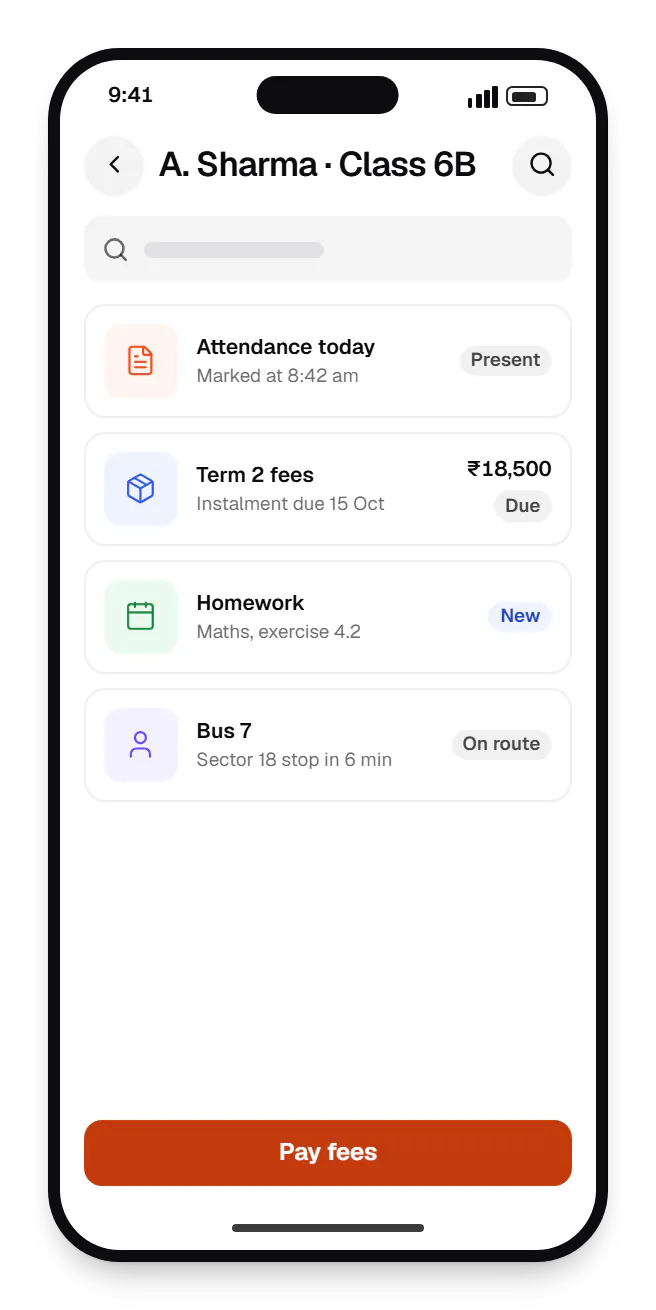
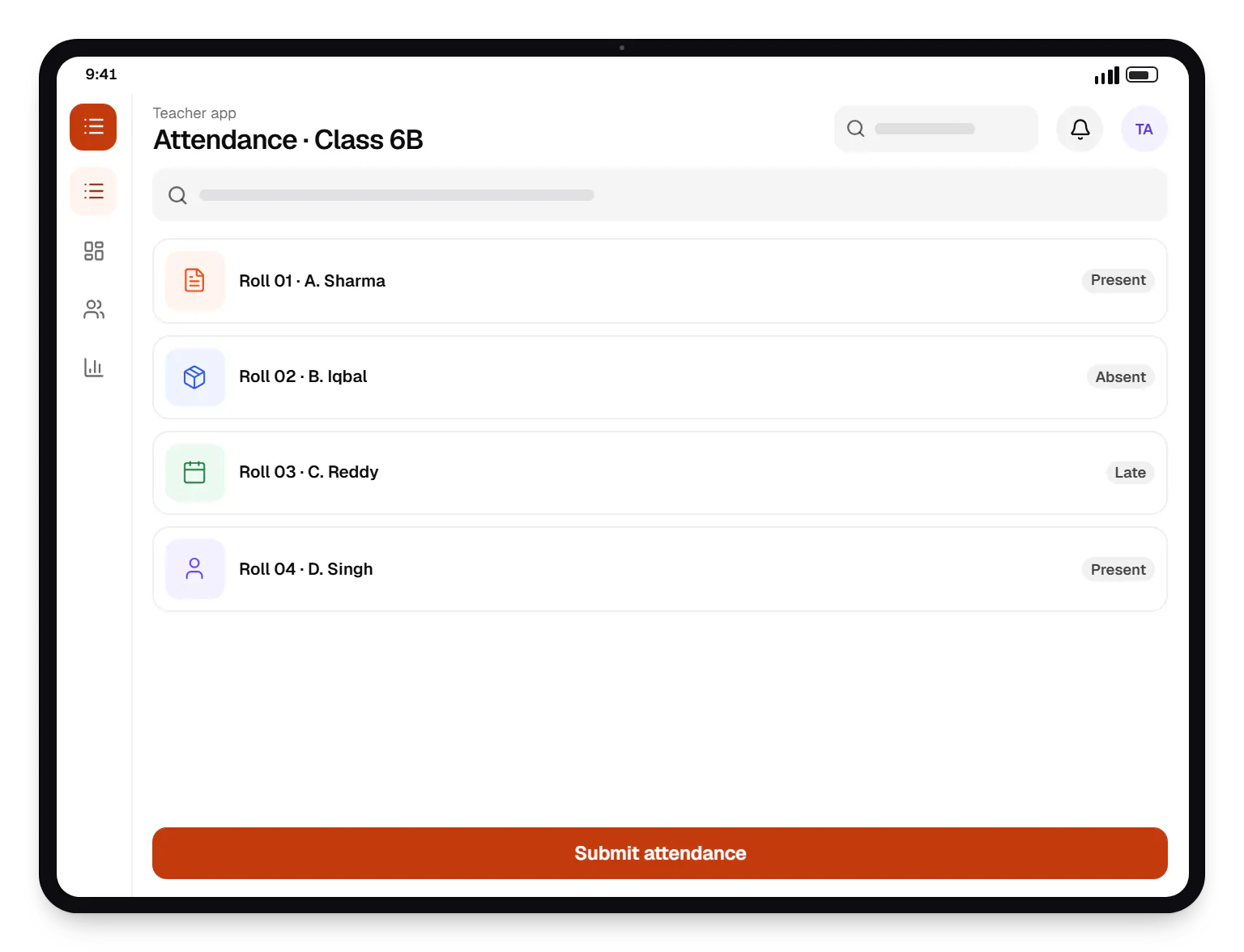
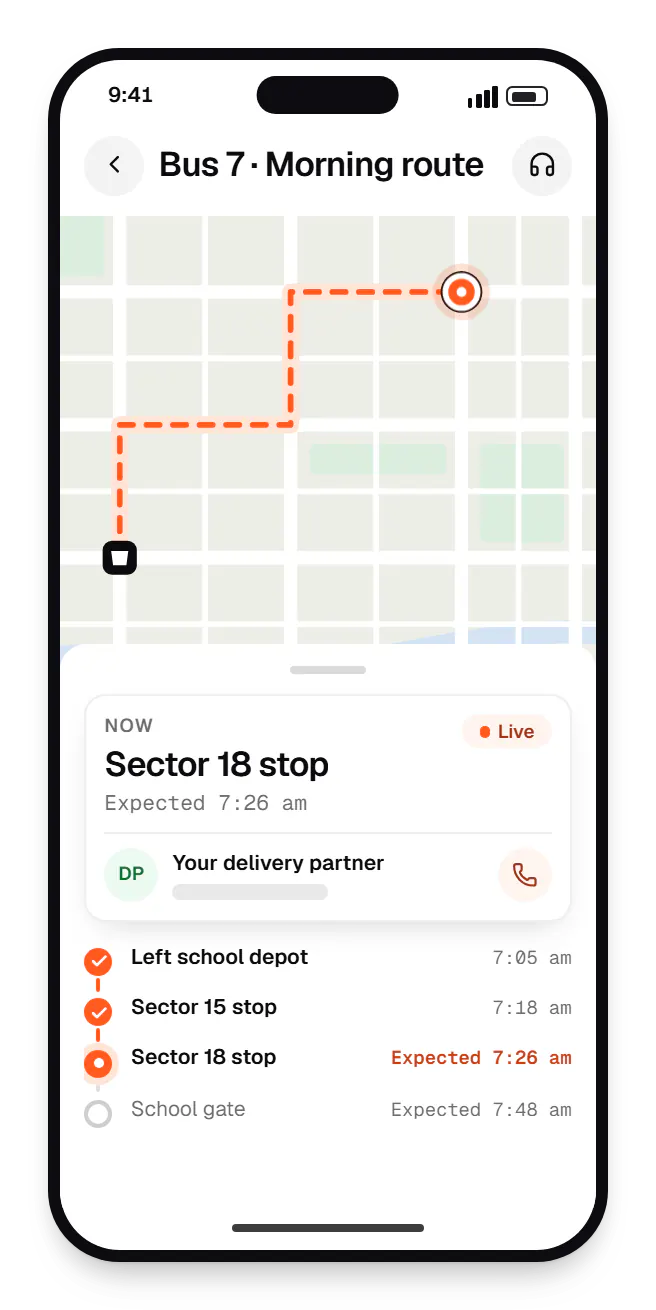
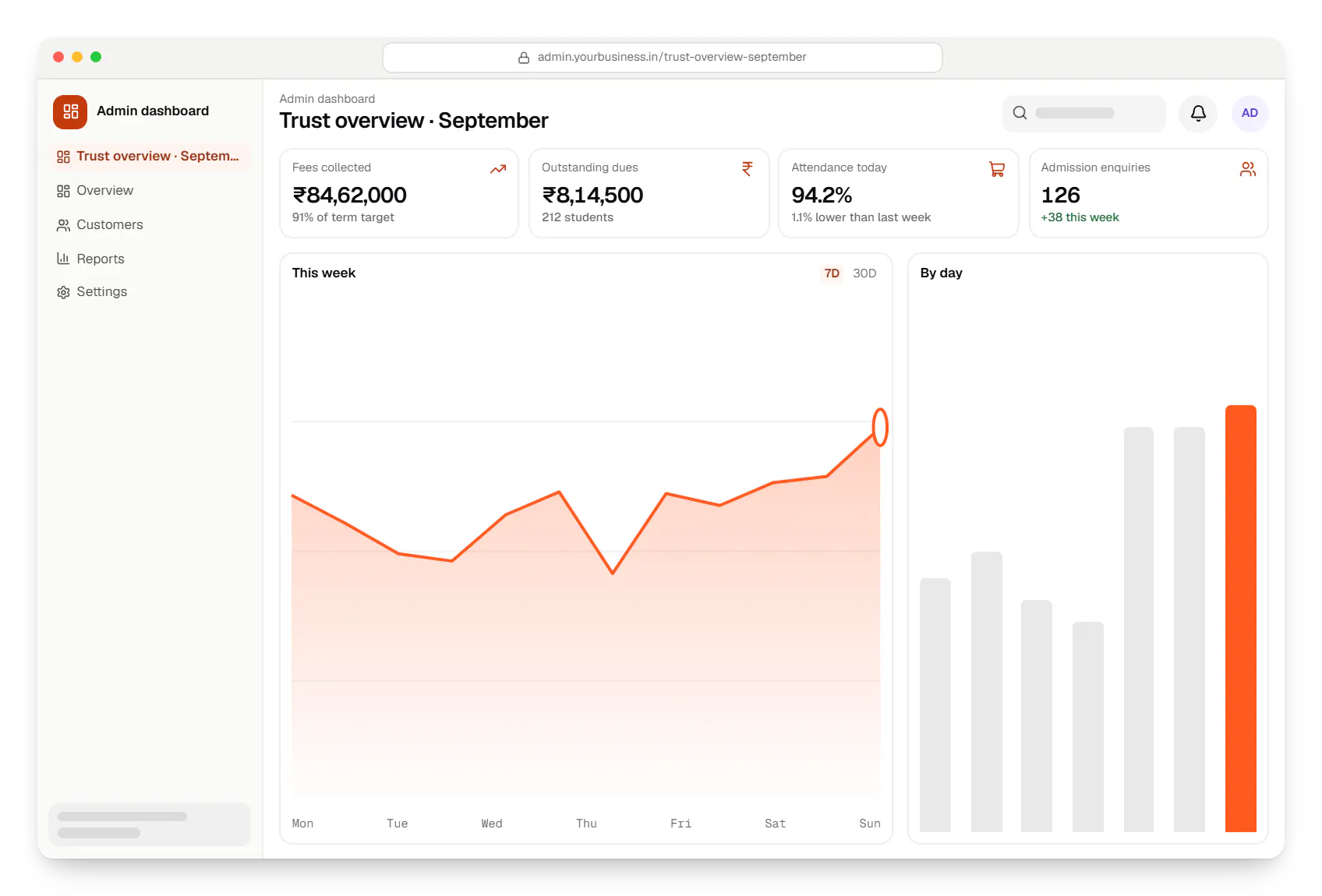
Sample screens: names, prices and figures are examples, not client data.
Cost drivers
Fees, attendance and a parent app make a practical first release; exams, transport and learning features can follow.
Importing student, fee and ledger history per branch takes planning and validation.
Using the driver's phone is quicker to roll out than integrating GPS devices already fitted in buses.
Supporting CBSE, ICSE and state-board report formats, or several at once, adds template work.
Estimates are written from your scope, with the effort and assumptions behind each line item.
How pricing worksServices
The design and engineering services our in-house team combines on projects in this sector.

Browser-based products, customer portals, dashboards and internal tools, built on clean data models with secure roles and integrations.

Native and cross-platform Android and iOS apps, from first release through regular store updates, built by our in-house designers and engineers.

Back-office dashboards built around your team's daily tasks: order queues, approvals, catalogue management, payouts, reports and audit logs.

Android and iOS apps from one Dart codebase, built by engineers who know when Flutter is the right call and when native code is needed.

Product design for web and mobile apps: research, user flows, wireframes, prototypes and design systems that engineers can build from.
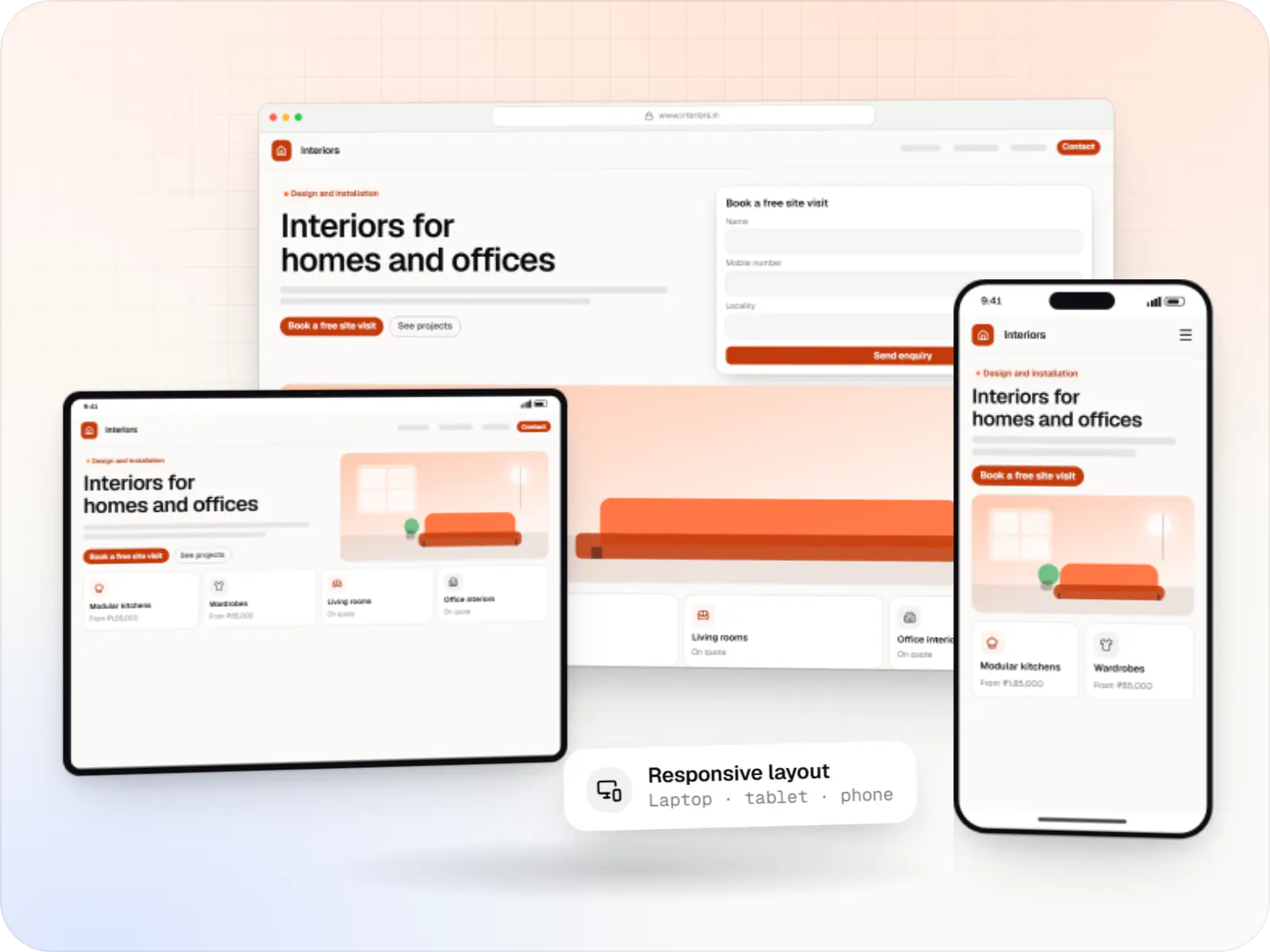
Fast, SEO-ready company and marketing websites with a CMS your team can edit, designed and built by our in-house team.
Work
Illustrative projects that show how we would approach a product in this sector.
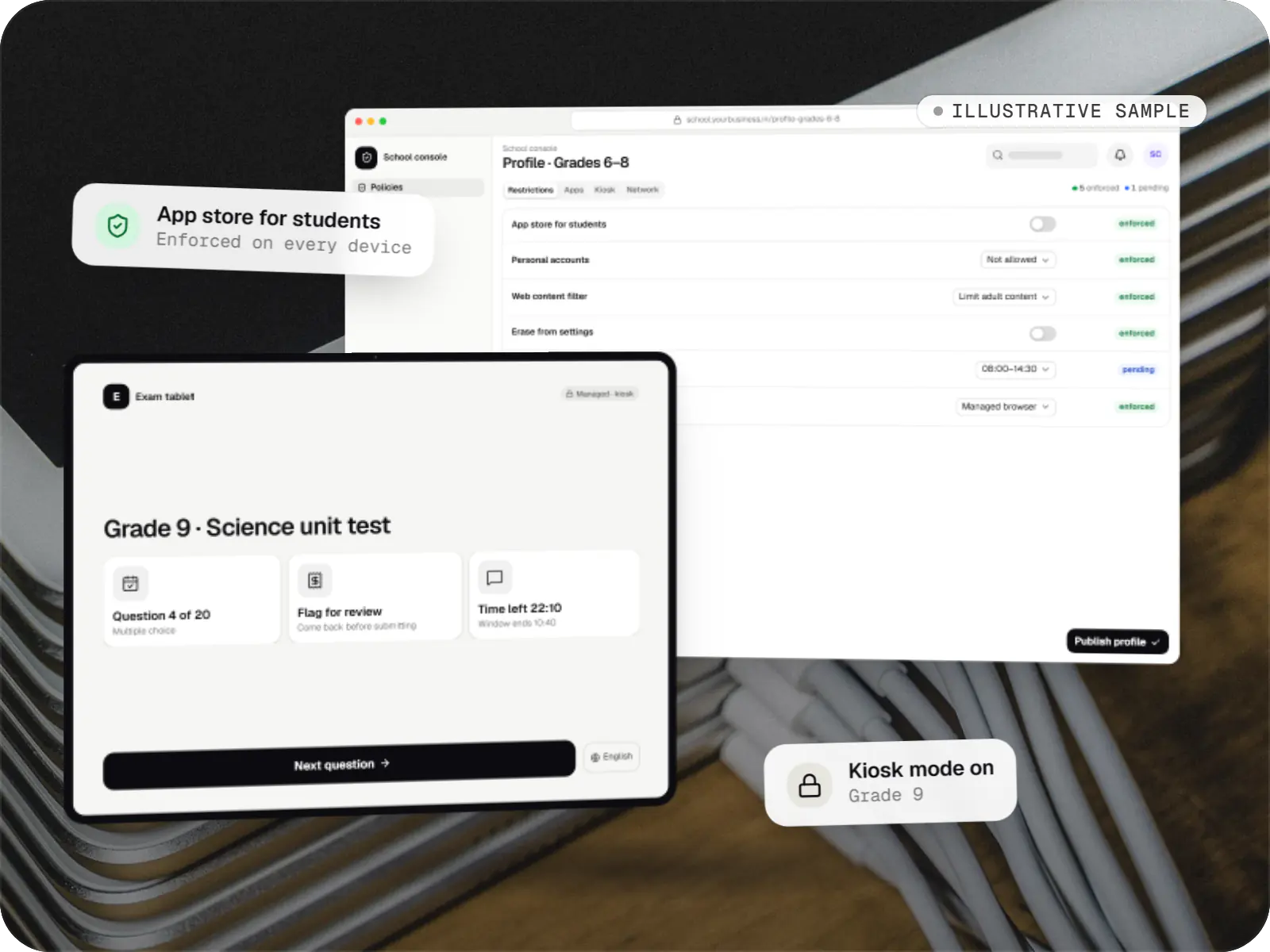
Device management & kiosk solutions
An illustrative console for school tablets: iPad devices through Apple School Manager and MDM, Android™ tablets through Android Enterprise, with class-based rules teachers can follow.
Runs on
Built with
Locations
Cities where this sector is a significant part of the local economy. We work remotely with teams across India and meet in person where practical.

Uttar Pradesh
FAQ
For a single school, a first release with admissions, fees, attendance and a parent app typically takes eight to fourteen weeks to build and configure, depending on how much is customised. Data migration and staff training run in parallel during the last few weeks. We recommend going live at the start of a term or academic year, so fee structures and class allocations begin clean rather than mid-cycle.
No. The parent app is one channel, not the only one. Notices, fee reminders and absence alerts can also go by SMS or through the WhatsApp Business Platform, and receipts are shared as links or PDFs. The app itself is kept light, works on older Android versions and caches information for weak connections. The office can see which parents have not installed it and keep reaching them through other channels.
The DPDP Act requires verifiable consent from a parent or guardian before processing a child's personal data, and restricts tracking, behavioural monitoring and targeted advertising aimed at children. We build consent capture into admissions, limit staff access by role, encrypt data, log who viewed or changed records, and leave third-party analytics and ad SDKs out of parent and student apps. The school remains the data fiduciary, so we document data flows to support your leadership's decisions.
Usually, yes. Most school software can export student lists, fee ledgers and marks to Excel or CSV, and we map those into the new system with validation reports that flag duplicates, missing admission numbers or unbalanced ledgers. Where only printed reports exist, we agree a cut-off date and import opening balances rather than full history. A trial migration comes first, so your office can check totals before the final switch.
Yes. Branches share one platform with separate data per school, plus a trust-level dashboard for admissions, collections, dues and attendance across branches. Fee structures, academic calendars and report formats can differ by branch while staff logins stay limited to their own school. Central teams can still send group-wide notices, and adding a new branch becomes configuration rather than a fresh installation.
Next step
Tell us your board, student numbers and branches, and which tasks take the most time today. We will suggest a phased plan and a line-item estimate.