

Skip to content
Softcoderz
Illustrative sample

Device management ยท Education

Tablet management console for schools

One console for school iPad devices and Android tablets: grade rules, exam locks and yearly resets that a single IT person can run.

Not client work. This sample shows how we would scope and build this type of product. Names and figures in any previews are invented.

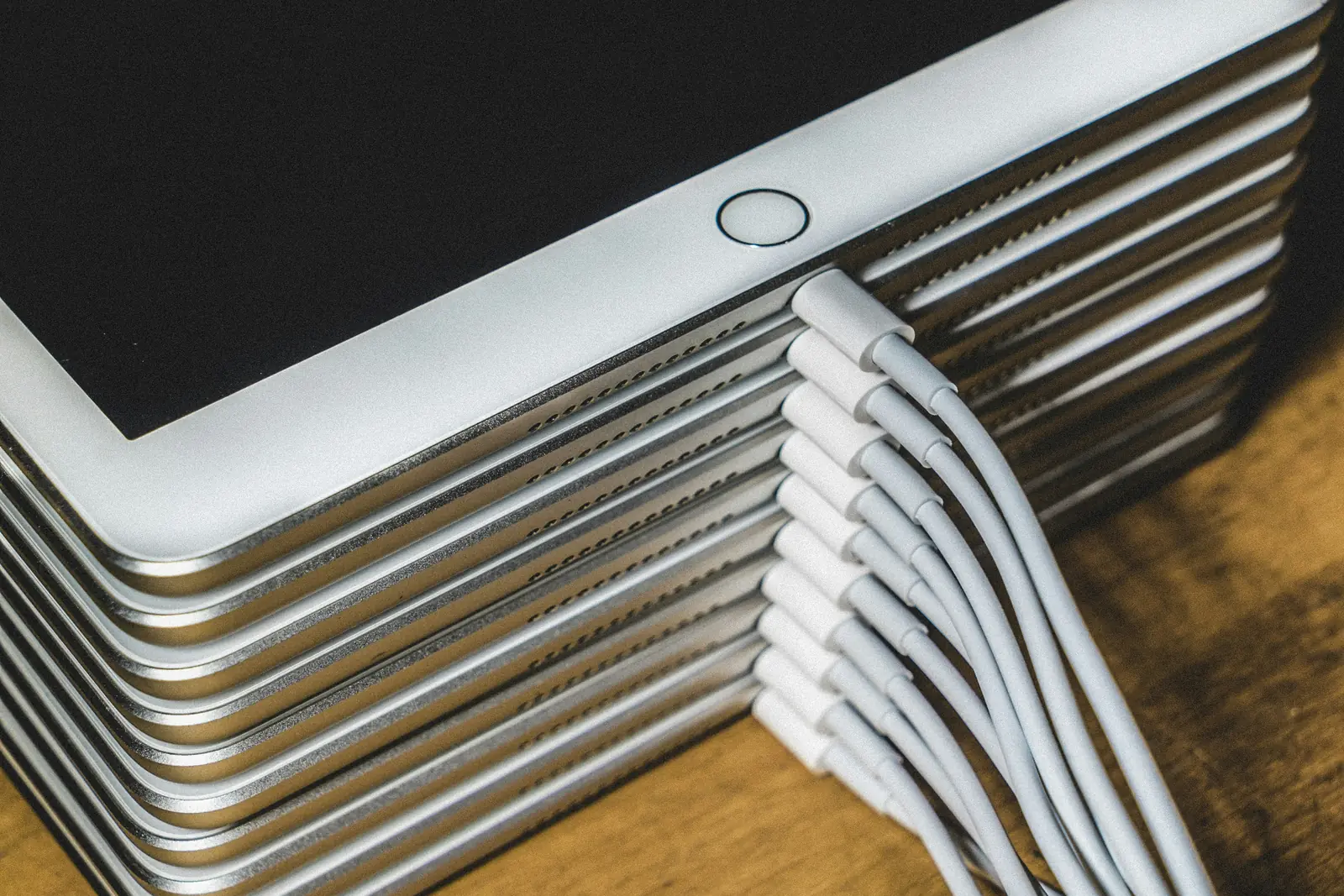
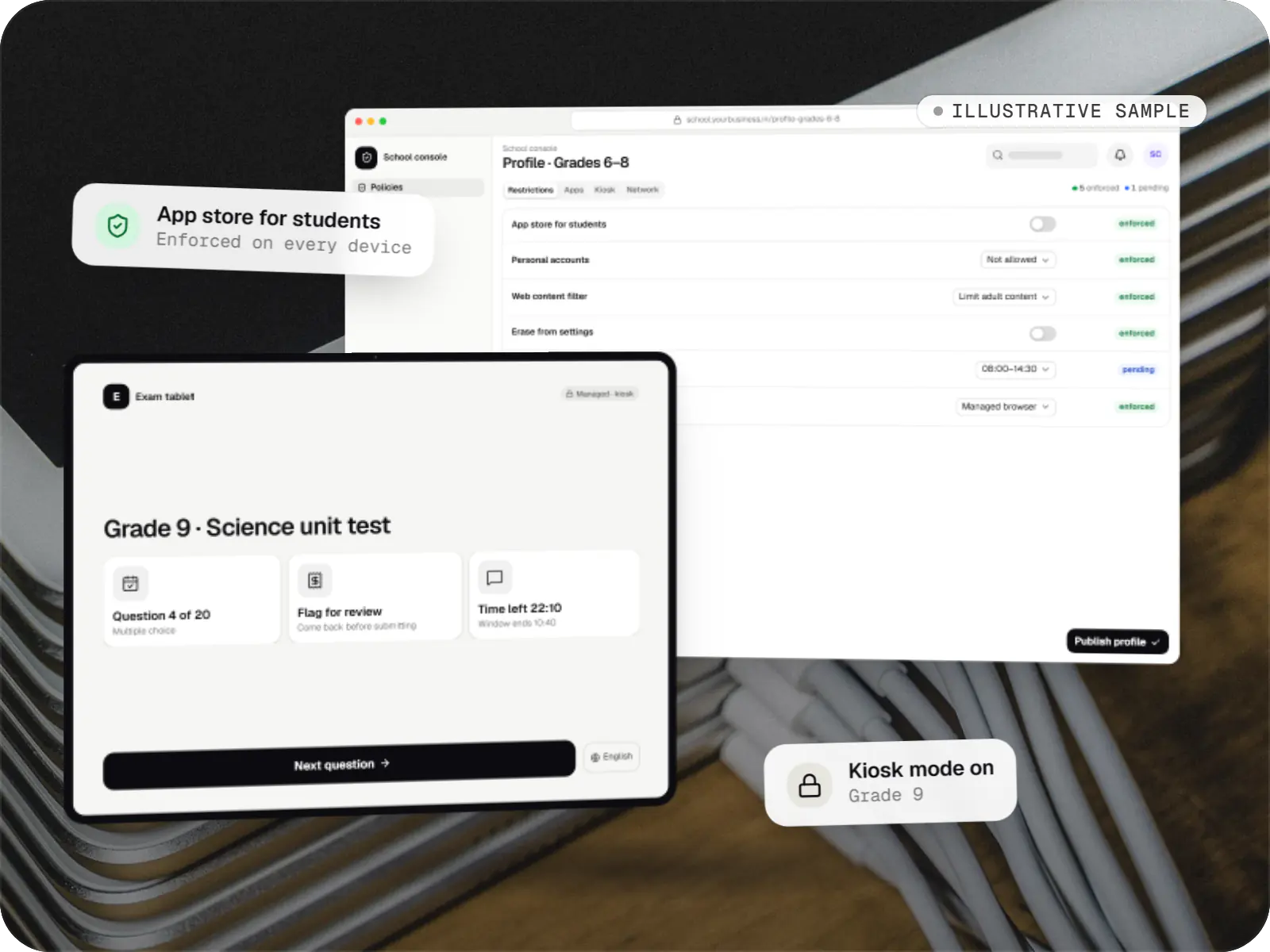
Sample tablet management console for schools: school console and exam tablet apps over a photo of tablets in a charging cart
Illustrative sampleDevices locked to the job they do, set up and updated from one management console.

Overview

About this sample

This sample project shows how we would approach a managed tablet service that an education-technology company offers to schools, covering iPad and Android tablets in one console. It is illustrative, not client work: schools, classes and figures in the previews are invented.

Project facts

Illustrative sample
Status
Illustrative sample, not client work
Project type
Device management SaaS
Runs on
  • iPhone and iPad
  • Android Enterprise devices
  • Admin dashboard
  • Web application
Built for
  • School IT administrators
  • Teachers
  • Students
  • School leadership
  • Parents
Typical timeline
Typical build: 20โ€“26 weeks to a pilot in one school, with iPad support first and Android tablets in a second phase

Product preview

The school console and a locked exam tablet

Illustrative screens. Schools, classes and figures are invented.

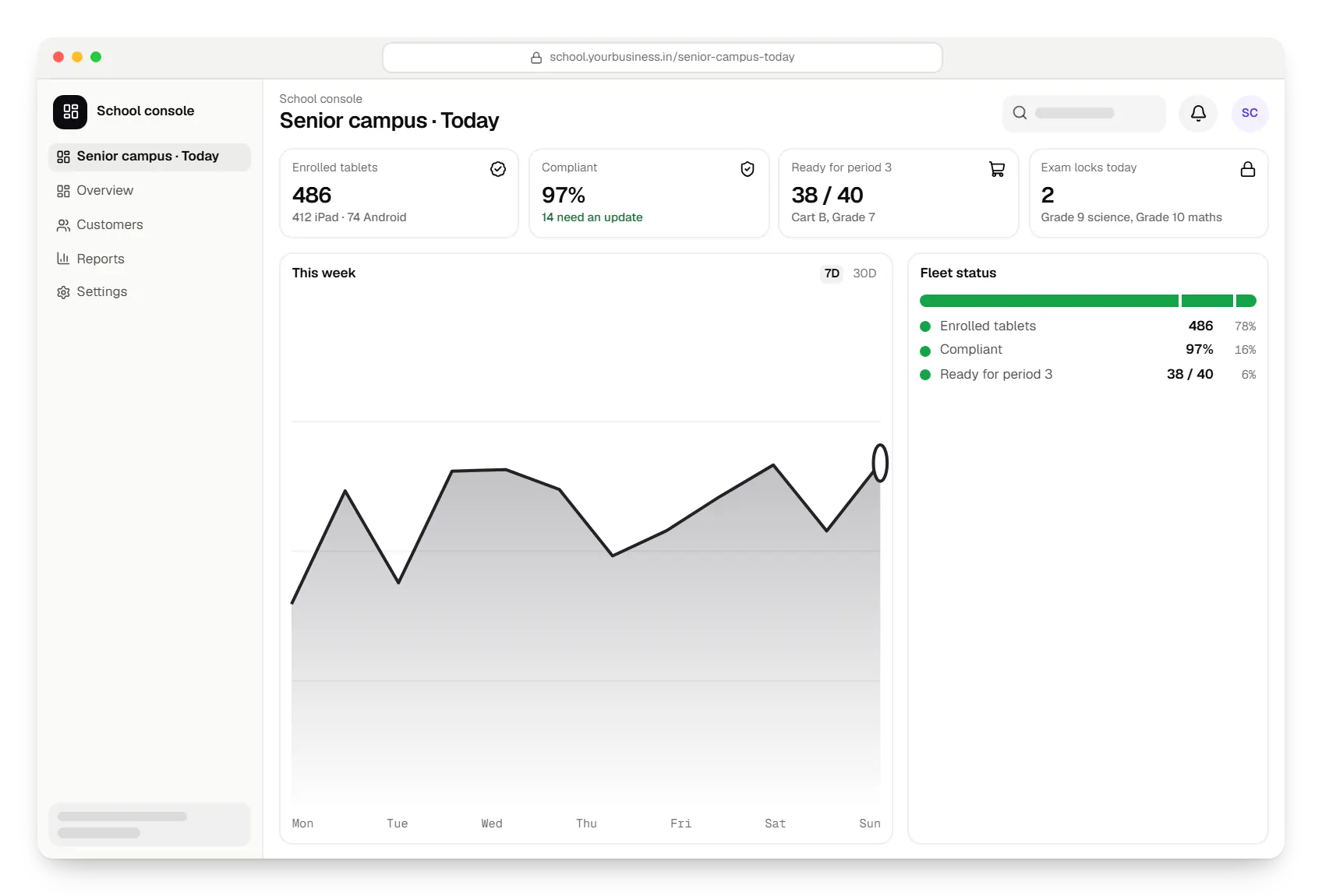
  • Tablet management for schools school console dashboard in a web browser, with key figures and a chart
    School console. The IT administrator and principal see readiness at a glance: tablets enrolled, compliant and ready for today's classes, and which exam locks are scheduled.
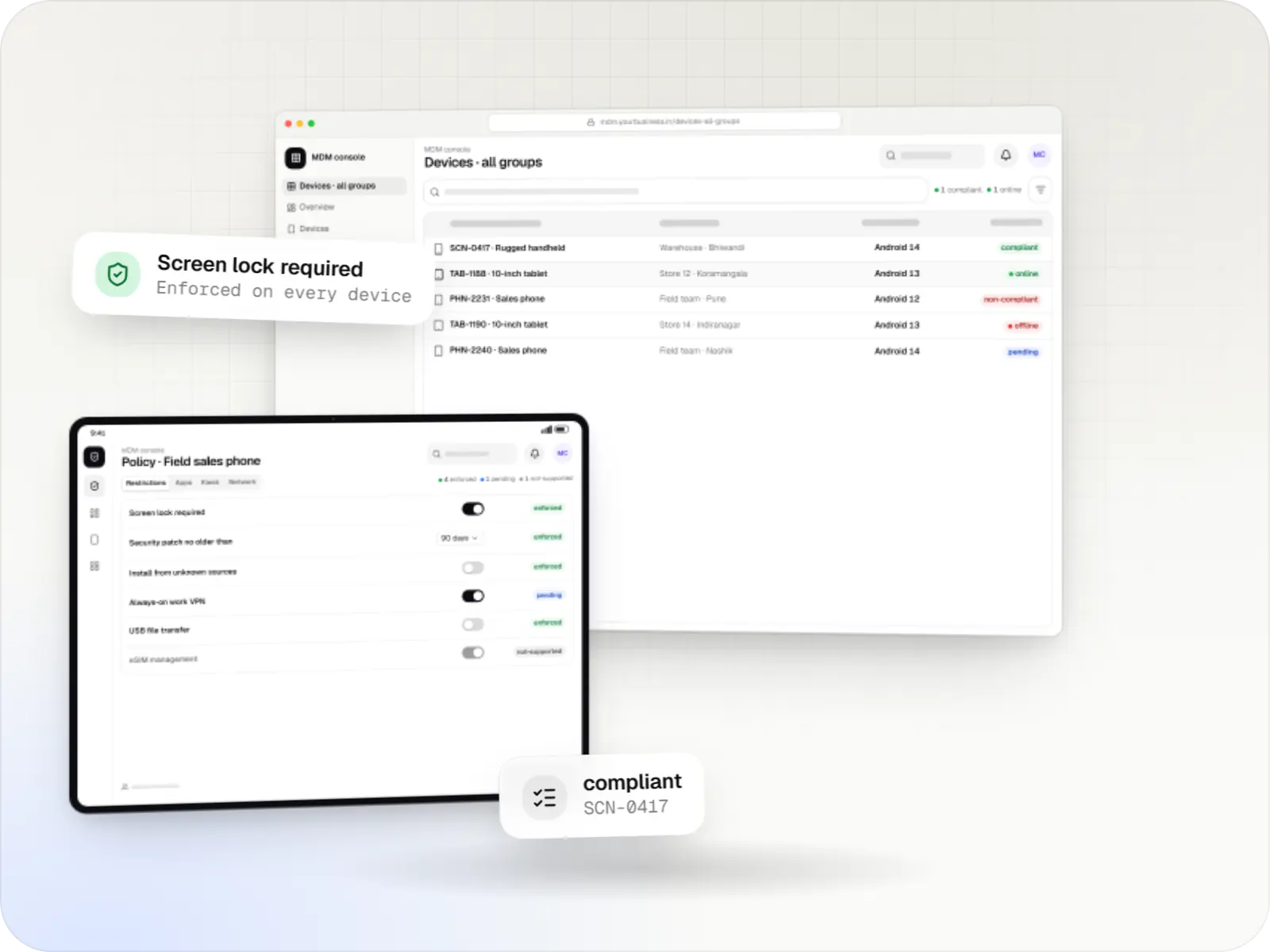
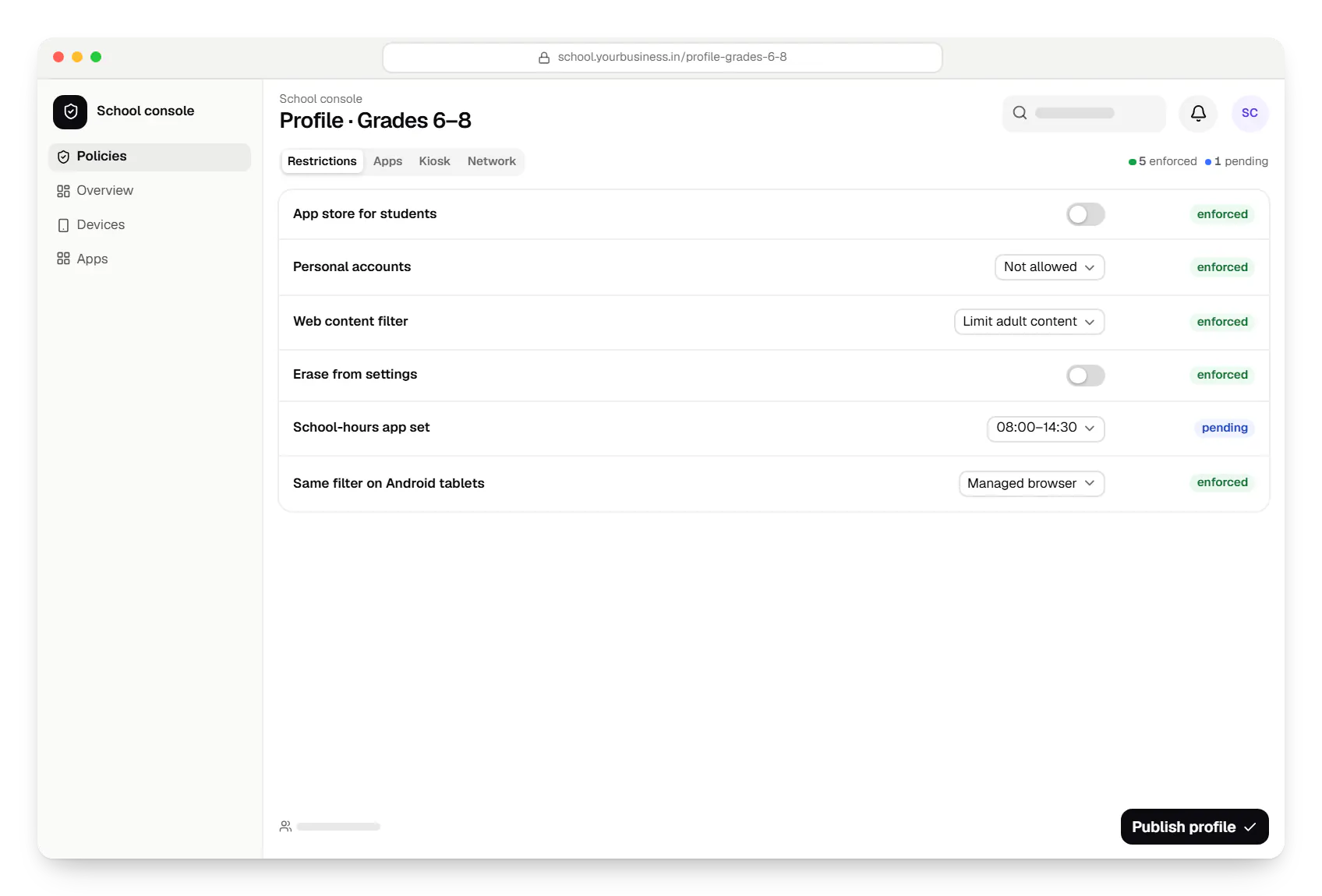
  • Tablet management for schools school console policy settings in a web browser
    School console. Each grade has one profile in plain language, so school leaders can read what is on and off without knowing the underlying settings.
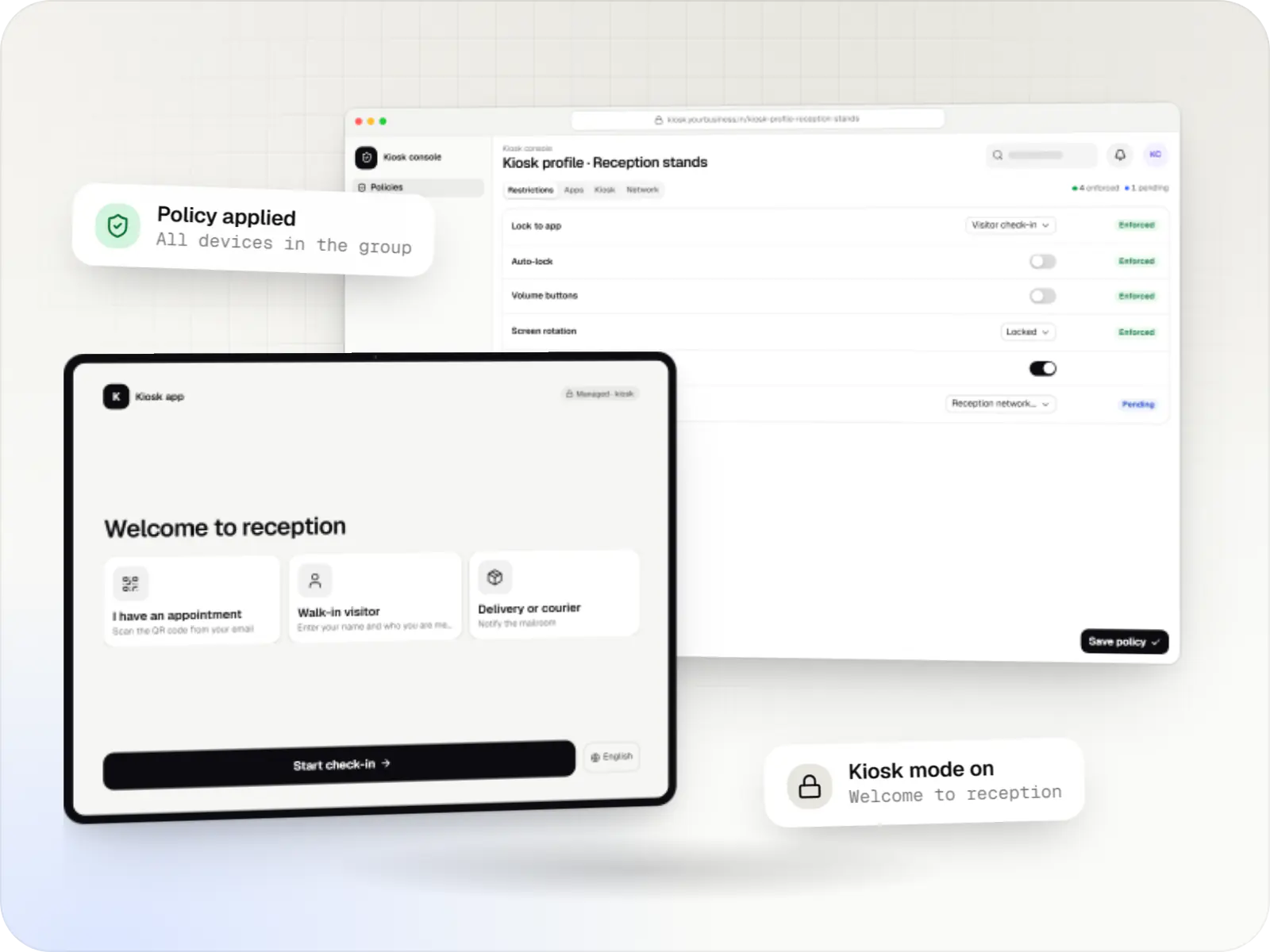
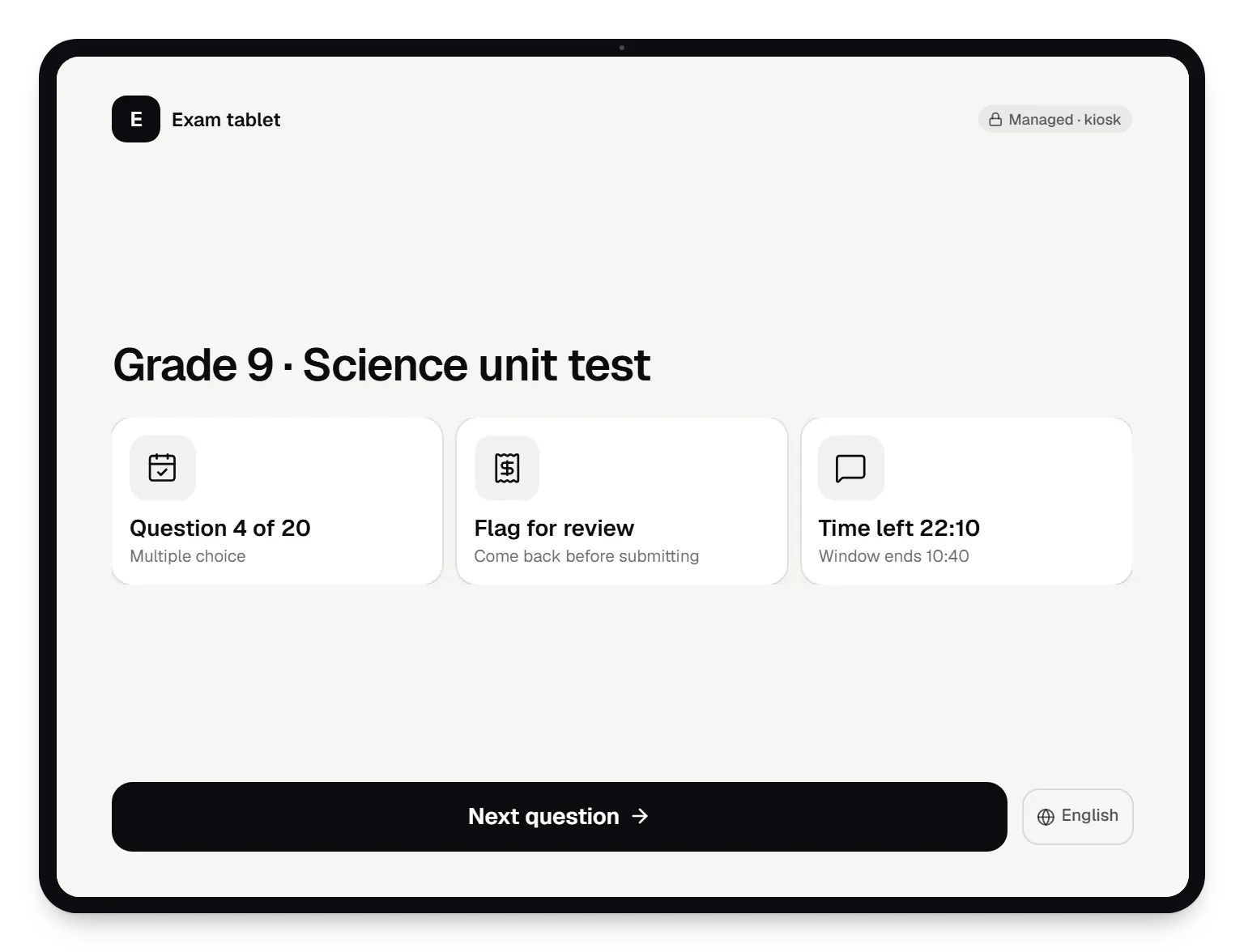
  • Management console for schools exam tablet locked kiosk screen on a tablet
    Exam tablet. On exam days, tablets lock to the test app for the scheduled window and unlock when it ends, so teachers never change device settings in class.
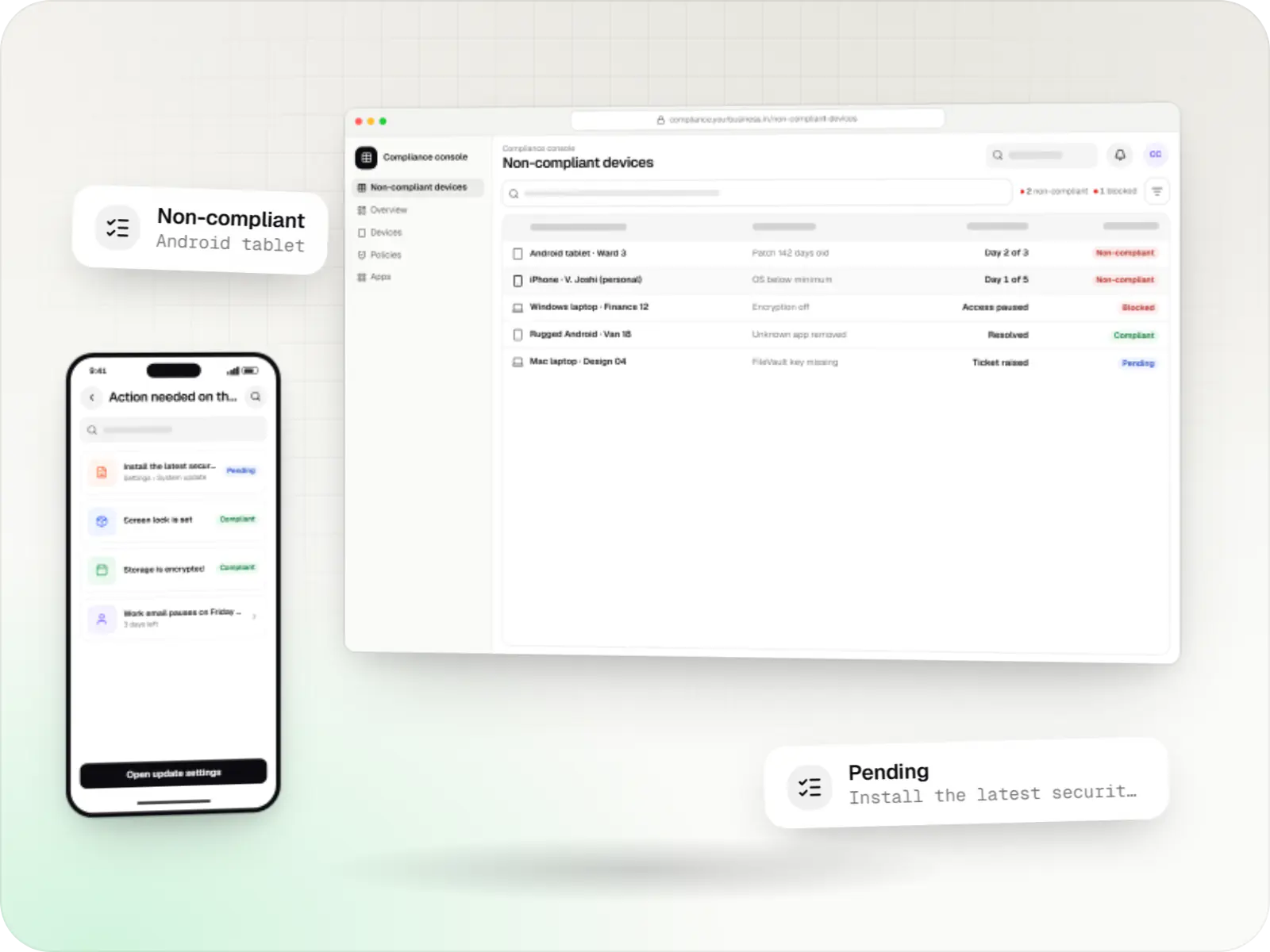
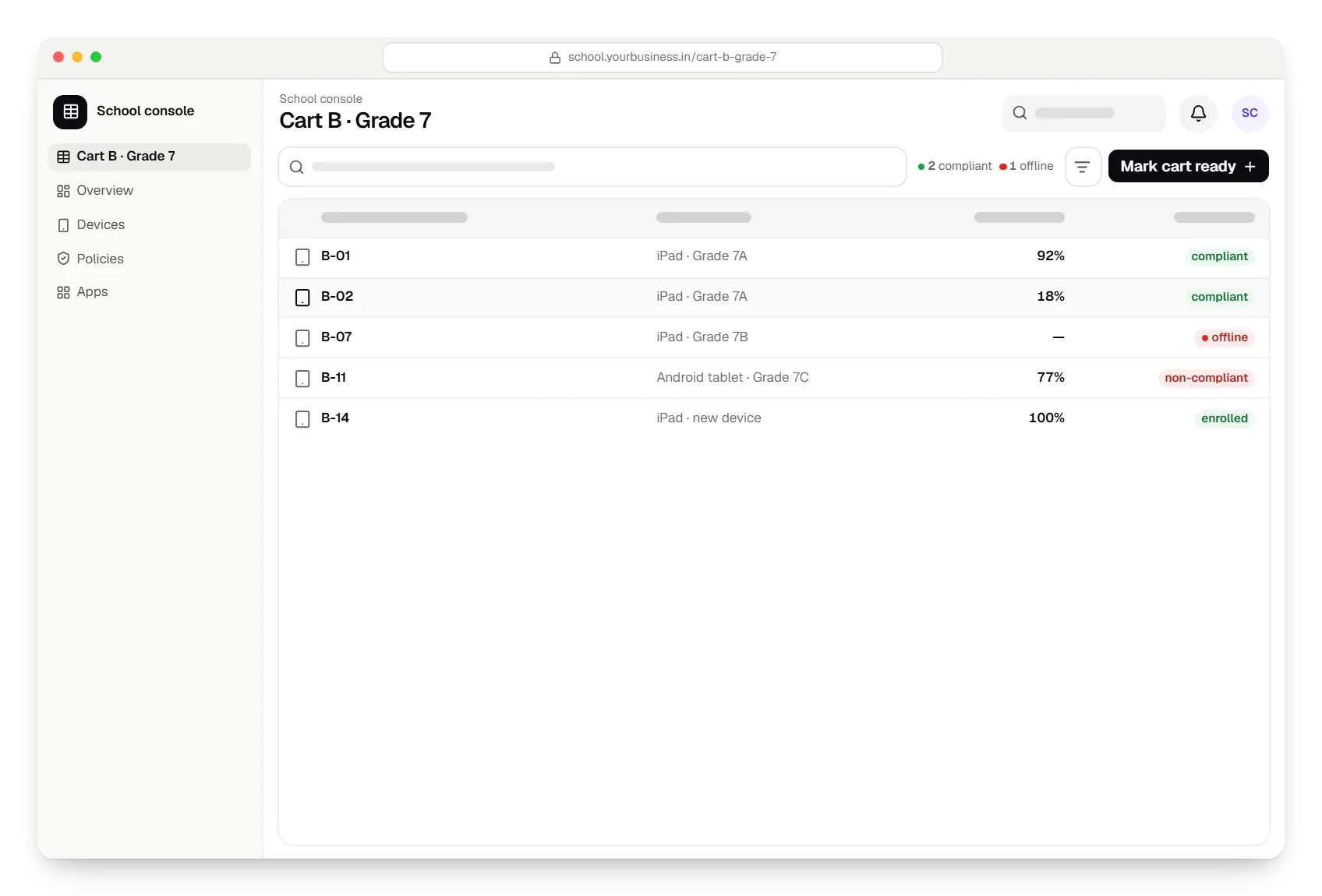
  • Tablet management for schools school console cart B table in a web browser, with 5 rows and status labels
    School console. Devices are listed by cart, class and charge, so staff can find a missing or flat tablet before the period starts.
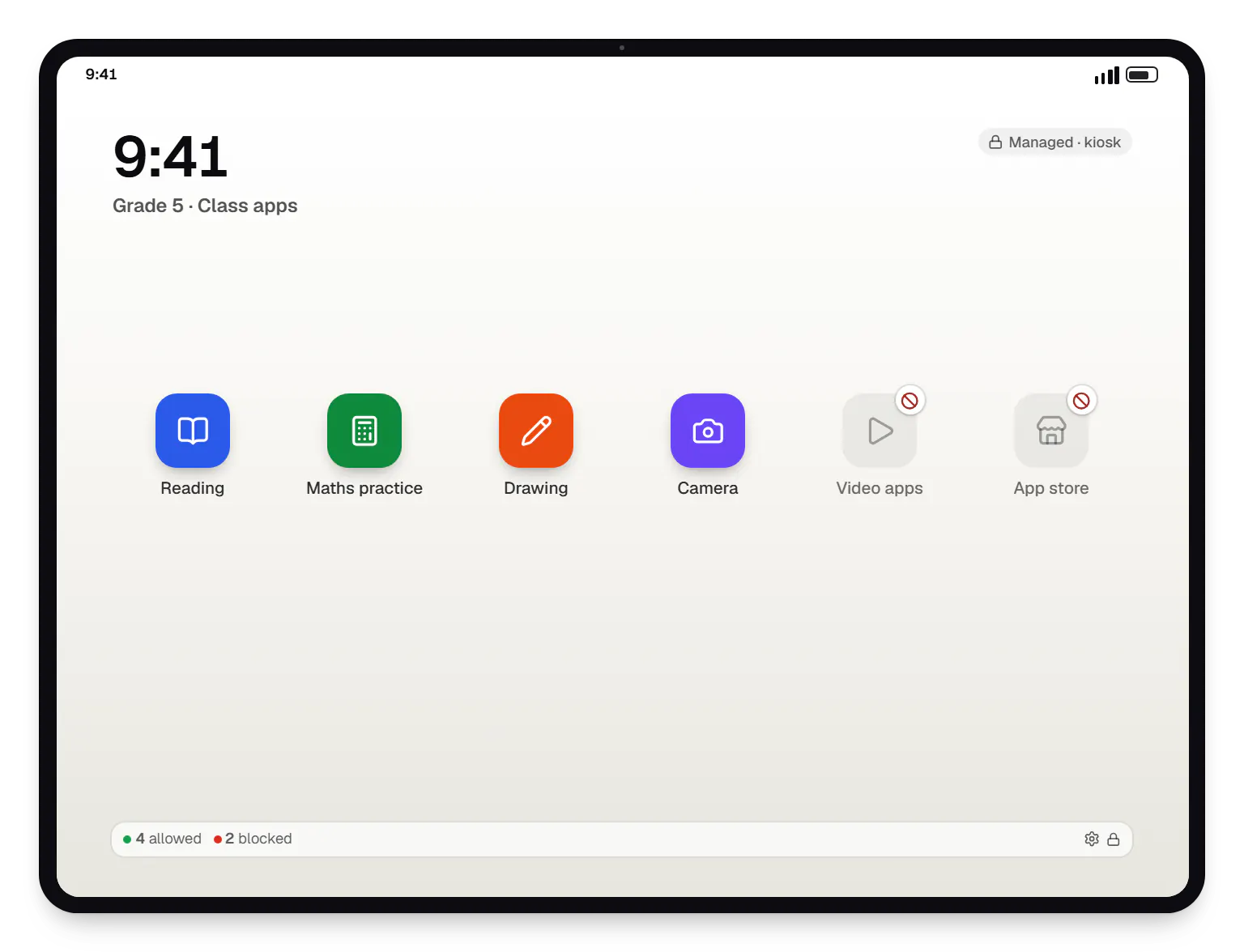
  • Management console for schools class tablet app launcher on a tablet
    Android class tablet. On Android tablets for younger students, a multi-app home screen shows only the reading, maths and drawing apps approved for the grade.
Illustrative preview

Sample screens: names, prices and figures are examples, not client data.

How it works

How a school tablet is set up, used and reset each year

Each step is the same for iPad and Android tablets; only the platform service underneath differs.

  1. School IT administrator

    Step 1: School orders tablets

    iPad devices come through a reseller linked to Apple School Manager; Android tablets through a zero-touch reseller, or reset and enrolled with a QR code.

  2. Setup Assistant or setup wizard

    Step 2: Devices enrol at first switch-on

    Each tablet contacts the console during setup, joins its school and arrives supervised or fully managed.

  3. School console

    Step 3: Grade profile applied

    Restrictions, web filtering, Wi-Fi and the grade's approved apps are applied, with the app store off for students.

  4. School console

    Step 4: Class apps deployed

    Subject apps install silently, through volume licences on iPad and managed Google Play on Android, so no student signs in with a personal account.

  5. Teacher

    Step 5: Lessons and exams

    Teachers run lessons with the class tools; on exam days tablets lock to the test app for the scheduled window.

  6. School IT administrator

    Step 6: Monitoring and compliance

    The console flags devices that are offline, uncharged, missing updates or out of profile, and logs every lock or erase.

  7. School console

    Step 7: End-of-year reset

    Devices are erased and set up for next year's classes; with Return to Service, iPad devices on iPadOS 17 or later rejoin Wi-Fi and management on their own.

Then it starts again at step 1: School orders tablets

How we would build it

From the problem to the architecture

The challenge

Schools use more tablets in class every year, but most have one IT person, if any.

  • Consumer settings on school devices: students install games, add personal accounts and change settings.
  • Tablets shared across classes: one cart serves several sections a day, each needing different apps.
  • Exams on tablets: a test must lock every device to one app, then release it afterwards.
  • Child safety and consent: web access needs filtering, and India's Digital Personal Data Protection Act generally requires verifiable parental consent for children's data and restricts tracking them, with narrow exemptions for schools in the DPDP Rules, 2025.
  • Two platforms: many schools own both iPad devices and Android tablets and want one place to manage them.
  • End of year: hundreds of devices must be erased and set up again for new students.
Our proposed solution

  • School console (Next.js): devices organised by campus, grade, section and cart; a profile per grade; app sets per subject; an exam calendar; and readiness reports for the principal.
  • Teacher view: a simple page to check which tablets are ready for a class, request an exam lock and report a broken device. For live lesson control on iPad, teachers use the Classroom app.
  • iPad management: built on the Apple MDM protocol, with devices assigned in Apple School Manager and set up through Automated Device Enrollment.
  • Android management: built on the Android Management API for Android tablets bought through zero-touch resellers or enrolled with a QR code.
  • Parent notices: consent forms and plain-language notices that explain what the school can and cannot see.

Architecture

  • Tenancy: one tenant per school or school group, each with its own Apple School Manager connection and Android enterprise.
  • Apple side: MDM check-in and command services with pushes through APNs, declarative device management where the iPadOS version supports it, and class groups built from Apple School Manager rosters.
  • Android side: a policy per grade through the Android Management API; the exam lock is a kiosk policy applied on schedule and removed afterwards.
  • Scheduling: exam windows and school-hours rules run as scheduled jobs that apply and remove profiles or policies, with a log of every change.
  • Data: PostgreSQL for schools, devices and audit logs, with student data limited to names, classes and device assignments; Redis for command queues.
  • Certificates: the product owner holds the MDM vendor certificate from Apple and signs each school's push certificate request; each MDM push certificate is renewed every year with the same Apple Account.

Key features

What the product does

8 capabilities that shape the scope and the estimate.

  • Devices grouped by campus, grade, section and cart
  • Grade-level profiles with restrictions and web content filtering
  • Exam lock to a single app on a schedule, released automatically
  • App sets per subject using volume app licences
  • Shared iPad support for carts used by several classes
  • End-of-year erase and re-setup with Return to Service on iPad
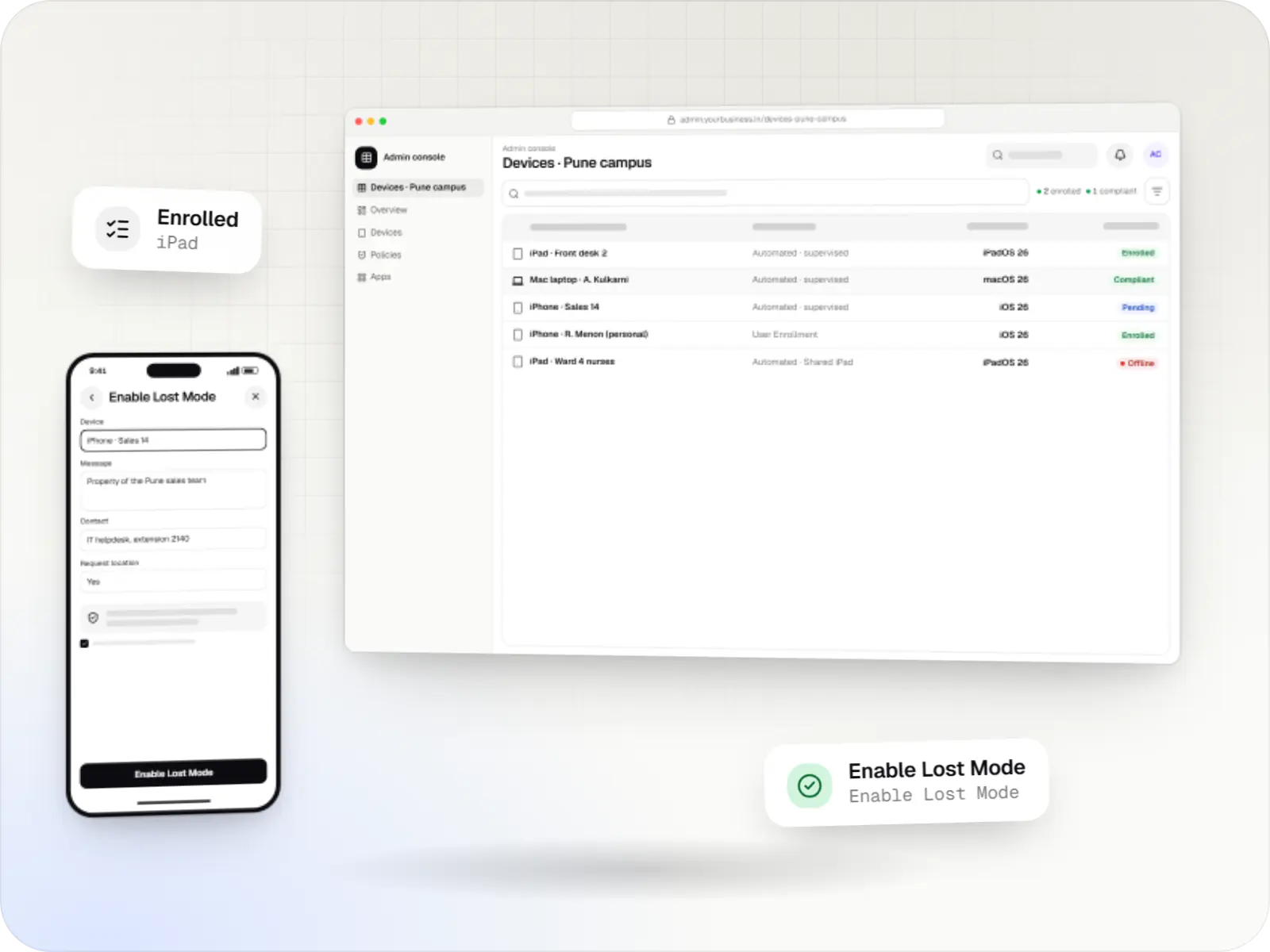
  • Managed Lost Mode for lost, supervised iPad devices
  • Parent consent forms and device-use notices

Platforms

Where the console runs

School-owned iPad devices and Android tablets in classrooms, and a web console for IT staff, teachers and school leaders.

  • Mobile

    iPhone and iPad

    Organisation-owned or shared iPhone and iPad devices enrolled in MDM through Apple Business or Apple School Manager, supervised for Single App Mode and stricter restrictions.

  • Mobile

    Android Enterprise devices

    Android phones, tablets and rugged handhelds with Google Play services, managed through Android Enterprise: company-owned devices as fully managed, dedicated (kiosk) or work-profile devices, and personal phones through a work profile only.

  • Back office

    Admin dashboard

    Back-office panels for operations, support and finance teams: orders, users, content, reports and permissions.

  • Web

    Web application

    Browser-based applications with logins, roles and workflows, such as customer portals, SaaS products and internal tools.

Technology

Technology behind the school console, and why it matters

The Apple MDM protocol with Apple School Manager for iPad devices, the Android Management API for Android tablets, and a Next.js console on NestJS.

  • Device management

    Apple MDM protocol

    The management channel built into iPhone, iPad and Mac: an MDM server sends settings, apps and commands, and devices apply them remotely.

    Used for

    • iPad kiosks
    • Company iPhone fleets
    • Mac setup and updates
    • School iPad programmes
  • The Apple portal for organisations, now called Apple Business: devices bought from Apple or linked resellers are assigned to your MDM and set up at first power-on.

    Used for

    • Zero-touch device setup
    • iPhone, iPad and Mac rollouts
    • Volume app licences
    • Managed Apple Accounts
  • Device management

    Android Management API

    A Google cloud API for device-management products: your console sets the rules, and a Google app on each Android device applies them.

    Used for

    • Kiosk products for stores
    • EMM and MDM products
    • Policy-based device fleets
    • QR and zero-touch setup
  • A modern web technology for fast, search-friendly websites, online stores and web applications that load quickly on mobile.

    Used for

    • Business websites
    • Online stores
    • Web apps
    • Customer portals
  • Backend

    NestJS

    A structured way to build back ends on Node.js, so large business systems stay organised, testable and easy to hand over.

    Used for

    • Business app back ends
    • SaaS platforms
    • Marketplaces
    • Admin panel back ends
  • A reliable database for the records your business runs on: orders, payments, bookings and stock, kept accurate and easy to report on.

    Used for

    • Orders and customers
    • Payments and ledgers
    • Stock and inventory
    • Bookings
  • Data

    Redis

    Keeps frequently used data in fast memory, so apps stay quick on busy days and live features like order tracking feel instant.

    Used for

    • Faster apps
    • Live order status
    • Shopping carts
    • Job queues and alerts
  • Cloud & DevOps

    AWS

    Cloud hosting for your app, website and data, with data centres in India and room to grow when traffic rises.

    Used for

    • App hosting
    • File and photo storage
    • Backups
    • Busy sale days

Privacy & security

Child safety and privacy by design

  • Parental consent first

    India's Digital Personal Data Protection Act, 2023 generally requires verifiable parental consent for a child's data, and its duties are being phased in by the DPDP Rules, 2025. The console records consent before a student is linked to a device.

  • No tracking of students

    The Act also restricts tracking and behavioural monitoring of children, with narrow exemptions for schools. Location is never collected in class; Managed Lost Mode is used only for a lost device, and each use is logged.

  • Minimal student data

    The console stores names, classes and device assignments, not messages, photos or browsing history, which the management protocols do not provide anyway.

  • Roles for staff

    Teachers see their own classes; only IT administrators can erase or lock devices, and every action is logged with the person and time.

More work

Similar projects

Other illustrative projects with overlapping apps, industries or services. They are samples, not client work.

  • Device management & kiosk solutions

    Illustrative sample

    Android kiosk and device management platform for retail stores

    An illustrative kiosk product for retail chains: locked Android tablets for catalogues and price checks, a staff launcher, and a console to enrol, update and monitor every device.

    • Retail
    • Device management platform

    Runs on

    • Android Enterprise
    • Admin
    • Web app

    Built with

    • Next.js
    • React
    • Android (Kotlin)
    • NestJS
    • PostgreSQL
    • +1 more
  • Delivery app development

    Illustrative sample

    Hyperlocal grocery delivery platform

    An illustrative platform for neighbourhood grocery stores: slot or express delivery, store picking, batched delivery runs, and payment by UPI or cash on delivery.

    • Retail
    • Mobile + web platform

    Runs on

    • Android
    • iOS
    • Cross-platform
    • Admin

    Built with

    • Flutter
    • NestJS
    • PostgreSQL
    • Redis
    • AWS
    • +1 more
  • E-commerce & marketplaces

    Illustrative sample

    B2B wholesale ordering app

    An illustrative ordering app for a distributor's retailers and sales team, with tier pricing, credit limits, trade schemes and GST invoicing.

    • B2B commerce
    • Mobile app + web admin

    Runs on

    • Android
    • iOS
    • Cross-platform
    • Admin

    Built with

    • React Native
    • Node.js
    • PostgreSQL
    • Redis
    • AWS
    • +1 more

FAQ

Frequently asked questions

Why support both iPad and Android tablets in one console?

Many schools buy iPad devices for some grades and Android tablets for others, or inherit a mix. One console means one set of grade profiles, one exam calendar and one report for leadership. The rules underneath differ by platform, so the console shows when a setting applies to only one of them instead of pretending both behave the same.

Can teachers see what is on students' screens?

Not through this console. For live lessons on iPad, teachers use the Classroom app, which can show student screens during class, nearby and only when the school allows it; the school decides in its MDM whether students are asked first. The console deliberately stays out of live viewing and focuses on setup, rules, exams and device health.

What happens to student data at the end of the year?

Devices are erased before they are reassigned, and on iPad devices with iPadOS 17 or later, Return to Service sets them up again for the next class without anyone touching them. Student records in the console follow the school's retention period and are then deleted. We document this so the school can explain it to parents.

Next step

Running tablets across classrooms?

Tell us how many devices and campuses you have, which platforms and how classes share them, and we will outline a pilot for one campus.

Or reach us directly

Monโ€“Sat, 10:00โ€“19:00 IST