Skip to content
Softcoderz

Technology · Device management

Apple Business (formerly Apple Business Manager) integration

The Apple portal for organisations, now called Apple Business: devices bought from Apple or linked resellers are assigned to your MDM and set up at first power-on.

How we use it

We connect Apple Business (formerly Apple Business Manager) and Apple School Manager to your MDM and business systems: device assignment, Automated Device Enrollment, app licences and Managed Apple Accounts.

Official site: support.apple.com/guide/business/welcome/web (opens in new tab)

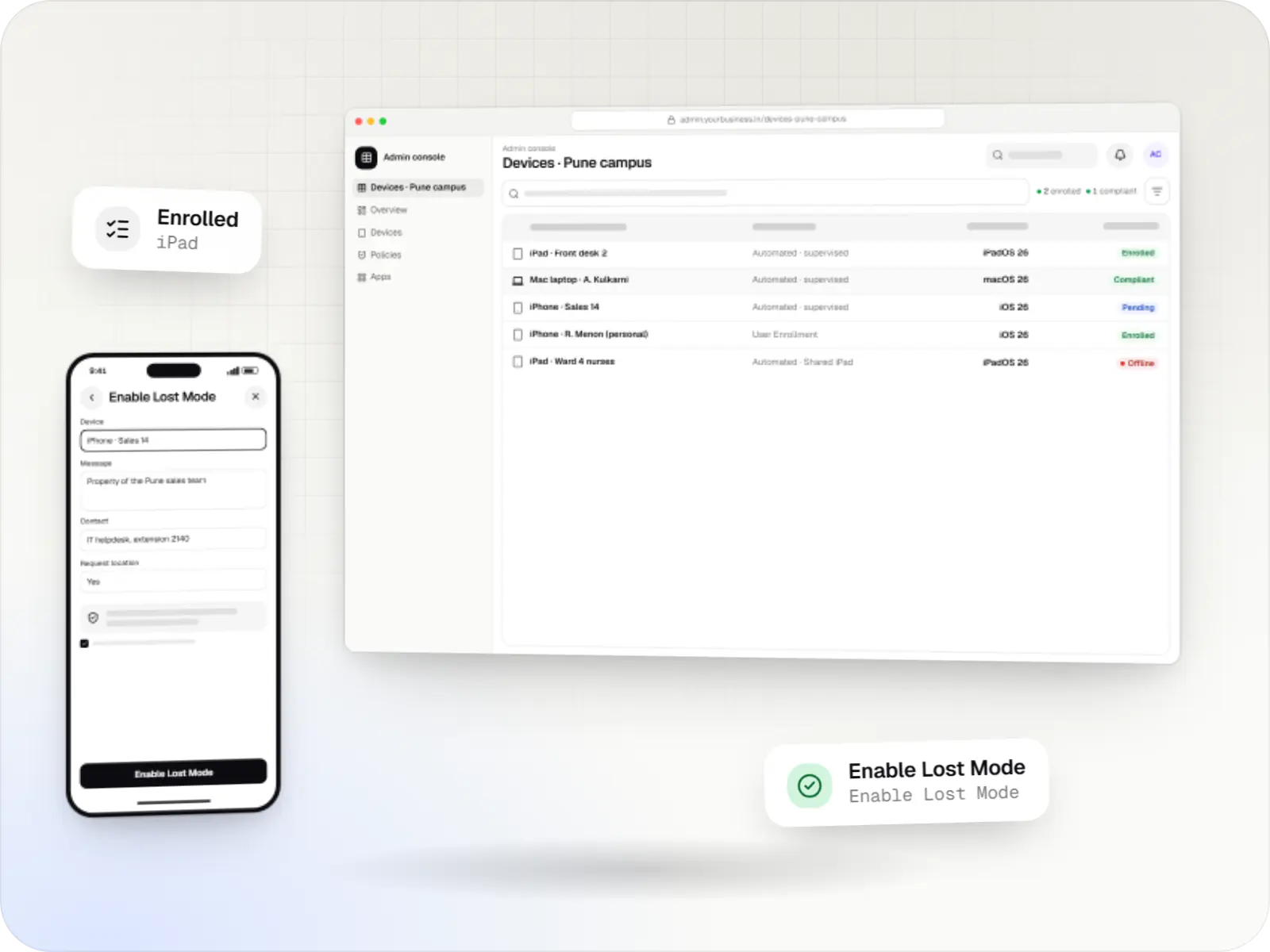
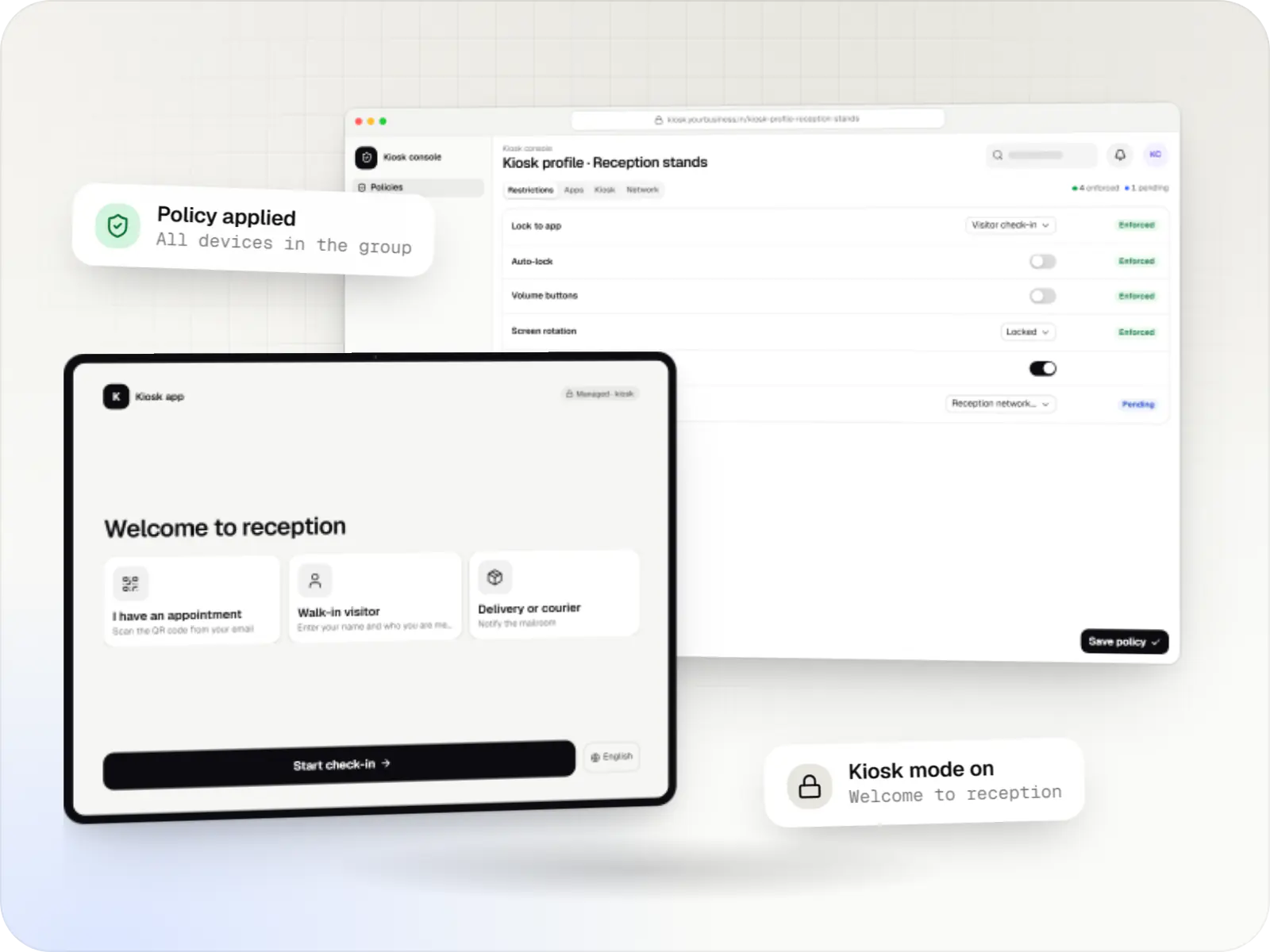
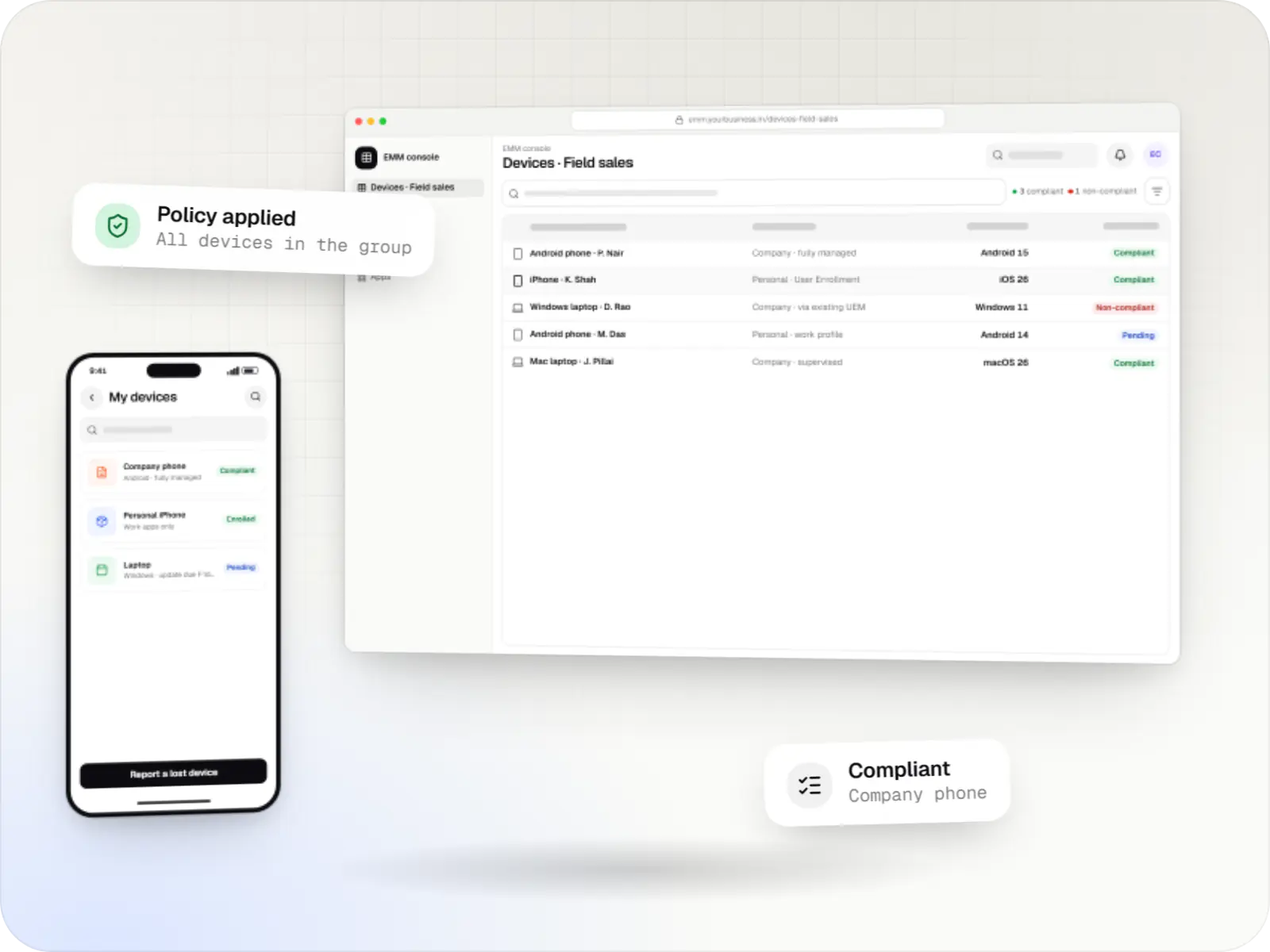
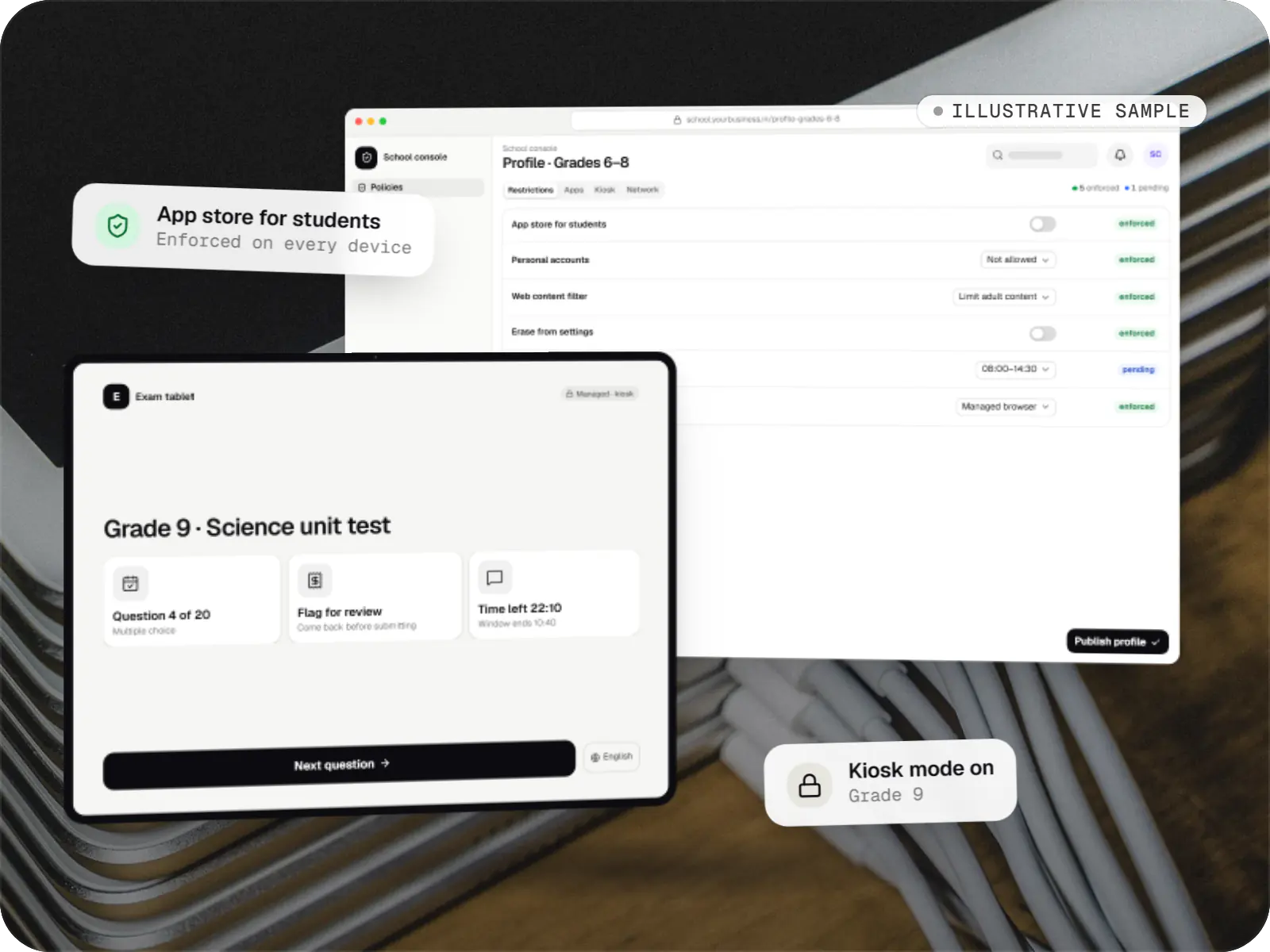
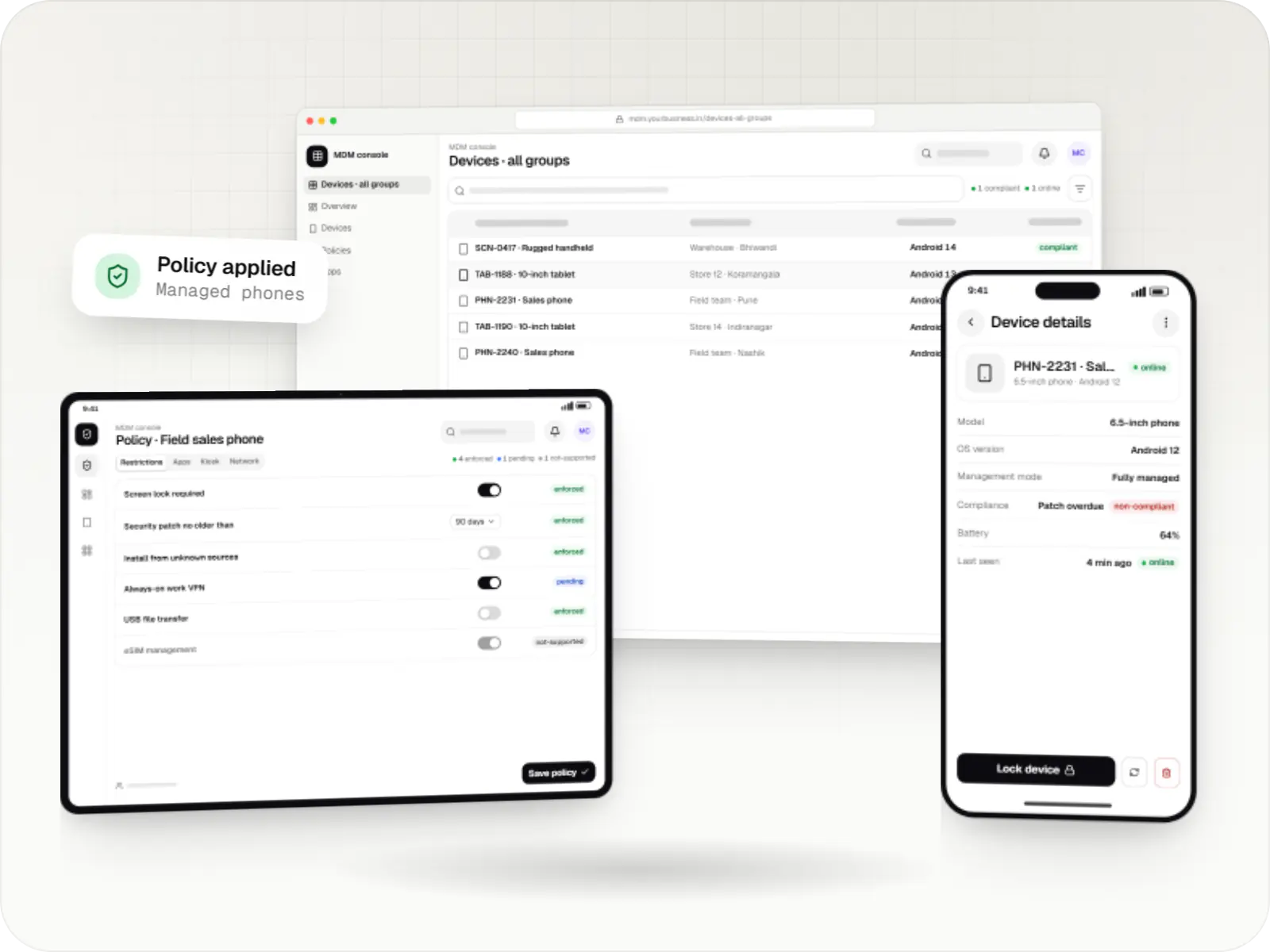
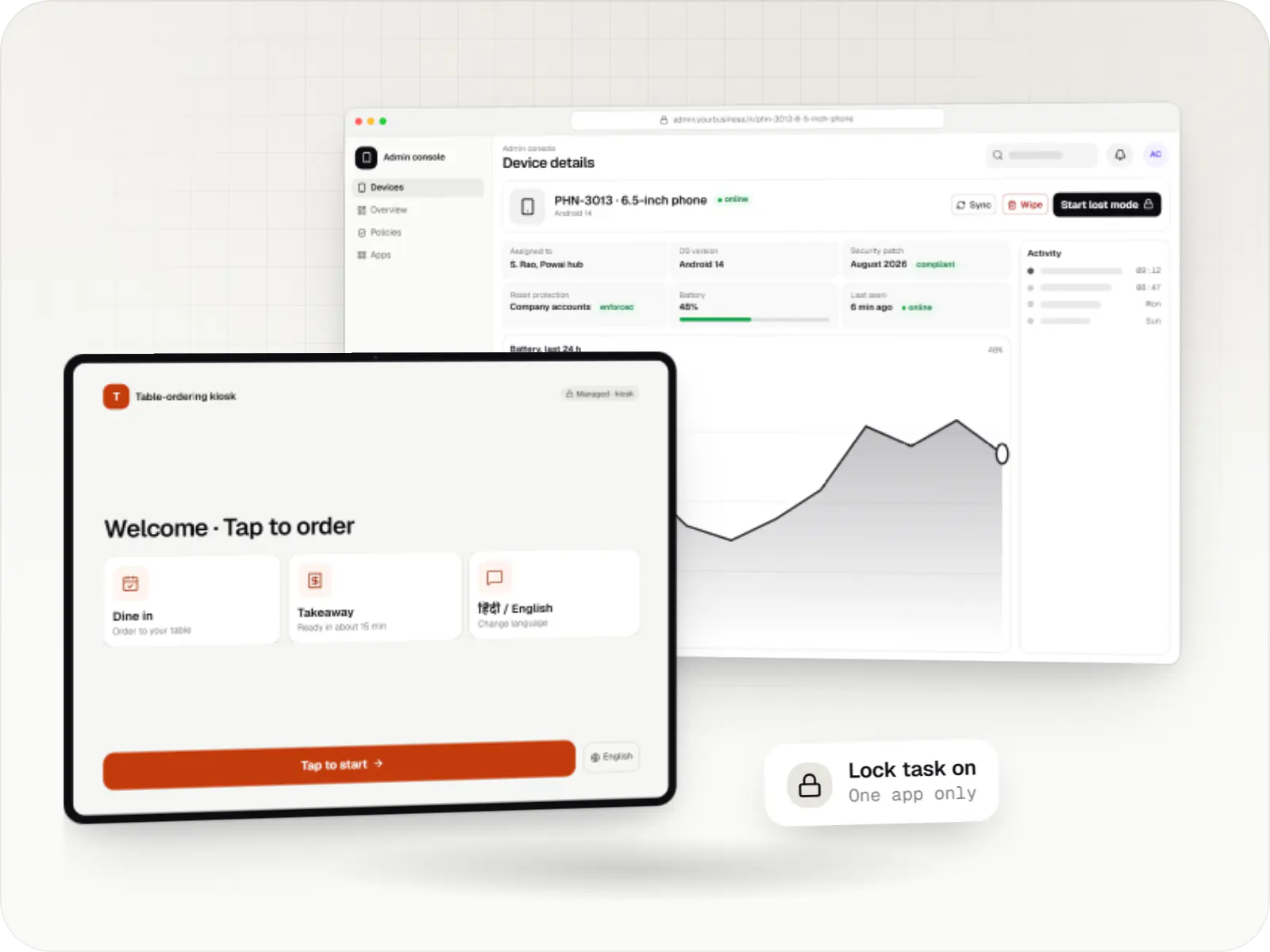
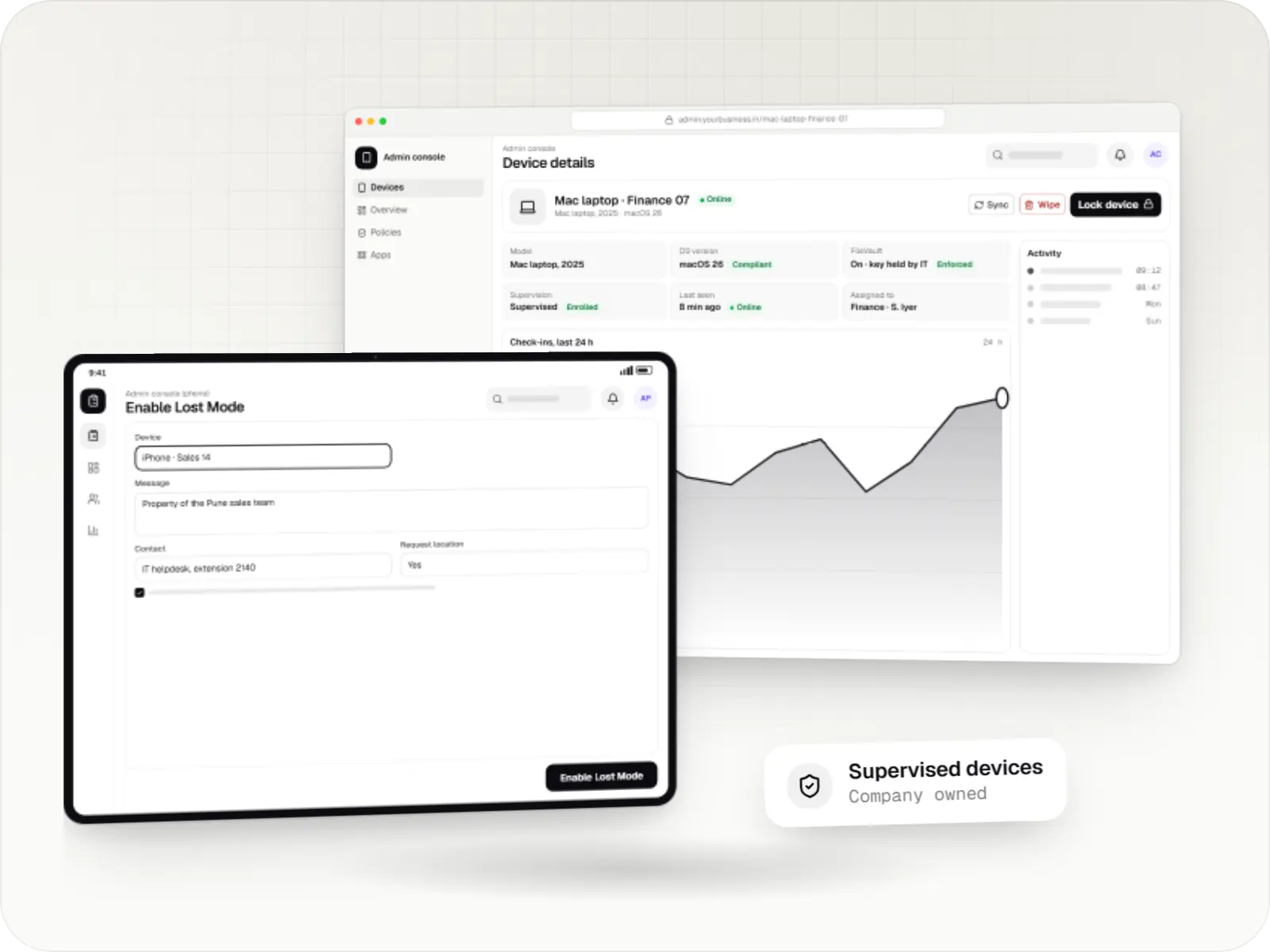
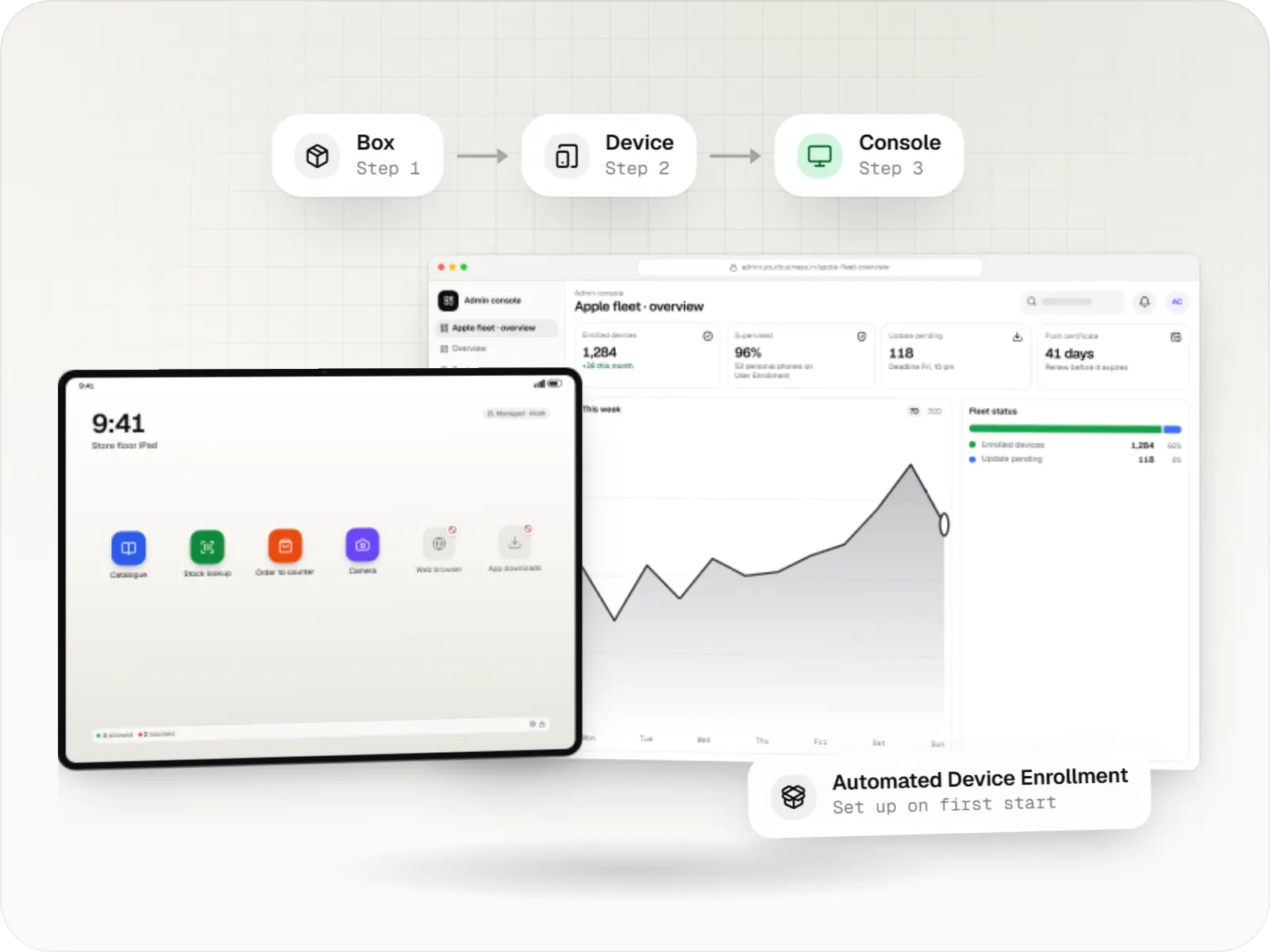
Automated enrolment through Apple Business: a new device moving from the box to the management console
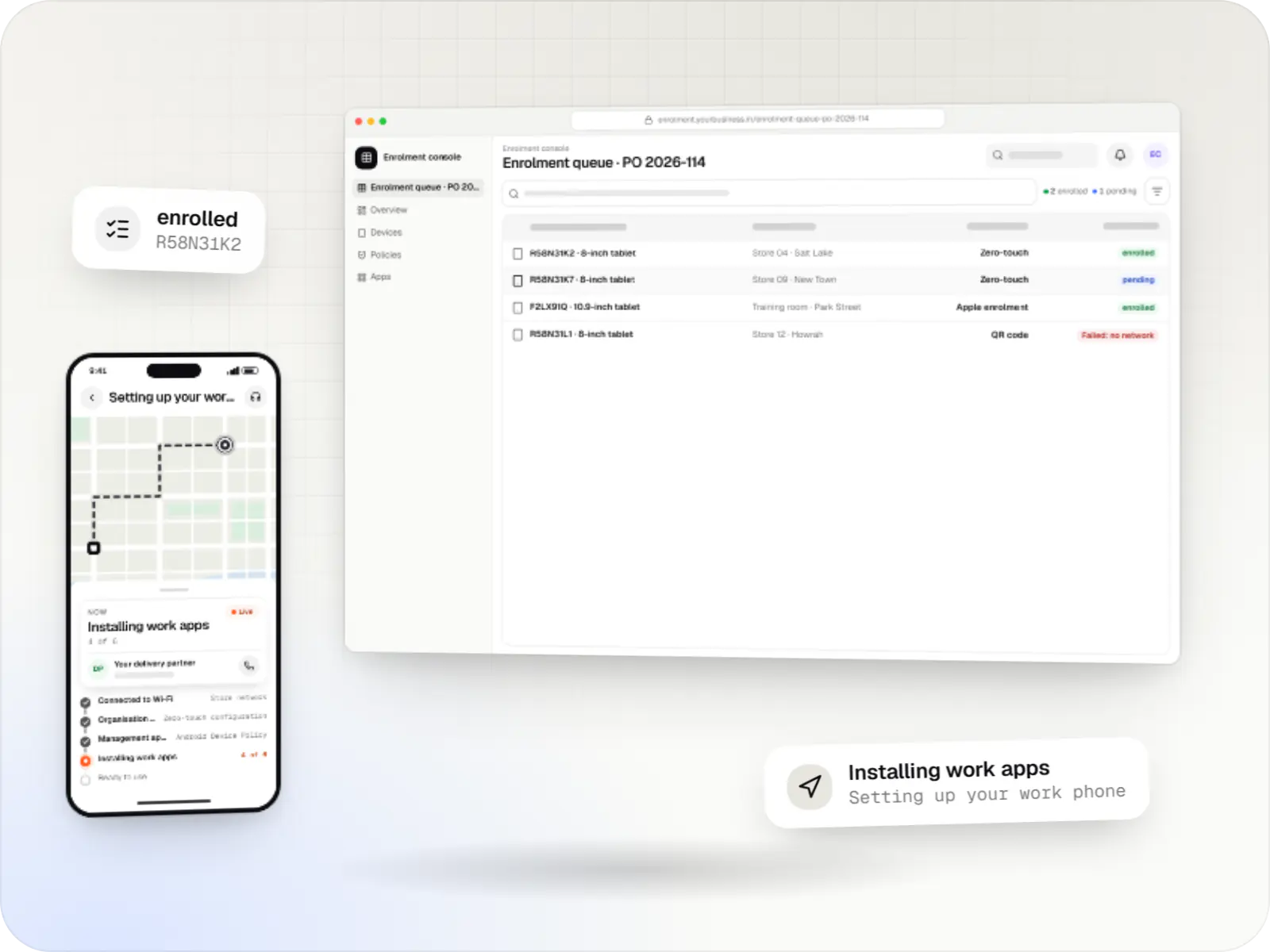
Illustrative previewA new device enrolled automatically on first start, from the box to the management console.

What Apple Business is, and what changed in 2026

Apple Business is the free web portal where an organisation manages its Apple devices, app licences and work accounts. On 14 April 2026 it replaced Apple Business Manager, together with Apple Business Essentials and Apple Business Connect. Many people still search for the old name, so we use both. Schools and colleges use Apple School Manager, which continues separately and adds class rosters and education features.

The part that matters most for device management works as before. Devices bought from Apple, or from resellers and carriers that take part, appear in the portal under your organisation. You assign them to a device management service, either the built-in one or an external MDM, and at first switch-on each device enrols itself during Setup Assistant through Automated Device Enrollment. It arrives supervised, with your apps and settings, and staff don't need IT to configure it by hand.

The portal also holds app and book licences bought in volume, Managed Apple Accounts for staff, and a record of which devices the organisation owns. On iOS, iPadOS and macOS 26 or later, devices set up this way can move from one management service to another without being erased.
Use cases

What we set up and build around Apple Business

  • Automated Device Enrollment for your MDM product

    For a custom MDM: the server token exchange, device assignment sync and the enrolment profiles that decide which setup screens appear.

  • Inventory sync with your systems

    Device lists and assignments pulled through the Apple School Manager and Apple Business APIs into your asset register, ERP or helpdesk, so records match reality.

  • Bulk assignment automations

    New orders assigned to the right MDM server by store, school or department automatically, instead of clicking through serial numbers.

  • App licence management

    Apps and Books licences assigned to devices without anyone signing in with a personal Apple Account, and reclaimed when a device is retired.

  • Moving to a new MDM service

    Planned migrations between management services, without erasing devices on OS 26 or later, including new app licence tokens for the new service.

  • Rollout runbooks

    Checklists for procurement, reseller linking, Wi-Fi at first boot and hand-over to staff, so every site sets devices up the same way.

Why it matters for your organisation

  • Devices set themselves up

    Staff switch on a new device, join Wi-Fi and it configures itself, which matters when devices go to many branches or schools.

  • Management that survives a reset

    An erased device that is assigned in the portal enrols again at setup, so a reset does not free it from your organisation.

  • Licences stay with the organisation

    Apps bought in volume can be reassigned when staff leave or devices are replaced.

  • A clear record of ownership

    The portal shows which devices your organisation owns and which service manages each one, useful for audits and asset records.

When Apple Business alone is enough, or not the right fit

  • A handful of devices with basic needs: the built-in device management in Apple Business may cover it without any custom integration.
  • Personal devices: they do not belong in the portal. Account-driven User Enrollment is the route for staff's own devices.
  • Devices bought from a shop that does not take part: they must be added with Apple Configurator, which erases them, and they have a 30-day provisional period.
  • Schools and colleges: use Apple School Manager rather than Apple Business, because class rosters, student accounts and classes synced to the Classroom app depend on it.

Plain-English glossary

Apple Business terms, in plain English

Automated Device Enrollment
The setup path for devices your organisation owns. At first switch-on the device contacts Apple, learns which MDM it belongs to and enrols itself, supervised.
Device management service
The MDM a device is assigned to in Apple Business: the built-in one or an external service. You can connect several and move devices between them.
Apps and Books
The part of the portal where you get app licences in bulk, including free apps, assign them to devices or users, and reclaim them when needs change.
Managed Apple Account
A work account created and owned by the organisation, separate from anyone's personal Apple Account. It can be linked to the sign-in your company already uses.
Setup Assistant
The screens a new or erased Apple device shows at first power-on. With Automated Device Enrollment, you choose which screens staff see and which are skipped.

Platforms

Devices it covers

iPhone and iPad devices and Mac computers owned by your organisation.

  • Mobile

    iPhone and iPad

    Organisation-owned or shared iPhone and iPad devices enrolled in MDM through Apple Business or Apple School Manager, supervised for Single App Mode and stricter restrictions.

  • Desktop

    Mac

    Mac computers enrolled in MDM for configuration profiles, app and package installs, disk encryption settings and software update rules, set up at first power-on when the purchase is linked to Apple Business.

Solutions

Solutions that start in Apple Business

Services

Services involved

  • Custom software development

    Software shaped around how your business runs, from approvals and inventory to billing and reports, replacing spreadsheets and disconnected tools.

  • API development

    Secure, documented REST and GraphQL APIs, plus integrations that connect your apps to payment, logistics, GST, messaging and business systems.

  • iOS app development

    Native iPhone and iPad apps in Swift and SwiftUI, built to Apple's review guidelines and privacy rules and tested on the devices your customers use.

Work

Sample projects

Illustrative projects that show how we plan and build products that use Apple Business (formerly Apple Business Manager). They are samples, not client work.

  • Device management & kiosk solutions

    Illustrative sample

    Tablet management console for schools

    An illustrative console for school tablets: iPad devices through Apple School Manager and MDM, Android™ tablets through Android Enterprise, with class-based rules teachers can follow.

    • Schools
    • Device management SaaS

    Runs on

    • iPhone and iPad
    • Android Enterprise
    • Admin
    • Web app

    Built with

    • Next.js
    • NestJS
    • PostgreSQL
    • Redis
    • AWS
    • +1 more

FAQ

Frequently asked questions

What happened to Apple Business Manager?

On 14 April 2026 Apple replaced Apple Business Manager, Apple Business Essentials and Apple Business Connect with a single service called Apple Business. Device assignment, Automated Device Enrollment, Apps and Books and Managed Apple Accounts continue there, and external MDM services can still be connected. Guides and job descriptions still use the old name, so expect to see both for a while.

What do we need to sign up?

Your organisation's legal name, website, country and a verification contact such as a director. Apple then asks you to verify the organisation with two of the methods it lists, such as a business ID like a D-U-N-S Number, a DNS record on your domain, or official documents like a business licence. You have 60 days to complete verification, or the account is deleted. The first administrator needs a work email address not already used as an Apple Account. We can help prepare this, but the account should belong to your organisation, not to us.

Can devices from our local reseller be added automatically?

Only if the reseller or carrier takes part in the programme and links your purchases using your organisation number, so ask for this when ordering. Devices bought elsewhere can still be added with Apple Configurator: they are erased in the process and have a 30-day provisional period in which they can be released from management.

Is Apple Business the same as Apple School Manager?

No. Schools and colleges use Apple School Manager, which adds class rosters, student accounts and features for teachers and students. Businesses use Apple Business. Both assign devices to an MDM through Automated Device Enrollment, and our integrations work with either, so a group that runs both schools and offices can use one approach.

Does Apple Business replace an MDM?

For simple needs it can, because it now includes built-in device management. Organisations with kiosks, strict compliance rules, mixed Android™ and Apple fleets or integrations with their own systems usually connect an external MDM or a custom product, and Apple Business then handles purchase records and device assignment.

Next step

Rolling out Apple devices to many sites?

Share how you buy devices and which MDM you use, and we will map the setup from purchase order to first switch-on.