Skip to content
Softcoderz

Technology · Device management

Device management for iPhone, iPad and Mac with the Apple MDM protocol

The management channel built into iPhone, iPad and Mac: an MDM server sends settings, apps and commands, and devices apply them remotely.

How we use it

We build MDM servers and admin consoles on the Apple MDM protocol and declarative device management, and connect existing MDM services for Apple devices to your apps, identity and business systems.

Official site: developer.apple.com/documentation/devicemanagement (opens in new tab)

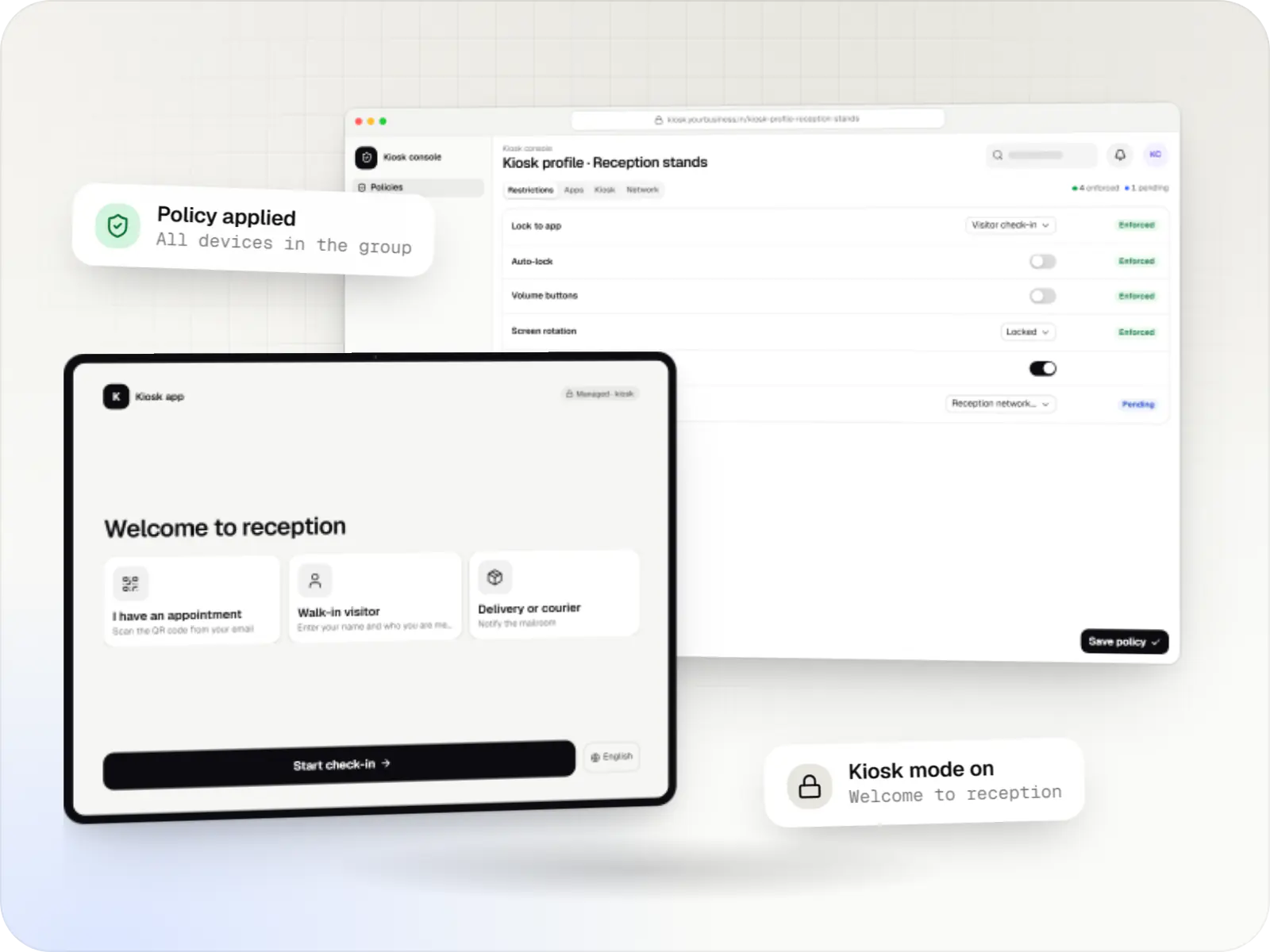
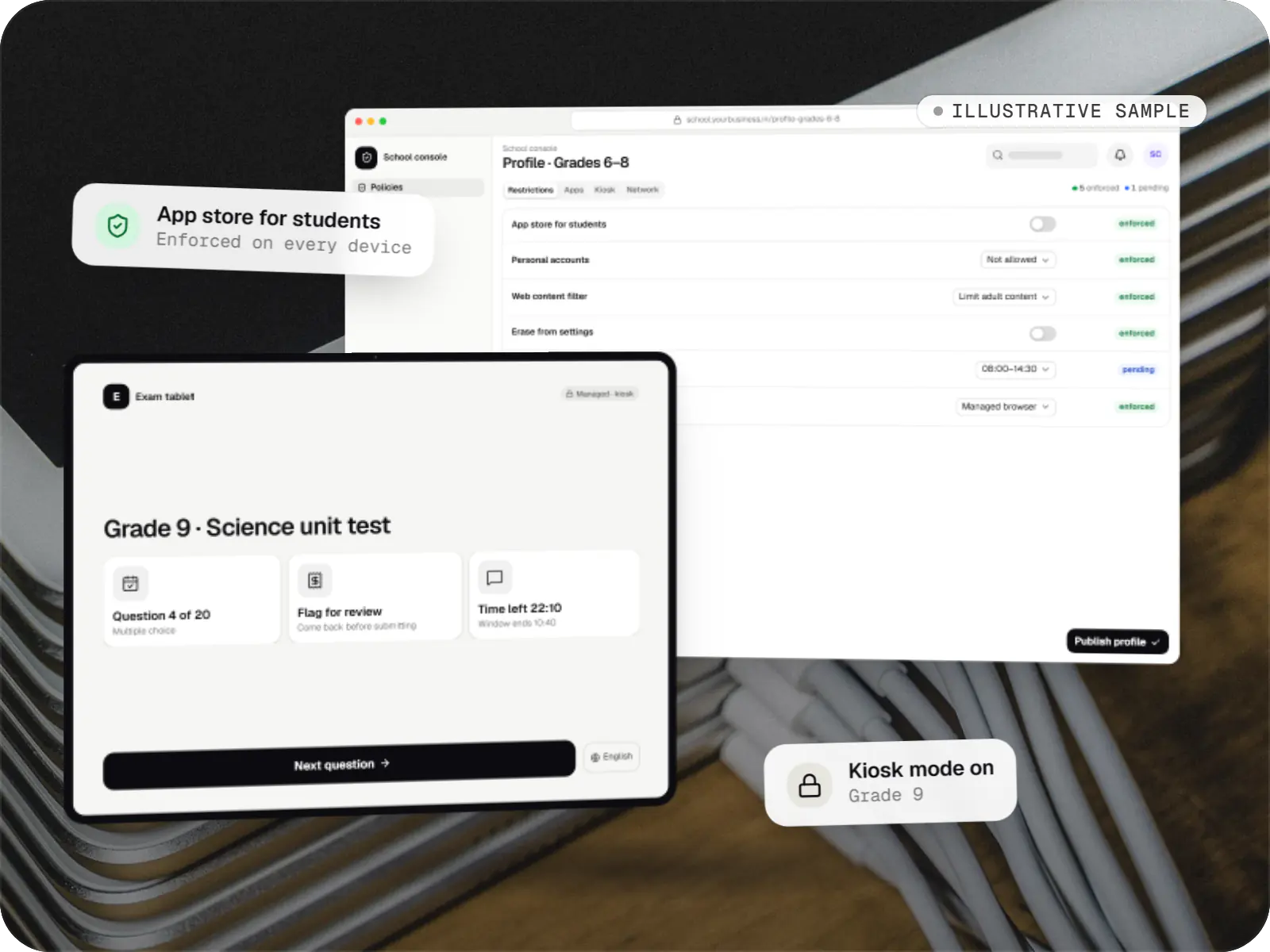
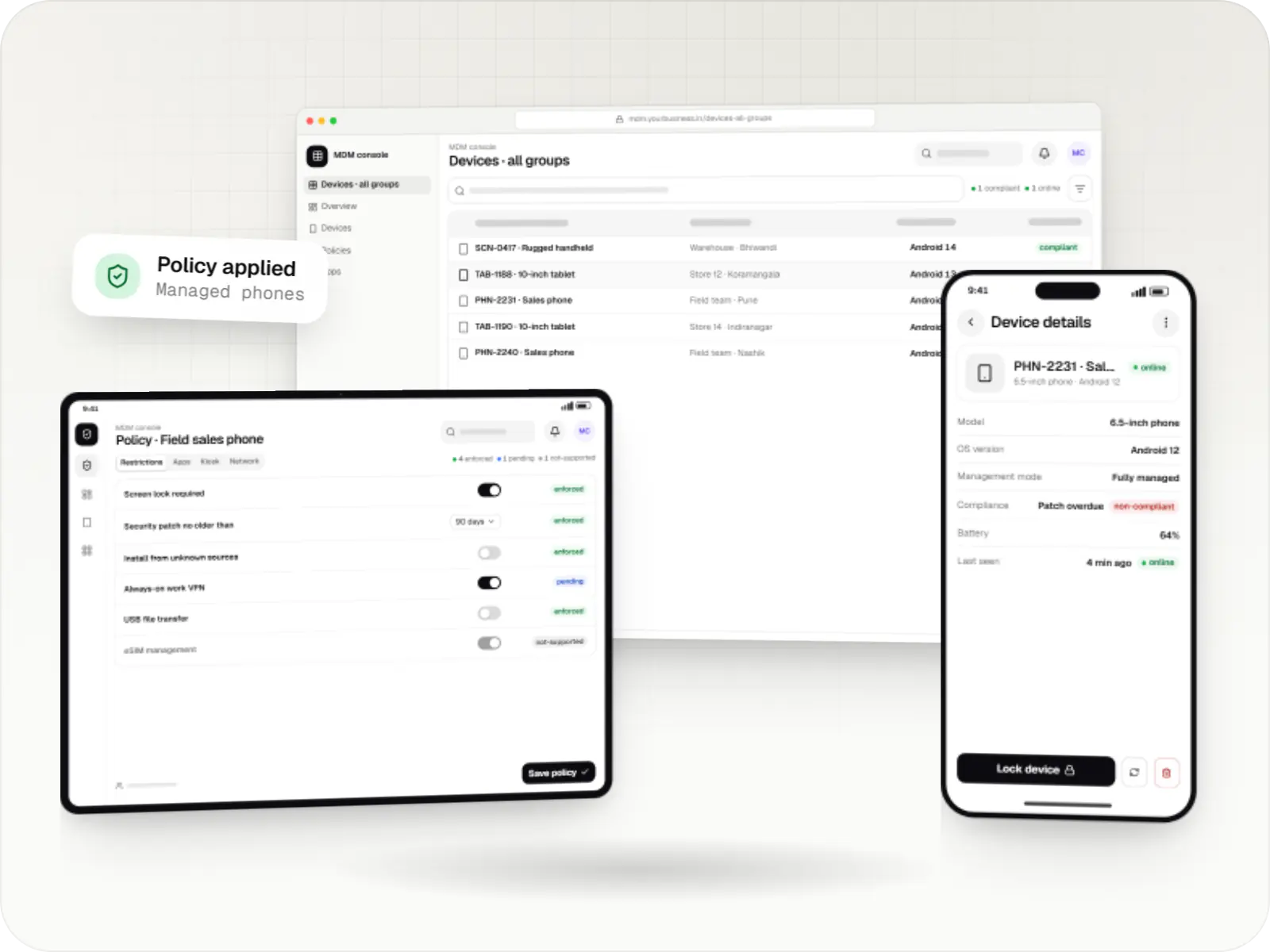
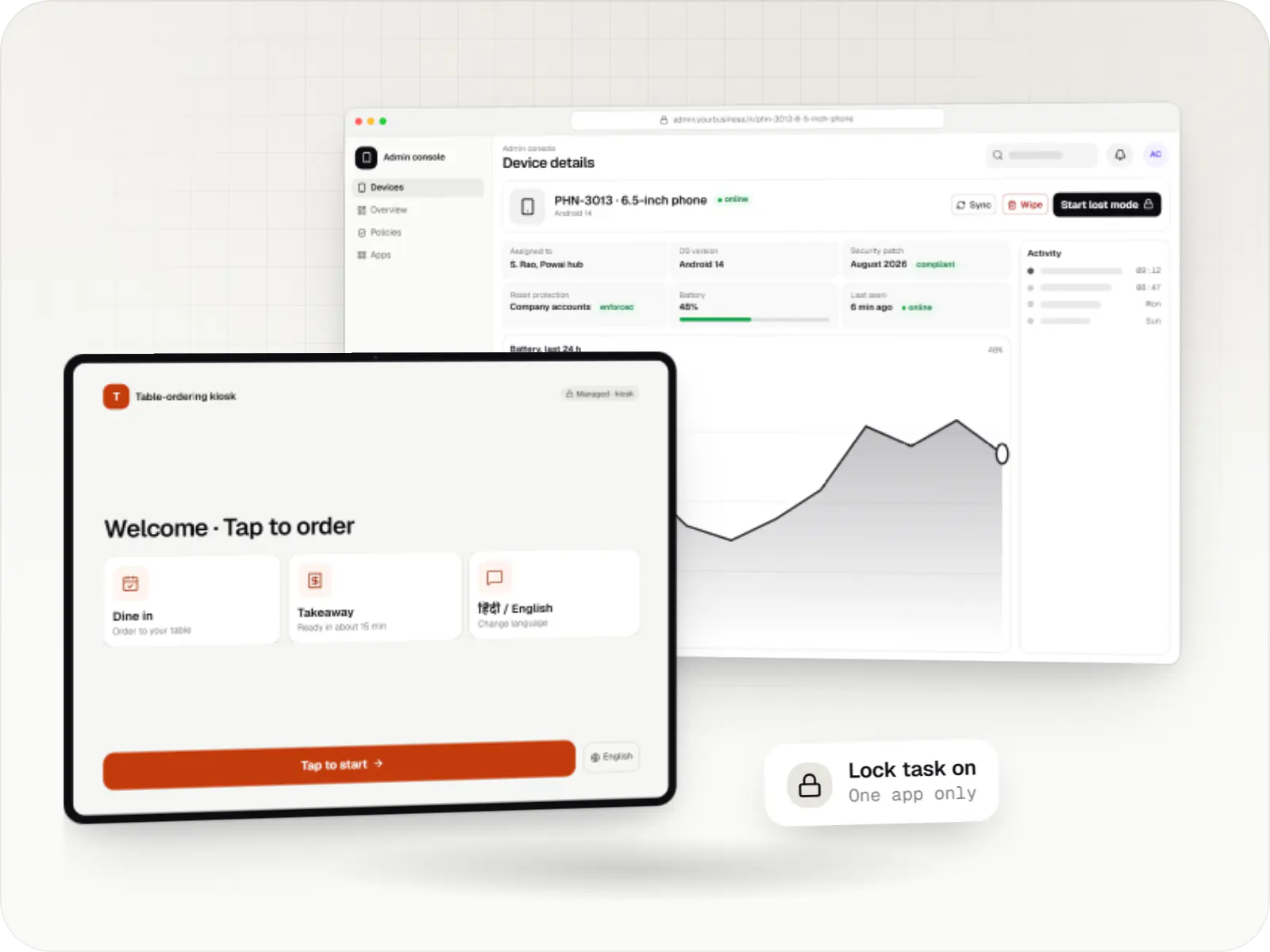
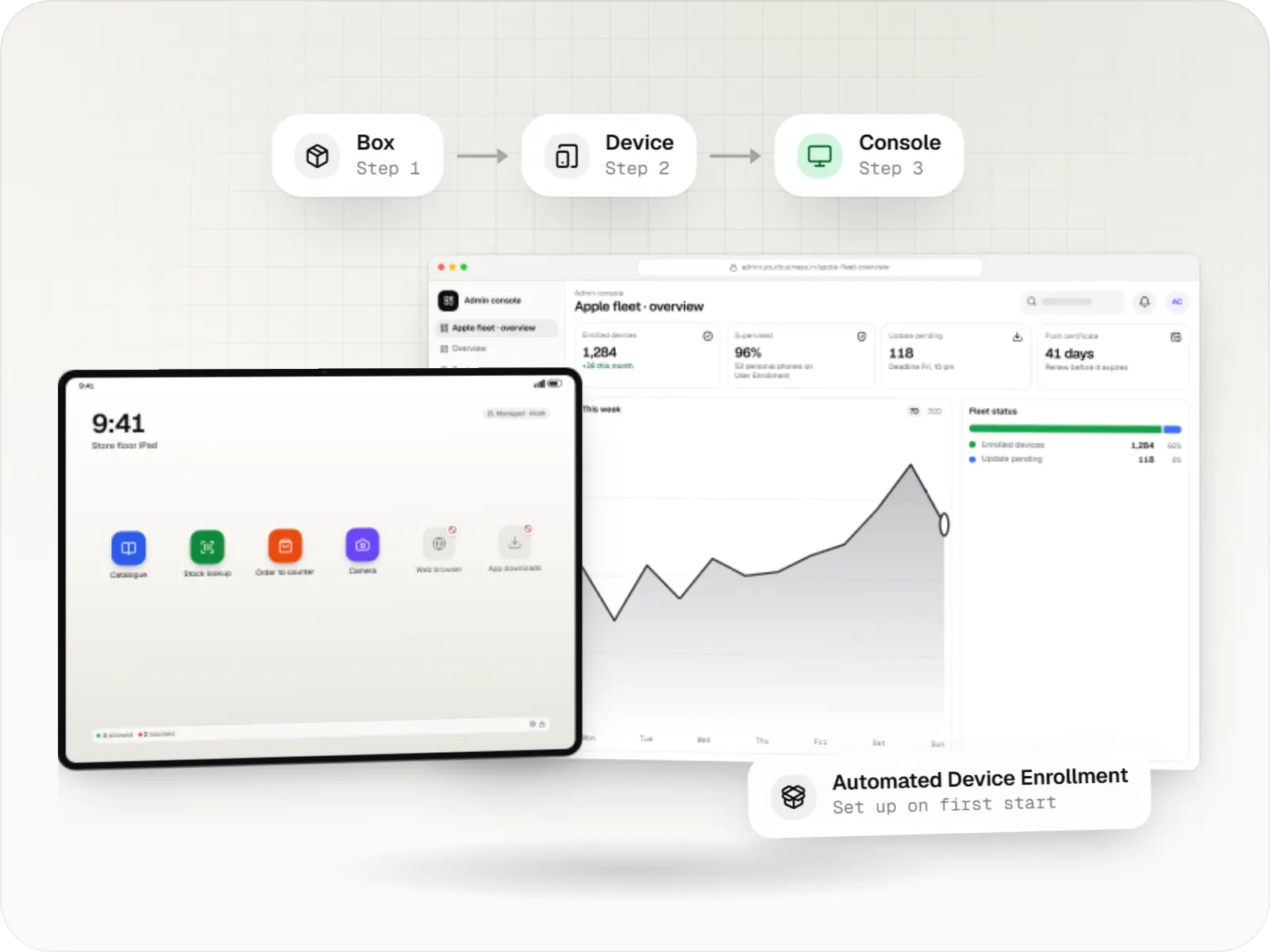
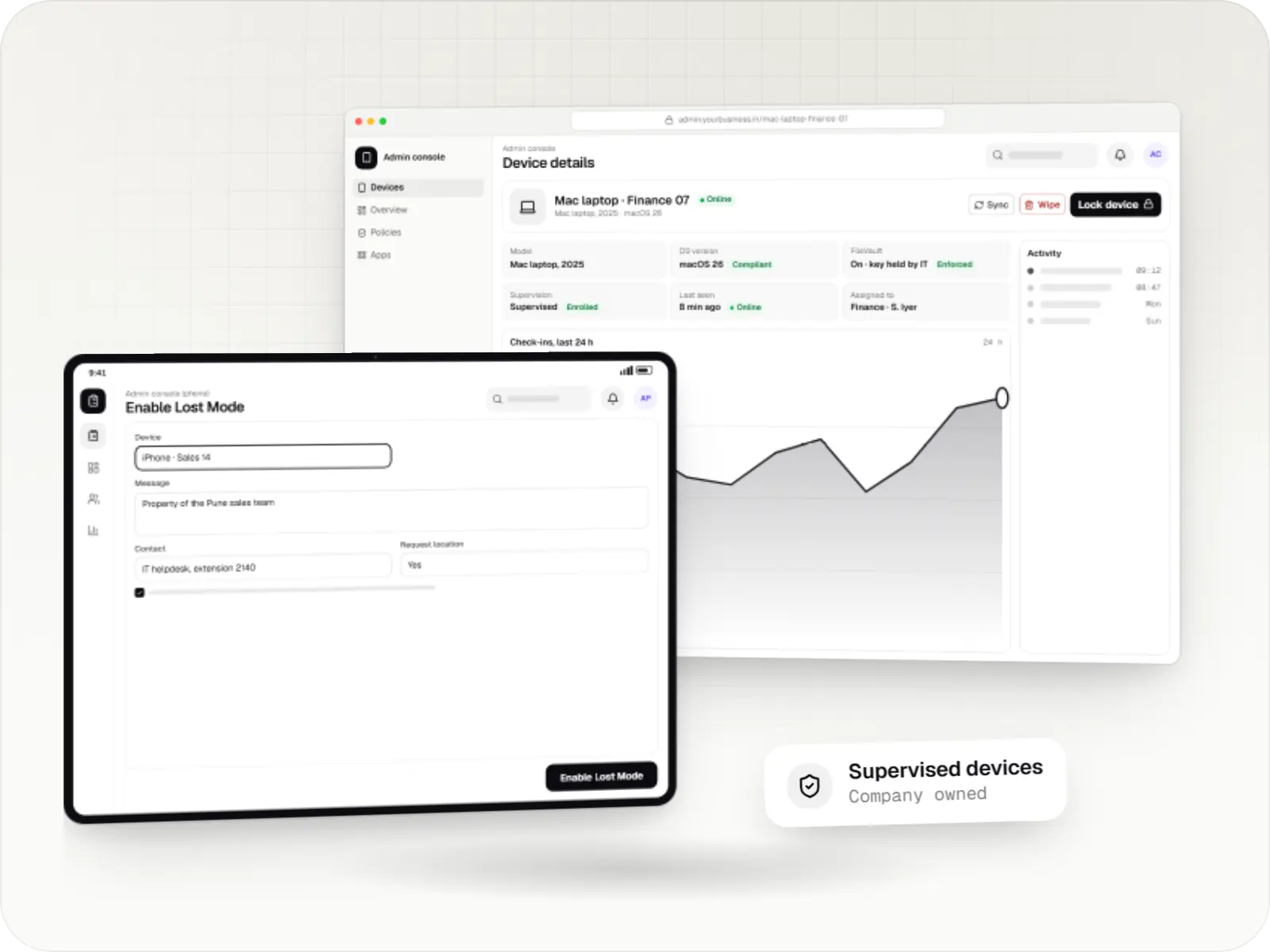
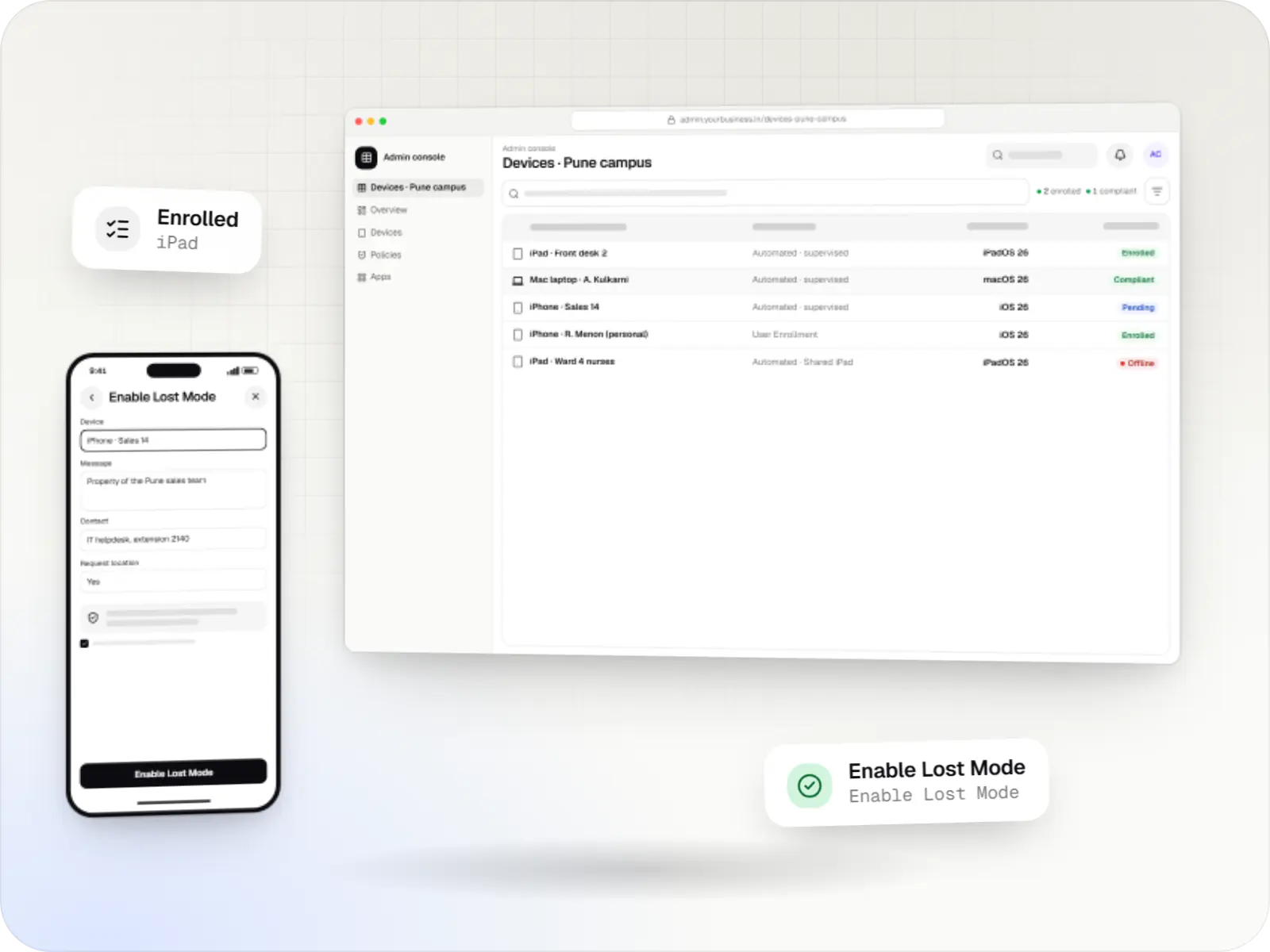
Devices managed with the Apple MDM protocol: supervised device details and a managed tablet
Illustrative previewSupervised company devices managed from a console, with settings applied remotely.

What the Apple MDM protocol is, in plain terms

Every iPhone, iPad and Mac has a device management client built into the operating system, so there is no agent app to install. An MDM server sends a silent push through Apple Push Notification service, the device checks in over a secure connection and applies whatever the server has queued: configuration profiles for Wi-Fi, passcodes and restrictions, app installs, questions about its state, and commands such as lock or erase. On recent iOS, iPadOS and macOS versions, declarative device management lets devices apply settings and report changes on their own, which keeps dashboards current with less polling.

How much control an organisation gets depends on how a device was enrolled. Devices the organisation owns and sets up through Automated Device Enrollment are supervised, which unlocks stricter restrictions and, on iPhone and iPad, Single App Mode and Managed Lost Mode. Personal devices use User Enrollment, where the organisation manages only its own apps, accounts and data.

Running your own MDM server is a real commitment. The Account Holder of your Apple Developer Program or Apple Developer Enterprise Program membership has to contact Apple to request an MDM vendor CSR signing certificate, the MDM push certificate is renewed every year, and each OS release needs testing. That is worth it when device management is part of your product; otherwise we usually extend an existing MDM service.
Use cases

What we build on the Apple MDM protocol

  • MDM back ends for your product

    Check-in and command endpoints, pushes through APNs, command queues and device records for a SaaS or kiosk product that manages Apple devices for its customers.

  • Kiosk set-ups for iPad

    Single App Mode on supervised iPad devices for counters and check-in desks, and apps built to lock themselves during a task with Autonomous Single App Mode, where the MDM allows that app.

  • Profiles and app rollouts by group

    Wi-Fi, certificates, restrictions, web content filters and managed app configuration, assigned by store, class or department.

  • Integrations with existing MDM services

    Device inventory and status synced into your ERP, HR or helpdesk through the MDM vendor API, plus automations for joiners and leavers.

  • Mac fleet setup

    Configuration profiles, package installs, disk encryption settings and software update rules for Mac computers used by staff.

  • Lost-device and offboarding workflows

    Lock and erase, plus Managed Lost Mode and Return to Service on iPhone and iPad, with approvals and a log of who did what and when.

Why it matters for Apple fleets

  • Nothing extra to install

    Management is part of iOS, iPadOS and macOS, so there is no agent app to keep running or update.

  • Supervision unlocks kiosk use

    Organisation-owned iPhone and iPad devices set up through Automated Device Enrollment can be locked to one app and restricted in ways personal devices cannot.

  • Personal and work data stay apart

    With User Enrollment the organisation manages only its own apps and data, and ending management leaves personal content untouched.

  • Setup at first power-on

    Devices assigned in Apple Business or Apple School Manager enrol themselves during Setup Assistant, with no hand configuration.

Comparison

How the enrolment type changes what an organisation can do

Apple offers three ways to bring a device under management. The choice depends on who owns the device.

How the enrolment type changes what an organisation can do
Automated Device EnrollmentDevice EnrollmentUser Enrollment
Who owns the deviceThe organisation, bought through Apple or a participating reseller, or added with Apple ConfiguratorUsually the organisation, enrolled by installing a profileThe employee or student
SupervisedYesNo, unless prepared with Apple ConfiguratorNo
Single App Mode and kiosk use (iPhone and iPad)YesOnly on supervised devicesNo
Can the user remove managementNot when the organisation makes it non-removableYes, by deleting the profileYes, which removes the work apps and data
EraseWhole deviceWhole deviceNo device erase; ending management removes only work apps and data
Location (iPhone and iPad)Only in Managed Lost ModeOnly if supervised, in Managed Lost ModeNot available

When we would not recommend building your own Apple MDM server

  • You only need to manage your own devices: an existing MDM service, or the built-in device management in Apple Business, covers standard needs. We add integrations and custom apps around it instead.
  • You cannot obtain the MDM vendor certificate: it has to be requested from Apple and is not automatic. Without it, we build on an existing MDM vendor's API.
  • Personal iPhone devices that need kiosk-level control: User Enrollment deliberately limits what an organisation can do. Organisation-owned devices are the right answer.
  • Tracking staff: the protocol reports location only in Managed Lost Mode on supervised iPhone and iPad devices, and we do not build covert tracking.

Plain-English glossary

Apple device management terms, in plain English

APNs (Apple Push Notification service)
The Apple service an MDM server uses to wake a device. The push carries no data; it only tells the device to check in and collect its waiting commands.
Configuration profile
A file of settings, such as Wi-Fi, email, restrictions or certificates, that a device installs as one unit and that can be signed to show who issued it. Removing the profile removes its settings too.
Supervision
A higher level of management for devices an organisation owns. On iPhone and iPad it is needed for Single App Mode, the built-in web content filter, Managed Lost Mode and many restrictions.
Declarative device management
A newer way of managing Apple devices where the device applies settings on its own and reports changes as they happen, instead of waiting for the server to ask. Status dashboards stay more current.
MDM push certificate
The certificate that lets your server send pushes to your devices. It must be renewed every year with the same Apple Account, or devices may need to be enrolled again.

Platforms

Devices and consoles it covers

iPhone and iPad devices, Mac computers, and the admin console your IT team uses.

  • Mobile

    iPhone and iPad

    Organisation-owned or shared iPhone and iPad devices enrolled in MDM through Apple Business or Apple School Manager, supervised for Single App Mode and stricter restrictions.

  • Desktop

    Mac

    Mac computers enrolled in MDM for configuration profiles, app and package installs, disk encryption settings and software update rules, set up at first power-on when the purchase is linked to Apple Business.

  • Back office

    Admin dashboard

    Back-office panels for operations, support and finance teams: orders, users, content, reports and permissions.

Solutions

Solutions built on the Apple MDM protocol

  • MDM solutions for iPhone, iPad and Mac

    MDM for company iPhone, iPad and Mac devices: automatic enrolment, supervision, apps, OS updates and remote lock, as a custom build or an integration.

  • Kiosk solutions for iPad

    Kiosk mode for iPad with Single App Mode, Autonomous Single App Mode or Guided Access, plus the kiosk app and console, for check-in, ordering and forms.

  • Enterprise mobility management (EMM and UEM)

    One console for company Android, iPhone, iPad, Mac and Windows devices: enrolment, apps, access and offboarding, on platform APIs or your existing UEM.

  • Device security and compliance management

    Compliance rules for Android, Apple and Windows devices: passcodes, encryption, OS updates, app lists, remote lock and wipe, audit logs and reports.

Services

Services involved

  • iOS app development

    Native iPhone and iPad apps in Swift and SwiftUI, built to Apple's review guidelines and privacy rules and tested on the devices your customers use.

  • Custom software development

    Software shaped around how your business runs, from approvals and inventory to billing and reports, replacing spreadsheets and disconnected tools.

  • API development

    Secure, documented REST and GraphQL APIs, plus integrations that connect your apps to payment, logistics, GST, messaging and business systems.

  • Admin panel development

    Back-office dashboards built around your team's daily tasks: order queues, approvals, catalogue management, payouts, reports and audit logs.

Work

Sample projects

Illustrative projects that show how we plan and build products that use Apple MDM protocol. They are samples, not client work.

  • Device management & kiosk solutions

    Illustrative sample

    Tablet management console for schools

    An illustrative console for school tablets: iPad devices through Apple School Manager and MDM, Android™ tablets through Android Enterprise, with class-based rules teachers can follow.

    • Schools
    • Device management SaaS

    Runs on

    • iPhone and iPad
    • Android Enterprise
    • Admin
    • Web app

    Built with

    • Next.js
    • NestJS
    • PostgreSQL
    • Redis
    • AWS
    • +1 more

FAQ

Frequently asked questions

Do we need our own MDM server to manage iPad devices?

Usually not. An existing MDM service, or the device management built into Apple Business, handles most organisations' needs. A custom server makes sense when device management is part of a product you sell, or when you need workflows no existing service offers. In many projects we build the custom parts around an existing service instead: kiosk apps, integrations and dashboards.

Can we supervise iPad devices we already own?

Yes. Devices can be added to Apple Business or Apple School Manager with Apple Configurator, whichever shop they came from, and then set up again through Automated Device Enrollment. This erases the device, and devices added this way have a 30-day provisional period in which they can still be released from management. We back up anything needed and plan the change in batches.

Can the organisation see personal data on a managed iPhone?

The MDM protocol does not give access to personal email, messages, photos or browsing history. On organisation-owned devices an MDM can see details such as the model, OS version, serial number and installed apps. With User Enrollment on a personal device it sees even less and cannot erase personal content. We document what each role in your console can see and share that notice with users.

Can we find a lost iPad?

If it is supervised and still connects to the internet, yes. An administrator puts it into Managed Lost Mode, which locks it with a message and phone number, and the MDM can then request its location. Location is only available while Lost Mode is on, and the user is told afterwards that the device was in Lost Mode. Unsupervised and personal devices cannot be located through MDM.

What happens if the MDM push certificate expires?

The server can no longer wake devices, so commands and updates stop reaching them. If the certificate is then replaced rather than renewed with the same Apple Account, every device may need to be enrolled again. We set up renewal reminders well before the yearly expiry and document which account owns the certificate.

Next step

Managing iPhone, iPad or Mac devices at scale?

Tell us how many devices you have, how they were bought and what they are used for, and we will recommend whether to build, extend or buy.