Skip to content
Softcoderz

Technology · Device management

Building on the Android™ Management API

A Google cloud API for device-management products: your console sets the rules, and a Google app on each Android device applies them.

How we use it

We build kiosk and device-management products on the Android Management API: the console, back end and policies are yours, while Google's Android Device Policy app enforces them on each enrolled phone, tablet or kiosk.

Official site: developers.google.com/android/management (opens in new tab)

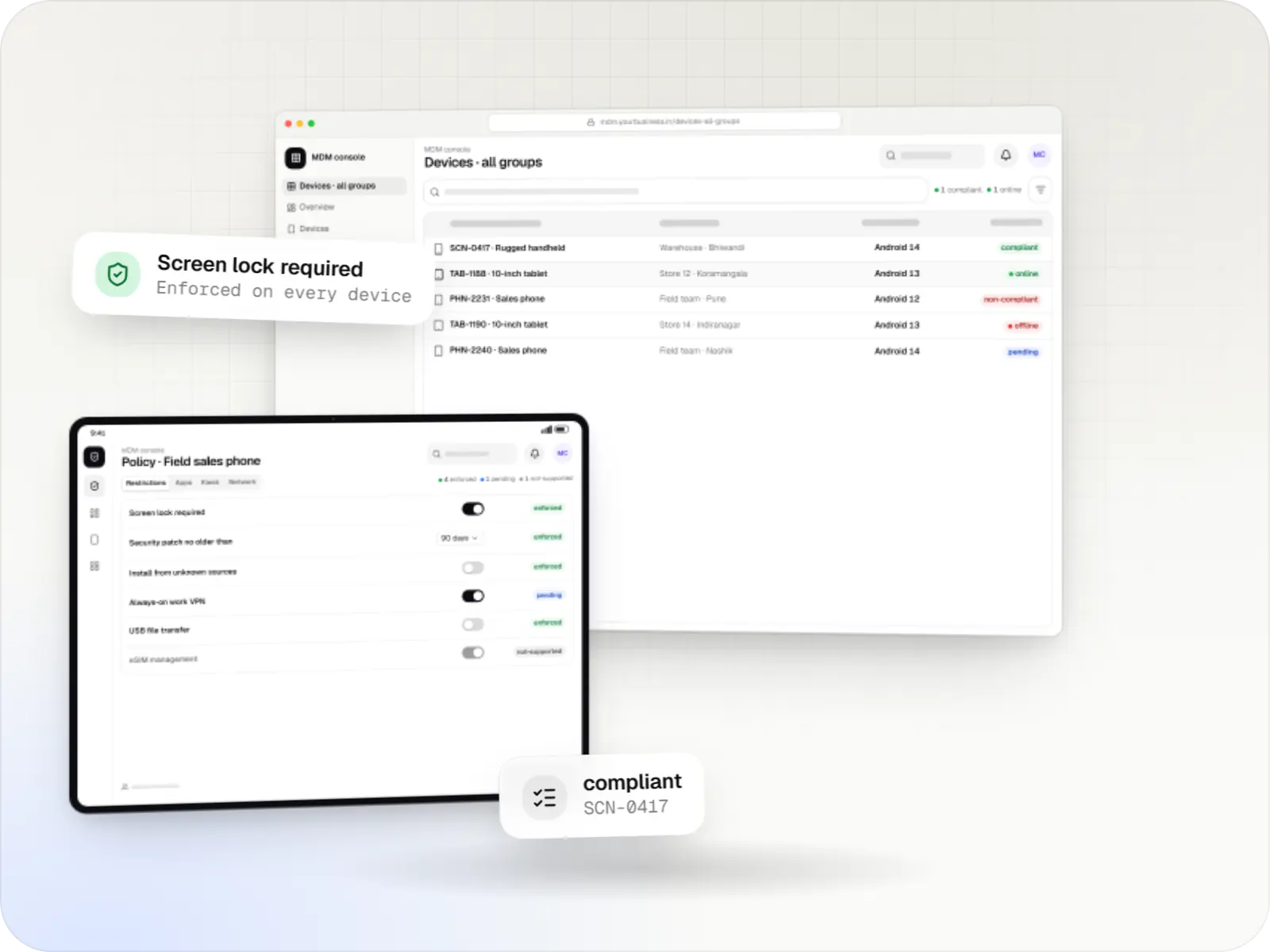
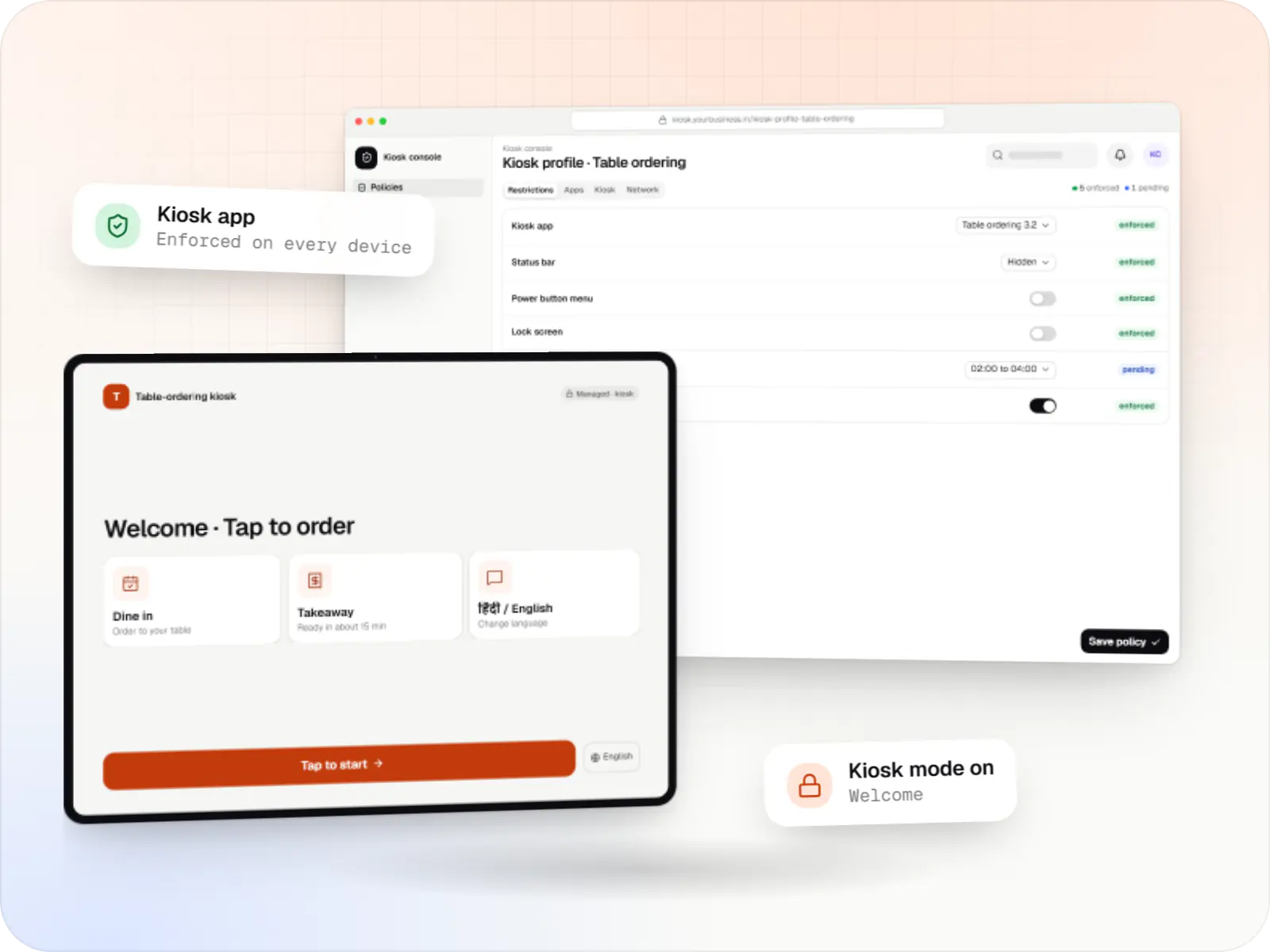
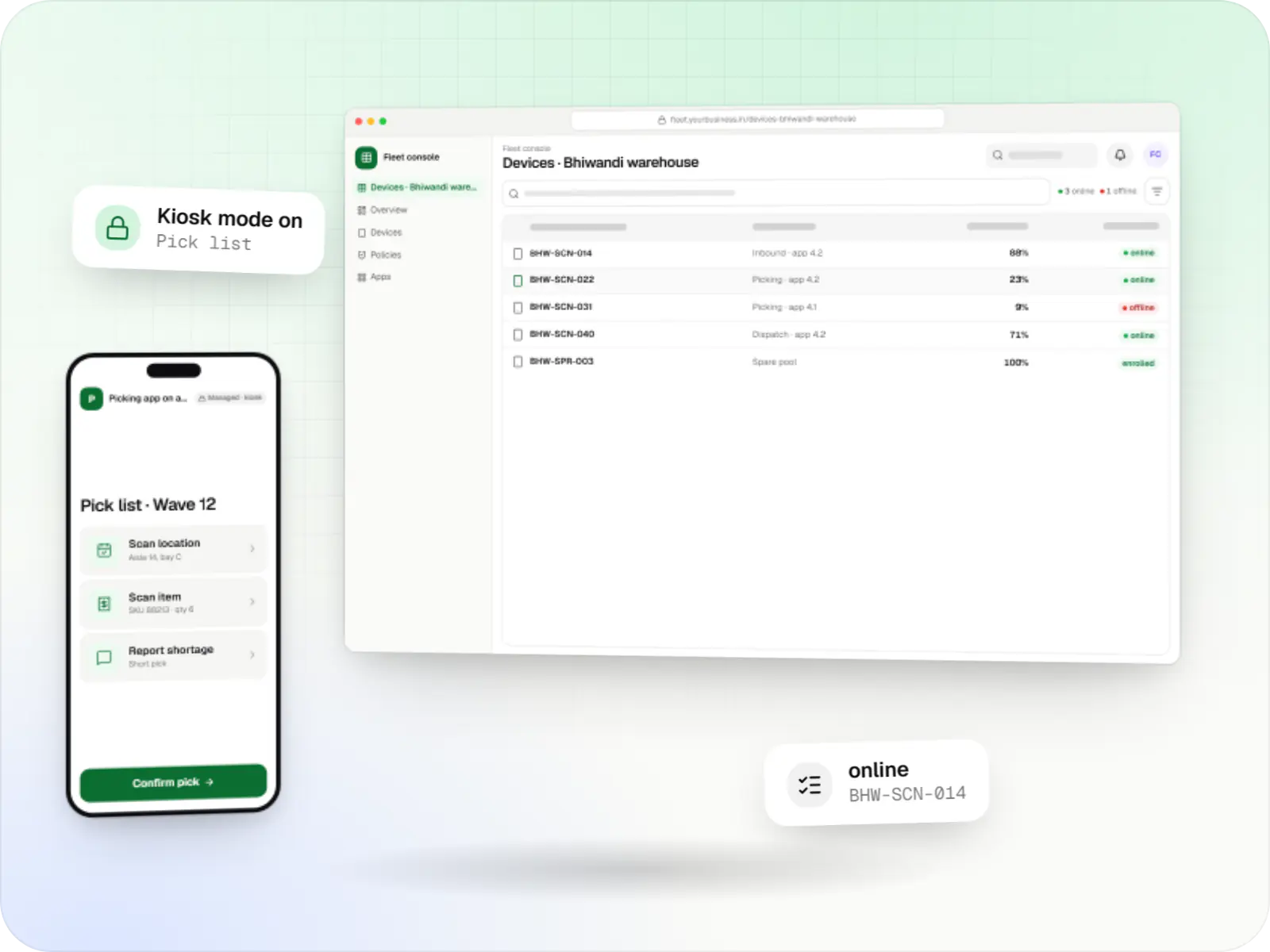
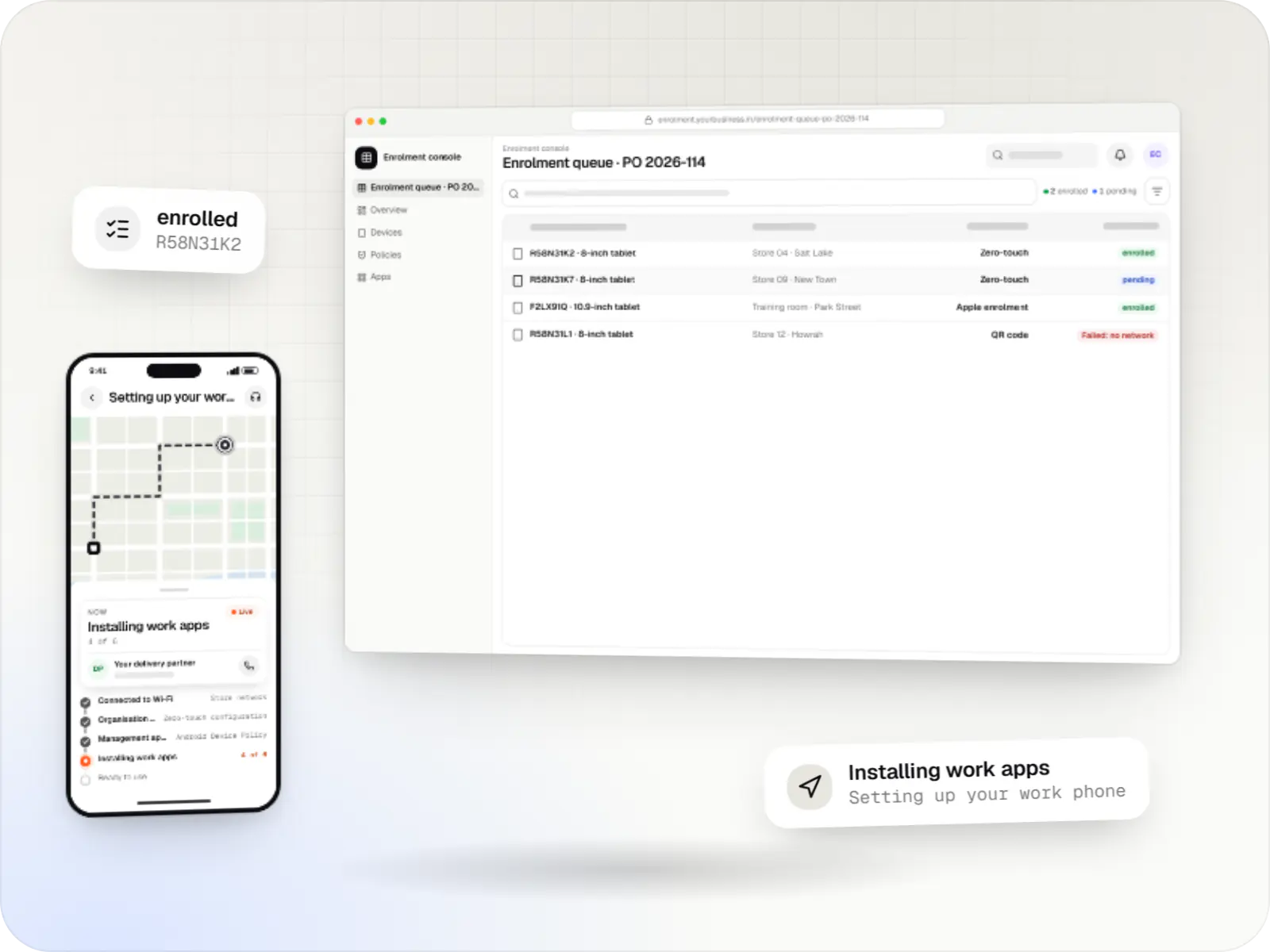
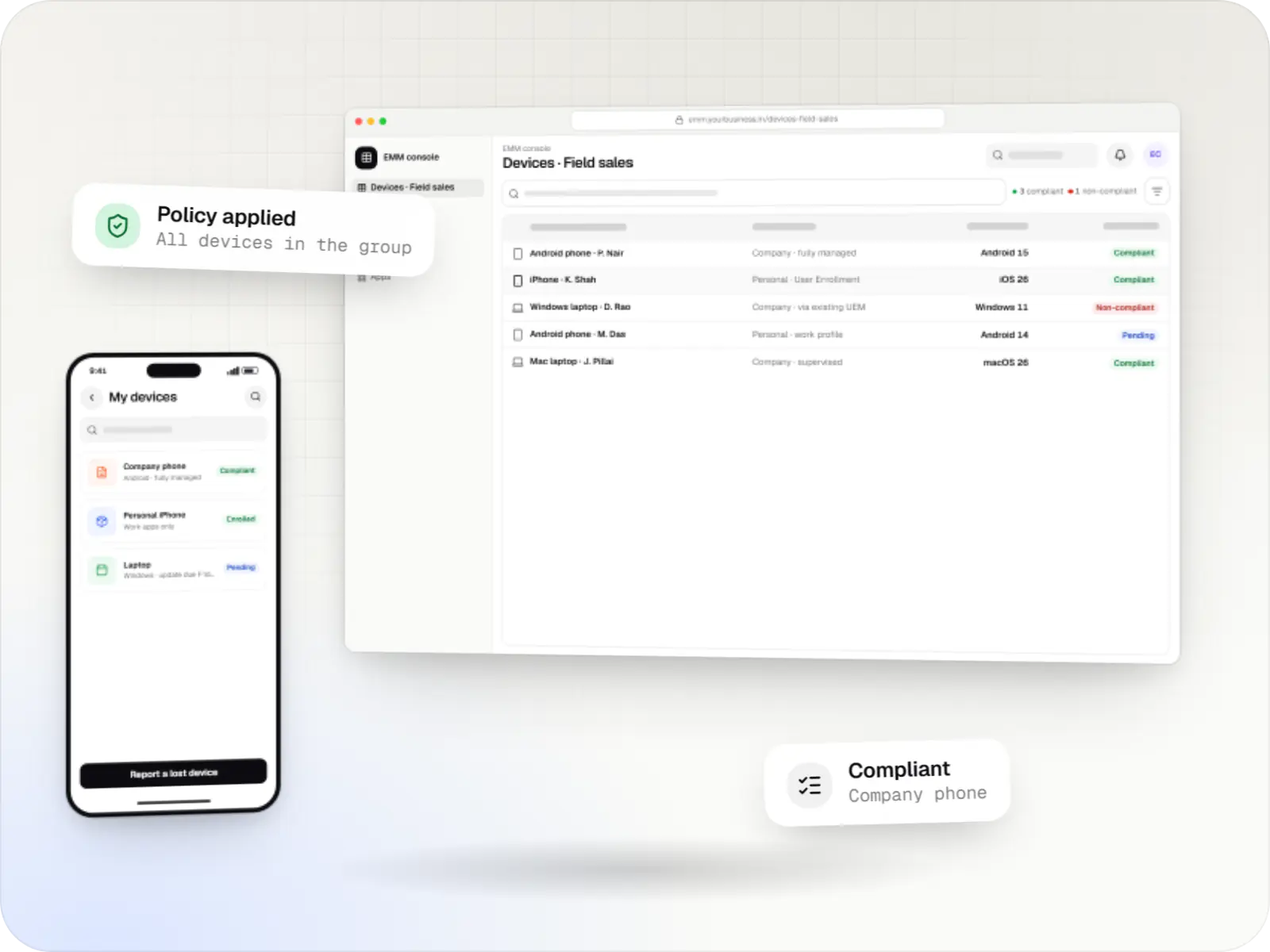
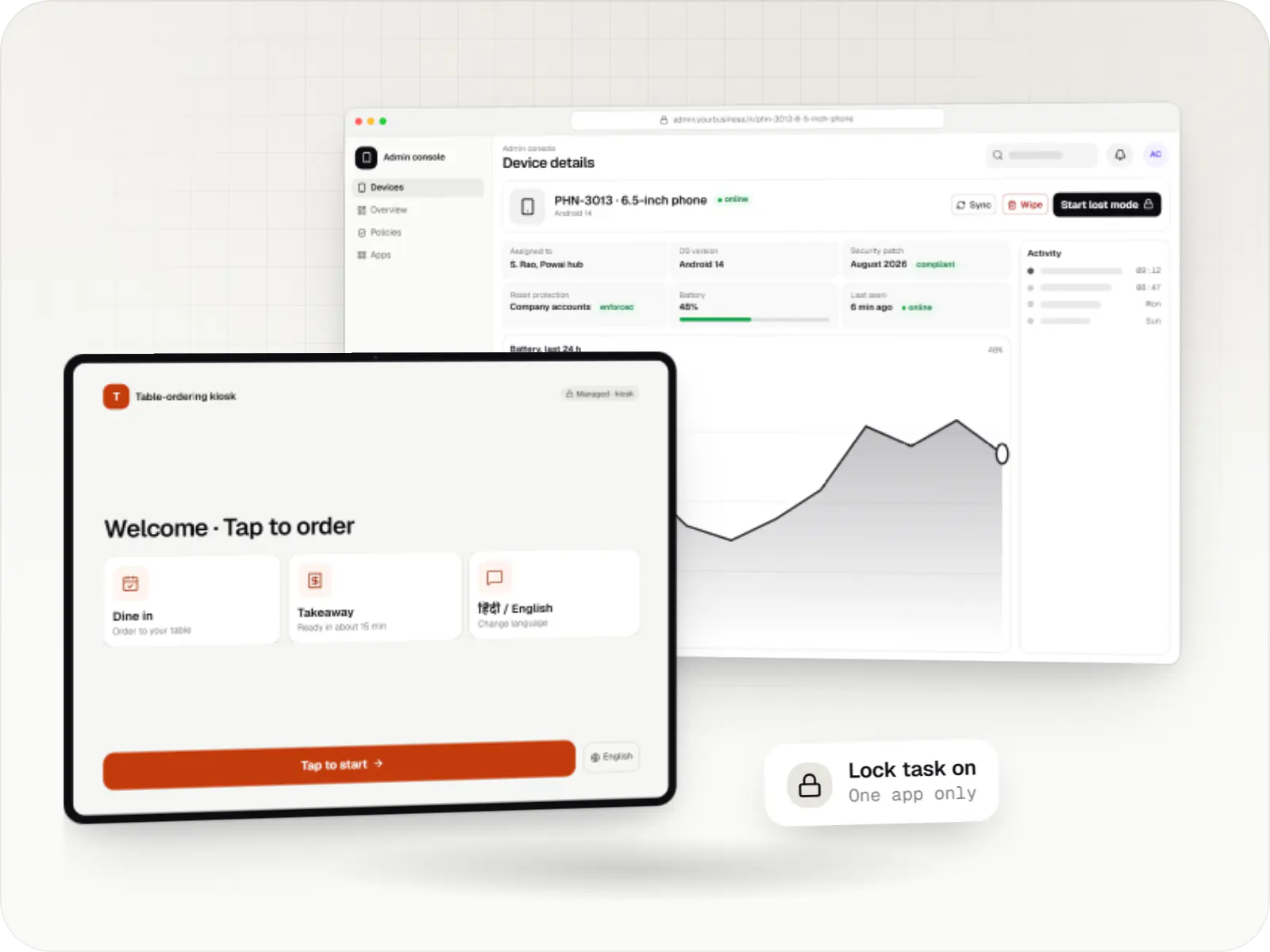
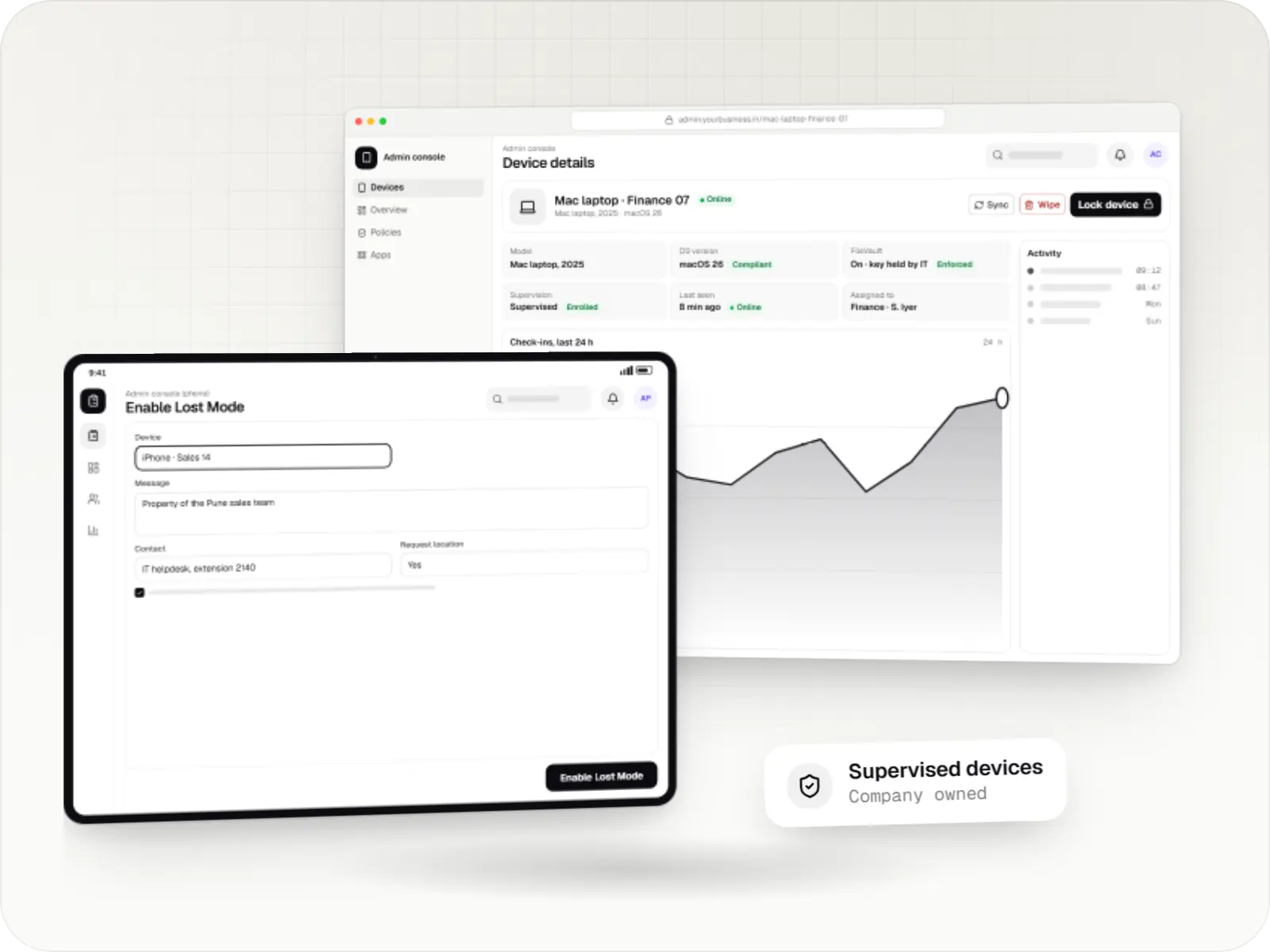
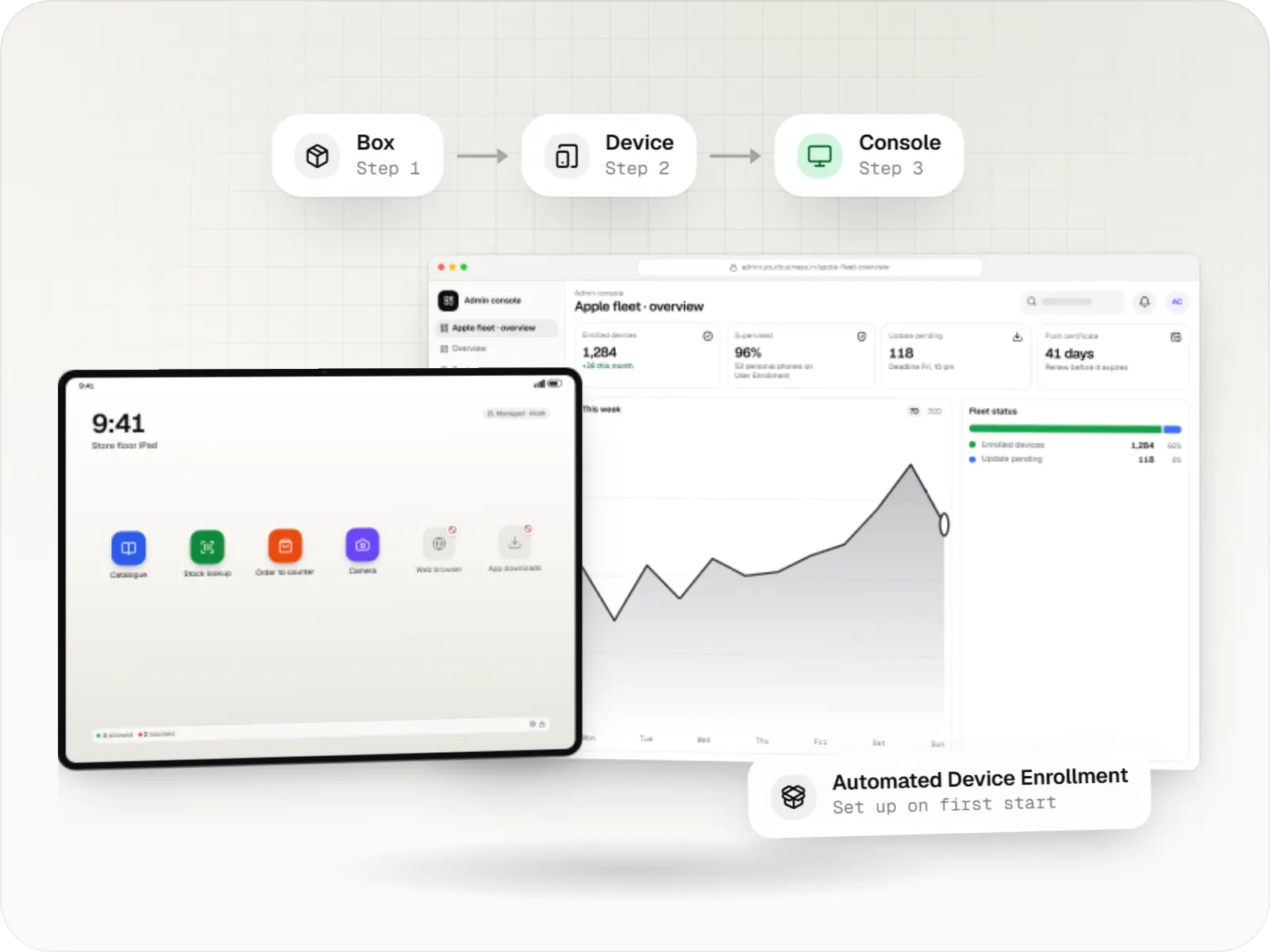
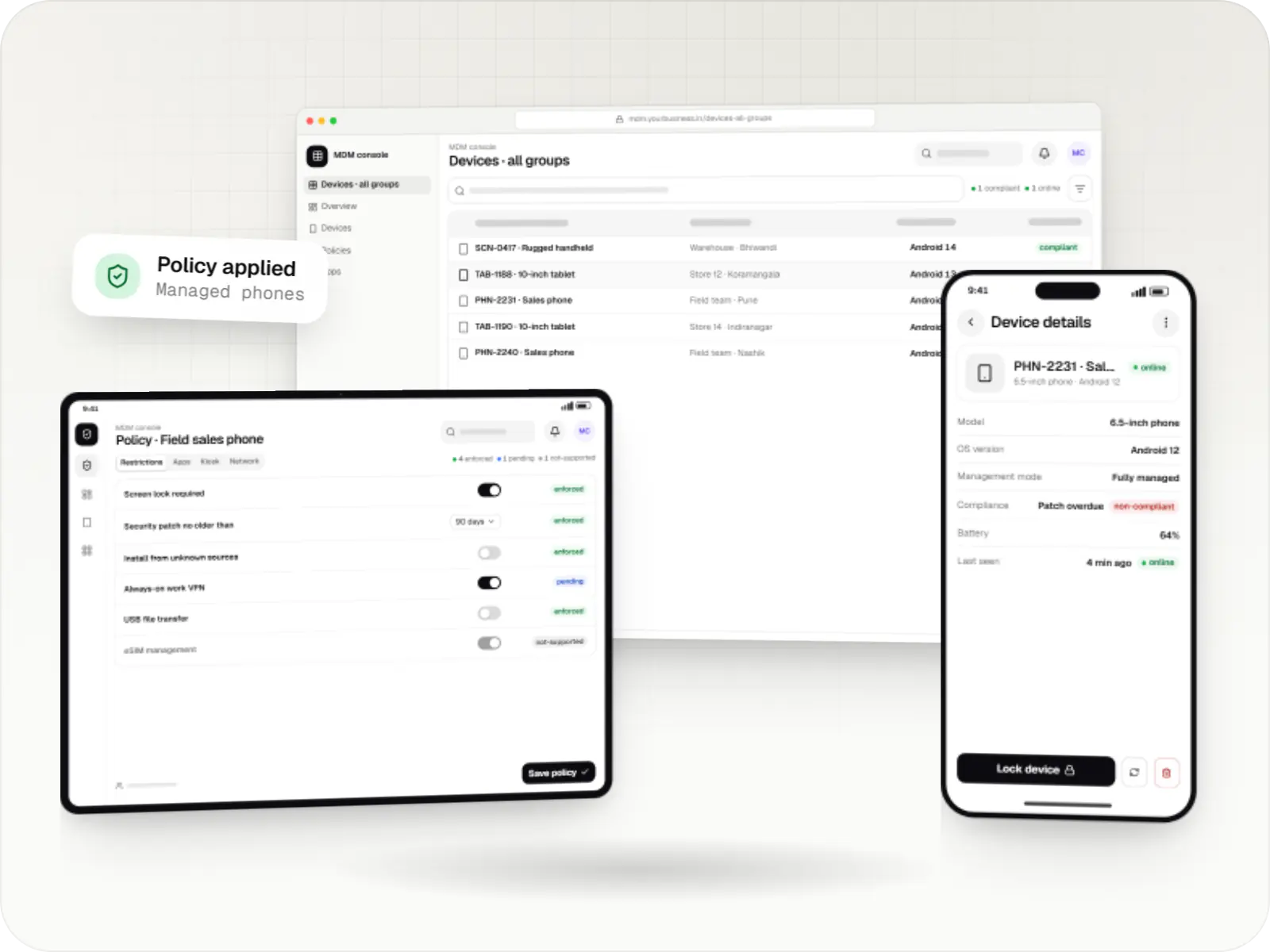
Devices managed with the Android Management API: device list, policy settings and a managed phone
Illustrative previewCompany phones listed, configured and kept compliant from one console.

What the Android Management API is, and who it is for

The Android Management API is a cloud API from Google for managing company Android™ devices. A product built on it does not need its own device agent. It sends a policy to the API (which apps to install, what to block, whether the screen is locked to one app, when updates may run), and Google's Android Device Policy app applies that policy on each phone, tablet or kiosk. Devices report their state back, and your console shows it.

For a business, the appeal is maintenance. Google updates the on-device app for each new Android version, so your budget goes into the console, workflows and kiosk apps rather than low-level device code. The API covers the common Android Enterprise set-ups: fully managed company devices, dedicated devices such as kiosks, and work profiles on company-owned or personal phones.

There is one condition that shapes every project. Google's usage policy makes the API available to commercial EMM developers, Device Trust providers and device makers. It excludes solutions built and used only for a company's own in-house purposes, device-financing locks and tools made only to monitor people. A new project has to request an initial quota of up to 500 devices with a business justification, and larger fleets need a further application to Google. So we recommend it when you are building a management or kiosk product for customers, and we check each project against the current policy before writing code.

Use cases

What we build with the Android Management API

  • Kiosk products for retail, healthcare and hospitality

    Single-app kiosks where one app launches locked at start-up, or multi-app kiosks with an allowlisted launcher, with the status bar, power menu and settings locked as each deployment needs.

  • Multi-customer EMM consoles

    One API enterprise per customer organisation, so each customer's devices, policies, apps and administrators stay separate inside a single product.

  • Enrolment flows

    Enrolment tokens shown as QR codes for each store or site, zero-touch configurations for devices bought from participating resellers, and sign-up links that connect a customer's organisation to managed Google Play.

  • App distribution and updates

    Public and private apps through managed Google Play, forced installs, minimum versions, managed configurations for your own apps and update windows outside business hours.

  • Status dashboards and alerts

    Device reports for OS version, security patch level, battery events, installed apps and policy compliance, pushed to your back end through Pub/Sub notifications and turned into alerts.

  • Remote actions with an audit trail

    Lock, reboot, reset passcode, clear app data, lost mode and wipe, each logged with who issued it and why. Some actions only work in certain management modes or Android versions, so the console hides what a device cannot do.

Why it matters for your product

  • Google maintains the device-side app

    Android Device Policy is updated by Google for new Android versions, so a new release rarely means rewriting a device agent.

  • One policy model for every mode

    Fully managed, dedicated and work-profile devices use the same policy format, which keeps the console and its data model simpler.

  • Setup without configuring each device

    With zero-touch, a device configures itself for the right customer and group once it is online; with a QR code, staff only scan one code on the setup screen.

  • Limits you can plan around

    The usage policy, device quota and supported features are documented, so there are fewer surprises late in a project.

Comparison

Android Management API, a custom device-owner app or an existing EMM?

Three honest routes to managing Android devices. Which one fits depends on who the product is for and which hardware it runs on.

Android Management API, a custom device-owner app or an existing EMM?
Android Management APICustom device-owner appExisting EMM or UEM
Who maintains the app on the deviceGoogle (Android Device Policy)You, for every Android releaseThe EMM vendor
SuitsA management or kiosk product you offer to customersSpecial hardware, devices without Google Play services, very specific kiosk behaviourA company managing its own devices with standard needs
Devices without Google Play servicesNot supportedSupported where the maker allows a device ownerDepends on the vendor
App distributionManaged Google Play, including private appsYour own update serverThe vendor catalogue, usually managed Google Play
Rules to check firstGoogle permissible-usage policy and device quotaMaker firmware support and your own security reviewVendor licence per device or user
What we buildConsole, back end, policies and kiosk appsThe device-owner app, update server, back end and consoleIntegrations, automations and company apps around it

When we would not recommend the Android Management API

  • You manage only your own company's devices: the usage policy excludes solutions built and used only in-house. Extending an existing EMM is usually the faster, compliant route, and a custom device-owner app suits special hardware.
  • Devices without Google Play services: many AOSP-based POS terminals, signage players and TV boxes cannot run Android Device Policy. They need a device-owner app or the maker's own tools.
  • Android TV devices: the API does not support them at the time of writing, so TV screens need a different approach, confirmed per model.
  • Payment-linked locks or monitoring people: device-financing locks and monitoring-only tools are prohibited by the policy, and we do not build them.

Plain-English glossary

Android Management API terms, in plain English

Android Device Policy
The Google app that enforces your policy on each device. It is installed during setup and kept up to date by Google, so your product doesn't ship or maintain its own device agent.
Enterprise (in the API)
The record that stands for one customer organisation. In a product for many customers, each business gets its own enterprise, which keeps their devices, apps and policies apart.
Policy
A set of rules for a group of devices: apps to install, features to block, kiosk settings, passcode and update rules. Change it once in the console and every device in the group follows.
Enrolment token
A code, usually shown as a QR code, that tells a freshly reset device which organisation and policy to join during setup. Tokens can be single-use or shared by a whole store group.
Pub/Sub notification
A message Google sends to your back end when a device enrols or reports new status, so your dashboard updates without repeatedly asking the API for changes.

Platforms

Devices and consoles it covers

Company-owned Android phones, tablets and handhelds with Google Play services, plus the web console your administrators use.

  • Mobile

    Android Enterprise devices

    Android phones, tablets and rugged handhelds with Google Play services, managed through Android Enterprise: company-owned devices as fully managed, dedicated (kiosk) or work-profile devices, and personal phones through a work profile only.

  • Back office

    Admin dashboard

    Back-office panels for operations, support and finance teams: orders, users, content, reports and permissions.

  • Web

    Web application

    Browser-based applications with logins, roles and workflows, such as customer portals, SaaS products and internal tools.

Solutions

Solutions we build on the Android Management API

  • Android MDM development

    Android MDM consoles, backends and device agents built on the Android Management API or a custom device-owner app, for EMM products and specialised fleets.

  • Android kiosk mode development

    Single-app and multi-app kiosks for Android tablets, phones and terminals: locked ordering, check-in and catalogue apps that customers cannot escape.

  • Dedicated device (COSU) management

    Fleet management for single-purpose Android devices: rugged scanners, delivery handhelds and shift tablets, kept charged, updated and healthy across sites.

  • Device enrolment and zero-touch provisioning

    Zero-touch, QR code, Knox Mobile Enrollment and Apple Automated Device Enrollment set-ups that take devices from the box to ready-to-use.

  • Enterprise mobility management (EMM and UEM)

    One console for company Android, iPhone, iPad, Mac and Windows devices: enrolment, apps, access and offboarding, on platform APIs or your existing UEM.

Services

Services involved

  • Android app development

    Native Android apps in Kotlin and Jetpack Compose, designed for entry-level phones, patchy networks and the background limits of popular Android brands.

  • SaaS development

    Multi-tenant SaaS products with subscription billing, team roles, onboarding and usage analytics, from first MVP to paying customers.

  • Admin panel development

    Back-office dashboards built around your team's daily tasks: order queues, approvals, catalogue management, payouts, reports and audit logs.

  • API development

    Secure, documented REST and GraphQL APIs, plus integrations that connect your apps to payment, logistics, GST, messaging and business systems.

Work

Sample projects

Illustrative projects that show how we plan and build products that use Android Management API. They are samples, not client work.

  • Device management & kiosk solutions

    Illustrative sample

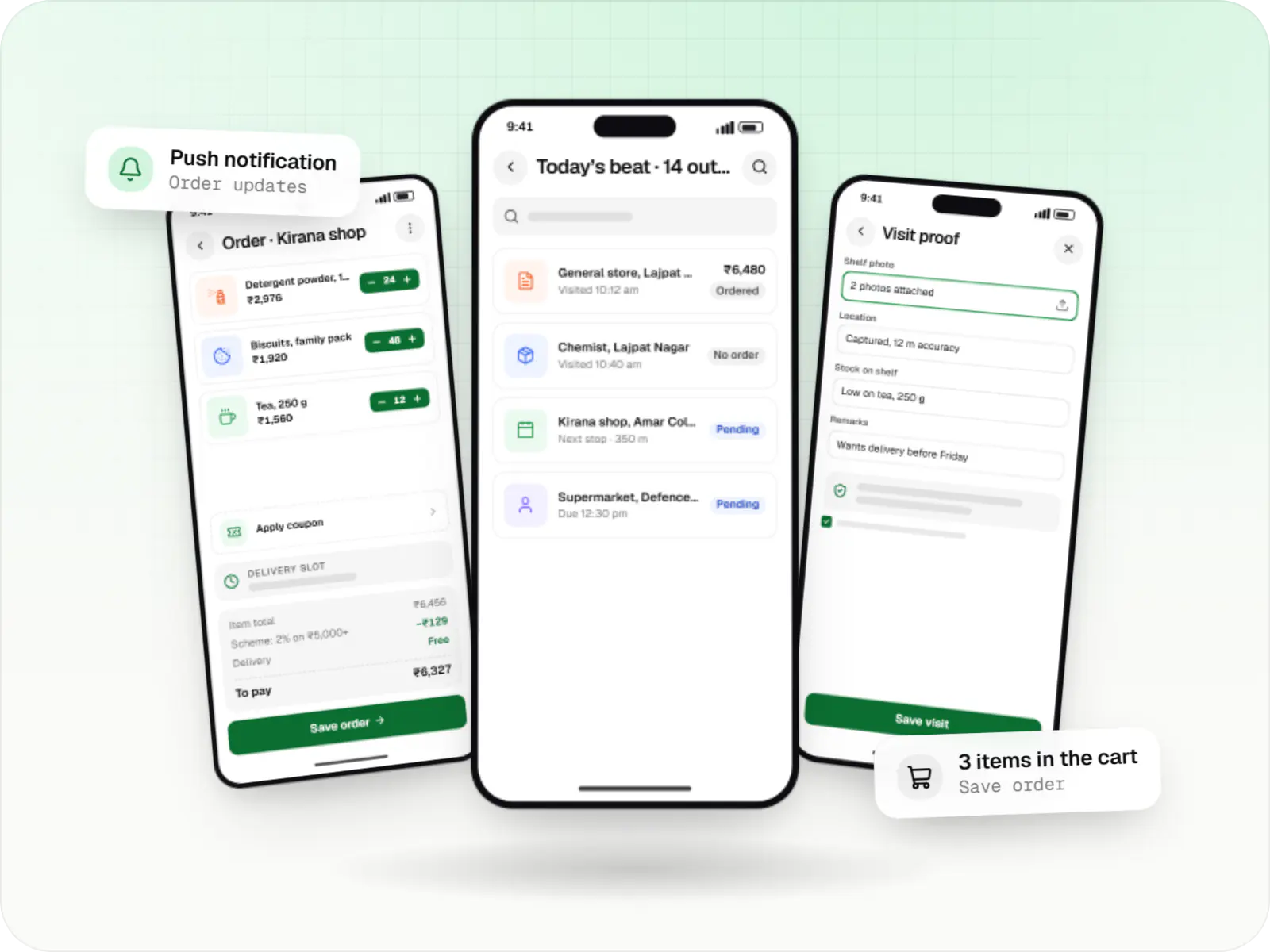
    Android kiosk and device management platform for retail stores

    An illustrative kiosk product for retail chains: locked Android tablets for catalogues and price checks, a staff launcher, and a console to enrol, update and monitor every device.

    • Retail
    • Device management platform

    Runs on

    • Android Enterprise
    • Admin
    • Web app

    Built with

    • Next.js
    • React
    • Android (Kotlin)
    • NestJS
    • PostgreSQL
    • +1 more
  • Device management & kiosk solutions

    Illustrative sample

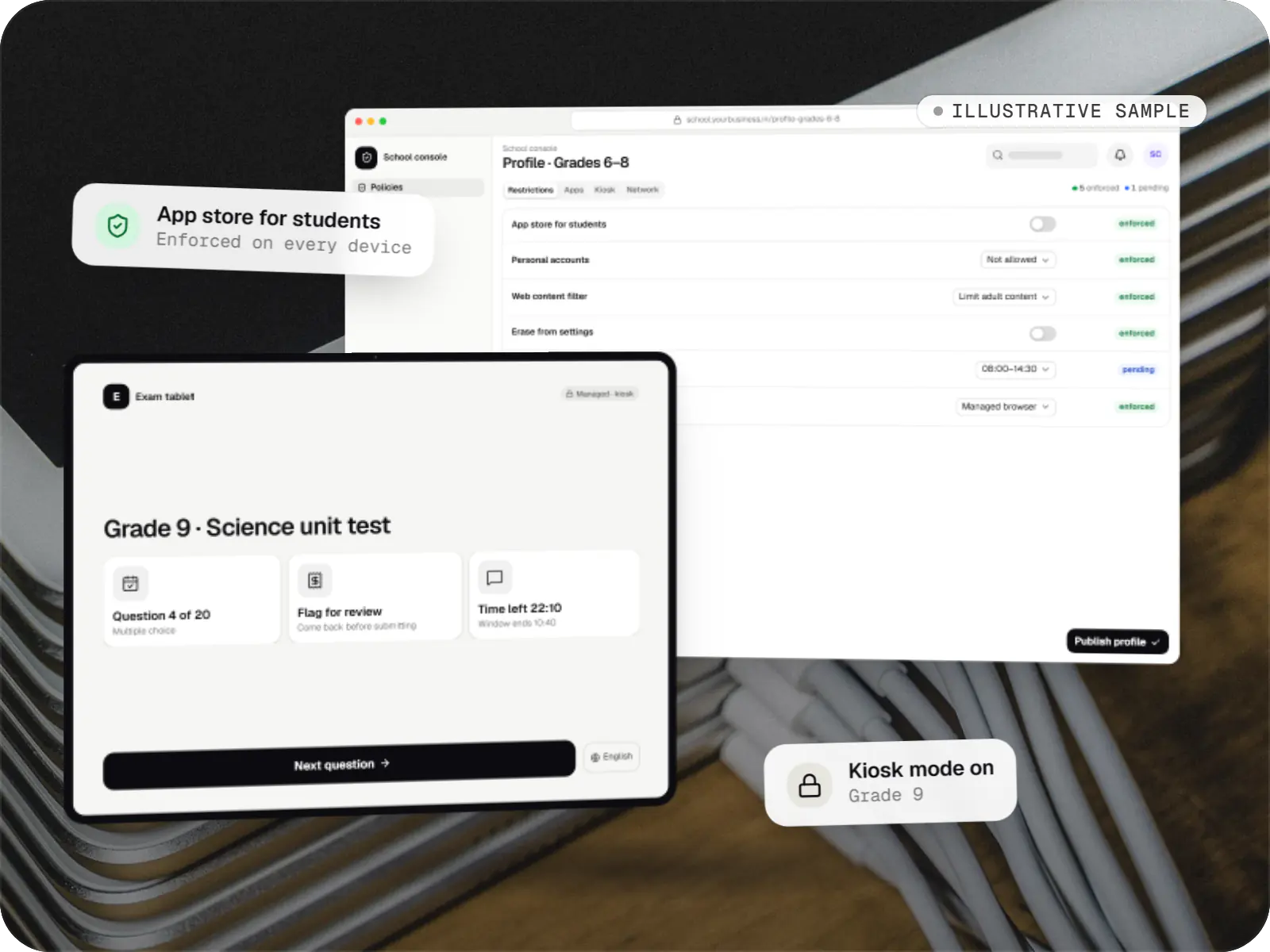
    Tablet management console for schools

    An illustrative console for school tablets: iPad devices through Apple School Manager and MDM, Android™ tablets through Android Enterprise, with class-based rules teachers can follow.

    • Schools
    • Device management SaaS

    Runs on

    • iPhone and iPad
    • Android Enterprise
    • Admin
    • Web app

    Built with

    • Next.js
    • NestJS
    • PostgreSQL
    • Redis
    • AWS
    • +1 more

FAQ

Frequently asked questions

Can we use the Android Management API to manage only our own company devices?

Usually not directly. Google's permissible-usage policy limits the API to commercial EMM developers, Device Trust providers and device makers, and excludes solutions built and used only for a company's own in-house purposes. If you only manage your own fleet, we normally extend an existing EMM, or build a custom device-owner app for special hardware. We review your case against the current policy text before recommending a route.

How many devices can a product on the API manage?

A new project first requests an initial quota of up to 500 devices, with a full business justification. Beyond that you apply to Android Enterprise for an increase, and quota is granted for at most two projects per developer, to keep development and production apart. We plan the application early, so a successful pilot does not stall at the quota.

Can the API show where our devices are?

Only in lost mode. On fully managed devices running Android 11 or later, and company-owned devices with a work profile on Android 13 or later, an administrator can start lost mode: the device locks, shows a return message and sounds an alert, and if nobody unlocks it within about five minutes, it reports its location to the console. There is no continuous tracking through the API, and we make sure users are told in advance what the organisation can see.

Can our own kiosk app run under the API?

Yes. A single app can be given the kiosk install type, so it becomes the home screen and launches locked at start-up. Several allowlisted apps can run under Google's kiosk launcher or your own launcher app. Your app can be published privately through managed Google Play and receive settings, such as a store ID, through managed configurations.

Do devices need Google Play services?

Yes. Android Device Policy relies on Google Play, so devices must be Google-certified and have Google Play services. Many rugged handhelds and business tablets qualify, but some AOSP-based POS terminals, TV boxes and signage players do not. For those we look at a custom device-owner app or the maker's own management tools instead.

Next step

Building a device-management or kiosk product?

Tell us who your customers are, which devices they use and how many, and we will check the fit with the API and its usage policy before estimating.