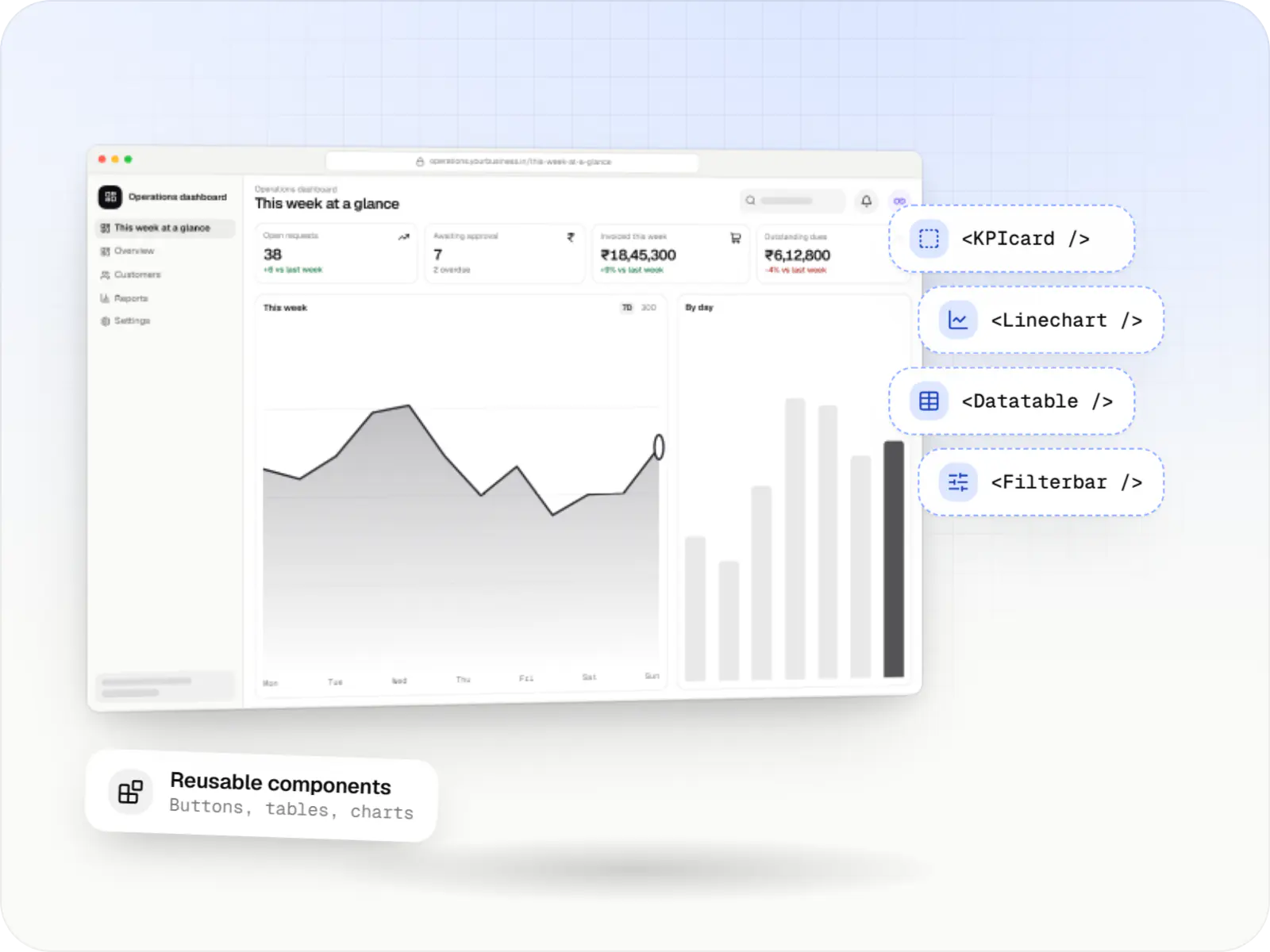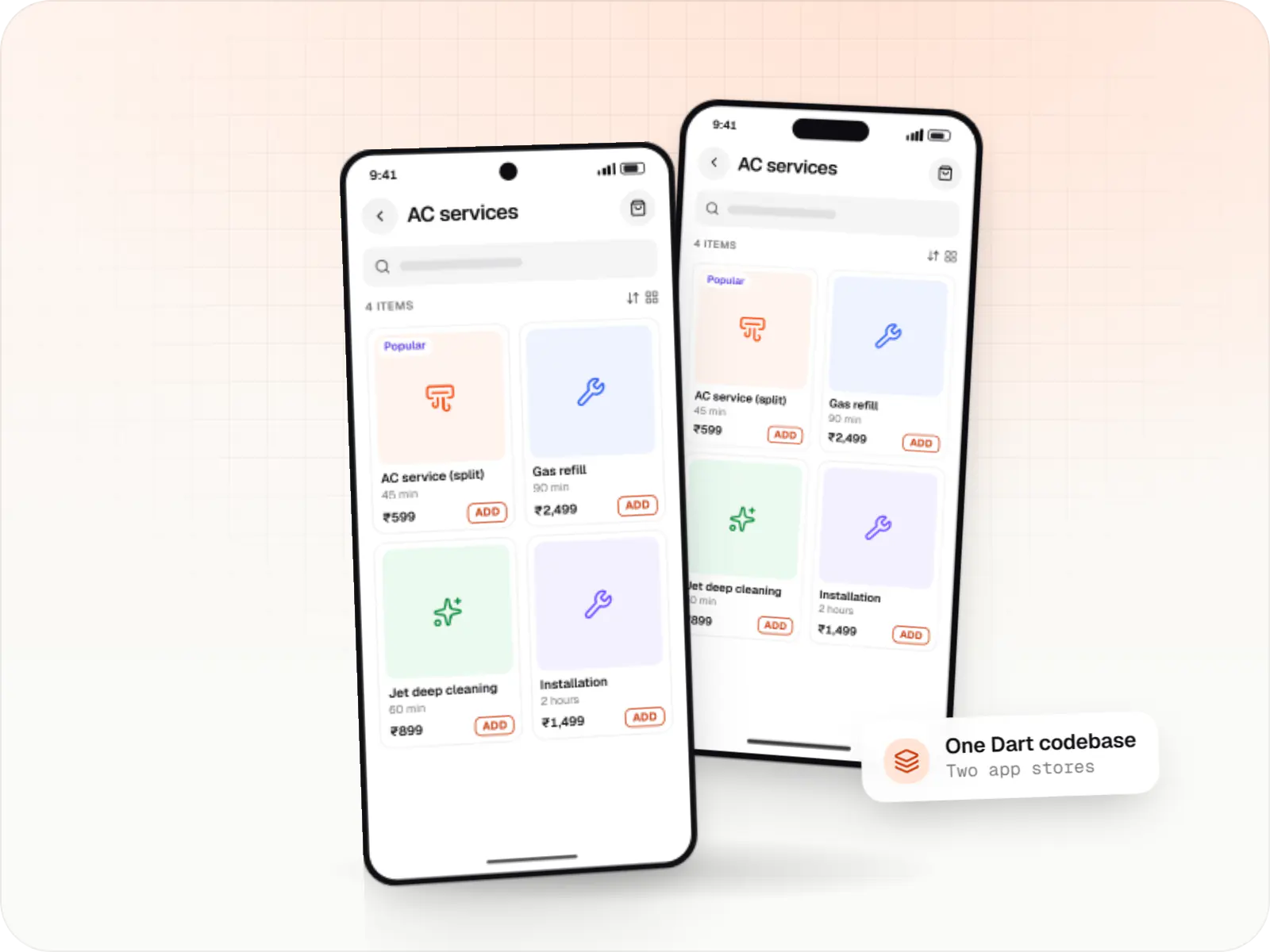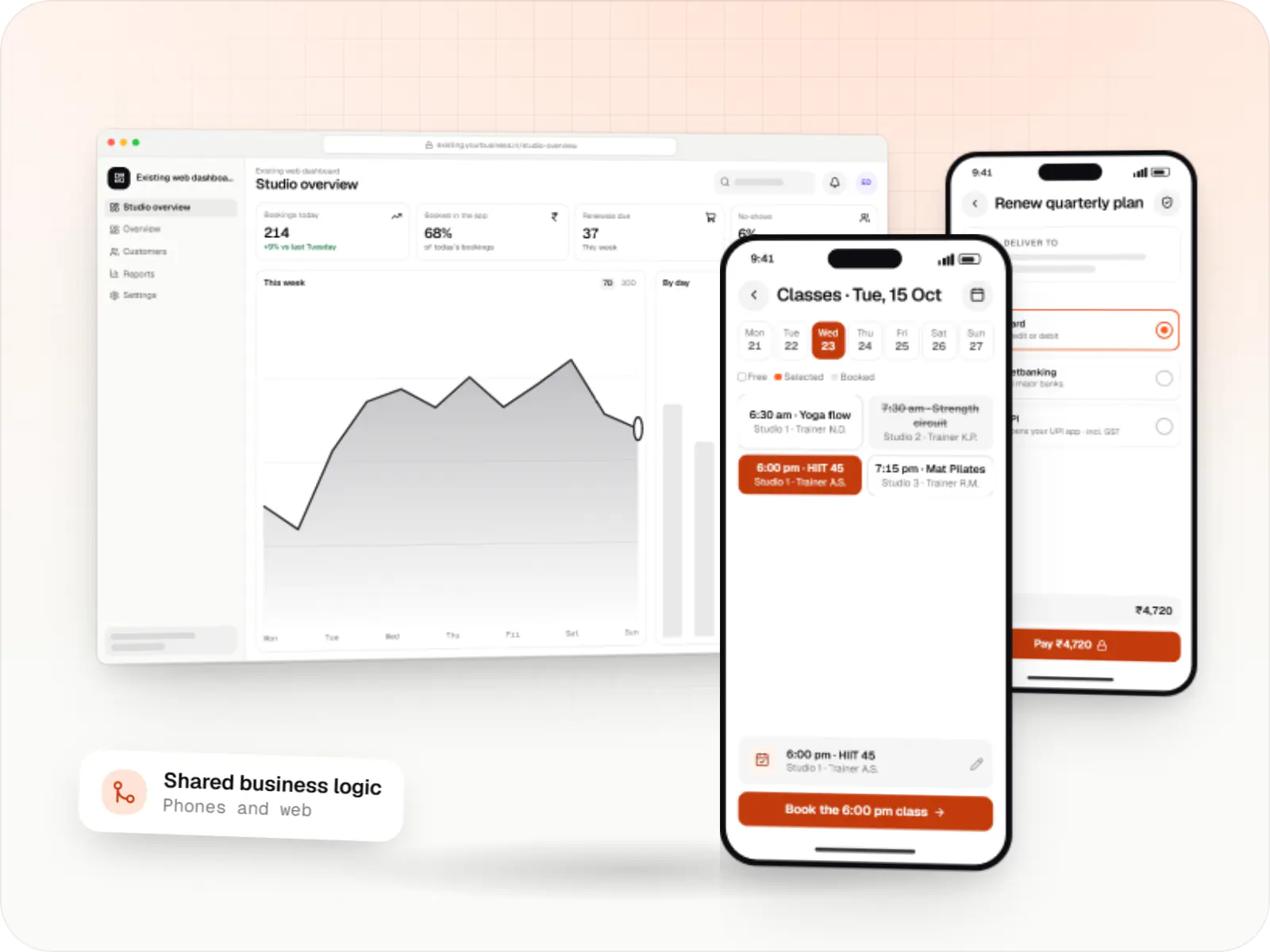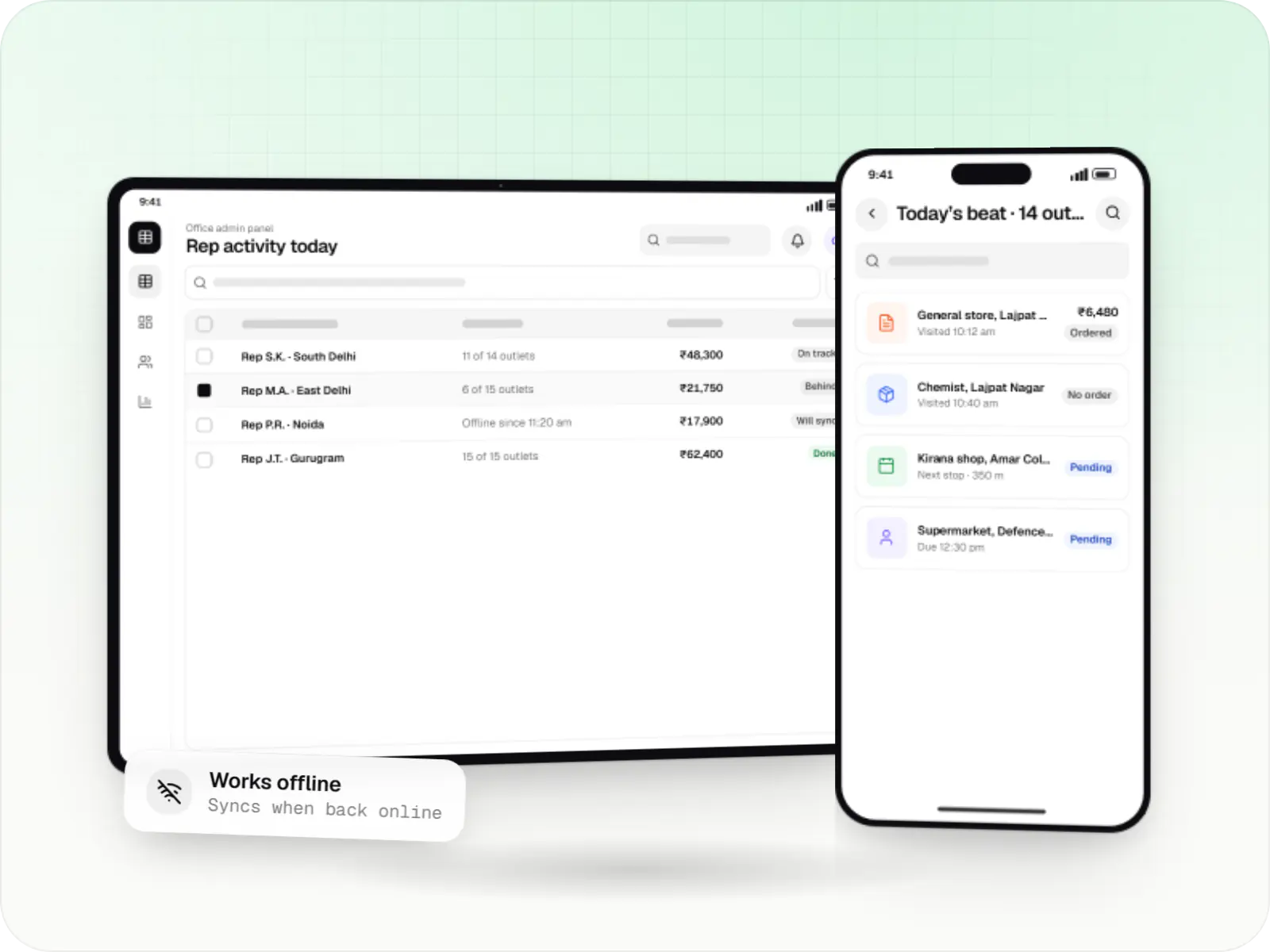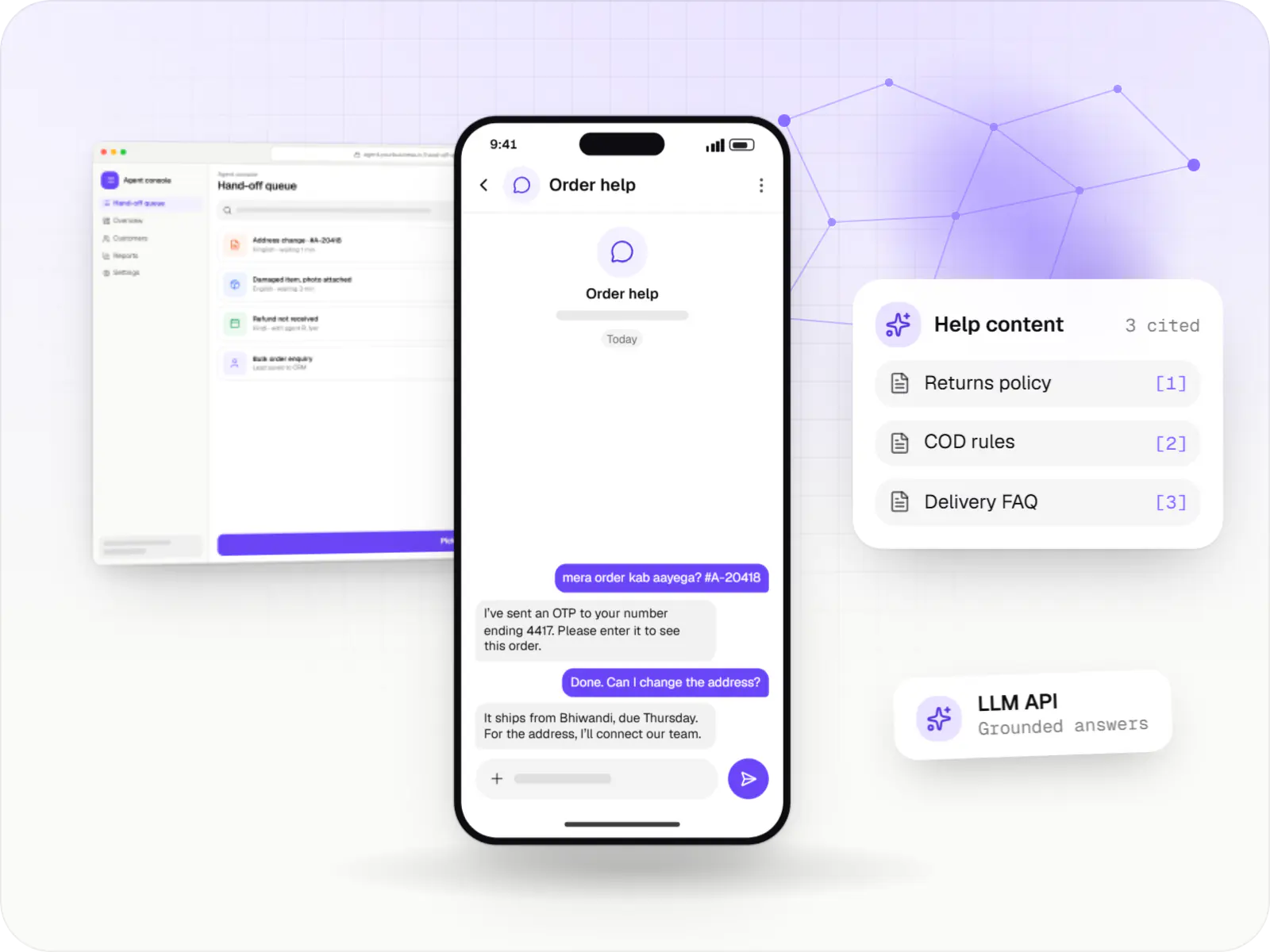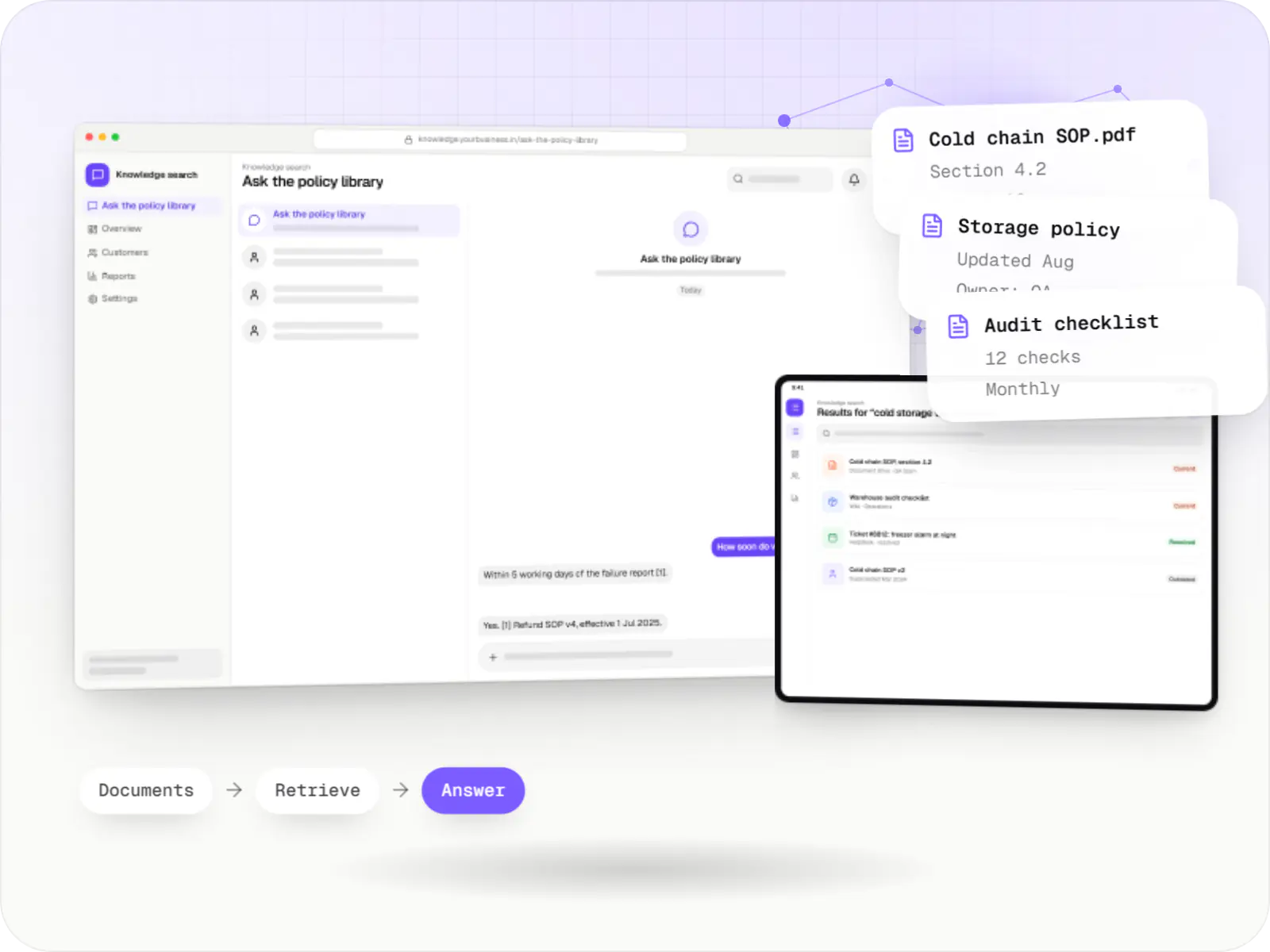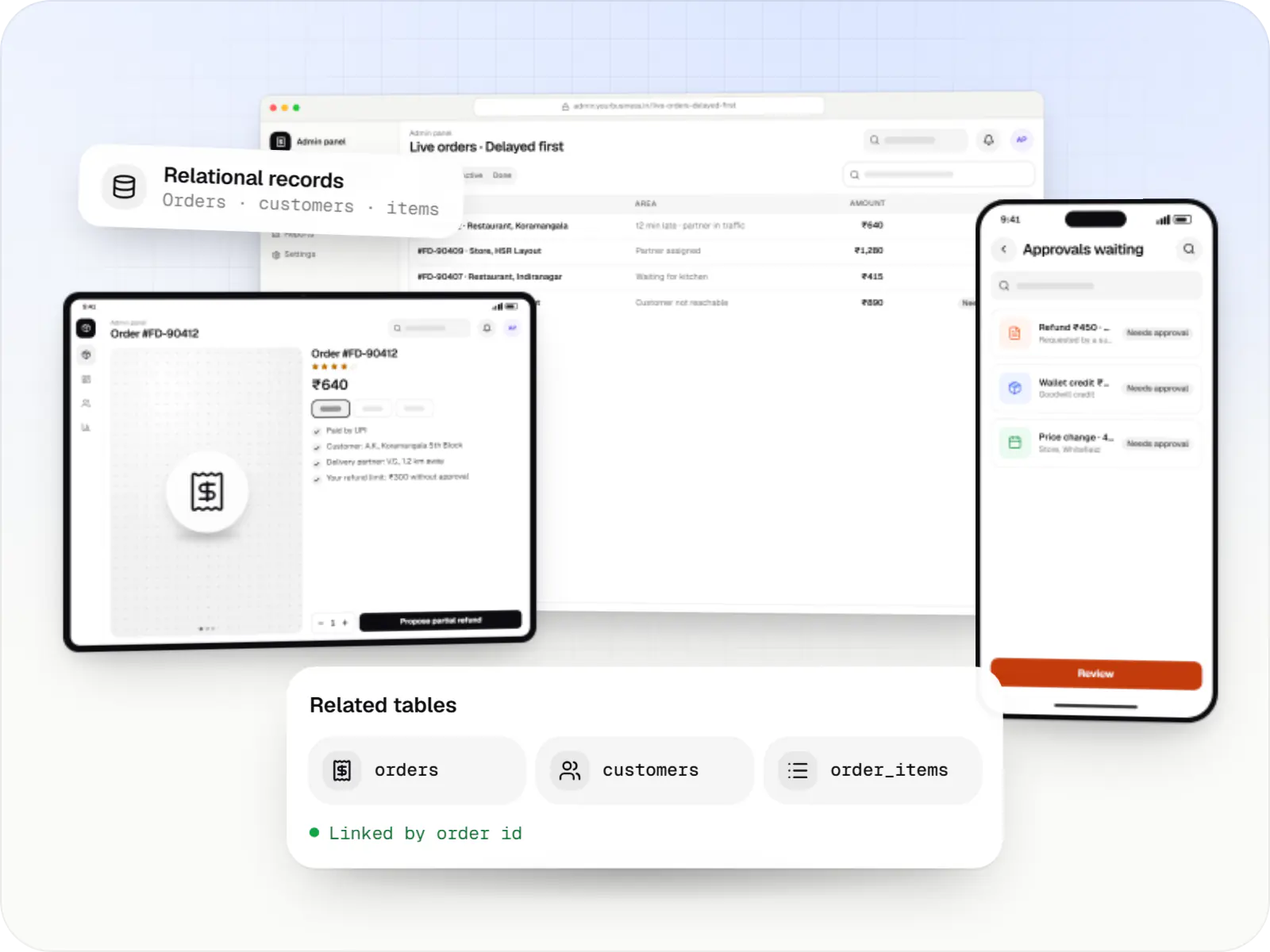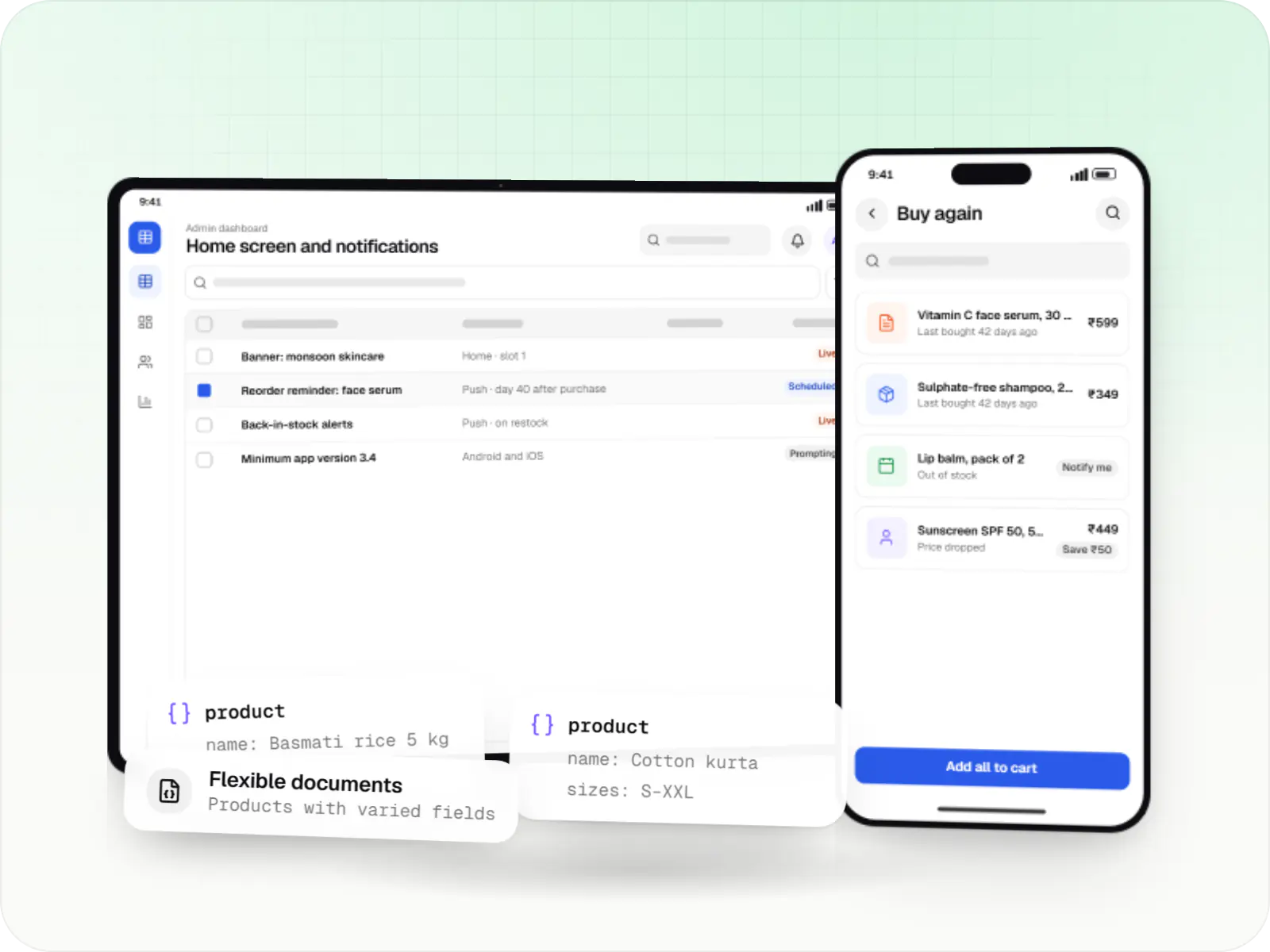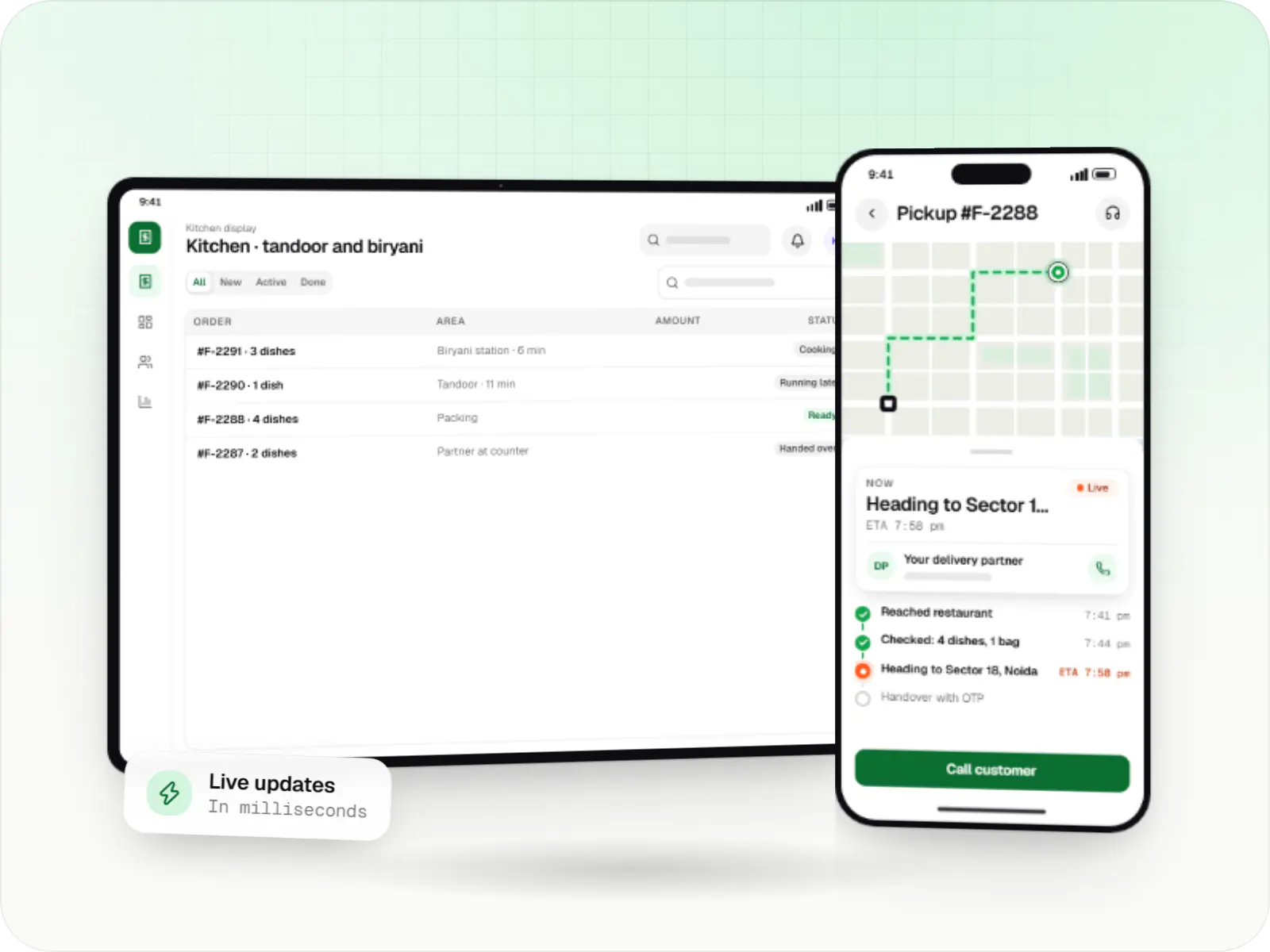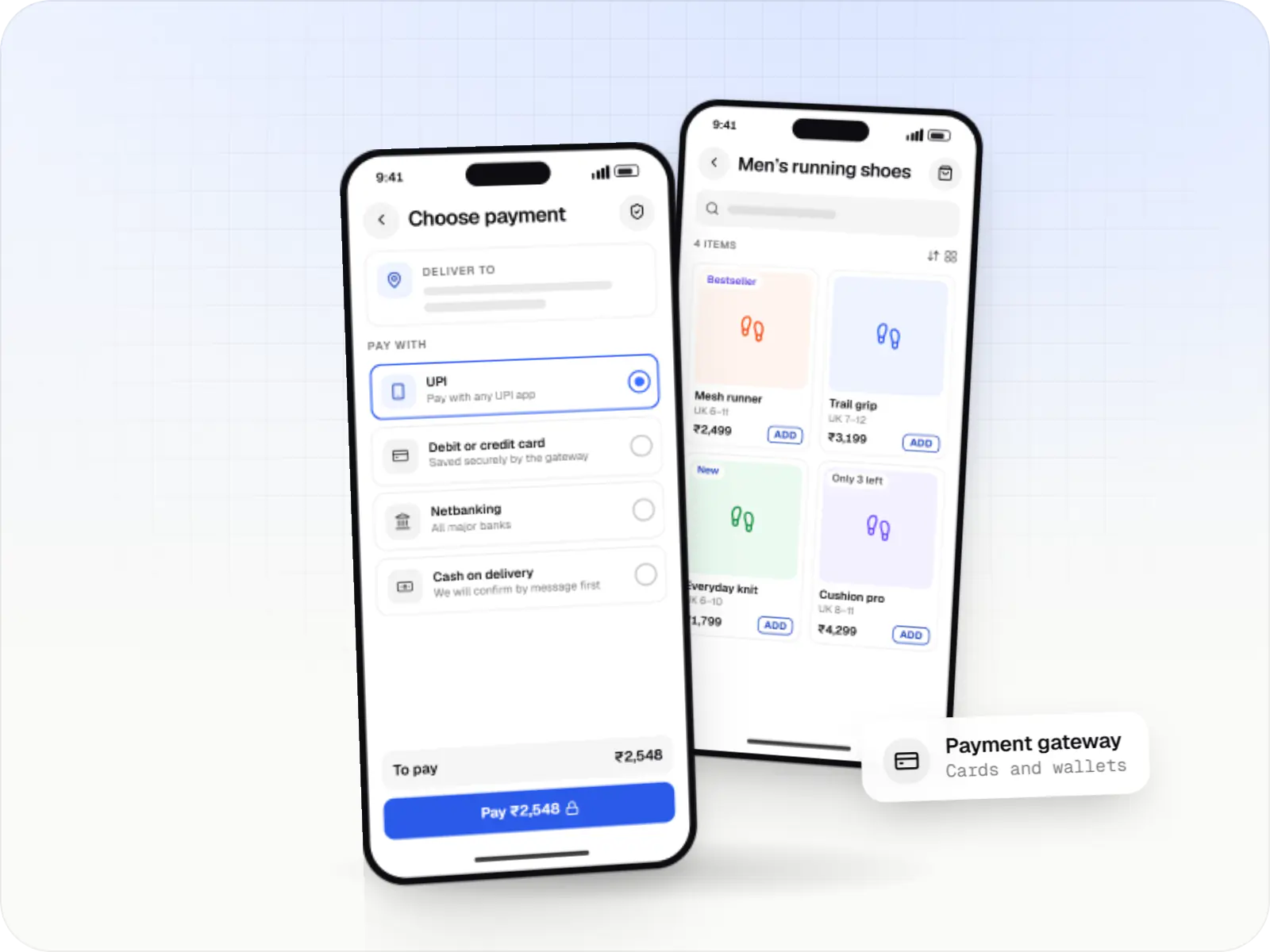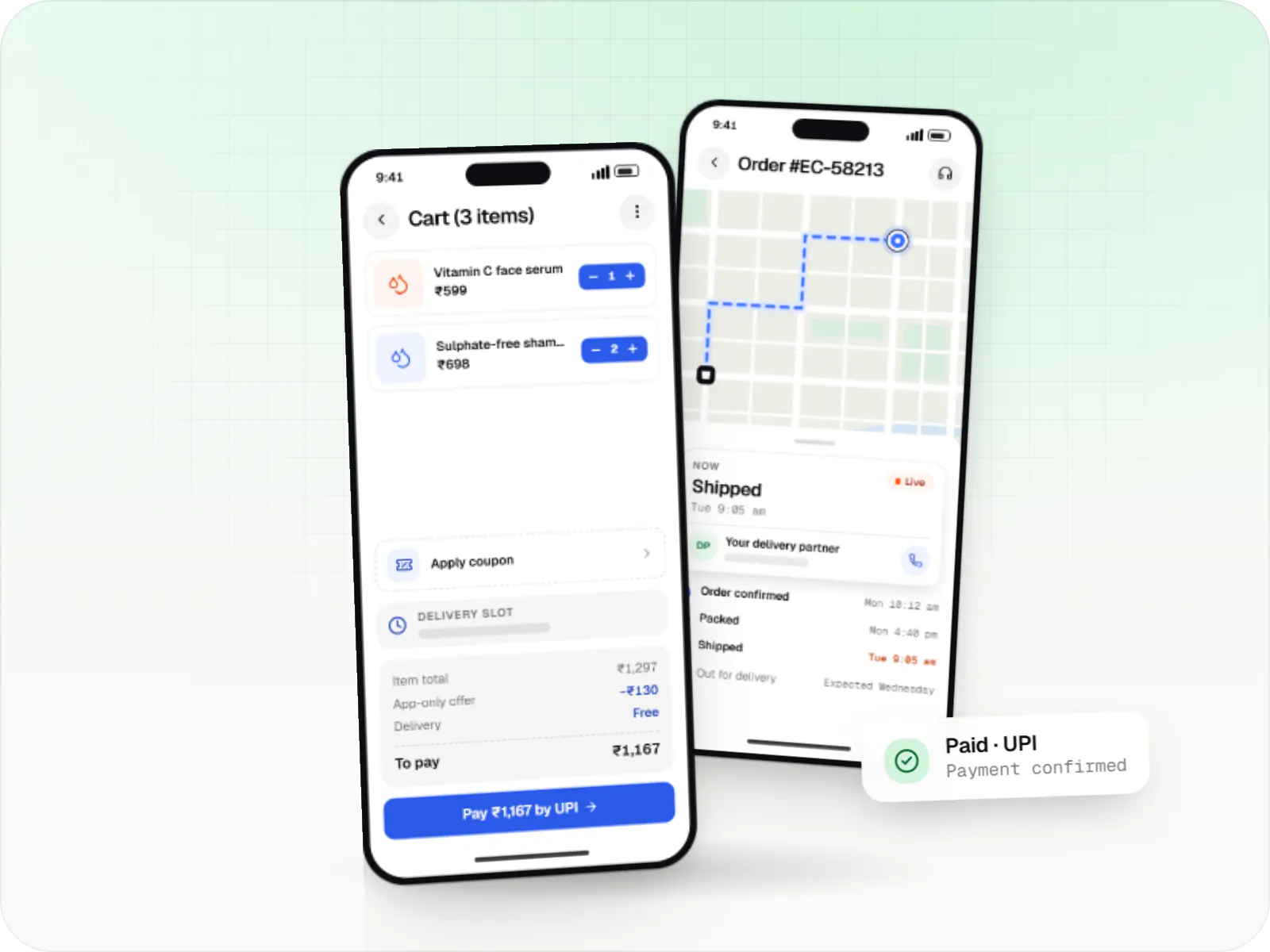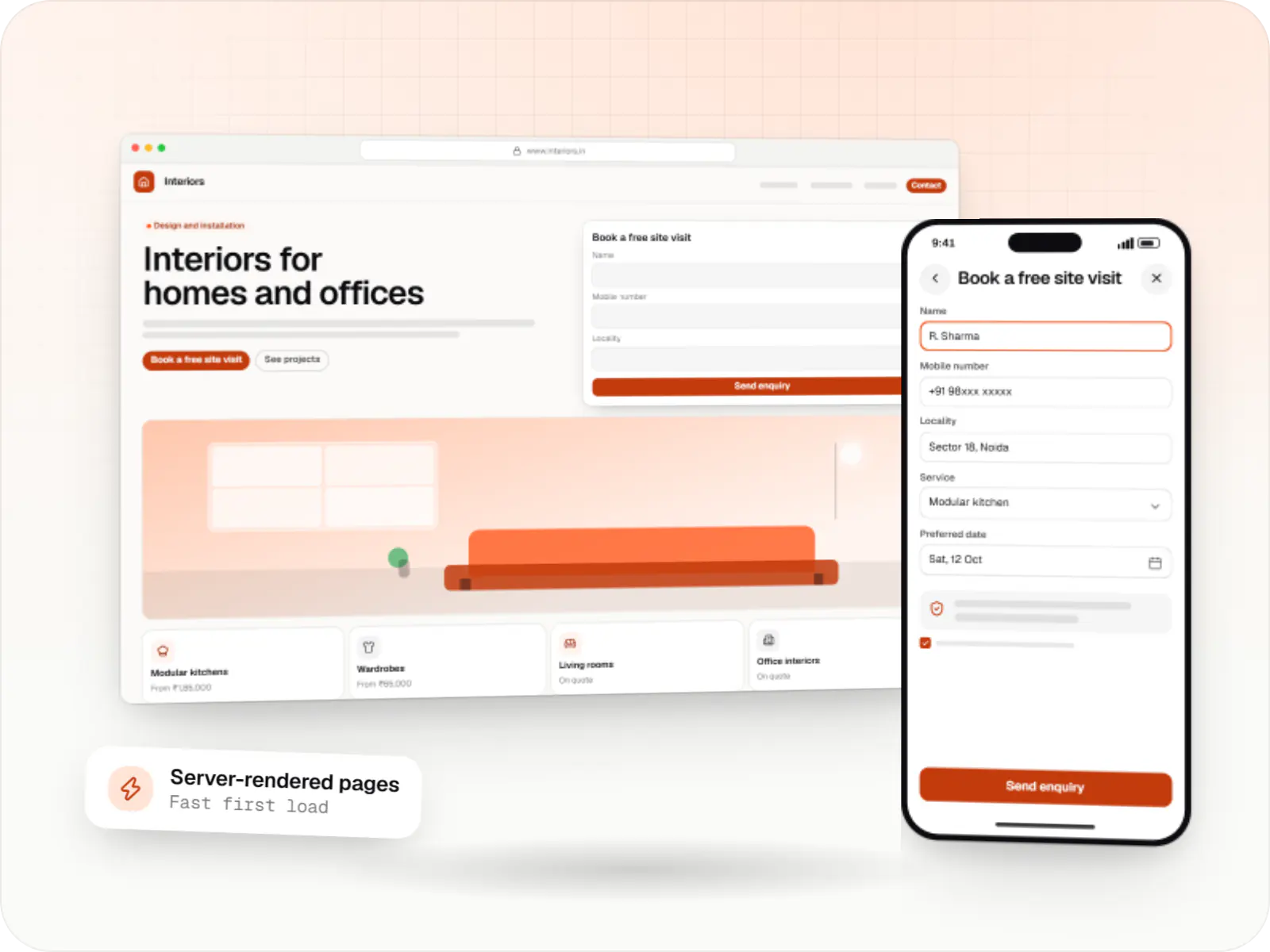
A modern web technology for fast, search-friendly websites, online stores and web applications that load quickly on mobile.
Used for
- Business websites
- Online stores
- Web apps
- Customer portals
Technology
We build with mainstream, well-supported technologies: Next.js and React for the web; Flutter, React Native, Kotlin and Swift for mobile; Node.js, NestJS and Python on the backend; PostgreSQL, MongoDB and Redis for data; AWS, Docker and Firebase for infrastructure; and OpenAI APIs and other LLM integrations for AI features. For payments and location we integrate Razorpay, Stripe and Google Maps Platform.
Each technology page explains when we choose it, what we build with it and the trade-offs to know about.
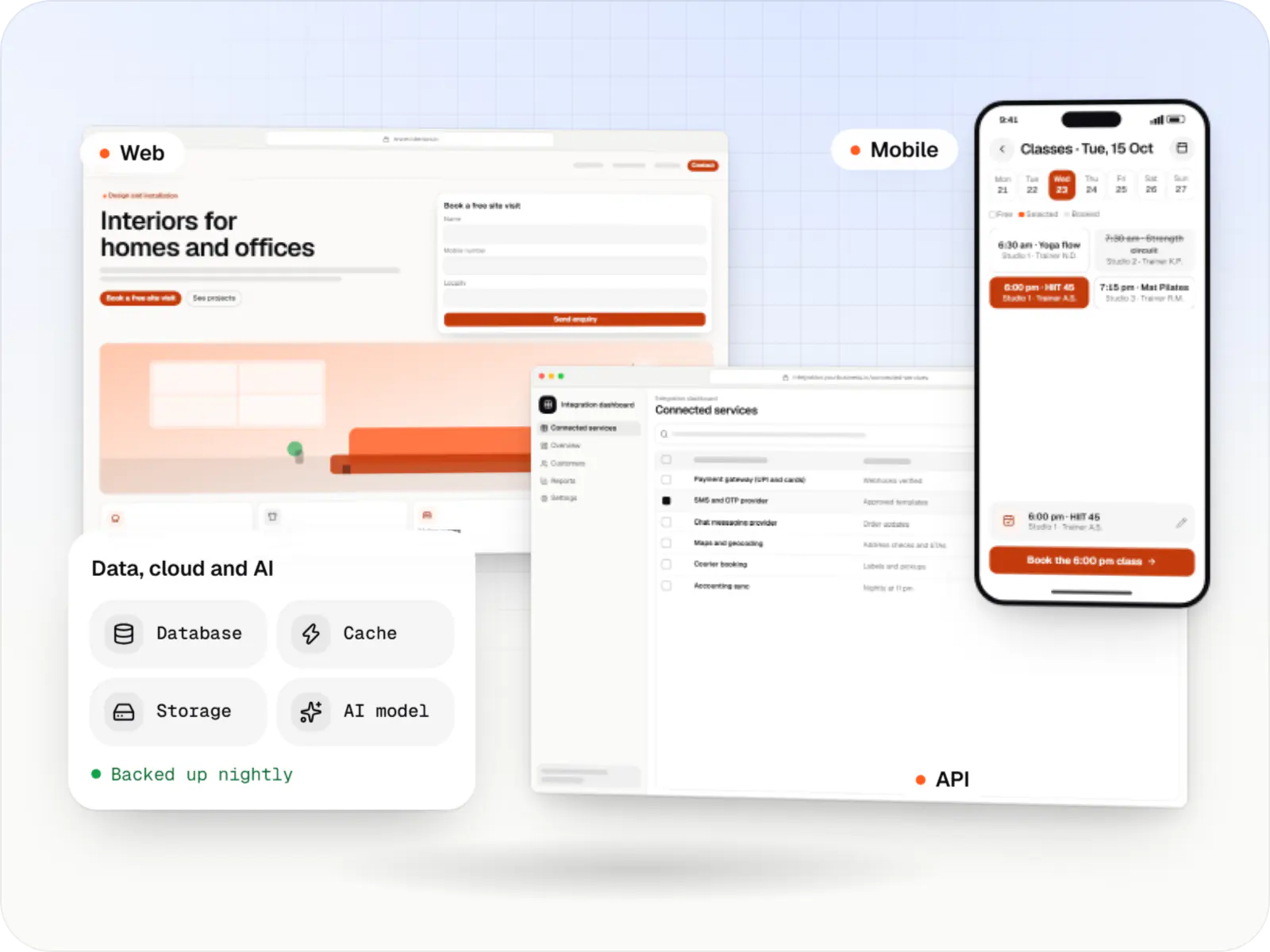
In plain English
Technology choices shape how fast your product feels, what it costs to run and how easily another team can take it over later. You don't need to know these names: each card says what the tool does for a business and what it is used for.
Frameworks for websites, web applications and dashboards, chosen for speed, search visibility and long-term maintainability.
A modern web technology for fast, search-friendly websites, online stores and web applications that load quickly on mobile.
Used for
Builds interactive screens in the browser, such as dashboards, admin panels and portals, that respond instantly as your team works.
Used for
Cross-platform and native toolkits for Android and iOS apps, tested on the devices and networks common in India.
Build Android and iOS apps from one shared codebase, so you launch on both platforms faster with a consistent experience.
Used for
Build Android and iOS apps in the same language as a React website, so one team can share code and skills across web and mobile.
Used for
Apps built specifically for Android, with full access to the phone's hardware, background location and company-managed devices.
Used for
Apps built specifically for iPhone and iPad, for when your product needs Apple features or a polished experience for iPhone users.
Used for
Flutter and the related logo are trademarks of Google LLC. We are not endorsed by or affiliated with Google LLC.
Runtimes and frameworks for APIs, business logic, integrations and background jobs.
Runs the server side of apps: fast, scalable back ends that power your app, website and integrations.
Used for
A structured way to build back ends on Node.js, so large business systems stay organised, testable and easy to hand over.
Used for
A programming language for AI features, data processing and automation: the engine behind document reading, reports and smart search.
Used for
Model APIs and integration patterns for AI features, with evaluation, guardrails and human review built in.
Adds AI features such as chat assistants, document summaries and smart search to your product, built on OpenAI models with human review.
Used for
Connects your product to AI language models from several providers, so each task uses a suitable model and you can switch later.
Used for
Databases and caches for transactional records, flexible documents, search and real-time features.
A reliable database for the records your business runs on: orders, payments, bookings and stock, kept accurate and easy to report on.
Used for
A flexible database for records that vary a lot from one to the next, such as mixed product catalogues, content and activity logs.
Used for
Keeps frequently used data in fast memory, so apps stay quick on busy days and live features like order tracking feel instant.
Used for
Hosting, containers, managed services and deployment pipelines that keep releases repeatable.
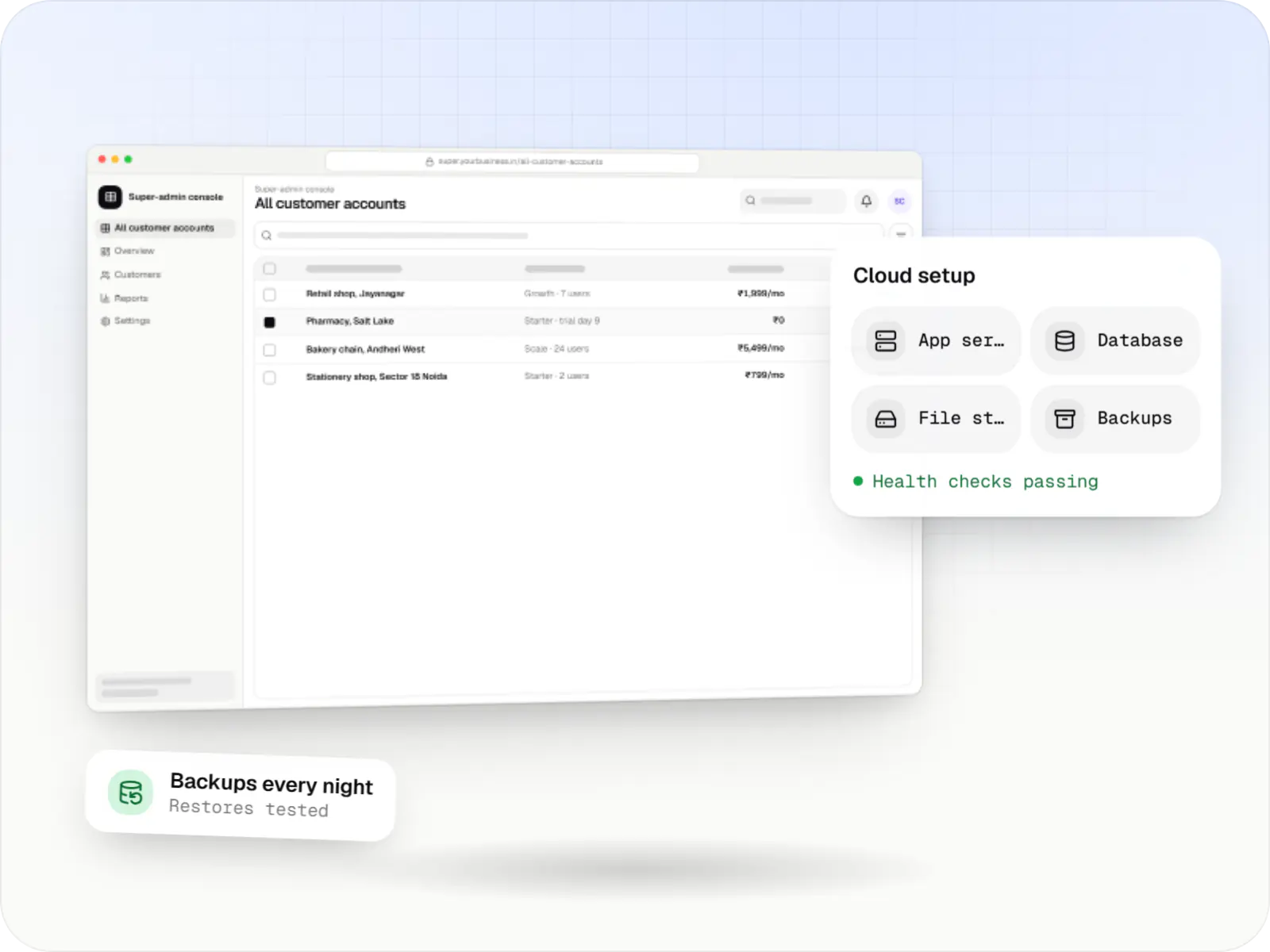
Cloud hosting for your app, website and data, with data centres in India and room to grow when traffic rises.
Used for
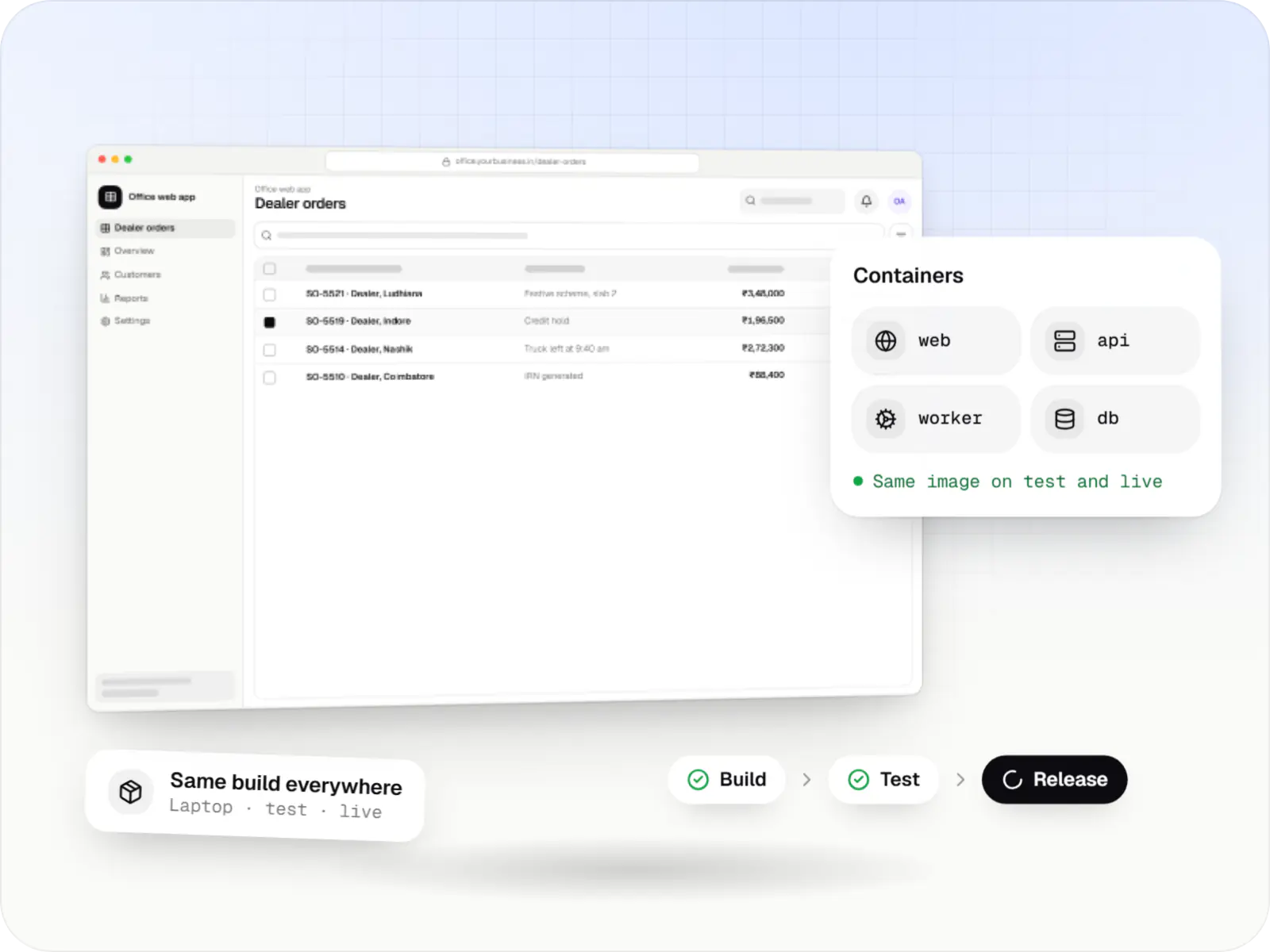
Packages your software so it runs the same way on every laptop and server, which makes releases predictable and moving hosts easier.
Used for
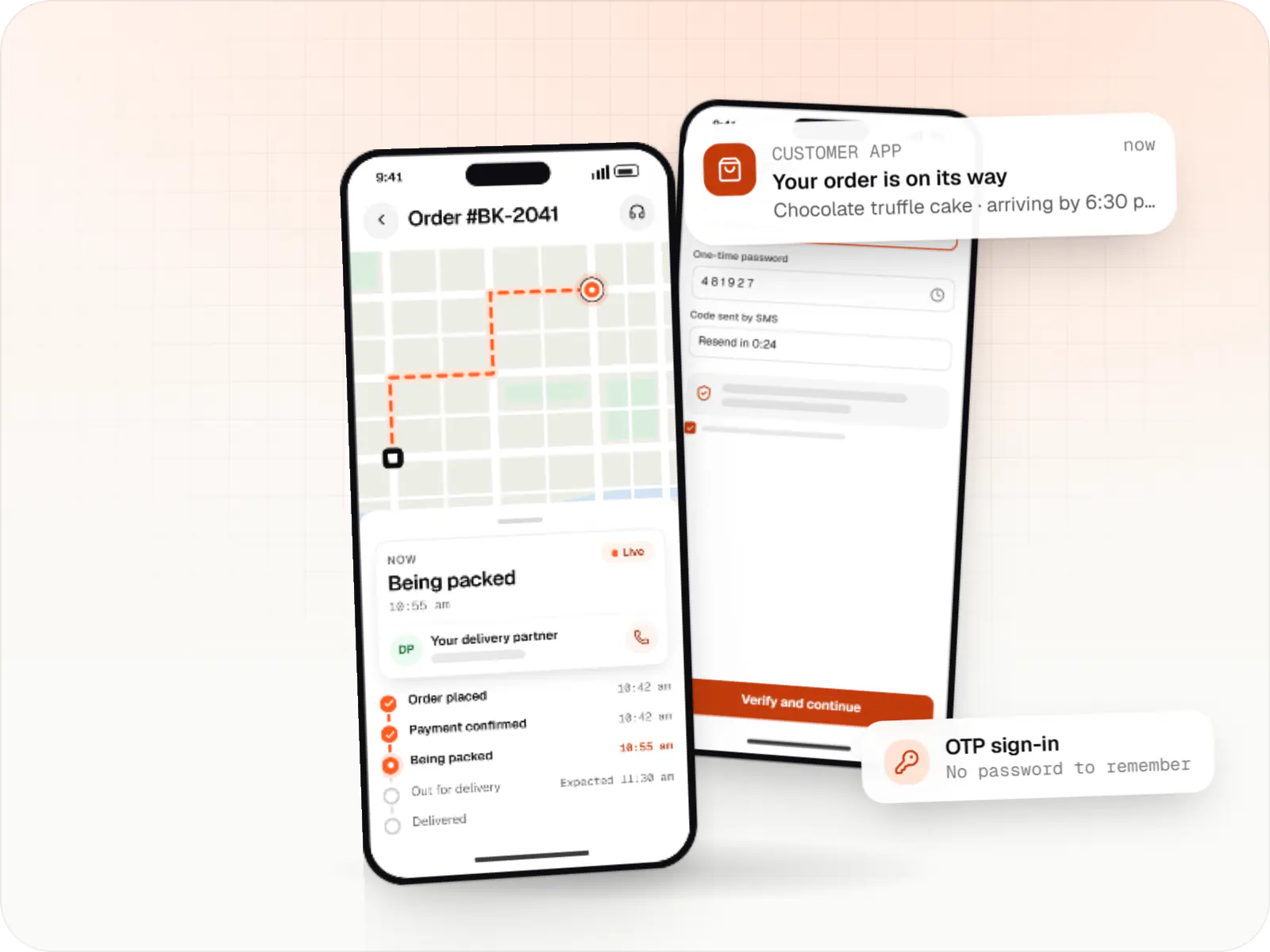
Ready-made building blocks for mobile apps, such as push notifications, phone OTP login and crash reports, so you launch sooner.
Used for
Payment gateways and location services for checkout, subscriptions, payouts, tracking and routing.
Accepts card payments and subscriptions from customers outside India, in many currencies, with automatic invoices and renewals.
Used for
Lets customers in India pay by UPI, cards, netbanking or wallets, and handles subscriptions, refunds and payouts to sellers or partners.
Used for
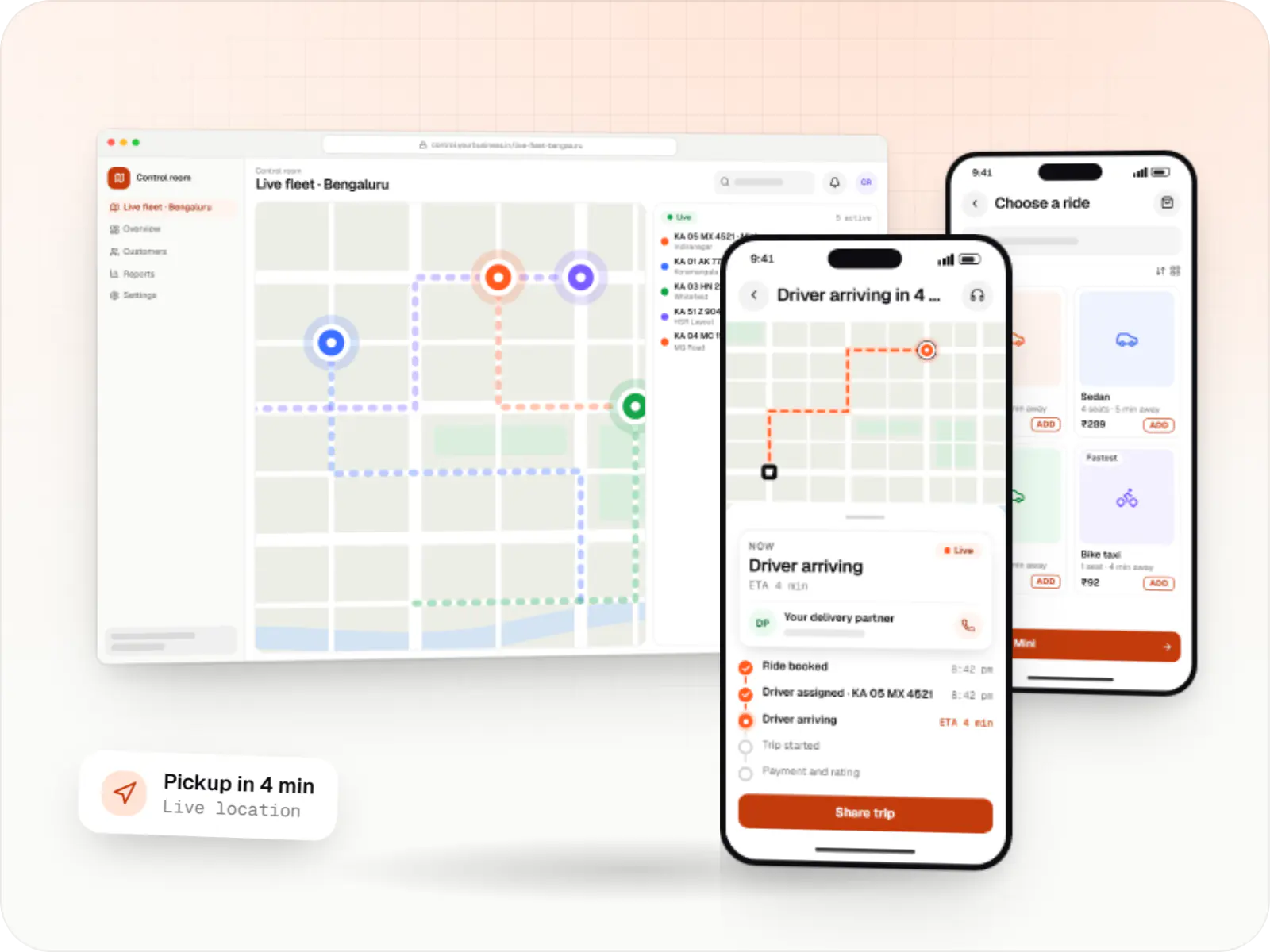
Adds maps, address search, live tracking and travel-time estimates to delivery, ride and field apps, so orders reach the right door.
Used for
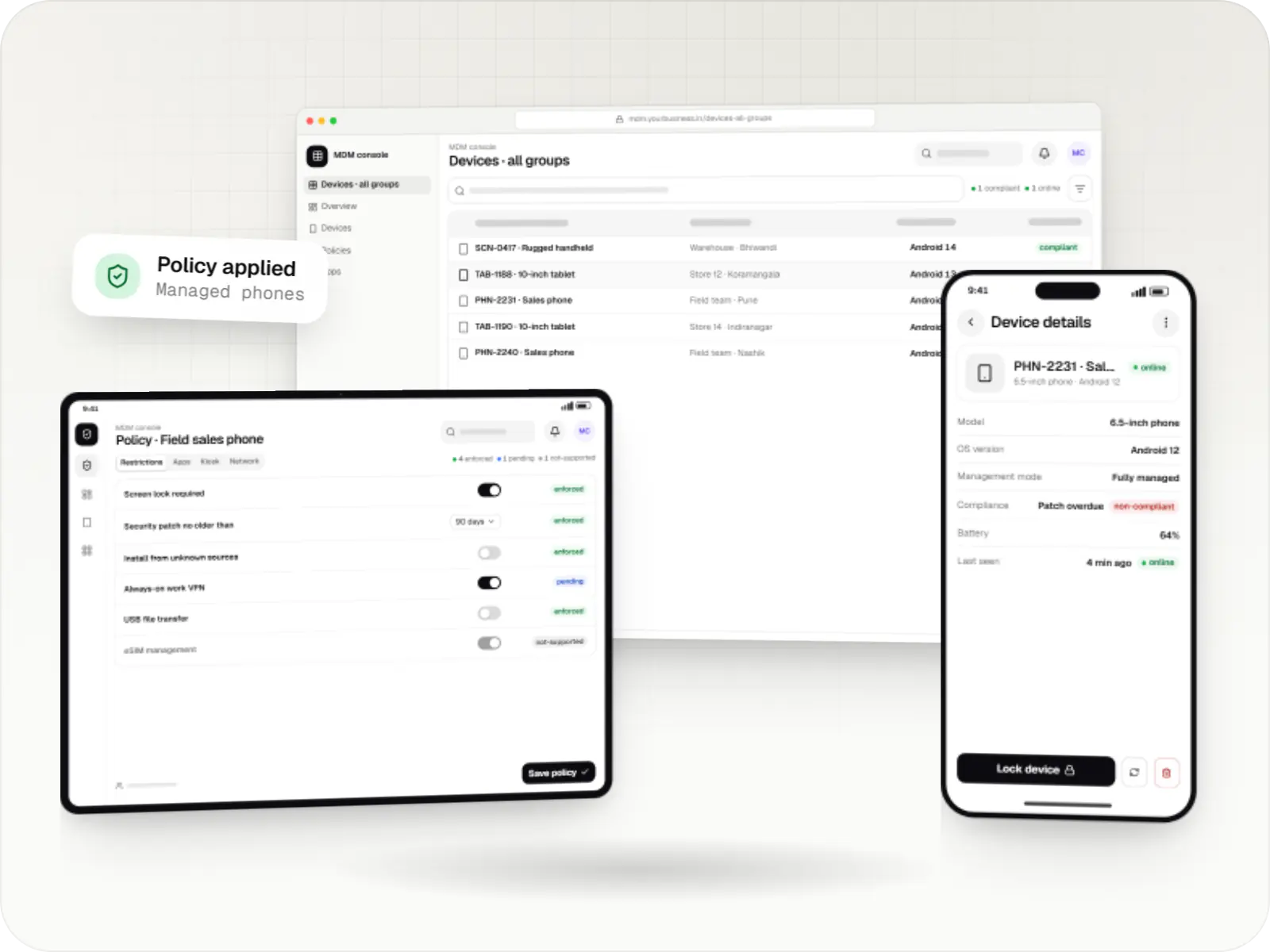
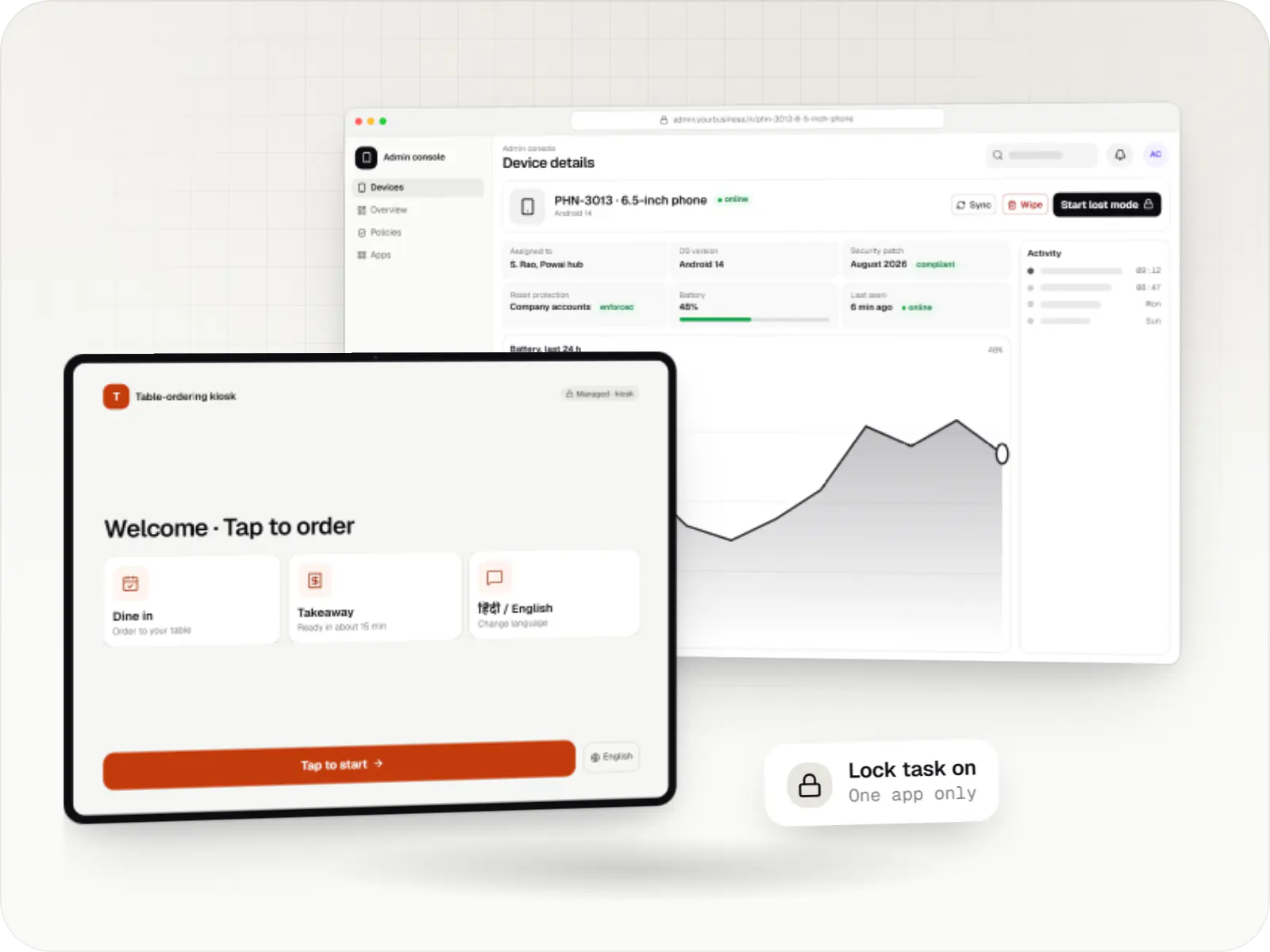
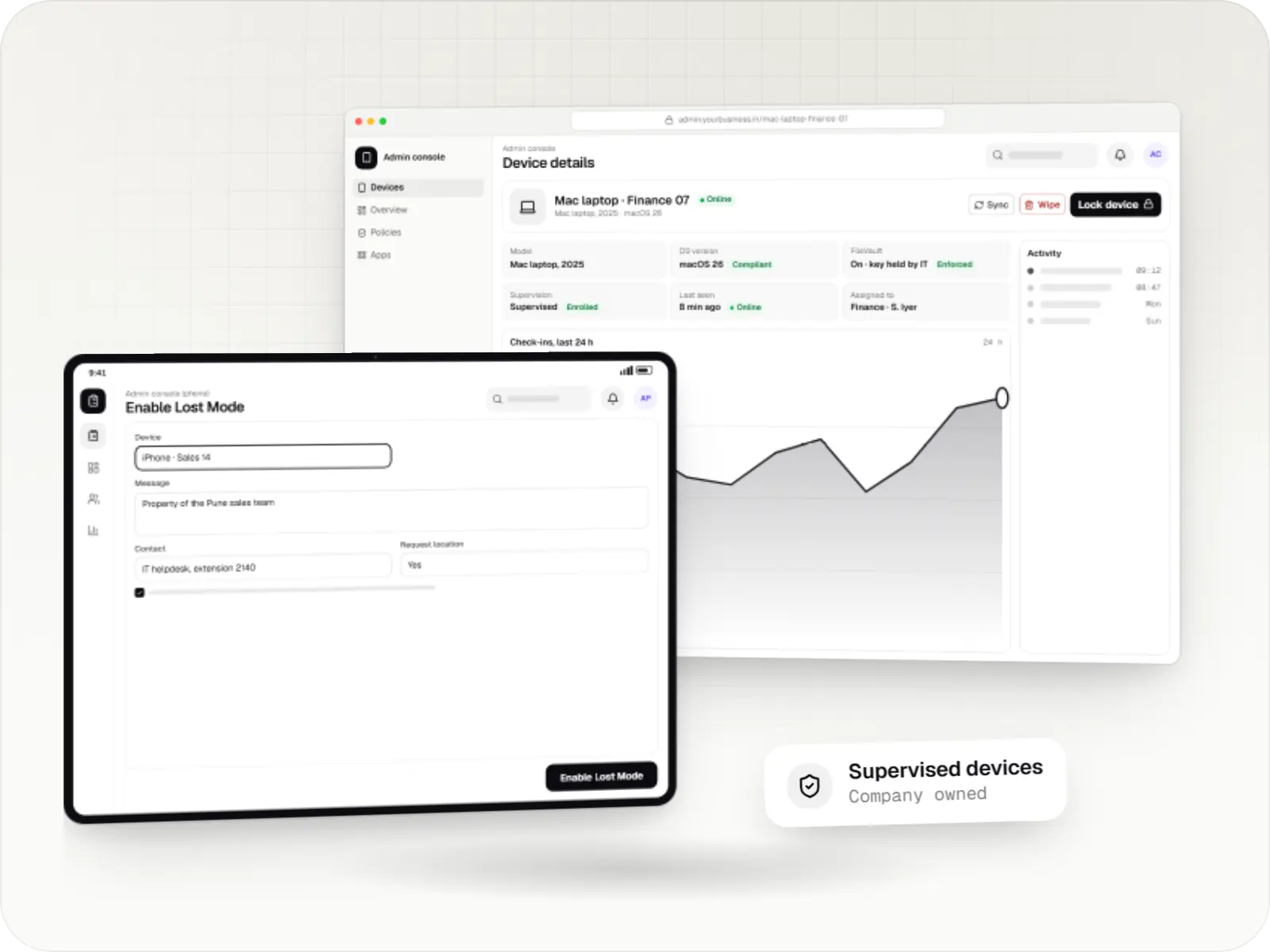
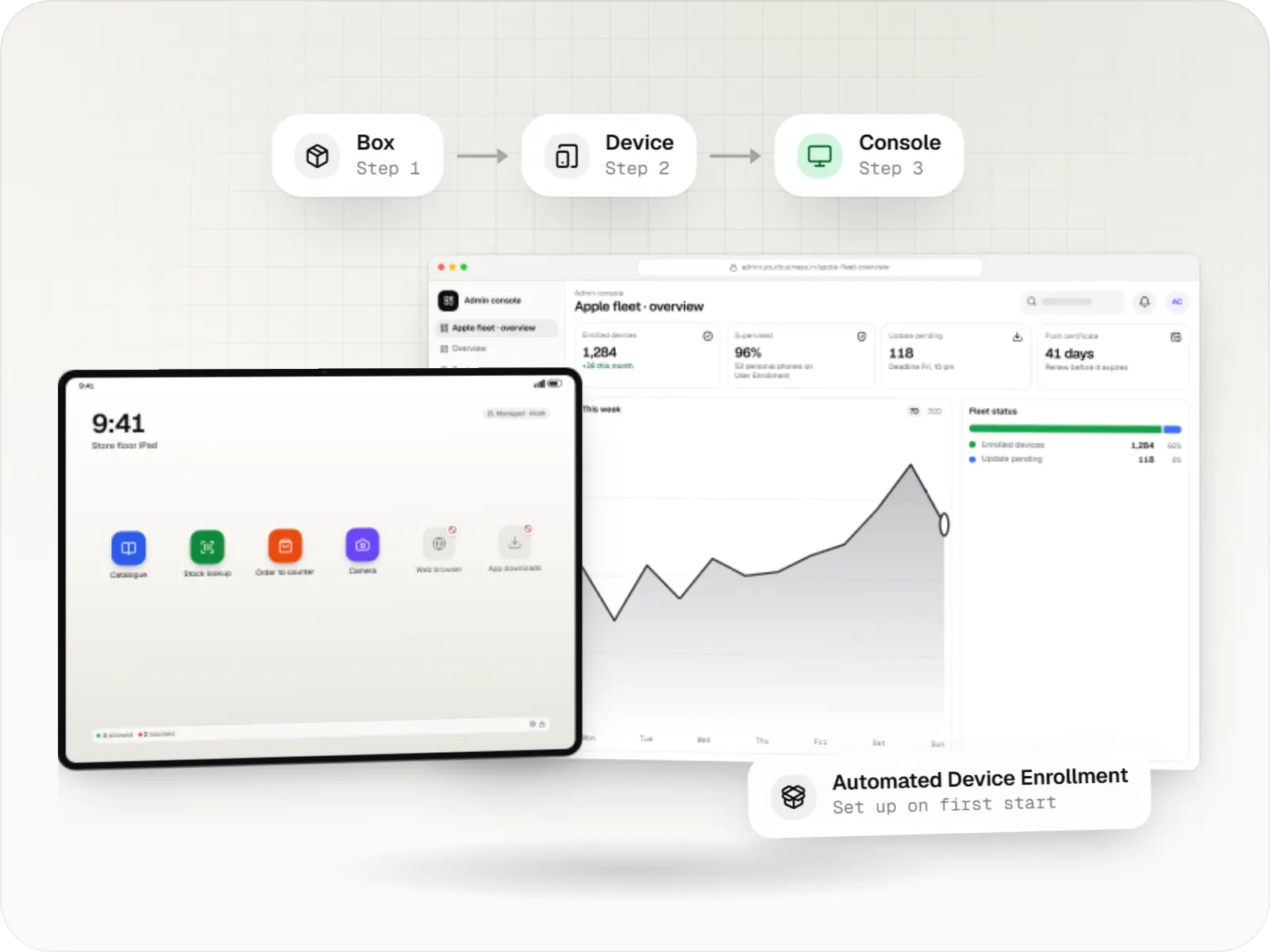
Platform APIs and Apple and Google services we build on to enrol, configure, lock down and monitor company-owned phones, tablets, kiosks, terminals and screens.
A Google cloud API for device-management products: your console sets the rules, and a Google app on each Android device applies them.
Used for
Built-in Android APIs that let one trusted app control a company device: kiosk lock, silent app updates and restrictions, even without Google Play.
Used for
The management channel built into iPhone, iPad and Mac: an MDM server sends settings, apps and commands, and devices apply them remotely.
Used for
The Apple portal for organisations, now called Apple Business: devices bought from Apple or linked resellers are assigned to your MDM and set up at first power-on.
Used for
Logos are shown only where the brand's guidelines allow it; other tools get a neutral icon. Names and logos belong to their owners. Trademark notices
Choosing a stack
We pick technology for the product, not the other way round: the platforms you need, your team's skills if you will take the code in-house, hiring in the Indian market, hosting costs and the integrations involved. Mainstream choices keep the code maintainable by any capable team later.
Undecided on a stack? Your estimate includes a recommendation and the reasoning behind it.
Request an estimateFAQ
Either works. If you have an in-house team, existing systems or a preference, we build on that where it is sound and flag any risks. If you have no preference, we recommend a stack in the estimate with the reasons, typically weighing platform needs, long-term maintenance, the availability of developers in India and hosting costs. We avoid niche frameworks that would make you dependent on us.
Both are solid for cross-platform apps, and we build with both. Flutter suits apps with custom, brand-heavy interfaces and consistent rendering across devices; React Native suits teams already using React and TypeScript on the web who want to share knowledge and some code. Native Kotlin or Swift still makes sense for heavy device features. We recommend one per project, with reasons, rather than defaulting to a favourite.
Next step
Tell us what you want to build. A developer from our team replies with questions, a suggested approach and a written, line-item estimate.