Technology · Mobile
Swift and SwiftUI development for iOS
Apps built specifically for iPhone and iPad, for when your product needs Apple features or a polished experience for iPhone users.
How we use it
We build native iOS apps in Swift, mostly with SwiftUI, for products that rely on Apple features such as HealthKit, widgets, Apple Watch or advanced camera use.
Official site: developer.apple.com/swift (opens in new tab)
What native iOS development is, and when to choose it
A native iOS app is written in Swift, Apple's language for its devices, and built only for iPhone and iPad. It can use Apple features such as health data, widgets and Apple Watch as soon as they are released, and it follows the look and gestures iPhone users expect. For you, that matters when iPhone users are a key part of your market.
In India, iOS users are a smaller share of smartphone owners but often an important one for premium consumer brands, wealth and health products, and apps for customers abroad. Native Swift makes sense when the iOS experience is part of the product, or when you rely on Apple frameworks that cross-platform tools support only partly. We handle submissions, TestFlight betas and review feedback as part of delivery.
Use cases
What we build natively for iPhone and iPad
Health and fitness apps
HealthKit data with clear consent and privacy labels.
Premium consumer apps
Polished animation, widgets and Live Activities.
Apple Watch companions
Glanceable status, reminders and quick actions.
Camera and scanning apps
Document capture, barcode scanning and AR measurement.
iPad apps for teams
Sales catalogues, inspections and point-of-care tools.
Why native iOS matters for your product
New iOS features first
No waiting for third-party plugin support when Apple releases something your product needs.
Feels right to iPhone users
Navigation, gestures and accessibility work the way users expect.
Easy on battery and memory
Efficient code keeps the app responsive on older iPhones.
Works across Apple devices
Apple Watch, widgets, Siri shortcuts and iCloud connect to the same app.
When we would not recommend native iOS
- You need Android too, on one budget: a separate Swift codebase doubles the work, and most customers in India use Android; Flutter or React Native covers both.
- Launch dates with no slack: App Store review adds planning to every release, which suits a steady release rhythm better than last-minute launches.
- Apps with no Apple-specific features: if the app does not use health data, widgets or Apple Watch, a cross-platform app usually gives the same result for less.
Plain-English glossary
iOS terms, in plain English
- TestFlight
- Apple's tool for sharing test versions of an iPhone app with your team before it goes public. You try real builds on your own phone and give feedback early.
- App Store review
- Apple checks every new app and update before it goes live. Preparing test accounts and privacy details in advance avoids delays and rejections.
- HealthKit
- Apple's secure store for health and fitness data on iPhone. With the user's permission, an app can read steps or heart rate instead of asking people to type them in.
- D-U-N-S number
- A business identity number Apple asks for before a company can publish apps under its own name. It can take time to get, so we ask clients to start early.
Services
iOS-related services
iOS app development
Native iPhone and iPad apps in Swift and SwiftUI, built to Apple's review guidelines and privacy rules and tested on the devices your customers use.

Mobile app development
Native and cross-platform Android and iOS apps, from first release through regular store updates, built by our in-house designers and engineers.

UI/UX design
Product design for web and mobile apps: research, user flows, wireframes, prototypes and design systems that engineers can build from.
Solutions
Solutions where native iOS helps
Healthcare app development
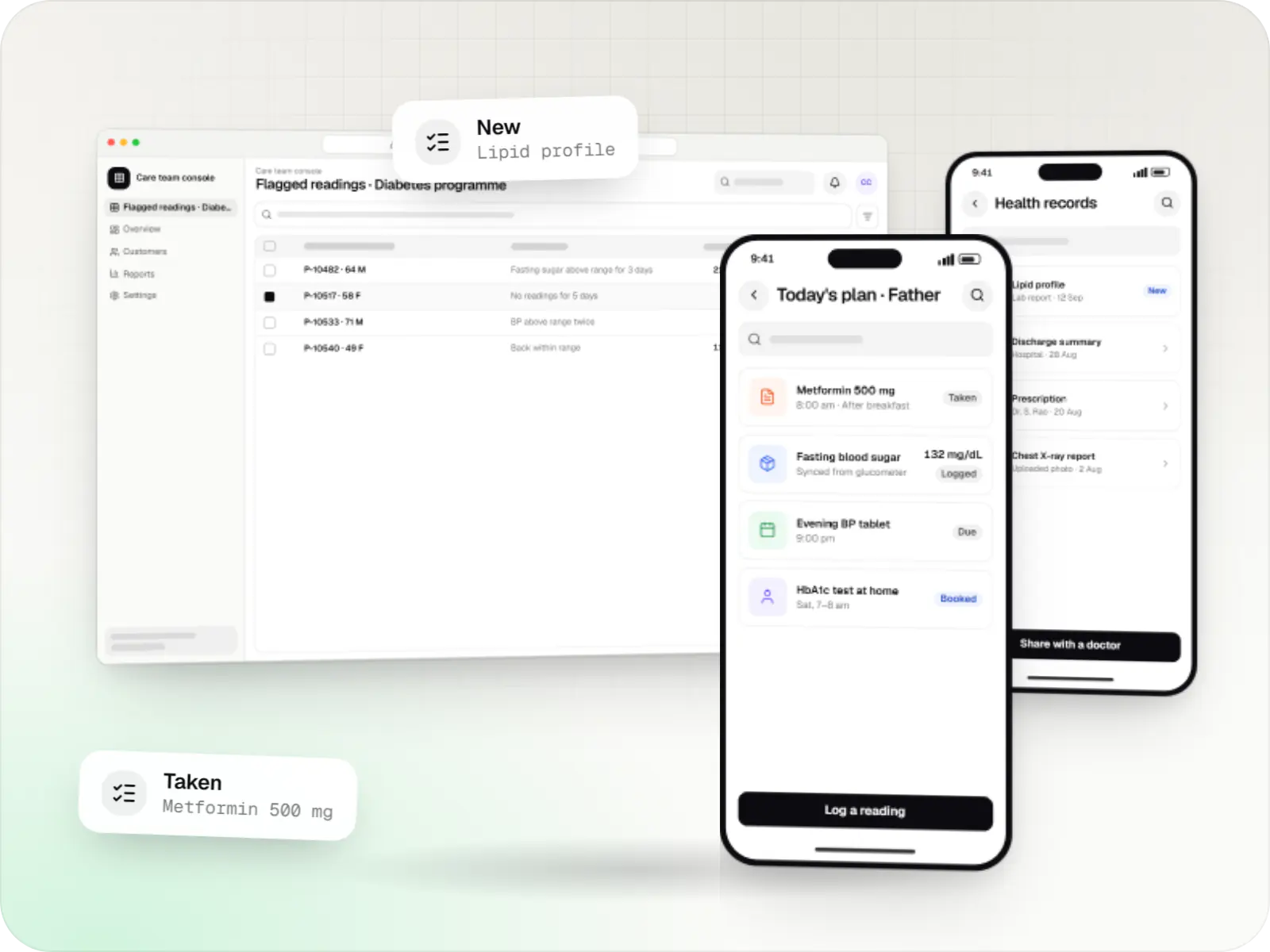
Patient and care-team apps for health records, chronic care programmes, lab bookings, wellness and follow-ups, designed with consent and privacy first.
Fintech app development
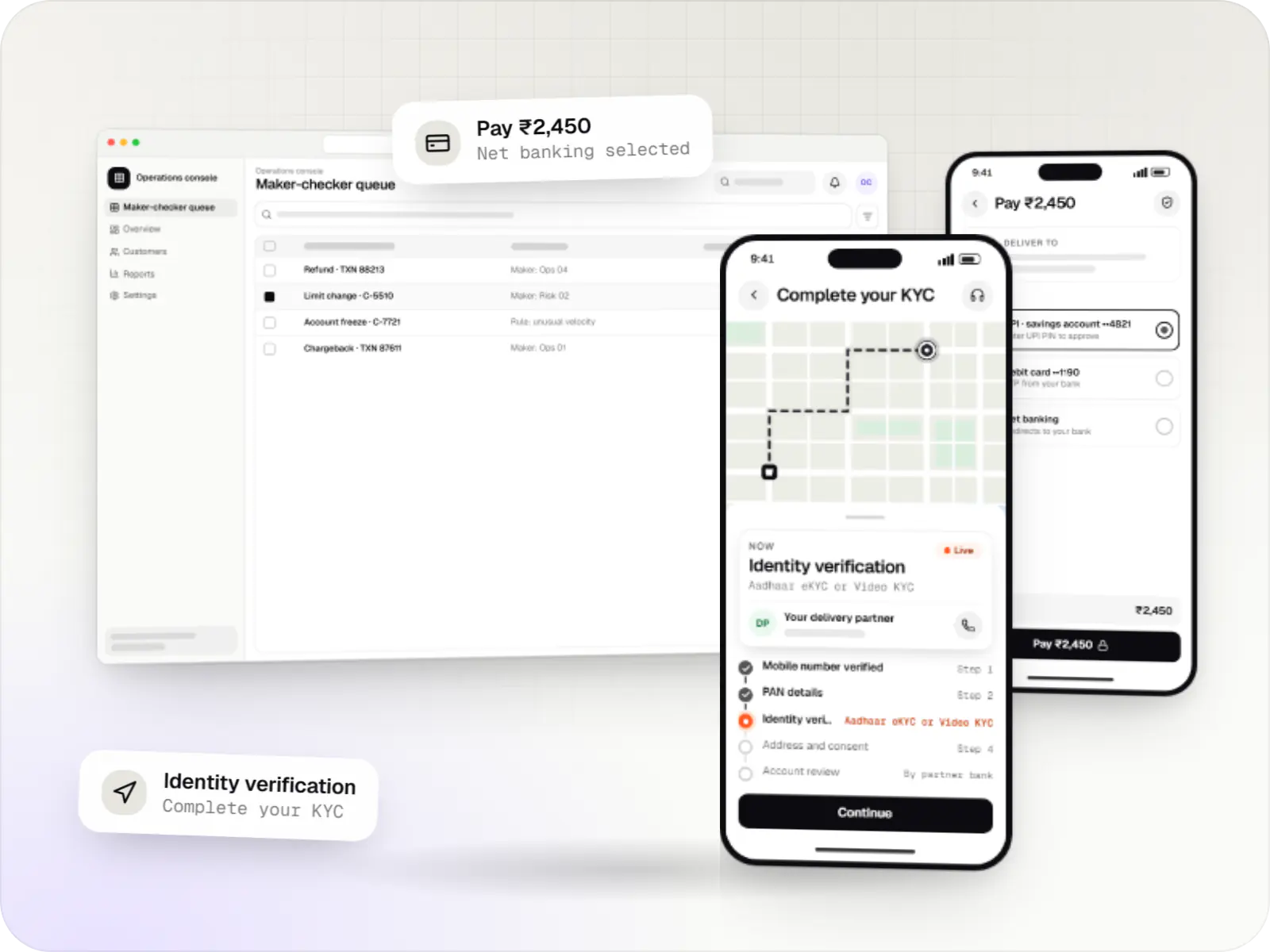
Secure fintech apps and back offices for payments, lending, investments and insurance, integrated with licensed banking, KYC and data partners.
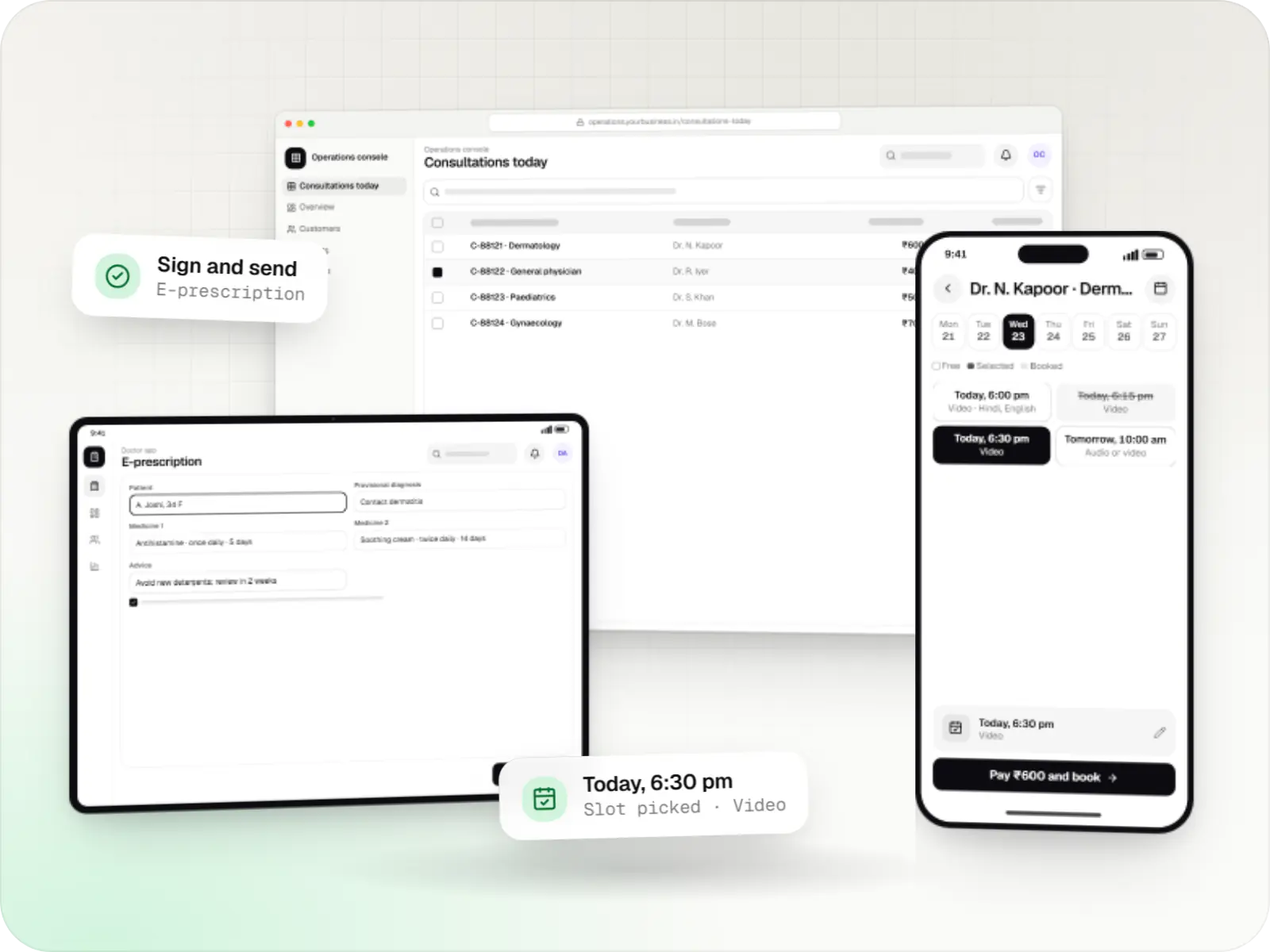
Telemedicine app development
Video, audio and chat consultation platforms with scheduling, e-prescriptions, payments and records, designed around the Telemedicine Practice Guidelines.
Industries
Where it shows up by industry
Industries whose typical builds with us include iOS (Swift).
FAQ
Frequently asked questions
How long does App Store review take, and why do apps get rejected?
Many apps are reviewed within a day or two, but it's wise to plan for delays and possible rejections. Common reasons include incomplete features, missing privacy details, no demo account for reviewers of login-only apps, unclear use of in-app purchases and crashes on particular devices. We prepare review notes, test accounts and privacy labels before submission to reduce back-and-forth.
Should the Apple Developer account be in our company's name?
Yes. The app should be published under your organisation's Apple Developer account so you own the listing, reviews, certificates and customer relationship. Organisation accounts need a D-U-N-S number, which can take time to obtain, so start early. We're added as team members with the access we need, and nothing is tied to our own accounts.
Can an iOS app take payments through Razorpay?
It depends on what you sell. Apple generally requires its in-app purchase system for digital goods and subscriptions used inside the app, while physical goods and real-world services, such as deliveries, bookings and consultations, can use gateways like Razorpay. The rules have changed in some regions and keep evolving, so we check current App Store guidelines before designing checkout.
Next step
Planning an iPhone app?
Tell us which Apple features matter to your product and we'll recommend native or cross-platform honestly.