Mobile
React Native
Build Android and iOS apps in the same language as a React website, so one team can share code and skills across web and mobile.
Used for
- Mobile apps
- Shopping apps
- Staff and field apps
- Mobile apps for SaaS
Cross-platform mobile
Native Android and iOS apps from one React codebase, with logic shared across your web and mobile products.
At a glance
What it is
Android and iOS apps in React Native and TypeScript, suited to teams that already use React on the web and want shared logic across products.
How to start
Tell us what you need in your own words. You talk to the developers who would build it and get a written, line-item estimate.
Get a project estimateIf your product already has a React or Next.js front end, React Native shortens the distance to mobile. Engineers work in the same language and patterns, and a monorepo can hold shared types, API clients and business rules, so features tend to reach web, Android and iOS in the same cycle.
Expo covers builds, signing and over-the-air updates for JavaScript changes, within what store policies allow. Where Expo modules stop, we write native modules ourselves rather than relying on abandoned packages.
Use cases
Apps for SaaS dashboards, marketplaces and portals that reuse the React front end's types and API clients.
Catalogues, carts, UPI checkout via Razorpay's React Native SDK and push notifications.
eKYC through licensed providers, secure token storage, biometric unlock and transaction history.
Feeds, chat, media upload, moderation and deep links that open correctly from WhatsApp shares.
Moving older apps to current React Native and the New Architecture, replacing dead libraries and fixing crashes.
Validation, pricing rules and API contracts written once for web and mobile.
Inputs, lists and navigation use platform views, so they behave as users expect.
Over-the-air updates deliver JavaScript bug fixes without a full store release.
React skills are common, so your in-house team can take the code over later.
Expo, TypeScript, Jest and Hermes debugging give a predictable build and release setup.
Solutions
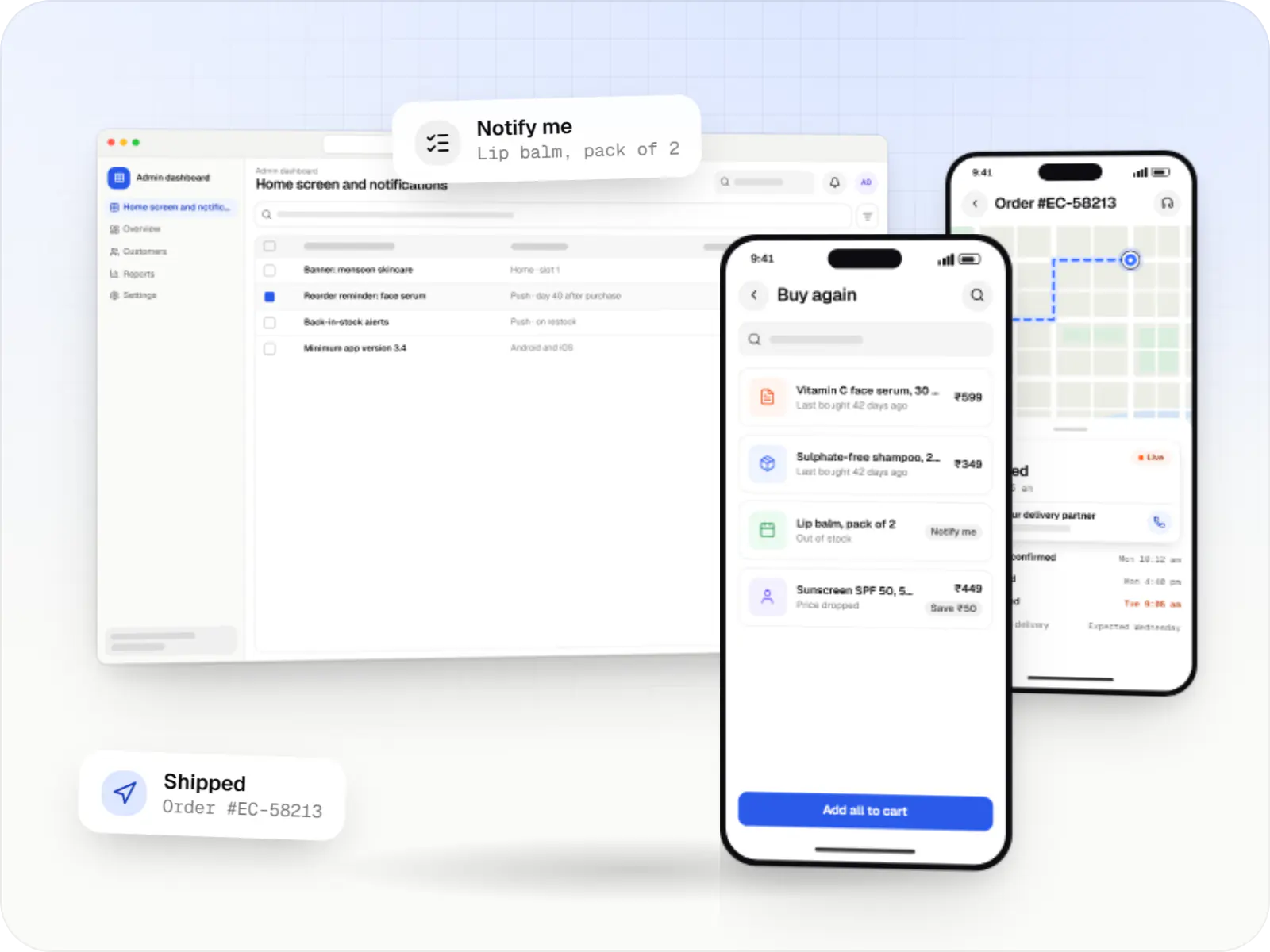
Android and iOS shopping apps with quick browsing, UPI checkout and push notifications, sharing one backend with your website.
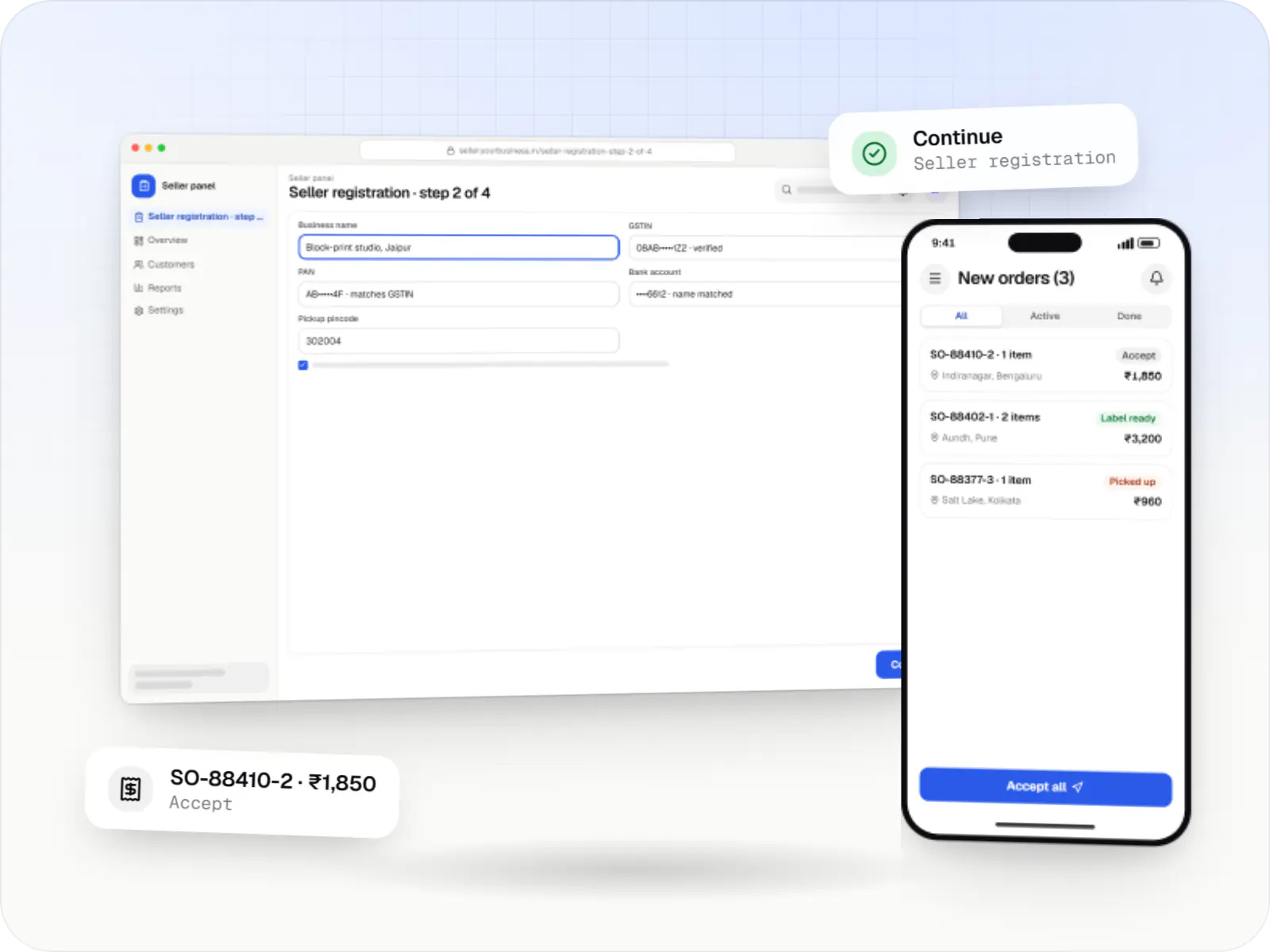
Multi-vendor marketplaces with seller onboarding, commission rules, split payouts, per-seller invoicing and catalogue moderation.
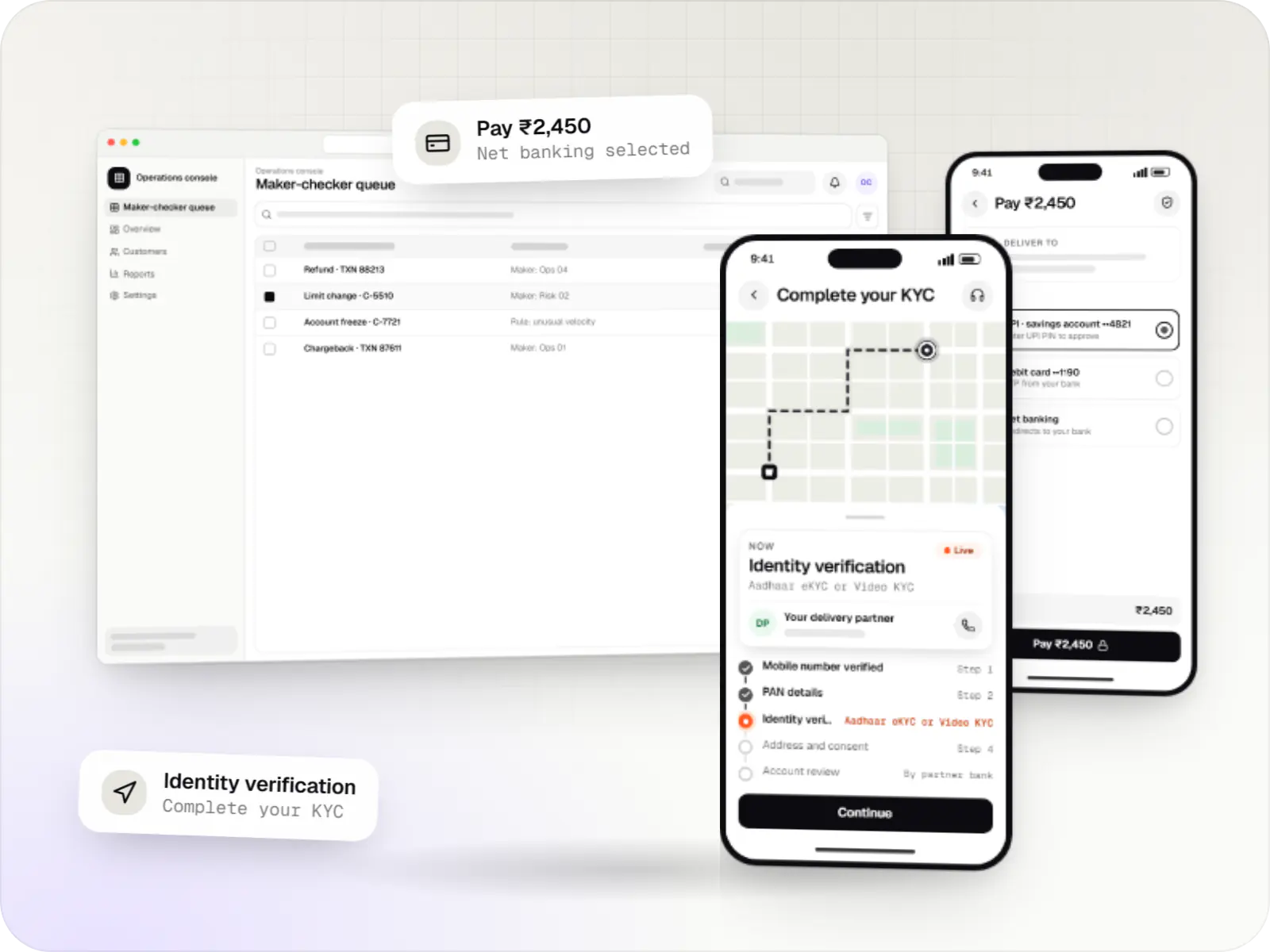
Secure fintech apps and back offices for payments, lending, investments and insurance, integrated with licensed banking, KYC and data partners.
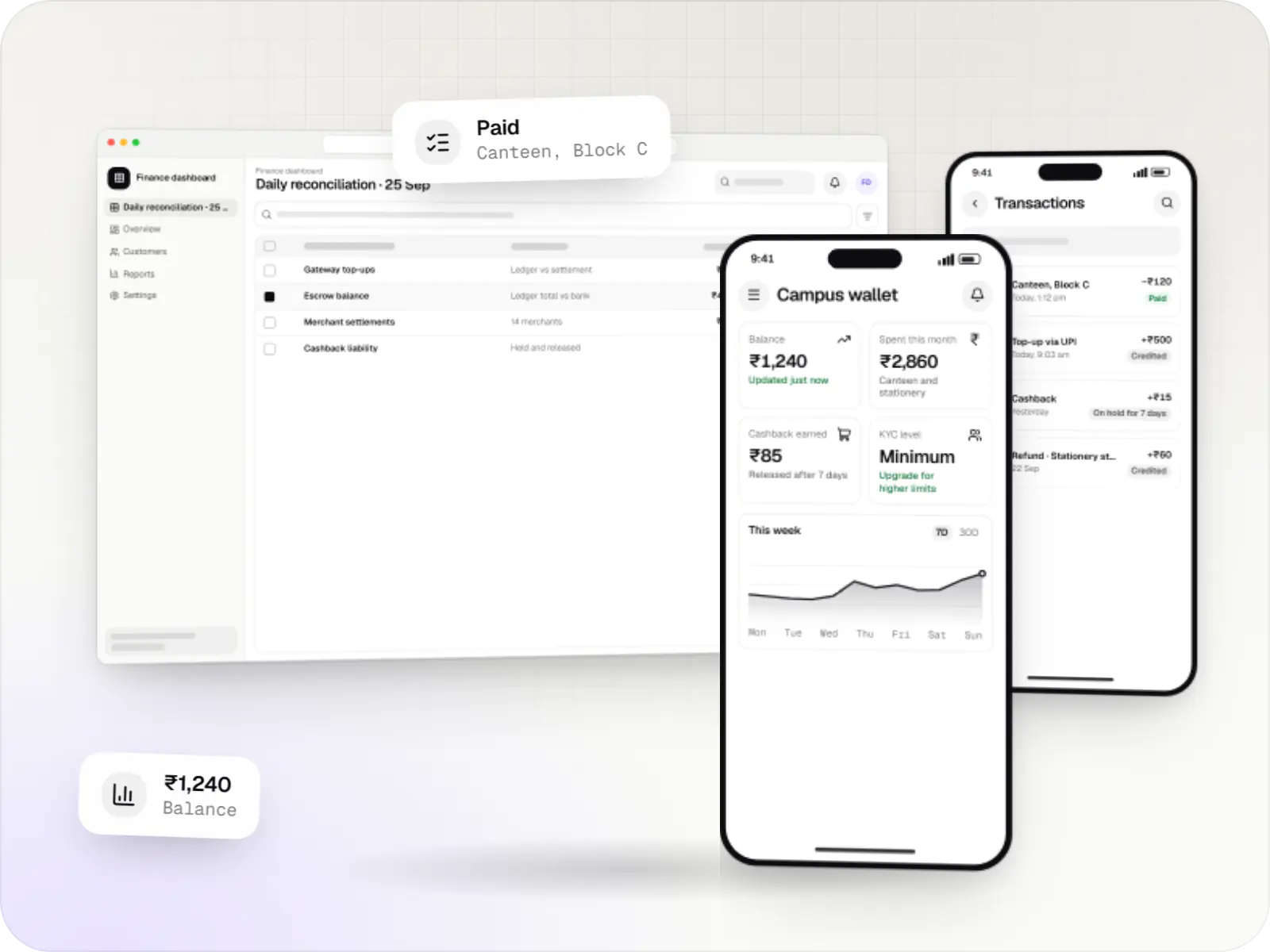
Digital wallet apps with top-ups, QR payments, rewards and a balance ledger, for closed-loop programmes or with a licensed PPI issuer.
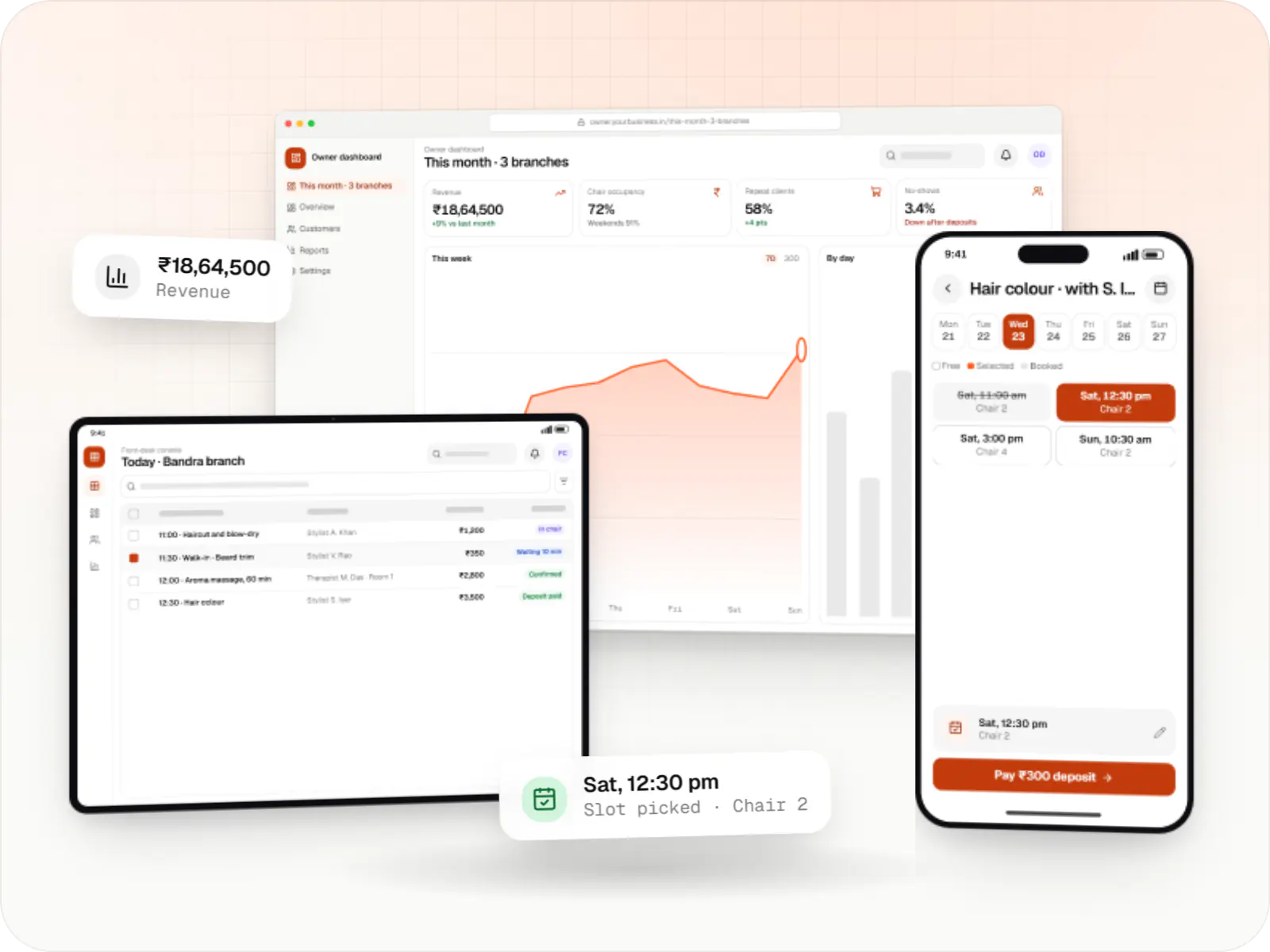
Booking apps and front-desk software for salons, spas and beauty chains: stylist calendars, packages, memberships, product billing and reminders.
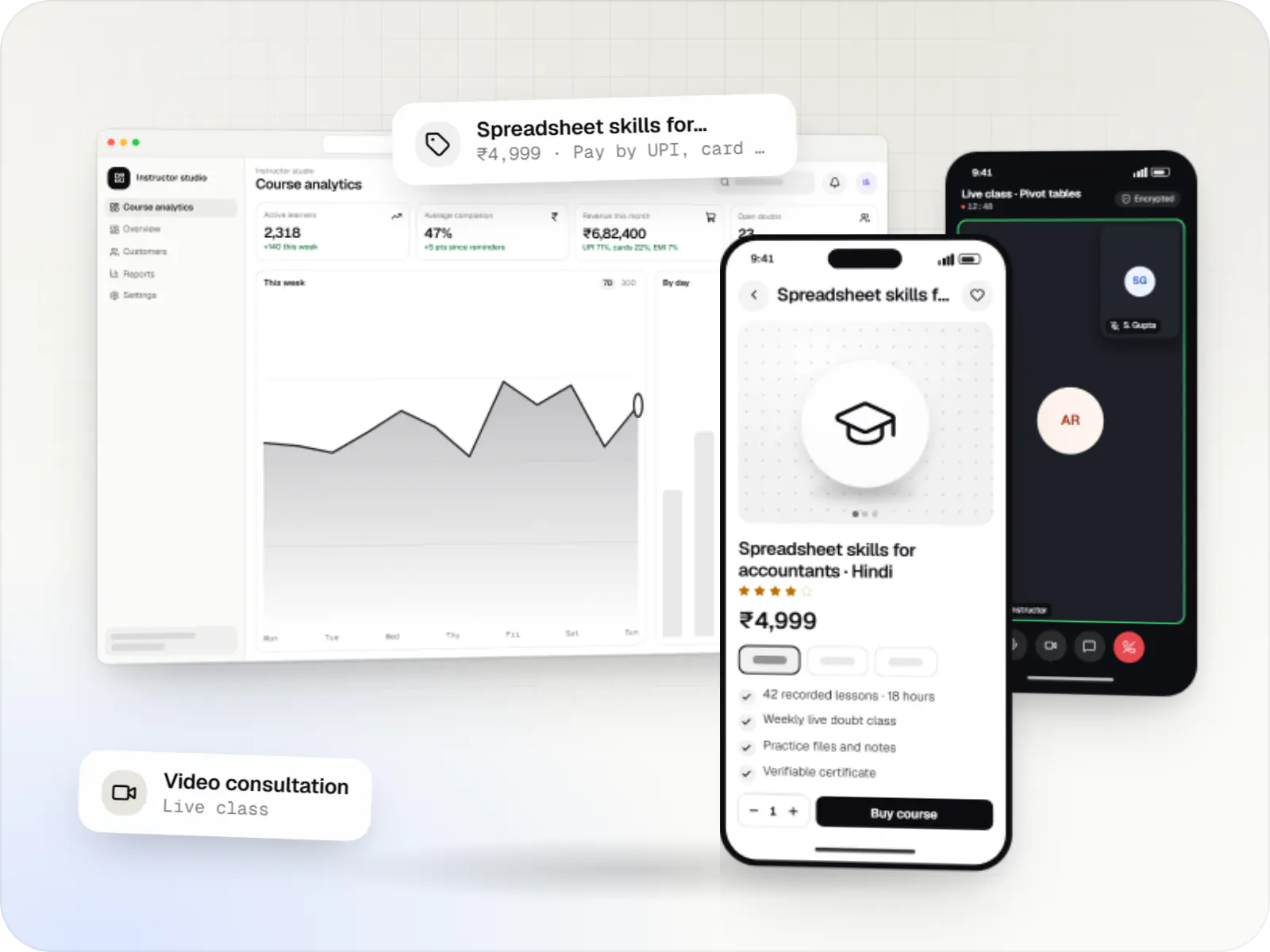
Course platforms with protected video, live classes, assessments, certificates and payments, designed for multilingual content and learners on low bandwidth.
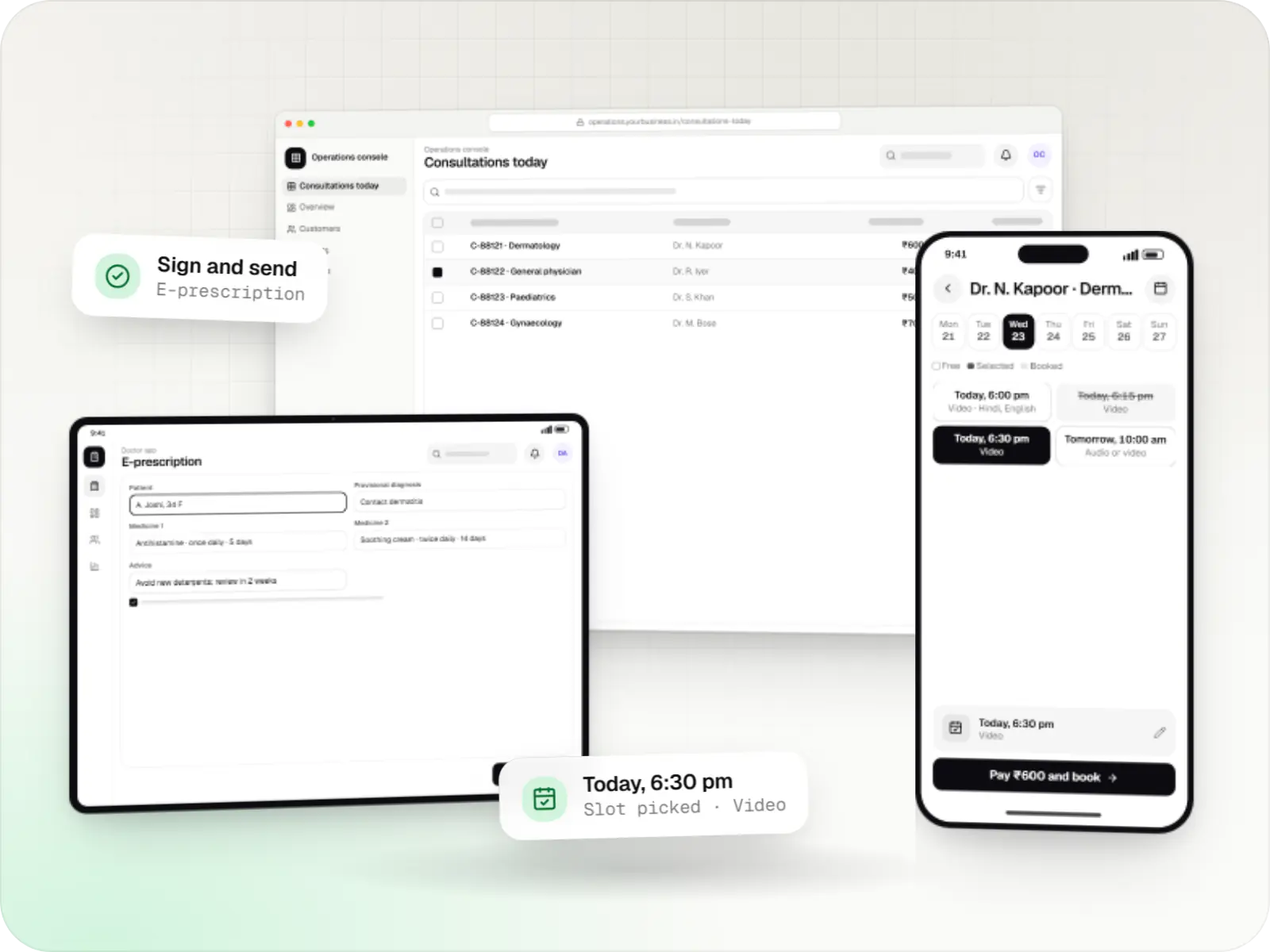
Video, audio and chat consultation platforms with scheduling, e-prescriptions, payments and records, designed around the Telemedicine Practice Guidelines.
How it works
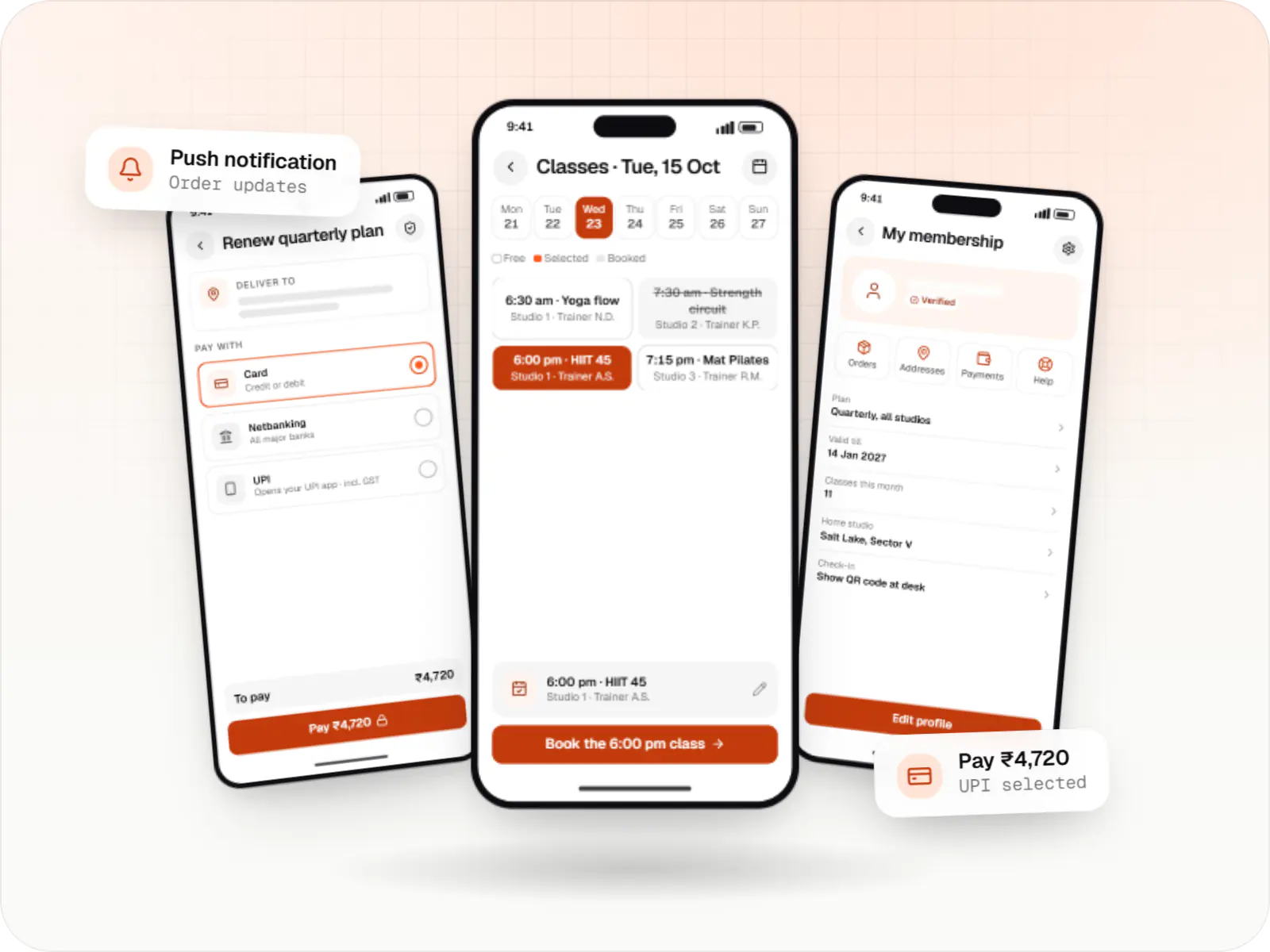
An example from a chain of fitness studios that already takes bookings on a React website and adds apps for Android and iPhone.
Members use the same login as the website, because the app and the site share one account system and one API.
Booking rules, prices and validation are the same TypeScript code the website uses, so the app and the site always agree on what is allowed.
The gateway’s React Native SDK opens the member’s UPI app or a card form, and the server confirms the payment before the booking is final.
A reminder arrives before class, plus an alert if the trainer or time changes, and tapping it opens exactly the right screen.
Members show a QR code in the app, and staff scan it at the desk to mark attendance in seconds.
Bookings, payments and attendance from the app appear straight away on the existing web dashboard, because both read from the same backend.
Platforms
Your apps for Android and iPhone, built in React Native, alongside your existing React or Next.js web app, sharing code and one backend.
One Flutter or React Native codebase for Android and iOS, with native modules where a feature needs them.
Apps for Android phones and tablets, tested on budget and mid-range devices and published on Google Play or privately.
Apps for iPhone and iPad, built to Apple's guidelines and released through TestFlight and the App Store.
Browser-based applications with logins, roles and workflows, such as customer portals, SaaS products and internal tools.
Technology
React Native builds the phone apps, React and Next.js run your website, Node.js and NestJS serve both from one backend, PostgreSQL stores the data, Firebase delivers notifications and Razorpay handles UPI and cards.
Mobile
Build Android and iOS apps in the same language as a React website, so one team can share code and skills across web and mobile.
Used for
Web
Builds interactive screens in the browser, such as dashboards, admin panels and portals, that respond instantly as your team works.
Used for
Web
A modern web technology for fast, search-friendly websites, online stores and web applications that load quickly on mobile.
Used for
Backend
Runs the server side of apps: fast, scalable back ends that power your app, website and integrations.
Used for
Backend
A structured way to build back ends on Node.js, so large business systems stay organised, testable and easy to hand over.
Used for
Cloud & DevOps
Ready-made building blocks for mobile apps, such as push notifications, phone OTP login and crash reports, so you launch sooner.
Used for
Payments & maps
Lets customers in India pay by UPI, cards, netbanking or wallets, and handles subscriptions, refunds and payouts to sellers or partners.
Used for
Data
A reliable database for the records your business runs on: orders, payments, bookings and stock, kept accurate and easy to report on.
Used for
Possible with Reanimated and Skia, but Flutter or native may be simpler to tune.
If widgets, watch apps or CarPlay are central, native apps avoid a bridging layer.
The shared-code advantage disappears, so Flutter competes on equal terms.
Plain-English glossary
Product preview
Illustrative screens from a fitness studio platform: the member app for Android and iPhone, built in React Native, and the existing web dashboard.
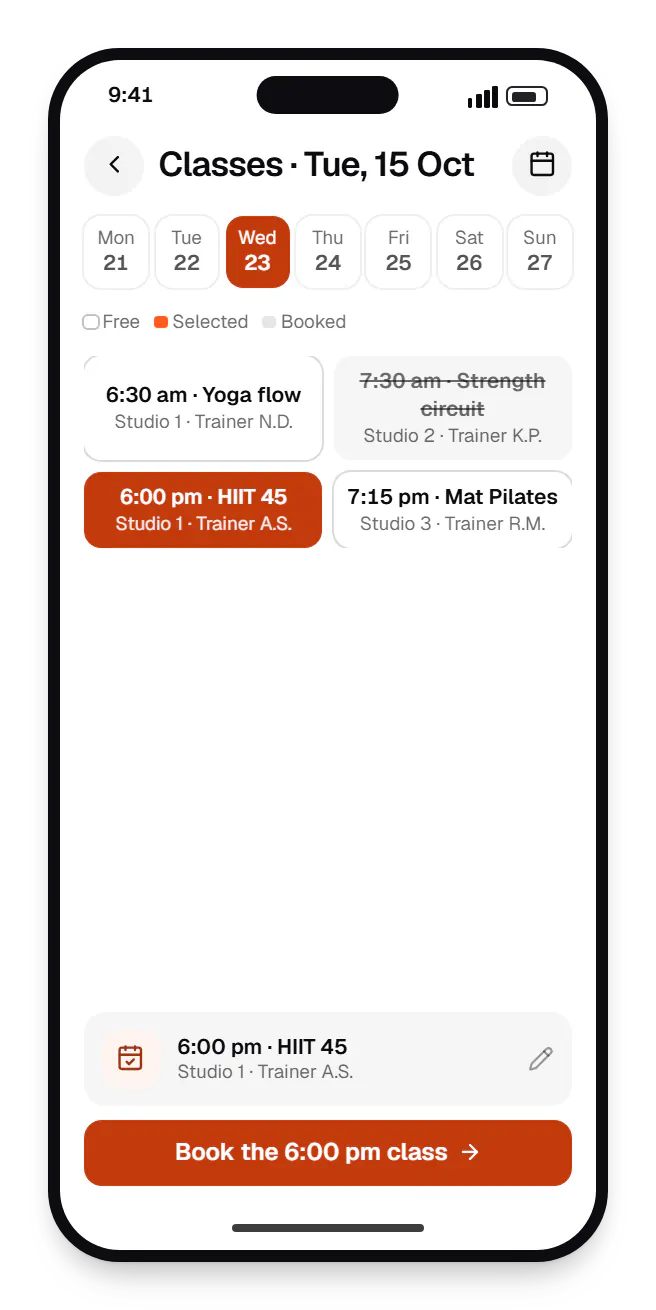
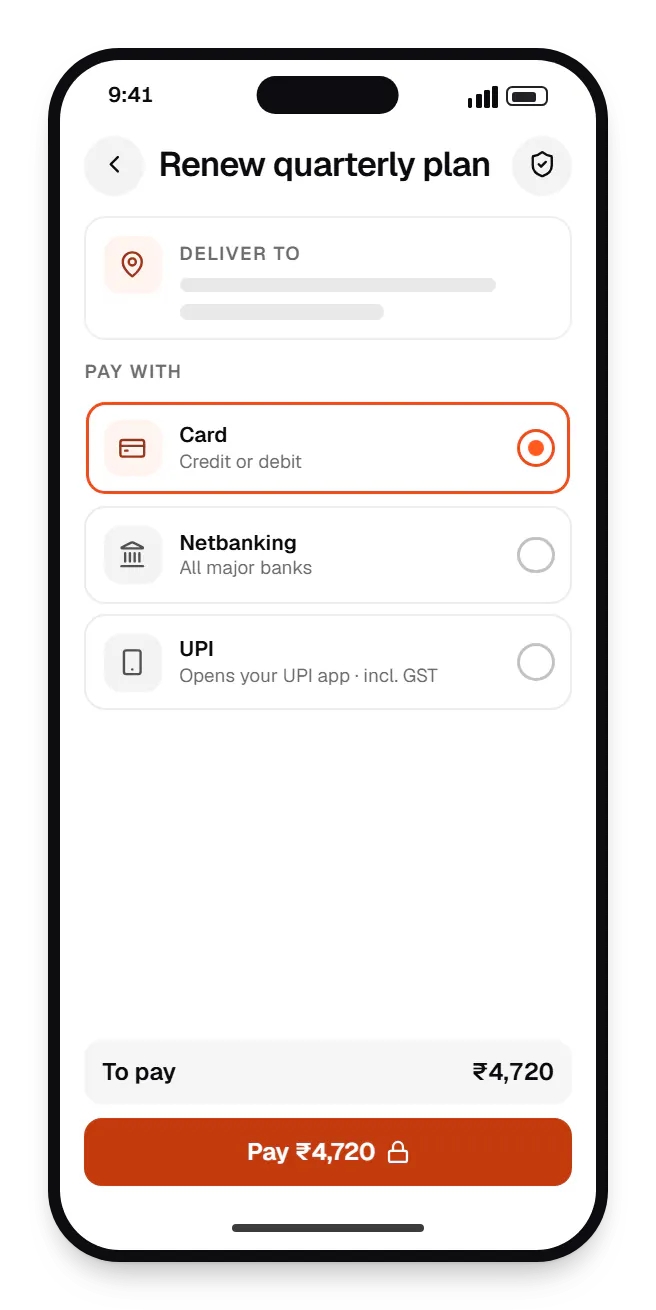
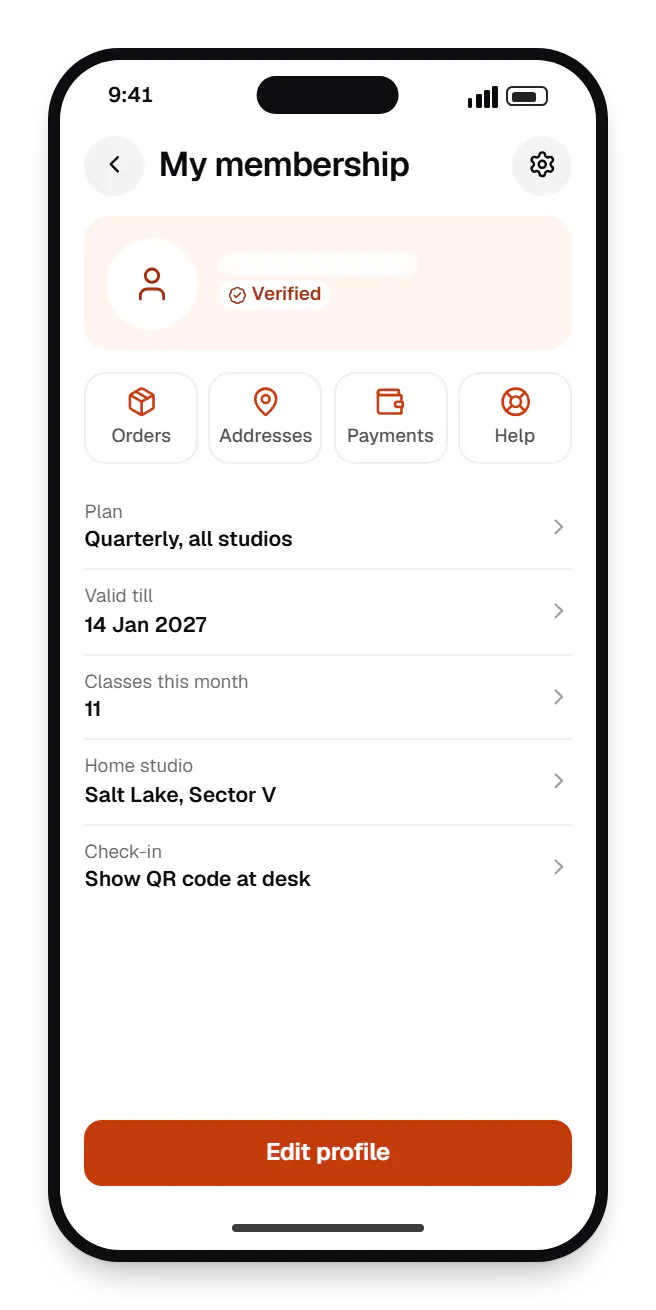
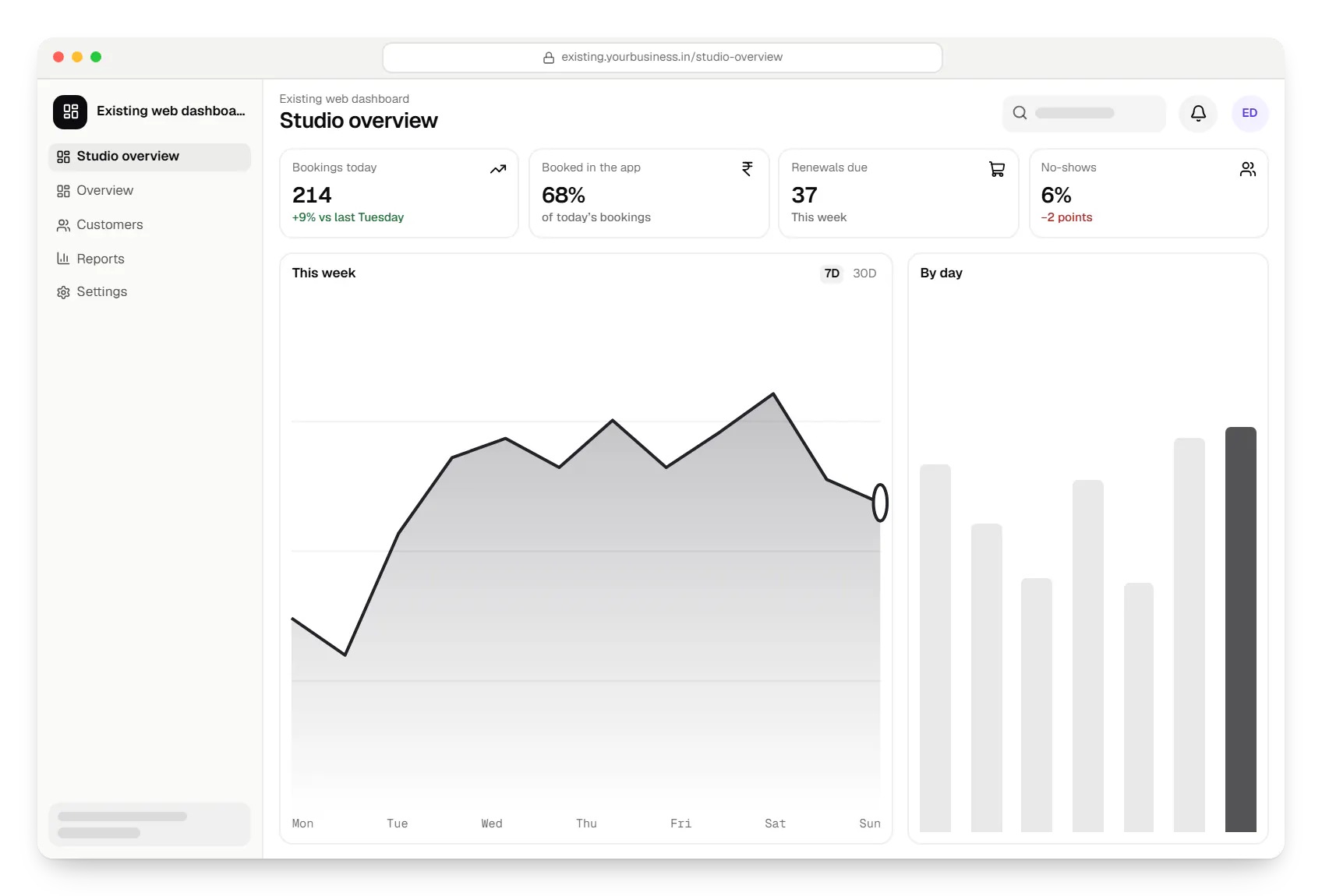
Sample screens: names, prices and figures are examples, not client data.
Work
Sample projects, not client work, where the mobile apps share code and a backend with web tools.
E-commerce & marketplaces
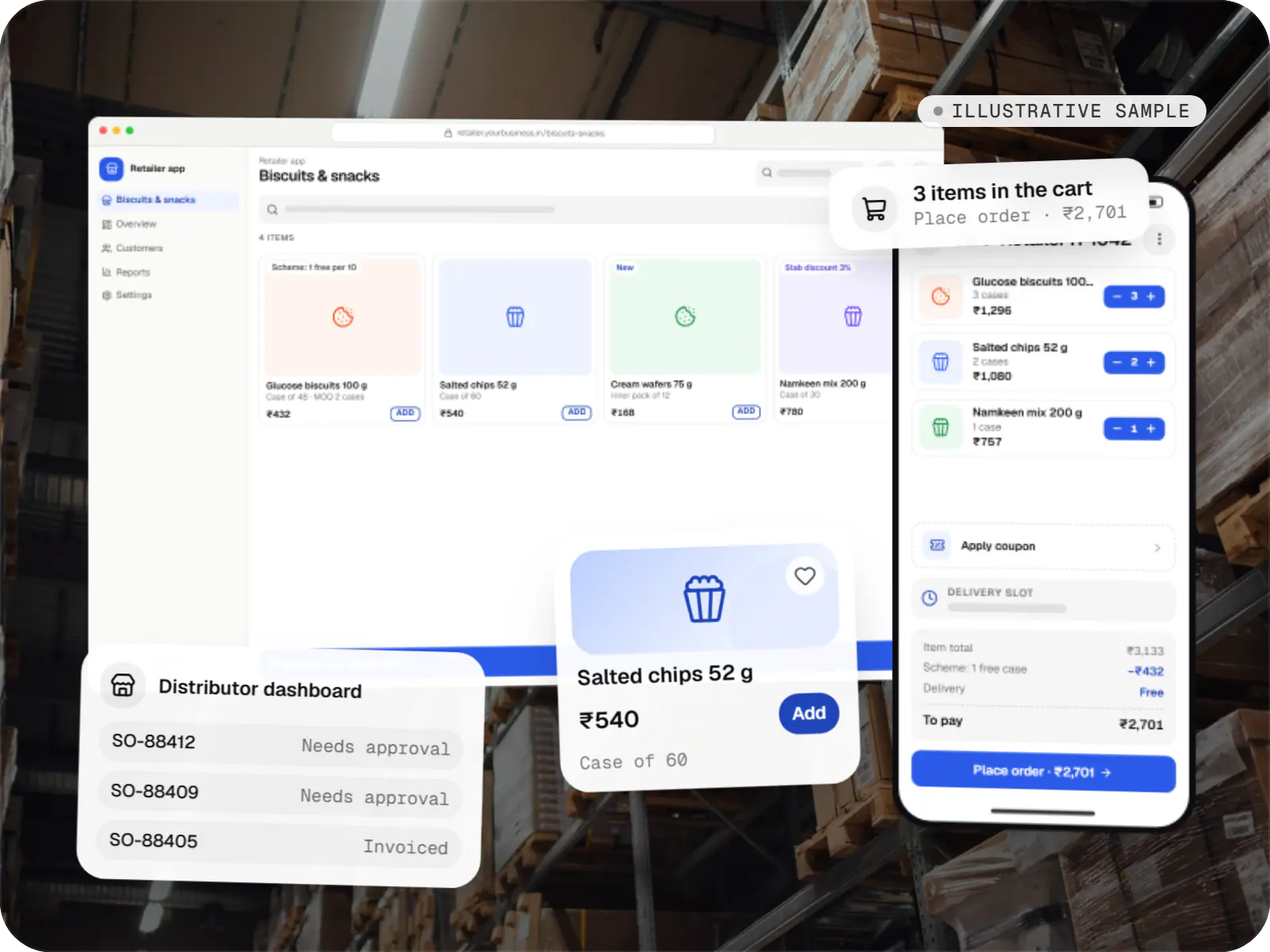
An illustrative ordering app for a distributor's retailers and sales team, with tier pricing, credit limits, trade schemes and GST invoicing.
Runs on
Built with
Business software
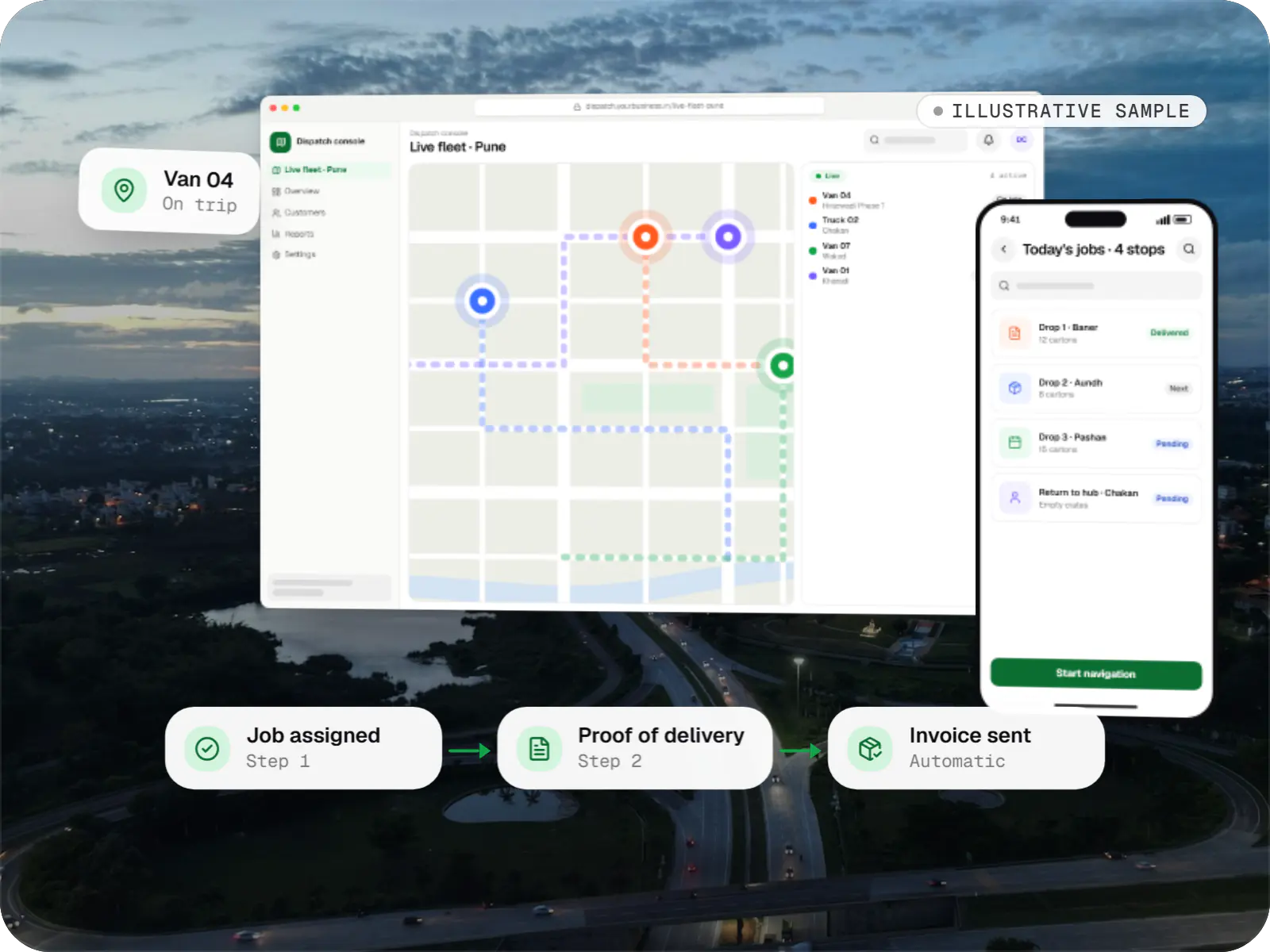
An illustrative SaaS for businesses running their own vehicles: live dispatch on a map, driver proof of delivery and per-trip billing for each customer.
Runs on
Built with
Industries
Cost drivers
Well-separated types and logic reduce work; logic tangled into web components reduces the benefit.
Each feature needing custom Kotlin or Swift adds build and test time on both platforms.
Taking over an older app often starts with version upgrades and library replacements.
Chat, live tracking and presence need socket infrastructure and careful battery handling.
Device tests for payments and onboarding add effort but prevent regressions and store rejections.
Estimates are written from your scope, with the effort and assumptions behind each line item.
How pricing worksProcess
What moves from your web codebase into shared packages: types, API clients, validation, state.
You getMonorepo structure
Native libraries checked for maintenance, New Architecture support and licence.
You getDependency risk list
One design adapted for navigation, keyboard behaviour and safe areas on each OS.
You getPrototype
Jest unit tests, Detox or Maestro end-to-end tests on devices, and EAS builds.
You getSigned sprint builds
Store listings, privacy declarations, staged rollouts and an over-the-air channel for JavaScript fixes.
You getLive apps
React Native and Expo SDK upgrades planned ahead, so the app never falls several versions behind.
You getUpgrade calendar
FAQ
We look at your team and codebase first. If you already have React or Next.js engineers and code, React Native lets you share logic and people across web and mobile. With no React investment and a highly custom, animation-rich interface, Flutter is often simpler. Both perform adequately for typical business apps, so hiring and long-term maintenance usually decide it.
Yes, mainly below the UI layer. In a monorepo we share TypeScript types, API clients, validation schemas, formatting helpers and state logic. UI components are usually written separately because layout, navigation and input differ between web and mobile; React Native Web can close some of that gap, but we use it only where the trade-off is worth it.
Both stores allow updates to interpreted JavaScript as long as they do not change the app's primary purpose or slip new features past review. We use OTA updates for bug fixes, copy changes and small UI adjustments, and ship native changes and larger features through normal store releases. Updates go to a percentage of users first and can be rolled back.
Often, yes. We start with an audit of crash logs, React Native and library versions, and the native projects. Many stability problems come from outdated or abandoned libraries and skipped upgrades, so we upgrade in steps, replace problem dependencies and add crash monitoring. If the codebase is beyond sensible repair, the audit says so and explains why.
Next step
Share your repository structure and the mobile features you need. We will outline what can be shared and estimate the apps.