


Mobile
Flutter
Build Android and iOS apps from one shared codebase, so you launch on both platforms faster with a consistent experience.
Used for
- Mobile apps
- Delivery apps
- E-commerce apps
- Booking apps
Shopping apps
Android and iOS apps that make repeat buying quick: saved addresses, one-tap UPI and notifications customers choose to receive.
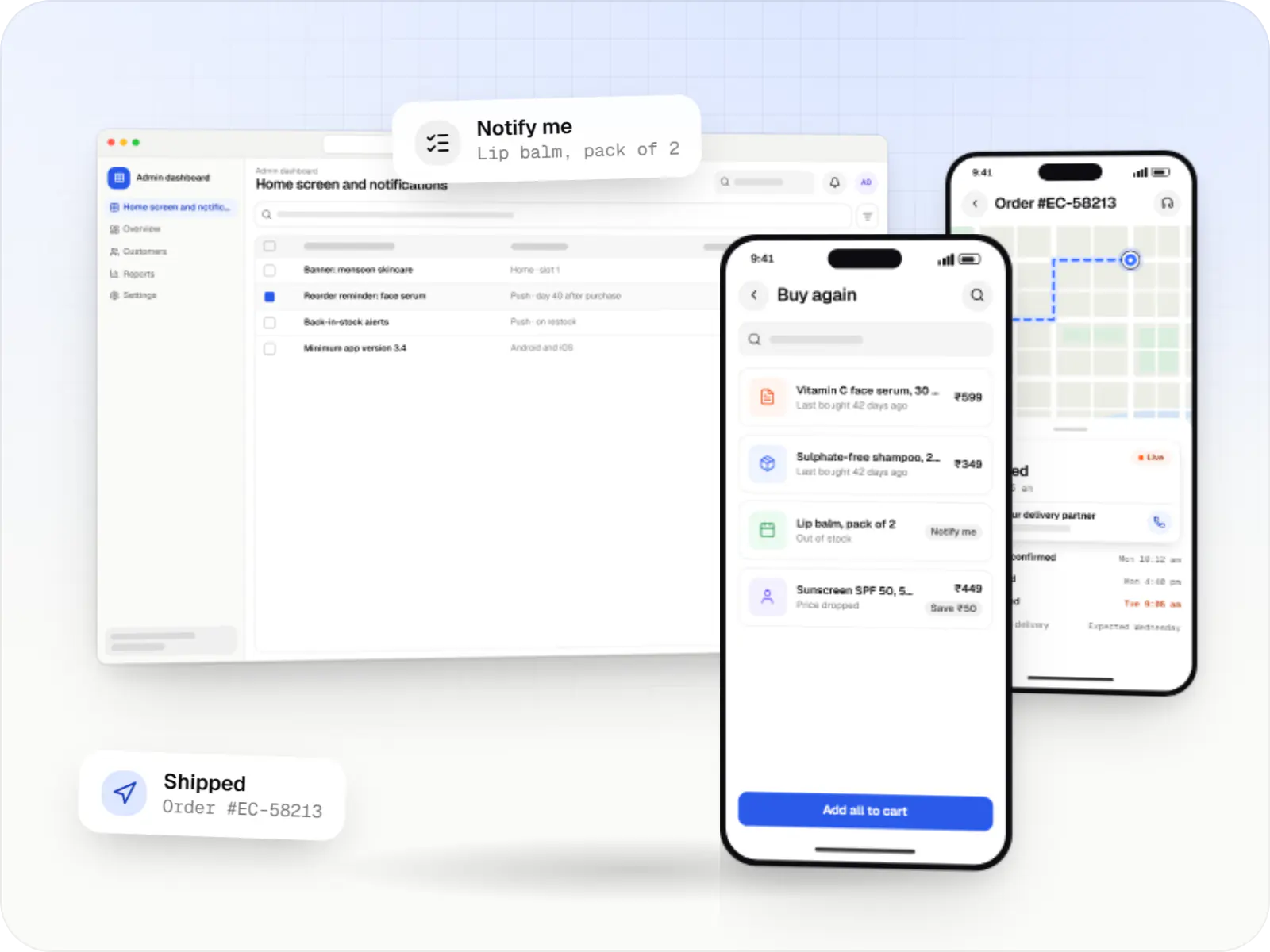
At a glance
What it is
Android and iOS shopping apps with quick browsing, UPI checkout and push notifications, sharing one backend with your website.
Flutter and the related logo are trademarks of Google LLC. We are not endorsed by or affiliated with Google LLC.
How to start
Tell us what you need in your own words. You talk to the developers who would build it and get a written, line-item estimate.
Get a project estimateFor a first purchase, most customers are happy on a mobile website. An app pays back when products are bought again and again, because it removes friction from every repeat order and gives you a direct notification channel.
So our e-commerce app development starts with your repeat-purchase pattern. A grocery or beauty brand might lead with buy-again lists and reorder reminders; a fashion label with new-drop alerts and wishlists. The first release stays lean enough to ship quickly, with the rest planned for later versions.
Challenges
On low-storage Android phones, large apps are the first to be deleted.
Apps that fetch everything at launch show spinners on congested networks; cached catalogues keep them usable.
Returning from a UPI app can leave an order pending unless the app confirms status with the gateway.
Daily blanket promotions get notifications switched off.
What is included
Platform: Android and iOS
Platform: Android and iOS
Platform: Android and iOS
Platform: Admin dashboard
How it works
Repeat orders are where an app pays for itself, so the whole loop is designed to take as few taps as possible.
A back-in-stock alert or a reorder reminder timed to the product’s usual cycle, sent only to people who opted in.
Tapping lands on the exact product or buy-again list, even from WhatsApp or an ad, instead of dumping the shopper on the home screen.
Past orders, saved sizes and a cached catalogue make adding items quick, even on a weak signal.
The app hands over to the customer’s UPI app and, on return, checks the payment status with the gateway so no order is left pending.
Status updates arrive as notifications the customer chose, with the invoice and a return option in the same place.
Home-screen sections, offers and notification schedules change without an app release, and opt-out reports show what to dial back.
Then it starts again at step 1: A timely nudge arrives
Integrations
UPI intent, wallets and cards saved through gateway tokenisation.
Push delivery on Android and iOS.
Crash reports by app version and device.
For brands keeping an existing platform.
Autocomplete and map-pin confirmation.
Deferred deep links and install attribution.
Platforms
Apps for Android and iOS, usually built from one cross-platform codebase, plus the admin dashboard your team uses to run them.
Apps for Android phones and tablets, tested on budget and mid-range devices and published on Google Play or privately.
Apps for iPhone and iPad, built to Apple's guidelines and released through TestFlight and the App Store.
One Flutter or React Native codebase for Android and iOS, with native modules where a feature needs them.
Back-office panels for operations, support and finance teams: orders, users, content, reports and permissions.
Technology
Flutter or React Native builds both apps from one codebase, Node.js and PostgreSQL serve the catalogue and orders, Firebase delivers notifications and crash reports, and Razorpay handles UPI.
Mobile
Build Android and iOS apps from one shared codebase, so you launch on both platforms faster with a consistent experience.
Used for
Mobile
Build Android and iOS apps in the same language as a React website, so one team can share code and skills across web and mobile.
Used for
Backend
Runs the server side of apps: fast, scalable back ends that power your app, website and integrations.
Used for
Backend
A structured way to build back ends on Node.js, so large business systems stay organised, testable and easy to hand over.
Used for
Data
A reliable database for the records your business runs on: orders, payments, bookings and stock, kept accurate and easy to report on.
Used for
Cloud & DevOps
Ready-made building blocks for mobile apps, such as push notifications, phone OTP login and crash reports, so you launch sooner.
Used for
Payments & maps
Lets customers in India pay by UPI, cards, netbanking or wallets, and handles subscriptions, refunds and payouts to sellers or partners.
Used for
Cloud & DevOps
Cloud hosting for your app, website and data, with data centres in India and room to grow when traffic rises.
Used for
Flutter and the related logo are trademarks of Google LLC. We are not endorsed by or affiliated with Google LLC.
Plain-English glossary
Product preview
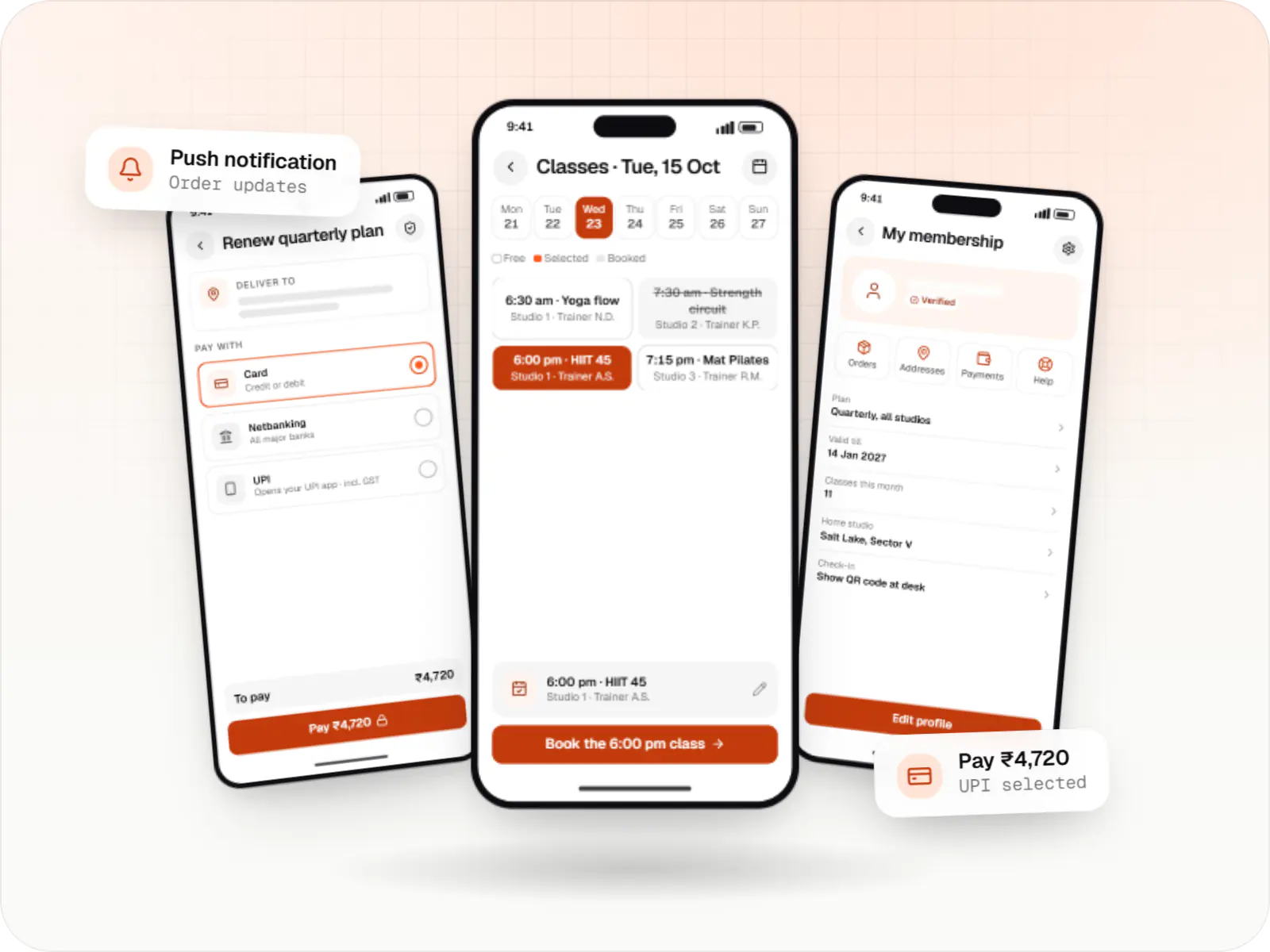
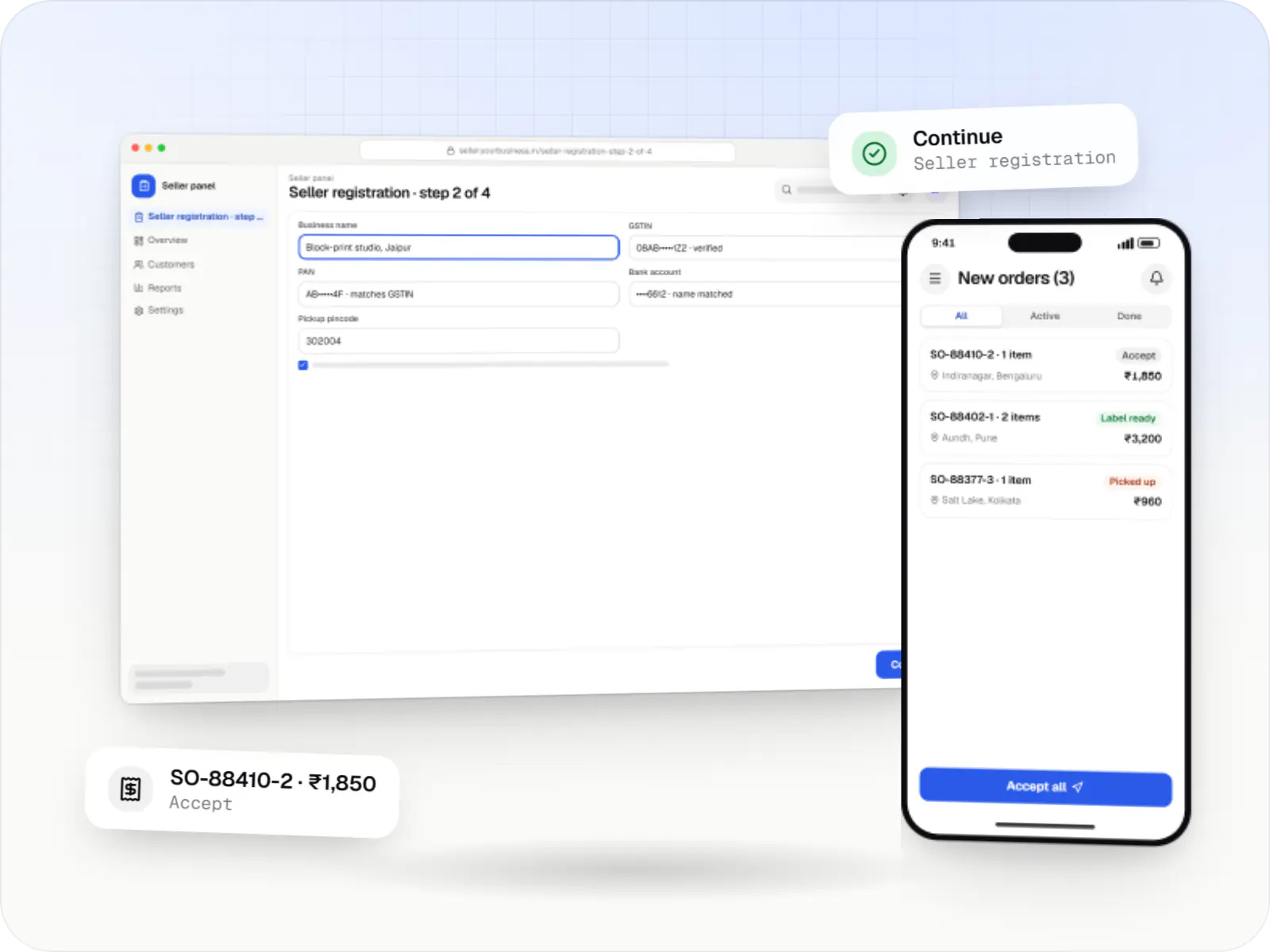
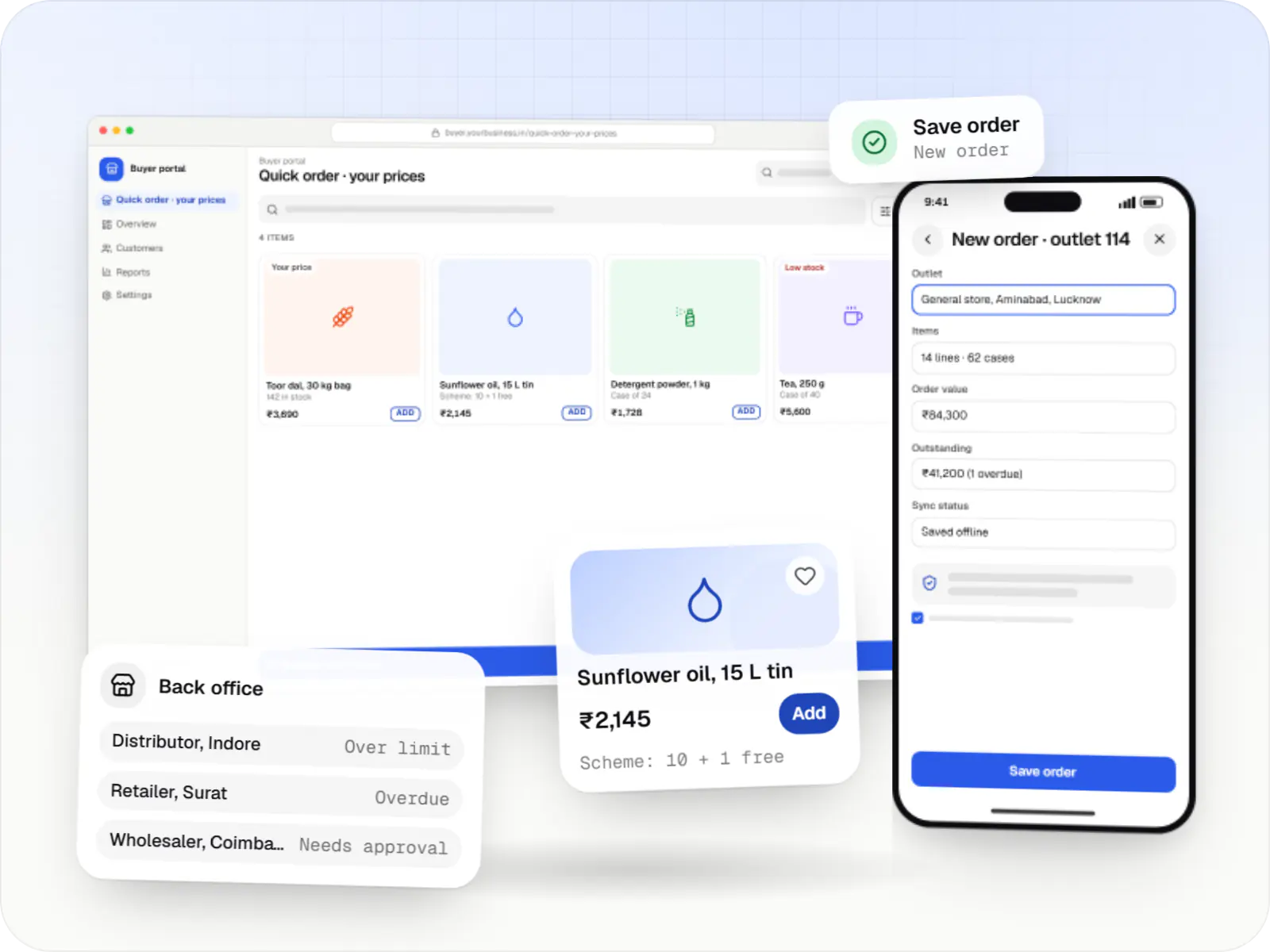
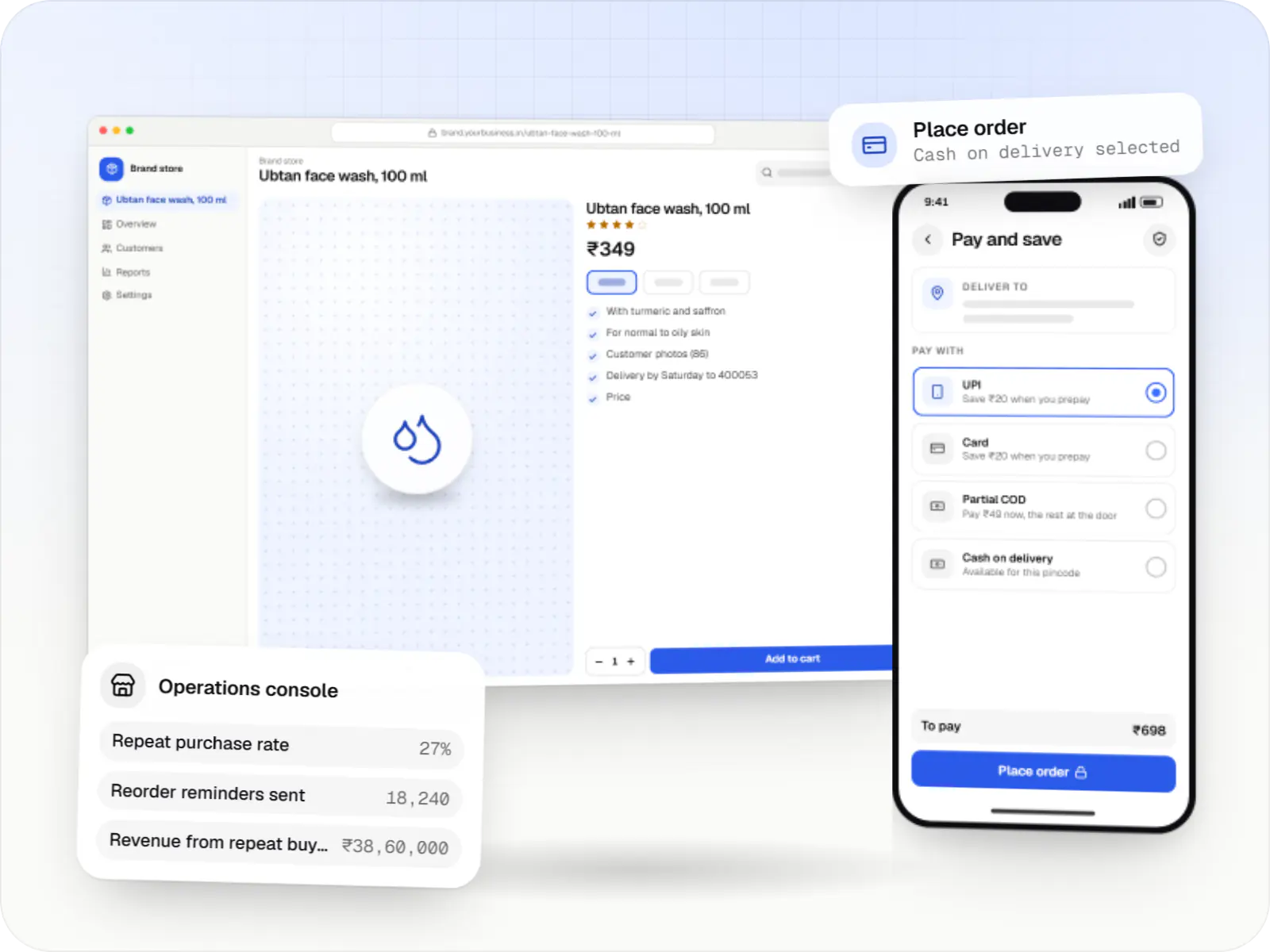
Illustrative screens, using a beauty and personal care app as the example.
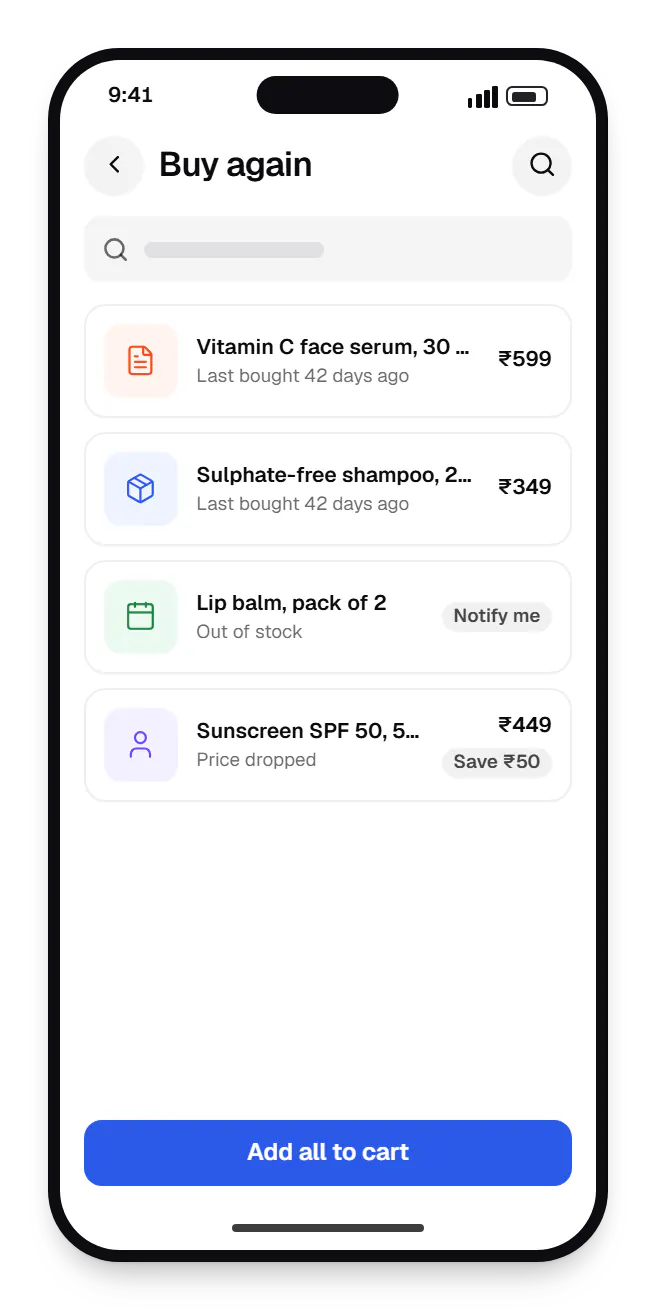
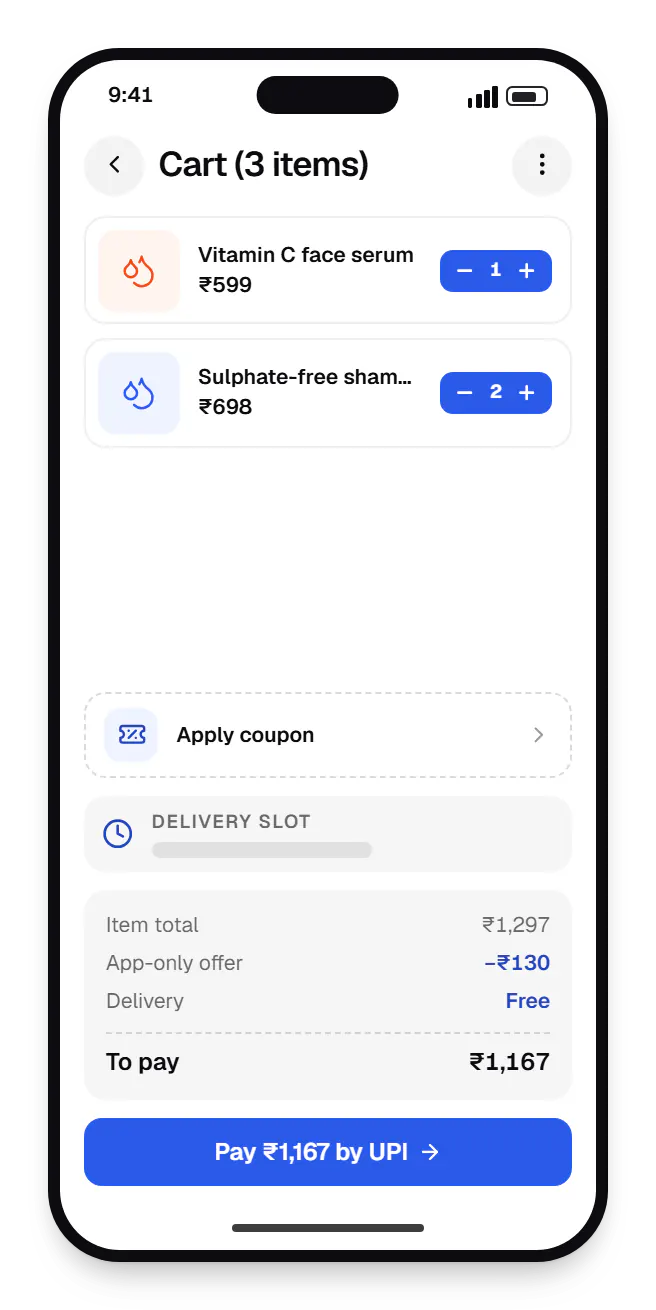
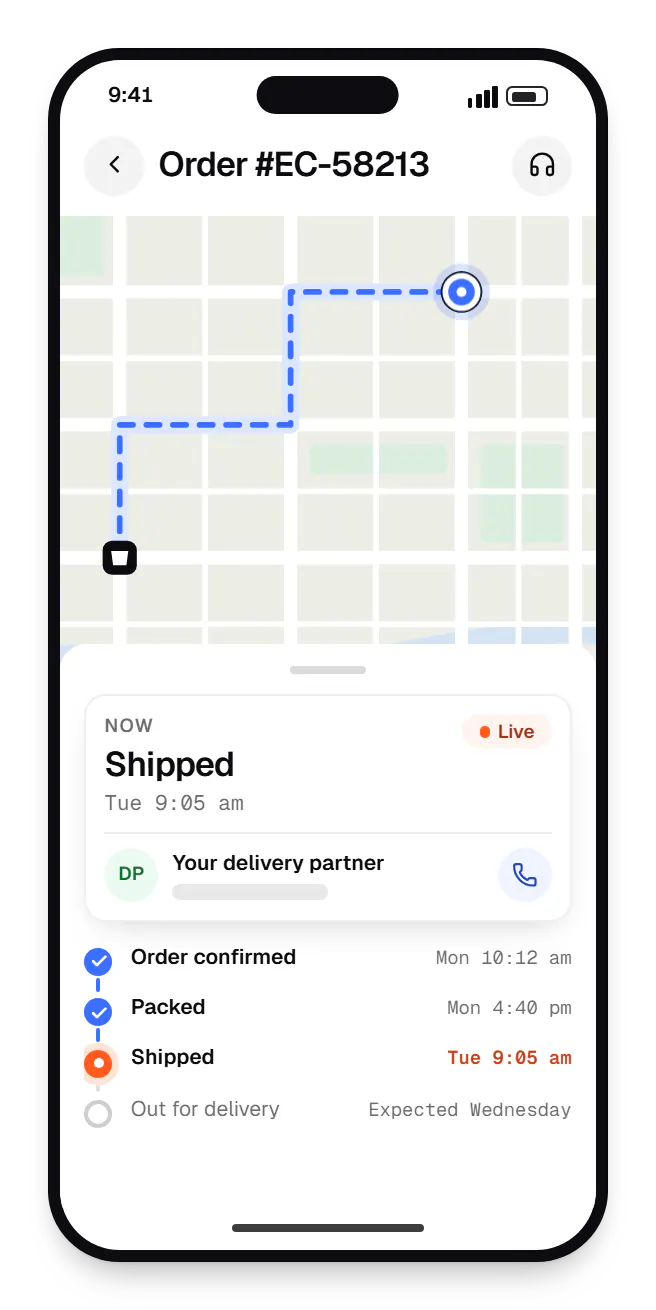
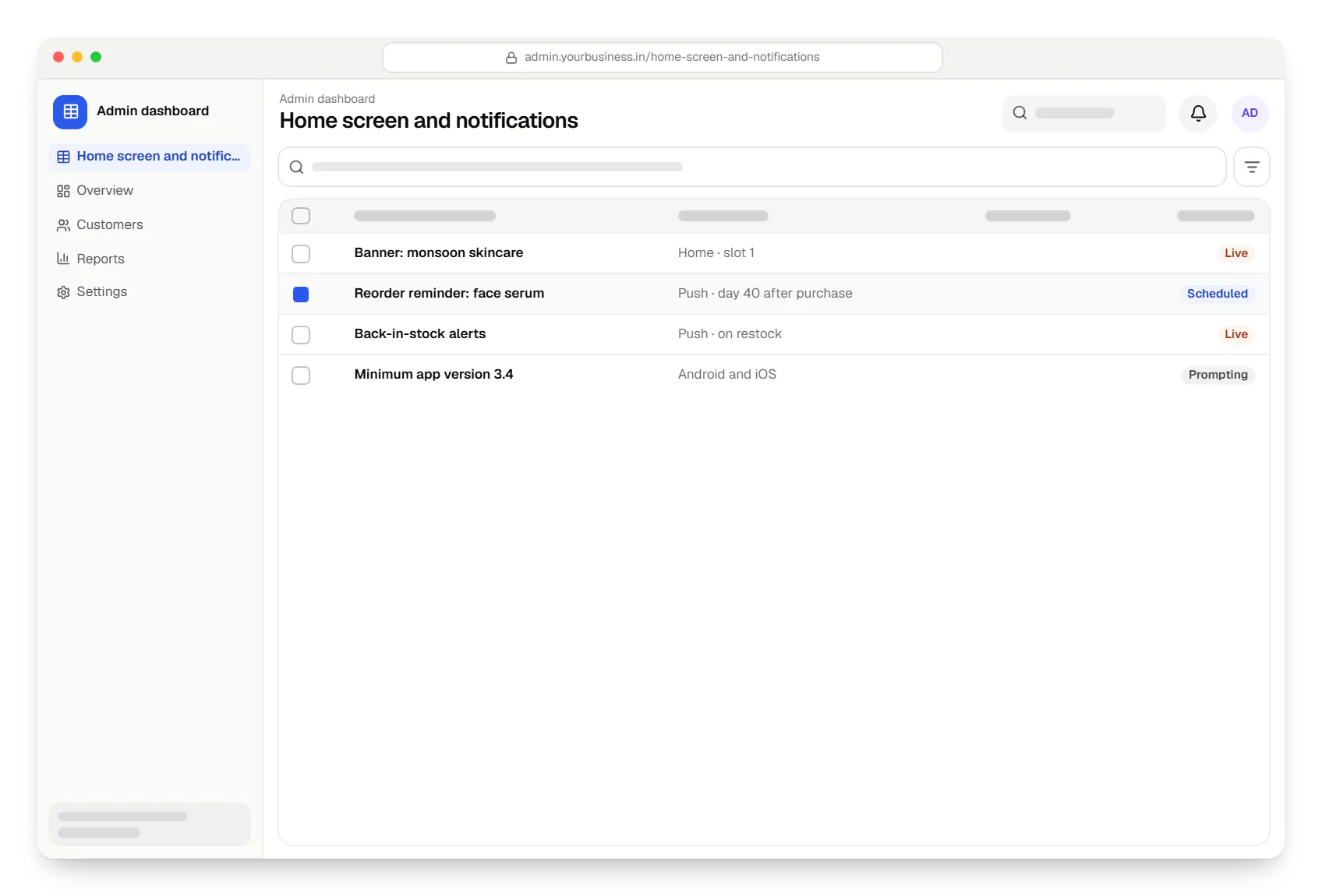
Sample screens: names, prices and figures are examples, not client data.
Industries
Services

Native and cross-platform Android and iOS apps, from first release through regular store updates, built by our in-house designers and engineers.

Android and iOS apps from one Dart codebase, built by engineers who know when Flutter is the right call and when native code is needed.
Android and iOS apps in React Native and TypeScript, suited to teams that already use React on the web and want shared logic across products.
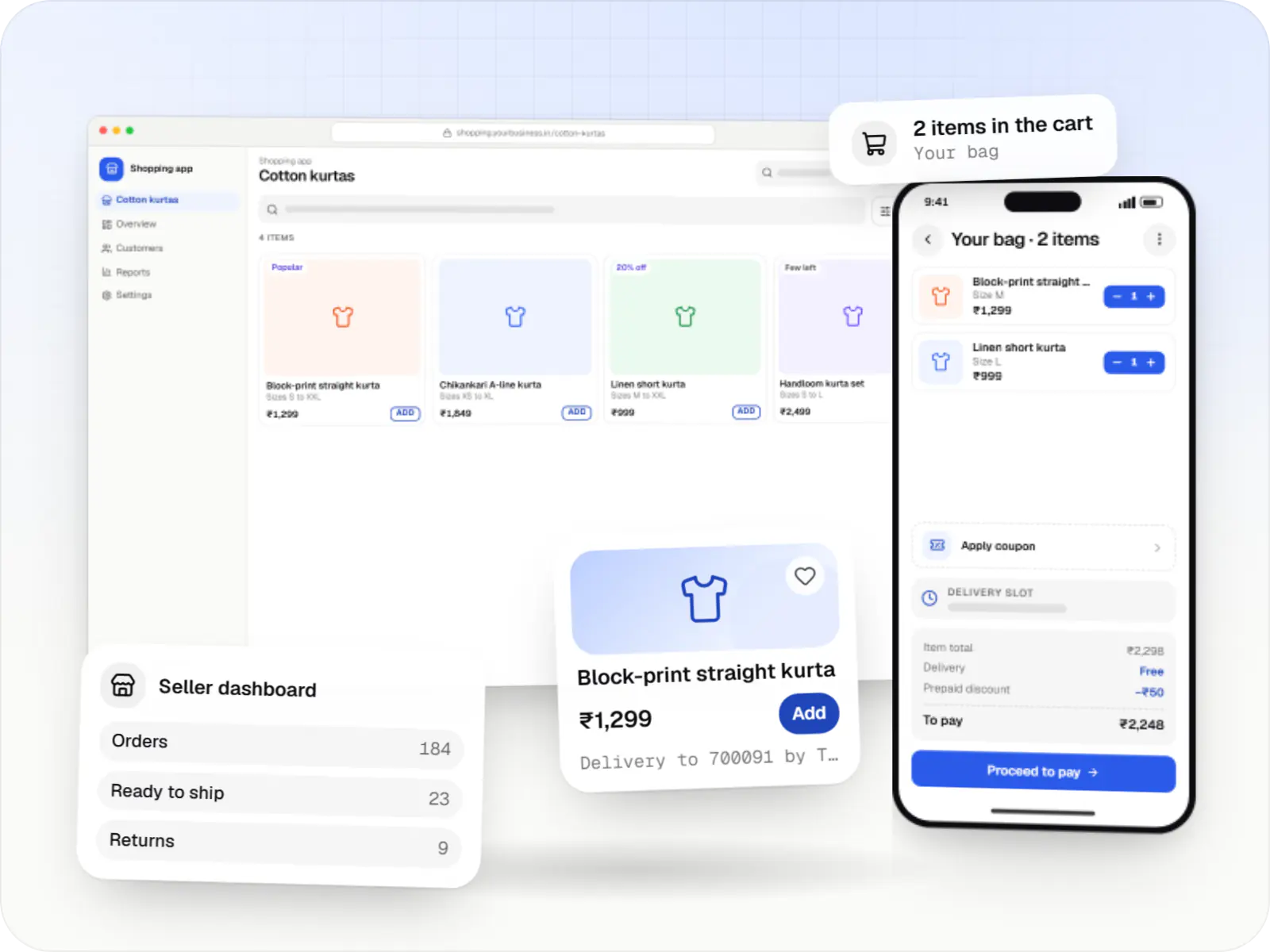
Online stores, shopping apps and B2B ordering portals on Shopify, WooCommerce or custom stacks, wired to Indian payments, couriers and GST invoicing.

Secure, documented REST and GraphQL APIs, plus integrations that connect your apps to payment, logistics, GST, messaging and business systems.

Product design for web and mobile apps: research, user flows, wireframes, prototypes and design systems that engineers can build from.
Cost drivers
One Flutter or React Native codebase costs less than separate Kotlin and Swift apps.
Using existing store APIs is quicker than building catalogue, cart and order services.
Server-driven layouts avoid releases for merchandising changes but take longer to build.
Each gateway, wallet and login method adds SDK work and device testing.
Store reviews, OS updates and testing continue after launch.
Estimates are written from your scope, with the effort and assumptions behind each line item.
How pricing worksFAQ
Both work well for e-commerce. Flutter draws its own UI, which keeps screens consistent on older Android phones and makes custom animation straightforward. React Native uses native components and suits teams already working in React or TypeScript, including sharing logic with a React website. We choose based on your existing code, planned features and who will maintain the app, and explain the trade-off first.
Yes. Shopify offers a Storefront API and WooCommerce a REST API, so the app can read products and create orders on your current store while you keep managing it in its admin. Features such as custom checkout rules or loyalty depend on what the platform and its apps allow. We check those limits during scoping and add a small middleware service where the APIs fall short.
For physical goods, generally no. Both stores' policies place physical products and real-world services outside their in-app billing systems, so you collect payment through your own gateway with UPI, cards or COD. Digital goods, such as paid content inside the app, follow different rules. Store policies change, so we review the current terms during release planning.
Tie them to events and segments rather than a daily blast. Back-in-stock alerts, price drops on wishlisted items, order updates and reorder reminders timed to a product's usual repurchase cycle tend to be welcome. We build notification categories customers can switch off individually, frequency caps and quiet hours, and report opt-outs by campaign so your team can see what wears the channel down.
Related
Next step
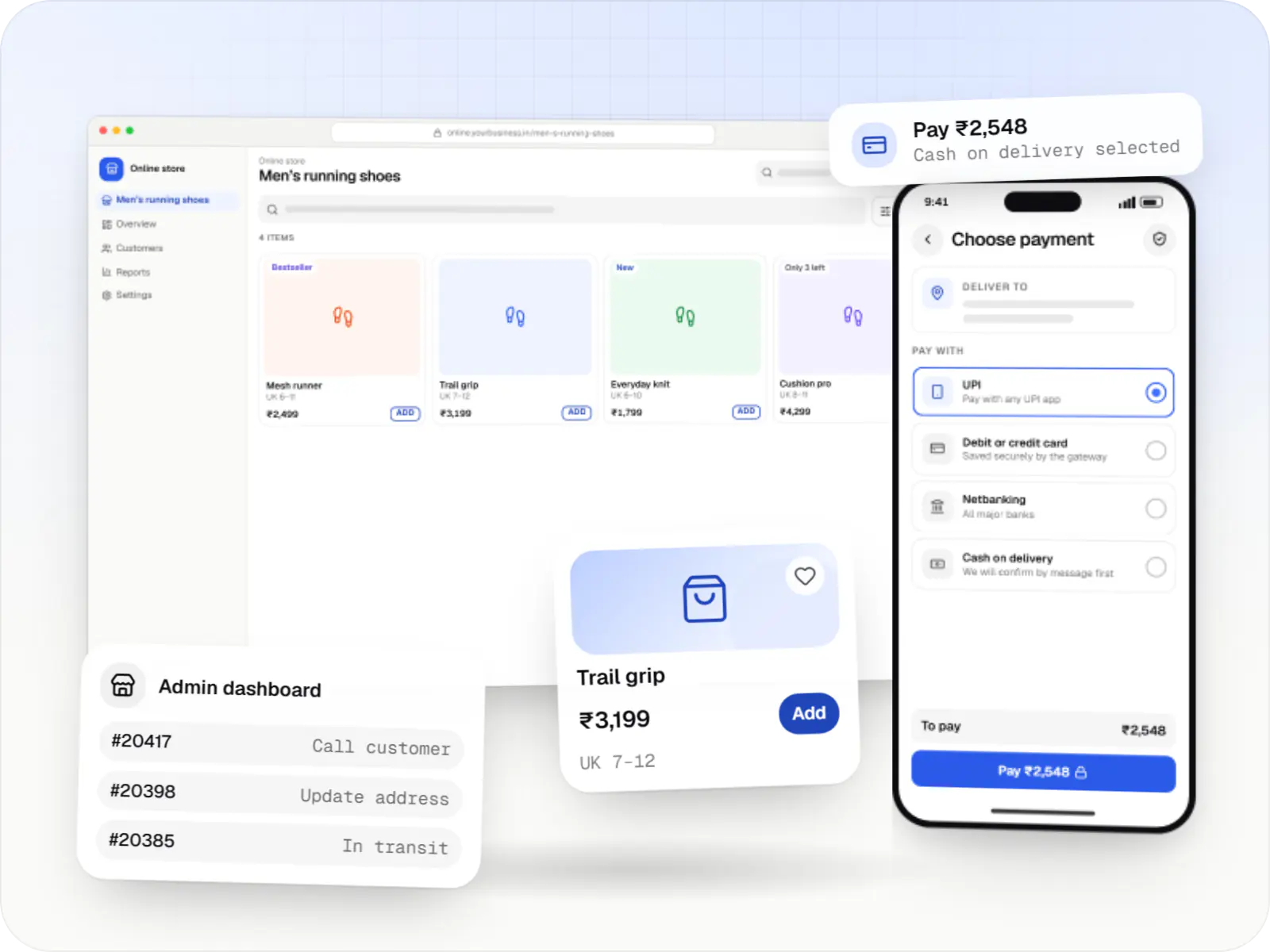
Tell us what customers reorder and how your store runs today. We will suggest a first release and the stack to build it on.