

Web
Next.js
A modern web technology for fast, search-friendly websites, online stores and web applications that load quickly on mobile.
Used for
- Business websites
- Online stores
- Web apps
- Customer portals
E-commerce websites
Online stores for Indian brands and retailers, built to rank, convert on mobile and ship orders without re-keying.
At a glance
What it is
Fast, search-friendly online stores with UPI, card and COD checkout, GST invoices and courier integrations, on a hosted platform or custom code.
How to start
Tell us what you need in your own words. You talk to the developers who would build it and get a written, line-item estimate.
Get a project estimateFew orders are lost on the homepage. They drop off on a product page that loads slowly over mobile data, at a pincode check that fails after checkout begins, or at a UPI payment that times out and leaves the buyer unsure whether they paid.
In e-commerce website development we map the path from search result to delivered parcel and design those moments: delivery dates on the product page, the fewest checkout steps your payment rules allow, and order status confirmed by the gateway's webhook.
Challenges
Heavy themes and stacked plugins make product pages crawl on mid-range phones.
Unconfirmed COD orders to wrong addresses become return-to-origin shipments you pay for twice.
Staff copy orders into billing and courier portals, so invoices lag and stock drifts.
Faceted navigation spawns near-identical URLs that crawlers waste time on.
What is included
Platform: Website
Platform: Website
Platform: Admin dashboard
Platform: Admin dashboard
How it works
Each step below is a place where stores commonly lose orders or staff time, so each gets deliberate design.
Server-rendered category and product pages load quickly on mobile data and are easy for search engines to read.
Before checkout, the shopper sees whether you deliver to them, the expected date and whether COD is allowed.
UPI on phones, a QR code on desktop, cards, wallets or COD; the order is confirmed only when the gateway reports the payment.
Cash orders get a quick confirmation message before shipping, which filters out fake and impulse orders that would come back.
A GST invoice is generated and a courier label booked from the order itself, and stock updates automatically.
Tracking events update the order; failed attempts raise NDR tasks, and approved returns create credit notes.
Integrations
UPI, cards and wallets, with payment and refund webhooks.
Serviceability, rates, labels, pickups and tracking events.
Order confirmations, COD checks and delivery updates.
Sales, tax and settlement data for reconciliation.
Server-side purchase events that survive ad blockers.
Your catalogue on ONDC buyer apps.
Platforms
A mobile-first website that shoppers can add to their home screen as a progressive web app, plus an admin dashboard for your team.
Marketing and content websites: fast, search-friendly pages with a CMS your team can update without a developer.
Installable web apps with offline support and notifications, useful when an app-store listing isn't essential or phones have little storage.
Back-office panels for operations, support and finance teams: orders, users, content, reports and permissions.
Technology
Next.js and React give fast, crawlable pages, Node.js with PostgreSQL runs orders and stock, Redis keeps busy pages quick, and Razorpay handles UPI, cards and refunds.
Web
A modern web technology for fast, search-friendly websites, online stores and web applications that load quickly on mobile.
Used for
Web
Builds interactive screens in the browser, such as dashboards, admin panels and portals, that respond instantly as your team works.
Used for
Backend
Runs the server side of apps: fast, scalable back ends that power your app, website and integrations.
Used for
Backend
A structured way to build back ends on Node.js, so large business systems stay organised, testable and easy to hand over.
Used for
Data
A reliable database for the records your business runs on: orders, payments, bookings and stock, kept accurate and easy to report on.
Used for
Data
Keeps frequently used data in fast memory, so apps stay quick on busy days and live features like order tracking feel instant.
Used for
Payments & maps
Lets customers in India pay by UPI, cards, netbanking or wallets, and handles subscriptions, refunds and payouts to sellers or partners.
Used for
Cloud & DevOps
Cloud hosting for your app, website and data, with data centres in India and room to grow when traffic rises.
Used for
Plain-English glossary
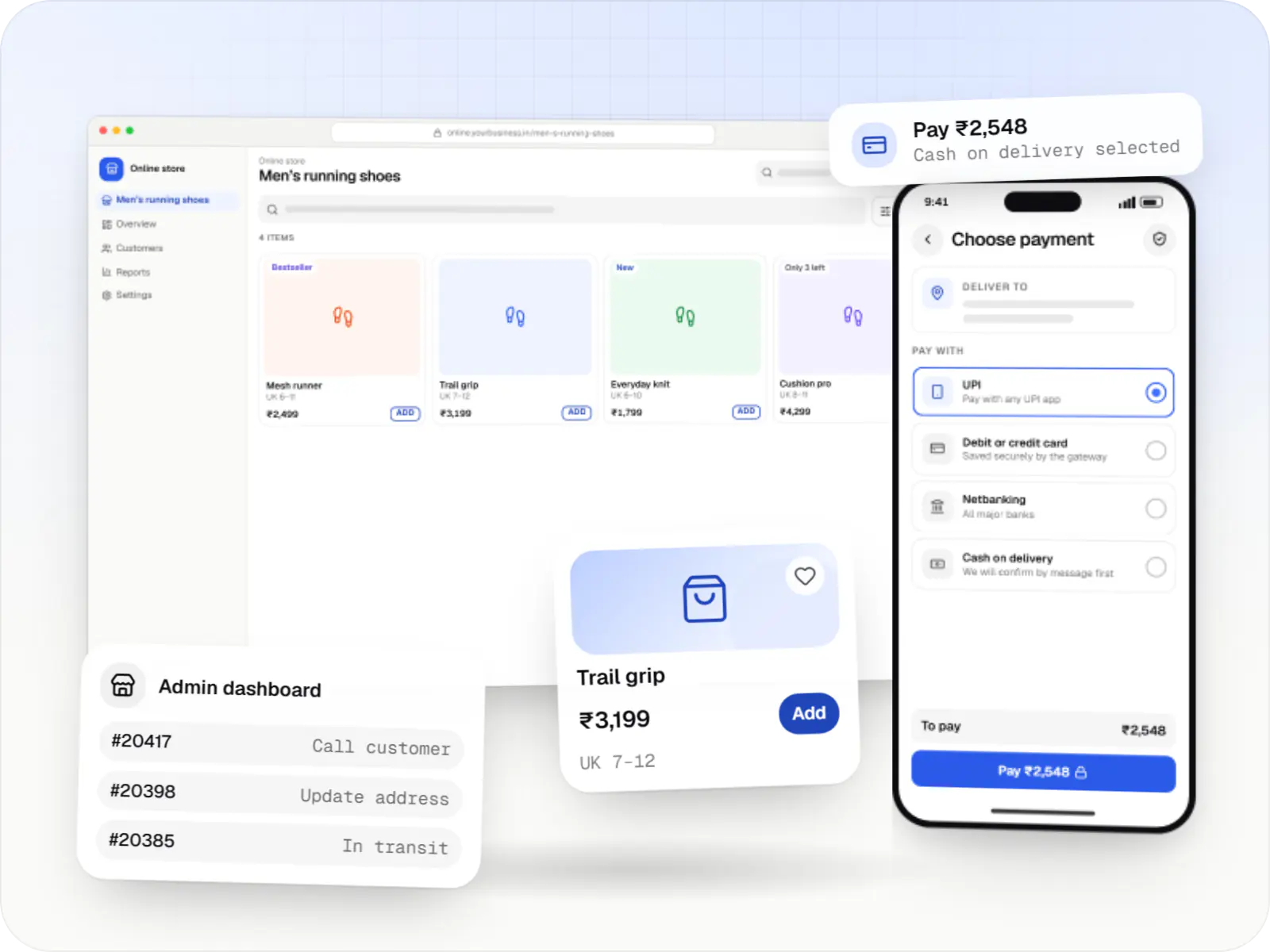
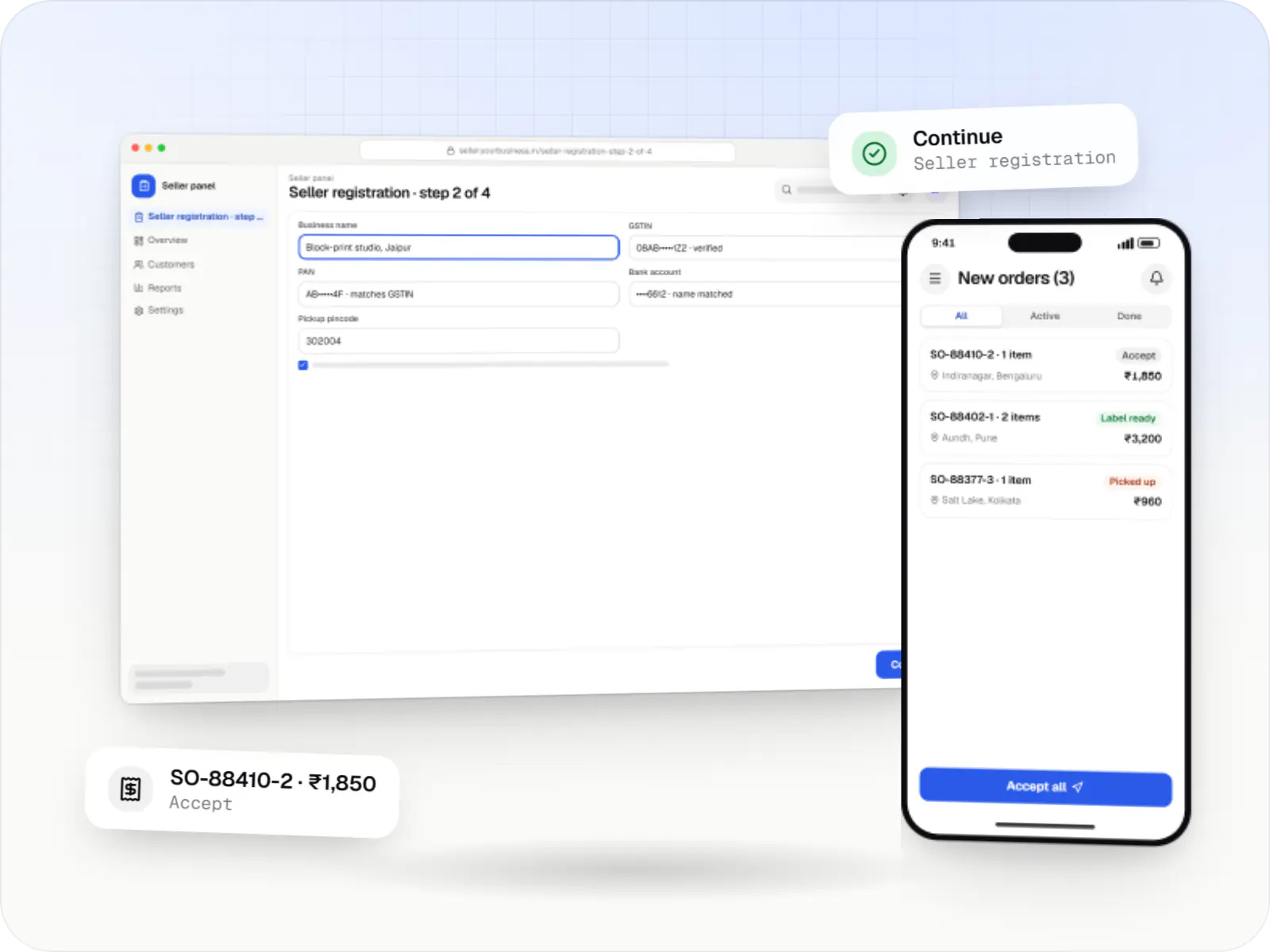
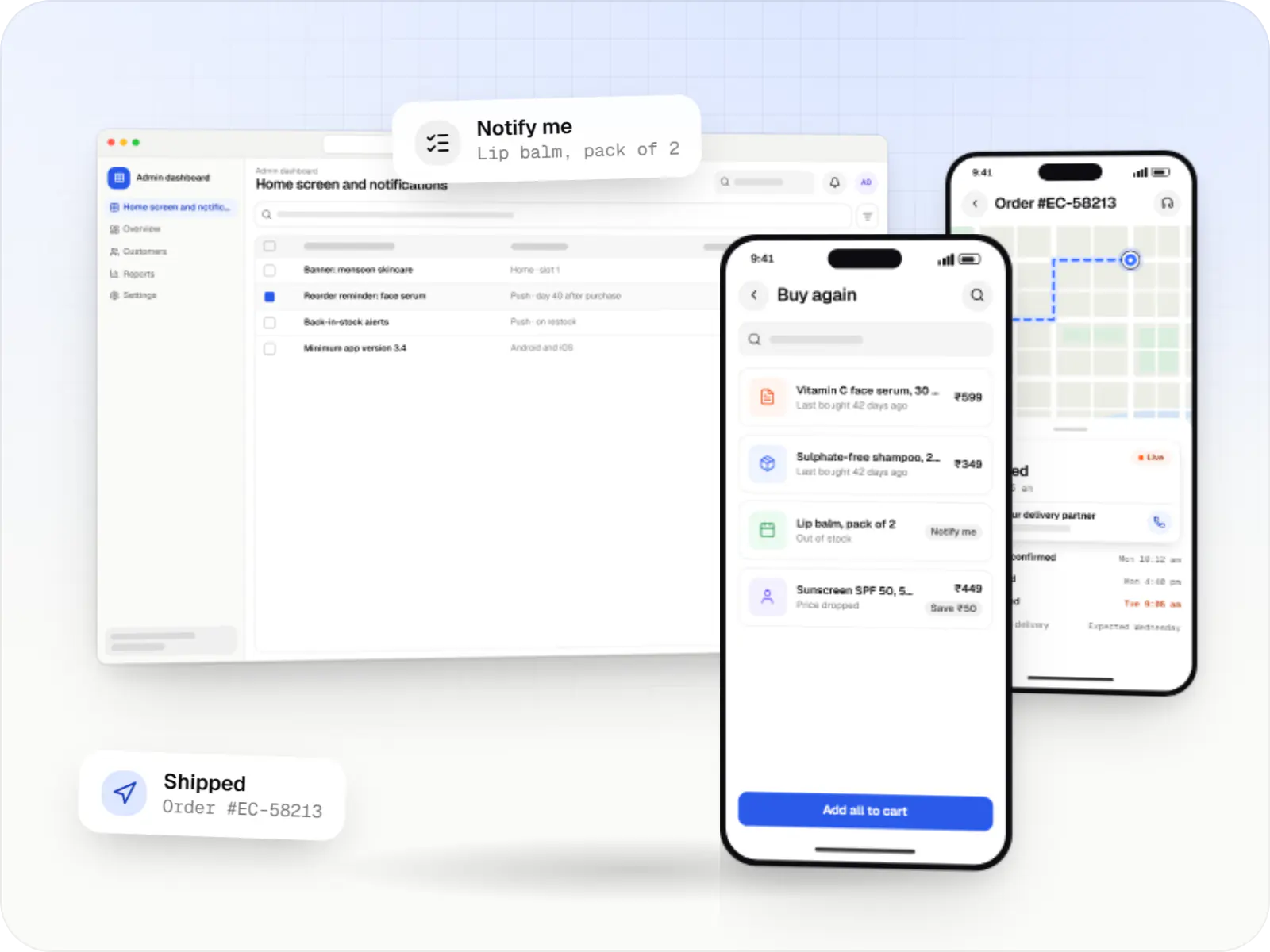
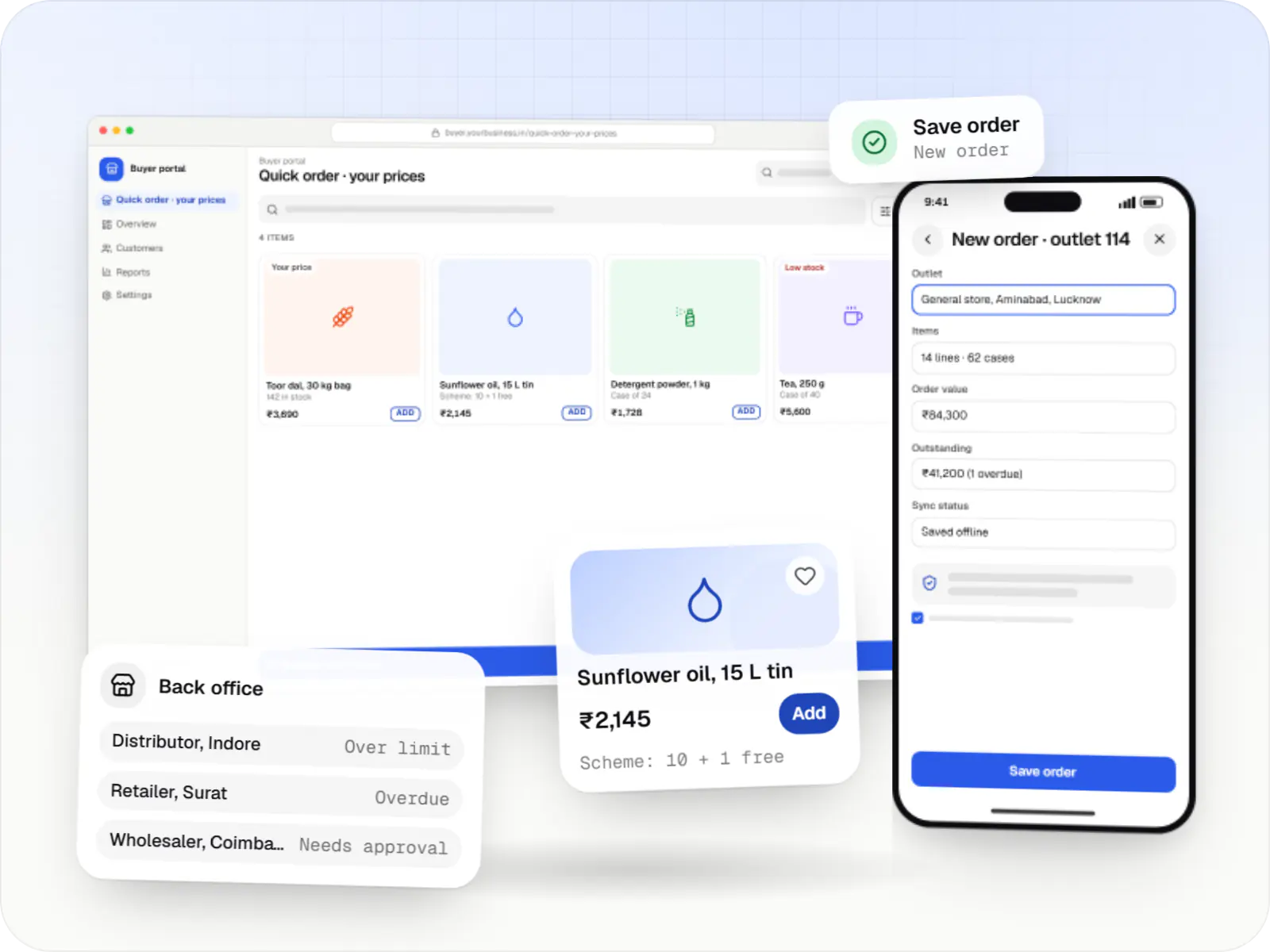
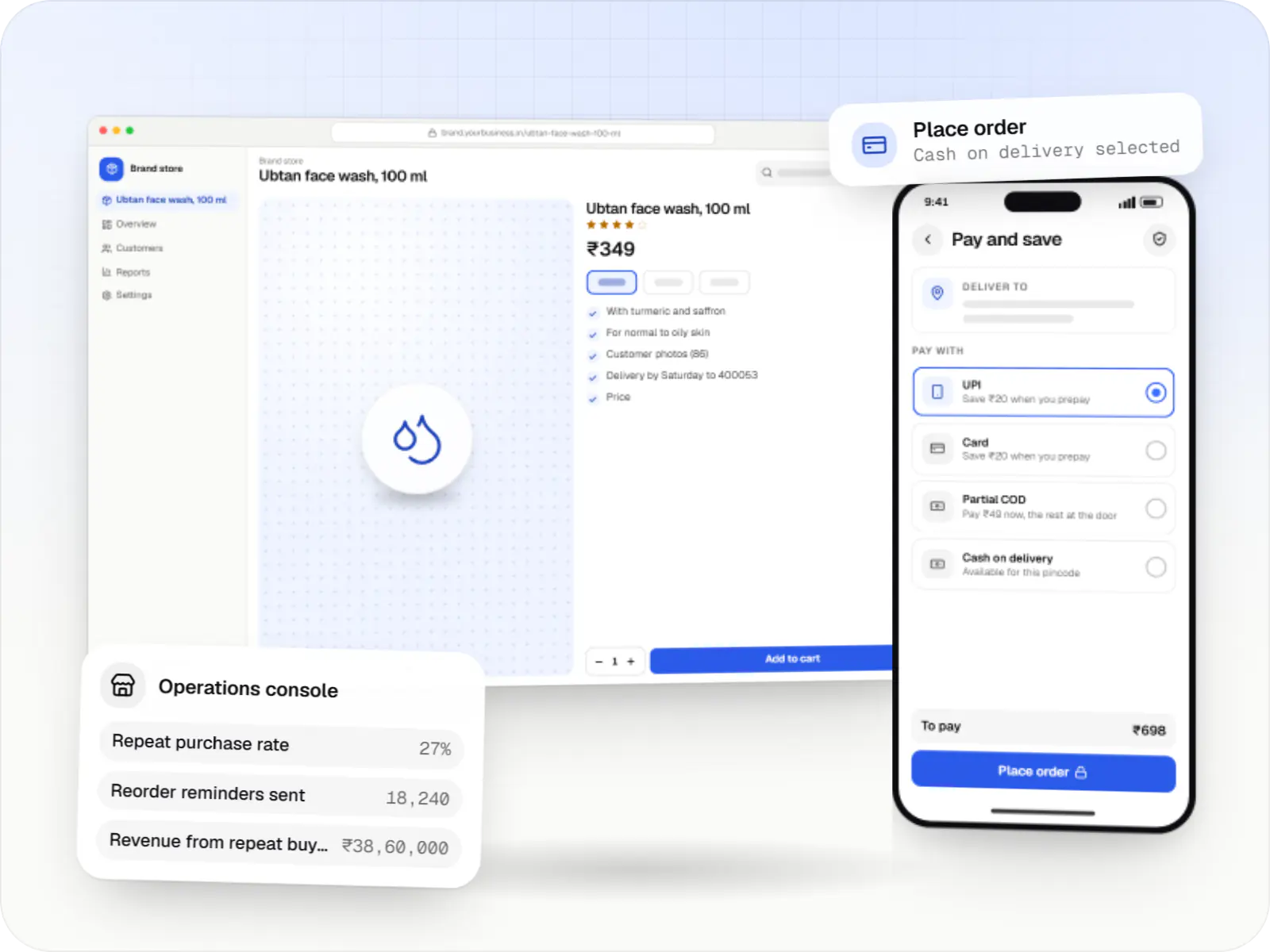
Product preview
Illustrative screens, using a footwear store as the example.
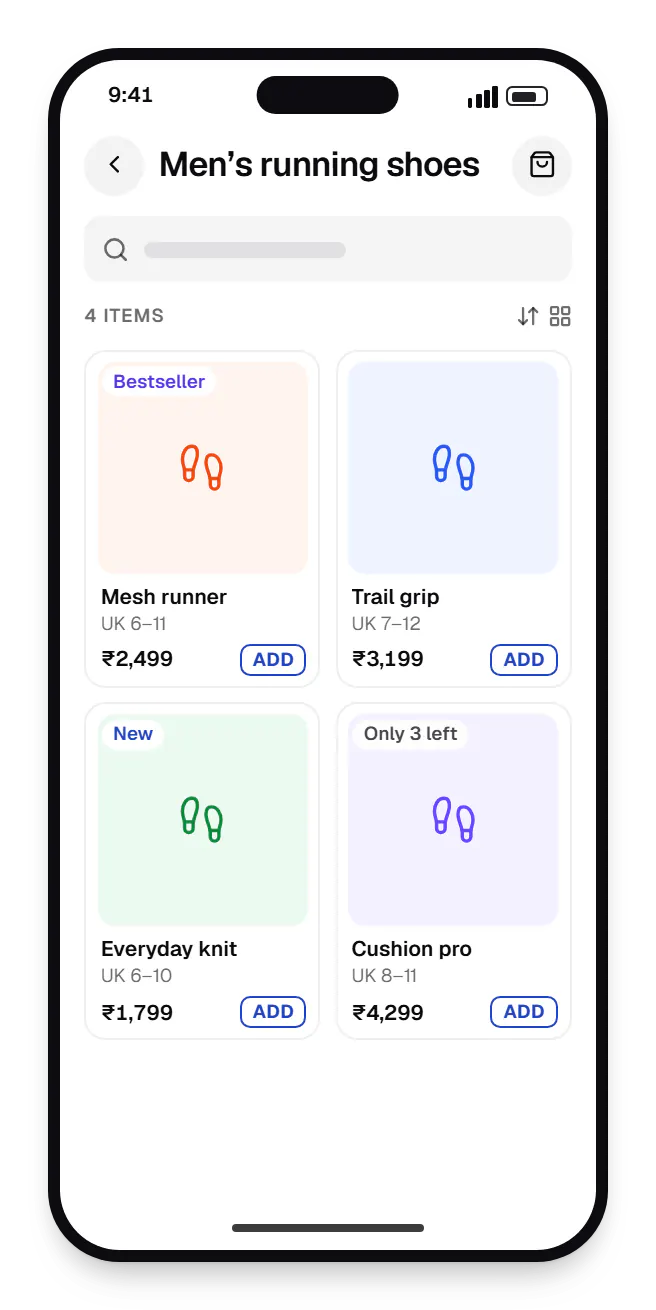
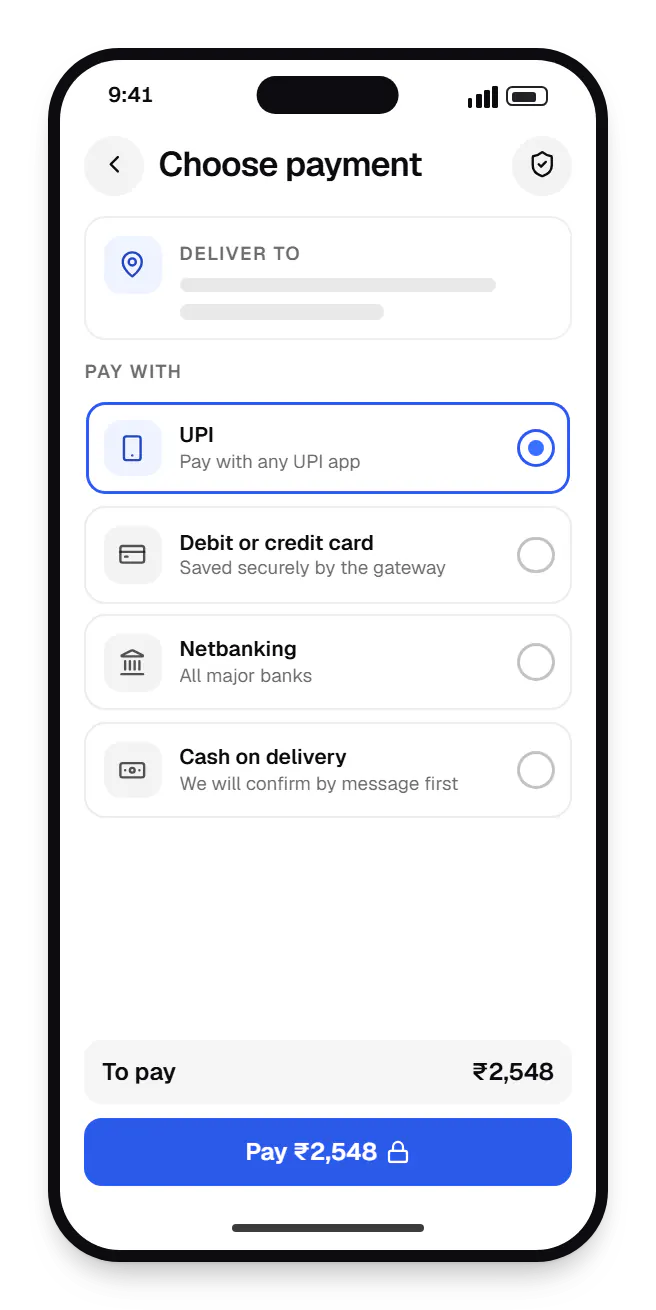
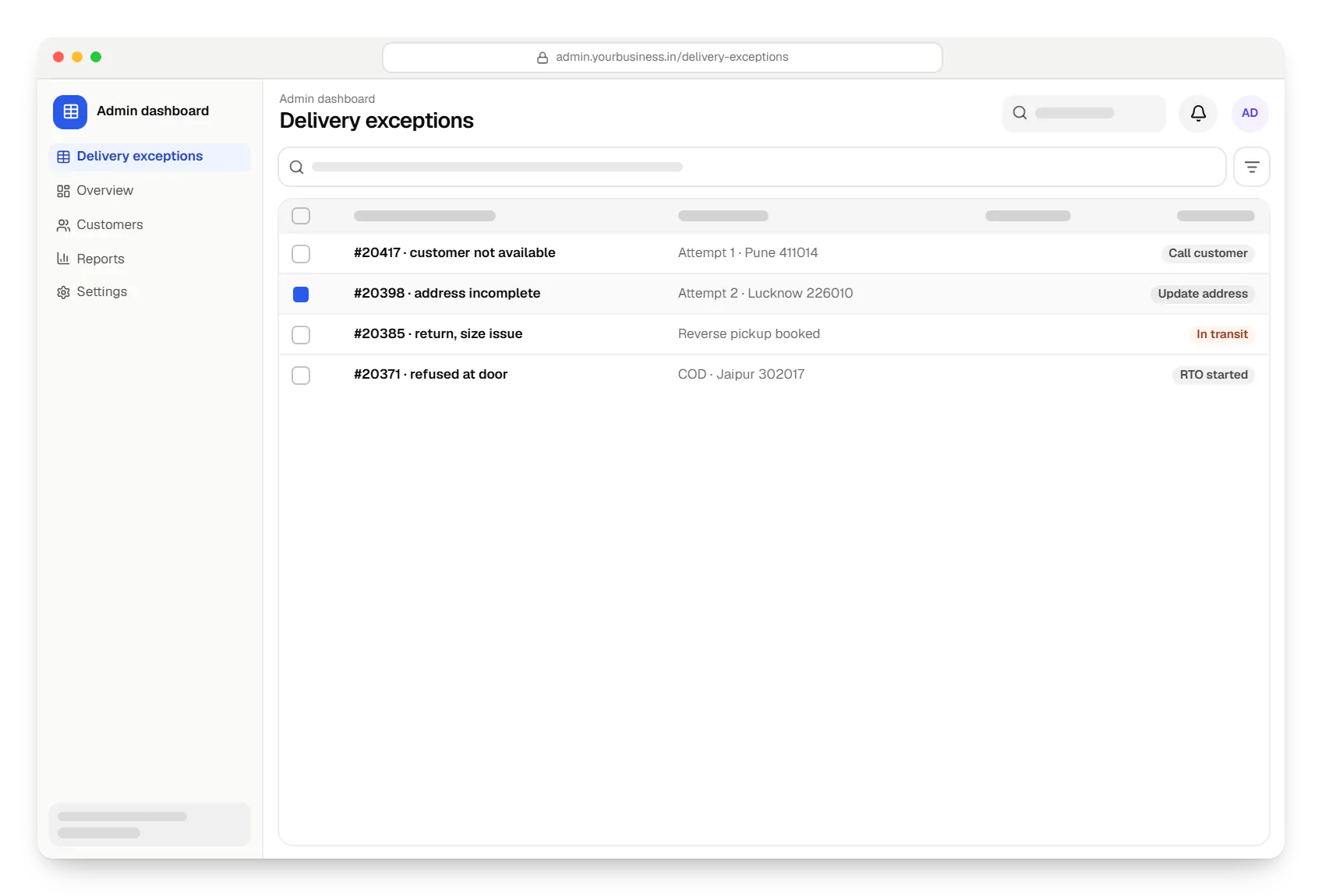
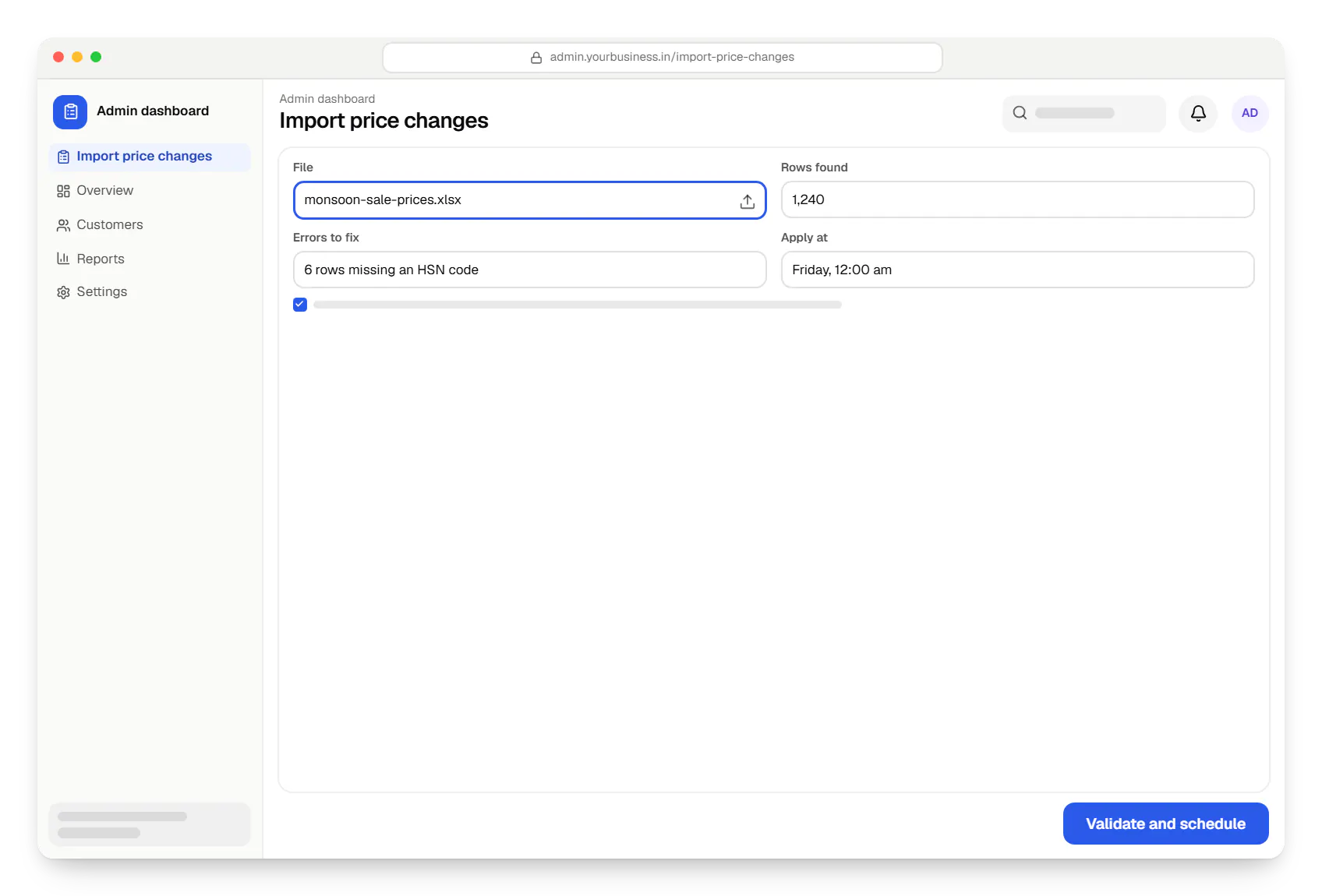
Sample screens: names, prices and figures are examples, not client data.
Industries
Services
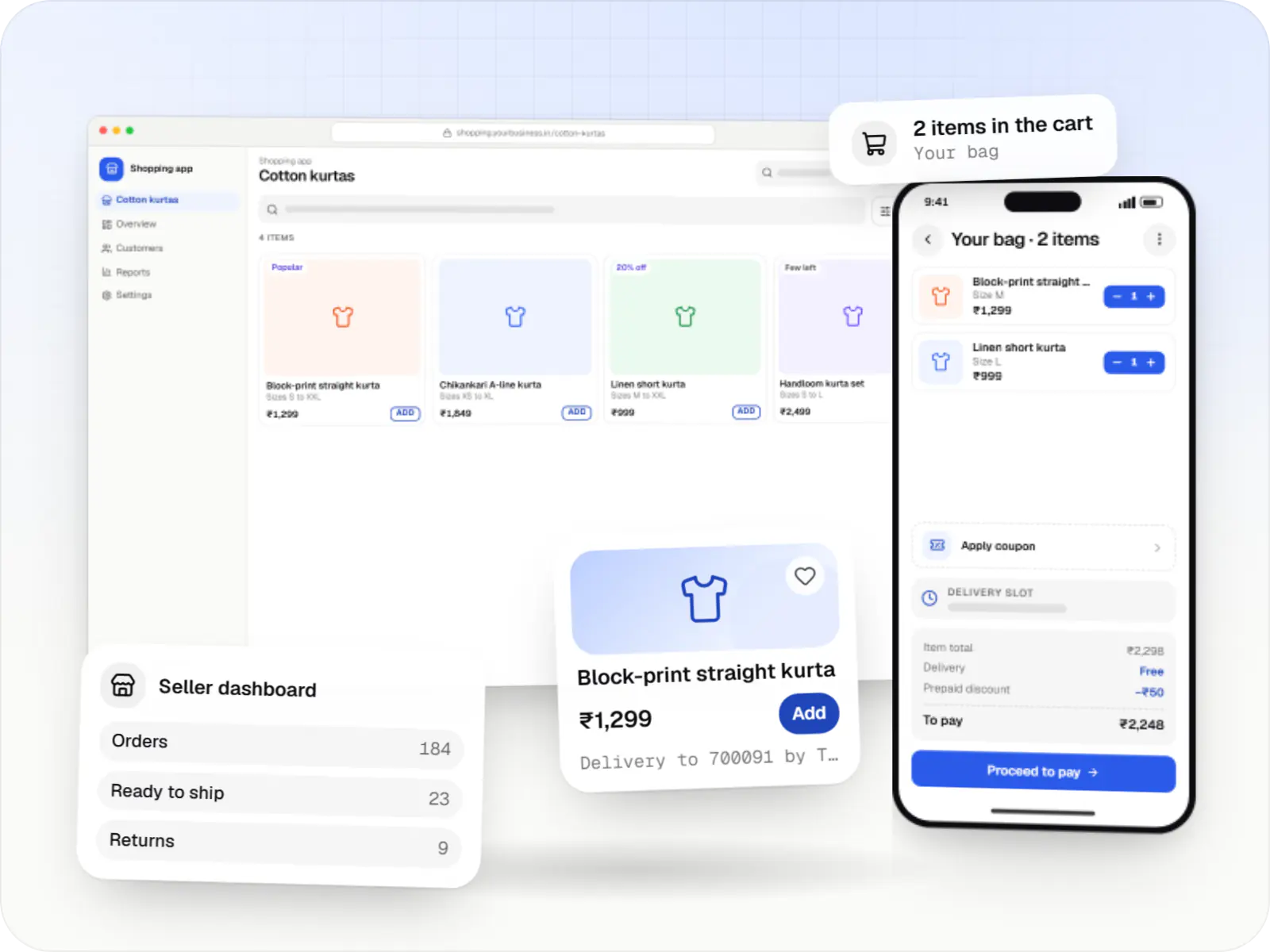
Online stores, shopping apps and B2B ordering portals on Shopify, WooCommerce or custom stacks, wired to Indian payments, couriers and GST invoicing.
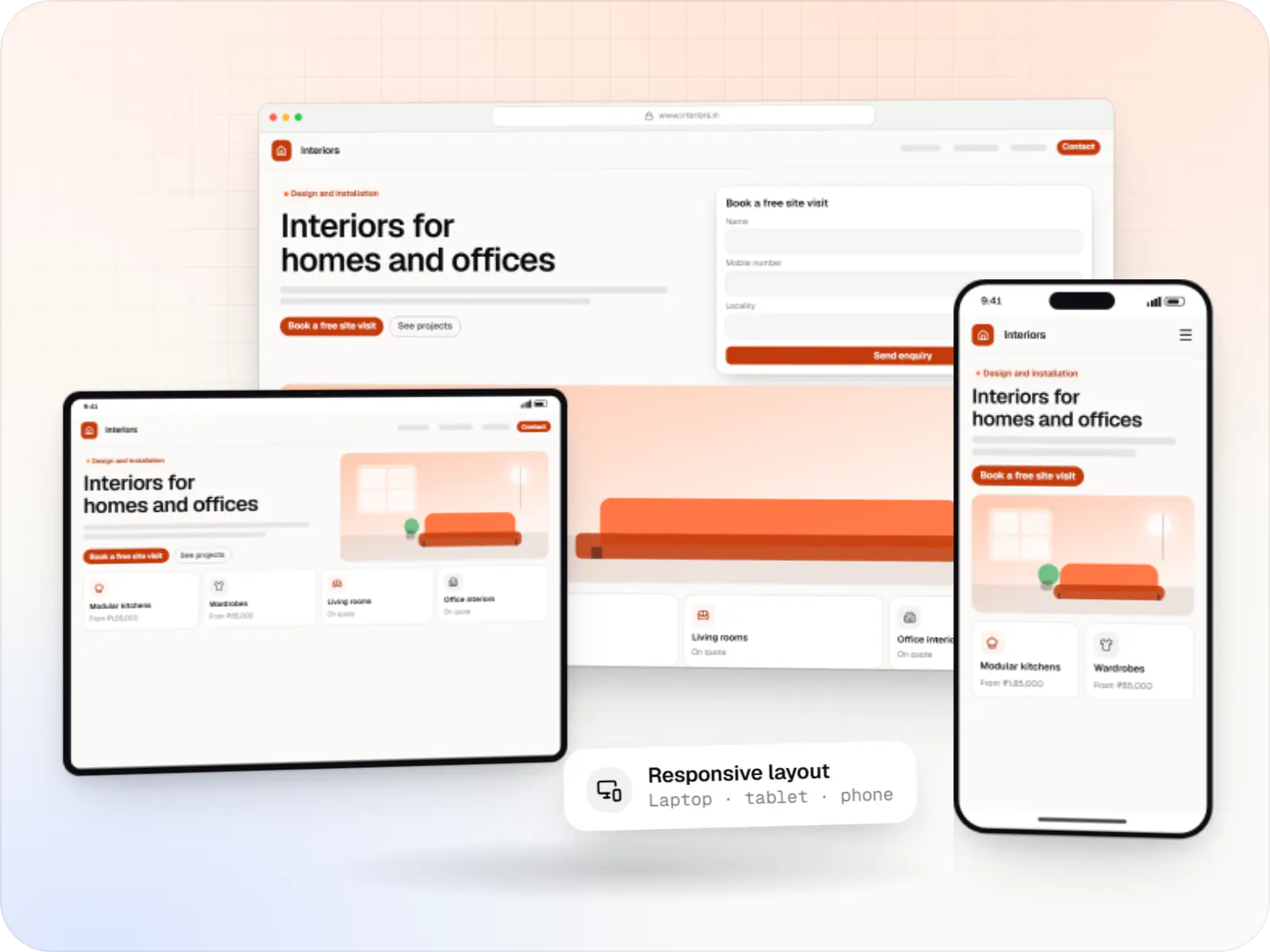
Fast, SEO-ready company and marketing websites with a CMS your team can edit, designed and built by our in-house team.

Product design for web and mobile apps: research, user flows, wireframes, prototypes and design systems that engineers can build from.

Secure, documented REST and GraphQL APIs, plus integrations that connect your apps to payment, logistics, GST, messaging and business systems.

Back-office dashboards built around your team's daily tasks: order queues, approvals, catalogue management, payouts, reports and audit logs.
Cost drivers
A tailored theme needs less engineering; a custom build needs more but removes recurring app fees.
Variants, bundles and made-to-order items add data modelling and admin screens.
Each payment, courier, accounting or ERP link adds build and test effort.
Adapting a theme costs less than a custom design system with bespoke templates.
Moving products, customers, orders and old URLs with 301 redirects needs careful mapping.
Estimates are written from your scope, with the effort and assumptions behind each line item.
How pricing worksWork
Illustrative projects that show how we plan and build this kind of product. They are samples, not client work.
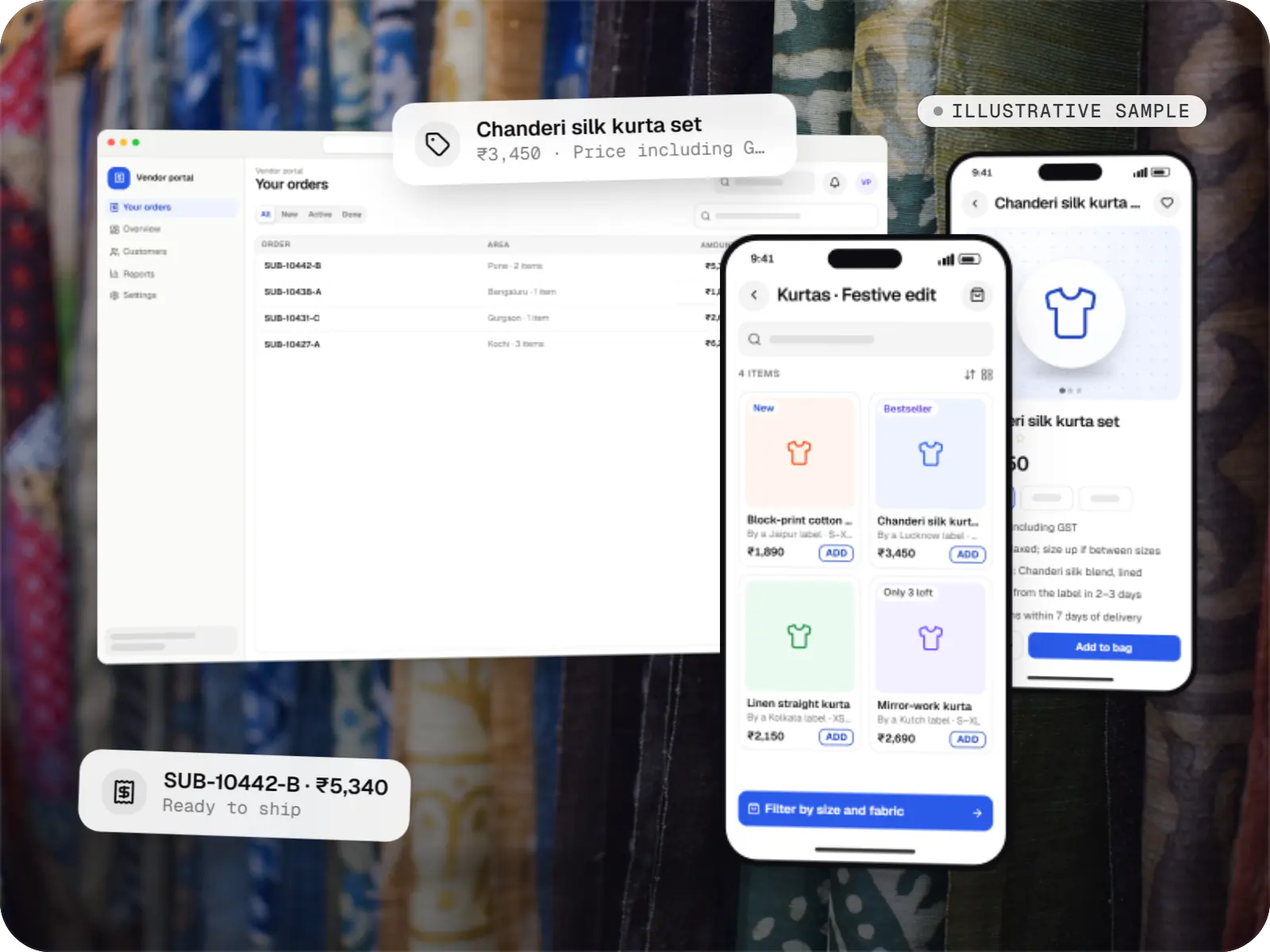
E-commerce & marketplaces
An illustrative marketplace where independent fashion labels sell through one storefront, with vendor onboarding, commission rules, multi-pickup shipping, returns and scheduled payouts.
Runs on
Built with
More specific pages
E-commerce website development for
FAQ
If you sell a standard retail catalogue and want to launch quickly, a hosted platform such as Shopify, or WooCommerce on WordPress, is often the sensible start, and we can design and extend it. A custom build pays off when pricing, checkout or catalogue rules keep fighting the platform, app fees stack up, or the store has to share a backend with mobile apps or a B2B portal.
Software cannot remove return-to-origin shipments entirely, but it can cut the avoidable ones. Typical measures: a WhatsApp or IVR confirmation before COD orders ship, COD switched off for pincodes or order values you choose, a map pin to validate addresses, a prepaid discount, and flags on phone numbers with repeated refusals. Courier NDR data then feeds back into those rules.
Yes. Tax invoices can be generated on dispatch with HSN codes, your GSTIN and the right CGST and SGST or IGST split for the place of supply, with credit notes raised when returns are processed. For B2B orders where e-invoicing applies to your turnover, invoices can be registered with the Invoice Registration Portal through a GST Suvidha Provider. Your accountant should confirm rates and treatment.
A store on a hosted platform with a customised theme and standard integrations typically takes a few weeks. A custom store with its own backend, admin and several integrations typically takes a few months, depending on catalogue complexity and how quickly content and approvals arrive. When migrating an existing store, redirects and SEO checks run as a separate workstream.
Related
Next step
Send us your current site, catalogue size and the integrations you rely on. We will recommend hosted or custom and share a phased estimate.