Mobile
iOS (Swift)
Apps built specifically for iPhone and iPad, for when your product needs Apple features or a polished experience for iPhone users.
Used for
- Apps for iPhone
- Apps for iPad
- Health and fitness apps
- Premium shopping apps
Native mobile
Native iPhone and iPad apps that respect Apple's rules and feel right on every device.
At a glance
What it is
Native iPhone and iPad apps in Swift and SwiftUI, built to Apple's review guidelines and privacy rules and tested on the devices your customers use.
How to start
Tell us what you need in your own words. You talk to the developers who would build it and get a written, line-item estimate.
Get a project estimateiPhone users notice when an app ignores platform conventions: swipe-back that fails, text that ignores Dynamic Type, a keyboard covering the input field. We design to Apple's Human Interface Guidelines, then fit your brand within them.
The App Store brings its own rules. Digital content and subscriptions used in the app generally need in-app purchase, while physical goods and real-world services can use gateways such as Razorpay. Apps need accurate privacy labels, a privacy manifest for certain APIs and SDKs, and in-app account deletion where accounts exist. We settle these in the first sprint.
Shopping, travel and lifestyle apps with polished motion, haptics and full Dynamic Type support.
StoreKit 2 subscriptions and trials, server-side entitlement checks and restore purchases.
Consultation and tracking flows, reading HealthKit data only with the user's explicit permission.
Order status, delivery ETAs and booking reminders on the lock screen and home screen.
Apps for sales teams and managers with single sign-on, distributed privately via Apple Business Manager.
iPad layouts for catalogues and counters, and watchOS companions for reminders and quick actions.
Navigation, gestures, accessibility and system fonts behave exactly as iPhone users expect.
Capabilities Apple adds each year can be adopted without waiting for cross-platform support.
Keychain for secrets, App Transport Security, minimal permissions and accurate privacy labels.
Submissions are checked against the App Review Guidelines before they go in, reducing avoidable rejections.
Standard SwiftUI components support VoiceOver and Dynamic Type with little extra work.
Solutions
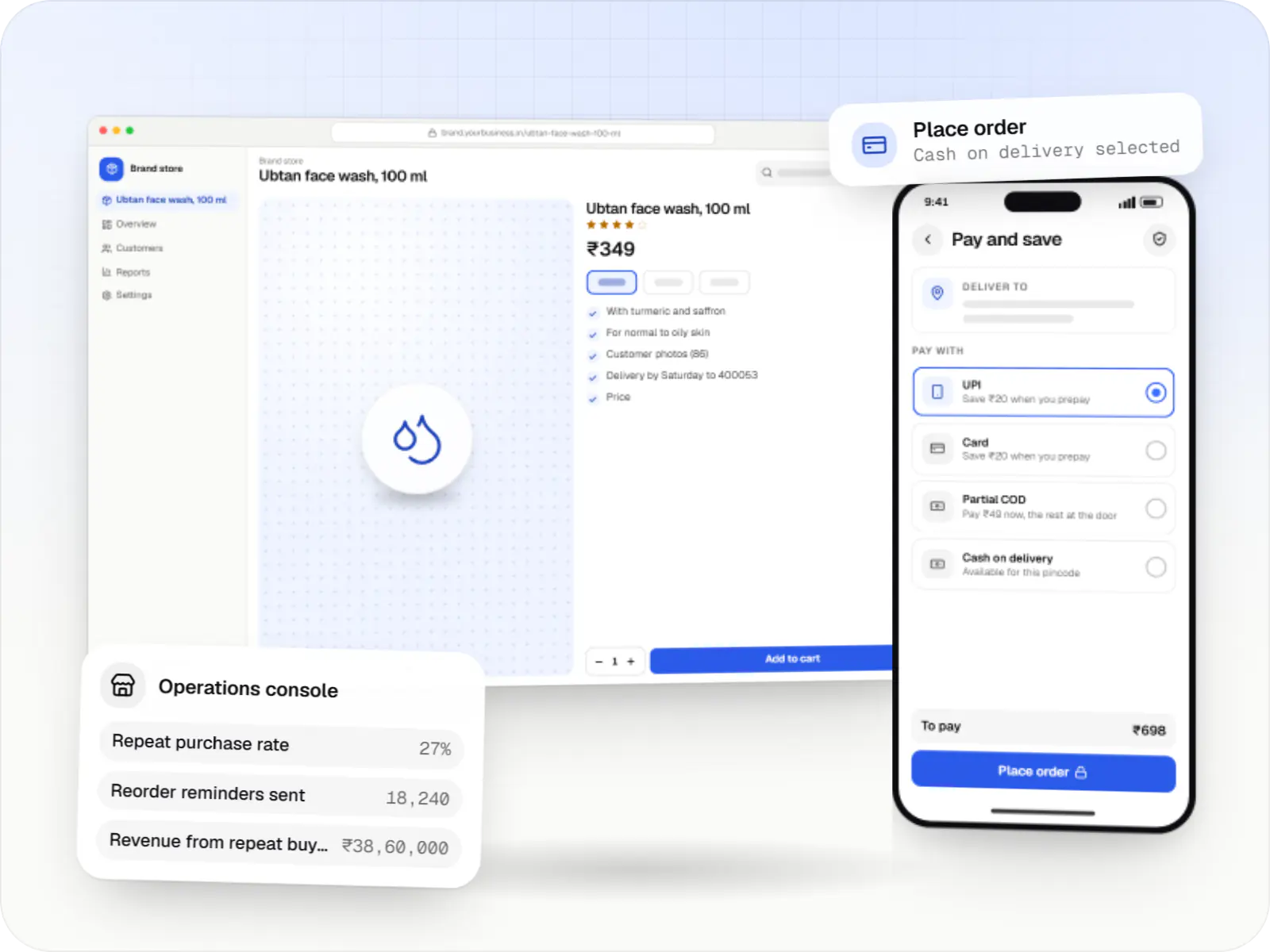
Brand-owned online stores for D2C companies, with conversion-focused checkout, retention tools, server-side tracking and multichannel stock sync.
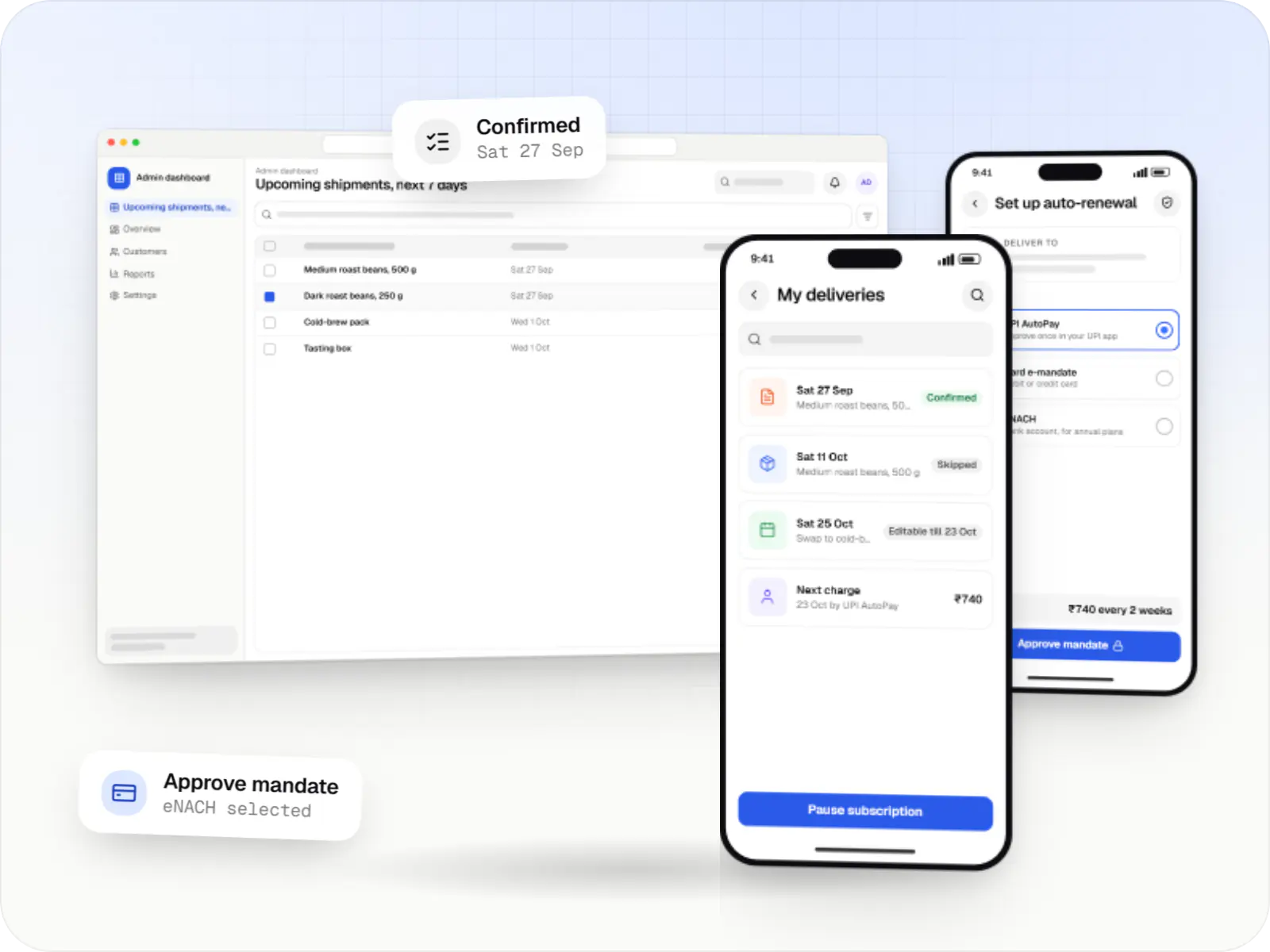
Subscription stores and memberships on UPI AutoPay, card mandates and eNACH, with pause, skip and swap controls and fulfilment planning.
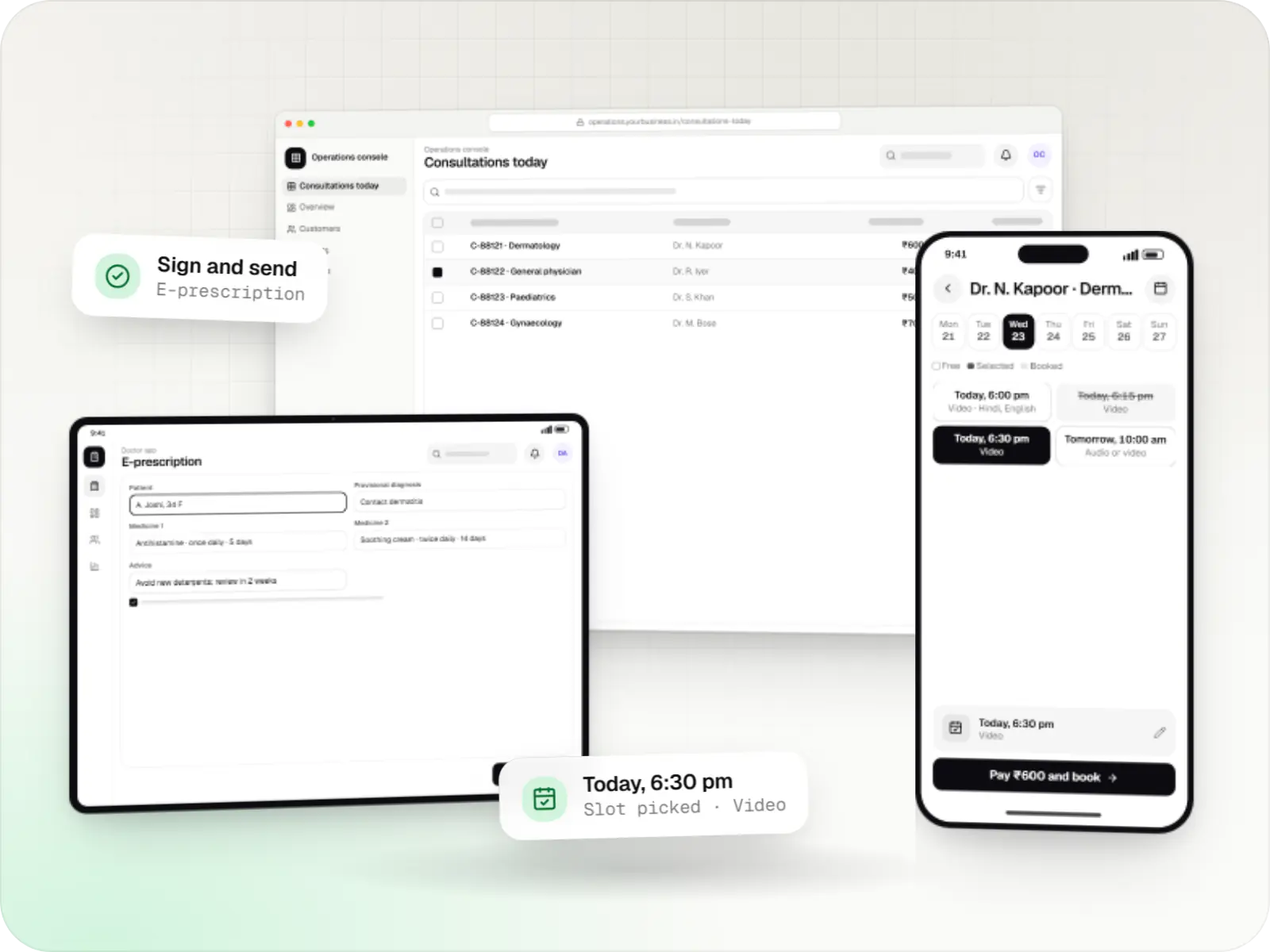
Video, audio and chat consultation platforms with scheduling, e-prescriptions, payments and records, designed around the Telemedicine Practice Guidelines.
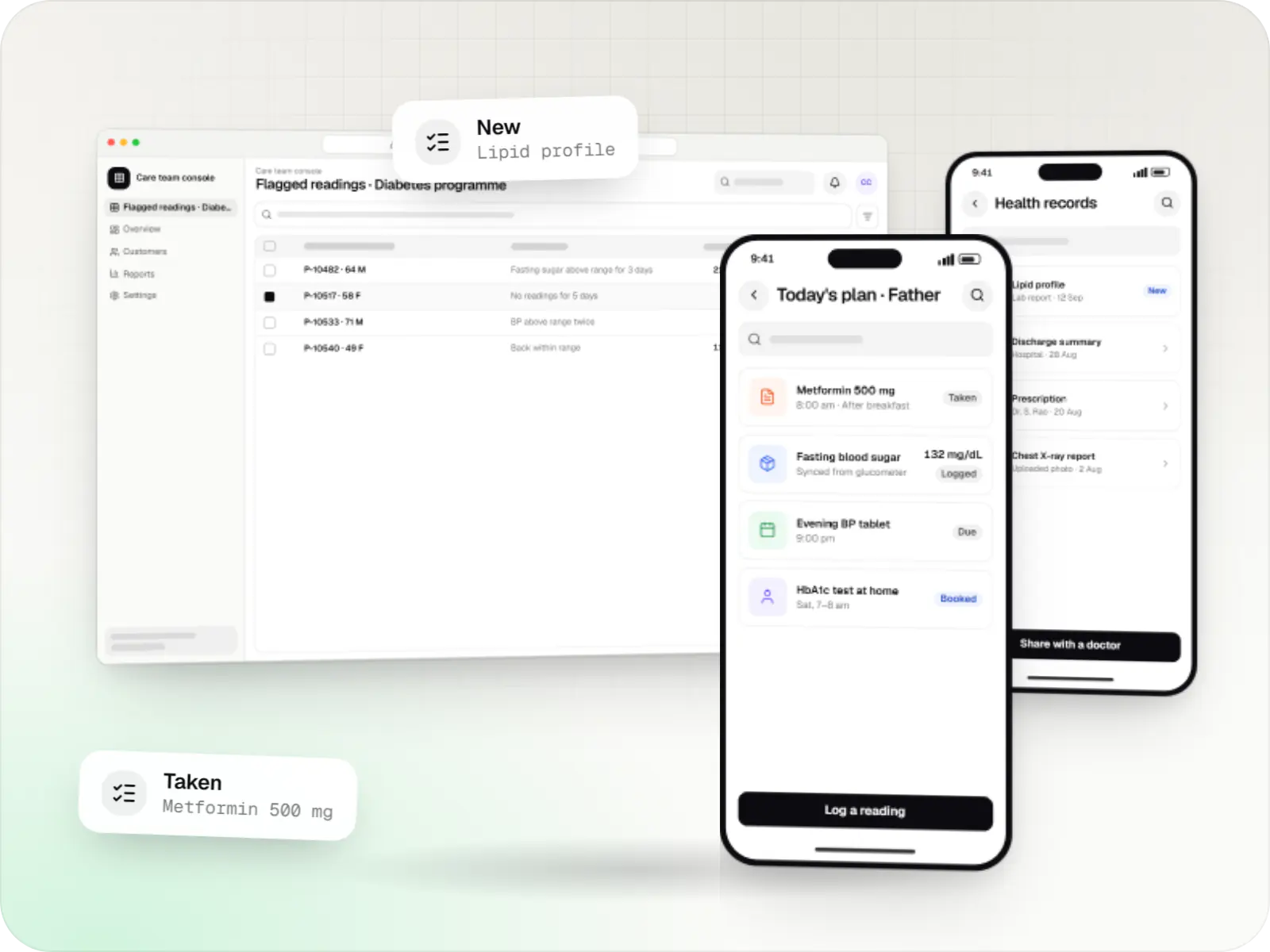
Patient and care-team apps for health records, chronic care programmes, lab bookings, wellness and follow-ups, designed with consent and privacy first.
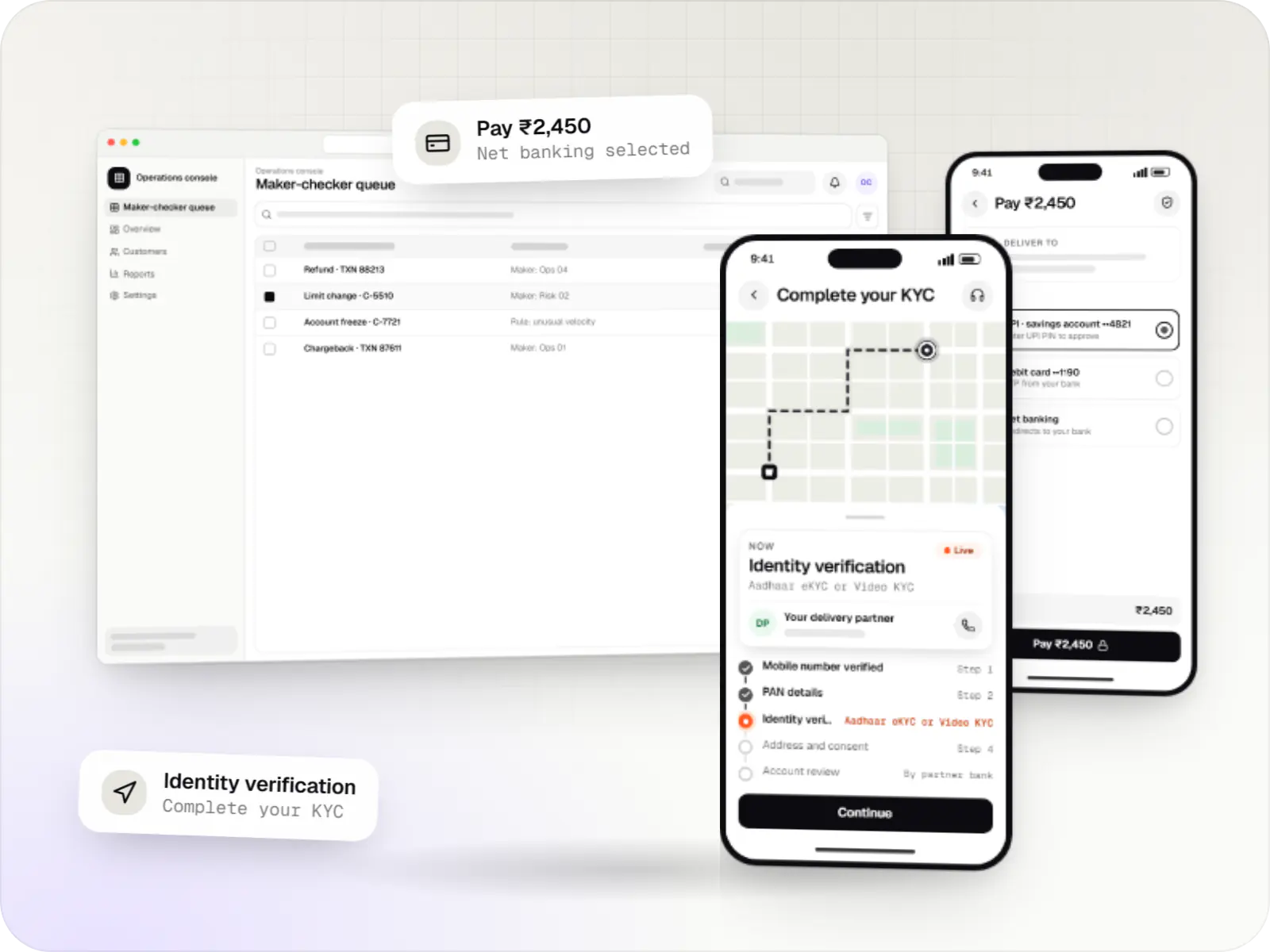
Secure fintech apps and back offices for payments, lending, investments and insurance, integrated with licensed banking, KYC and data partners.
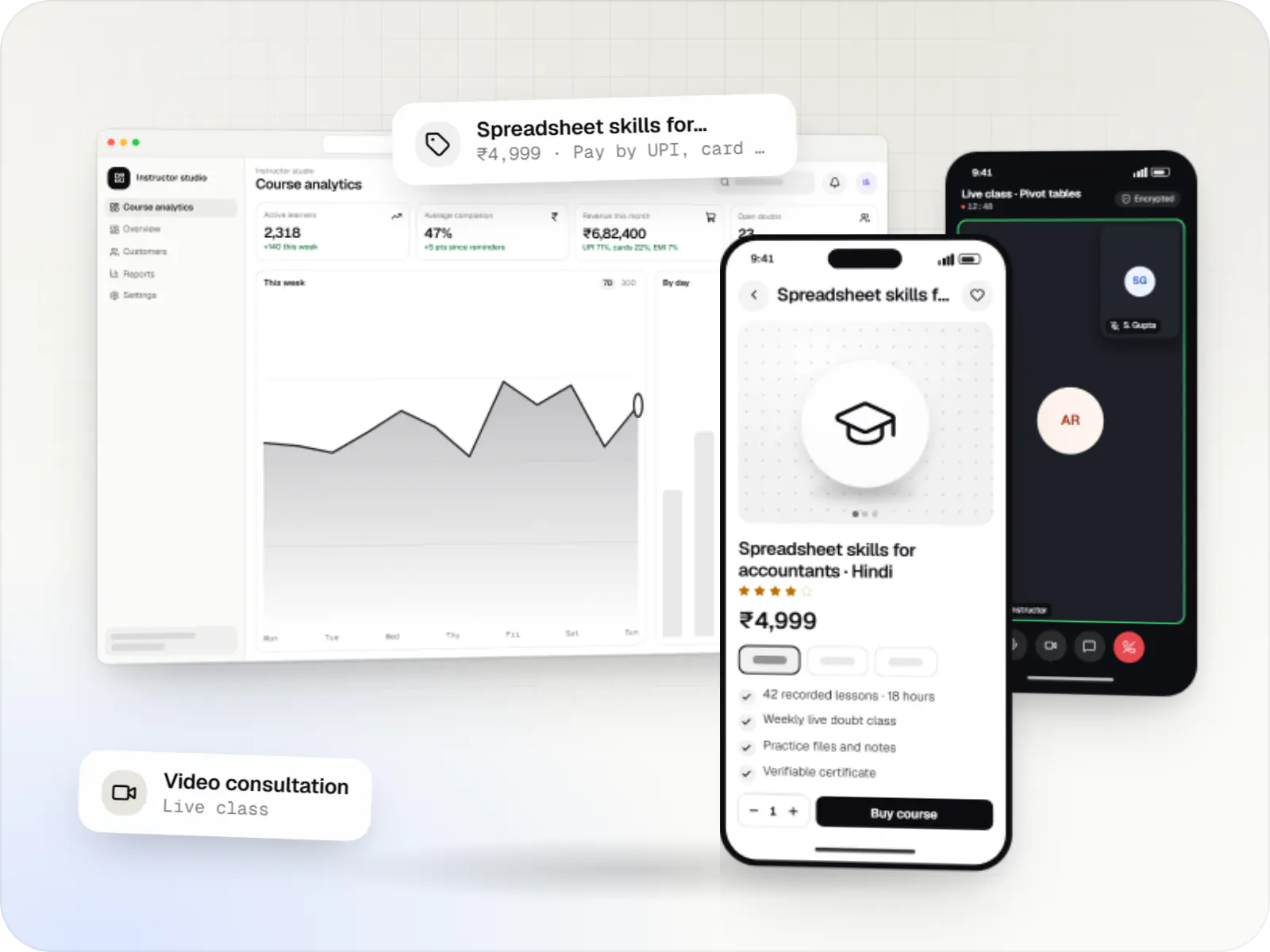
Course platforms with protected video, live classes, assessments, certificates and payments, designed for multilingual content and learners on low bandwidth.
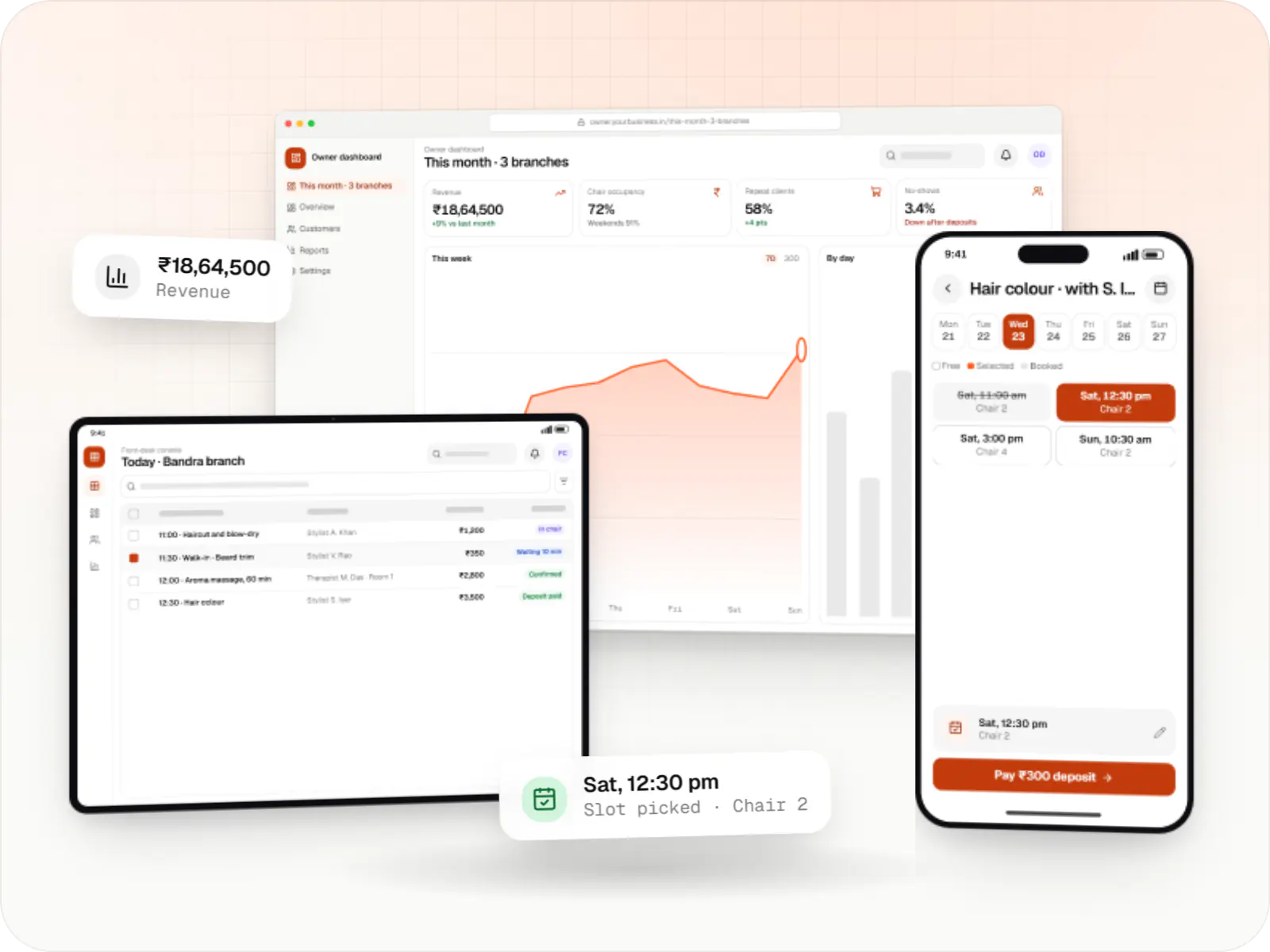
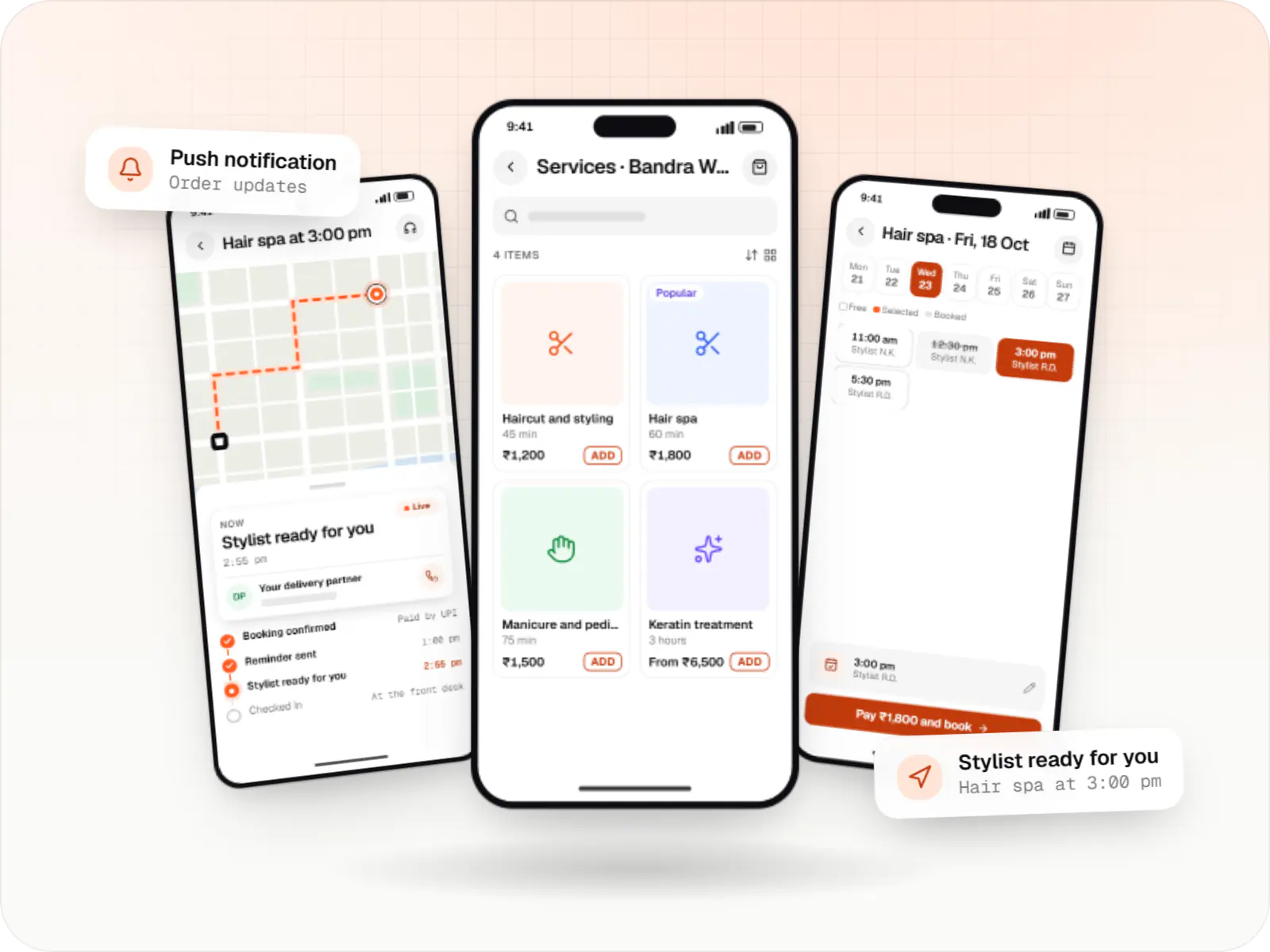
Booking apps and front-desk software for salons, spas and beauty chains: stylist calendars, packages, memberships, product billing and reminders.
How it works
An example from a salon and spa chain, where native iOS features make each step feel at home on an iPhone.
Sign in with Apple or a phone OTP takes a couple of taps, and clients can delete their account from settings, as Apple requires.
Screens follow iPhone conventions such as swipe-back, dark mode and larger text settings, so booking feels familiar from the first tap.
Salon services happen in the real world, so the app can take payment through a gateway such as Razorpay rather than Apple’s in-app purchase.
On the day, a Live Activity shows the time and stylist on the lock screen, and a notification arrives if anything changes.
Staff see the arrival in the salon’s admin panel on an iPad and mark the service as started.
After the visit, the client rates the service and can rebook the same stylist in one tap.
Platforms
A native app for iPhone, and for iPad where it helps, plus an admin dashboard your team opens in any browser.
Apps for iPhone and iPad, built to Apple's guidelines and released through TestFlight and the App Store.
Back-office panels for operations, support and finance teams: orders, users, content, reports and permissions.
Technology
Swift and SwiftUI build apps that feel at home on iPhone; Firebase handles notifications and crash reports; Node.js, NestJS and PostgreSQL run the backend; Razorpay takes UPI and cards; hosting is built on AWS.
Mobile
Apps built specifically for iPhone and iPad, for when your product needs Apple features or a polished experience for iPhone users.
Used for
Cloud & DevOps
Ready-made building blocks for mobile apps, such as push notifications, phone OTP login and crash reports, so you launch sooner.
Used for
Backend
Runs the server side of apps: fast, scalable back ends that power your app, website and integrations.
Used for
Backend
A structured way to build back ends on Node.js, so large business systems stay organised, testable and easy to hand over.
Used for
Data
A reliable database for the records your business runs on: orders, payments, bookings and stock, kept accurate and easy to report on.
Used for
Payments & maps
Lets customers in India pay by UPI, cards, netbanking or wallets, and handles subscriptions, refunds and payouts to sellers or partners.
Used for
Cloud & DevOps
Cloud hosting for your app, website and data, with data centres in India and room to grow when traffic rises.
Used for
Plain-English glossary
Product preview
Illustrative screens from a salon and spa booking app for iPhone, and the salon’s admin panel on an iPad.
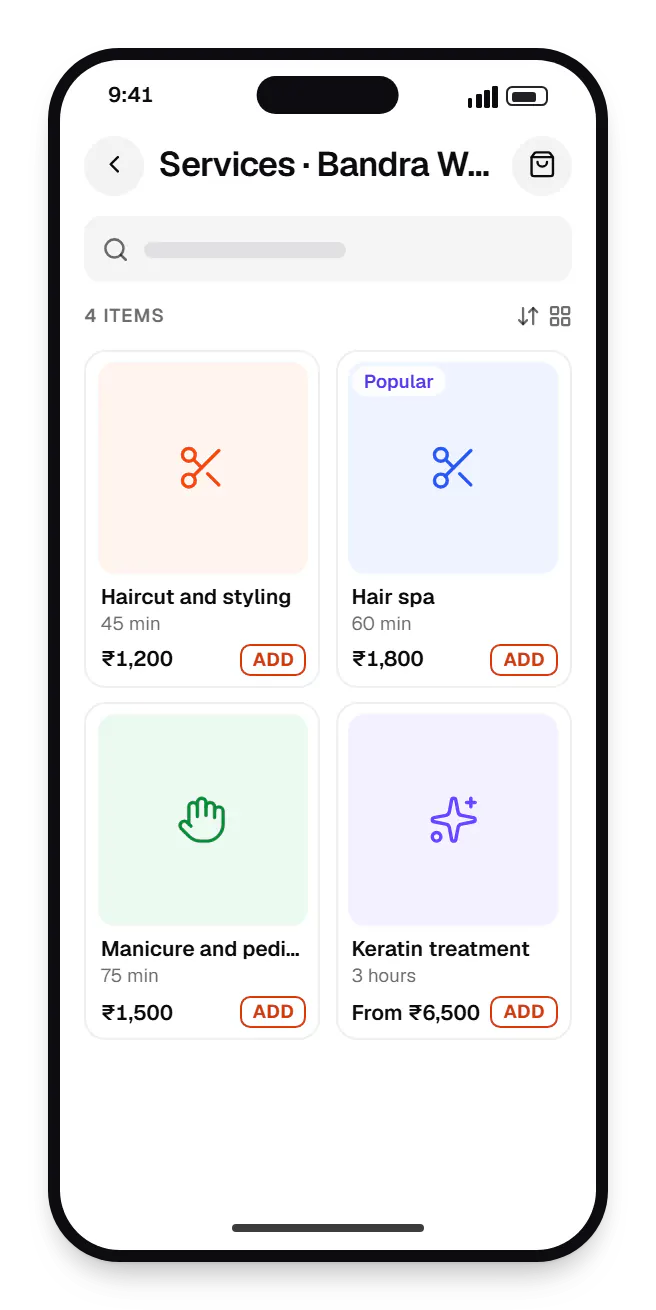
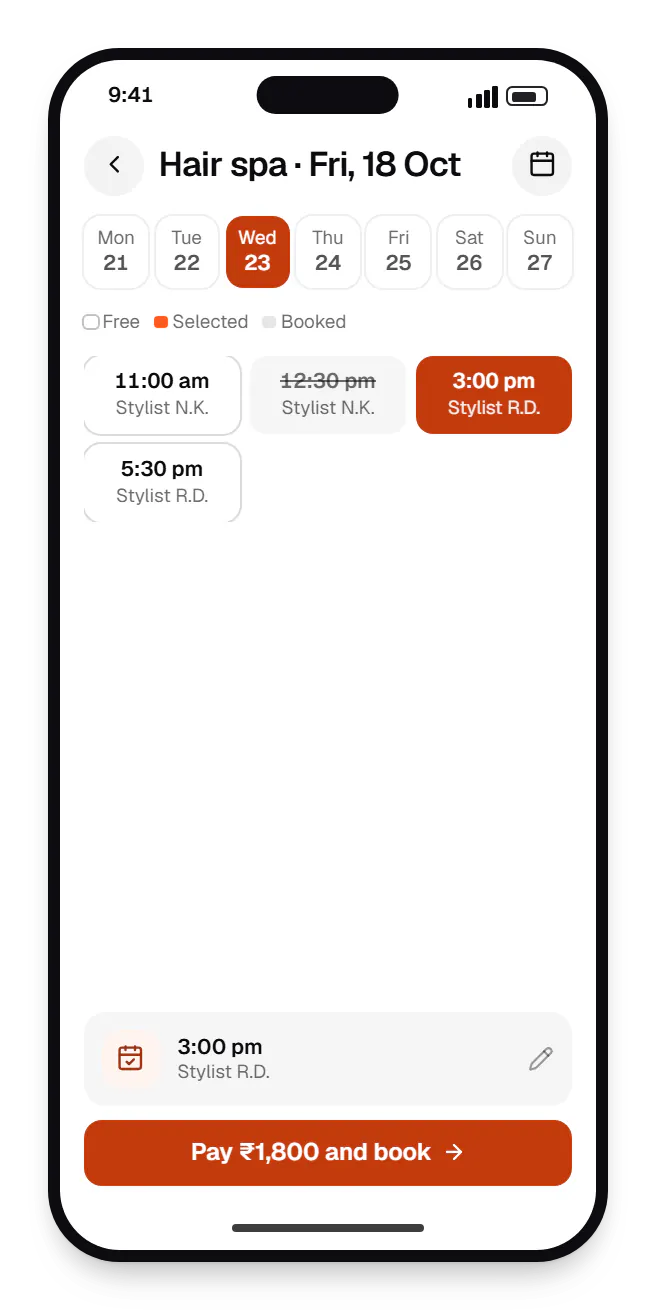
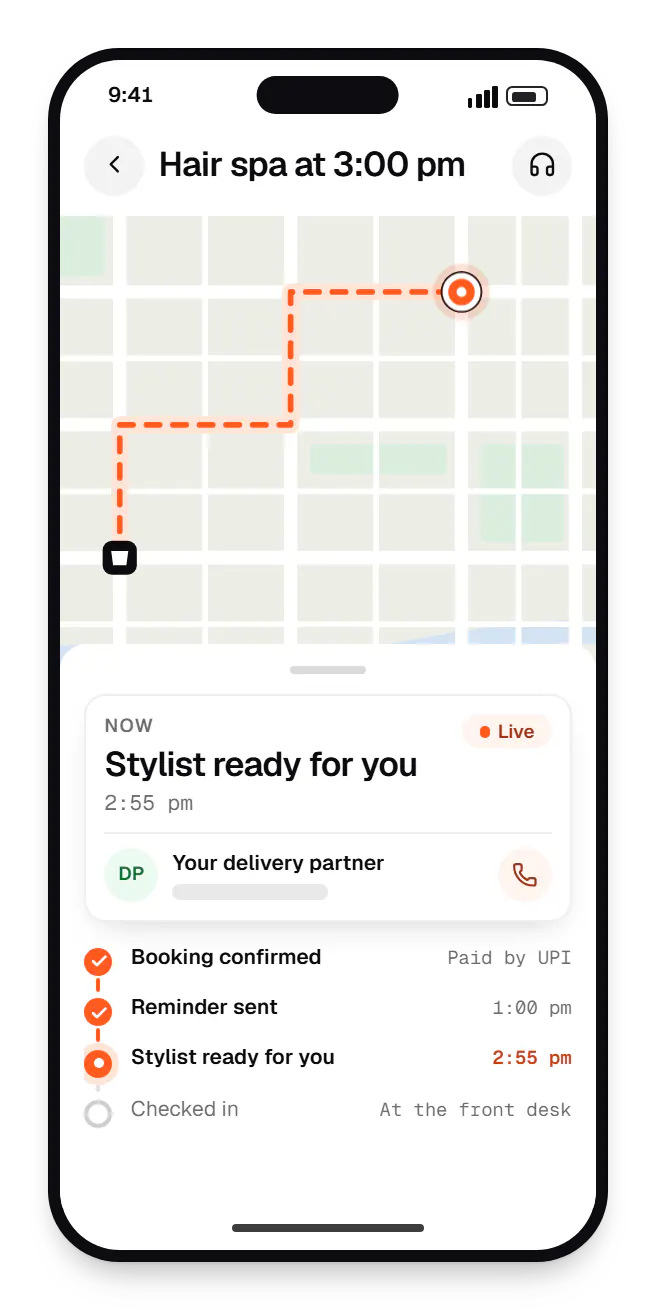
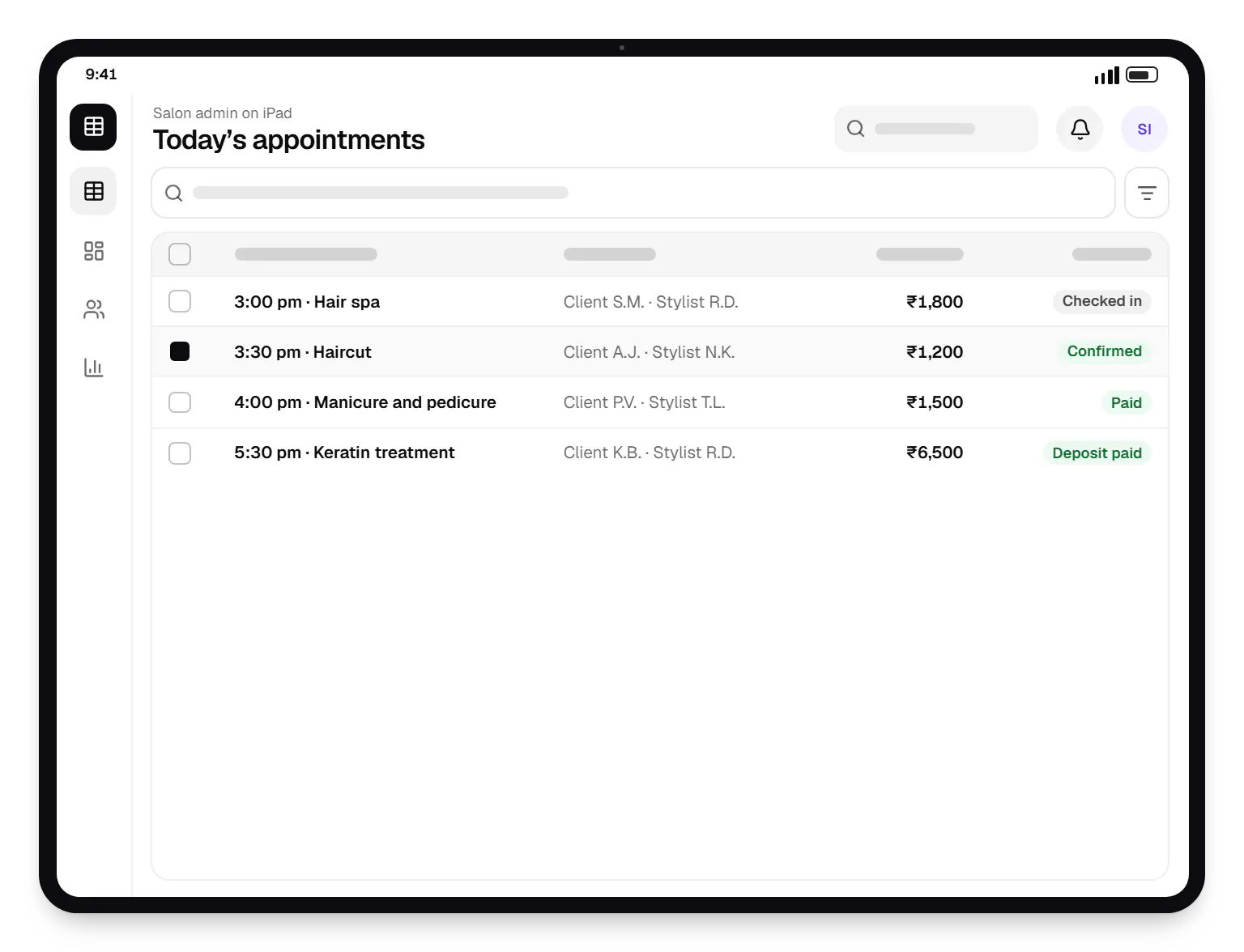
Sample screens: names, prices and figures are examples, not client data.
Industries
Cost drivers
iPad layouts, Apple Watch companions and widgets are separate design and build work.
StoreKit subscriptions need server-side transaction verification, entitlement logic and store configuration.
HealthKit, Live Activities, App Intents and background modes each add implementation and review work.
Bespoke controls and animation need extra work to keep VoiceOver and Dynamic Type support intact.
A matching native Android app adds a second client codebase to design, build and maintain.
Estimates are written from your scope, with the effort and assumptions behind each line item.
How pricing worksProcess
We settle features affected by App Store rules (payments, login options, tracking, account deletion) before design.
You getCompliance notes
Screens for current iPhone sizes, Dynamic Type, dark mode and, where needed, iPad.
You getPrototype
Modular Swift packages, XCTest unit and UI tests, and CI builds on Xcode Cloud or GitHub Actions.
You getSprint builds
Your team and selected users test real builds; crash reports and feedback feed the backlog.
You getBeta feedback log
Listing, screenshots, privacy details, review notes and demo accounts for Apple's reviewers.
You getApproved app
Each new iOS version is tested during its beta so the app is ready when users upgrade.
You getCompatibility release
Work
Illustrative projects that show how we plan and build projects of this kind. They are samples, not client work.
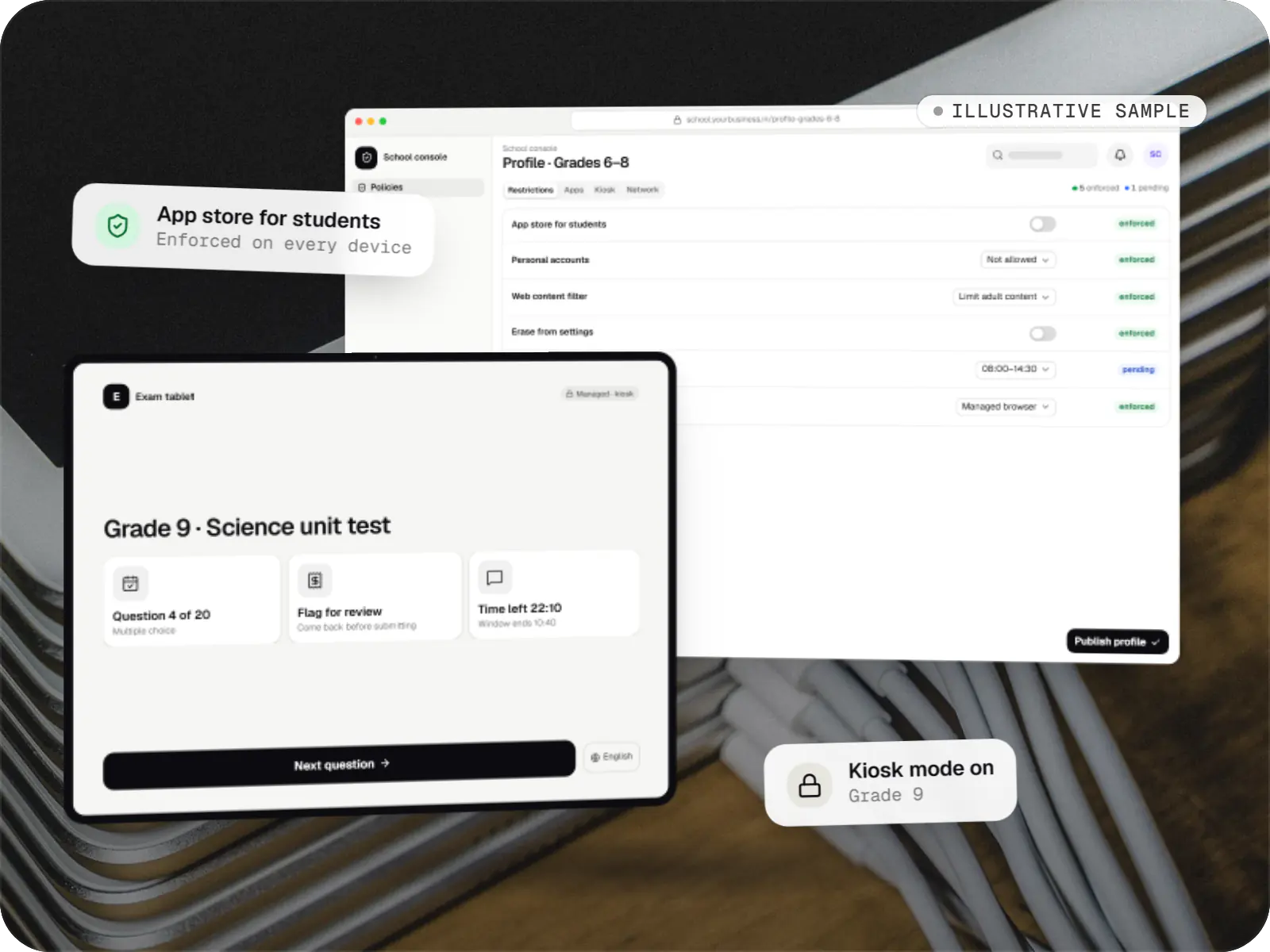
Device management & kiosk solutions
An illustrative console for school tablets: iPad devices through Apple School Manager and MDM, Android™ tablets through Android Enterprise, with class-based rules teachers can follow.
Runs on
Built with
FAQ
Not always. If your audience is mainly delivery partners, field staff or price-sensitive shoppers, an Android app plus a good mobile website may be enough at first. If you sell premium products, financial services or B2B tools used by senior decision-makers, iPhone users can be a large share of paying customers despite fewer downloads. Your own analytics settle it, and we review them with you.
For physical goods and real-world services such as deliveries, bookings and consultations, yes: gateway SDKs such as Razorpay support UPI, cards and net banking on iOS. UPI app hand-off behaves differently on iOS than on Android, so we test those paths separately. Digital content, premium features and subscriptions used inside the app generally have to use Apple's in-app purchase under the App Review Guidelines.
Reviews typically finish within a day or two, though first submissions and complex apps can take longer. Rejections usually cite a specific guideline, such as missing account deletion, unclear permission prompts or login requirements. We check for common issues before submitting, provide demo accounts and review notes, and when a rejection happens we fix the issue or respond through App Store Connect.
Yours. We recommend enrolling your company in the Apple Developer Program as an organisation, which requires a D-U-N-S number, so the app listing, certificates and customer data stay under your ownership. We are added as team members with the access we need. The same applies to Google Play if you also have an Android app, so switching vendors never means losing your app.
Next step
Tell us about your audience and the Apple features you have in mind. We will recommend native or cross-platform and estimate it.