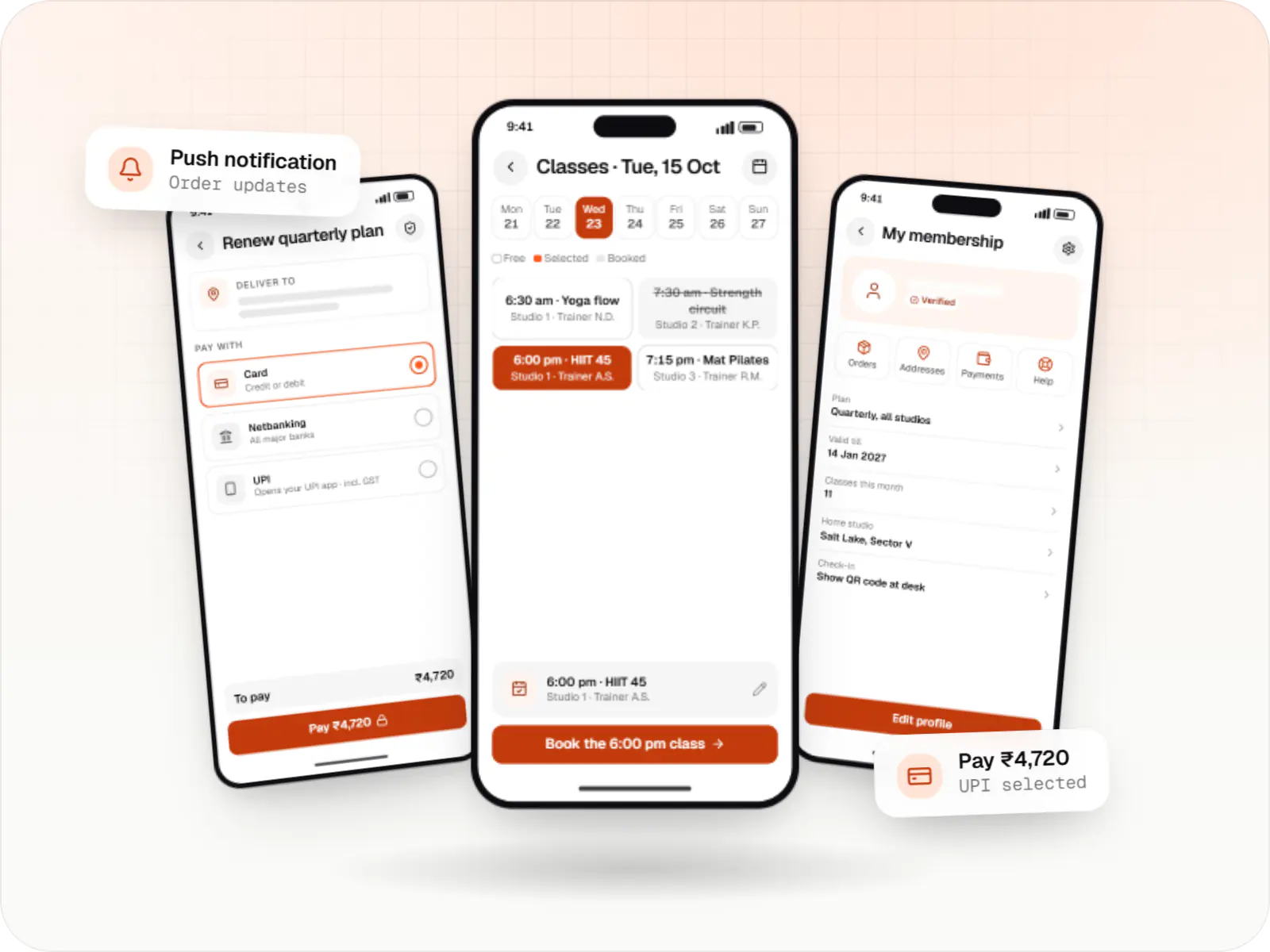
Mobile
Flutter
Build Android and iOS apps from one shared codebase, so you launch on both platforms faster with a consistent experience.
Used for
- Mobile apps
- Delivery apps
- E-commerce apps
- Booking apps
Cross-platform mobile
One codebase, two app stores, and native code when a feature calls for it.

Flutter and the related logo are trademarks of Google LLC. We are not endorsed by or affiliated with Google LLC.
At a glance
What it is
Android and iOS apps from one Dart codebase, built by engineers who know when Flutter is the right call and when native code is needed.
Flutter and the related logo are trademarks of Google LLC. We are not endorsed by or affiliated with Google LLC.
How to start
Tell us what you need in your own words. You talk to the developers who would build it and get a written, line-item estimate.
Get a project estimateFlutter works well when your app is mostly your own interface (catalogues, forms, maps, chat, checkout) and you want the same experience on Android and iOS from one team. Because Flutter renders every pixel itself, a custom design looks identical on a budget Android phone and a new iPhone.
It is a weaker fit when the product depends on deep platform integration, must feel exactly like stock iOS, or your team already has a large React codebase to share. Then we suggest native or React Native.
Grocery, food and retail apps with search, carts, UPI and COD checkout, tracking and offers.
Task lists, navigation hand-off, OTP and photo proof of delivery, offline queues and background location.
Slots, reminders, payments, video consultations and ratings for clinics, salons and home services.
Stock counts, audits and approvals with role-based access and offline-first sync.
Moving Ionic, Cordova or unmaintained apps to Flutter screen by screen, keeping the existing backend.
UI and logic written once; platform-specific code kept in small, tested modules.
Identical rendering across OS versions reduces visual QA per device.
Hot reload shortens the loop between design feedback and a working build.
Fixes reach Android and iOS users in the same release.
Tablets, and web or desktop for internal tools, from the same codebase.
Solutions
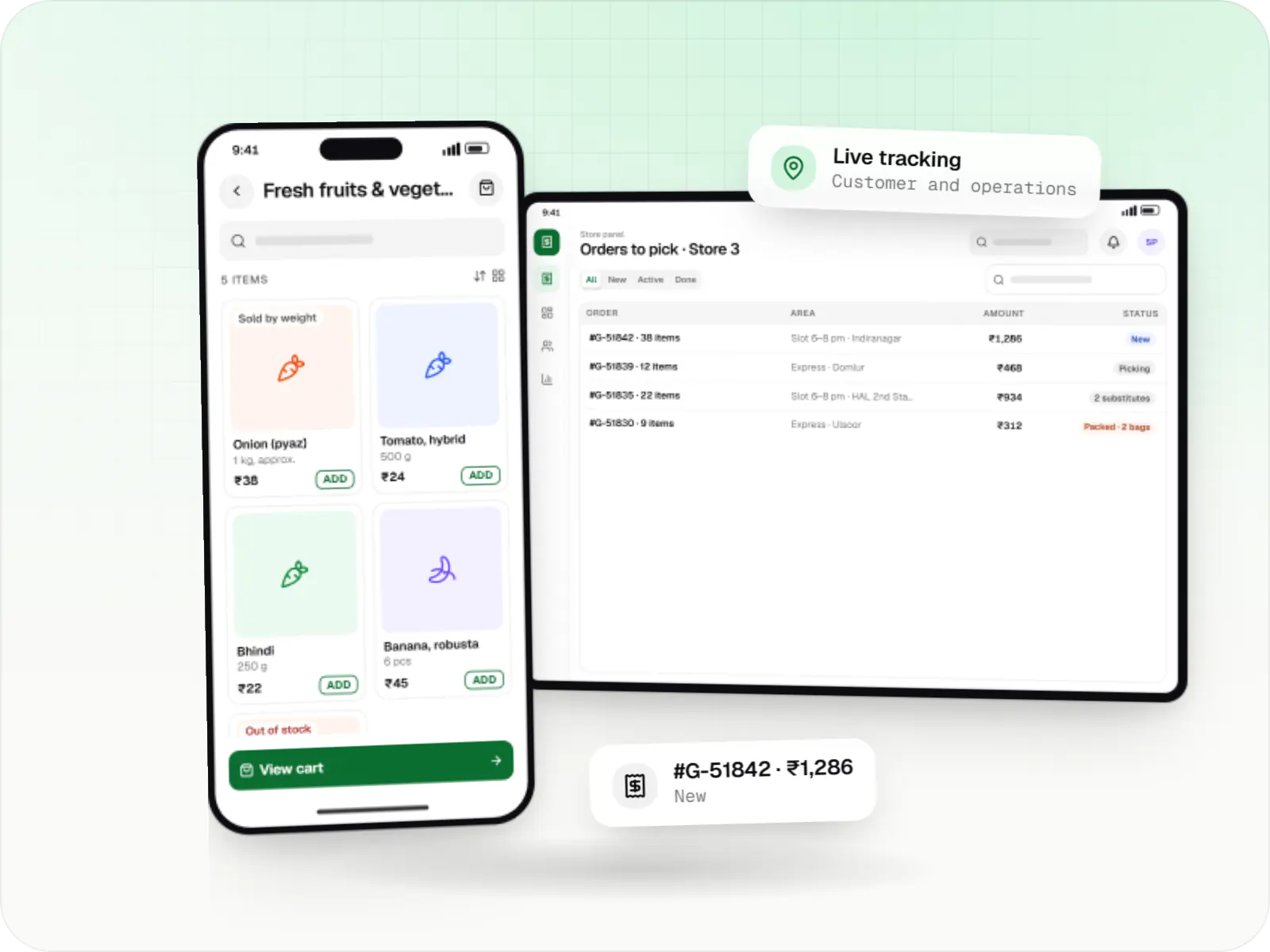
Grocery delivery apps for supermarkets, kirana chains and dark stores, with slots or express delivery, substitutions, picking and live tracking.
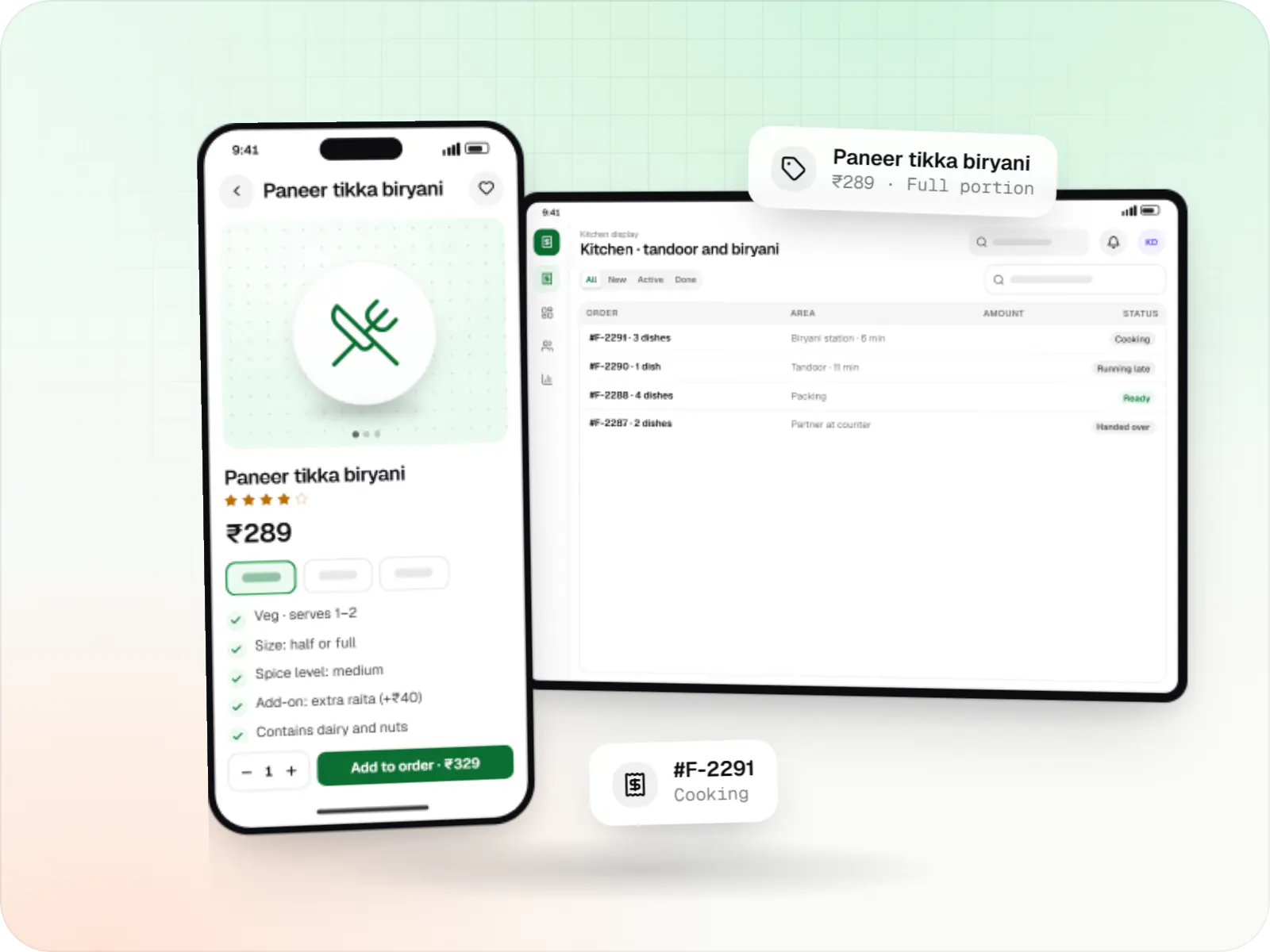
Food ordering and delivery apps for restaurants, chains and cloud kitchens, with menus and add-ons, kitchen displays, prep-time ETAs and delivery tracking.
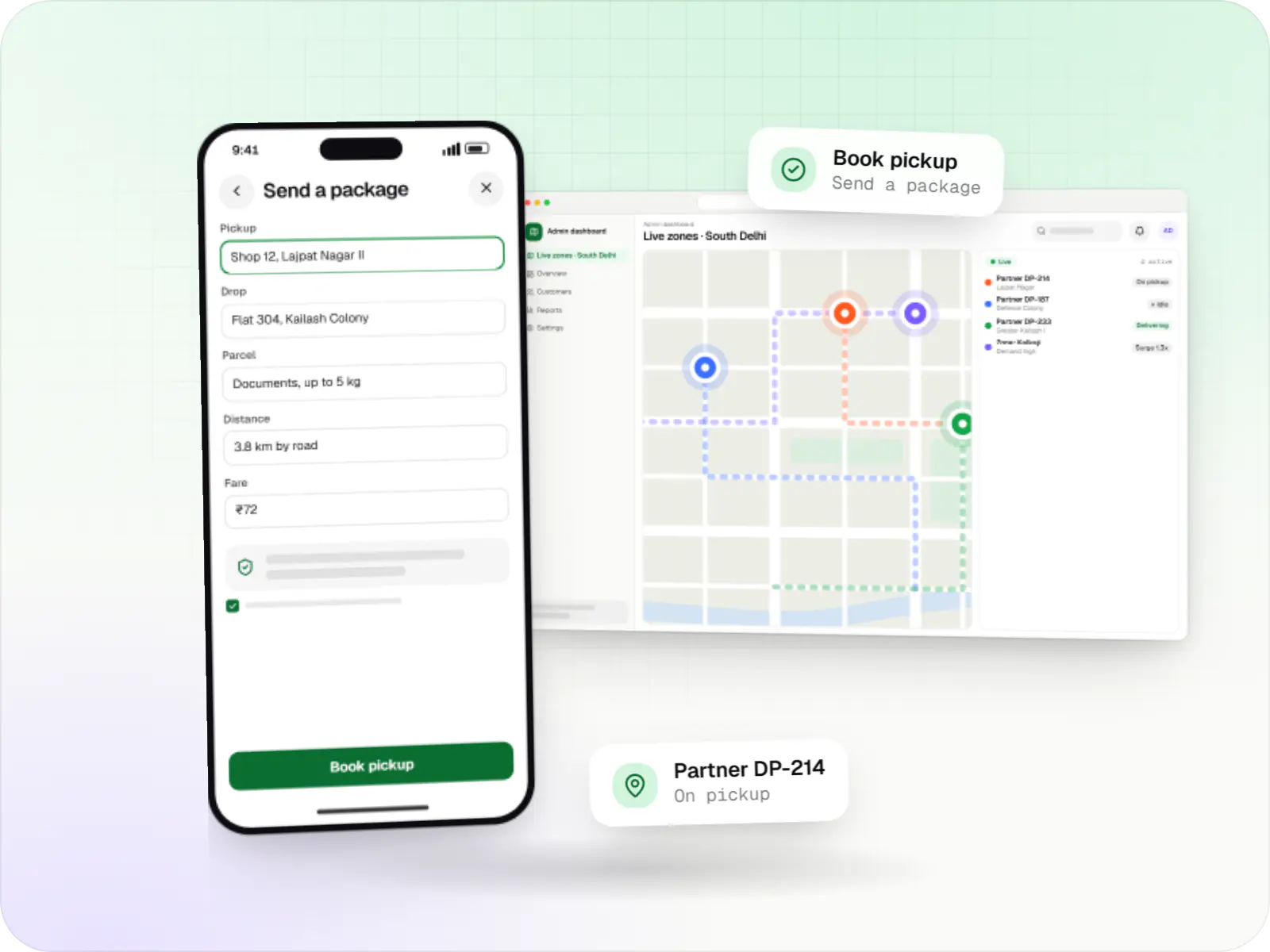
Hyperlocal delivery apps linking neighbourhood stores, pick-up-and-drop requests and delivery partners within a city, with zone-based dispatch and pricing.
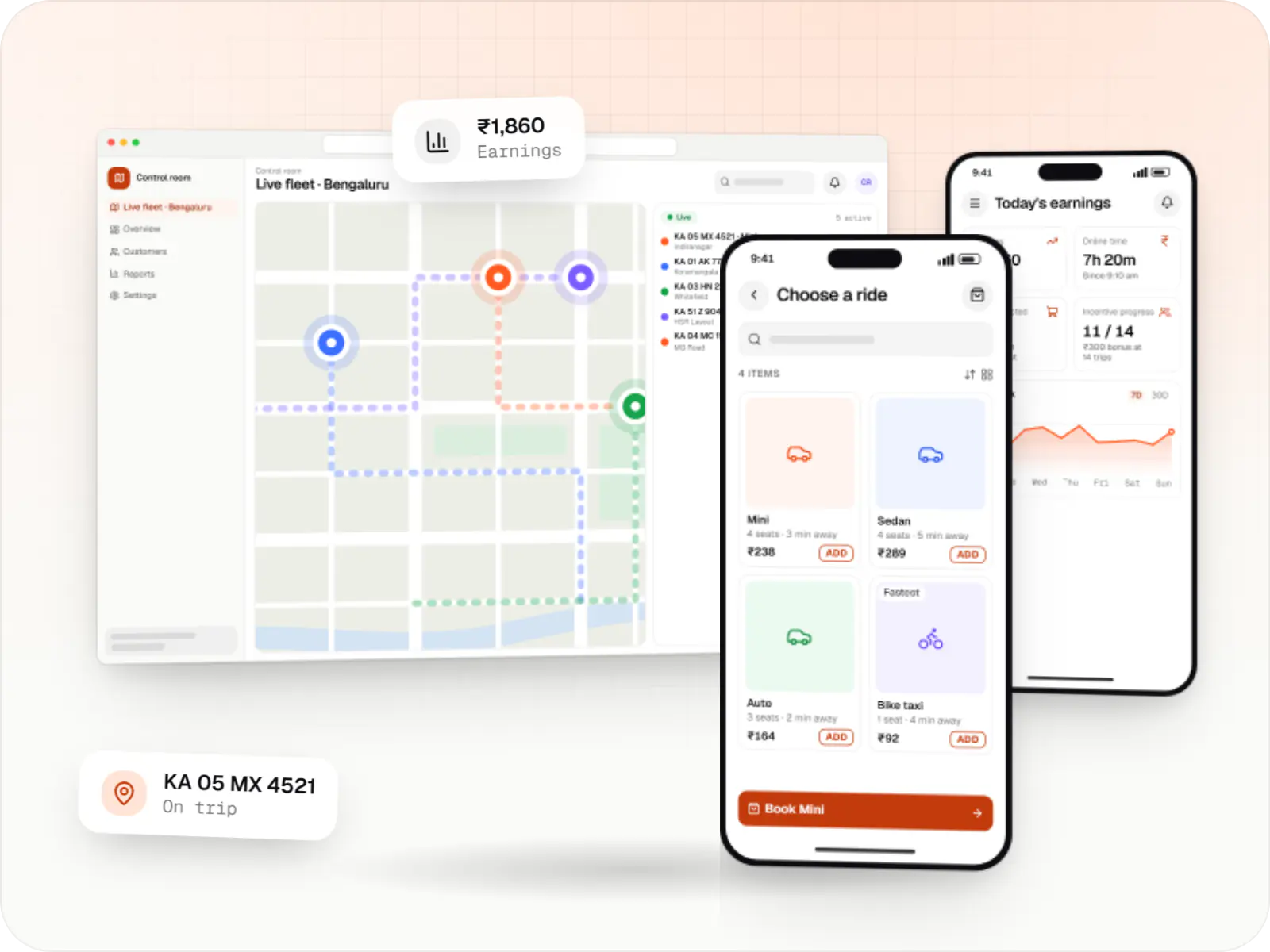
Rider app, driver app, dispatch engine and admin console for cab, auto, bike taxi, rental and outstation services, with UPI, cash and live tracking.
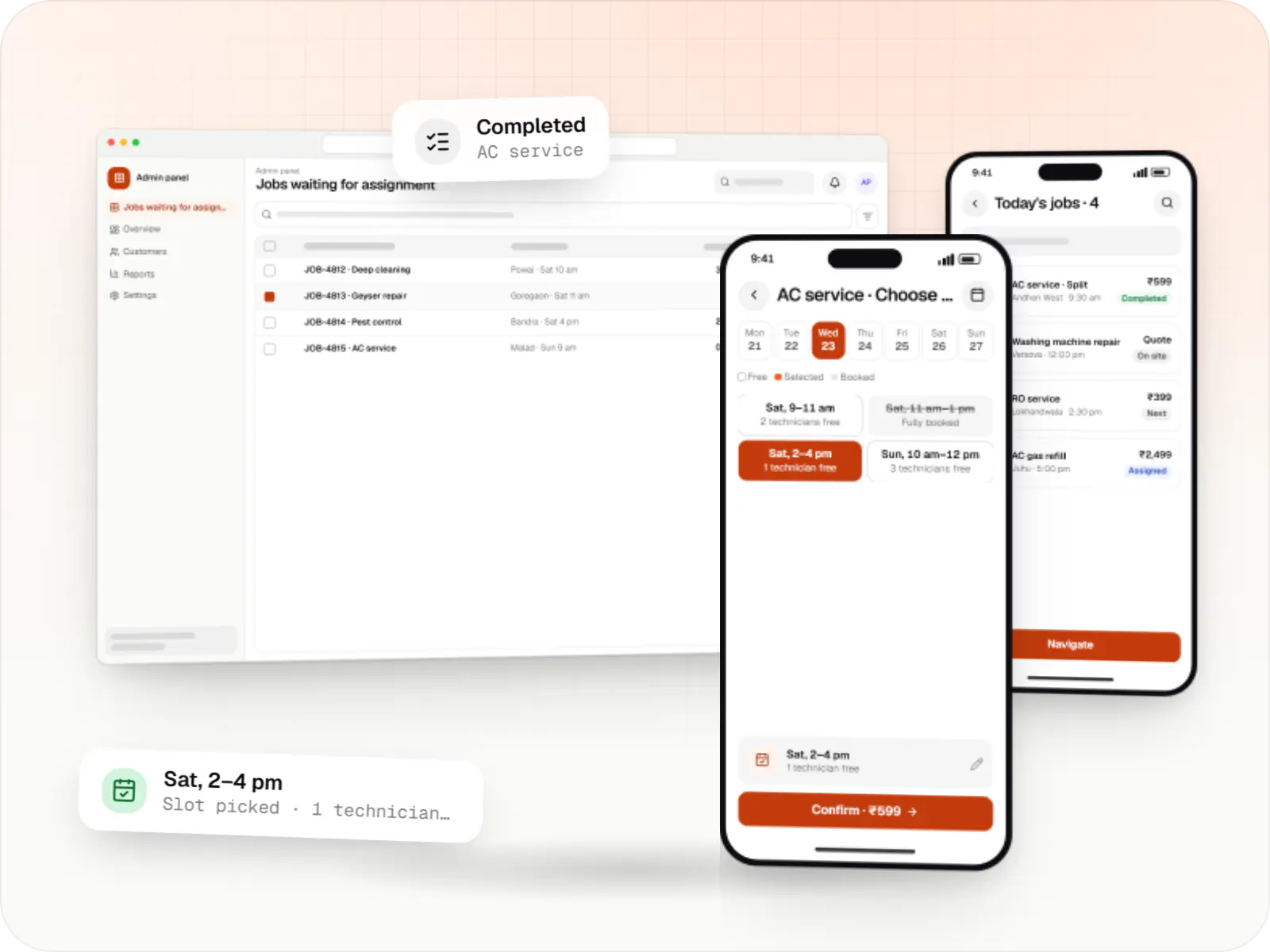
Customer app, professional app and admin panel for repairs, cleaning, appliance servicing and beauty at home, with slot booking, on-site quotes and payouts.
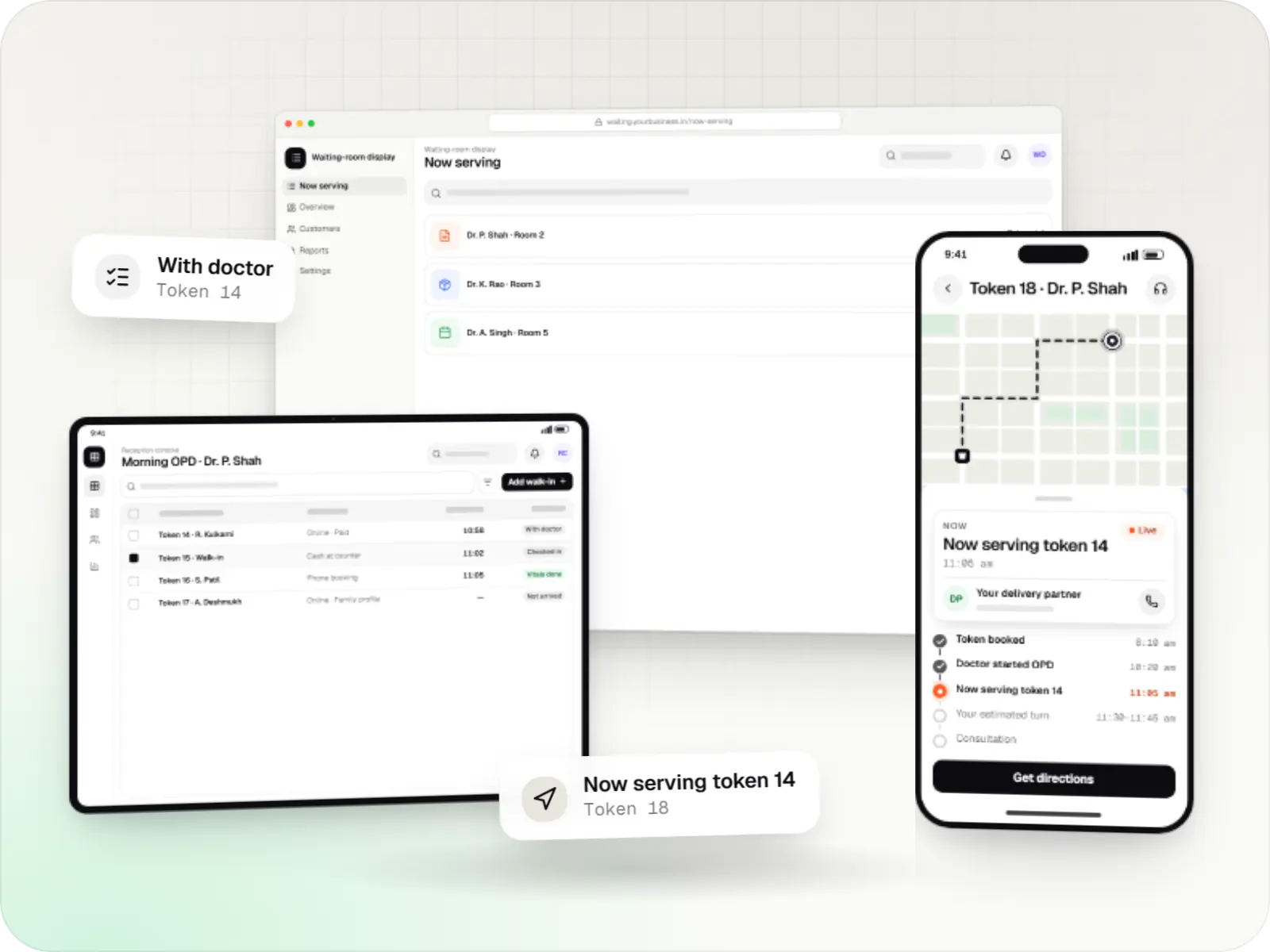
Appointment apps for clinics, polyclinics and hospital OPDs with slot and token booking, live queue status, reminders, prepayment and a reception console.
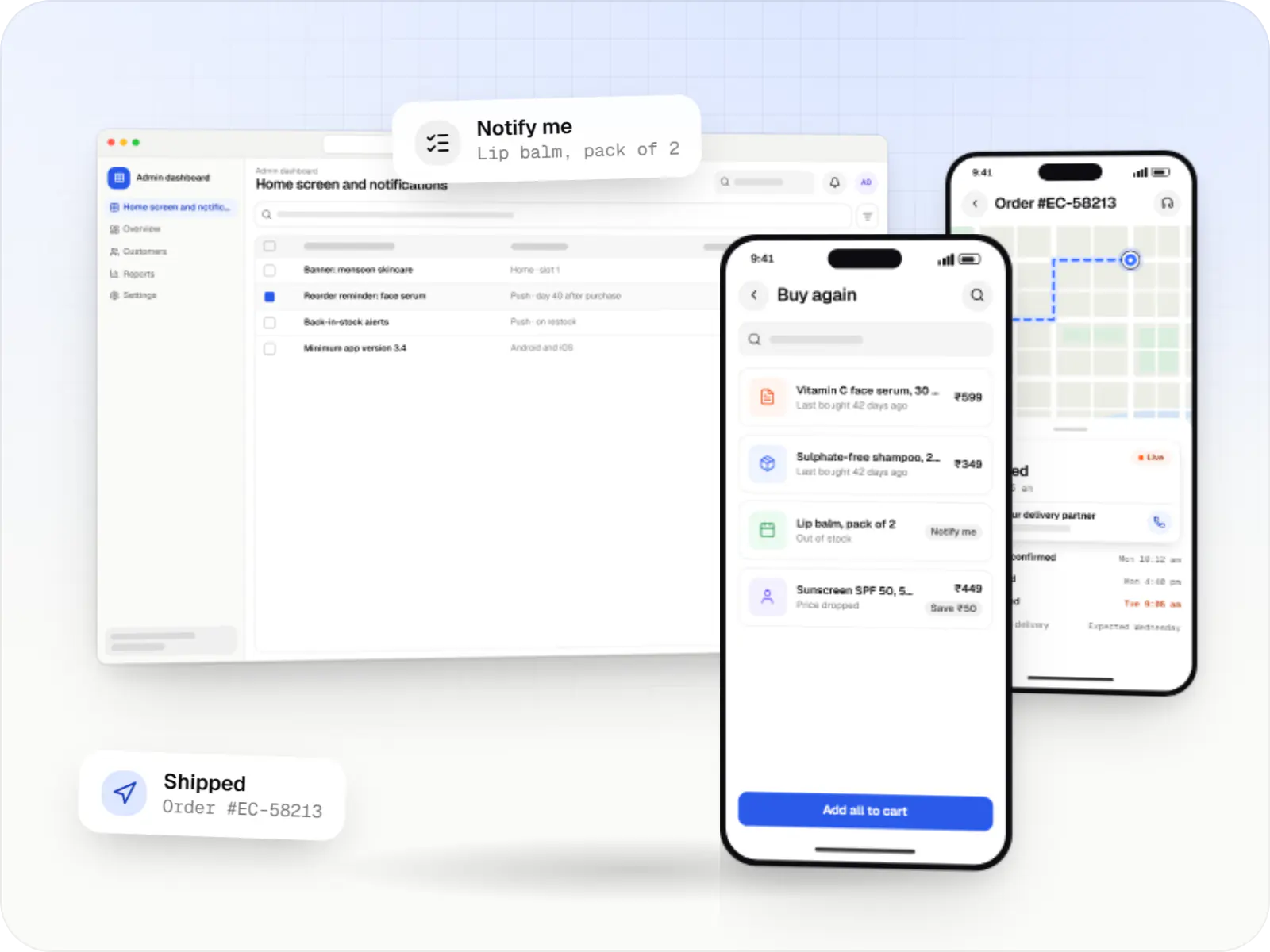
Android and iOS shopping apps with quick browsing, UPI checkout and push notifications, sharing one backend with your website.
How it works
Two Flutter apps, one for customers and one for technicians, share code and a backend, and each works the same way on Android and iPhone.
Whether they use an Android phone or an iPhone, customers see the same screens, choose an AC service and pick a time slot.
UPI or card payment runs through the gateway’s Flutter plugin, or the customer chooses to pay after the job; the backend confirms payment either way.
The nearest free technician gets a notification and accepts the job in a second Flutter app that reuses the same design components.
The app opens directions to the address, and the job starts only when the customer shares an OTP, confirming the technician is really there.
The technician uploads before-and-after photos and adds any spare parts; the final bill appears straight away in the customer’s app.
The customer rates the visit, and your team sees jobs, payments and ratings in the admin panel, following up on low scores the same day.
Platforms
The same code produces your app for Android and your app for iPhone and iPad; the admin dashboard runs in a browser for your team.
One Flutter or React Native codebase for Android and iOS, with native modules where a feature needs them.
Apps for Android phones and tablets, tested on budget and mid-range devices and published on Google Play or privately.
Apps for iPhone and iPad, built to Apple's guidelines and released through TestFlight and the App Store.
Back-office panels for operations, support and finance teams: orders, users, content, reports and permissions.
Technology
Flutter draws the app’s screens, Firebase sends notifications and crash reports, Node.js and NestJS run the backend, PostgreSQL stores bookings, Google Maps handles addresses and directions, Razorpay takes payments, and hosting is built on AWS.
Mobile
Build Android and iOS apps from one shared codebase, so you launch on both platforms faster with a consistent experience.
Used for
Cloud & DevOps
Ready-made building blocks for mobile apps, such as push notifications, phone OTP login and crash reports, so you launch sooner.
Used for
Backend
Runs the server side of apps: fast, scalable back ends that power your app, website and integrations.
Used for
Backend
A structured way to build back ends on Node.js, so large business systems stay organised, testable and easy to hand over.
Used for
Data
A reliable database for the records your business runs on: orders, payments, bookings and stock, kept accurate and easy to report on.
Used for
Payments & maps
Adds maps, address search, live tracking and travel-time estimates to delivery, ride and field apps, so orders reach the right door.
Used for
Payments & maps
Lets customers in India pay by UPI, cards, netbanking or wallets, and handles subscriptions, refunds and payouts to sellers or partners.
Used for
Cloud & DevOps
Cloud hosting for your app, website and data, with data centres in India and room to grow when traffic rises.
Used for
Flutter and the related logo are trademarks of Google LLC. We are not endorsed by or affiliated with Google LLC.
Comparison
The trade-offs we discuss at the start of each mobile project.
| Flutter | React Native | Native (Kotlin / Swift) | |
|---|---|---|---|
| Language | Dart | TypeScript | Kotlin and Swift |
| How UI renders | Own rendering engine | Native platform views | Native platform views |
| Code sharing with a React website | Limited | Types, logic, API clients | None |
| New OS features | Plugins or native code | Libraries or native code | Direct |
| Suited to | Custom-designed apps on both stores | Teams already using React | Platform-heavy apps |
Plain-English glossary
Product preview
Illustrative screens from a home-services product: a customer app and a technician app, both built with Flutter, and the admin panel.
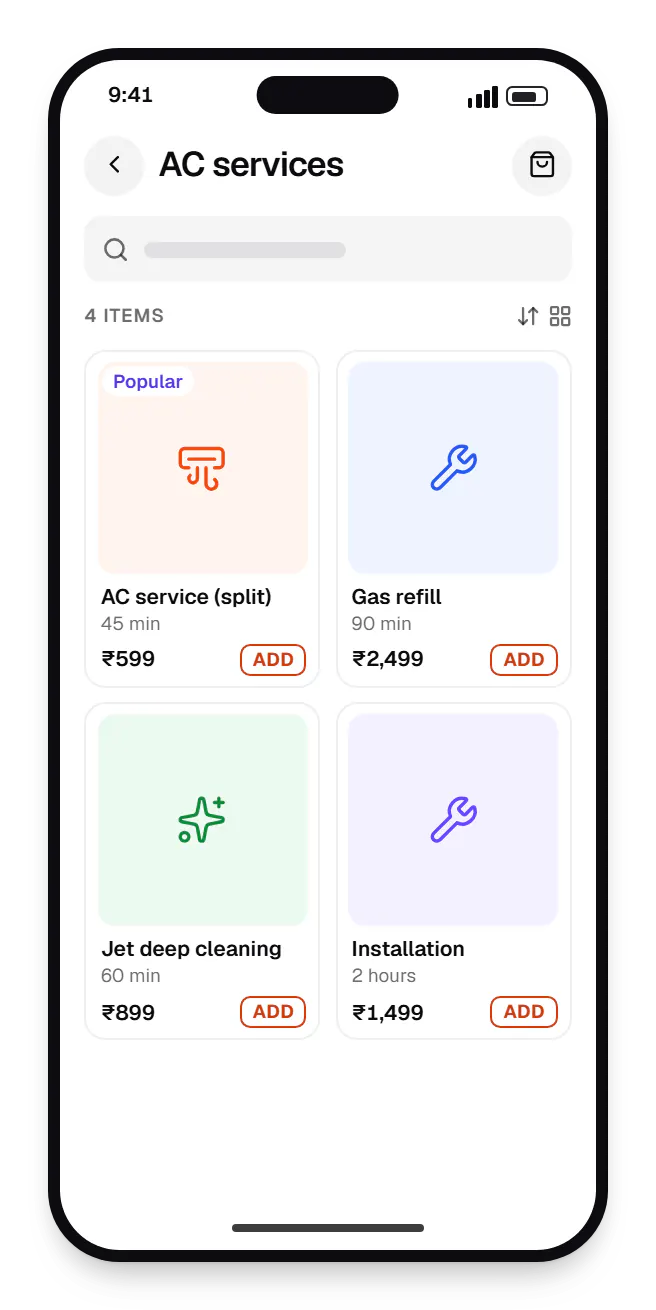
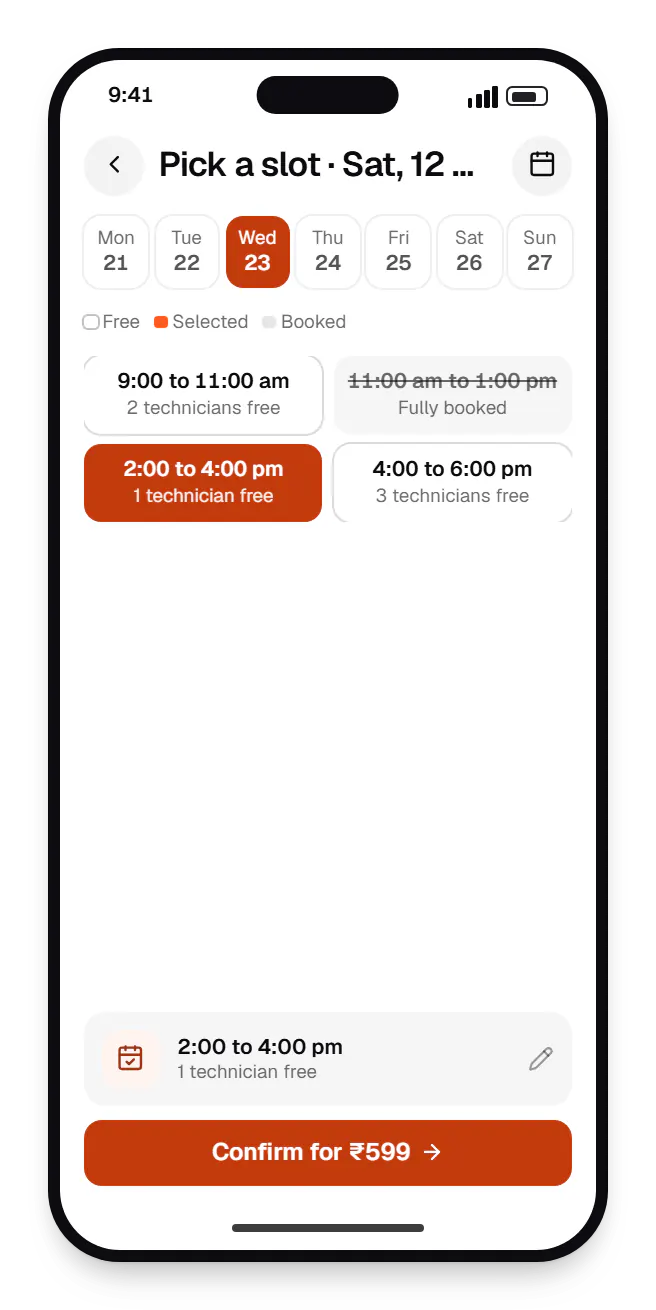
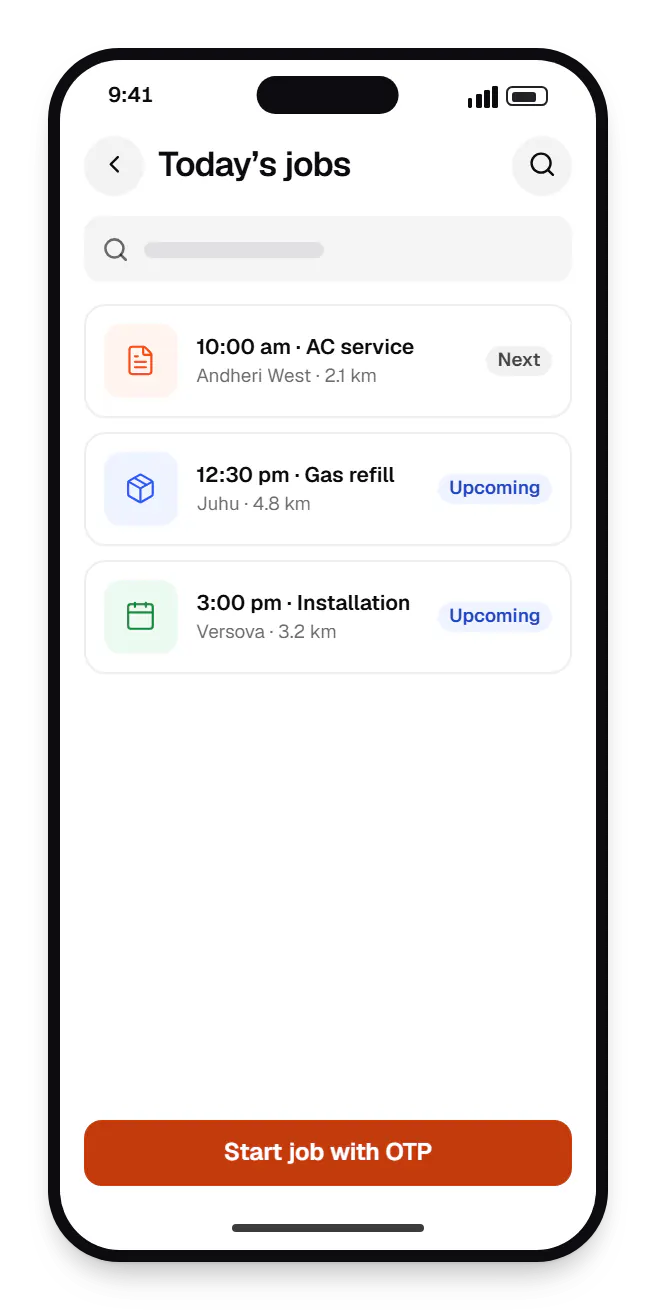
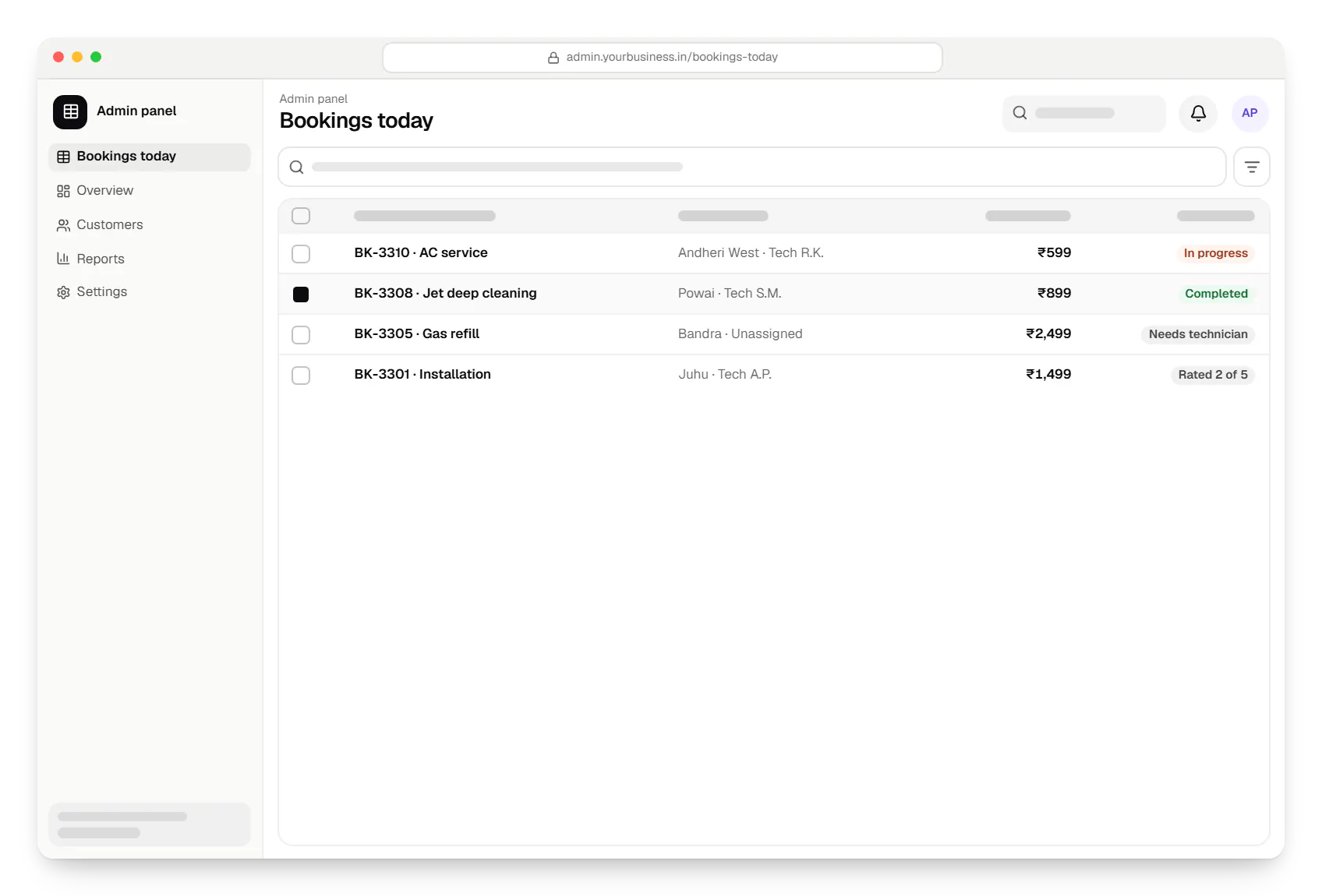
Sample screens: names, prices and figures are examples, not client data.
Work
Sample projects, not client work, showing how we would plan customer, delivery partner, doctor and clinic apps in Flutter.
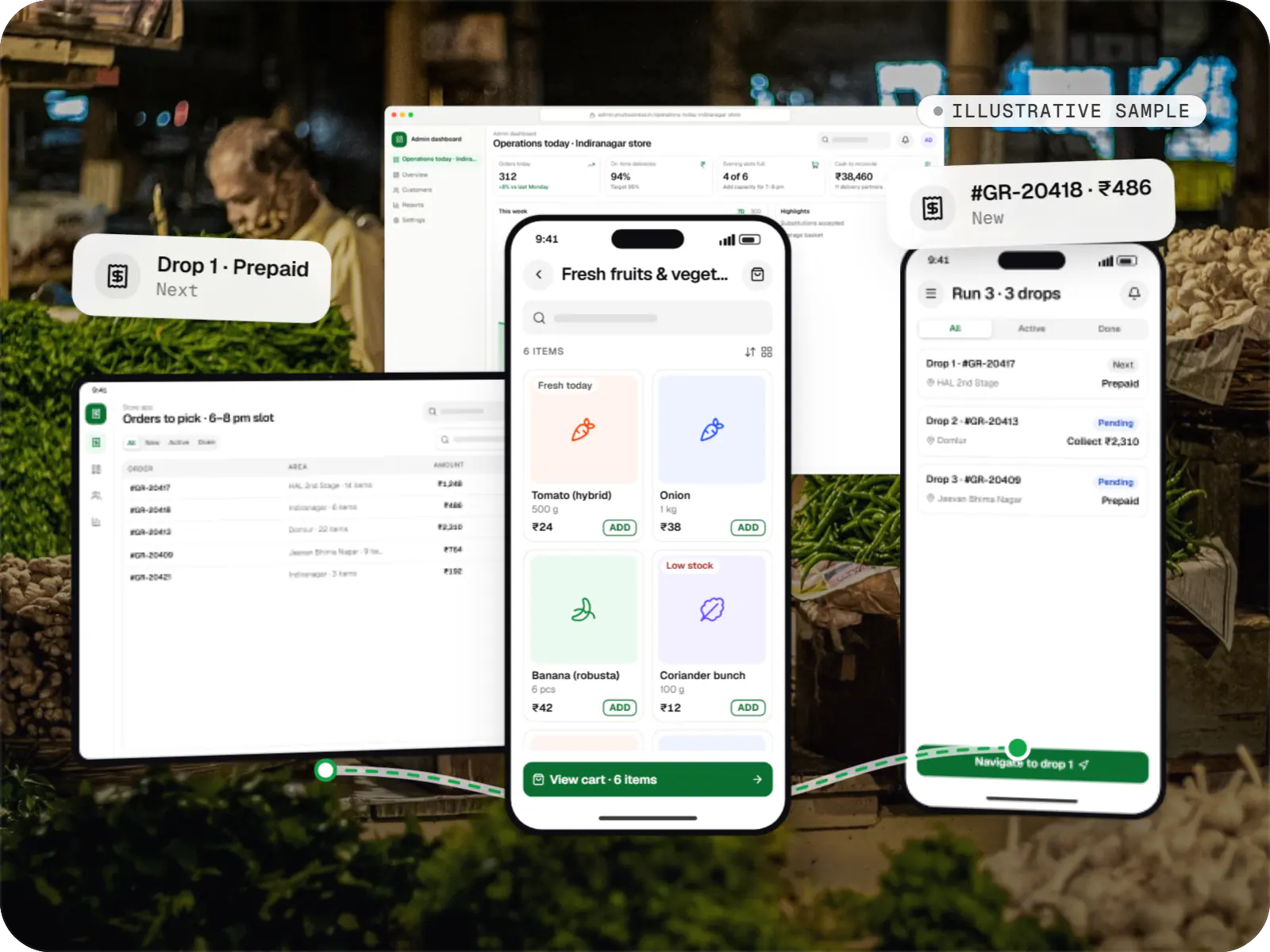
Delivery app development
An illustrative platform for neighbourhood grocery stores: slot or express delivery, store picking, batched delivery runs, and payment by UPI or cash on delivery.
Runs on
Built with
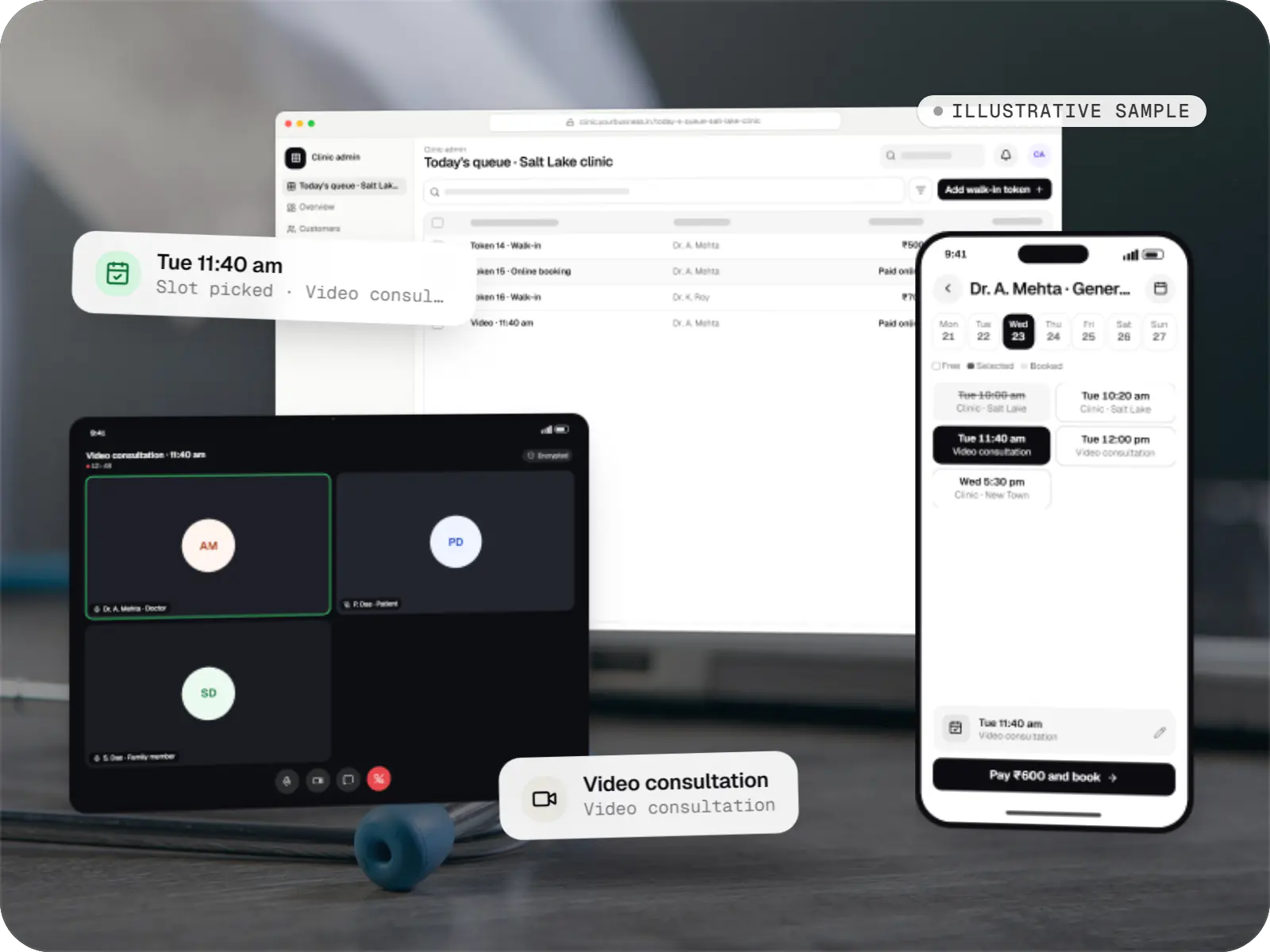
Healthcare software
An illustrative patient app, doctor app and clinic admin for in-person and video consultations, with digital prescriptions and consent-based record access.
Runs on
Built with
Industries
Cost drivers
A delivery platform often needs customer, store and delivery partner apps plus an admin panel.
Hardware without a maintained plugin, such as some printers or payment terminals, needs Kotlin and Swift.
Working without a network needs local storage, conflict handling and background sync.
Custom animation and a bespoke design system take longer than themed standard components.
APIs, admin tools and integrations are often a bigger share of effort than the app itself.
Estimates are written from your scope, with the effort and assumptions behind each line item.
How pricing worksProcess
Every device feature the app needs, with plugin support confirmed or native modules planned.
You getFeasibility notes
Screens designed once, keeping platform conventions users expect, such as Android back navigation.
You getFigma prototype
Android builds through Firebase App Distribution and iOS builds through TestFlight every sprint.
You getInstallable builds
Low-RAM Android phones and older OS versions, plus widget and integration tests in CI.
You getTest report
Play Console and App Store Connect setup, listings, privacy declarations and staged rollout.
You getLive apps
Flutter SDK and plugin upgrades, yearly OS compatibility work and crash monitoring.
You getUpdate plan
FAQ
Flutter runs many large production apps, not only prototypes, with stable tooling and official plugins for maps, Firebase and the camera. Production readiness depends more on engineering practice than on the framework: clean architecture, tests, crash monitoring and planned SDK upgrades. We build MVPs with the same structure so they can grow without a rewrite.
Usually, if it is built with those phones in mind. Flutter apps carry the engine in the download, so we keep assets lean and use app bundles to limit size. Smoothness depends on keeping heavy work off the UI thread, resizing images and paginating long lists. We profile on entry-level devices during development, not after launch.
Flutter talks to native code through platform channels, so anything Android or iOS can do, a Flutter app can do with some Kotlin or Swift. Typical examples are home-screen widgets, specific Bluetooth devices, payment terminals and some background tasks. We identify these in the capability check, estimate them separately and keep native modules small and tested.
Flutter web works for app-like tools such as dashboards and internal portals, where users sign in and search engines do not matter. For marketing sites, storefronts and content that needs to rank, we recommend Next.js, which serves fast, crawlable HTML. Both can share one backend, so you get a web store and a Flutter app without duplicated business logic.
Typically most of it: screens, state management, networking and business logic. Platform-specific work is usually limited to permissions, push notification setup, payment SDK details, store configuration and any native modules. The exact share depends on the device features you use, so we confirm it in the capability check rather than quoting a percentage upfront.
Next step
Tell us the device features and integrations you need. We will confirm whether Flutter suits them and estimate each app.