


Skip to content
Softcoderz
Illustrative sample

Healthcare

Clinic booking & telemedicine app

Patients book clinic visits or video consultations, doctors manage their day in their own app, and the clinic runs schedules from one admin.

Not client work. This sample shows how we would scope and build this type of product. Names and figures in any previews are invented.

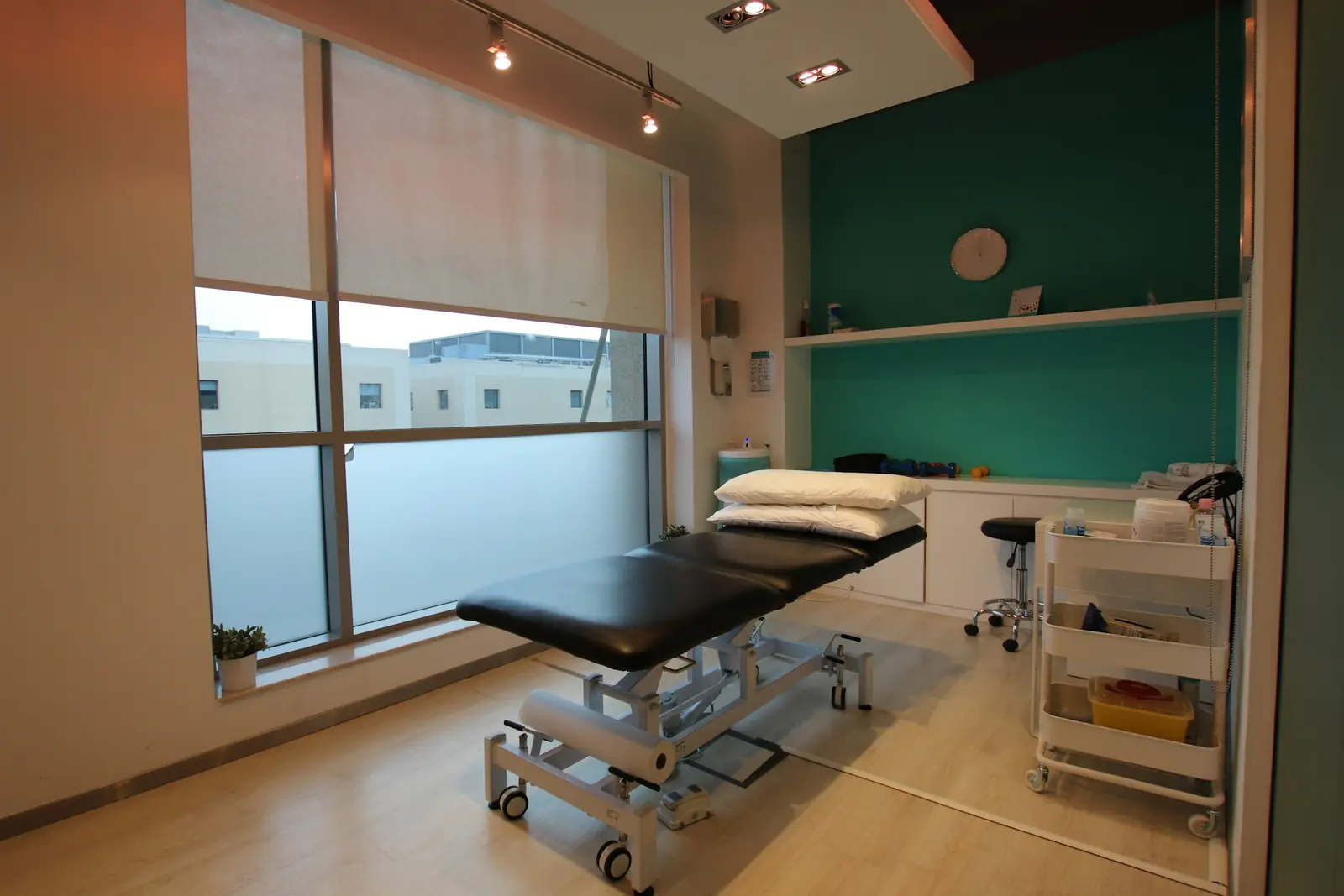
Sample clinic booking & telemedicine app: clinic admin, doctor and patient apps over a photo of a clinic
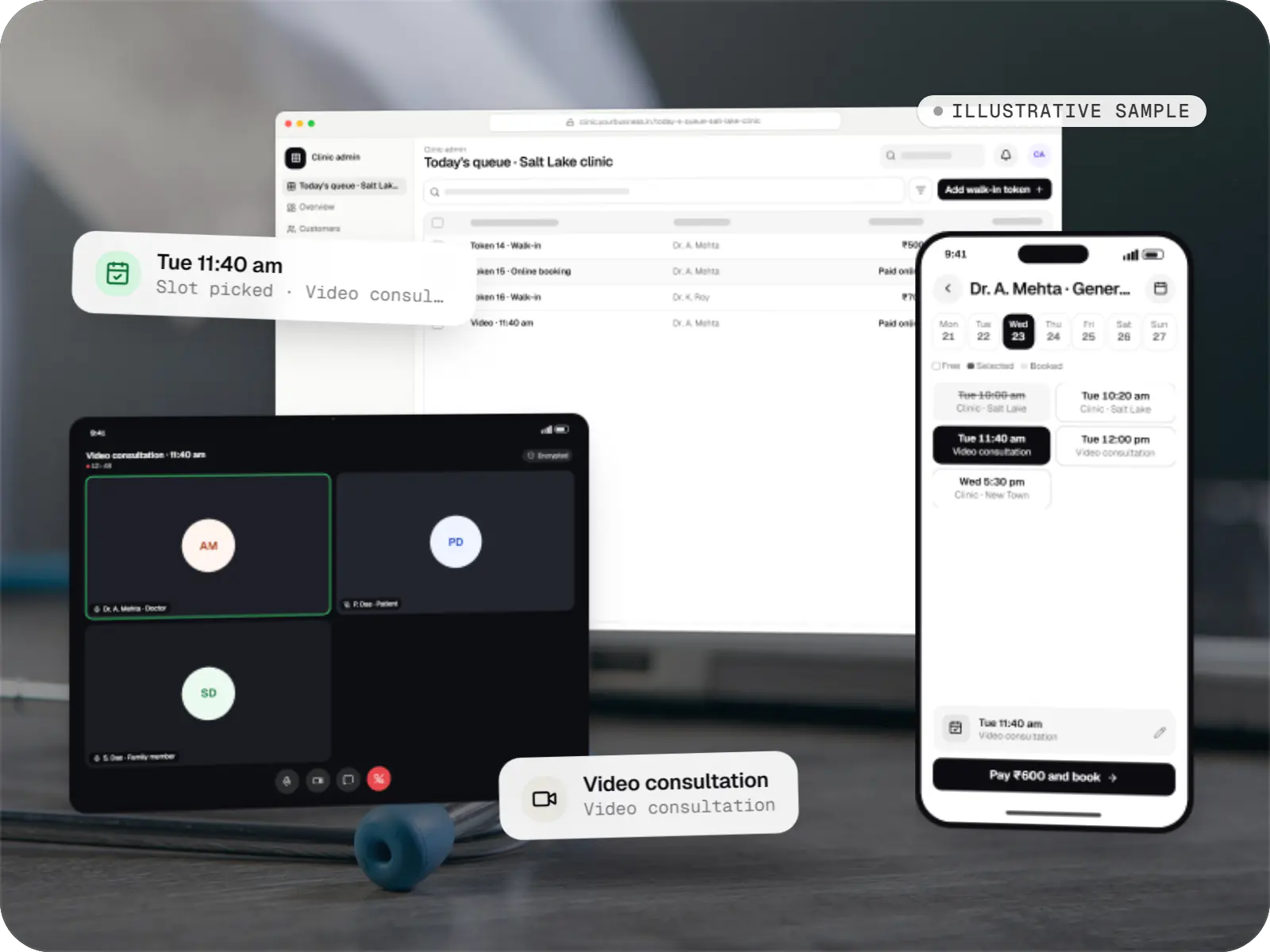
Illustrative sampleWhat the patient books, what the doctor sees and what the front desk manages, in one flow.

Overview

About this sample

This sample project shows how we would approach clinic booking and telemedicine for a group of outpatient clinics; the doctor and patient details in our previews are invented. It treats India's Telemedicine Practice Guidelines (2020) and the DPDP Act 2023 as requirements to plan for, while the clinic and its advisers remain responsible for compliance.

Project facts

Illustrative sample
Status
Illustrative sample, not client work
Project type
Patient + doctor apps
Solution area
Healthcare software
Runs on
  • Android app
  • iOS app
  • Cross-platform mobile app
  • Admin dashboard
Built for
  • Patients and families
  • Doctors
  • Reception staff
  • Clinic managers
Typical timeline
Typical build: 12โ€“16 weeks for the patient app, doctor app and admin

Flutter and the related logo are trademarks of Google LLC. We are not endorsed by or affiliated with Google LLC.

Product preview

The apps patients, doctors and clinic staff use

Illustrative screens. Doctors, patients, fees and clinic locations are invented.

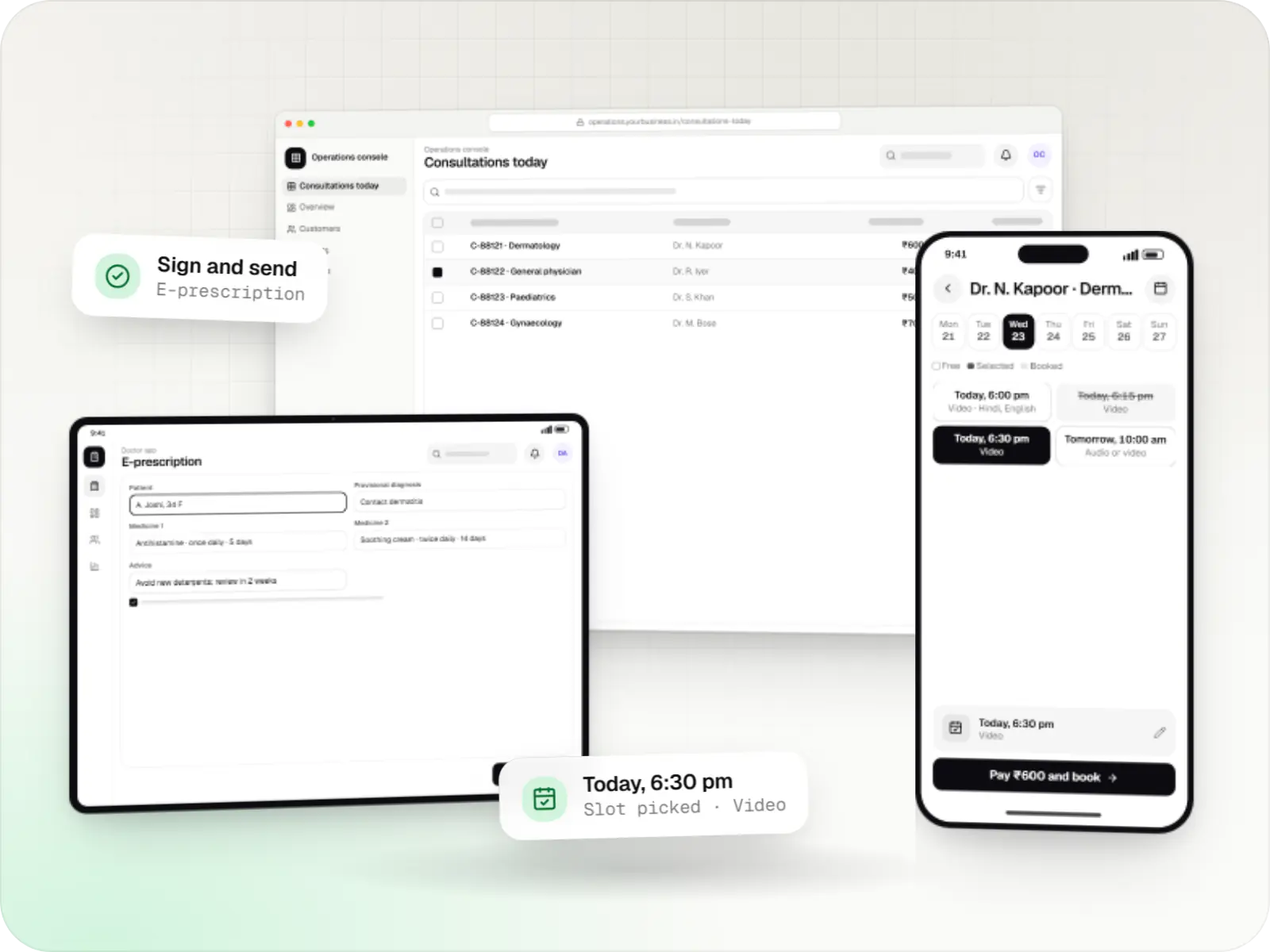
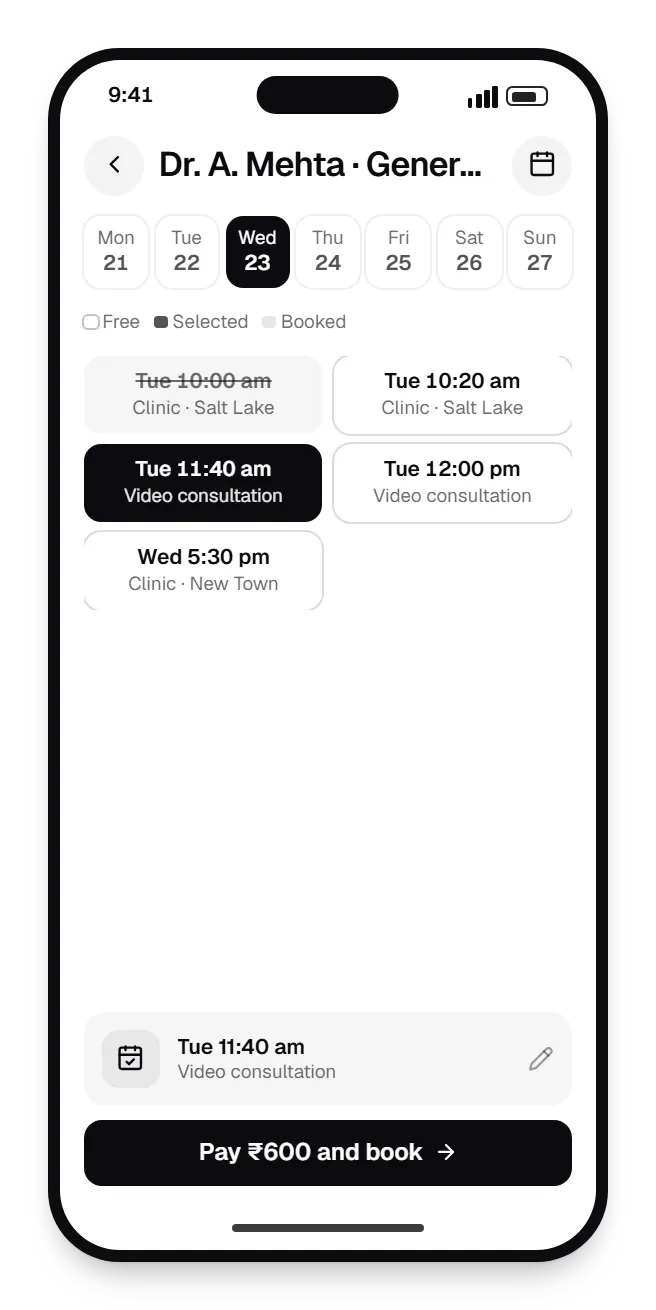
  • Clinic booking & telemedicine patient app booking slots on a phone, with open time slots
    Patient app. Patients see real availability across clinics and video slots, choose one and pay upfront, which helps the clinic reduce no-shows.
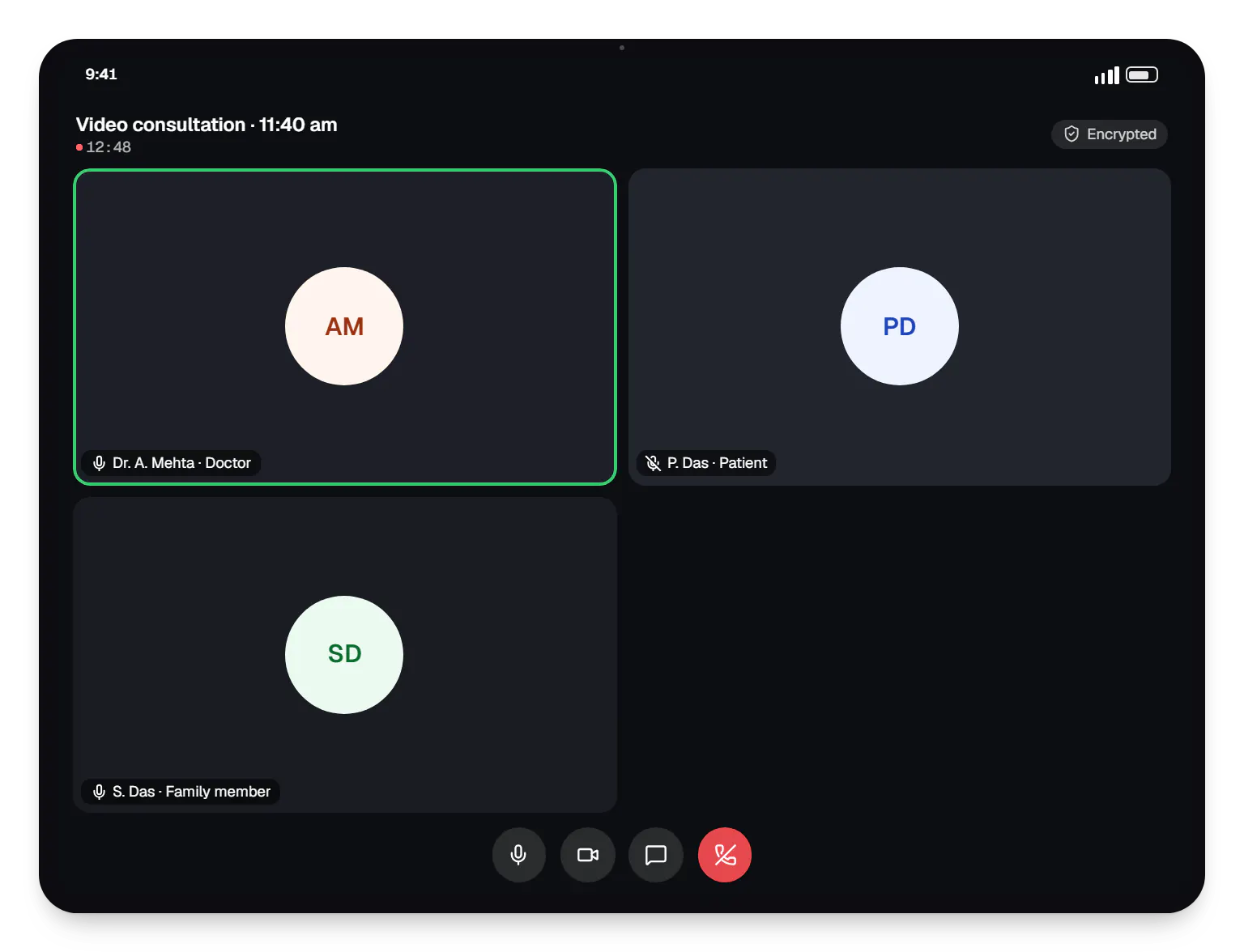
  • Clinic booking & telemedicine doctor app video consultation on a tablet, with call controls
    Doctor app. Doctors consult by video with the patient's history and uploaded reports beside the call; the call switches to audio if the network weakens.
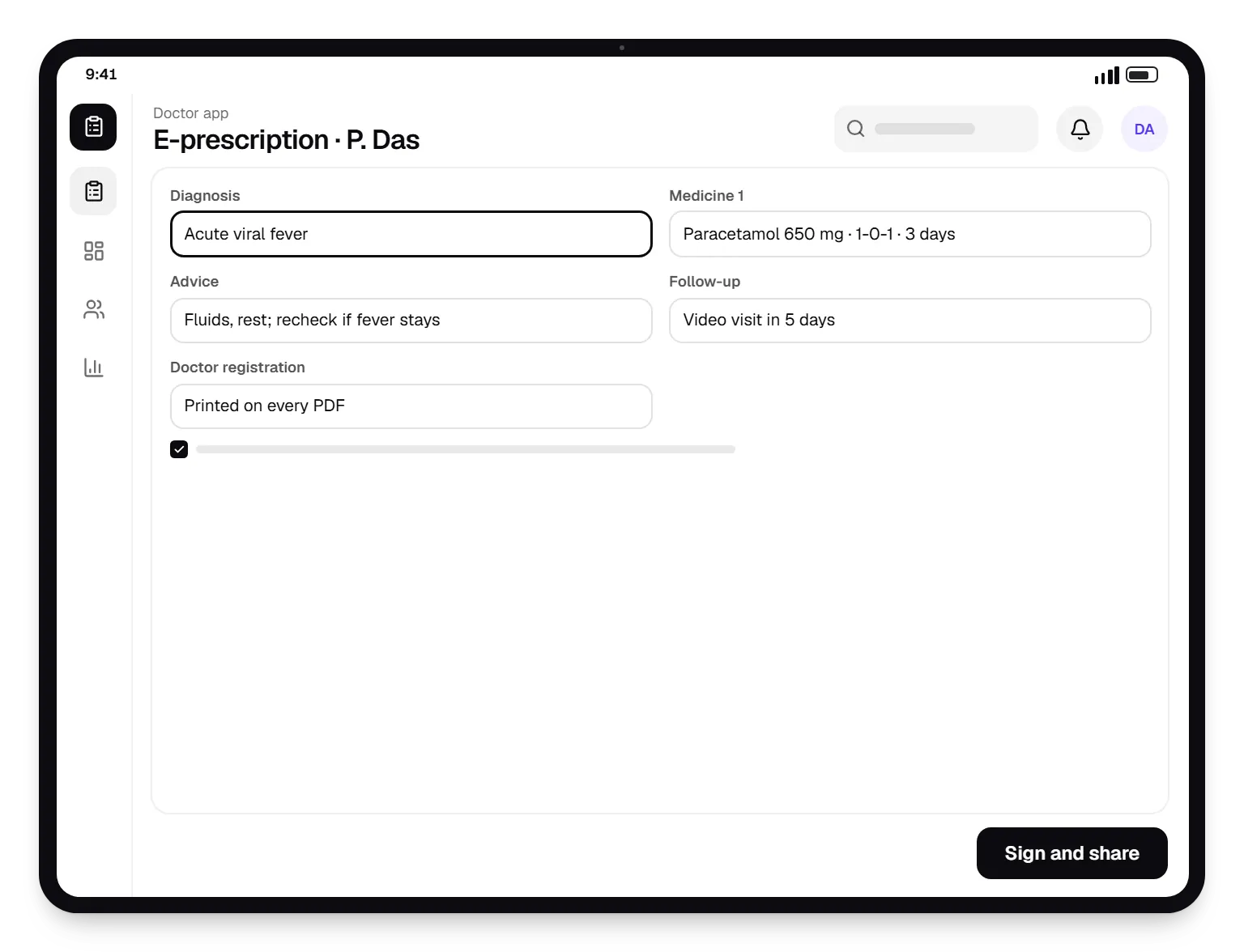
  • Clinic booking & telemedicine doctor app e-prescription on a tablet, with input fields and an action button
    Doctor app. Prescriptions are built from templates and drug search, carry the doctor's registration number and reach the patient as a PDF.
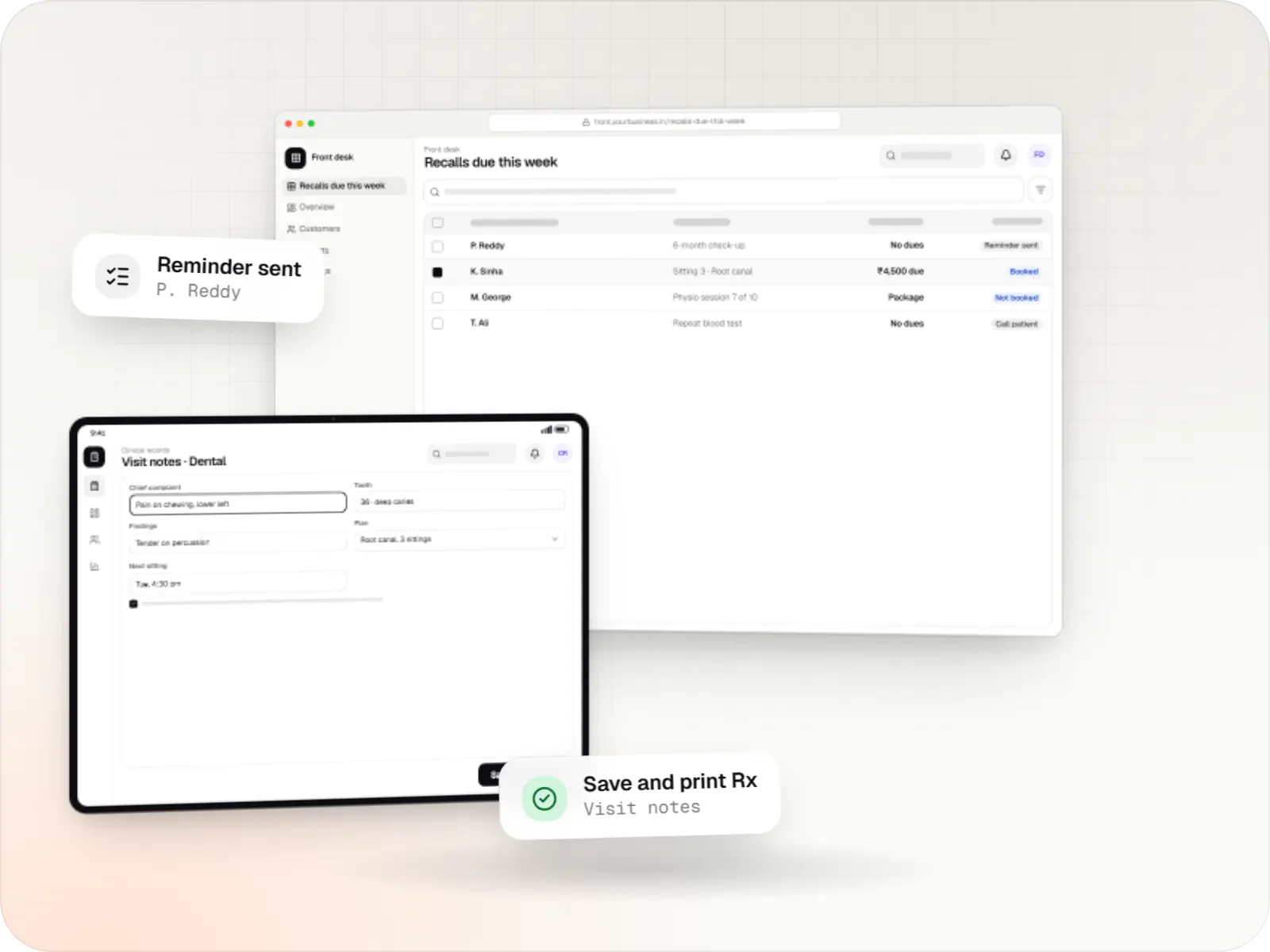
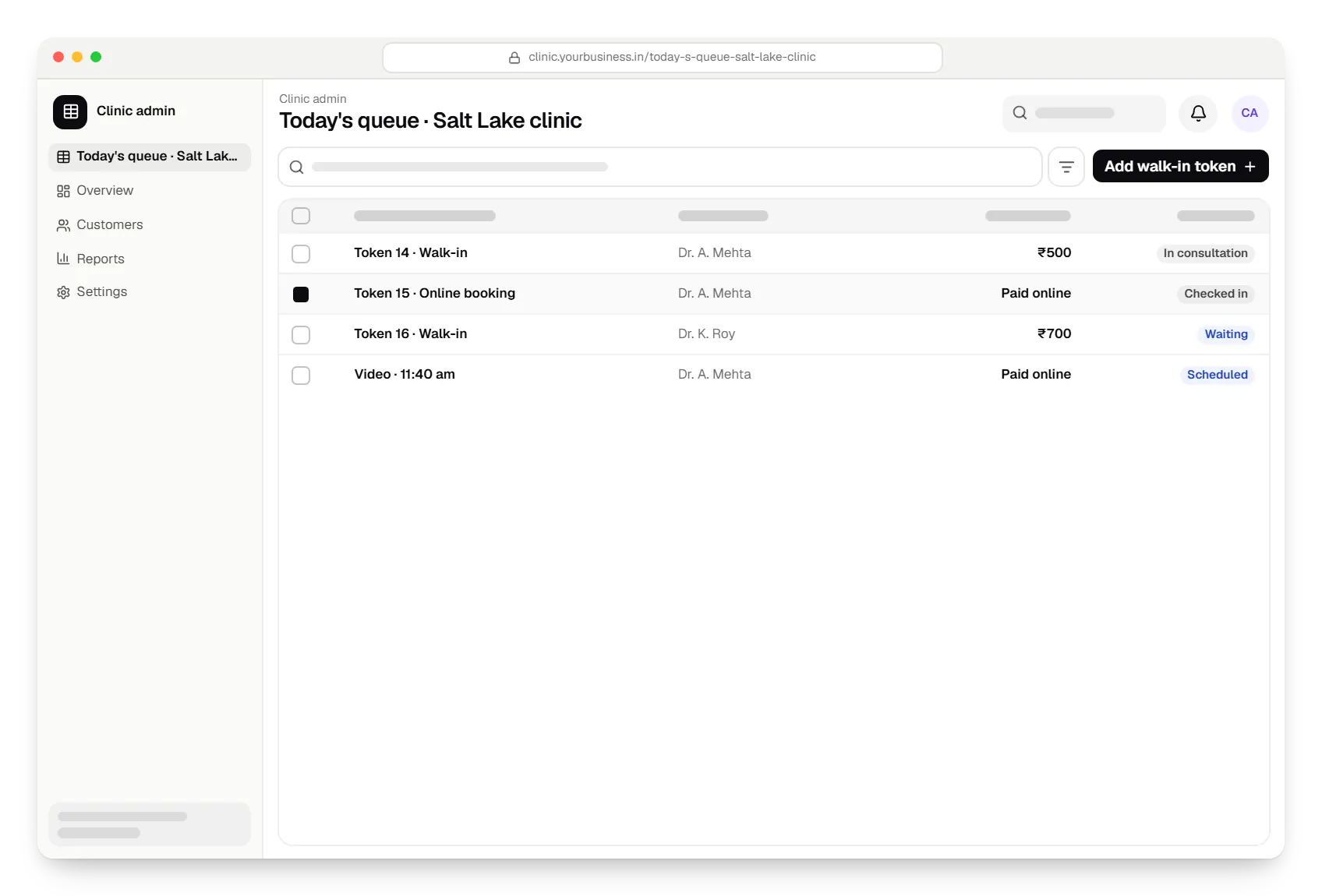
  • Booking & telemedicine app clinic admin today's queue table in a web browser, with 4 rows and status labels
    Clinic admin. Reception runs walk-in tokens and online bookings from one queue, and clinic managers see fees, refunds and doctor schedules.
Illustrative preview

Sample screens: names, prices and figures are examples, not client data.

How it works

How a consultation moves from booking to follow-up

The same flow covers in-clinic visits and video consultations, with consent recorded at each step that needs it.

  1. Patient app

    Step 1: Patient books a clinic or video slot

    Patients choose a doctor by speciality and clinic, pick an in-person or video slot and pay upfront. The slot is held during payment, so it cannot be double-booked.

  2. Patient app

    Step 2: Consent and pre-consultation form

    The patient reads a plain-language notice, gives consent and uploads earlier reports, so the doctor has context before the visit.

  3. Reception staff

    Step 3: Reception runs the day

    Online bookings sit in the same queue as walk-in tokens, so the clinic keeps to time and patients know when to come in.

  4. Doctor app

    Step 4: Consultation in person or by video

    Video calls fall back to audio on weak connections, and the doctor sees history and reports on the same screen.

  5. Doctor app

    Step 5: Digital prescription

    A template-based prescription with the doctor's registration number is shared with the patient as a PDF.

  6. Patient app

    Step 6: Records and follow-up

    Prescriptions and reports stay in the patient's record, every view is logged, and a reminder prompts the follow-up visit.

Then it starts again at step 1: Patient books a clinic or video slot

How we would build it

From the problem to the architecture

The challenge

A clinic group wants patients to book clinic or video visits, pay upfront and get prescriptions in the app, while reception still handles walk-ins.

  • Doctors split time across locations and online slots, so availability changes daily.
  • Teleconsultations need patient identification, consent and a proper prescription record.
  • Health data is sensitive, and staff should see only what their role needs.
  • Video calls drop on weak connections.
Our proposed solution

  • Patient app: find doctors by speciality and clinic, book in-person or video slots, pay through Razorpay, fill a pre-consultation form, upload reports and manage family members under one account.
  • Consultations: video calls that fall back to audio when the connection weakens, with chat for sharing images.
  • Doctor app: availability across clinics, a daily queue, patient history and an e-prescription builder with templates and drug search. The doctor's registration number prints on every prescription.
  • Clinic admin: doctors, fees, slot rules, walk-in tokens, refunds and reports.
  • Later phase: linking records to ABHA through ABDM.

Architecture

  • Apps: Flutter patient and doctor apps sharing one design system.
  • API: NestJS on PostgreSQL. Slots are generated from each doctor's rules and held during payment to prevent double booking.
  • Video: a managed WebRTC provider rather than self-hosted media servers.
  • Identity and push: Firebase for phone OTP sign-in and notifications.
  • Files: reports and prescriptions in encrypted cloud storage.
  • Access control: role-based permissions and an audit log of every record view, hosted on AWS in an Indian region.

Key features

What the product does

7 capabilities that shape the scope and the estimate.

  • Booking for in-clinic visits and video consultations
  • Doctor profiles with qualifications and registration number
  • Video consultations with audio fallback on weak networks
  • Template-based e-prescriptions shared as PDFs
  • Report and image uploads before the consultation
  • Walk-in tokens and a queue view for reception
  • Consent capture and an audit log of record access

Platforms

Where the clinic apps run

Patient and doctor apps for Android and iOS from one codebase, and a web admin for reception and clinic managers.

  • Mobile

    Android app

    Apps for Android phones and tablets, tested on budget and mid-range devices and published on Google Play or privately.

  • Mobile

    iOS app

    Apps for iPhone and iPad, built to Apple's guidelines and released through TestFlight and the App Store.

  • Mobile

    Cross-platform mobile app

    One Flutter or React Native codebase for Android and iOS, with native modules where a feature needs them.

  • Back office

    Admin dashboard

    Back-office panels for operations, support and finance teams: orders, users, content, reports and permissions.

Technology

Technology behind the clinic apps, and why it matters

Flutter patient and doctor apps from one codebase, a NestJS back end with role-based access, and hosting built on AWS in an Indian region.

  • Mobile

    Flutter

    Build Android and iOS apps from one shared codebase, so you launch on both platforms faster with a consistent experience.

    Used for

    • Mobile apps
    • Delivery apps
    • E-commerce apps
    • Booking apps
  • Cloud & DevOps

    Firebase

    Ready-made building blocks for mobile apps, such as push notifications, phone OTP login and crash reports, so you launch sooner.

    Used for

    • Push notifications
    • Phone OTP login
    • Crash reports
    • Real-time updates
  • Backend

    NestJS

    A structured way to build back ends on Node.js, so large business systems stay organised, testable and easy to hand over.

    Used for

    • Business app back ends
    • SaaS platforms
    • Marketplaces
    • Admin panel back ends
  • A reliable database for the records your business runs on: orders, payments, bookings and stock, kept accurate and easy to report on.

    Used for

    • Orders and customers
    • Payments and ledgers
    • Stock and inventory
    • Bookings
  • Payments & maps

    Razorpay

    Lets customers in India pay by UPI, cards, netbanking or wallets, and handles subscriptions, refunds and payouts to sellers or partners.

    Used for

    • UPI payments
    • Cards and netbanking
    • Subscriptions
    • Payment links
  • Cloud & DevOps

    AWS

    Cloud hosting for your app, website and data, with data centres in India and room to grow when traffic rises.

    Used for

    • App hosting
    • File and photo storage
    • Backups
    • Busy sale days

Flutter and the related logo are trademarks of Google LLC. We are not endorsed by or affiliated with Google LLC.

Privacy & security

How patient data would be handled

  • Consent first

    Patients consent at sign-up and before each teleconsultation, after a plain-language notice.

  • Role-based access

    Reception sees bookings and payments; clinical notes and prescriptions are visible only to the treating doctor and the patient.

  • Encryption and signed links

    Data is encrypted in transit and at rest, and files open only through short-lived links.

More work

Similar projects

Other illustrative projects with overlapping apps, industries or services. They are samples, not client work.

  • Delivery app development

    Illustrative sample

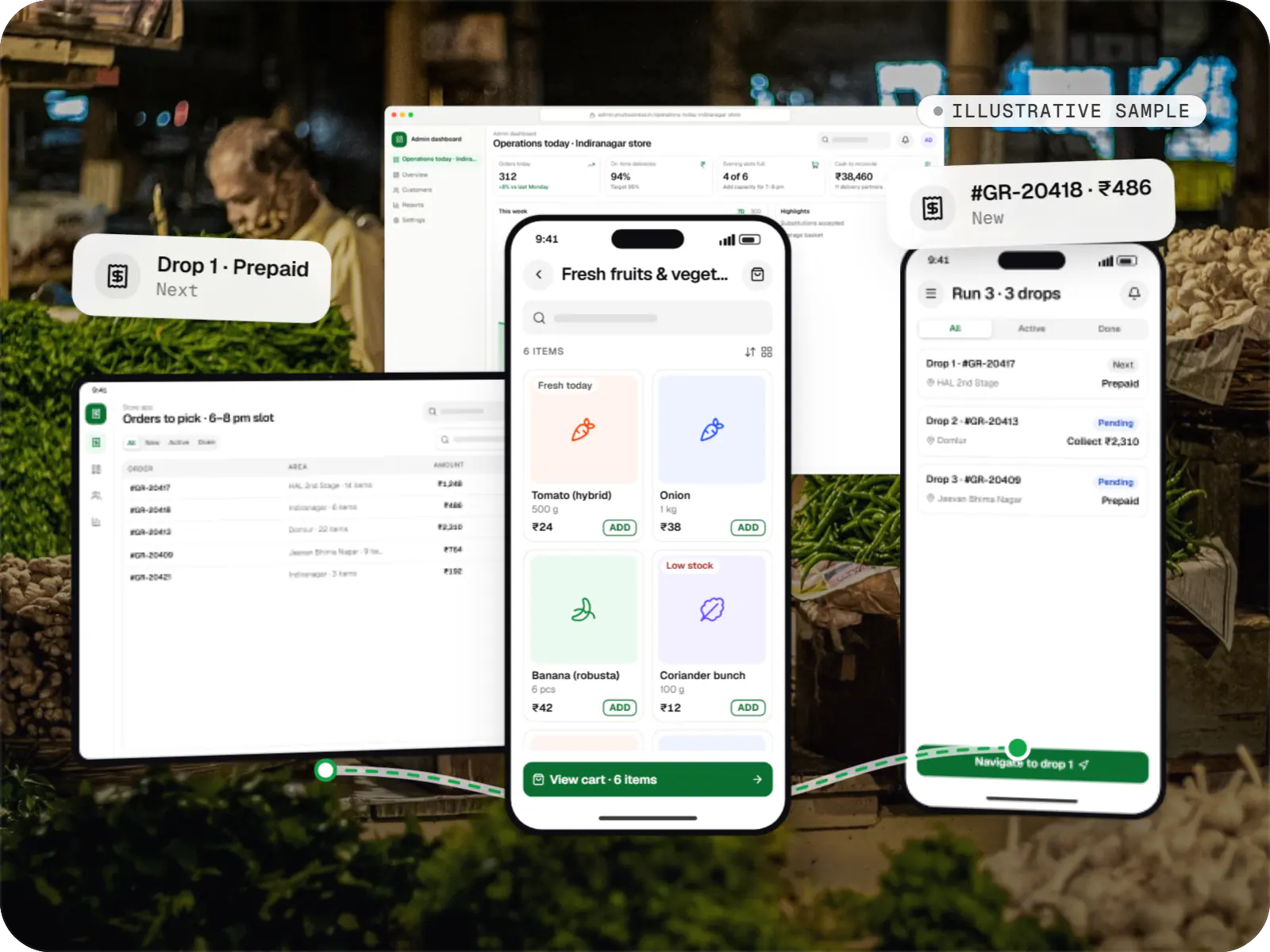
    Hyperlocal grocery delivery platform

    An illustrative platform for neighbourhood grocery stores: slot or express delivery, store picking, batched delivery runs, and payment by UPI or cash on delivery.

    • Retail
    • Mobile + web platform

    Runs on

    • Android
    • iOS
    • Cross-platform
    • Admin

    Built with

    • Flutter
    • NestJS
    • PostgreSQL
    • Redis
    • AWS
    • +1 more
  • E-commerce & marketplaces

    Illustrative sample

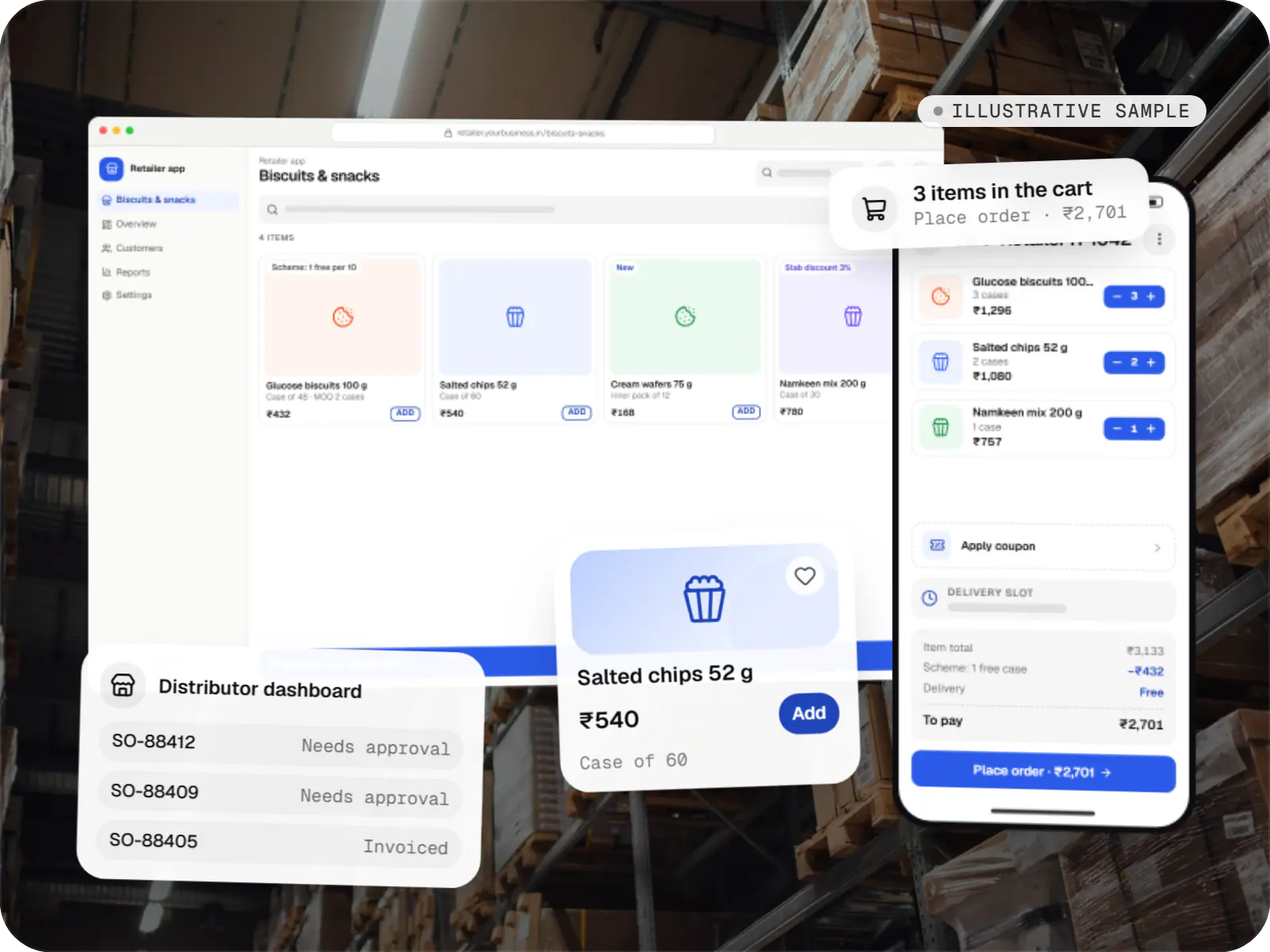
    B2B wholesale ordering app

    An illustrative ordering app for a distributor's retailers and sales team, with tier pricing, credit limits, trade schemes and GST invoicing.

    • B2B commerce
    • Mobile app + web admin

    Runs on

    • Android
    • iOS
    • Cross-platform
    • Admin

    Built with

    • React Native
    • Node.js
    • PostgreSQL
    • Redis
    • AWS
    • +1 more
  • Device management & kiosk solutions

    Illustrative sample

    Android kiosk and device management platform for retail stores

    An illustrative kiosk product for retail chains: locked Android tablets for catalogues and price checks, a staff launcher, and a console to enrol, update and monitor every device.

    • Retail
    • Device management platform

    Runs on

    • Android Enterprise
    • Admin
    • Web app

    Built with

    • Next.js
    • React
    • Android (Kotlin)
    • NestJS
    • PostgreSQL
    • +1 more

FAQ

Frequently asked questions

How does a telemedicine app account for India's Telemedicine Practice Guidelines?

We design for the practical requirements the guidelines describe: identifying the patient and the registered medical practitioner, recording consent, supporting video, audio and text consultations, and issuing prescriptions with the doctor's registration details. Limits on what can be prescribed remotely are enforced as the clinic defines them. The clinic's medical and legal team signs off on the final flows.

Can the app connect to ABDM and ABHA health IDs?

Usually as a second phase. Integrating with the Ayushman Bharat Digital Mission means registering as an integrator, building against the ABDM sandbox and passing review before going live. Scope depends on the role: a clinic sharing records acts as a health information provider. We plan the data model early so records can be linked to ABHA later without a rewrite.

Why use a managed video provider instead of building video in-house?

Dependable video over Indian mobile networks needs media servers, TURN relays and bandwidth adaptation, which take real effort to run well. A managed WebRTC provider handles that and charges by usage, so the budget goes into booking, prescriptions and records. If volumes grow until usage fees dominate, self-hosting open-source media servers becomes worth evaluating.

Next step

Building a booking or telemedicine product for your clinic?

Tell us how appointments and prescriptions work today, and we will suggest a first release.

Or reach us directly

Monโ€“Sat, 10:00โ€“19:00 IST