Web
React
Builds interactive screens in the browser, such as dashboards, admin panels and portals, that respond instantly as your team works.
Used for
- Web apps
- Admin panels
- Dashboards
- Customer portals
Industries · Retail
Billing counters, stockrooms, a web store and a loyalty programme that agree on the same numbers, designed and built by our in-house team.
At a glance
What it is
Store-first software for Indian retailers: counter billing, stock across outlets, click-and-collect and loyalty that works online and in store.

We build for brick-and-mortar retailers, from a single high-street store to regional chains and franchise networks. The work usually starts at the counter and in the stockroom, then extends to a website or app that sells from the same inventory.
Flutter and the related logo are trademarks of Google LLC. We are not endorsed by or affiliated with Google LLC.
How to start
Tell us what you need in your own words. You talk to the developers who would build it and get a written, line-item estimate.
Get a project estimateRetail in India runs on thin margins and quick decisions. A store manager needs to know what sold yesterday, what sits in the back room and what to request from the outlet across town. Head office wants that view for every branch, plus clean GST reports at month-end.
Most retailers already have billing software, a few spreadsheets and an online store nobody fully trusts. We build around one reliable record of stock, prices and customers, then connect counters, stockrooms, web and app to it. Where your existing POS or ERP works well, we integrate with it instead of replacing it.
Challenges
Counter sales, online orders and inter-store transfers update different systems, so outlets oversell some items and sit on dead stock of others.
Combo deals, bank card discounts and festive pricing are set up separately per store and online, and errors reach the till.
Without mobile-number billing and a simple loyalty scheme, regular buyers look anonymous and promotions stay generic.
Cash, UPI and card collections must be matched to sales per outlet before GST filing and franchise settlements.
Solutions
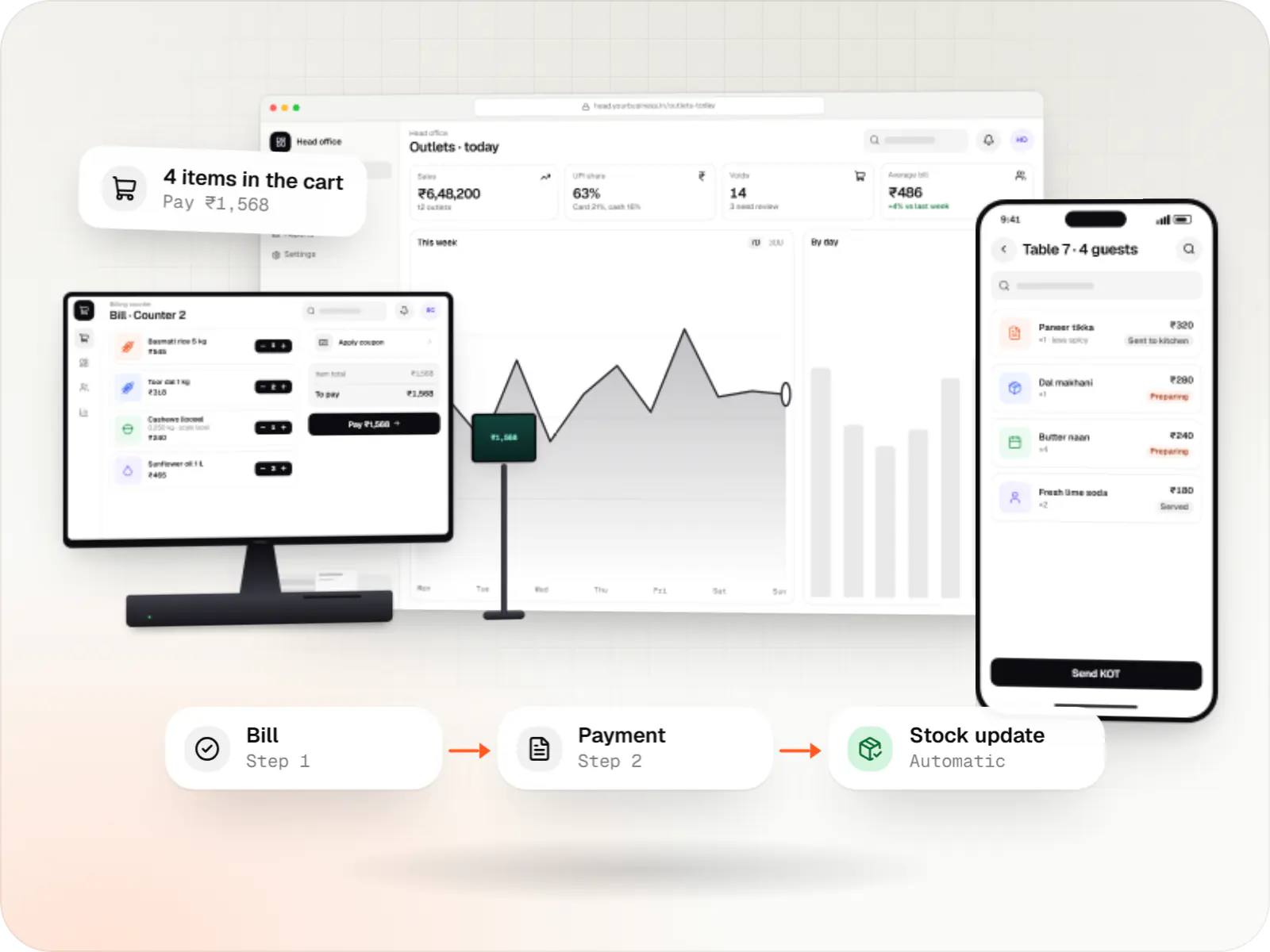
Custom point-of-sale software with offline billing, UPI QR payments, GST invoices, hardware integration and central control for multiple outlets.
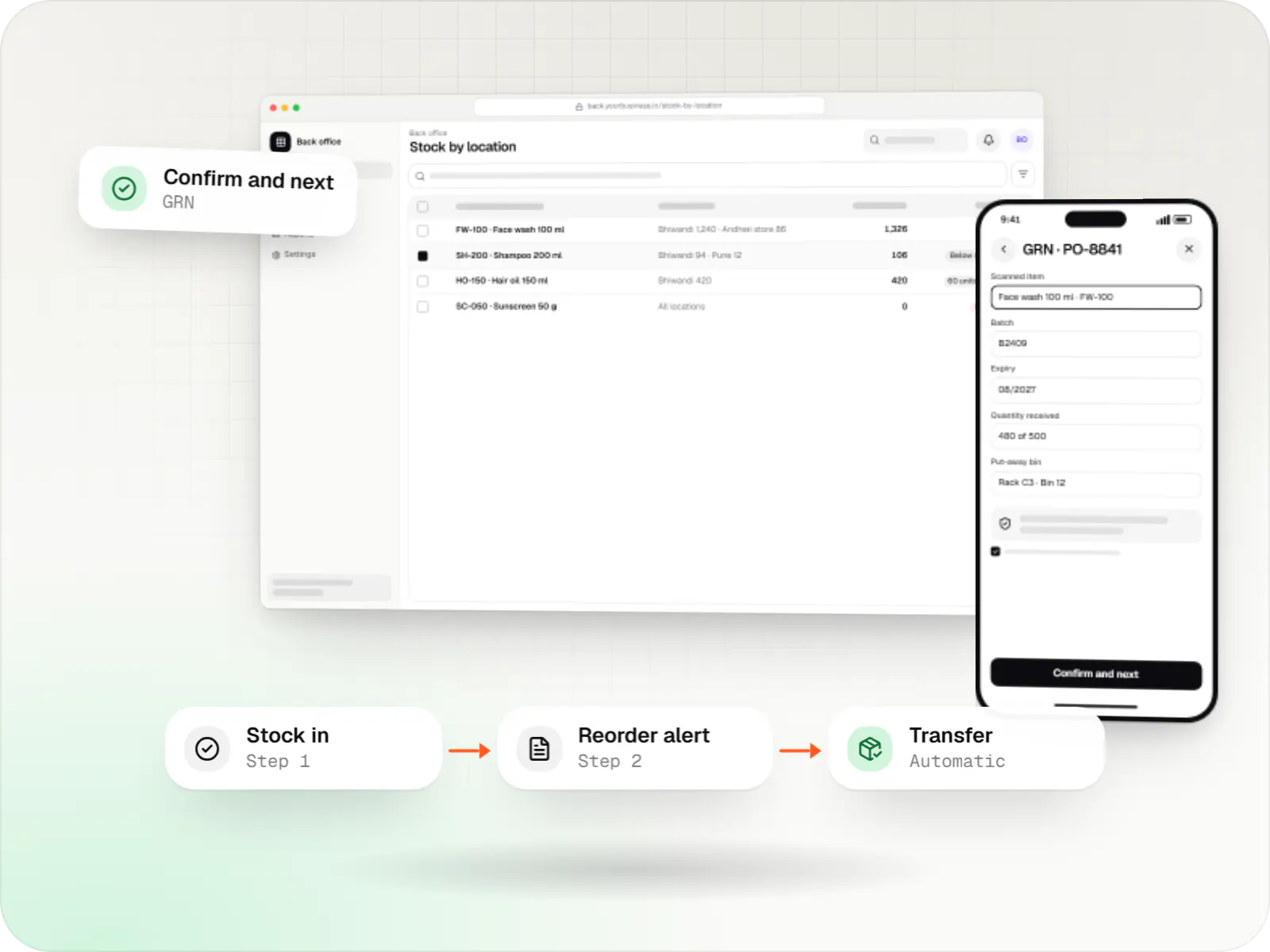
Custom inventory software for multi-location stock, batch and expiry tracking, barcode scanning and marketplace stock sync.
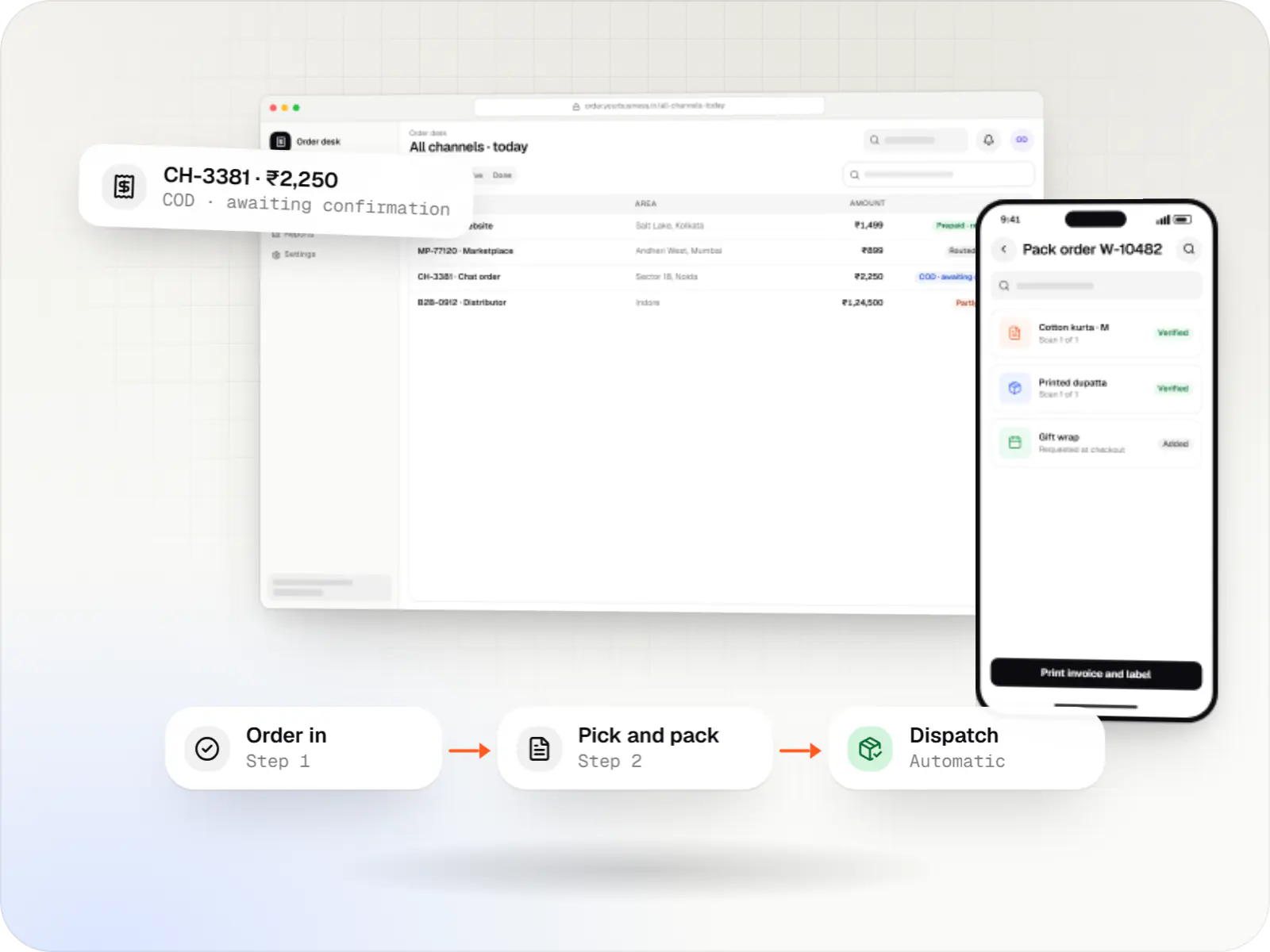
A central order management system that collects orders from every channel, routes them to the right location and tracks them to delivery and payment.
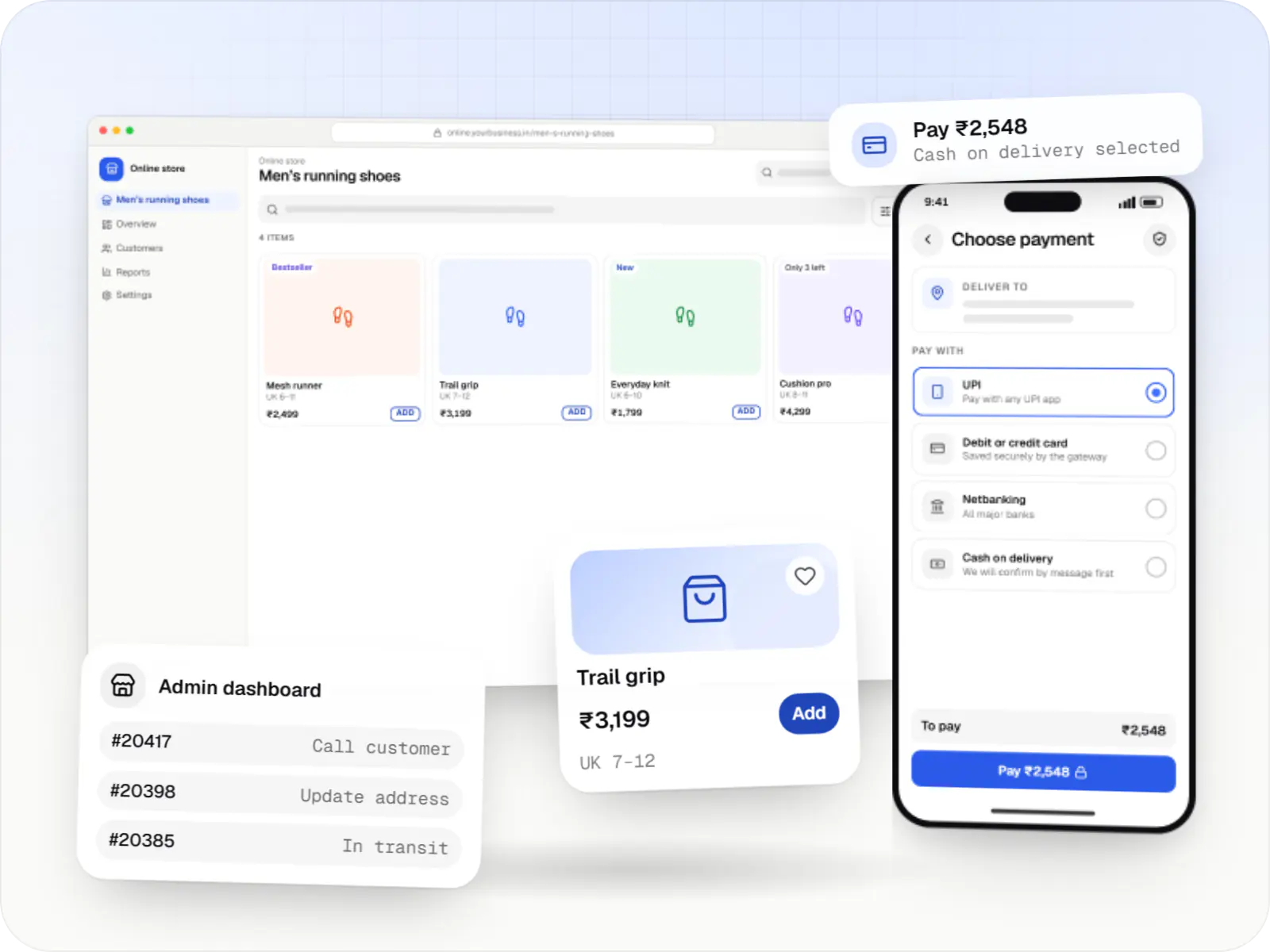
Fast, search-friendly online stores with UPI, card and COD checkout, GST invoices and courier integrations, on a hosted platform or custom code.
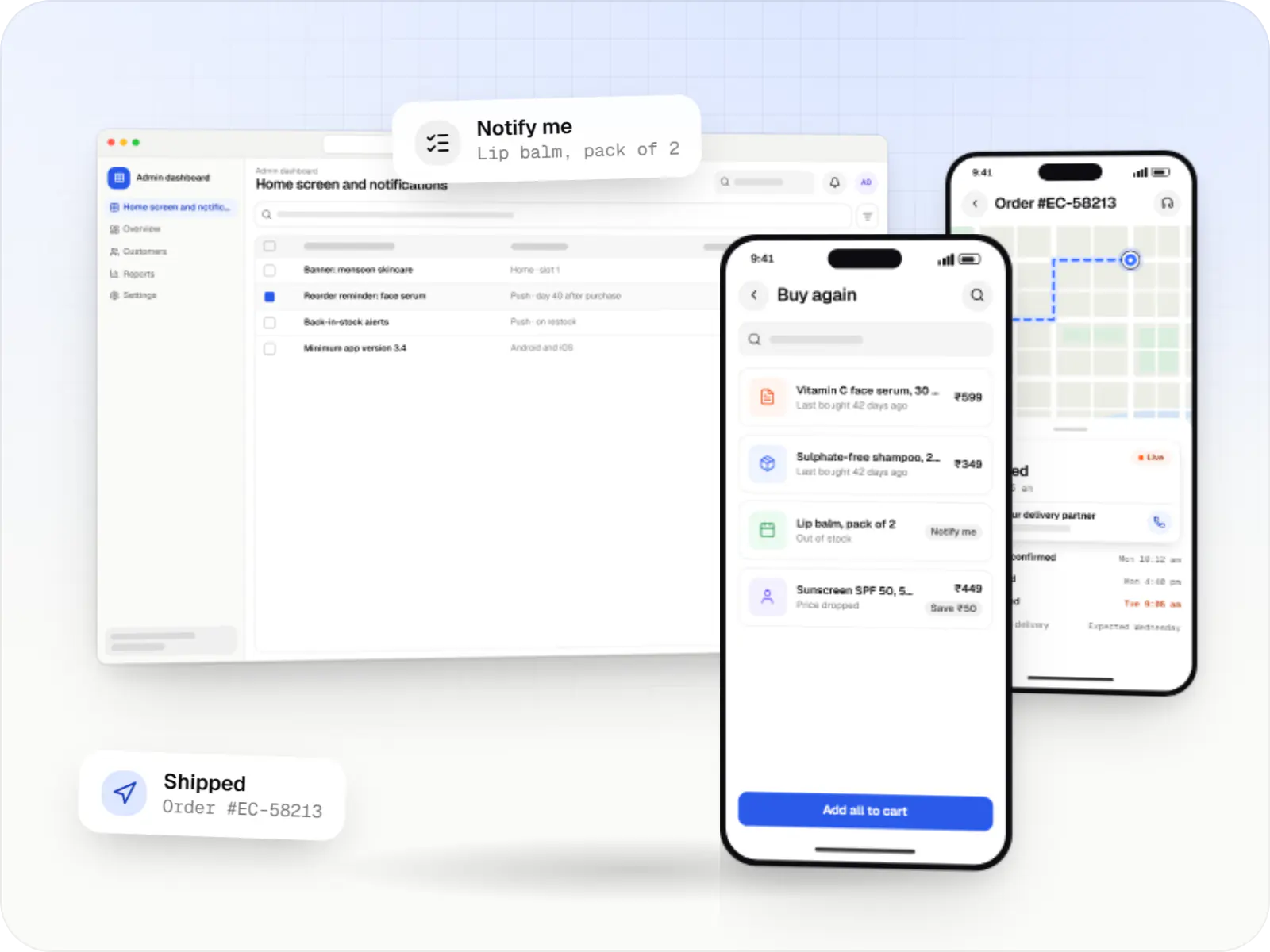
Android and iOS shopping apps with quick browsing, UPI checkout and push notifications, sharing one backend with your website.

Custom CRM software that captures leads from every channel, keeps follow-ups on schedule and shows managers a live pipeline.
Barcode and weighing-scale support, split payments across UPI, card and cash, and invoices printed or sent on WhatsApp.
Billing continues during internet outages and syncs sales to the central server when the connection returns.
Stock by store, transfer requests between branches, goods-received notes and low-stock alerts.
Online orders routed to the outlet holding stock, with pick lists for staff and pickup codes for customers.
Points or tiers, with purchase history shared across stores and online channels.
Sales, margin and stock ageing by outlet, category and day, with exports for your accountant.
How it works
Every bill, transfer and online order updates the same stock record, so each outlet and head office see the same numbers.
They pick items off the shelf, or reserve them on the website for click-and-collect from the same outlet stock.
A barcode scan, the customer's mobile number for loyalty and a split payment across UPI, card and cash. The GST invoice prints or goes out on WhatsApp.
The sale reduces stock at that outlet straight away. If the counter was offline, the bill syncs as soon as the connection returns.
Low-stock alerts suggest a transfer from a nearby branch or a purchase order, and a goods-received note confirms what actually arrived.
Sales are matched against UPI, card and cash collections per outlet, ready for GST filing and franchise settlements.
Points land on the customer's mobile number, and a relevant offer invites the next visit, in store or online.
Then it starts again at step 1: Customer shops in store or online
Platforms
Windows and macOS apps for billing counters, kiosks and offline-heavy work, where a browser isn't enough.
Browser-based applications with logins, roles and workflows, such as customer portals, SaaS products and internal tools.
Back-office panels for operations, support and finance teams: orders, users, content, reports and permissions.
Apps for Android phones and tablets, tested on budget and mid-range devices and published on Google Play or privately.
Marketing and content websites: fast, search-friendly pages with a CMS your team can update without a developer.
Installable web apps with offline support and notifications, useful when an app-store listing isn't essential or phones have little storage.
Technology
Web
Builds interactive screens in the browser, such as dashboards, admin panels and portals, that respond instantly as your team works.
Used for
Web
A modern web technology for fast, search-friendly websites, online stores and web applications that load quickly on mobile.
Used for
Backend
Runs the server side of apps: fast, scalable back ends that power your app, website and integrations.
Used for
Data
A reliable database for the records your business runs on: orders, payments, bookings and stock, kept accurate and easy to report on.
Used for
Data
Keeps frequently used data in fast memory, so apps stay quick on busy days and live features like order tracking feel instant.
Used for
Mobile
Build Android and iOS apps from one shared codebase, so you launch on both platforms faster with a consistent experience.
Used for
Payments & maps
Lets customers in India pay by UPI, cards, netbanking or wallets, and handles subscriptions, refunds and payouts to sellers or partners.
Used for
Flutter and the related logo are trademarks of Google LLC. We are not endorsed by or affiliated with Google LLC.
Plain-English glossary
Product preview
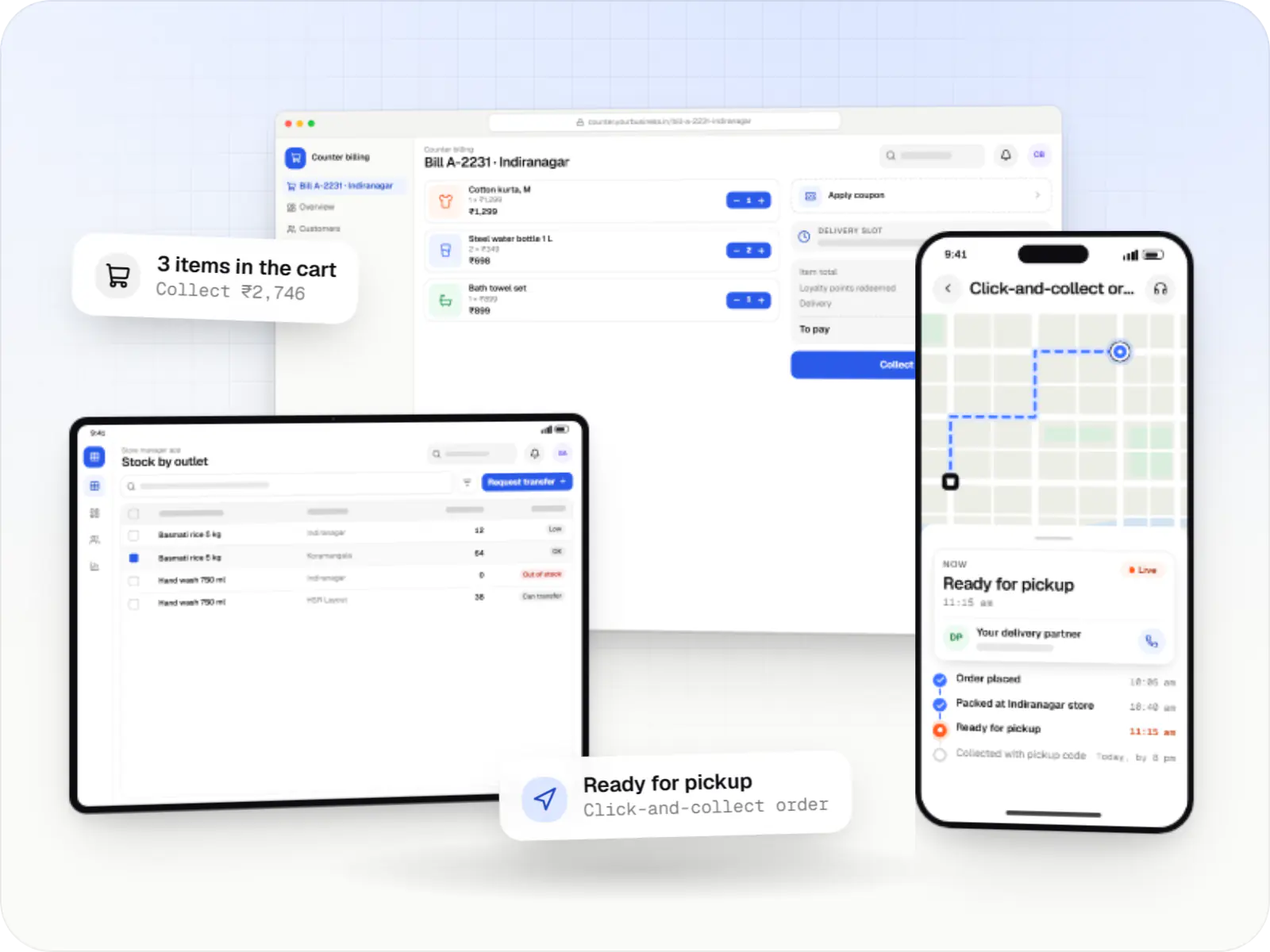
Illustrative screens: yours are designed around your own counters, outlets and offers.
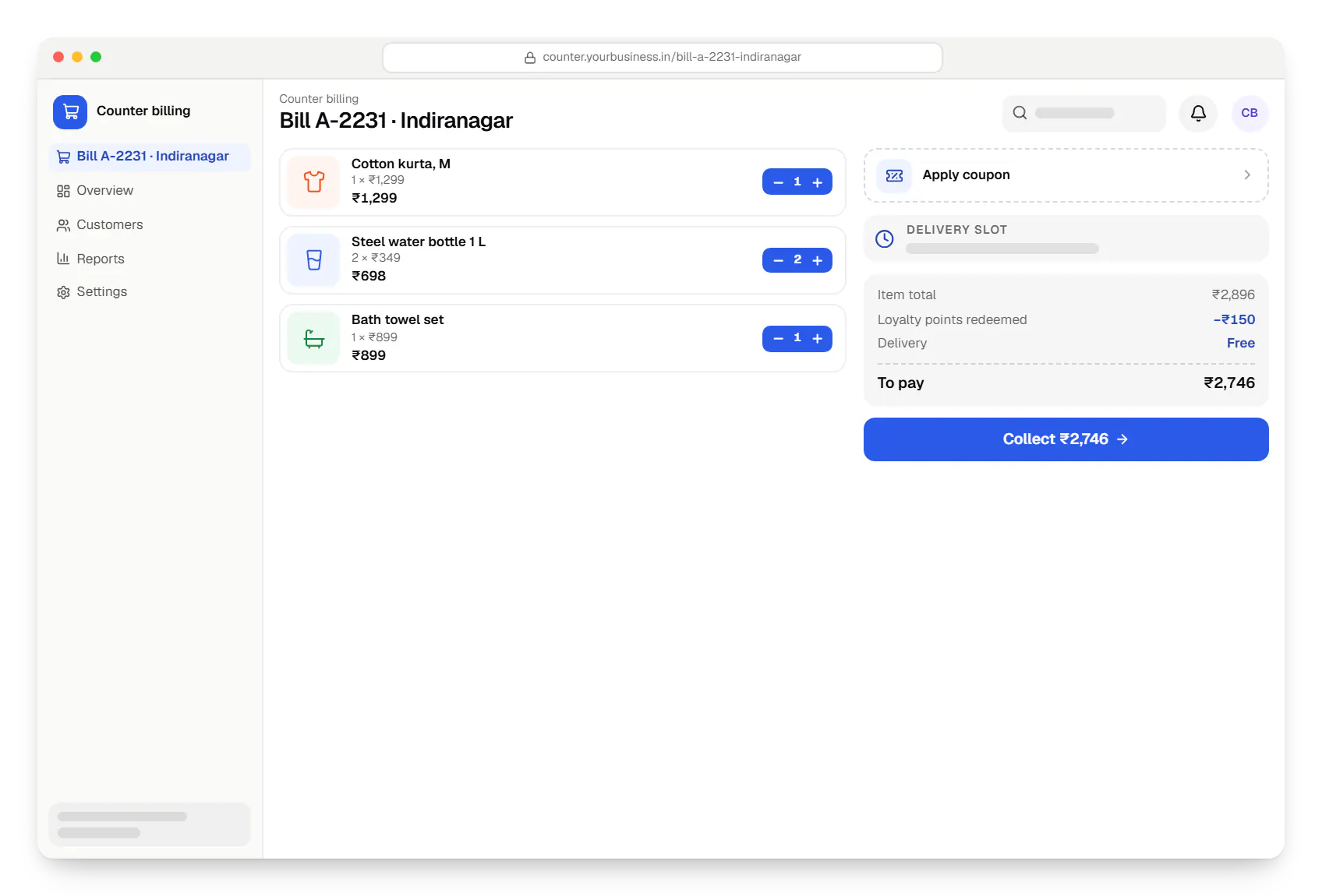
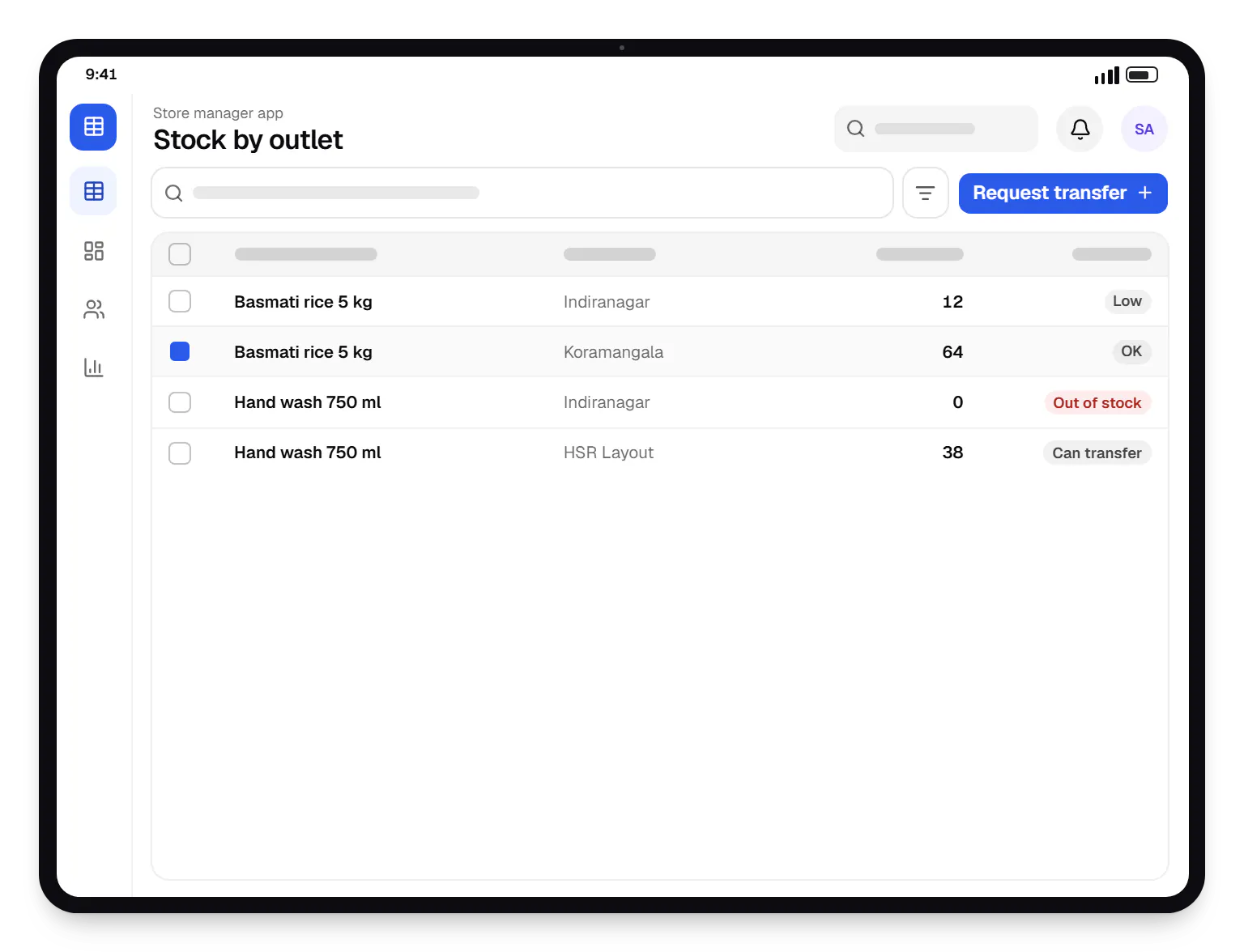
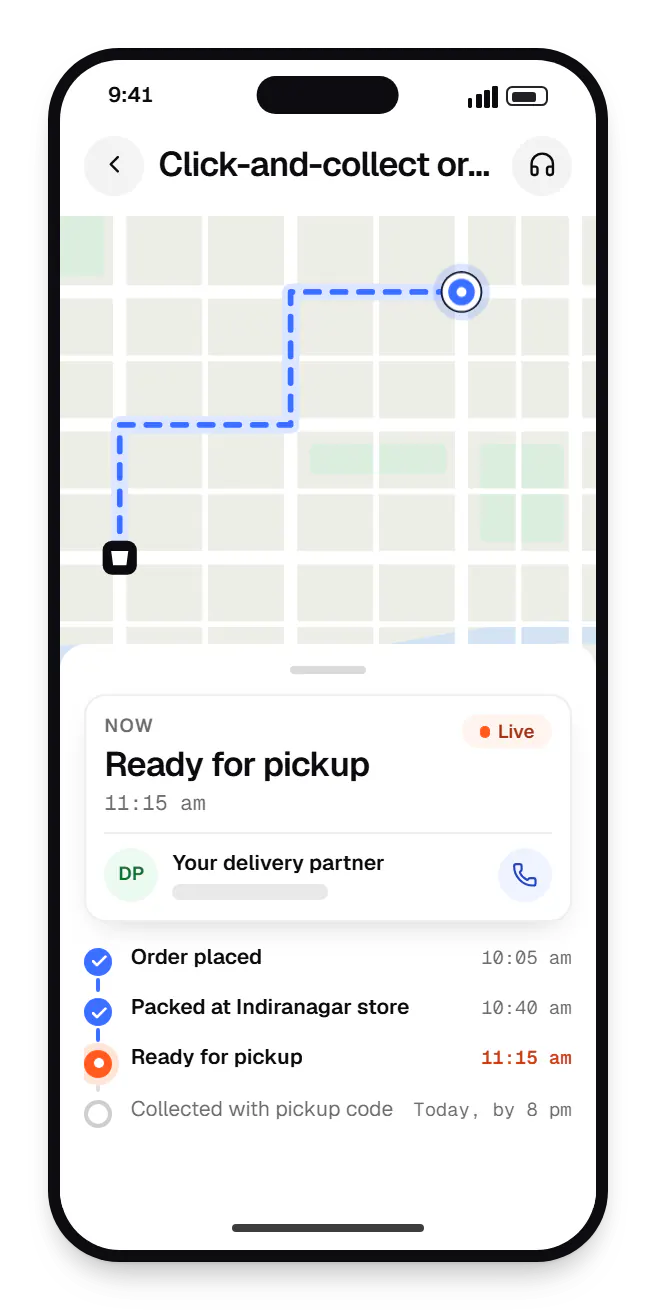
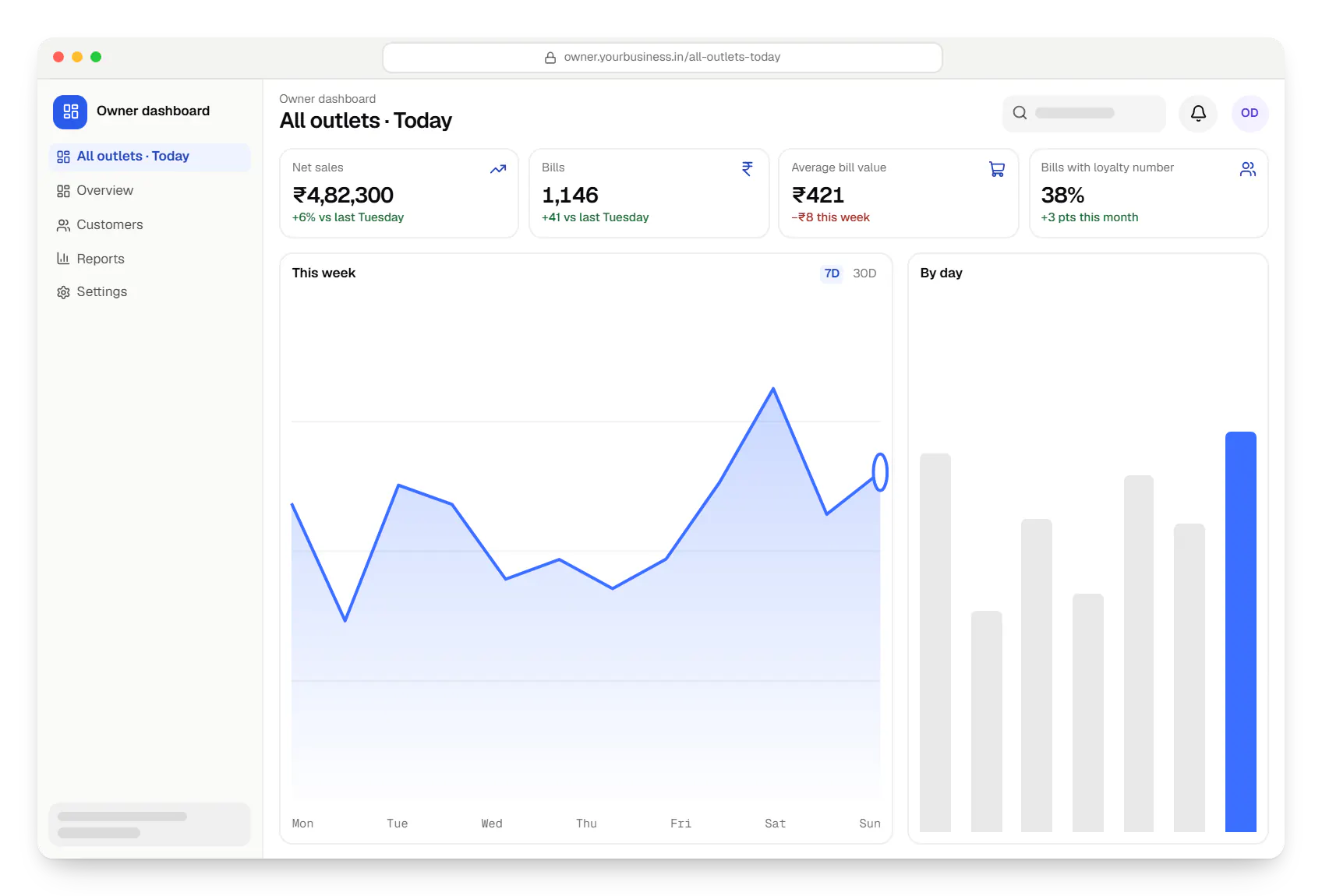
Sample screens: names, prices and figures are examples, not client data.
Cost drivers
Each store adds devices, printers, scanners and scales to support, plus rollout and staff training time.
Integrating an ERP or TallyPrime, or migrating products and customers from an old POS, can be a large share of the effort.
Selling store inventory online brings order routing, stock reservations and cross-channel returns logic.
Flat discounts are quick; stackable offers, tiers and bank-specific promotions need a rules engine and careful testing.
Estimates are written from your scope, with the effort and assumptions behind each line item.
How pricing worksServices
The design and engineering services our in-house team combines on projects in this sector.

Software shaped around how your business runs, from approvals and inventory to billing and reports, replacing spreadsheets and disconnected tools.
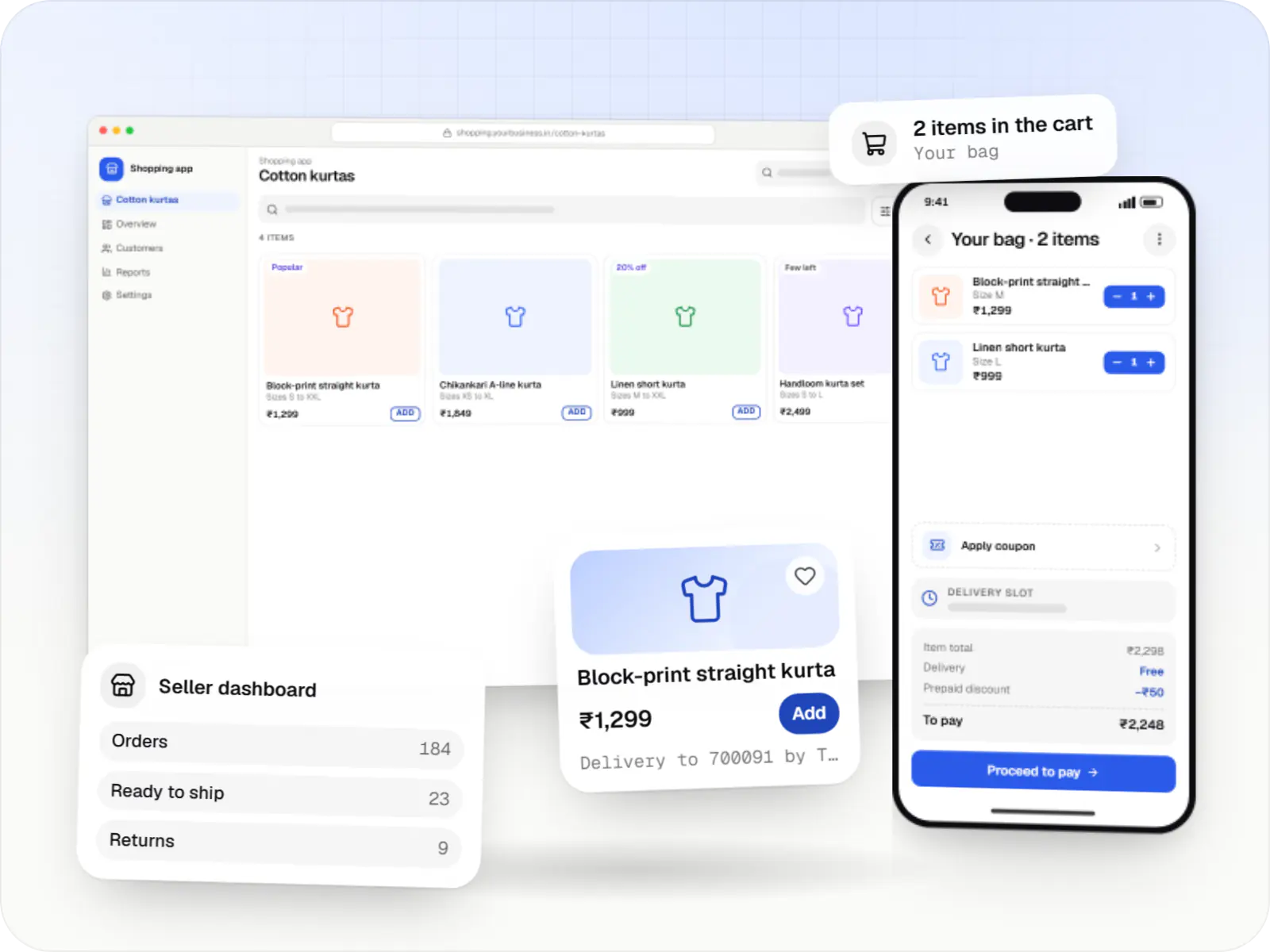
Online stores, shopping apps and B2B ordering portals on Shopify, WooCommerce or custom stacks, wired to Indian payments, couriers and GST invoicing.

Browser-based products, customer portals, dashboards and internal tools, built on clean data models with secure roles and integrations.

Native and cross-platform Android and iOS apps, from first release through regular store updates, built by our in-house designers and engineers.

Back-office dashboards built around your team's daily tasks: order queues, approvals, catalogue management, payouts, reports and audit logs.

Secure, documented REST and GraphQL APIs, plus integrations that connect your apps to payment, logistics, GST, messaging and business systems.

Product design for web and mobile apps: research, user flows, wireframes, prototypes and design systems that engineers can build from.
Work
Illustrative projects that show how we would approach a product in this sector.
Delivery app development
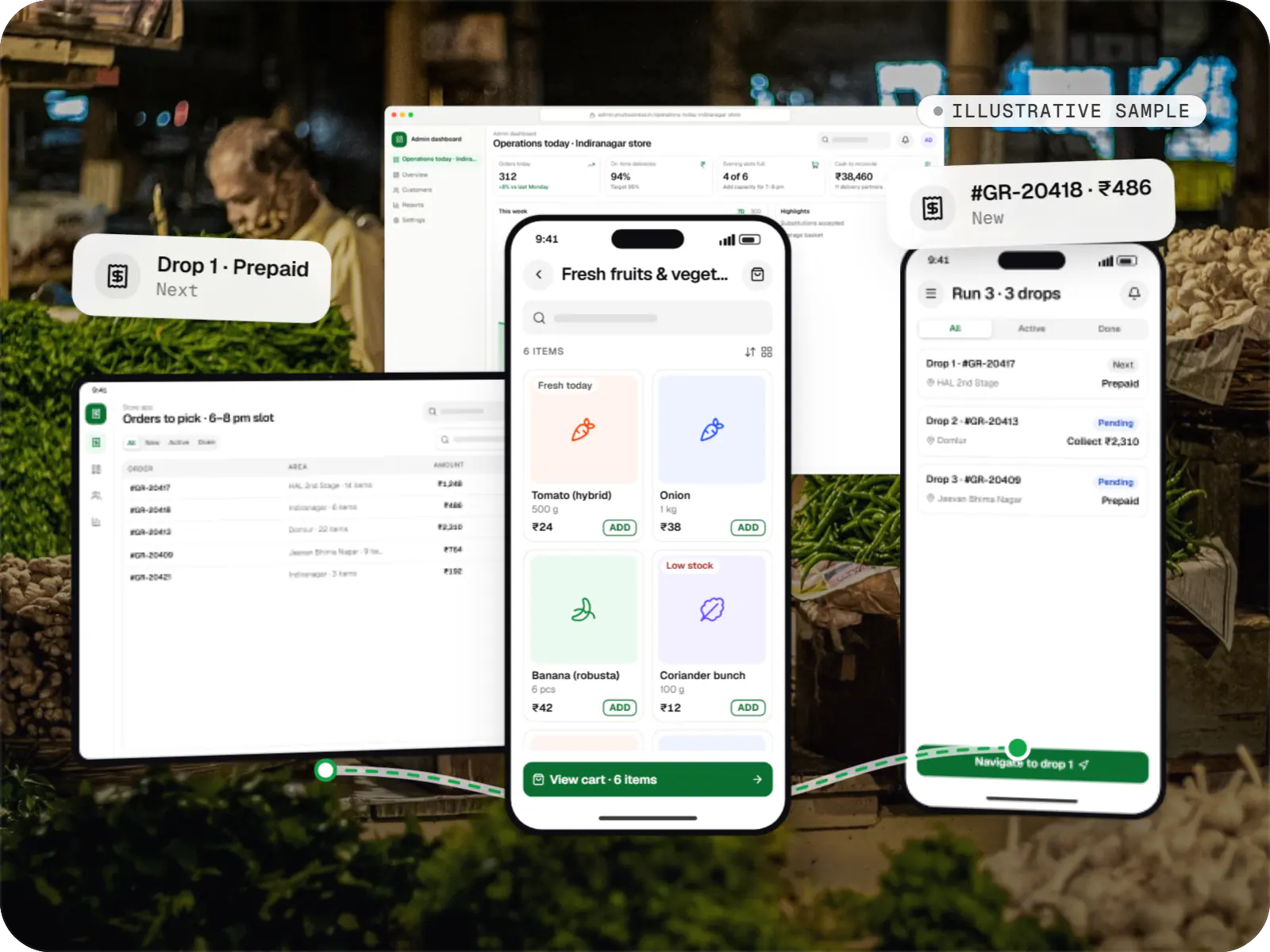
An illustrative platform for neighbourhood grocery stores: slot or express delivery, store picking, batched delivery runs, and payment by UPI or cash on delivery.
Runs on
Built with

Device management & kiosk solutions
An illustrative kiosk product for retail chains: locked Android tablets for catalogues and price checks, a staff launcher, and a console to enrol, update and monitor every device.
Runs on
Built with
FAQ
Usually, yes. Many retail systems used in India expose APIs, export files or database access, and TallyPrime supports XML-based integration. We first check what your vendor allows, how often data must sync and which system owns stock and prices. If the existing system is closed or unreliable, we'll say so and outline what replacing part of it would involve, rather than forcing a fragile integration.
It can, and for most stores it should. The counter app keeps products, prices and pending bills locally, so billing continues during outages. When the connection returns, sales and stock movements sync to the central server, with rules for conflicts such as the last unit sold offline at two counters. UPI and card payments still need connectivity on the payment device, so we plan fallback flows with you.
A focused first phase, such as billing with inventory for a few outlets, typically takes a few months including testing and a pilot store. Adding e-commerce, loyalty and a customer app extends that. We usually recommend piloting in one or two outlets, fixing whatever staff find awkward, then rolling out store by store rather than switching every branch on the same day.
Yes. Order routing checks live stock by outlet and assigns each online order to a store that can fulfil it, using rules you control such as distance, stock depth or store workload. Staff get a pick list and status screen, and customers choose courier delivery or pickup with a code. Returns can be accepted at any outlet and flow back into the right stock location.
Next step
Tell us how many outlets you run and what you use today. We'll suggest what to integrate, what to replace and how to phase it.