Web
Next.js
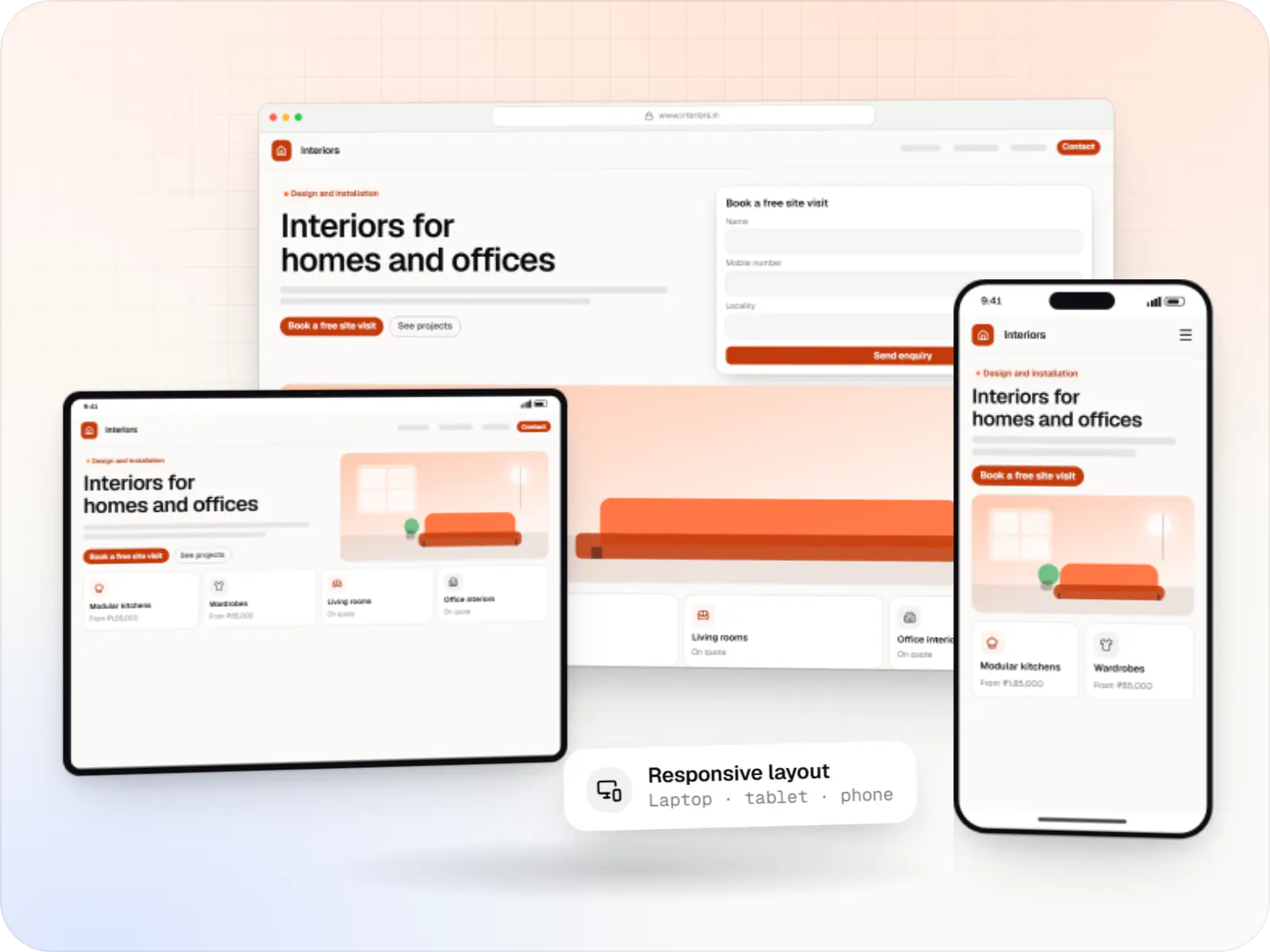
A modern web technology for fast, search-friendly websites, online stores and web applications that load quickly on mobile.
Used for
- Business websites
- Online stores
- Web apps
- Customer portals
Multi-tenant · Subscriptions · MVP to scale
Tenant isolation, onboarding, subscription billing, team roles and the admin tooling to run the business behind the product.
At a glance
What it is
Multi-tenant SaaS products with subscription billing, team roles, onboarding and usage analytics, from first MVP to paying customers.
How to start
Tell us what you need in your own words. You talk to the developers who would build it and get a written, line-item estimate.
Get a project estimateA SaaS product serves two people: the user doing their job in the app, and the account owner who signs up, invites a team and pays every month. Much of what separates SaaS from a one-off application serves the second person: plan limits, trials, upgrades, failed-payment retries and a support console.
Our SaaS development work covers both layers. We help founders cut the first version down to the workflow customers will pay for, and build the platform so new tenants and plans do not force a restructure. We can also convert an existing single-customer application into a multi-tenant product.
PostgreSQL row-level security or per-tenant schemas, with tests that try to read across tenants.
Sign-up, workspace creation, team invites and a guided first session.
Plans, trials, proration, coupons, UPI AutoPay, GST invoices and failed-payment retries.
Custom roles per workspace, Google and Microsoft sign-in, and SAML for enterprise plans.
Usage metering, seat limits and features released by plan or by customer.
Every tenant in one view: plan changes, refunds and consented impersonation for support.
We question features that will not win or keep the first paying customers.
Clean repositories, documentation and clear IP ownership for investor reviews.
No cloud bills built for a scale you have not reached.
Solutions
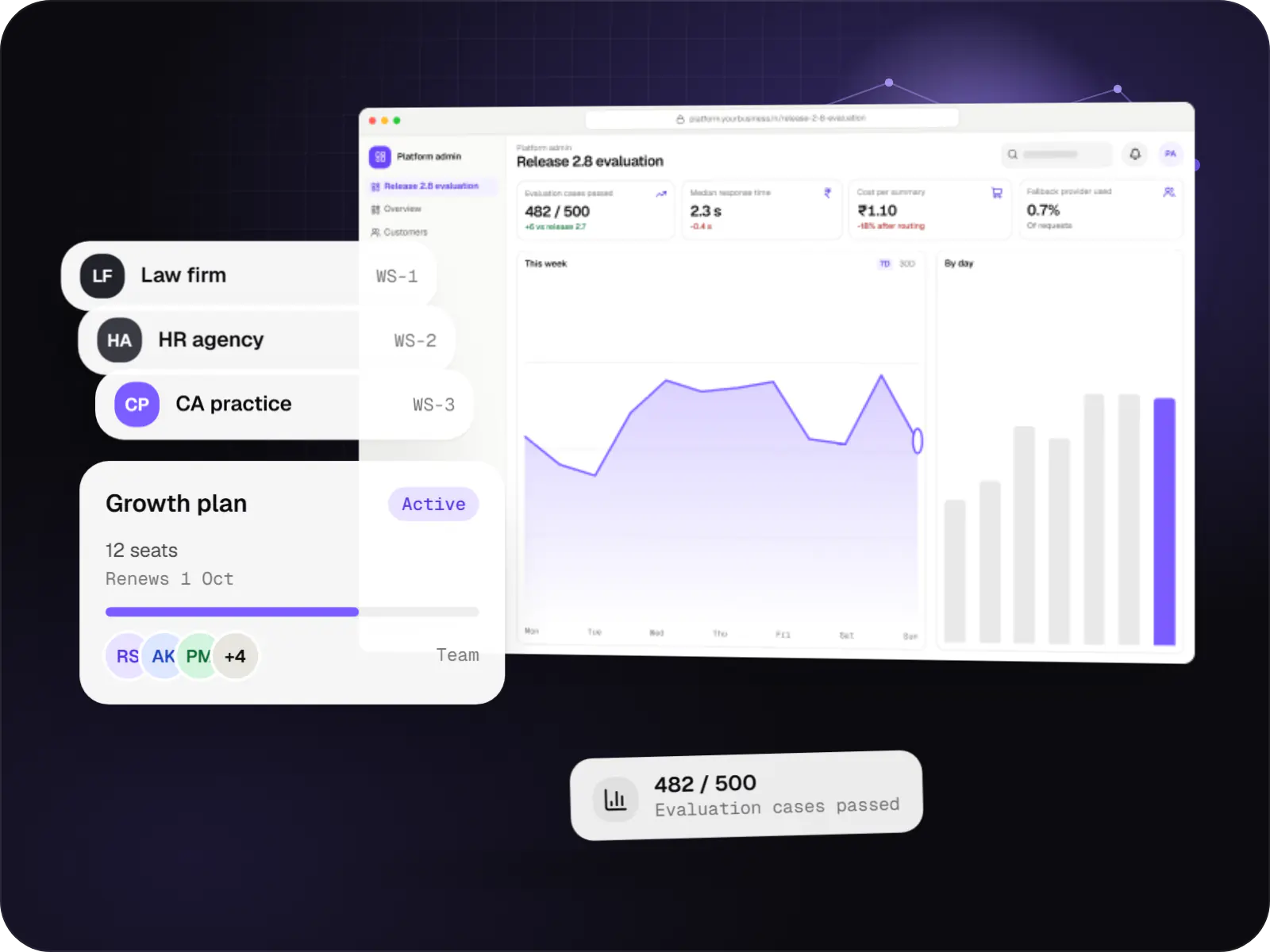
Multi-tenant SaaS products with AI at their core, built with tenant isolation, usage metering, model routing, evaluation and subscription billing.

Custom CRM software that captures leads from every channel, keeps follow-ups on schedule and shows managers a live pipeline.
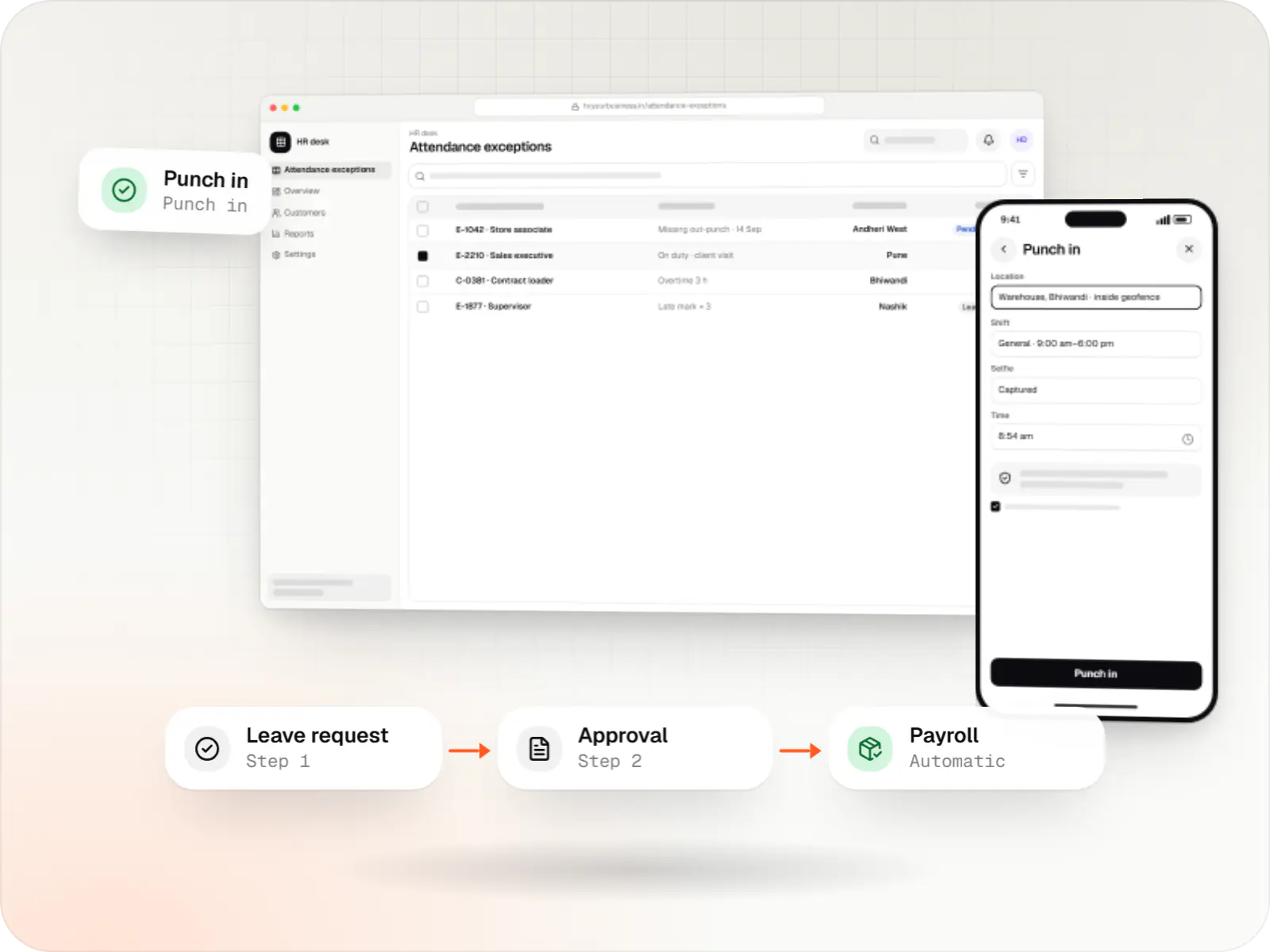
Custom HRMS covering attendance, leave, payroll with Indian statutory deductions, onboarding and an employee self-service app.
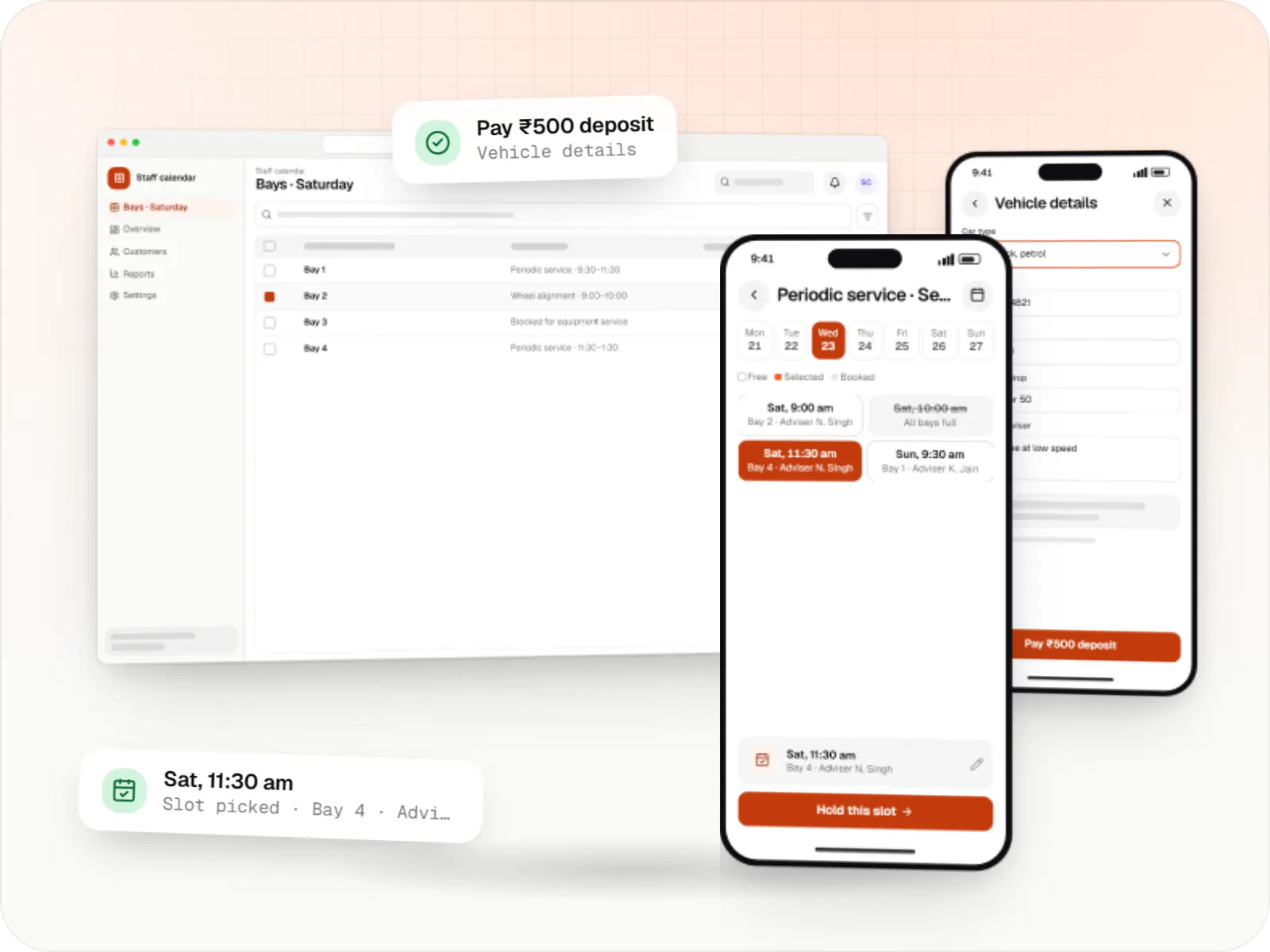
Custom scheduling software for consultants, service centres, labs and multi-location businesses: availability rules, reminders, payments and calendar sync.
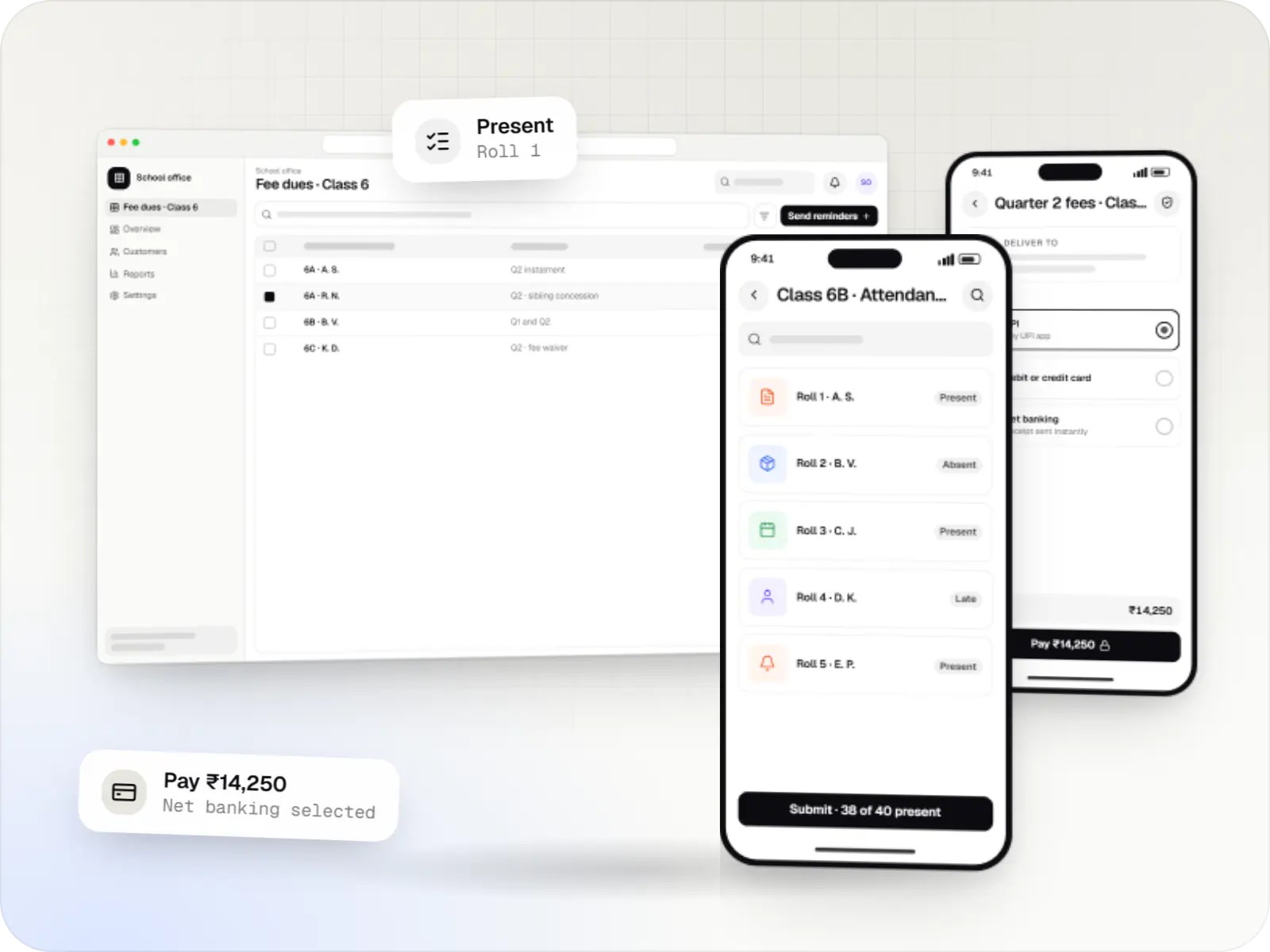
School ERP and parent apps for admissions, fees, attendance, timetables, homework, exams, transport and communication between teachers, parents and admin.
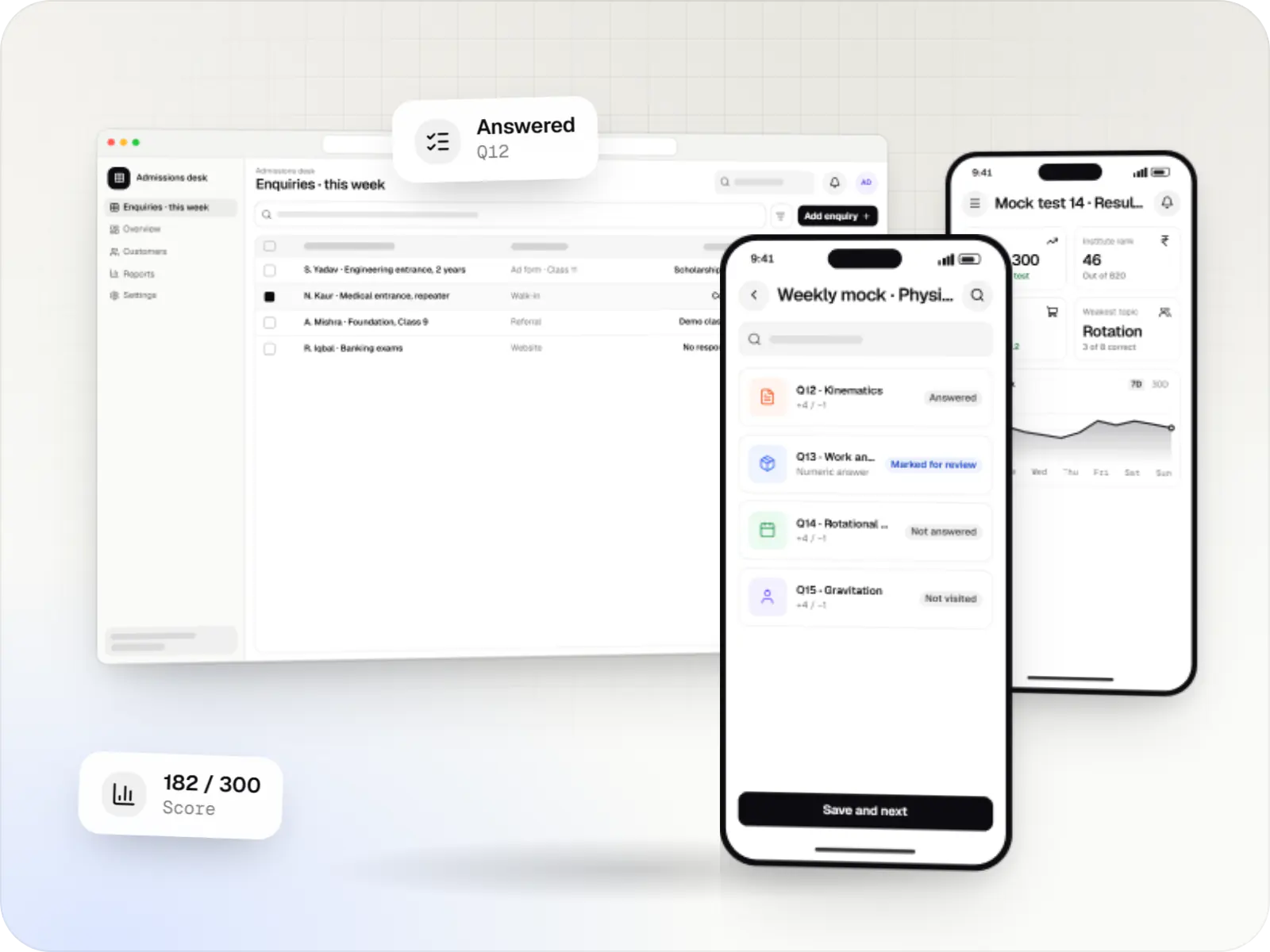
Software for coaching institutes and tuition centres: enquiries, batches, fee instalments, attendance, test series, performance analytics and hybrid classes.
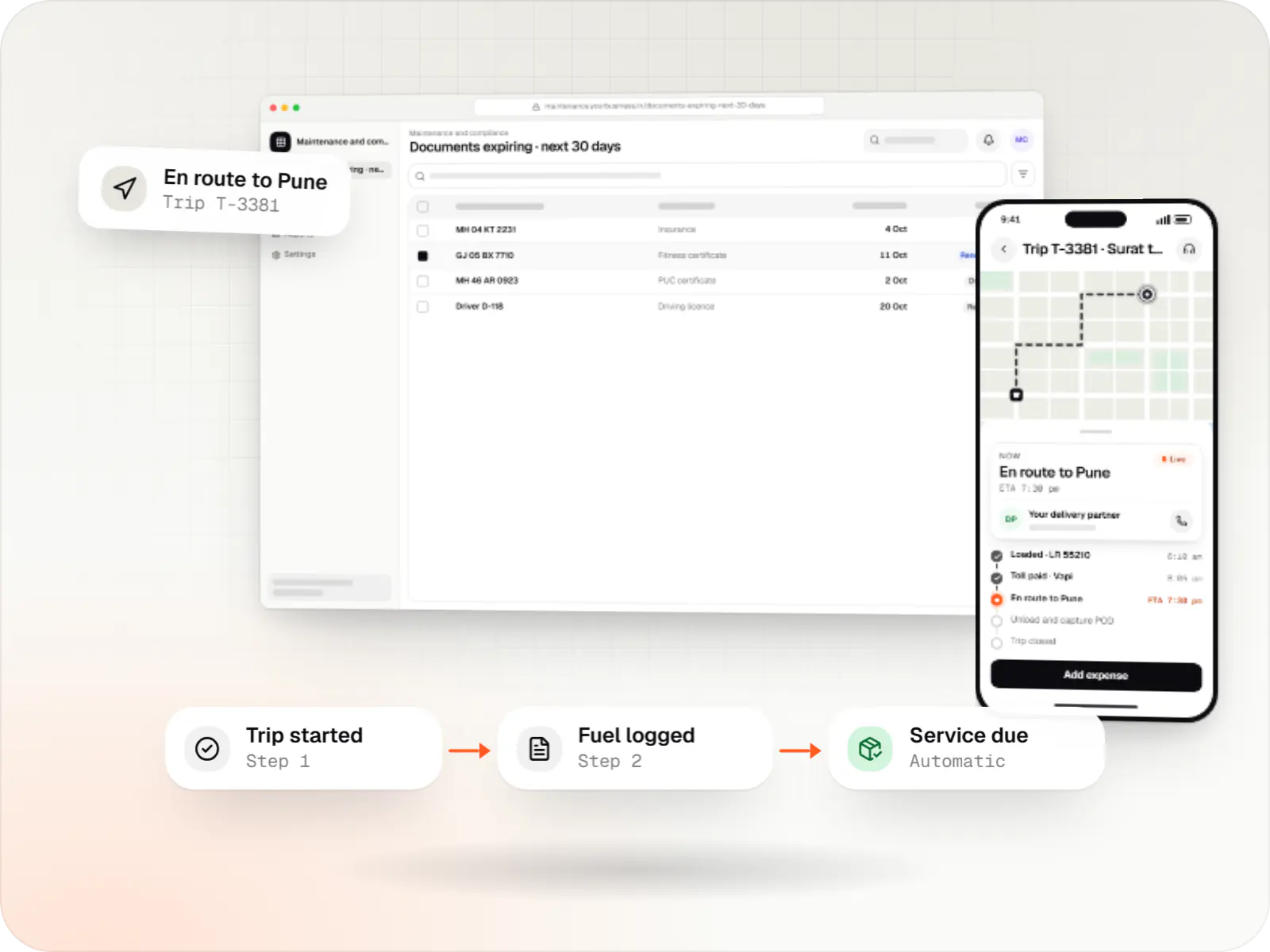
Custom fleet management software for GPS tracking, trips, driver apps, compliance reminders, maintenance and freight billing.
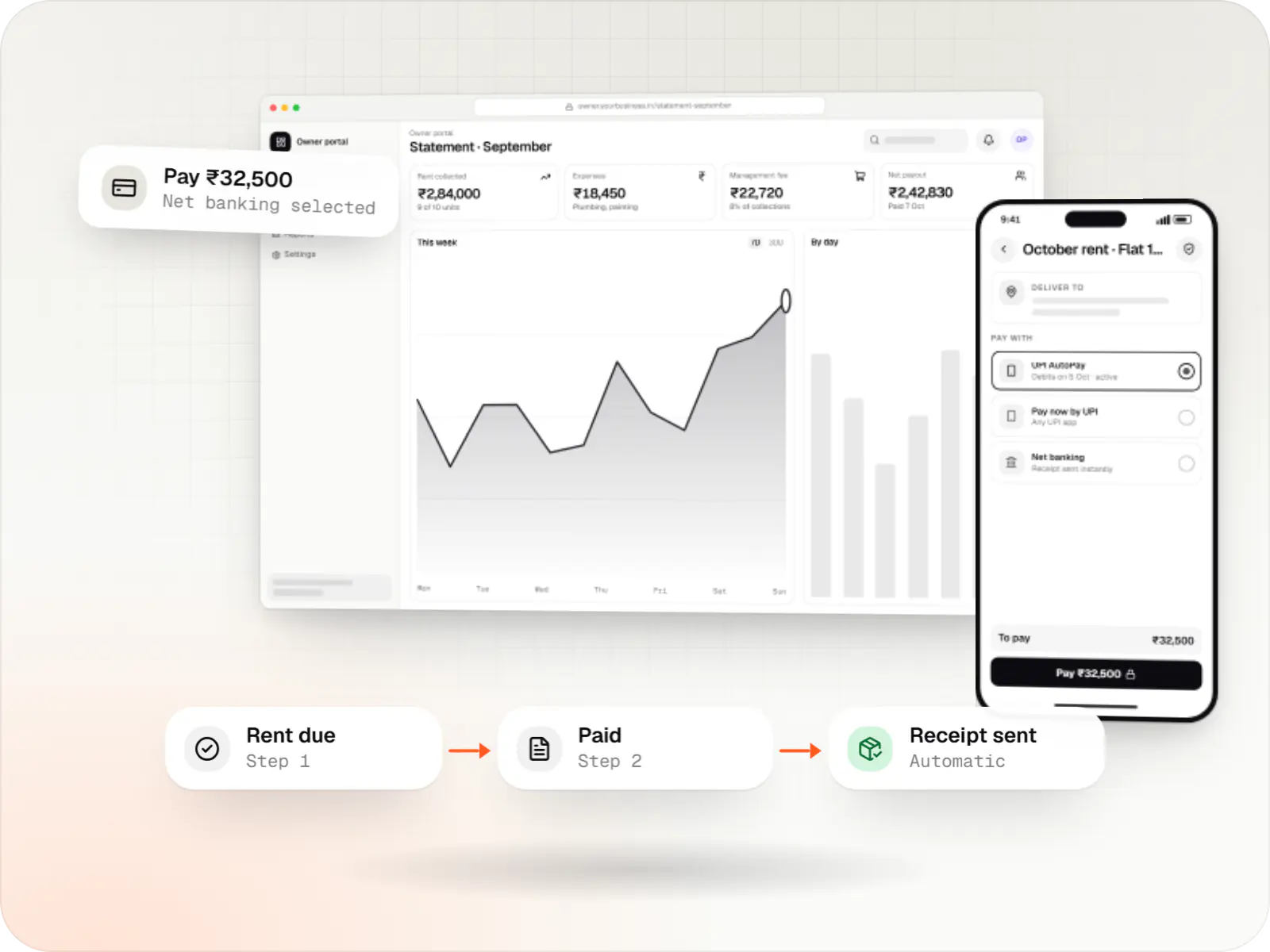
Custom property management software for leases, rent collection with UPI AutoPay, maintenance requests, owner statements and society operations.
How it works
From free trial to paying account, each step runs by itself, so your team spends its time on customers rather than admin.
They create a workspace with an email or Google sign-in and land in a guided set-up, without waiting for a sales call.
Staff join by invitation, and each person gets only what their role allows, for example a billing clerk who cannot delete invoices.
Their data stays separate from every other customer’s, even though all customers share one platform that you update once for everyone.
At the end of the trial they pick a plan and approve UPI AutoPay or a card mandate; a GST invoice is created every month without anyone raising it.
When a workspace reaches its plan’s user or usage limit, the product suggests an upgrade and keeps the customer’s work safe.
A super-admin console shows every account, plan, payment status and usage, so your team can help users, retry failed payments and spot accounts at risk of cancelling.
Platforms
Customers use the product in a browser and can install it on phones as a web app; your own team runs the business from a separate super-admin dashboard.
Browser-based applications with logins, roles and workflows, such as customer portals, SaaS products and internal tools.
Back-office panels for operations, support and finance teams: orders, users, content, reports and permissions.
Installable web apps with offline support and notifications, useful when an app-store listing isn't essential or phones have little storage.
Technology
Next.js and React for the product screens, NestJS and Node.js for the rules, PostgreSQL to keep each customer’s data separate, Redis for speed, Razorpay or Stripe for recurring billing, and Docker with hosting built on AWS.
Web
A modern web technology for fast, search-friendly websites, online stores and web applications that load quickly on mobile.
Used for
Web
Builds interactive screens in the browser, such as dashboards, admin panels and portals, that respond instantly as your team works.
Used for
Backend
A structured way to build back ends on Node.js, so large business systems stay organised, testable and easy to hand over.
Used for
Backend
Runs the server side of apps: fast, scalable back ends that power your app, website and integrations.
Used for
Data
A reliable database for the records your business runs on: orders, payments, bookings and stock, kept accurate and easy to report on.
Used for
Data
Keeps frequently used data in fast memory, so apps stay quick on busy days and live features like order tracking feel instant.
Used for
Payments & maps
Lets customers in India pay by UPI, cards, netbanking or wallets, and handles subscriptions, refunds and payouts to sellers or partners.
Used for
Payments & maps
Accepts card payments and subscriptions from customers outside India, in many currencies, with automatic invoices and renewals.
Used for
Cloud & DevOps
Cloud hosting for your app, website and data, with data centres in India and room to grow when traffic rises.
Used for
Cloud & DevOps
Packages your software so it runs the same way on every laptop and server, which makes releases predictable and moving hosts easier.
Used for
Comparison
Expensive to reverse later, so we settle it before the build starts.
| Shared schema | Schema per tenant | Database per tenant | |
|---|---|---|---|
| Isolation | Tenant-tagged rows with database policies | Separate schemas in one database | Separate databases |
| Operating cost | Lowest | Moderate | Highest |
| Schema changes | One migration for all | Run per schema | Run per database |
| Typical fit | SMB-focused SaaS | B2B products with per-tenant customisation | Enterprise customers with strict data terms |
Plain-English glossary
Product preview
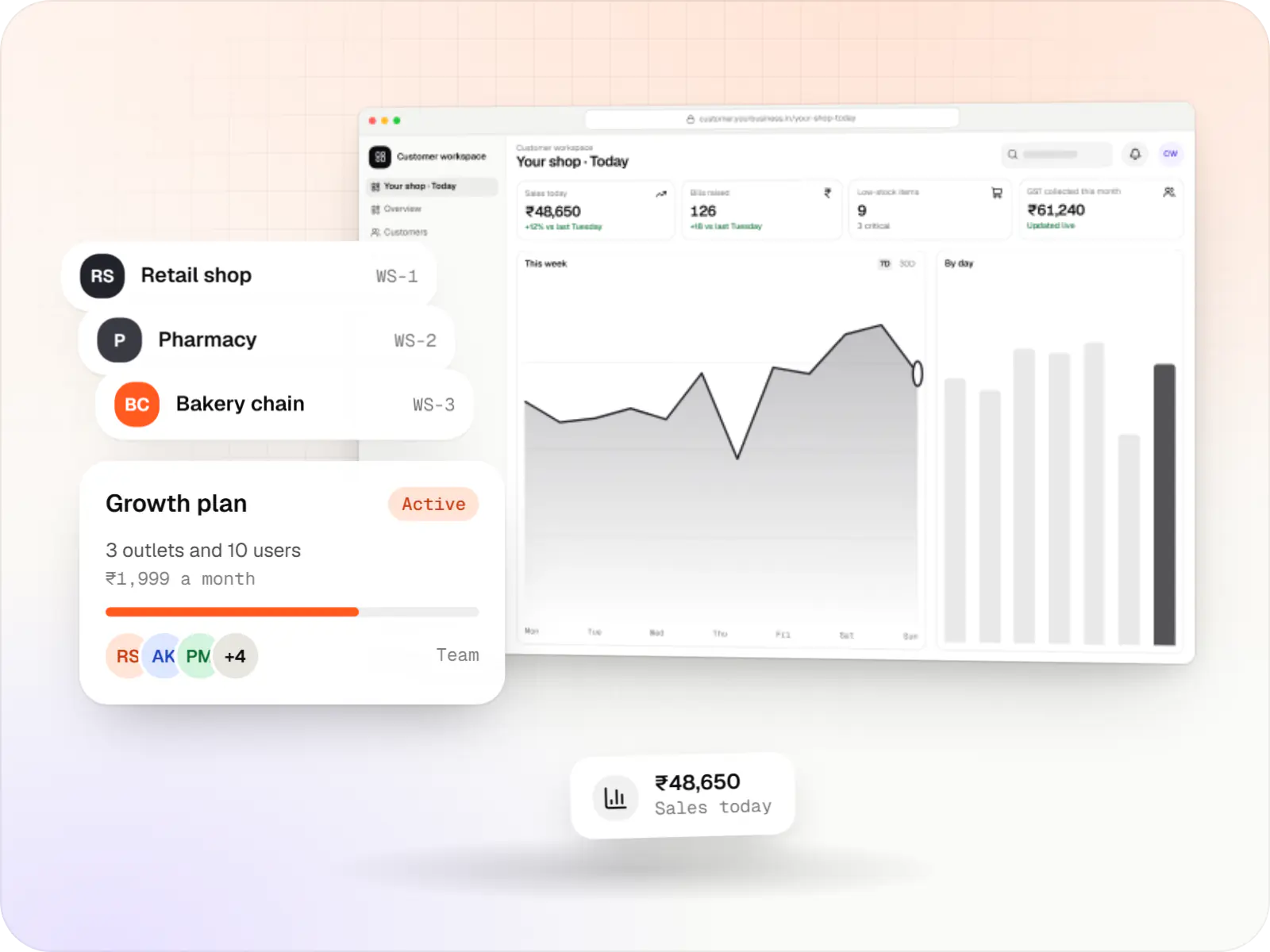
Illustrative screens from a billing and stock SaaS for small retailers, and the console its owners use to run it.
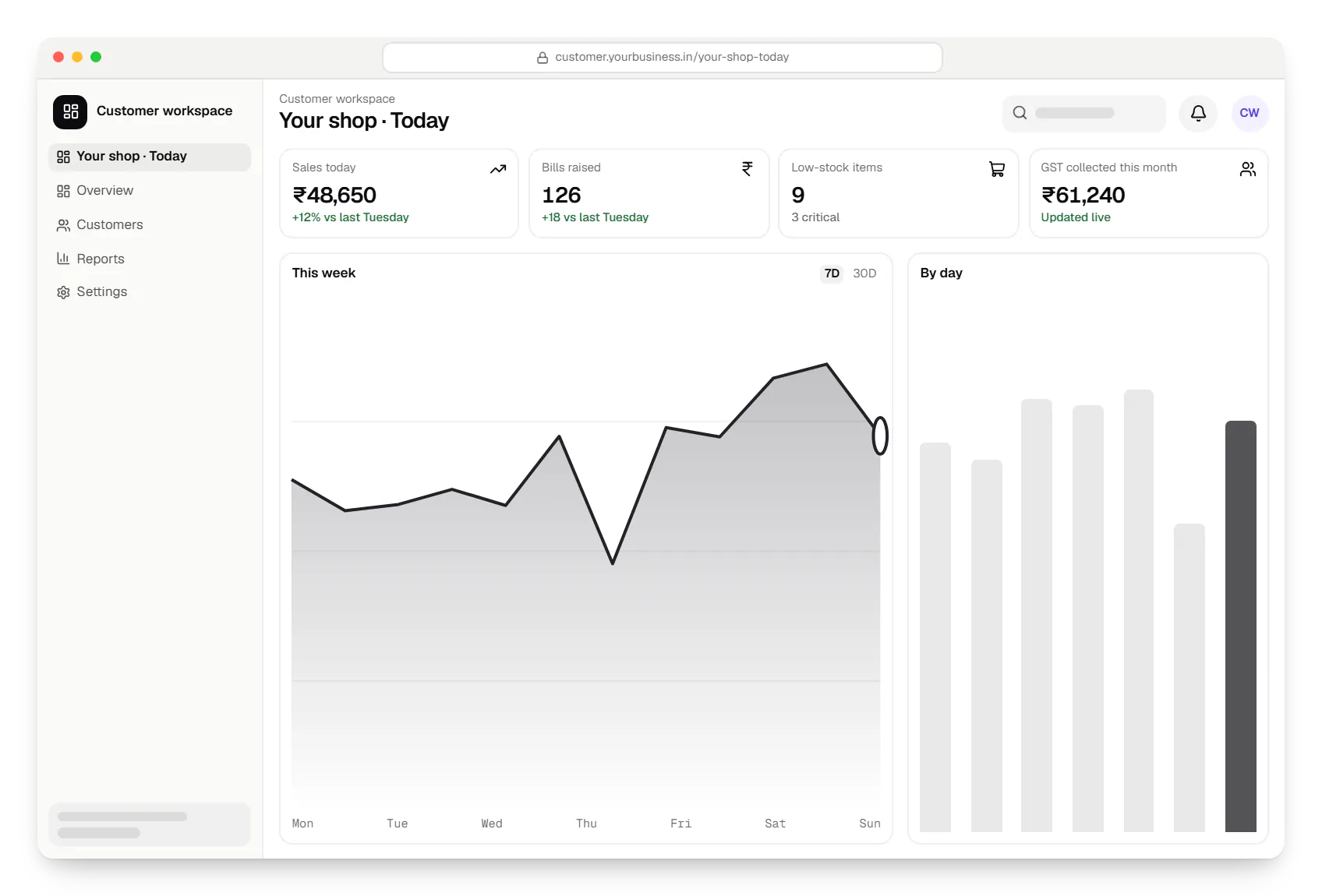
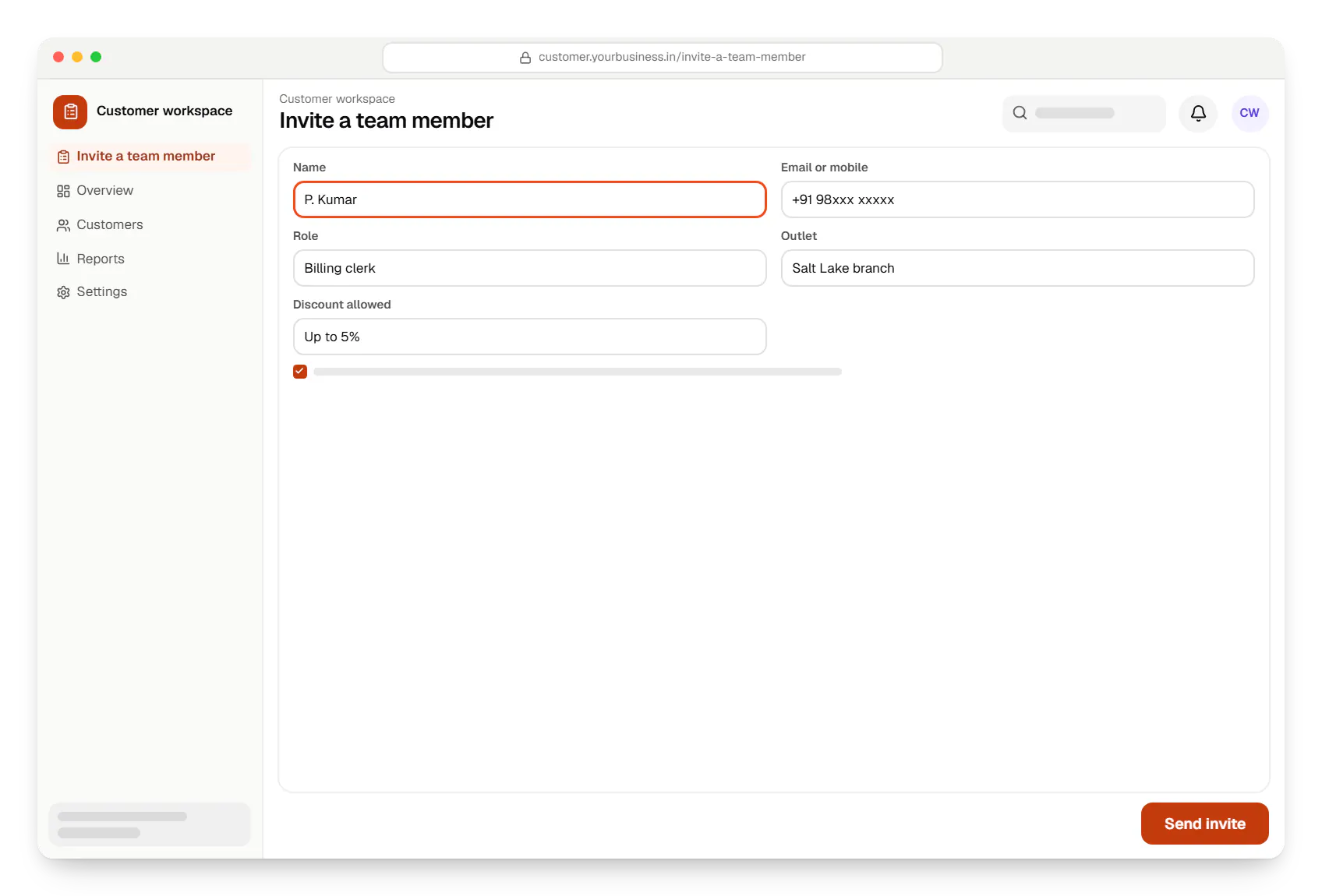
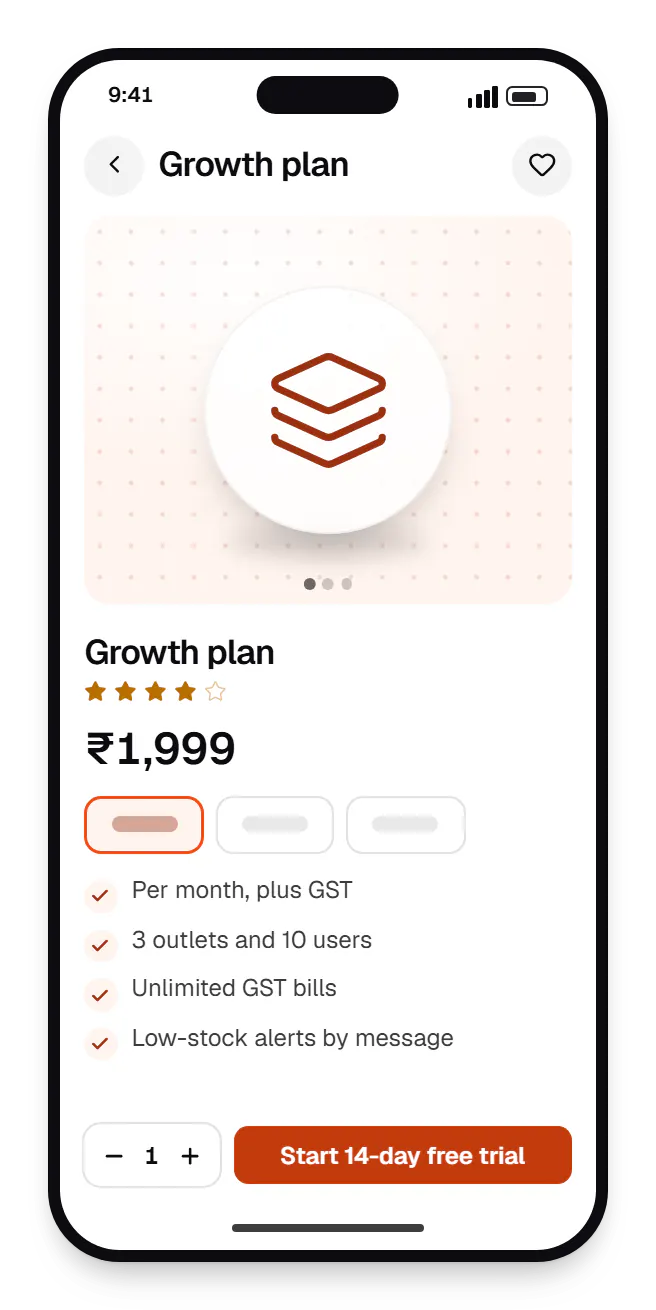
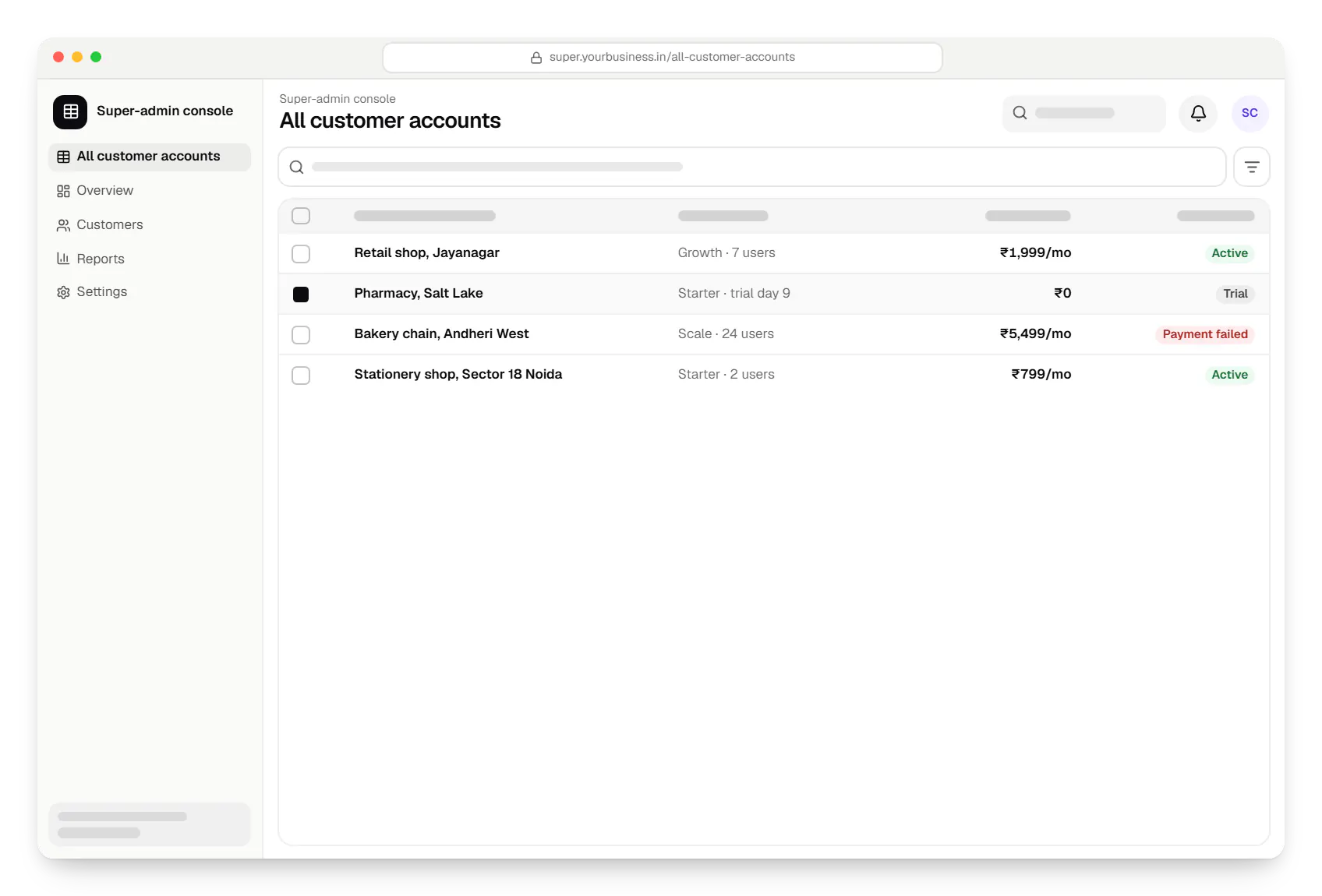
Sample screens: names, prices and figures are examples, not client data.
Work
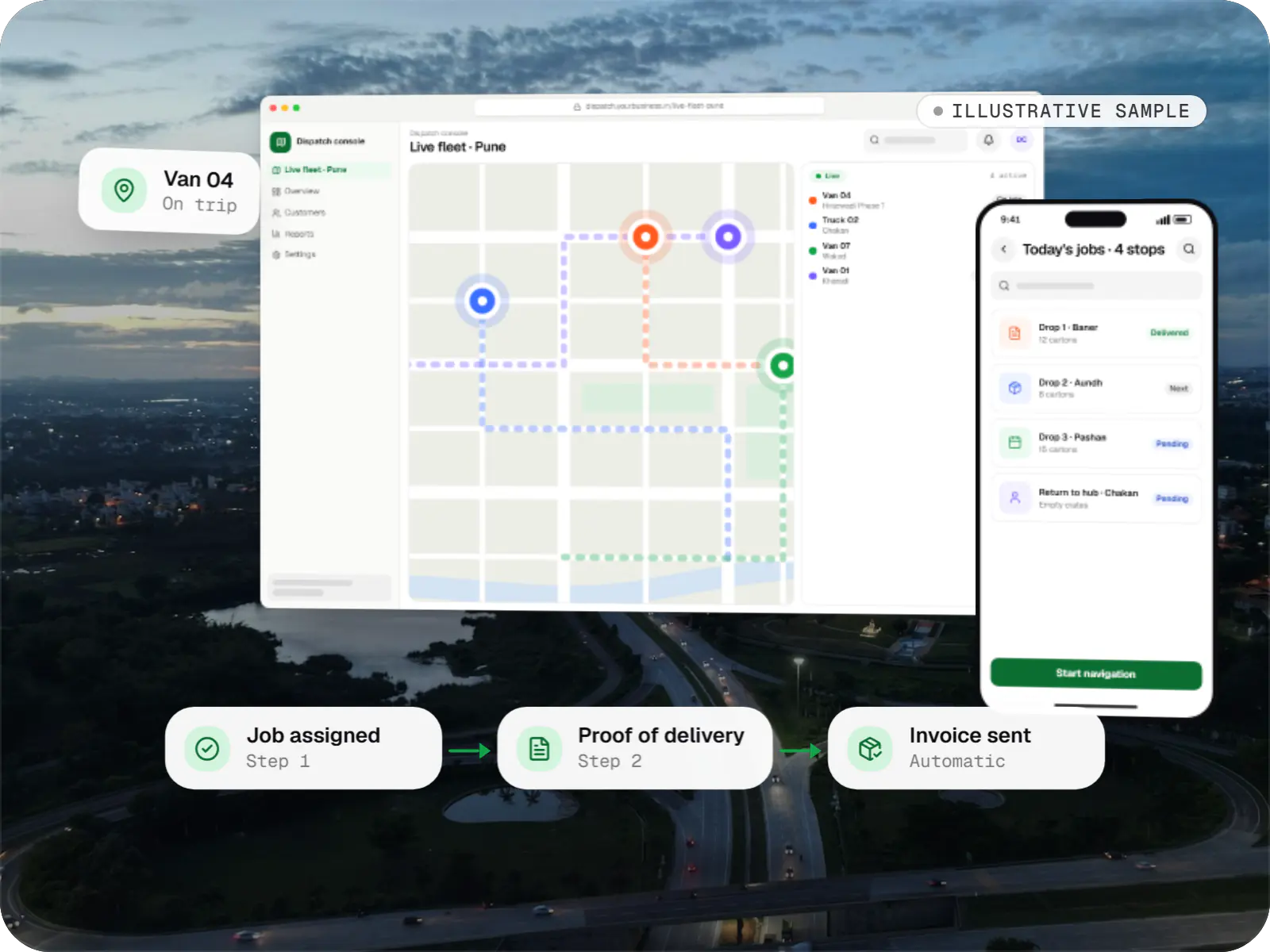
A sample project, not client work, showing how we would plan tenancy, dispatch workflows and per-customer billing for a SaaS product.
Business software
An illustrative SaaS for businesses running their own vehicles: live dispatch on a map, driver proof of delivery and per-trip billing for each customer.
Runs on
Built with
Industries
Cost drivers
Shared-schema tenancy is lightest; per-tenant databases need provisioning and migration tooling.
Seat-based, usage-based or multi-currency billing with GST takes more work than flat plans.
Each extra workflow multiplies screens, rules and tests.
Connectors to customers’ tools and a documented API with webhooks add build and support effort.
SSO, audit logs, uptime commitments or companion mobile apps are separate streams, usually in a later phase.
Estimates are written from your scope, with the effort and assumptions behind each line item.
How pricing worksProcess
Target customer, current alternatives, pricing hypothesis and the one workflow that must excel.
You getMVP scope
Tenancy model, authentication, billing provider and infrastructure chosen for your stage.
You getArchitecture decision record
Onboarding, core workflow and settings built from a shared component library.
You getFigma designs
Core workflow, sign-up, billing and super-admin released to early customers, whose usage guides what comes next.
You getBeta release and prioritised backlog
Performance work, SSO, audit logs, data export and security questionnaires.
You getEnterprise-ready release
FAQ
Enough for a customer to complete the core job and pay you, and very little else: usually one polished workflow, sign-up with team invites, one or two plans with billing, and a basic super-admin console. Detailed reporting, integrations, mobile apps and fine-grained permissions can often wait until paying users ask. The architecture stays ready, so deferring a feature does not force a rebuild.
If most customers are Indian businesses, Razorpay is usually the practical choice: it supports UPI AutoPay plus card and netbanking mandates, and fits Indian settlement and invoicing. Stripe suits products selling mainly abroad in several currencies, where your company is eligible. Either way, plans and entitlements live in your own database, so the gateway can change without rewriting product logic.
Yes, if a few decisions are made early. Enterprise buyers typically ask for SAML or OIDC single sign-on, audit logs, custom roles, data export and completed security questionnaires. We design the authentication and data layers so these can be added without restructuring. AWS regions in Mumbai and Hyderabad also let you keep data in India when a buyer requires it.
Running costs come from cloud hosting (compute, managed database, storage and backups), email and SMS delivery, gateway fees per transaction, monitoring tools and any AI API usage. At MVP stage these are usually modest. We estimate them alongside the build, tag cloud resources by environment so spending is visible, and review bills with you as usage grows.
Next step
Bring your idea, notes from early customer conversations or an existing prototype. We will help you scope the MVP and plan the platform around it.