Mobile
Flutter
Build Android and iOS apps from one shared codebase, so you launch on both platforms faster with a consistent experience.
Used for
- Mobile apps
- Delivery apps
- E-commerce apps
- Booking apps
Real estate & construction
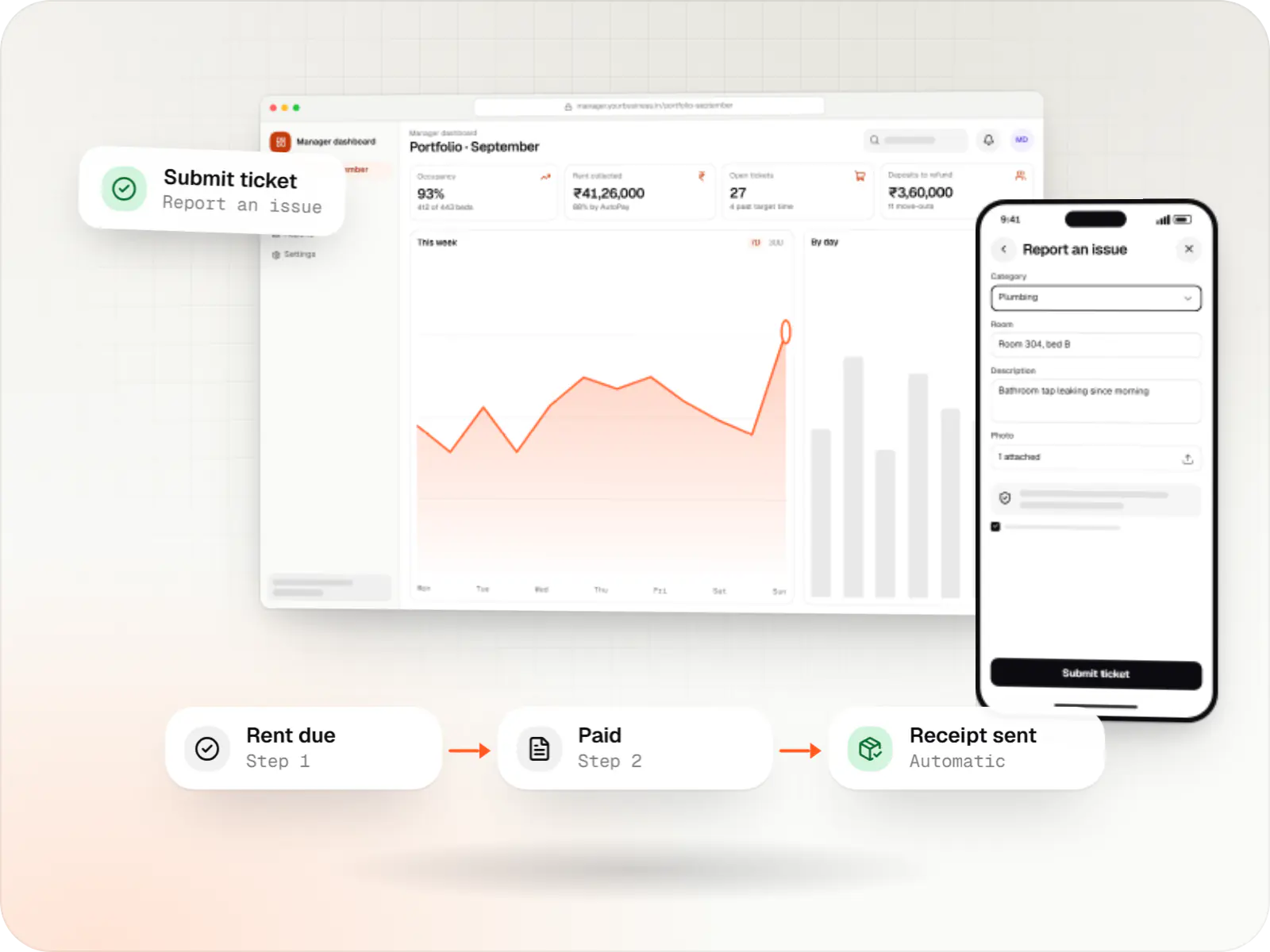
Software for landlords, co-living and PG operators, housing societies and commercial property managers: leases, rent collection, maintenance and resident services.
At a glance
We build software for teams that run buildings after the sale: tenant and lease records, rent and maintenance billing with UPI AutoPay, deposits, maintenance tickets with vendor dispatch, visitor management, inspections and owner reporting.
Flutter and the related logo are trademarks of Google LLC. We are not endorsed by or affiliated with Google LLC.
How to start
Tell us what you need in your own words. You talk to the developers who would build it and get a written, line-item estimate.
Get a project estimateOnce a building is occupied, the work shifts from selling to operating. A co-living operator manages beds, deposits and move-outs; a housing society bills maintenance and handles complaints; a commercial property manager tracks leases, escalations and common-area charges. The volume is steady and the margin for error small, because every rupee and every repair touches a resident or an owner.
We build software for that operating layer, with apps for residents, guards and technicians, a back office for managers, and reports owners can check.
Challenges
Monthly reminders, part payments and late fees depend on staff chasing residents one by one.
Complaints arrive by call and WhatsApp, with no record of who fixed what or how long it took.
Deductions for damage and dues are contested when there are no dated inspection records.
Landlords and investors want occupancy, collection and expense reports they can verify.
Solutions
Across 3 areas
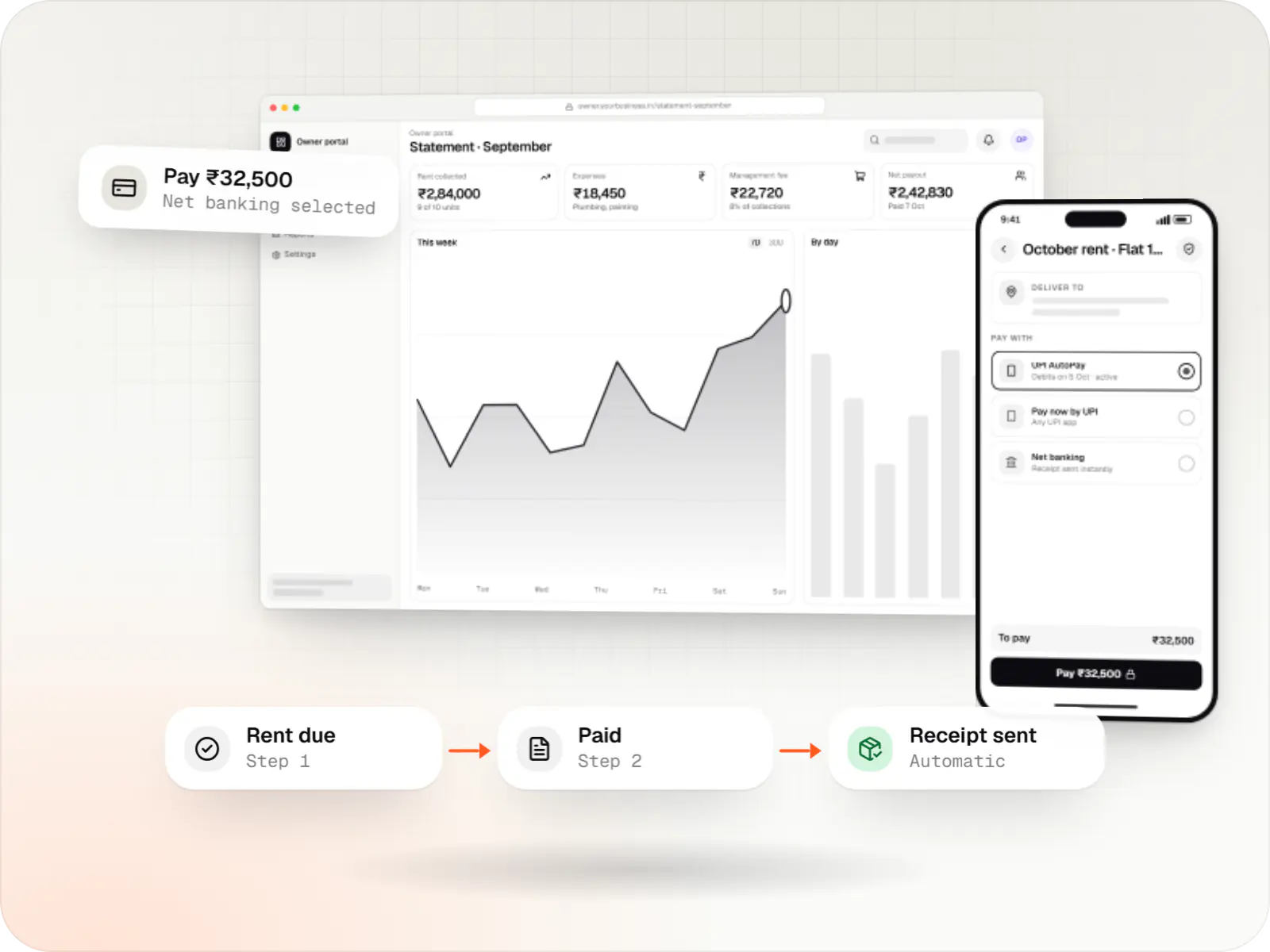
Custom property management software for leases, rent collection with UPI AutoPay, maintenance requests, owner statements and society operations.

Custom CRM software that captures leads from every channel, keeps follow-ups on schedule and shows managers a live pipeline.
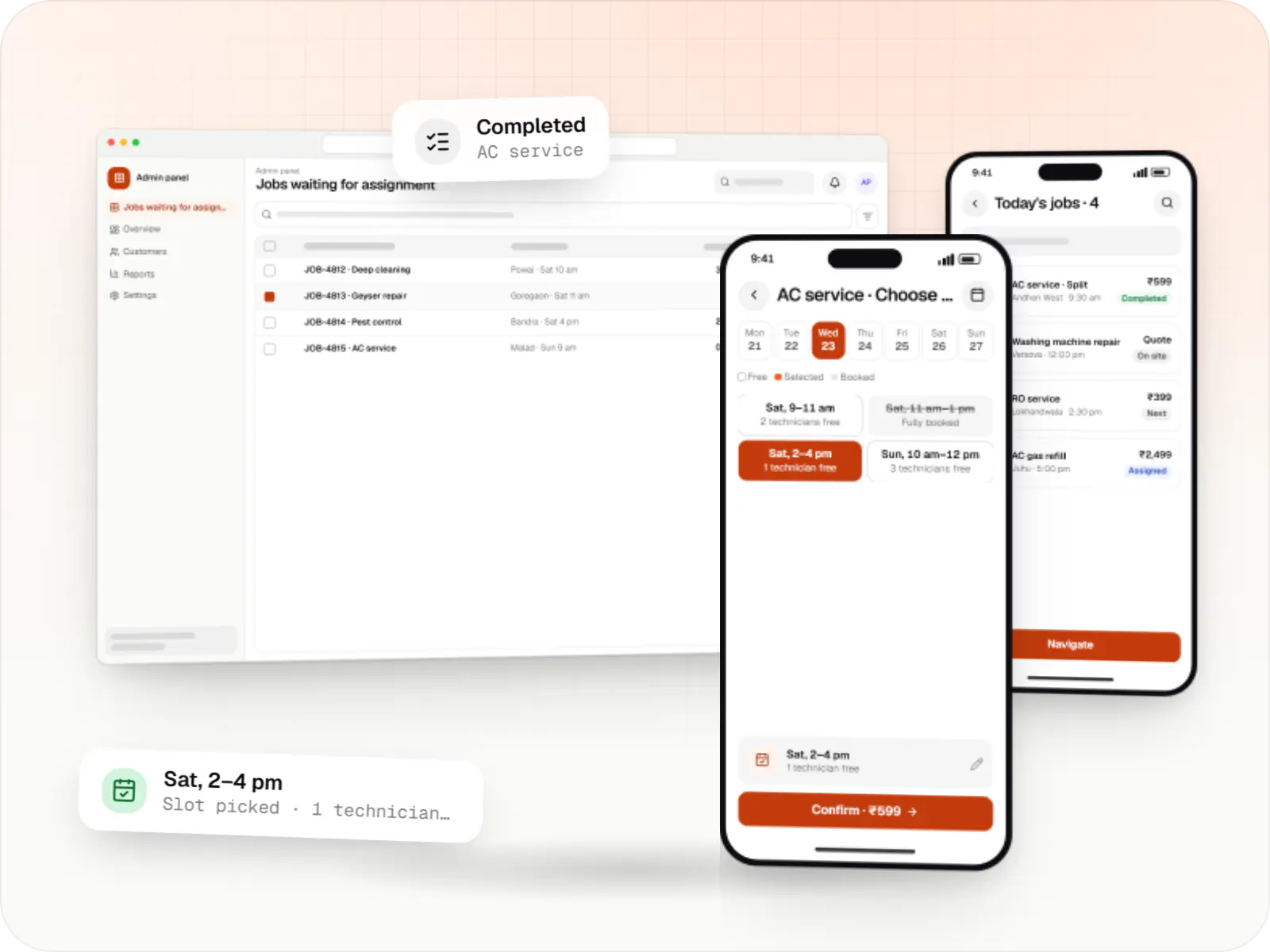
Customer app, professional app and admin panel for repairs, cleaning, appliance servicing and beauty at home, with slot booking, on-site quotes and payouts.
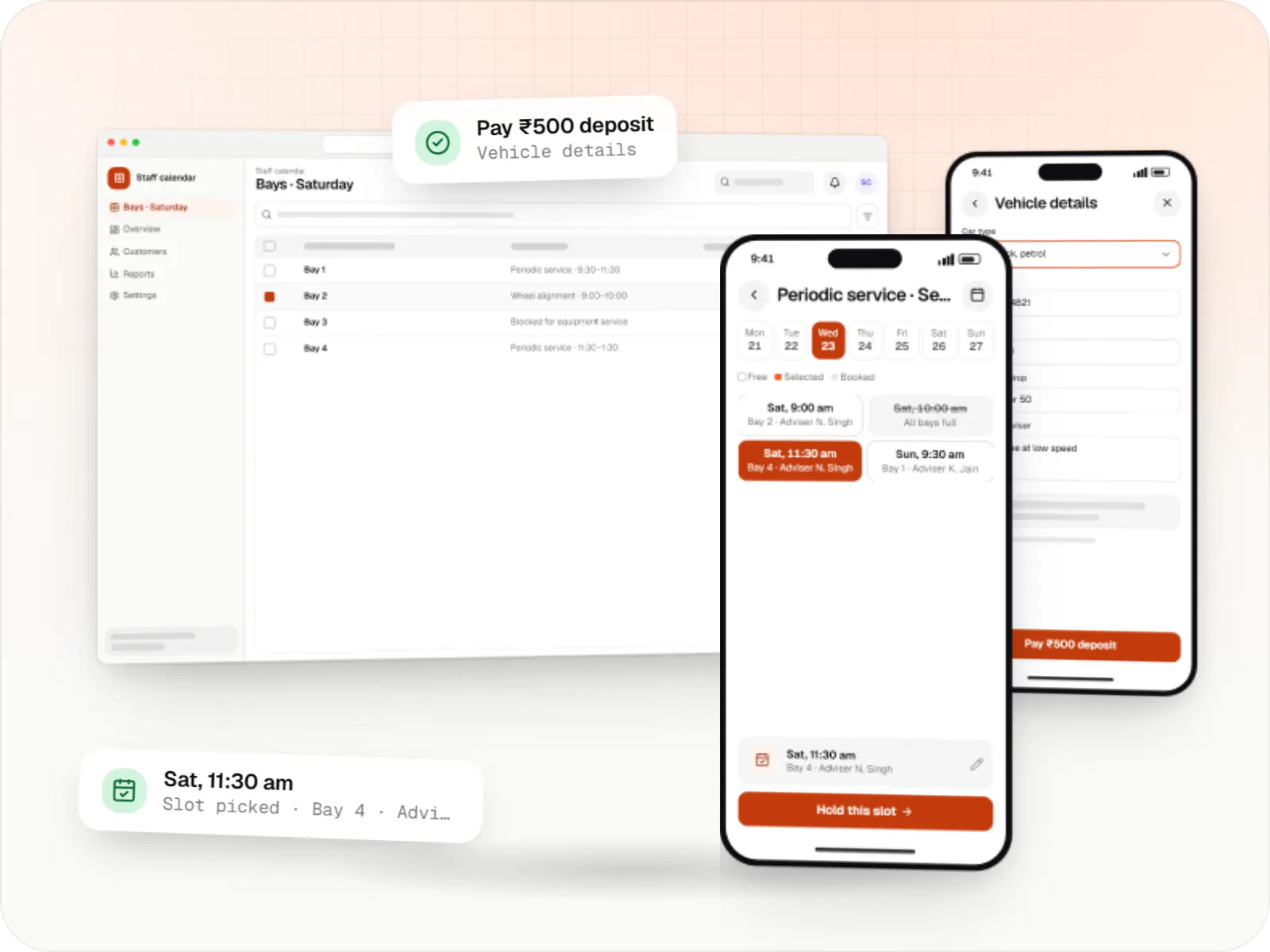
Custom scheduling software for consultants, service centres, labs and multi-location businesses: availability rules, reminders, payments and calendar sync.
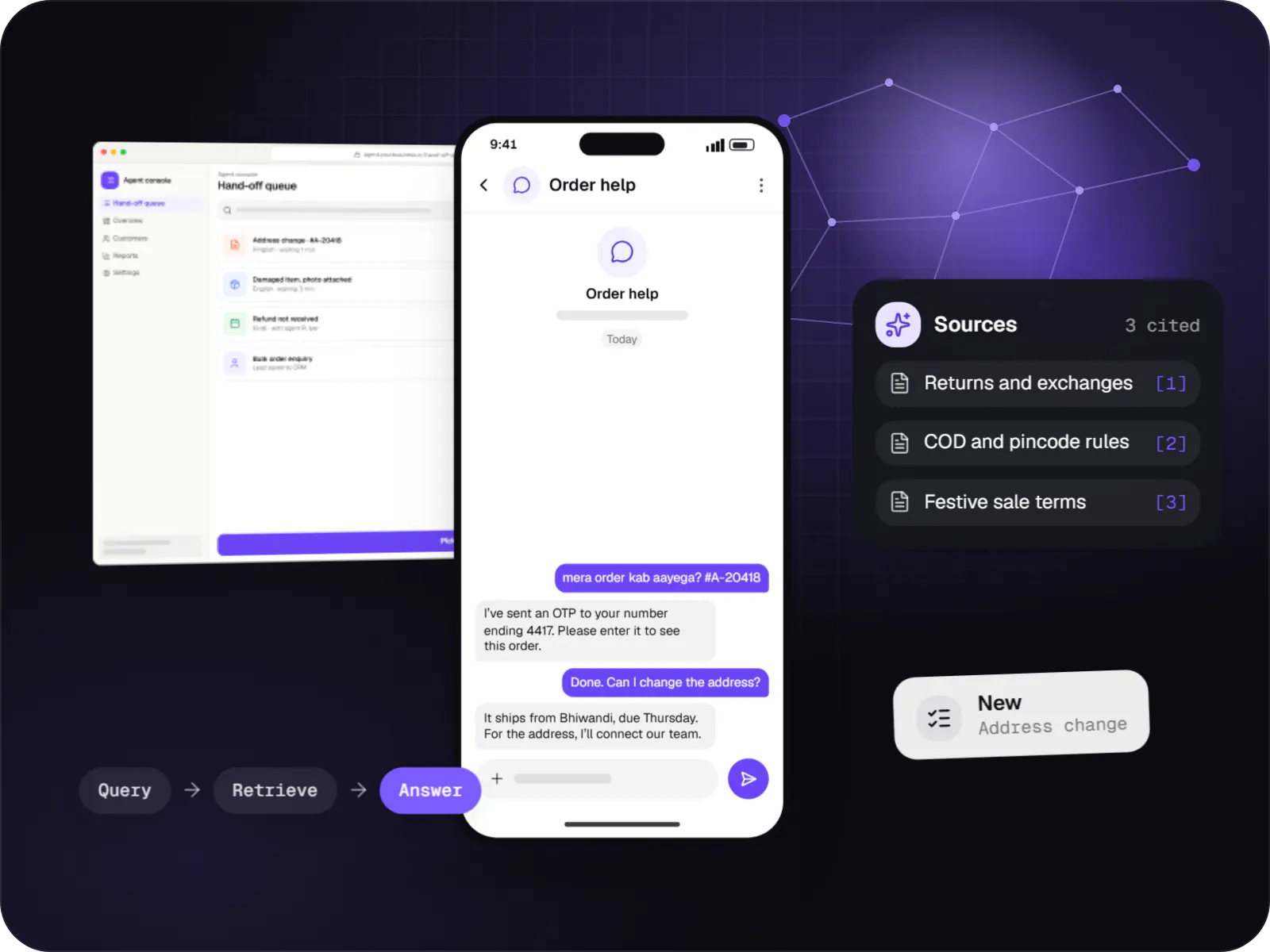
Support and sales chatbots for web, app and WhatsApp that answer from your own content and hand off to your team.
Tenant records, lock-in and escalation terms, e-sign and e-stamping through licensed providers, renewal alerts.
Recurring invoices, UPI AutoPay or e-NACH mandates, late fees and GST on commercial rent.
Resident tickets with photos, technician assignment, SLAs and resident sign-off.
Room-wise checklists with timestamped photos to settle deposit deductions fairly.
Guard app for gate entries, pre-approved guests, deliveries and clubhouse slot booking.
How it works
ID documents, the rental agreement, e-sign and e-stamping through a licensed provider are completed online before move-in.
A room-wise checklist with timestamped photos records the condition of everything handed over to the resident.
A mandate debits rent on the due date after the advance notice; a failed debit triggers a retry and a payment link.
A leaking tap is reported with a photo, and the ticket reaches a technician with a response-time target attached.
The technician updates the job with a photo, and the ticket closes only after the resident confirms the fix.
Move-out photos are compared with move-in records, deductions are itemised and the refund is paid without argument.
Platforms
Apps for Android phones and tablets, tested on budget and mid-range devices and published on Google Play or privately.
Apps for iPhone and iPad, built to Apple's guidelines and released through TestFlight and the App Store.
Browser-based applications with logins, roles and workflows, such as customer portals, SaaS products and internal tools.
Back-office panels for operations, support and finance teams: orders, users, content, reports and permissions.
Technology
Flutter builds the resident, guard and technician apps from one codebase, Firebase delivers gate and ticket alerts instantly, and Razorpay mandates let rent collect itself each month.
Mobile
Build Android and iOS apps from one shared codebase, so you launch on both platforms faster with a consistent experience.
Used for
Web
A modern web technology for fast, search-friendly websites, online stores and web applications that load quickly on mobile.
Used for
Backend
A structured way to build back ends on Node.js, so large business systems stay organised, testable and easy to hand over.
Used for
Data
A reliable database for the records your business runs on: orders, payments, bookings and stock, kept accurate and easy to report on.
Used for
Cloud & DevOps
Ready-made building blocks for mobile apps, such as push notifications, phone OTP login and crash reports, so you launch sooner.
Used for
Payments & maps
Lets customers in India pay by UPI, cards, netbanking or wallets, and handles subscriptions, refunds and payouts to sellers or partners.
Used for
Flutter and the related logo are trademarks of Google LLC. We are not endorsed by or affiliated with Google LLC.
Plain-English glossary
Product preview
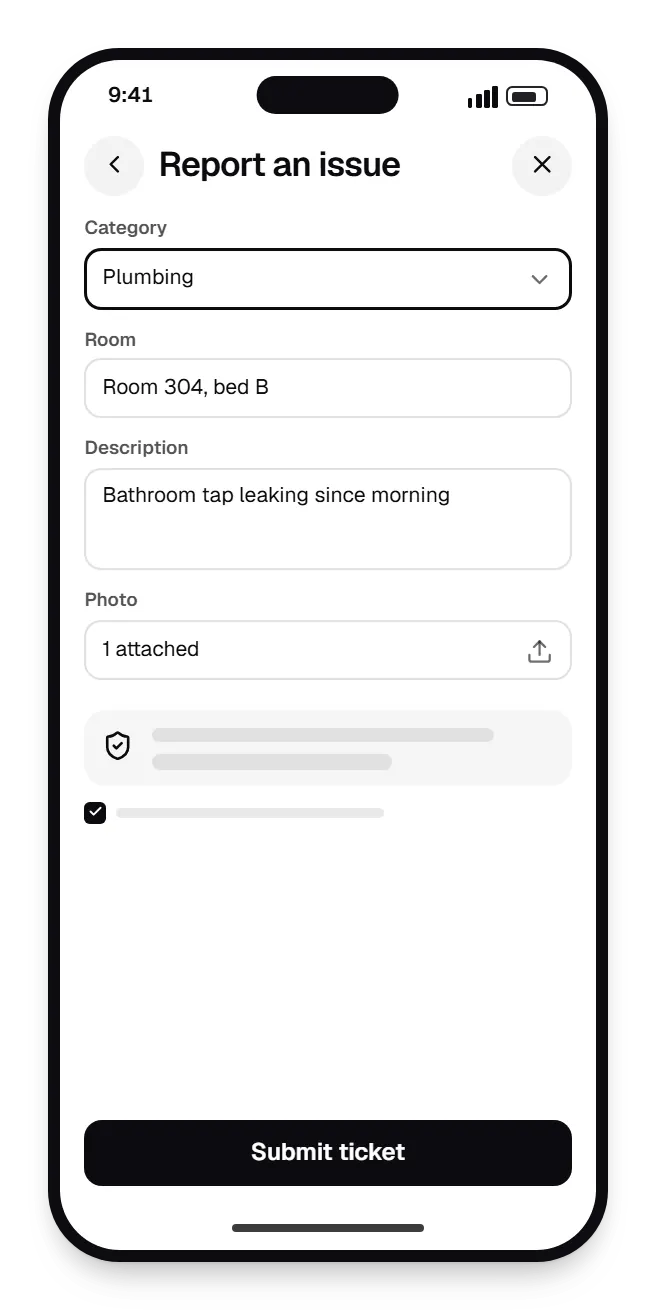
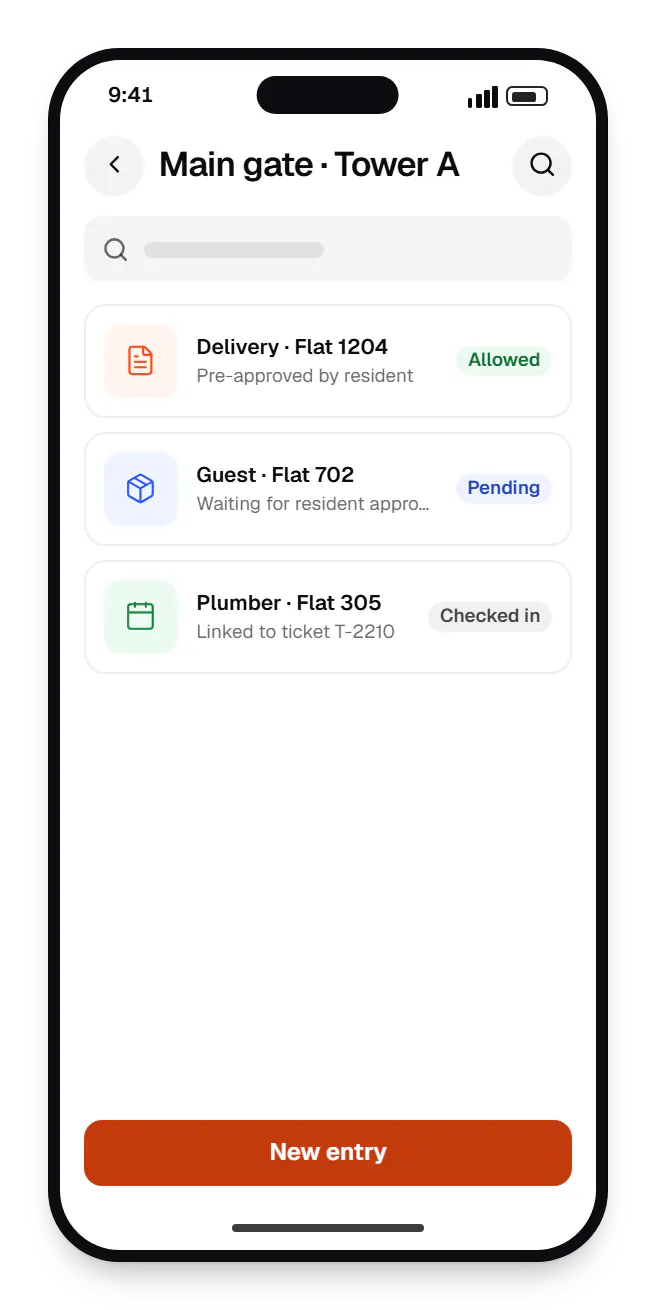
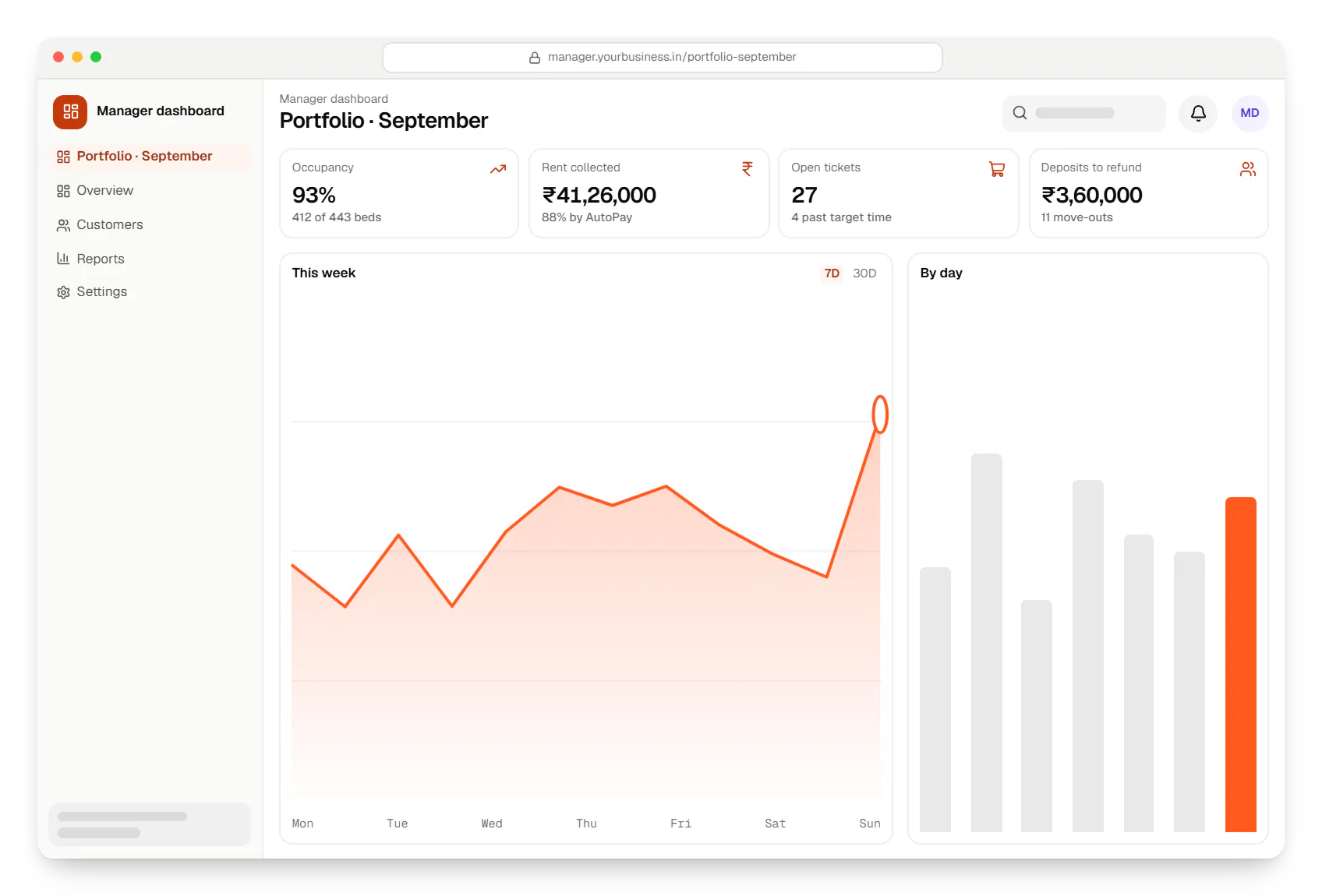
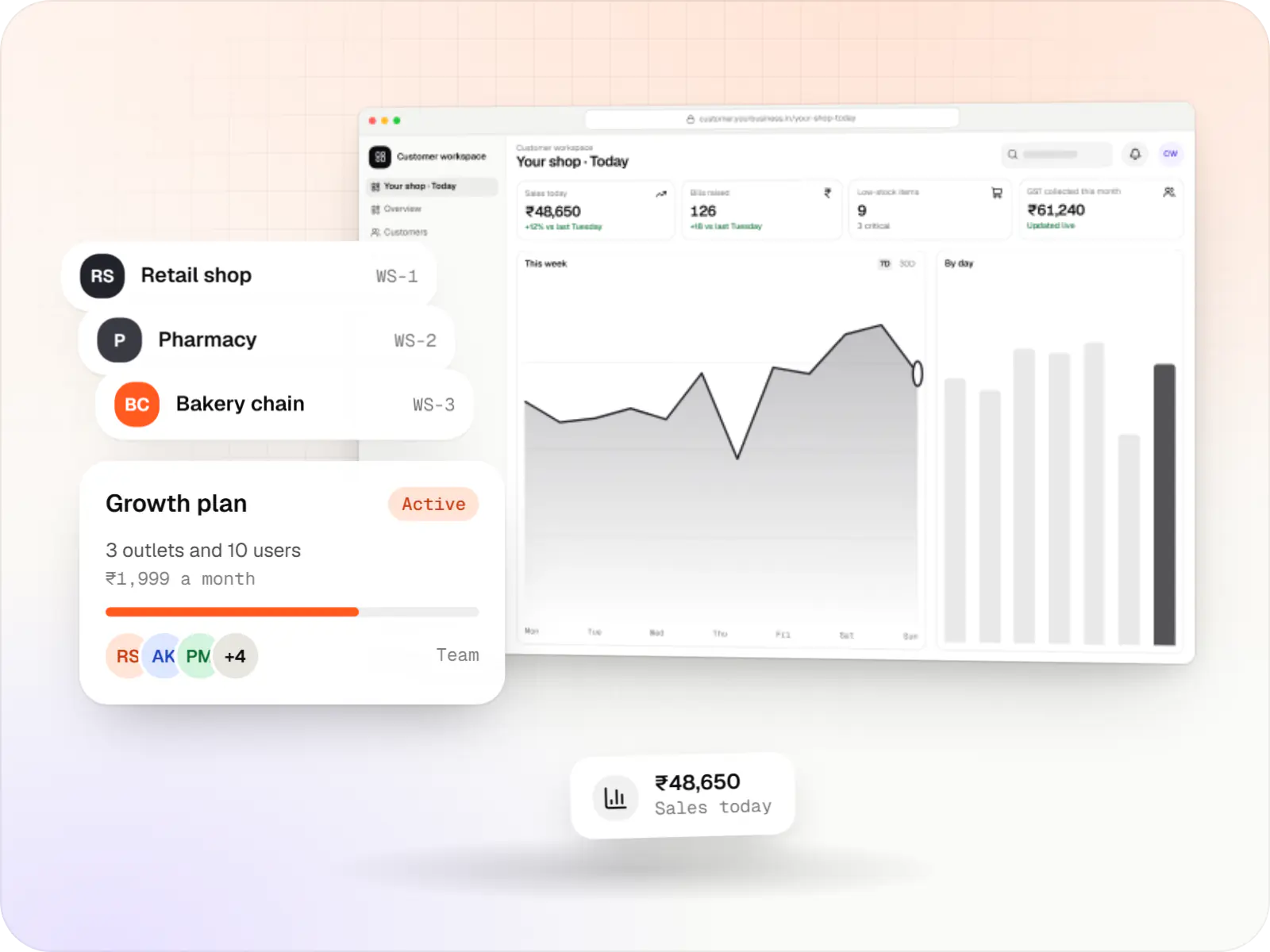
Sample screens: names, prices and figures are examples, not client data.
Cost drivers
Housing societies, co-living beds and commercial leases each need a different billing model.
Gate management and resident apps widen scope well beyond a back-office tool.
Syncing invoices and receipts with Tally or Zoho Books needs ledger mapping per property.
Estimates are written from your scope, with the effort and assumptions behind each line item.
How pricing worksServices
The design and engineering services our in-house team combines on projects in this sector.

Browser-based products, customer portals, dashboards and internal tools, built on clean data models with secure roles and integrations.

Native and cross-platform Android and iOS apps, from first release through regular store updates, built by our in-house designers and engineers.
Multi-tenant SaaS products with subscription billing, team roles, onboarding and usage analytics, from first MVP to paying customers.

Back-office dashboards built around your team's daily tasks: order queues, approvals, catalogue management, payouts, reports and audit logs.

Android and iOS apps from one Dart codebase, built by engineers who know when Flutter is the right call and when native code is needed.

Secure, documented REST and GraphQL APIs, plus integrations that connect your apps to payment, logistics, GST, messaging and business systems.
FAQ
Yes. Residents authorise a UPI AutoPay or e-NACH mandate once, and rent or maintenance is debited on the due date after the required pre-debit notification. Failed debits trigger a retry and a reminder with a payment link. Residents who prefer paying manually receive invoices with UPI links. Everything posts to the resident's ledger, so arrears, late fees and deposits stay current for managers and owners.
Yes, with a bed-level model rather than a flat-level one. You can manage rooms and beds, sharing types, meal plans, deposits and notice periods, and bill mid-month joins pro rata. Onboarding can collect ID documents and the details needed for tenant police verification where your city requires it. Move-out inspections with photos link directly to deposit refunds, which reduces disputes at the end of a stay.
A sales CRM manages leads, site visits and bookings until a sale or lease is signed. Property management software starts after that: tenancies, recurring billing, maintenance, visitors, inspections and owner reports over years. Some clients need both, such as a developer that also manages rentals in a completed tower, and we connect them so a closed deal creates the tenant or owner record automatically.
Next step
Tell us your property types, number of units and how you collect rent today. We will suggest a first release and estimate it line by line.