


Skip to content
Softcoderz

Technology · Backend

NestJS development

A structured way to build back ends on Node.js, so large business systems stay organised, testable and easy to hand over.

How we use it

NestJS brings modules, dependency injection, guards and validation pipes to Node.js. We use it when a back end has many domains, roles and integrations, or will be maintained by several developers over years, because its conventions make the codebase predictable.

Official site: nestjs.com (opens in new tab)

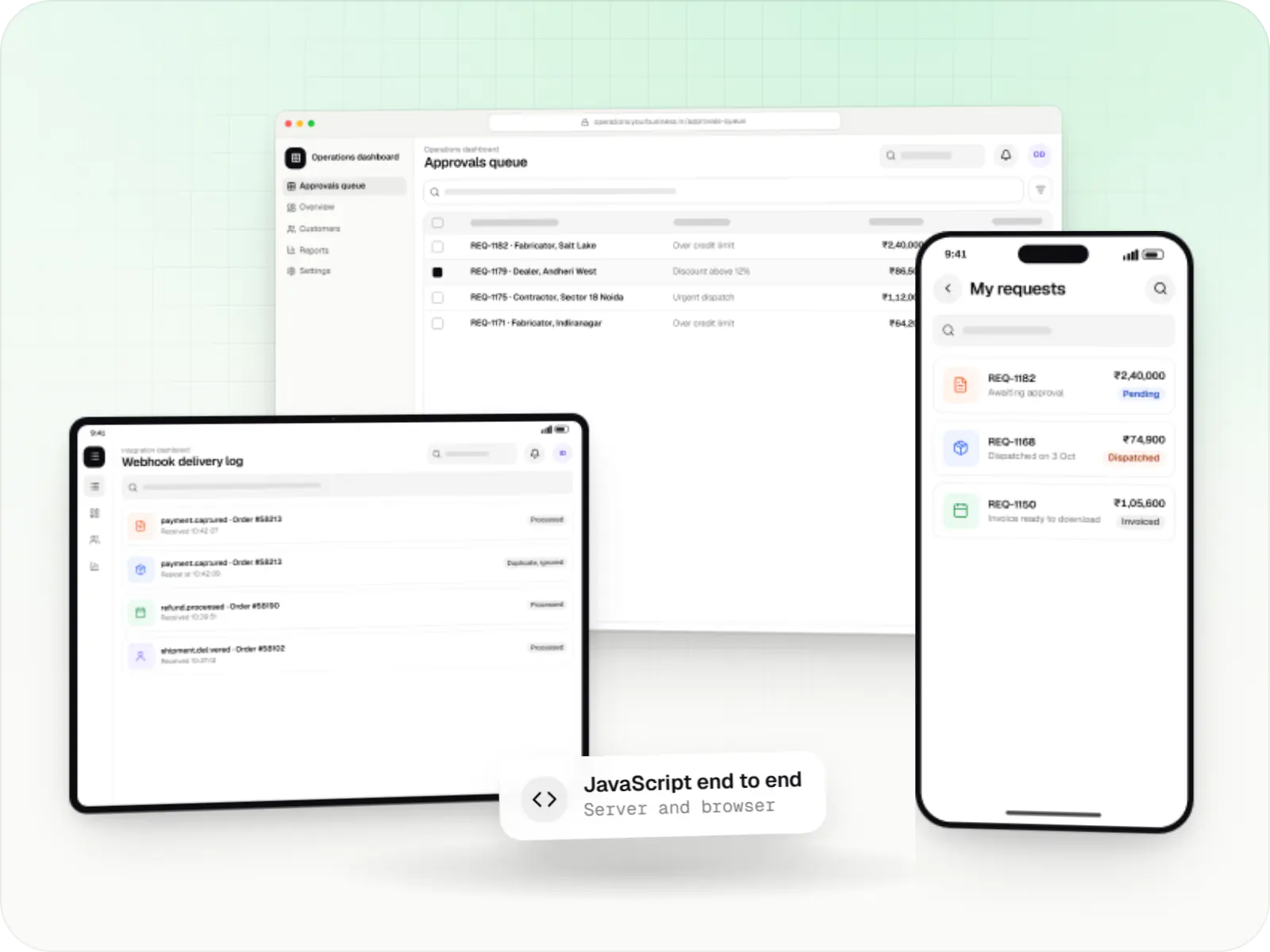
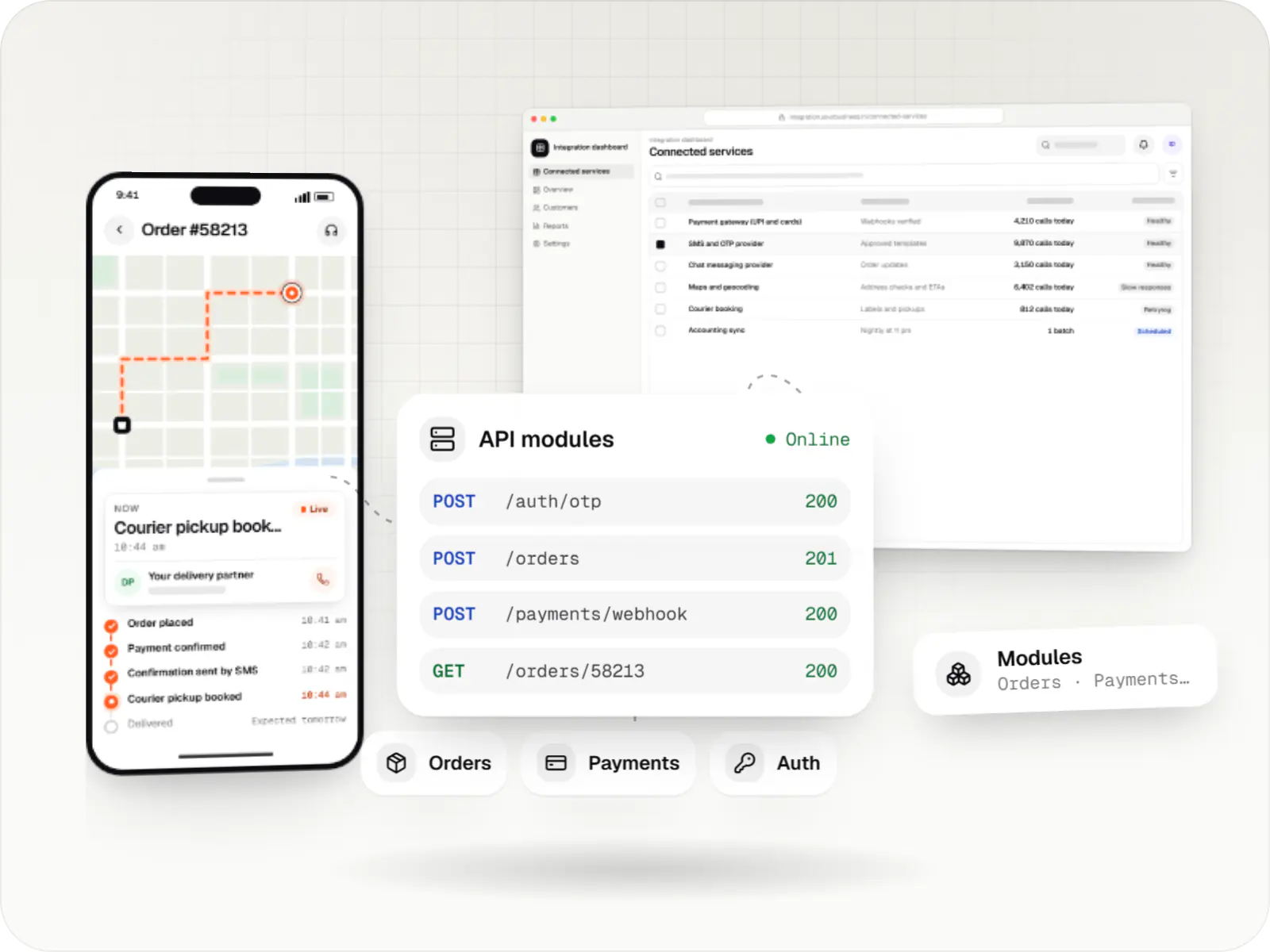
Back end built with NestJS: API modules for orders, payments and sign-in serving a phone app and a dashboard
Illustrative previewA structured back end split into modules for orders, payments and sign-in, serving the apps through one API.

What NestJS is, and why structure matters as a back end grows

NestJS is a framework that gives Node.js back ends a clear, consistent structure. Every part of the system, such as orders, payments or reports, is built in the same shape with the same security checks. For you, that means a back end that stays understandable as it grows, and one another team can take over without starting again.

A small API can live happily in a few Express files. Once it has dozens of modules, such as orders, payouts, catalogue, notifications and reports, conventions start to matter. NestJS gives every module the same shape, which makes the system easier to test, secure and hand over.

Use cases

What we build with NestJS

  • SaaS back ends

    Tenants, roles, billing and audit logs as separate modules.

  • Marketplace platforms

    Vendors, catalogue, orders, settlements and disputes.

  • Enterprise integrations

    Connectors to ERP, CRM and identity providers with retries.

  • Admin and CMS APIs

    Permission-checked endpoints with generated API docs.

Why NestJS matters for a long-lived system

  • Clear boundaries

    Modules and dependency injection keep each part of the system separate and easy to test.

  • Consistent security

    Guards, pipes and interceptors apply the same sign-in, validation and logging rules everywhere.

  • Documentation that stays current

    OpenAPI generation keeps API docs up to date for partners and mobile teams.

  • Room to split later

    Microservice transports let a busy module move to its own queue or service when it needs to.

When we would not recommend NestJS

  • A single webhook handler or tiny service: the extra structure is not worth it, and a lightweight setup such as Fastify or Express is quicker.
  • A throwaway prototype: if the code only needs to test an idea, a lighter setup can be faster.
  • A team new to its style, with no time to learn: NestJS brings more boilerplate and a learning curve around decorators and dependency injection, so we allow time for handover and training.

Plain-English glossary

NestJS terms, in plain English

Module
A self-contained part of the back end, such as payouts or notifications. Keeping modules separate means a change to one area is less likely to break another.
Dependency injection
A way of wiring parts of the software together so each can be swapped or tested on its own. It sounds abstract, but it is a big reason NestJS code is easier to test and hand over.
OpenAPI specification
A machine-readable description of every request the back end accepts. It becomes interactive documentation for mobile and partner developers and stays in step with the code.
ORM
A layer that lets developers work with database tables as objects in code. It speeds up development and helps prevent common database mistakes.

Services

Services that use NestJS

  • API development

    Secure, documented REST and GraphQL APIs, plus integrations that connect your apps to payment, logistics, GST, messaging and business systems.

  • SaaS development

    Multi-tenant SaaS products with subscription billing, team roles, onboarding and usage analytics, from first MVP to paying customers.

  • Custom software development

    Software shaped around how your business runs, from approvals and inventory to billing and reports, replacing spreadsheets and disconnected tools.

  • Admin panel development

    Back-office dashboards built around your team's daily tasks: order queues, approvals, catalogue management, payouts, reports and audit logs.

Solutions

Solutions with NestJS back ends

  • Multi-vendor marketplace development

    Multi-vendor marketplaces with seller onboarding, commission rules, split payouts, per-seller invoicing and catalogue moderation.

  • ERP development

    Custom ERP software connecting purchase, inventory, production, sales and GST compliance, alongside your existing accounting system.

  • Loan management software

    Custom loan origination and loan management software covering applications, underwriting, disbursal, EMIs, collections and reporting.

  • Multi-vendor delivery app development

    Aggregator delivery platforms where many local vendors sell through one app, with vendor onboarding, commissions, settlements and shared dispatch.

Work

Sample projects

Illustrative projects that show how we plan and build products that use NestJS. They are samples, not client work.

  • Delivery app development

    Illustrative sample

    Hyperlocal grocery delivery platform

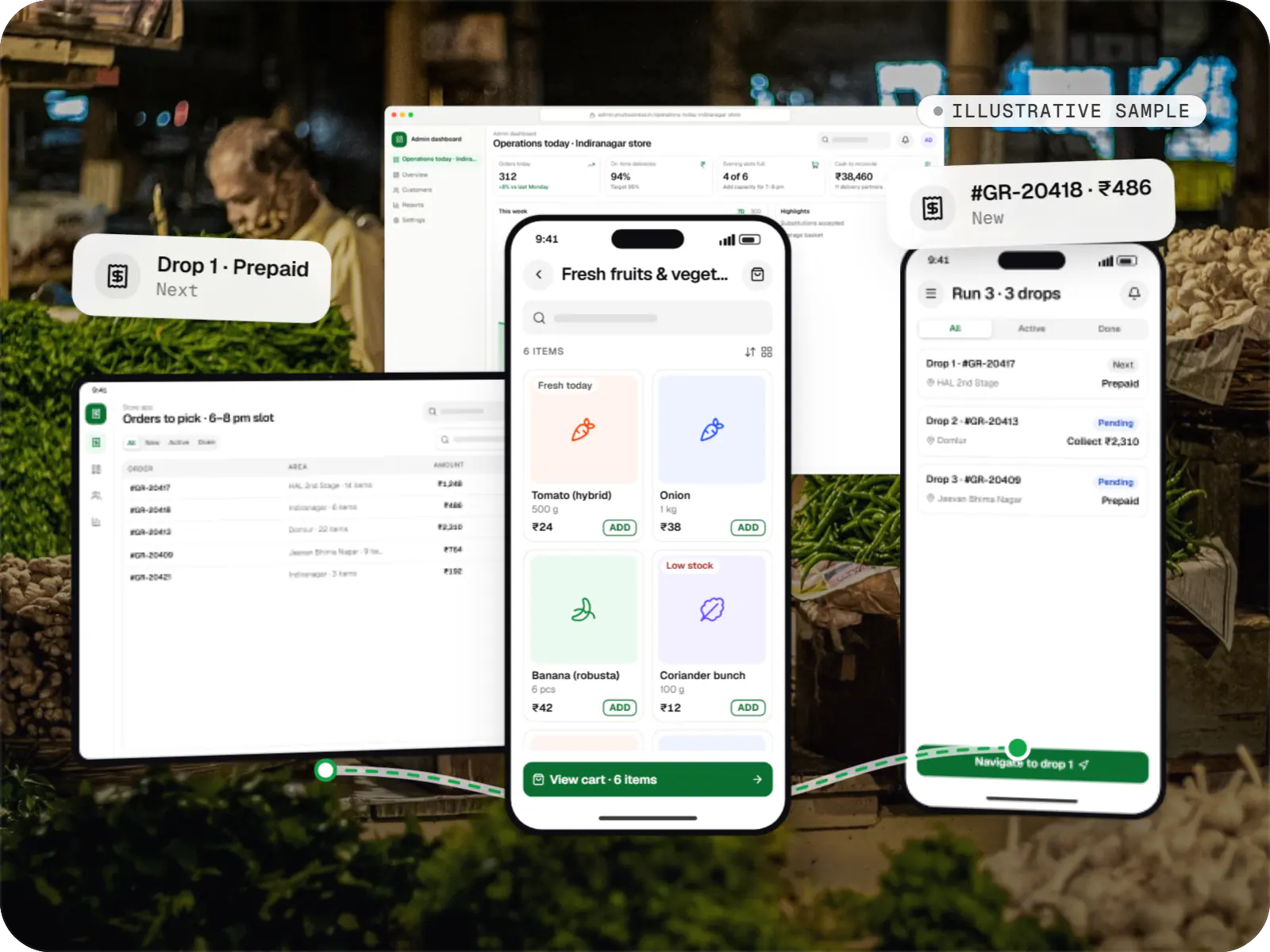
    An illustrative platform for neighbourhood grocery stores: slot or express delivery, store picking, batched delivery runs, and payment by UPI or cash on delivery.

    • Retail
    • Mobile + web platform

    Runs on

    • Android
    • iOS
    • Cross-platform
    • Admin

    Built with

    • Flutter
    • NestJS
    • PostgreSQL
    • Redis
    • AWS
    • +1 more
  • Healthcare software

    Illustrative sample

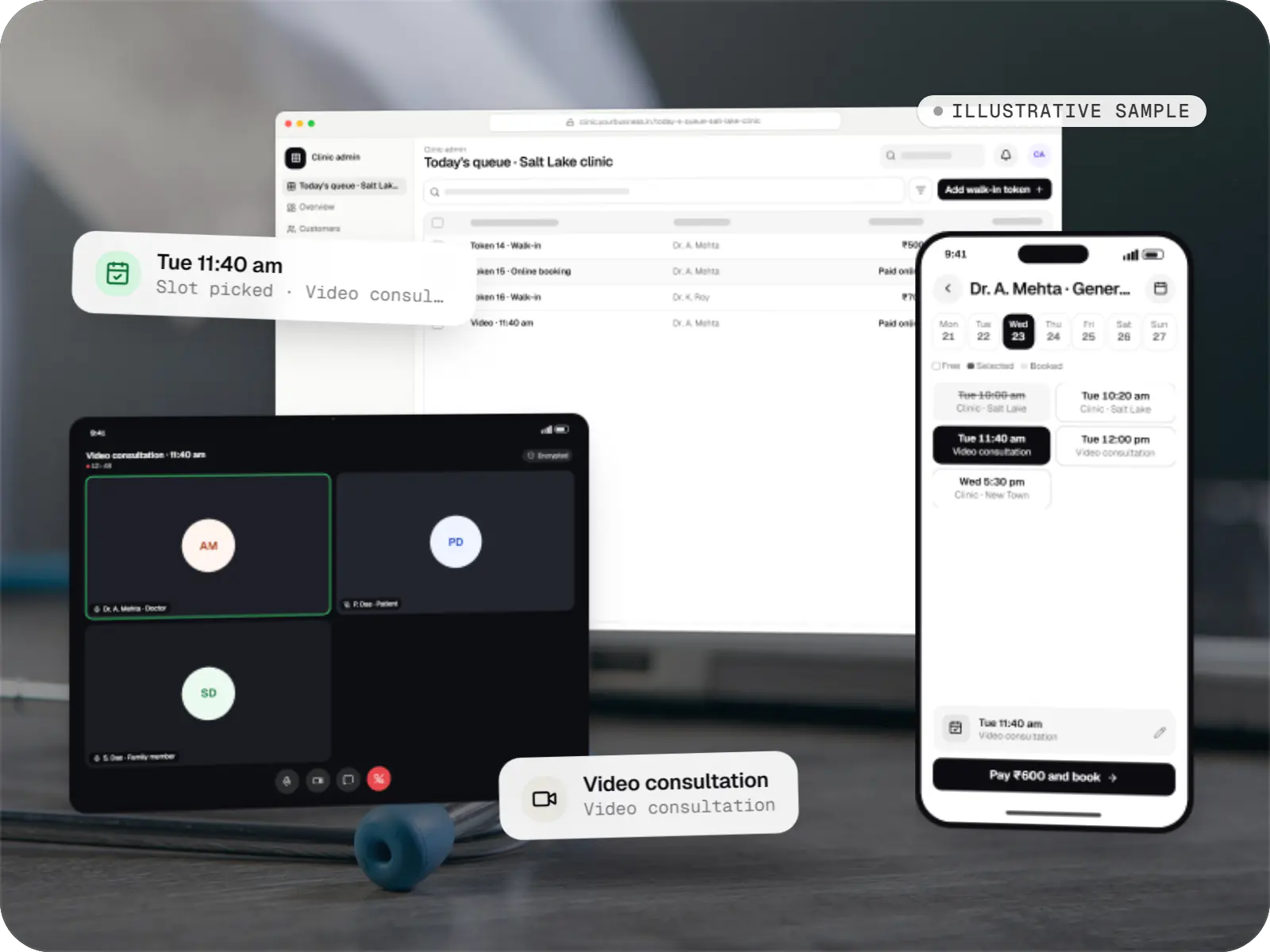
    Clinic booking & telemedicine app

    An illustrative patient app, doctor app and clinic admin for in-person and video consultations, with digital prescriptions and consent-based record access.

    • Clinics
    • Patient + doctor apps

    Runs on

    • Android
    • iOS
    • Cross-platform
    • Admin

    Built with

    • Flutter
    • NestJS
    • PostgreSQL
    • AWS
    • Firebase
    • +1 more
  • E-commerce & marketplaces

    Illustrative sample

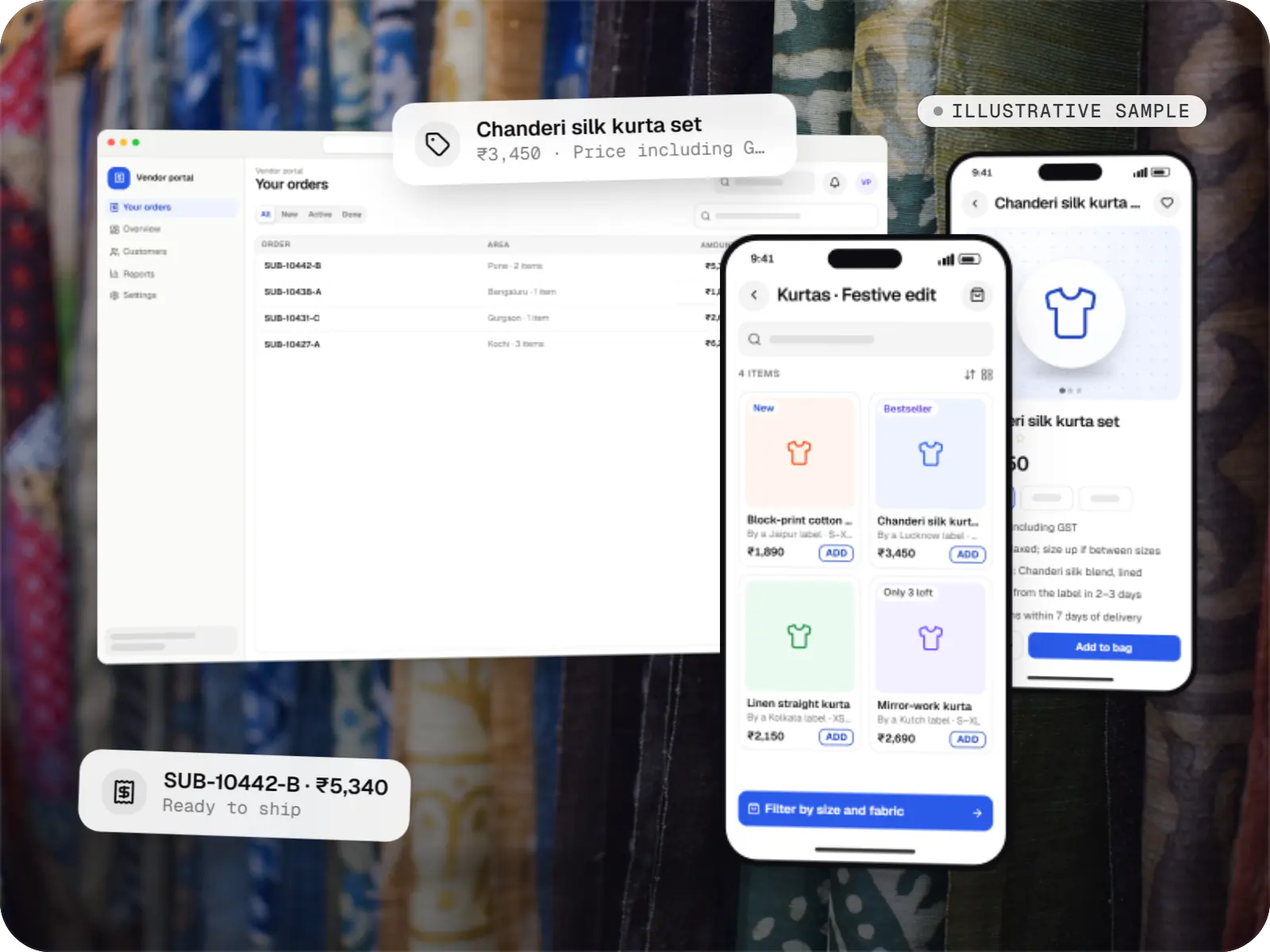
    Multi-vendor fashion marketplace

    An illustrative marketplace where independent fashion labels sell through one storefront, with vendor onboarding, commission rules, multi-pickup shipping, returns and scheduled payouts.

    • E-commerce
    • Marketplace web platform

    Runs on

    • Website
    • Web app
    • Admin

    Built with

    • Next.js
    • NestJS
    • PostgreSQL
    • Redis
    • AWS
    • +1 more
  • Device management & kiosk solutions

    Illustrative sample

    Android kiosk and device management platform for retail stores

    An illustrative kiosk product for retail chains: locked Android tablets for catalogues and price checks, a staff launcher, and a console to enrol, update and monitor every device.

    • Retail
    • Device management platform

    Runs on

    • Android Enterprise
    • Admin
    • Web app

    Built with

    • Next.js
    • React
    • Android (Kotlin)
    • NestJS
    • PostgreSQL
    • +1 more
  • Device management & kiosk solutions

    Illustrative sample

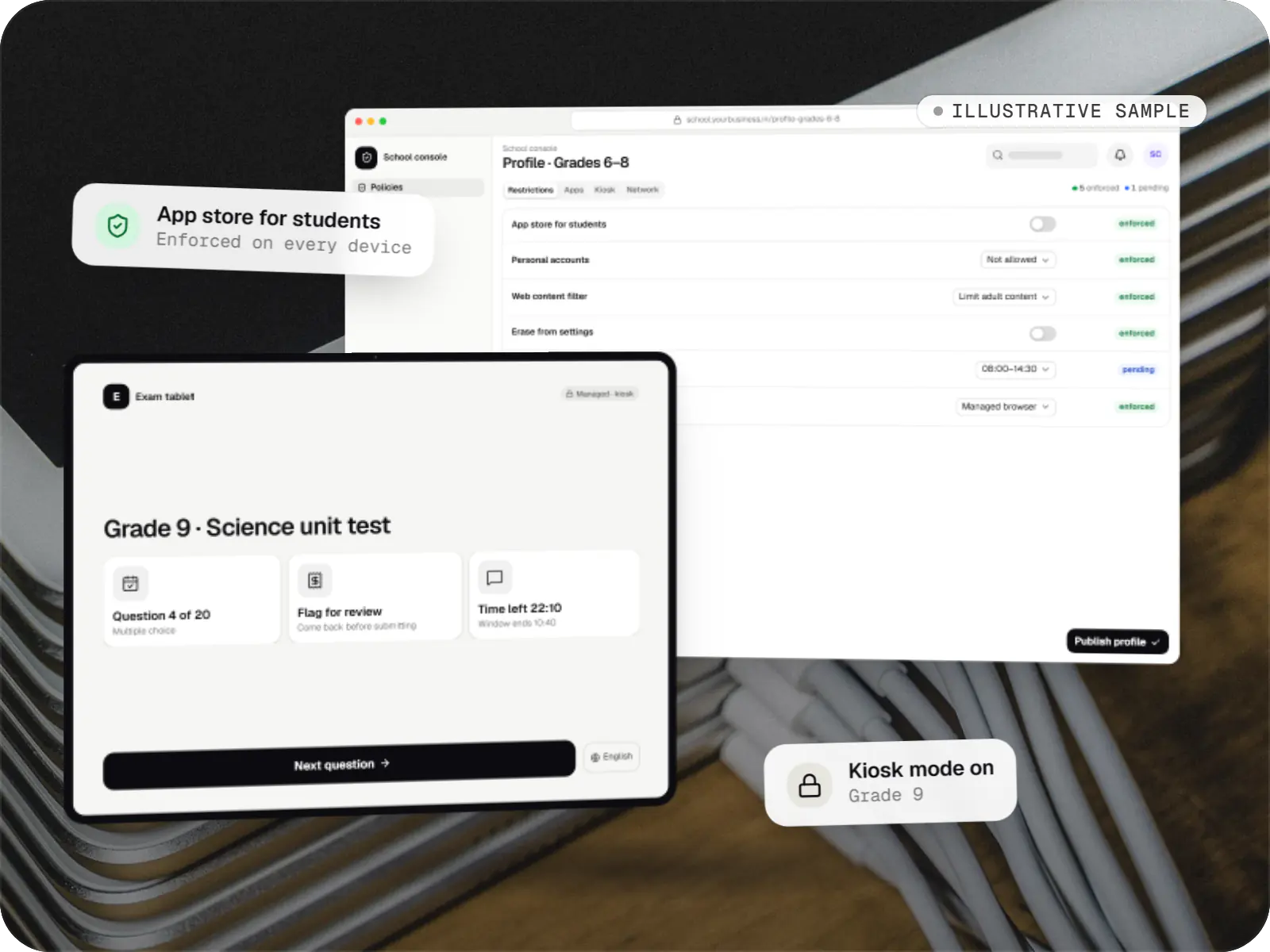
    Tablet management console for schools

    An illustrative console for school tablets: iPad devices through Apple School Manager and MDM, Androidâ„¢ tablets through Android Enterprise, with class-based rules teachers can follow.

    • Schools
    • Device management SaaS

    Runs on

    • iPhone and iPad
    • Android Enterprise
    • Admin
    • Web app

    Built with

    • Next.js
    • NestJS
    • PostgreSQL
    • Redis
    • AWS
    • +1 more

Industries

Where it shows up by industry

Industries whose typical builds with us include NestJS.

FAQ

Frequently asked questions

Is NestJS overkill for an MVP?

Not necessarily. For an MVP you expect to grow into a real product, starting with NestJS costs little extra and saves a restructuring later. For a prototype meant only to test an idea, a lighter setup can be faster. Before recommending either, we ask how long the code is expected to live and how many developers will work on it.

Can NestJS work with our existing database and sign-in system?

Yes. NestJS works with PostgreSQL, MySQL or MongoDB through ORMs such as Prisma, TypeORM or Mongoose, including existing tables if we map them carefully. Authentication can use your current identity provider through OAuth or OpenID Connect, or sessions issued by the NestJS app itself. We plan migrations so existing data and users keep working.

How do you document NestJS APIs for mobile and partner teams?

We generate OpenAPI specifications from the code itself, so documentation stays in step with what the API accepts and returns. Mobile and partner developers get an interactive reference with example requests, and typed API clients can be generated from the same specification. Breaking changes go into a new API version with a deprecation window for older app versions.

Next step

Planning a back end that will grow?

Share your modules, roles and integrations, and we will propose a structure that stays manageable.

Or reach us directly

Mon–Sat, 10:00–19:00 IST