
Backend
NestJS
A structured way to build back ends on Node.js, so large business systems stay organised, testable and easy to hand over.
Used for
- Business app back ends
- SaaS platforms
- Marketplaces
- Admin panel back ends
Manufacturing
Production planning, shop-floor apps, quality tracking, dealer portals and ERP integrations for Indian manufacturers.
At a glance
Many manufacturers run accounts in Tally or an ERP while production, quality and dispatch live on paper. We build shop-floor and planning tools that close that gap and sync with the systems you already trust.
Flutter and the related logo are trademarks of Google LLC. We are not endorsed by or affiliated with Google LLC.
How to start
Tell us what you need in your own words. You talk to the developers who would build it and get a written, line-item estimate.
Get a project estimateA small or mid-size manufacturer takes orders from dealers, distributors or OEM customers, plans production against machine capacity and raw material, runs shifts, checks quality and dispatches with GST invoices and e-way bills. Accounts usually live in Tally or an ERP; almost everything between order and dispatch sits in registers, whiteboards and spreadsheets.
That gap is where custom software helps. Supervisors log output and rejections on a tablet, planners see real stock and machine load, and dealers order through a portal instead of calling sales. We build these tools to work with your ERP, not replace it, and to cope with factory conditions: shared devices, dust, weak Wi-Fi and workers who prefer Hindi or a regional language.
Challenges
Output, downtime and rejections written in registers and keyed in days later, if at all.
Plans made without accurate raw material or WIP figures, causing stoppages or excess inventory.
Tracing a defect back to batch, machine, operator and material lot takes days.
Sales teams spend hours taking orders, checking schemes and answering dispatch queries.
Tally or SAP holds the accounts, but shop-floor data never reaches it in usable form.
Solutions
Across 3 areas
Custom ERP software connecting purchase, inventory, production, sales and GST compliance, alongside your existing accounting system.
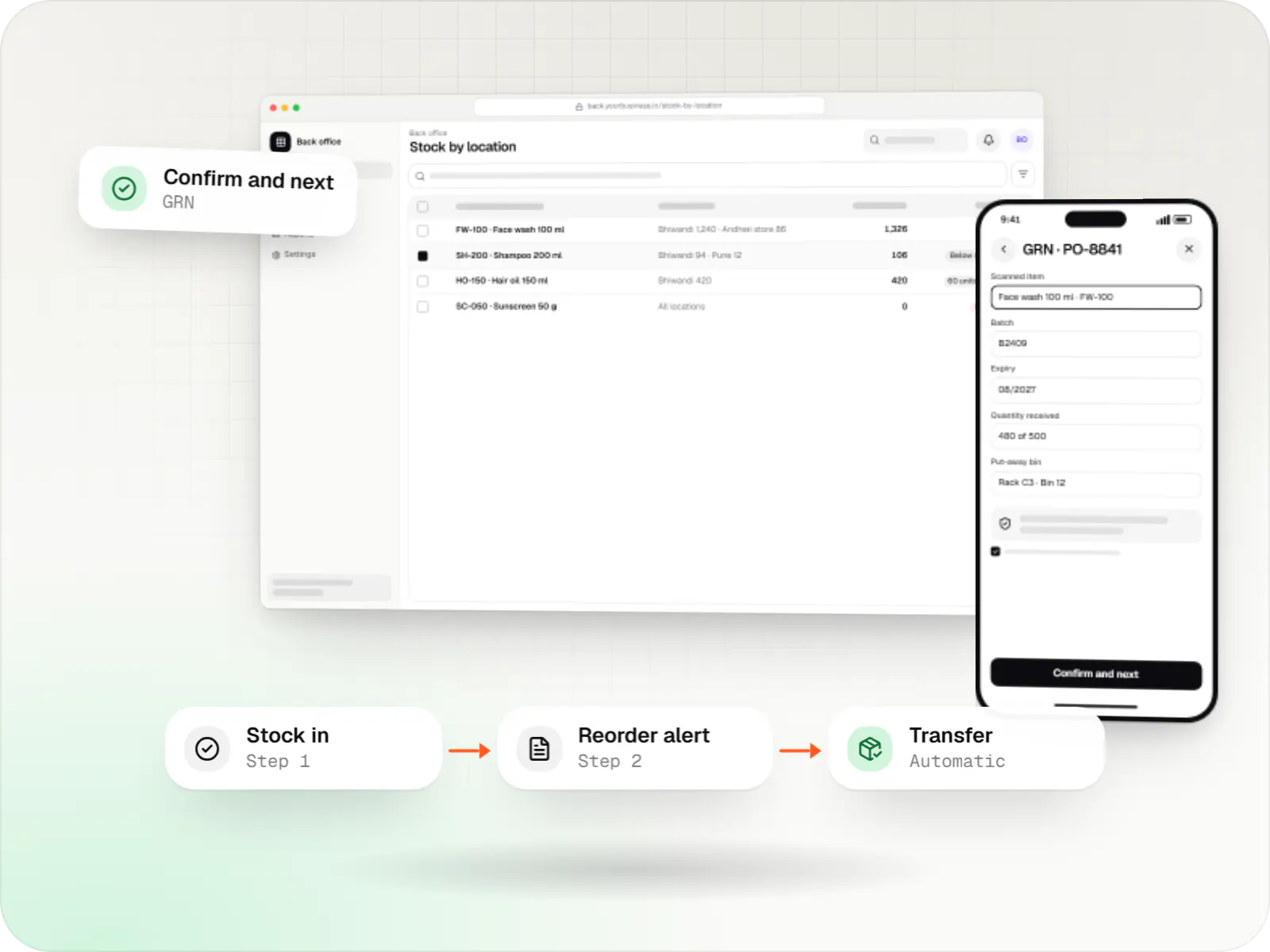
Custom inventory software for multi-location stock, batch and expiry tracking, barcode scanning and marketplace stock sync.
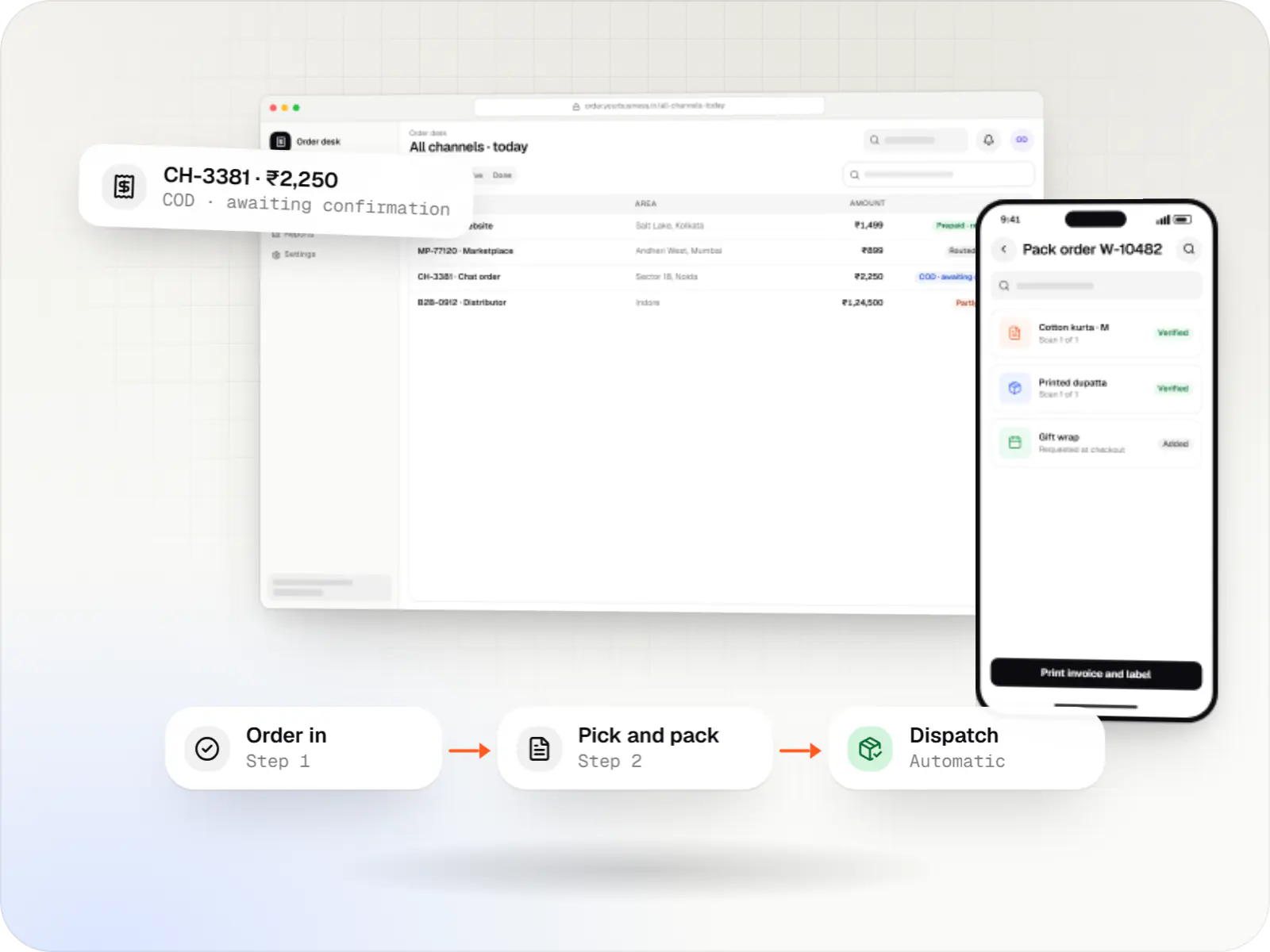
A central order management system that collects orders from every channel, routes them to the right location and tracks them to delivery and payment.
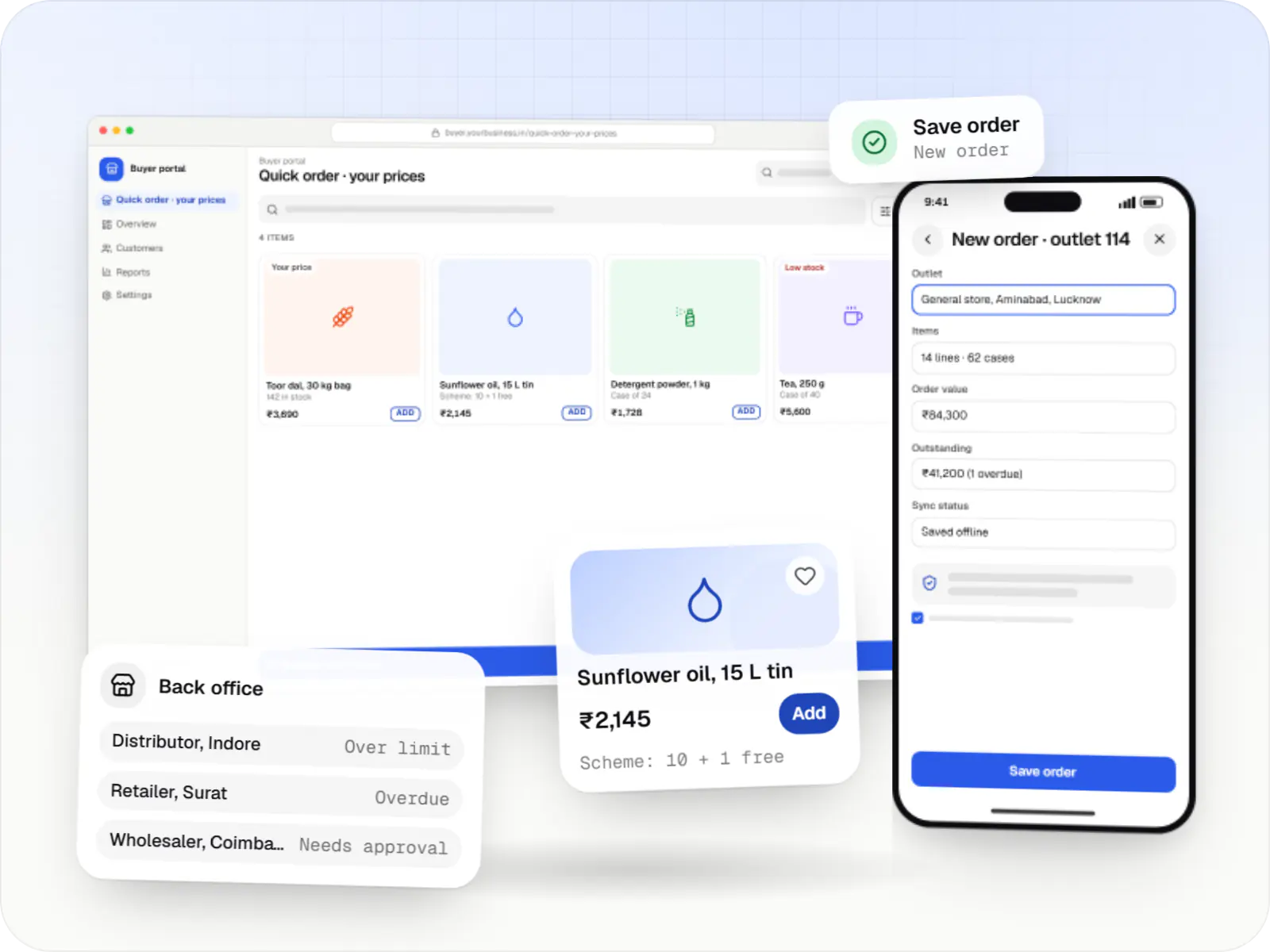
Ordering portals and apps for manufacturers, distributors and wholesalers, with buyer-specific pricing, credit limits, bulk ordering and ERP sync.
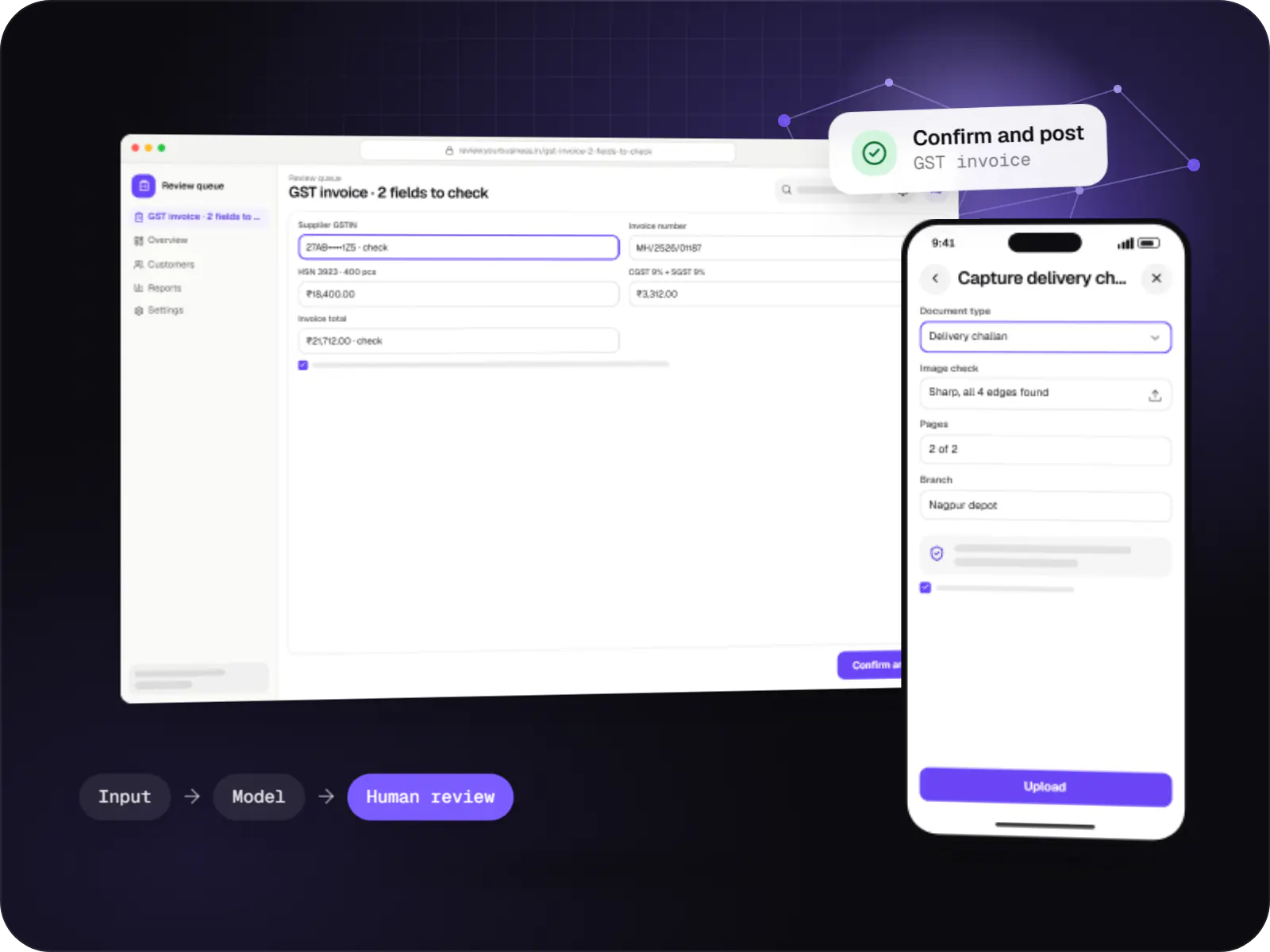
Data extraction from invoices, KYC documents, statements and forms into your systems, with validation rules and human review for uncertain fields.
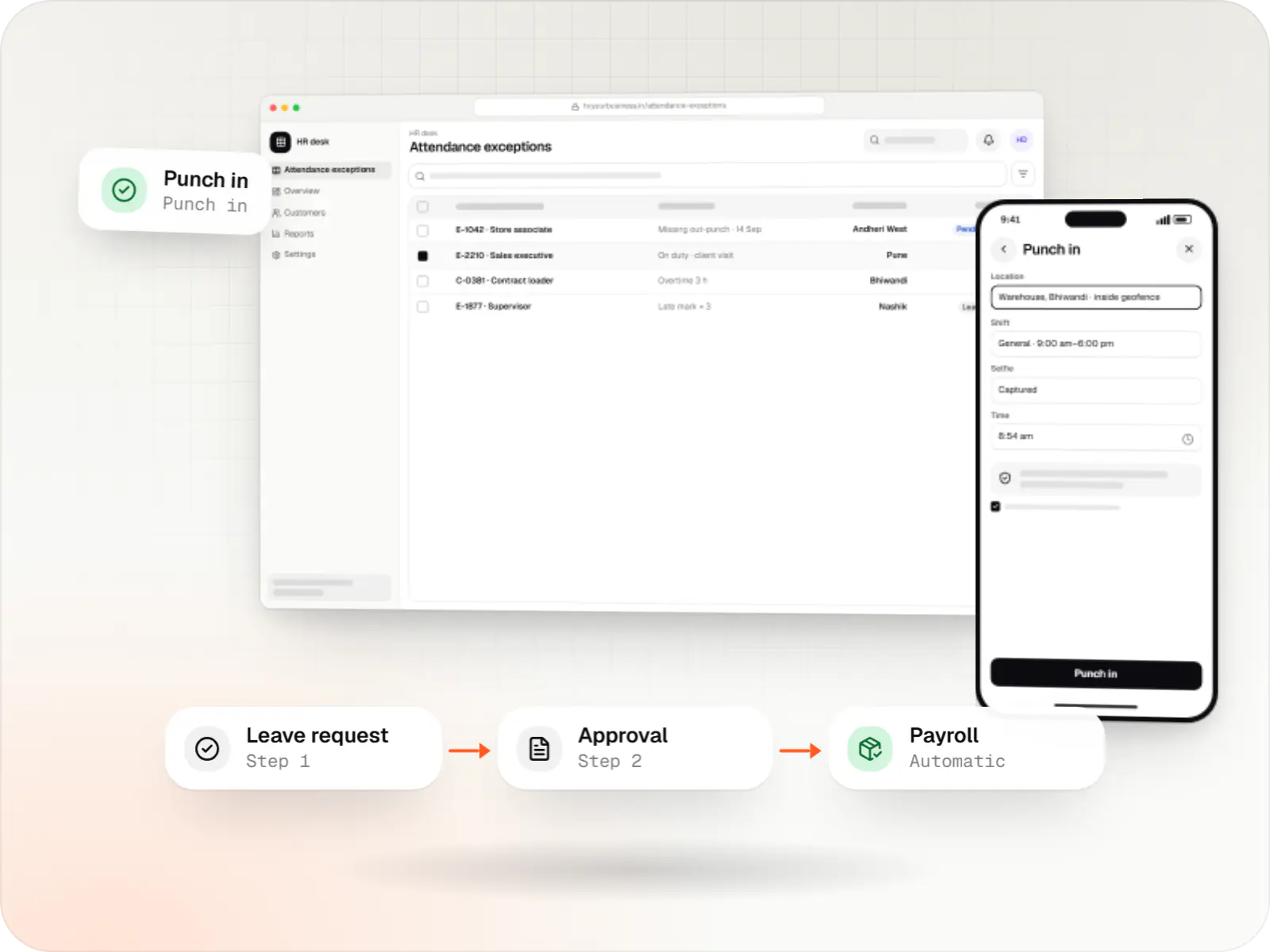
Custom HRMS covering attendance, leave, payroll with Indian statutory deductions, onboarding and an employee self-service app.
Work orders scheduled against machines and shifts, with material checked against the bill of materials.
Rugged Android tablets or kiosks for output, downtime and rejections, with regional-language labels.
Inspection checklists, lot numbers on QR labels, and genealogy from raw material to finished goods.
Cycle counts and alarms from PLCs through IIoT gateways using OPC UA, Modbus or MQTT, where machines allow.
Dealer price lists and schemes, credit limits, order tracking and invoice downloads.
Packing lists, GST e-invoices and e-way bills generated from dispatch data.
Two-way sync with Tally, SAP Business One or other ERPs for items, orders, stock and invoices.
How it works
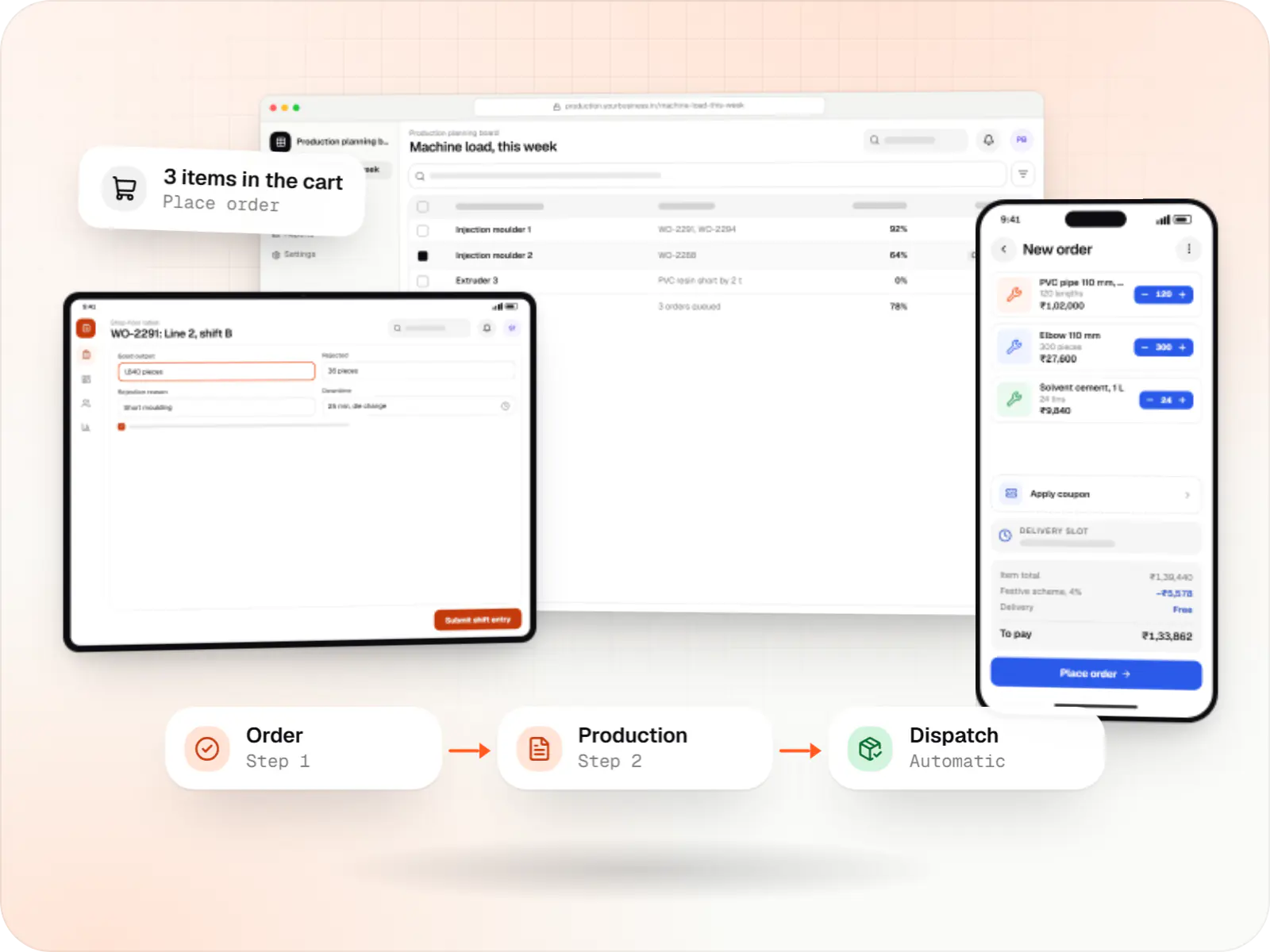
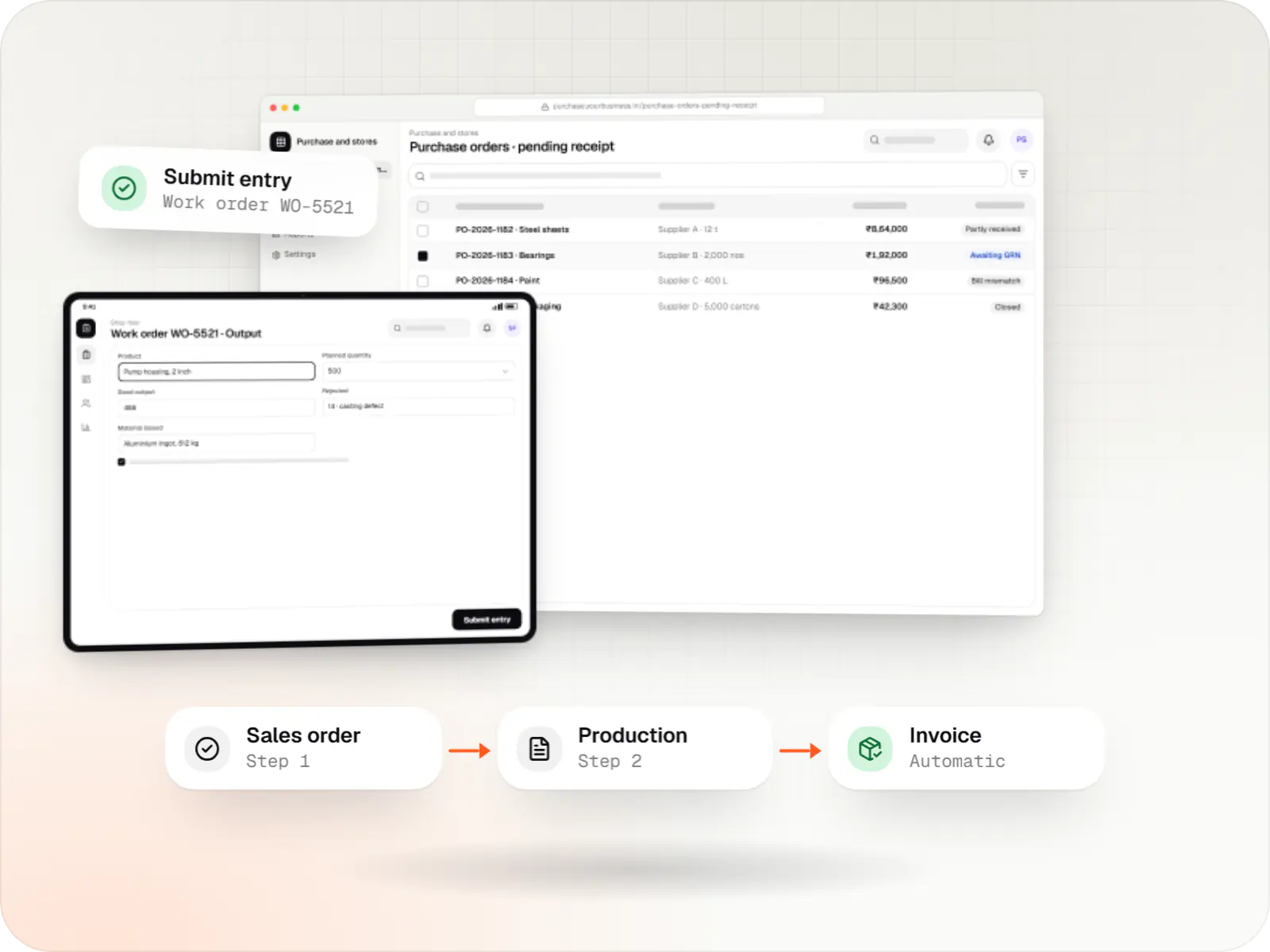
Each hand-off below used to be a phone call or a register entry; here it is a record that the next team can see straight away.
The dealer orders at their own price list and scheme, within their credit limit, and sees an expected dispatch date instead of calling sales.
The order becomes a work order placed against machine capacity and shifts, with raw material checked against the bill of materials first.
Operators pick the work order and enter good output, downtime and rejection reasons in their own language; machine counts add in where connected.
Inspection results are recorded against the lot, and QR labels link finished goods back to material, machine, operator and shift.
Packing lists, GST e-invoices and e-way bills are produced from the dispatch record, and the dealer is told the goods are on the way.
Stock, production and invoices sync with Tally or SAP Business One, so accounts and the shop floor finally show the same numbers.
Platforms
Browser-based applications with logins, roles and workflows, such as customer portals, SaaS products and internal tools.
Apps for Android phones and tablets, tested on budget and mid-range devices and published on Google Play or privately.
Back-office panels for operations, support and finance teams: orders, users, content, reports and permissions.
Installable web apps with offline support and notifications, useful when an app-store listing isn't essential or phones have little storage.
Windows and macOS apps for billing counters, kiosks and offline-heavy work, where a browser isn't enough.
Technology
Picked for shared tablets on the floor, dependable sync with your ERP and hosting that can grow plant by plant.
Backend
A structured way to build back ends on Node.js, so large business systems stay organised, testable and easy to hand over.
Used for
Backend
A programming language for AI features, data processing and automation: the engine behind document reading, reports and smart search.
Used for
Data
A reliable database for the records your business runs on: orders, payments, bookings and stock, kept accurate and easy to report on.
Used for
Web
Builds interactive screens in the browser, such as dashboards, admin panels and portals, that respond instantly as your team works.
Used for
Mobile
Build Android and iOS apps from one shared codebase, so you launch on both platforms faster with a consistent experience.
Used for
Cloud & DevOps
Packages your software so it runs the same way on every laptop and server, which makes releases predictable and moving hosts easier.
Used for
Cloud & DevOps
Cloud hosting for your app, website and data, with data centres in India and room to grow when traffic rises.
Used for
Flutter and the related logo are trademarks of Google LLC. We are not endorsed by or affiliated with Google LLC.
Plain-English glossary
Product preview
Sample screens for a PVC pipe and fittings plant; the numbers are illustrative.
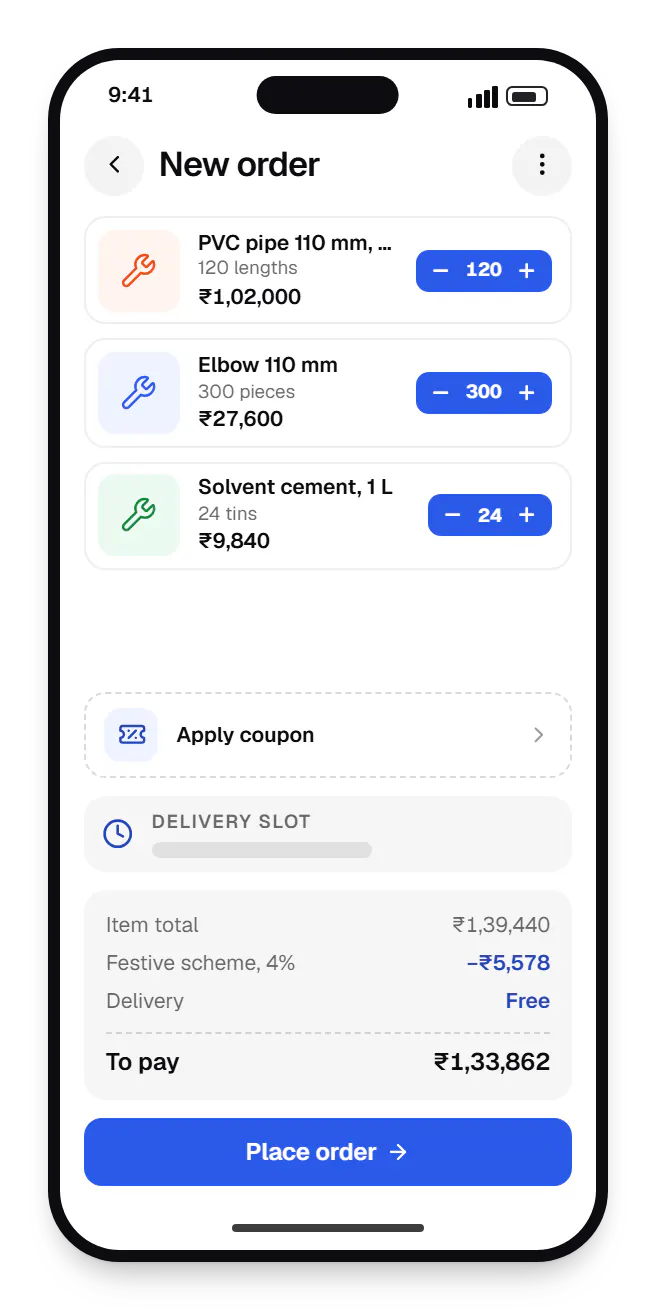
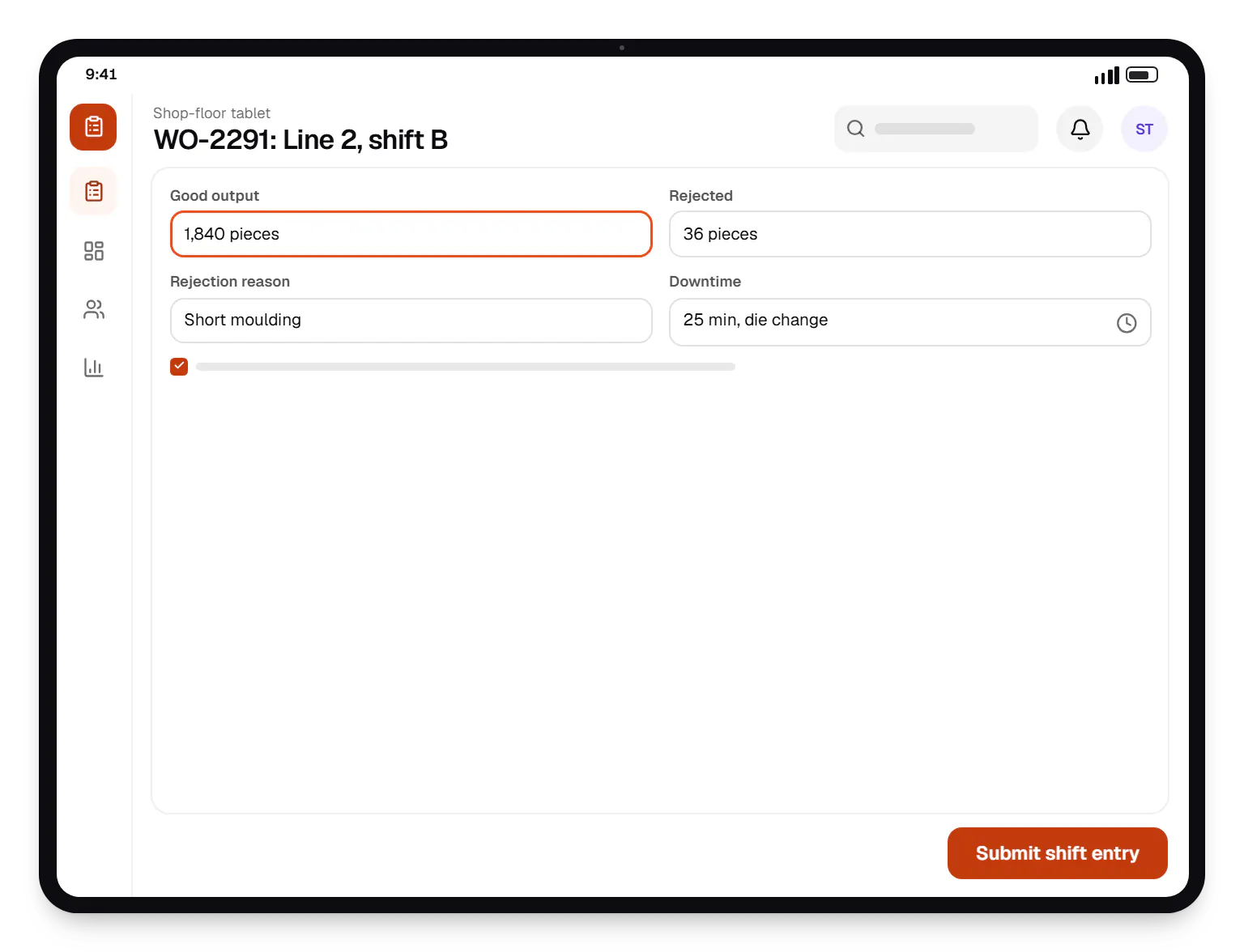
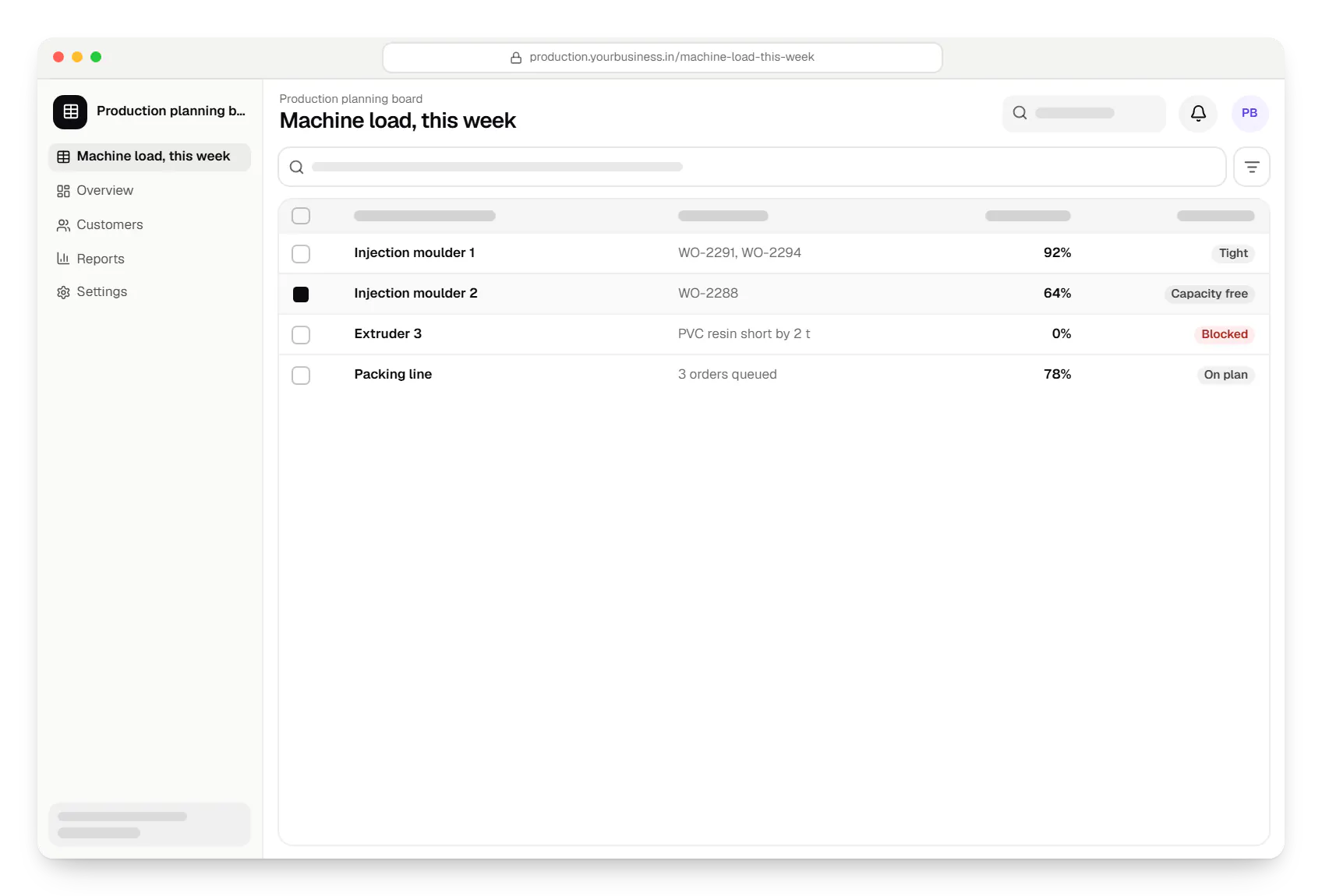
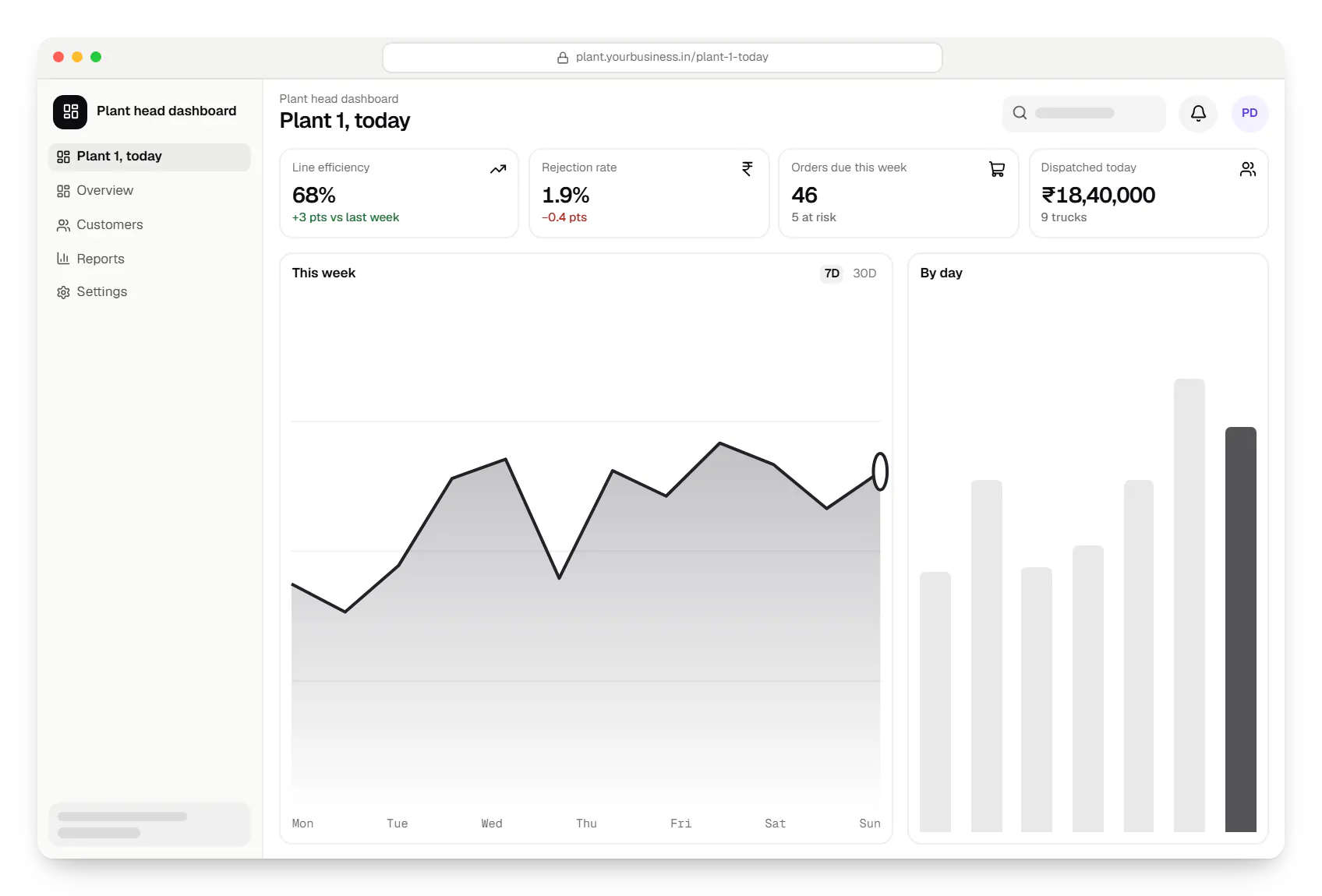
Sample screens: names, prices and figures are examples, not client data.
Cost drivers
Discrete assembly, batch processing and job-shop work need different planning logic; more plants add transfers.
Modern PLCs are straightforward; older machines may need sensors, gateways and on-site testing.
One-way export of production data is simpler than live two-way sync of orders, stock and costing.
Offline-capable apps and rugged hardware for weak Wi-Fi areas add engineering and testing.
Estimates are written from your scope, with the effort and assumptions behind each line item.
How pricing worksServices
The design and engineering services our in-house team combines on projects in this sector.

Software shaped around how your business runs, from approvals and inventory to billing and reports, replacing spreadsheets and disconnected tools.

Browser-based products, customer portals, dashboards and internal tools, built on clean data models with secure roles and integrations.
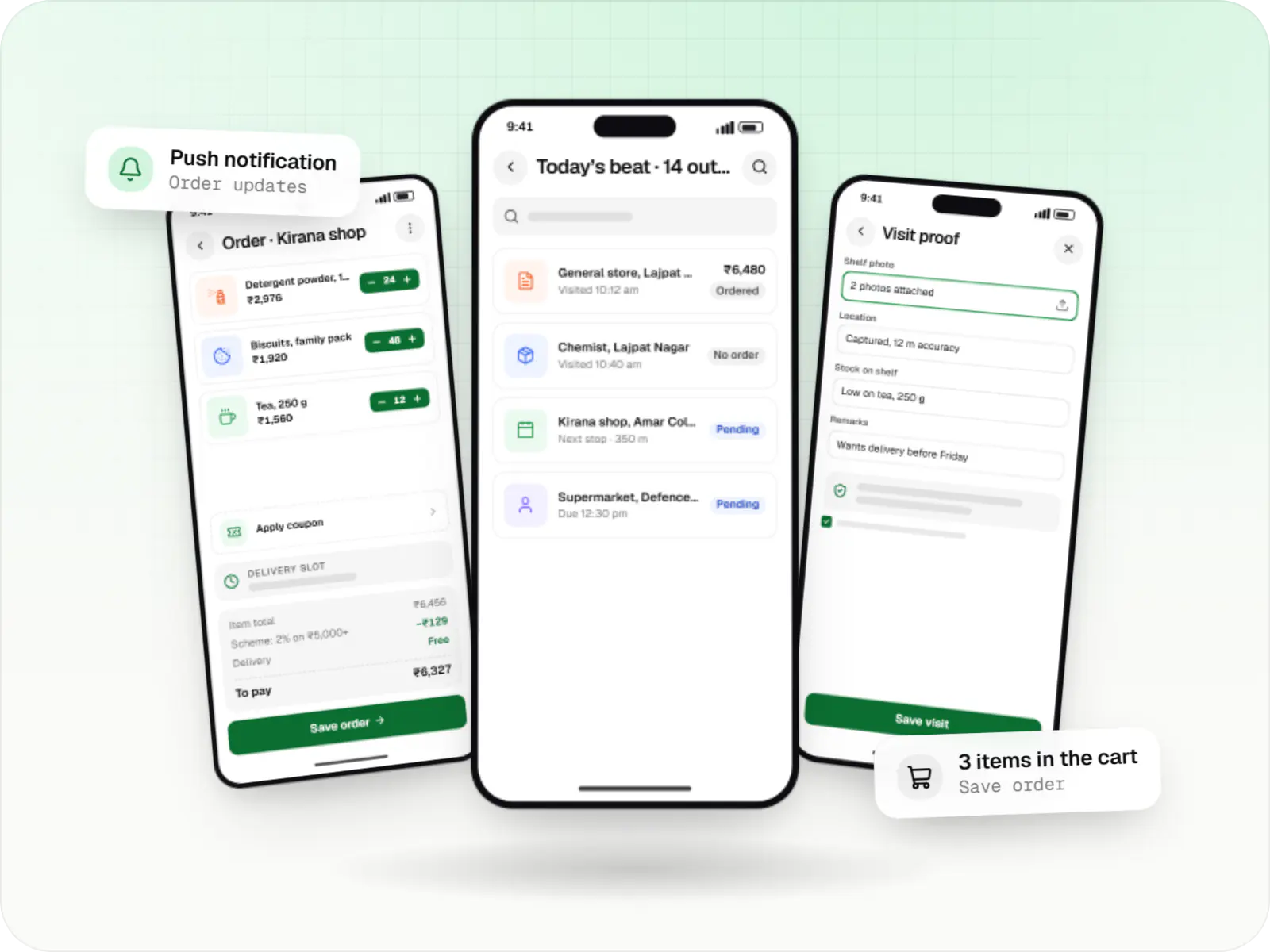
Native Android apps in Kotlin and Jetpack Compose, designed for entry-level phones, patchy networks and the background limits of popular Android brands.

Secure, documented REST and GraphQL APIs, plus integrations that connect your apps to payment, logistics, GST, messaging and business systems.

Back-office dashboards built around your team's daily tasks: order queues, approvals, catalogue management, payouts, reports and audit logs.

Native and cross-platform Android and iOS apps, from first release through regular store updates, built by our in-house designers and engineers.
Locations
Cities where this sector is a significant part of the local economy. We work remotely with teams across India and meet in person where practical.
FAQ
If your processes are fairly standard, a proven ERP is usually the safer choice, and we can build around it. Custom production software makes sense when planning, quality or dealer processes differ from what ERPs assume, or when an ERP rollout would take longer than the business can wait. Many manufacturers keep Tally or SAP Business One for accounts and add custom shop-floor and dealer modules that sync with it.
Yes, if it is designed for them. We use large touch targets, icons, photos of parts and labels in Hindi or your regional language, and keep each screen to one task: pick the work order, enter the count, choose a rejection reason. Operators log in with a PIN or badge scan on shared devices. We test prototypes with operators on the floor before building the full app.
Often, yes. Newer CNC machines and PLCs usually expose data through OPC UA, Modbus or vendor interfaces, which an IIoT gateway reads and sends to the server over MQTT. Older machines may need retrofitted sensors, such as current sensors or counters, to detect cycles and downtime. We survey a few machines first to confirm what is possible before quoting for the whole plant.
A focused first module, such as production logging with rejection tracking for one line or a dealer ordering portal, typically goes live in two to three months including floor testing. A full rollout with planning, quality, traceability and ERP sync is phased over several releases. We prove one module in daily use before expanding, because adoption on the floor matters more than feature count.
Next step
Walk us through one production line and your current registers. We will suggest a first module and a phased estimate.