



Web
Next.js
A modern web technology for fast, search-friendly websites, online stores and web applications that load quickly on mobile.
Used for
- Business websites
- Online stores
- Web apps
- Customer portals
ERP development
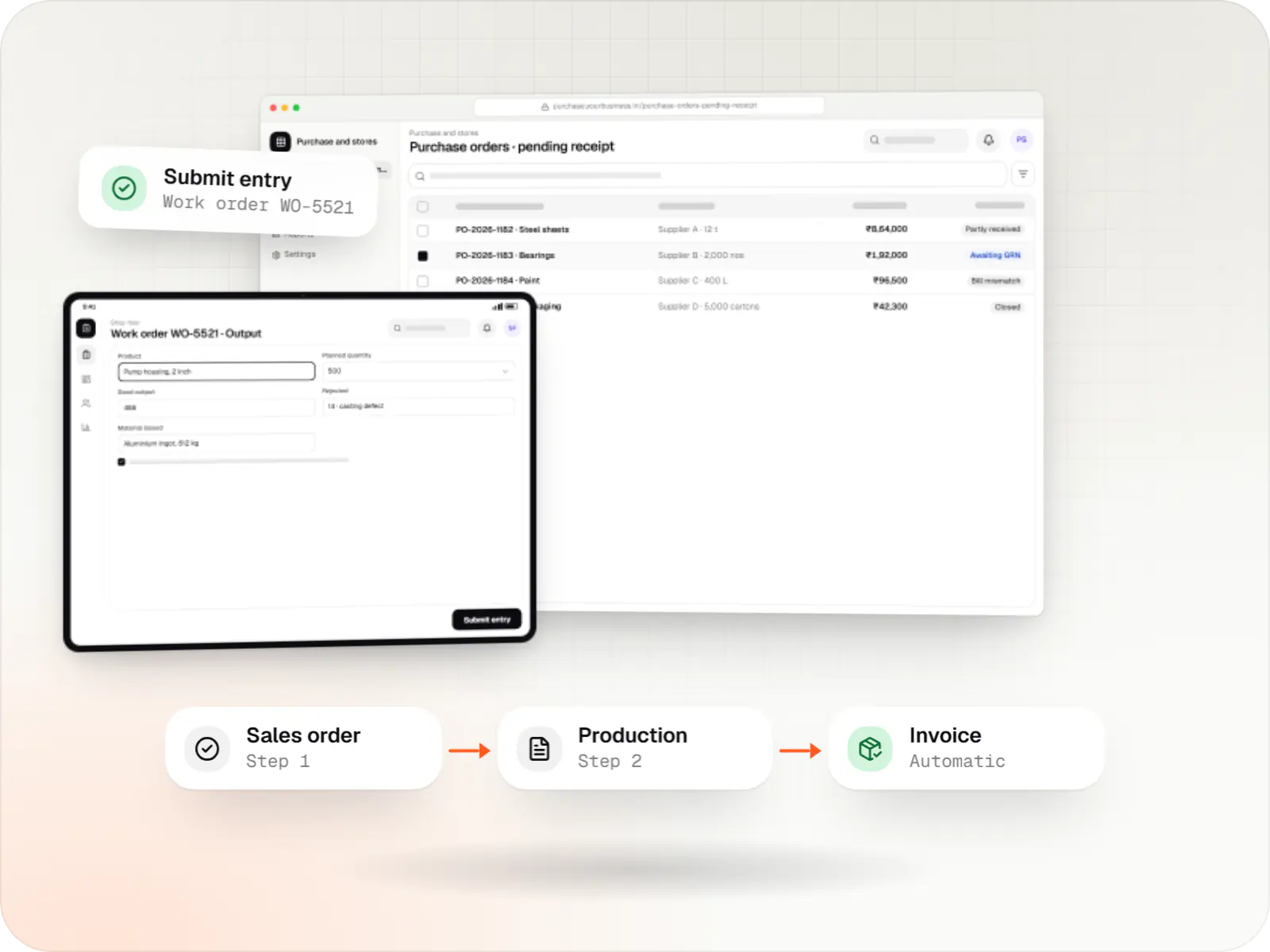
Purchase to production to dispatch in one system, with GST documents generated where the work happens.
At a glance
What it is
Custom ERP software connecting purchase, inventory, production, sales and GST compliance, alongside your existing accounting system.
Flutter and the related logo are trademarks of Google LLC. We are not endorsed by or affiliated with Google LLC.
How to start
Tell us what you need in your own words. You talk to the developers who would build it and get a written, line-item estimate.
Get a project estimateMany businesses we meet run on TallyPrime for accounts, Excel for production plans and stock, and WhatsApp for approvals. It works until volumes grow or a second plant or godown opens.
A custom ERP replaces the spreadsheets, not necessarily the accounts. We model your items, units, locations and approval chains as they are, then roll out one module at a time.
Challenges
Physical stock, Tally and the production sheet each show a different number.
Material sent to job workers and returned with process losses is difficult to match against challans.
Invoices and e-way bills typed in separate places invite mismatches.
Purchase requests and price exceptions approved on WhatsApp leave no audit trail.
What is included
Platform: Web app
Platform: Web app
Platform: Web app
Platform: Android app
Platform: Admin dashboard
How it works
Each department updates the same records, so stock, costs and GST documents always agree.
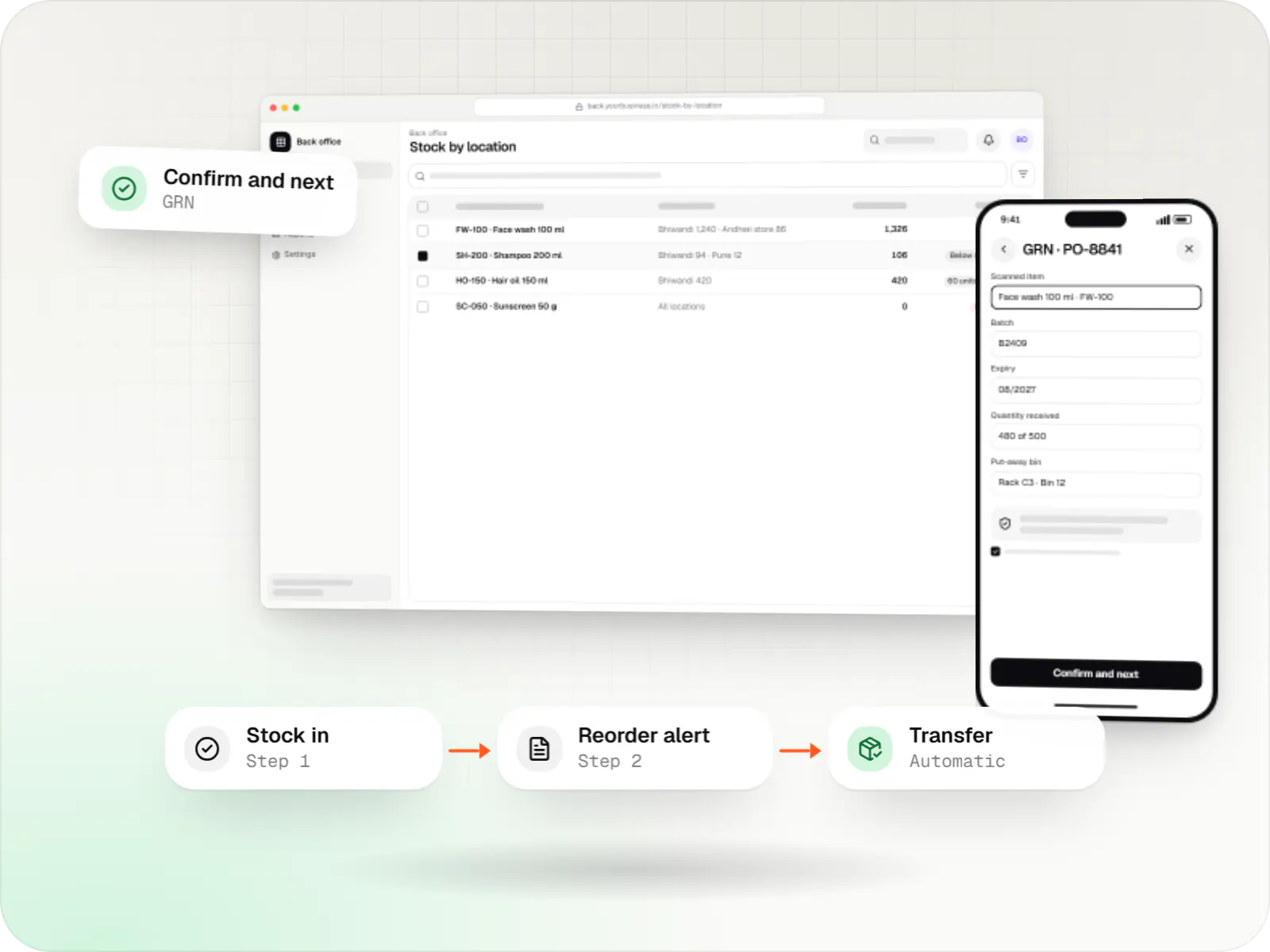
An indent becomes a purchase order; goods are received against it with a GRN and matched to the supplier's bill.
Received items move into the right godown, batch and unit, so stock is correct before anyone plans production.
Work orders issue materials from the bill of materials, and output and rejections are entered from a tablet at the line.
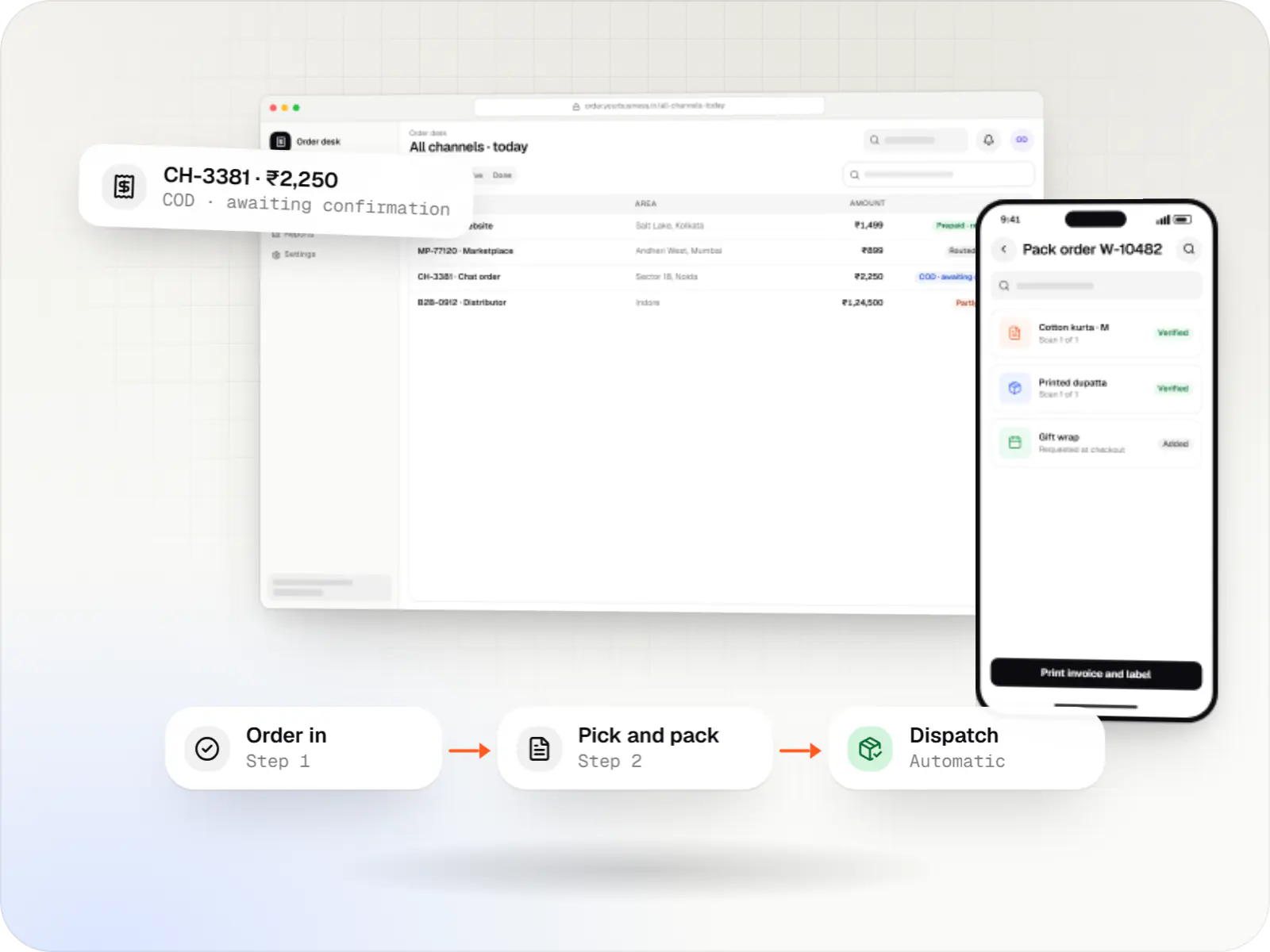
A sales order checks price lists and credit limits, then moves to packing and dispatch with scanned items.
The e-invoice IRN, signed QR code and e-way bill are generated from the same screen, with no re-typing.
Vouchers sync to your accounting software, and management sees daily sales, stock value and receivables.
Platforms
Office teams use a web app, the shop floor and warehouse use Android tablets and scanners, and management sees a dashboard.
Browser-based applications with logins, roles and workflows, such as customer portals, SaaS products and internal tools.
Apps for Android phones and tablets, tested on budget and mid-range devices and published on Google Play or privately.
Back-office panels for operations, support and finance teams: orders, users, content, reports and permissions.
Technology
Chosen for accurate stock across sites, dependable GST integrations and screens that stay quick as data grows.
Web
A modern web technology for fast, search-friendly websites, online stores and web applications that load quickly on mobile.
Used for
Backend
A structured way to build back ends on Node.js, so large business systems stay organised, testable and easy to hand over.
Used for
Data
A reliable database for the records your business runs on: orders, payments, bookings and stock, kept accurate and easy to report on.
Used for
Data
Keeps frequently used data in fast memory, so apps stay quick on busy days and live features like order tracking feel instant.
Used for
Mobile
Build Android and iOS apps from one shared codebase, so you launch on both platforms faster with a consistent experience.
Used for
Cloud & DevOps
Packages your software so it runs the same way on every laptop and server, which makes releases predictable and moving hosts easier.
Used for
Cloud & DevOps
Cloud hosting for your app, website and data, with data centres in India and room to grow when traffic rises.
Used for
Flutter and the related logo are trademarks of Google LLC. We are not endorsed by or affiliated with Google LLC.
Integrations
Masters and vouchers synced through Tally's XML interface, so accounts stay in Tally.
Data exchanged through import and export files.
API-based sync for businesses already on Zoho.
Integration through the Service Layer API.
IRN and e-way bill generation through a GST Suvidha Provider, or direct API access where eligible.
Plain-English glossary
Product preview
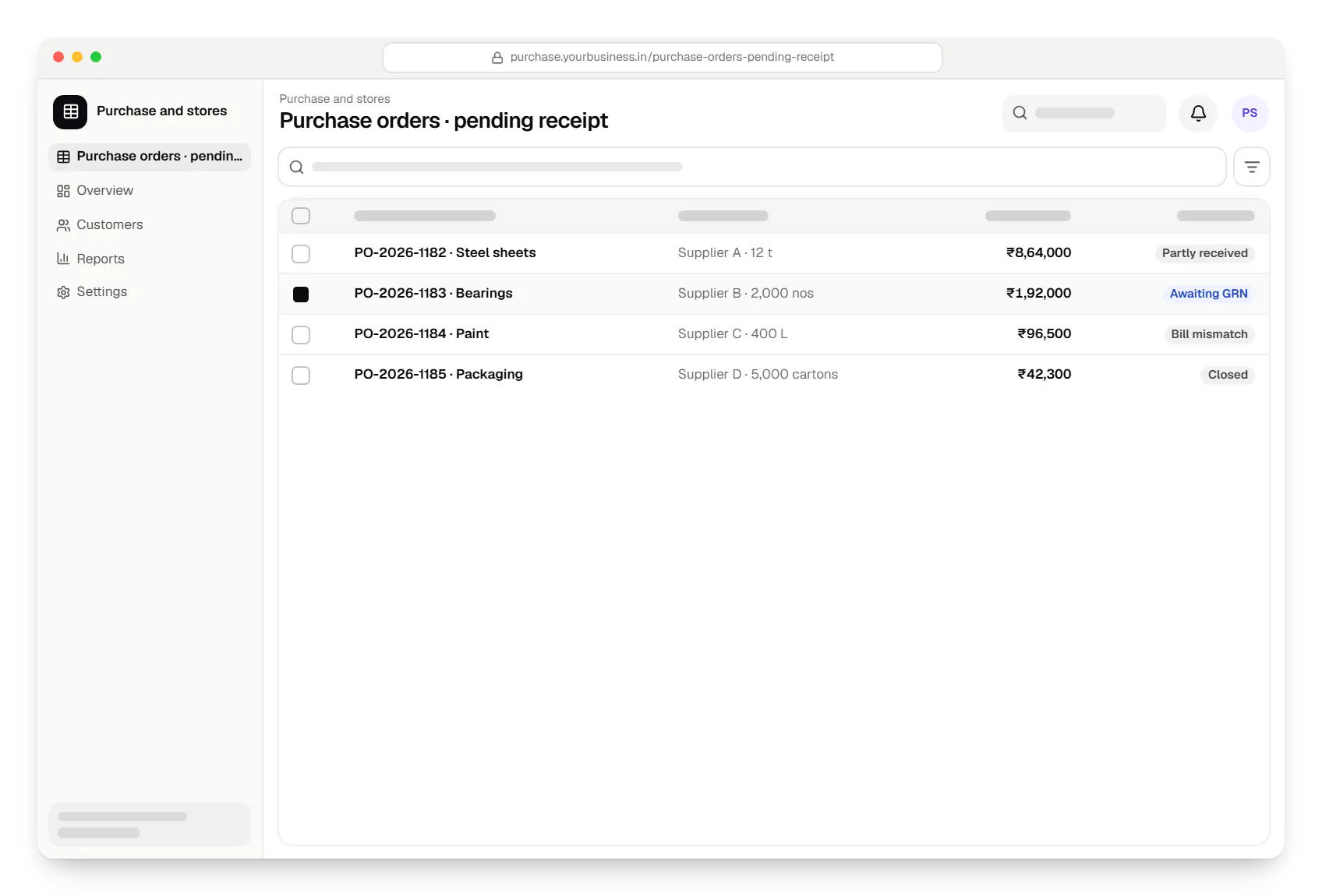
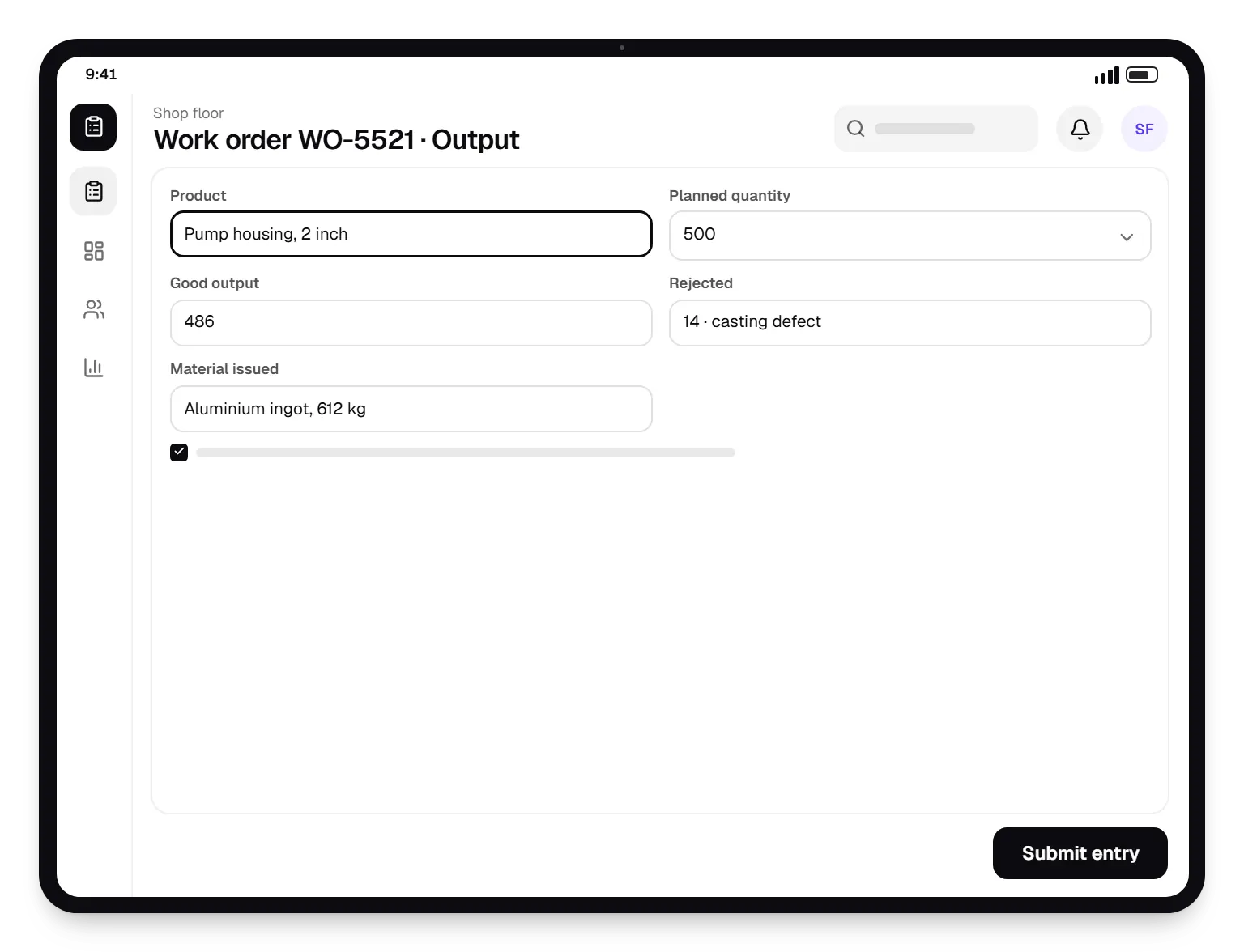
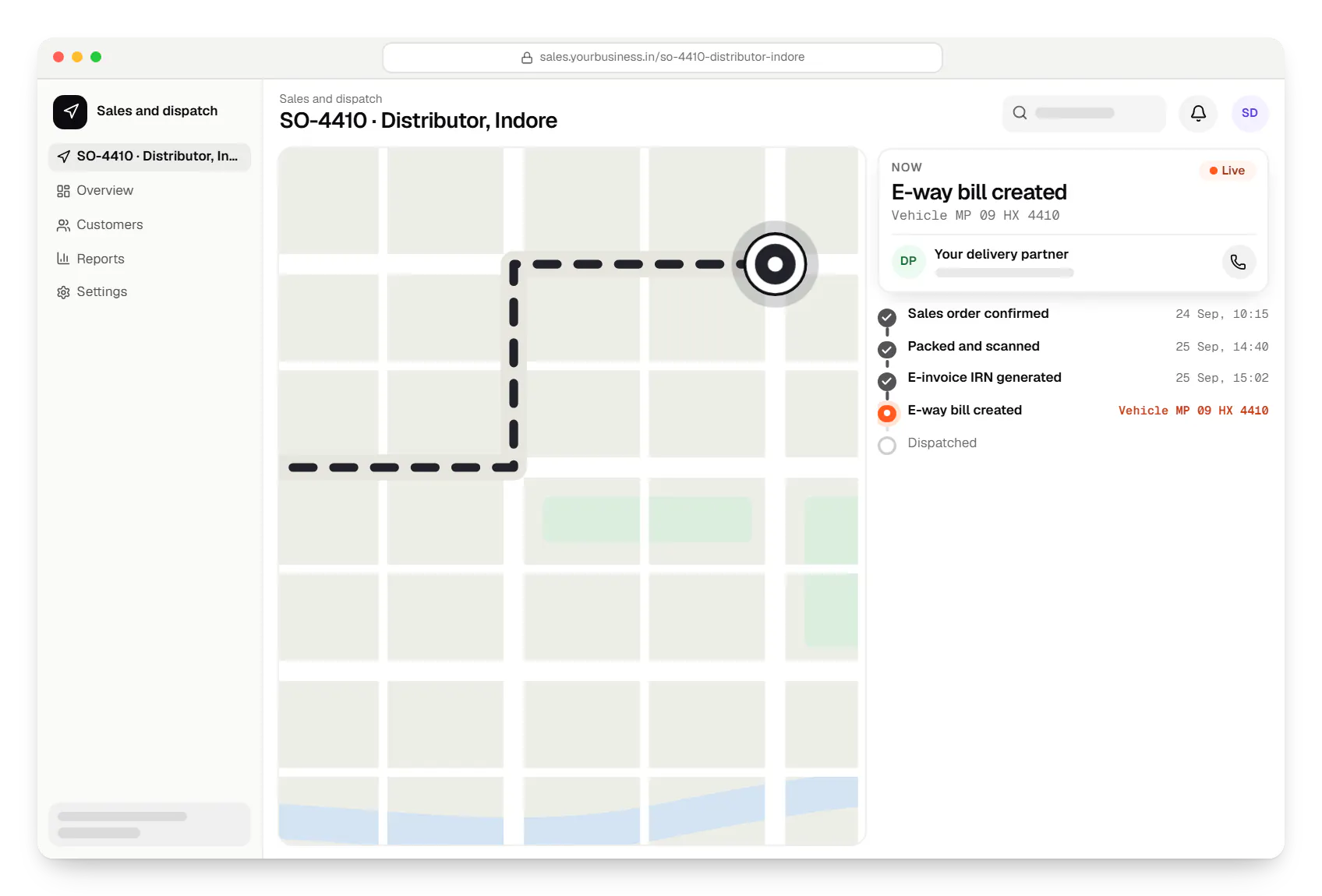
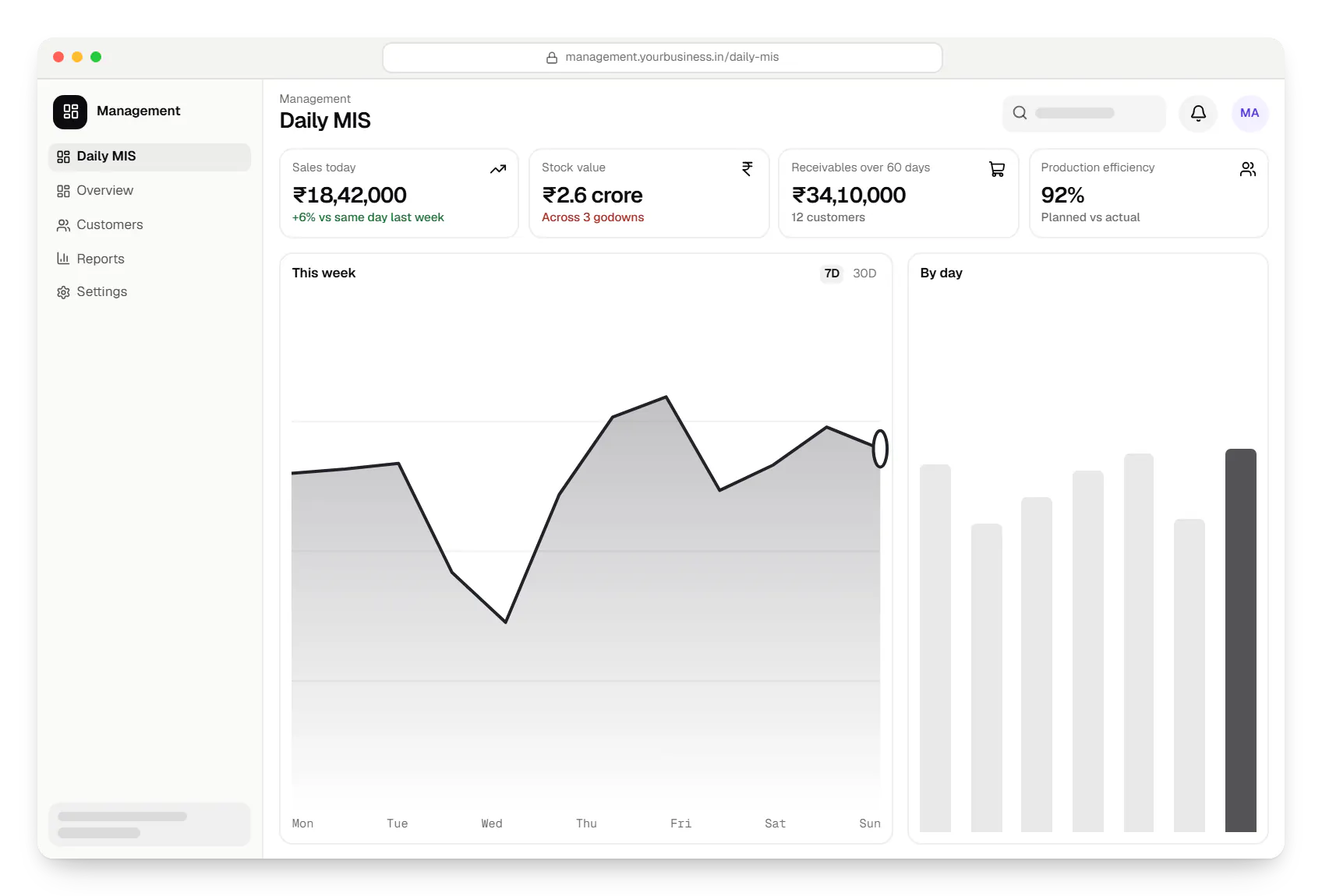
Sample screens: names, prices and figures are examples, not client data.
Industries
Cost drivers
Purchase and inventory alone is far smaller than purchase, production, sales and MIS together.
Multi-level approvals, customer pricing and job work add rules to test.
Two-way Tally sync, GST APIs and hardware each carry their own effort.
Several companies or states mean more configuration, numbering series and testing.
Opening balances, open orders and item masters must be cleaned and verified.
Estimates are written from your scope, with the effort and assumptions behind each line item.
How pricing worksProcess
We follow one order and one production batch end to end.
You getProcess maps and module priorities
Items, units, locations, customers and vendors are cleaned first.
You getCleaned master data
One module goes live for one site, running alongside old records for a cycle so balances can be reconciled.
You getReconciliation sign-off
Remaining modules follow, each with training in the team's working language.
You getPhased roadmap
Services
The disciplines a project like this draws on.

Software shaped around how your business runs, from approvals and inventory to billing and reports, replacing spreadsheets and disconnected tools.

Browser-based products, customer portals, dashboards and internal tools, built on clean data models with secure roles and integrations.

Secure, documented REST and GraphQL APIs, plus integrations that connect your apps to payment, logistics, GST, messaging and business systems.

Back-office dashboards built around your team's daily tasks: order queues, approvals, catalogue management, payouts, reports and audit logs.
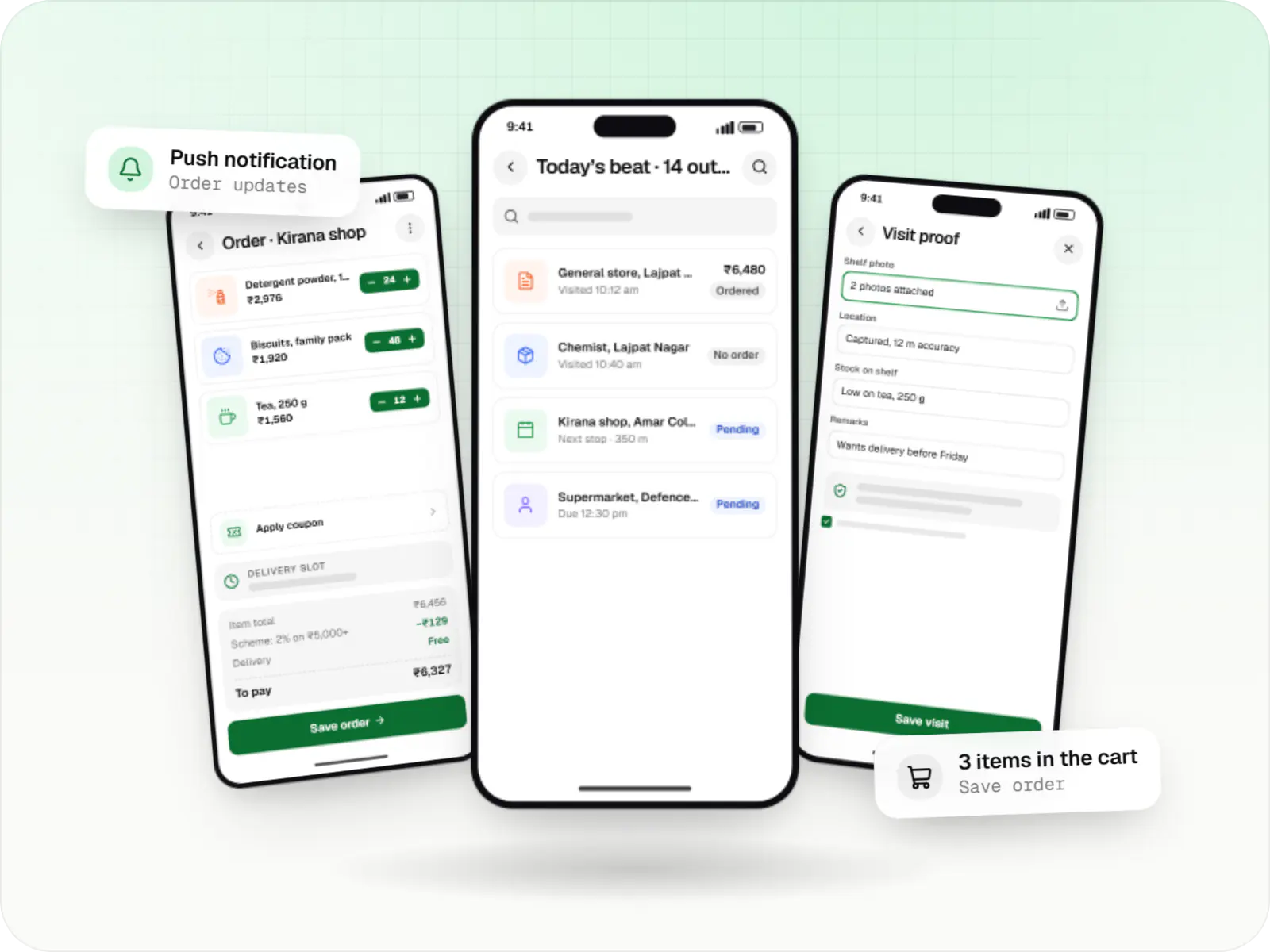
Native Android apps in Kotlin and Jetpack Compose, designed for entry-level phones, patchy networks and the background limits of popular Android brands.
FAQ
No. Many clients keep TallyPrime as the books of account while the ERP handles operations: purchase, stock, production, sales orders and dispatch. Ledgers, items and vouchers sync through Tally's XML interface, on a schedule or when a document is approved. Your accountant keeps working in a familiar tool and auditors see the same books.
When a sales invoice is approved, the ERP sends it to the Invoice Registration Portal through a GST Suvidha Provider, receives the IRN and signed QR code, and prints them on the invoice. E-way bills are generated from the same data, with transporter and vehicle details added at dispatch. Your GST consultant should confirm HSN codes and applicability for your business.
If your processes are close to their standard flows, a configured platform is often faster to launch. A custom ERP makes sense when the core of your operations, such as job work across several processors, made-to-order costing or distributor schemes, would need heavy customisation that makes upgrades painful, or when licence costs across many users outweigh a build. We can also build custom modules around an existing ERP.
The first module, often purchase and inventory, typically goes live in three to five months including data preparation and a parallel run. A full ERP covering production, sales, dispatch and MIS usually rolls out over six to twelve months in planned phases. Master data quality and the number of sites going live together are the biggest variables.
Related

Next step
Tell us about your plants, godowns and current tools, and we will suggest a first module and a phased plan.