


Skip to content
Softcoderz

Technology · Cloud & DevOps

Docker® containerisation

Packages your software so it runs the same way on every laptop and server, which makes releases predictable and moving hosts easier.

How we use it

We package applications and their dependencies into Docker images built by CI pipelines, then deploy those same images to staging and production. Docker Compose runs the full stack locally, including databases and queues, so new developers can start work quickly.

Official site: docker.com (opens in new tab)

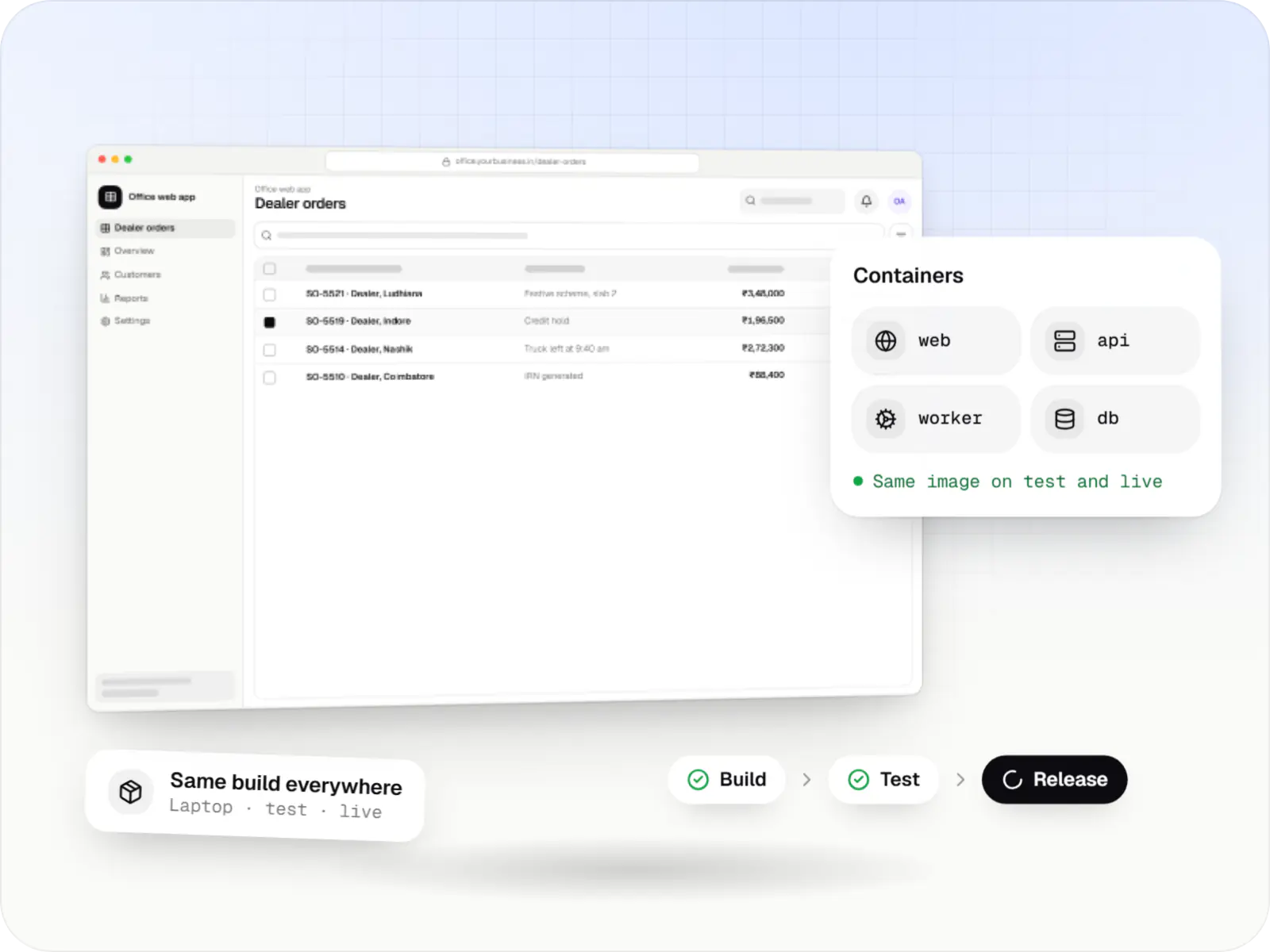
Web app, API and database packaged with Docker as containers, with a build, test and release pipeline
Illustrative previewThe web app, the API and the database packaged as containers and released the same way every time.

What Docker is, and why consistency matters

Docker packages an application, together with everything it needs to run, into a sealed unit called a container. The same container runs on a developer's laptop, on the test server and in production. For you, that means fewer release-day surprises where something worked in testing but not live, and the freedom to move hosting providers without rebuilding the setup.

"It works on my machine" problems waste time on every project. Containers solve most of them by fixing the runtime, system libraries and configuration in an image that behaves the same everywhere.

Use cases

What we build and run with Docker

  • Local development environments

    One command starts the app, database, cache and mail catcher.

  • CI/CD pipelines

    Images built, scanned and tested on every merge.

  • Production deployments

    The same image promoted from staging to production.

  • Legacy app containerisation

    Older PHP or Java apps packaged for modern hosting.

  • Self-hosted AI models

    GPU-enabled containers for open-weight model serving.

Why containers matter for your releases

  • Reproducible builds

    Pinned versions mean fewer surprises at release.

  • Faster onboarding

    New developers are productive from their first day, which saves paid hours.

  • Portable hosting

    Move between clouds without rewriting deployment.

  • Security checks before release

    Image scanning flags known vulnerabilities before anything goes live.

When we would not recommend Docker

  • Static websites and simple managed platforms: if the host already handles the runtime, containers add steps without much benefit, and we may not use Docker at all.
  • No plan for upkeep: images need regular rebuilding for security patches, and poorly written Dockerfiles produce large, slow builds.
  • One small internal tool: orchestration adds concepts to learn, and a simpler deployment can be enough.

Plain-English glossary

Container terms, in plain English

Container
A sealed package holding an app and everything it needs to run. It behaves the same on any computer, which removes a whole class of release-day problems.
Image
The saved template a container is started from. The same image is tested and then promoted to production, so what you approved is exactly what goes live.
CI/CD pipeline
An automated assembly line that builds, tests and deploys the software whenever code changes. Releases become routine instead of risky late-night events.
Docker Compose
A file that starts the whole system, including the app, database and cache, with one command. New developers get a working setup in minutes.

Services

Services using Docker

  • Custom software development

    Software shaped around how your business runs, from approvals and inventory to billing and reports, replacing spreadsheets and disconnected tools.

  • API development

    Secure, documented REST and GraphQL APIs, plus integrations that connect your apps to payment, logistics, GST, messaging and business systems.

  • SaaS development

    Multi-tenant SaaS products with subscription billing, team roles, onboarding and usage analytics, from first MVP to paying customers.

Solutions

Containerised solutions we deliver

  • ERP development

    Custom ERP software connecting purchase, inventory, production, sales and GST compliance, alongside your existing accounting system.

  • AI SaaS development

    Multi-tenant SaaS products with AI at their core, built with tenant isolation, usage metering, model routing, evaluation and subscription billing.

  • CRM development

    Custom CRM software that captures leads from every channel, keeps follow-ups on schedule and shows managers a live pipeline.

Work

Sample projects

Illustrative projects that show how we plan and build products that use Docker. They are samples, not client work.

  • Delivery app development

    Illustrative sample

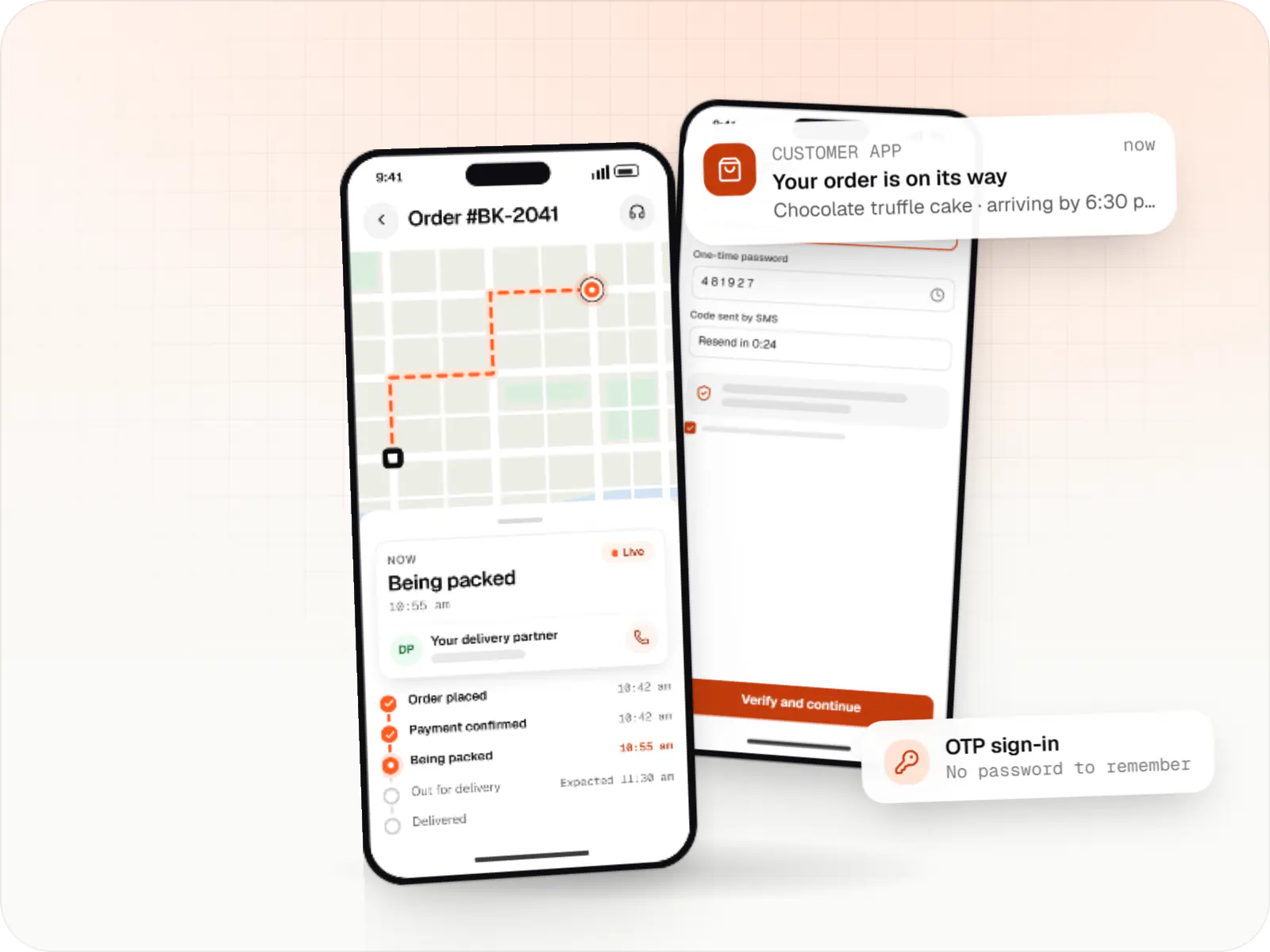
    Hyperlocal grocery delivery platform

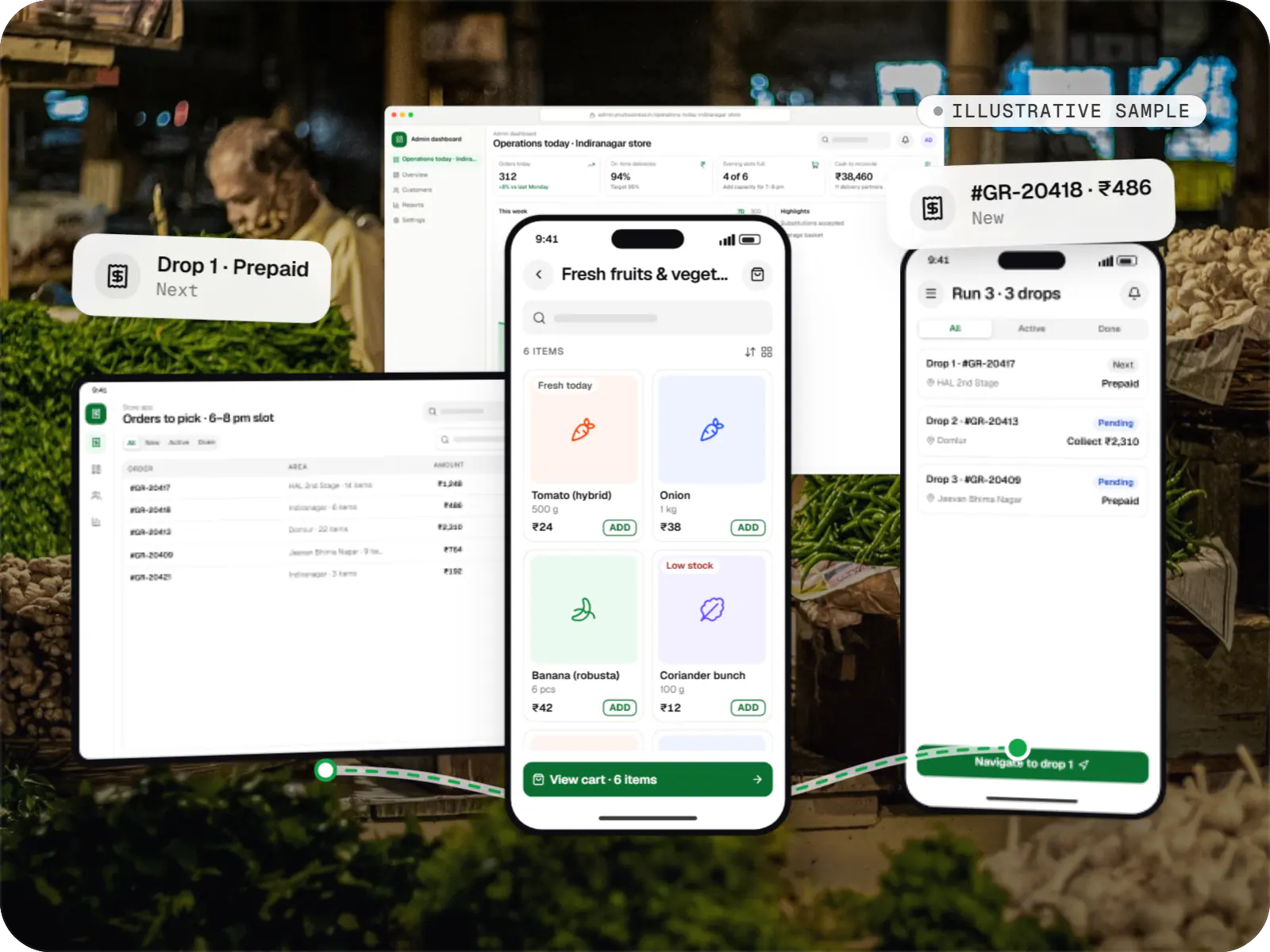
    An illustrative platform for neighbourhood grocery stores: slot or express delivery, store picking, batched delivery runs, and payment by UPI or cash on delivery.

    • Retail
    • Mobile + web platform

    Runs on

    • Android
    • iOS
    • Cross-platform
    • Admin

    Built with

    • Flutter
    • NestJS
    • PostgreSQL
    • Redis
    • AWS
    • +1 more
  • E-commerce & marketplaces

    Illustrative sample

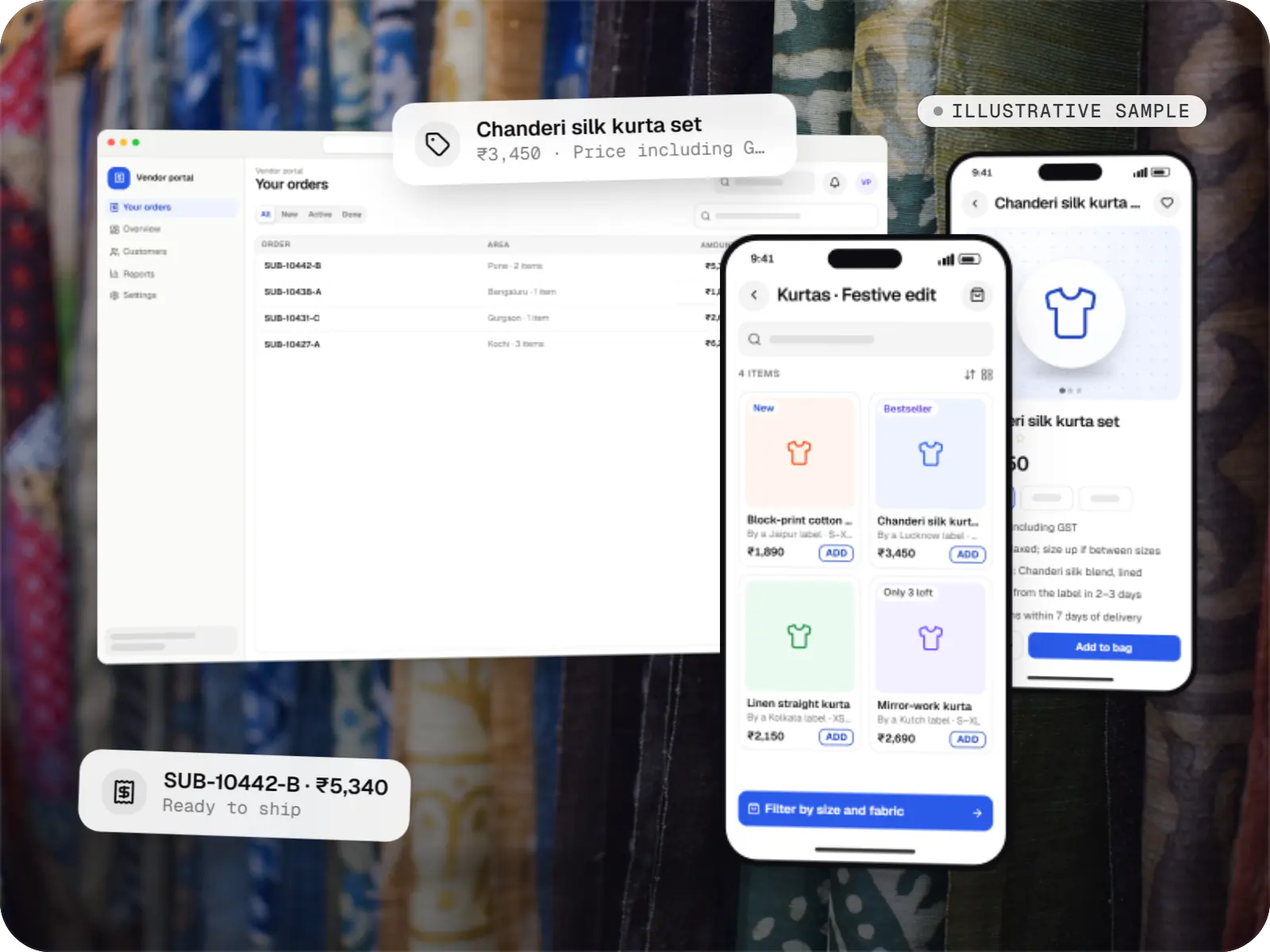
    Multi-vendor fashion marketplace

    An illustrative marketplace where independent fashion labels sell through one storefront, with vendor onboarding, commission rules, multi-pickup shipping, returns and scheduled payouts.

    • E-commerce
    • Marketplace web platform

    Runs on

    • Website
    • Web app
    • Admin

    Built with

    • Next.js
    • NestJS
    • PostgreSQL
    • Redis
    • AWS
    • +1 more
  • Business software

    Illustrative sample

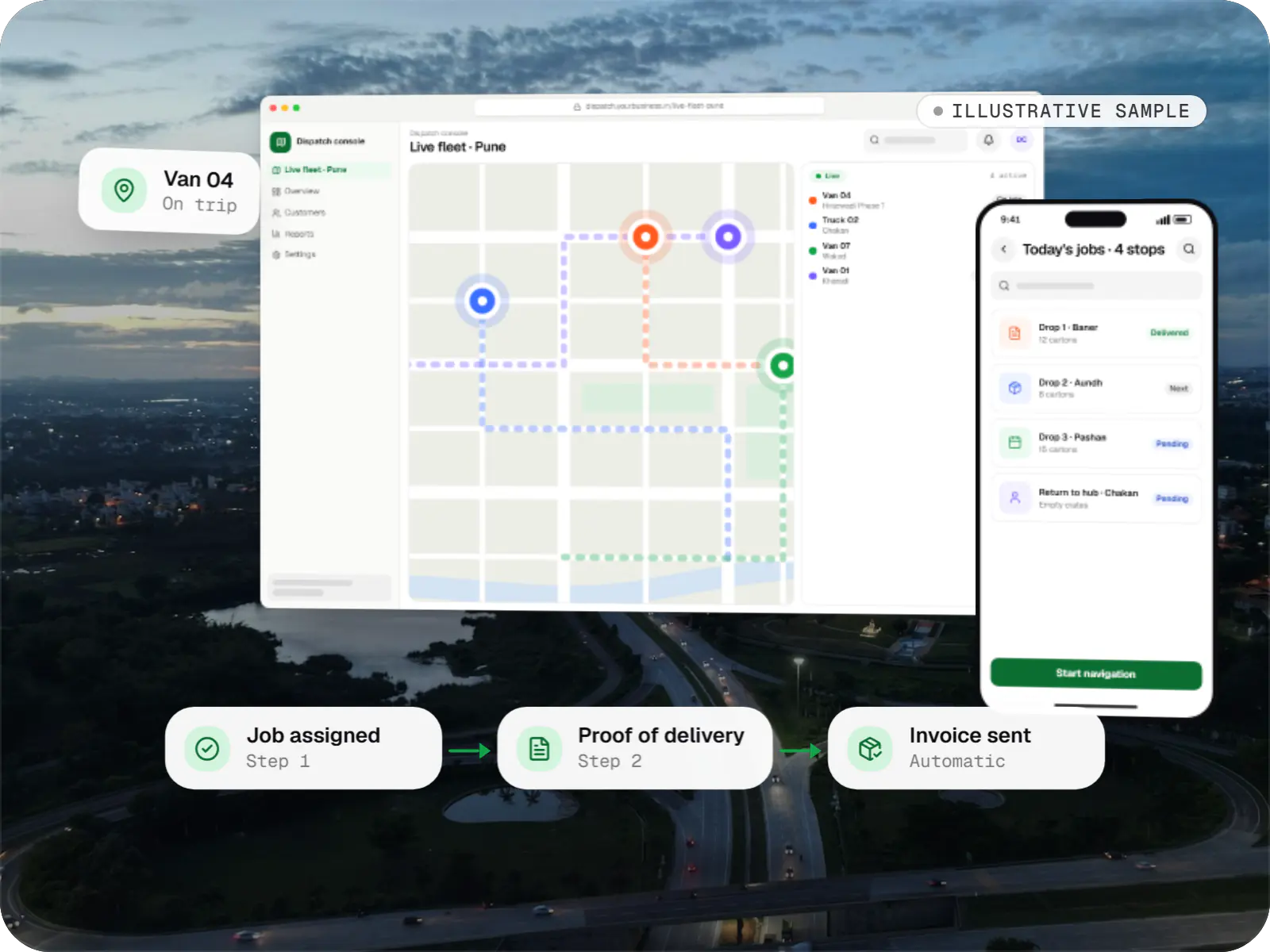
    Fleet & dispatch management SaaS

    An illustrative SaaS for businesses running their own vehicles: live dispatch on a map, driver proof of delivery and per-trip billing for each customer.

    • Transportation
    • SaaS

    Runs on

    • Web app
    • Android
    • iOS
    • Cross-platform

    Built with

    • React
    • React Native
    • Node.js
    • PostgreSQL
    • Redis
    • +1 more
  • Device management & kiosk solutions

    Illustrative sample

    Android kiosk and device management platform for retail stores

    An illustrative kiosk product for retail chains: locked Android tablets for catalogues and price checks, a staff launcher, and a console to enrol, update and monitor every device.

    • Retail
    • Device management platform

    Runs on

    • Android Enterprise
    • Admin
    • Web app

    Built with

    • Next.js
    • React
    • Android (Kotlin)
    • NestJS
    • PostgreSQL
    • +1 more

FAQ

Frequently asked questions

Can you containerise our existing application without rewriting it?

In most cases, yes. We write a Dockerfile for the current runtime, move configuration into environment variables, store uploaded files outside the container and test the image against your existing database. Older applications sometimes need small changes, for example to logging or file paths. Once it runs reliably in a container, we set up automated builds and a deployment pipeline.

Do Docker containers make our application more secure?

They help, but they aren't a security boundary on their own. Containers isolate dependencies and make patching repeatable, and image scanning catches known vulnerabilities. We also use minimal base images, run processes as non-root users, keep secrets out of images and rebuild regularly. Network rules, access control and application security still need the same care as always.

Is Docker Compose enough for production?

For a small internal tool on a single server, it can be, provided backups, monitoring and restarts are handled. For customer-facing products we prefer a managed container service such as AWS ECS, which handles health checks, rolling deployments and scaling across machines. We choose based on uptime needs and budget, and explain what each option means for day-to-day operations.

Next step

Want reliable, repeatable deployments?

Tell us how you deploy today and what goes wrong, and we'll suggest a pipeline that fits.