
Backend
NestJS
A structured way to build back ends on Node.js, so large business systems stay organised, testable and easy to hand over.
Used for
- Business app back ends
- SaaS platforms
- Marketplaces
- Admin panel back ends
Business & enterprise
Custom applications, integrations and AI tools for large organisations, delivered through your security reviews and agreed support SLAs.
At a glance

Enterprise projects are shaped by procurement, security and integration as much as by features. We work inside your review processes and agree support terms in writing.
How to start
Tell us what you need in your own words. You talk to the developers who would build it and get a written, line-item estimate.
Get a project estimateIn a large organisation, a new application must clear information security, connect to an ERP or CRM, sign users in through corporate identity and stay supported for years. Business units often bring us a specific tool, such as a dealer portal, an approval workflow or an internal AI assistant, that central IT lacks capacity for. We fit into your vendor onboarding and change management rather than around them.
Challenges
Questionnaires, architecture reviews and VAPT findings to close before go-live.
Data locked in SAP, Oracle or on-premise systems with limited APIs.
Users expect single sign-on; auditors expect role-based access and logs.
No agreement on who responds to incidents, how fast and when.
Solutions
Across 3 areas
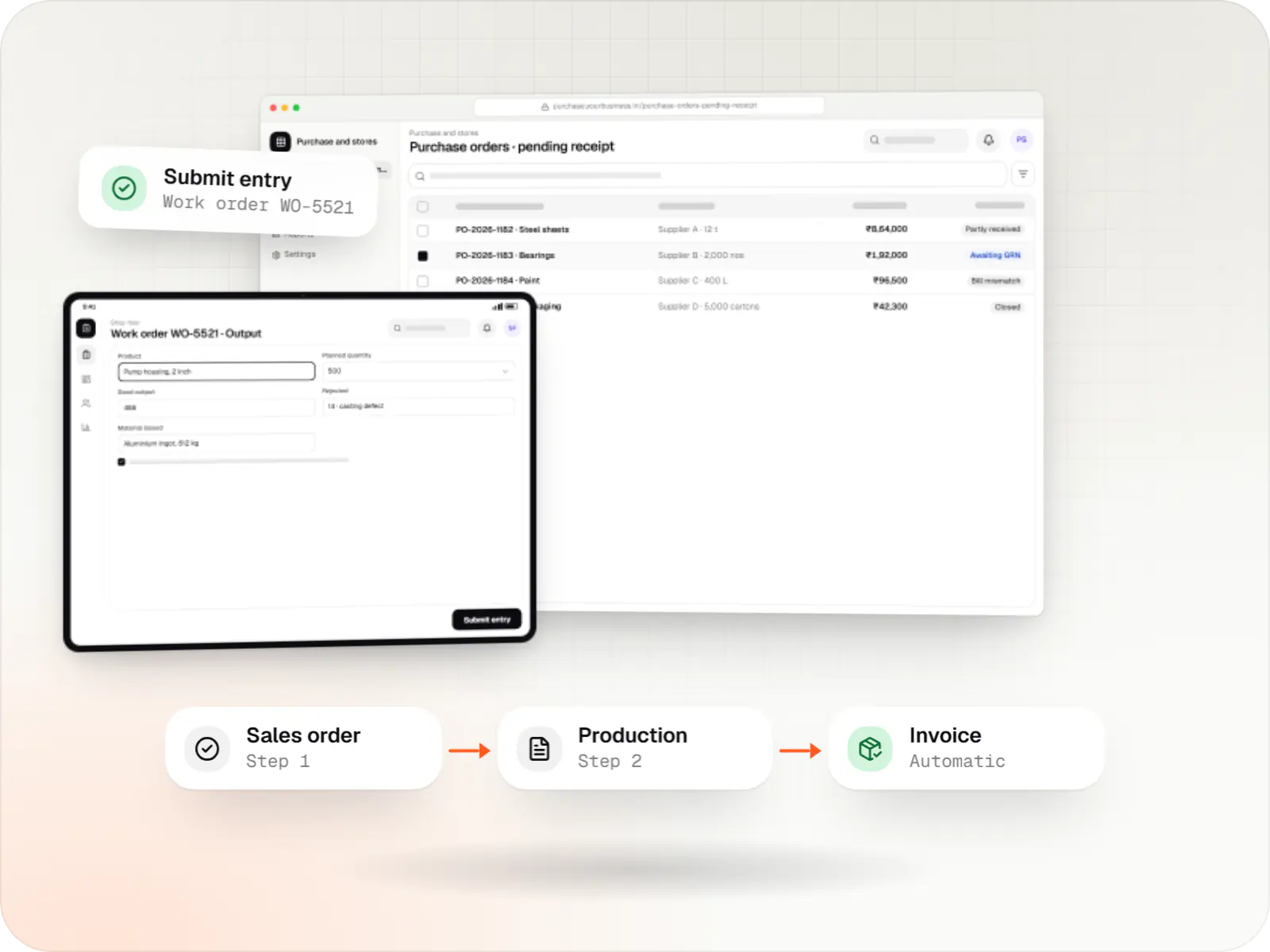
Custom ERP software connecting purchase, inventory, production, sales and GST compliance, alongside your existing accounting system.
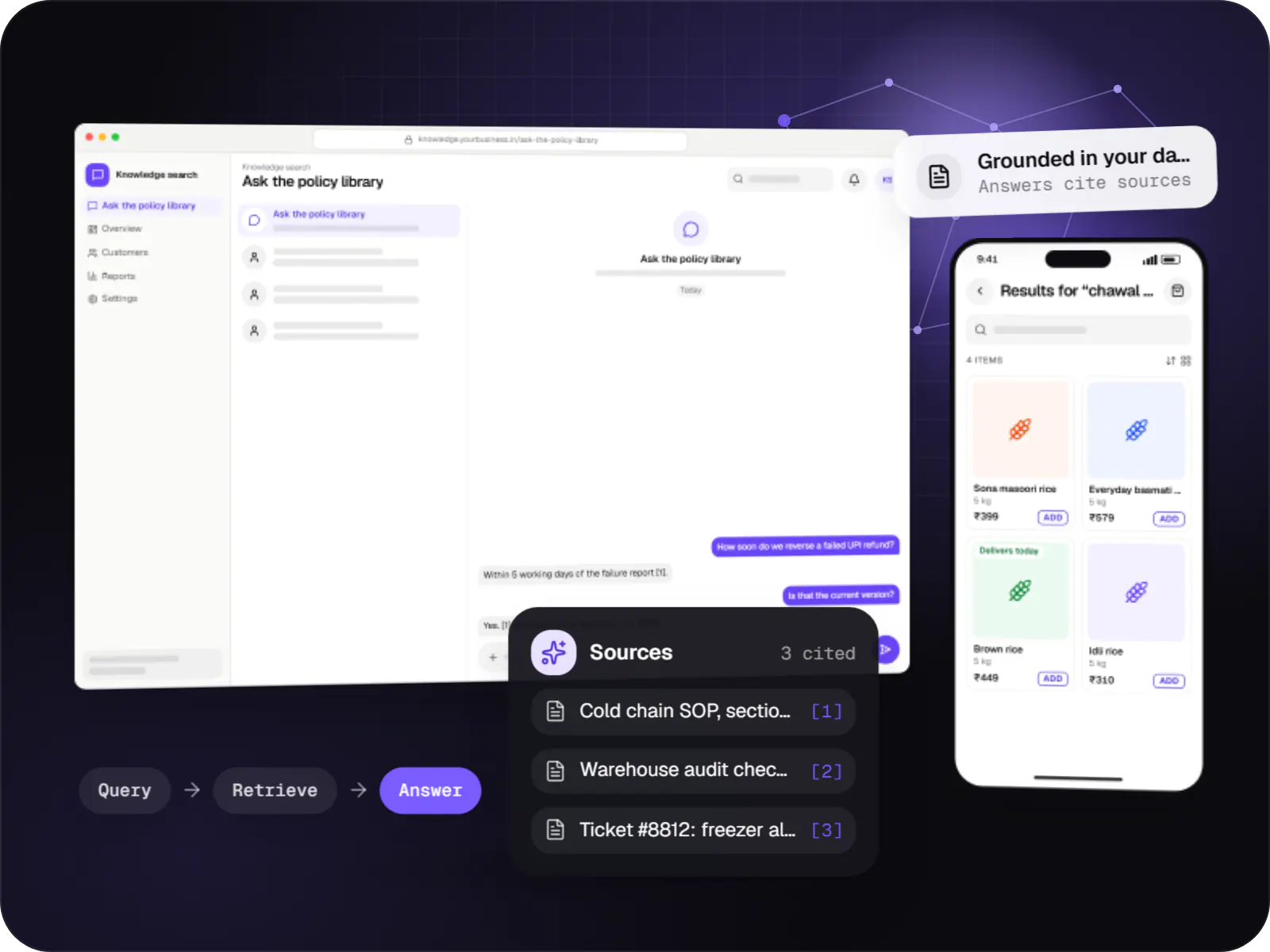
Search and question-answering over your documents, tickets and product data, with hybrid retrieval, citations and permission-aware results.
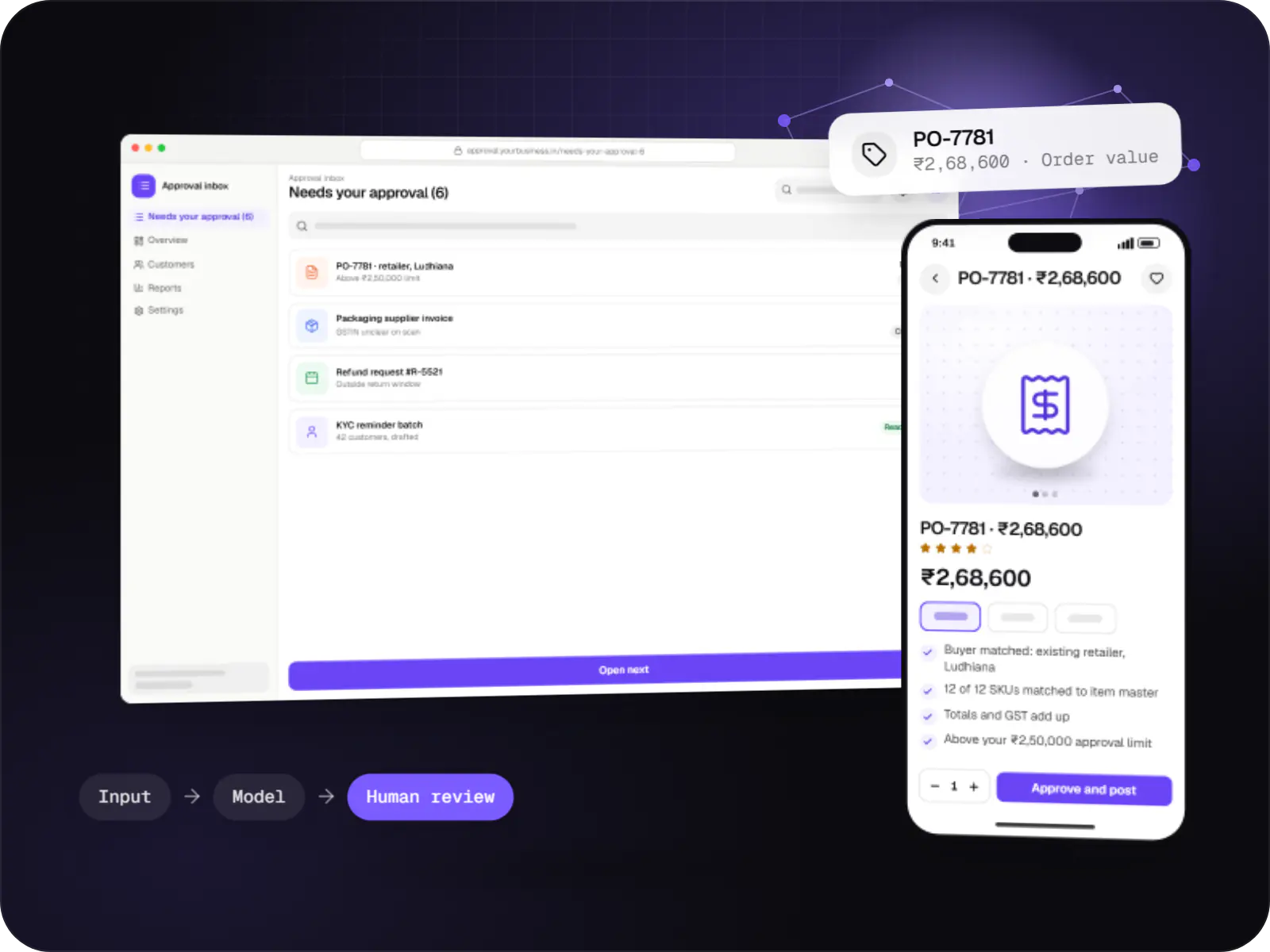
Automations for repetitive back-office work, with AI steps that read, classify and draft, and approvals where decisions matter.
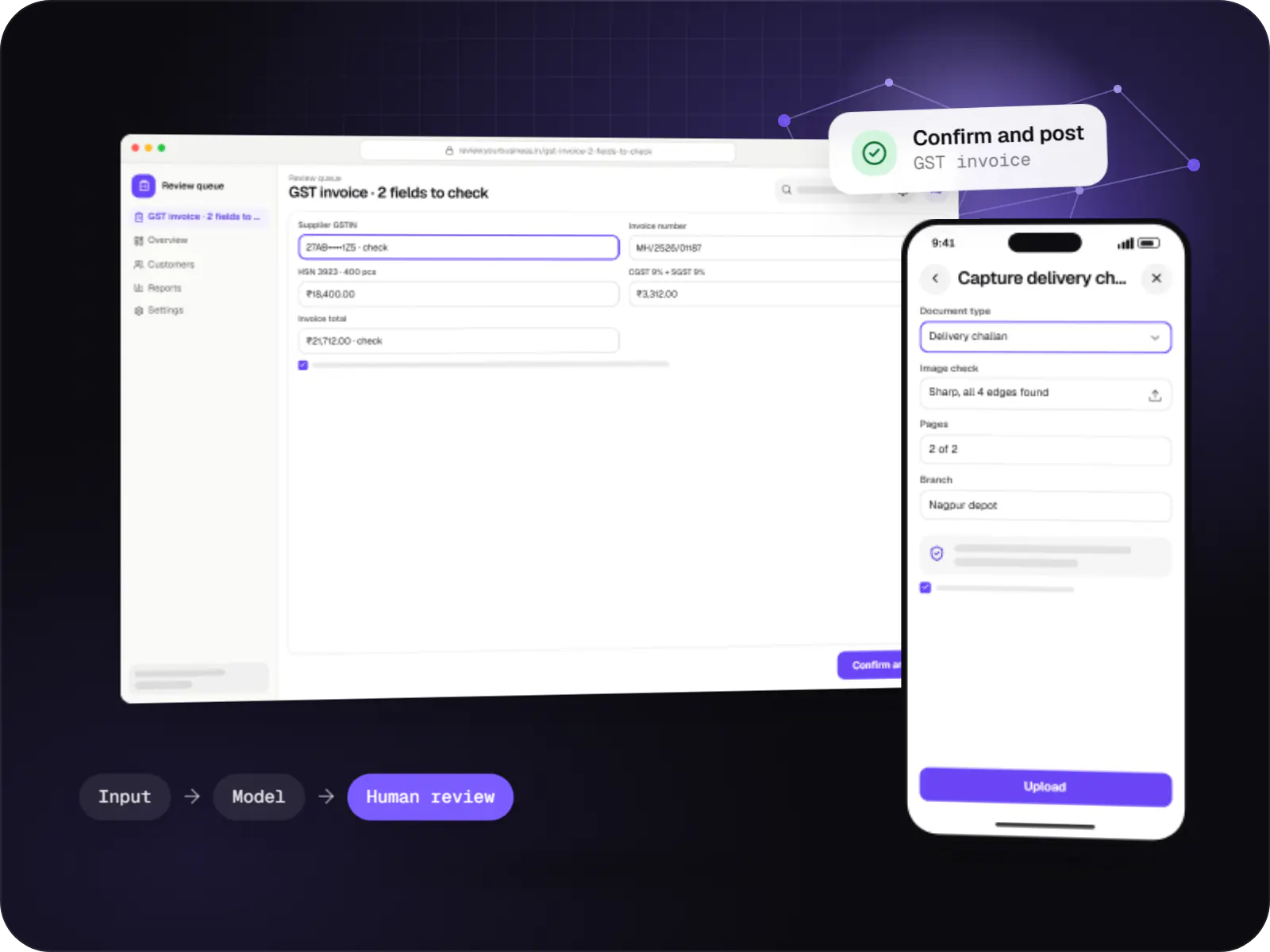
Data extraction from invoices, KYC documents, statements and forms into your systems, with validation rules and human review for uncertain fields.

Custom CRM software that captures leads from every channel, keeps follow-ups on schedule and shows managers a live pipeline.
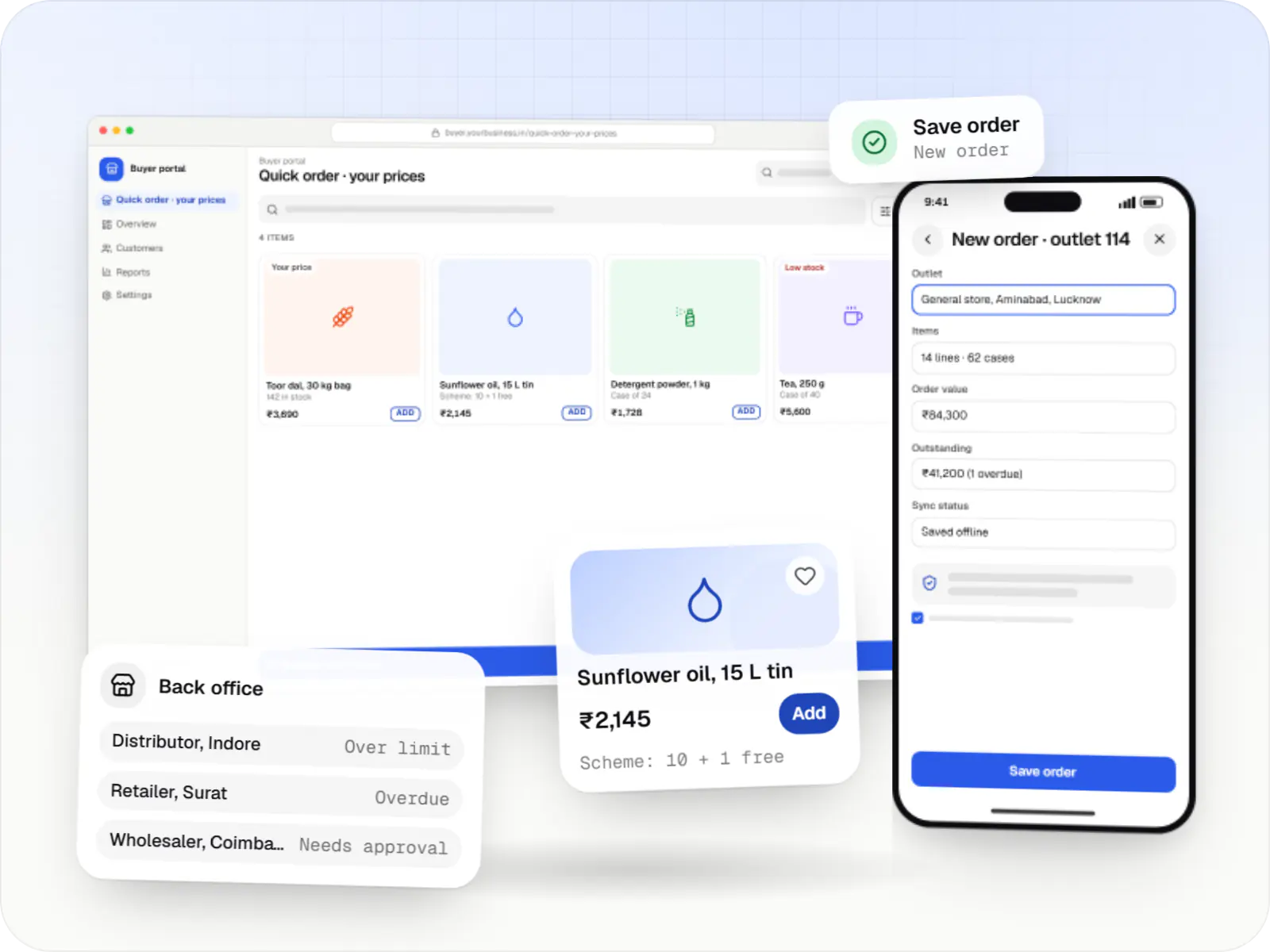
Ordering portals and apps for manufacturers, distributors and wholesalers, with buyer-specific pricing, credit limits, bulk ordering and ERP sync.
Dedicated pages
SAML or OpenID Connect with Microsoft Entra ID, Okta or Google Workspace.
Who did what and when, retained per your policy and CERT-In directions where they apply.
APIs, queues and scheduled sync with SAP, Salesforce, Oracle or internal databases.
Hosting in Indian cloud regions or your own environment, encrypted at rest and in transit.
Architecture, runbooks and API docs your IT team can maintain.
How it works
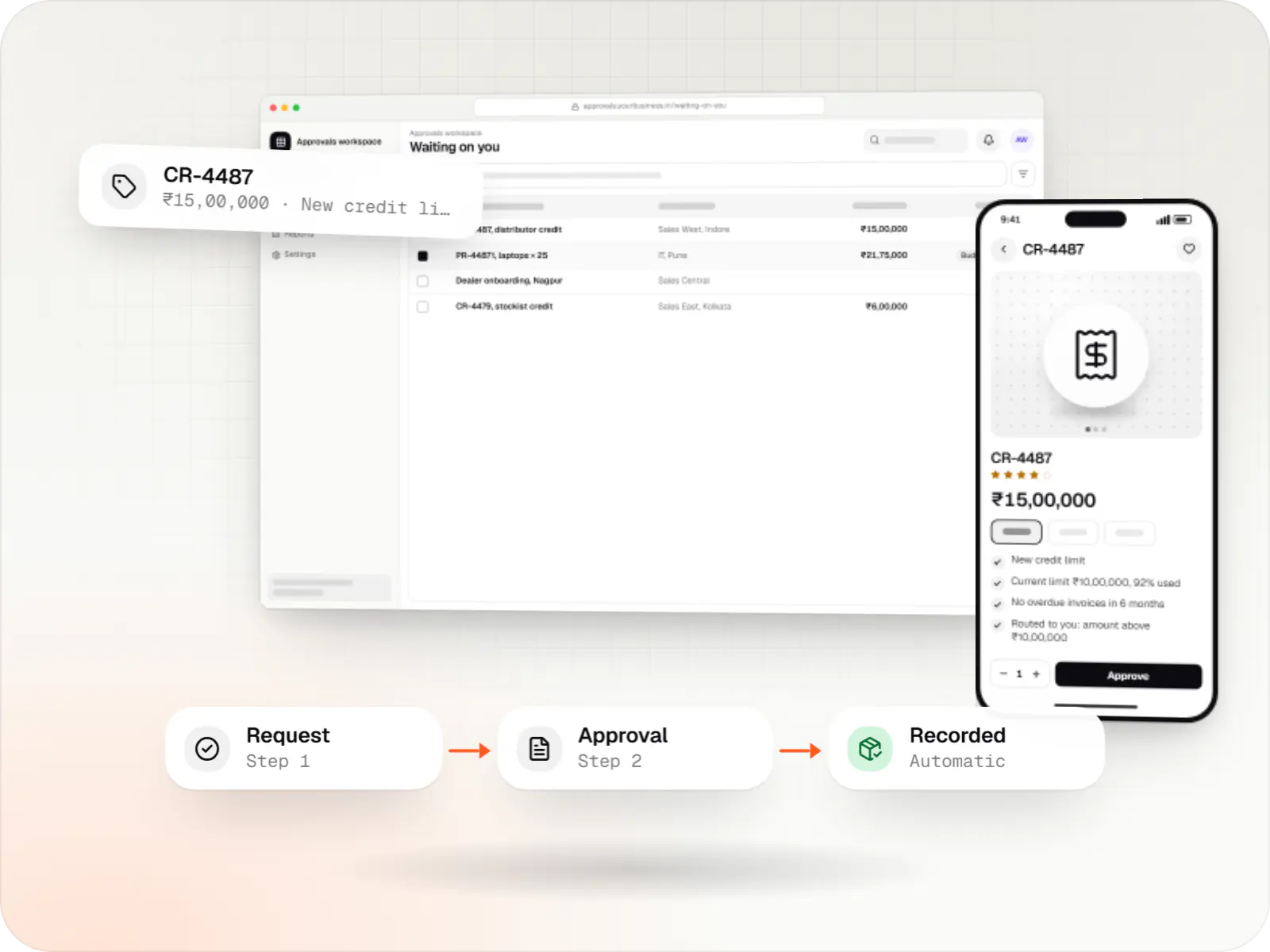
Shown here for a dealer credit approval; purchase requests and onboarding follow the same pattern.
Staff open the application through single sign-on with Microsoft Entra ID, Okta or Google Workspace, so there is no extra password for IT to manage.
A dealer credit increase is submitted with the fields the ERP needs, and incomplete or out-of-range entries are caught before anyone approves them.
Routing follows amount, region and role rules; approvers act from email or the app, and delegation keeps things moving while someone is on leave.
Once approved, the new limit posts to SAP, Oracle or Salesforce through APIs or queues, with automatic retries if the ERP is busy.
Views, changes and approvals are recorded with user and time, and kept for as long as your policy and auditors require.
Alerts watch errors and response times, and incidents are handled according to the severity levels agreed in the support contract.
Platforms
Browser-based applications with logins, roles and workflows, such as customer portals, SaaS products and internal tools.
Back-office panels for operations, support and finance teams: orders, users, content, reports and permissions.
One Flutter or React Native codebase for Android and iOS, with native modules where a feature needs them.
Windows and macOS apps for billing counters, kiosks and offline-heavy work, where a browser isn't enough.
Technology
Mainstream, well-supported tools your IT team can review, host in your own cloud and maintain for years.
Backend
A structured way to build back ends on Node.js, so large business systems stay organised, testable and easy to hand over.
Used for
Backend
A programming language for AI features, data processing and automation: the engine behind document reading, reports and smart search.
Used for
Data
A reliable database for the records your business runs on: orders, payments, bookings and stock, kept accurate and easy to report on.
Used for
Data
Keeps frequently used data in fast memory, so apps stay quick on busy days and live features like order tracking feel instant.
Used for
Cloud & DevOps
Packages your software so it runs the same way on every laptop and server, which makes releases predictable and moving hosts easier.
Used for
Cloud & DevOps
Cloud hosting for your app, website and data, with data centres in India and room to grow when traffic rises.
Used for
Connects your product to AI language models from several providers, so each task uses a suitable model and you can switch later.
Used for
Plain-English glossary
Product preview
Illustrative screens with sample data from an internal approvals application.
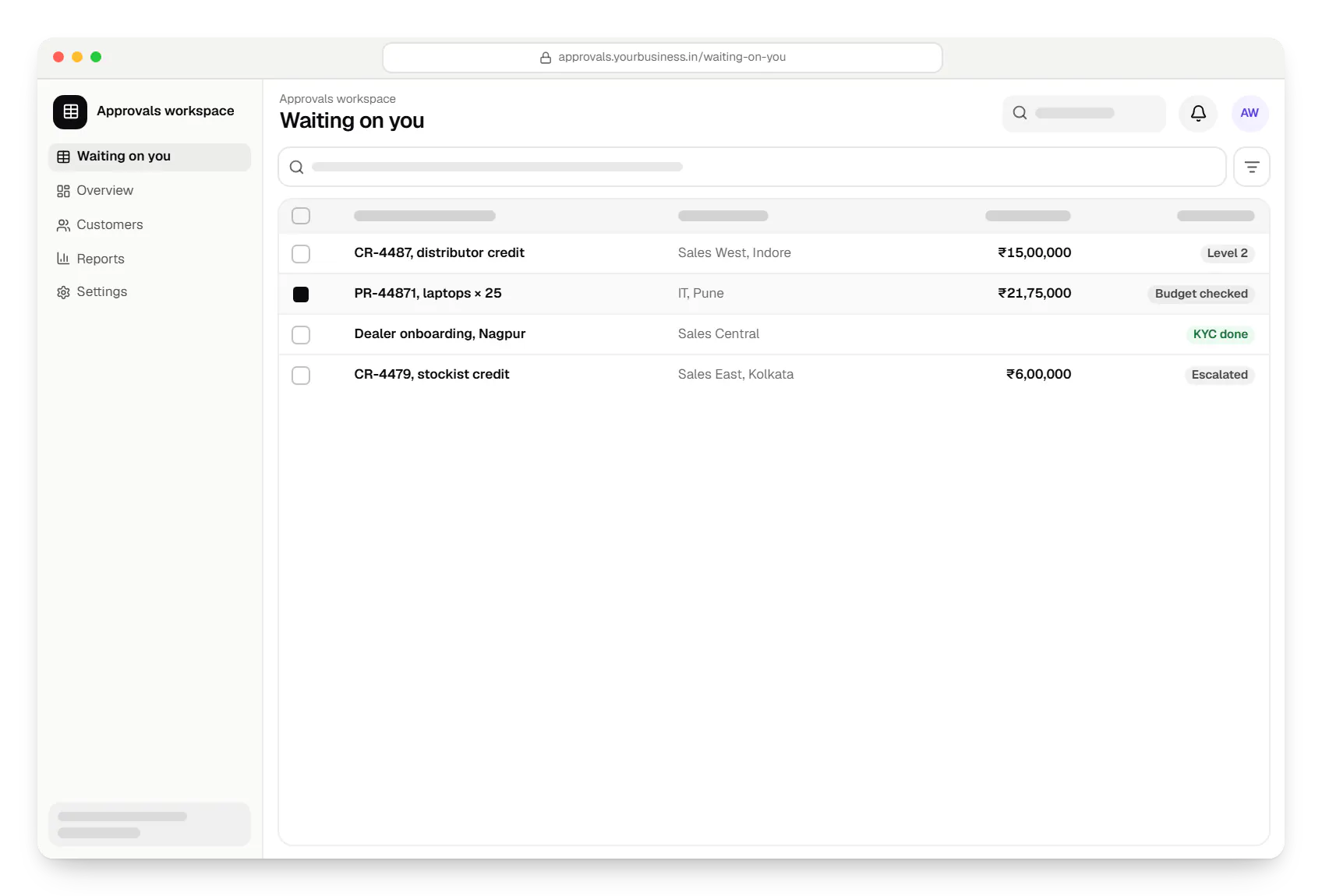
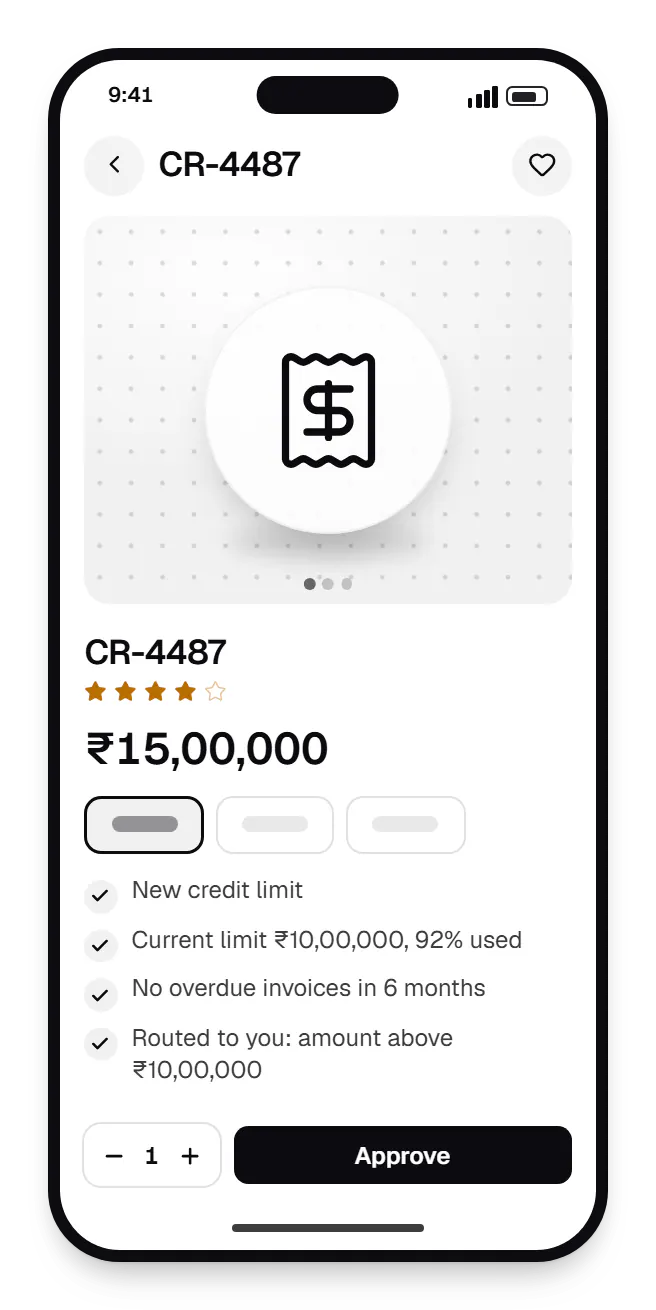
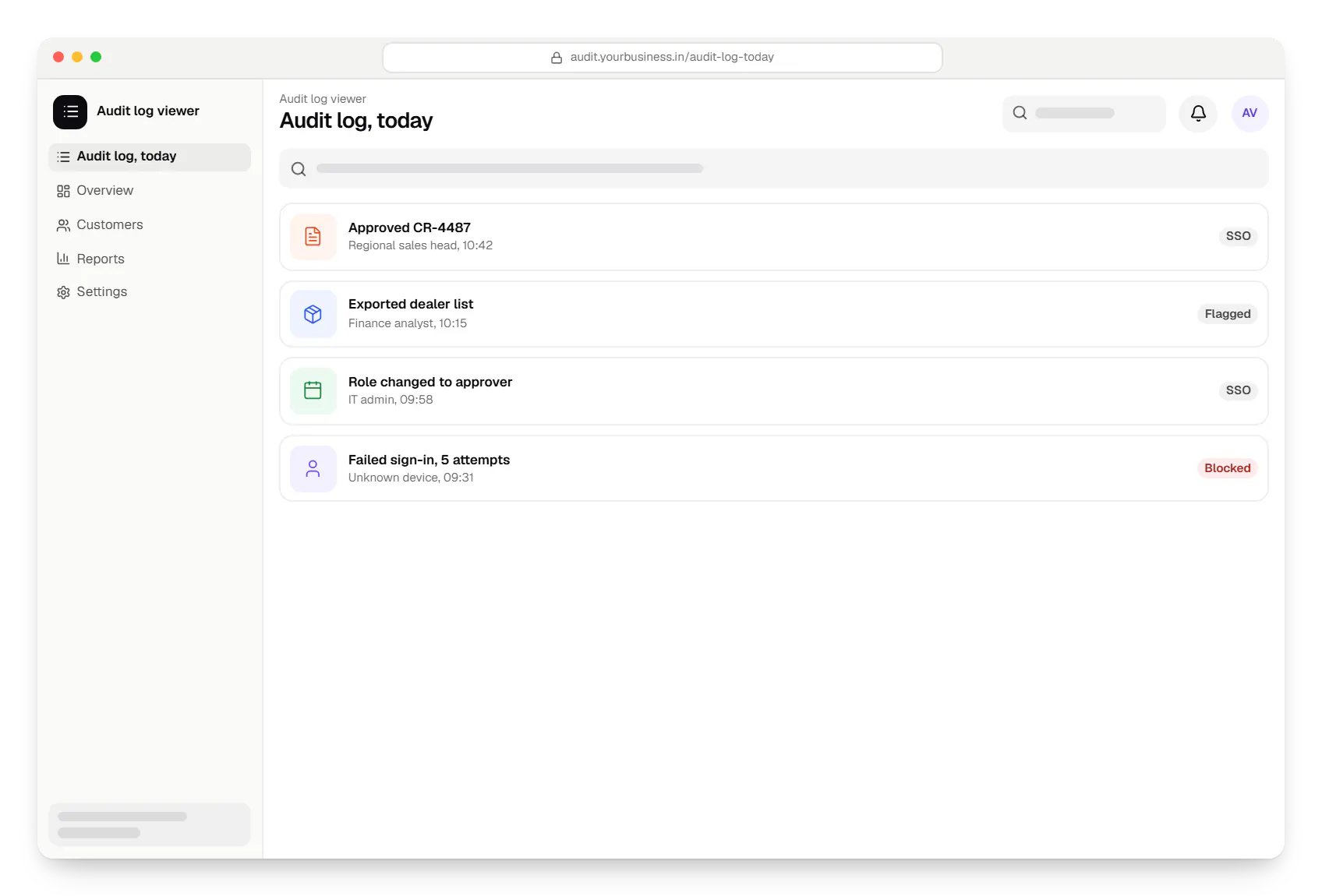
Sample screens: names, prices and figures are examples, not client data.
Cost drivers
VAPT remediation, retests and review documentation add time beyond features.
Real-time, two-way ERP sync costs more than nightly batch exports.
Response times, support hours and on-call cover are priced into the agreement.
Estimates are written from your scope, with the effort and assumptions behind each line item.
How pricing worksServices
The design and engineering services our in-house team combines on projects in this sector.

Software shaped around how your business runs, from approvals and inventory to billing and reports, replacing spreadsheets and disconnected tools.

Browser-based products, customer portals, dashboards and internal tools, built on clean data models with secure roles and integrations.

Secure, documented REST and GraphQL APIs, plus integrations that connect your apps to payment, logistics, GST, messaging and business systems.
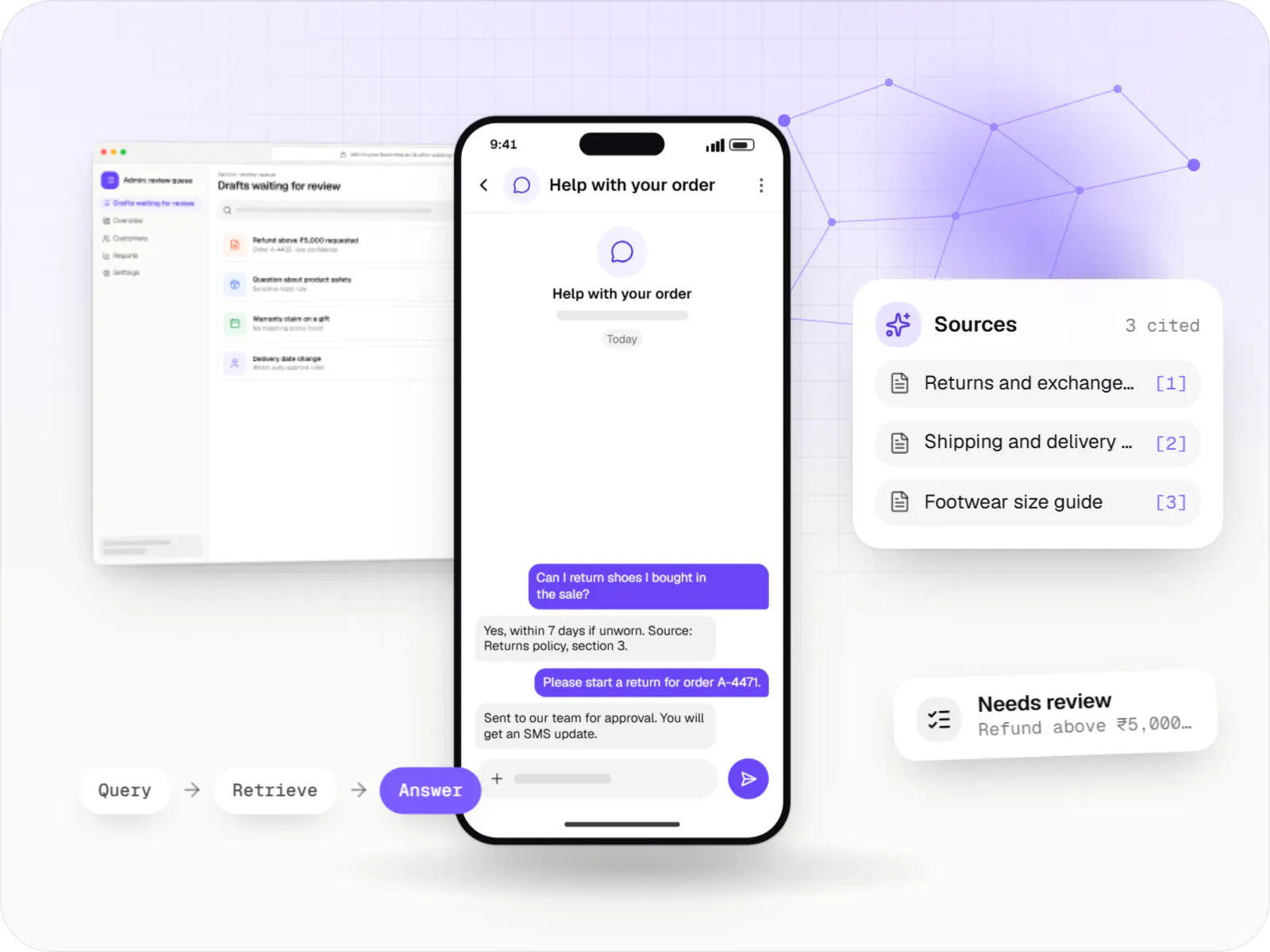
AI features and AI-first apps built on model APIs, retrieval over your own data, workflow automation or custom ML, with evaluation and human review.

Back-office dashboards built around your team's daily tasks: order queues, approvals, catalogue management, payouts, reports and audit logs.

Native and cross-platform Android and iOS apps, from first release through regular store updates, built by our in-house designers and engineers.
FAQ
Yes. We answer vendor questionnaires on access control, encryption, secure development, backups and incident handling, and share architecture diagrams for review. When your team or a CERT-In empanelled auditor runs a VAPT, we fix reported issues and support retesting before go-live. We don't claim certifications we don't hold; we document our actual controls for your security team to assess.
Severity levels with response and resolution targets for each, support hours, channels for raising issues, and how incidents are communicated and reviewed afterwards. Critical production issues may need round-the-clock cover; minor defects can wait for business hours. We agree the terms in writing before go-live and price them to the cover you need rather than a one-size plan.
Yes. We deploy into your AWS, Azure or Google Cloud account, or package the application in Docker containers for your on-premise infrastructure, following your network and access policies. Infrastructure is defined as code so your team can review and reproduce it. Where data must stay in India, we use Indian cloud regions and confirm where backups and logs are kept.
Next step
Send your requirement or RFP, and we will respond with an approach, team plan and estimate.