Skip to content
Softcoderz

Android MDM · Enterprises

Android™ MDM development for enterprise device fleets

Company Android phones and tablets managed the way your enterprise works: joiners, movers and leavers handled automatically, with compliance evidence ready for audits.

This page brings together

Runs on
  • Android Enterprise
  • Admin
  • Web app
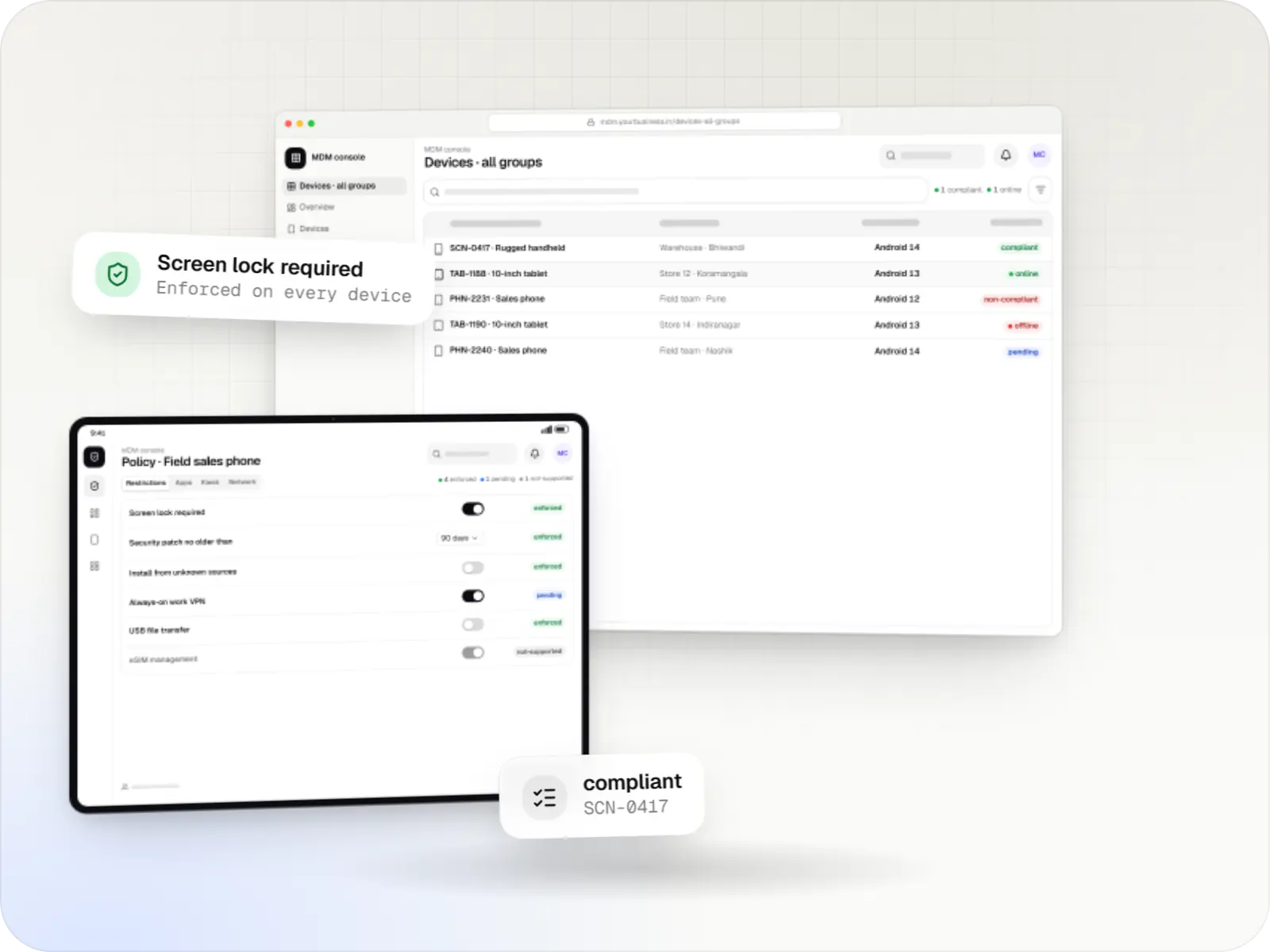
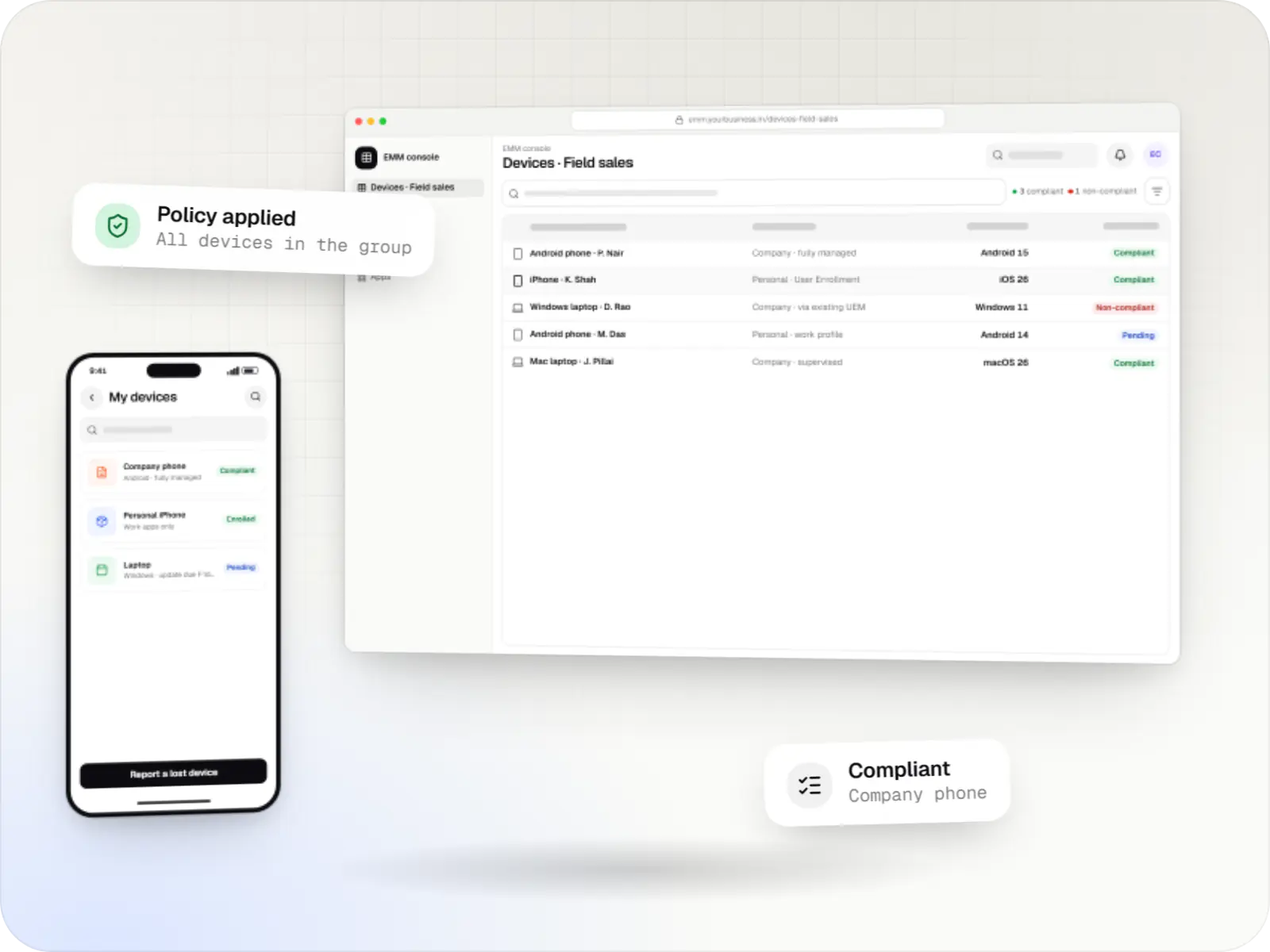
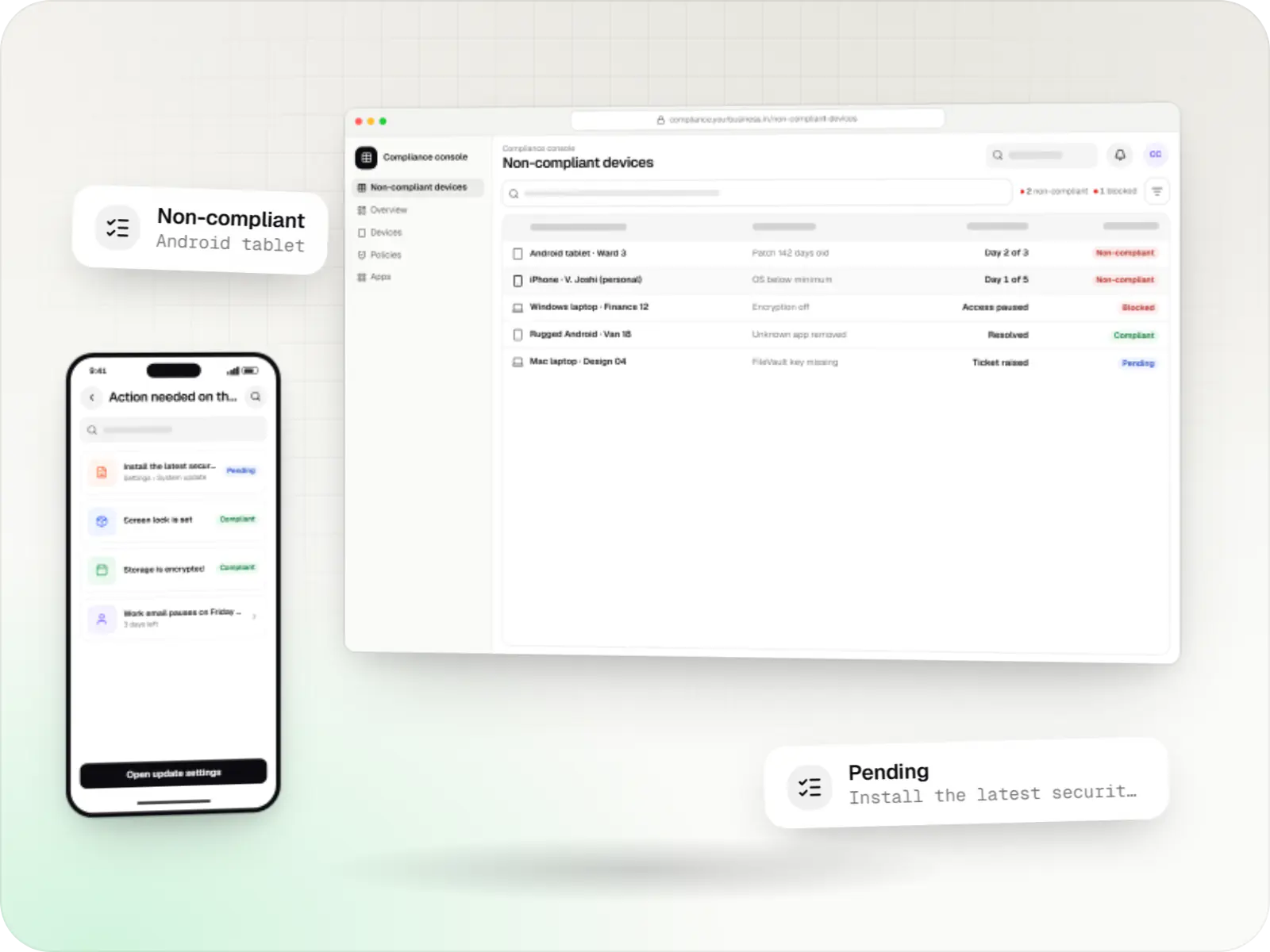
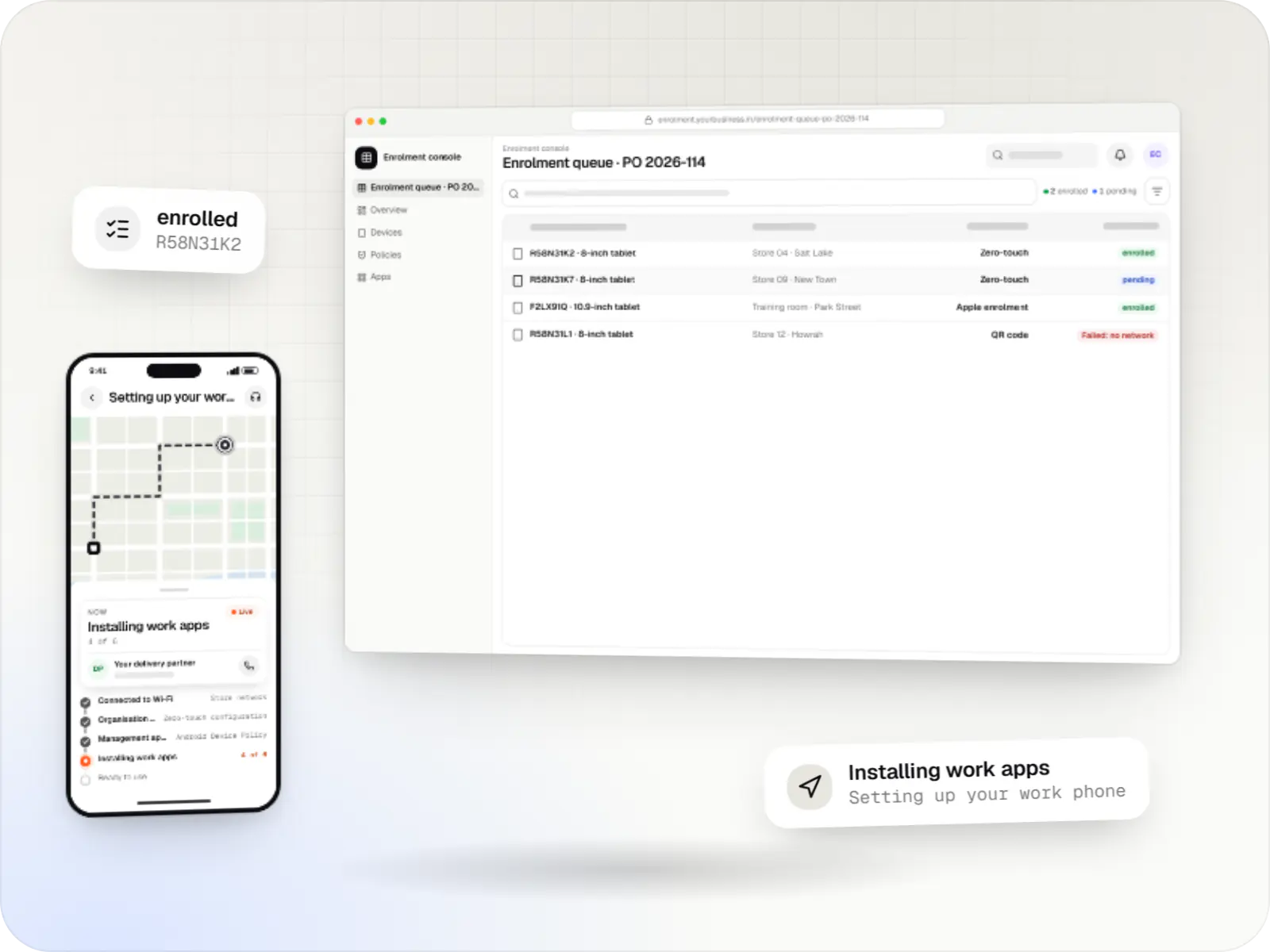
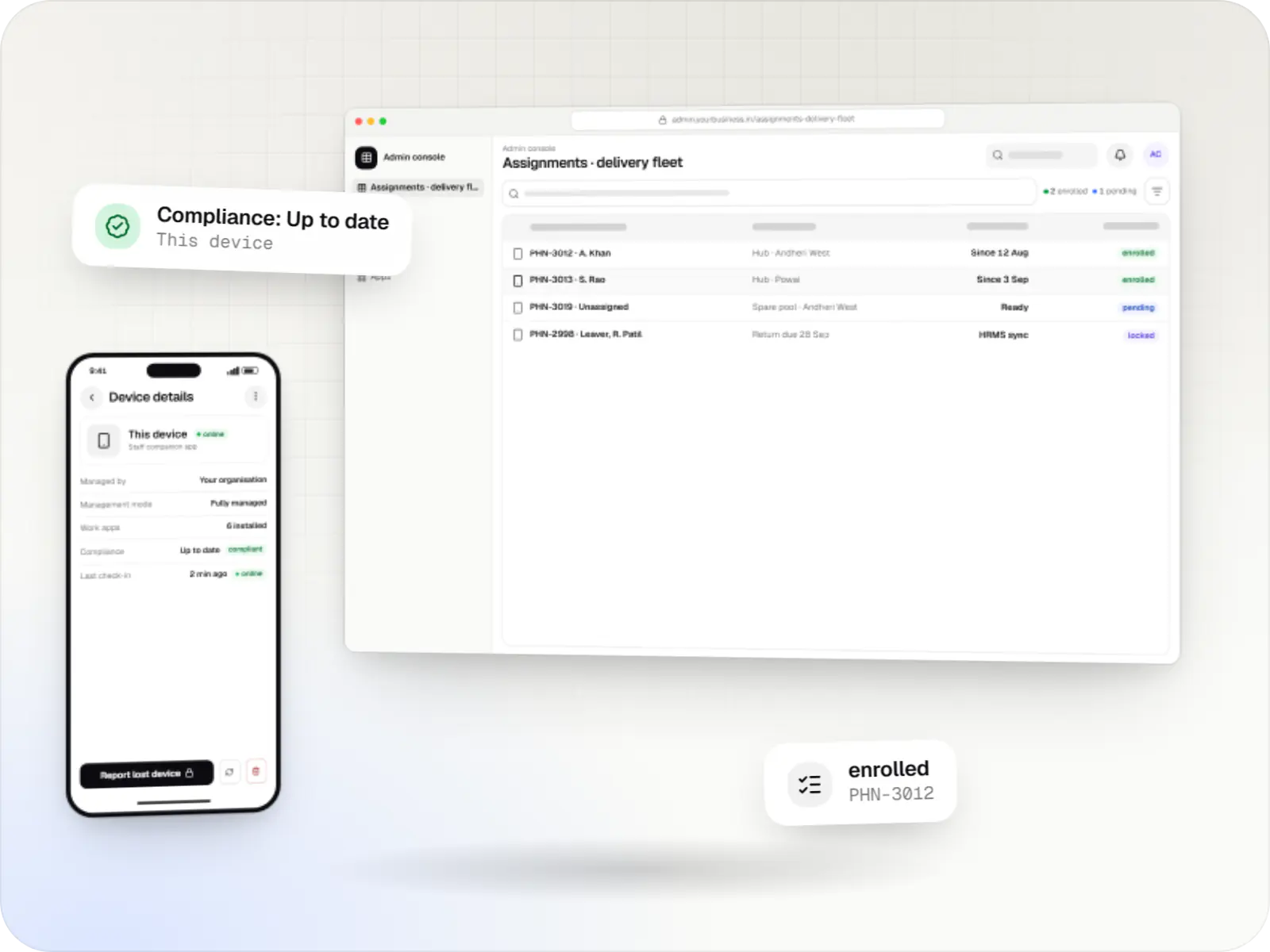
Android MDM screens: MDM console in a browser and MDM console on a tablet
Illustrative preview

Enterprise device management is mostly integration work

An enterprise with hundreds or thousands of Android phones and tablets rarely needs another console for its own sake. It needs devices that are ready on a new employee's first day, work apps with the right settings for each role, evidence for auditors that devices are encrypted and patched, and a clean exit when someone leaves. Most of that lives between systems: HR, identity, ticketing and the device-management tool.

So we start by asking what you already run. Many enterprises already hold an EMM or UEM licence, and the most economical project then extends it through its API with automations, reports and company apps that read their settings from the EMM. Where device management is itself the product, for example an IT services firm offering managed devices to its customers, we build on the Android Management API, whose usage policy covers commercial EMM products but not tools used only in-house. For special hardware, we build device-owner apps.


Challenges

What enterprises struggle with on Android fleets

  1. Company and personal phones mixed

    Some staff carry company-owned phones, others use their own; each needs a different management mode and privacy promise.

  2. Leavers keep work data

    Without automation, access to email and files often outlives the employee's last working day.

  3. Audit evidence by spreadsheet

    Encryption, passcode and patch status are collected by hand before each audit.

  4. Many business units, one IT team

    Sales, service and warehouse teams need different apps and rules, run by different administrators.

  5. Several makers and Android versions

    Features and update schedules differ by model, so one policy does not behave the same everywhere.

Comparison

Use, extend or build: three routes for an enterprise

We recommend the smallest route that meets your needs, and check each against the vendor terms or the API usage policy.

Use, extend or build: three routes for an enterprise
Existing EMM or UEM as it isExtend an existing EMMBuild a product on the Android Management API
SuitsStandard policies and a small IT teamEnterprises with HR, identity and audit workflows to automateIT service firms and vendors offering device management to customers
What we buildNothing new: configuration and training onlyAutomations, reports, dashboards and company apps with managed settingsConsole, back end, policies, enrolment and customer tenants
Time to first devicesDaysWeeksMonths, plus quota approval above 500 devices
Who maintains the device agentThe vendorThe vendorGoogle, through Android Device Policy
Rules to respectVendor licence per device or userVendor API termsGoogle permissible-usage policy: commercial EMM products, not in-house-only tools

What is included

What we build for enterprise Android fleets

  • Platform: Integration service

    Joiner, mover and leaver automation

    • A new hire in the HR system creates a device assignment and an enrolment QR code or zero-touch entry
    • Role changes move the device to a new policy and app set
    • Leavers: work profile removed from personal phones; company phones reset and returned to stock
    • Every step logged against the ticket number
  • Platform: Admin dashboard

    Compliance and audit reporting

    • Encryption, passcode, OS version and security patch level per device
    • Devices out of policy grouped by business unit and owner
    • Monthly evidence export for internal and external audits
    • Alerts for devices not seen for a set number of days
  • Platform: Android apps

    Company apps with managed settings

    • Server addresses, branch codes and feature switches pushed through managed configurations
    • Apps published privately to your organisation
    • Sign-in with your existing identity provider
  • Platform: Admin console

    Administration

    • Administrator rights per business unit
    • Policy templates per role: sales, service, warehouse, leadership
    • A second approval before any wipe or reset

How it works

How a company phone follows an employee from joining to leaving

  1. HR system

    Step 1: Employee joins

    A new hire record triggers a device request with the role, business unit and location.

  2. IT team

    Step 2: Device assigned and enrolled

    A company phone from stock enrols by zero-touch or QR code; a personal phone gets a work profile instead.

  3. EMM

    Step 3: Role policy and apps

    The role's policy, Wi-Fi, certificates and work apps with their managed settings arrive automatically.

  4. Compliance dashboard

    Step 4: Daily compliance checks

    Encryption, passcode and patch level are checked; devices out of policy get reminders, then lose access to work systems.

  5. HR system

    Step 5: Role change

    A transfer moves the device to the new policy and app set without a trip to the IT desk.

  6. Integration service

    Step 6: Employee leaves

    The work profile is removed from a personal phone, or the company phone is reset and returned to stock, with the action logged.

Then it starts again at step 1: Employee joins

Product preview

Compliance dashboard, device record and work apps

Illustrative screens. Devices, teams and figures are invented.

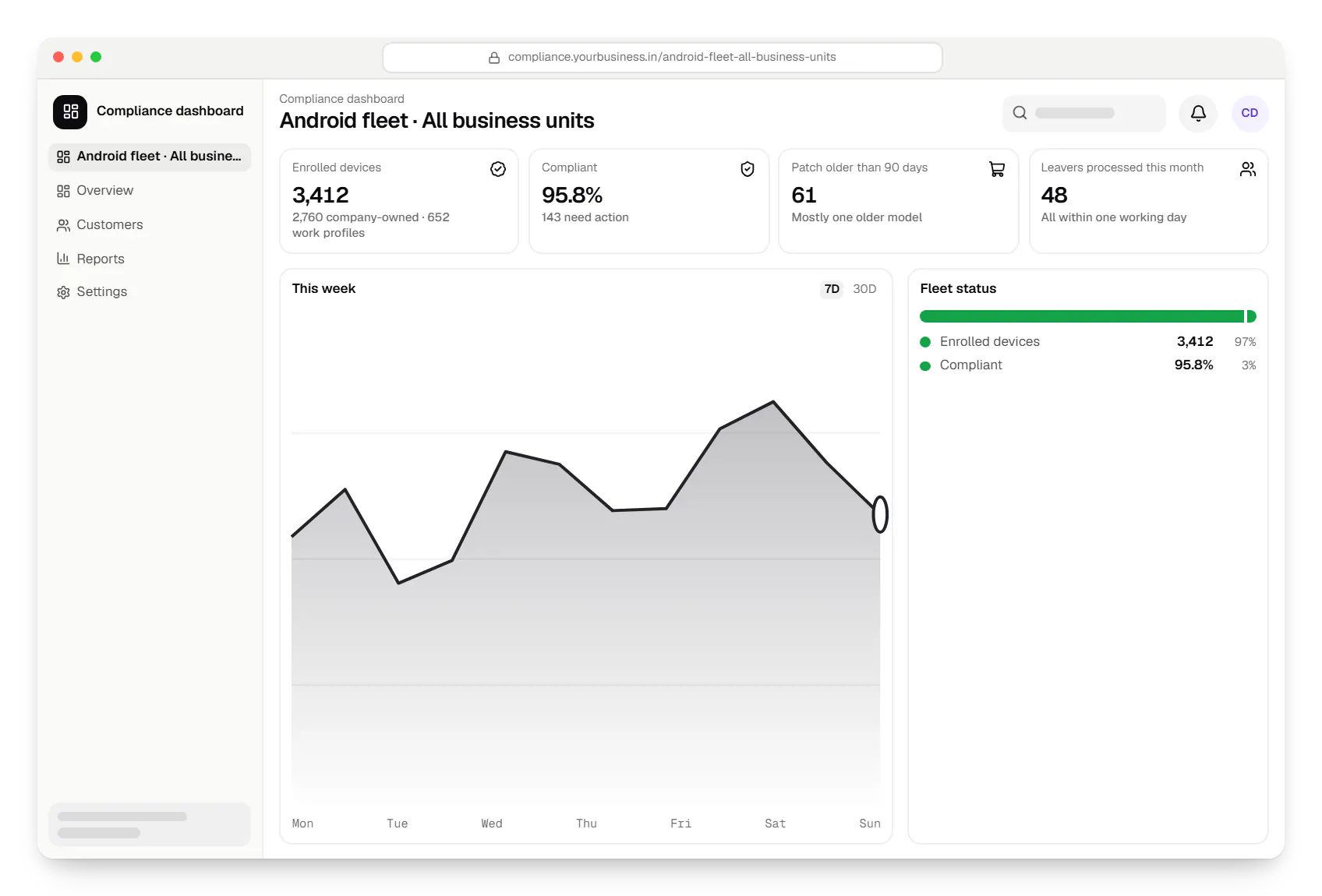
  • Android™ MDM for enterprise device fleets compliance dashboard in a web browser, with key figures and a chart
    Compliance dashboard. IT and audit teams see enrolment, compliance and patch status across business units, and export the evidence an auditor asks for.
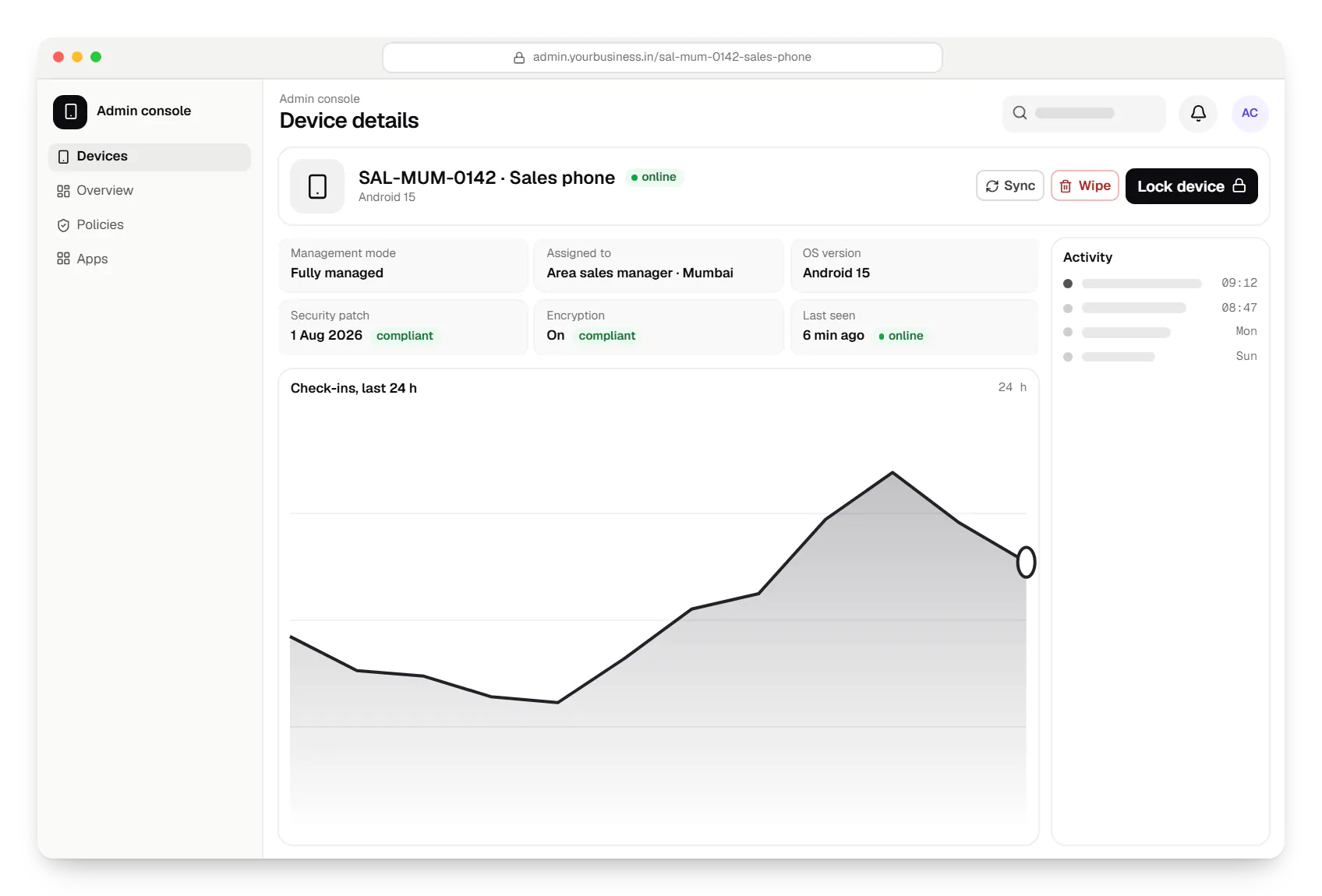
  • Android™ MDM for enterprise device fleets admin console device details in a web browser
    Admin console. Each device record shows ownership, management mode and compliance, and offers only the actions that mode allows, with a second approval before a reset.
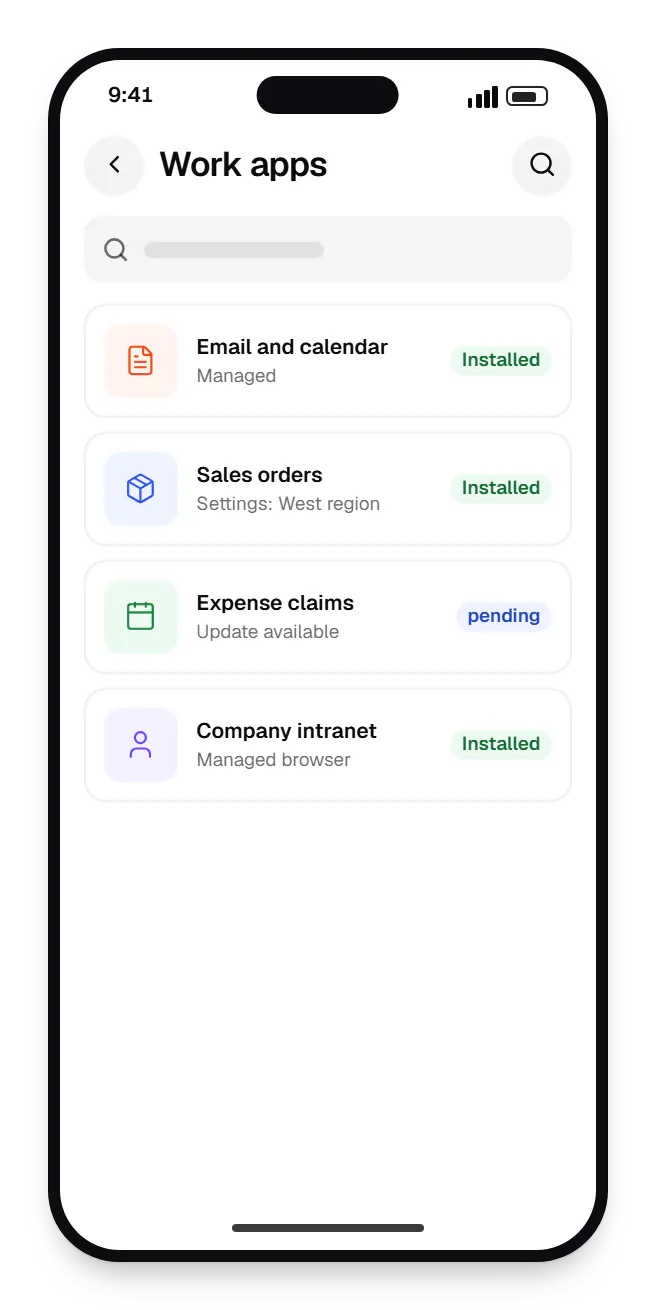
  • Android™ MDM for enterprise device fleets employee phone work apps on a phone, with 4 entries
    Employee phone. On a personal phone, work apps sit in a separate work profile. The company manages only these apps and their data, and removes them when the employee leaves.
Illustrative preview

Sample screens: names, prices and figures are examples, not client data.

Privacy & security

Employee privacy on managed phones

  • Work profile for personal phones

    The organisation manages only work apps and data; personal apps, photos and messages stay out of its view.

  • Location only when a company device is lost

    Through the Android Management API, location is reported only in lost mode, on company-owned devices with a supported Android version, and staff are told this in the device-use policy.

  • Proportionate data

    We collect the device details needed for security and support, and describe them in a notice under the Digital Personal Data Protection Act, 2023.

  • Approvals for destructive actions

    Resets and wipes need a second administrator's approval and are logged.

Platforms

Devices and consoles

Company-owned and personal Android phones and tablets, the admin console and the integration service behind it.

  • Mobile

    Android Enterprise devices

    Android phones, tablets and rugged handhelds with Google Play services, managed through Android Enterprise: company-owned devices as fully managed, dedicated (kiosk) or work-profile devices, and personal phones through a work profile only.

  • Back office

    Admin dashboard

    Back-office panels for operations, support and finance teams: orders, users, content, reports and permissions.

  • Web

    Web application

    Browser-based applications with logins, roles and workflows, such as customer portals, SaaS products and internal tools.

Technology

Technology behind enterprise Android management

The Android Management API or your EMM vendor API, Kotlin company apps with managed settings, and a NestJS integration service with PostgreSQL and Redis.

  • Device management

    Android Management API

    A Google cloud API for device-management products: your console sets the rules, and a Google app on each Android device applies them.

    Used for

    • Kiosk products for stores
    • EMM and MDM products
    • Policy-based device fleets
    • QR and zero-touch setup
  • Apps built specifically for Android, with full access to the phone's hardware, background location and company-managed devices.

    Used for

    • Apps for Android
    • Delivery partner apps
    • Billing and POS apps
    • Field staff apps
  • Backend

    NestJS

    A structured way to build back ends on Node.js, so large business systems stay organised, testable and easy to hand over.

    Used for

    • Business app back ends
    • SaaS platforms
    • Marketplaces
    • Admin panel back ends
  • A reliable database for the records your business runs on: orders, payments, bookings and stock, kept accurate and easy to report on.

    Used for

    • Orders and customers
    • Payments and ledgers
    • Stock and inventory
    • Bookings
  • Data

    Redis

    Keeps frequently used data in fast memory, so apps stay quick on busy days and live features like order tracking feel instant.

    Used for

    • Faster apps
    • Live order status
    • Shopping carts
    • Job queues and alerts
  • Builds interactive screens in the browser, such as dashboards, admin panels and portals, that respond instantly as your team works.

    Used for

    • Web apps
    • Admin panels
    • Dashboards
    • Customer portals
  • Cloud & DevOps

    Docker

    Packages your software so it runs the same way on every laptop and server, which makes releases predictable and moving hosts easier.

    Used for

    • Reliable releases
    • Same setup everywhere
    • Faster onboarding
    • Easy scaling

Cost drivers

What drives the estimate for an enterprise

  1. Route: extend or build

    Extending an existing EMM is usually a smaller project than building a management product for customers.

  2. Systems to connect

    Each HR, identity, ticketing or asset system adds an integration and its testing.

  3. Business units and roles

    More roles mean more policy templates, administrator rights and reports.

  4. Device models

    Each model family is tested against the policies before rollout.

  5. Migration from an old tool

    Moving company phones from another tool usually means re-enrolling them, which needs planning site by site.

Estimates are written from your scope, with the effort and assumptions behind each line item.

How pricing works

Process

How we run an enterprise engagement

  1. Discovery

    We map devices, ownership, current tools and the joiner-to-leaver process with IT, HR and security.

    You getCurrent and target process map

  2. Route decision

    Use, extend or build, checked against vendor terms and the Android Management API usage policy.

    You getArchitecture note

  3. Pilot with one business unit

    Automations and reports run for one unit before a wider rollout.

    You getPilot report

  4. Rollout and handover

    Business units move in waves; your IT team gets runbooks and administrator training.

    You getRunbooks

FAQ

Frequently asked questions

Should we build our own MDM or keep our current EMM?

Keep it in most cases. If your EMM already enrols devices and applies policies, the value is usually in automating around it: HR-driven joiners and leavers, audit reports and company apps configured from the EMM. Building your own management product makes sense when you offer device management to others, which is also what the Android Management API usage policy is designed for.

Can the company see personal data on a phone with a work profile?

No. On a personal phone with a work profile, the organisation manages only the work apps and their data. It cannot see personal apps, photos, messages or browsing, and removing the work profile leaves the rest of the phone untouched. We include a plain-language notice that explains this to staff before they enrol.

What happens to a leaver's device?

On a personal phone, the work profile and its data are removed and the phone stays usable. A company-owned phone is locked, backed up where your policy requires, factory reset and returned to stock for the next employee. The integration triggers both from the exit date in the HR system and logs the action for audit.

Can it work with our identity provider and HR system?

Usually. Most identity providers and HR systems offer APIs or webhooks for new hires, transfers and exits. We connect them to your EMM, or to the product we build, through a small integration service with retries, logs and alerts, so a missed message is caught instead of leaving a leaver's device active.

Can you manage Apple and Windows devices too?

Yes, through an EMM or UEM that covers them, or through the Apple MDM protocol for iPhone, iPad and Mac. Windows PCs are usually managed through the MDM support built into Windows or your existing UEM. The same reports and automations can cover every platform, with separate rules where the platforms differ.

Next step

Managing Android devices across your enterprise?

Tell us which EMM you use, how many devices you have and which systems it should talk to, and we will recommend use, extend or build.