Skip to content
Softcoderz

Device owner & fully managed

Fully managed Android™ devices and custom device-owner apps for company-owned fleets

Company-owned phones and tablets that arrive ready to work, stay on approved apps and settings, and can be locked or wiped the moment one goes missing.

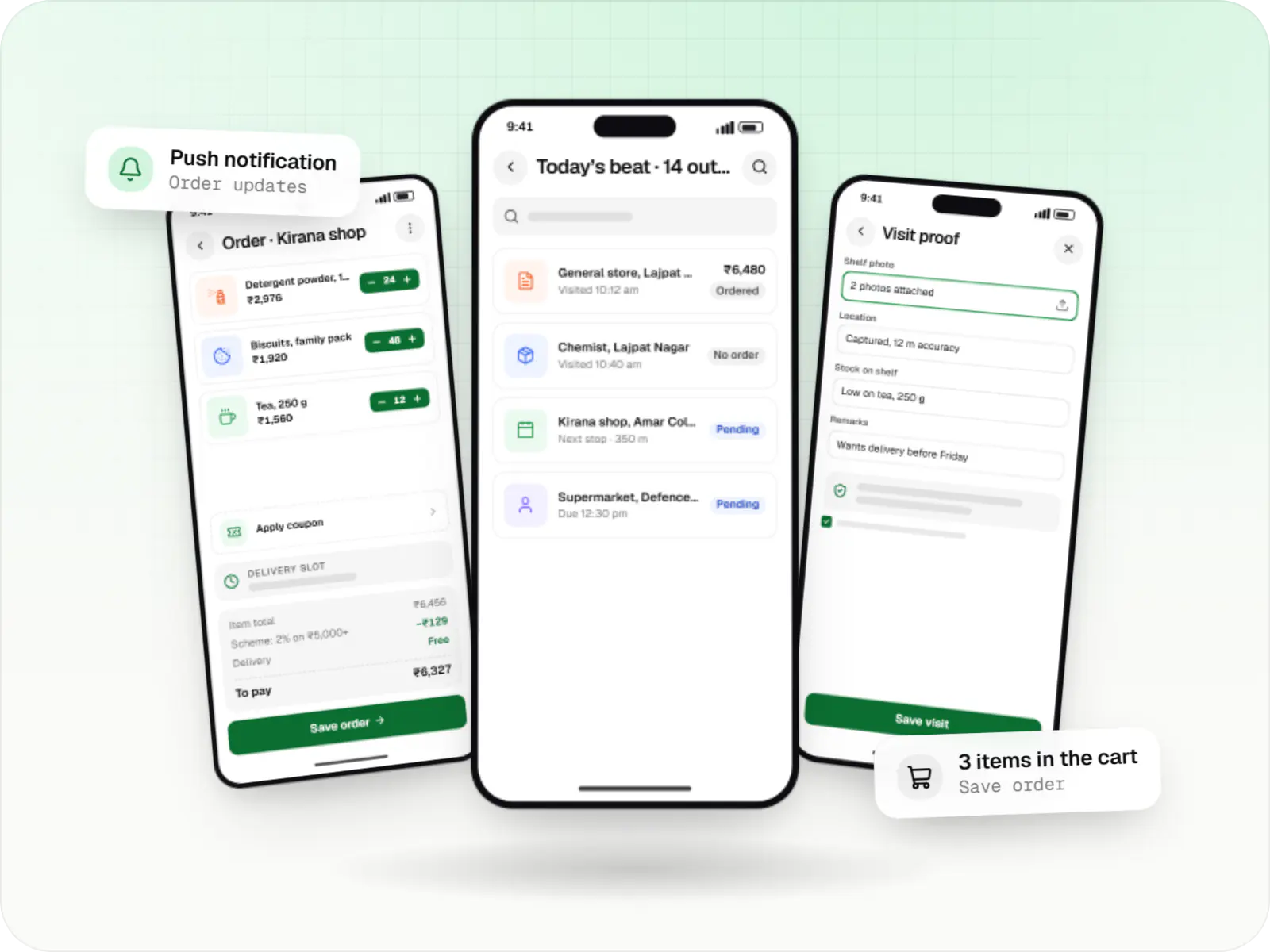
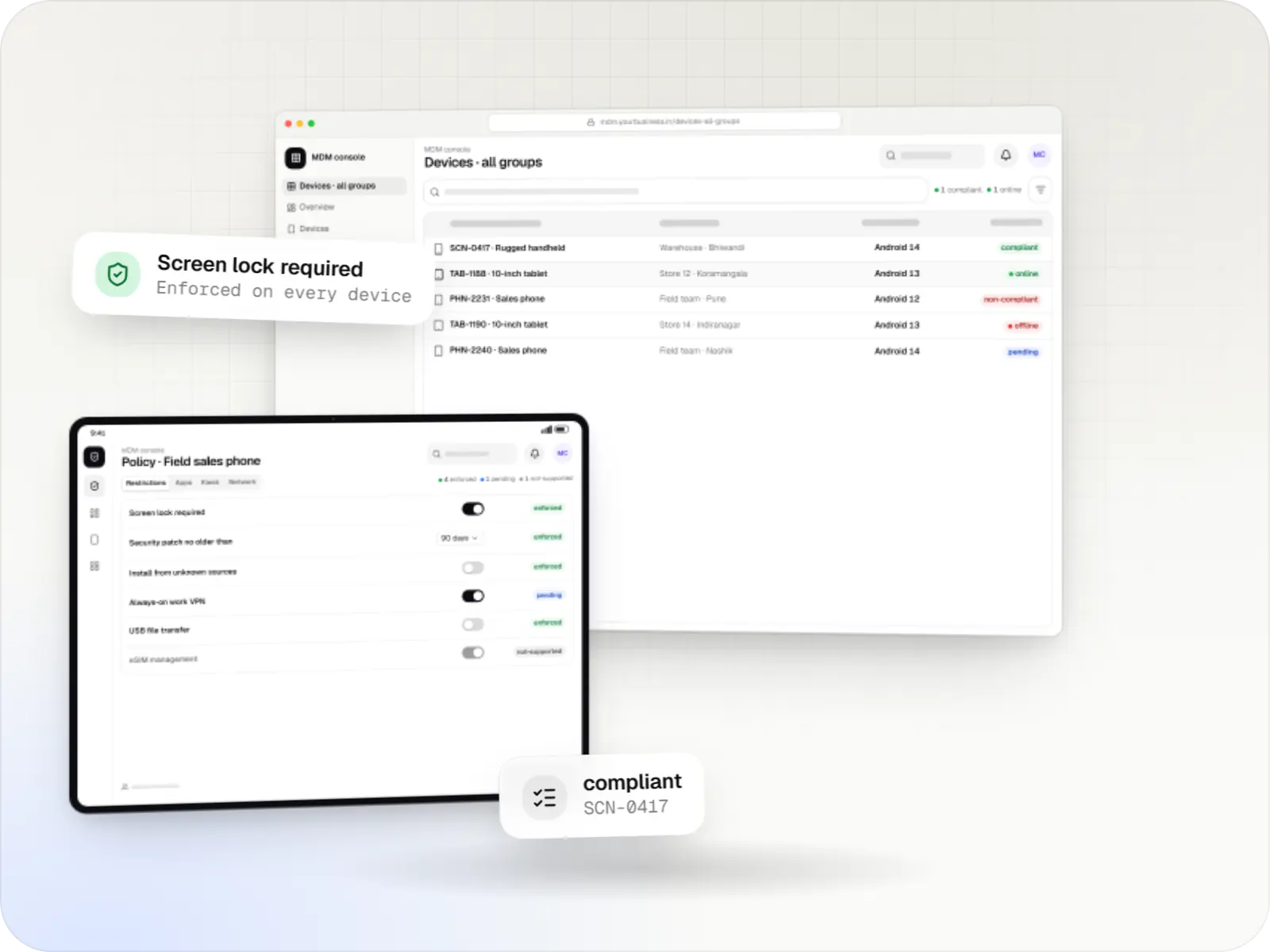
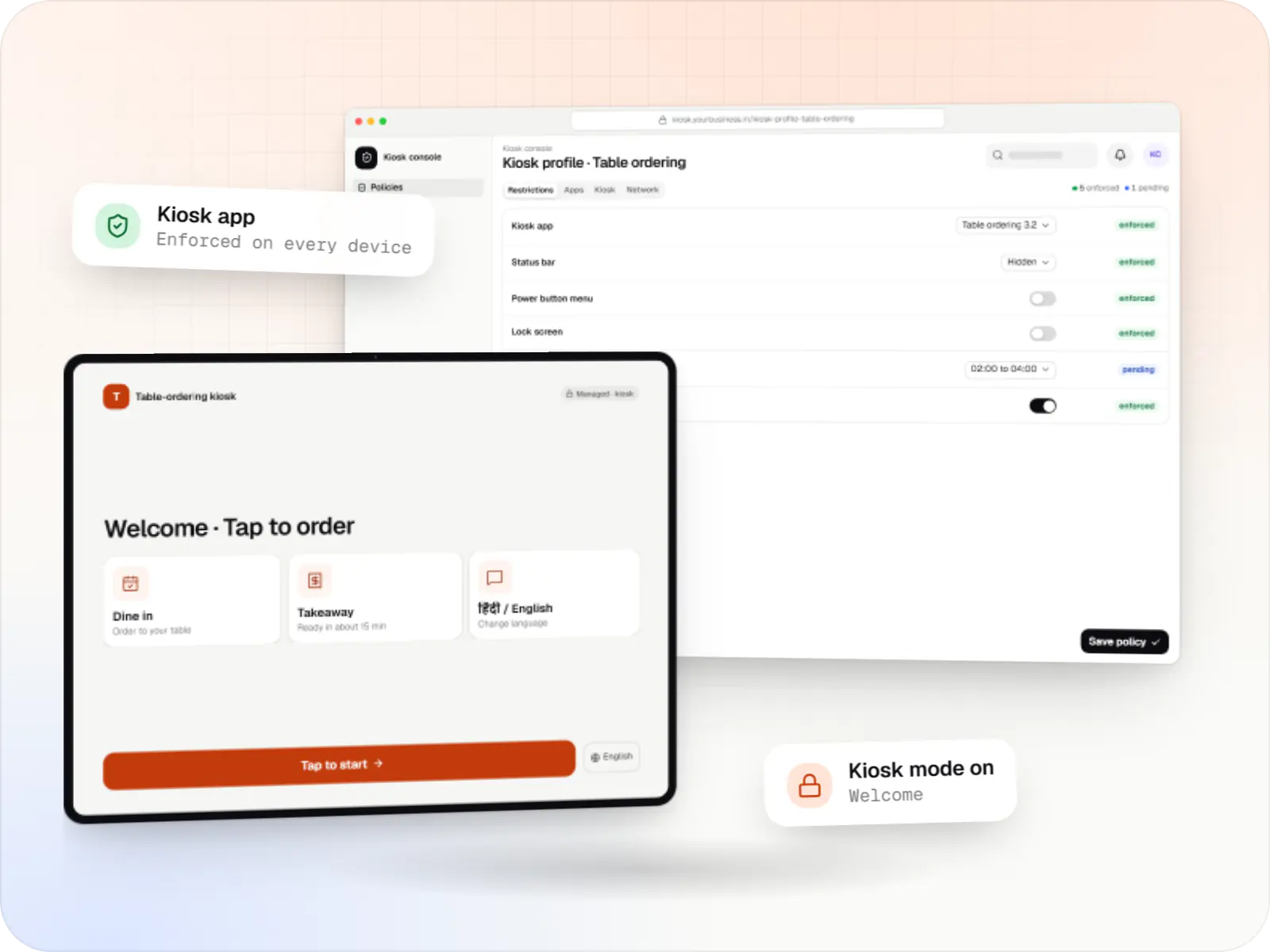
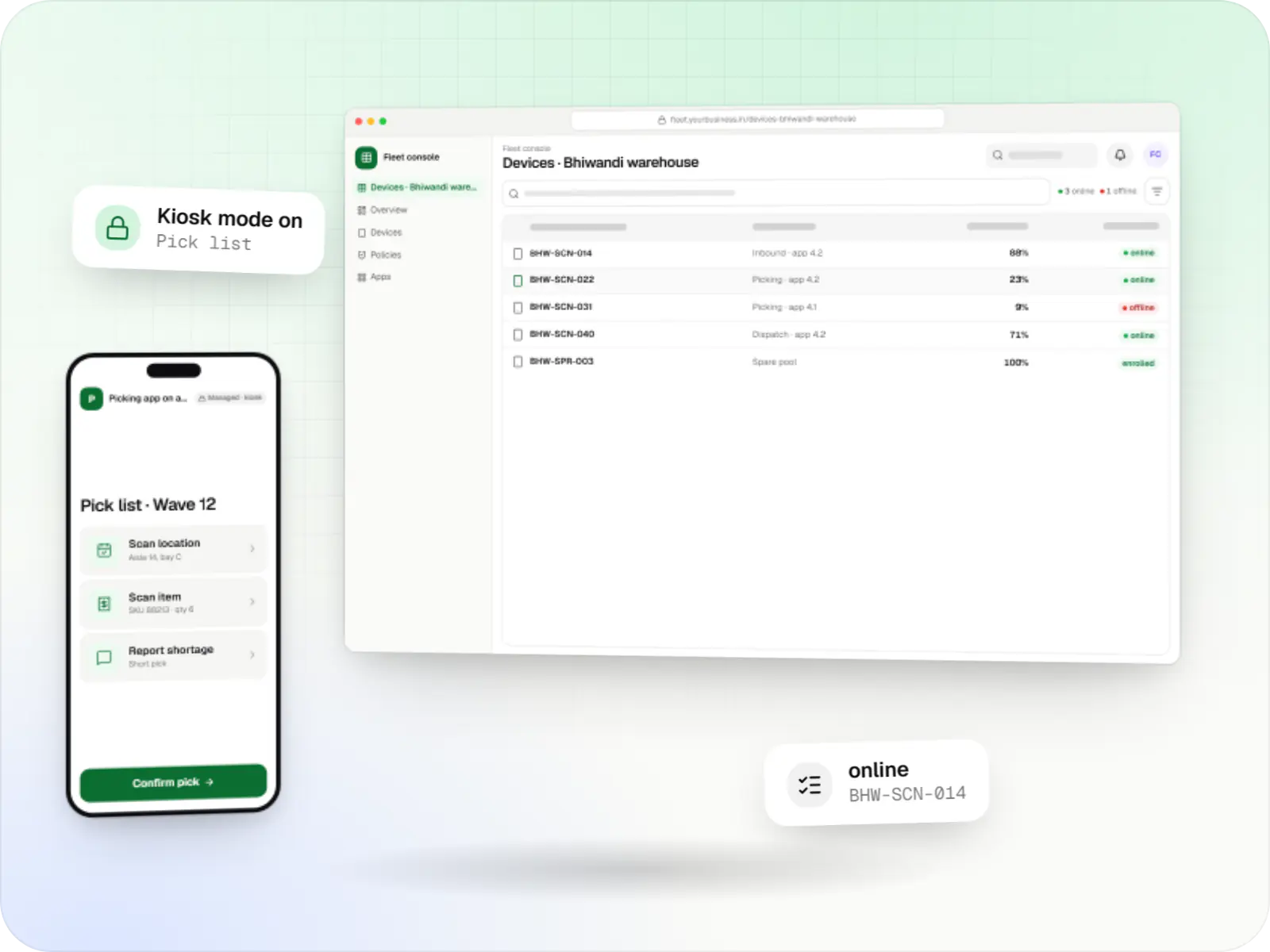
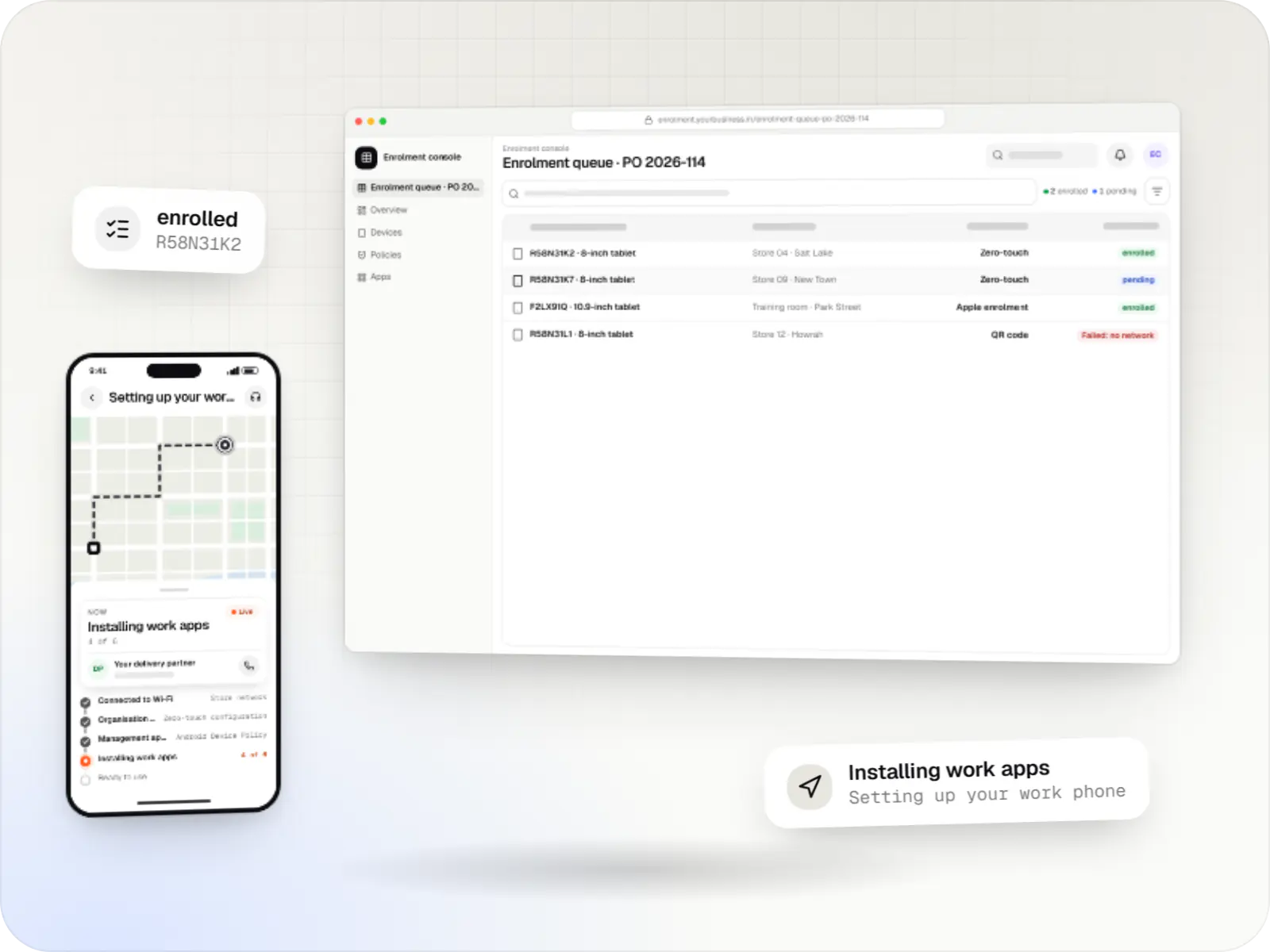
Android device owner screens: admin console in a browser and staff companion app on a phone
Illustrative previewDevices locked to the job they do, set up and updated from one management console.

At a glance

The short version

What it is

Company-owned Android phones and tablets set up as fully managed devices, with custom device-owner apps where standard EMM agents fall short.

What you get
  • Fully managed set-up
  • Custom device-owner app (DPC)
  • Staff companion app
  • Admin console and integrations
How it works
  1. IT team or reseller
  2. Setup wizard
  3. Android Device Policy or custom DPC
  4. Managed Google Play or your server
  5. 3 more
Runs on
  • Android Enterprise
  • Android
  • Admin
  • Web app
Cost depends on
  • EMM route or custom DPC
  • Device models and Android versions
  • Roles and policies
and 3 more factors

How to start

Tell us what you need in your own words. You talk to the developers who would build it and get a written, line-item estimate.

Get a project estimate

What "device owner" means for your business

Every managed Android device has an app in charge of its management. When that app is the device owner, set during first setup on a new or factory-reset device, the organisation controls the whole device. Android calls this a fully managed device.

That control is what field, delivery, warehouse and ward teams need: work apps install and update without prompts, Wi-Fi and VPN are configured before the device reaches the user, staff cannot switch off the passcode or install unknown apps, and a lost device can be locked, put into lost mode (Android 11 or later) or factory reset from the console.

The device-owner app is usually Google's Android Device Policy, driven through an EMM. Some fleets need their own custom DPC instead, for example devices without Google Play, or controls no EMM exposes. We build both routes and help you choose between them.

Comparison

Fully managed, company-owned with a work profile, or a personal phone with a work profile?

Fully managed, company-owned with a work profile, or a personal phone with a work profile?
Fully managedCompany-owned with work profilePersonally owned with work profile
Who owns the deviceThe organisationThe organisationThe employee
Personal useNot intendedAllowed, on a separate personal sideThe phone is personal; only work apps are managed
What the organisation controlsThe whole device: apps, settings, updates and restrictionsThe work profile fully, plus some device-wide rules such as passcode and updatesThe work profile only
What the console does not seeThe content of messages, photos and files. Network and security activity logs exist on these devices, but we switch them on only for a stated purpose disclosed to staffPersonal apps, their data and usagePersonal apps, their data, usage and location
WipeFactory reset of the whole deviceFactory reset, or removal of the work profile to release the device for personal useRemoves the work profile only
Lost mode with locationAvailable on Android 11 or laterAvailable on Android 13 or laterNot available
Typical usersDelivery partners, warehouse staff, nurses, techniciansManagers and sales staff given a company phoneOffice staff reading work email and chats on their own phone

What is included

What we set up and build

  • Platform: Company devices

    Fully managed set-up

    • Enrolment by zero-touch, QR code or Knox Mobile Enrollment for Samsung devices
    • Work apps installed and updated silently from managed Google Play
    • Wi-Fi, always-on VPN and certificates configured before first use
    • Passcode rules, blocked unknown sources, and limits on USB file transfer and factory reset
    • Factory reset protection tied to company accounts, so a phone reset from the recovery menu cannot be set up again without an approved account
  • Platform: Android app

    Custom device-owner app (DPC)

    • Built on Android's DevicePolicyManager APIs for devices or controls the EMM route does not cover
    • Silent installs and updates of your apps from your own server (Android 6.0 or later on fully managed devices)
    • System update policy with maintenance windows, plus freeze periods of up to 90 days on Android 9 or later
    • A secure command channel to your backend, with signed commands and replay protection
    • Verification by Android Enterprise planned into the timeline for devices with Google Play
  • Platform: Android app

    Staff companion app

    • Shows staff what the organisation manages on the device, in plain language
    • Reports a lost or damaged device in two taps
    • Self-service checks for Wi-Fi and app problems before anyone calls IT
  • Platform: Admin dashboard

    Admin console and integrations

    • Devices assigned to people, with HRMS joiner and leaver sync
    • Remote lock, reboot, lost mode and wipe, with a reason recorded for each
    • Asset register export with serial number or IMEI, user and site

How it works

How a phone becomes a fully managed work device

The same path works for one replacement phone or a batch of five hundred.

  1. IT team or reseller

    Step 1: New or reset device switched on

    A device owner can only be set during the first setup screens of a new or factory-reset device, never on a phone already in use.

  2. Setup wizard

    Step 2: Provisioning

    Zero-touch, a QR code or Knox Mobile Enrollment tells the device which management app to install; the afw#setup code does the same for Google's Android Device Policy.

  3. Android Device Policy or custom DPC

    Step 3: Device owner installed

    The management app becomes device owner and applies the policy for that role, such as delivery partner or ward nurse.

  4. Managed Google Play or your server

    Step 4: Apps and settings arrive

    Work apps, Wi-Fi, VPN and certificates install silently, and the home screen shows only what the role needs.

  5. Site manager

    Step 5: Handed to a staff member

    The device is assigned to a person in the console, who signs in to the work apps and starts using it.

  6. Admin console

    Step 6: Kept current

    App updates, policy changes and system updates inside the agreed window reach every device automatically.

  7. IT team

    Step 7: Returned, lost or reassigned

    A lost device is locked or put into lost mode; a returned one is wiped and provisioned again for the next person.

Platforms

Devices and apps involved

Company-owned Android phones, tablets and rugged devices; the device-owner or companion app; and the web console.

  • Mobile

    Android Enterprise devices

    Android phones, tablets and rugged handhelds with Google Play services, managed through Android Enterprise: company-owned devices as fully managed, dedicated (kiosk) or work-profile devices, and personal phones through a work profile only.

  • Mobile

    Android app

    Apps for Android phones and tablets, tested on budget and mid-range devices and published on Google Play or privately.

  • Back office

    Admin dashboard

    Back-office panels for operations, support and finance teams: orders, users, content, reports and permissions.

  • Web

    Web application

    Browser-based applications with logins, roles and workflows, such as customer portals, SaaS products and internal tools.

Technology

Technology for device-owner solutions, and why it matters

Android's device-owner APIs set what is possible; Kotlin keeps a custom DPC small and reliable; push messaging and a queue deliver commands to devices that are often offline.

  • Built-in Android APIs that let one trusted app control a company device: kiosk lock, silent app updates and restrictions, even without Google Play.

    Used for

    • Custom kiosk launchers
    • Devices without Google Play
    • POS and signage agents
    • Silent app updates
  • Device management

    Android Management API

    A Google cloud API for device-management products: your console sets the rules, and a Google app on each Android device applies them.

    Used for

    • Kiosk products for stores
    • EMM and MDM products
    • Policy-based device fleets
    • QR and zero-touch setup
  • Apps built specifically for Android, with full access to the phone's hardware, background location and company-managed devices.

    Used for

    • Apps for Android
    • Delivery partner apps
    • Billing and POS apps
    • Field staff apps
  • Cloud & DevOps

    Firebase

    Ready-made building blocks for mobile apps, such as push notifications, phone OTP login and crash reports, so you launch sooner.

    Used for

    • Push notifications
    • Phone OTP login
    • Crash reports
    • Real-time updates
  • Backend

    NestJS

    A structured way to build back ends on Node.js, so large business systems stay organised, testable and easy to hand over.

    Used for

    • Business app back ends
    • SaaS platforms
    • Marketplaces
    • Admin panel back ends
  • A reliable database for the records your business runs on: orders, payments, bookings and stock, kept accurate and easy to report on.

    Used for

    • Orders and customers
    • Payments and ledgers
    • Stock and inventory
    • Bookings
  • Data

    Redis

    Keeps frequently used data in fast memory, so apps stay quick on busy days and live features like order tracking feel instant.

    Used for

    • Faster apps
    • Live order status
    • Shopping carts
    • Job queues and alerts
  • Builds interactive screens in the browser, such as dashboards, admin panels and portals, that respond instantly as your team works.

    Used for

    • Web apps
    • Admin panels
    • Dashboards
    • Customer portals

Plain-English glossary

Device-owner terms, in plain English

Device owner
The management app in charge of a whole company device. It can only be set during the first setup of a new or factory-reset device, which is why a phone already in use cannot quietly become fully managed.
DPC (device policy controller)
The Android app that applies management rules on the device. It is either Google's Android Device Policy or a custom app built for your fleet.
Work profile
A separate, badged area on a phone for work apps and data. The organisation manages only this area, which is why it suits staff-owned phones.
COPE
Company-owned, personally enabled, which Google now calls a company-owned device with a work profile. Staff may also use a personal side whose apps, data and usage the organisation cannot see, although some device-wide rules still apply.
Factory reset protection
A safeguard that, after an untrusted reset such as one from the recovery menu, asks for an approved company account before the device can be set up again, so a stolen phone is of little use to a thief.
Lost mode
A console action for company-owned devices (fully managed on Android 11 or later, with a work profile on Android 13 or later) that locks the device with a contact message and, while it is on, reports the device's location so it can be recovered.

Privacy & security

Control with limits staff can trust

  • Only company-owned devices are fully managed

    Personal phones get a work profile instead. We never turn a staff member's own phone into a fully managed device.

  • Location only in lost mode or with notice

    Lost mode reports location only while it is switched on. Any other location feature is built only with a visible notice, a stated purpose and a lawful basis under the DPDP Act, 2023.

  • Signed commands and a full log

    In custom DPC builds, every command is signed by the server and checked on the device, and every console action is recorded with who did it and why.

  • Separation of duties

    Site managers can lock a device; only named IT staff can wipe one, and a wipe asks for a reason and a second confirmation.

Product preview

What staff and administrators see

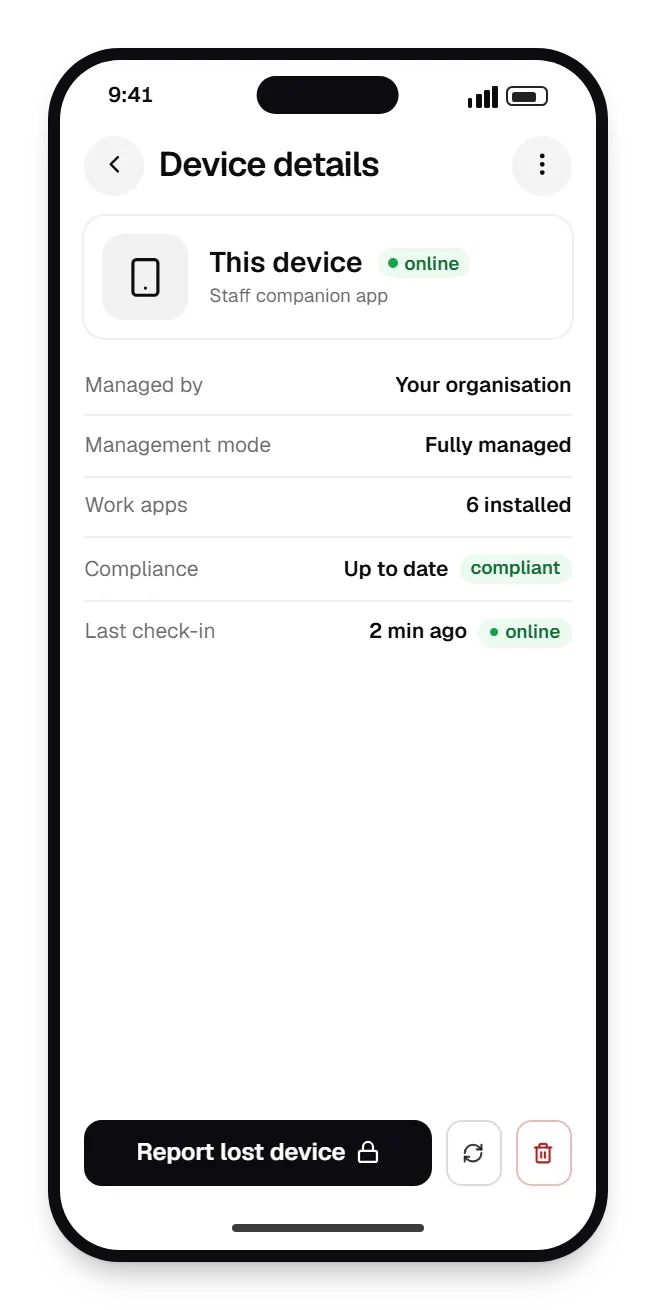
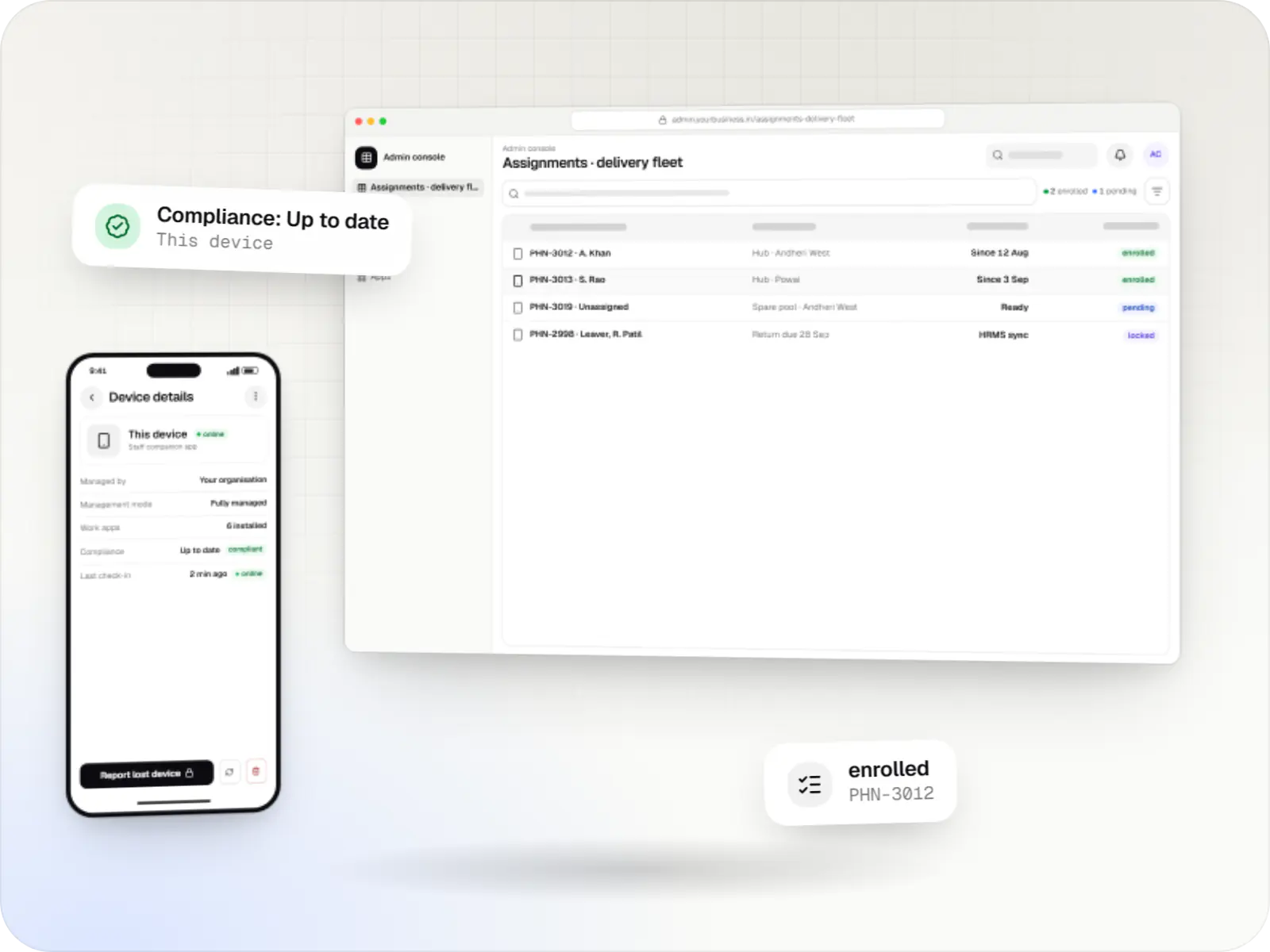
  • Android device owner staff companion app device details on a phone
    Staff companion app. Staff see that the phone is company-managed and up to date, and can report it lost straight away.
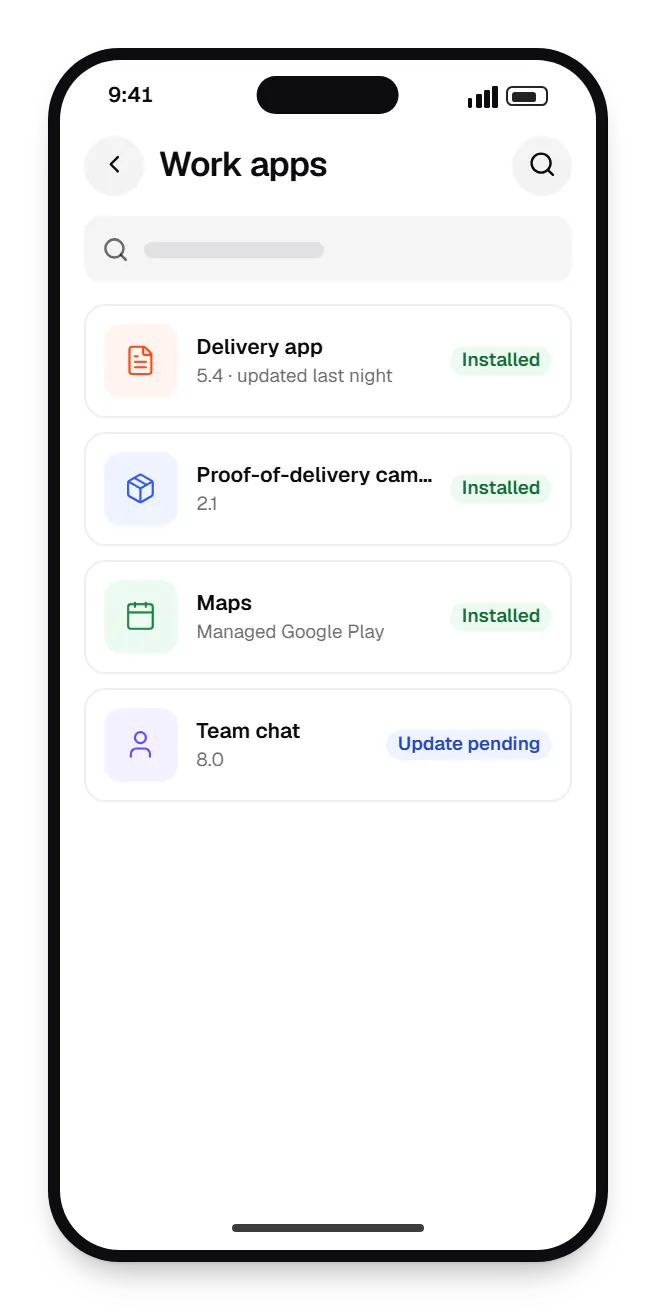
  • Android device owner delivery partner phone work apps on a phone, with 4 entries
    Delivery partner phone. The home screen of a fully managed delivery phone: approved work apps, installed and updated silently, and nothing else to distract.
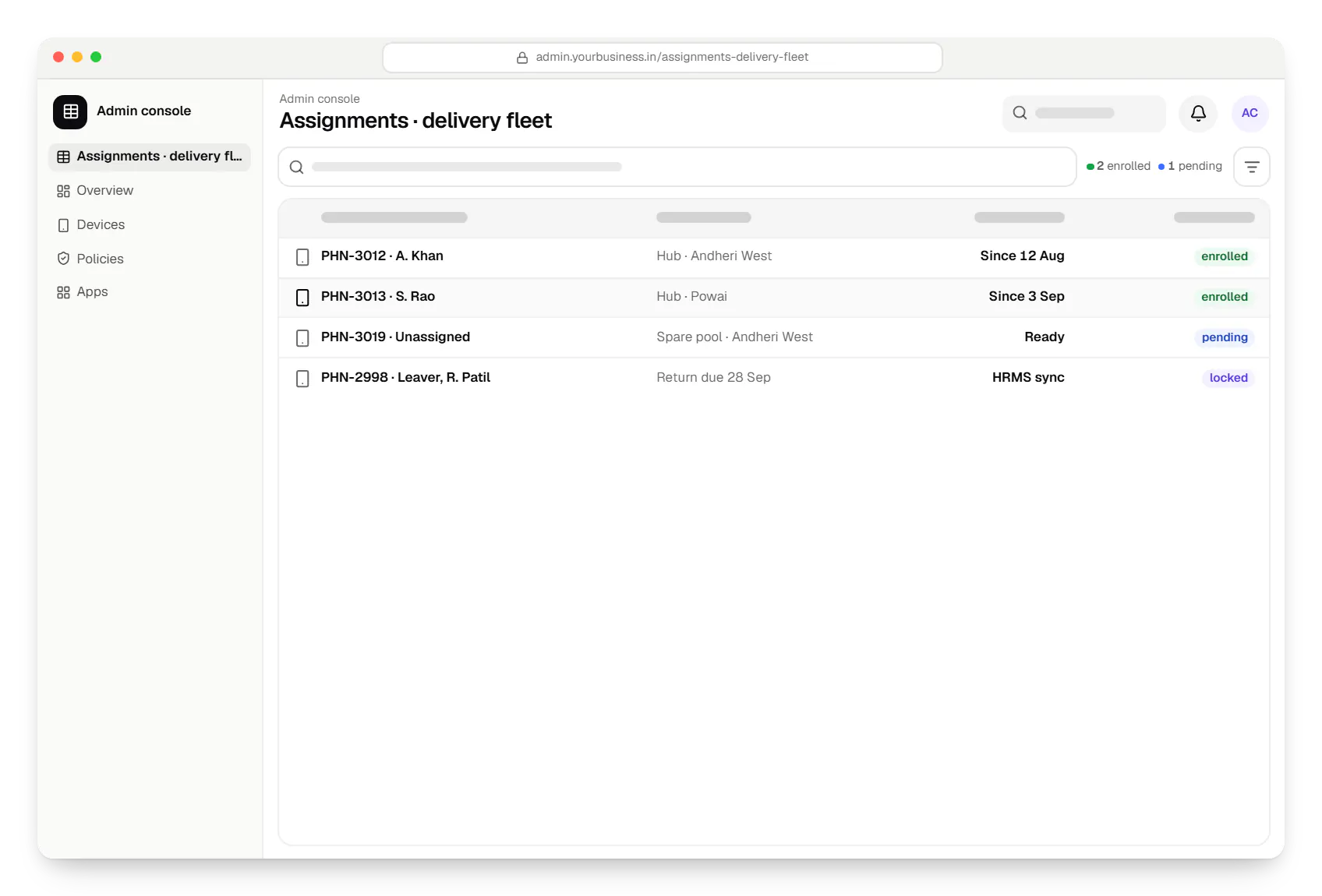
  • Android device owner admin console assignments table in a web browser, with 4 rows and status labels
    Admin console. Each device is assigned to a person and a hub, so IT knows who has which phone, and leavers' devices are flagged for return.
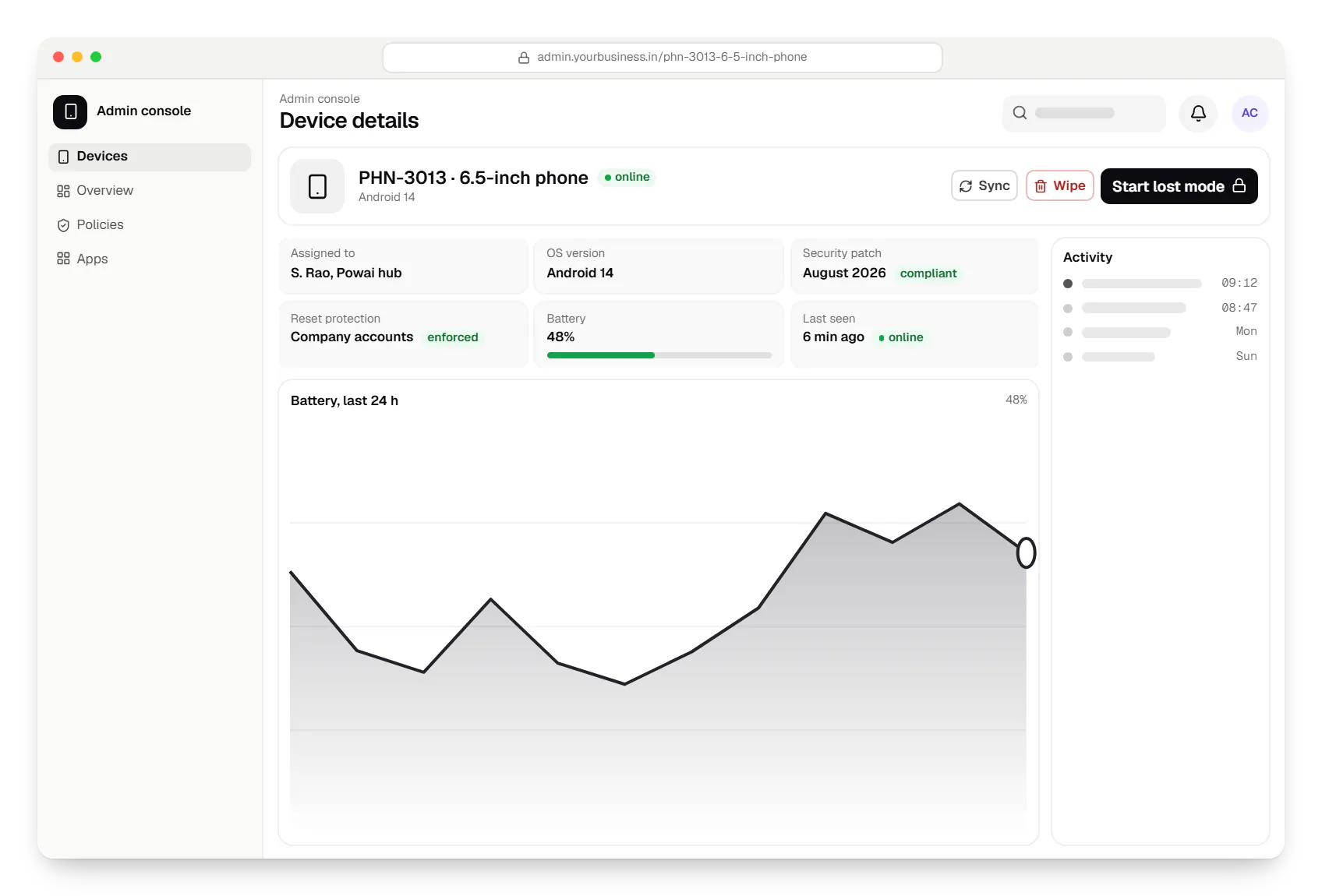
  • Android device owner admin console device details in a web browser
    Admin console. The device page lists only actions valid for a fully managed device on its Android version, and asks for a reason before any wipe.
Illustrative preview

Sample screens: names, prices and figures are examples, not client data.

Cost drivers

What shapes the cost of a fully managed rollout

  1. EMM route or custom DPC

    Configuring your EMM is mostly set-up and testing; a custom DPC is an Android app with its own security design, testing and approval steps.

  2. Device models and Android versions

    Every model and version is tested for provisioning, restrictions and updates, and older versions support fewer controls.

  3. Roles and policies

    Each role, such as delivery partner, supervisor or nurse, needs its own policy, app set and testing.

  4. Companion app

    A staff-facing app for device information, lost-device reports and troubleshooting is a small but separate build.

  5. Integrations

    HRMS joiner-leaver sync, asset registers and ticketing tools each add API work.

  6. Migration from an existing set-up

    Moving devices from legacy device-admin management or another EMM means a reset and re-provisioning plan for each site.

Estimates are written from your scope, with the effort and assumptions behind each line item.

How pricing works

Process

How we roll out fully managed devices

  1. Roles and rules

    For each role we list the apps, settings and restrictions needed, and what staff must still be able to do on the device.

    You getRole-by-role policy sheet

  2. Route decision

    Your current EMM, a new EMM, or a custom DPC, decided on your device models and requirements.

    You getArchitecture note

  3. Build and configure

    Policies, companion app, custom DPC if needed, and console integrations, released fortnightly for testing.

    You getTest devices ready for sign-off

  4. Pilot with one team

    One hub, ward or team uses the devices for two to four weeks, and we relax restrictions that get in the way of work.

    You getPilot findings and final policies

  5. Rollout and handover

    Devices are provisioned in batches, staff get a one-page guide, and your IT team is trained on the console.

    You getRunbook and trained admins

Services

Services involved

The disciplines a project like this draws on.

  • Android app development

    Native Android apps in Kotlin and Jetpack Compose, designed for entry-level phones, patchy networks and the background limits of popular Android brands.

  • Admin panel development

    Back-office dashboards built around your team's daily tasks: order queues, approvals, catalogue management, payouts, reports and audit logs.

  • API development

    Secure, documented REST and GraphQL APIs, plus integrations that connect your apps to payment, logistics, GST, messaging and business systems.

  • Custom software development

    Software shaped around how your business runs, from approvals and inventory to billing and reports, replacing spreadsheets and disconnected tools.

FAQ

Frequently asked questions

Can an existing, in-use phone become fully managed without a reset?

No. Android lets an app become device owner only during first setup on a new or factory-reset device. That protects staff: nobody can silently take full control of a phone already in use. For devices already in the field, we plan a reset and re-provisioning per site, with data backed up first. If a reset is not possible, a work profile can be added without one, with less control.

When do we need a custom DPC instead of an EMM?

Mainly when devices lack Google Play, such as some POS terminals and industrial devices, when you need controls no EMM exposes, or when your own product must ship its management agent. A custom DPC is more work to build and maintain, and on devices with Google Play it must be verified by Android Enterprise before it can be used during enterprise set-up. For most company fleets, a licensed EMM is simpler.

We still use device admin. Do we need to move?

Yes. Device admin is Android's older management model, and Google has deprecated it for enterprise use. Several of its policies, such as camera, password-expiry, password-quality and lock-screen feature controls, were deprecated in Android 9 and no longer work for device admin apps that target Android 10 or later. It cannot give you the control or security of a fully managed device or work profile. Moving means re-enrolling devices under Android Enterprise, which for company devices involves a factory reset.

Can we see where our staff are?

Only in narrow, disclosed cases. Lost mode on company-owned devices reports location while a device is marked lost. Location for field work, such as delivery tracking, belongs in the work app itself, with a visible notice, a clear purpose and a lawful basis under India's DPDP Act, 2023, and usually only during working hours. We do not build hidden tracking.

What happens to a device when an employee leaves?

With HRMS sync, the leaver's devices are flagged in the console on their last day. The device can be locked straight away, then collected, wiped and provisioned for the next person; with zero-touch it re-enrols by itself after the reset. A company-owned device with a work profile can instead be released for personal use by removing the work profile.

Can staff still make personal calls or use a messaging app?

On a fully managed device, only if the policy allows the relevant apps, and many organisations allow the dialler and one messaging app. If personal use matters, a company-owned device with a work profile is a better fit: staff get a private personal side, while work apps and data stay managed and separate.

Next step

Moving to fully managed devices?

Tell us the roles, the device models and how devices are managed today. We will recommend a route and send a line-item estimate.

Or reach us directly

Mon–Sat, 10:00–19:00 IST